

7 Must-Try Low Code Development Platforms for App Development
Discover the top 7 low-code development platforms to simplify app development. Compare their features and capabilities, and choose the best platform for your needs.
Are you looking for a quick way to build apps without having to do everything from scratch? A low-code development platform can help you to create web and mobile applications with visual tools and AI features. In this guide, we will compare the top 7 low-code application development platforms across various factors, such as ease of use, AI capabilities, customization options, pricing, and ideal use cases. Among these options, Enter Pro stands out for its AI-powered approach, which makes it easy to turn ideas into high-quality applications.
What is a low-code development platform
A low-code development platform enables users to create applications with minimal manual coding. Instead of writing complex code from scratch, you can use drag-and-drop components, visual interfaces, and automated workflows to build functional apps faster. Developers can add custom code when required, whereas non-technical users can handle several development tasks without any coding knowledge. Low-code platforms are an excellent choice for building high-quality web and mobile applications and developing internal tools. They allow teams to accelerate while reducing technical effort.
How we evaluated these low-code platforms
To help you choose the perfect low-code development platform, we evaluated each option based on the factors that matter most when building and launching apps. We have looked at ease of use, AI capabilities, customization options, pricing, and overall value. We have also carefully considered whom each platform is suited for, such as individuals, tech startups, enterprises, etc. Our approach will let you compare these low-code platforms beyond their feature lists, so you can find one that perfectly matches your requirements and budget. Here are the evaluation dimensions and criteria on which we have evaluated low-code platforms:
| Evaluation dimension | Evaluation criteria |
|---|---|
| Ease of use | Learning curve and interface simplicity |
| AI capabilities | Built-in AI tools and integration |
| App development speed | High speed of building and deploying apps |
| Pricing | Free plan availability, pricing transparency |
| Best for | Sustainability for different users and use cases |
7 best low-code app development platforms of 2026
The best low-code development platform depends on what you want to make, how quickly you wish to make it, and the amount of control you want over the app. Here, we have compared the top 7 platforms to help you identify the right fit. So, let's get on with it:
Mendix
Mendix is a powerful enterprise-focused low-code development platform that enables you to build web and mobile applications through visual development tools. Its Studio Pro environment supports visual application logic using microflows, NanoFlows, and workflows. It stands out for its Maia AI features, which generate app artifacts such as pages and data models, as well as microflows, from natural-language descriptions.
Pricing
- Free: $0/month
- Standard: $1090/month
- Premium: Get a quote
Why do we choose it: You will love Mendix as it provides a unique balance between low-code simplicity and advanced application development capabilities. Its intuitive visual development interface makes it effortless to build complex applications. Meanwhile, its reusable components and AI-powered features reduce development time. It also provides enough flexibility for teams seeking to customize their applications, rather than relying entirely on fixed templates.
Why we don't choose it: Mendix isn't a good choice when affordability and simplicity are the main priorities. Its enterprise-focused features make it feel a bit more complex than needed for smaller projects. Plus, the cost can become a huge issue as your application requirements grow.
Best for: Enterprise teams seeking scalable, highly customizable business applications.
Enter Pro
Enter Pro is an AI-powered low-code development platform that enables you to transform natural-language instructions into functional websites and applications. Instead of creating an app manually, you can simply describe what you want the AI to build, and it will be made within minutes. It is the best choice if you want to move quickly from an idea to a working app without spending too much time on coding. Try Enter Pro today and make high-quality AI-powered apps effortlessly.
Pricing
- Free: $0/month
- Basic: $16/month
- Pro: $32/month
- Ultimate: $150/month
Why do we choose it: You should choose Enter Pro as it is one of the best tools for app development. It makes app development simple when you want to turn an idea into a complete app within minutes. Its AI-first approach reduces manual development, while the low-code workflow makes it effortless to create and modify apps without programming knowledge. Plus, its relatively affordable plans make it a great choice for making apps.
Why we don't choose it: Enter Pro isn't a good choice when a project requires specialized development workflows, extensive enterprise controls, or full control over the coding and infrastructure. So, for complex applications that demand more technical requirements, a more established enterprise platform is better suited.
Best for: Individuals, startups, and small teams looking for fast, AI-assisted application development.
Base44
Base44 is an AI-powered low-code development platform that transforms natural learning prompts into high-quality web applications with ease. It generates the interface, backend logic, authentication, integration, and hosting within a single platform.
Pricing
- Free: $0/month
- Starter: $16/month
- Builder: $40/month
- Pro: $80/month
- Elite: $160/month
Why do we choose it: Base44 is an ideal choice when you want to make the app development process as straightforward as possible. You can describe the required features in plain language and leave it on the platform to build the underlying structure. Its built-in databases, integrations, authentication, hosting, and AI features mean that you don't have to connect and manage as many separate services.
Why we don't choose it: Base44 isn't a good choice if you desire extensive control over every part of the development stack. The prompt-driven approach is ideal for speed and accessibility. However, developers working on highly specialized applications may prefer a platform providing more control over implementation and architecture. Its credit-based pricing requires careful planning for apps that use AI.
Best for: Entrepreneurs, startups, and teams looking to turn ideas into functional web apps quickly with AI.
Creatio
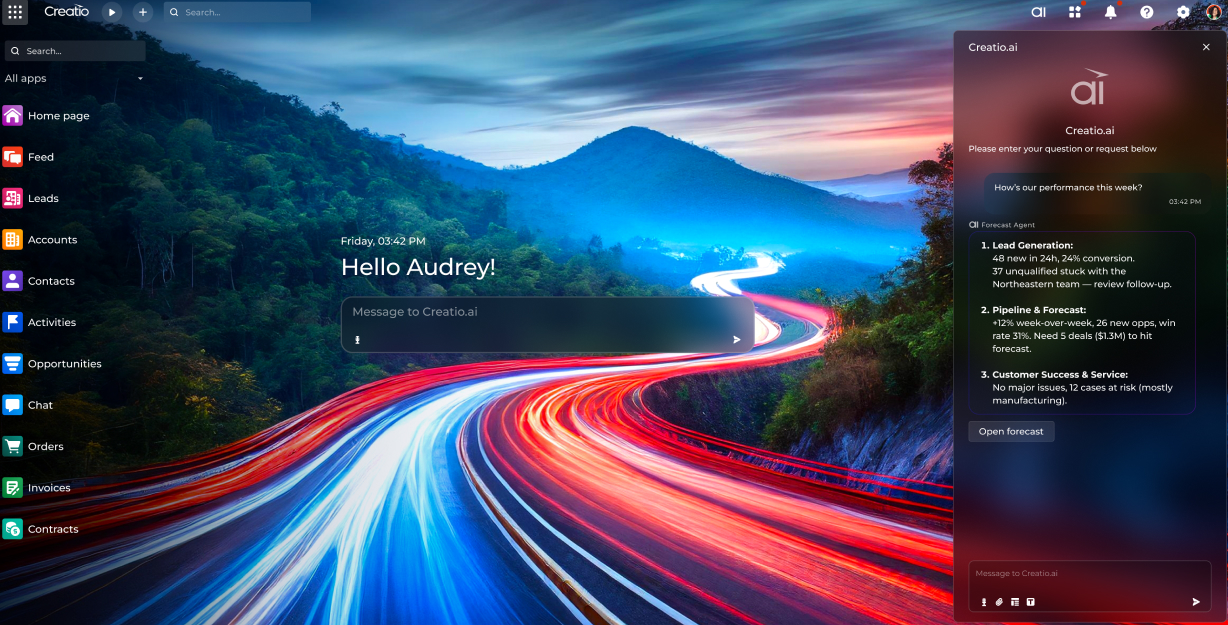
Creatio is an AI-powered low-code app development platform built around CRM, business process management, and workflow automation. It enables you to design applications and workflows visually with AI for generating apps, business processes, and user interfaces from natural-language prompts. Additionally, its composable approach lets you add components and applications as your business requirements change.
Pricing
- Growth: $40/month
- Enterprise: $75/month
- Unlimited: Custom pricing
Why do we choose it: You should choose Creatio because it offers a combination of low-code development, powerful CRM, and workflow automation capabilities. Its AI-powered development generates UI designs, application elements, and business processes from prompts, considerably reducing manual development work. Its composable structure lets you expand applications and add business functionality.
Why we don't choose it: Creatio isn't suitable for simple apps or small personal projects where you require a lightweight app builder. Its strong focus on CRM, business processes, and enterprise automation makes it more complex than necessary for basic applications. The pricing can also be difficult to justify for smaller teams, given that new customers must meet a minimum annual purchase requirement.
Best for: Businesses that require AI-powered CRM, workflow automation, and customizable business applications.
Appian
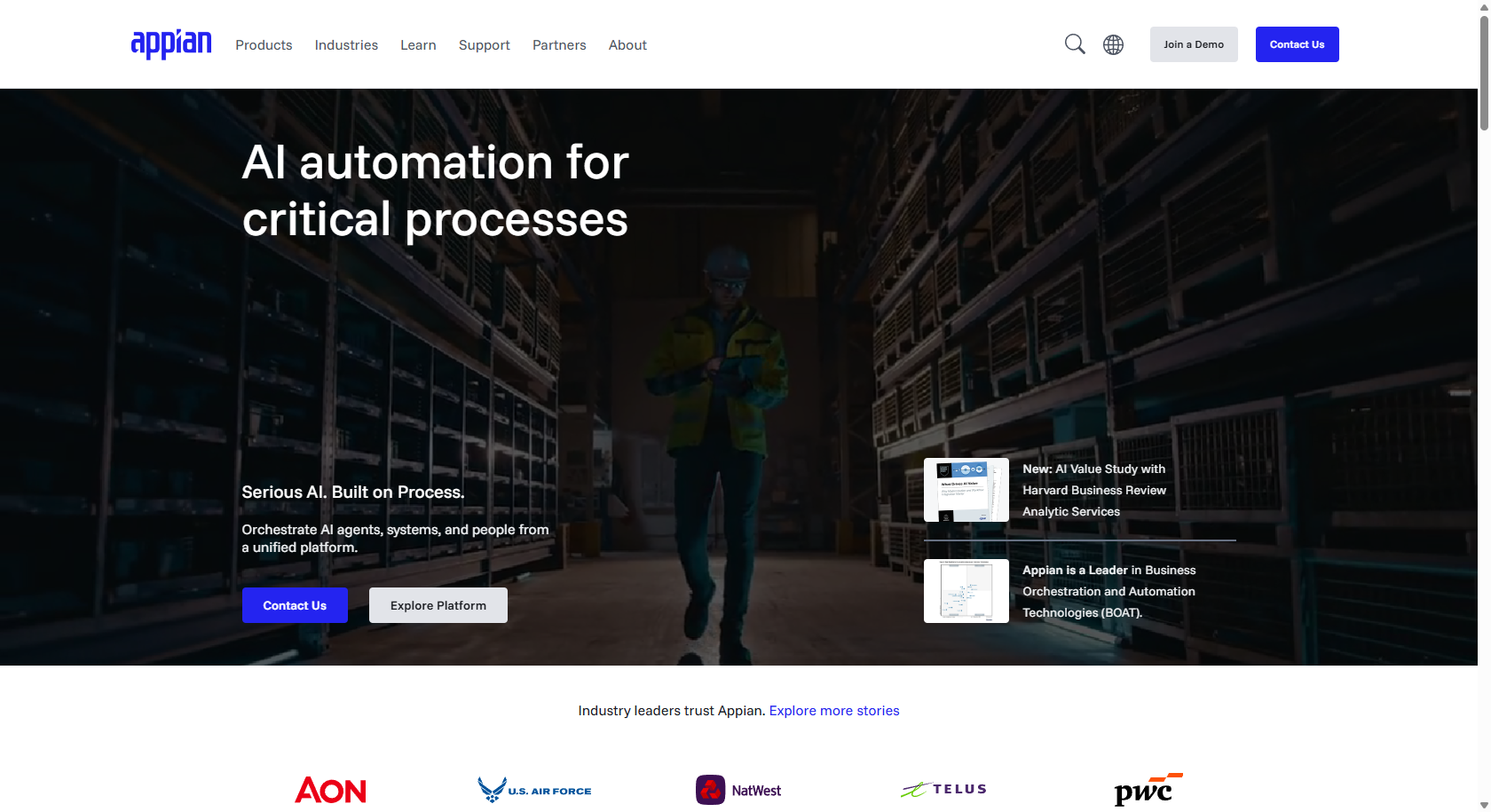
Appian is an enterprise-focused low-code app builder built around process orchestration, automation, application development, and data management. Instead of focusing solely on app creation, it connects applications to data sources, business sources, and automation tools within a single environment. Its AI capabilities can also transform requirements into application plans, helping you create and design apps faster.
Pricing
- Enterprise plan: Custom-based pricing (usually $75 to $90/person/month)
Why do we choose it: Appian is an excellent low-code app development platform because it is more than a simple app builder. Its main strength lies in integrating process automation, application development, data integration, and AI, making it ideal for apps that span multiple business processes. Its AI-assisted development can help convert the requirements into app plans and accelerate app development.
Why we don't choose it: You shouldn't choose Appian if you need straightforward apps without enterprise processes or complex workflows. Its governance capabilities and broad automation can be much more than a small project requires.
Best for: Enterprises that need to connect app development with complex workflows, automation, data, and AI.
Wix
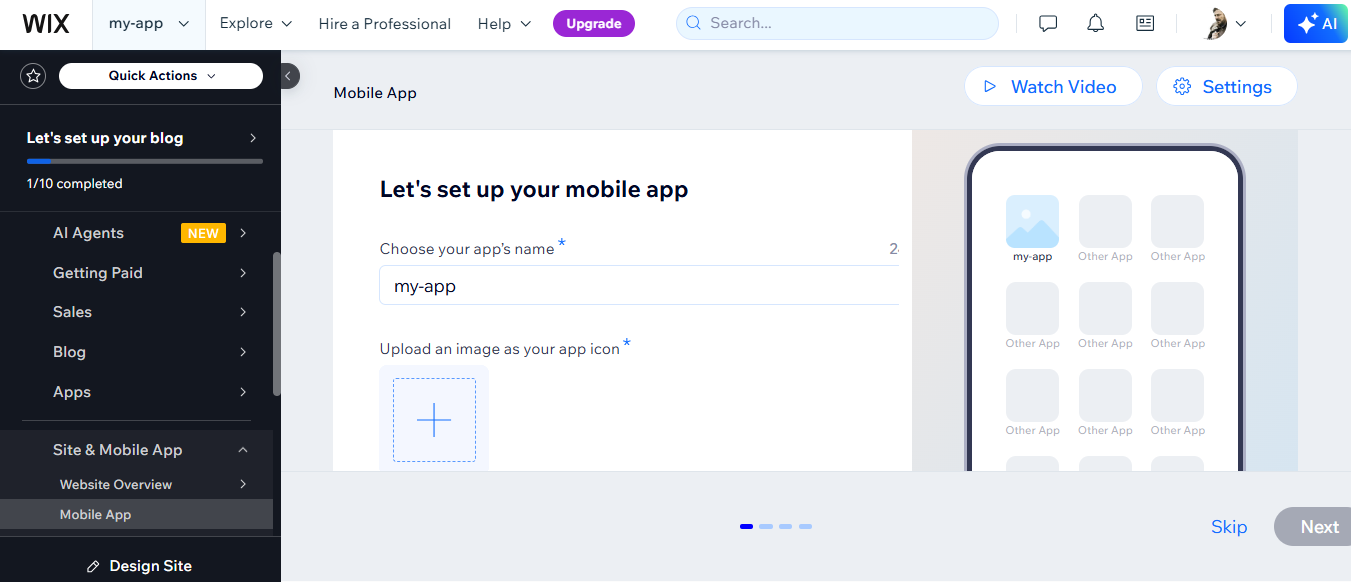
Wix is a visual website and app creation platform that combines drag-and-drop design with advanced development features through Wix Studio. Other than building websites, you can use built-in CRM, bookings, e-commerce, and event tools, while Wix Studio adds the necessary custom code, APIs, a VS Code-based IDE, and AI-assisted development. Thus, you can start with a visual workflow and add advanced functions as needed for your project.
Pricing
- Free: $0/month
- Light: $17/month
- Core: $29/month
- Business: $39/month
- Business Elite: $159/month
Why do we choose it: Wix is a great tool if you want strong visual control without giving up the ability to customize the website or app later. The responsive design tools, large API library, built-in business features, and custom development options allow you to handle everything from a simple website to complex workflows. Its AI code assistant is also quite useful if you need help with writing or troubleshooting code.
Why we don't choose it: You shouldn't choose Wix if you want to build a complex application from scratch, rather than a website-centered product. Although Wix supports APIs, full-stack development, custom code, and databases, developers seeking highly specialized applications should choose a dedicated application platform.
Best for: Businesses, freelancers, and agencies building highly customized websites and web applications with visual design and development flexibility.
Bubble
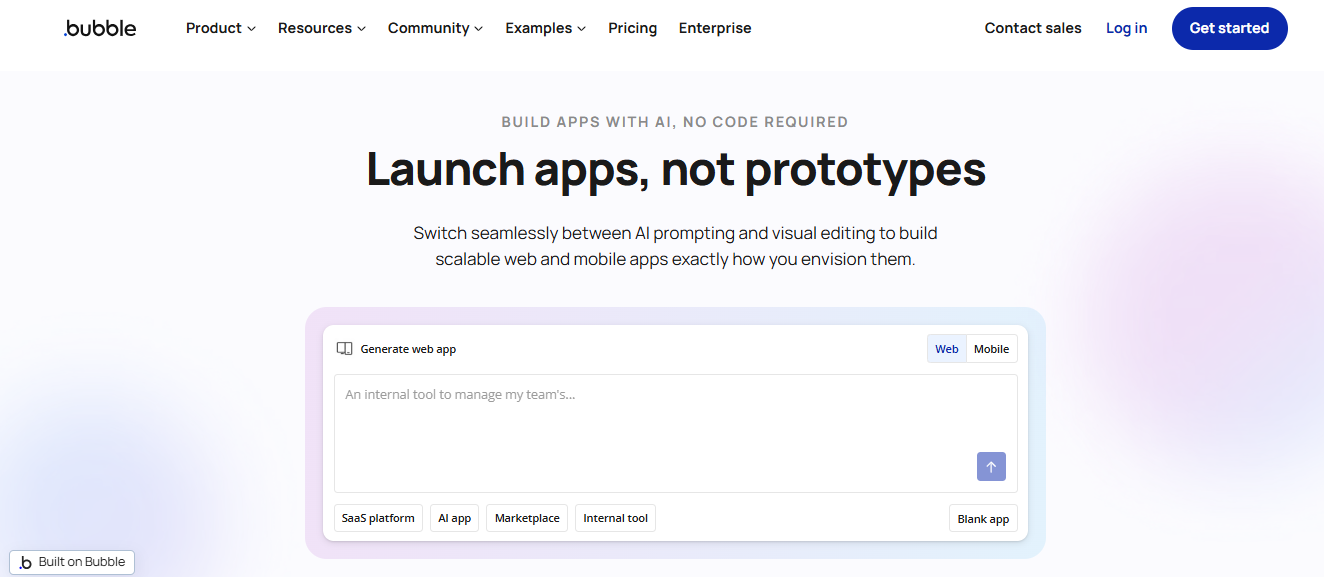
Bubble is a visual low-code application development platform for creating attractive websites and mobile applications without any coding. Its AI app generator feature enables you to transform a natural-language description into a working app with its UI, database, logic, and workflow. To further enhance the design and functionality, you can switch between AI assistance and Bubble's visual editor. Other notable aspects include built-in hosting, authentication, APIs, workflows, and a database, making it effortless to manage the application stack in one place.
Pricing
- Free: $0/month
- Starter: $59/month
- Growth: $209/month
- Team: $549/month
- Enterprise: Custom pricing
Why do we choose it: Bubble should be your top choice if you are seeking to build an application without separating frontend, backend, database, and hosting into different tools. Its visual editor provides precise control after the AI generates the initial app, so you aren't limited to what it creates. Additionally, the same project can support web and native iOS and Android apps, sharing workflows and data, saving considerable development effort.
Why we don't choose it: You shouldn't choose Bubble if your main focus is to keep your budget as low as possible. Its paid plans use workload-based usage. Thus, the cost increases as the application consumes more resources. The tool isn't suitable for highly specialized applications that involve intensive computational workload or 3D graphics. In such cases, Bubble may require extensions, like JavaScript plugins.
Best for: Startups, entrepreneurs, and businesses building customizable web and mobile apps with AI and visual development.
Low code app development platforms - Which one is the best?
To simplify your decision, we've compared the leading platforms across key dimensions, which we mentioned earlier: ease of use, AI, speed, pricing, and best for.
| Platform | Ease of use | AI capabilities | App development speed | Pricing | Best for |
|---|---|---|---|---|---|
| Mendix | Moderate | High | Fast | **Free: **$0/month **Standard: **$918/month Premium: Get a quote | Enterprise apps |
| Base44 | Easy | High | Very fast | **Free: **$0/month **Starter: **$16/month **Builder: **$40/month **Pro: **$80/month Elite: $160/month | Rapid web apps |
| Enter Pro | Easy | High | Very fast | **Free: **$0/month **Basic: **$16/month **Pro: **$32/month Ultimate: $150/month | AI app/website development |
| Creatio | Easy | High | Fast | **Growth: **$40/month **Enterprise: **$75/month Unlimited: Custom pricing | CRM and automation |
| Appian | Complex | High | Fast | Enterprise plan: Custom-based pricing (usually $75 to $90/person/month) | Enterprise automation |
| Wix | Easy | Moderate | Very fast | **Free: **$0/month **Light: **$17/month **Core: **$29/month **Business: **$39/month Business Elite: $159/month | Websites and web apps |
| Bubble | Moderate | High | Fast | **Free: **$0/month **Starter: **59/month **Growth: **$209/month **Team: **549/month Enterprise: Custom pricing | Web and mobile apps |
Use cases of low-code platforms
- Business application development: Low-code platforms are highly beneficial for businesses, as they help them build CRM systems, internal tools, and other custom applications without having to build everything from scratch. Teams can easily adapt these apps to changes in business requirements.
- Customer portal development: You can use low-code development platforms to build customer portals, where users can access their accounts, track orders, submit requests, or communicate with support teams. Low-code tools simplify the development of these interactive experiences.
- Workflow automation: Low-code platforms can easily automate repetitive tasks such as approvals, data entry, notifications, and document processing. This allows teams to reduce manual work while keeping the business process running seamlessly.
- Mobile app development: One of the biggest benefits of low-code development tools is that they provide visual tools for creating mobile applications without any coding. You can easily use them to build high-quality apps for employees, customers, or specific business functions.
- Rapid prototyping: Low-code development tools enable you to quickly transform an idea into a functional prototype. It lets teams test features, gather feedback, and make the appropriate changes before investing significant time and energy into the project for full-scale development.
Conclusion
In conclusion, choosing the right low-code development platform depends mainly on your development experience, app requirements, budget, and desired level of customization. While platforms like Mendix and Appian are well suited for enterprise applications, Wix and Bubble are ideal for customizable web and mobile experiences. Base44 and Creatio stand out due to their AI-powered web development and business features. If you want to transform your ideas into high-quality apps within minutes, Enter Pro is the best choice. Its AI-first approach simplifies app development and offers affordable plans for individuals, startups, and businesses. So, try Enter Pro today and start building your next AI application faster.
FAQs about low-code development platform
How do low-code development platforms work?
Low-code development platforms utilize visual interfaces, prebuilt templates, drag-and-drop components, and automated workflows to simplify the app creation process. You can configure databases, design interfaces, connect integrations, and create application logic with minimal coding.
Do low-code app builders require coding knowledge?
Most low-code platforms don't require advanced coding knowledge, making them easily accessible to beginners and business users. However, it's beneficial to have basic programming skills, as it helps you handle custom functionality, integrations, and more complex application requirements.
What are the benefits of using low-code development platforms?
There are plenty of benefits to using low-code development platforms, as they speed up application development, reduce overall development costs, and make app creation accessible to more users. They also simplify complex processes, like automation, prototyping, integration, and application maintenance.
How quickly can you build apps using low-code application development platforms?
Using low-code development platforms, you can build a basic application within hours, instead of spending weeks and months on traditional development. The actual timeline mainly depends on the app's complexity, features, integrations, and level of customization.
Are low-code app development platforms suitable for businesses?
Yes, low-code app development platforms are ideal for businesses of various sizes and support custom portals, internal tools, workflow automation, and business applications. Some enterprise-focused low-code platforms also offer security, scalability, integrations, and governance features.
How much do low-code development platforms cost?
The cost of these platforms varies, mainly depending on the number of users, platform, features, and application requirements. Some platforms offer free plans, whereas the paid versions range from affordable individual subscriptions to enterprise pricing.
Can developers customize applications built with low-code platforms?
Yes, several low-code development platforms enable developers to extend applications with custom code, APIs, integrations, plugins, and advanced workflows. The level of customization varies from platform to platform, so you should check the development options before choosing one.
What are the main limitations of low-code development platforms?
Some of the main limitations are limited customization, platform-specific dependencies, usage-based costs, and limited control over certain technical components. Highly specialized or complex applications may require traditional development alongside low-code tools.