
फाउंडर्स के लिए AI: शक्तिशाली स्टार्टअप ऐप्स बनाएं

बिना कोडिंग के अपने स्टार्टअप उत्पाद को डिज़ाइन, बिल्ड और लॉन्च करें:

सोलो फाउंडर्स Enter Pro को क्यों चुनते हैं

AI-संचालित ऐप जनरेशन

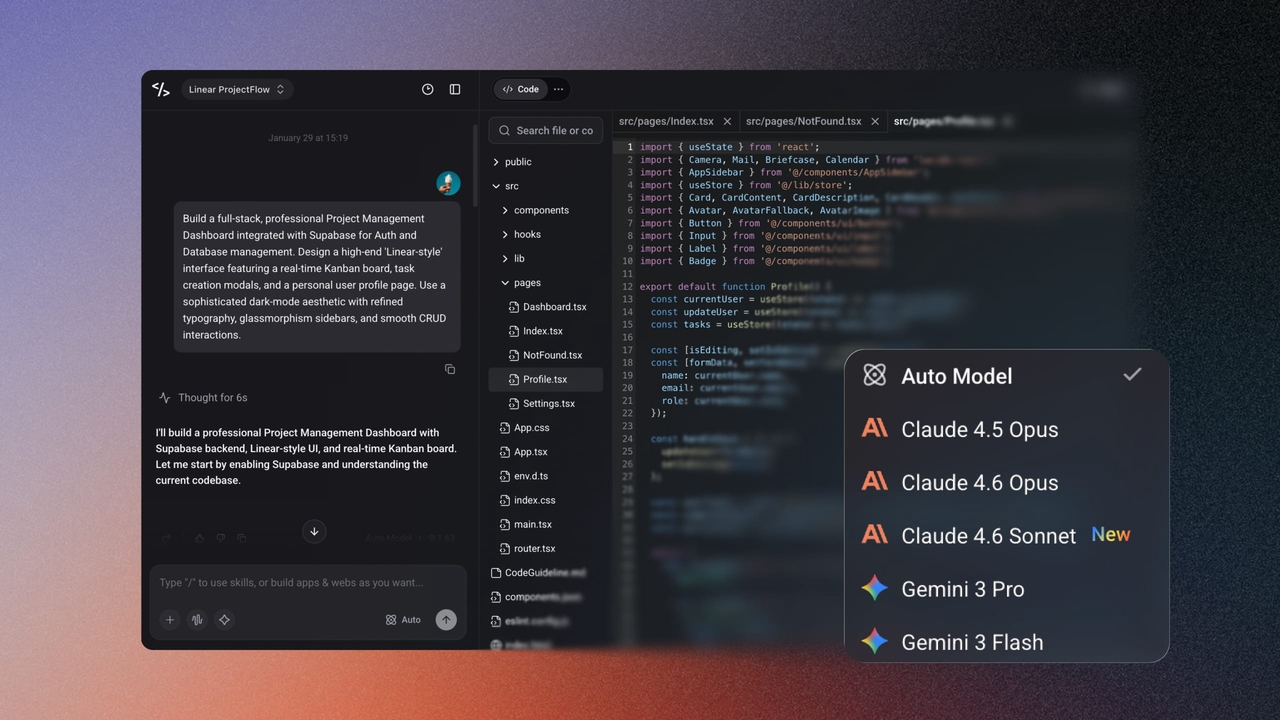
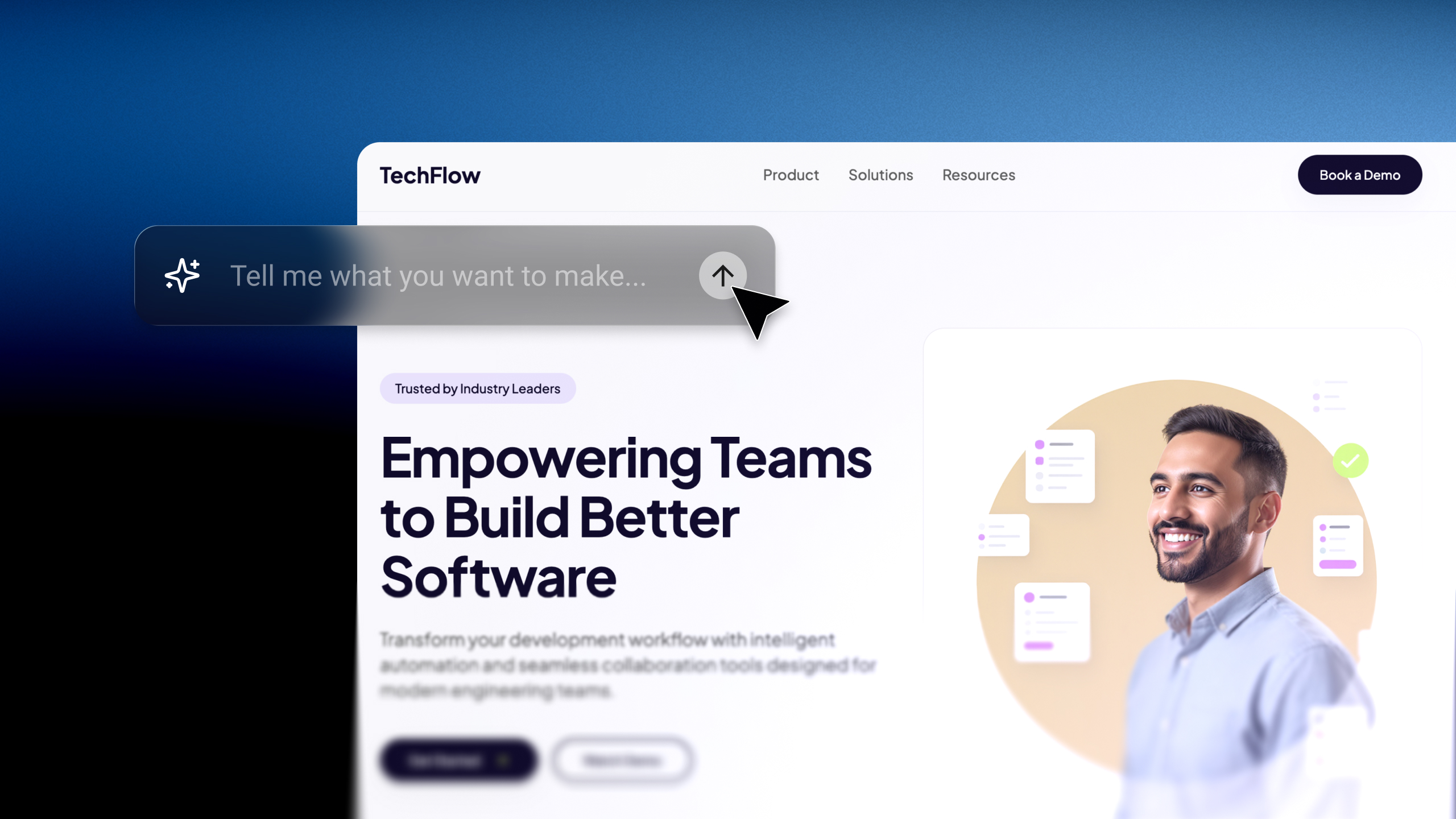
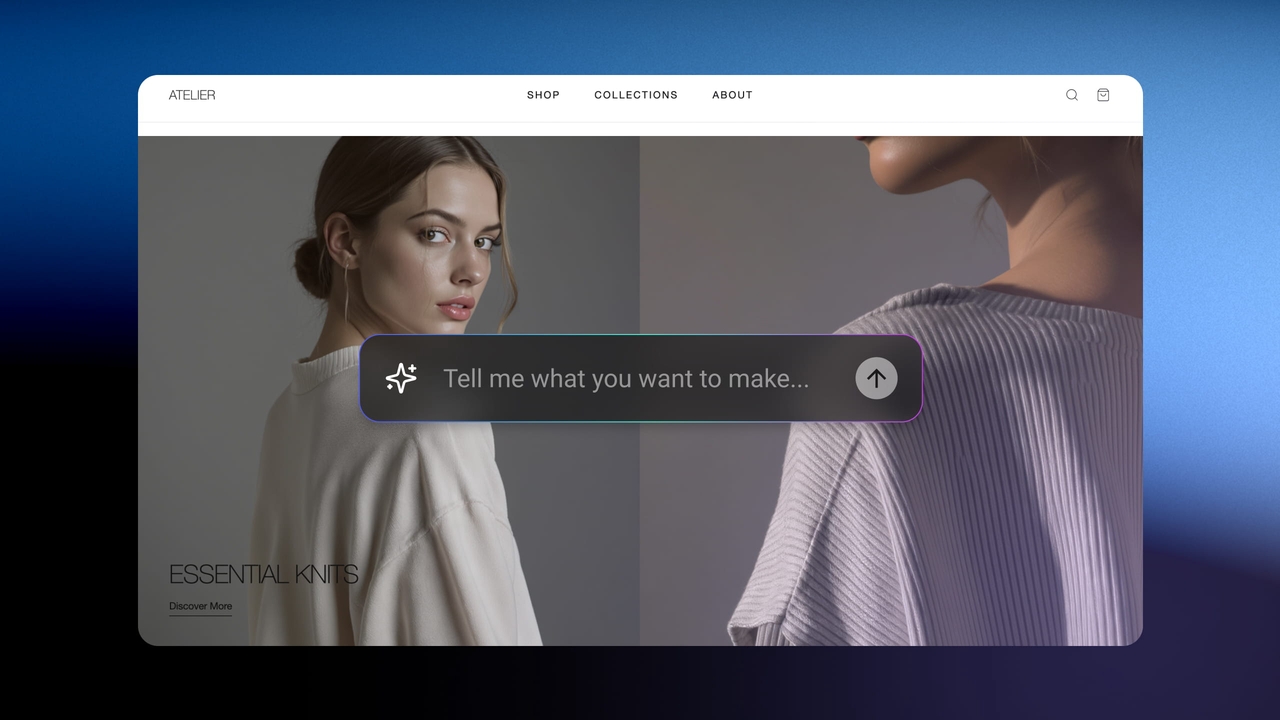
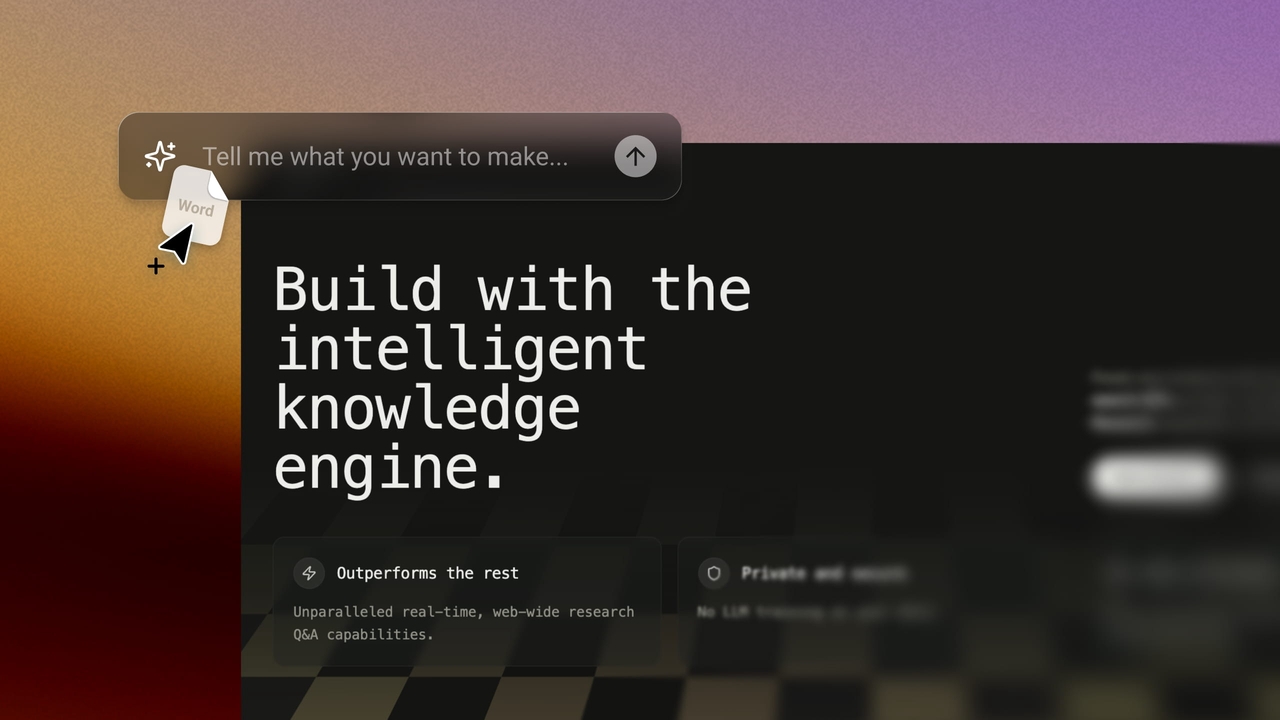
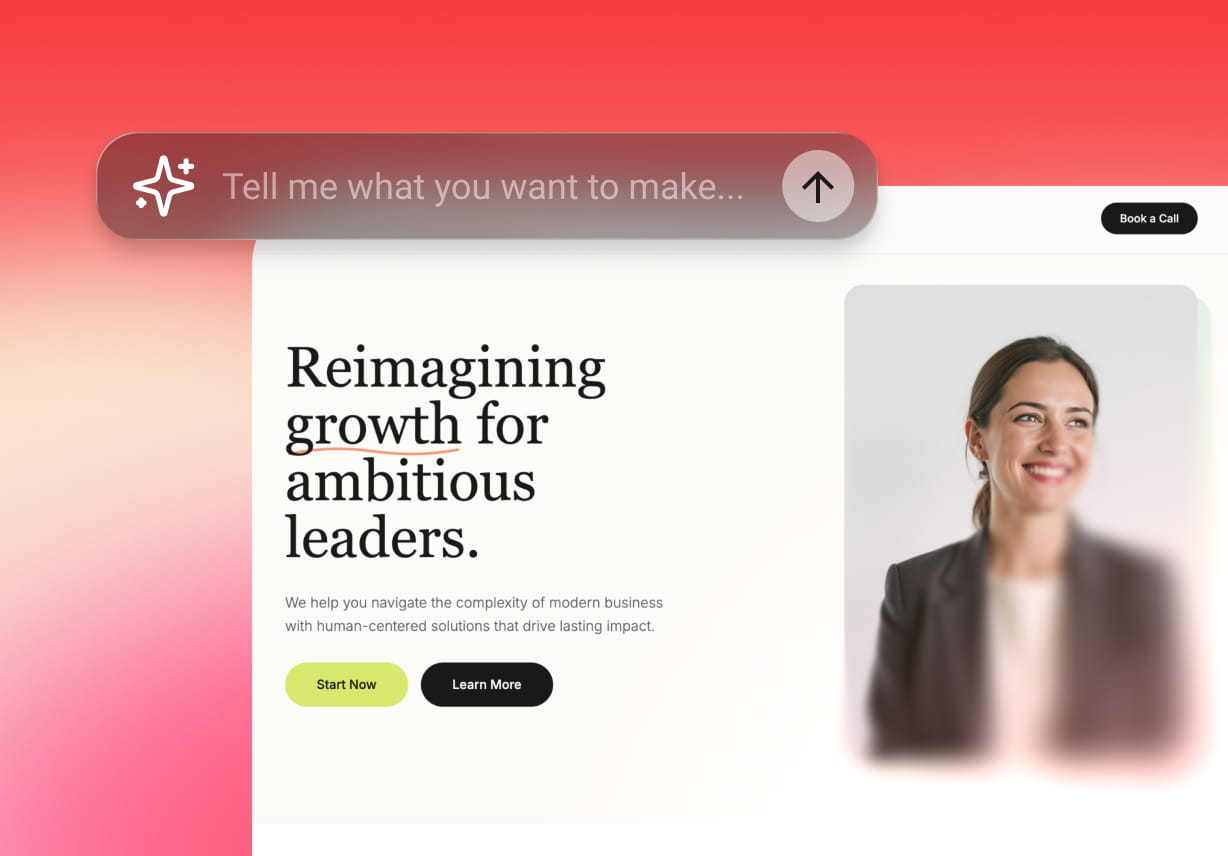
Enter Pro को साधारण अंग्रेज़ी में बताएं कि आप क्या चाहते हैं, और वे फ्रंटएंड, बैकएंड और लॉजिक सहित सभी भागों के साथ एक पूर्ण-स्टैक ऐप बनाएंगे। यह उन सोलो फाउंडर्स के लिए एक शक्तिशाली AI है जो डेवलपर्स की आवश्यकता के बिना चीज़ें बनाना चाहते हैं।

मुफ़्त में शुरू करें
AI-संचालित ऐप जनरेशन
निर्बाध इंटीग्रेशन

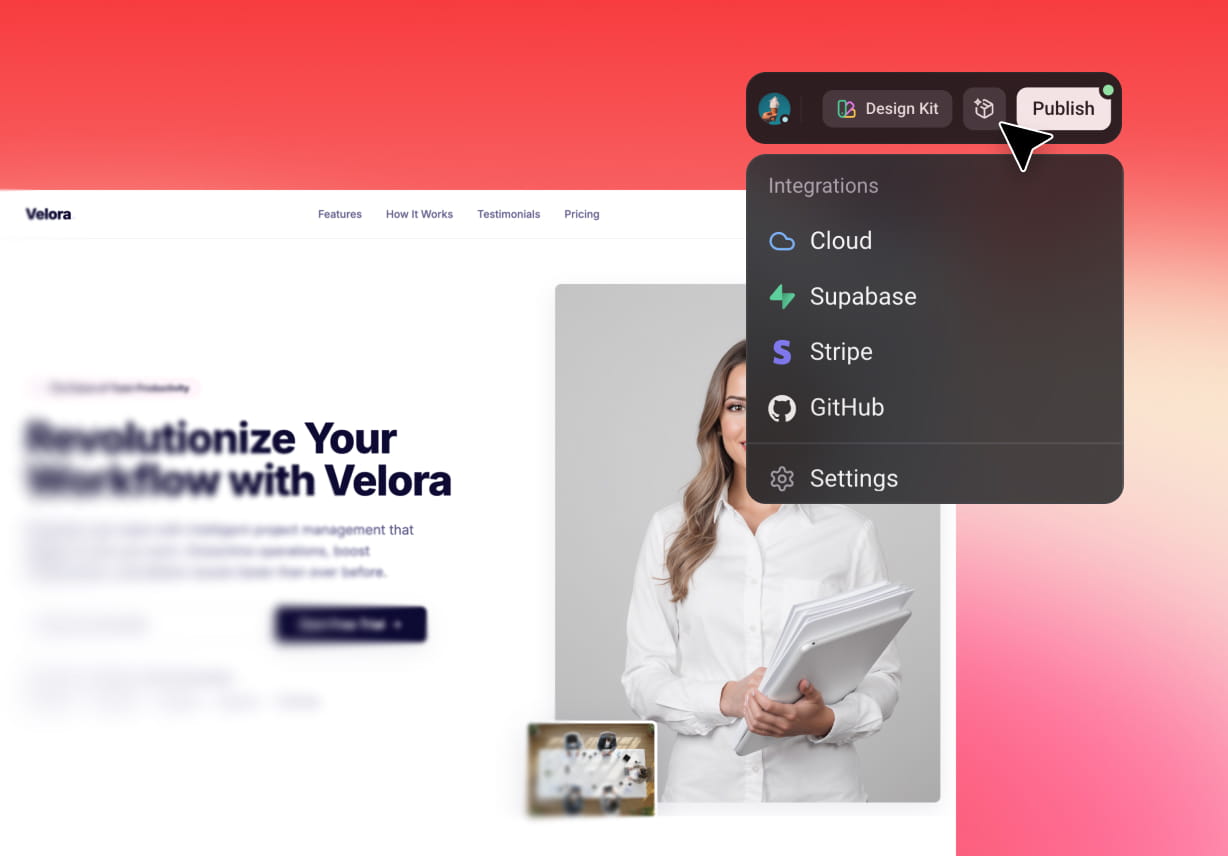
कई इंटीग्रेशन विकल्प

अपने ऐप की कार्यक्षमता बढ़ाने के लिए APIs, डेटाबेस और थर्ड-पार्टी टूल्स के साथ आसानी से कनेक्ट करें। Enter Pro इंटीग्रेशन को सरल बनाता है, ताकि आपका वर्कफ़्लो सुचारू और कुशल बना रहे।

Enter को अभी आज़माएं

त्वरित परिनियोजन (Deployment)

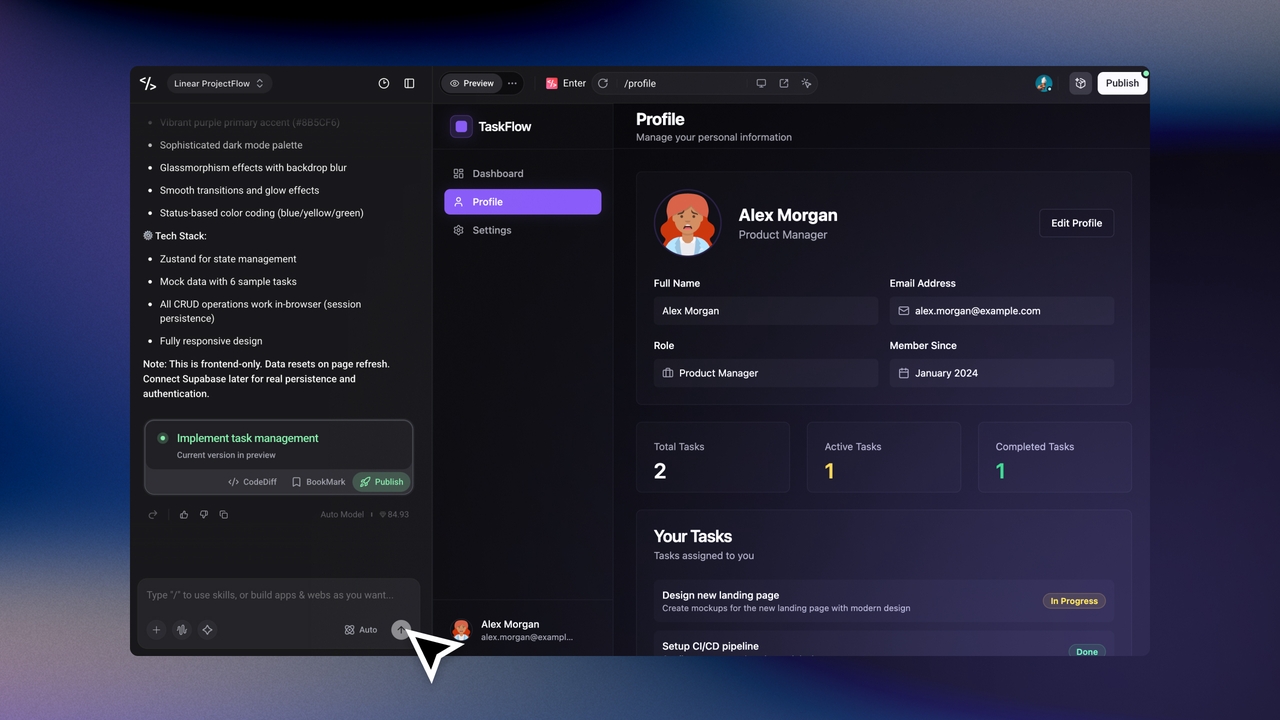
बिना किसी सेटअप के अपना ऐप तुरंत लॉन्च करें। Enter Pro के साथ, आप अपने ऐप को प्रकाशित कर सकते हैं, लाइव जा सकते हैं, उपयोगकर्ताओं के साथ साझा कर सकते हैं और अपने विचार को पहले से कहीं अधिक तेज़ी से मान्य (validate) कर सकते हैं।

मुफ़्त में शुरू करें
एक-क्लिक परिनियोजन
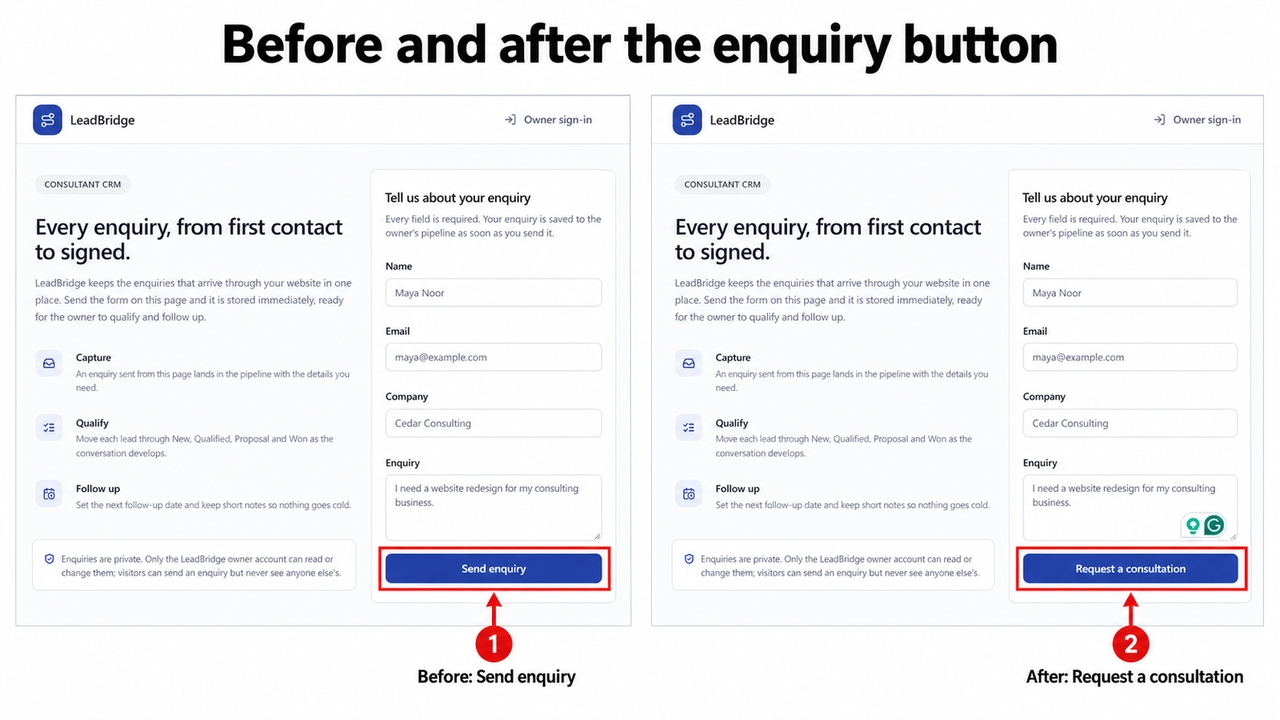
Figure 6. The enquiry button changes from Send enquiry to Request a consultation.

LeadBridge illustrates how a small edit can clarify the offer: the form action changes from Send enquiry to Request a consultation. The selected introduction paragraph also exposes Content and typography controls beside the preview, so wording and presentation can be reviewed together.

Keep Development Flexible

Keep your generated code available as the product grows. Connect GitHub for continued development and team review. These founder tools for AI development support a practical handoff. Use these founder tools for AI development to keep the first release adaptable. A later request for a booking page, lead summary, or customer update can extend the same project. Keep each addition tied to a user need and review its effect on existing records and access rules.

Why Choose Enter Pro for Your Startup

1

Start With a Focused MVP

Enter Pro AI for founders helps you turn a focused startup idea into an MVP that prospective customers can explore. Start with one useful journey, such as submitting an enquiry or requesting a service, and build the pages around it. A concrete product gives people something to respond to, helping you gather feedback before expanding the scope.
2

Keep Your Product Work in One Project

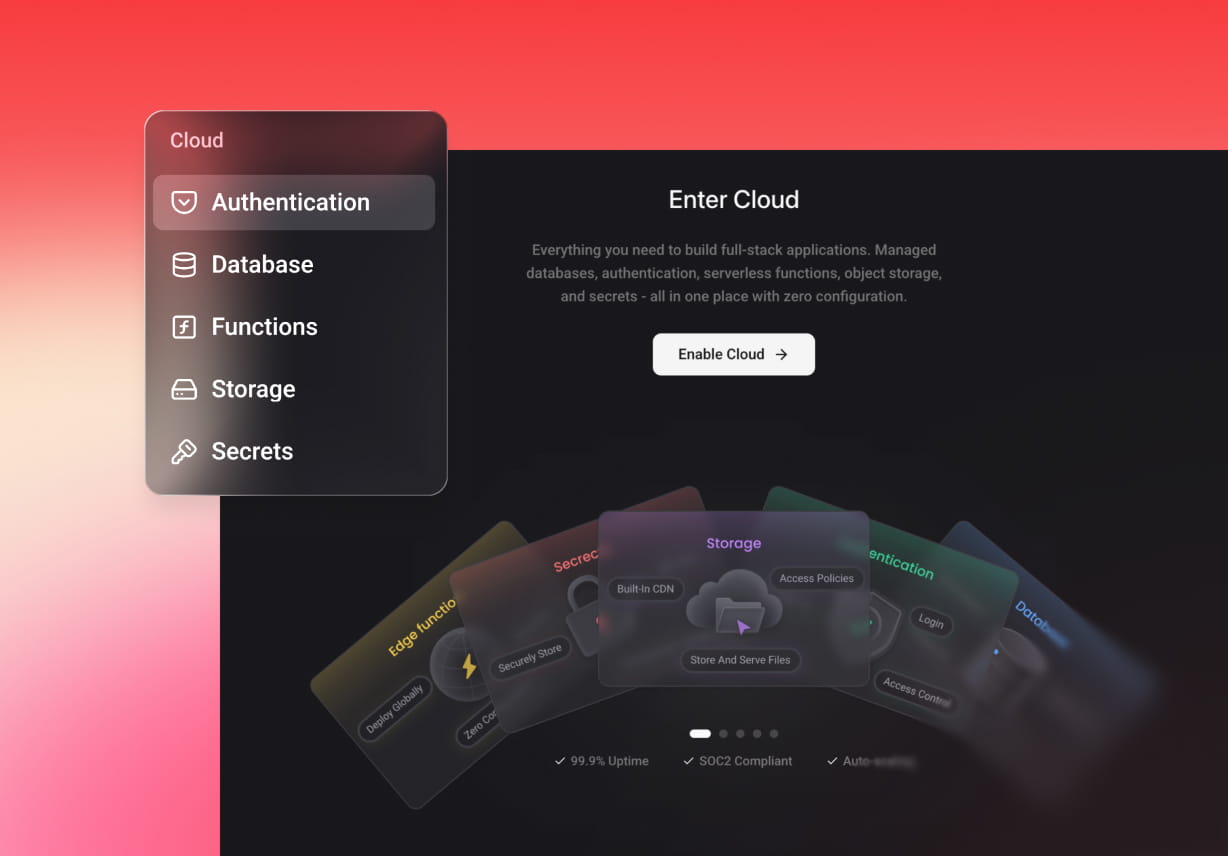
Keep planning, generation, Enter Cloud, and visual refinement connected to the same Enter Pro project. Define the customer journey, generate its interface, and request the records and account access it needs. This keeps the product’s visible experience and supporting workflow together, so you can review changes in context as your startup’s requirements develop.

3

Build Around Your Startup’s Processes

Build AI tools for founder teams around the information and actions your business actually uses. With Enter Pro, you can specify contact fields, lead stages, follow-up dates, and private dashboards that reflect how your team works. LeadBridge illustrates this flexibility through a focused enquiry journey that you can adapt as your sales process develops.

Build Your Founder MVP in Three Steps

1

Describe the Product

Give Enter Pro the LeadBridge brief: name, email, company, enquiry, lead status, and next follow-up date. Request New, Qualified, Proposal, and Won stages, with a public form and a private dashboard. Review the plan.

2

Generate and Refine

Generate the app, enable Enter Cloud, and connect the lead workflow. Refine the dashboard and form in the preview. Keep the first release focused on capturing a lead and assigning its next action.

3

Test and Share

Submit a demo enquiry, verify its saved record, update its stage, and check the follow-up date. After reviewing access and mobile behavior, publish a pilot and share it with a small customer group.

See the LeadBridge Product Example

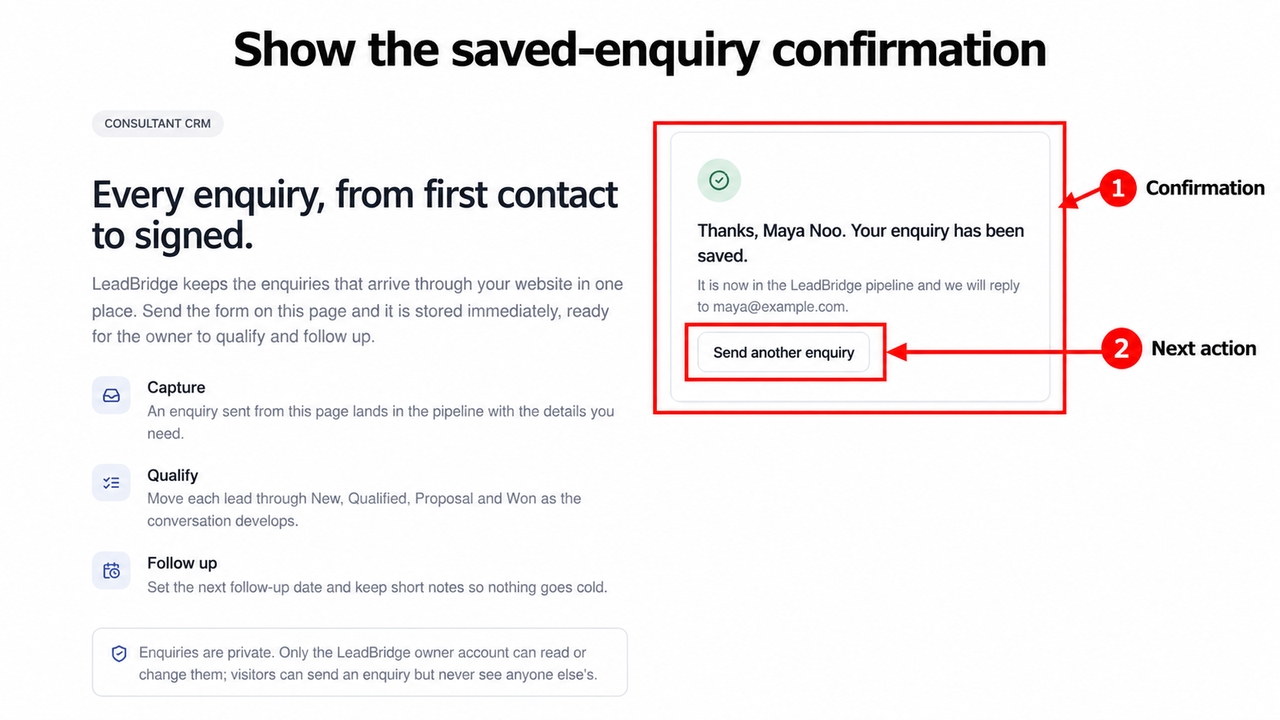
Figure 8. The confirmation identifies the saved enquiry and offers another submission.

Enter Pro’s generated form gives LeadBridge a focused customer entry point: name, email, company, and enquiry appear beside the product explanation. The completed demo submission reaches a confirmation with an option to send another enquiry. This shows how AI for founder projects can connect a clear offer to a visible response.

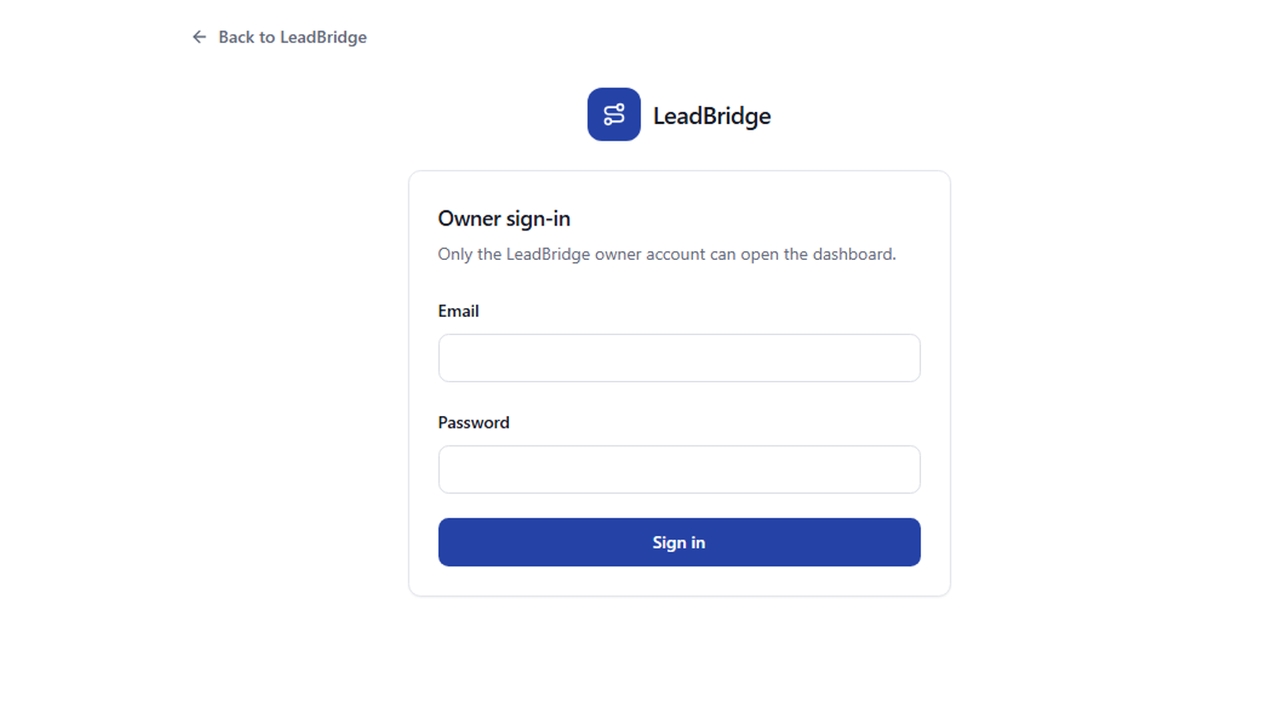
The owner sign-in page is the separate entry point to the planned private workflow. Saved lead inspection, stage changes, and follow-up dates should be checked in that area before the pilot is used for live customer work.

Figure 9. The owner sign-in screen is the entry point to LeadBridge’s private area.
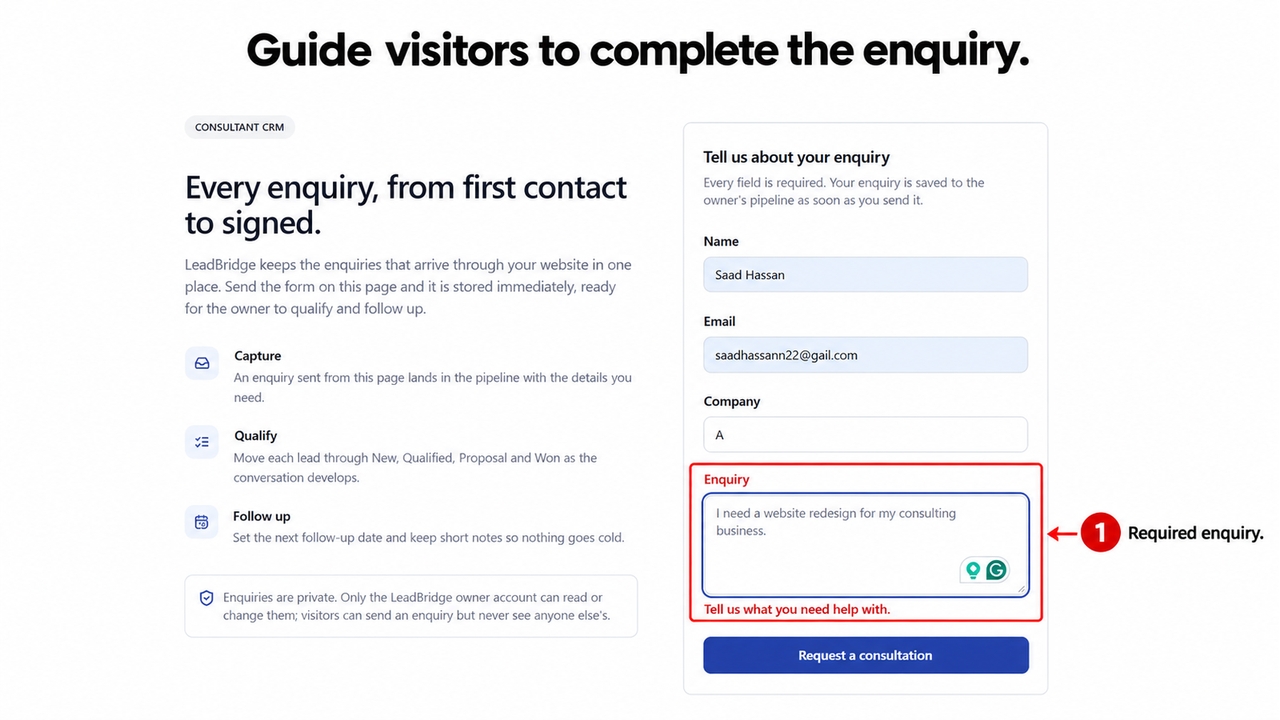
Figure 10. The required enquiry field receives a specific message while other values remain visible.

The form also demonstrates specific validation. An empty enquiry message receives Tell us what you need help with. while the other entered values remain visible. Enter Pro lets you refine this feedback alongside the form, so visitors understand what to complete.

Startup Use Cases for Enter Pro

1

Founder Sales and Customer Follow-Ups

Build a custom pipeline like LeadBridge with your own stages, notes, and next actions. When comparing the best CRM with AI for founder-led startups, check whether the fields, stages, and next actions fit your actual sales process. A small custom pipeline can make the handoff from an incoming request to a follow-up easier to explain.

2

Product Demos and Early MVPs

Turn a customer problem into a focused interactive demo. Use Enter Pro AI for founders to make the proposed journey concrete before expanding the product.

3

Founder-Friendly AI for Investor Introductions

Adapt LeadBridge’s contact workflow to track investor contacts you already have, meeting notes, document requests, and follow-up dates.

लोग Enter Pro के बारे में क्या कह रहे हैं

Enter Pro ने मुझे एक सप्ताह से भी कम समय में विचार से एक कार्यशील MVP तक पहुँचने में मदद की। जिसमें महीनों लगते थे, वह अब दिनों में हो जाता है। इसने विकास में आने वाली सभी सामान्य बाधाओं को दूर कर दिया।”

डेनियल कार्टर

डेनियल कार्टर

“एक गैर-तकनीकी संस्थापक के रूप में, इसने पूरी तरह से बदल दिया कि मैं उत्पाद कैसे बनाता हूँ। मैंने अपना पहला ऐप लॉन्च किया और दिनों के भीतर वास्तविक उपयोगकर्ता प्राप्त कर लिए। वर्कफ़्लो सहज और सरल है।”

ईथन वॉकर

ईथन वॉकर

“गति अवास्तविक है। मैं डेवलपर्स का इंतज़ार किए बिना या जटिल सेटअप से निपटे बिना बना सकता हूँ, टेस्ट कर सकता हूँ और सुधार कर सकता हूँ। अत्यधिक अनुशंसित!!”

ओलिविया बेनेट

ओलिविया बेनेट

सामान्य प्रश्न (FAQs)

Enter Pro के साथ व्यावसायिक सफलता प्राप्त करें