



Enter your architecture idea
Open the Design tool, type a prompt to describe building type, layout, materials, and lighting. Click "+" to upload a reference image.
Create modern buildings, layouts, and concept visuals with an AI architecture generator. Explore AI architecture design ideas, generate plans, and test styles for homes, offices, and urban projects.
With Framia Pro, you can create an AI architecture design using these steps:
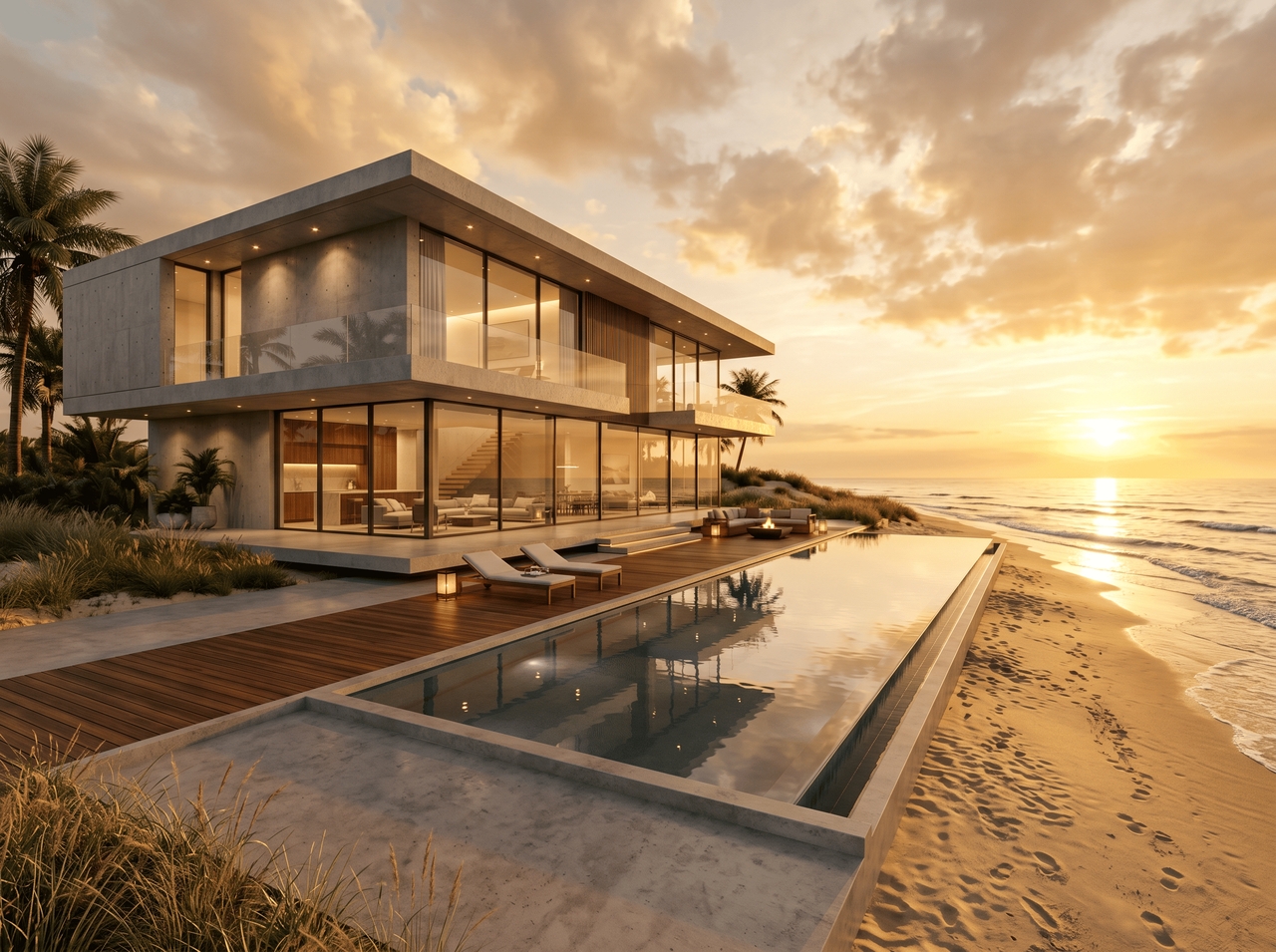
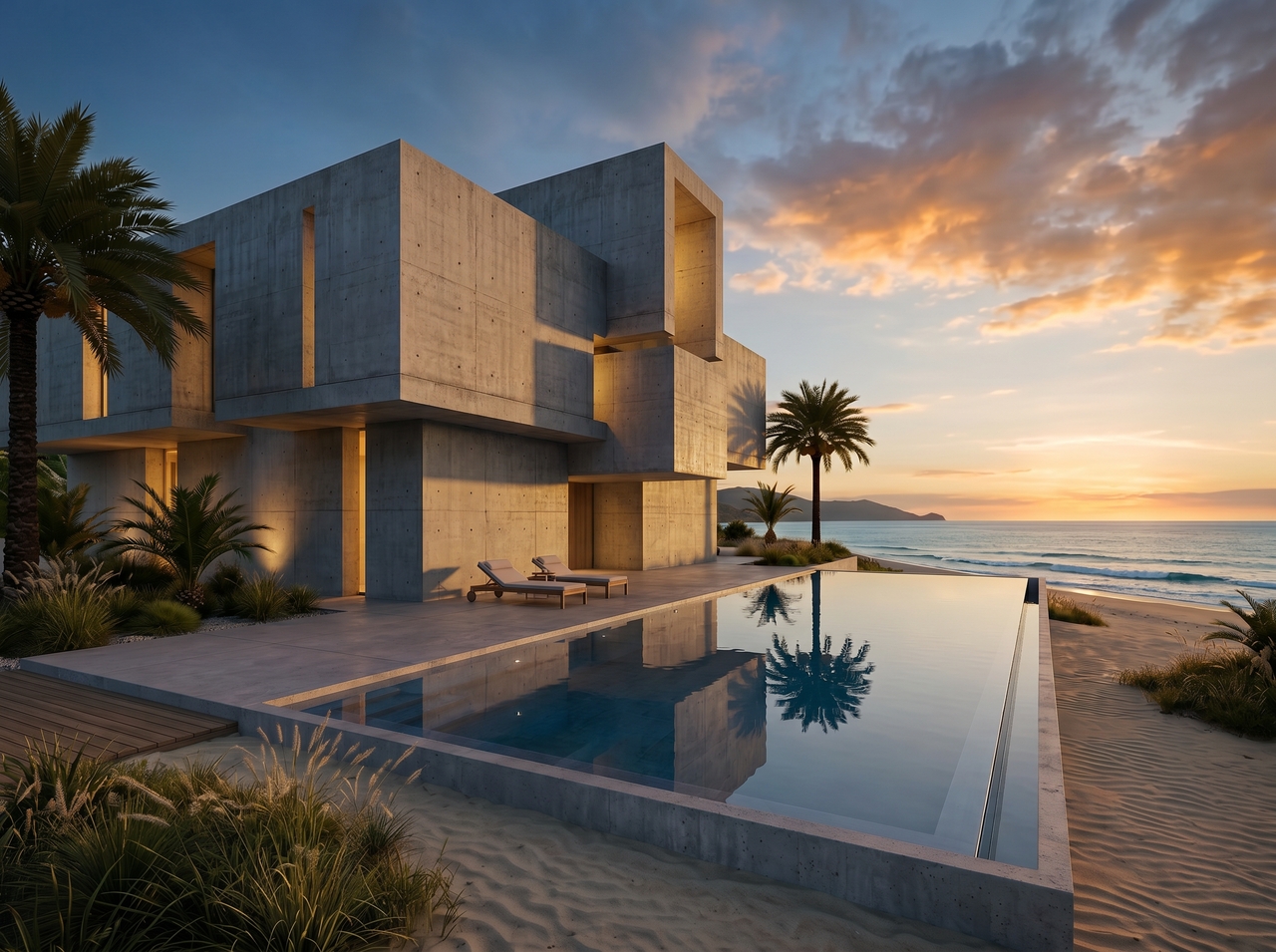
"Modern minimalist villa with floor-to-ceiling glass, concrete exterior, and infinity pool. Add golden hour lighting and beachfront setting.
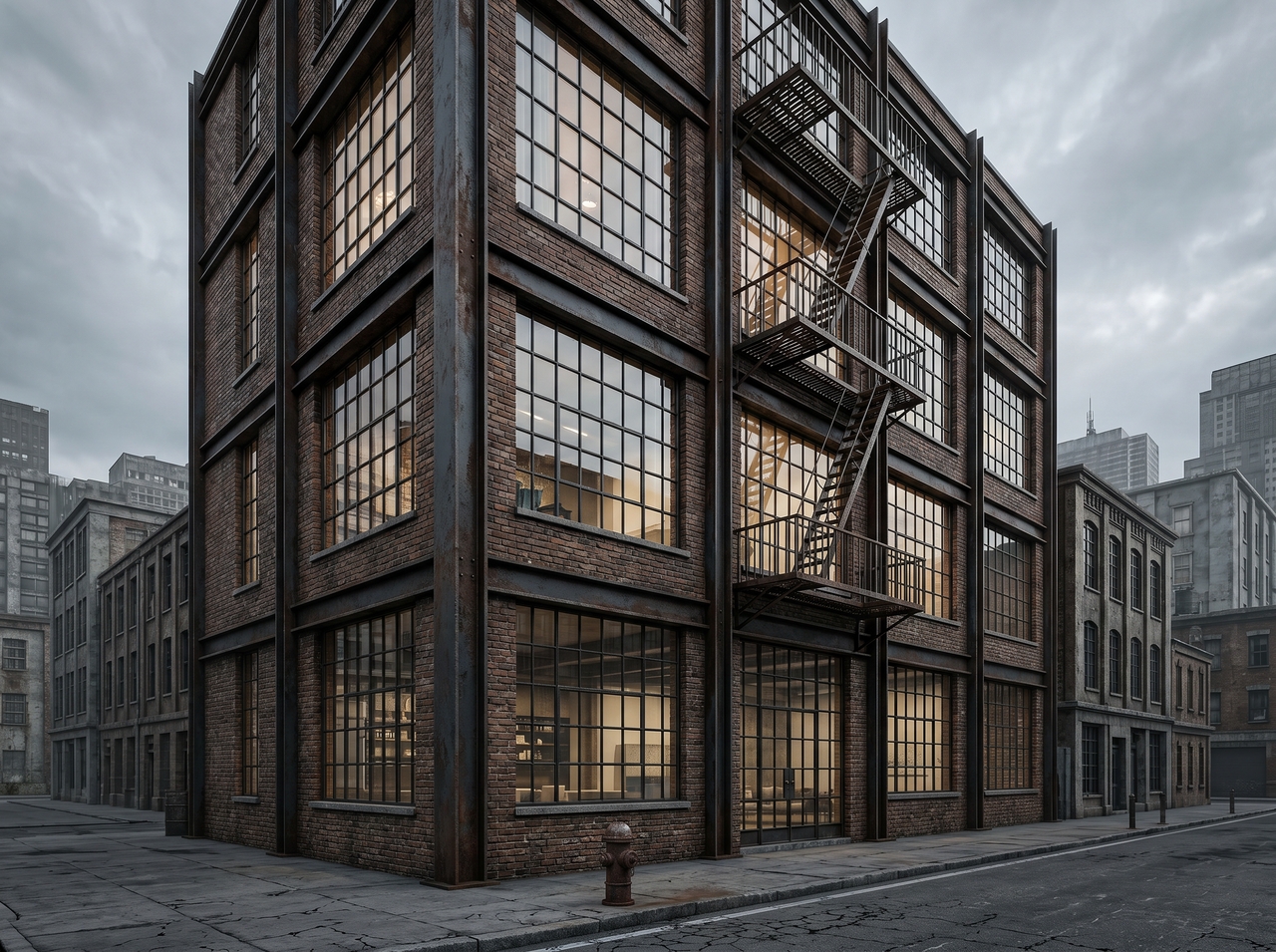
"Industrial loft apartment building, exposed brick and steel, downtown urban backdrop, overcast sky."
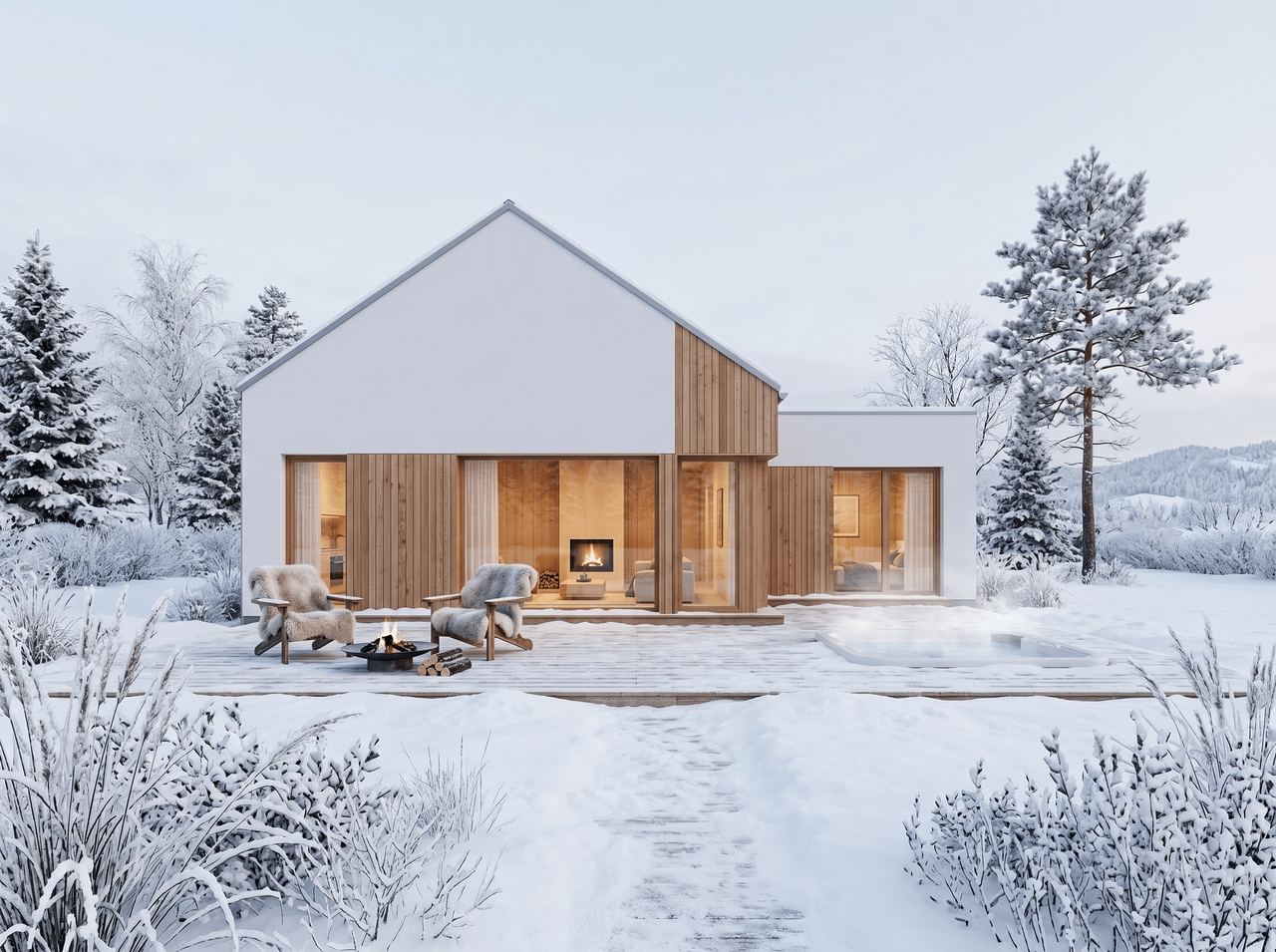
"Scandinavian residential home, white render, timber cladding, snow-covered landscape, soft natural light."
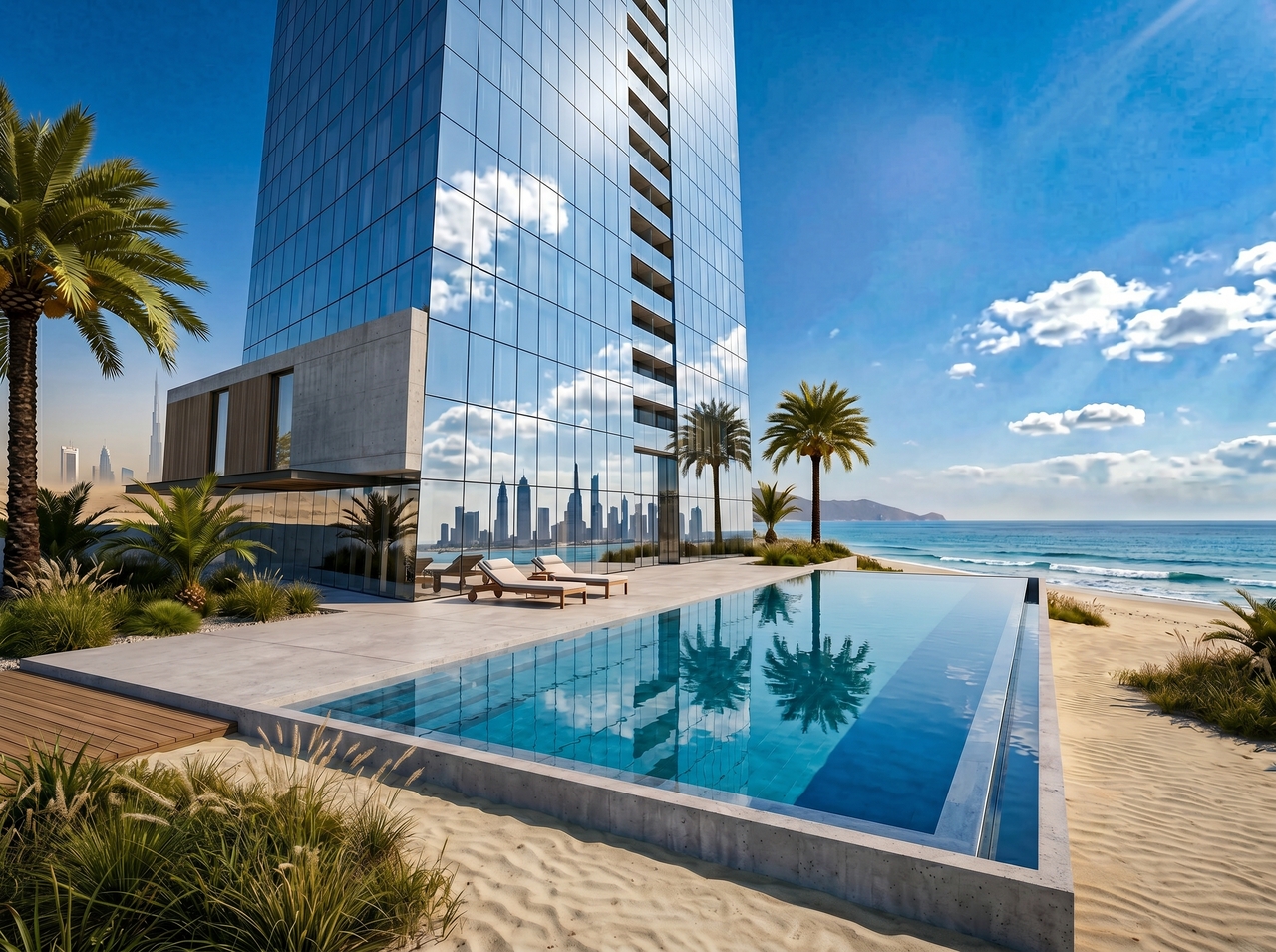
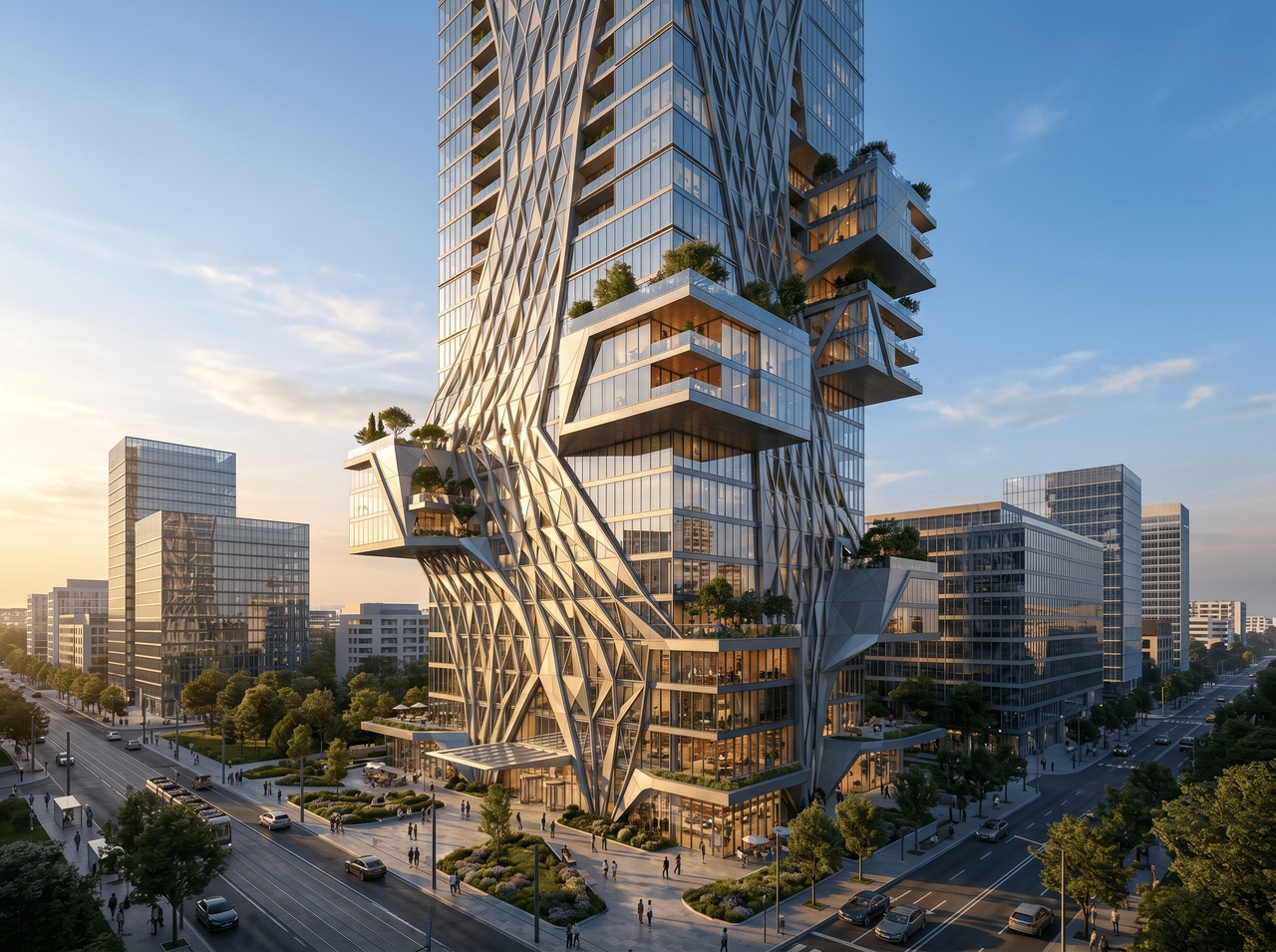
"Luxury high-rise tower, curtain wall façade, reflective glass, photorealistic render, Dubai skyline."
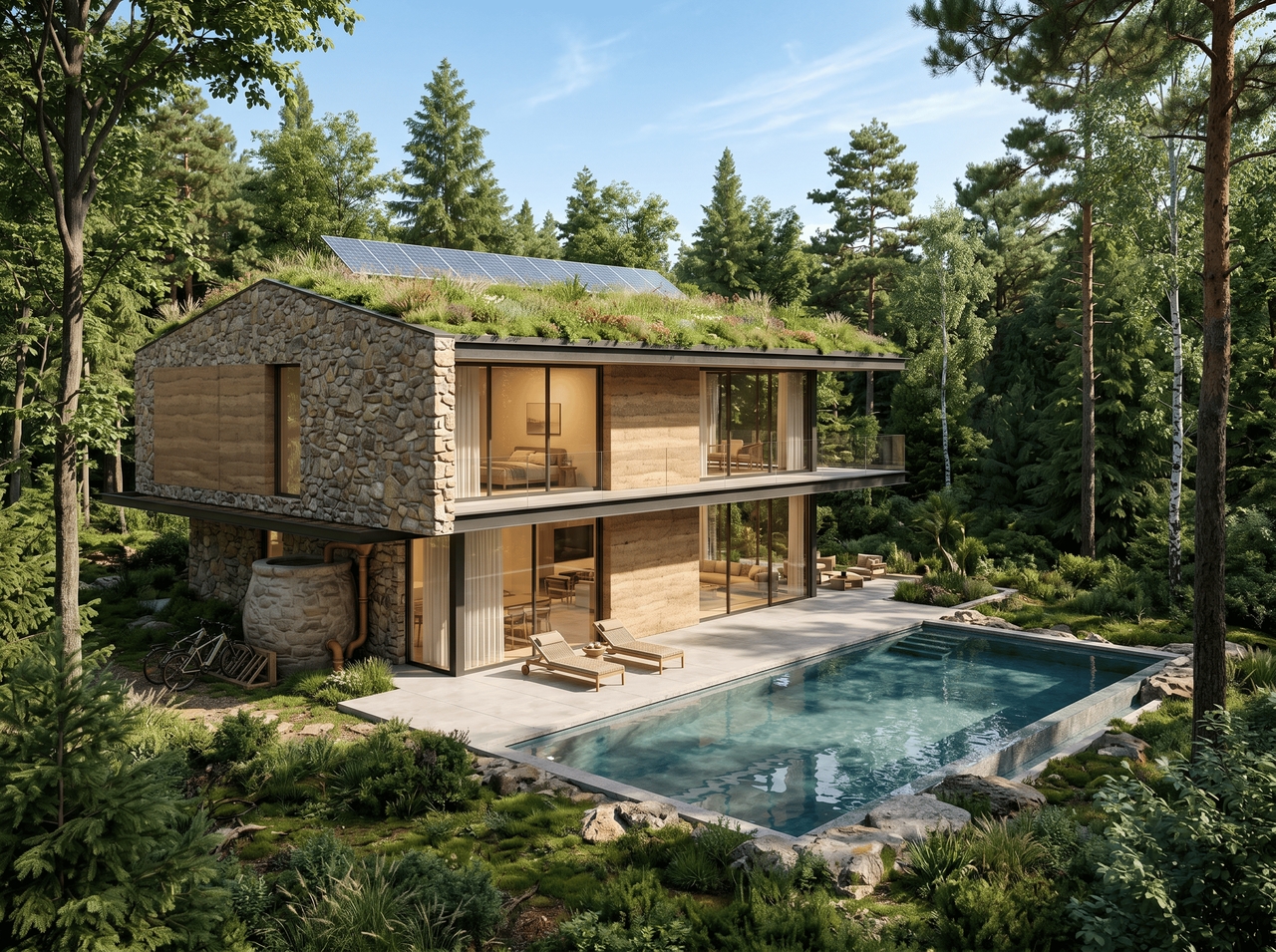
Sustainable eco-home with green roof, stone walls, surrounded by forest. Add bright daylight and a wide-angle view."
"Brutalist community center, raw concrete, geometric form, dusk lighting, photorealistic architectural visualization."
Generate photorealistic AI architecture designs from a single text prompt with Framia Pro!
Describe your structure, and use Seedream 5.0, MidJourney v7, Nano Banana Pro, or other models to convert it into an architectural design. The AI interprets style, materials, lighting, and setting to produce outputs that typically take design team days to produce.
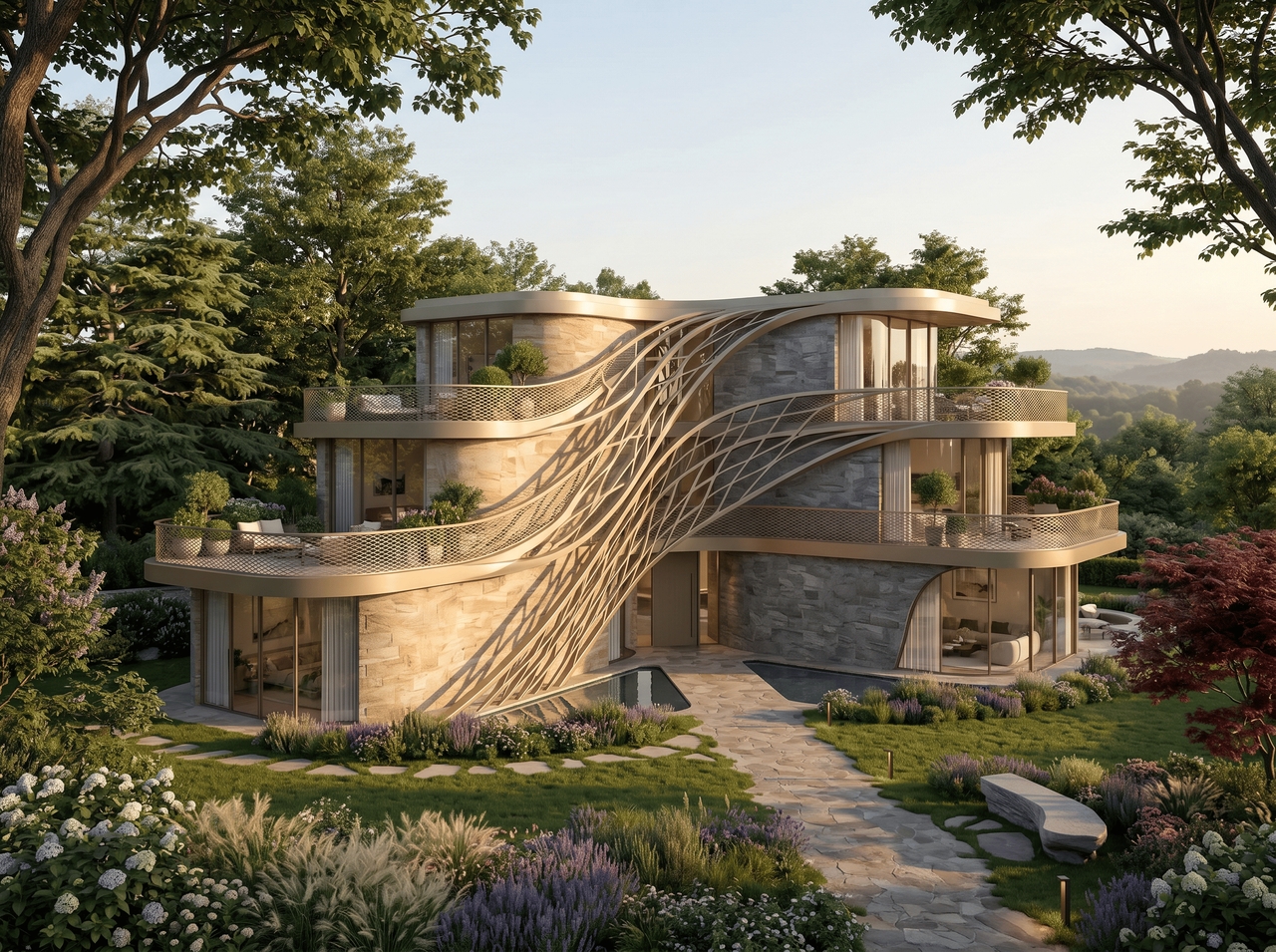
Upload an existing photo, sketch, or reference render and let Framia Pro's AI turn it into a fresh architectural design. The model reads spatial context, surface details, and structural cues to generate a new concept grounded in what you uploaded.
Open any generated design and adjust individual elements through chat commands. Swap materials, reframe the scene, or shift the time of day. Replace background, edit layers, and more. Each edit updates the design in real time.
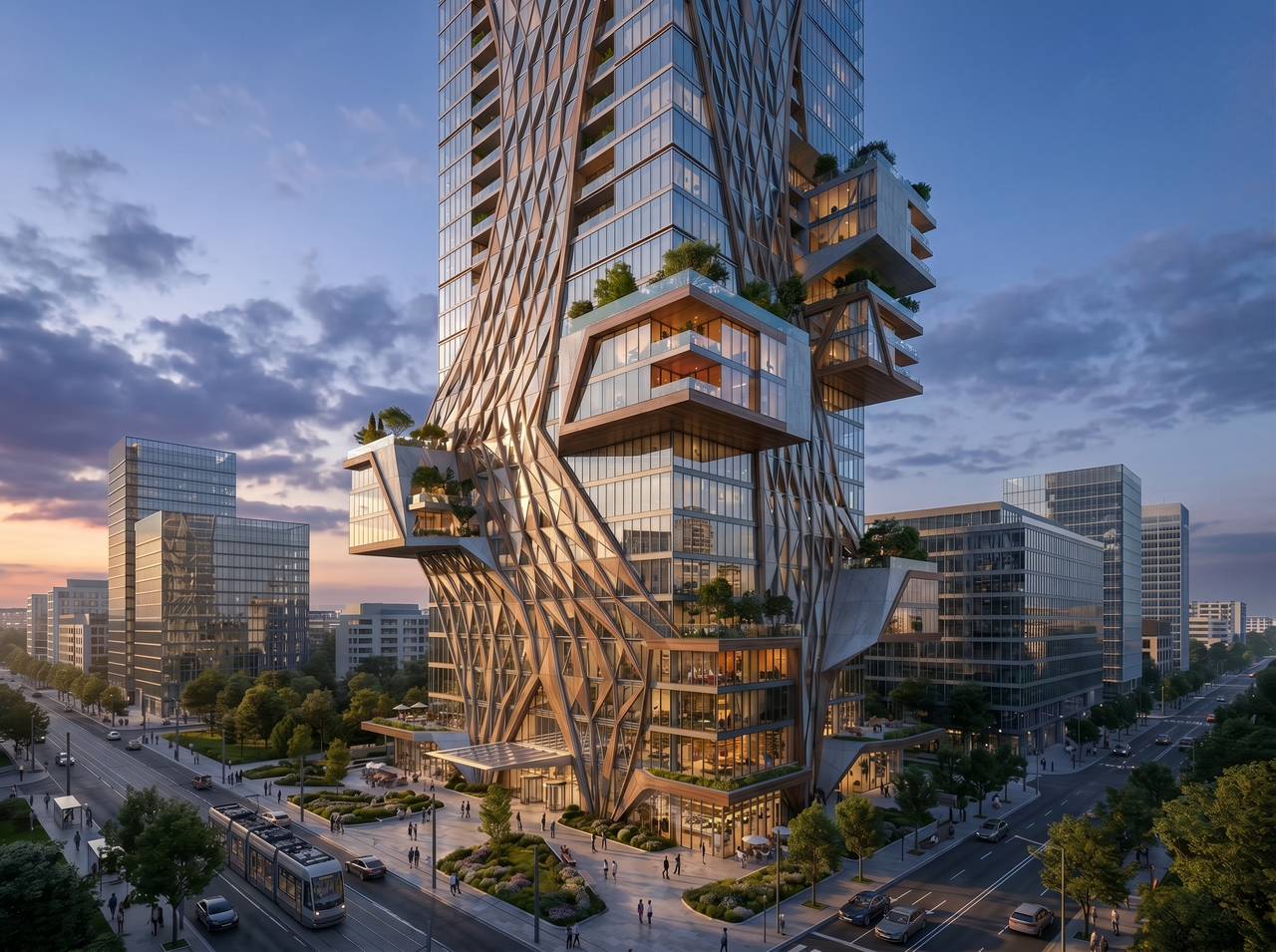
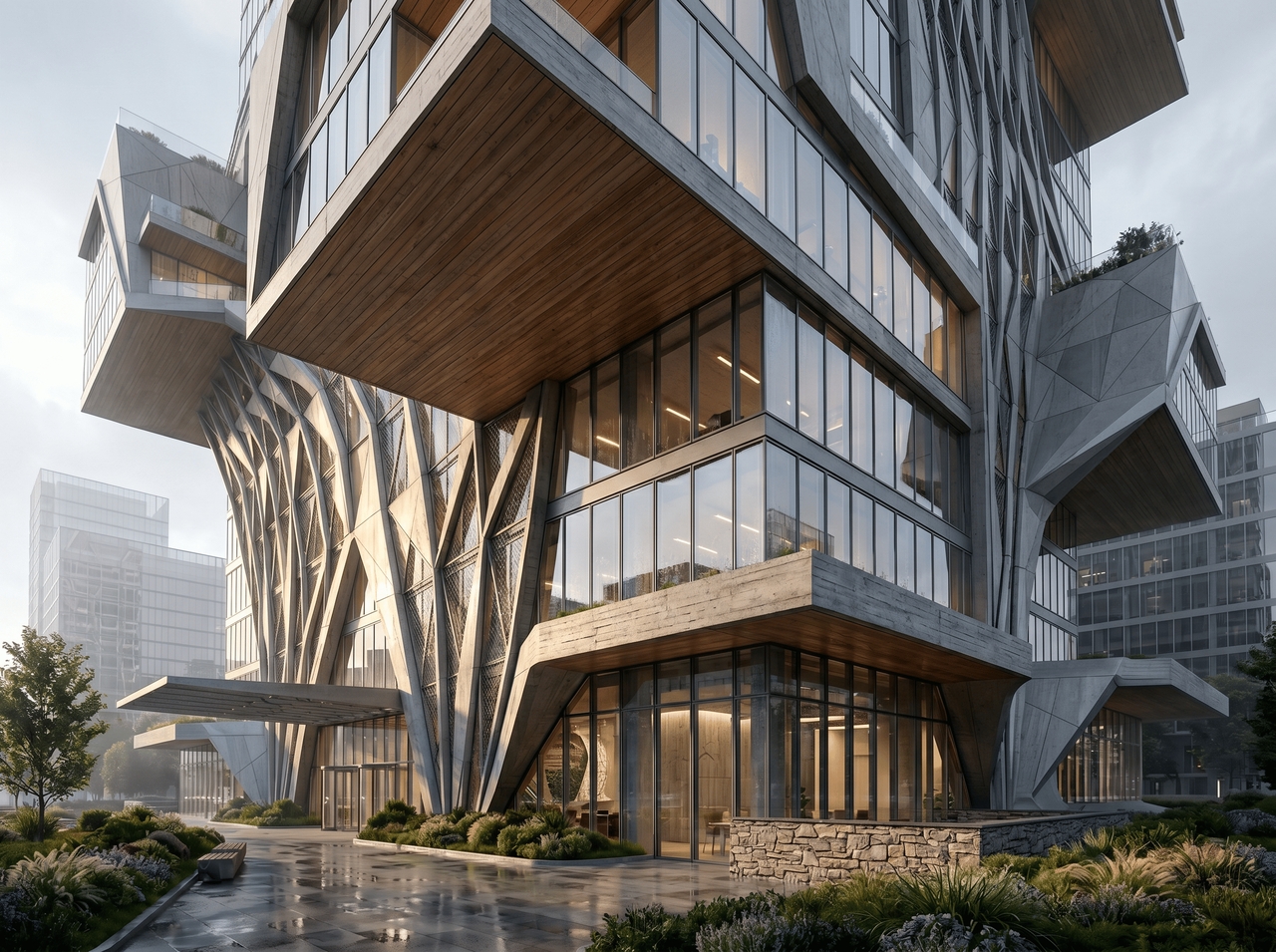
Specify concrete, glass, timber, or stone in your prompt, and the AI renders each material with accurate texture and light response. Layer in atmospheric cues like dawn, overcast, or dramatic evening light to shift the entire mood of the design.
Generate multiple views, elevations, or concept variations while preserving the same architectural style throughout with Framia Pro's AI plan architecture generator. Structural proportions, material choices, and tonal palette stay coherent from one output to the next.
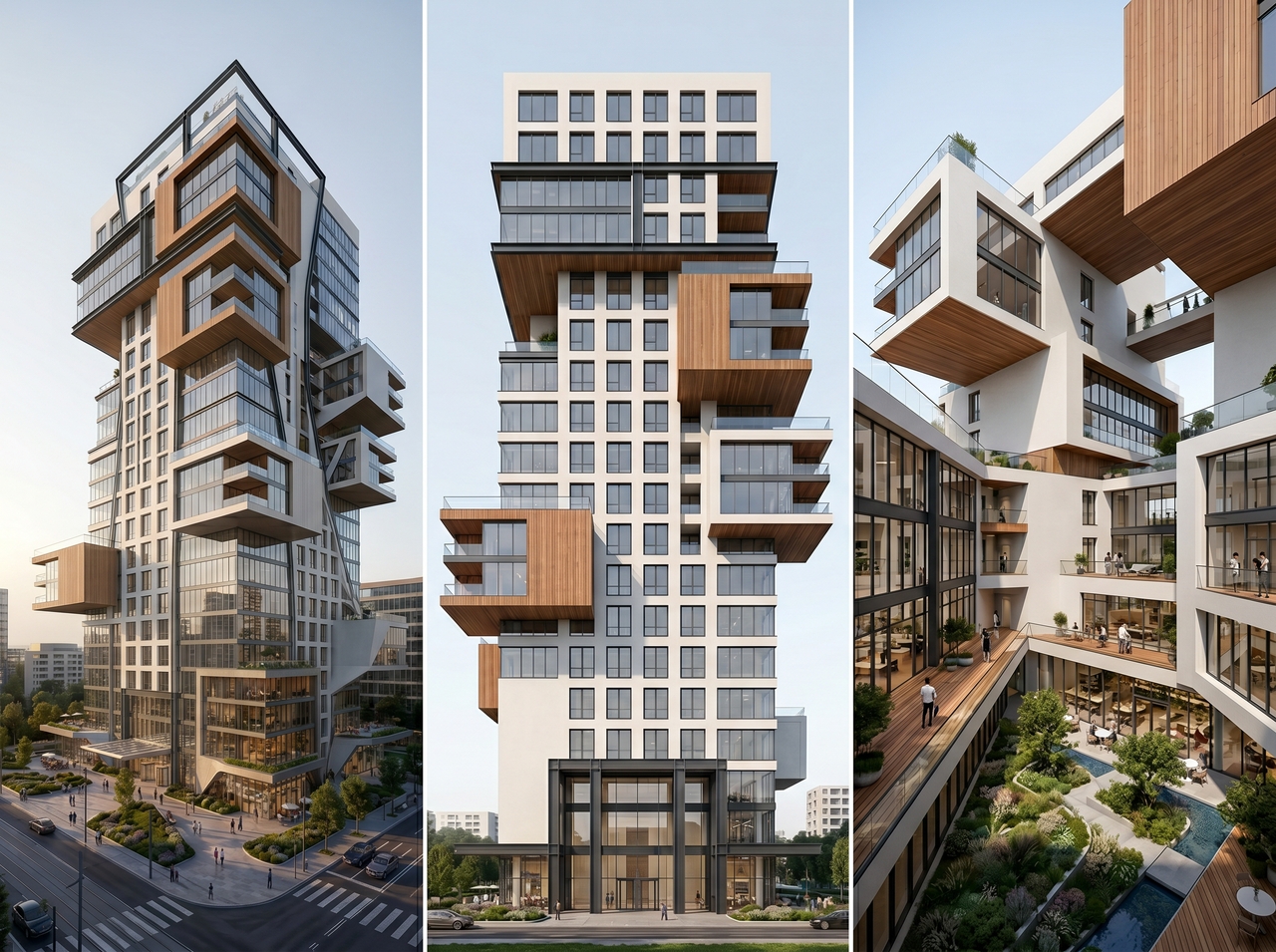
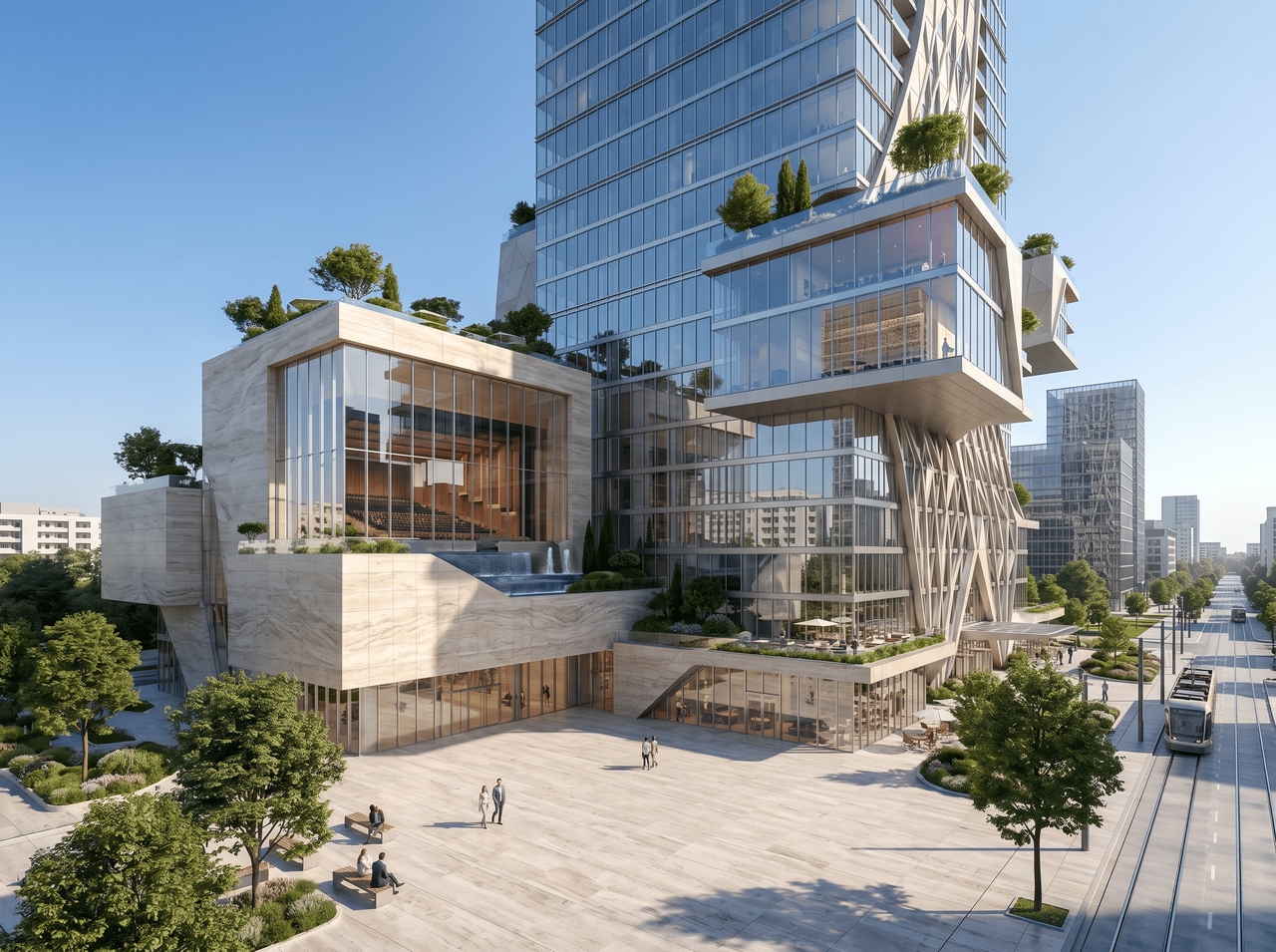
Export any AI architecture render at 4K resolution through Framia Pro's best AI for architecture. Details sharpen, textures clarify, and the output lands at a quality level that fits directly into client presentations or planning submissions.
From a single home to an entire city block, Framia Pro covers every scale of architectural design.
Understand how Framia's AI architecture improves design speed, flexibility, and idea testing.
See how architects, designers, and developers use our AI architecture generator to win more clients.






Have questions or need assistance? Our team is here to help!
No software. No design experience needed. Just describe your vision and let Framia Pro's AI do the rest. Free to try & instant results.
