



Upload your photo
Sign in to Framia Pro, upload your photo, and type a prompt for your LinkedIn profile picture style. Click "+" and add a reference image.
Turn any photo into a clean LinkedIn profile picture with Framia Pro. Fix lighting, adjust background, and apply professional styles. Get a headshot that fits your profile and helps you look credible online.
"Turn this selfie into a LinkedIn profile picture with a navy blazer, neutral smile, and a soft grey background."
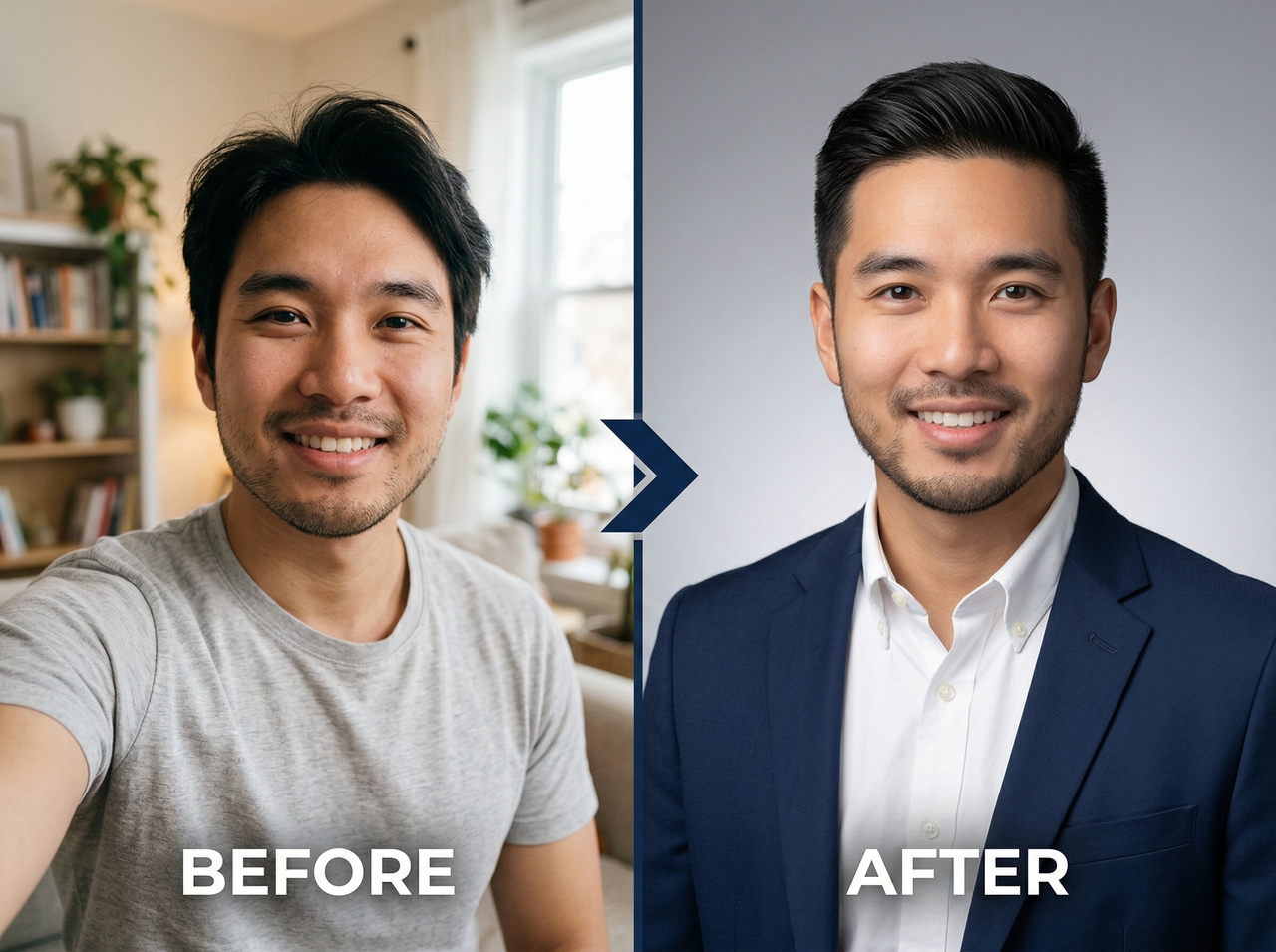
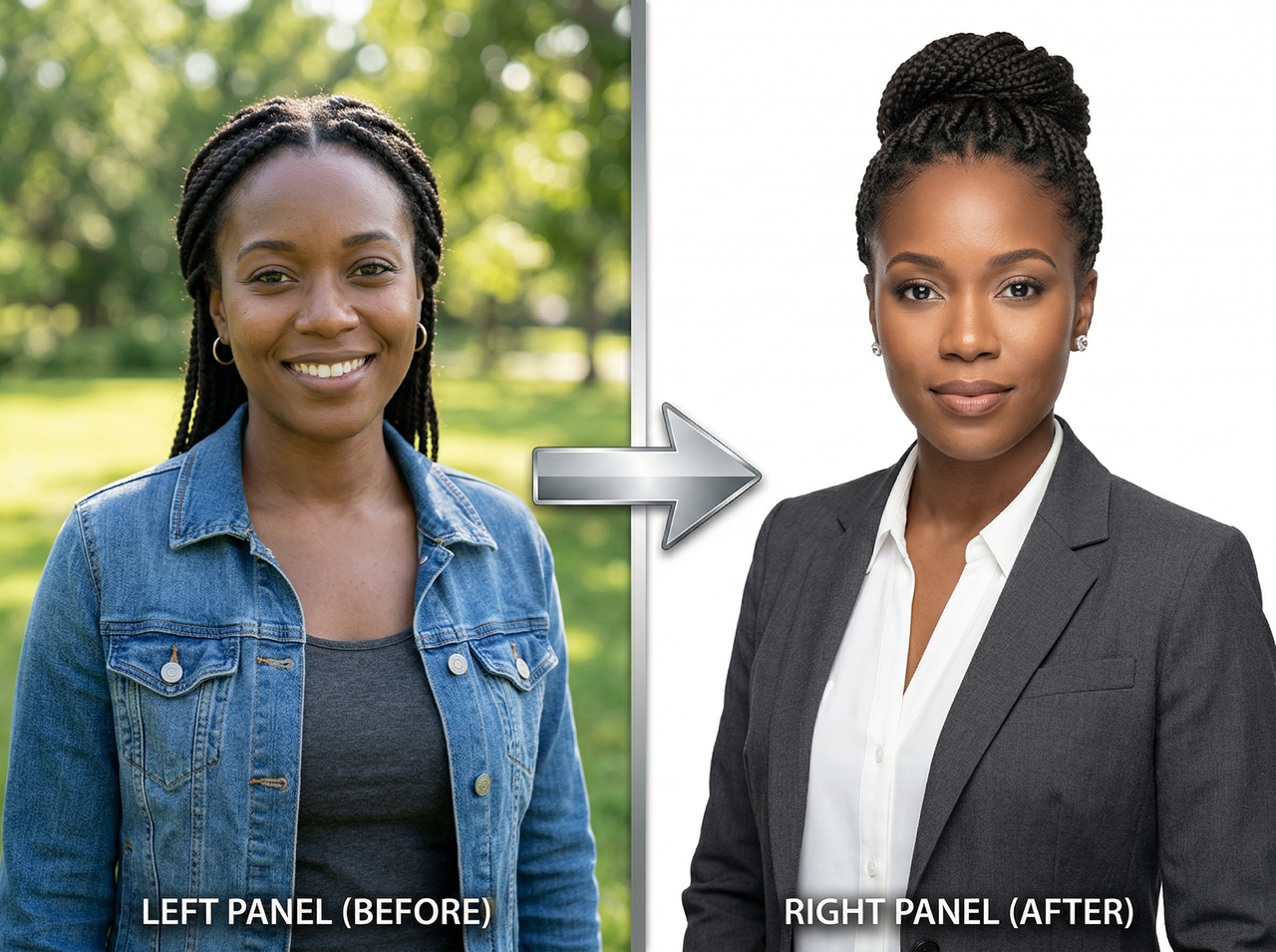
"Make this photo look like a professional corporate headshot with studio lighting and a white background."
"Create a LinkedIn profile picture from this casual photo and add a formal shirt and a blurred office background."
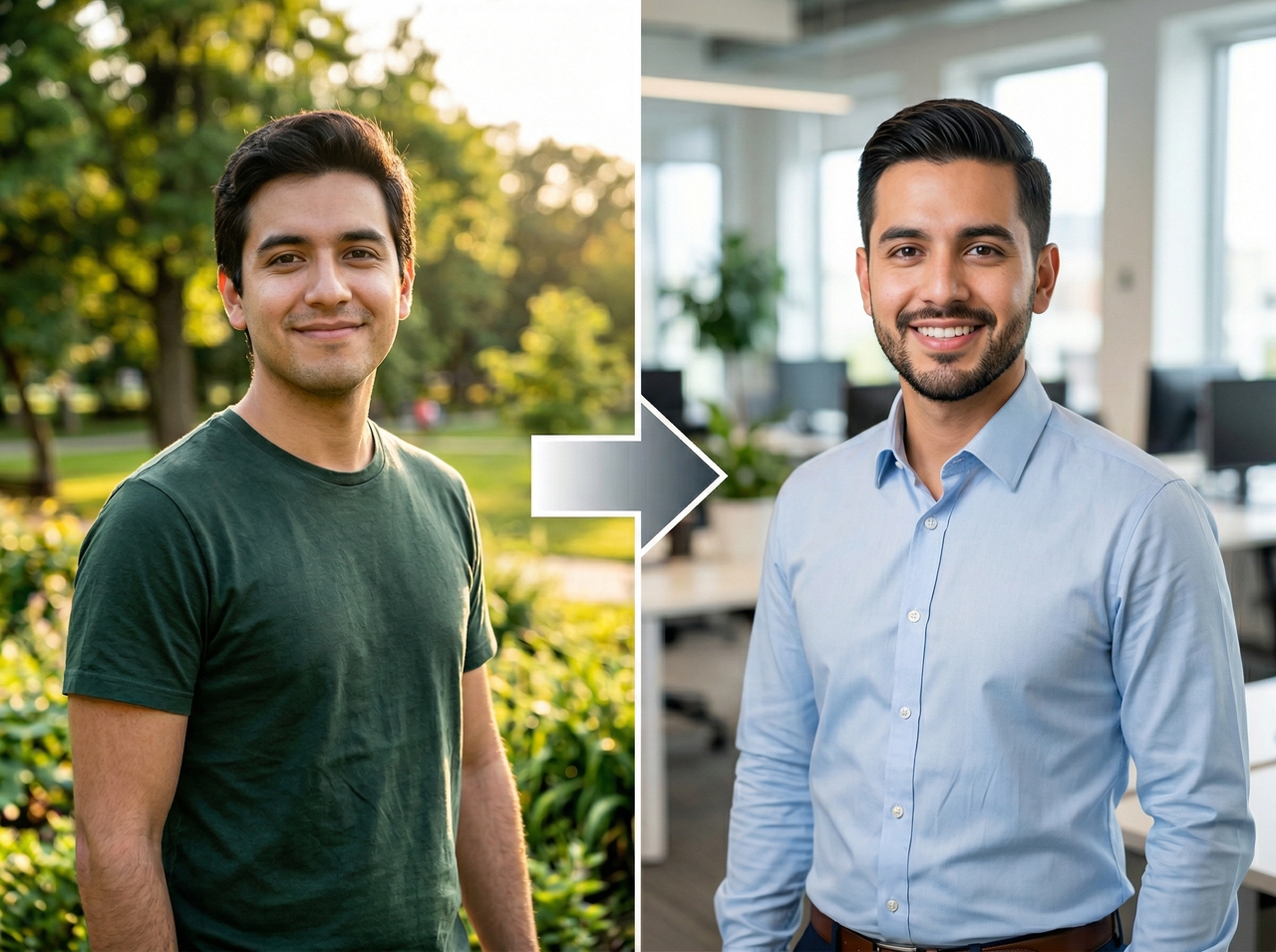
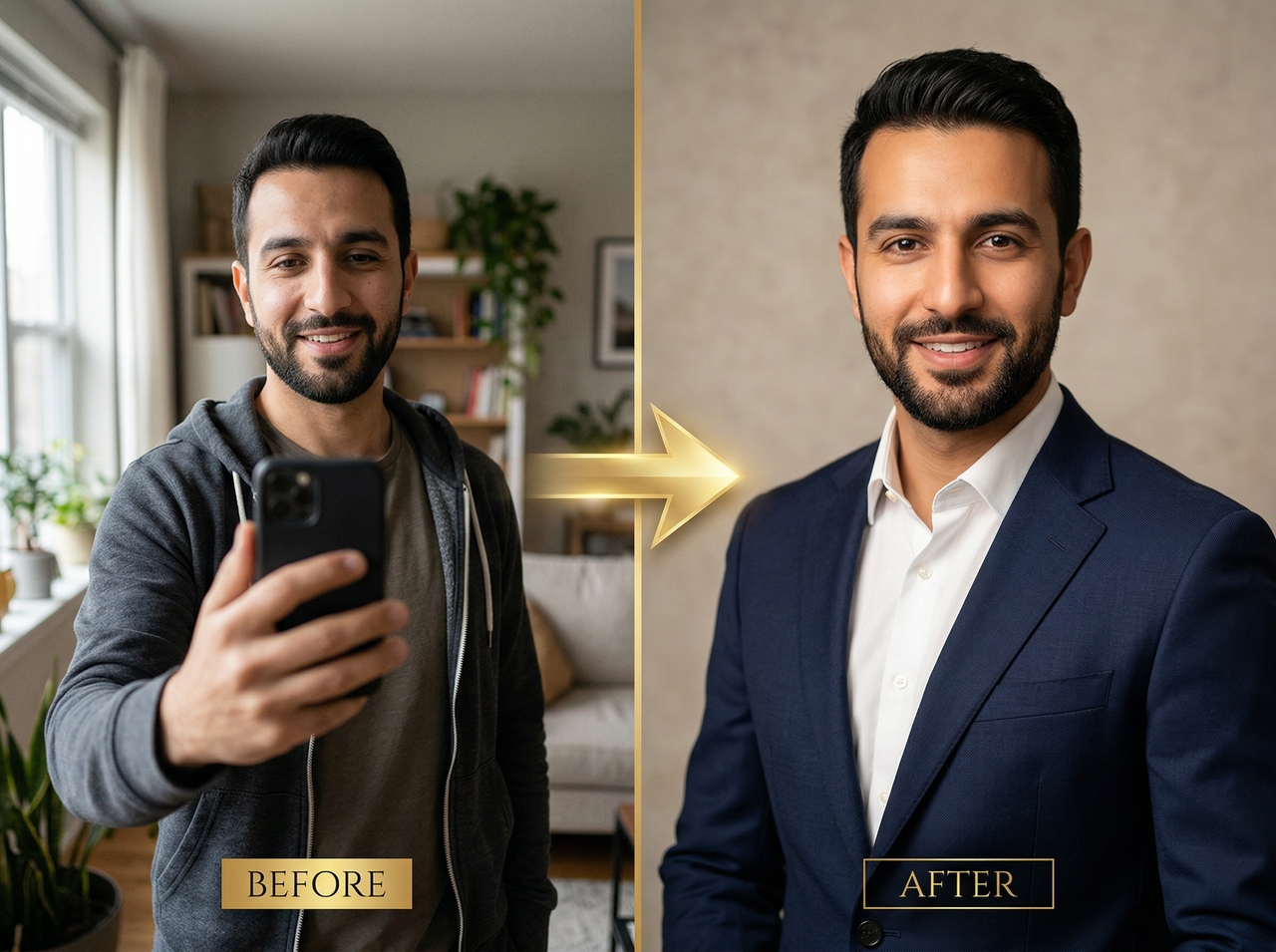
"Convert this selfie into a polished LinkedIn headshot with warm lighting, clean background, and confident expression."
"Turn this photo into a professional woman's LinkedIn profile picture with a blazer, minimal makeup, and a light background."
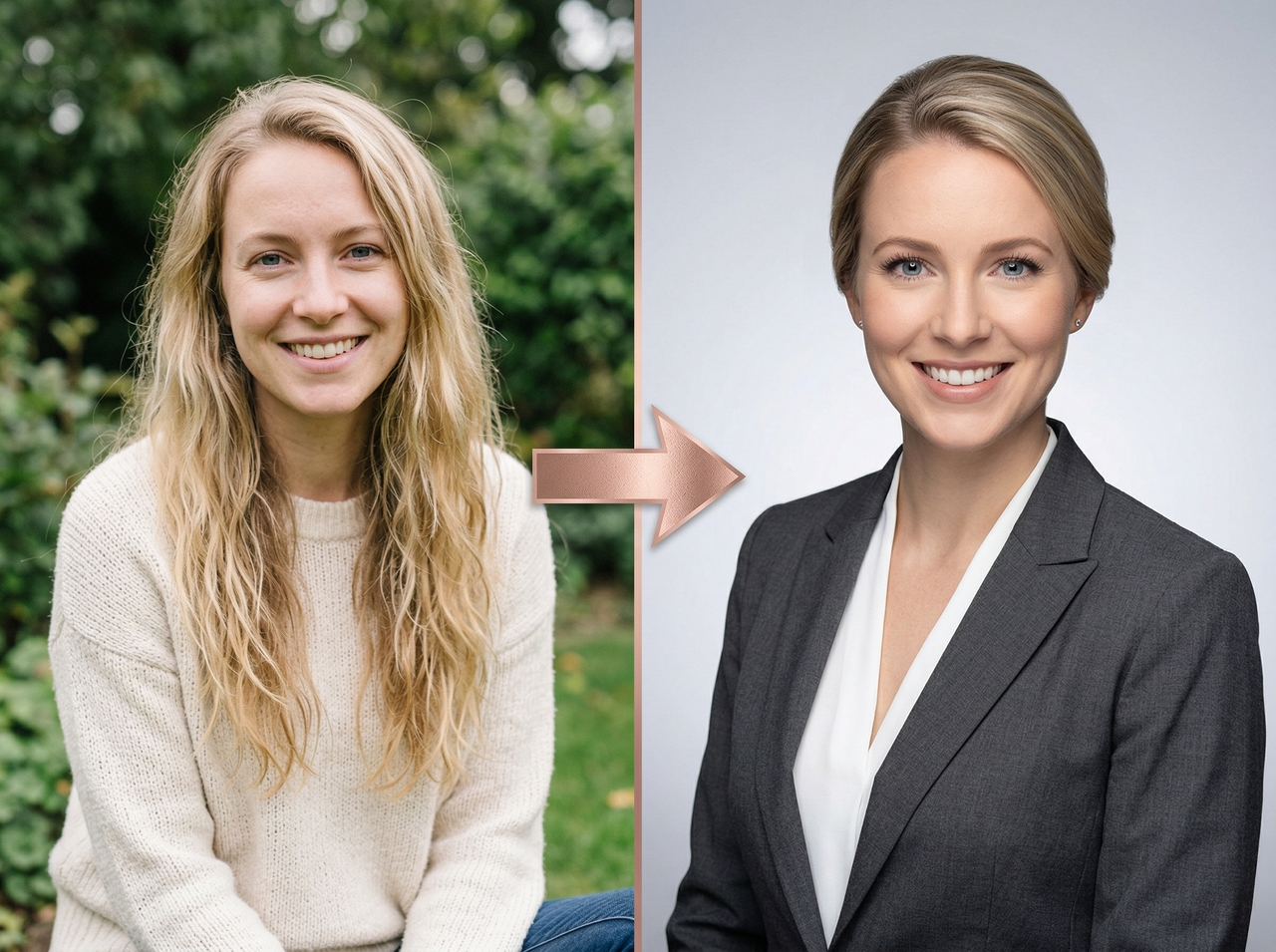
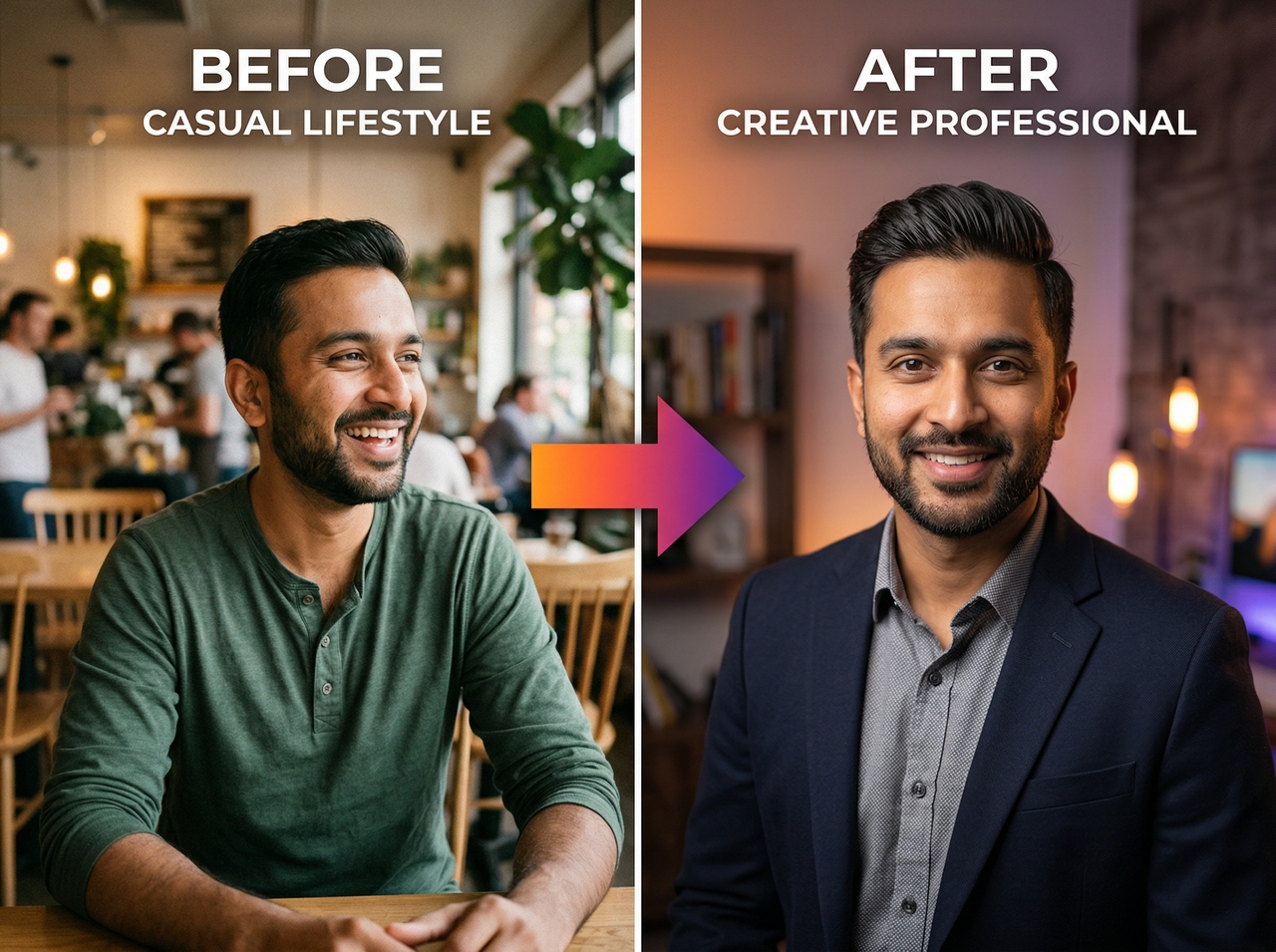
"Convert this photo into a creative LinkedIn profile picture with warm lighting and modern background."
Turn any selfie into a clean LinkedIn profile picture using Framia Pro!
Upload any casual photo and Framia Pro reconstructs it into a LinkedIn profile photo using Seedream 5.0, Nano Banana Pro, Flux Max, MidJourney v7, or Qwen Image. These models read your face geometry, apply studio-grade enhancement, and give you a sharp result.
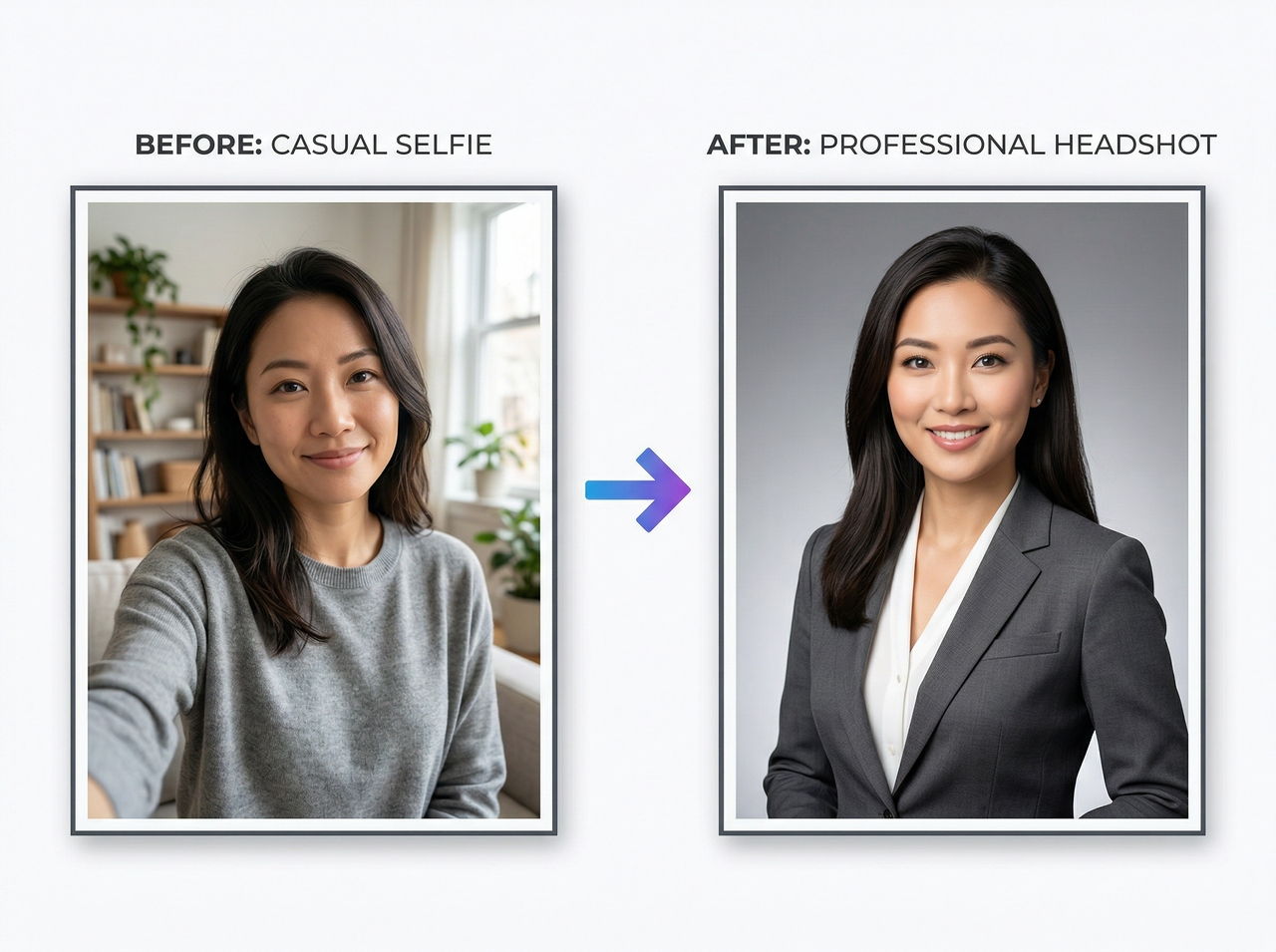
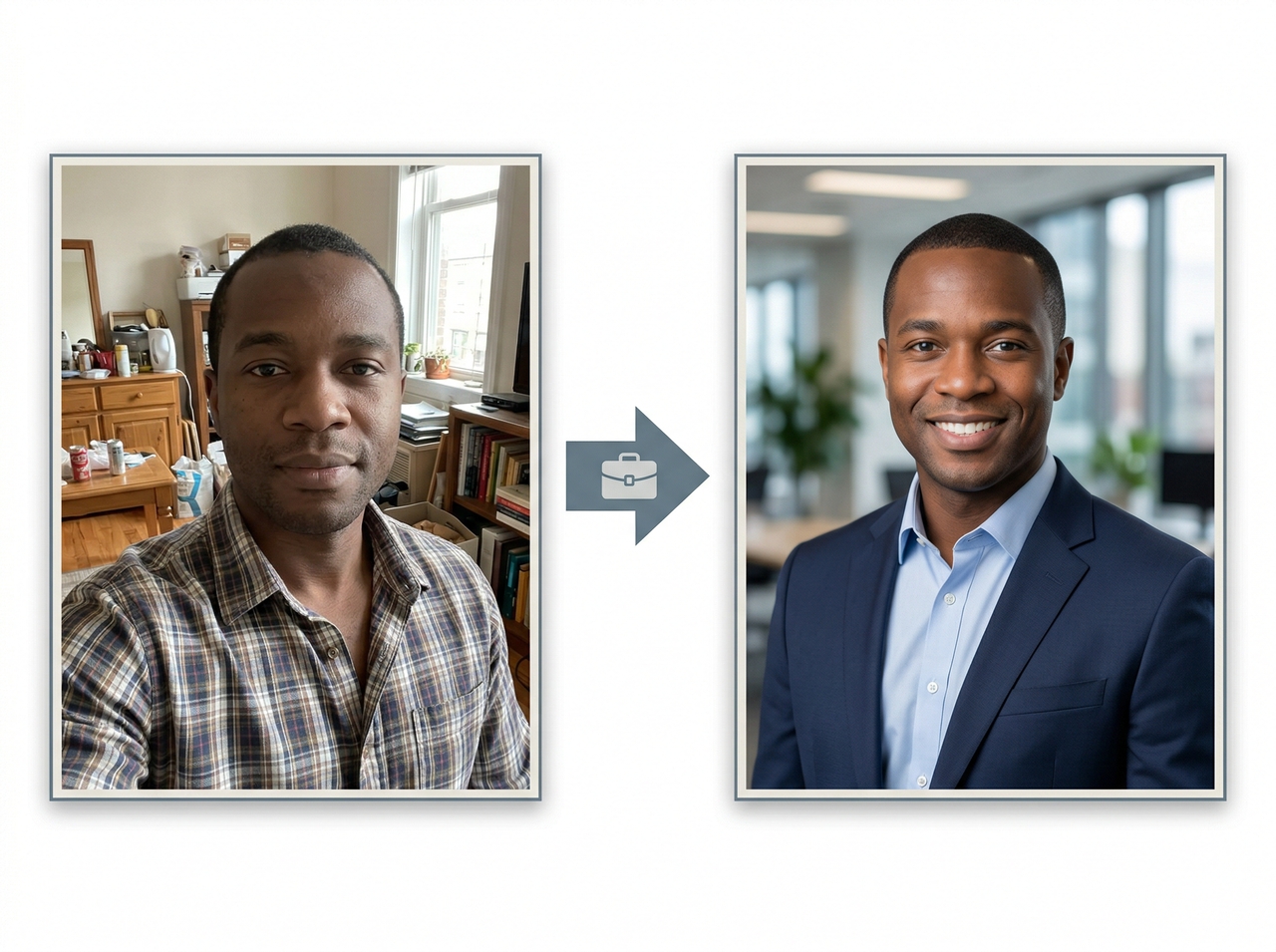
Replace surroundings with a clean office setting, gradient, or neutral studio backdrop by typing a single instruction. Framia Pro positions the new environment around your silhouette. It gives every professional headshot a clean look that builds instant credibility.
Correct uneven shadows, flat coloring, and low-resolution details through targeted written input. Framia Pro balances exposure, enriches skin texture, and sharpens face contours so your final LinkedIn photo maintains a consistently bright appearance on every viewing device.
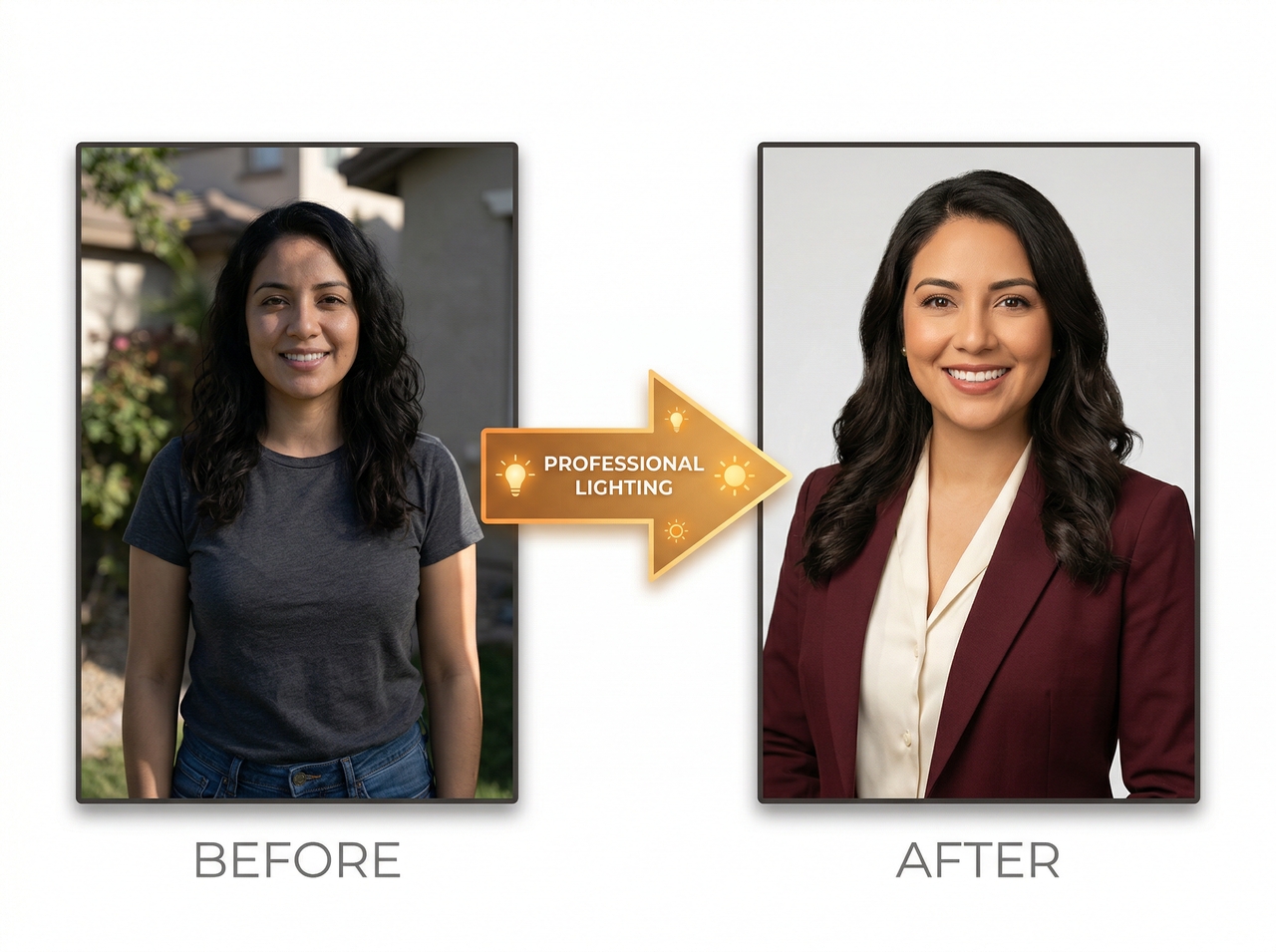
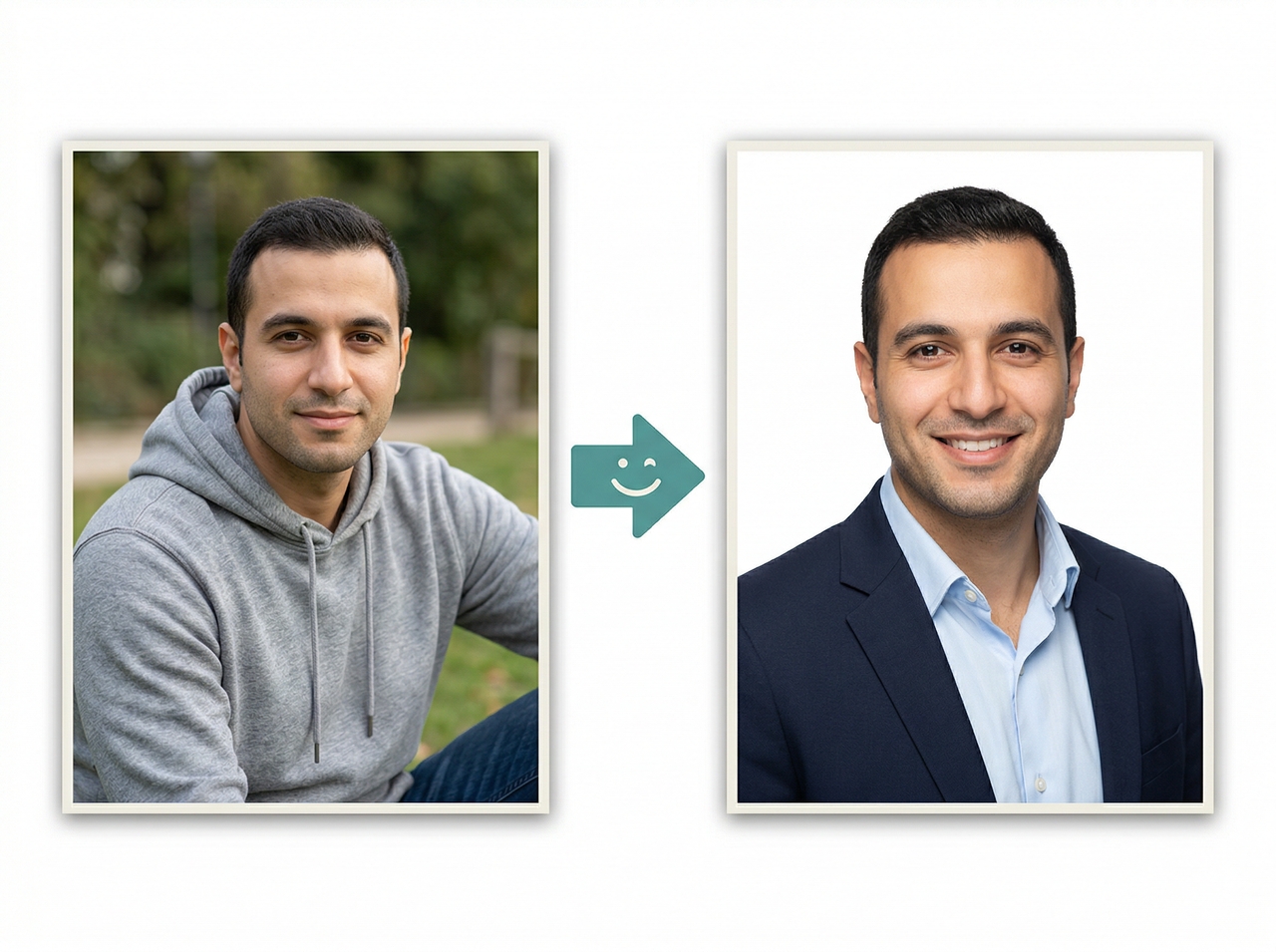
Generate several LinkedIn header image options from a single uploaded source without restarting the entire process. Each version explores a distinct mood, pose, or color scheme. This lets you compare outputs and select whichever choice most accurately represents your personal brand.
Adjust specific details like collar type, expression intensity, or backdrop shade using follow-up written commands within the same workspace. Each response builds on the prior version, so your ideal LinkedIn photo takes shape gradually with no manual intervention or repeated uploading.
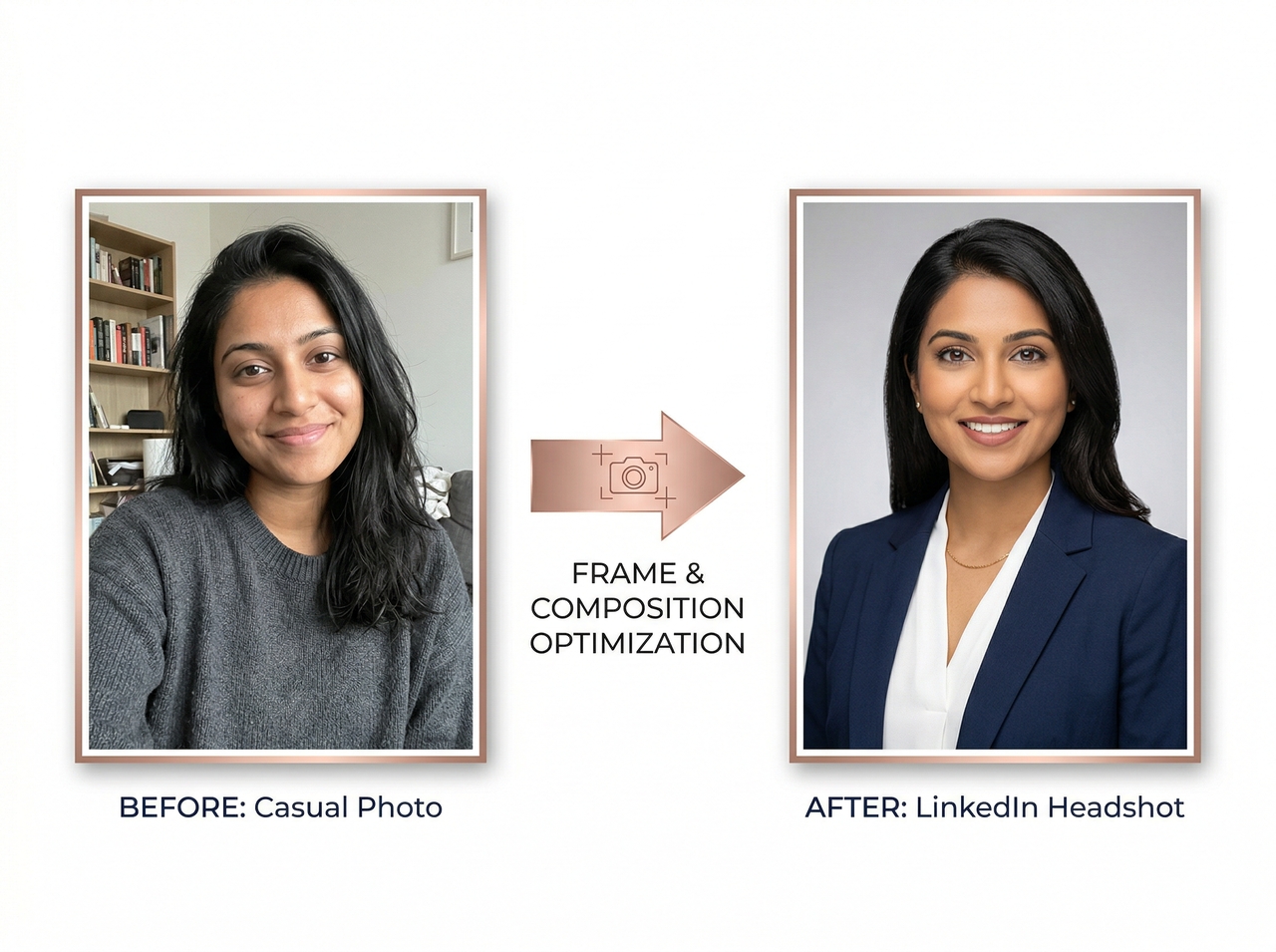
Here's how you can upgrade your LinkedIn profile image with Framia Pro:
Create clean LinkedIn profile images with Framia Pro using simple prompts and instant AI results.
Creators share how Framia Pro helped them update LinkedIn photos with ease and better results online.






Have questions or need assistance? Our team is here to help!
No photographer. No editing software. No waiting. Just upload, describe, and download a professional LinkedIn headshot!
