
1
Team Collaboration
Invite co-founders or department heads into the workspace. Review what the AI built together, leave notes, and iterate at the same time. Feedback lands while the app is still easy to change, not after launch.

Stop juggling AI tools for productivity. Describe the app you need, and Enter Pro builds, connects, and deploys it in minutes.
Here are three apps worth developing with Enter Pro:
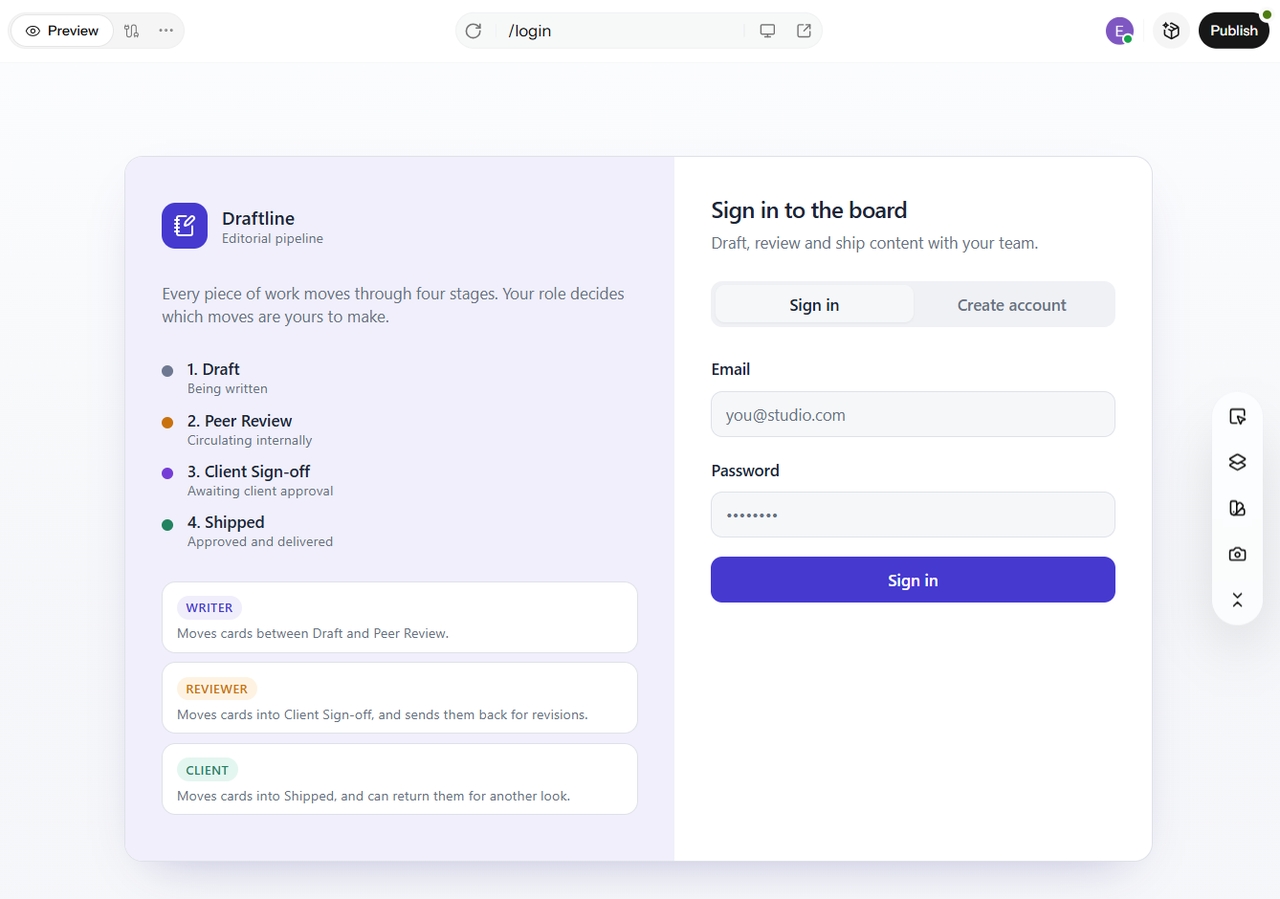
Let's say your team ships client work in four stages: draft, peer review, client sign-off, and shipped. Most task tools give you three generic columns. So people add tags and workarounds, and the board stops telling the truth. Here’s the prompt I’d use: “Build a Kanban board with Draft, Peer Review, Client Sign-off, and Shipped columns, with login and per-role permissions.” Enter Pro turns it into a board with your four columns, a login screen, and role-based access. You decide who can move a card to sign-off. Tasks are saved to a real database, so nothing vanishes on refresh.
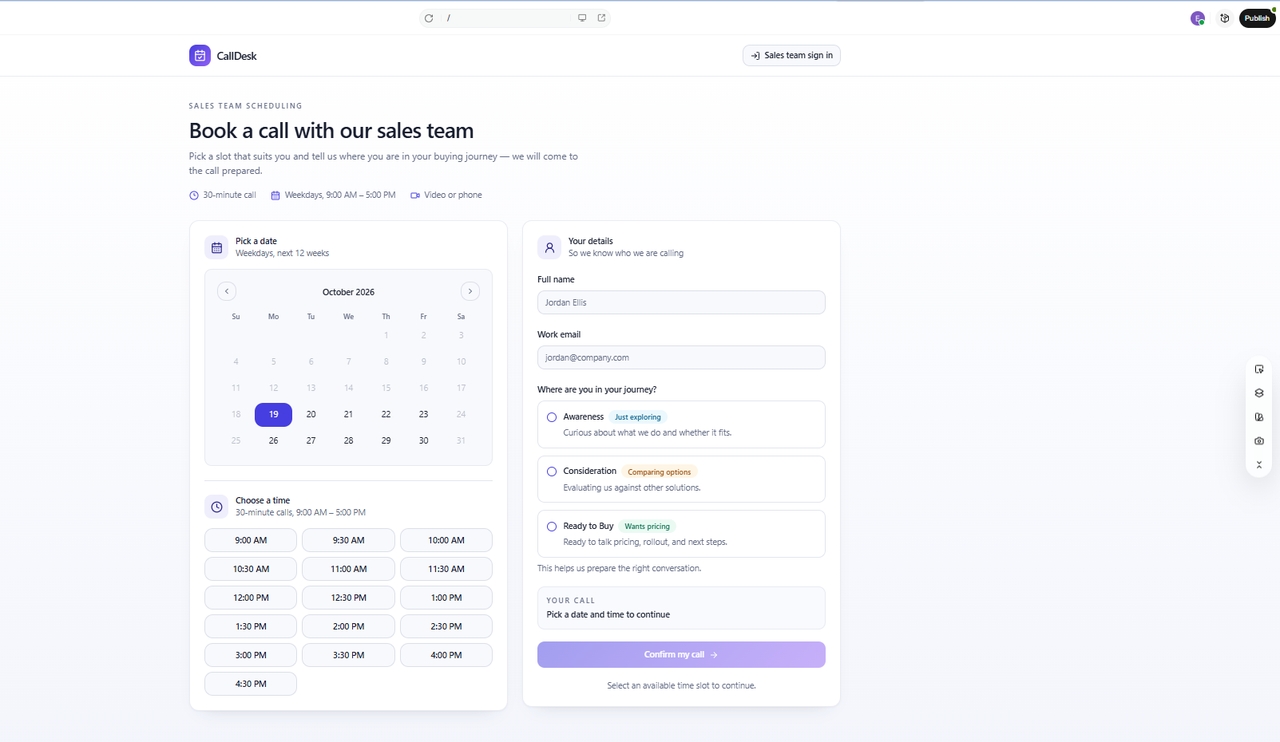
Booking links are simple. They’re also blind. They don’t know if a lead is cold, warm, or ready to buy, so every call looks the same. Try this prompt: “Build a scheduling app where prospects book calls by funnel stage, and save every booking to a database.” Enter Pro builds a calendar with database logic behind it. Each booking is saved with its funnel stage, so your team knows who they’re talking to before the call starts. Change the stages to match your own funnel. Planning campaigns too? See how AI for marketing works.
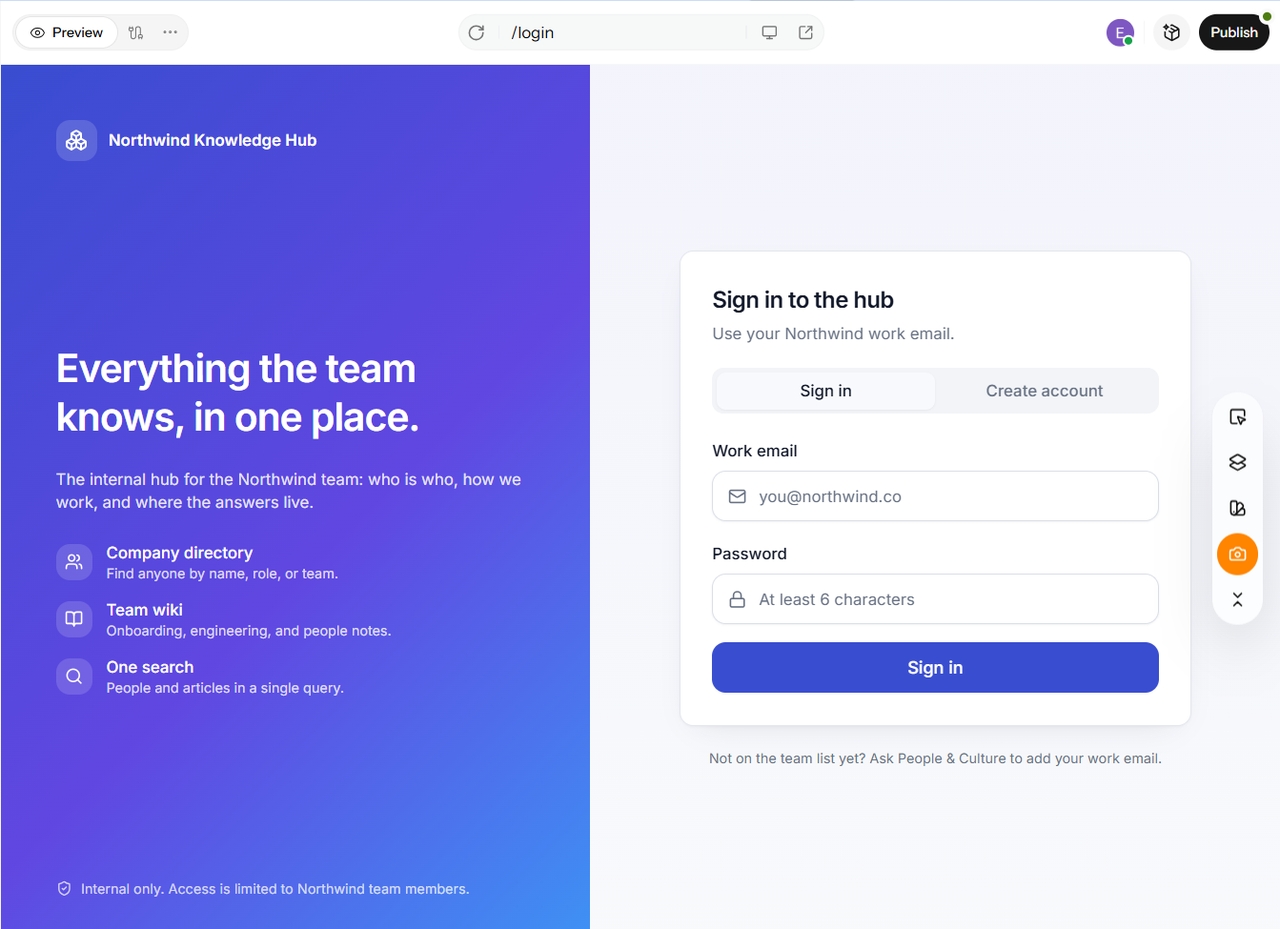
Company knowledge often disappears quickly. It becomes scattered across old chats, various documents, and resides in one person’s memory. As a result, new hires frequently ask the same questions multiple times. To address this issue, simply use one prompt: “Create a searchable company directory and wiki. Require a login so that only my team can access it.” Enter Pro builds a searchable wiki and directory that is protected by authentication. Only your team can access it. You can search for a name or a topic, and the information you need will be readily available. Best of all, you don’t need to write any code.
Building the app is half the story. These three features decide how well it works for a whole team.
Invite co-founders or department heads into the workspace. Review what the AI built together, leave notes, and iterate at the same time. Feedback lands while the app is still easy to change, not after launch.
Model choice is built into Enter Pro too. Switch between Claude 4.6 Sonnet and Gemini Pro, depending on which handles your logic better. If one model struggles with a tricky approval flow, try the other and compare.
When you are ready, export the complete source code and host it on your own servers. Enter Pro is a launchpad, not a confinement. Your app stays yours, whatever you decide next.
A scalable database, connected with zero configuration from the canvas. Your task cards, bookings, and wiki pages live somewhere safe.
Payments and subscriptions inside your app. Charge for what you build, whether that’s a client portal or a paid member area.
User tracking from the moment you go live. See which pages people use and where they drop off.
Seven steps take you from idea to live app. I’ll walk through one example: a team time-off tracker. It’s simple, and every step shows something real.
Log in and land on the start screen. Pick a community template to save time, or start with a blank project if you want full control.
Type what you need in the chat. Name the screens, roles, and data. For example: “Build a team time-off tracker where employees request days off, and managers approve or decline. Add login, a shared team calendar, and a database.” The more specific you are, the less you fix later.
Open the code view before anything builds. You’ll see what the agent wrote and how the pieces connect. Read it closely or skim it. Nothing is hidden.
The agent lays out its plan first. Check it, then click Build Now. A progress view shows the app coming together.
Once the build finishes, open the preview. Use the app like your team would. Log in, submit a request, and check that it shows up on the calendar. Spot something off? Note it now, before you edit.
Now fix what you noticed. Click any element on the canvas to change its style or the code behind it. It works from any device, and you don’t need to re-prompt for a color tweak.
Hit Publish, and you get a live URL. Share it with your team. Employees can start requesting days off right away.
Stop collecting AI tools for productivity. Build the one your team needs. Every extra subscription adds another login, another bill, and another workaround. Enter Pro takes the opposite route. Ready to try it?
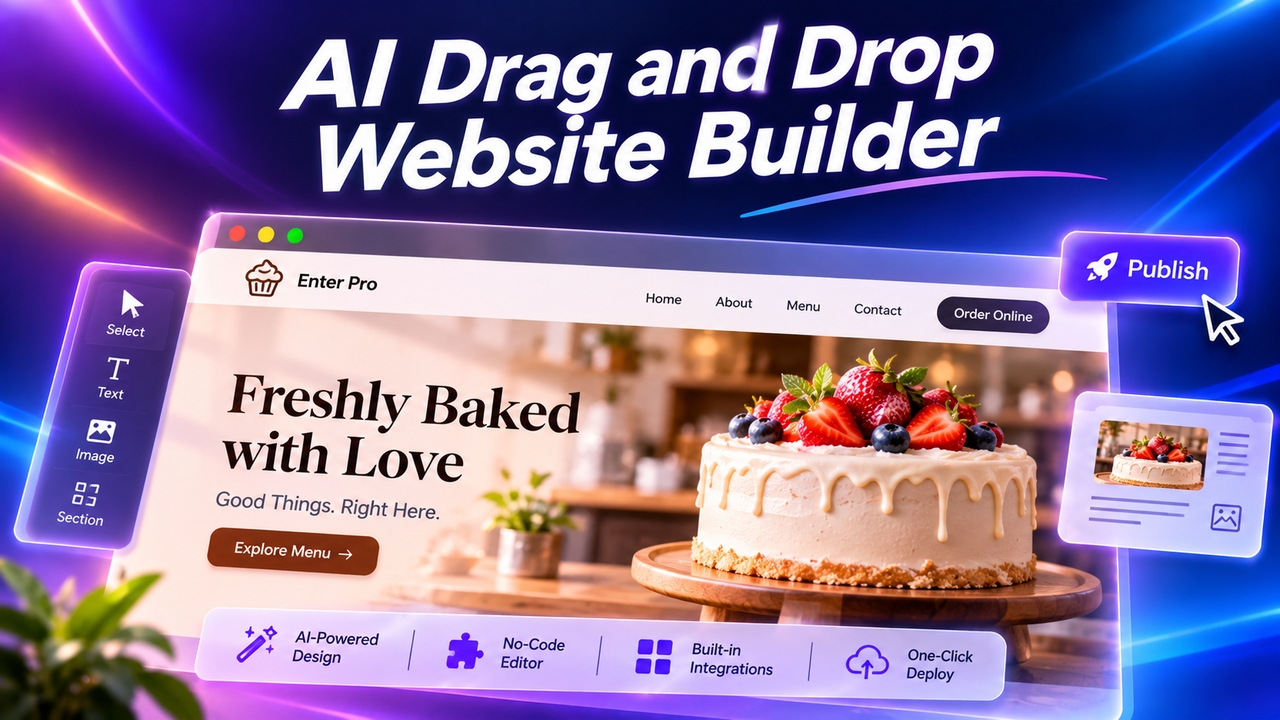
Want an easy drag-and-drop website builder? Enter Pro lets you skip dragging: describe your site, let AI build it, click any element to edit, and publish.
November 11, 2026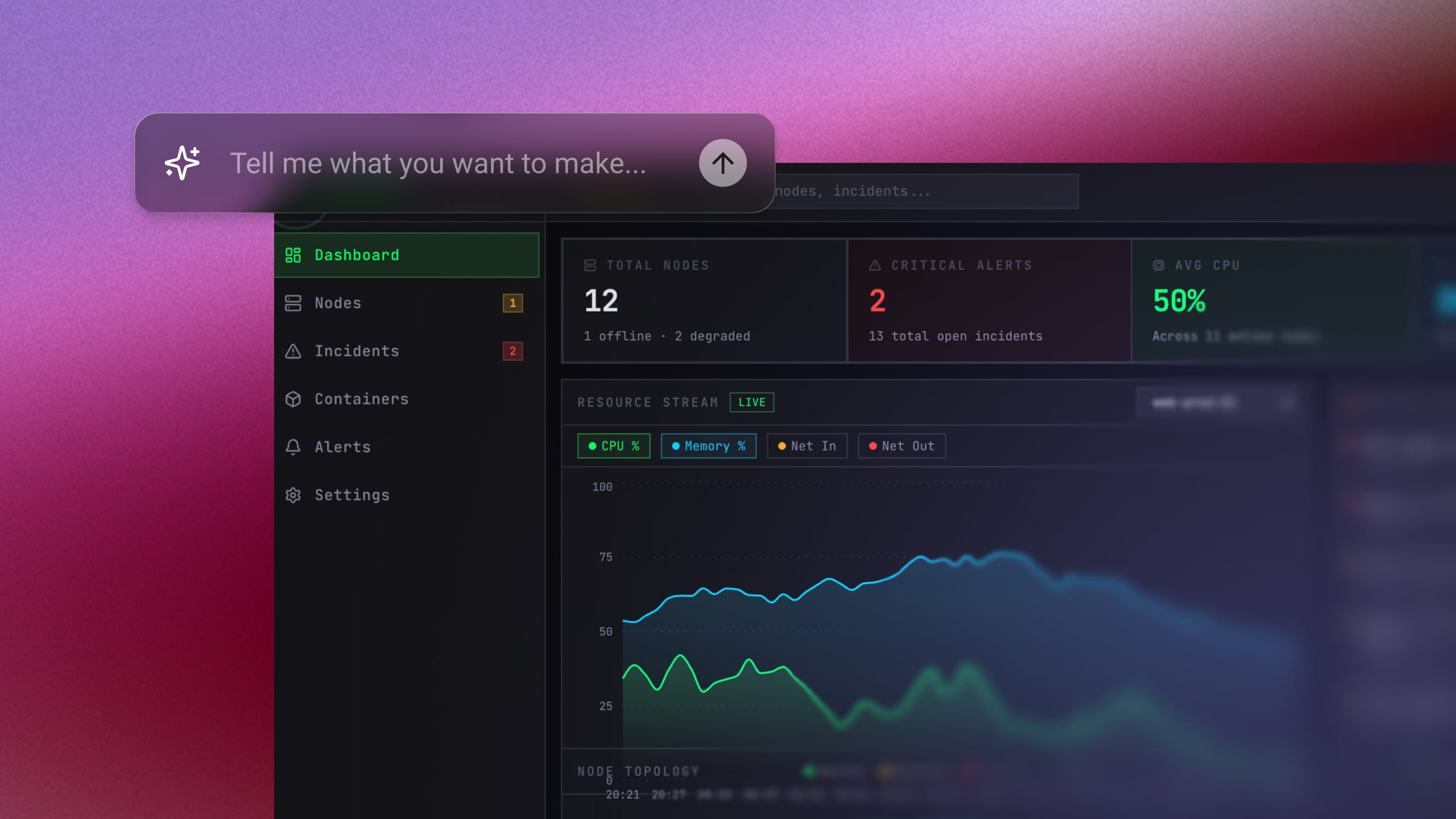
Use an AI MVP builder to turn a simple prompt into a working product. Generate, refine, connect tools, and launch your MVP without a big dev team.
November 6, 2026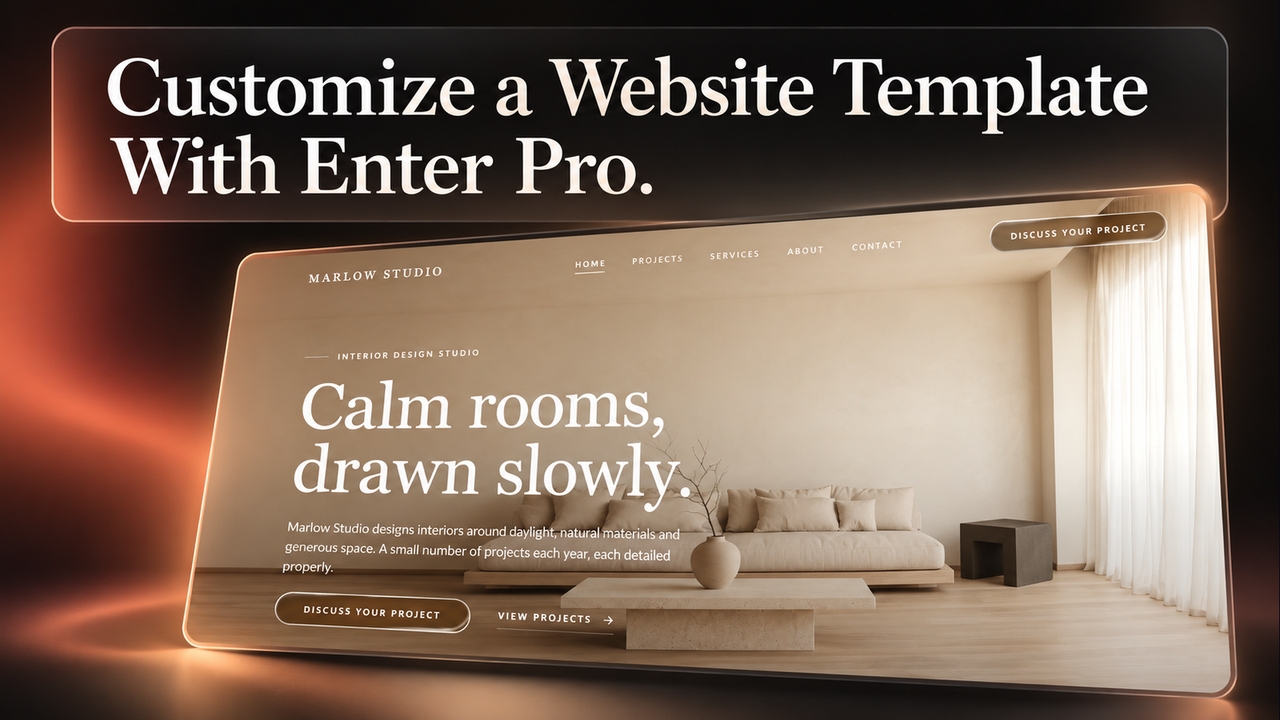
Use Enter Pro website templates to create responsive pages, customize layouts, connect enquiry forms, and publish an editable site that fits your brand.
November 5, 2026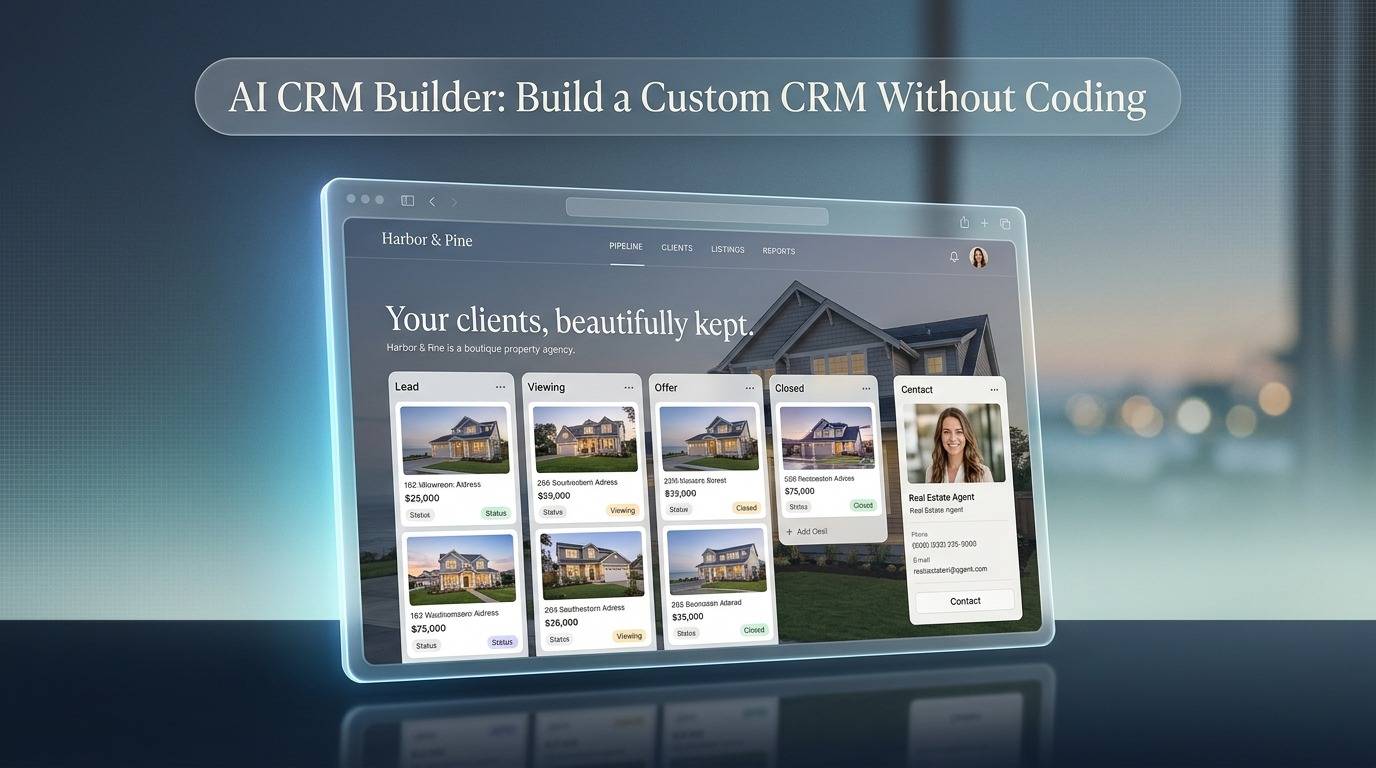
Use Enter Pro’s AI CRM builder to create a custom CRM without code. Build pipelines, dashboards, and automations from one prompt, then deploy in one click.
November 5, 2026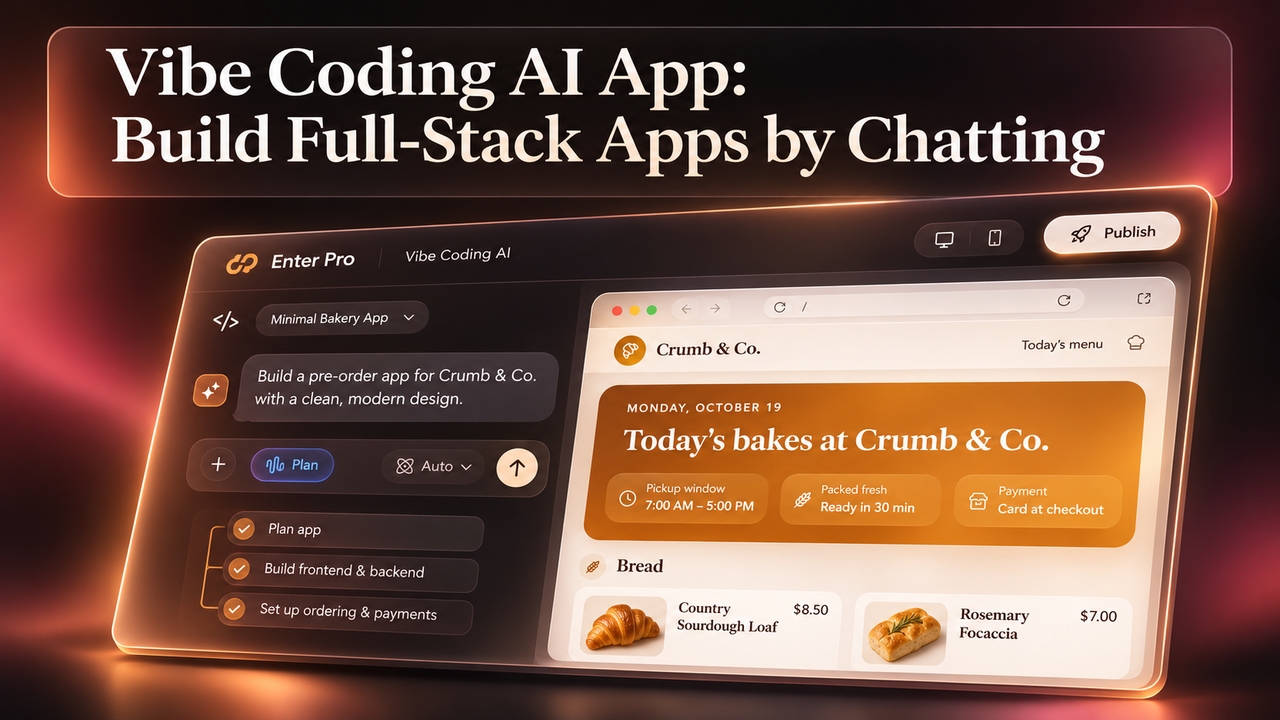
Vibe coding AI that plans before it builds. Describe your app in plain words and Enter Pro creates the frontend, backend, and database. Start for free.
November 5, 2026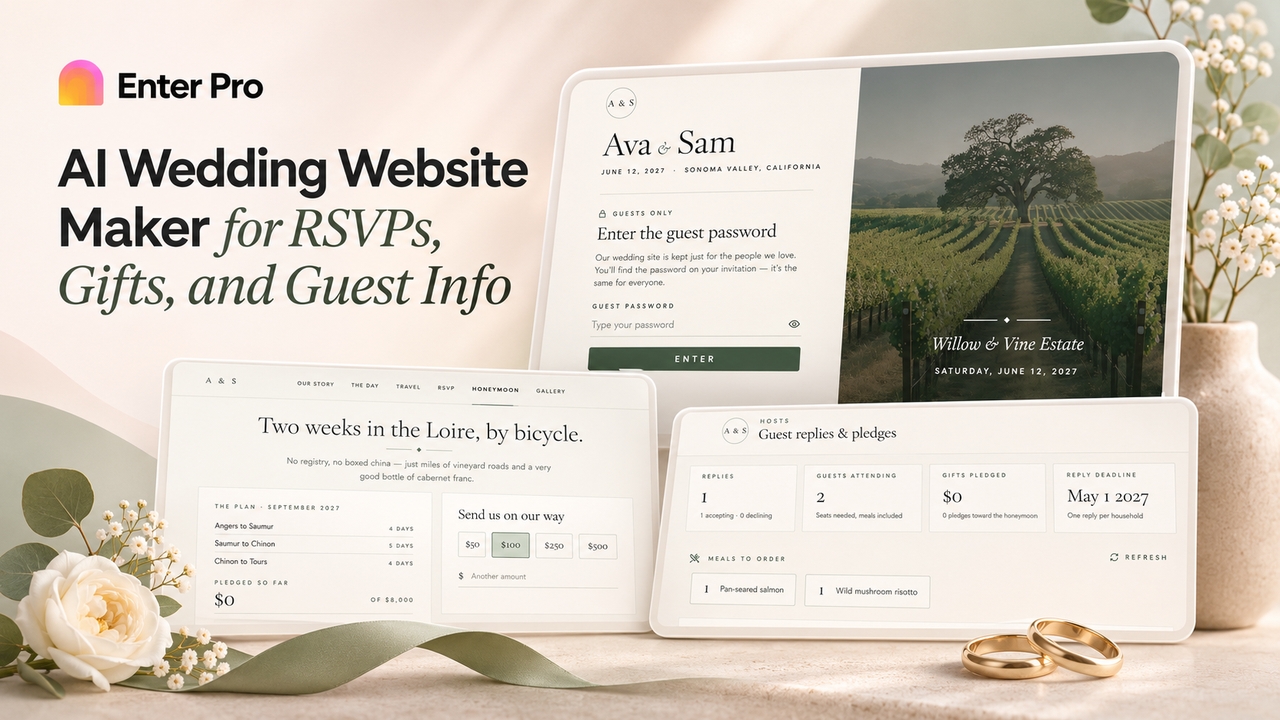
Create a custom wedding site with Enter Pro's free wedding website maker. Add RSVPs, schedules, cash gifts, and password protection, then publish and share.
November 5, 2026