

AI Drag and Drop Website Builder

Describe your business and Enter Pro's AI creates every page for you, then edit any element visually and publish, with no code to write.

Key Features of Enter Pro's AI Website Builder

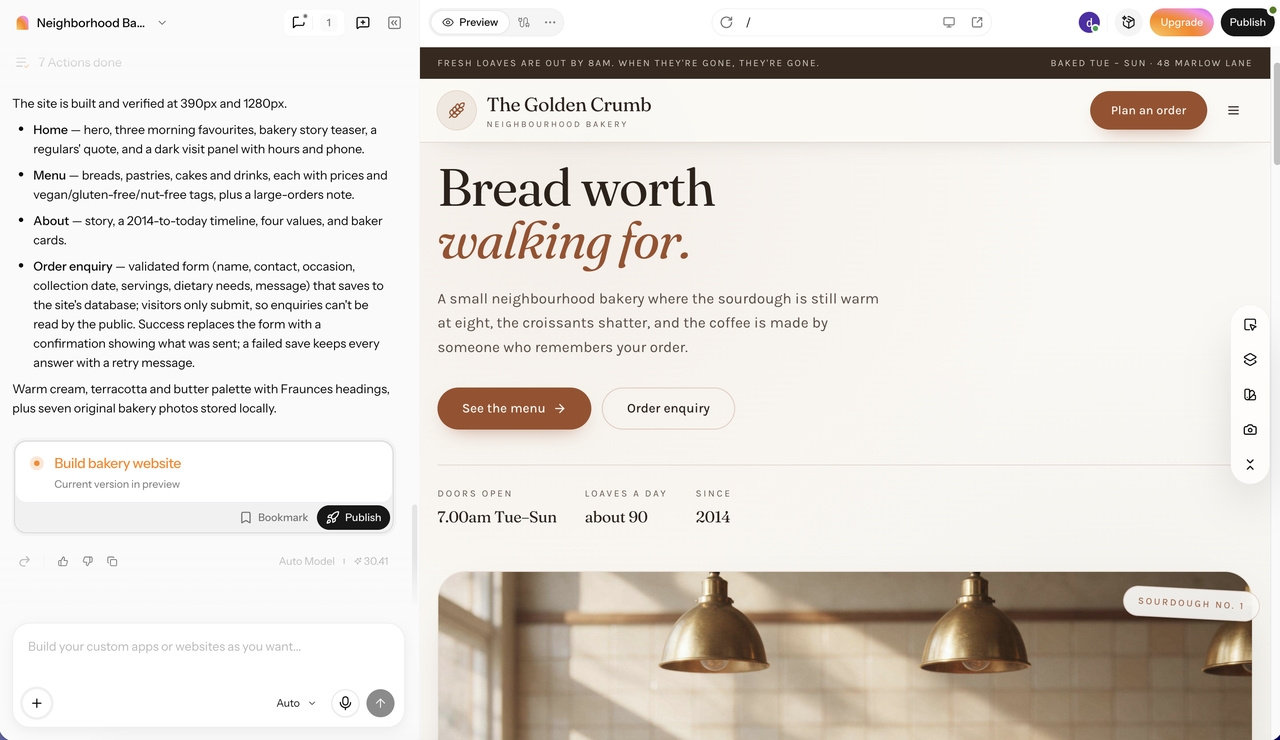
From prompt to a complete website

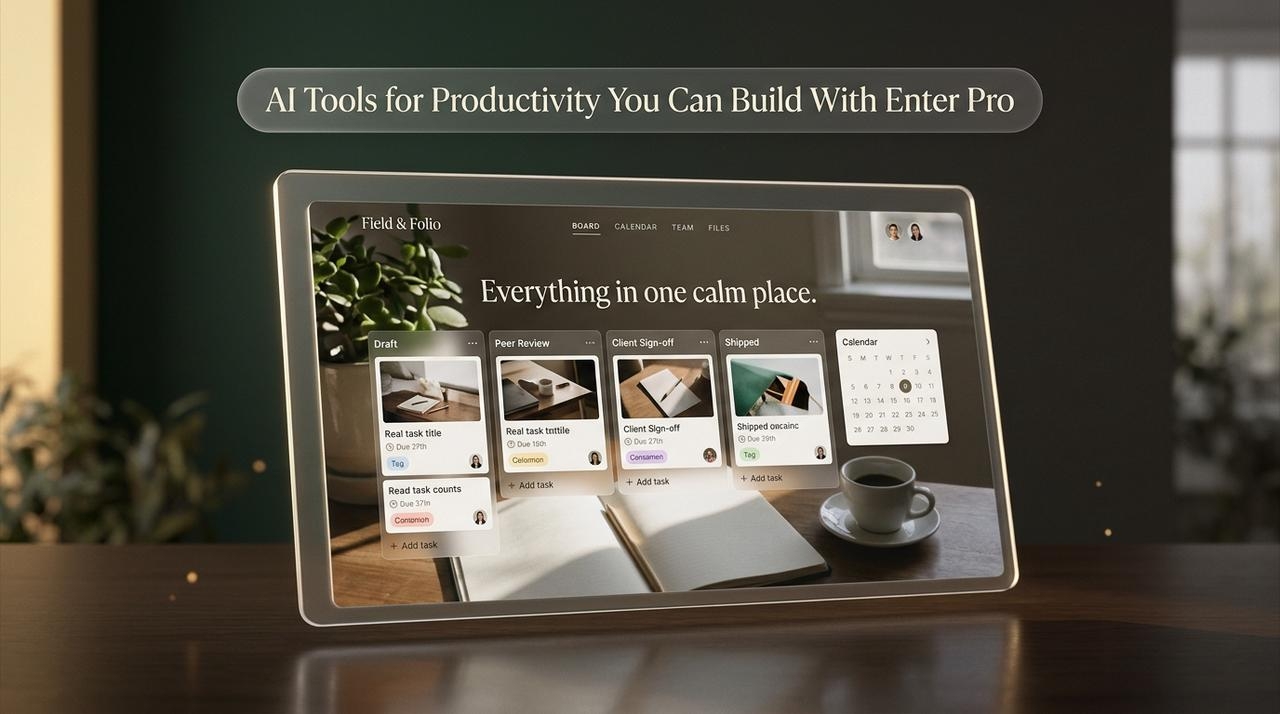
Describe your business, the pages you need, and the style you like, and Enter Pro generates a responsive, multi-page website with connected pages and editable content. You get a full first draft in minutes instead of building every section from a blank template, and Plan Mode lets you review the proposed pages and structure before anything is generated.

Start building
AI website builder generating a complete website
No-code website editor with visual customization tools

No-code visual editor

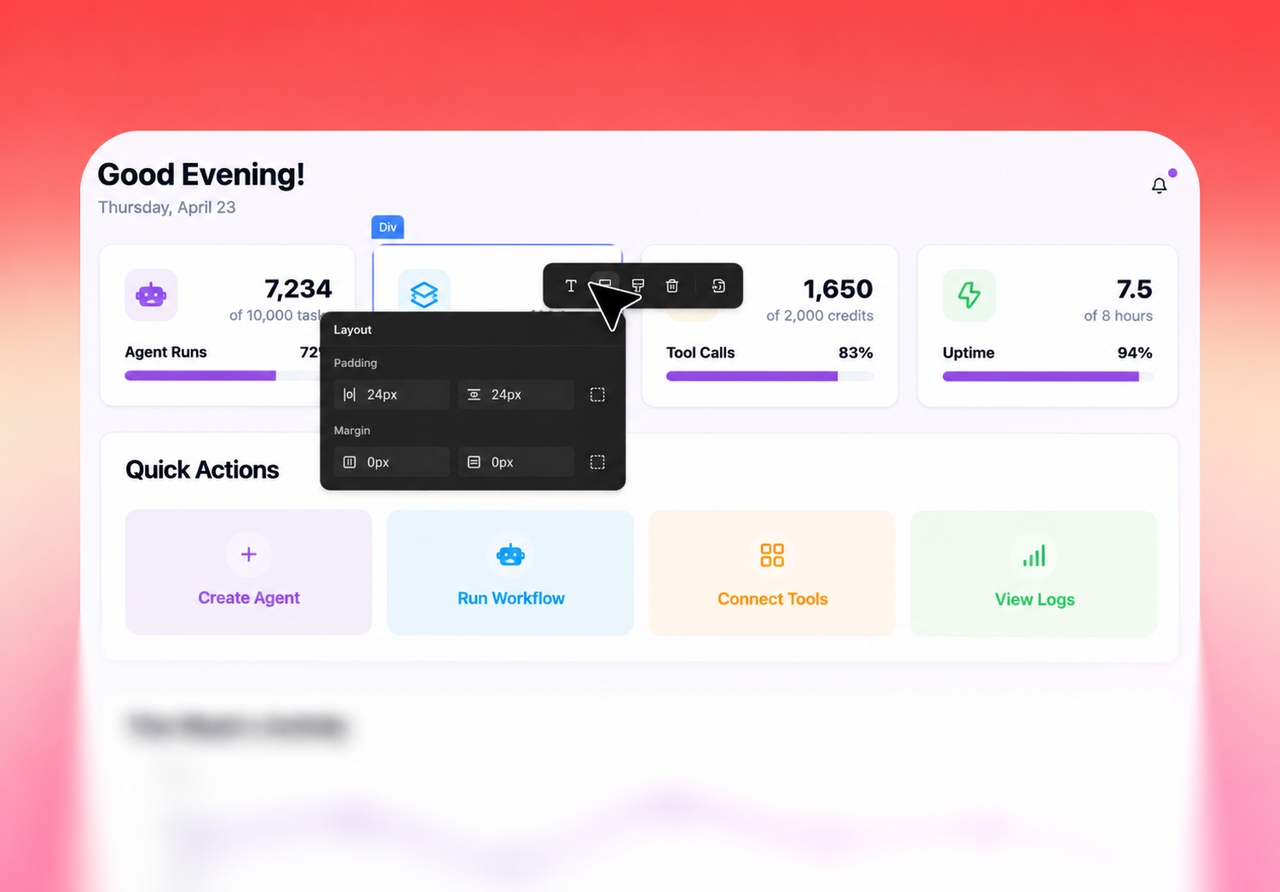
Click any heading, button, image, or card in the live preview to change its text, font, colors, alignment, and spacing in the settings panel of the visual editor. Every page is responsive by default, and version history lets you roll back any change.

Try Enter now

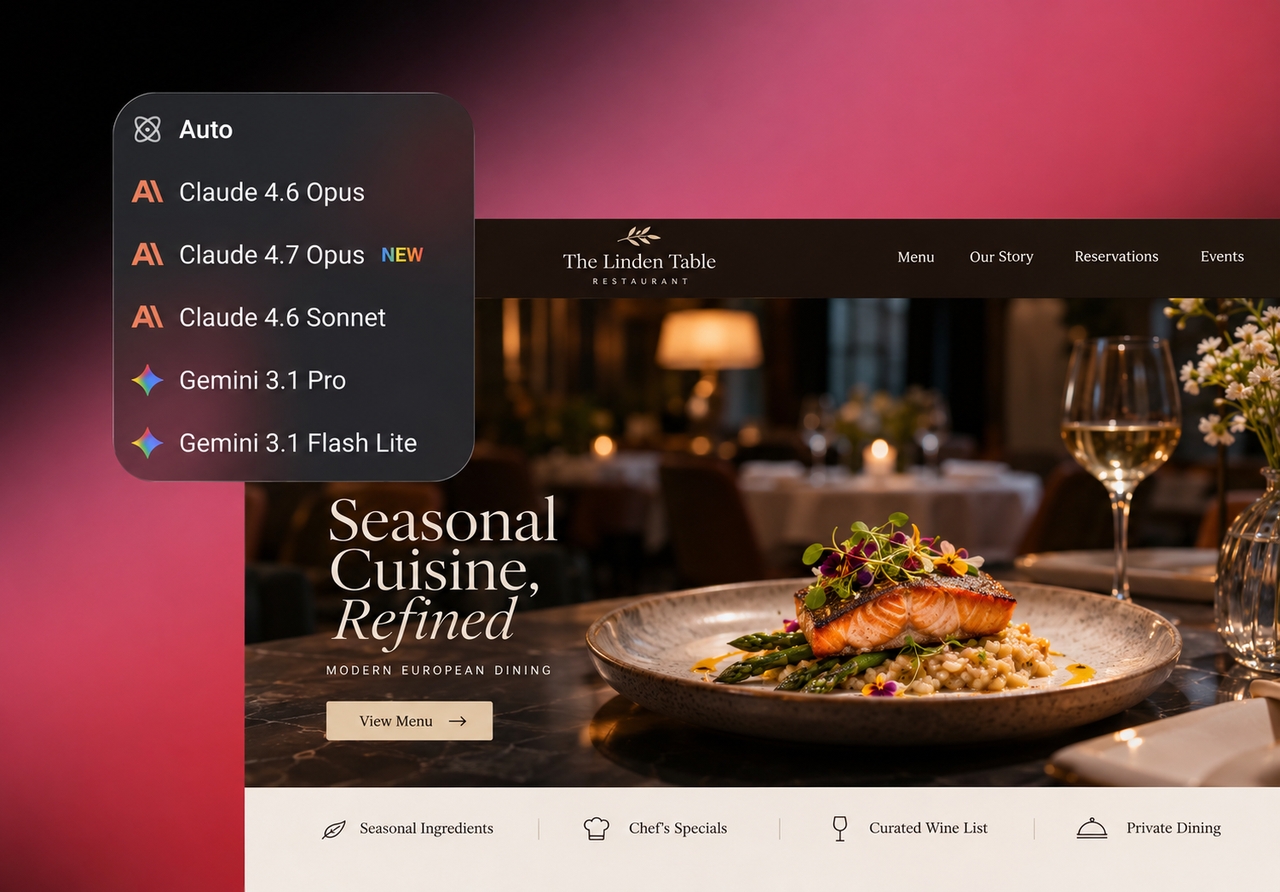
Leading AI models in one workspace

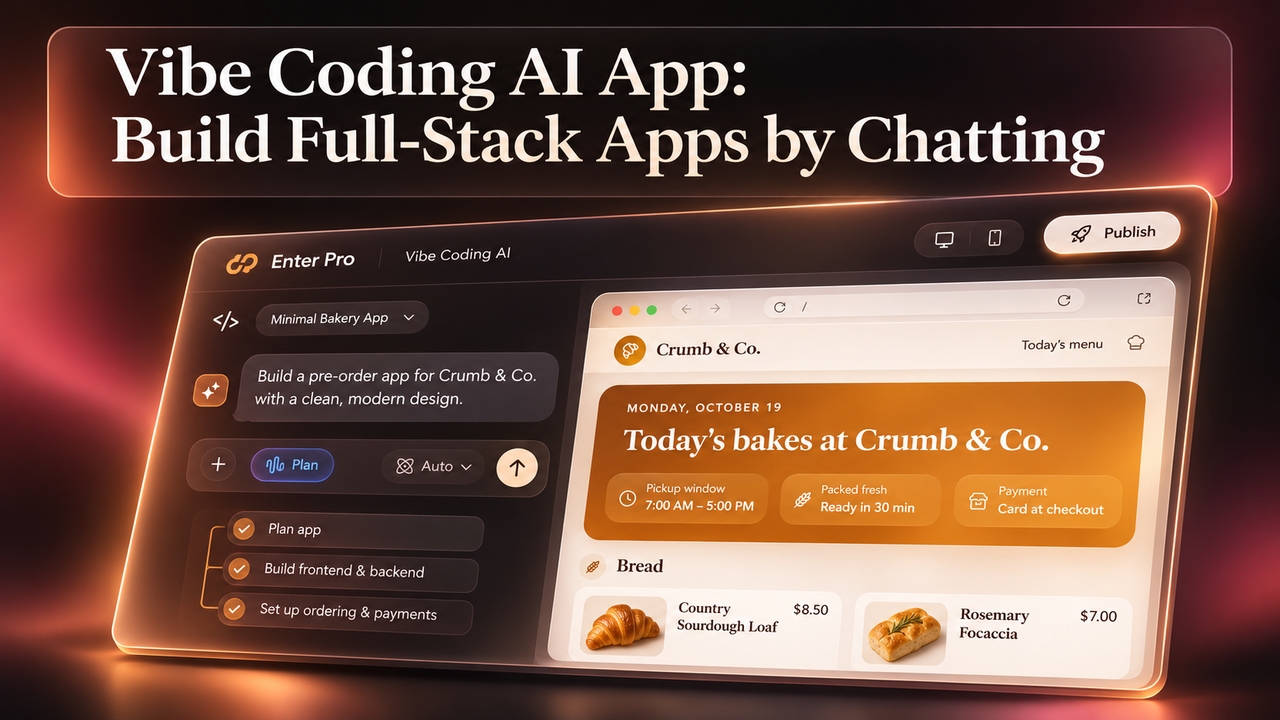
Ask the AI chat to add a new section, a pricing table, or a whole new page, and choose the model that does it, including GPT, Claude, and Gemini. Bigger layout changes take one sentence instead of a search through a block library, and you can switch models without managing separate AI subscriptions.

Start building
AI models for website design and content creation
Website builder with backend tools and one-click publishing

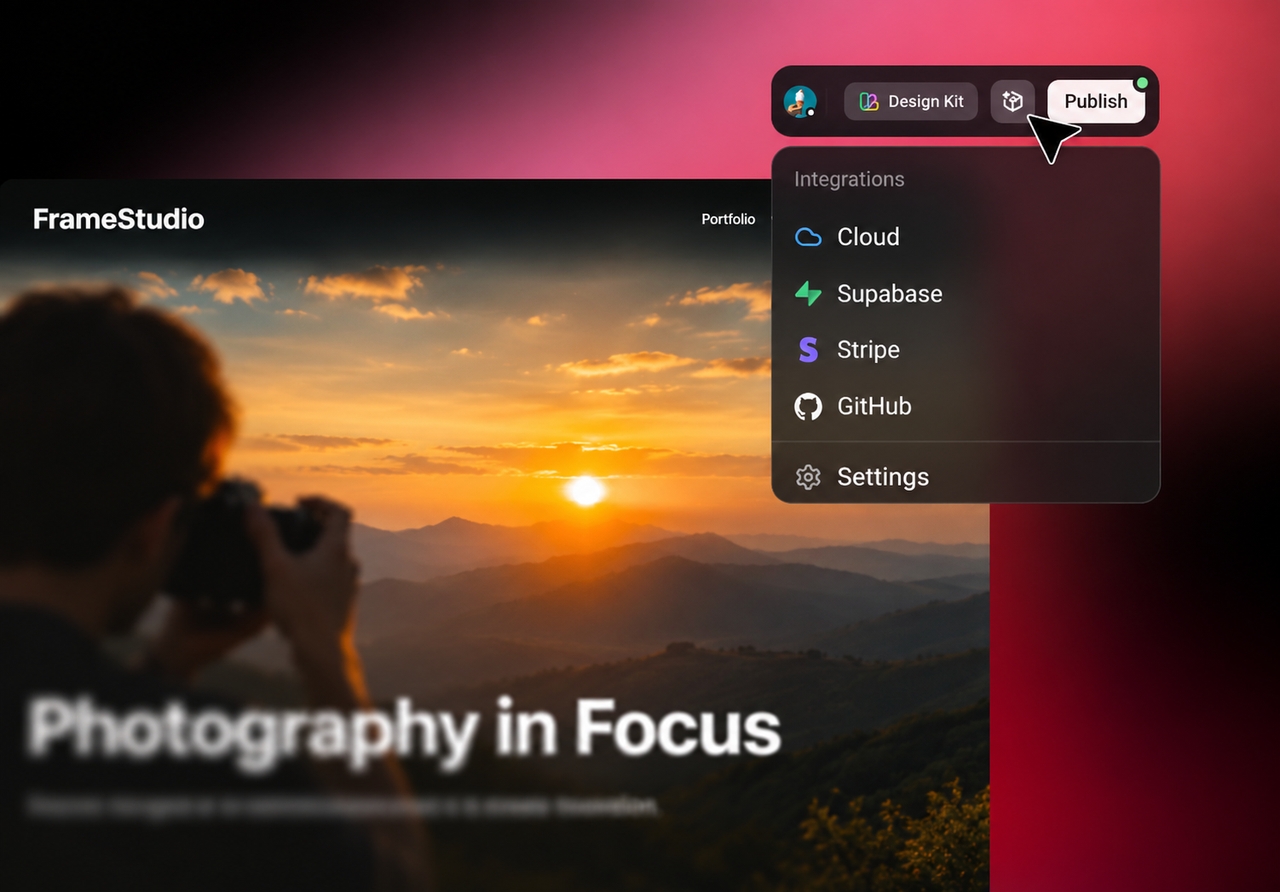
Built-in backend, integrations, and one-click publishing

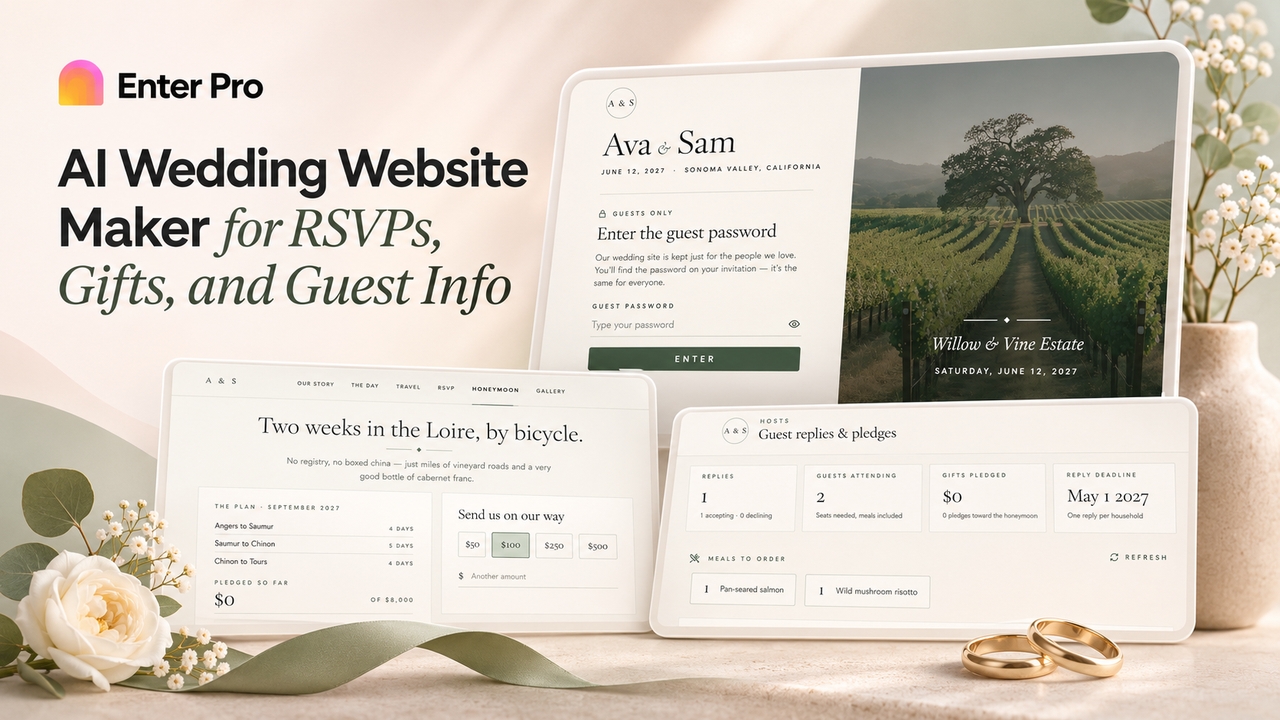
Add working contact forms, sign-in, and a database with Enter Cloud, connect Stripe for payments, Supabase for data, and analytics to track visits. When you're ready, publish in one click and connect your own custom domain.

Try Enter now

Why Choose Enter Pro's Drag and Drop Website Builder

1

AI builds the first version for you

Enter Pro turns one description of your business into a complete, multi-page site, so you start from a finished draft that matches your content instead of an empty template. That makes it a great drag-and-drop website builder for people who don't want to design every section from scratch.
2

Forms, sign-in, and payments built in

Most website builders stop at pages and leave forms, logins, and payments to paid plugins that you have to connect and maintain yourself. Enter Pro includes Enter Cloud for forms, user accounts, and a database, plus Stripe for payments, in the same project. The site you launch today can take bookings, collect leads, or sell products tomorrow, without third-party plugins or a developer to wire them together.

3

Real code you own

Some builders keep your site locked inside their platform, so moving or extending it later means starting over. Enter Pro generates an editable React project behind every site. Developers can open the code, sync it to GitHub, and keep building beyond what any visual editor allows, so the website you start with today can grow into a bigger product without being rebuilt.

How to Build a Website With an AI Drag-and-Drop Website Builder

Describe your website

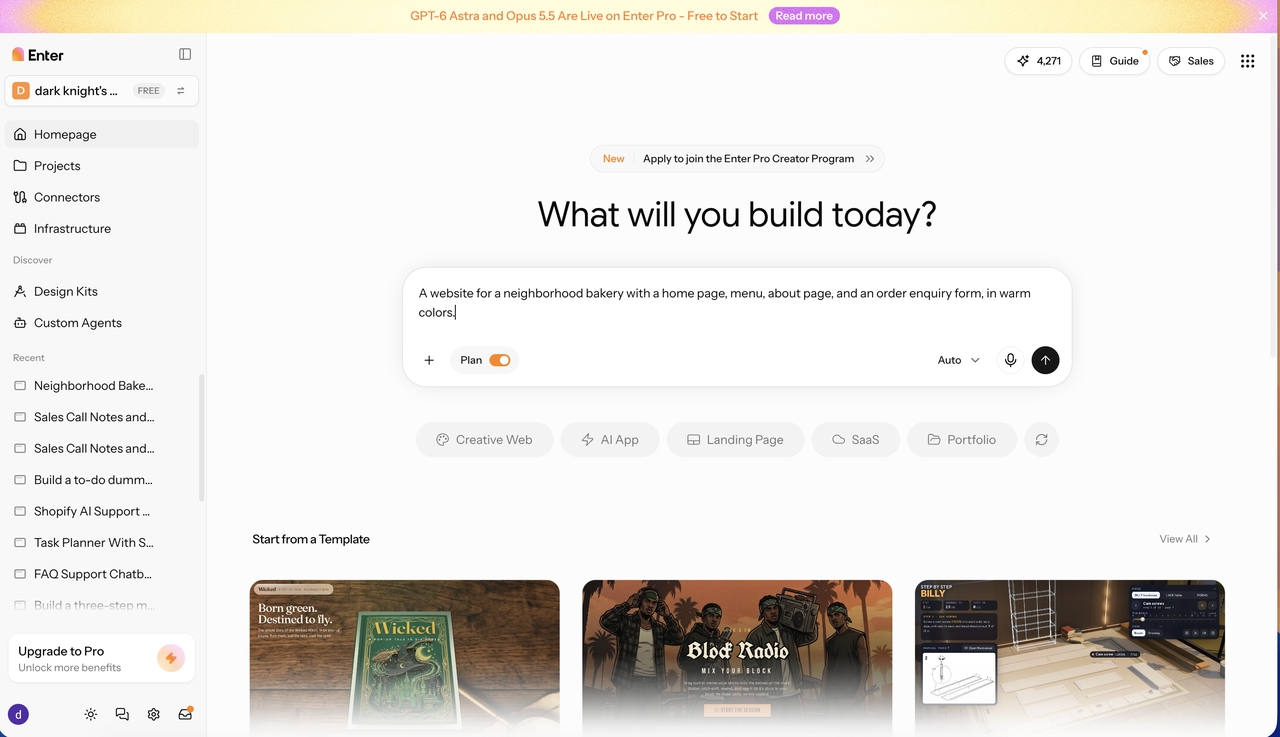
Step 1: Describe your website

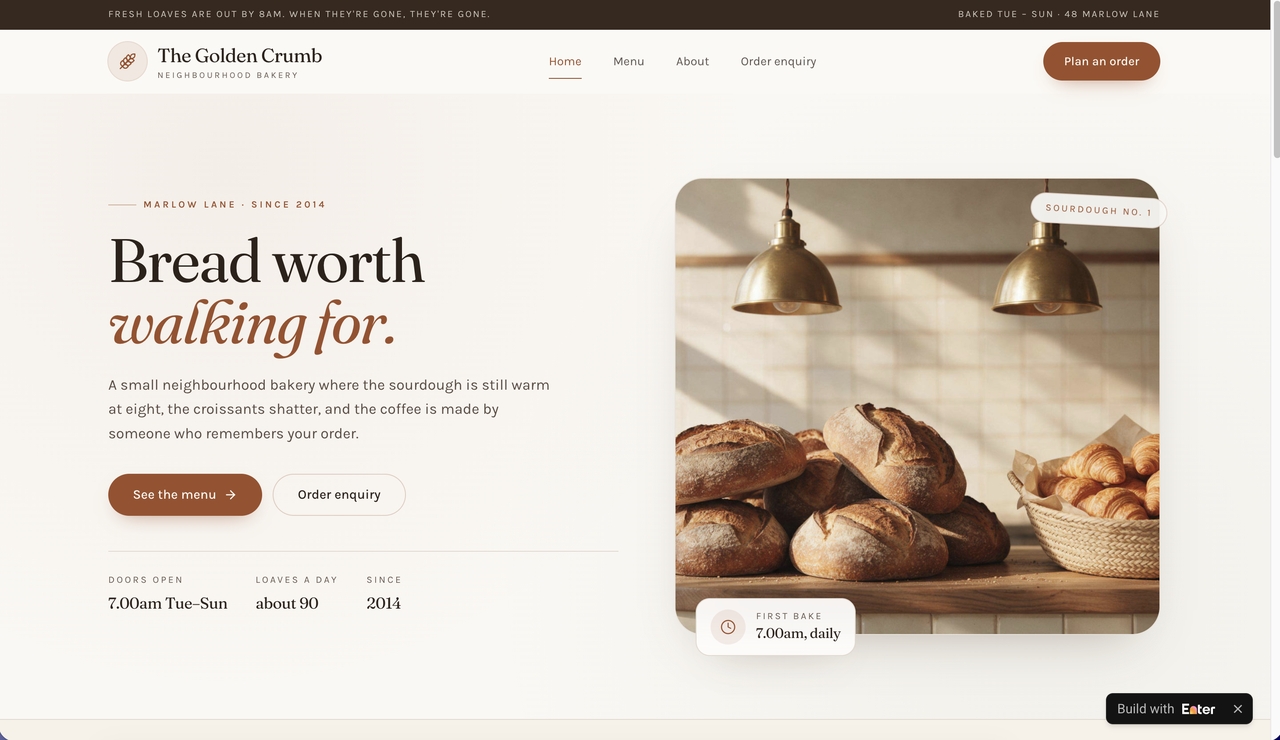
Tell Enter Pro about your business, pages, and style, for example: "A website for a neighborhood bakery with a home page, menu, about page, and an order enquiry form, in warm colors." Keep Plan Mode on to review the pages Enter Pro proposes, then generate the site.

Edit visually

Step 2: Edit visually

Open the live preview and click any heading, image, button, or section to change its text, font, colors, and spacing in the settings panel. For bigger changes, such as adding a testimonials section or a new page, describe them in the chat. Check the desktop, tablet, and mobile views before you move on.

 Publish your sie from Enter Pro

Step 3: Publish and connect your domain

Publish the site in one click to get a live link you can share. Then open Settings > Domains, add your own custom domain, and point a CNAME record to it so visitors see your brand's address.

Popular Use Cases for Enter Pro's Website Builder

Small business website with online ordering

Small business websites

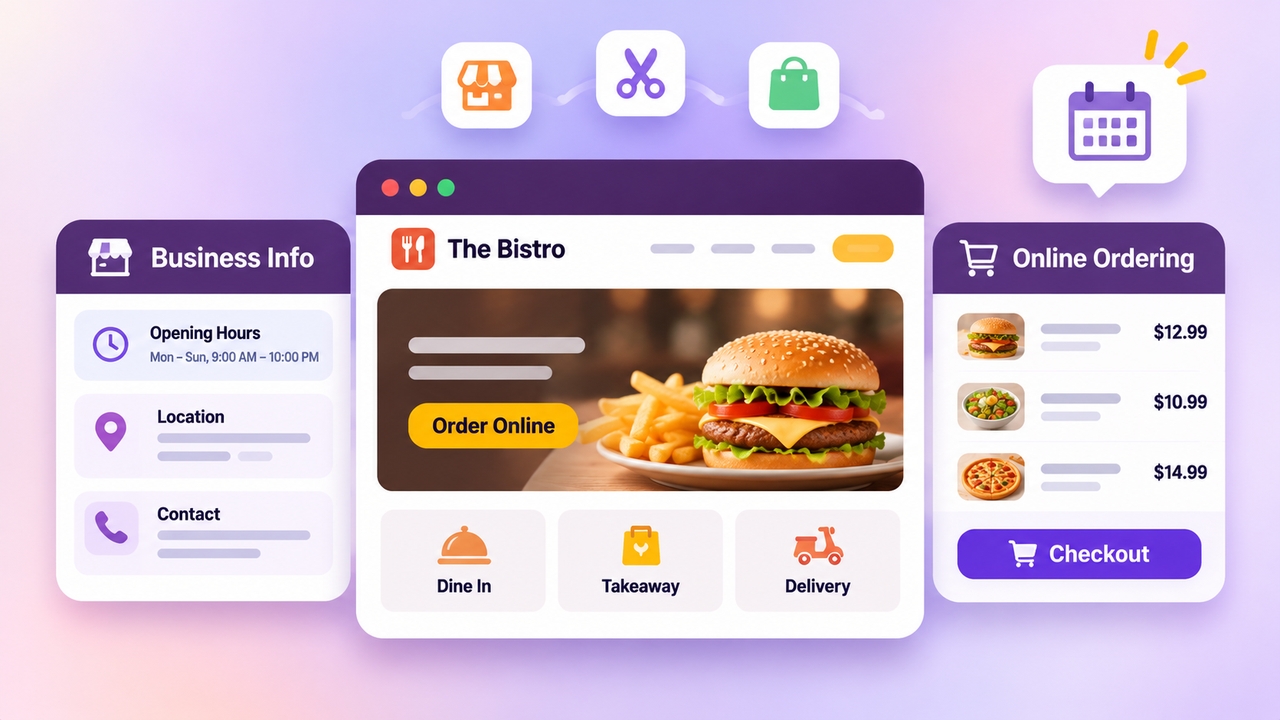
Launch a site for a restaurant, salon, bakery, shop, or local service with opening hours, a menu or product list, and a contact form. Add Stripe payments so customers can order online or pay a deposit for a booking, and keep the menu and prices current by editing them directly in the preview. Local customers find your hours and offers on one fast, mobile-friendly site instead of scattered social posts.

Portfolios and personal brands

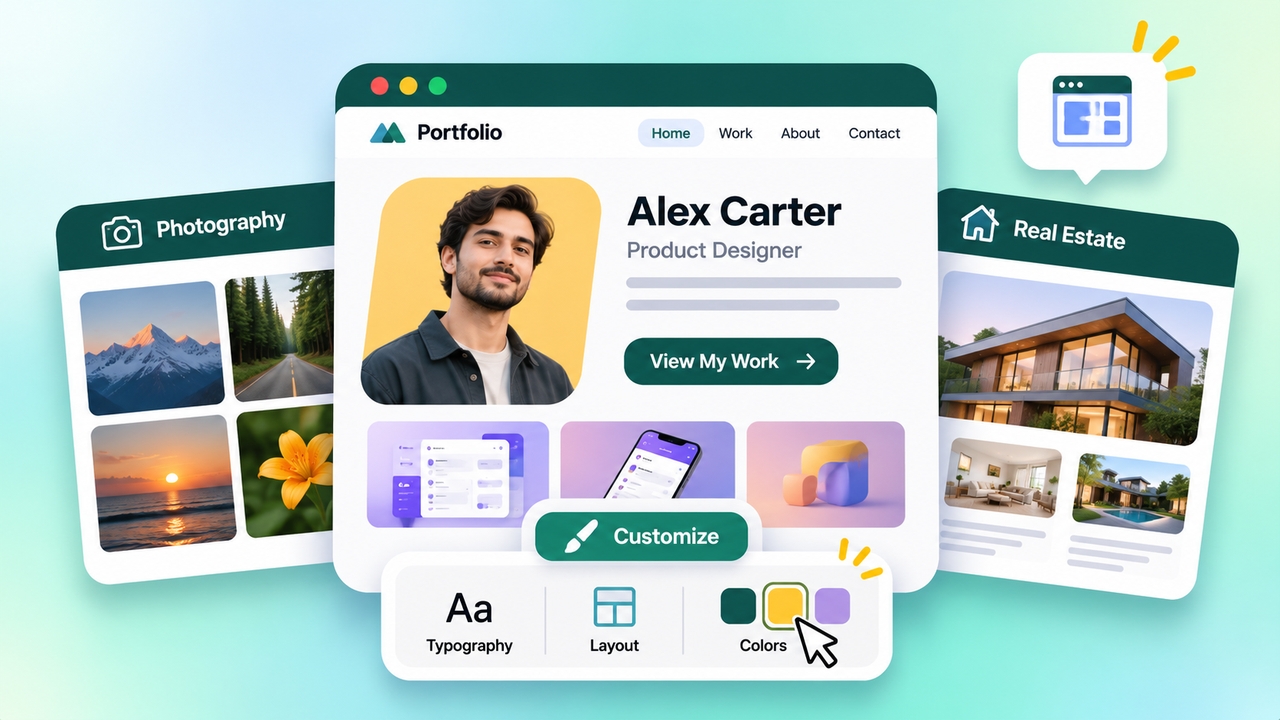
Start with customizable website templates for designers, photographers, real estate agents, and consultants, then make them your own. Swap in your photos, case studies, and testimonials, change fonts and colors to match your brand, and add a contact or booking form so visitors can reach you. A portfolio on your own domain looks more professional than a profile on someone else's platform.

Personal portfolio website with customizable templates
Event landing page with countdown and registration

Landing pages for launches and events

Build a one-page site for a product launch, workshop, or event with a sign-up form, schedule, and countdown, and publish it the same day. Registrations are stored in your database, so you can see who signed up without exporting from a separate form tool. After the event, update the page with recordings or the next date instead of building a new one.

What Users Are Saying About Enter Pro's Drag and Drop Website Builder

1. I described my bakery in one paragraph and Enter Pro built the home page, menu, and order form for me. Changing prices and photos is just a click in the preview, so I update the site myself instead of waiting on a developer.

Maria G

Bakery Owner

2. I've used drag-and-drop builders for years, but placing every block by hand always slowed me down. With Enter Pro the first draft was ready in minutes, and I spent my time refining the design instead of building it from scratch.

Ethan W

Freelance Web Designer

3. Our event page needed a countdown, a schedule, and a registration form, and we published it the same afternoon. Sign-ups go straight into the database, and we connected our own domain without any technical help.

Priya S

Marketing Manager

FAQs

Build Your Website With Enter Pro's AI Drag-and-Drop Website Builder Today

Describe your site, let AI build the pages, edit everything visually, and publish with your own domain.