
1
Full-Stack SaaS Platforms
Launch a complete SaaS product with user sign-in, a database, and Stripe billing, all from one conversation.

Describe your idea in plain words, and Enter Pro plans, builds, and publishes a full-stack app with a real database and code you own.
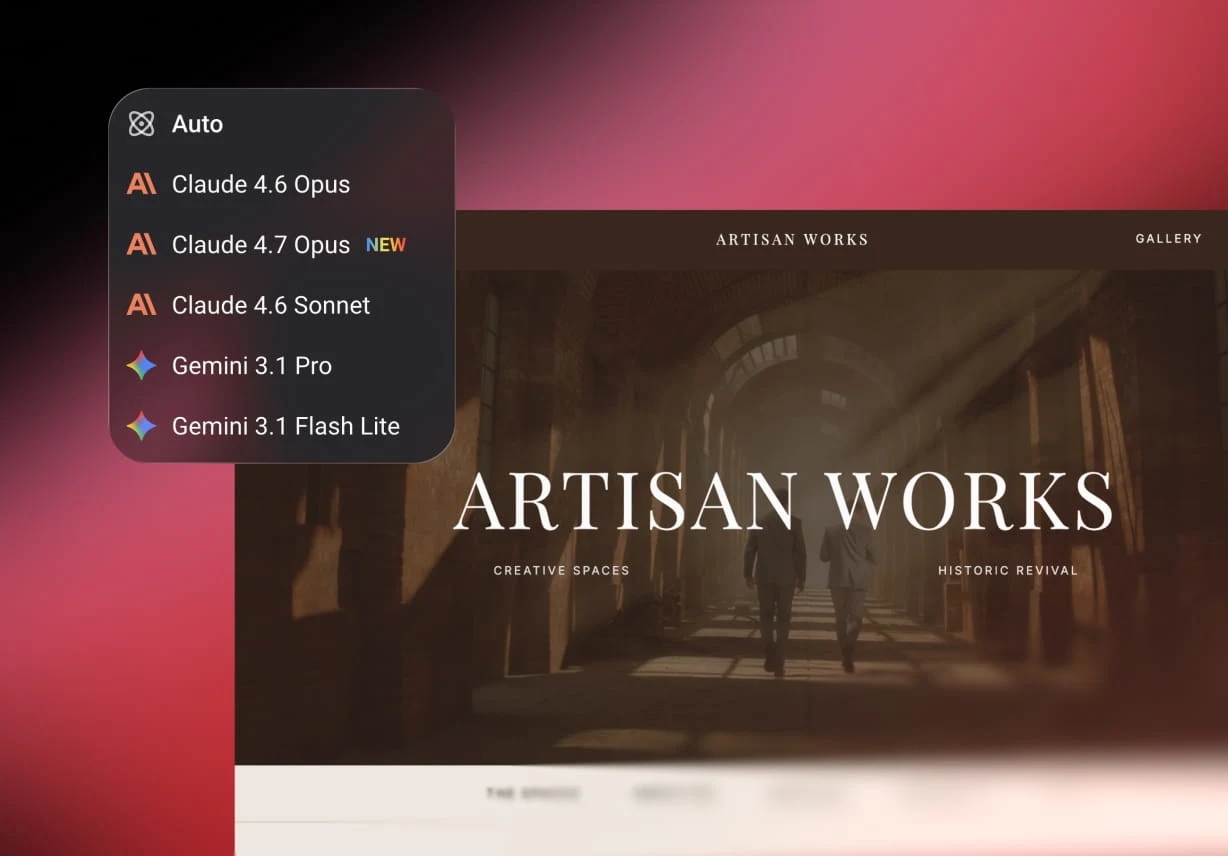
Pick from leading models such as Claude, GPT, Gemini, and DeepSeek right inside the workspace. There's nothing to configure and no API keys to manage, so you can switch to the model that suits each task and keep building.
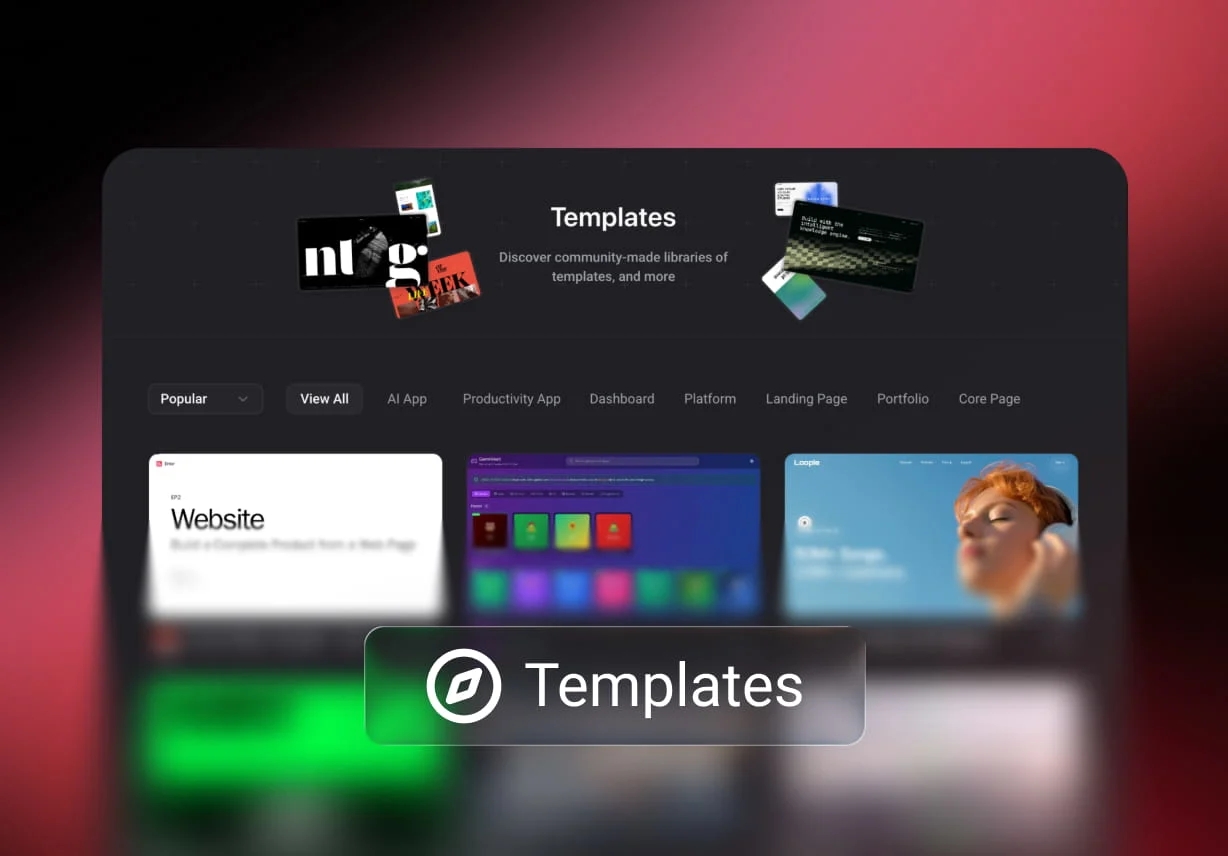
Browse the community marketplace and clone a finished app as your starting point. You get the database schema, the backend logic, and the frontend in one go, then change whatever you need instead of starting from a blank screen.
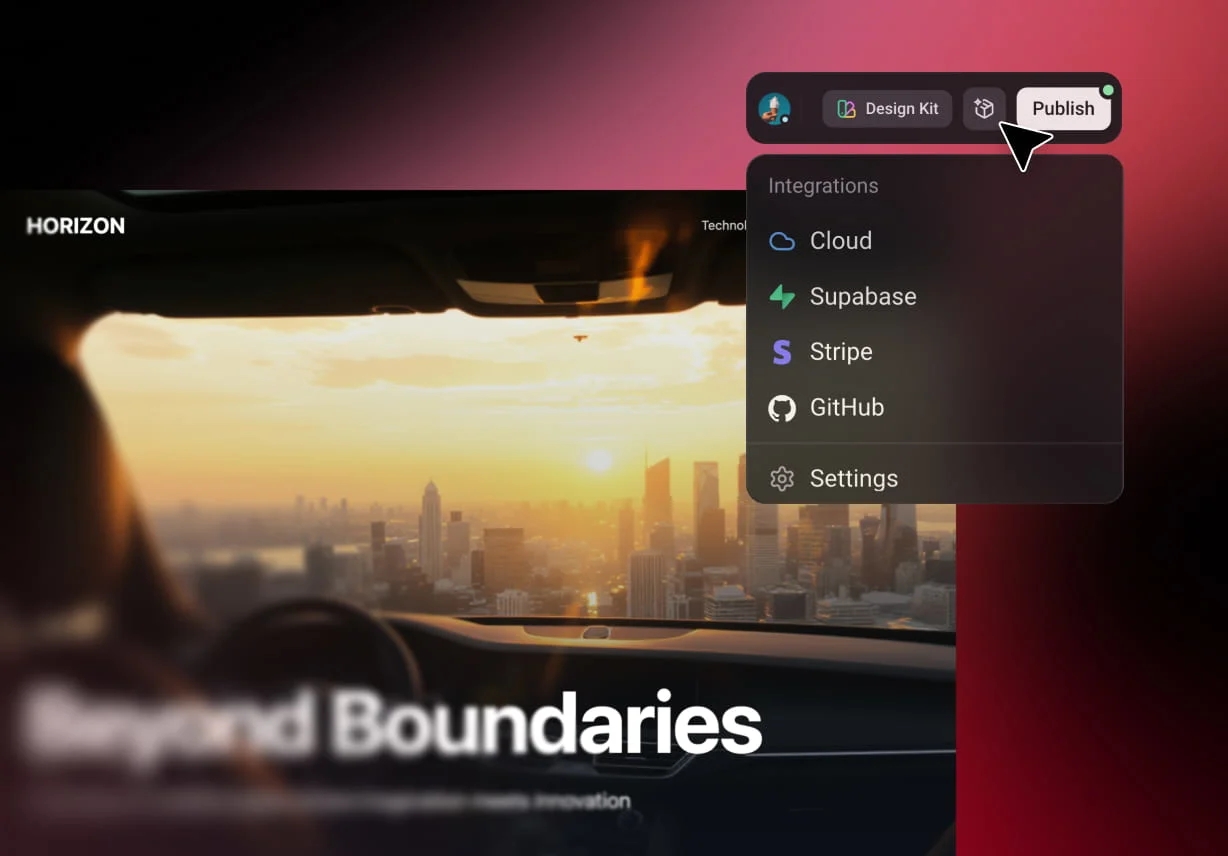
Ask for Stripe payments, a Supabase database, or Google Analytics in your first prompt, and they're wired in as the app is built. Enter Cloud also gives every project a built-in database, user logins, file storage, and edge functions, so you don't need a separate backend account. It's a practical way to develop scalable businesses without a dev team.
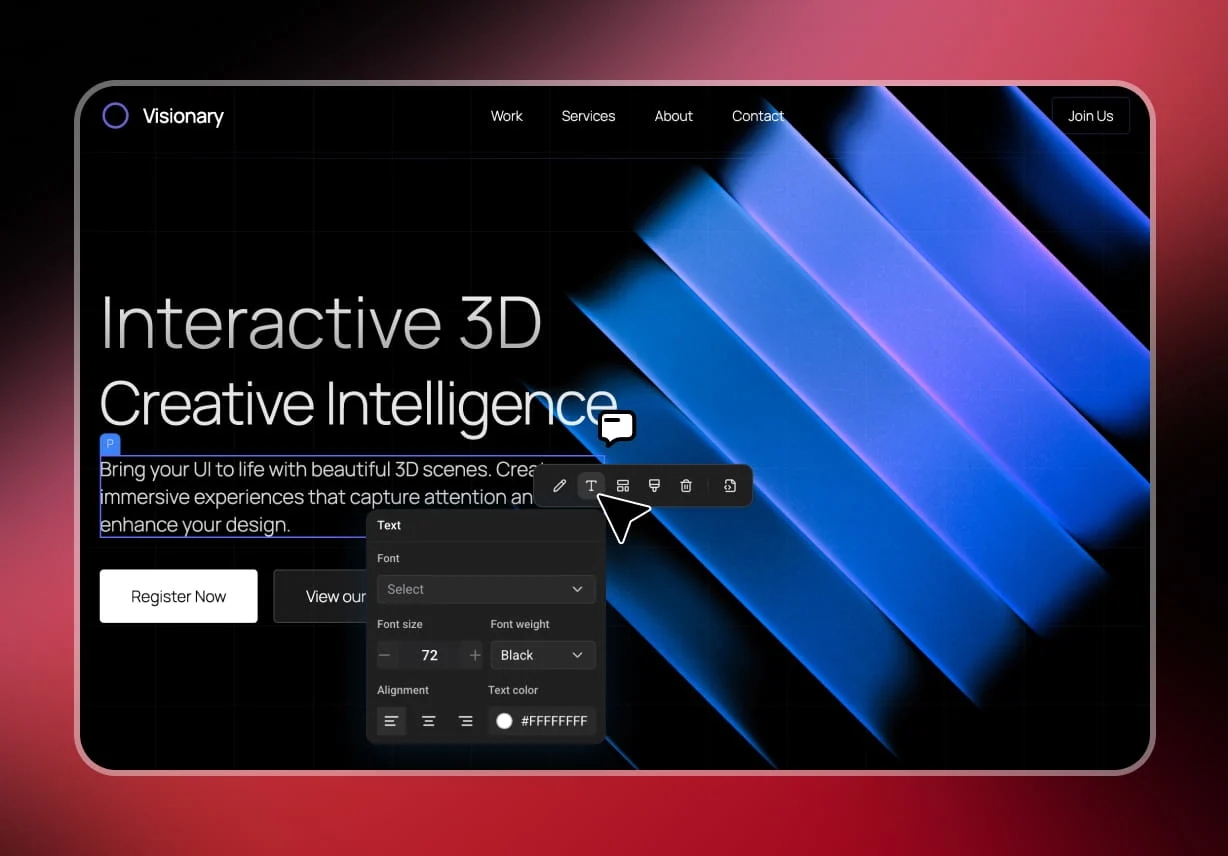
Select any element on the canvas and change its text, colors, spacing, or style directly, with the code updating to match. The visual editor is ideal for the small tweaks that don't need a new prompt.
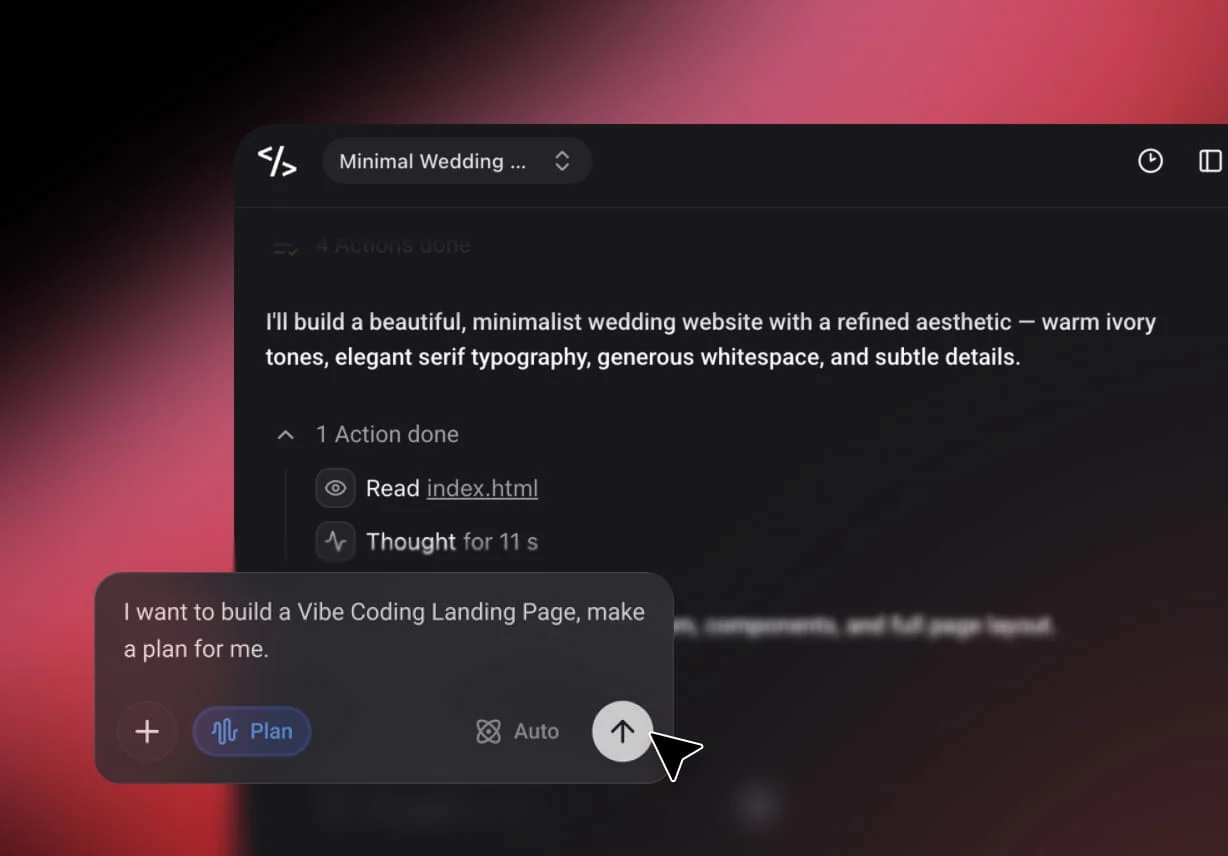
See every step as the vibe coding AI plans, writes code, runs it, and fixes errors. Nothing happens in a black box, so you always know what was built and why.
Launch a complete SaaS product with user sign-in, a database, and Stripe billing, all from one conversation.
Build the CRMs, dashboards, and inventory systems your team actually needs, shaped around the way you already work.
Create storefronts and product databases from a template or from scratch, with payments ready to switch on. For more examples of what you can create, see the AI App Builder.
With Enter Pro's vibe coding AI, you go from an idea to a published app through a short conversation. The steps below use a sample pre-order app for a small bakery called Crumb & Co.
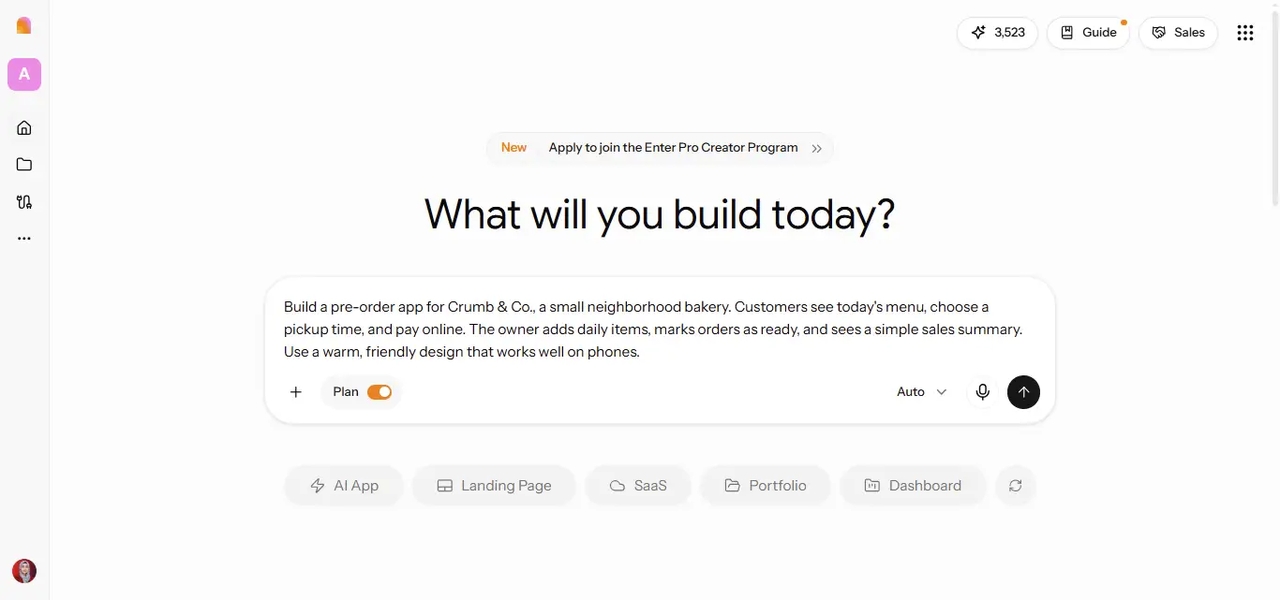
Open the workspace, switch on Plan Mode, and pick a model or leave it on Auto. Then describe the app in plain words: who uses it, what they do, and what data it needs to store. Example prompt: Build a pre-order app for Crumb & Co., a small neighborhood bakery. Customers see today's menu, choose a pickup time, and pay online. The owner adds daily items, marks orders as ready, and sees a simple sales summary. Use a warm, friendly design that works well on phones.
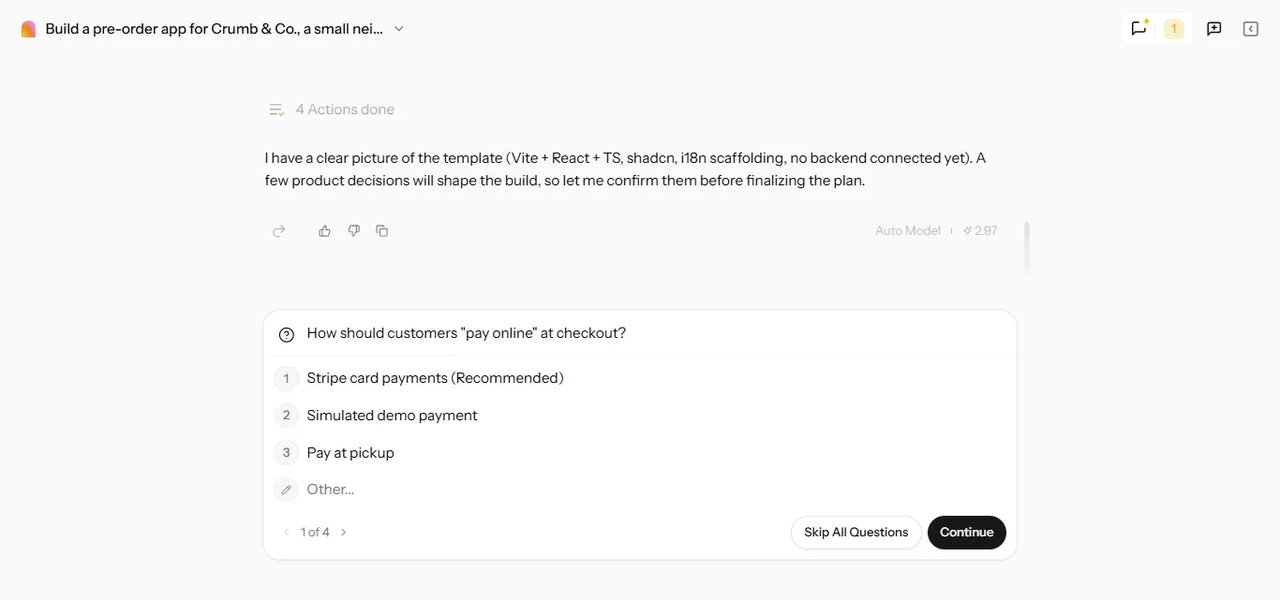
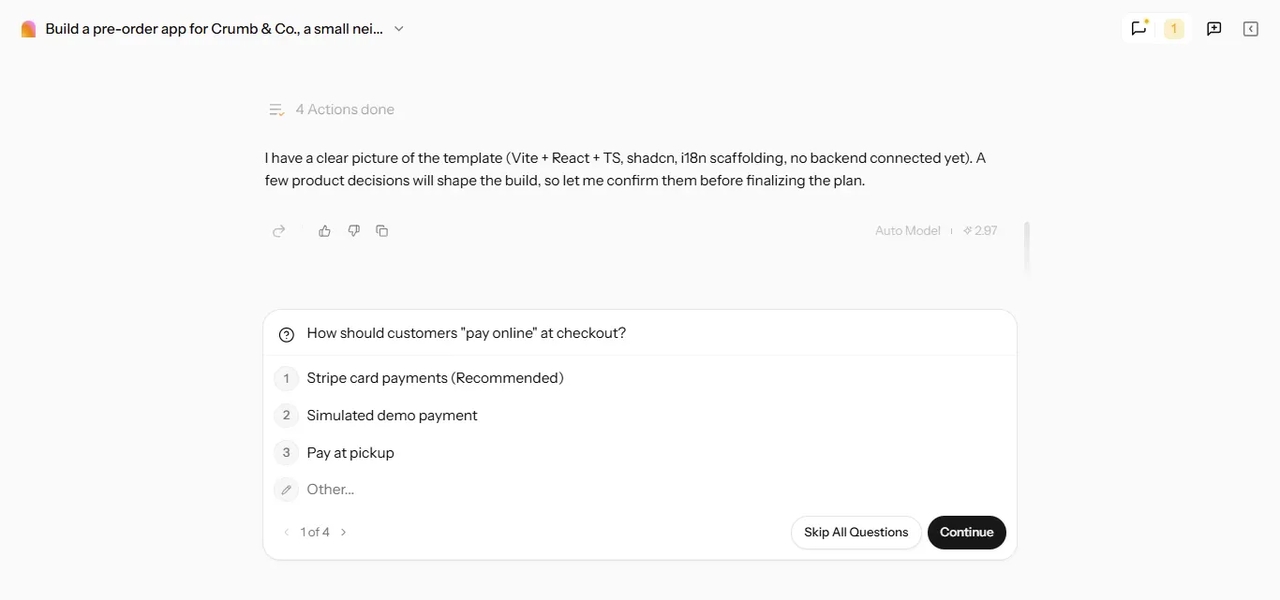
When something in your request is unclear, Plan Mode asks before it builds. For Crumb & Co., it asked four questions, starting with how customers should pay online at checkout. The plan then lists the pages, the data tables, and the build steps. Ask for any changes in the chat, then click “Build now.”
The agent writes the code and fixes errors as it goes, and you can watch every step. When it finishes, try the app in the live preview: place a test order and check that it shows up for the owner.
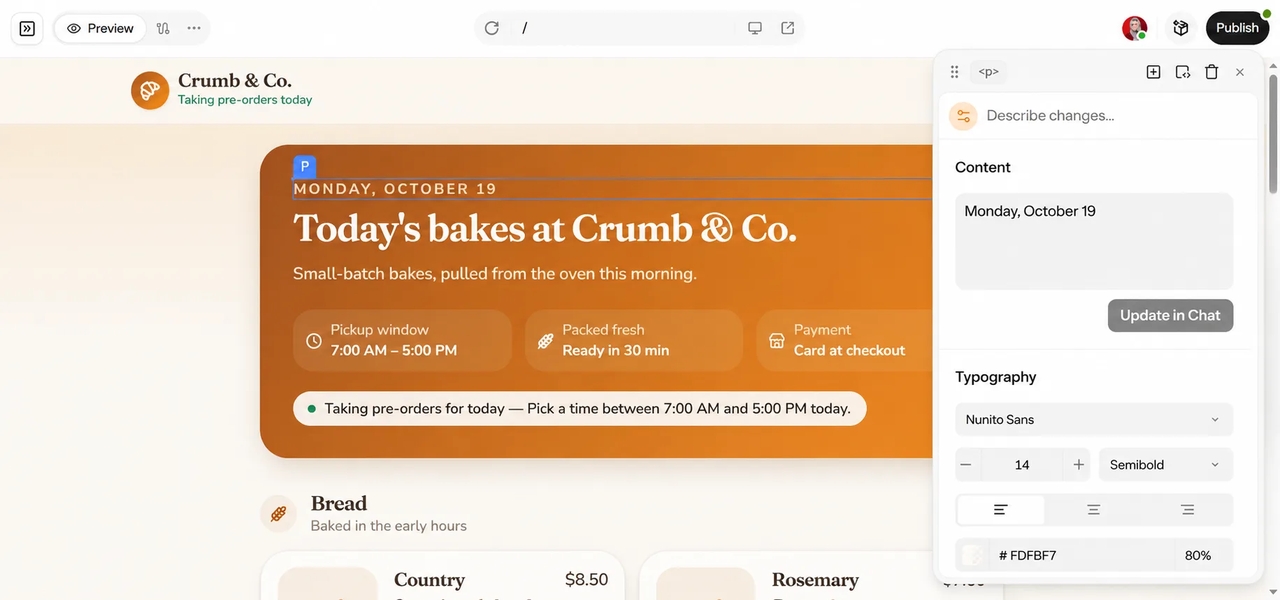
Use the chat for bigger changes, such as "add a gluten-free filter to the menu." Switch to the Visual Editor for quick fixes to text, colors, spacing, and images.
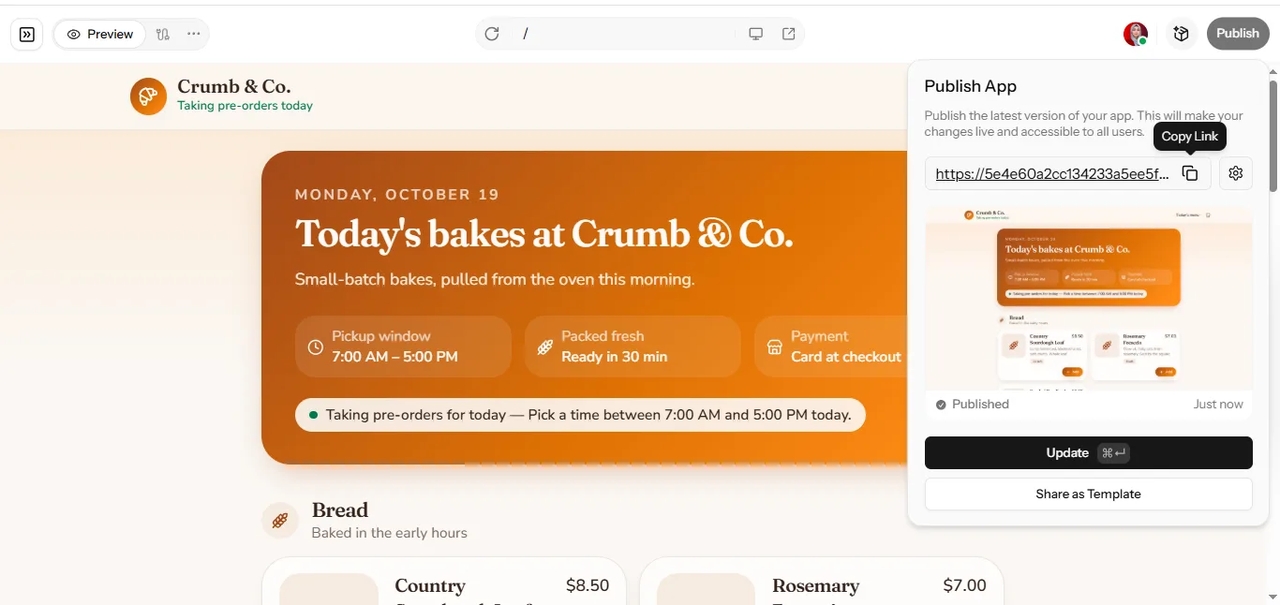
Click Publish to get a live link, and connect a custom domain from Project Settings > Domains if you have one. You can sync the project to GitHub or export the source code whenever you like.
Export the full source code at any time and deploy it to your own servers, or keep it synced with GitHub. Your app is never stuck inside Enter Pro, so you're free to bring in a developer or move hosts whenever you want.
Plan Mode agrees on the pages, data, and logic with you before any code is written. That means fewer surprises, less rework, and fewer credits spent undoing changes. It's also what sets Enter Pro apart from a simple code app that starts writing the moment you hit send. Here's why Plan Mode matters for vibe coding.
Enter Pro works like a virtual technical co-founder. It helps non-technical founders launch real products without hiring a full development team, and it gives developers a fast head start on the parts they'd rather not build by hand.
Being one of the foremost coding apps, Enter Pro really surprised me. I built my complete SaaS landing page and backend during my morning commute. The platform also represents the pinnacle of what you can do with vibe coding AI agents.

Sarah J
Tech Founder
The Visual Editor is revolutionary. It empowers me to independently refine UI elements without diverting our development team for minor CSS adjustments. It flawlessly balances professional-grade capabilities with exceptional usability.

Marcus T
Creative Director
To be honest, after evaluating numerous AI development agents, Enter stands out. Its intuitive template remixing and clean code exploration have saved our own agency hundreds of hours previously lost to initial project scaffolding and planning.

Elena R
Senior PM
Describe the app you have in mind, review the plan, and publish it when it's ready. Vibe coding AI that plans first gets you to a real app with fewer surprises along the way.
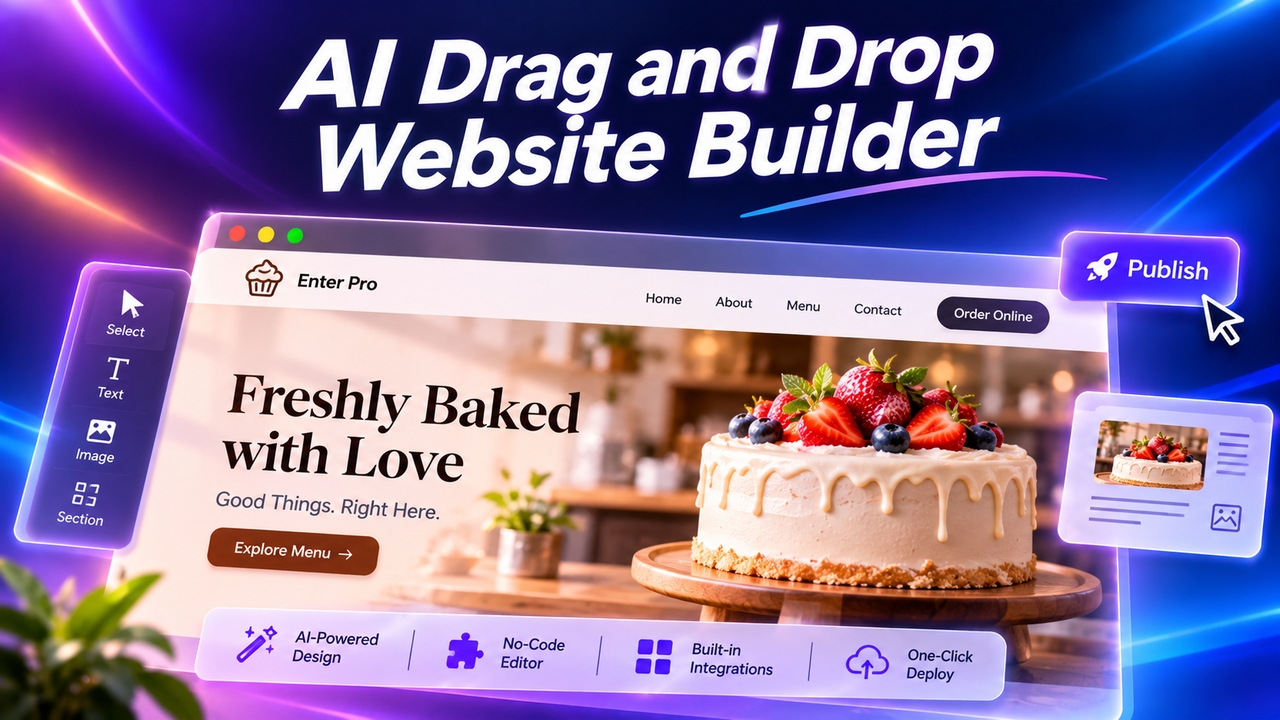
Want an easy drag-and-drop website builder? Enter Pro lets you skip dragging: describe your site, let AI build it, click any element to edit, and publish.
November 11, 2026
Use an AI MVP builder to turn a simple prompt into a working product. Generate, refine, connect tools, and launch your MVP without a big dev team.
November 6, 2026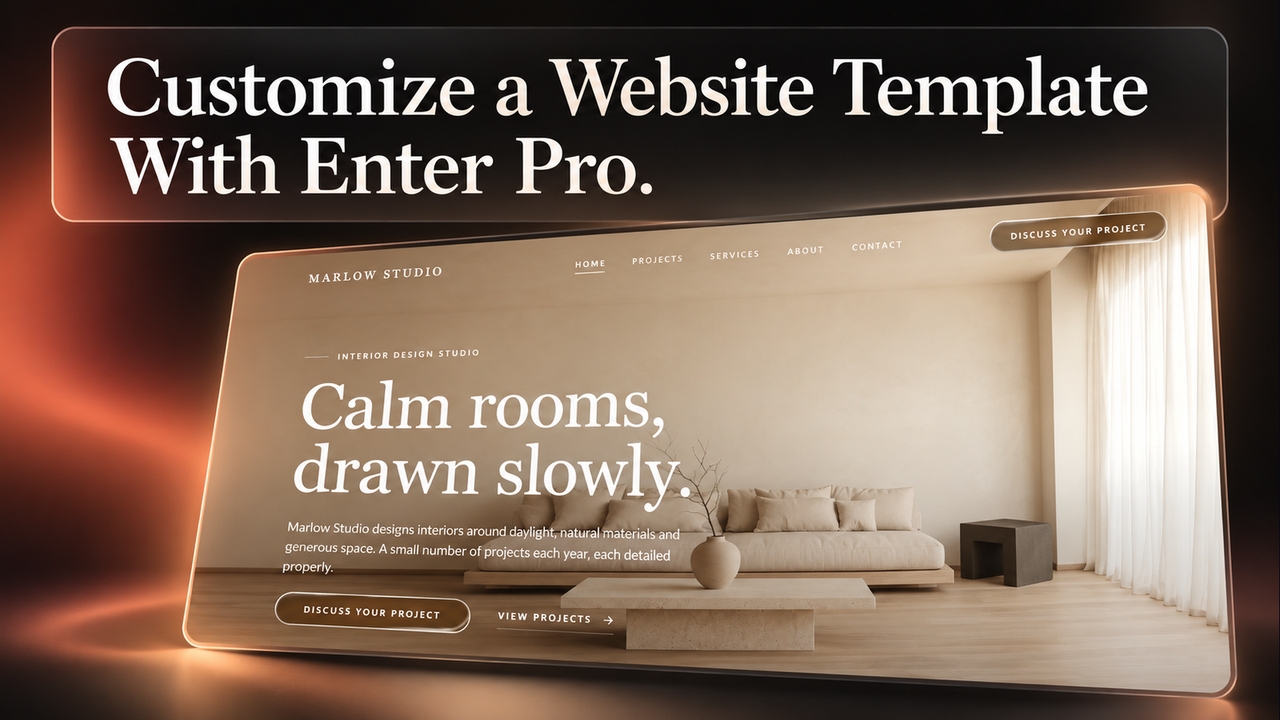
Use Enter Pro website templates to create responsive pages, customize layouts, connect enquiry forms, and publish an editable site that fits your brand.
November 5, 2026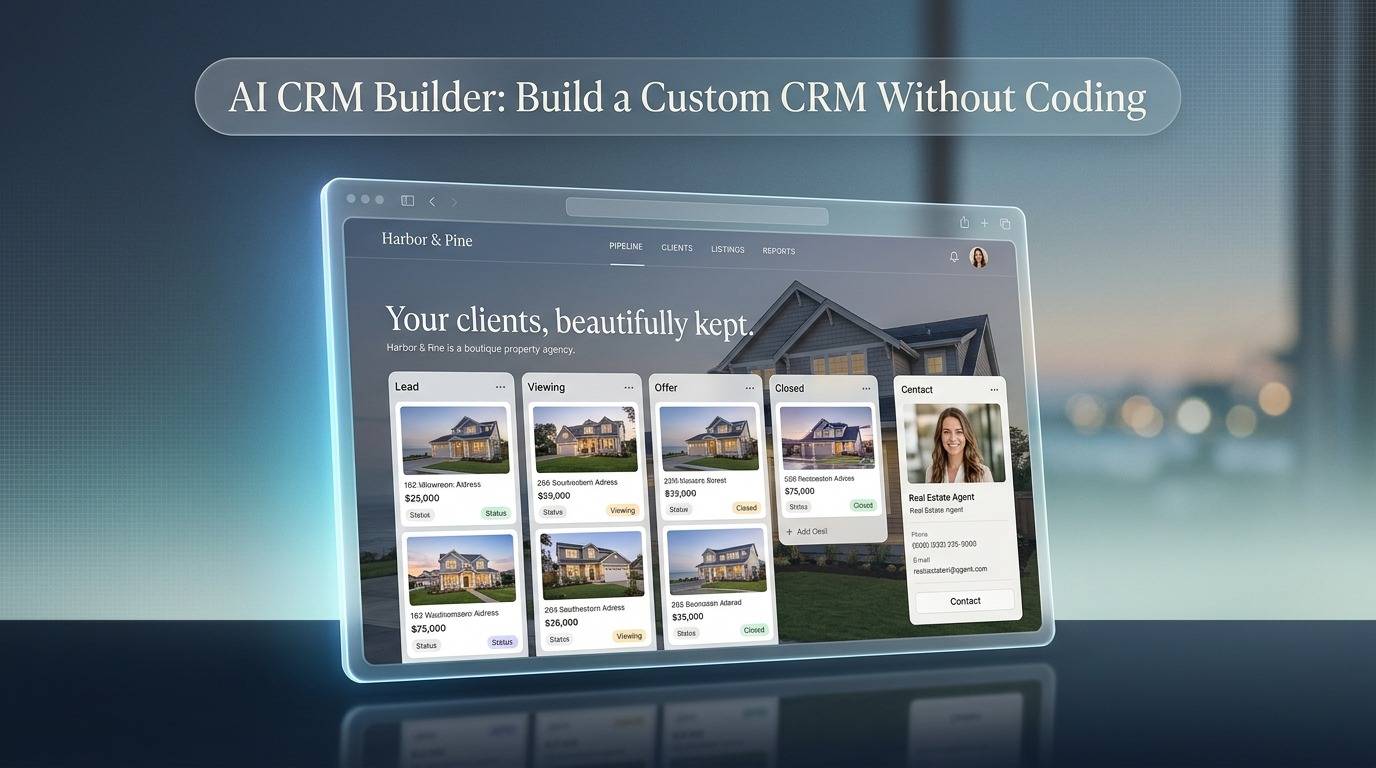
Use Enter Pro’s AI CRM builder to create a custom CRM without code. Build pipelines, dashboards, and automations from one prompt, then deploy in one click.
November 5, 2026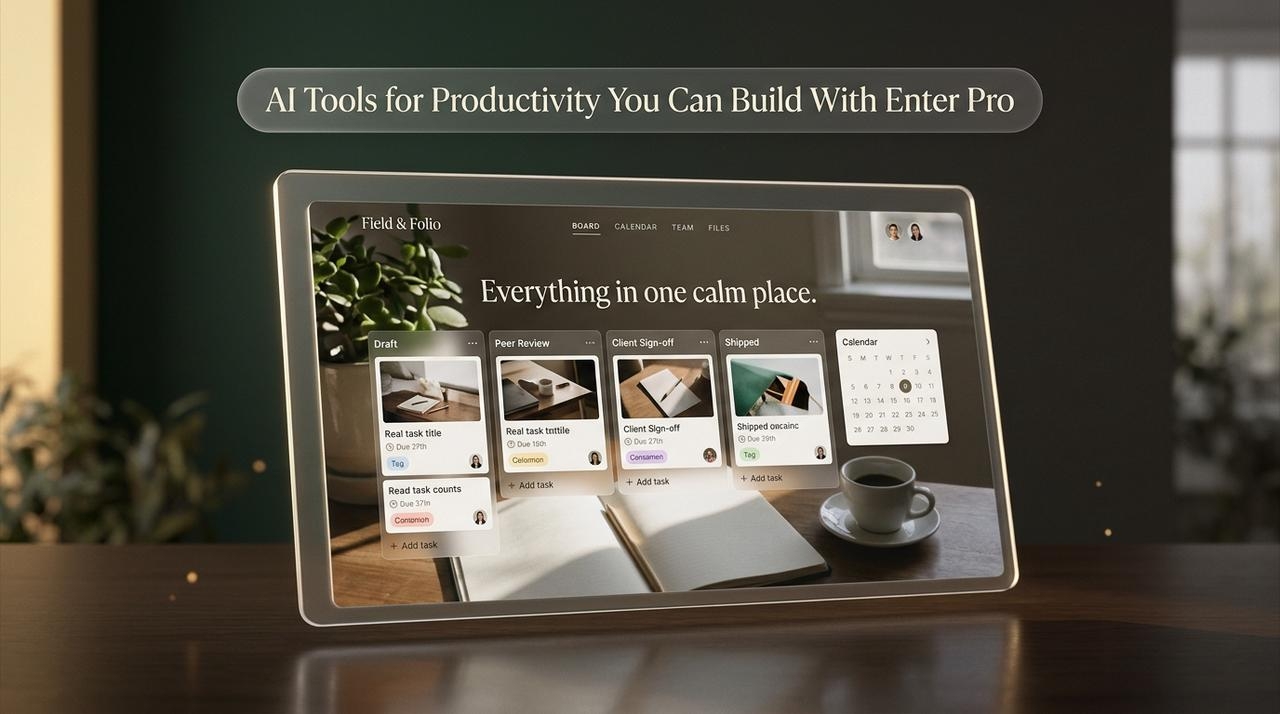
Compare the best AI tools for productivity, then see how Enter Pro lets you build custom work apps with AI for productivity, no coding or extra subscriptions.
November 5, 2026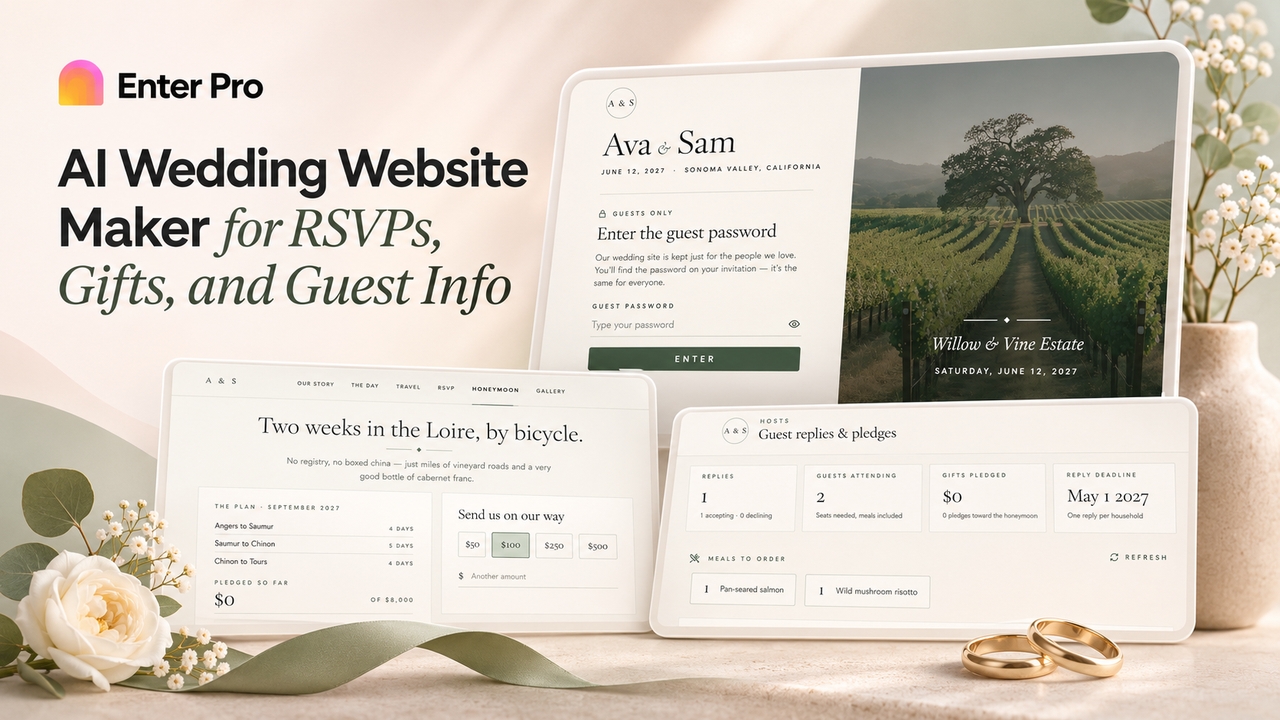
Create a custom wedding site with Enter Pro's free wedding website maker. Add RSVPs, schedules, cash gifts, and password protection, then publish and share.
November 5, 2026