
Software Product Development Explained: Stages, Strategy, and Tools
Learn how software product development works, from customer research and technical planning to deployment. Discover practical tools and success metrics.
Want to create a successful software product that customers need and will help your business grow? A structured software product development process helps to transform good ideas into market-ready and reliable solutions. But it takes more than coding to be successful. Market validation, priorities, appropriate technologies, and constant improvements are essential. A 2024 BCG survey found that nearly half of global executives said over 30% of their organization’s technology development projects were both over budget and late. This guide will cover key development phases, effective strategies, tools, pitfalls to avoid, and industry-specific needs. You will also learn how Enter Pro can make website creation and early MVP development easier.
What is software product development?
Software product development is the process of investigating, designing, constructing, testing, introducing, and advancing software for a specific target audience. Software products are different from custom software development, which focuses on a specific customer's needs. You can develop new products, enhance your current products, add new lines, or modify internal solutions for external customers. A structured development process can enable you to enhance customer retention, tap into new revenue streams, boost operational efficiency, and stand out in saturated markets.
How to validate a software product idea before development
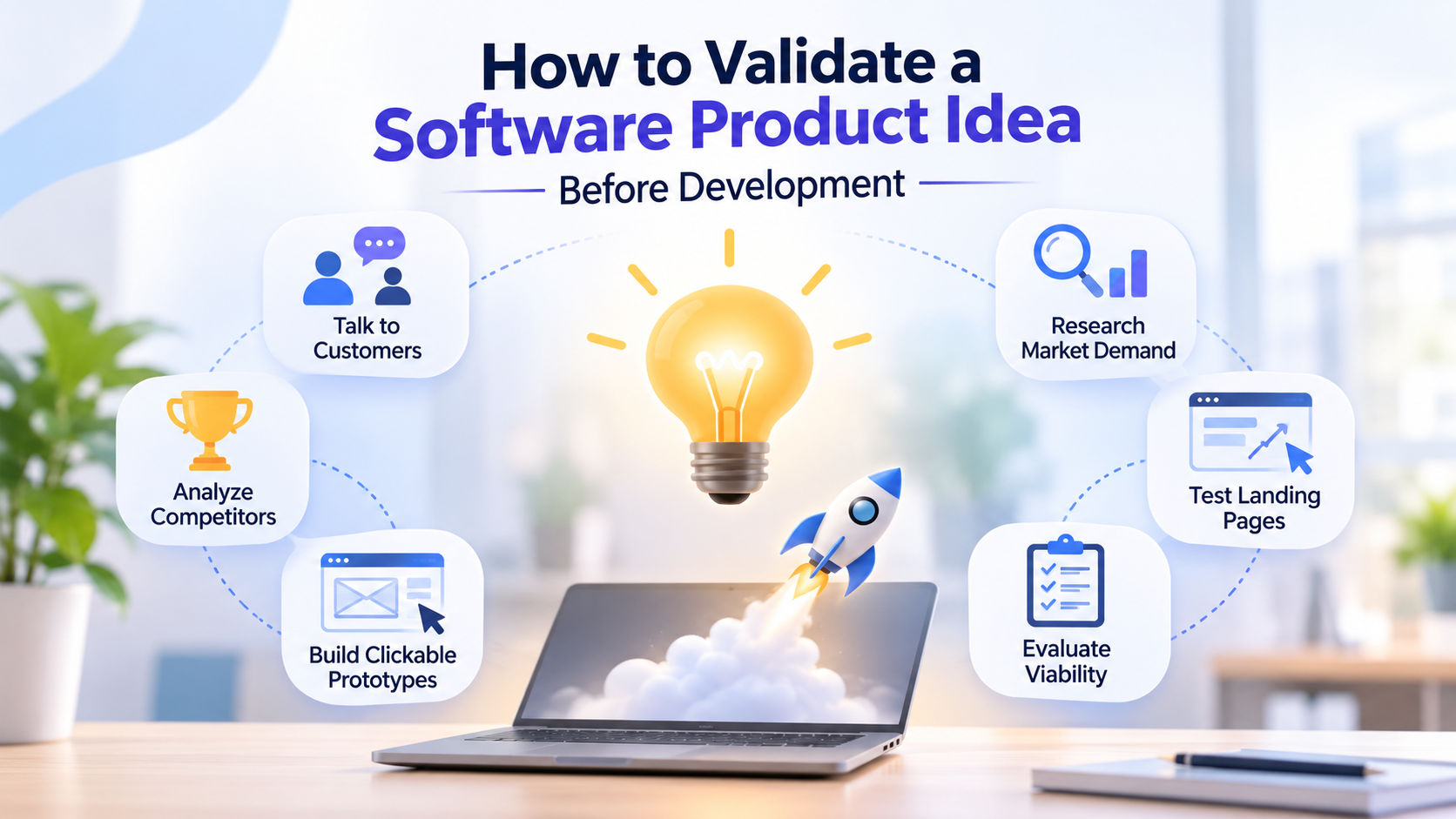
- Conduct customer interviews: Interview potential customers to find out their day-to-day problems. Discover common pain points, solutions, and frustrations. Work with actual issues, not hypothetical likes and dislikes.
- Analyze competitors: Investigate competitor products, features, price, and positioning. Identify areas of under-serviced needs and opportunities for differentiation. A good product concept can address a problem better than an alternative.
- Research market demand: Identify your target market, the size of your market, and how customers buy your product. Assess whether customers experience the problem frequently and their willingness to pay.
- Test landing pages: Create a landing page explaining your solution and benefits. Track sign-ups, demo requests, or preorders to measure genuine interest. Customer actions provide stronger evidence than positive feedback.
- Build clickable prototypes: Create an interactive prototype to show the product experience. Watch users interact with features and accomplish tasks. They provide feedback that will show you usability problems before you start development.
- Evaluate product viability: Analyze the problem, market demand, competitive advantage, commercial viability, and technical feasibility. Take customer feedback and behavior to compare with assumptions. Early validation avoids unnecessary costs and aids in product decisions.
A recent study of 16 software startups found that stronger-performing ventures tended to reach stronger evidence of demand, such as investment commitments or paying customers, before full MVP development.
What are the key stages of software product development?
Software product development has a repeatable roadmap. These stages assist teams in making informed choices, mitigating risks, and delivering reliable solutions. The knowledge of these steps helps to manage resources and maintain the quality of the product.
Step 1: Product discovery
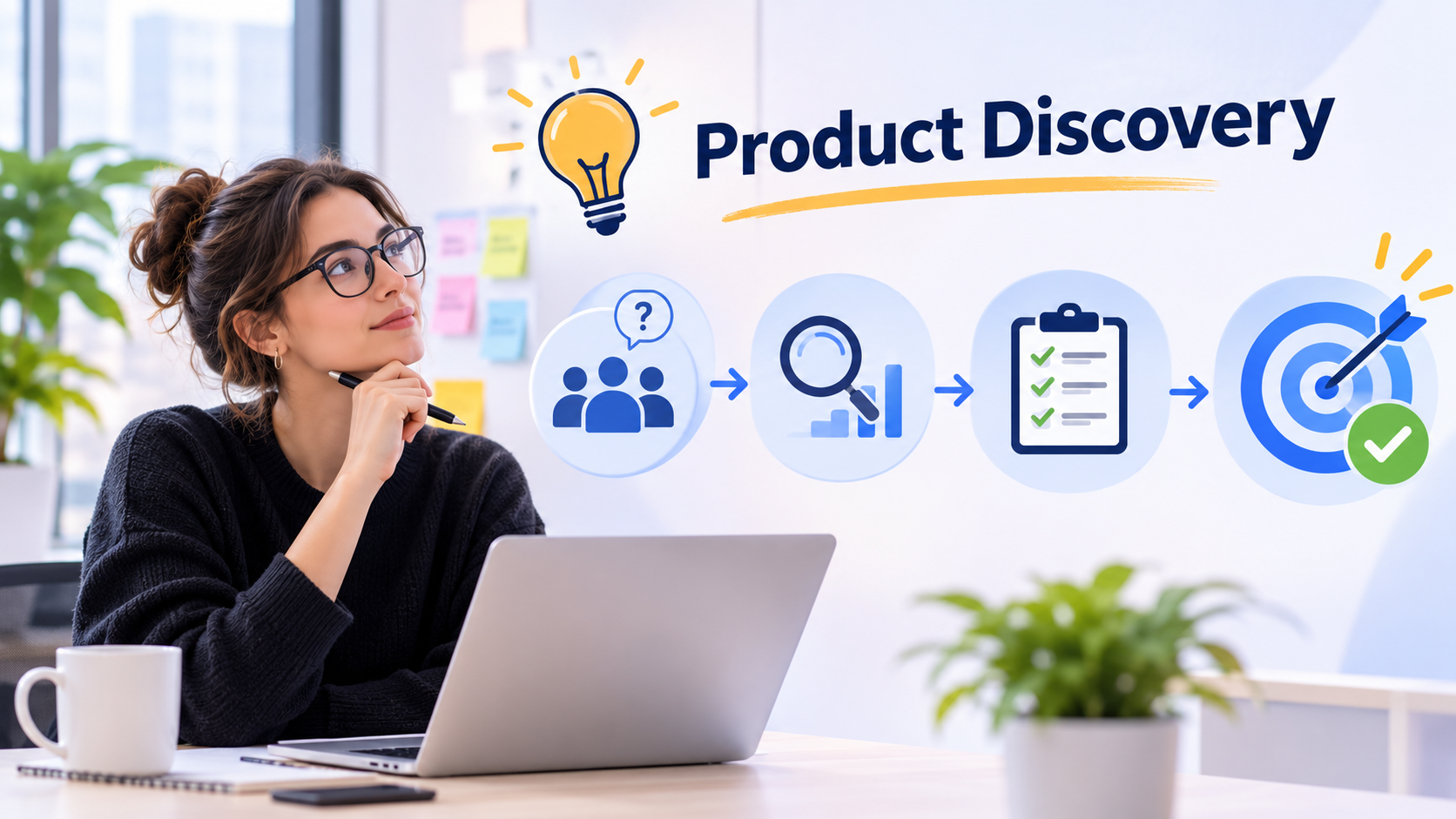
Product discovery is the process of determining if a software concept resolves a real problem. Conduct research on your target audience, their problems, and test market assumptions. This stage sets out a problem statement and direction for development.
Step 2: Requirements and planning
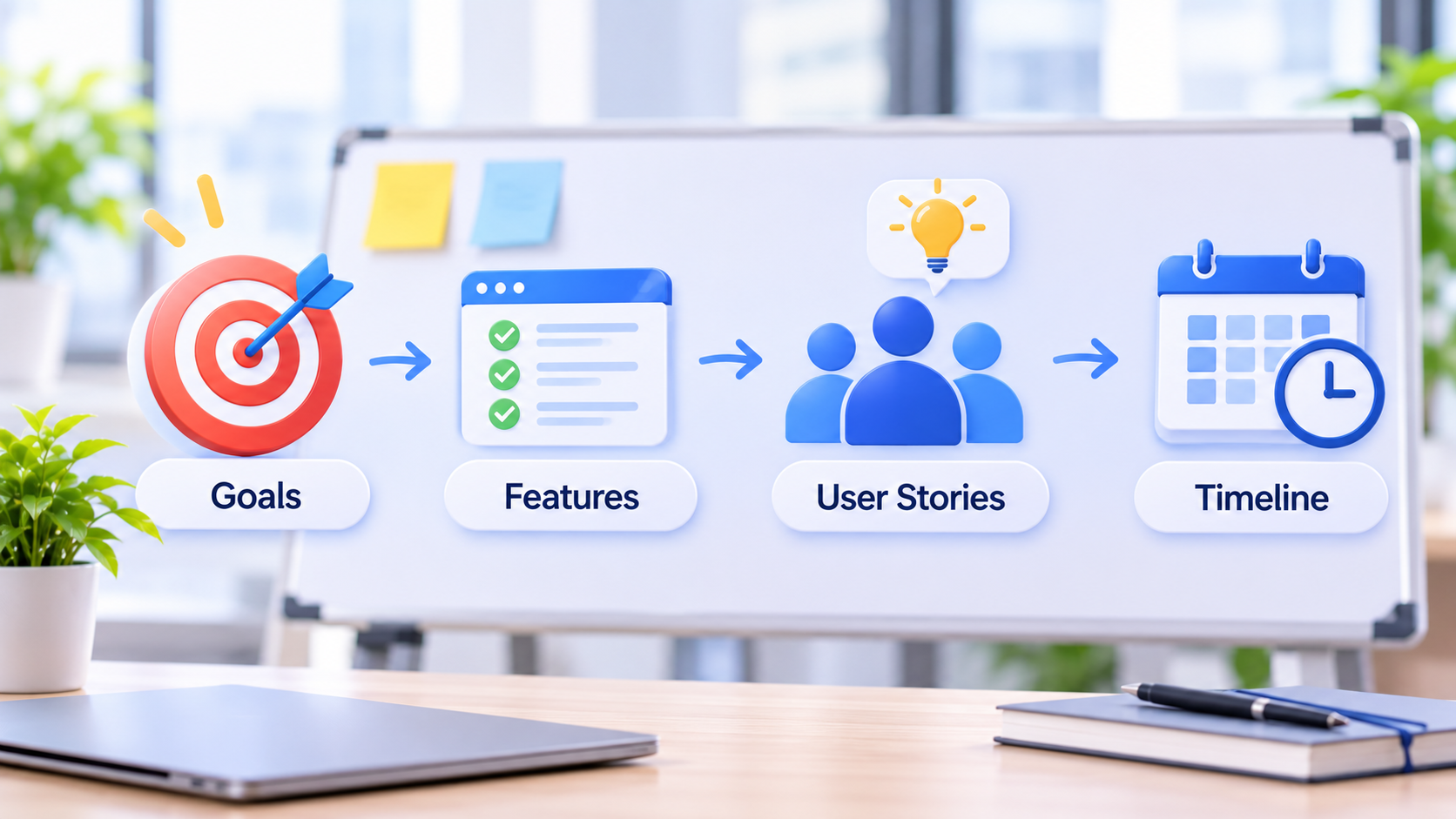
Define product objectives, essential features, and project priorities. Create user stories and acceptance criteria to explain expected functionality. A clear plan helps teams manage resources, timelines, and stakeholder expectations.
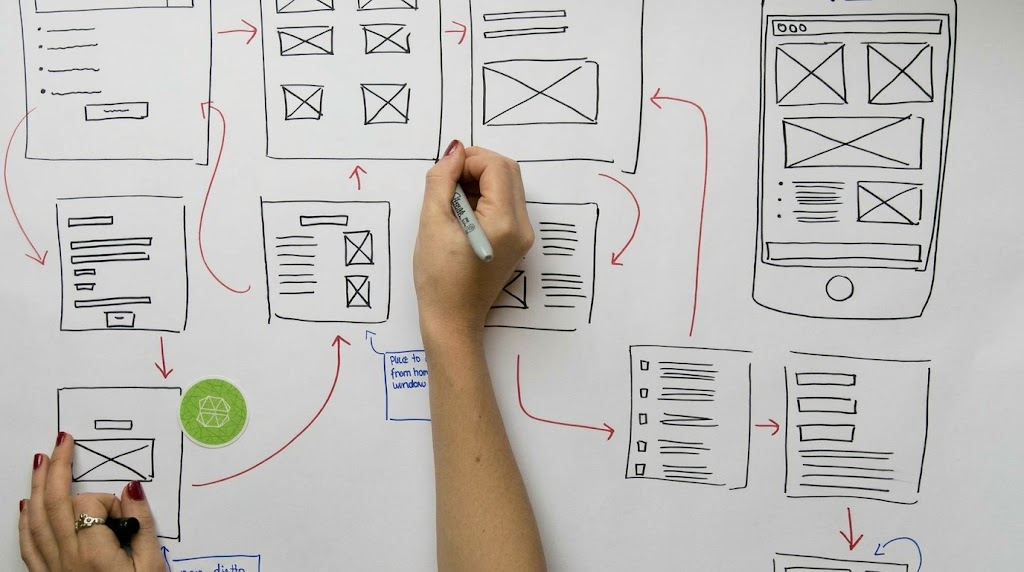
Step 3: UX/UI design and prototyping
Create user journeys, interface designs, and interactive prototypes in advance of development. Try out these designs with prospective users to discover usability problems. This allows you to create intuitive experiences and to minimize expensive changes.
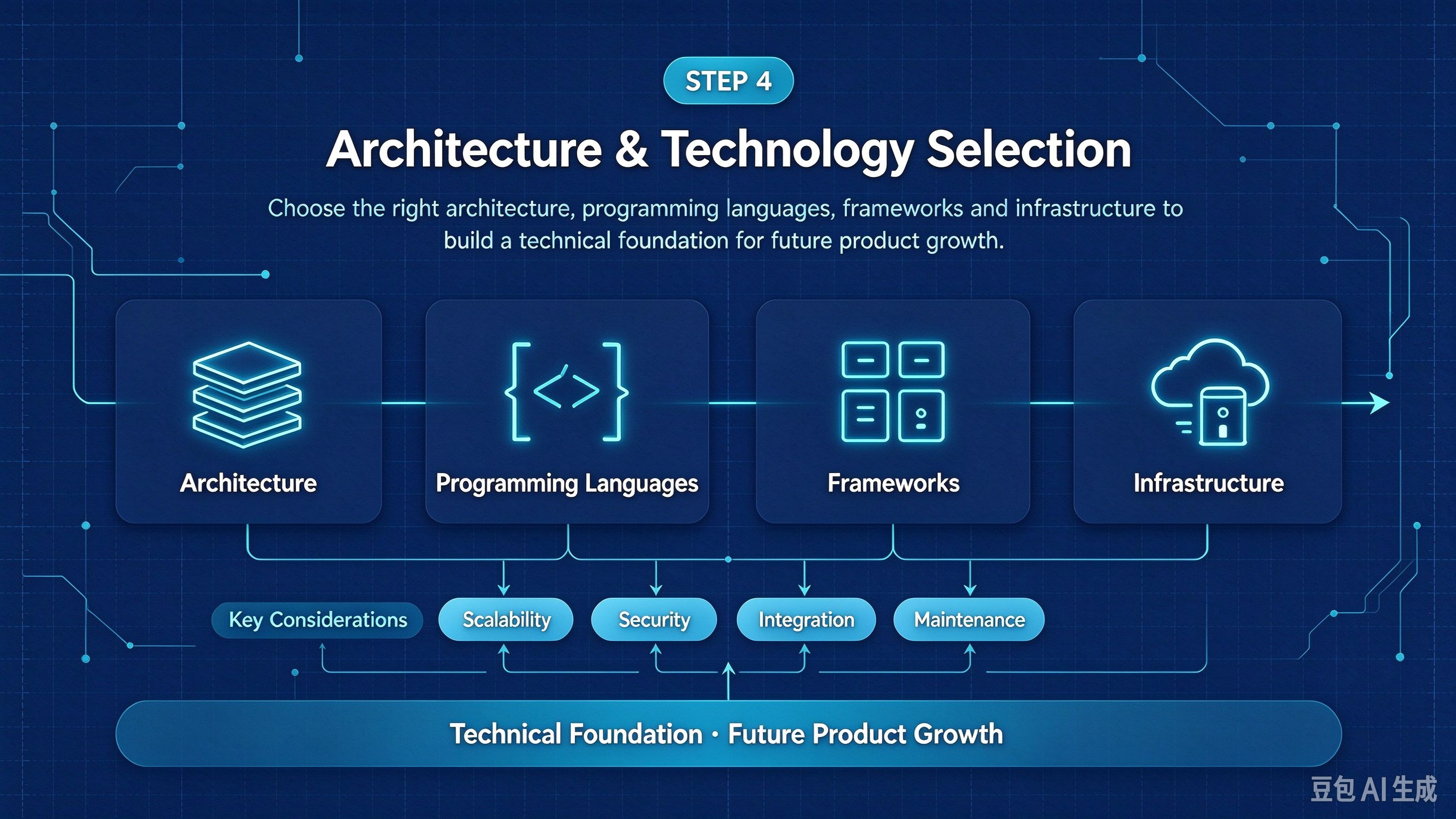
Step 4: Architecture and technology selection
Choose a suitable architecture, programming languages, frameworks, and infrastructure. Consider scalability, security, integration needs, and maintenance. These decisions establish a technical foundation for future product growth.
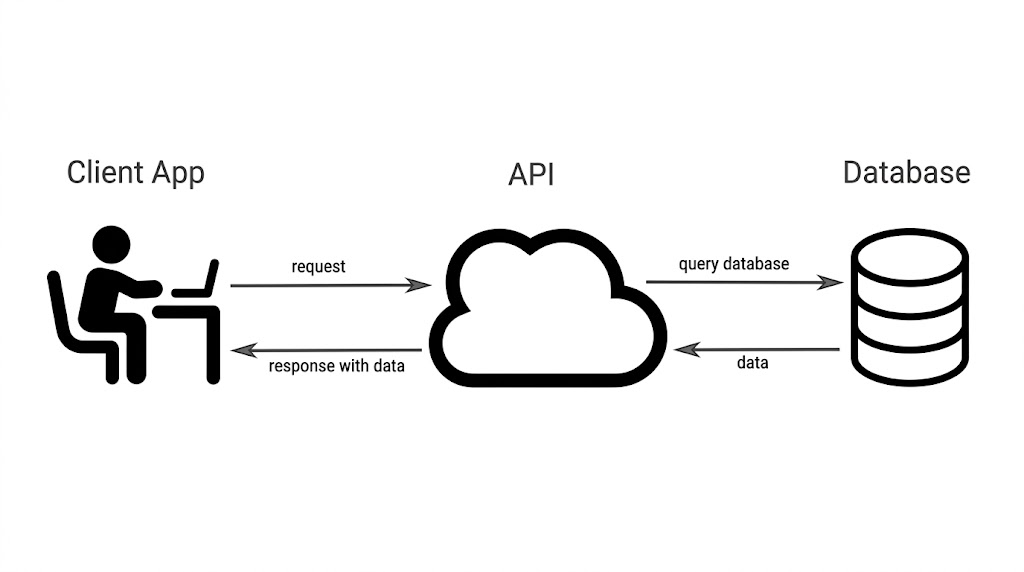
Step 5: Development and integration
Build core functionality in manageable increments using approved requirements and designs. Integrate necessary APIs, databases, and third-party services. Regular collaboration helps teams identify problems early and maintain progress.
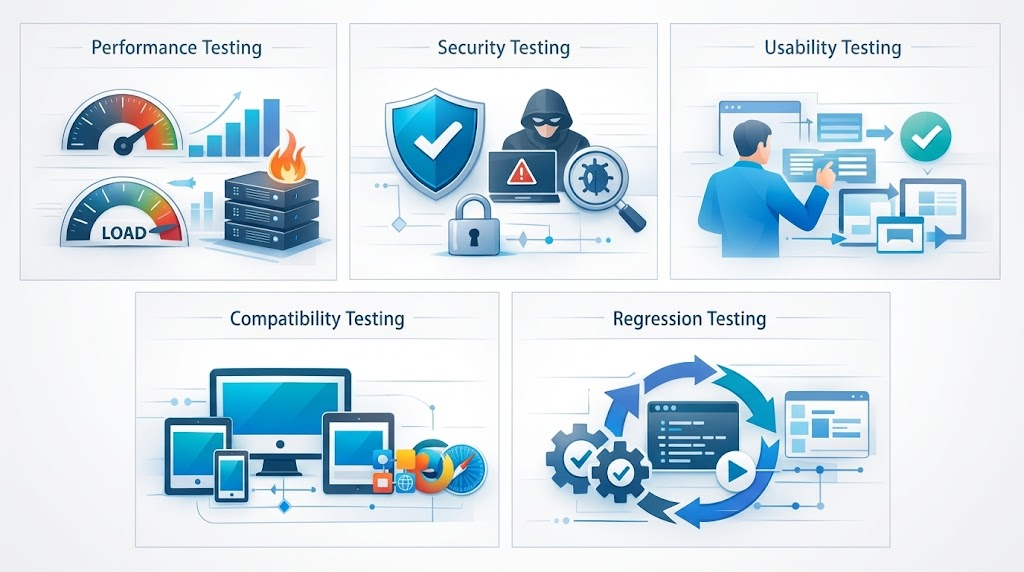
Step 6: Quality assurance and testing
Test software functionality, performance, security, accessibility, and compatibility. Identify defects and verify that features meet acceptance criteria. Thorough testing improves reliability and user confidence.
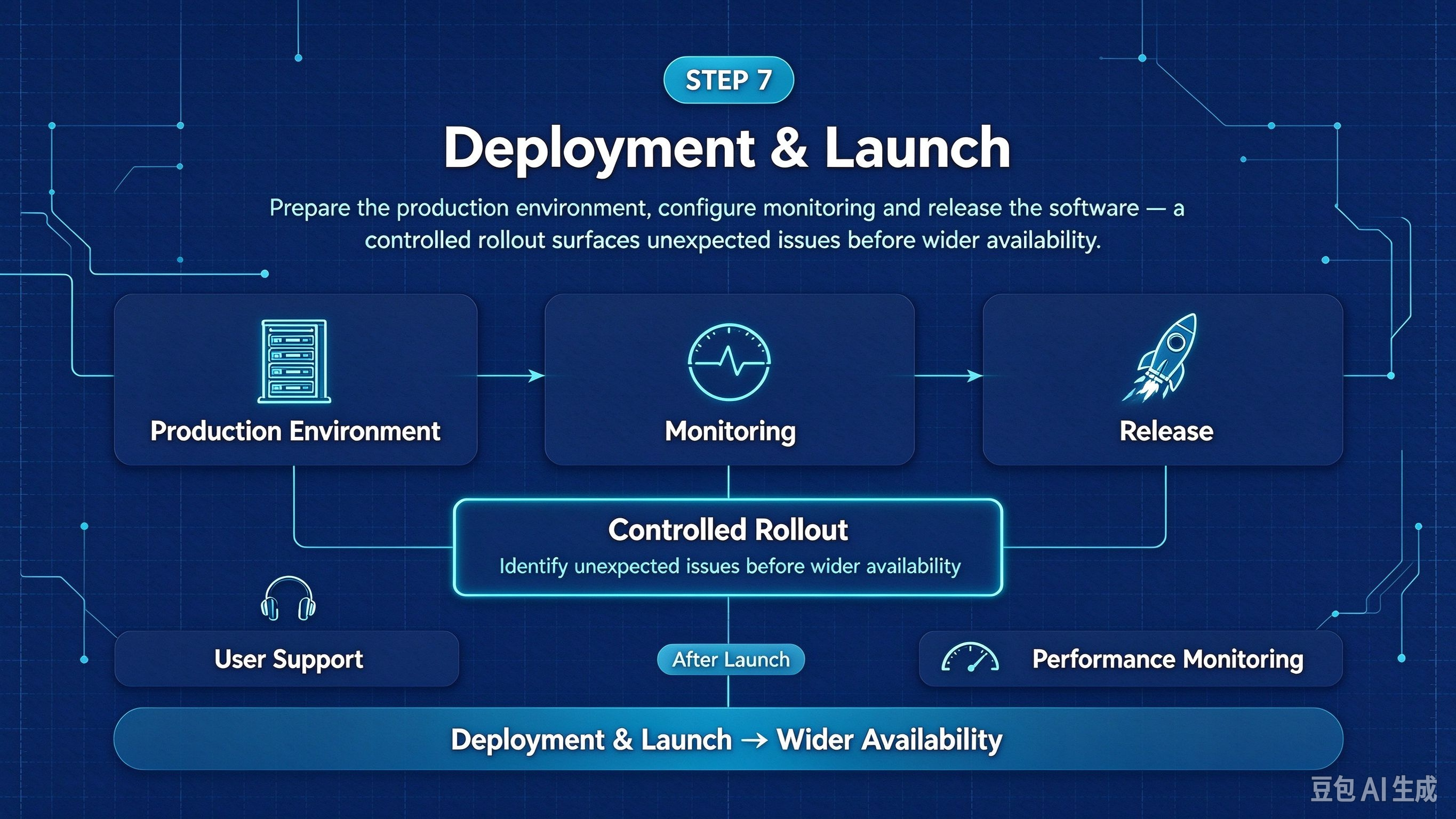
Step 7: Deployment and launch
Prepare the production environment, configure monitoring, and release the software. A controlled rollout helps identify unexpected issues before wider availability. Provide user support and monitor performance after launch.
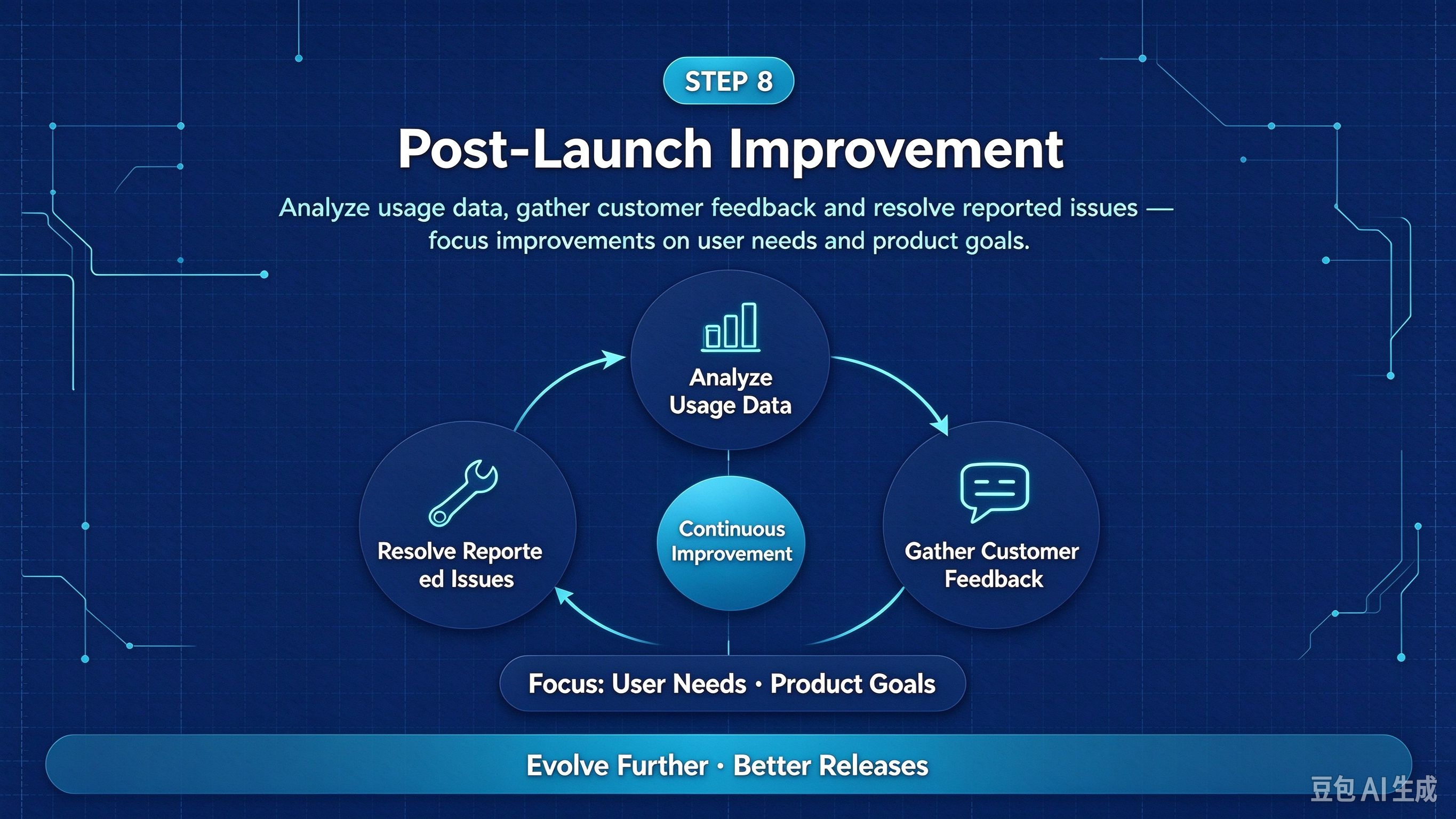
Step 8: Post-launch improvement
Analyze usage data, gather customer feedback, and resolve reported issues. Focus the improvements on the needs of the user and the goals of the product. Teams continuously discover, test, and gather feedback to evolve further and provide better releases.
How to build an effective software product development strategy
- Define your product vision: Link customer issues to business goals and technical choices. Know who your target audience is and establish measurable objectives. A vision makes development focused.
- Set goals and resources: Create a realistic budget, timeline, and resource plan. Set owners and establish milestones. This assists teams in setting expectations and staying on track.
- Prioritize features strategically: Use frameworks like RICE or MoSCoW to rank features. Consider customer evidence, development effort, and business impact. Focus on the most valuable improvements.
- Define your minimum viable product: Create an MVP to address a key customer challenge. Don't add frills, but don't leave out the important things. Test it with real users first, and only roll out functionality after that.
- Assess risks and plan checkpoints: Identify technical, financial, security, and market risks early. Establish checkpoints for development continuance, revision, or termination. Teams need to review regularly to adapt.
- Create a strategy checklist: Establish product-market fit, scope, ownership, budget, security, and metrics for success. Monitor adoption, retention, and customer satisfaction. These measures will inform future enhancements.
How to choose product development software and tools
The right product development software can aid teams in handling ideas, coordinating tasks, and delivering products efficiently. Various tools are available for various stages, ranging from planning to software maintenance. So, it is important to choose tools according to workflow requirements.
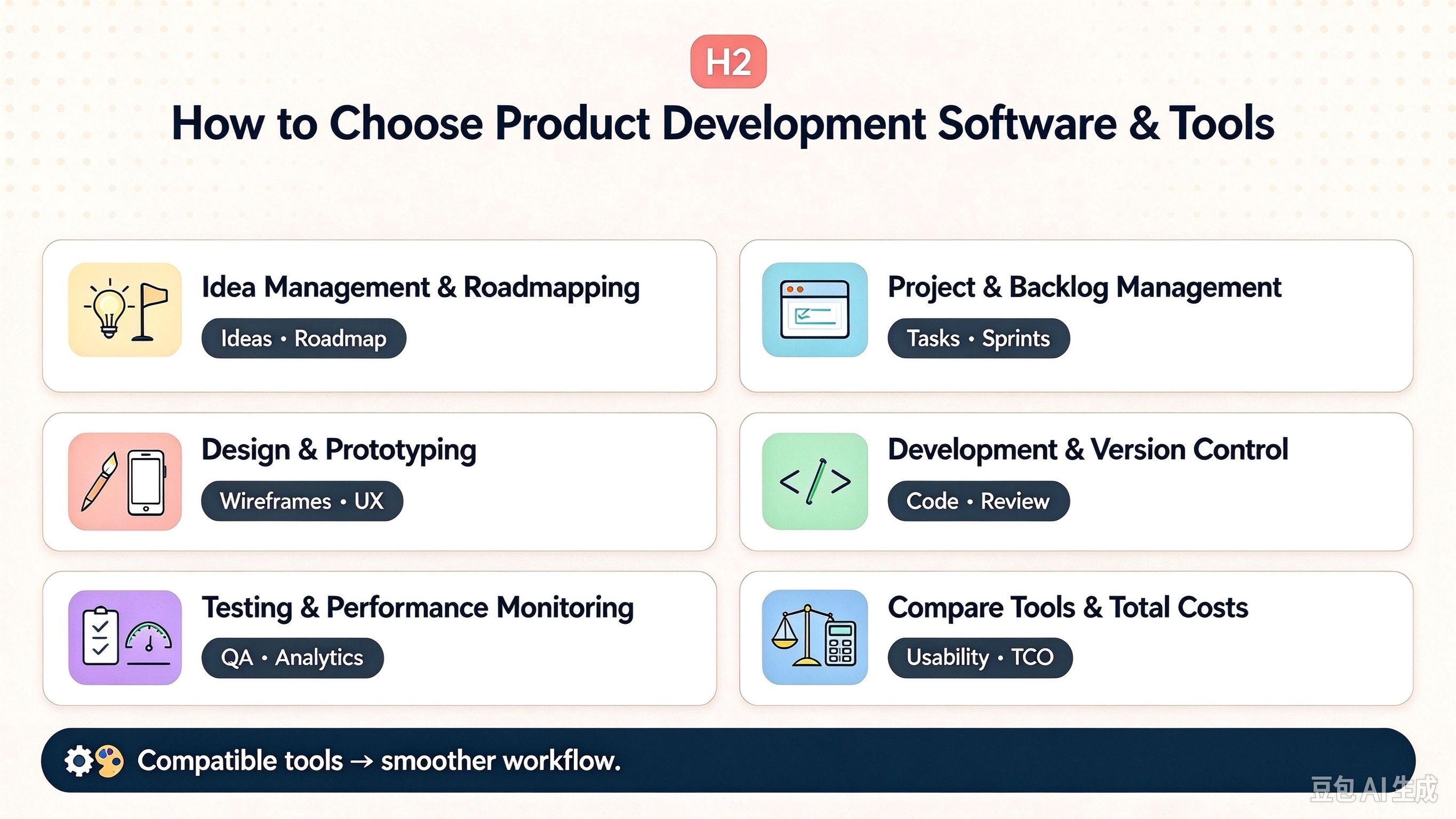
- Idea management and roadmapping: Collect product ideas, assess opportunities, and prioritize features. Roadmapping tools are used to communicate product direction and development priorities.
- Project and backlog management: Organize tasks, assign tasks, and manage sprint schedules. Seek out software that can monitor dependencies and deliver precise progress reports.
- Design and prototyping: Create wireframes, interfaces, and interactive prototypes with design tools. These are used to test user experiences before building them.
- Development and version control: Choose tools for writing, reviewing, and managing code. Version control maintains changing history and supports collaboration across development teams.
- Testing and performance monitoring: Choose the tools that can automate testing and detect software defects. Production performance is tracked with monitoring tools, and analytics provide insights into adoption and retention rates.
- Compare tools and total costs: Assess usability, integrations, scalability, security, reporting, and total cost of ownership. Before selecting, think about the size of the team and workflow. The best tools minimize coordination issues, not administrative burden.
Remember that lifecycle management tools organize product work, while engineering tools build and maintain software. Choosing compatible solutions helps create a smoother development process.
A budget-friendly way to build your app or website: Enter Pro
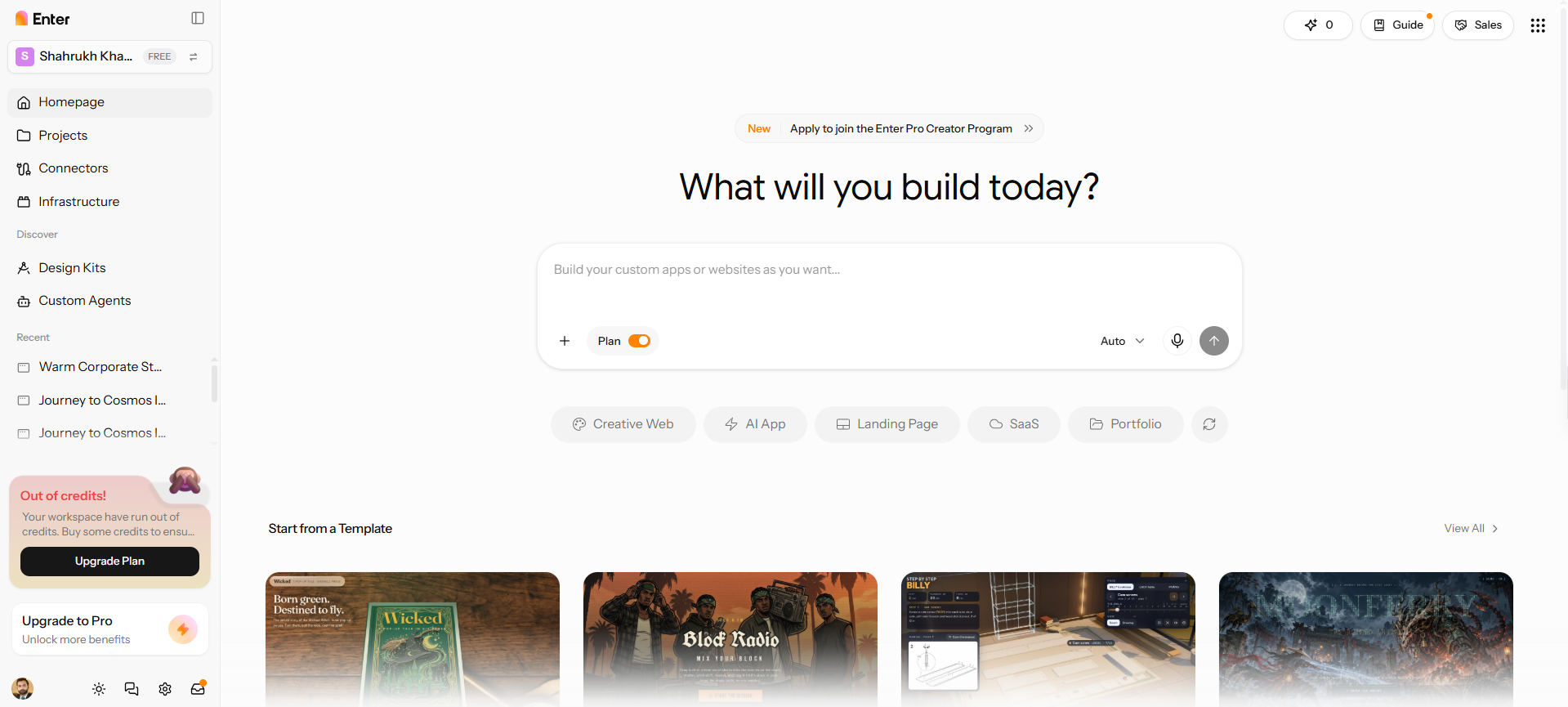
It is not always necessary to have a massive development budget for building an app or website. Enter Pro is an AI-powered platform that allows you to build personalized sites and applications with minimal coding. As for me, it is helpful for prototyping early ideas and testing early prototypes with real users. You can also develop small production websites while you are developing your product concept. Try out its AI MVP builder to begin.
| Component | CTA Button |
|---|---|
| Web.Text | Build Your Website Now |
| Web.Href | https://enter.pro/workspace/ |
Why should you choose Enter Pro for building sites and apps
- AI-powered creation: Enter Pro's AI website builder turns plain-language prompts into functional websites and apps. This simplifies creation without requiring extensive coding knowledge.
- Multiple AI models: Choose from different AI models for your development tasks. GPT-5.4 and Claude Opus 4.7 provide additional options for generating and refining projects.
- Visual editing and customization: Enter Pro's Visual Editor lets you refine layouts and customize interfaces. Adjust your design visually without relying entirely on code changes.
- Source code ownership: Access the generated source code for your projects. This provides greater control over customization and deployment. Self-host your website or app anywhere without platform lock-in.
How to build a custom site or app with Enter Pro in 3 steps
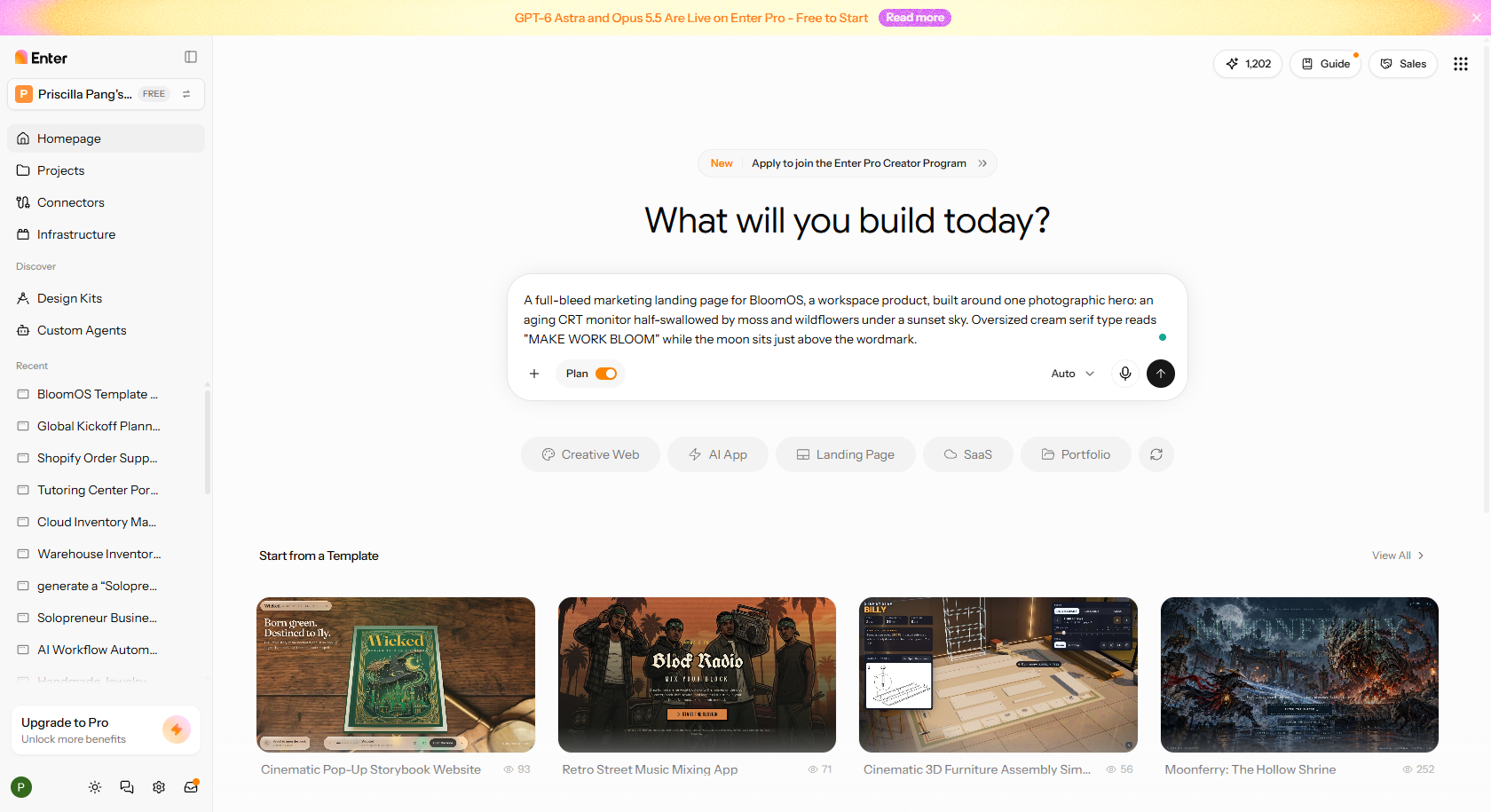
Step 1: Describe your niche
Start by describing your website or app idea in simple, natural language. Explain its purpose, intended audience, and what you want it to do. You can also mention your preferred design style, essential pages, or key features. Once your instructions are ready, click "Generate" to create the initial draft. Enter Pro will generate the project based on your description. Review the proposed output before moving forward.
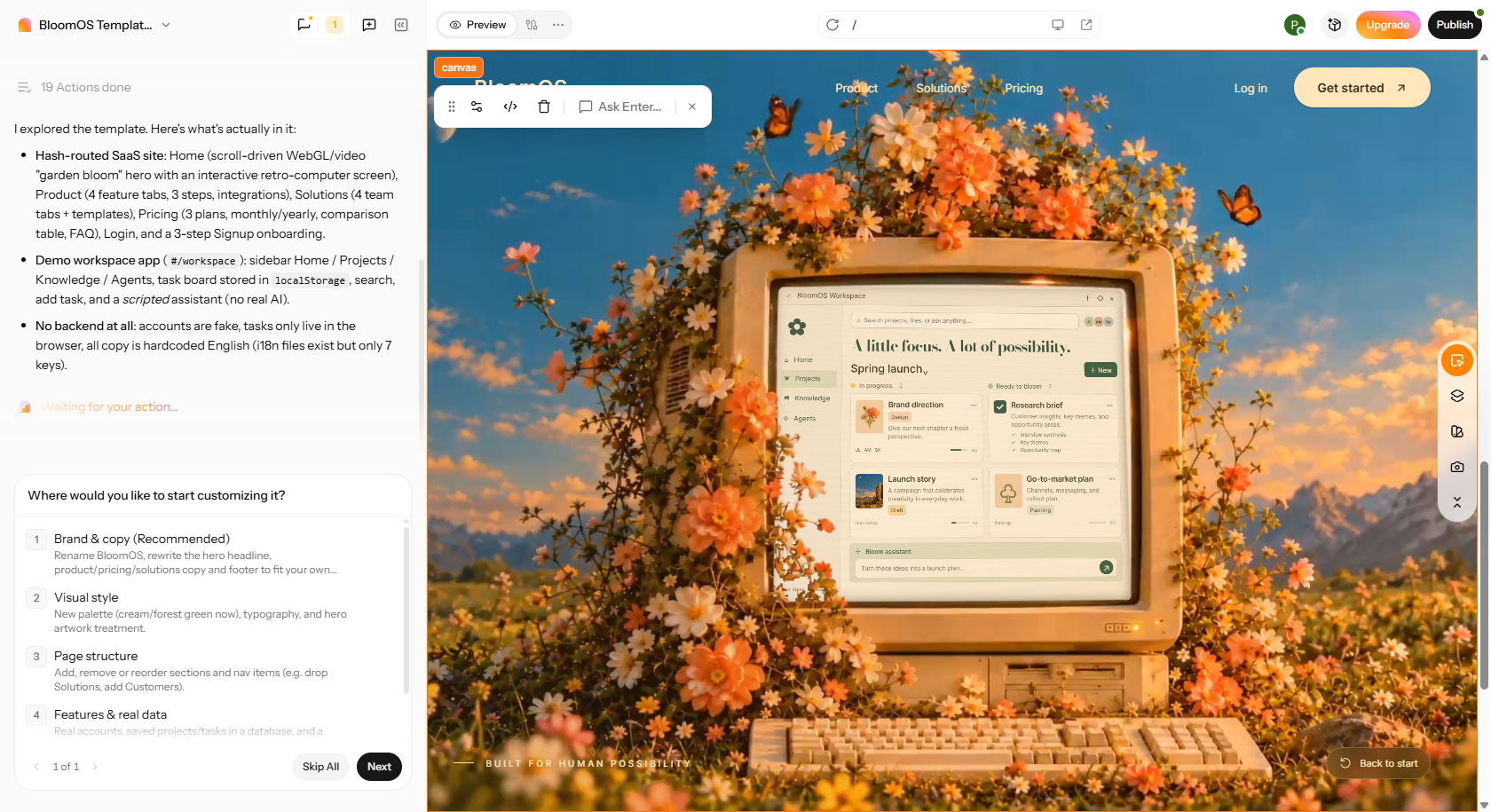
Step 2: Customize your site
Review your initial draft and select "Build Now" to generate the website or app. Open the "Preview" tab to examine its layout, navigation, pages, and interactive elements. Check whether the generated features match your original requirements. Use the available editing tools to adjust layouts, refine designs, and fix any issues.
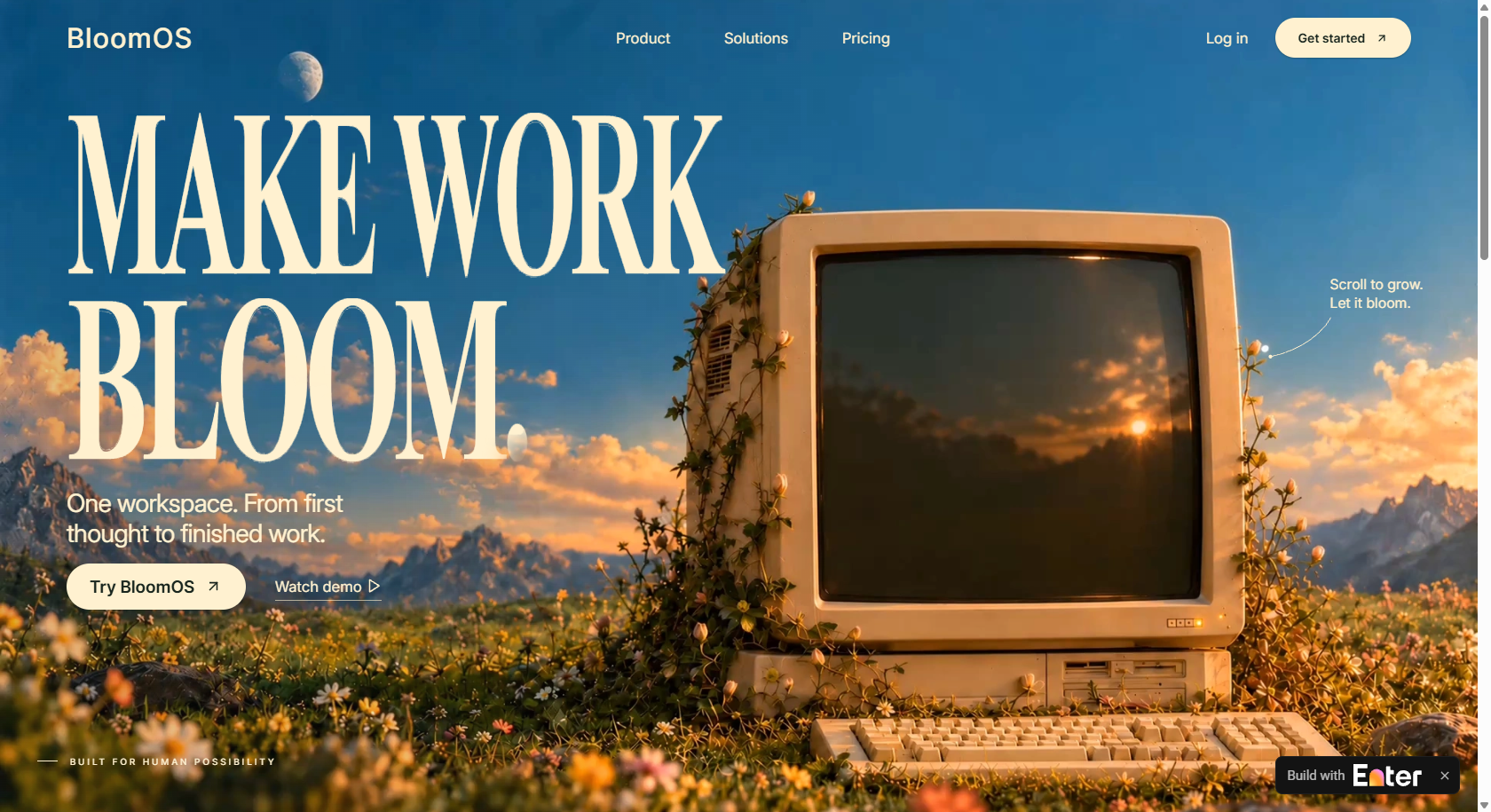
Step 3: Publish the site/app
Test the website or app to ensure its essential functions work correctly. Check navigation, interactive elements, and overall usability before launch. Once everything meets your expectations, select "Publish" to deploy your finished project.
| Component | CTA Button |
|---|---|
| Web.Text | Build Your Website Now |
| Web.Href | https://enter.pro/workspace/ |
What changes in enterprise and industry-specific software development?
For large organizations or regulated industries, software requirements are more complex. These products need to cater to specialized workflows, security, and compliance – which is different from products intended for general application. Hence, development teams must have industry knowledge from the start.
- Enterprise software development: Enterprise products must be scalable, reliable, and must integrate seamlessly with systems. They also require identity management, access control, audit trails, and data governance. These capabilities aid in complex workflows and organizational operations.
- Healthcare software development: Healthcare products need to safeguard sensitive patient data and ensure interoperability. They must fit clinical workflows and comply with applicable accessibility and privacy rules. Requirements vary based on the use and target markets.
- Food and beverage PLM software: Food and beverage PLM platforms support recipe and formulation management, ingredient traceability, allergen data, labeling, inventory, and regulatory documentation. These are industry-specific product management tools. Teams should account for these requirements when selecting or integrating such platforms.
Early development decisions should be based on security, privacy, and accessibility. Validation and compliance planning during the development process also play an important role at the beginning and for industry-specific applications. These requirements may be considered final checks and may lead to expensive changes later.
Common software product development mistakes and how to avoid them
- Validation and focus gaps: Teams often build first and test demand later. CB Insights found 42% of failed startups lacked market need. Targeting too many segments blurs the product. Stakeholder opinions shouldn't outweigh user evidence.
- Scope and architecture costs: MVP scope creep causes delays in launching, and it obscures what users really want. The more complicated the architecture, the slower every subsequent change. It's easy to underestimate integration costs. Also, if security or accessibility is overlooked, it will be costly to rework it later.
- Quality and ownership risks: Bugs slip into the client's system due to poor testing. Without good analytics, teams are left in the dark. Undocumented technical debt is a delivery impediment. When there is no clear ownership, decisions are delayed. AI-generated code may have hidden vulnerabilities if not reviewed.
- Prevention measures: Test early using interviews or prototypes. For each feature, write explicit acceptance criteria. Gradually let go. Automate regression tests. Have periodic product reviews to kill off weak ideas. Small steps reveal issues earlier.
| Mistake | Warning Sign | Corrective Action |
|---|---|---|
| Building before validating | No user interviews | Test a prototype first |
| MVP scope creep | Shifting launch dates | Cut to one core use case |
| Unmanaged technical debt | Slower releases | Schedule regular refactoring |
| Weak analytics | Opinion-led debates | Track agreed usage metrics |
| Component | CTA Button |
|---|---|
| Web.Text | Build Your Website Now |
| Web.Href | https://enter.pro/workspace/ |
Conclusion
Understanding customer needs and validating ideas is the first step in successful software product development. A clear strategy, focused MVP, appropriate tools, and reliable engineering contribute to minimising risk. However, development doesn't end at launch. There is ongoing testing, customer feedback, and performance monitoring to inform meaningful improvements. Use Enter Pro for website and app development, testing out ideas and controlling initial development expenses. Begin with your boldest guess, set clear metrics, and use actual customer results to guide all releases.
FAQs about software product development
What challenges affect software product development success?
There are technical, strategic, and organizational challenges in software development throughout the software development lifecycle. Some of the common challenges are lack of clear requirements, scope creep, technical debt, security vulnerabilities, and inadequate testing. Weak project management and less than optimal user involvement also slow progress. These risks can be managed through regular communication, realistic planning, and early validation.
Which features matter most in product development software?
The right product development software ties in the day-to-day work with company goals. Search for product roadmaps, Agile sprint management, prioritization tools, and integration of customer feedback. Designers, developers, and managers can also coordinate by using collaboration features. You can also explore Enter Pro, which will complement such workflows, allowing for the swift creation of websites and MVP development.
How can new product development software reduce project risks?
New product development software aids teams in detecting risks before they turn into costly issues. Prototyping is for testing ideas, and centralized requirements ensure scope doesn't wander. Sprint tracking helps with delays, and shared workspaces help with collaboration. Additionally, you can use Enter Pro, which allows teams to experiment with ideas for websites and apps before spending too much time and money on them.
When should businesses choose custom software product development?
Where standard software can't meet the specific requirements of business workflows, custom software is a viable option. Scalability limitations, rising licensing costs, and complex integrations are also reasons to invest. Businesses might require customized security or compliance regulations. However, you can use Enter Pro to verify less complex product concepts prior to custom engineering.
How can healthcare software product development reduce clinical errors?
Healthcare software streamlines prescribing, automates alerts, and ensures proper drug administration, thereby minimizing errors. Barcode scanning ensures that patients receive the right medication and dosage. Clinical decision support is the process of identifying a potential risk using patient information. Healthcare information sharing is also enhanced through interoperability standards, such as HL7 and FHIR.
Which technologies drive enterprise software product development?
AI, machine learning, and cloud-native architectures are becoming more and more important for enterprise development. Each of the different languages (Java, Python, C#, TypeScript) caters to different application needs, and low-code platforms add to development efficiency and deployment reliability. Enter Pro also supports rapid MVP creation.