
Best AI UI Generator 2026: Find the Right Tool for You
Compare five AI UI generators in 2026 for interface quality, prompt accuracy, editing control, and code output. Find the right tool for your workflow here.
Designing a website or application interface takes time, design knowledge, and several rounds of revisions. An AI UI generator can speed up the early stages by turning text prompts, reference images, and product descriptions into interface concepts. However, tools differ in what they produce. Some focus on visual layouts, while others support editing, prototyping, or code generation. In this guide, I compare five tools to help you find the best AI UI generator in 2026 for your project, design experience, and intended output.
What is an AI UI generator?
An AI UI generator uses artificial intelligence to turn written instructions or visual references into user interface layouts. You can describe a page, dashboard, or app screen and receive an initial design without creating every element manually. The output may be a visual concept, an editable design, or a coded interface, depending on the platform. These tools can help founders visualize product ideas, designers explore layouts, and developers create a starting point for frontend work. When choosing the best AI UI design generator in 2026, consider whether you need visual concepts, interactive prototypes, or interfaces that can be developed into working applications.
What can AI UI generators create?
AI UI generators can turn product descriptions and design prompts into interface elements for websites and applications. Depending on the tool, they can create:
- Website and landing page layouts: Page structures with hero sections, content blocks, calls to action, and navigation.
- Mobile application screens: App interfaces such as login pages, profile screens, settings, and dashboards.
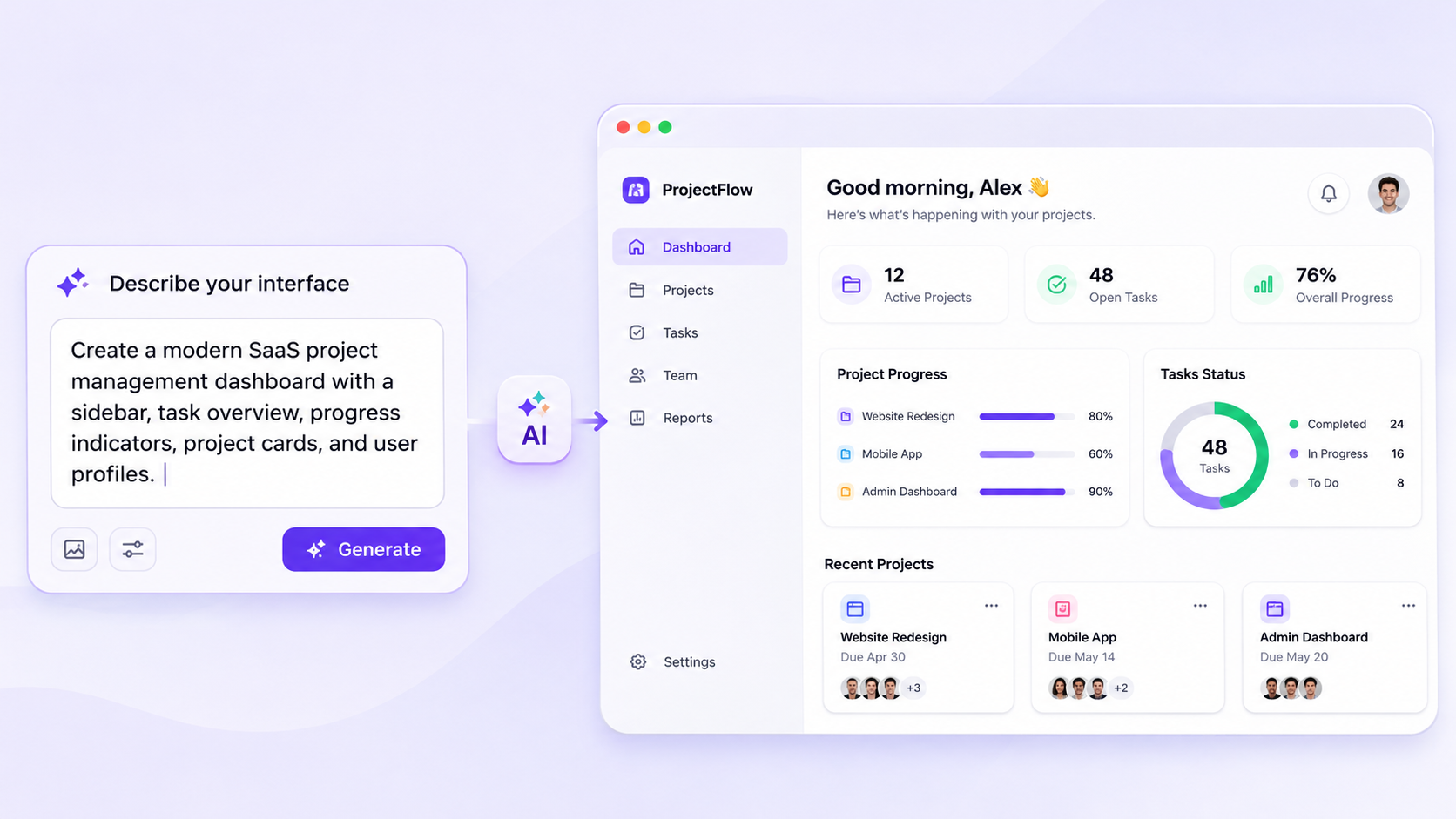
- SaaS dashboards and admin panels: Interfaces with sidebars, data cards, tables, progress indicators, and management controls.
- E-commerce interfaces and product pages: Online store layouts featuring product images, descriptions, pricing, and shopping-related elements.
- Forms, navigation menus, and reusable UI components: Individual elements such as input fields, buttons, menus, and cards that help maintain a consistent interface.
The level of detail and functionality depends on the generator. Some tools produce visual concepts or editable designs, while others can generate code or help build a working application.
How AI UI design generators work
Most tools follow one or more of these workflows:
- Prompt-based generation: Describe the interface, its layout, required features, and visual style. The AI uses those instructions to create a design.
- Reference-based generation: Upload a screenshot, image, or existing design to guide the output. This can help when you already have a visual direction in mind.
- AI-assisted editing: Refine the result with follow-up prompts or visual controls. You might change the color scheme, rearrange sections, or add a component.
- Code generation: Some platforms convert the generated interface into frontend code or a working application.
The amount of control varies. A tool that produces a polished screen may not provide the code or application logic needed to launch a product. Check what you can edit, export, and build on before choosing one.
How we tested the best AI UI generator tools in 2026
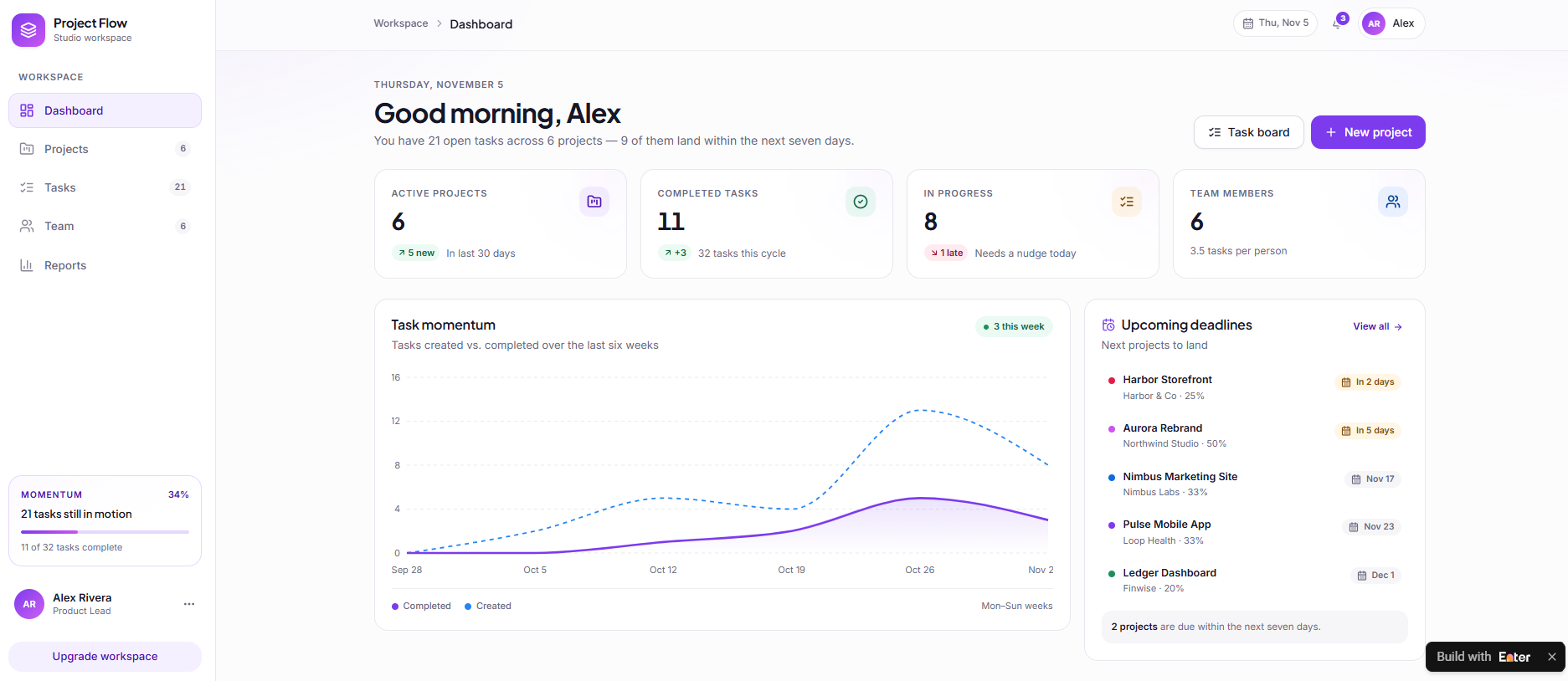
I evaluated the five tools using the same SaaS dashboard prompt wherever their workflows allowed a fair comparison. This helped me assess how accurately each tool interpreted the requirements and translated them into an interface.
Test prompt: Create a modern SaaS project management dashboard with a sidebar, task overview, progress indicators, project cards, user profiles, and a responsive layout.
I compared the initial designs, visual quality, prompt accuracy, customization options, functionality, and code access. I also considered how much editing each output is required to become usable. I recorded the test date, browser, subscription plan, and tool versions wherever this information was available.
Evaluation criteria
I assessed each tool across seven criteria to compare its ease of use, design quality, and practical capabilities. The evaluation also covered customization, interactive features, code access, and pricing.
| Criteria | What to evaluate |
|---|---|
| Ease of use | Setup, interface, and learning curve |
| AI generation | Prompt understanding and initial output |
| Visual quality | Layout, spacing, typography, and consistency |
| Customization | Editing flexibility and design control |
| Functionality | Navigation, interactions, and responsive behavior |
| Code and export | Source code access and implementation options |
| Pricing | Free access, subscriptions, and usage limits |
5 best AI UI generators in 2026
This best AI UI generators in 2026 comparison highlights their strengths in interface design, customization, and application development.
| Tool | Ease of use | AI generation | Visual quality | Customization | Functionality | Code or implementation | Pricing |
|---|---|---|---|---|---|---|---|
| Enter Pro | High | Prompt-based app generation | Modern web app interfaces | Visual editing and prompt refinement | Interactive app logic and workflows | Full-stack application development and deployment | Check the latest pricing on the official site |
| Figma | Medium to high | AI-assisted design capabilities | Professional, design-system-level interfaces | Advanced vector and design token controls | Smart Animate and conditional prototyping | Developer handoff and design tokens | Free plan available; Professional starts at $16/month per full seat |
| UX Pilot | High | Prompt-based interface generation | Structured UI concepts and wireframes | Design refinement and component sync | Clickable screen flows | Figma export through plugin integration | Free plan available; Pro starts at $14.99/month |
| Banani | Very high | Prompt-driven UI generation | Modern interface layouts | AI-assisted layout iteration | Multi-screen interactive prototypes | Direct Figma export for further editing | Free plan available; paid plans start at $20/month |
| v0 | High for developers | Prompt-based UI generation | Clean Tailwind and shadcn UI output | Component and React code refinement | Interactive React components | React, Next.js, and Tailwind code | Free plan available; paid plans start at $30/user/month |
Enter Pro – Best for turning UI ideas into functional web apps
Enter Pro is an AI-powered application builder for users who want to take an idea beyond a static interface. Instead of generating UI concepts alone, it helps turn natural-language prompts into web applications that users can interact with. This makes it useful for founders, entrepreneurs, and product teams who want to build and refine applications without handling every development task manually.
| Component | CTA Button |
|---|---|
| Web.Text | Generate UI from Prompts |
| Web.Href | https://enter.pro/workspace/ |
Key features
- Prompt-to-app generation: Describe your application, its purpose, target users, and required features in plain language. Enter Pro's AI app builder uses these instructions to generate an initial application.
- AI website creation: Use the AI website builder to generate website pages and layouts from prompts, then refine the design and content to match your requirements.
- Visual interface editing: Refine page layouts and interface elements through the Visual Editor, without relying entirely on code.
- Application development: Go beyond screen generation by working toward interactive web applications with functional features and user workflows.
Enter Pro is particularly relevant when the goal extends beyond generating UI screenshots to building an application that users can interact with.
How to generate a UI with Enter Pro
Step 1: Describe your application
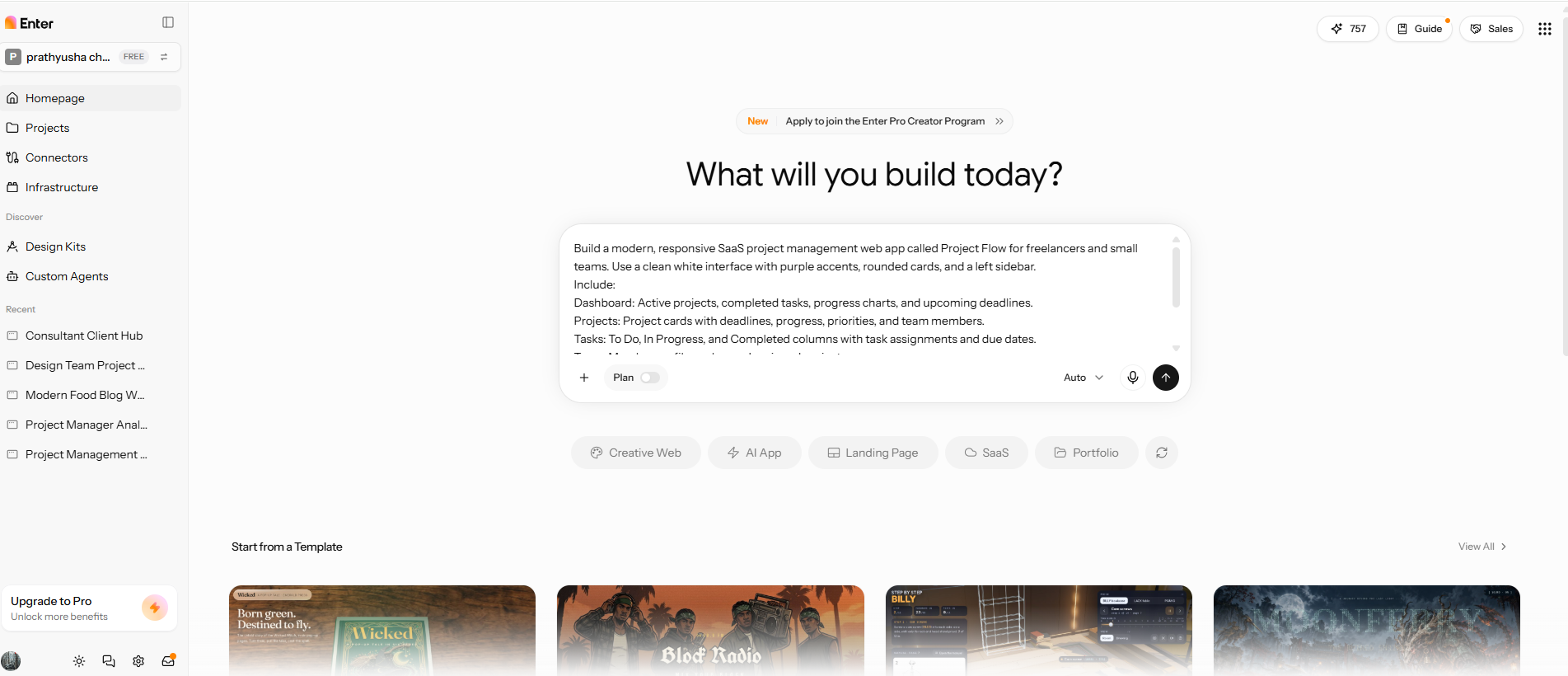
Open Enter Pro and describe what you want to build, who will use it, and which features it should include. Specify the required pages, preferred layout, visual style, and main user workflows to guide the initial generation.
Step 2: Generate and customize the interface
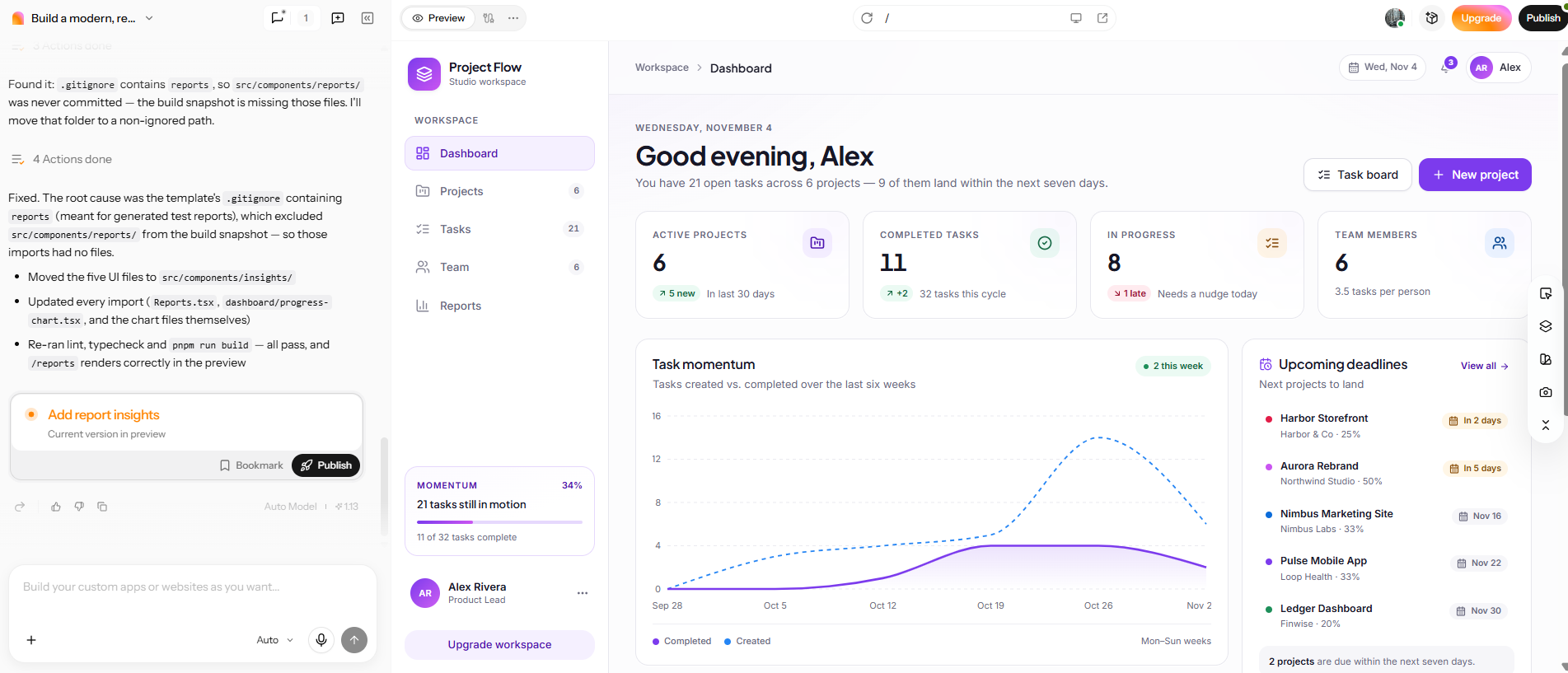
Generate the application from your prompt and review its pages, layouts, and components. Use the Visual Editor and follow-up prompts to adjust the design, rearrange elements, and refine the interface.
Step 3: Review the application
Test the main navigation, interactive elements, and user workflows. Make any necessary changes to improve the interface and application behavior, then check that the result meets your requirements before moving ahead with further development.
| Component | CTA Button |
|---|---|
| Web.Text | Generate UI from Prompts |
| Web.Href | https://enter.pro/workspace/ |
Figma – Best for professional UI design and interactive prototyping
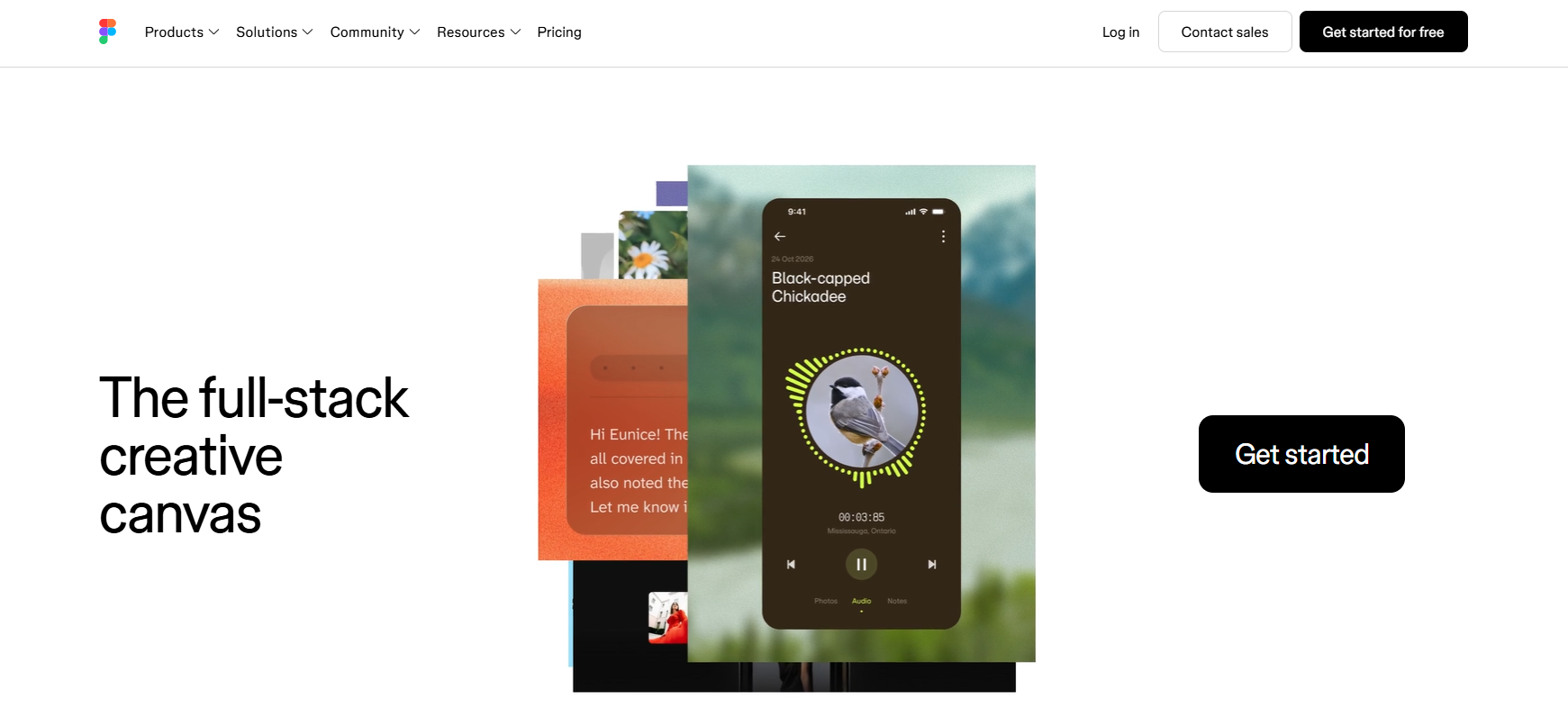
Figma is an established UI design and prototyping platform built for designers and product teams. It provides detailed control over interface layouts, visual elements, and reusable components, while its AI-assisted capabilities help support the design process. Teams can create screens, connect them into interactive prototypes, and collaborate on designs before development begins.
Key features
- Create interface concepts using AI-assisted design capabilities.
- Reuse components and design systems across multiple screens.
- Connect screens to create interactive prototypes and user flows.
- Use Smart Animate, variables, and conditional logic to define interactions.
- Collaborate in real time and share designs with developers for handoff.
Figma is particularly useful for designers and product teams that need precise control over interface layouts and interactive prototypes. Unlike prompt-first UI generators, it offers a hands-on design workflow for refining screens and reviewing user interactions before development.
UX Pilot – Best for AI-assisted UI/UX design
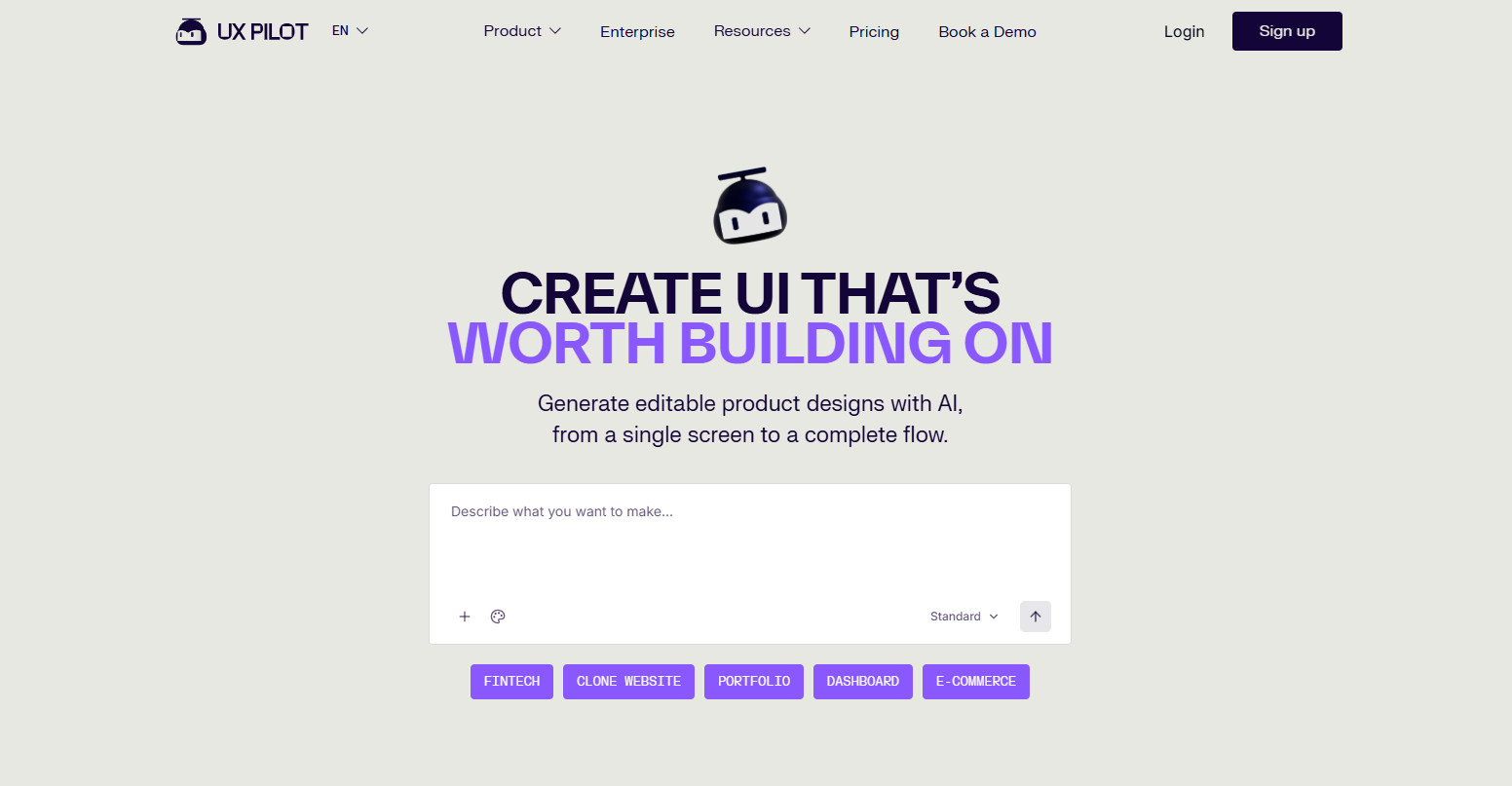
UX Pilot helps designers and product teams turn product ideas into interface concepts through AI. Its prompt-based generation can create UI screens and wireframes, giving teams a starting point for exploring different layouts. This is useful during early product planning, when teams want to compare design directions before settling on a detailed interface.
Key features
- Generate interface concepts from text prompts.
- Create UI screens and wireframes using AI.
- Explore alternative layouts for different design directions.
- Refine generated screens through design iterations.
- Integrate designs into existing workflows through Figma.
UX Pilot is particularly useful for exploring multiple interface ideas without designing each screen from scratch. It helps teams evaluate layouts and refine their preferred direction before moving into detailed design.
Banani – Best for prompt-based interface exploration
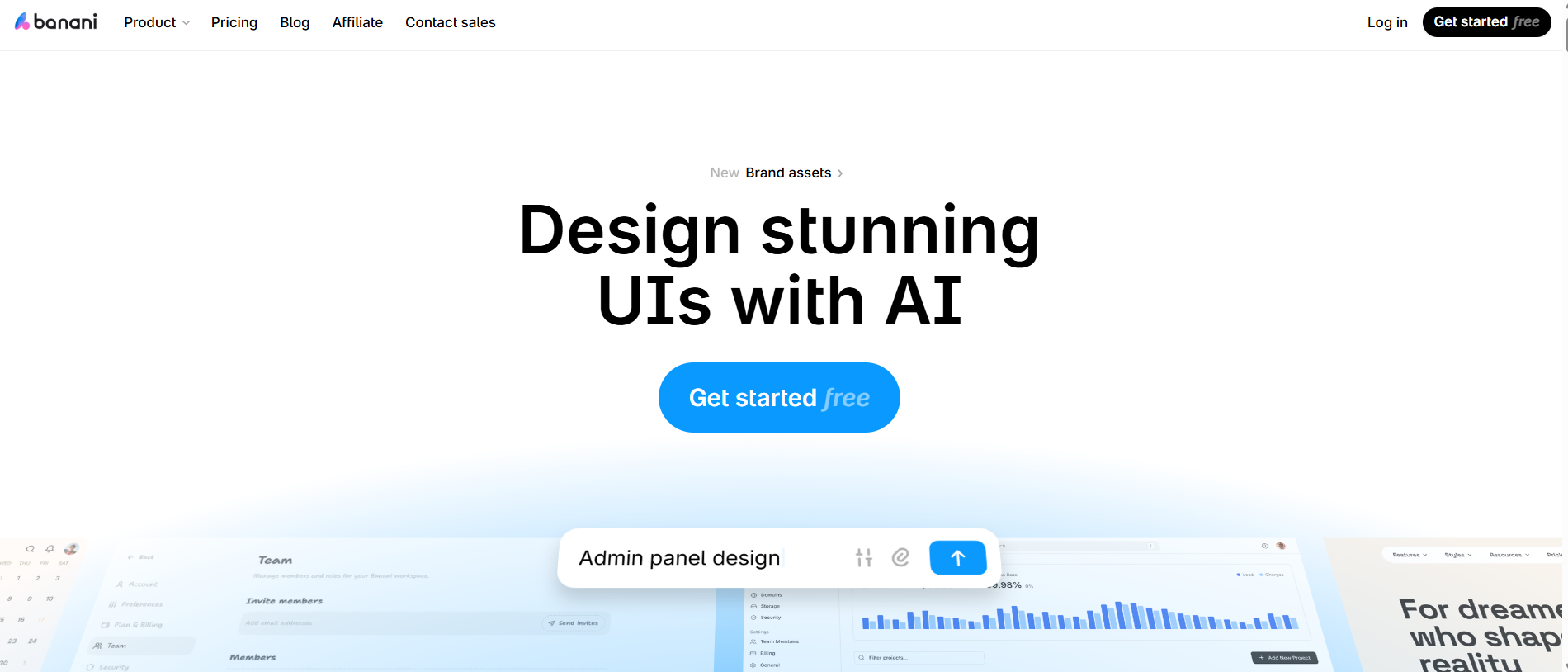
Banani helps turn product descriptions into visual interface concepts through AI. You can describe a website or application and generate screens to explore how the product might look. Its prompt-driven workflow is useful for founders, product managers, and designers who want to visualize an idea and compare layouts before investing time in detailed design.
Key features
- Generate UI designs from text prompts and product descriptions.
- Create website layouts and application screens.
- Explore different layouts and visual directions.
- Modify generated interfaces through AI-assisted editing.
- Export designs to Figma for further refinement.
Banani is particularly useful during the early stages of product planning, when you need to visualize an idea, review possible layouts, and share design concepts before moving into detailed development.
v0 – Best for AI-generated web interfaces and code
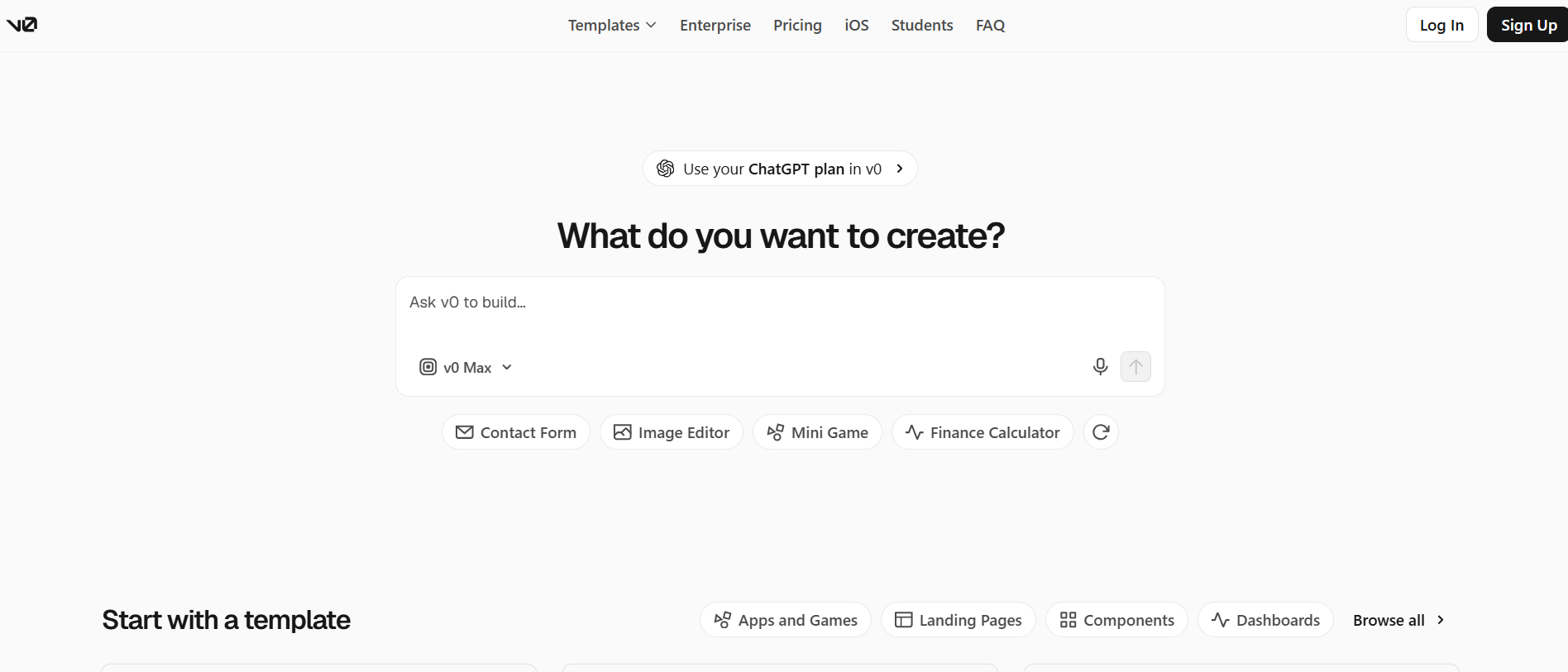
v0 connects prompt-based UI generation with frontend development. It allows developers to describe an interface in natural language and generate React-based components. They can then inspect the generated code, refine individual elements, and adjust the interface to match their project requirements. This makes it useful for developers who want to move from an initial design concept to frontend implementation without building every component from scratch.
Key features
- Generate web interfaces using natural-language prompts.
- Create React-based interfaces with reusable components.
- Refine layouts and components through follow-up prompts.
- Inspect and customize the generated frontend code.
- Work with Next.js and Tailwind CSS in the development workflow.
v0 is particularly useful for developers who want greater control over the generated code and frontend implementation. Unlike tools focused mainly on visual concepts or prototypes, it connects interface generation with a code-based development workflow.
How to choose the best AI UI generator in 2026
To find a reliable AI UI generator in 2026, consider how well it handles your design requirements, supports customization, and fits into your development workflow.
Match the generator to your project requirements
Start with the type of interface you need. Website and landing page projects require complete layouts and visual editing, while mobile apps and SaaS dashboards need consistent screens, clear navigation, and well-organized components. If you want to build a functional application rather than a visual concept, consider tools such as Enter Pro that support application development.
Consider your design and technical experience
Your experience also determines how much control you need. Beginners may prefer simple prompts and visual editing, while UI/UX designers benefit from detailed design controls, reusable components, and prototyping. Developers should look for code access and integration options, whereas product managers may prioritize quick interface generation and easy sharing for team feedback.
Compare pricing and usage limitations
Check the pricing structure before committing to a tool. Some platforms charge monthly or per-editor subscriptions, while others use generation credits. Review free trial limits, available features, commercial usage rights, and restrictions on code or design exports to understand what you get with each plan.
From AI-generated UI to a functional application
An AI-generated interface is often the first step in building a product. However, a visual design, an interactive prototype, and a functional application serve different purposes.
- UI design: Defines the visual appearance of an interface, including its layout, colors, typography, buttons, and other components.
- Interactive prototype: Connects screens and simulates navigation, clicks, and user interactions to show how people move through the interface.
- Functional application: Goes beyond visual design to include working features, application logic, and data workflows that let users complete actual tasks.
When choosing an AI UI generator, consider what you need to do with the output next. A tool that creates attractive screens may be enough for exploring a design, but building a product requires more than visual layouts or simulated interactions. Enter Pro is worth considering if you want to move from a product idea and initial interface toward a functional web application. Its prompt-based app generation and visual editing capabilities help you create an initial application and refine it as your requirements develop.
| Component | CTA Button |
|---|---|
| Web.Text | Generate UI from Prompts |
| Web.Href | https://enter.pro/workspace/ |
Conclusion
The best AI UI generator in 2026 depends on what you're trying to create and how far down the design rabbit hole you need to go. Figma is great for detailed interface design and interactive prototyping. UX Pilot and Banani help you explore UI concepts with AI. v0 connects interface generation with frontend code. Enter Pro helps turn product ideas into functional web applications. Think about your design needs, your need for customization, and your development workflow before you choose a tool. The best choice is the one that fits your project and offers you the capabilities you need beyond the basic interface.
FAQs about the best AI UI generator
What is the best AI UI generator in 2026?
The best option depends on your requirements. Figma is suitable for detailed design and prototyping, UX Pilot and Banani for AI-assisted UI exploration, and v0 for frontend code generation. Enter Pro is a good option if you want to turn an initial product idea into a functional web application.
Which AI UI generator is best for beginners?
Banani is a beginner-friendly, prompt-first approach to designing interface concepts. If you want to go beyond visual designs, Enter Pro is worth checking out. It has a prompt-based app generator and visual editor to help users build and polish web apps without having to do every single development themselves.
Can AI generate a complete website UI from a text prompt?
Yes. AI UI generators can turn text prompts into website layouts, navigation menus, content sections, and interface components. You may still need to adjust the design, spacing, and responsiveness. Enter Pro's AI website builder can help generate website pages and layouts from prompts.
What is the difference between an AI UI generator and an AI website builder?
AI UI generator is all about interface designs, screens, and layouts. An AI website builder can help with website functionality, editing, and publishing. Enter Pro provides AI website and app building, moving users past initial interface concepts to working web experiences.
Can AI UI generators produce production-ready code?
Some tools create the front-end code for you; however, it is not production-ready out of the box. Developers may want to review code, test functionality, fix issues, and optimize performance. Tools like v0 are built for React-based development, and Enter Pro is all about building functional web applications.
Are AI UI generators reliable for professional projects?
AI UI generators can accelerate interface design, but the results still require review. Before you apply the results to a professional project, verify the design for consistency, accessibility, responsiveness, and customization options. Enter Pro can help you build working web applications. You will need to verify that the features and workflows it produces meet your requirements.