
What is Web App Development? A Complete Guide for Beginners
Learn what web app development is, explore common types and business uses, follow a 5-step development process, and discover the best AI tools for building web apps.
Web app development is the process of building interactive software that runs in a browser. Unlike a standard website, a web application lets users sign in, manage data, complete transactions, use dashboards, and trigger workflows. In this guide, I’ll walk you through what web and app development is, the common types of web applications, why businesses use them, and the five-step web application development process, from defining requirements and choosing a tech stack to testing, deployment, and maintenance. You will find the best AI tools for web app development, including Enter Pro, Cursor, v0, Lovable, and Replit Agent.
What is web app development?
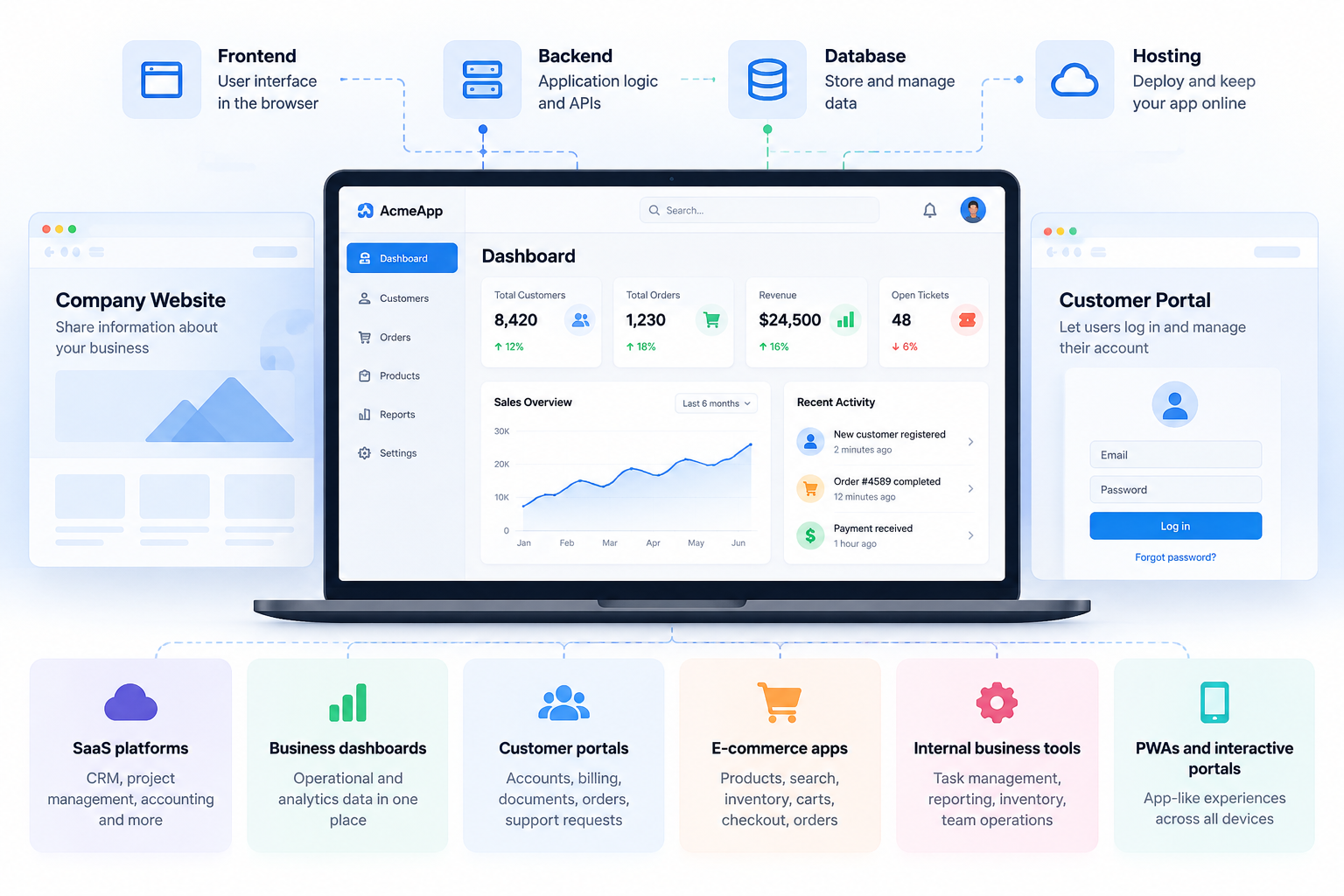
Web app development involves designing, building, testing, deploying, and maintaining software that users access through a browser. A typical application combines a frontend interface with backend logic, databases, APIs, authentication, and hosting. The difference becomes clear when you compare a company website with a customer portal. A website may show product or company information, while a portal can let customers log in, view account details, update information, submit requests, or manage payments.
Common types of web applications
Web applications can serve a wide range of business needs, from customer-facing services and online transactions to internal workflows and data management.
- SaaS platforms: Subscription-based applications for CRM, project management, accounting, creative work, and other recurring business needs.
- Business dashboards: Centralized interfaces that display operational, sales, financial, or analytics data for easier monitoring and decision-making.
- Customer portals: Secure spaces where customers can manage accounts, billing, documents, orders, support requests, or other services.
- E-commerce and marketplace apps: Applications for managing products, search, categories, inventory, carts, checkout, orders, and transactions.
- Internal business tools: Custom web app development that simplifies employee workflows such as task management, reporting, inventory tracking, and team operations.
- PWAs and interactive portals: Responsive browser-based applications that provide app-like experiences across desktops, tablets, and mobile devices.
Why businesses use web applications
Web applications can handle workflows that would be difficult to manage through static pages alone. They connect users, business data, and third-party services through a single browser-based interface.
- Automate business processes: Replace repetitive manual steps with automated workflows for tasks such as approvals, reporting, data entry, and order management.
- Provide customer-facing services: Give users access to accounts, order tracking, support requests, bookings, documents, and other self-service features from a browser.
- Manage data: Store, organize, and retrieve business information through databases while controlling access based on users, roles, or permissions.
- Support online transactions: Connect products or services with shopping carts, payment gateways, invoicing, booking systems, and order management tools.
- Build SaaS products: Deliver subscription-based software directly through the browser, allowing users to sign in and access features without installing a traditional desktop application.
- Connect different tools: Use APIs and integrations to bring data from services such as payment platforms, CRMs, analytics tools, email systems, and other business software into one application.
- Scale with business growth: Add users, features, workflows, and integrations as requirements change without rebuilding the entire application from scratch.
How does the web application development process work?
From describing the issue to maintaining the final result, a web application often goes through multiple stages. Because it separates implementation considerations from product decisions rather than diving right into code, I think this process is helpful.
Step 1: Define your web app idea, users & requirements
Before writing code or choosing a framework, start by defining the problem the web application needs to solve and identifying the target users and their primary workflows. Map out user journeys, roles, permissions, and required integrations, then determine whether you are building a SaaS product, internal tool, customer portal, marketplace, or dashboard. From there, you can prioritize essential MVP features using an AI MVP Builder and decide whether the project requires an interactive web application or a standard website.
Step 2: Plan your web app architecture & tech stack
Once the requirements are clear, turn them into a technical plan designed to support the application as it grows. You can choose the frontend framework and component structure, plan the backend logic, select a database, and map out its data model.
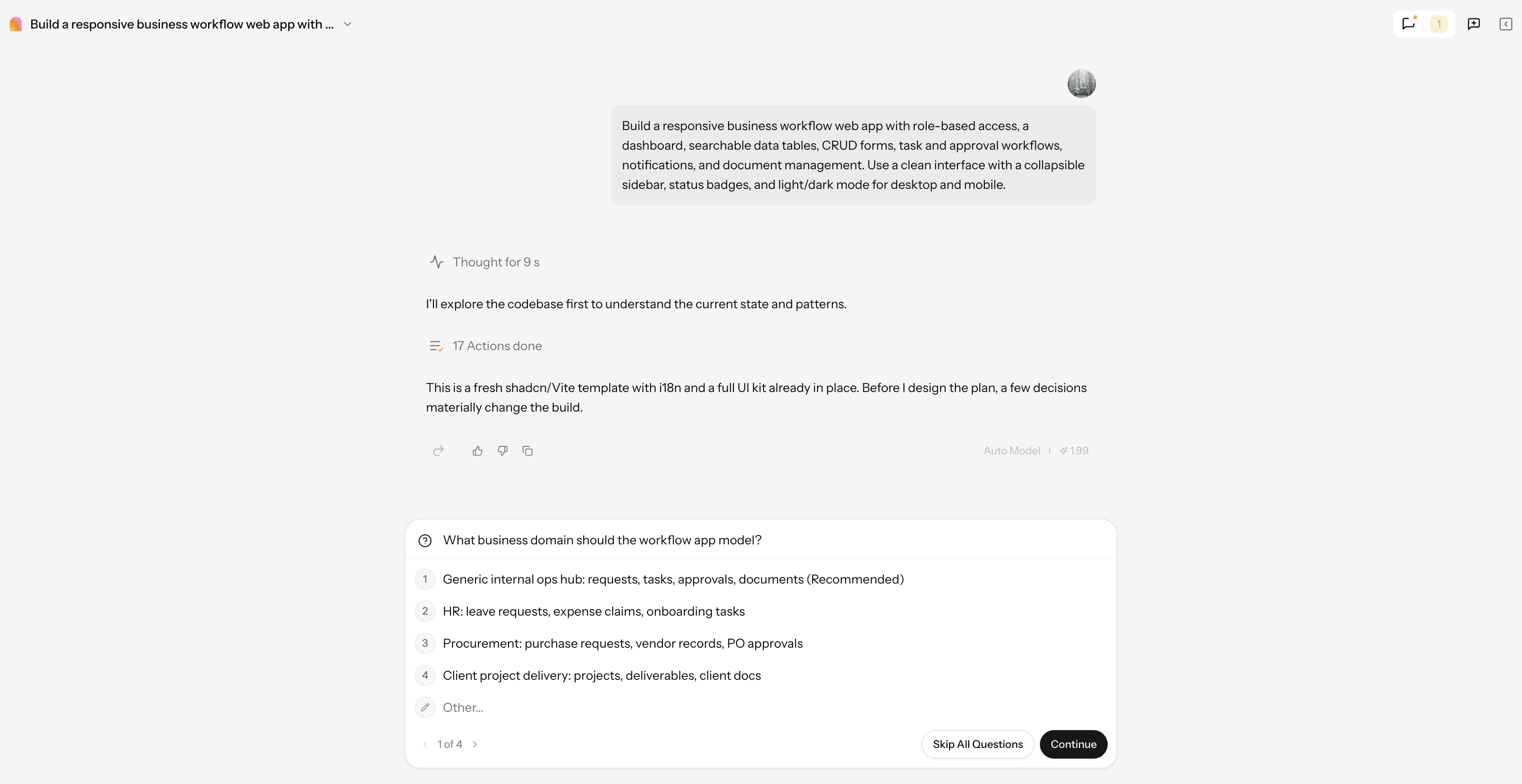
Step 3: Design and develop the application
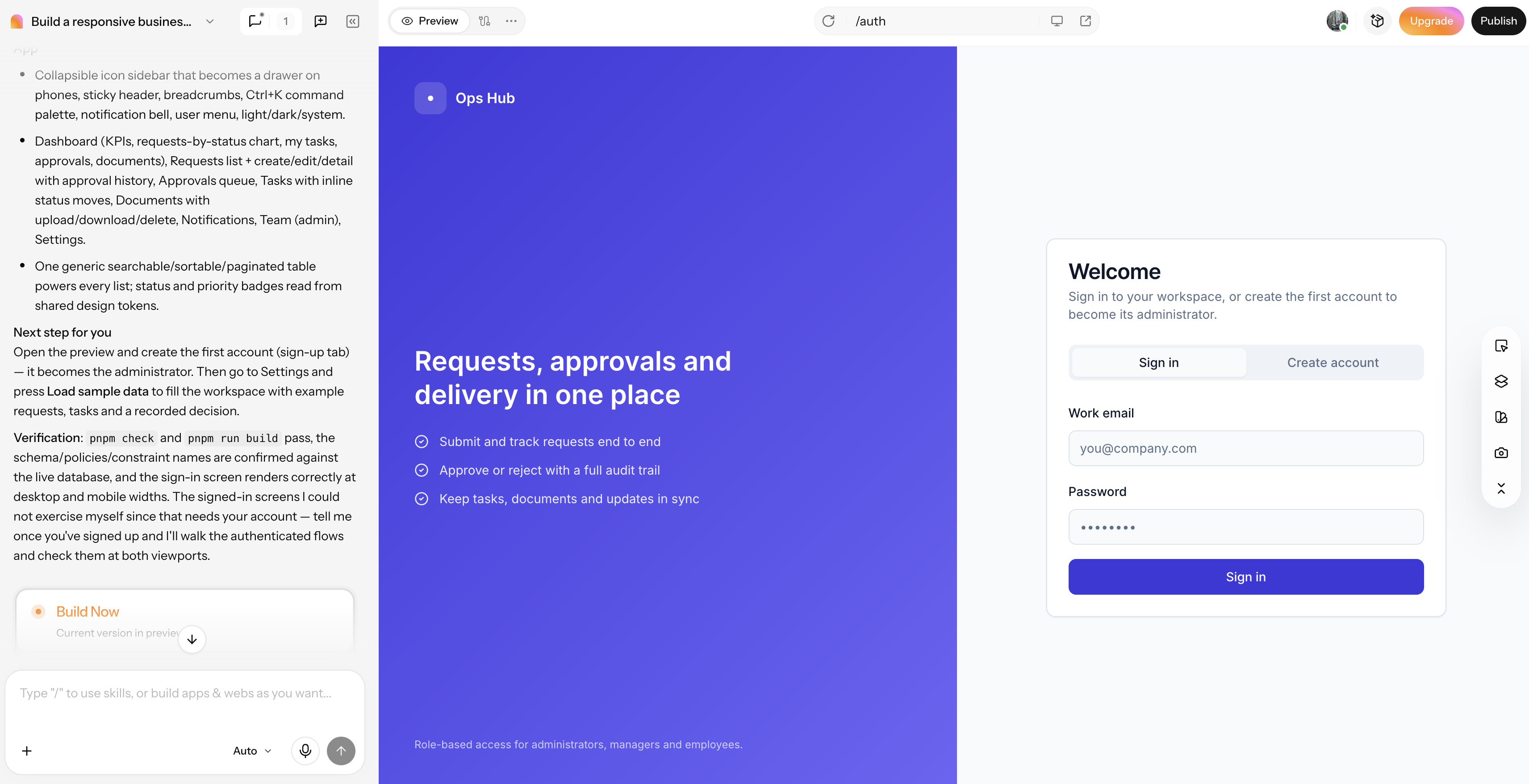
You can start with wireframes and user flows, then build the UI and responsive frontend while developing the backend logic that powers the application. Then connect the database and APIs, configure authentication, and bring these components together so you can complete the workflows securely and smoothly.
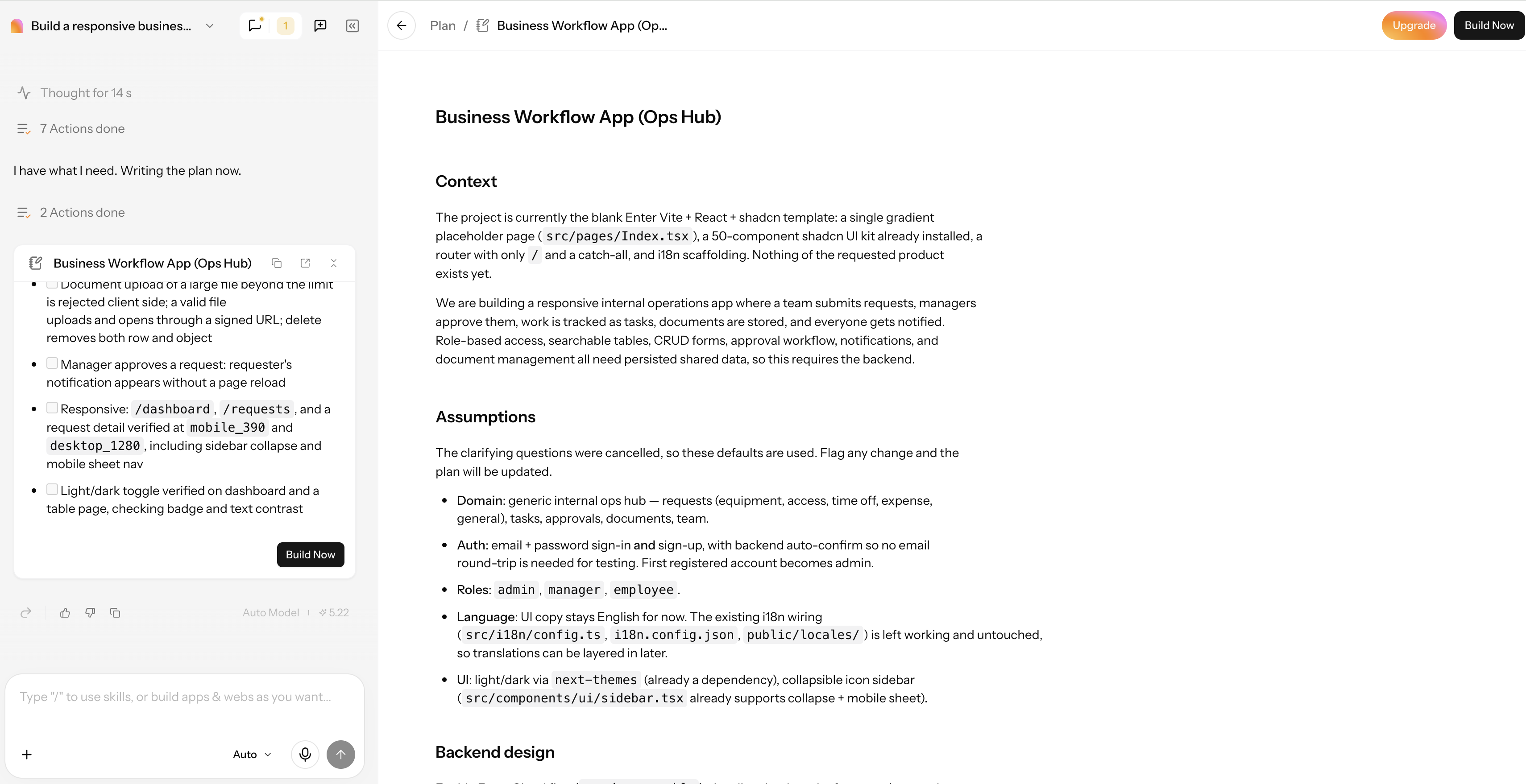
Step 4: Test and deploy the application
Before launching, test the application for functionality, reliability, security, and performance across different browser environments. You can run functional, unit, and integration tests to catch issues within individual features and connected workflows, followed by cross-browser, security, and performance testing. After validating the application, configure hosting, set up CI/CD deployment pipelines, and move it through a controlled production launch.
Step 5: Monitor and maintain your web app
After launch, you need to keep an eye on the web application to preserve its stability, security, and performance. In addition to keeping an eye on security concerns and user-reported defects, you should also monitor system uptime, API latency, error rates, and Core Web Vitals to spot issues early. You keep the application stable and aligned with evolving user needs through frequent updates, dependency maintenance, bug fixes, and feature enhancements.
Best AI tools for web app development
There are many AI tools for web app development. The biggest difference is where each tool puts the user in the workflow. Some generate complete applications from prompts, while others are more focused on code editing or interface generation.
Enter Pro
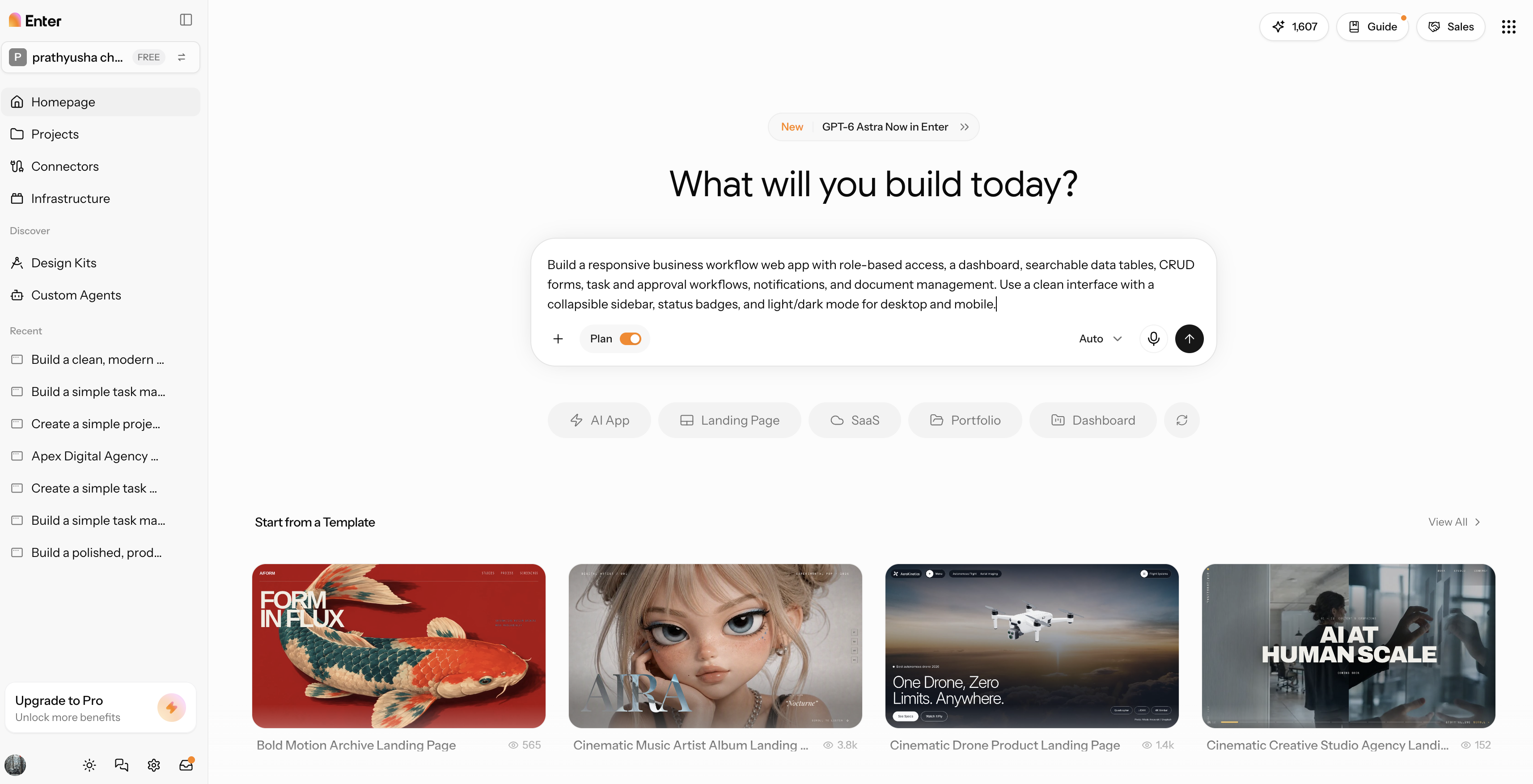
Enter Pro is a prompt-based workflow that can turn a natural-language application description into a structured development plan rather than leaving you with only a visual mockup. That distinction matters for projects that need more than a polished frontend. Enter Pro combines AI website and app creation with visual editing, so you can approach the initial build through natural language and then refine the generated result visually. The platform also supports multiple AI models for development workflows, including GPT-5.4 and DeepSeek V4 Pro.
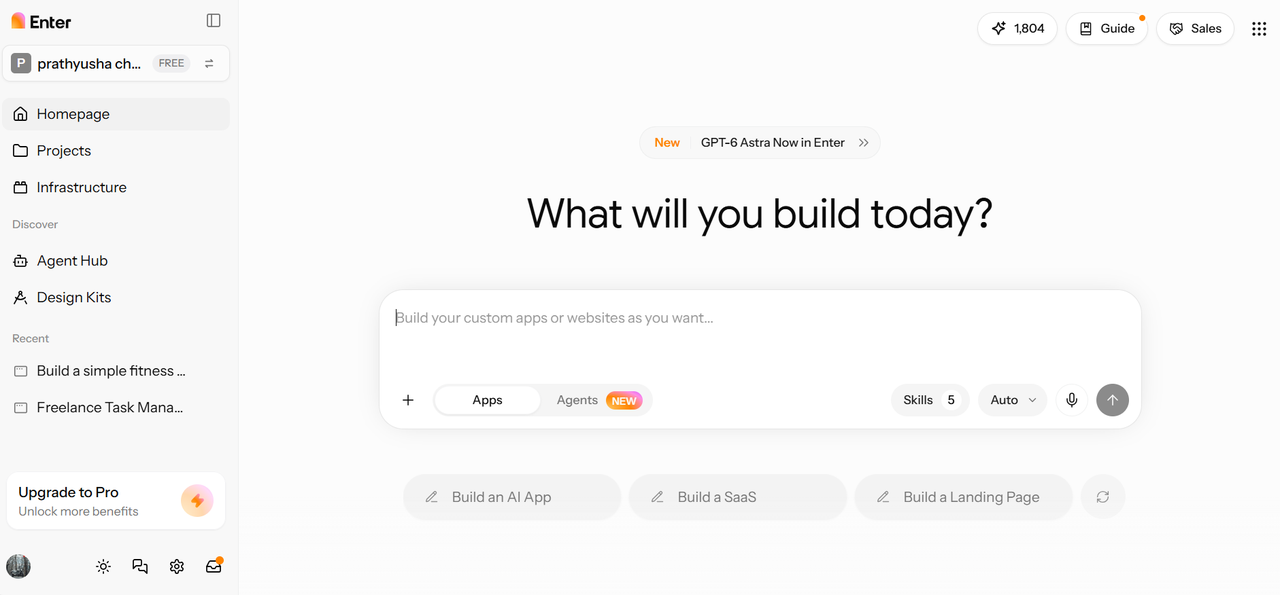
Key features
- AI website builder: The AI website generator can generate website and application structures from written requirements, giving you a starting point that can be refined instead of building the structure manually from scratch.
- Visual editor: Adjust layouts, components, styling, and branding visually. The visual editor makes it easier to refine the generated application without manually editing every part of the code.
- Website templates: Start with predefined website structures when your project does not need a completely custom build. Templates can provide a useful foundation that you can adapt to your requirements.
- Prompt-based workflow: Describe your application requirements in natural language and refine the generated result through follow-up instructions. This lets you make changes without rebuilding the project from the beginning.
Cursor
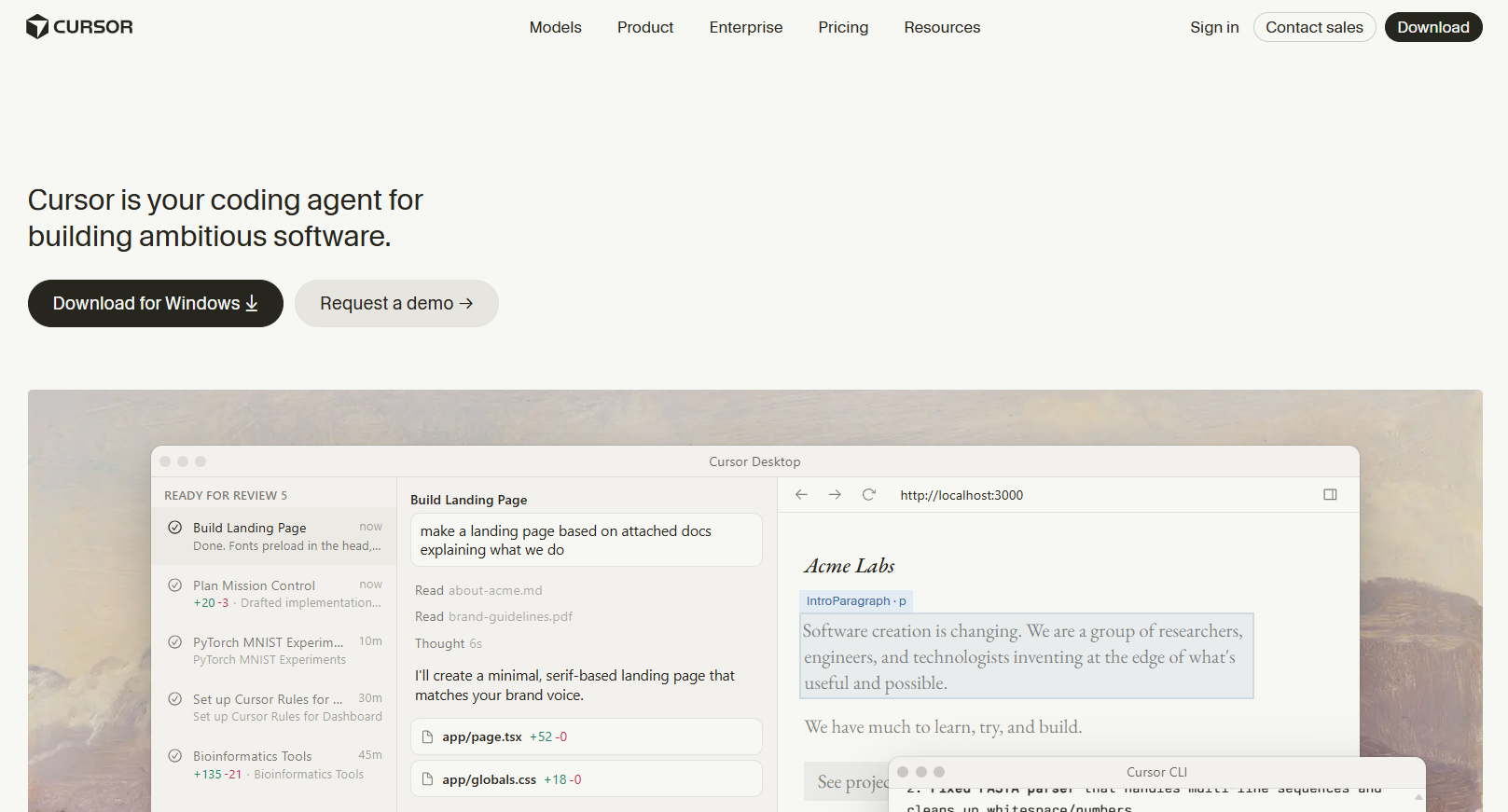
Cursor web app developer takes a different approach. Instead of primarily acting as a visual app builder, it works as an AI-first code editor built around an existing development environment. It is useful when you already have a codebase and want AI to understand the project while you work directly with the source code.
Key features
- Codebase indexing: Understands the context of your existing project, helping it generate or modify code based on the files and structure already in your codebase.
- Inline editing: Lets you make code changes through conversational instructions, making it easier to update individual sections without manually rewriting everything.
- Multi-file generation: Can apply related changes across multiple files, which is useful when a new feature requires updates to different parts of the application.
- Bug fixing: Helps identify coding issues and suggests or applies fixes within the development workflow, reducing the need to troubleshoot every problem manually.
v0
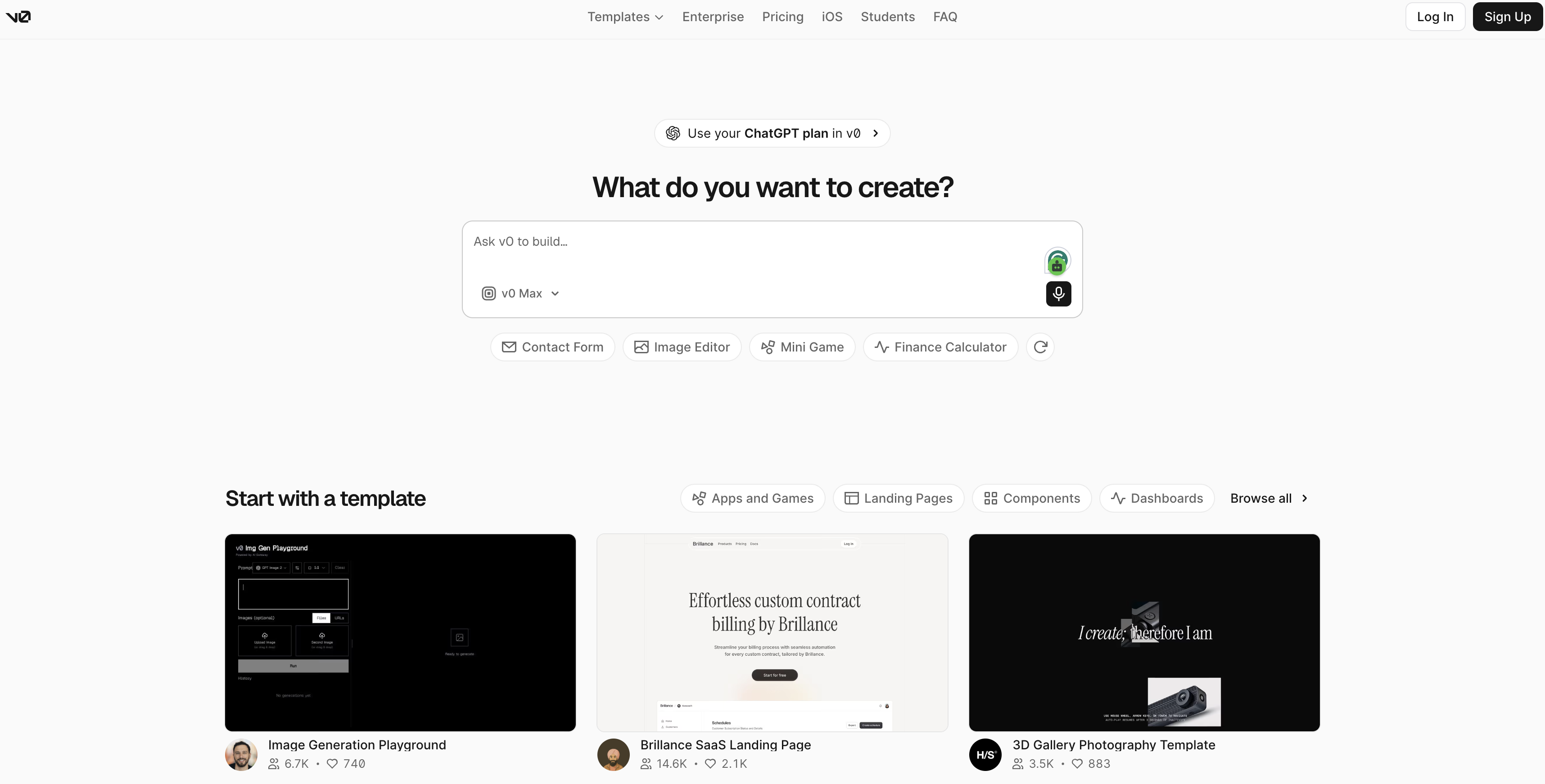
v0 focuses heavily on interface generation. It can turn written descriptions and reference images into frontend components, making it useful during the UI stage of web app development. Its workflow stood out as more frontend-oriented than that of a complete development environment. It can generate interface code that you can then integrate into a larger application.
Key features
- Generative UI: Creates frontend components from natural-language descriptions, giving you a quick starting point for building application interfaces.
- Iterative refinement: Lets you refine layouts and components through additional prompts, so you can adjust the generated interface as your requirements change.
- Shadcn/ui integration: Uses established UI components to help create consistent and reusable interface elements across the application.
- Code export: Allows you to take the generated JSX and move it into an existing frontend project for further development and customization.
Lovable
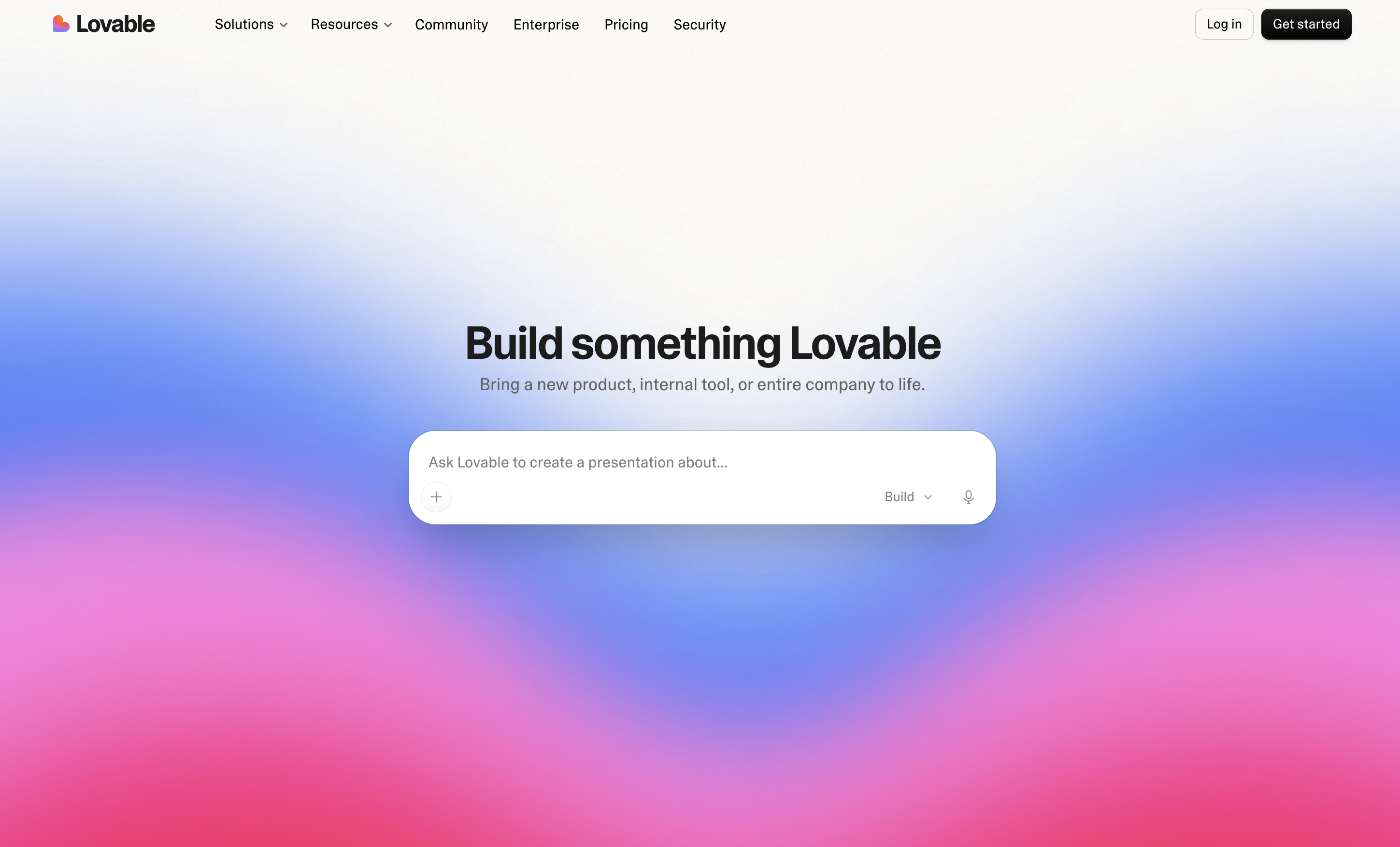
Lovable focuses on taking a high-level application idea and turning it into a working full-stack project. Its workflow brings frontend generation together with backend services and database integrations. That makes it particularly relevant when the application needs data and authentication rather than only a collection of frontend screens.
Key features
- Prompt-to-app workflow: Generate application structures from natural-language requirements, giving you a starting point that can be refined as the project develops.
- GitHub synchronization: Connect generated projects with GitHub to support version control and make it easier to manage changes to the application.
- Supabase integration: Set up database and authentication components, which is useful for applications that need user accounts and persistent data.
- Visual editing: Modify interface elements visually without relying exclusively on code changes, making it easier to adjust the application's frontend as requirements evolve.
Replit Agent
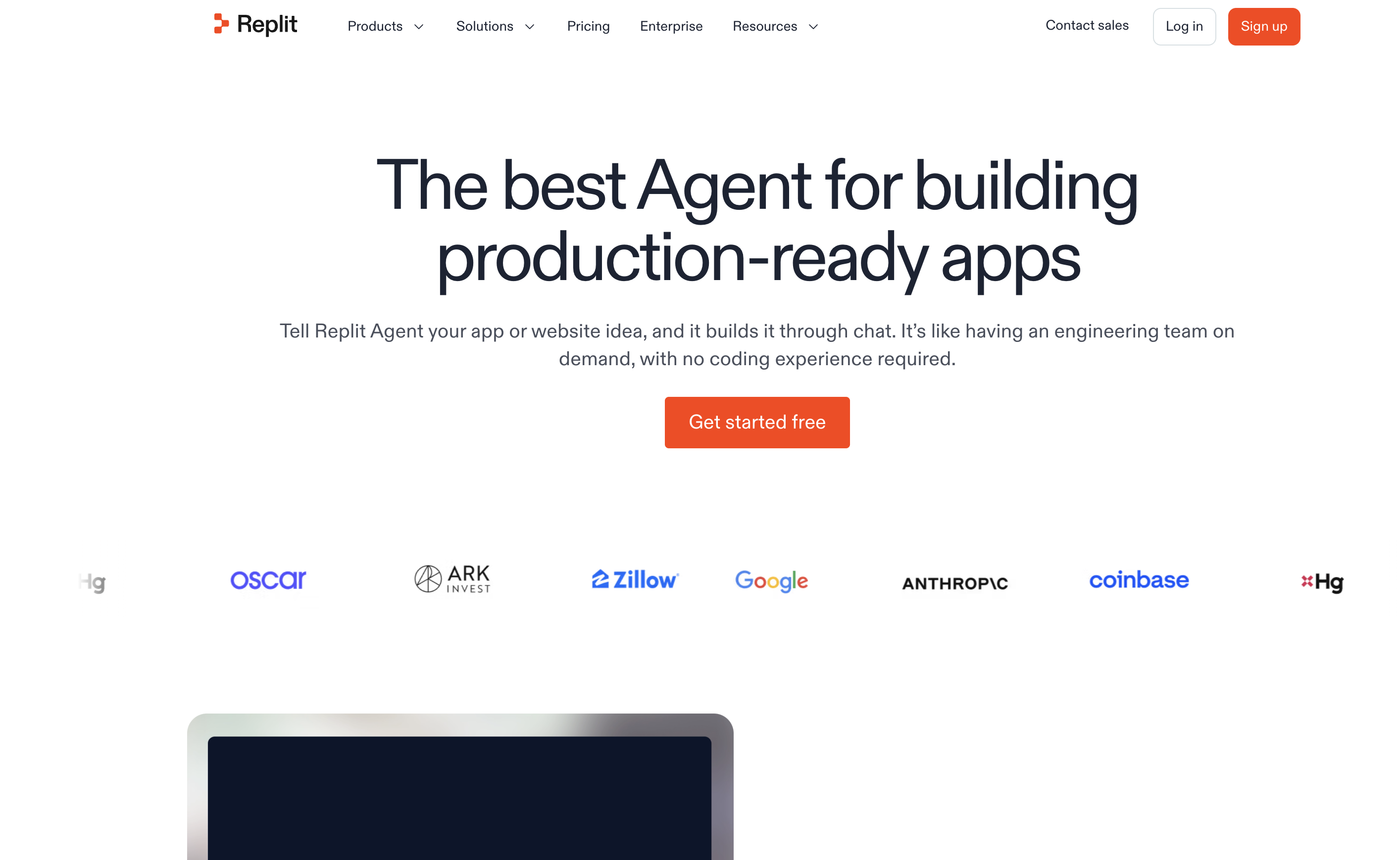
Replit Agent takes an autonomous development approach. It can plan application structures, create code, test the result, and deploy the application within the Replit environment. This approach is most relevant when you want the AI to handle more of the development workflow instead of using AI only for individual coding tasks.
Key features
- Autonomous scaffolding: Creates the initial project structure and required dependencies, giving you a foundation to start building without setting everything up manually.
- Full-stack coding: Handles frontend, backend, and database-related development, making it suitable for applications that require more than just a user interface.
- Browser testing: Tests the generated applications in a browser environment to check how the application works and identify issues before deployment.
- Deployment: Publishes completed applications to a live URL, allowing you to move from development to a usable web application within the same workflow.
Conclusion
Web app development covers much more than writing frontend code. A working application needs clear requirements, an appropriate architecture, frontend and backend development, testing, deployment, and ongoing maintenance. It is clear that while AI technologies can expedite the process from a concept to a first functional application, they do not eliminate the requirement to thoroughly define the product or evaluate the output. The complexity of the application, necessary customization, technology stack, budget, and the amount of development work you want AI to handle all influence the best strategy. When you want to begin with natural-language instructions and continue to refine the application graphically, Enter Pro is a strong fit. Try Enter Pro today to make your web app development process easier!
FAQs about web app development
What is the difference between a website and a web application?
A website primarily presents information, while a web application lets users interact with data and application logic. A customer portal, SaaS platform, dashboard, or ecommerce application is an example of a web application.
How much does web app development cost?
The complexity, integrations, technological specifications, and development methodology of the program all affect the price. While some development effort can be reduced by AI-assisted tools, larger applications may still need extensive engineering and testing. Simple prototypes may cost a few hundred dollars, while complex production applications can range from thousands to tens of thousands.
How long does it take to build a web application?
The scope determines the timeline. While a production application with login, payments, integrations, testing, and bespoke backend logic may take significantly longer, a basic prototype may be produced much more quickly using AI-assisted development.
What are the best AI tools for web app development?
Enter Pro, Cursor, v0, Lovable, and Replit Agent all take distinct approaches to development. Lovable focuses on full-stack application development, Cursor on AI-assisted coding, Enter Pro on prompt-based website and app creation, Replit Agent on autonomous development workflows, and v0 on generative user interface.
Can I build a web application without coding?
Yes, a large portion of the initial application construction may be handled by prompt-based builders and visual development tools without forcing you to create each line by hand. Specialized operations could still need bespoke programming or technical configuration, though.
What are web app development services?
Planning, UI/UX design, front-end and back-end development, database setup, integrations, testing, deployment, and continuous maintenance are all included in web app development services. They can assist with the application's conception, launch, and upcoming updates.
Which tech stack is best for web app development?
No single stack is suitable for all applications. While Node.js, Python, or Ruby may be used in backend apps, React, Vue, and Next.js are popular frontend options. Depending on the needs of the application, PostgreSQL, MySQL, or MongoDB are possible database options.