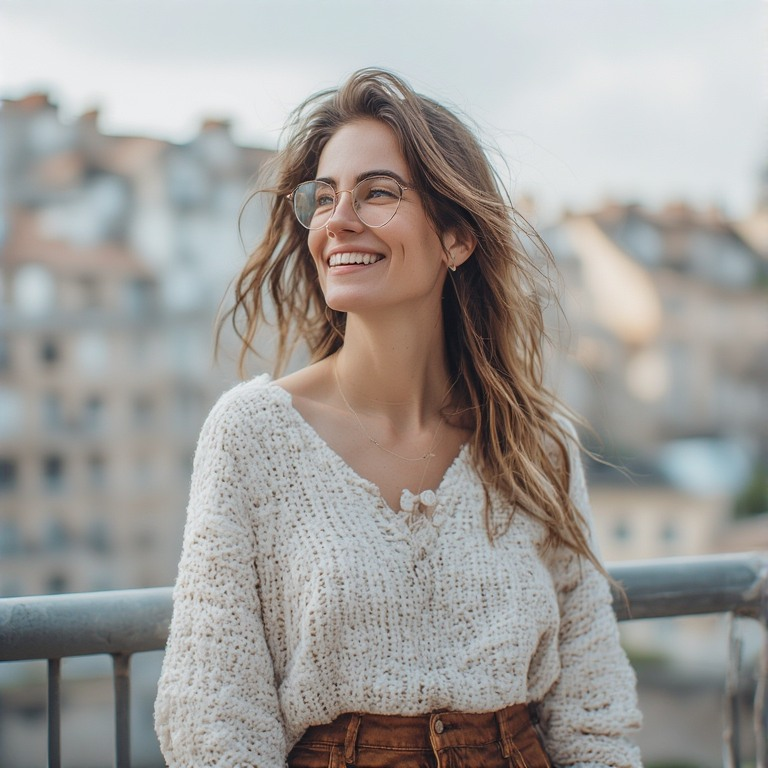
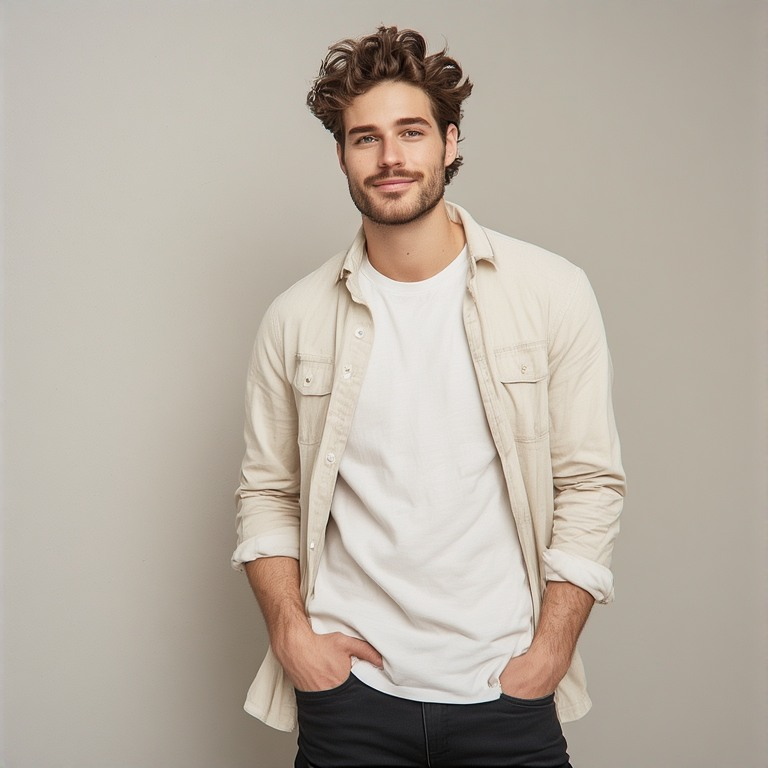
Free AI Age Filter Online

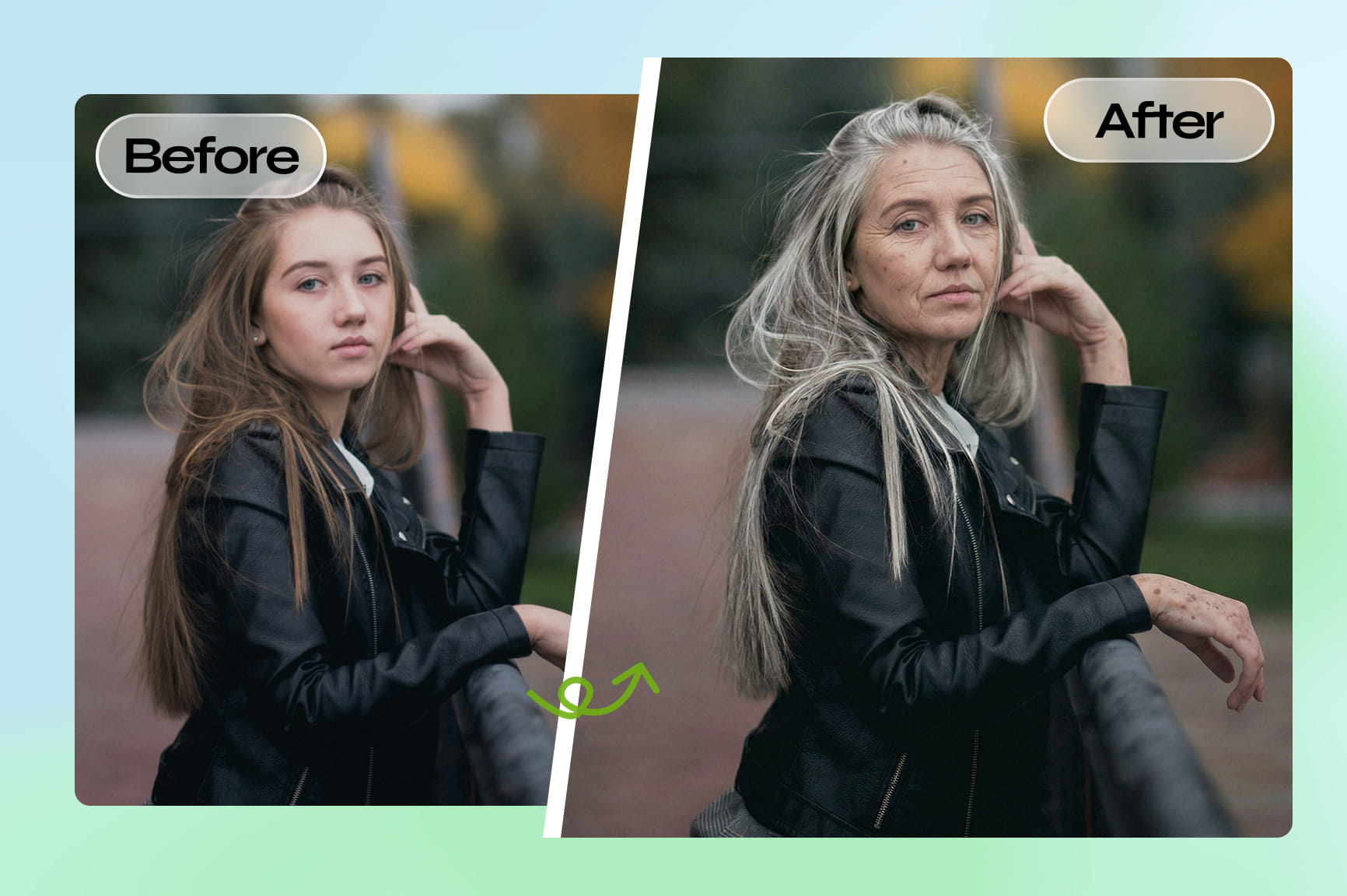
Transform photos with realistic AI aging. Instantly see your future self or look younger using Framia Pro’s powerful AI age progression tool.

Upload imagesClick to browse or drag & drop file here
Free AI Age Filter Online

How to use our free AI age filter online?

Step 1: Upload your photo
Upload a clear portrait. For the best results, face the camera directly in even lighting to help our AI map your facial features accurately.

Step 2: Describe the aging effect
Tell the AI how you want to age — "age me to 60 years old", “add natural wrinkles and grey hair”, or “make me look younger”. Be as specific as you like!
Step 3: Generate and download
Click generate to create the AI aging image in seconds and preview the result. Perform any necessary image edits and then download the high-quality aged photo.

What makes Framia Pro the best AI age changer?

Explore Framia Pro for ultimate AI face aging. Our platform blends professional-grade precision with effortless, conversational AI tools.

Hyper-realistic AI age progression results

Experience lifelike transformations with Framia Pro. Powered by Flux Max, Nano Banana 2, and Midjourney v7, our AI analyzes facial geometry to render realistic wrinkles, grey hair, and skin textures, ensuring cinematic, high-resolution aging that preserves your core identity.
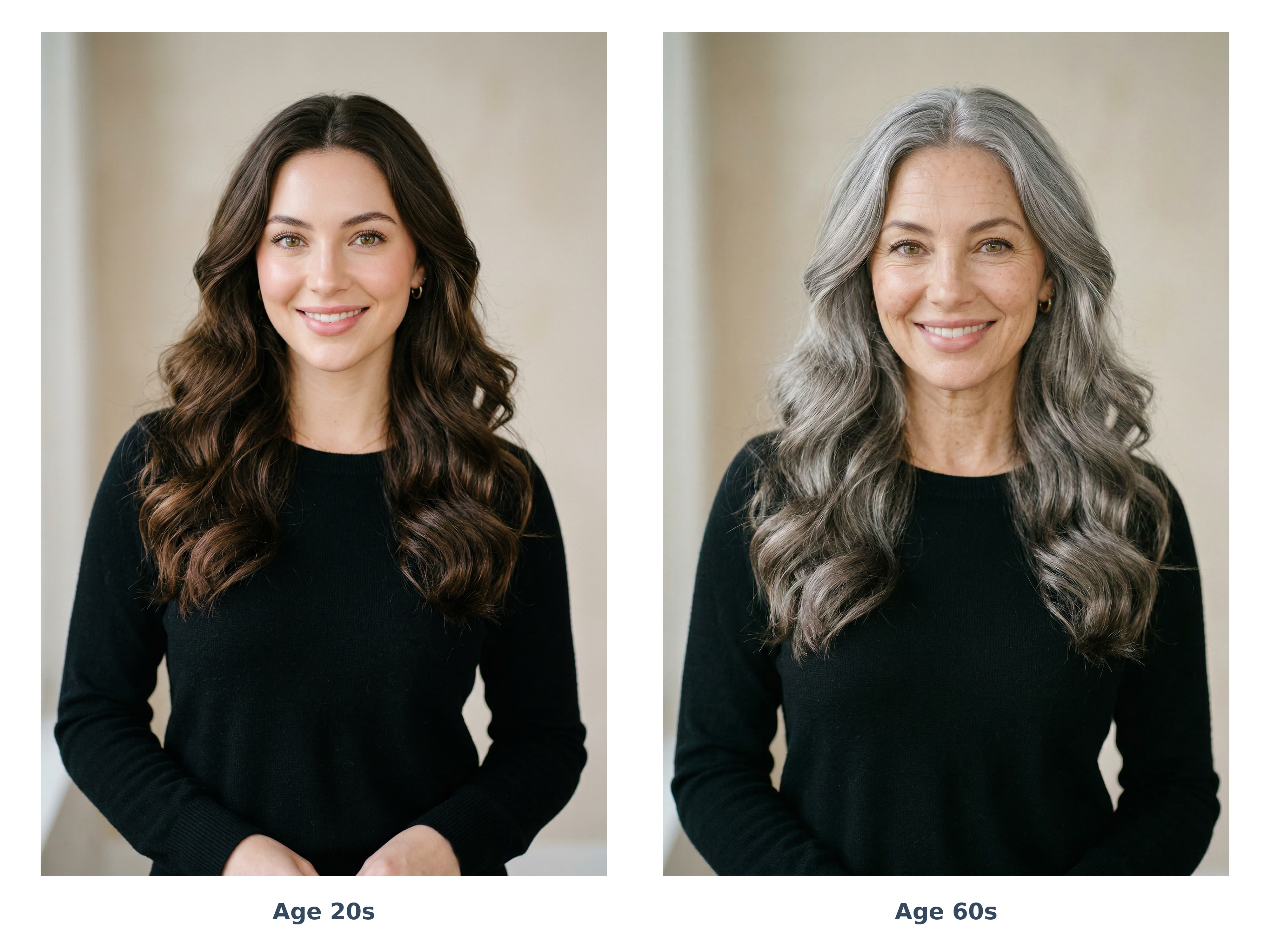
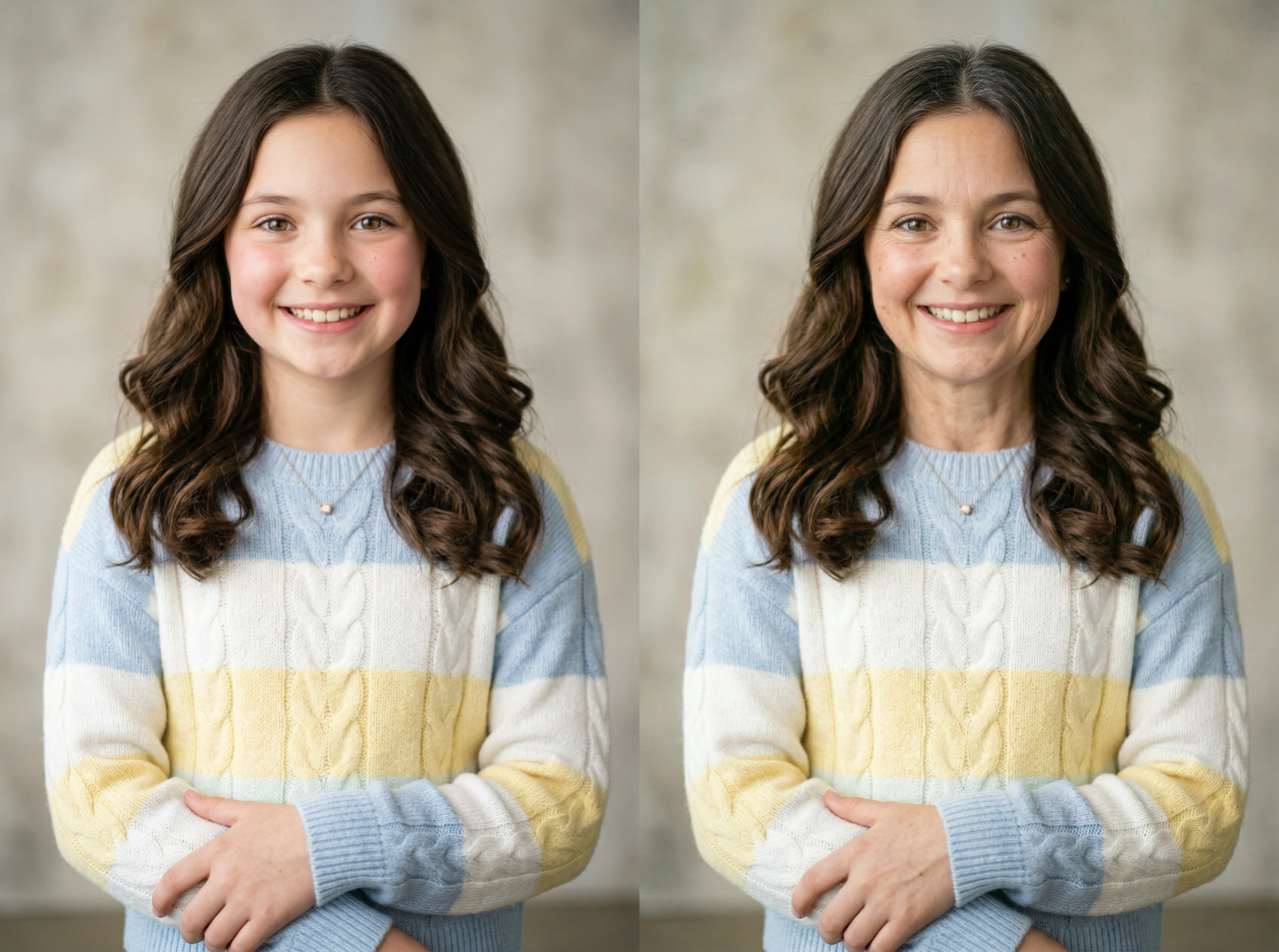
Hyper-realistic AI age progression results
See your future self with age-up image AI

See your future self with age-up image AI

Upload a face photo and instantly visualize how you may look in the future with Framia Pro. It applies realistic aging effects across multiple age ranges, producing high-quality images online in seconds without complicated editing tools or software downloads required.

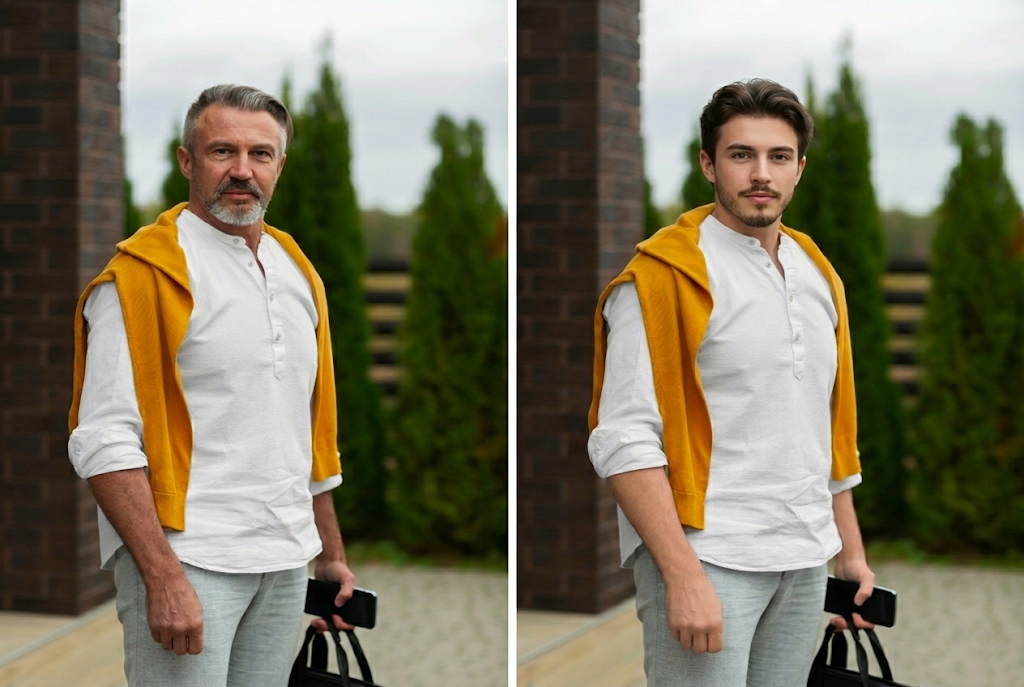
Smart AI gender detection for accurate aging

Framia Pro's AI automatically detects gender characteristics from uploaded photos and adapts aging effects accordingly. By recognizing specific gender traits, Framia Pro ensures that every AI face aging transformation feels authentic, detailed, and perfectly matched to your original features.
Smart AI gender detection for accurate aging
Intelligent canvas editing for easy refinements

Intelligent canvas editing for easy refinements

Don't like wrinkles or hair color? Simply point, click, or chat to refine details after generation. With Framia Pro, edit lighting, expressions, clothing, or backgrounds instantly without starting over, giving you full control over your AI aging results.

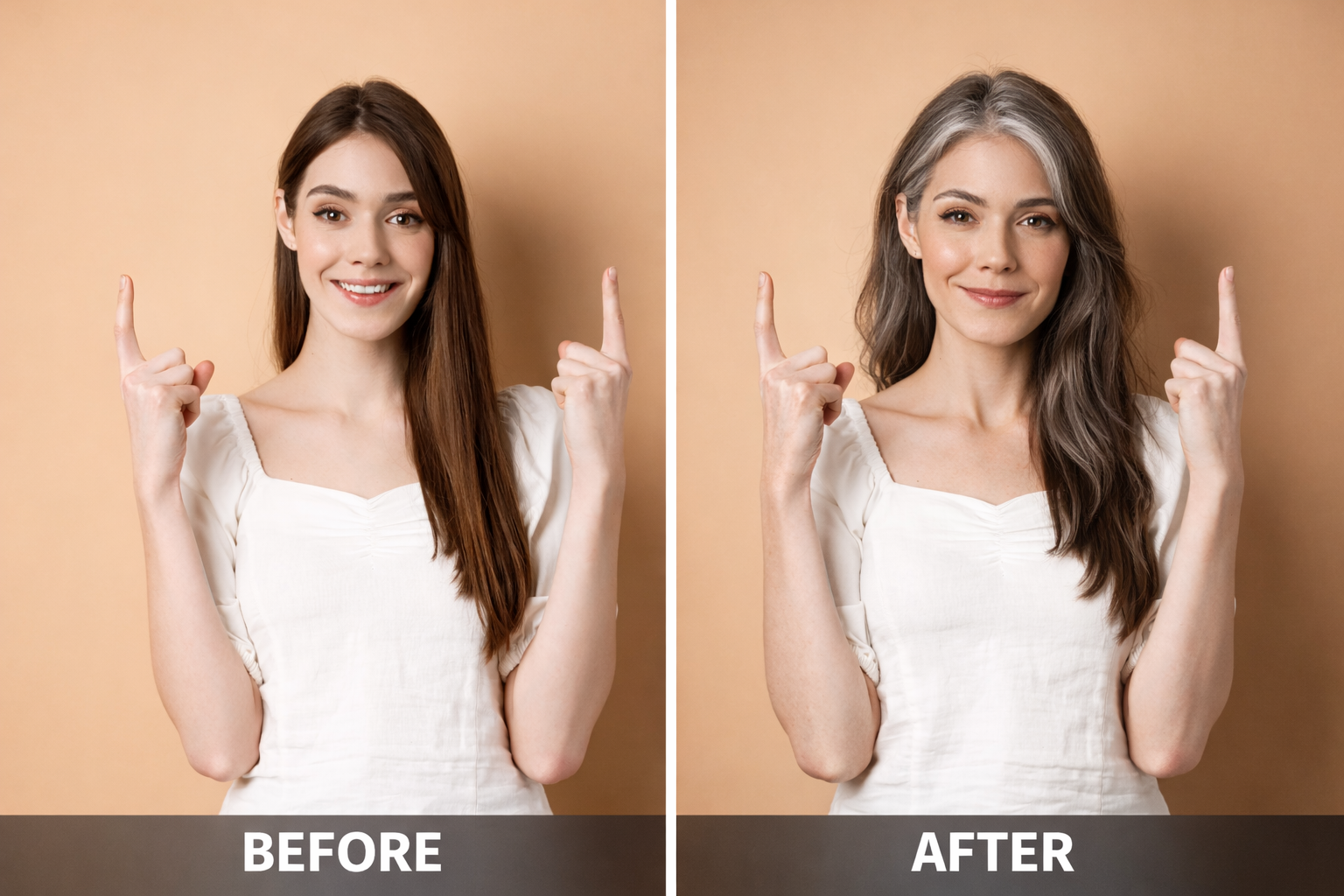
Professional high-resolution exports

Once you've perfected your future look, Framia Pro makes exporting a breeze. Download your high-fidelity AI aging results in resolutions up to 4K, perfectly formatted and ready for your next viral post on Instagram, TikTok, or YouTube.
Professional high-resolution exports

Why choose Framia Pro for AI age progression?

Discover the benefits of Framia Pro's advanced AI age filter — realistic, fast, and fully controllable.

Generate AI aging images in seconds
Framia Pro processes images quickly, so you can see your future self almost instantly. Upload your photo, describe the aging effect, and generate realistic results within seconds without waiting for complex rendering.
Create realistic future face photos
Framia Pro uses advanced AI models trained on facial aging patterns to generate lifelike transformations. The tool preserves your identity while adding natural aging effects like wrinkles, skin texture changes, and grey hair for believable future portraits.
Seamless cross-device accessibility
Access our advanced AI aging filter from anywhere, at any time. Whether you’re on a smartphone, tablet, or desktop, Framia Pro works directly in your web browser with an internet connection—no heavy software downloads or high-end hardware required.
Safe and private AI photo processing
Framia Pro protects your privacy by securely processing uploaded images. Photos are used only for generating the aging result and are not stored permanently, giving you confidence when exploring AI age filter online.
Age photos or make faces look uounger
With flexible AI controls, you can age the face by decades or create a younger version of the same photo. This makes it perfect for exploring different stages of life or experimenting with creative photo transformations.

Visualizing the future: AI aging in action

See how Framia Pro handles different life stages with these hyper-realistic examples. Use these prompts with our AI Agent to get started.

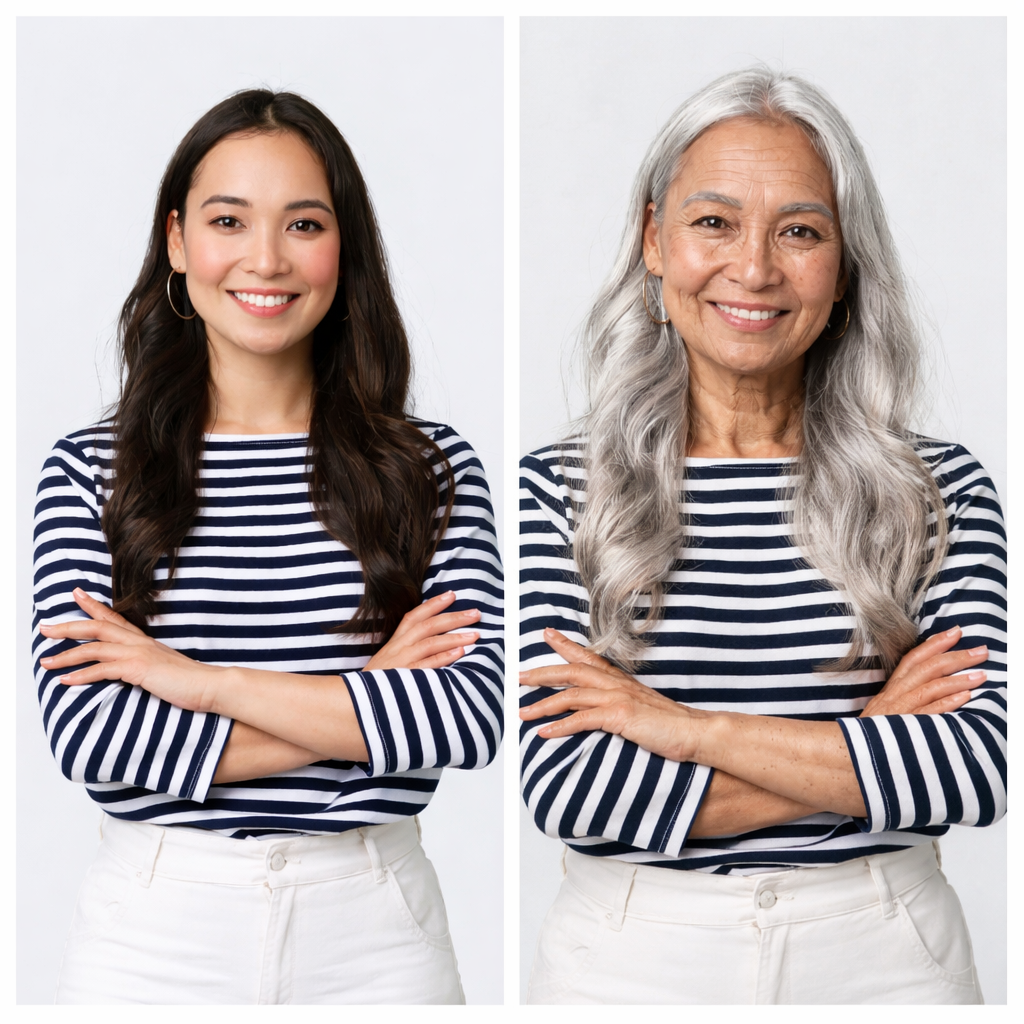
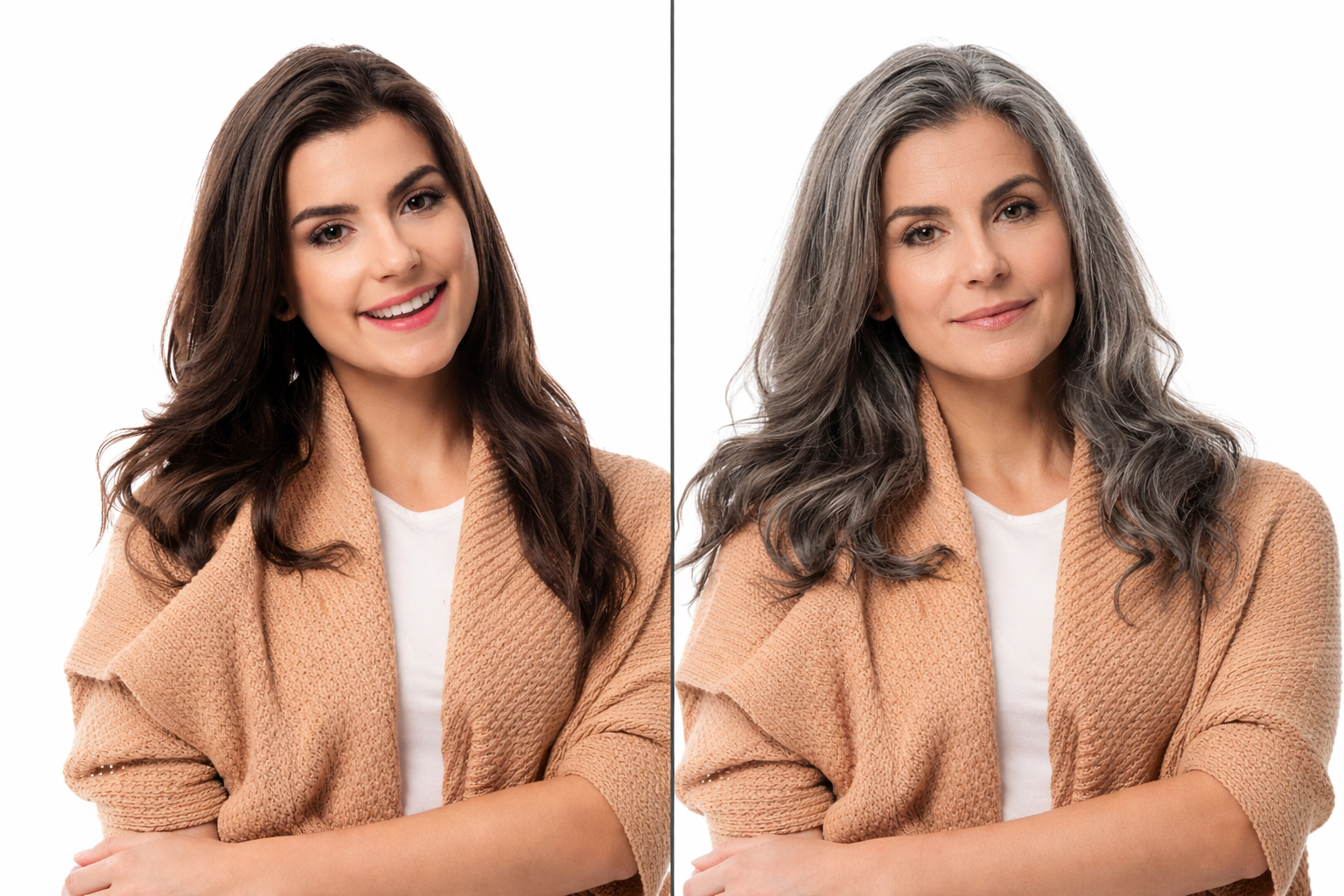
The Golden Years (Age 70+)

Prompt: “A hyper-realistic 70-year-old version of this person, deep character lines, natural silver hair with realistic texture, subtle age spots, and kind eyes, cinematic studio lighting, 8k resolution.”
The Golden Years (Age 70+)
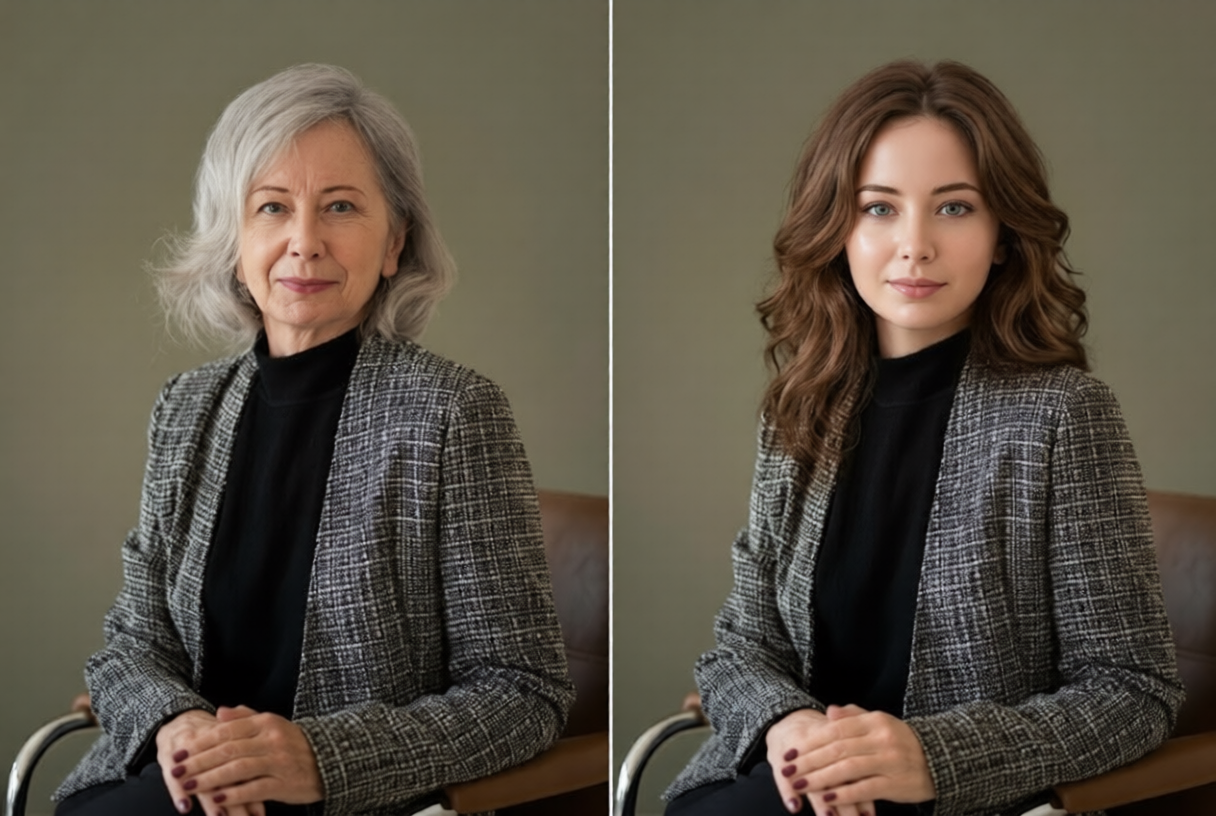
The Distinguished Professional (Age 50+)

The Distinguished Professional (Age 50+)

Prompt: “Transform to age 55, salt-and-pepper hair, refined facial structure, slight forehead wrinkles, and a sophisticated expression, maintaining high skin clarity and original bone structure.”

Retro Rewind: Teenage Years

Prompt: “De-age this person to age 16, smooth youthful skin, vibrant eyes, fuller hair, and a soft-focus nostalgic aesthetic, high-fidelity restoration style.”
Retro Rewind: Teenage Years
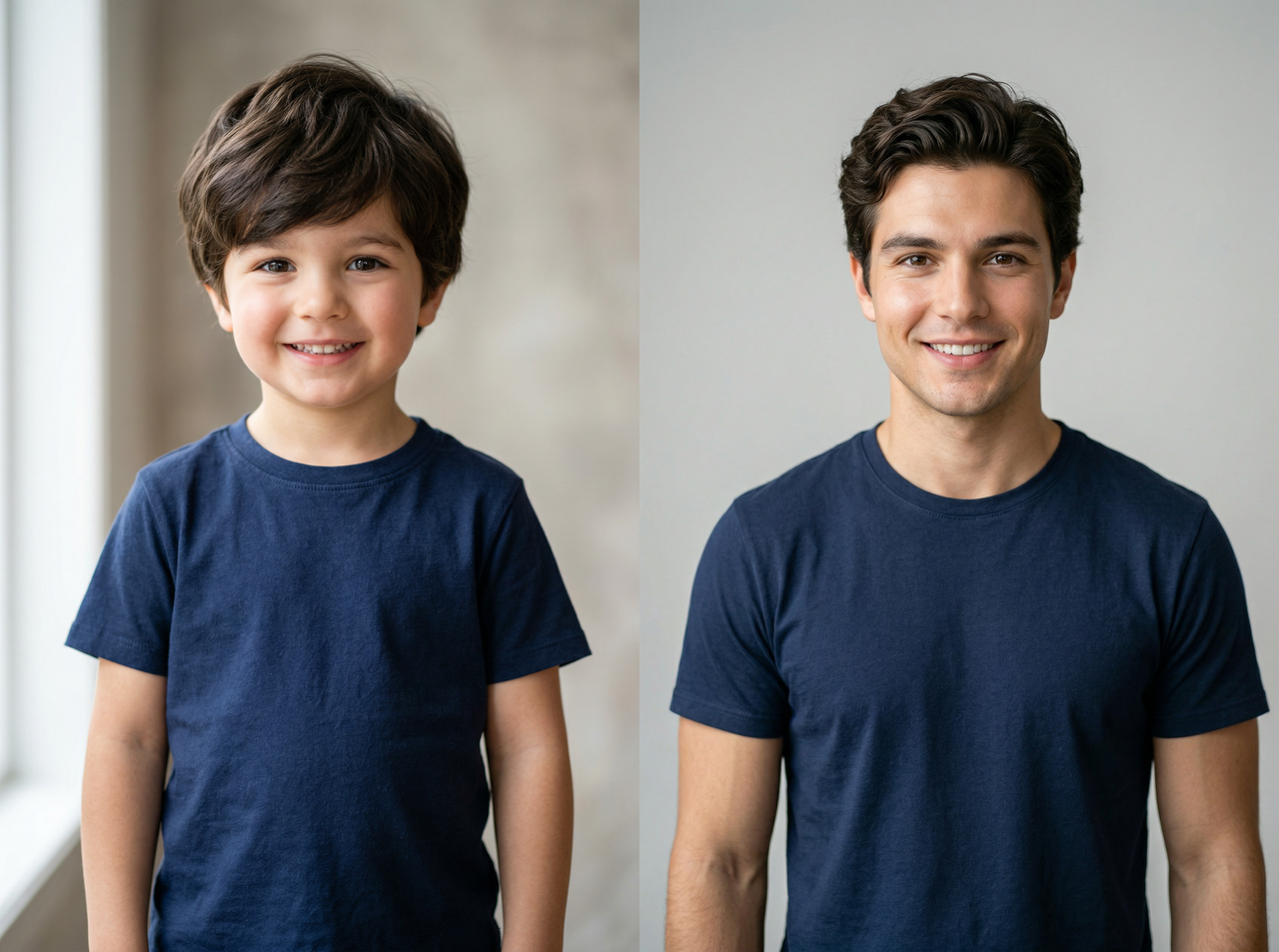
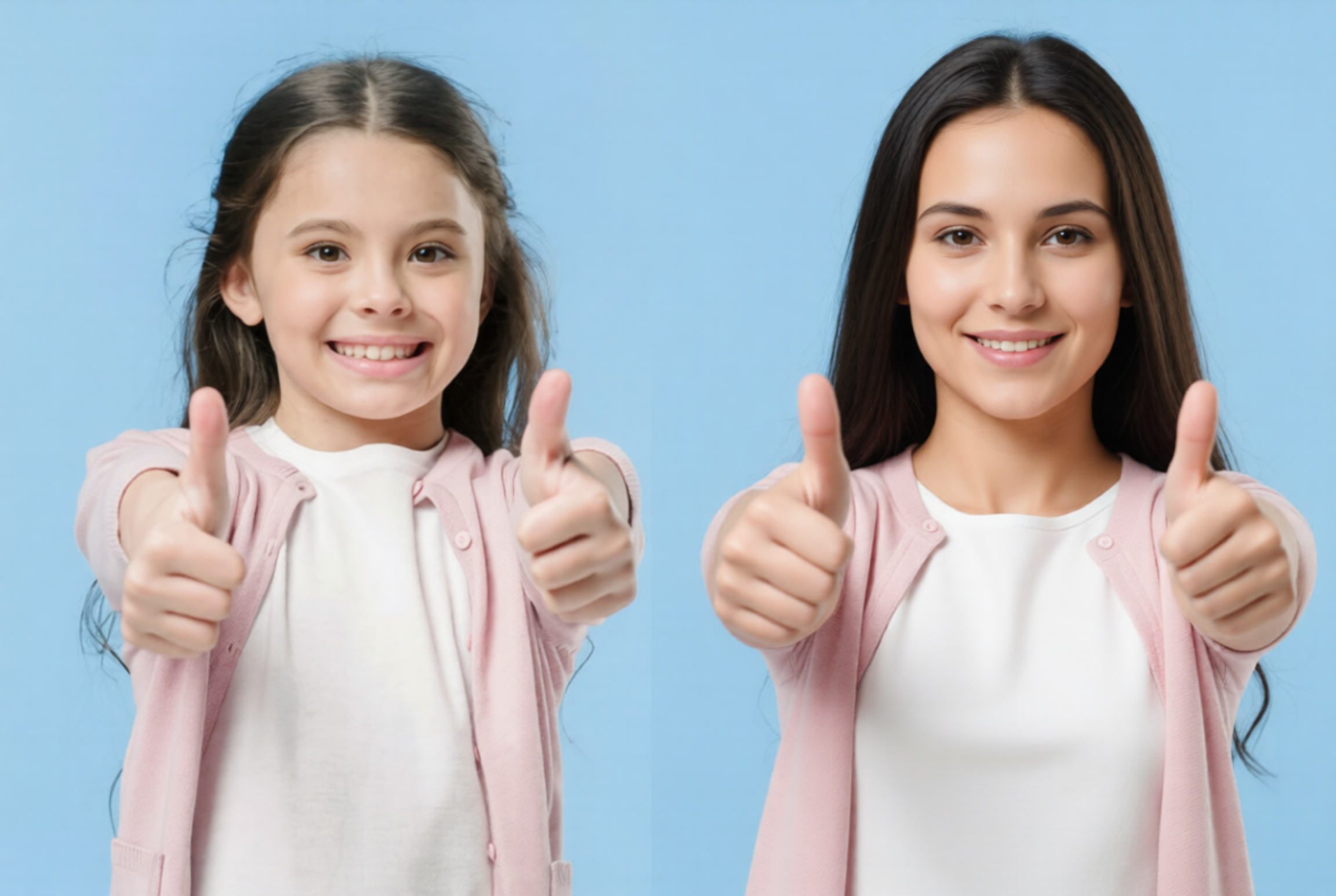
Generations Combined: Child to Adult

Generations Combined: Child to Adult

Prompt: “Predictive age progression to age 25, maturing facial features, defined jawline, and natural skin maturation while keeping the exact eye shape and smile of the original child photo.”

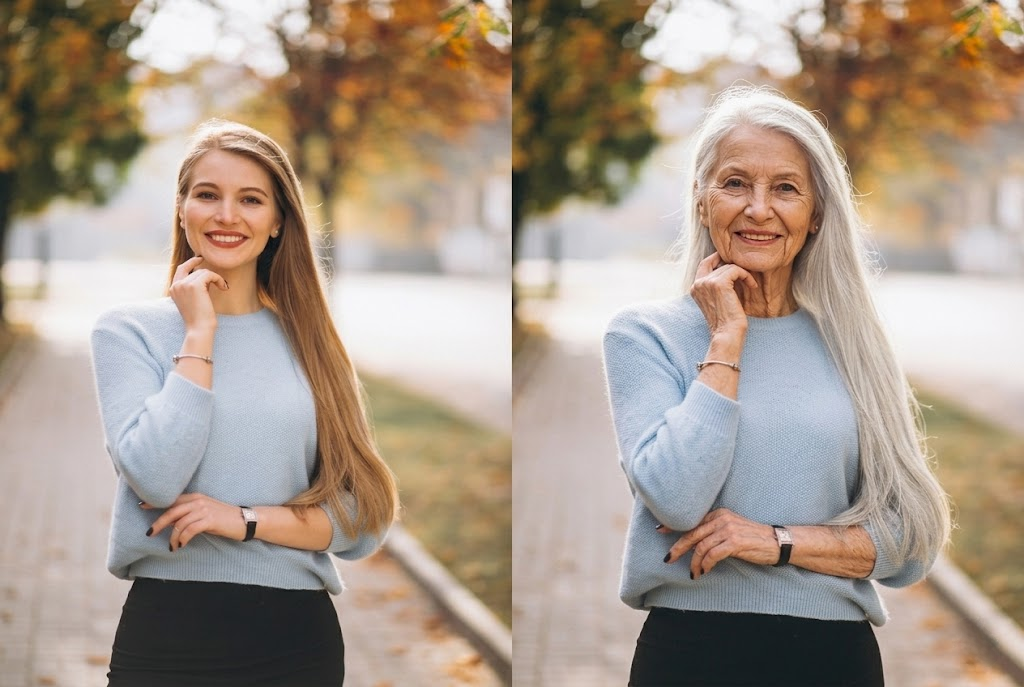
Future Icon: Cinematic 90s

Prompt: “Extreme aging to age 90, thin wispy white hair, paper-thin skin texture with realistic folds, and a wise, weathered look, dramatic side lighting to emphasize depth and history.”
Future Icon: Cinematic 90s
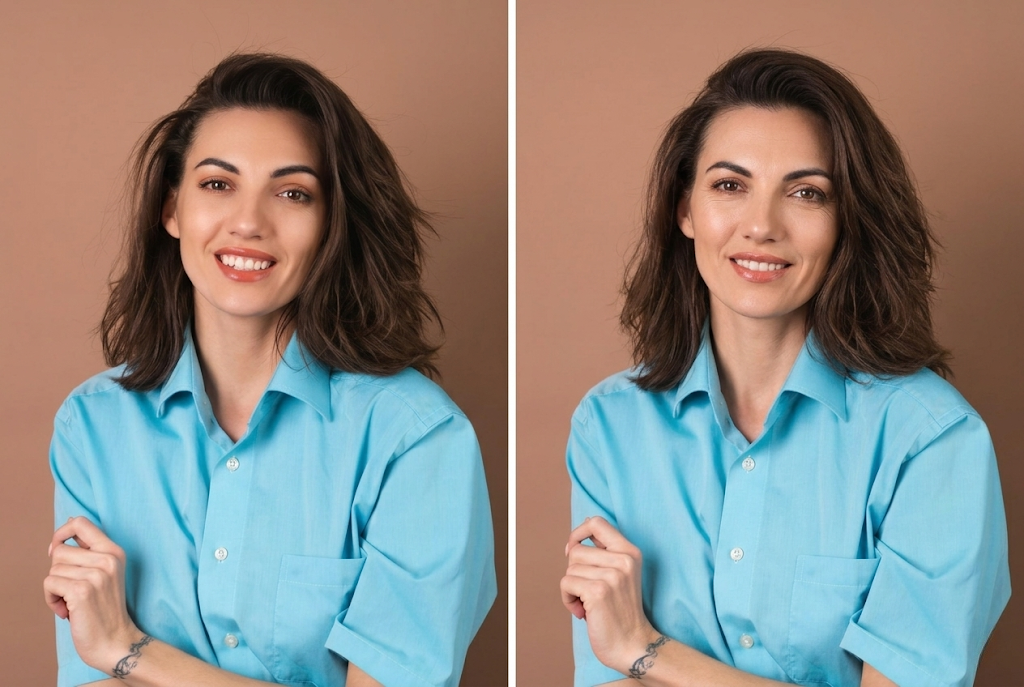
Subtle Maturity (10-Year Leap)

Subtle Maturity (10-Year Leap)

Prompt: “Add 10 years of natural aging, subtle sharpening of features, very fine laughter lines around the eyes, and a more mature, confident gaze, maintaining current hair color.”

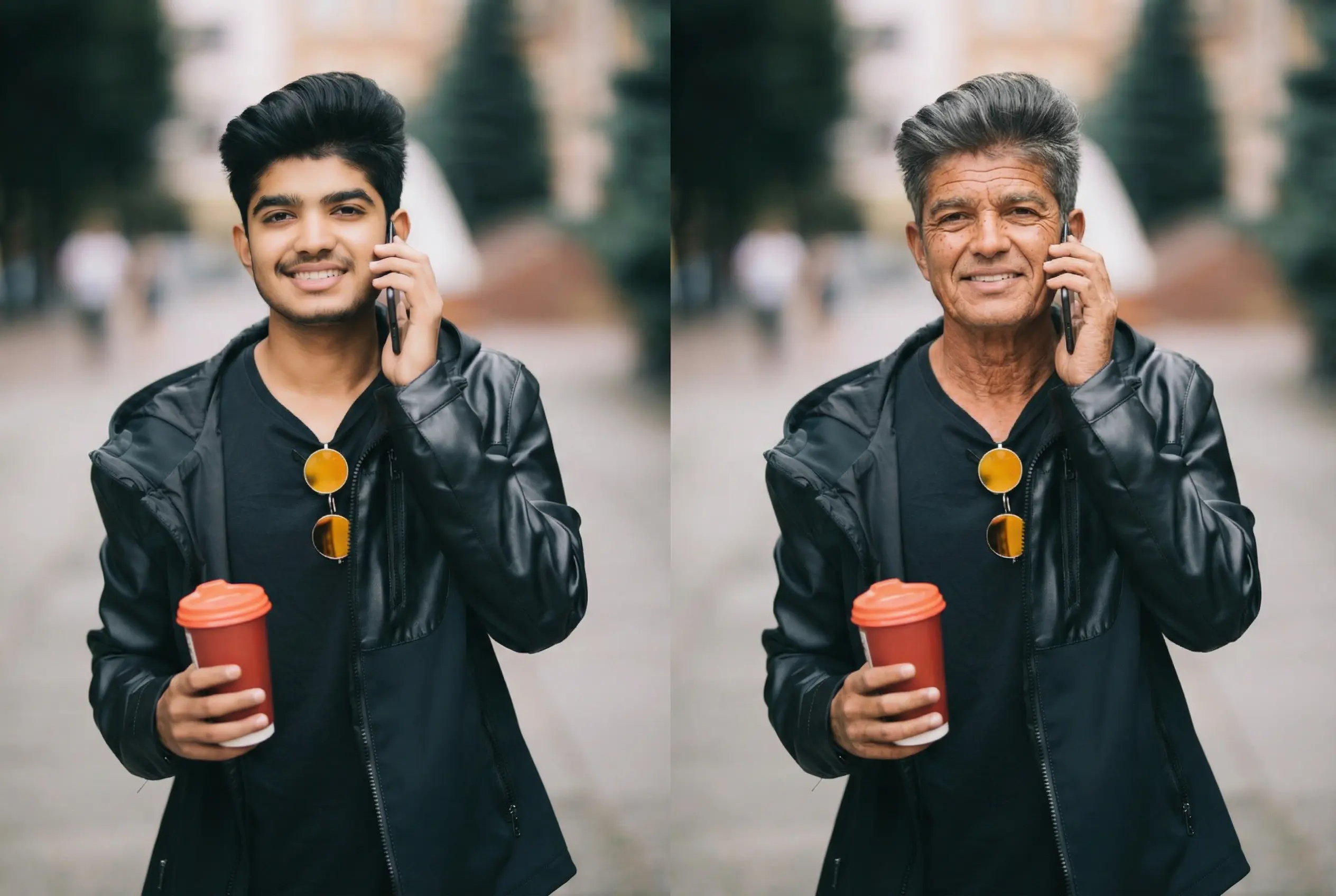
Lifestyle Variant: The "Sun-Kissed" Senior

Prompt: “Age to 65 with a lifestyle twist: add sun-weathered skin, deeper crow's feet, and a warm, outdoorsy glow, focusing on realistic pigmentation and natural outdoor lighting.”
Lifestyle Variant: The "Sun-Kissed" Senior
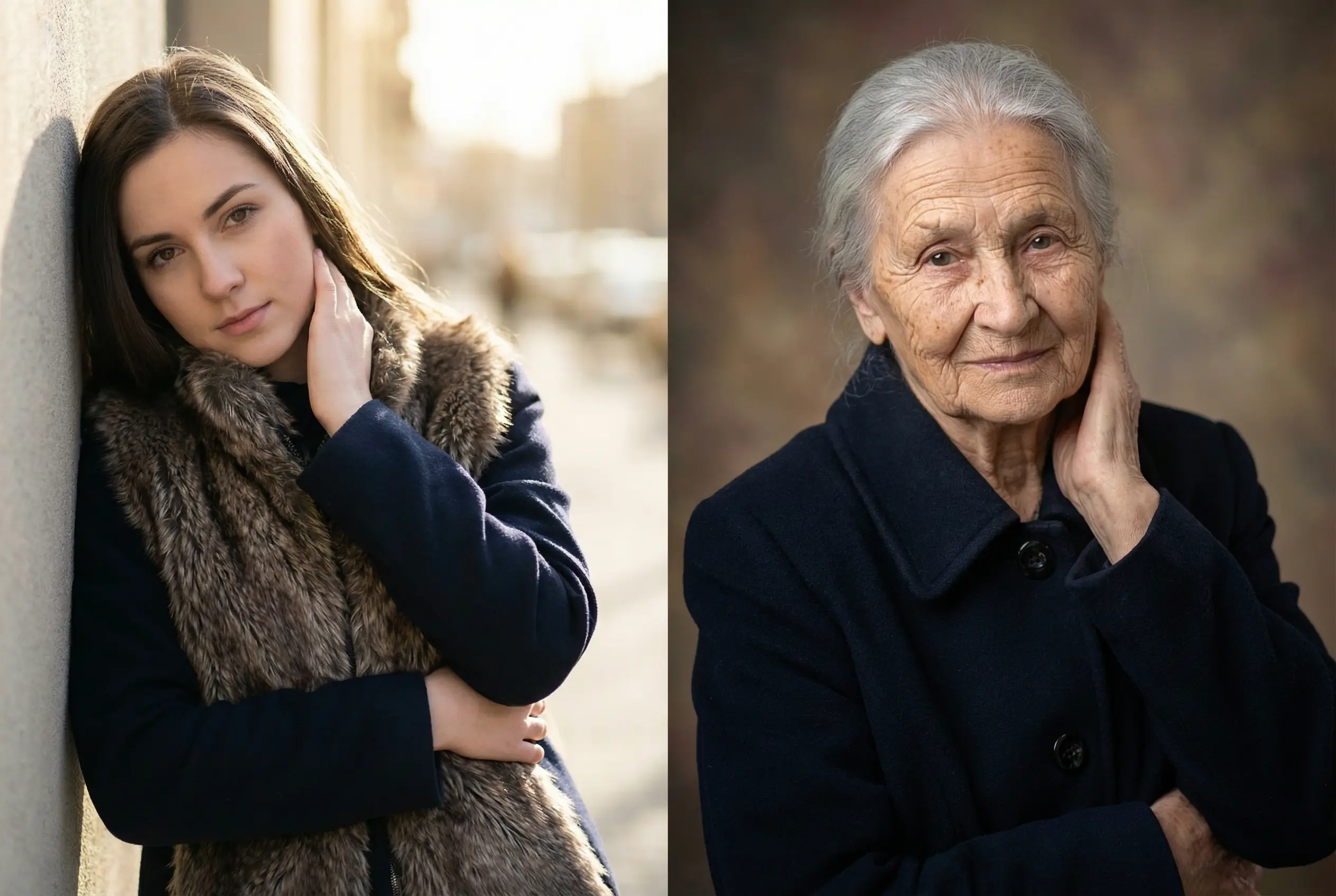
Vintage Portrait: Family History (Age 80+)

Vintage Portrait: Family History (Age 80+)

Prompt: “Transform to age 82, soft-focus studio portrait aesthetic, deeply lined face with a gentle, sagacious expression, elegant but sparse silver hair, subtle, natural pigmentation spots, preserving original facial structure.”

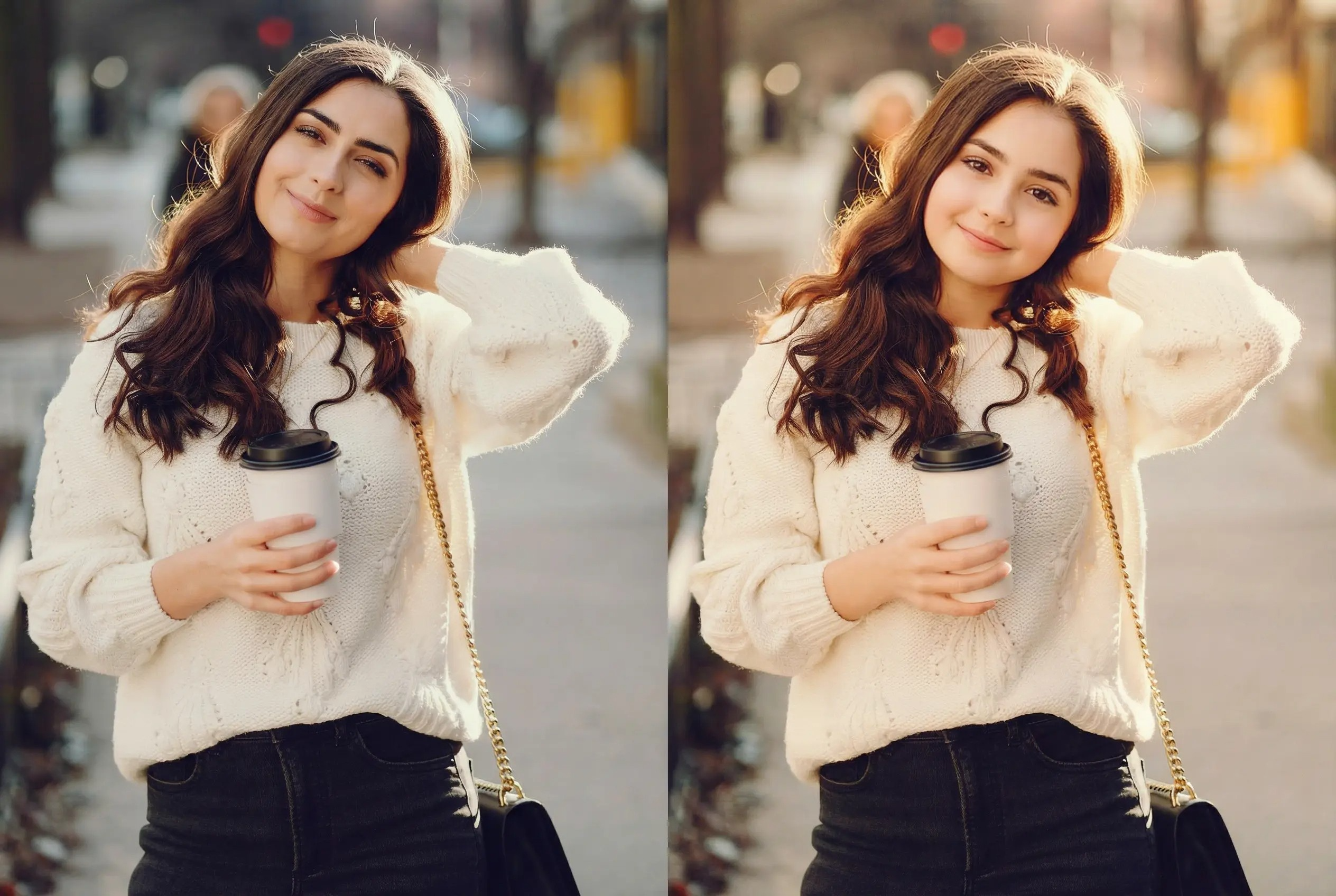
De-aging: Pure Youthfulness (Age 10)

Prompt: De-age this person to 10 with smooth cheeks, soft skin, and youthful features. Keep eye color and smile, add sunlit young hair and a warm childhood memory look.
De-aging: Pure Youthfulness (Age 10)

Creative use cases of Framia Pro's AI age changer

Personal curiosity & milestone planning
Ever wondered about your future look? Use our AI age progression to visualize yourself in retirement or at a major milestone. It’s a fun, reflective way to see how your features might mature over the coming decades.
Social media content & viral challenges
Create high-impact content for TikTok or Instagram using a realistic AI age filter. Stand out from low-quality trends by sharing cinematic, hyper-realistic transformations that spark engagement and curiosity among your followers, friends, and family.
Family and friends entertainment
Generate aging photos for family members or friends to see how everyone might look in the future. It’s a fun activity for gatherings, conversations, and sharing memorable images with loved ones.
Character development for storytelling
Filmmakers and writers can use our AI face aging tool to design consistent character evolutions. Visualize a protagonist’s journey from youth to old age, ensuring facial identity remains recognizable throughout the narrative for more immersive and believable digital storytelling.

Real stories: Transforming futures with Framia Pro

See what our community of creators, and curious minds are saying about their experience with our professional AI aging tool.

“I tried the AI aging tool just for fun and the results were surprisingly realistic. It showed a believable future version of my face in seconds. My followers loved it, and the post got great engagement.”
Emily Carter
Emily Carter
Social Media Creator
“Framia Pro makes experimenting with age progression incredibly easy. The AI keeps facial identity intact while adding natural aging details. It’s a great tool for visualizing characters at different life stages.”
Daniel Wong
Daniel Wong
Digital Artist
“I’ve used several AI aging tools before, but Framia Pro gives much more natural-looking results. The interface is simple, and generating aging photos takes only a few seconds.”
Sofia Martinez
Sofia Martinez
Lifestyle Blogger
“This tool is perfect for creating viral content. Seeing how I might look in 40 years was both funny and fascinating. My audience loved comparing the current and aged versions.”
Ayesha Patel
Ayesha Patel
Content Creator
“Framia Pro is great for creative photo experiments. The AI aging effects look realistic, and the images come out in high quality, making them easy to share or use in projects.”
Olivia Bennett
Olivia Bennett
Photographer
“As a filmmaker, I use Framia Pro's AI age progression to pre-visualize character arcs. The way it maintains facial identity while adding realistic, cinematic textures is incredible. It’s saved our production days of VFX work.”
Jordan T
Jordan T
Creative Director
We've compiled the most important information to help you get the most out of your experience. Can't find what you're looking for?Contact us

Frequently asked questions

What is AI Age Progression?
AI age progression is an advanced technology that uses artificial intelligence to realistically show how a person’s face will look older or younger over time while keeping their identity intact.
How accurate are AI aging results?
Our technology is highly precise, utilizing models like Nano Banana 2 to analyze bone structure and facial geometry for a biologically realistic prediction of your future appearance.
Is AI aging free to use?
Yes, you can start instantly with Framia Pro. Free trial generations are available. Pro plan unlocks unlimited generations and high-resolution downloads.
What type of photo works best for AI aging?
A clear, front-facing portrait with good lighting works best. Avoid blurry images, heavy shadows, or photos with multiple faces to ensure the AI detects facial features accurately.
Can I make myself look younger with AI?
Yes, Framia Pro's AI aging tools can also create younger versions of a face. The AI smooths skin texture, reduces wrinkles, and adjusts facial features to generate a more youthful appearance.

Still have questions?

Have questions or need assistance? Our team is here to help!

Embark on Your Time Travel Journey Today

Experience the ultimate AI age progression. Use Framia Pro to transform portraits into hyper-realistic glimpses of the future!

AI Age Filter: Create Realistic AI Age Progression Online