Free AI Animation Generator

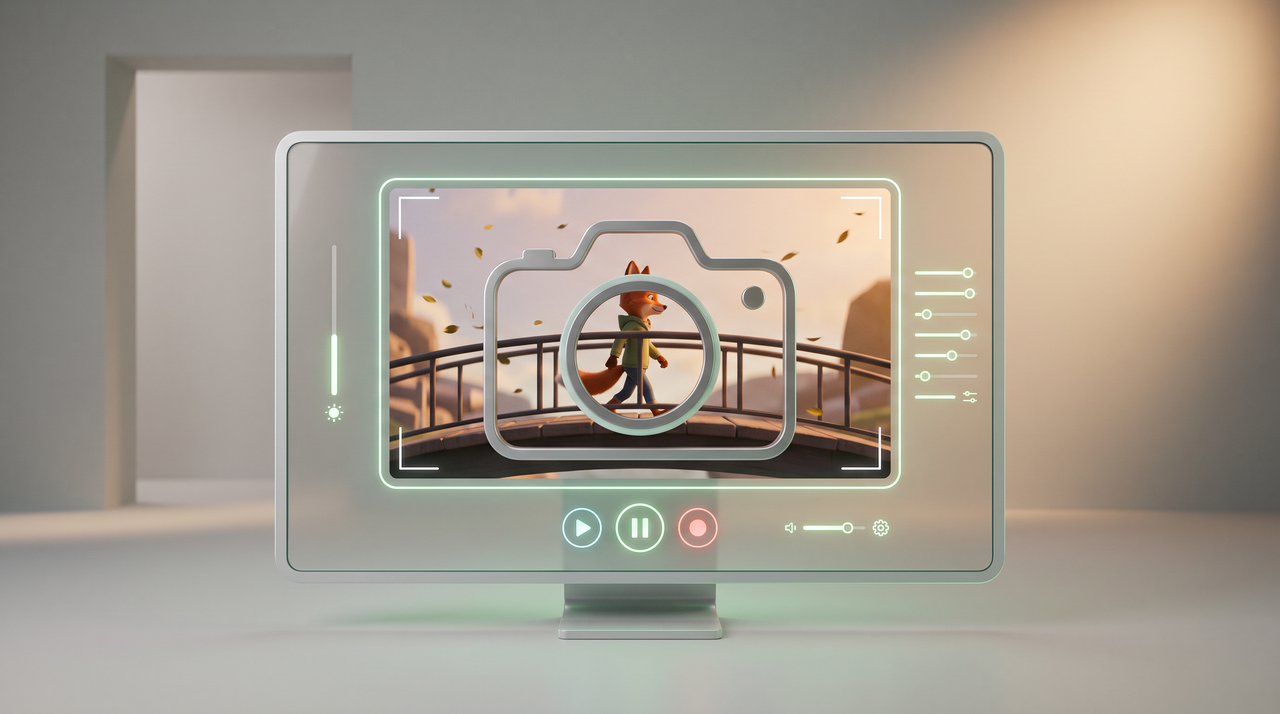
Breathe life into your ideas with our AI animation generator. Transform text, static images, or sketches into animated videos for every channel.

Get started for free

Preparing editor…

What is an AI animation generator?

An AI animation generator is an online tool that turns text prompts, images, sketches, or logos into animated videos. It uses video and image models to create the motion, so you do not draw frames by hand or learn software such as After Effects or Blender. On Framia Pro, you describe the scene once, and the tool sets up connected script, image, video, and audio nodes on its Workflow canvas. It runs on 20+ top video and image models, including Seedance, Veo 3.1, and Kling, so you pick the model that fits each scene. The tool covers 2D cartoons, 3D scenes, stop-frame clips, and animated logos. You can start with free credits, edit clips in the built-in Video Editor, and publish straight to social media.

Explore our AI animation gallery

2D Cartoon

A cute cat jumps between rooftops under a bright moon, playful 2D cartoon style.

3D Animation

A cheerful girl rides a bicycle through a colorful flower garden, gentle breeze, moving flowers, bright morning light, smooth 3D animation.

Anime

A young warrior walks through a glowing forest as cherry blossom petals fly around her.

Stop Motion

A paper airplane comes to life and flies through a handmade miniature town.

Claymation:

A little frog rides a bicycle through a colorful garden, charming clay animation style.

Watercolor

A small whale swims through dreamy clouds above a peaceful ocean, soft watercolor animation.

How to make AI animated videos using Framia Pro?

Step 1: Open Agent and describe your animation video idea
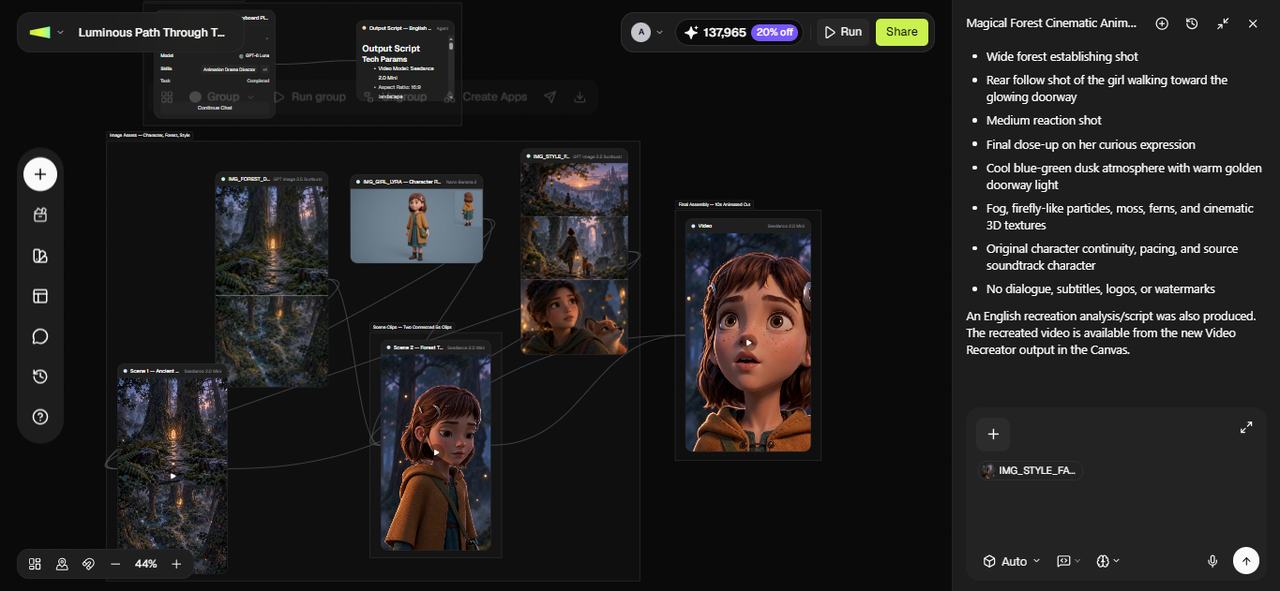
Let's say you want to create a vertical-screen animation of a girl in the forest. Open the Agent canvas from the Framia Pro dashboard, start a new project, and describe the character, forest environment, actions, and camera shots. You then upload your reference image, if any, pick a skill and model, set the reasoning mode and Autopilot, and press Enter.
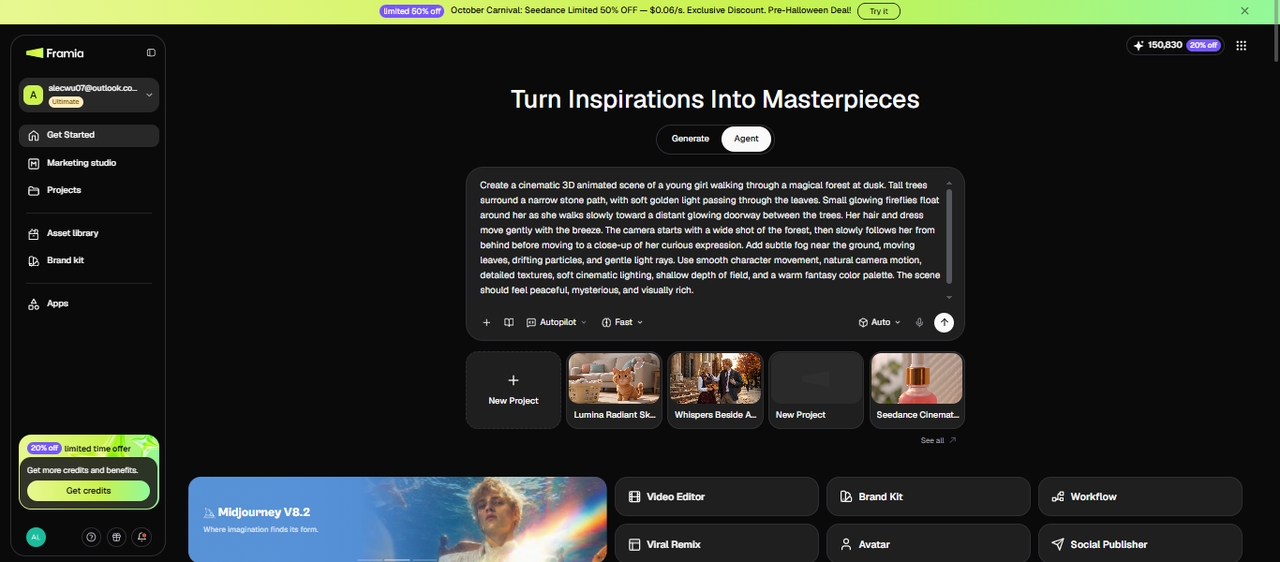
Step 1: Open Agent and describe your animation video idea
Step 2: Check all the details
Framia Pro lays out connected nodes for the script, reference images, and video clips. Check the character design, forest setting, and 9:16 aspect ratio. Adjust the scene prompts, clip length, or camera movement where needed, and add alternate shots or sound effects if your animation calls for them.
Step 2: Check all the details
Step 3: Review, edit, and download
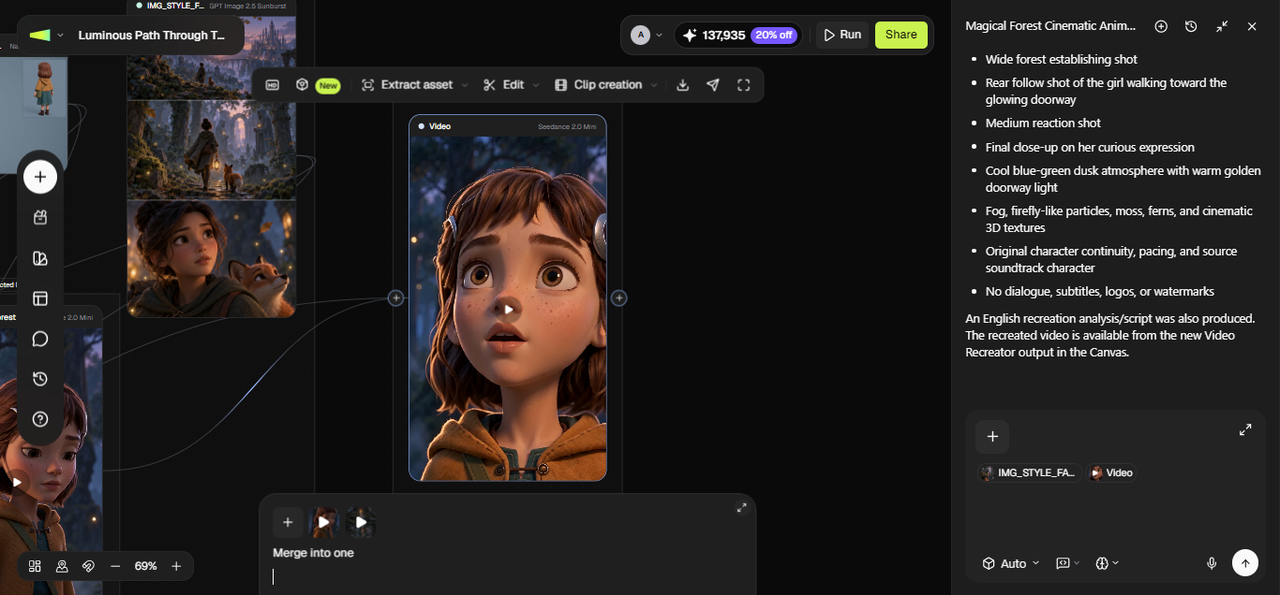
Once your clips are ready, merge them and open them in the built-in Video Editor to review the footage, trim unwanted sections, adjust transitions, and add captions or music. When you're satisfied with the result, export and download the finished video.
Step 3: Review, edit, and download

Key features of Framia Pro's AI animation maker

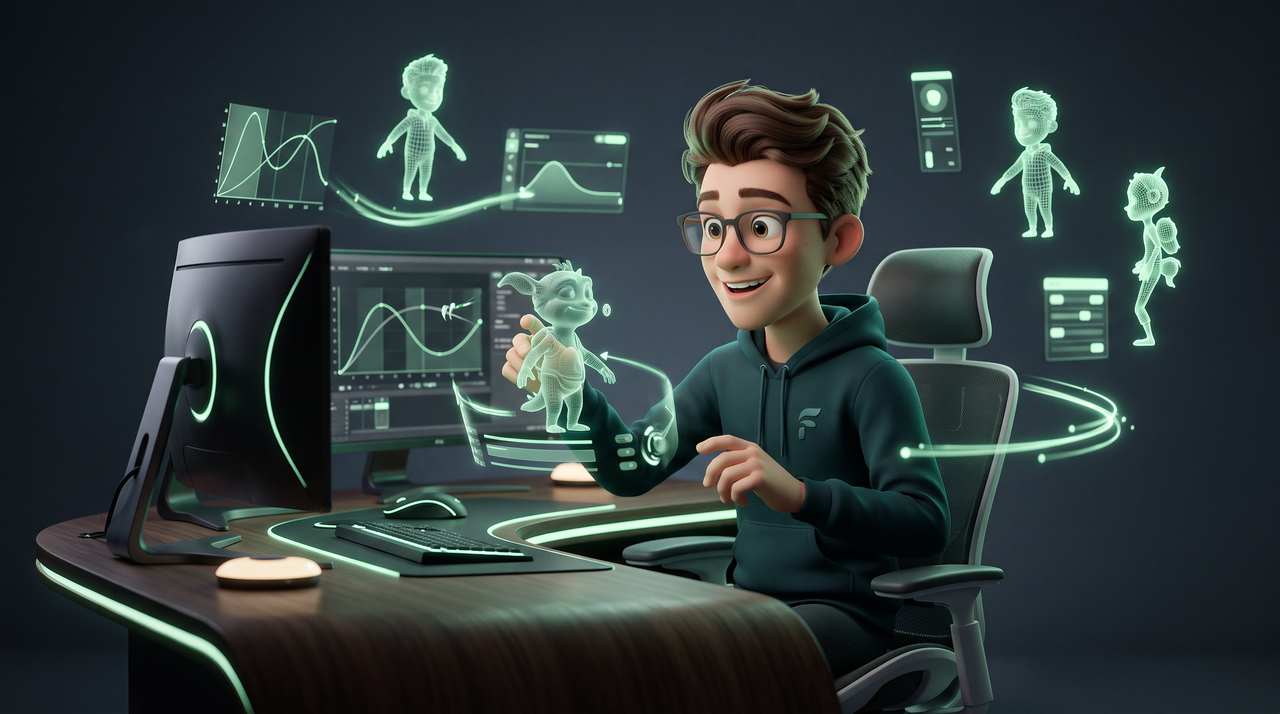
Framia Pro packs the full animation process into one workspace. You go from a prompt to a finished 2D or 3D video without switching apps.

Node-based Workflow canvas

The Workflow canvas turns one prompt into connected Text, Image, Video, and Audio nodes. You can edit any node, run it alone, or run the whole chain. If one scene needs a fix, you regenerate that node and leave the rest untouched.

Text, image, and logo to animation

You can start with a text prompt, rough sketch, still photo, or logo. The AI animation generator from an image tool adds motion, expressions, and gestures to your reference. Framia Pro also works as an AI logo animation maker where you upload a flat logo, describe the motion, and get a short reveal clip.

Brand kit-driven creative production

Create a brand kit once and generate consistent campaign assets across every channel. Framia Pro combines your brand identity with an AI animation maker to produce high-quality campaign videos, ad creatives, and influencer-ready content that stays visually and tonally consistent.

Conversational AI editing workflow

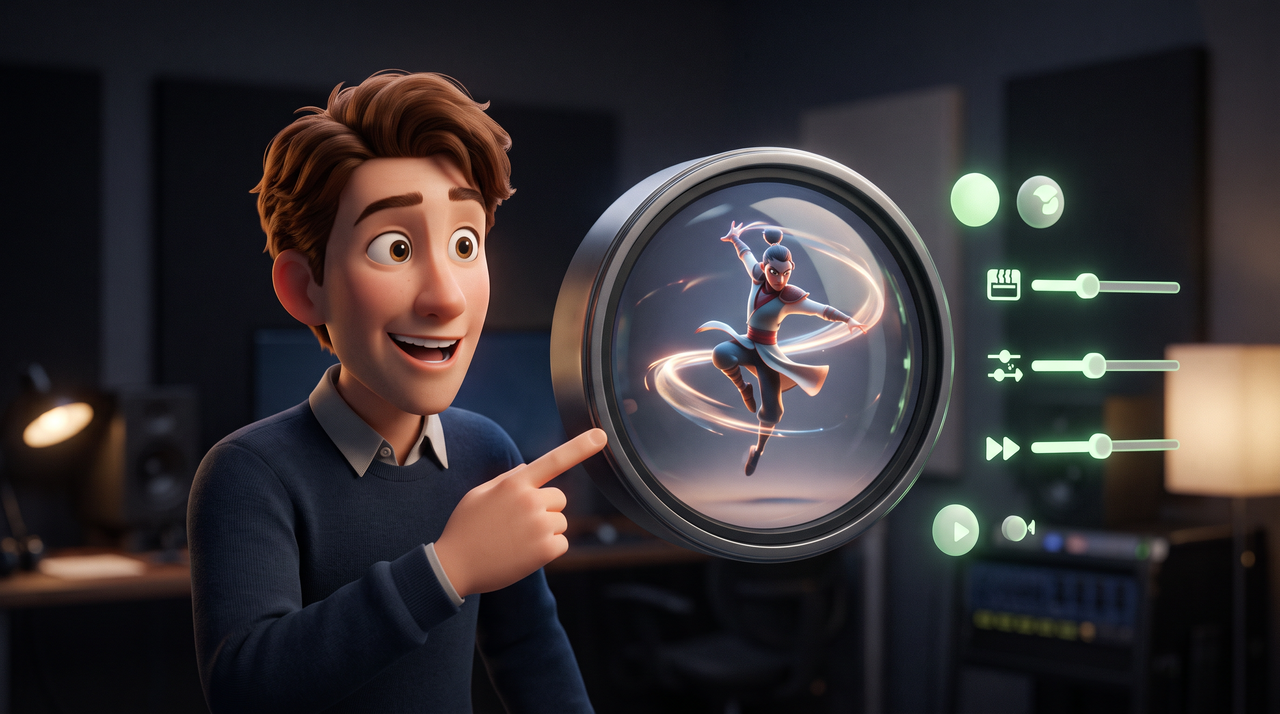
Edit AI-generated animated videos with simple chat commands using Framia Pro's intelligent Video Agent. This AI animation maker allows real-time adjustments to speed, music, and transitions, providing a seamless, interactive experience that eliminates the steep learning curve for everyone.

Multi-platform animation creation

Generate multiple creative variations from a single campaign idea. Create different content styles for different audiences, adapt assets for various social platforms, and produce multiple KOL versions from the same script. Scale content production without increasing creative workload.

Why use Framia Pro's AI animation video maker?

Framia Pro helps you produce high-quality animations without high costs or technical skills. It's designed to save time while delivering professional results consistently.

Cost-effective and time-saving

Automate labor-intensive production steps with Framia Pro to skip expensive studios and weeks of manual keyframing. Go from concept to final render in minutes, slashing costs dramatically while boosting output speed using this powerful AI animation generator.

Cost-effective and time-saving
Top models under one subscription

Top models under one subscription

Access 20+ cutting-edge AI models, like Seedance 2.0, and Kling 2.6—all in one simple subscription. Avoid juggling accounts, separate fees, or tool comparisons; Framia Pro's AI animation video generator integrates the best text-to-video, image-to-animation, and cinematic results.

Professional quality without the learning curve

Produce cinematic 2D and 3D animations that once demanded years of mastering After Effects or Blender. With Framia Pro's AI animation maker, you can generate high-fidelity motion, realistic physics, camera moves, and polished scenes instantly, regardless of your artistic background.

Professional quality without the learning curve

Who should use Framia Pro's AI animation generator?

From solo creators to large teams, Framia Pro supports a wide range of creative needs. Anyone who wants fast, professional animation can benefit from this tool.

Advertising agencies
Agencies use Framia Pro to accelerate client delivery across research, campaign planning, creative production, influencer marketing, and reporting. Generate campaign strategies, branded assets, KOL outreach materials, and platform-specific content at scale while reducing production costs and turnaround times.
Content creators & storytellers
Content creators use Framia Pro's AI animation generator to create animated intros, short stories, scene transitions, and storyboards. Turn text or reference images into 2D cartoons, 3D scenes, and short animated clips for YouTube, Reels, and other video platforms.
Marketers & Social Media Managers
Marketers use this AI animation generator to create product explainers, promotional clips, instructional demos, and animated ads. Add motion to product images, create logo opening sequences, and adapt videos for different social platforms. Marketing teams can also reuse campaign assets for creator collaborations.
Businesses & Startups
Startups and small businesses use Framia Pro to create animated explainer videos, product demos, pitch presentations, and internal training clips. Turn written ideas or product images into short videos without hiring a dedicated animation team.
Ecommerce & Growth Teams
Ecommerce teams use Framia Pro to animate product photos, demonstrate product features, and create promotional videos for online stores and paid ads. They can test different scenes, messages, and visual styles to find suitable creative options for different audiences.
Filmmakers & Storytellers (Indie & Pro)
Independent filmmakers and storytellers use animated video maker AI to prototype concepts, create short films, music videos, or narrative sequences. Leverage physics-based motion, volumetric effects, camera control, and conversational direction to iterate fast and produce cinematic results rivaling traditional workflows.

Why users love us: Real results from real creators

Hear from the community of professionals and enthusiasts who have transformed their creative process. These stories highlight the massive time savings and high-fidelity results achieved using our intuitive AI agents.

"Framia changed everything for me. I used to spend 10+ hours animating shorts manually. Now, I prompt once, chat through a few tweaks, and get consistent character animations in minutes. Best upgrade of 2026!"
Sarah Chen
Sarah Chen
Content creator & YouTuber
"Having 20+ top models in one plan is brilliant. No more switching between separate tools; I pick the best model for each client project and deliver faster than ever. Framia Pro is my secret weapon for scaling my agency."
Aisha Khan,
Aisha Khan,
Freelance motion designer
"Framia Pro is perfect for quick intros and transitions. It's cost-effective and saves me hours, while keeping the work professional. I deliver high engagement and quality videos to my viewers every time."
Kiara, Travel
Kiara, Travel
vlogger
"Framia Pro has revolutionized my training module creation. I can generate HD explainers with voiceovers and smooth motion quickly, saving our team countless hours and budget, while engaging employees effectively without needing animation skills."
Dr. Elena Patel
Dr. Elena Patel
E-Learning specialist & Corporate trainer
"As a global brand manager, Framia speeds up our campaigns. I create consistent, high-quality animations, adjust tone through chat, and export 4K content for all channels. It has cut our agency costs by 70% and accelerated launches."
Alex Rivera
Alex Rivera
Global brand manager
"Framia Pro has been a game-changer for creating stunning animation promo videos. The AI tools let me quickly create engaging animated clips tailored to the event theme, streamlining my workflow and saving me tons of time."
Mia Carter
Mia Carter
Event planner
Questions about making your first animation?Contact us

FAQs About AI Animation Generator

How to make insanely good animation using AI online?
You get better results when the prompt names four details, such as the subject, the scene changes, the movement, and the visual style. You can add a reference image or video for a specific character or logo. You then pick a model that suits the scene, run each node alone to test it, and regenerate only the clips that miss the mark.
How does an AI animation generator work for image to video?
You upload a photo, sketch, or illustration as a reference in an Image node and connect it to a Video node. You then describe the movement, for example, a slow zoom, a wave, or a blinking eye. Framia Pro's image-to-video AI animates the image into a clip, and you can regenerate until the motion fits.
What is the best free AI animation video generator for beginners?
Framia Pro is a beginner-friendly AI animation generator that lets you get started with free credits. Explore its animation tools, experiment with prompts, and choose a paid plan if you need more credits or access to additional features. Generation limits depend on your plan and selected models.
Can I use AI-generated animations for commercial purposes?
Yes, Framia Pro allows commercial use of generated animations, subject to its Terms of Service. Paid plans may offer additional export options, including HD or 4K resolution. Check your plan's terms and export settings for applicable watermark restrictions before using animations in ads, branding, client work, social media, or other professional projects.
Can I create both 2D and 3D animations?
You can create 2D cartoons, 3D scenes, stop-frame style clips, and animated logos. The style comes from your prompt and reference images, so you add terms such as "clay stop-motion," "flat 2D cartoon," or "3D render" to steer the result.
Can I use the same character in every scene?
You can upload one reference image of your character and connect it to each scene's Image node, so every clip starts from the same design. Results stay steadier when your prompts describe only the action, not a new outfit or face.
Can I edit an animation after it is generated?
You can edit in three ways. You can regenerate a single node without rerunning the workflow, chat with the Video Agent to change speed, music, or transitions, or open the clip in the built-in Video Editor to trim, reorder, and add captions.
Does the AI animation generator support team collaboration?
Team Workspace lets collaborators share one project, its assets, and its chat history. A designer can set up the workflow, and a marketer can review clips and regenerate a scene in the same project.
Can I animate a logo?
You can upload a flat logo as a reference, describe the motion (letters sliding in, or a shape unfolding), and choose a short clip length. You can also reuse your Brand Kit colors and fonts so the reveal matches your other assets.

Still have questions?

Have questions or need assistance? Our team is here to help!

Create any animations with Framia Pro's AI animation generator!

Breathe life into your ideas with Framia Pro—the powerful free AI animation generator.

Free AI Animation Generator: Create Pro Animated Videos Fast