Kling 2.6 AI Video Generator

Generate, refine, and export cinematic videos using Framia's Kling 2.6 AI. Capture motion, detail, and depth across every scene you create.

Start for Free

Explore the core features of Kling 2.6 on Framia

Generate cinematic scenes, native audio, and physics-accurate animation from a prompt with Kling AI on Framia Pro. Here's what it offers:

Turn a written prompt into a full video

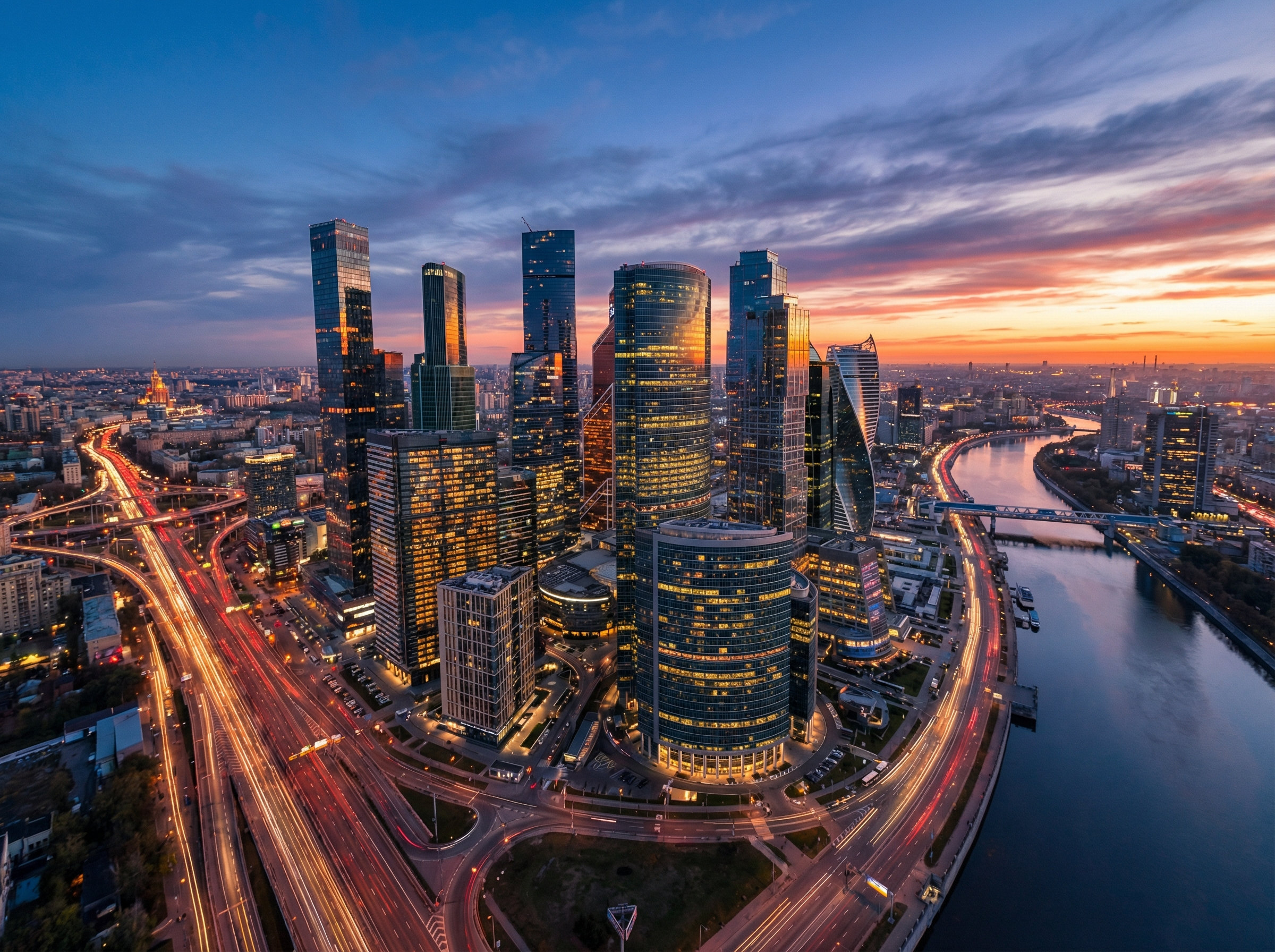
Write a scene description with characters, camera movements, and dialogue, and Kling 2.6 outputs a complete 1080p clip in a single pass. Each generation runs up to 10 seconds at 24 to 30 frames per second in landscape or vertical format.
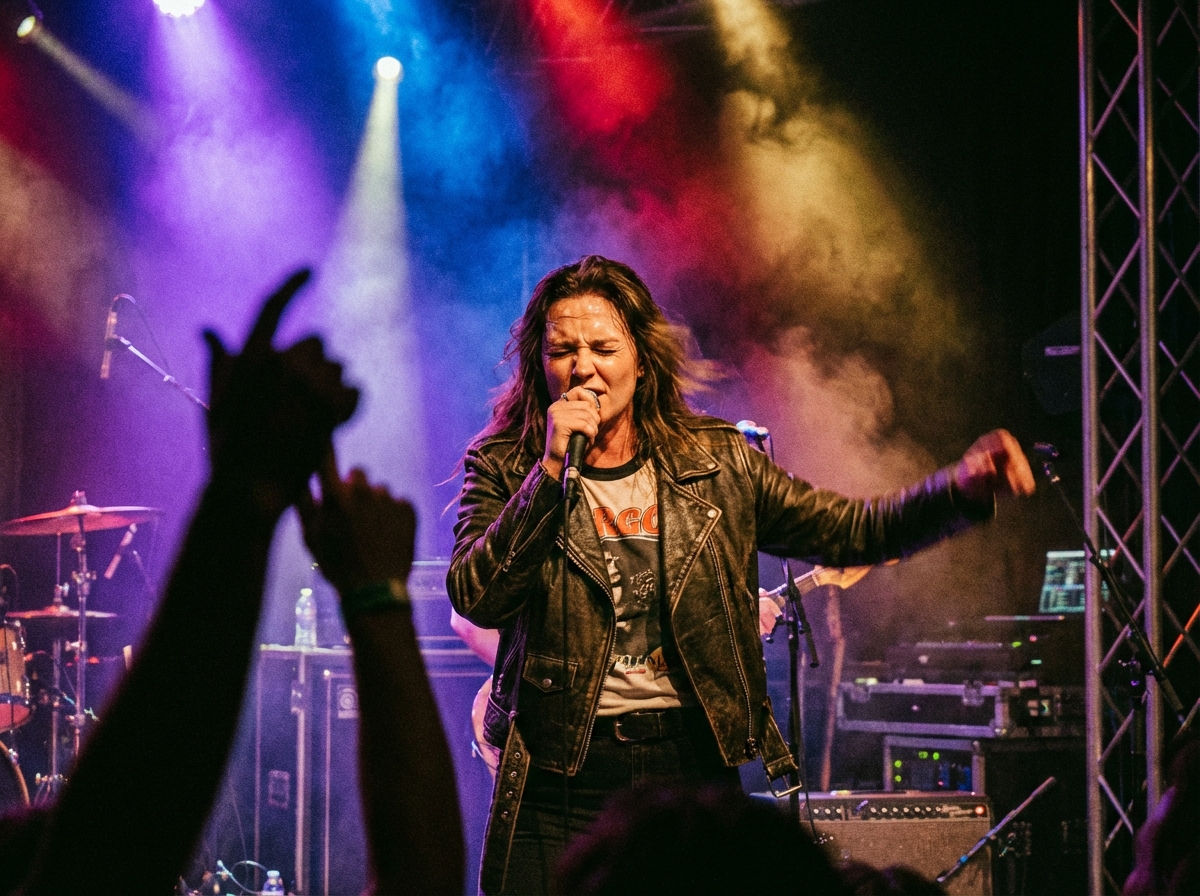
Turn a written prompt into a full video scene
Generate videos with native audio

Generate videos with native audio

Produce dialogue, narration, singing, rap, and ambient soundscapes in the same generation as the video frames. Kling 2.6 supports up to two distinct character voices per clip in English and Chinese, with automatic translation for other input languages.

Produce realistic motion and character animation

Upload a static image, and Kling 2.6 adds physics-accurate movement to your animation, synchronized audio, and facial expression to every frame. Hand movements come out precise and blur-free, while facial expressions and lip sync stay natural throughout the output.
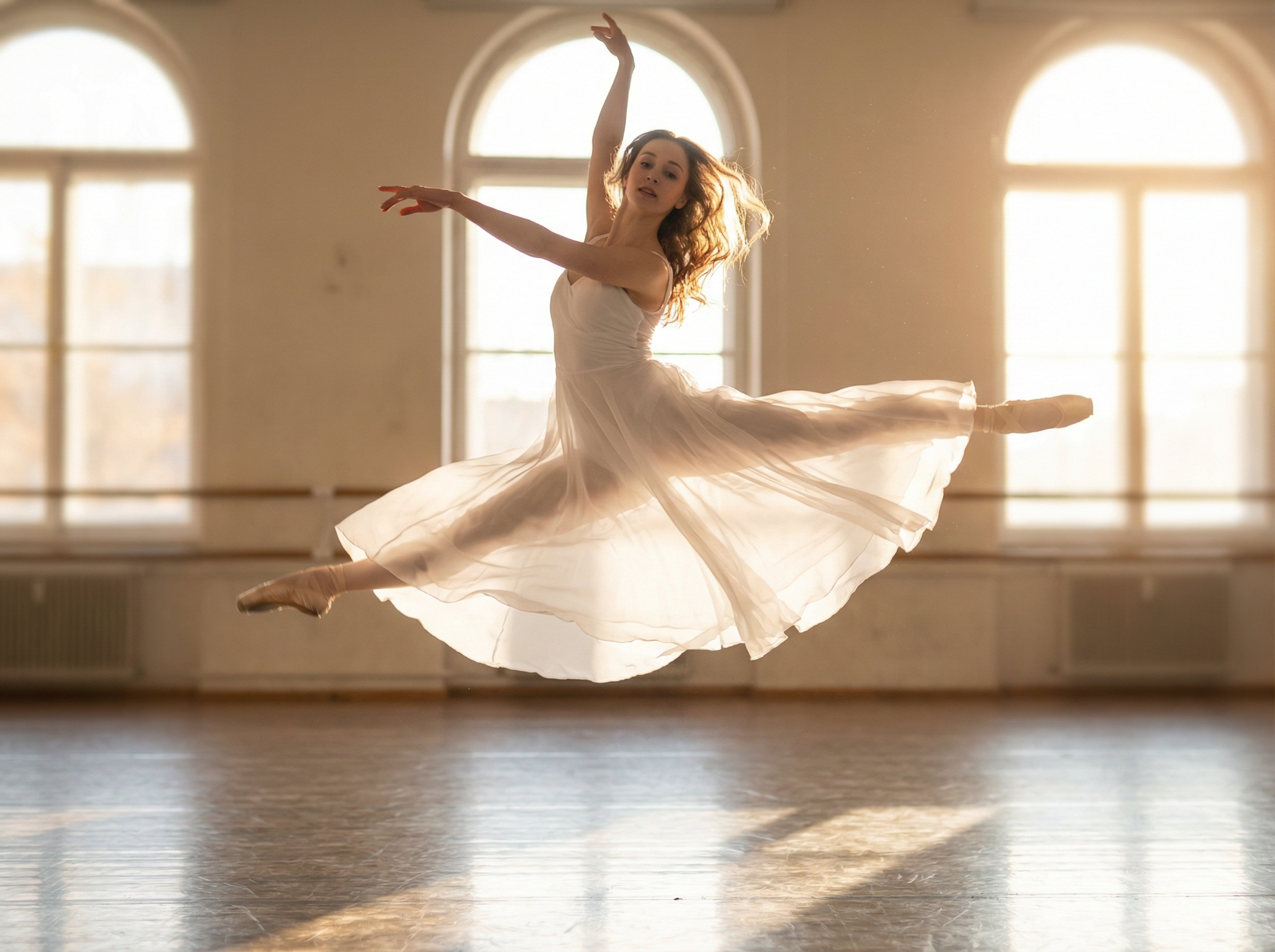
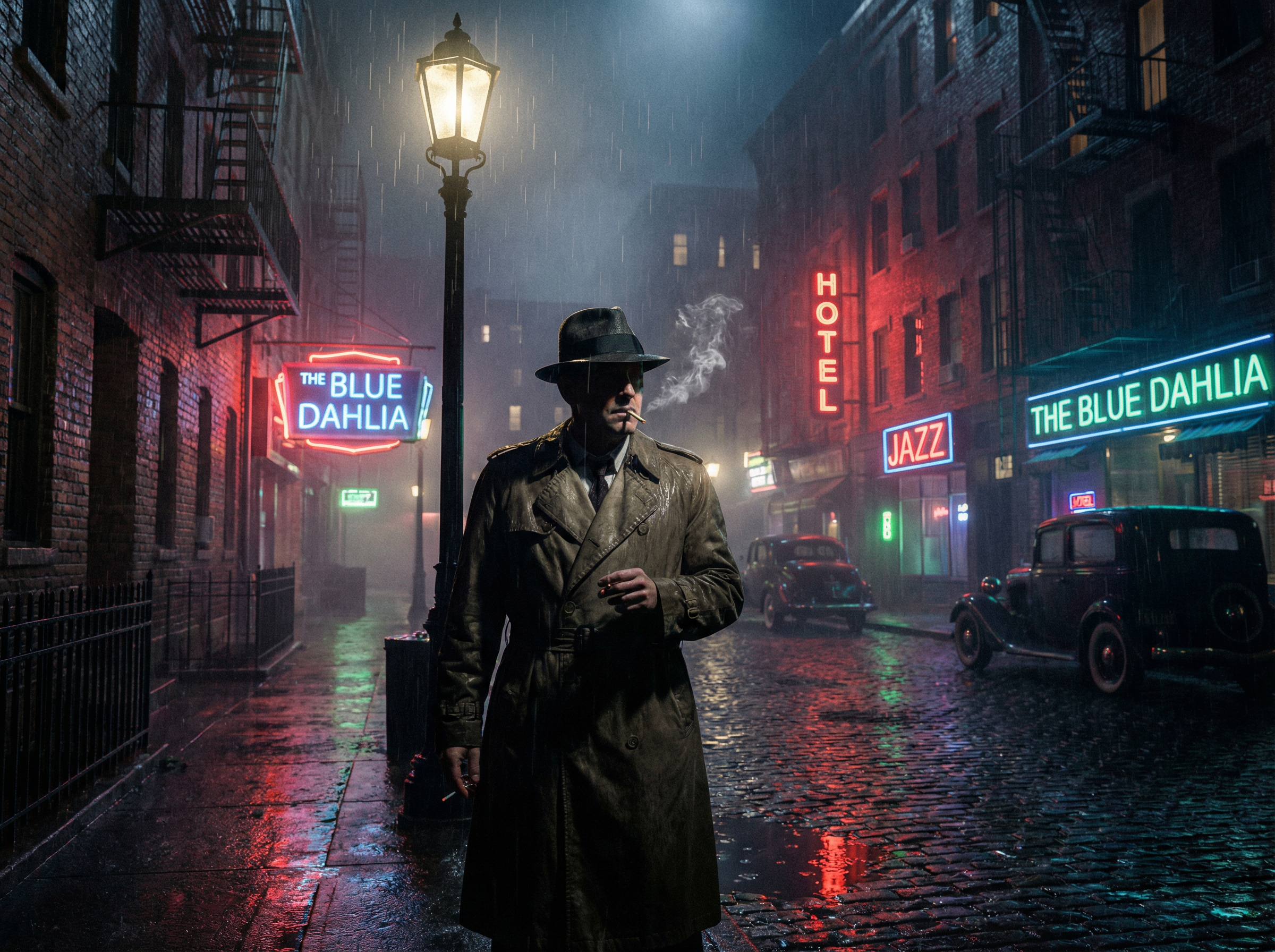
Realistic motion and character animation
Control scenes through simple text prompts

Control scenes through simple text prompts

Type camera instructions, background conditions, or atmospheric details into the prompt, and Kling 2.6 applies each independently from character motion. Use prompts like "handheld shake," "golden hour lighting," or "rain-soaked street" to update the environment in real time.

3D motion modeling with real physics

Simulate gravity, inertia, cloth deformation, and weight transfer in every generated clip using Kling 2.6 on Framia. Fabric drapes and flutters accurately, hair sways with volumetric coherence, and hands grip objects with correct contact physics.
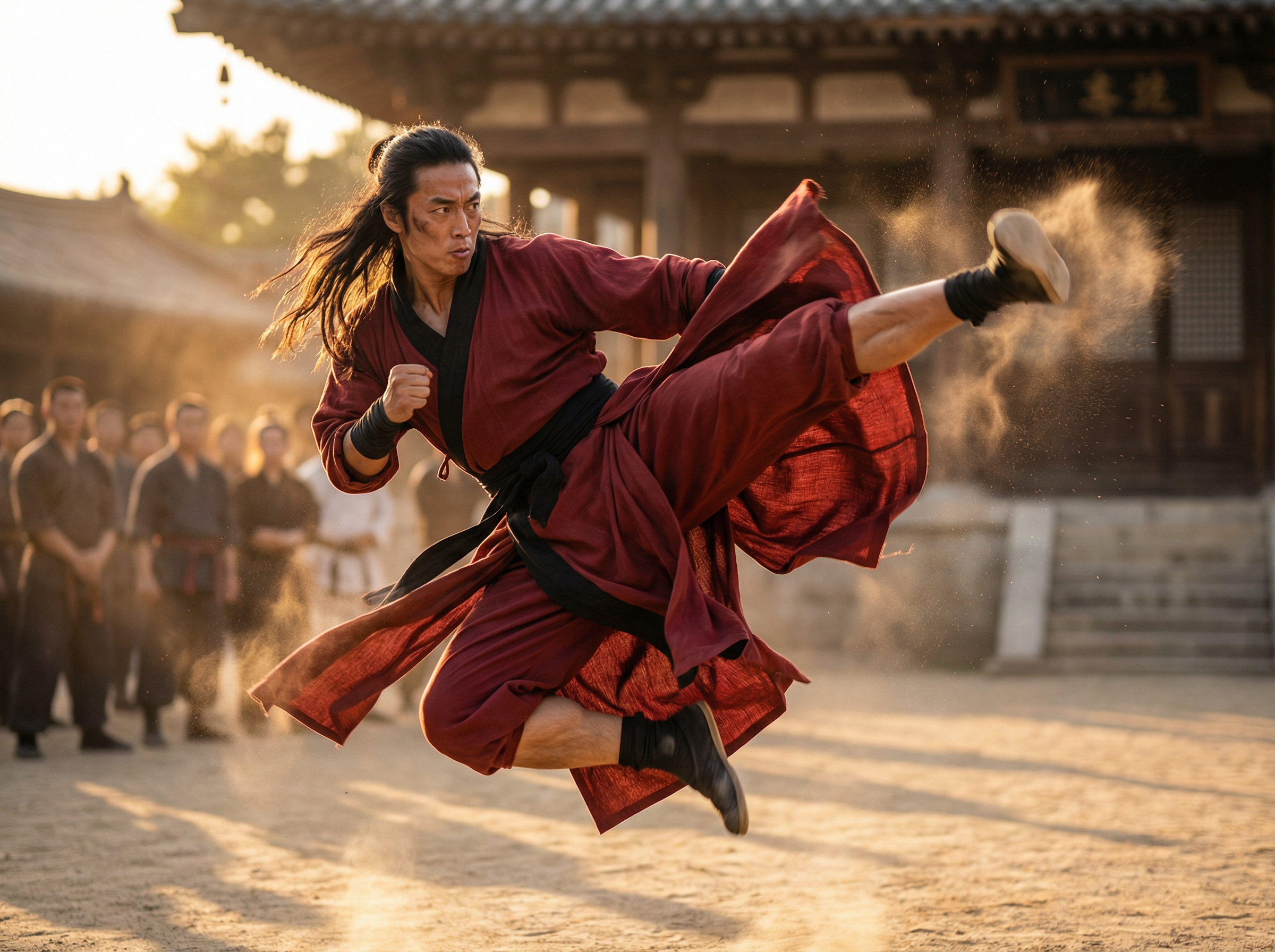
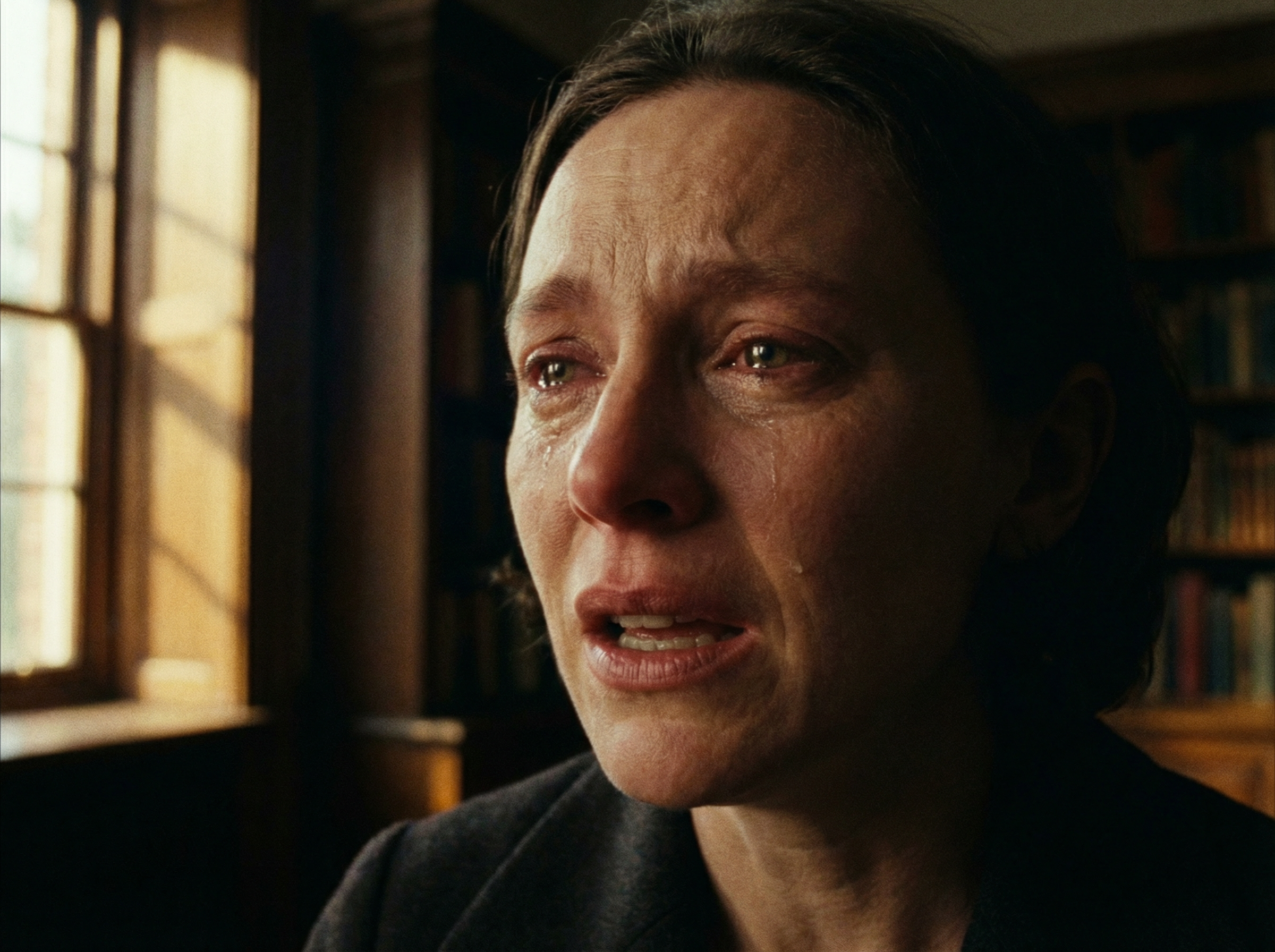
3D motion modeling with real physics
Control tone, mood, lighting, and gestures

Control tone, mood, lighting, and gestures

Specify voice delivery style, emotional intensity, gesture type, or lighting conditions directly in the prompt. Kling AI video generator renders lip-synced dialogue and adjusts voice character and scene atmosphere at the same time.

Transfer motion from a reference video

Upload a 3-to-30-second clip, and Kling 2.6 extracts the full motion sequence frame by frame and maps each posture, gesture, and expression onto the character image. You get natural movement in the whole body, including hands, fingers, arms, legs, and facial expressions.
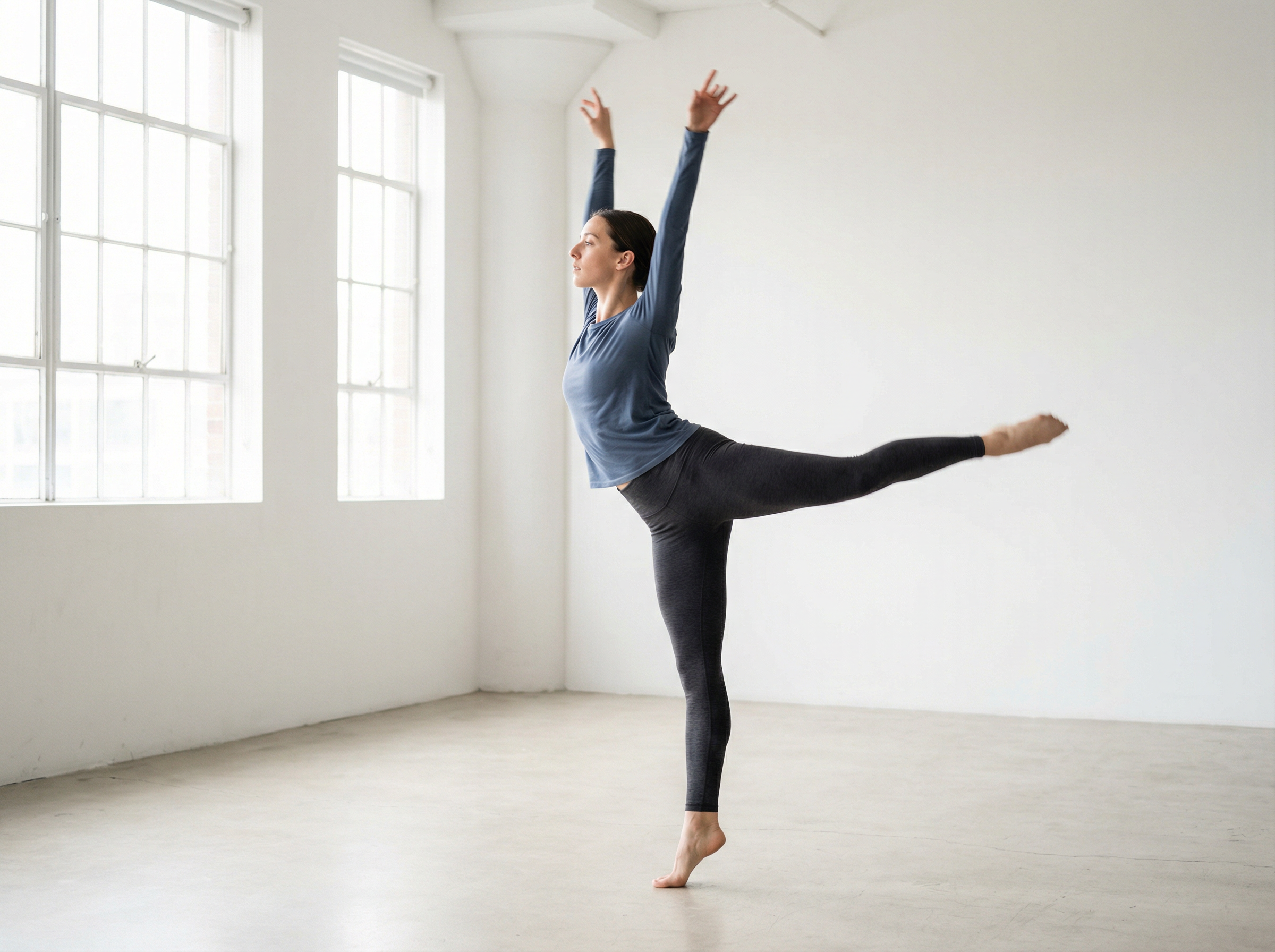
Transfer motion from a reference video

How to use Kling 2.6 on Framia to create videos?

If you want to create motion control or other types of video content with Kling AI, follow these steps on Framia:

Step 1: Sign up for Framia Pro
Sign up for Framia Pro to access the home page. Type your scene with specific details and select "Plan" to map out each video shot.
Step 2: Generate your video
Click "Select Models," open the "Video" tab, and choose Kling 2.6. Hit "Settings" to set duration and aspect ratio, and then click "Generate."
Step 3: Export to your device
Play the clip and add a follow-up prompt to adjust any detail. Click "Download," and Framia Pro saves the finished video as an MP4.

What can you create with Kling 2.6 on Framia Pro?

Produce product ads and branded content for every platform using text or images using Kling 2.6 on Framia:

Social media videos
Generate short vertical or landscape clips for Instagram Reels, TikTok, and YouTube Shorts directly on Framia Pro. Kling AI video generator outputs native audio, synced motion, and 1080p resolution in a single pass.
Product ads
Upload a product image on Framia and Kling 2.6 produces a full ad with accurate physics, custom lighting, and voiceover. You get studio-quality visuals at no extra cost, which cuts total production time from days to minutes.
Training videos
Convert your script into a narrated instructional clip with accurate lip sync using Kling AI on Framia Pro. Bilingual audio in English and Chinese is included, and the presenter's face and outfit stay identical throughout every scene.
Creative storytelling
Connect scenes using first-to-last frame continuity to extend narratives past the per-clip time limit. You control gesture, mood, and scene atmosphere, while Kling 2.6 on Framia applies 3D physics to every character's movement and expression.
YouTube content
Batch-generate multiple video variations from a single input on Framia and pick the best cut for upload. Kling 2.6 delivers native dialogue, ambient soundscapes, and synchronized output at 24 to 30 frames per second.
Brand explainer videos
Upload your logo, product visuals, and key message on Framia Pro, and Kling 2.6 builds a complete brand explainer with consistent characters, smooth transitions, and synchronized narration that communicates your value clearly in every scene.

Showcase of videos generated by Kling 2.6

Why use Framia Pro's Kling 2.6 AI video maker online?

Experience more control over video creation with Framia Pro's Kling 2.6 model. Here's why you should use it for your content:

Generate video and audio together
You can create video and sound in the same step, so scenes feel complete from the start. Dialogue, background sound, and visual action stay aligned. This removes the need for separate editing and keeps the timing between sound and movement accurate.
Longer cinematic video generation
With Kling 2.6 on Framia, you can produce longer video clips that hold a steady story flow. It allows wider shots, gradual camera movement, and smoother transitions. This length works well for storytelling, tutorials, product videos, and social media content.
Realistic motion and physics behavior
Get natural movement in people, objects, and environmental elements with Kling 2.6 on Framia. It creates videos where hands, fingers, and body movements follow natural physical behavior, and every object reacts exactly as it would in the real world.
Improved scene realism
Create scenes that appear detailed and lifelike with Kling 2.6. Everything in the frames, such as light direction, shadows, textures, and surface reflections, stays balanced throughout. The model also keeps background elements stable, while characters or objects move within the scene.
Flexible aspect ratio options
You can choose different frame sizes based on where the video will appear. Vertical formats work well for short-form platforms, while horizontal frames suit presentations or wide scenes. This lets you prepare one idea for multiple viewing formats easily.

What creators say about Kling 2.6 on Framia?

Creators across YouTube, TikTok, and commercial production use Kling 2.6 on Framia to cut production time and publish faster.

I used to spend two days on a single video. Now I type a scene on Framia, and Kling 2.6 handles the rest. My last three videos hit 50k views each, all produced in under a day.
Marcus T.
Marcus T.
YouTube Content Creator
We needed quick ad variations for a product launch. Kling 2.6 on Framia gave us four clean cuts from one image in a single batch. The product motion looked cleaner than our last in-studio shoot.
Lauren K.
Lauren K.
Product Marketing Manager
Chaining scenes with first-to-last frame continuity changed how I approach short films entirely. Characters stay consistent across every clip, and lighting carries naturally between scenes. It genuinely feels like directing without a crew.
Rafael D.
Rafael D.
Independent Filmmaker
I manage content for six brand accounts, and turnaround used to be my biggest bottleneck. Framia cut that down significantly. Kling 2.6 keeps the presenter's face and voice identical in every training video we produce, which our clients notice immediately.
Nadia W.
Nadia W.
Social Media Manager
The motion transfer feature is the one I come back to most. I upload a short reference clip, and Kling 2.6 maps every gesture and posture onto the character accurately. Even fast movements like dance sequences come out smooth on the first try.
Eliot J.
Eliot J.
Freelance Creative Director
I needed talking-head videos for twelve modules without booking a studio. Kling 2.6 on Framia kept the presenter's look and voice locked across every lesson. My students never noticed it wasn't filmed in one sitting.
Simone A.
Simone A.
E-learning Course Developer
We've compiled the most important information to help you get the most out of your experience. Can't find what you're looking for?Contact us

Frequently asked questions

What is Kling motion control?
Kling motion control is a feature in Kling 2.6 that extracts movement from a 3-to-30-second reference clip and maps each gesture, posture, and expression onto your character frame by frame.
How much does Kling AI cost on Framia?
Kling AI on Framia Pro is accessible through a Pro plan. API-based generation with Kling 2.6 runs from $0.07 to $0.14 per second, depending on resolution and generation speed selected.
Can I create longer videos with Kling AI on Framia?
Yes. The Kling AI video generator on Framia supports extended sequences by inserting the last frame of one clip as the first frame of the next to chain scenes continuously past the 10-second per-generation limit.
How do I use the Kling AI image-to-video feature?
Upload a static image directly on Framia, add a text description, and Kling 2.6 animates it into a 1080p clip with synchronized audio, accurate motion, and consistent character detail at 5 or 10 seconds.
Does Kling AI lip sync really work?
Yes. Kling 2.6 renders accurate lip sync automatically from dialogue written in your prompt. It supports bilingual audio in English and Chinese to match mouth movement to voice delivery throughout the full clip.
What types of Kling AI video can I create?
With the Kling AI video generator on Framia Pro, you can produce social media clips, product ads, training videos, short films, and YouTube content using text prompts, images, or reference video clips as input.

Still have questions?

Have questions or need assistance? Our team is here to help!

Discover More Features

Explore the full range of creative tools available on Framia beyond video generation.

Kling 2.6 AI Video Generator: Create Videos from Text/Images