What is Kling AI?
Kling AI is an AI video generation platform developed by Kuaishou Technology, a Chinese tech company. Launched in 2024, it quickly gained global attention for producing high-quality, realistic videos from text prompts and reference images. Kling AI uses advanced diffusion-based models to simulate real-world physics, generate natural human motion, and maintain visual consistency across frames. It supports text-to-video and image-to-video generation with options for multiple aspect ratios, video durations, and resolutions. It offers features like motion control, multi-shot scene generation, and creative camera angles, making it popular among content creators, marketers, and filmmakers.
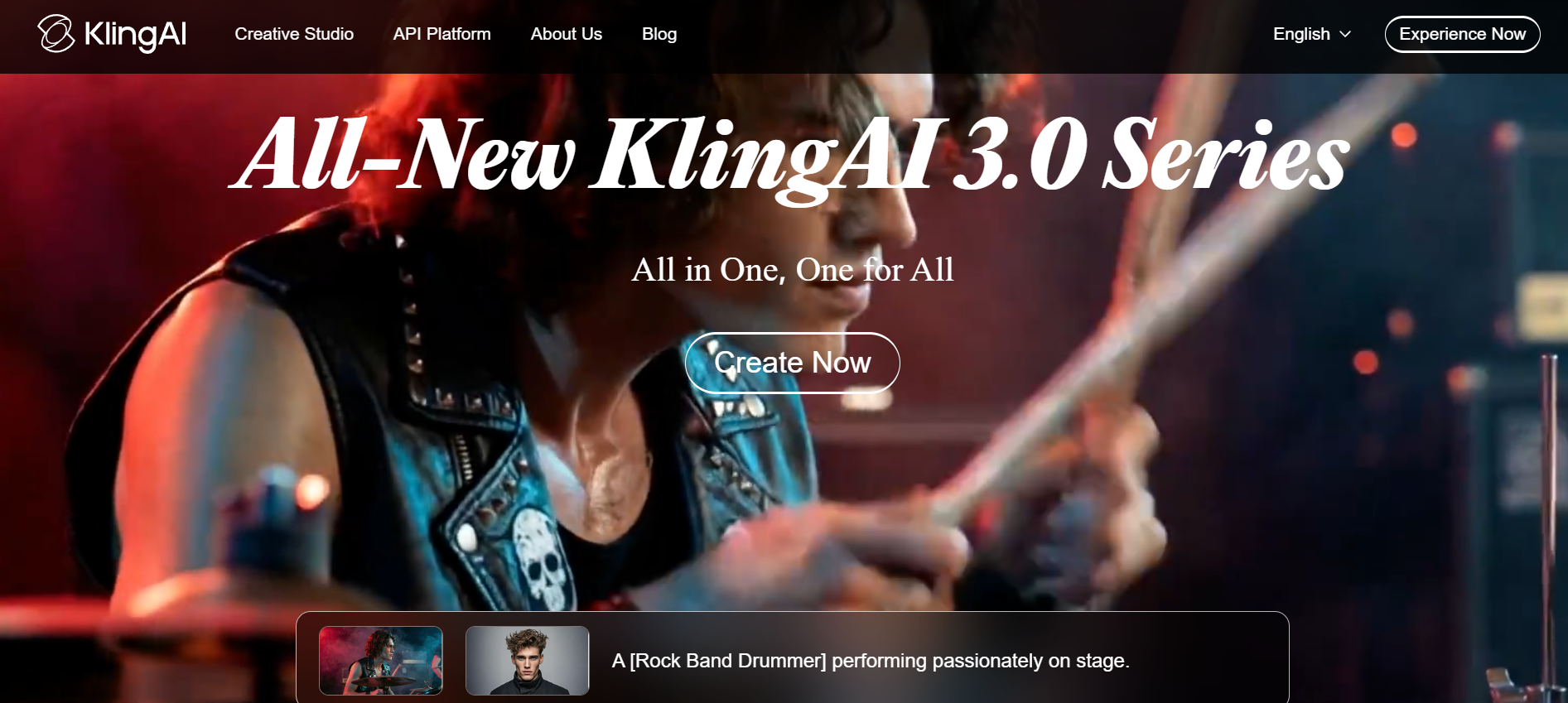
While Kling AI remains a top-tier tool, its credit limits, pricing, and feature restrictions push many creators to explore a reliable Kling AI alternative.
Kling AI features: What makes it stand out?
- Extended video duration
While others offer short bursts, Kling generates continuous videos up to 2 minutes at 30fps. This allows for full music videos or detailed product demos without the need for constant clip stitching or losing visual narrative flow.
- Advanced physics engine
Kling AI is renowned for its ability to simulate complex real-world physics, such as the way liquids pour, fabric drapes, or how light reflects off moving surfaces.
- Native audio & lip-sync
Kling generates high-fidelity audio synchronized with the visuals. It can match character lip movements to specific dialogue or singing, removing the need for third-party dubbing tools and streamlining the entire video production workflow.
- Multi-shot scene generation
Kling 3.0 supports multi-shot sequences within a single prompt. It can handle cinematic cuts and camera transitions, like moving from a wide shot to a close-up, while maintaining character and environmental consistency across the entire scene.
- Advanced character consistency
Through Face and Style Reference tools, Kling solves the "shape-shifting" problem. By uploading a reference image, the AI ensures your subject remains identical across different camera angles, lighting conditions, and complex action sequences.
How much is Kling AI?
Understanding Kling AI pricing is key to managing your 2026 creative budget, as the platform utilizes a flexible, credit-based model tailored for both casual hobbyists and professional studios.
| Plan | Monthly Cost | Credit Allowance | Key Features |
| Basic | $0 | 660 Credits | Standard mode only, watermarked, basic priority. |
| Standard | $6.99 | 660 Credits | 1080p generation, fast-track, Video 2.6 Voice Control. |
| Pro | $25.99 | 3,000 Credits | Image 3.0 Omni & O1 access, 150 element capacity. |
| Premier | $64.99 | 8,000 Credits | 400 720p video equivalent, priority queue. |
| Ultra | $127.99 | 26,000 Credits | Best value per credit ($0.62/100), 1300 video equivalent. |
Kling AI review: Advantages and disadvantages
Kling AI is a powerful AI video tool known for cinematic output and realism, but it also comes with limitations in consistency, pricing, and workflow flexibility.
| Pros | Cons |
| High-quality cinematic output: Generates realistic videos with smooth motion, lighting, and detailed scenes, making it suitable for ads, storytelling, and professional content creation. Text-to-video and image-to-video support: Allows flexible creation using prompts or images, helping creators quickly turn ideas into engaging visual content without complex tools. Advanced motion and camera control: Supports camera movements like pan, zoom, and depth effects, enabling cinematic storytelling and better creative direction in generated videos. Built-in audio and lip-sync features: Can generate synchronized dialogue, sound, and lip movements, reducing the need for external editing or audio tools. | Inconsistent output quality: Results can vary, with some videos showing glitches, distortions, or failing to fully follow prompts, requiring multiple attempts. Credit-based pricing can get expensive: Usage-based pricing increases costs quickly, especially for longer or repeated generations, making budgeting difficult. Slow generation and queue delays: Users often experience long wait times and server congestion, especially during peak usage, slowing down workflows. Limited video duration: Most outputs are short (often around 10–15 seconds), making long storytelling difficult. |
How we picked the best Kling AI alternative
To identify the best Kling AI alternative tools, we evaluated each platform based on key factors that matter most to users.
- Video quality & realism: We assessed each tool's ability to produce high-fidelity, physically accurateand visually consistent video output. A strong Kling AI alternative must match or exceed Kling's benchmark for realistic motion, lighting, and subject detail.
- Feature set & creative control: We looked at what each platform actually offers — text-to-video generator, image-to-video generator, audio generation, camera control, frame references, and editing tools. Tools with broader creative control ranked higher on our list.
- Pricing & value for money: We compared free plan generosity, credit limits, paid plan pricing, and overall cost per generated video. The best Kling AI alternative should deliver strong output without requiring an expensive subscription.
- Ease of use: We factored in interface design, learning curve, and how quickly a new user can go from prompt to finished video. Tools that balance power with accessibility scored higher across the board.
- Multi-model & workflow flexibility: Platforms that support multiple AI models or integrate generation with editing — eliminating the need to jump between apps — were ranked as stronger all-round alternatives to Kling AI.
Top 7 Kling AI Alternatives to try in 2026
Looking for the best Kling AI alternative in 2026? We tested and ranked the top 7 AI video generators based on realism, speed, features, pricing, and user experience to help you create better videos faster and more affordably.
| Tool | Best For | Starting Price | Platform support | Key Strength |
| Framia Pro | Solo creators & multi-model workflows | $9/month | Web | AI agent platform connecting Kling 3.0, Sora 2, Veo 3.1 on one canvas |
| ImagineArt | All-in-one generation & editing | $10/month | Web, iOS, Android | 7+ AI models plus built-in video editor in a single platform |
| Hailuo AI 2.3 | Cinematic realism & crowd scenes | $0.19 per generation | Web | Best-in-class physics simulation and natural character motion |
| PixVerse v5 | Fast social media & brand content | $15/month | Web, iOS, Android | Quick generation with native audio sync and strong prompt adherence |
| Google Veo 3.1 | Professional & cinematic production | $0.20/sec | Web, API | 4K output with native audio and deep camera control |
| Wan 2.5 | Budget-friendly cinematic quality | $29/month | Web, API, Open-Source | Open-source 4K HDR video at a fraction of competitor pricing |
| Sora 2 | Storytelling & world-building | $20/month | Web, iOS, Android | Longest video duration (25s) with ChatGPT-powered prompt intelligence |
1. Framia Pro
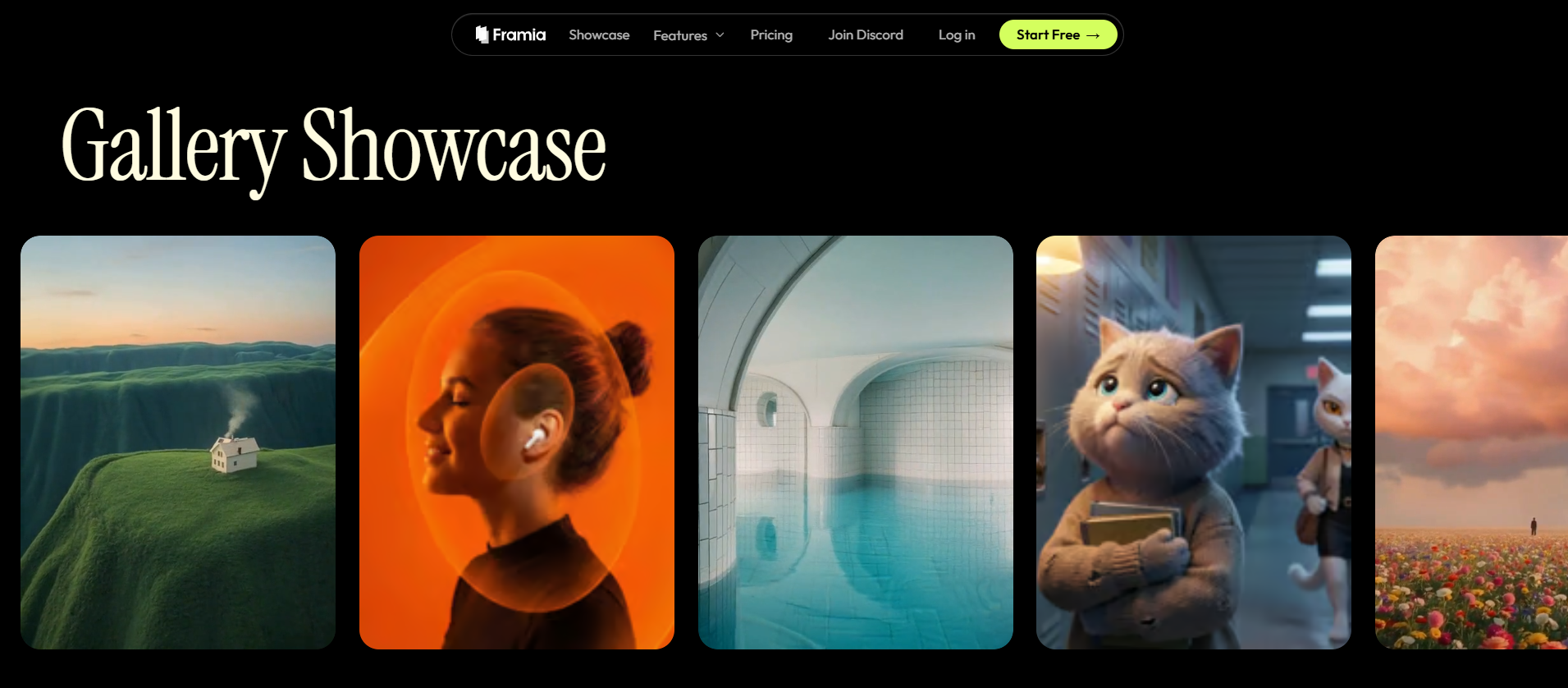
Framia Pro is an AI-powered creative agent platform built specifically for solo creators and small teams. Unlike traditional video generators, Framia Pro functions as an intelligent agent that connects world-class models — including Kling 3.0, Sora 2, Seedance 2.0, Google Veo 3.1, and Gemini 3.0 — on a single interactive canvas. It supports character-consistent video generation, high-fidelity image design, and specialized creative workflows for ads, shorts, music videos, e-commerce, and branding. As a Kling AI alternative, Framia Pro stands out by combining multi-model flexibility with an agent-driven creative experience.
Key features
- Multi-model support including Kling 3.0, Sora 2, Veo 3.1, and Seedance 2.0
- Character-consistent video generation across scenes and sequences
- Specialized agent skills for ads, shorts, music videos, and e-commerce
- Interactive canvas for combining image design and video generation
- Single-platform workflow that eliminates the need for multiple tools
Pros
- Connects top AI models in one place — no app-hopping required.
- Agent-driven workflow makes it beginner-friendly and highly efficient.
- High degree of creative control through natural language iterations.
- Regularly updated with the latest AI models as they launch.
Cons
- Newer platform with a smaller user community compared to established tools.
- Full feature access may require a paid plan for heavy creative workloads.
2. ImagineArt
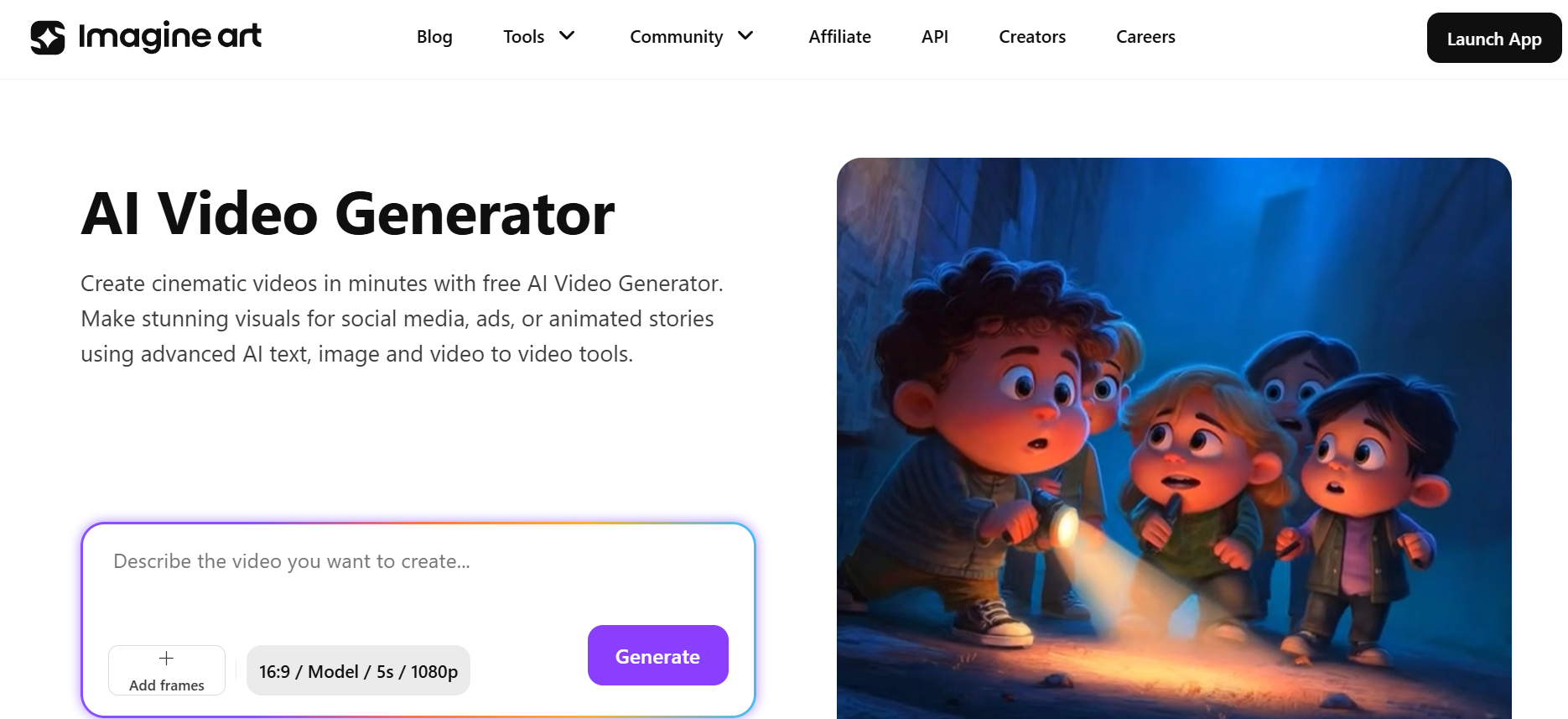
ImagineArt is a comprehensive AI video generation platform that brings together multiple leading AI models under one roof. It supports Kling AI, Hailuo, Sora, PixVerse, Seedance, Runway, and Google Veo, making it a highly flexible Kling AI alternative for creators at every level. ImagineArt combines AI video generation with a built-in video editor, allowing users to generate, trim, add audio, swap backgrounds, and apply effects without switching platforms. With features like first-frame preview, node-based collaboration, and prebuilt video presets, ImagineArt suits individual creators, marketing teams, and professional studios equally well.
Key features
- Supports 7+ AI video models including Kling, Sora, Veo, and Hailuo.
- Built-in AI video editor with audio, text overlay, and background swap.
- First-frame preview generator for precise creative control.
- Prebuilt video presets for themes, color palettes, and visual styles.
- ImagineArt Flows — a node-based shared workspace for real-time collaboration.
Pros
- All-in-one platform covering generation, editing, and collaboration.
- Wide model selection lets creators pick the best engine per project.
- Free plan available with basic access and 50 starter credits.
- Regular model updates keep the platform competitive and current.
Cons
- Free plan credits are limited and only provide basic quality output.
- Fully cloud-based, requiring a stable internet connection at all times.
3. Hailuo AI 2.3
Hailuo AI 2.3, developed by Minimax, is a powerful AI video generator known for its cinematic realism, accurate physics simulation, and crowd scene visualization. As a Kling AI alternative, Hailuo 2.3 excels at generating lifelike characters with precise facial expressions, natural body language, and smooth motion flow. It supports both text-to-video and image-to-video generation, preserving color palettes and visual style from reference images with high accuracy. Hailuo 2.3 is designed for creators producing short films, product ads, social media content, and any project that demands production-ready visual quality and environmental believability.
Key features
- Advanced physics simulation for realistic subject-object interaction.
- Crowd visualization with accurate depth and natural group dynamics.
- Text-to-video and image-to-video generation with strong style preservation.
- Captures subtle facial expressions, gestures, and body language with precision.
- Available in both standard and Fast variants for flexible speed and quality.
Pros
- Delivers cinematic-quality output suitable for professional productions.
- Strong visual consistency and style preservation from reference images.
- Fast variant offers quicker generation for high-volume workflows.
- Handles complex crowd and environment scenes better than most competitors.
Cons
- No native audio generation — require a third-party editor for sound integration.
- No 4K support or built-in upscaling feature on current plans.
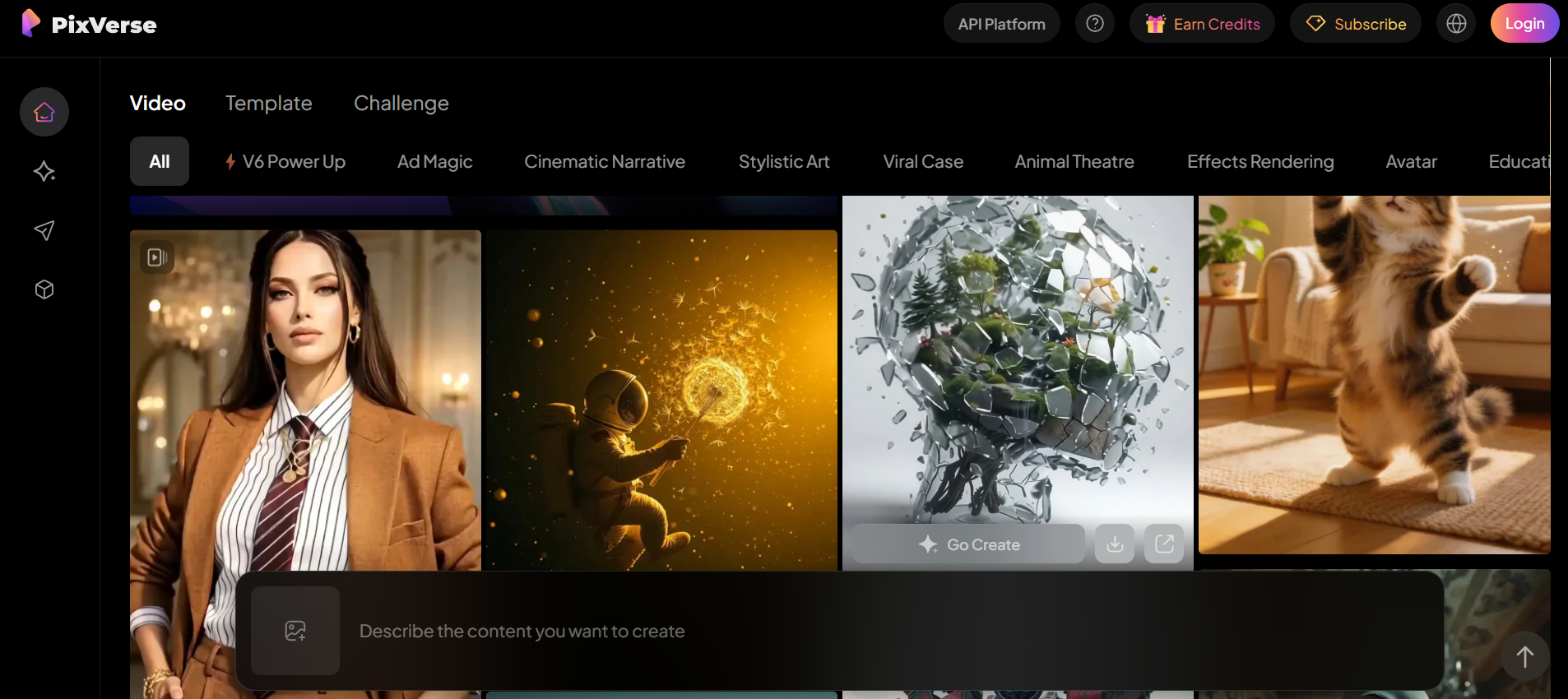
4. PixVerse v5
PixVerse v5 is a fast and stylish AI video generator that turns text prompts and reference images into high-fidelity, realistic videos with strong prompt adherence and smooth motion flow. PixVerse v5 stands out for its intuitive interface, quick generation speed, and contextual awareness that produces natural-looking transitions and action sequences. It supports audio generation and synchronization, start and end frame references, and video extension for longer storytelling. PixVerse v5 is well-suited for brand ads, marketing content, short films, and social media videos across multiple visual styles.
Key features
- High-fidelity text-to-video and image-to-video generation with strong prompt adherence.
- Audio generation and synchronization built directly into the platform.
- Start and end frame references for precise transition and sequence control.
- Video extension feature to create longer content with rhythm and flow.
- Multiple visual style options, from realism to stylized animation.
Pros
- Fast generation speed makes it ideal for high-volume content workflows.
- Native audio support removes the need for external editing tools.
- Intuitive interface suitable for beginners and professional creators alike.
- Strong contextual awareness produces smooth, natural-looking motion.
Cons
- Maximum video duration capped at 10 seconds — not ideal for long-form content.
- Customization options are more limited compared to other Kling AI alternatives.
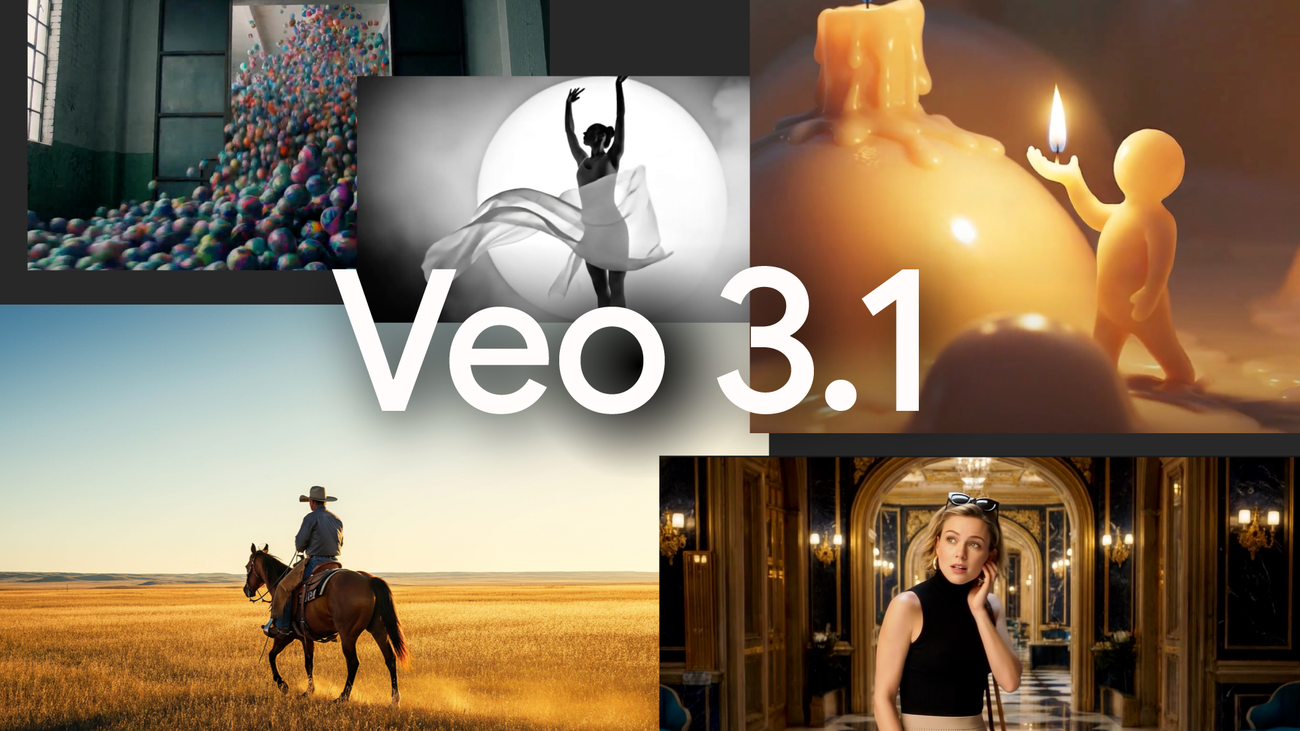
5. Google Veo 3.1
Google Veo 3.1 is the latest AI video generation model from Google DeepMind, built on the Veo 3 architecture with significant upgrades in realism, physics simulation, and audio integration. Veo 3.1 delivers 4K support, superior visual fidelity, and deep creative control over camera movement, lighting, shadows, and reflections. It supports up to three reference images as creative inputs alongside start and end frame references. Veo 3.1 is the go-to choice for cinematic B-roll, product ads, short films, and immersive storytelling where visual quality and realism are non-negotiable.
Key features
- 4K video output with industry-leading visual fidelity and realism
- Full audio integration including dialogue, music, and sound effect synchronization
- Camera movement, lighting, shadow, and reflection control through prompting
- Supports up to three reference images for tailored visual input
- Start and end frame references for precise narrative and transition control
Pros
- Best-in-class visual quality and physics simulation among current AI video tools.
- Native audio generation eliminates the need for post-production sound editing.
- Highly detailed creative controls for professional cinematographers and filmmakers.
- Backed by Google DeepMind — reliable infrastructure and continuous model updates.
Cons
- Steep learning curve makes it less accessible for beginner-level creators.
- Higher cost per second compared to most other Kling AI alternatives.
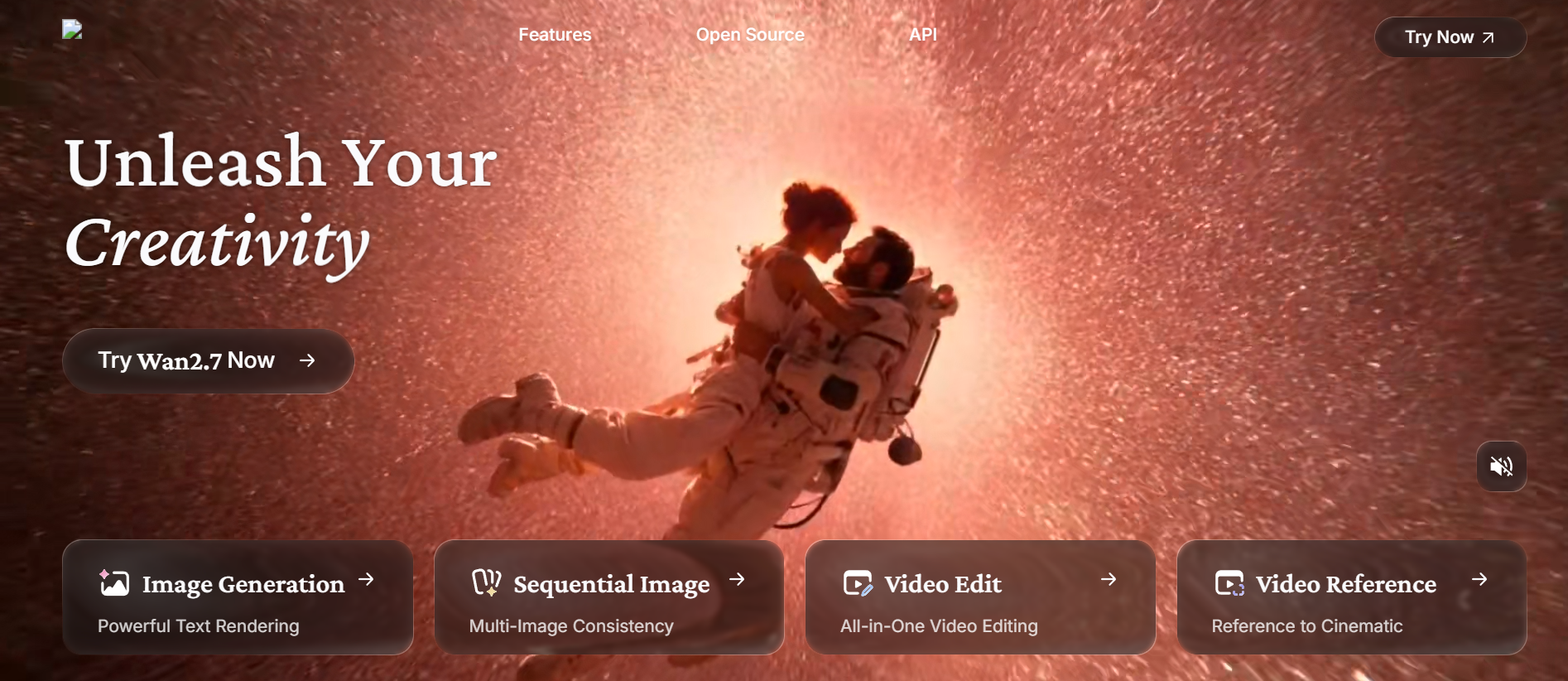
6. Wan 2.5
Wan 2.5 is an open-source AI video generation model that delivers cinematic realism and strong visual consistency at a significantly lower cost than competitors like Sora 2 or Google Veo 3.1. Wan 2.5 offers 4K support, HDR rendering, 3D motion control, and real-world physics simulation for professional-grade output. It supports multilingual prompts in both English and Chinese, along with built-in audio generation and character animation mode. Wan 2.5 is a strong choice for creators who want high production value without the premium price tag of closed-source platforms.
Key features
- 4K support with HDR rendering and 3D motion control for cinematic output.
- Real-world physics simulation with precise subject-object interaction.
- Built-in audio generation including dialogues, music, and sound effects.
- Multilingual prompt support in English and Chinese.
- Character animation mode for lifelike characters with natural motion.
Pros
- Open-source model offering cinematic quality at a much lower price point.
- Strong prompt adherence with accurate and detailed visual output.
- Built-in audio eliminates the need for additional post-production tools.
- Multilingual support makes it accessible for a global creator base.
Cons
- Maximum video length of 10 seconds requires manual stitching for longer content.
- Achieving precise visual detail demands comprehensive and well-structured prompts.
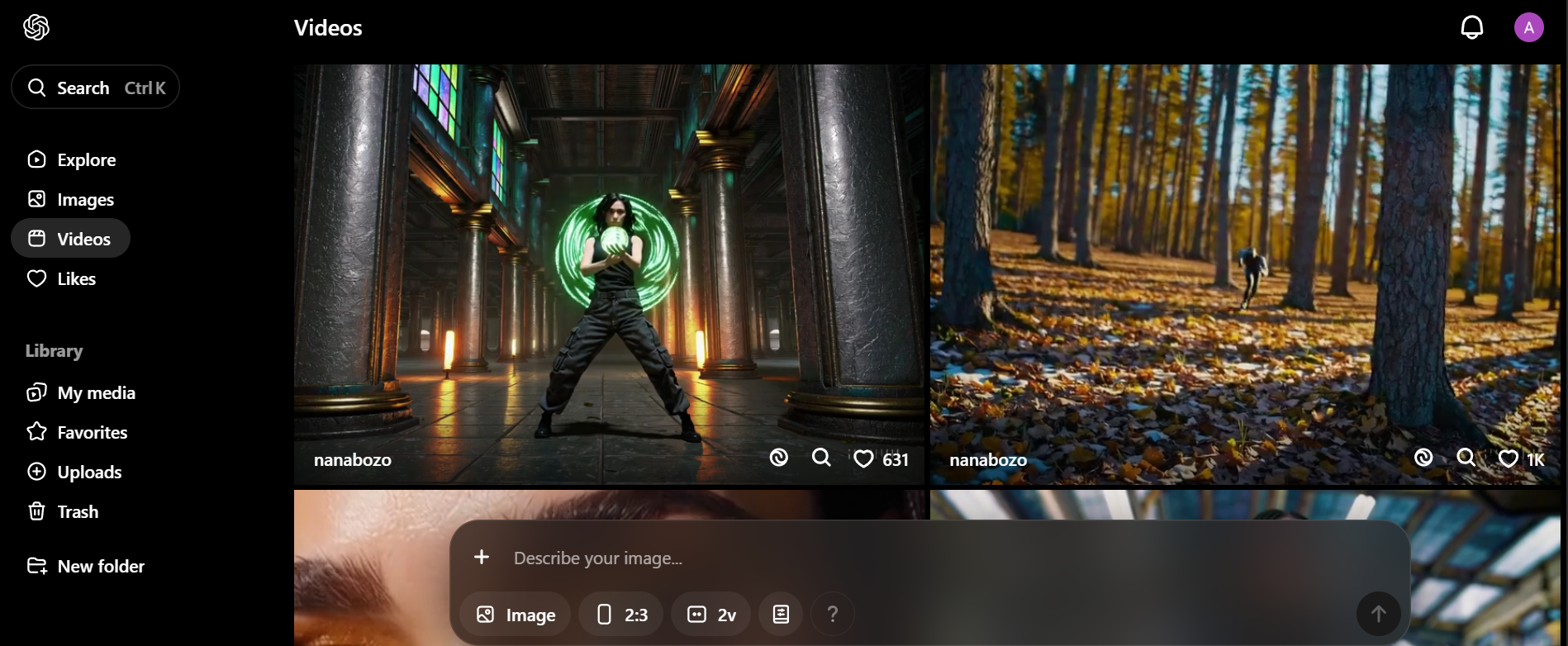
7. Sora 2
Sora 2 is OpenAI's flagship AI video generator, deeply integrated into the ChatGPT ecosystem for enhanced contextual awareness and intuitive prompt interpretation. Sora 2 produces lifelike characters, true-to-life physics, and visually coherent narratives across multiple styles including realism, anime, and animation. It supports videos of up to 25 seconds with natural human dialogue, audio generation, and synchronized lip movements. Sora 2's unique "cameo" feature lets creators insert themselves or any character into the video. It is ideal for world-building, short films, and dynamic social media content.
Key features
- Supports video creation up to 25 seconds.
- Unique "cameo" feature to insert real or fictional characters into videos.
- Native audio generation with synchronized lip movements and sound effects.
- Multiple visual style support including realism, anime, animation, and cartoons.
- Deep ChatGPT ecosystem integration for smarter prompt interpretation.
Pros
- Longer video duration support gives creators more storytelling flexibility.
- Strong world-building capability with highly coherent visual narratives.
- ChatGPT integration makes prompt refinement faster and more intuitive.
- Consistently high output quality across a wide range of visual styles.
Cons
- Requires understanding of prompt engineering to unlock its full creative potential.
- Higher-tier plans needed for 1080p output and watermark-free video downloads.
How to choose the right Kling AI alternative for your needs?
With the rapid evolution of AI video in 2026, selecting a Kling AI alternative requires more than just looking at visual quality. To find the software that truly fits your creative process, consider these foundational factors:
- Define your primary use case
Identify your goal—social clips, ads, or cinematic videos. Different tools excel in different areas, so choosing one aligned with your content type ensures better results and saves time, cost, and creative effort from the beginning.
- Match the tool to your budget
Compare pricing models like pay-per-use or subscriptions. Occasional users benefit from flexible plans, while frequent creators save more with monthly options. Always check free plan limits, as features and output quality can vary significantly.
- Consider the video quality you need
Choose quality based on your project. Social media content works well with fast, mid-tier tools, while professional ads or films require higher realism and resolution. Balancing quality and speed helps you stay efficient without overspending.
- Evaluate workflow & editing needs
Decide if you need only video generation or a complete workflow. Tools with built-in editing, audio, and effects save time and reduce the need for multiple platforms, making your content creation process smoother and more efficient.
- Check platform accessibility & reliability
Ensure the tool works reliably in your region without restrictions or downtime. Stable performance, fast rendering, and responsive support are essential for consistent content creation, helping you avoid delays and maintain a smooth workflow.
Conclusion
In this Kling AI review, it’s clear that while Kling AI offers impressive video generation capabilities, it isn’t the only option available. Many powerful alternatives now provide better accessibility, flexible pricing, and diverse features suited for different content creators. Whether you need cinematic storytelling, social media content, or business videos, choosing the right tool depends on your goals and workflow. By exploring the best Kling AI alternative platforms, you can find a solution that matches your creative needs while improving efficiency. Ultimately, the right choice will help you create high-quality videos faster and more effectively in today’s evolving AI landscape.
FAQs
- What is the best Kling AI alternative?
The best Kling AI alternative depends on your needs. Tools like Runway and Sora offer cinematic quality, while platforms like PixVerse and Framia Pro are better for fast content creation and flexible workflows.
- Which AI tool is better than Kling for character consistency?
Sora 2 and Framia Pro lead the industry in character consistency. They use advanced "Character Reference" technology to ensure the same person or object maintains identical visual features across multiple clips, solving a common limitation in standard Kling generations.
- Do I need a powerful computer to use these alternatives?
Most alternatives like Framia Pro and Sora 2 are cloud-based, meaning they run in your browser and require no heavy hardware. Only open-source models like Wan 2.5 require a powerful local GPU if you choose to host them yourself.
- Can I generate AI videos with sound?
Yes, PixVerse v5, Sora 2, and Google Veo 3.1 feature native audio generation. These tools automatically synchronize sound effects, background music, and even realistic lip-syncing with visual action, eliminating the need for separate audio post-production tools.
- What is the best tool for social media and viral content?
PixVerse v5 and Pika 2.0 are optimized for social creators. They prioritize rapid rendering speeds and "viral-ready" physics effects—like melting or inflating objects—making them ideal for producing eye-catching content for TikTok, Reels, and YouTube Shorts.