AI Image Upscaler

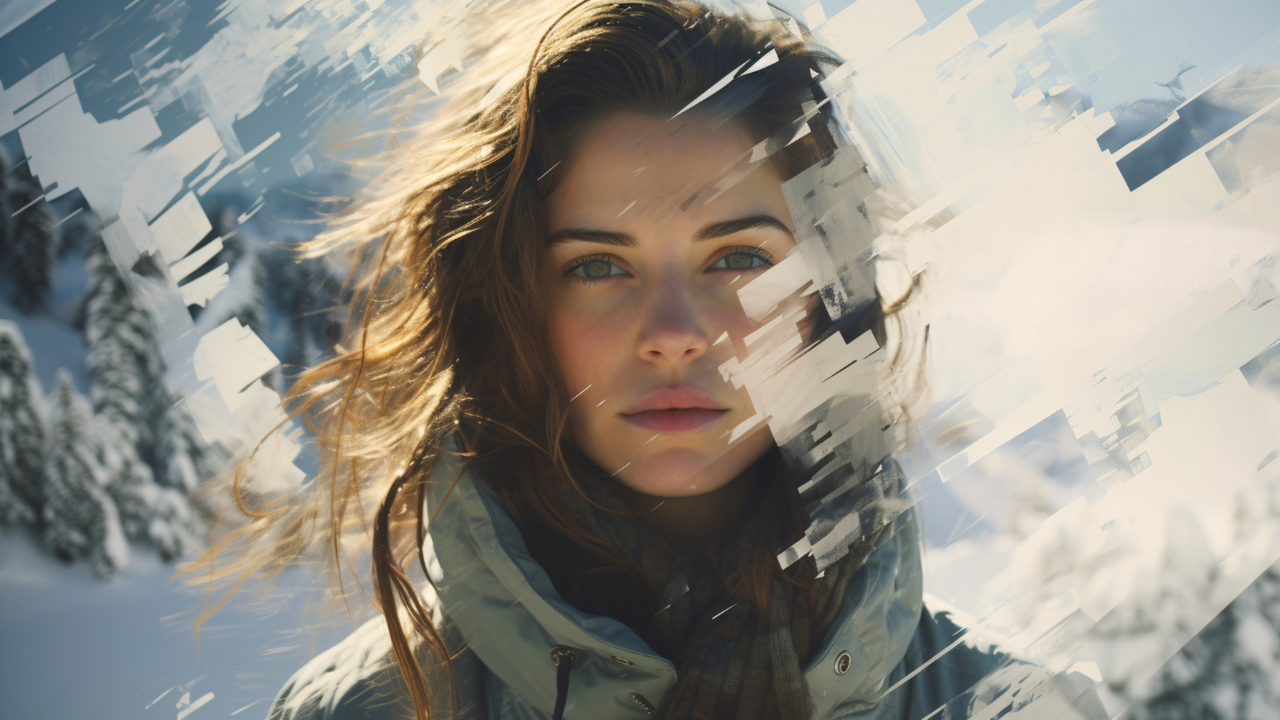
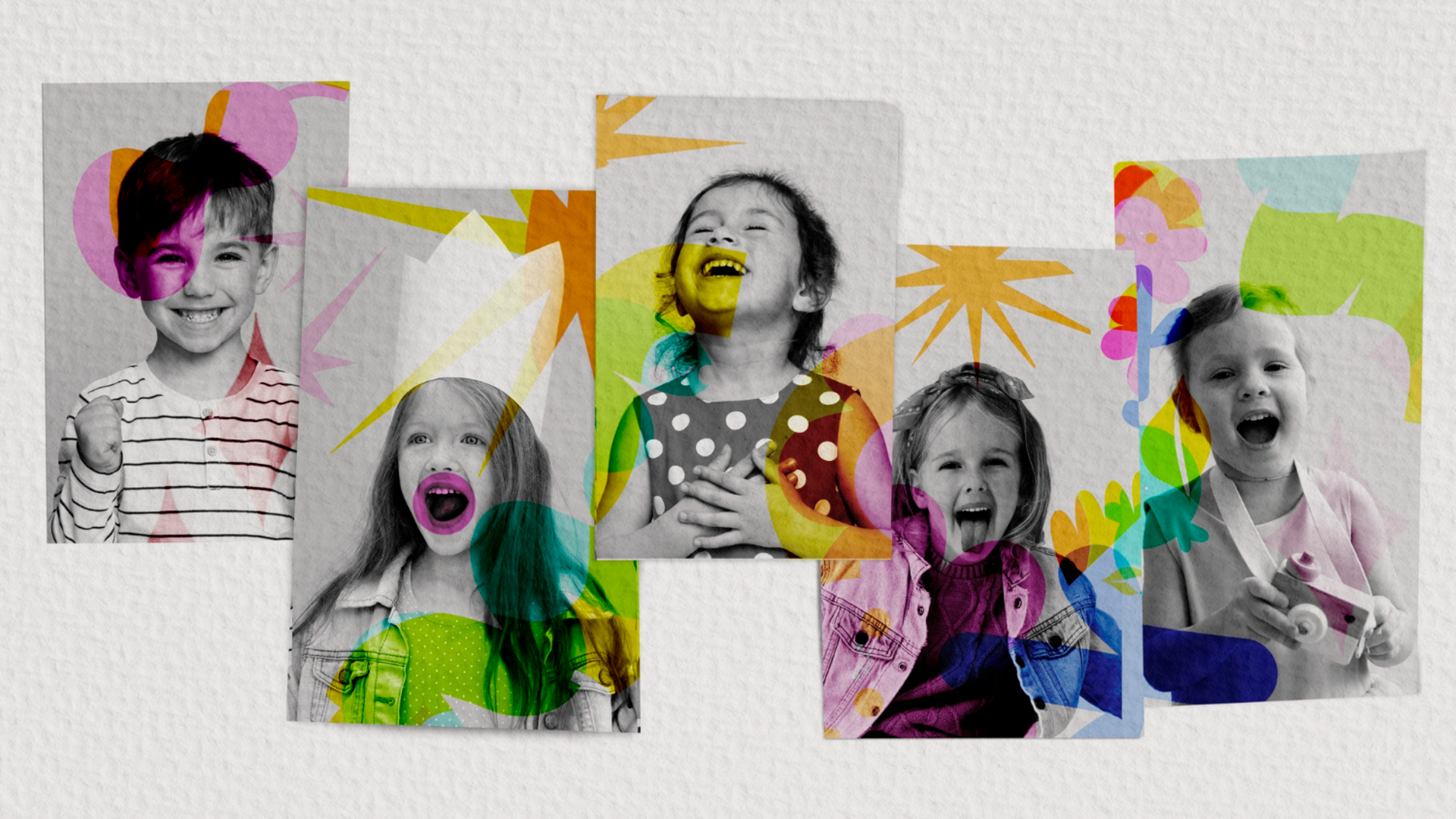
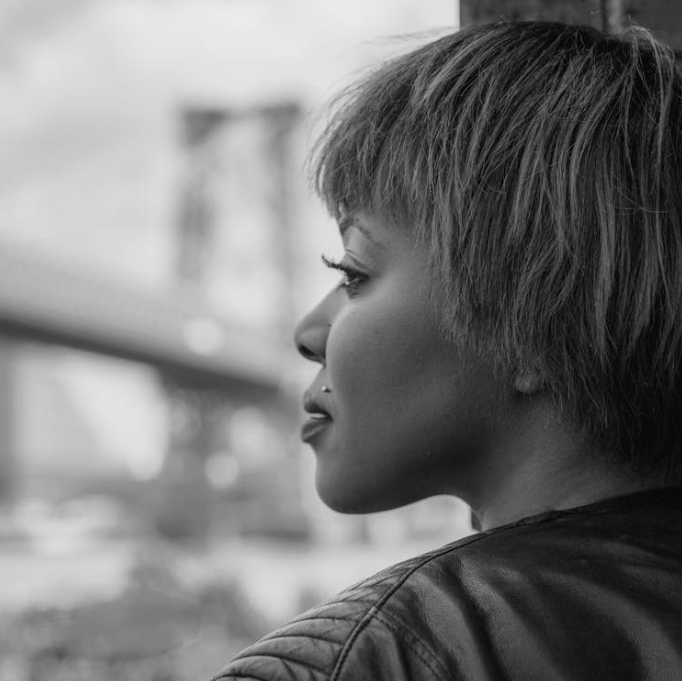
Framia Pro's AI image upscaler turns blurry shots into 4K and lets you fine-tune details. Give your old photos a 4K glow-up for social media.

Upload imagesClick to browse or drag & drop file here
AI Image Upscaler

Key features of Framia Pro's AI-powered 4K image upscaler

Explore what makes Framia Pro's 4K image upscaler stand out through these major pointers below.

Sharpens and cleans blurry photos

Restore natural sharpness and clarity by scrubbing away grainy "noise" and blocky squares while the AI guesses missing details. This feature reconstructs lost pixels to ensure your 4K output looks naturally sharp, eliminating blurriness while maintaining the original artistic intent and realistic textures.

Sharpens and cleans blurry photos using Framia Pro
Fixes many photos at once

Fixes many photos at once

Drop multiple images into the system, and Framia Pro will AI upscale images to 4K all at once. This high-performance workflow is optimized for speed, ensuring you get your entire library finished in a fraction of the time without waiting for individual files.

Fix tiny details with a brush

After upscaling, this feature allows you to fine-tune tiny areas without affecting the rest of your design. You gain total control over the final look, making it easy to fix small imperfections or enhance textures in specific image spots.

Fix tiny details with a brush
Edit photos with chat

Edit photos with chat

Modify your images just by typing simple messages like "make the sky brighter" or "change the shirt color." The AI performs seamless edits without regenerating the entire image, ensuring everything else stays exactly the same.

Fits any social media platform

Resize your graphics for any social platform using built-in presets that automatically frame images for Instagram, TikTok, or YouTube. This tool ensures your 4K photos fit specific shapes perfectly, making them ready for posters, landing pages, or social media posts.

Fits any social media platform

How to upscale an image to 4K using Framia Pro online?

Step 1: Upload your media file
Sign up on the website, access the AI chat, select the "Design" tab, and click the "+" icon to upload.

Step 2: Upscale your media file to 4K
Enter an upscaling command in the chat, choose your preferred aspect ratio, and click the image generation option to start.
Step 3: Export your upscaled media file
Wait for the AI to process your image to 4K, then download the final result to share on social media.

Why use Framia Pro's free image upscaler?

Discover the primary reasons why Framia Pro’s AI is the ideal choice for your 4K upscaling needs.

Superior predictive accuracy
Deep-learning models in Framia Pro's AI image editor go beyond basic interpolation by predicting what high-resolution details should look like based on massive datasets. This ensures that upscaled 4K media maintains realistic textures, sharp edges, and lifelike depth that traditional software simply cannot replicate.
Automated content awareness
The AI intelligently distinguishes between different subjects, such as human skin, architectural lines, or natural landscapes. By applying specialized enhancement filters to specific areas, Framia Pro ensures that every element of your image receives the most appropriate treatment.
Future-proofing legacy content
Revitalize archive low-res photography for modern displays. Framia Pro's deep-learning technology bridges the gap between old hardware and current 4K standards, allowing creators to repurpose classic content for high-definition streaming platforms and large-format digital screens without quality loss.
Seamless artifact suppression
Deep learning allows Framia Pro to differentiate between intentional photographic grain and unwanted digital compression artifacts. The system surgically removes blocking and mosquito noise while preserving the fine details that give your image its unique character and professional aesthetic.
Unmatched creative control
Framia Pro provides a sophisticated balance between automation and customization. Its deep-learning backend handles the heavy lifting of pixel reconstruction, while giving users the flexibility to fine-tune the intensity of the AI, ensuring the final 4K imagery result perfectly matches.
Hardware-optimized performance
Leverage advanced cloud-based GPU acceleration to process complex 4K upscaling tasks in seconds rather than hours. This high-speed infrastructure ensures that even the most detail-heavy images are reconstructed with precision, allowing you to maintain a rapid professional workflow without taxing your local device.

Popular use cases of Framia Pro's AI image upscaler

Maximize your visual quality with these four powerful applications for Framia Pro’s AI image upscaler.

Revitalize legacy photo archives

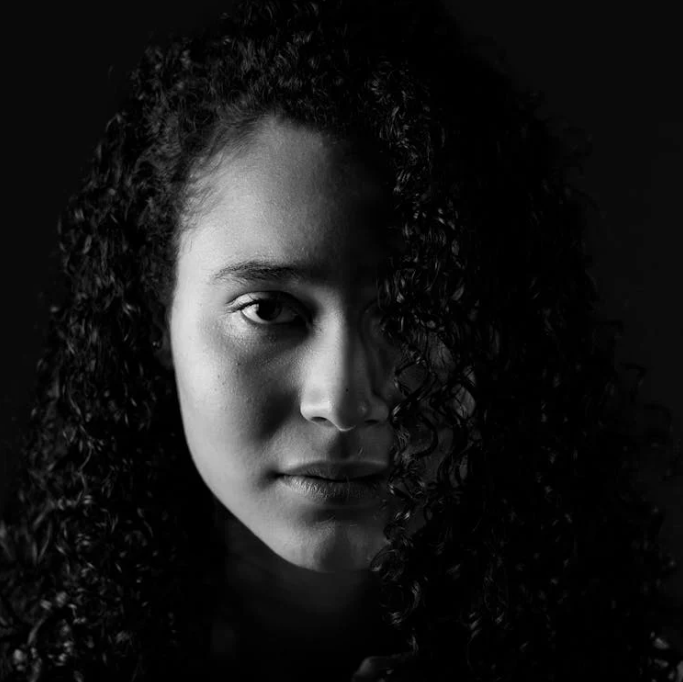
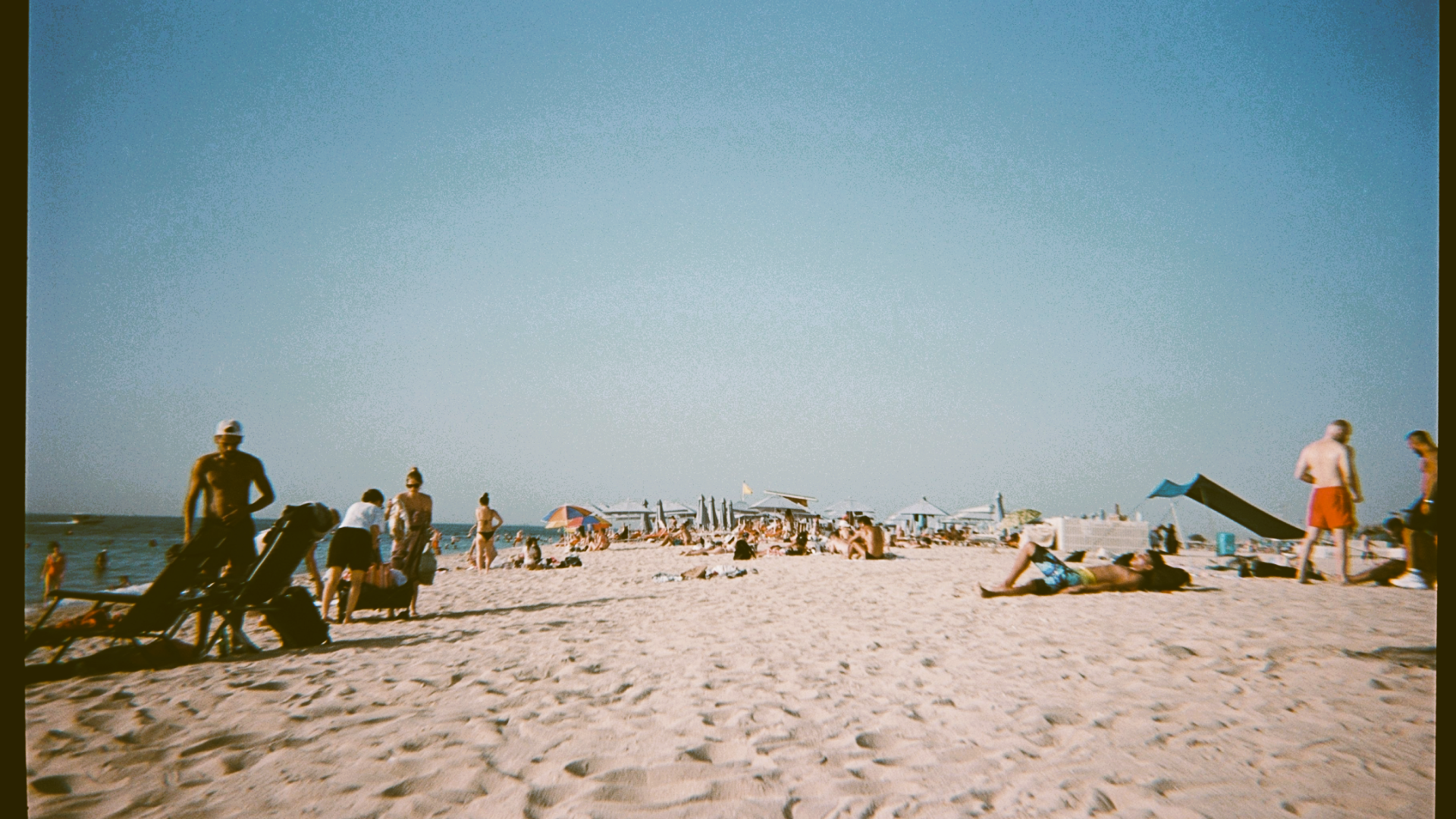
Breathe new life into old, low-resolution family photos or historical archives. The AI restores lost details and removes grain, transforming blurry memories into sharp, 4K-ready portraits suitable for large-format printing and modern digital displays.

Revitalize legacy photo archives
Enhance e-commerce product listings

Enhance e-commerce product listings

Convert low-quality supplier photos into premium, high-resolution assets. Sharp imagery increases consumer trust and click-through rates on platforms like eBay or TikTok Shop by highlighting intricate textures and professional details that standard scaling often blurs.

Optimize social media assets

Ensure your content remains crisp across all platforms. Upscaling allows you to crop into images without losing clarity, providing the high-pixel density required for Instagram’s compression algorithms to maintain a polished, professional aesthetic.


Optimize social media assets
Prepare large-format prints

Prepare large-format prints

Scale digital art or photography for billboards and posters without pixelation. The AI intelligently predicts and generates pixels to maintain smooth edges and vibrant colors, ensuring your work looks flawless even when viewed from a distance.

Enhance every image with our powerful AI image upscaler

Tailor your marketing strategy by identifying these four key audiences for Framia Pro’s AI upscaler.

E-commerce store owners
Transform low-quality supplier photos into high-resolution assets for eBay or TikTok Shop. Professional, sharp imagery builds customer trust, reduces product returns, and significantly boosts conversion rates by highlighting fine product details.
Social media managers
Ensure every post meets high-definition standards across Instagram and YouTube. The upscaler allows for creative cropping and zooming without losing clarity, maintaining a premium brand aesthetic that stands out in crowded feeds.
Digital artists and designers
Scale digital illustrations for large-format prints, posters, or billboards without pixelation. The AI preserves clean lines and vibrant color gradients, allowing creators to sell high-quality physical merchandise from their original digital files.

Let's see why users love Framia Pro's image upscaler

Users worldwide are leveraging Framia Pro in ways you’ve never imagined. See what they’re saying about our robust 4K AI upscaling.


The way this tool brings back details is amazing. I can take old product photos and make them 4K for giant posters without any blur. It’s saved us so much money because we don't have to redo old shoots.
David Chen
David Chen
Product Photographer
Making low-quality client photos look sharp has never been easier. Framia Pro makes sure every Instagram post looks professional and clear, which has really helped our engagement grow across all our pages.
Elena Rodriguez
Elena Rodriguez
Social Media Manager
The way it cleans up messy spots is incredible. It fixes grainy, low-quality photos while making them 4K, giving me a perfect, clean image to use for my design projects. It is a must-have for my daily workflow.
Marcus Thorne
Marcus Thorne
Graphic Designer
I love how it keeps skin and textures looking real. Upscaling old portraits to 4K gives my clients a high-end product that looks stunning when printed and framed. It adds a premium feel to everything I deliver.
Linda Wu
Linda Wu
Portrait Photographer
Keeping our brand photos looking sharp on big screens is a must. Framia Pro provides 4K upscaling that looks totally natural, not fake or processed. It’s the only tool we trust for our website and marketing images.
Jameson Holt
Jameson Holt
Creative Director
The speed and precision are unmatched. I can batch-upscale my entire product catalog to 4K in minutes, ensuring my TikTok Shop and eBay listings look incredibly sharp on any device. It’s transformed my store's professional appeal instantly.
Sofia Martinez
Sofia Martinez
E-commerce Specialist
We've compiled the most important information to help you get the most out of your experience. Can't find what you're looking for?Contact us

Frequently asked questions

Can I process a lot of pictures at once with a bulk image upscaler?
Processing multiple files simultaneously saves time and effort. With Framia Pro’s bulk image editor, you can drop an entire folder into the system to enhance every image to 4K quality at once.
What should I look for in the best free image upscaler?
A high-quality tool should naturally sharpen textures without adding blur. Framia Pro serves as the best free image upscaler by using AI to reconstruct lost pixels and remove distracting digital noise.
Is there a way to try upscaling image 1.5x online for a slight boost?
Many tools offer custom resizing for subtle enhancements. When upscaling image 1.5x online with Framia Pro, the AI adjusts its sharpening process to ensure your graphic or photo looks crisp at any resolution.
How does a 4K image upscaler improve low-resolution photography?
A 4K image upscaler uses deep-learning algorithms to predict and add missing pixels, removing blur and digital noise to transform low-quality files into sharp, professional-grade high-resolution imagery.
Will an anime image upscaler keep the lines in my drawings looking smooth?
Specialized tools preserve the clean edges and vibrant colors found in illustrations. Framia Pro’s anime image upscaler adapts to different media styles, ensuring your digital art stays smooth and sharp instead of pixelated.
When would I need to use an 8K image upscaler?
Massive resolutions are necessary for giant prints, posters, or even high-end displays. Using Framia Pro as an 8k image upscaler provides pixel-level precision, allowing you to fine-tune tiny details for a professional-grade, large-format finish.

Still have questions?

Have questions or need assistance? Our team is here to help!

Create lasting memories with Framia Pro!

With Framia Pro's AI image upscaler, you can now store your age-old photos and memories in glorious 4K quality.

AI Image Upscaler: Turn Blurry Photos into Sharp 4K Images