 Share


Key takeaways:
- The best image upscaler overall for people who also need AI generation and editing in one place is Framia Pro, since its $16-20/mo plan bundles model access that would otherwise mean stacking two or three separate subscriptions.
- ImgUpscaler is better for raw resolution, with output sized up to 16,000 x 16,000 pixels on paid plans.
- Free options such as iLoveIMG and Picsart's free tier work fine for one-off, casual resizing, but they cap out fast on volume.
- If you need generation, editing, and format resizing under one plan instead of three separate subscriptions, Framia Pro's per-credit cost beats stacking Firefly, Cloudinary, and a separate AI generator.
- Every price below is the plan's listed monthly rate as of testing, pulled directly from each site, not a rounded estimate.
If you're searching for the best image upscaler, you're probably staring at a pixelated product photo, a scanned print, or a screenshot that needs to go on a bigger canvas. I spent three weeks testing nine of them side by side before writing a word of this guide, running the same set of low-res photos through each one and comparing the actual results, not the marketing pages. I'm a freelance product photographer and retoucher with eight years of cleaning up e-commerce shots, old scans, and social graphics for small brands, so a bad upscale is obvious to me within about two seconds of opening the result. Here's what nine tools actually deliver on price and output, so you can pick one that fits your budget and your workflow.
Why opt for the best AI image upscalers?
A pixelated or blurry picture costs you credibility fast, whether it's a product listing, a billboard file, or a photo you scanned from a shoebox. The best AI image upscaler tools use deep learning models trained on millions of real photos, so they can add back texture and edges that a basic resize tool just stretches into mush.
Photographers reviving old shoots, store owners fixing product catalogs, designers prepping files for print, and social media managers who need a sharp thumbnail all run into the same problem: the source file is smaller than what the platform wants. A good AI upscaler closes that gap without the result coming out fake.
Key features to look for in the best free image upscaler
Before you pick a tool, check it against these four points.
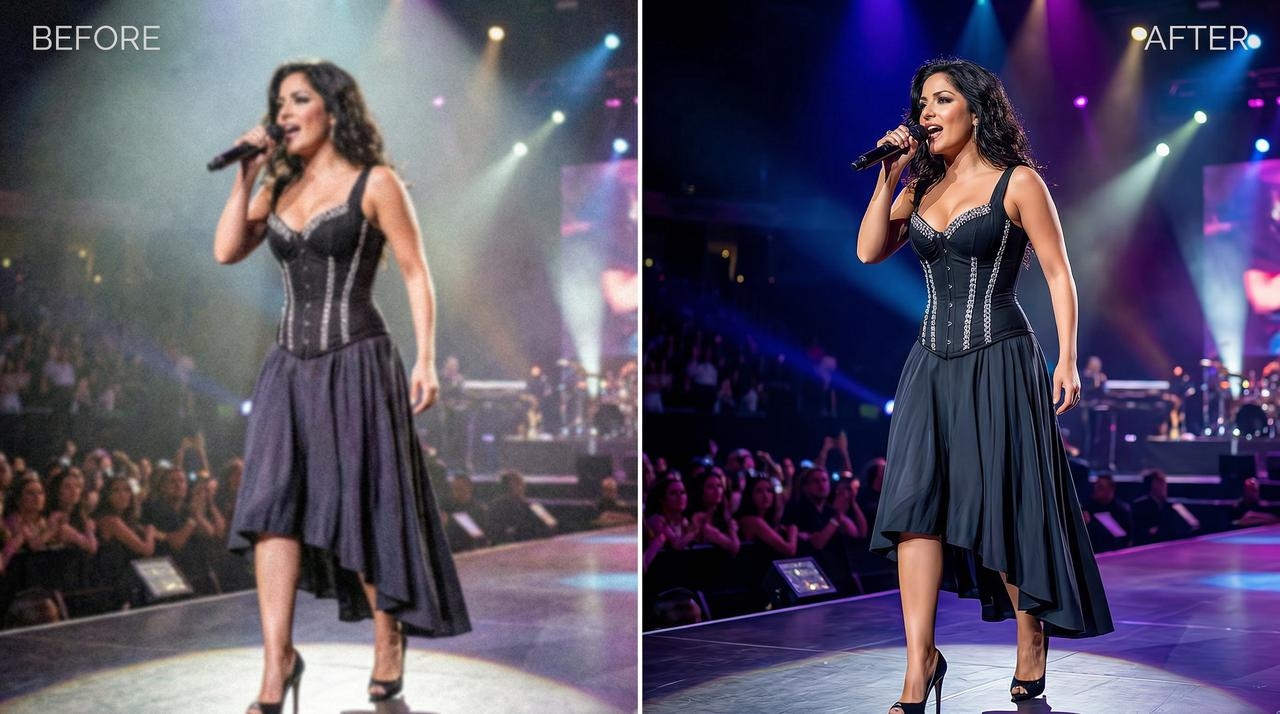
- Detail reconstruction, not just stretching. The tool should rebuild texture, fine lines, and true color instead of applying a soft blur filter over bigger pixels. A test I run on every tool: zoom into hair, fabric weave, or brick texture at 100%. If it turns to plastic, the model is weak.
- Batch processing. Uploading and upscaling a dozen files at once saves real hours if you run a catalog or a portfolio. Check the credit cost per batch job before you commit, since some tools charge per image even in batch mode.
- Output size options. You want a range from standard HD up through 4K, and ideally further for billboard-size print work. Not every tool needs to hit 16K, but check the ceiling matches your actual use case before you pay for a plan built around it.
- Built-in editing, not just resizing. The best tools now pair the upscale step with background removal, color correction, or generative fill in the same workspace, so you're not exporting to a second app just to finish the photo.
How I Tested These Image Upscalers
I ran the same test set through every tool on this list:
- A scanned 35mm street photo at 800 x 600 pixels

- A low-res product shot pulled from an old online listing
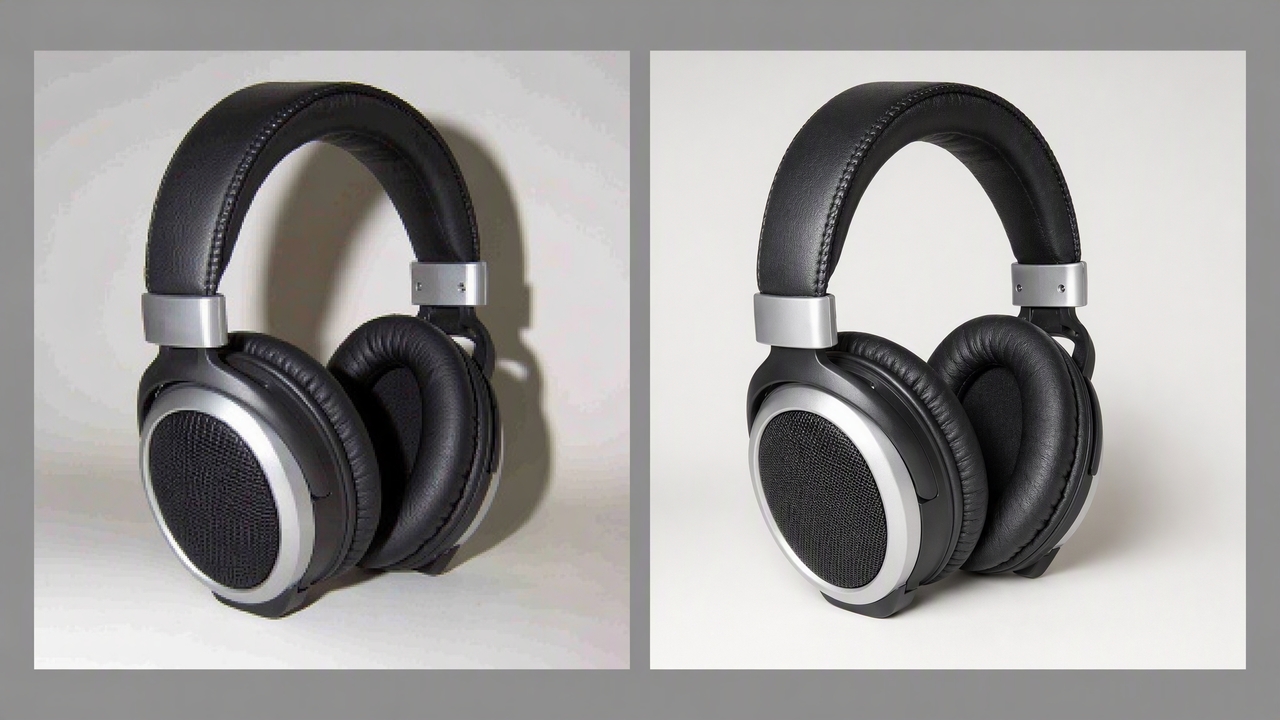
- One AI-generated portrait at 512 x 512 pixels, since a few of these tools only upscale images they generate themselves.
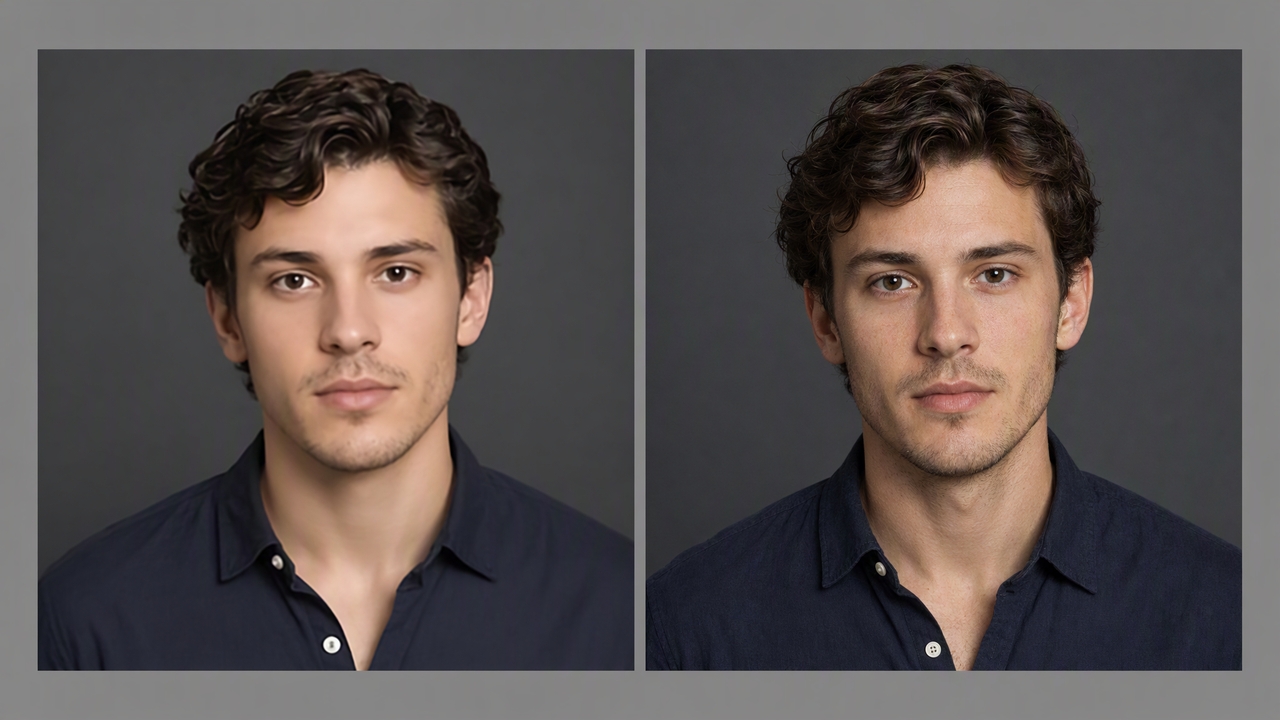
Each file went through a 2x and a 4x pass where the tool allowed it. I scored each result on four things:
- How much real texture came back instead of a soft blur.
- Whether skin and fabric turned plastic-looking or stayed true to the original grain
- How long the job took on a standard broadband connection
- What the output cost per image once I worked out the plan price against the credits it used.
For the tools that also generate or edit images, such as Framia Pro, Canva, and Leonardo AI, I ran one additional test: taking a generated image and pushing it through that same tool's own upscale or touch-up step, since that's the real workflow most people use them for.
Top 9 best image upscaler AI tools in 2026
Prices below are each tool's current listed monthly rate, pulled straight from its pricing page during testing in September 2026.
| Tool | Starting Paid Price | Free Tier | Top Resolution / Cap | AI Image Generation | Batch Processing | Editable Layers |
| Framia Pro | $20/month standard | Free credits at signup | Up to 4K with supported upscaling | Yes: multiple image models | Yes, through workflows | Yes, with split-layer output |
| ImgUpscaler | $9.90/month | 50 credits/month | Up to 16,000 × 16,000 px | Yes, through Reimagine | Yes on paid plans | No |
| iLoveIMG | $9/month | Limited free processing | Up to 4× original size; input must be under 6 MP | No | Yes, on supported paid plans | No |
| Picsart | $15/month | Limited free AI usage | 2x and 4x | Yes | Yes, up to 50 images on Pro | No, raster editing |
| Cloudinary | $99/month | Free plan available | Depends on transformation and delivery settings | Generative AI features available | Yes, through API | No |
| Canva | $15/month | Limited AI usage | Varies by export and design type | Yes, Magic Studio | Yes, for supported tools | Template/design elements |
| Figma | About $16/seat/month | Free plan with limited AI | upto 8x | Yes, through Figma AI | Feature-dependent | Yes, vector and design layers |
| Adobe Firefly | $9.99/month | Free access with limited generations | Up to 4× with Generative Upscale | Yes, native generative image models plus partner models | Feature-dependent | No traditional layer workflow |
| Leonardo AI | $12/month monthly | 150 fast tokens/day | 105 MP | Yes | Yes, depending on workflow/plan | No traditional layer-based editing |
- Framia Pro
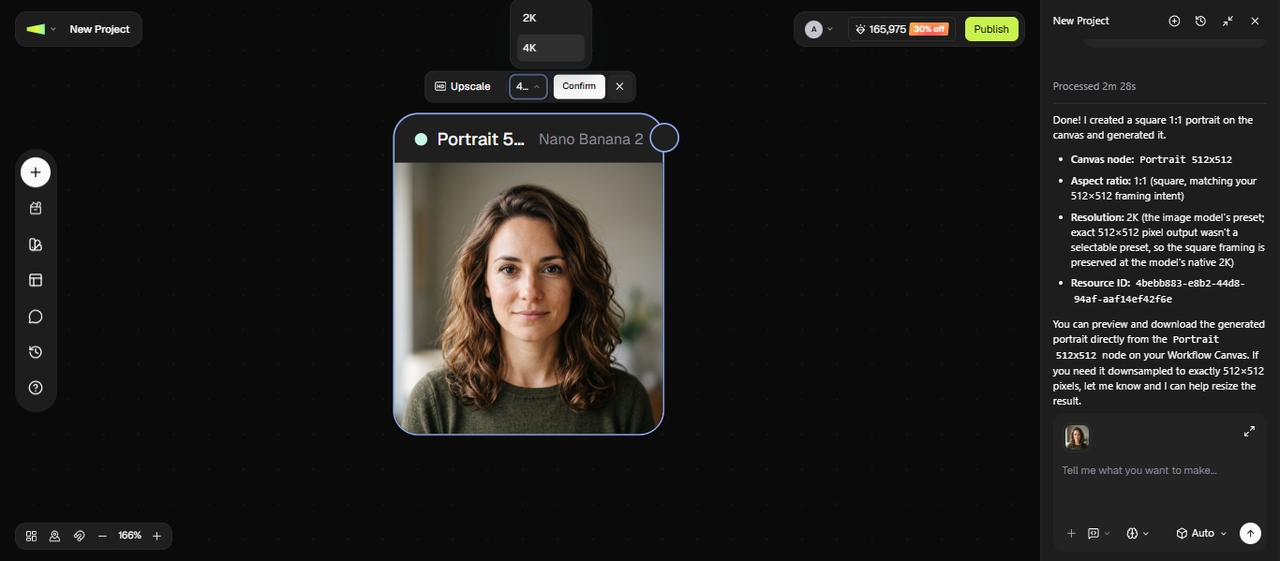
Framia Pro's edge isn't one spec win. It's the only tool on this list that puts AI image generation, upscaling, and split-layer editing on one project canvas, so a bad detail in a generated or upscaled image gets fixed through chat-to-edit instead of a full redo, and its node-based workflow lets you regenerate a single image without rerunning a whole batch.
On subscription price, it runs $16/mo for the first month, then $20/mo, which lands it mid-table rather than at the bottom. The real gap shows up in what that price includes: GPT Image 2, Nano Banana Pro 2, and Midjourney v7 all sit under one plan, where matching that kind of model access on its own usually means a separate subscription on top of whatever you're already paying to upscale. Per credit, it works out to roughly $0.05-0.067, which isn't the cheapest raw rate on this list, but the trade-off is that a Framia Pro credit can generate, upscale, or edit, not just resize.
Overall experience: this was the only tool in the test set where I didn't need to leave the workspace to fix a mistake. Generating, upscaling, and touching up a shadow all happened in the same project window, and the split-layer output meant I wasn't stuck re-generating the whole image over one bad detail.
Key features:
- Multi-format automatic resizing: pulls a finished design into the right sizes for Instagram, YouTube, and LinkedIn without a separate export step.
- Split-layer output: breaks a generated image into editable layers, so backgrounds and text get adjusted without a full regeneration.
- Chat-to-edit: describe the fix in plain language and the tool targets just that part of the image.
- Multi-model access: GPT Image 2, Nano Banana Pro, and 2, and Midjourney v8.2 are all reachable from the same project.
Pros
- Cuts real time thanks to automated node workflows instead of separate apps
- Split-layer output gives more room to fix one part without redoing the whole image
- Locks brand colors and fonts through Brand Kit so output stays on-brand throughout a project
- Chat-to-edit lets you target one detail directly
Cons
- Advanced capabilities might feel overwhelming for absolute beginner graphic designers.
- ImgUpscaler
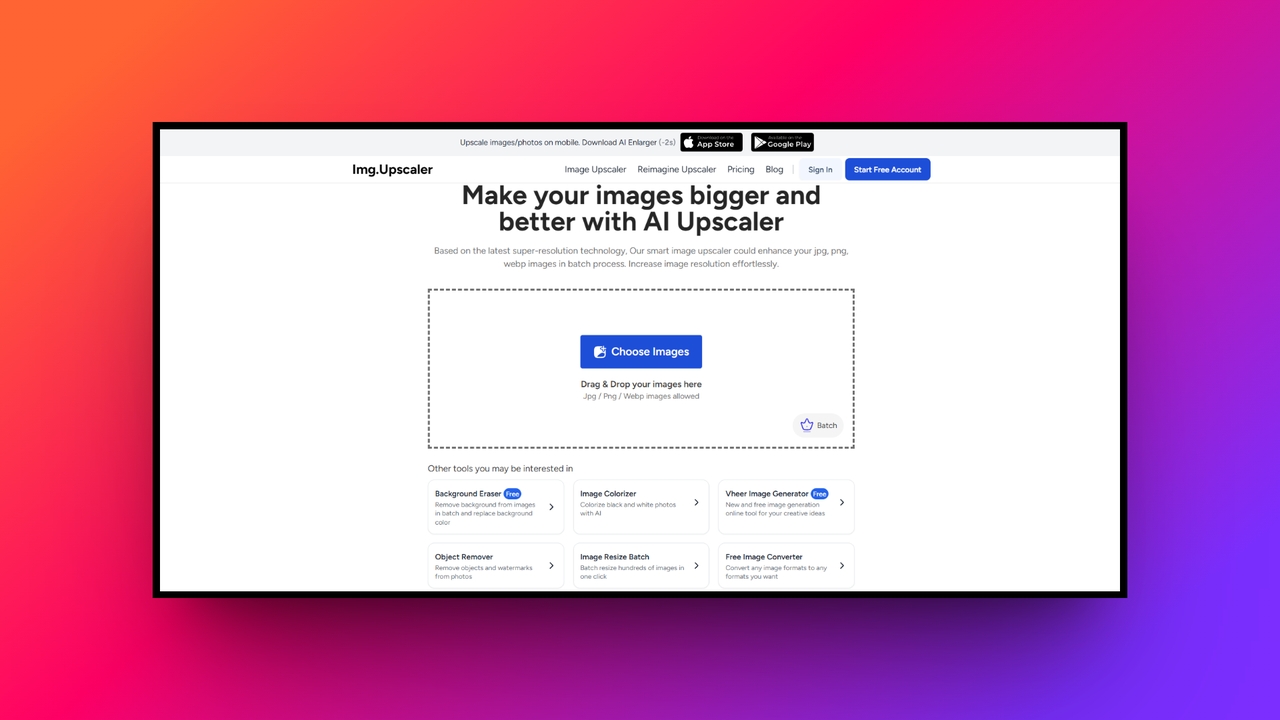
ImgUpscaler is another of the best free AI image upscalers that focuses on image resolution enhancement rather than text-to-image generation. While lacking the creative generative capabilities of broader art platforms, its dedicated artificial intelligence editing suite shines brightly when rebuilding lost textures. It effortlessly pushes file limits up to an astonishing 16K resolution, making it a highly reliable, specialized choice for pristine, completely distortion-free photographic upscaling tasks and restoration.
Overall experience: fast and no-frills. There's no generation step to slow things down, and the interface gets out of your way
Key features:
- Flawless 16K resolution: Pushes beyond standard 4K limits by enlarging pictures up to sixteen thousand pixels for massive billboard or gallery prints.
- Smart detail repair: Intelligently recognizes human faces and complex eyes, smoothly fixing blur while successfully restoring entirely natural skin textures and tones.
- Fast batch processing: Processes multiple uploaded files simultaneously directly within your web browser, drastically saving precious time without requiring heavy software installations.
- Natural unprocessed results: Utilizes deep learning trained on millions of samples to avoid fake, over-smoothed appearances while enhancing overall image edge clarity.
Pros
- Delivers extremely high-resolution outputs perfectly suited for professional printing.
- Features a clean interface, making batch processing remarkably fast online.
- Effectively sharpens blurry text and vintage images without introducing artifacts.
- Operates entirely online without requiring frustrating downloads or complicated installations.
Cons
- Lacks advanced text-based generative tools found in premium platforms.
- iLoveIMG
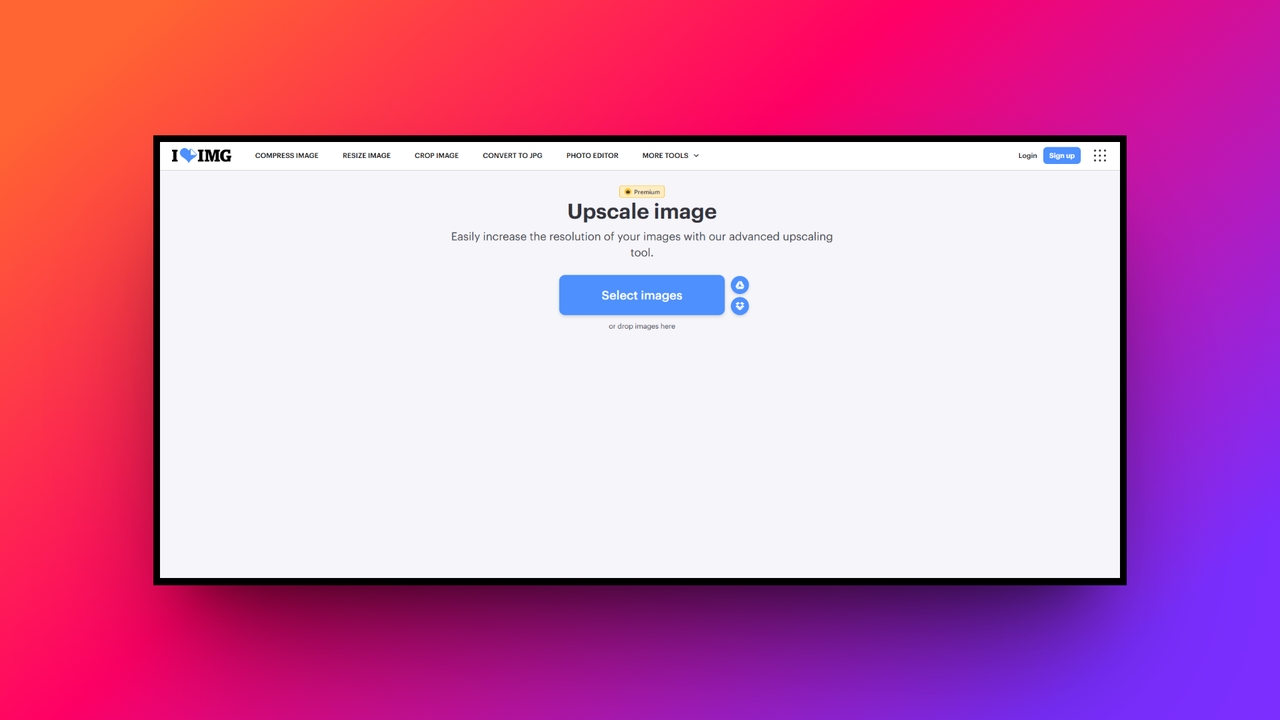
Next on our list of best free AI image upscalers is iLoveIMG, which offers a simple image upscale feature alongside essential photo modifications. It does not natively generate artificial intelligence imagery, but its lightweight editing suite provides simple background removal and cropping. This platform prioritizes ultimate accessibility and speed, making it an excellent resource for everyday users needing rapid, uncomplicated image enlargements without intricate generative art capabilities.
Overall experience: the easiest interface in the whole test, but the upscale quality lagged behind dedicated AI tools once I pushed past a 2x resize.
Key features:
- Quick size multipliers: Allows users to rapidly select simple size multipliers like double or quadruple to instantly boost their overall picture dimensions.
- Integrated background removal: Quickly detects primary subjects to instantly cut out backgrounds with high accuracy right after you finish upscaling your photo.
- Cloud storage integration: Seamlessly fetches files directly from Google Drive or Dropbox, ensuring smooth uploading processes without crowding your local hard drive.
- Comprehensive format conversion: Easily converts upscaled results into optimal formats like JPG, PNG, or GIF for immediate, lightweight sharing across social media.
Pros
- Extremely easy navigation suitable for users with zero technical skills.
- Connects directly to popular cloud storage platforms for immediate access.
- Includes a massive suite of simple compression and modification tools.
- Processes simple enlargements rapidly within any standard modern web browser.
Cons
- Upscaling quality struggles when compared against dedicated deep learning software.
- Picsart
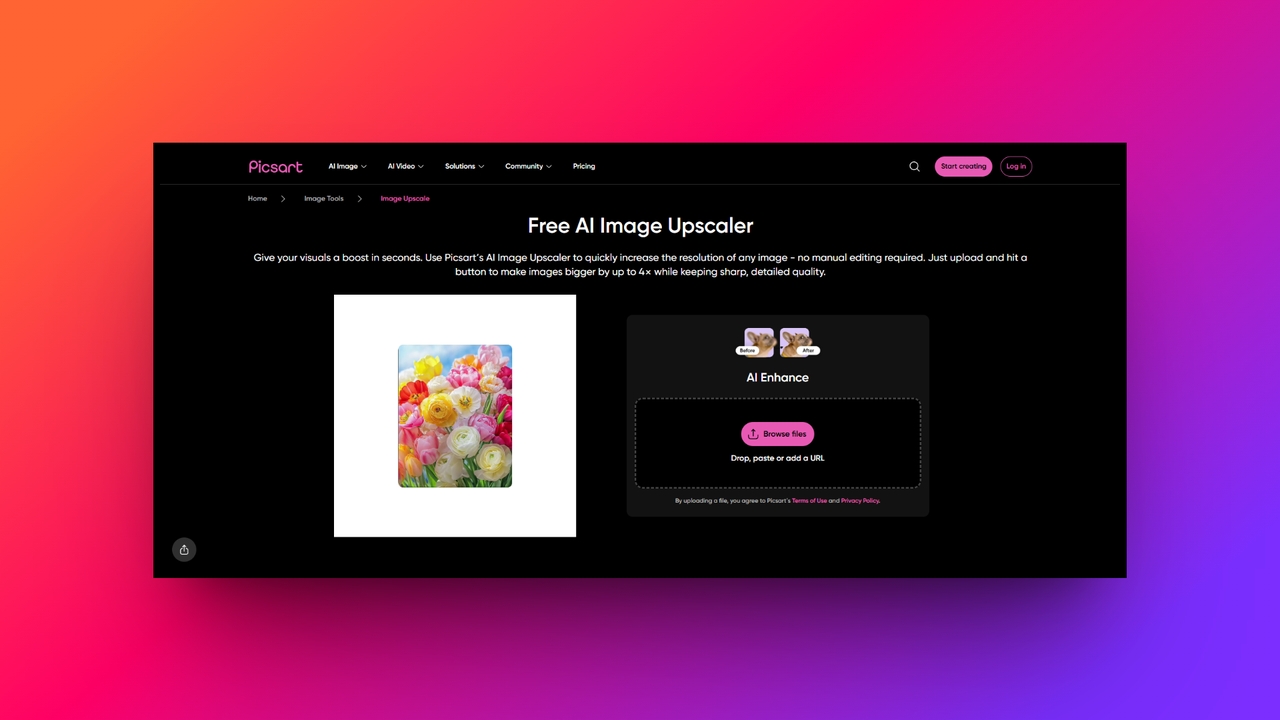
Picsart combines artificial intelligence generation with spectacular photo editing. You can instantly generate images from text prompts and immediately upscale them within the same digital workspace. Its upscaler integrates into daily graphic workflows to ensure the generated marketing assets or heavily edited social media posts maintain stunning, high-definition visual fidelity across all major publishing software platforms.
Overall experience: the mobile app pushes upgrade prompts often enough to get in the way, but the Pro tier's bulk edit and background tools are genuinely fast once you're past the paywalls.
Key features:
- Figma plugin integration: Connects directly into Figma workspaces to automatically remove backgrounds and upscale project assets without ever switching between software applications.
- AI image generation: Features a powerful text-to-image engine that creates custom graphics which can be instantly enlarged for immediate commercial marketing usage.
- Product photo enhancement: Specifically tailored tools allow e-commerce owners to effortlessly isolate items and scale them beautifully for high-quality online store listings.
- Comprehensive design studio: Combines resolution improvements with an extensive library containing aesthetic filters, stickers, text typography, and dynamic templates for complete customization.
Pros
- Offers an incredibly versatile and comprehensive digital mobile editing suite.
- Fantastic third-party plugin integration directly into professional Figma design workflows.
- Effortlessly generates brand new imagery from simple conversational text prompts.
- Creates exceptionally polished graphics perfectly suited for social media marketing.
Cons
- Constant premium feature pop-ups can heavily disrupt the user experience.
- Cloudinary
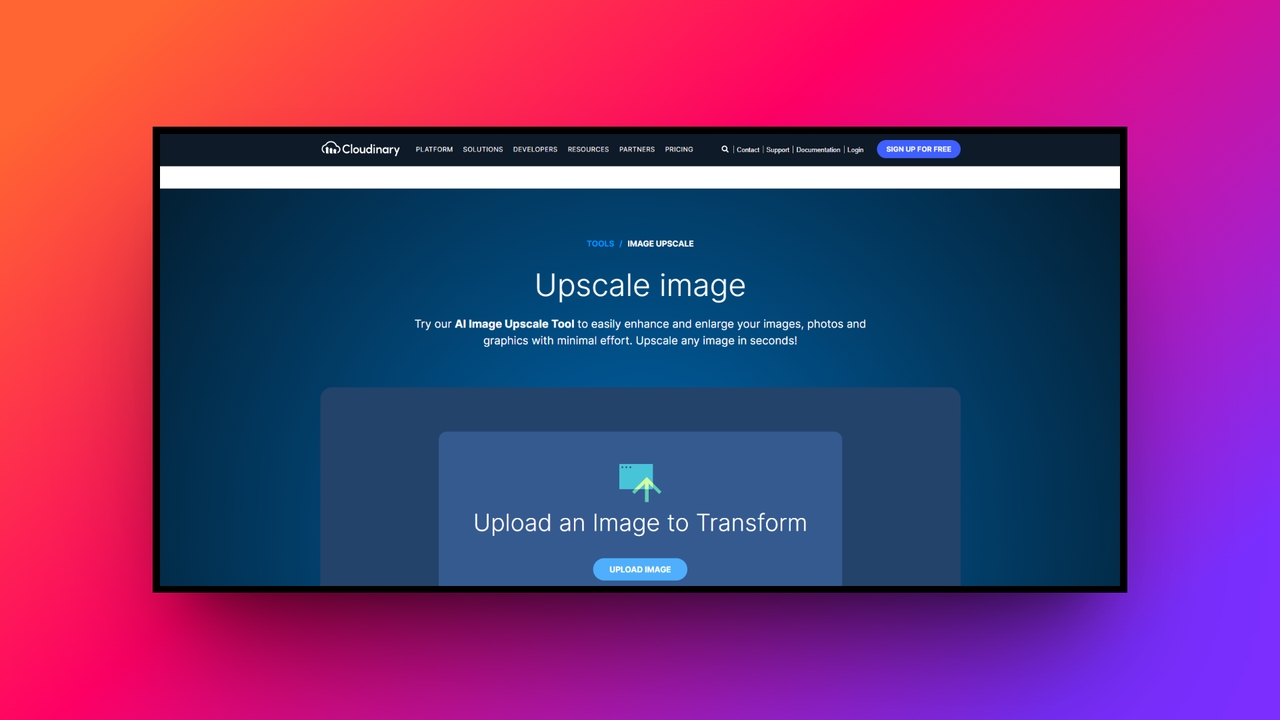
Cloudinary targets developers by offering automated artificial intelligence upscaling and unparalleled programmatic image editing capabilities. Unlike standard consumer-focused generative platforms, it does not specialize in creating art from scratch. Instead, it provides a highly advanced media management API that perfectly enhances, optimizes, and delivers superior visual content dynamically, ensuring flawless resolution performance across enterprise websites and complex digital software applications.
Overall experience: I tested Cloudinary's AI Upscale feature on a low-resolution image. The 4× output preserved the main details better than a basic resize, with sharper edges and clearer fine elements. The result was useful for increasing image size, although the detail recovery was less impressive in areas with very little information in the original image.
Key features:
- Programmatic API automation: Empowers developers to build custom workflows that automatically upscale thousands of uploaded media files without any manual human intervention.
- Dynamic quality controls: Intelligently adjusts format and quality output based on user bandwidth conditions, ensuring websites remain incredibly fast and highly responsive.
- Advanced generative fill: Utilizes state-of-the-art models to intelligently replace objects or expand photographic backgrounds seamlessly after the initial upscaling process is complete.
- Next-gen format support: Automatically serves your beautifully enhanced graphics in cutting-edge, lightweight formats like AVIF or WebP to maximize overall web performance.
Pros
- Unmatched scalability perfect for massive enterprise level digital asset management.
- Powerful programmatic controls allow seamless integration into custom web applications.
- Dramatically improves website loading speeds through highly intelligent format selection.
- Processes thousands of high-definition images rapidly through robust automated workflows.
Cons
- Requires coding knowledge to fully unlock its advanced platform capabilities.
- Canva
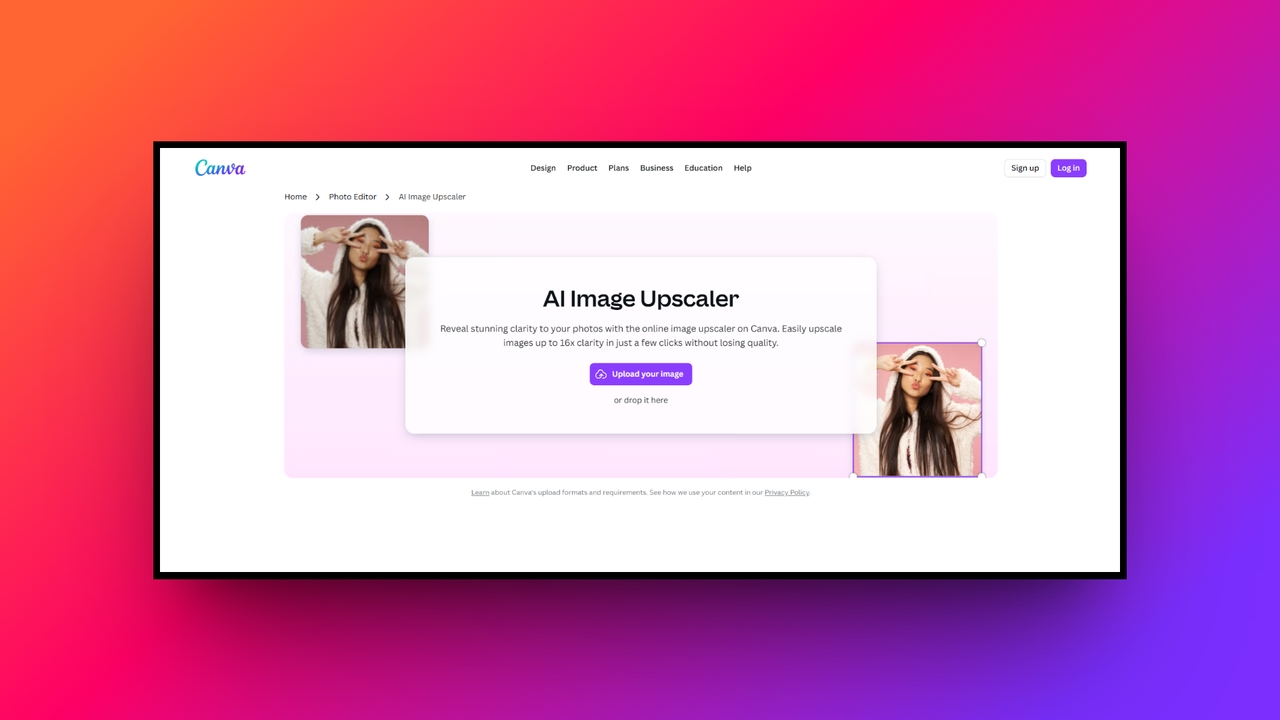
Canva is one of the best image upscaler for free tools, excelling as a universally beloved design tool merging straightforward generative artificial intelligence with intuitive drag-and-drop editing. Its "Magic Studio" allows users to generate images via text and gracefully scale them within beautiful project templates. While it emphasizes broad creative editing over deeply specialized photographic upscaling, its accessible interface makes resizing and enhancing daily social graphics effortless for absolute beginners.
Overall experience: the fastest tool here for someone with zero design background, but raw upscale quality on a photo (rather than a Canva-generated graphic) came in below the dedicated upscalers.
Key features:
- Magic expansion capability: Seamlessly extends the borders of any picture using generative technology to naturally fill missing space without distorting original elements.
- Text to image generation: Integrated directly into the editor, allowing users to type concepts and instantly produce art that can be scaled upwards.
- One-click smart resize: Magically adapts your beautifully upscaled images into perfect dimensions for varied platforms like Instagram Stories, Facebook Covers, and flyers.
- Collaborative cloud workspace: Enables entire marketing teams to securely upscale, edit, and review visual marketing assets simultaneously within one synchronized online environment.
Pros
- Pro: Phenomenally user-friendly interface requiring zero previous graphic design software experience.
- Pro: Magic Studio provides excellent built-in artificial intelligence content generation features.
- Pro: Contains millions of gorgeous templates perfect for quick social posting.
- Pro: Allows seamless real-time collaboration for remote digital marketing content teams.
Cons
- Con: Specialized raw photographic upscaling quality lags behind dedicated enhancement platforms.
- Figma
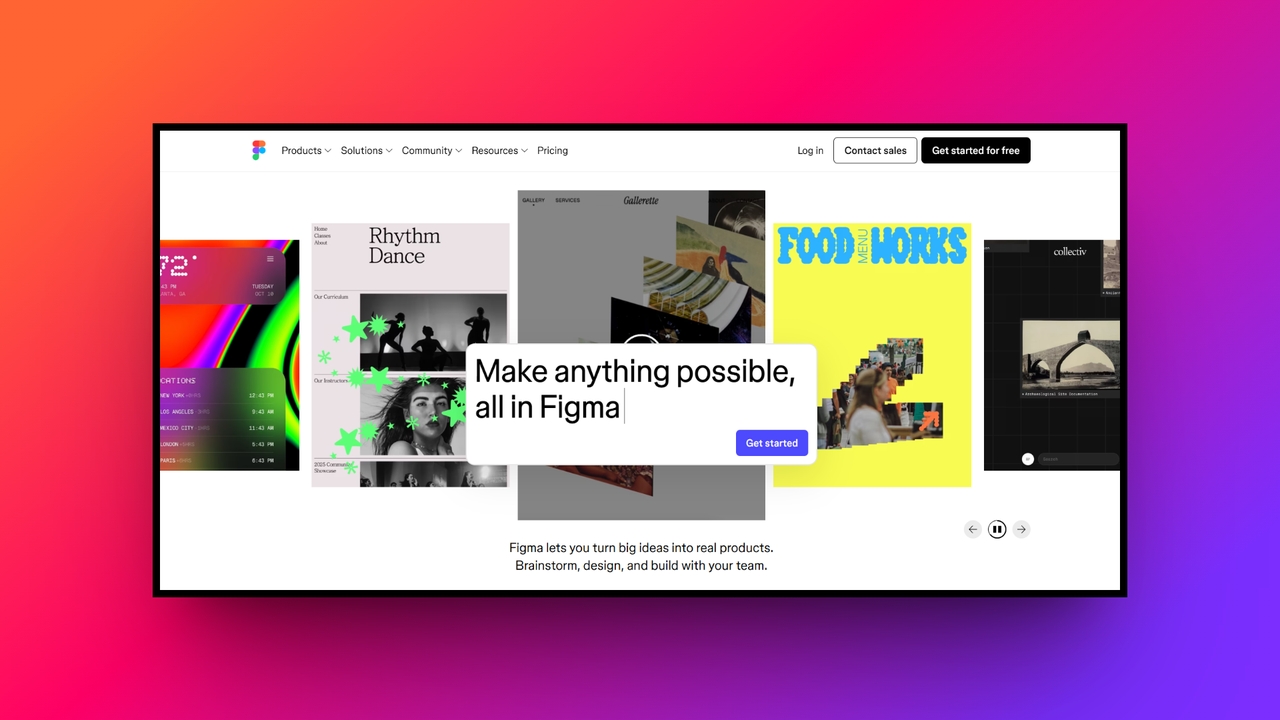
Figma is primarily a collaborative interface design application, but it transforms into a powerhouse through third-party plugins. It lacks native image generation, but plugins like Lummi or Upscale Media introduce spectacular generative and resolution-enhancing editing capabilities. This makes Figma perfect for professional UI/UX designers needing to upscale beautiful interface assets and digital mockups directly within their structural vector design environment.
Overall experience: genuinely strong if you're already living in Figma for interface work, but you're relying entirely on a third-party plugin's model quality, which varies plugin to plugin.
Key features:
- Extensive plugin ecosystem: Access dozens of dedicated upscaling tools directly from the community marketplace without ever leaving your primary web design workspace.
- Vector-driven precision: Ensures that while raster photos are enhanced via plugins, your core typography and structural interface components remain mathematically flawless.
- Lummi AI integration: Connects seamlessly with generative plugins to instantly create breathtaking stock photos and upscale them directly onto your website canvas.
- Automated asset export: Automatically delivers upscaled images in multiple resolutions simultaneously, perfectly preparing your graphical assets for complex mobile application development handoffs.
Pros
- Industry standard application for professional user interface and web design.
- Third-party plugins provide incredible flexibility for enhancing various digital assets.
- Real-time multiplayer collaboration drastically improves remote team communication and efficiency.
- Streamlines the transition between upscaling graphics and final code implementation.
Cons
- Relies completely on external third-party plugins for any artificial upscaling.
- Adobe Firefly
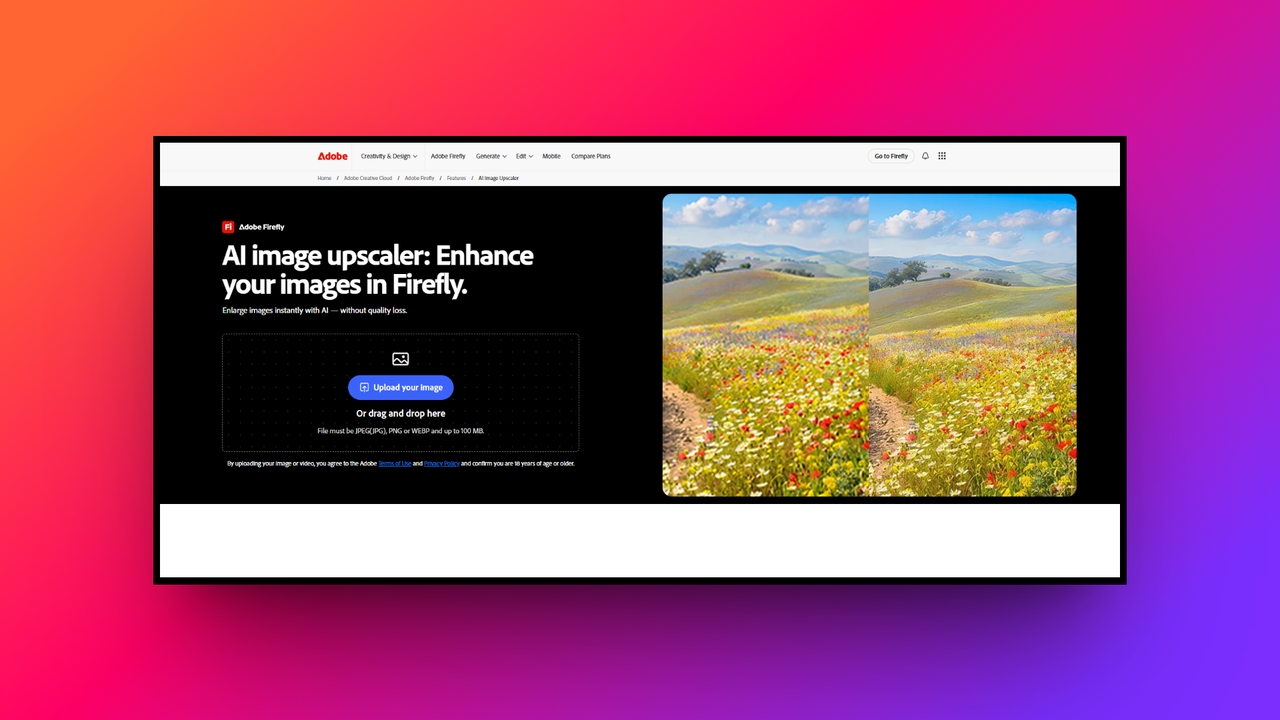
Adobe Firefly is an AI image creation and editing platform with tools for generating images, refining existing visuals, and increasing image resolution. Its Generative Upscale feature can enlarge images, while Generative Fill and Generative Expand let users add, replace, or extend image content. This makes Firefly suitable for users who need image enhancement alongside generative editing tools.
Overall experience: Adobe Firefly combines straightforward image upscaling with AI generation and editing tools, though its credit limits and 2× or 4× scaling options may restrict some workflows.
Key features:
- AI-powered image upscaling: Increase image resolution and improve clarity using Firefly's Generative Upscale tool.
- Ethical generative models: Trained strictly on licensed stock imagery and public domain content, ensuring your upscaled commercial artwork remains completely copyright safe.
- Inpainting and outpainting: Effortlessly expands the canvas boundaries of an upscaled image, utilizing smart context awareness to invent breathtaking, realistic background details.
- Exceptional original preservation: Prioritizes maintaining the exact lighting and mood of the source file, avoiding the aggressive over-smoothing found in cheaper upscalers.
Pros
- Integrates perfectly with the industry standard Adobe Creative Cloud ecosystem.
- Provides incredibly natural upscaling results without introducing bizarre visual artifacts.
- Ethically trained models protect professional designers from dangerous copyright infringement.
- Offers unmatched surgical precision for blending generated art with photography.
Cons
- Requires an expensive ongoing monthly subscription to the Adobe suite.
- Leonardo AI
Leonardo AI is an intensely creative platform dominating text-to-image generation and offering uniquely stylized editing capabilities. Known for breathtaking artistic models, its Universal Upscaler takes generated concepts and dramatically enhances their intricate textures. It is less focused on traditional photographic restoration and entirely dedicated to pushing the boundaries of high-resolution digital art, stunning gaming assets, and surreal conceptual digital illustrations.
Overall experience: genuinely strong for game art and illustration work, weaker for restoring a real photograph, which matched what I expected going in.
Key features:
- Universal AI upscaler: Significantly amplifies the finest details in generated artwork, making stylized illustrations pop with incredible depth and striking visual clarity.
- Real-time canvas editing: A phenomenal interactive workspace allowing users to sketch, prompt, and upscale modifications simultaneously for an incredibly fluid design experience.
- Custom fine-tuned models: Enables advanced users to train specific artistic styles, ensuring all upscaled outputs strictly match their unique visual brand identity.
- Prompt adherence precision: The upscaler intimately understands your original text prompts, ensuring enhanced details actively support the intended narrative of the composition.
Pros
- Dominates the market for generating breathtaking, highly stylized digital artwork.
- Real-time canvas editing provides an astonishingly fluid and rapid workflow.
- Universal upscaler extracts stunning textures from previously low resolution generations.
- Allows creators to fine-tune unique models for specific project aesthetics.
Cons
- Not the ideal choice for restoring standard vintage family photographs.
Tips for selecting the best AI image upscaler
Navigating the complex marketplace of resolution enhancement software can feel incredibly overwhelming. To ensure you make the smartest digital investment, carefully consider these four essential tips before selecting your upscaler.
- Match the tool to your actual workflow. A photographer needs real texture recovery; a marketer might care more about batch speed and format resizing. Don't pay for 16K output if you only post to Instagram.
- Check which models sit behind the upscale. Newer models add back real detail; older, cheaper tools often fall back to a plastic-smooth blur that looks worse up close.
- Run a free trial on your worst photo, not your best one. Upload the most damaged file you actually need fixed before you pay. That's the only real test of whether a tool's claims hold up.
- Favor tools with built-in editing. Background removal, layer splitting, and format resizing sitting next to the upscale step save a second app and a second subscription.
Wrapping up
Every best image upscaler on this list does something well. ImgUpscaler wins on raw resolution, Adobe Firefly wins on manual control, and Leonardo AI wins if you're upscaling art rather than photographs. But once you factor in what's actually included at the price, Framia Pro stands out with access to GPT Image 2, Nano Banana Pro and 2, and Midjourney v7 under one $16-20/mo plan, plus split-layer editing that means a bad detail doesn't force a full regeneration. For anyone who needs generation, upscaling, and format resizing without three separate subscriptions, Framia Pro is the pick that pays for itself fastest.
FAQs
What is an AI image upscaler?
An AI image upscaler is a tool utilizing deep learning to intelligently enlarge low-resolution pictures. It predicts and generates missing pixels, preserving intricate textures without causing any blurry visual distortion.
Can AI upscalers fix blurry photos?
Yes, AI upscalers can effectively fix blurry photos. By analyzing existing image content, the artificial intelligence reconstructs lost details, restores natural edge sharpness, and completely eliminates frustrating digital pixelation noise.
Do AI image upscalers ruin the original quality?
No, advanced AI upscalers actually improve the original quality. Unlike traditional resizing methods that stretch pixels, these sophisticated models intelligently restore realistic textures and clarify details without looking artificially processed.
Can I upscale AI-generated images?
Absolutely! Many upscalers are frequently used to dramatically enhance artificially generated artwork. Specialized generative models refine complex digital illustrations, fixing subtle anatomical distortions and massively increasing resolution for commercial printing.
Are there free AI image upscalers available?
Yes, several platforms offer free AI image upscalers online. For example, Framia Pro, being one of the best image upscaler online, offers both free and paid tiers for users who are looking to first try out the platform and then become a subscriber later on.
Which tool is best for a small online store fixing product photos?
Framia Pro and Picsart both work well here since they combine generation, editing, and batch resizing in one place, which matters if you're prepping the same photo for a product page, an ad, and a social post.
Is my photo kept private when I upload it to an upscaler?
That depends on the tool's own privacy policy, and it's worth checking before uploading anything sensitive. Most of the tools on this list keep uploads private by default on paid plans, while some free tiers on generation-focused tools set outputs to public unless you upgrade.
Do I need design skills to use an AI image upscaler?
No. Most tools use simple upload-and-click interfaces that do not require design or coding skills. Cloudinary is more developer-focused and may require technical knowledge for some workflows, while tools such as Framia Pro offer a more quick browser-based experience.