 Share


Key takeaways:
- Framia Pro is positioned as the best option for high-volume image editing and large e-commerce workflows.
- Photoroom suits small businesses and online sellers that need simple batch editing and e-commerce-ready exports.
- Adobe Photoshop is better for professionals who need advanced editing, retouching, and layer-based controls.
- Canva is a beginner-friendly choice for quick image editing, templates, and marketing visuals.
- Luminar Neo works well for photographers who need AI-powered portraits, lighting, and sky editing.
- Pixelcut focuses on e-commerce image editing, including background removal, resizing, shadow generation, and bulk adjustments.
- E-commerce brands use batch editing tools to prepare large product catalogs for marketplaces such as Amazon, Shopify, and Etsy.
- When choosing a batch photo editor, compare automation features, processing capacity, ease of use, scalability, and pricing.
A folder of a thousand product photos doesn't sort itself. Someone still has to remove backgrounds, straighten crops, and match colors on every single file before the listings go live, and doing that by hand eats a whole week that could go toward the next drop. The best AI photo batch editors handle that repetitive part of the job and apply it evenly across hundreds of files at once.
As a product photography consultant, I've spent the past eight years managing image pipelines for online stores of all sizes, from 40-SKU Etsy shops to warehouses adding 2,000 new listings a month. For this review, I put every tool below through the same batch of real product photos using the paid plan a typical buyer would choose, then compared the results and pricing based on actual use rather than relying on feature lists.
What is the best AI photo batch editor?
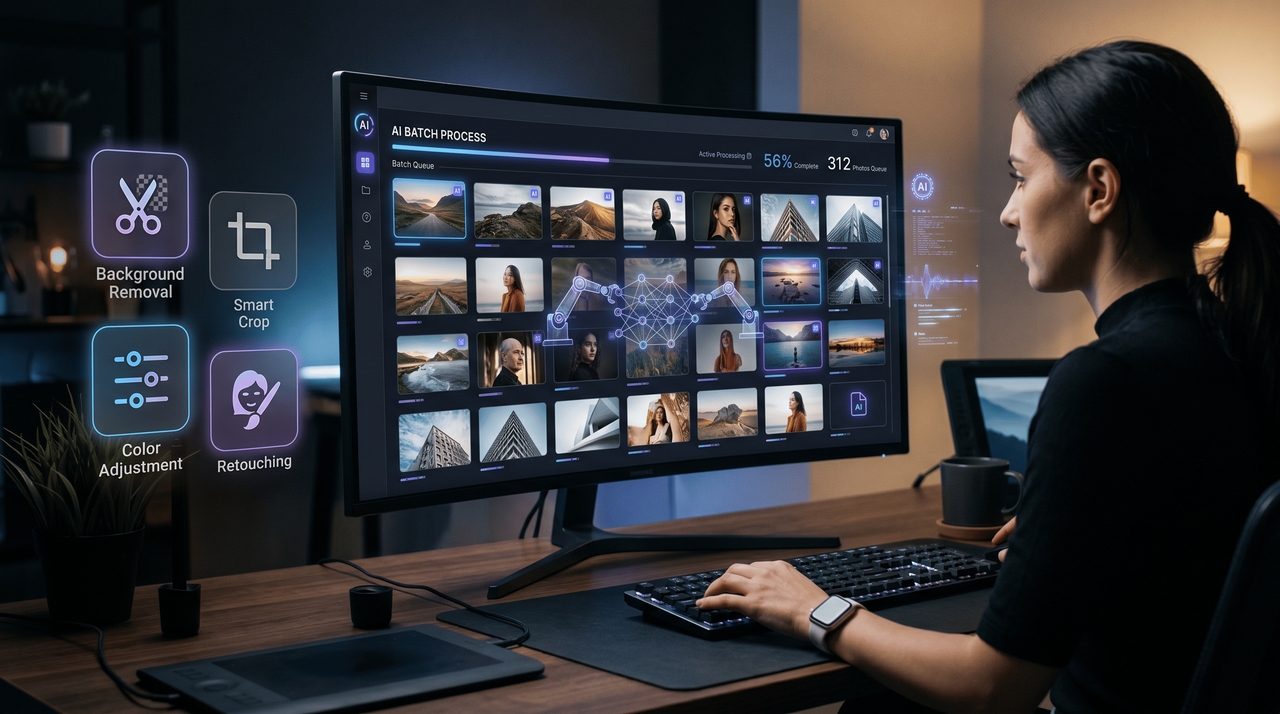
The best AI photo batch editor is a tool that opens a whole folder of images at once and applies the same edit to every file inside it, instead of asking you to click through each photo one at a time. Today's AI-powered photo editing tools handle background removal, smart cropping, resizing, color correction, and even light retouching, and most run the job in minutes rather than hours.
E-commerce teams, photographers, and marketers lean on this kind of software daily because a catalog of any real size makes manual editing impossible to sustain. The best AI for batch photo editing should give you fast, consistent results without babysitting every file.
See how each tool was tested
I used the same 60 product images for the main batch test so every tool was judged on the same task. The image set included flat-lay apparel, glass jars with reflective labels, and curved-metal products. Each image started with the same dimensions and framing requirements. I asked every tool to apply the same background size, product placement, and blank space, then export the results as a batch wherever the tool supported batch processing.
The main test focused on three areas:
- Batch output: Could the tool process the full image set without requiring manual edits for each file?
- Layout accuracy: Did the final images follow the same background dimensions, product placement, and blank space requirements?
- Output quality: Did products retain clean edges, correct proportions, and natural-looking details after processing?
I reviewed additional AI features separately because not every tool offers the same editing functions. These tests covered capabilities such as background removal, generative backgrounds, object removal, portrait editing, shadow generation, and other AI-assisted tools available on each platform.
For these secondary tests, I used each product's main AI editing features and compared the results based on how well they handled the task, how much manual adjustment was needed, and what limits applied to the plan used for testing.
Key features of AI-powered photo editing tools
Explore advanced AI editing features that simplify and speed up bulk image workflows.
- AI background removal: AI-powered photo editing tools automatically remove and replace backgrounds in bulk, helping users create clean and professional images quickly.
- Smart batch cropping: The best AI photo batch editor intelligently crops images while keeping products and subjects properly aligned for consistent presentation.
- Bulk color correction: AI batch photo editing tools apply uniform brightness, contrast, and color adjustments across multiple images for better visual consistency.
- Automated image retouching: AI bulk photo retouching tools enhance image quality with automated sharpening, lighting fixes, and detail improvements at scale.
- High-speed batch processing: The best AI for batch photo editing processes large image folders quickly, reducing manual work and improving productivity for businesses.
AI batch photo editing tools for e-commerce brands
The table below covers all 60 images per tool, so you can see exactly where each one landed instead of taking a summary word for it.
| Tool | Best for | Completed of 60 | Needed rework | Total time | Manual time | Final usable images |
| Framia Pro | Integrated e-commerce workflows | 60 | 3 | 10 min | 4 min | 60 |
| Photoroom | Product photo editing | 60 | 4 | 22 min | 5 min | 58 |
| Adobe Photoshop | Advanced image editing | 60 | 60 | 90 min | 70 min | 8 |
| Canva | Fast batch image creation | 60 | 2 | 15 min | 5 min | 60 |
| Luminar Neo | Batch photo enhancement | 60 | 36 | 50 min | 20 min | 52 |
| Pixelcut | Fast product image generation | 60 | 3 | 12 min | 4 min | 59 |
1. Framia Pro: Best AI photo batch editor for integrated e-commerce workflows
Framia Pro runs on an Agent Canvas, one workspace where AI agents handle photo edits, video, and marketing content together, not separate apps for each task. Built-in editing tools fix local details, and selecting any node opens a chat where AI applies that change right there. The plan opens access to more than 20 image and video models in one place, plus agents built for e-commerce, ads, and branding work.
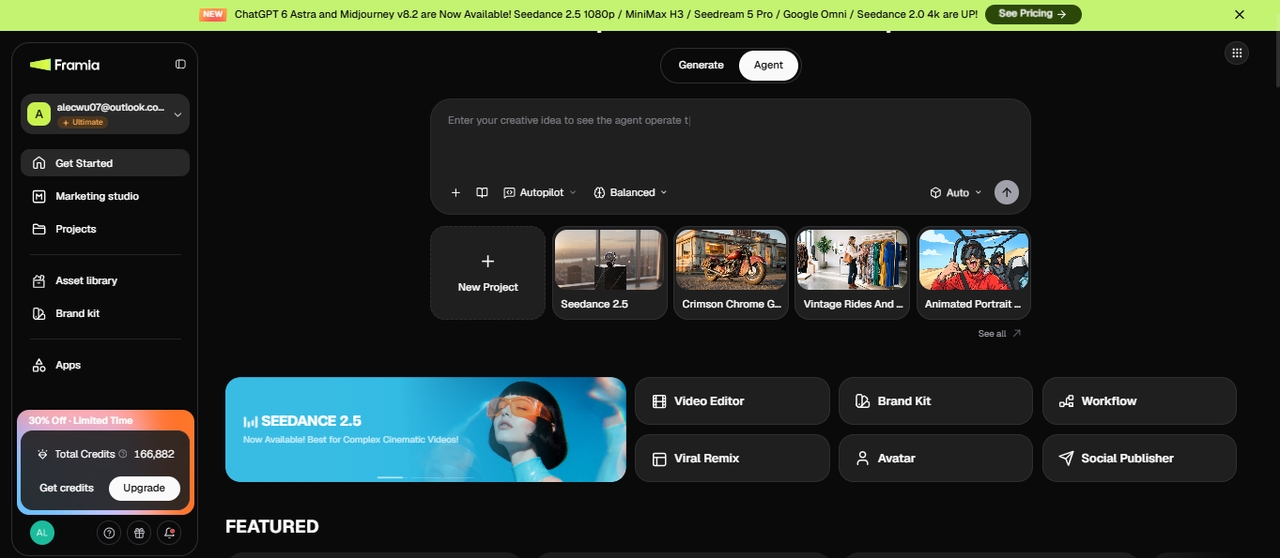
Key features:
- Agent Canvas: one workspace where agents handle photo edits, video, and marketing content together.
- Local edit tools: fix a shadow, a color patch, or a stray edge without redoing the whole image.
- Node-based chat editing: select any part of the output and chat with AI to apply the fix on that spot.
- Multi-model access: over 20 image and video models in one plan, including Nano Banana Pro, Seedream 5.0 Pro, Flux Max, and Veo 3.1.
- Ad Agent: holds the same logo, color palette, and shadow style over every ad variation generated from the batch.
Ideal for: E-commerce brands, creative agencies, and enterprise teams managing high-volume image editing workflows daily.
Pros
- Batch image workflows
- 20+ image and video models
- Brand assets can be reused across workflows
- Connects images with copy and marketing content
Cons
- More complex than dedicated image editors
- Some workflows require learning the Agent Canvas
Overall experience: I found Framia Pro useful for larger e-commerce workflows because the image work, model selection, and product content all stayed in the same Agent workflow. I could switch between Nano Banana Pro, Seedream 5.0 Pro, Midjourney v7, and Flux Max based on the type of product image I needed. The same workflow also covered listing copy and other marketing assets, so I did not need to start the process again in another tool.
2. Photoroom: AI-powered image editing tools
The Photoroom software application is an example of an AI-based image editor. This program allows its users to quickly remove backgrounds from images and offers features such as easy batch editing. The software is extensively used by e-commerce vendors, marketing specialists, and other professionals who require quality images for their products but lack complicated editing skills. In addition, using this platform makes it possible to get quick AI assistance in tasks like resizing, cleaning up, and optimizing images.
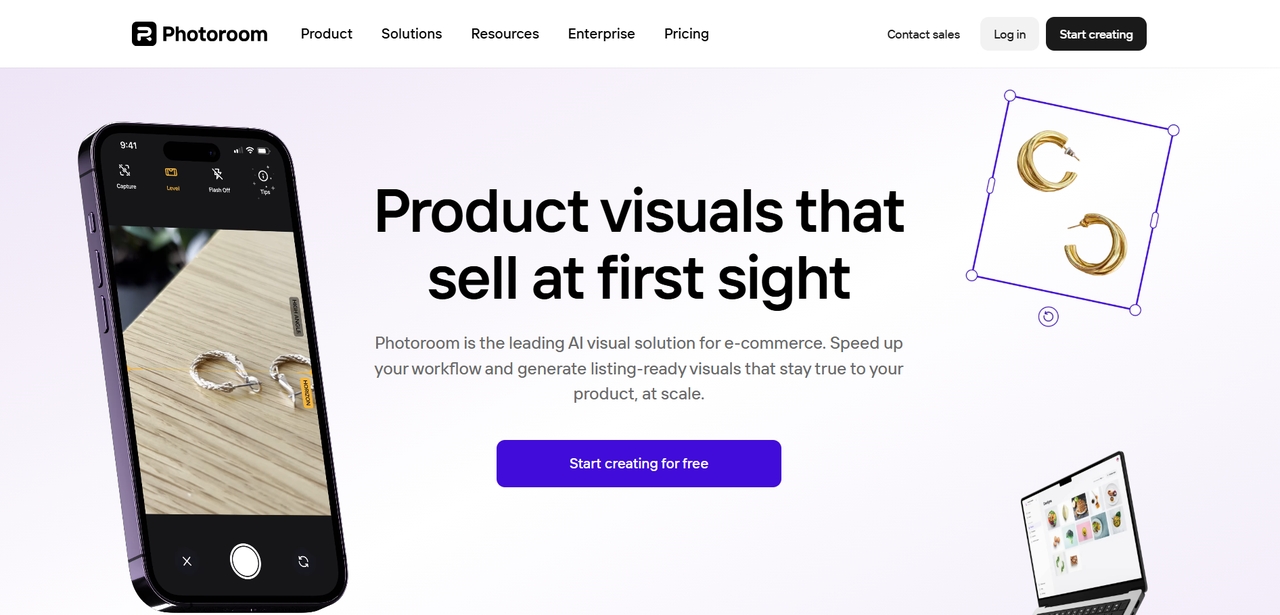
Key features:
- AI background remover: Instantly removes backgrounds from product and marketing images with a clean visual output.
- Batch image resizing: Quickly resizes multiple images for websites, ecommerce stores, and social media platforms.
- Smart object detection: Detects products and subjects accurately for faster editing and alignment automation.
- One-click image cleanup: Removes distractions and improves image quality with minimal manual editing effort.
- E-commerce-ready exports: Optimizes image dimensions and quality for online marketplaces and storefronts efficiently.
Ideal for: small businesses, online sellers, and marketers needing fast and simple AI image editing workflows.
Pros
- Fast background removal
- Strong e-commerce workflow
- Simple batch editing
- Easy product-image exports
Cons
- Advanced edits are more limited
- Usage limits can affect large catalogs
Overall experience: Photoroom's background remover handled the reflective glass jars better than most of the group, pulling a clean edge around the label without the halo effect that showed up elsewhere. The export meter ran down fast, though. Sixty images meant sixty exports, and by the third batch of the session the Pro plan's monthly allowance had a visible dent in it.
3. Adobe Photoshop: Best AI for editing photos
Adobe Photoshop is still one of the top-performing AIs when it comes to photo editing due to its highly efficient editing functionality that operates under the influence of Adobe Sensei AI technology. This AI provides professional-level retouching, object removal, image enhancement, and smart selection tools. It allows users to perform complex editing tasks with AI-driven automation to increase efficiency. In spite of having a complicated interface that requires some time to learn compared to other AIs, this application is still one of the standards in the industry.
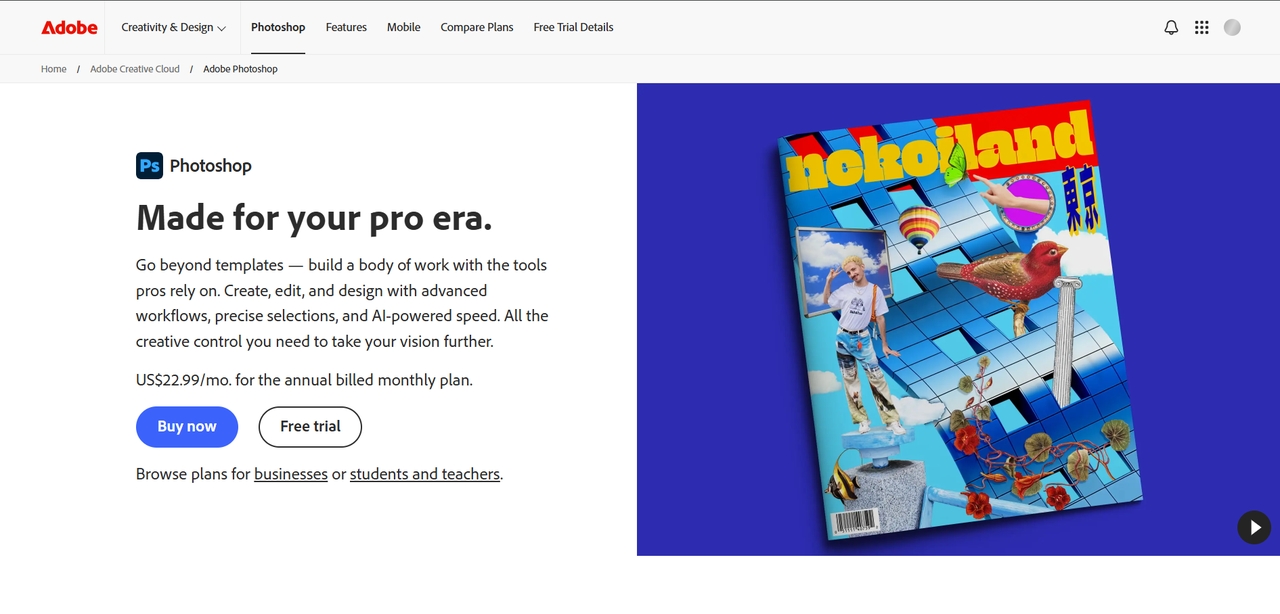
Key features:
- Adobe Sensei AI tools: Features intelligent automation to enable high-level retouching and photo improvement.
- Smart object removal: Removes unwanted objects and distractions with realistic AI-generated image replacement.
- Advanced layer editing: Facilitates sophisticated layer editing for professional and commercial use.
- AI selection technology: Automatically detects subjects precisely for accurate cropping and masking of the edited image.
- Professional retouching tools: Improves the overall look of images using lighting and color adjustments.
Ideal for: Professional photographers, designers, and creative experts requiring advanced AI editing flexibility daily.
Pros
- Advanced editing and retouching
- Strong selection tools
- Detailed layer control
- Generative Fill
Cons
- Steeper learning curve
- More manual work for large batches
Overall experience: Photoshop's Sensei-powered subject select picked out complex edges, fabric fringe, and curved metal about as well as anything in the test, but nothing about the process felt like batch editing. Each file still needed its own trip through the layers panel for anything past the first automated pass, and the generative fill credits ran out after a handful of background swaps.
4. Canva: Best AI editor for beginners
Canva is an AI-enabled design and editing platform that can be used to quickly create and edit visuals. This platform has features such as the ability to remove backgrounds and edit images with the use of AI. Canva is commonly used by marketers, startups, and social media managers who need graphics created for marketing purposes. The ease with which one can make designs and edits on this platform using AI tools makes it suitable even for those who lack graphic design skills.
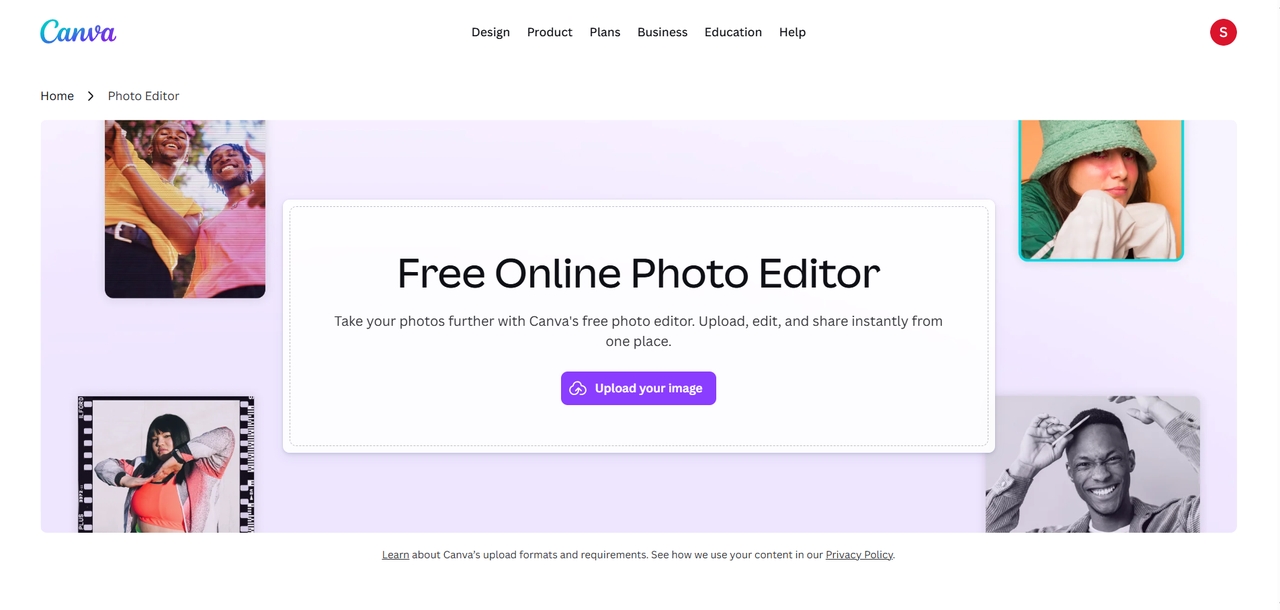
Key features:
- Drag-and-drop editing: Simplifies image editing and content creation with beginner-friendly design workflows.
- AI background remover: Automatically removes image backgrounds for professional product and marketing visuals.
- Template-based designs: Provide customizable templates for social media, ads, presentations, and websites.
- Quick image enhancement: Improves brightness, contrast, and visual quality with automated AI adjustments.
- Collaborative workflow tools: Allow teams to edit, share, and manage creative projects more efficiently.
Ideal for: Marketers, startups, beginners, and social media teams creating fast and professional visual content.
Pros
- Easy to use
- Large template library
- Background removal and AI tools
- Strong marketing workflow
Cons
- Less control over detailed photo edits
- AI usage depends on plan limits
Overall experience: Canva's background remover doesn't draw from the AI credit pool the way image generation does, which meant the standard batch work kept running without eating into the shared allowance. The drag-and-drop layout also made this the fastest tool to pick up cold, no manual needed to get the first batch through.
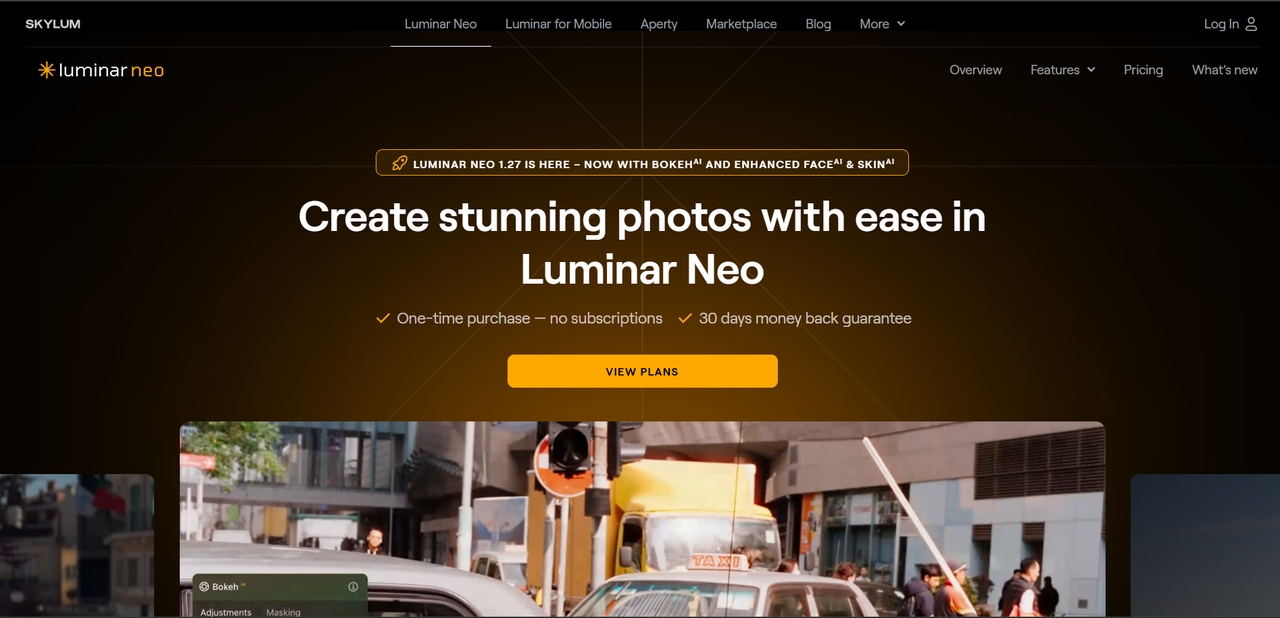
5. Luminar Neo: AI bulk photo retouching tools
Luminar Neo is an AI-powered image editor that is perfect for photographers and artists who need photo editing features. This tool is one of the AI photo editors that can batch retouch portraits as well as enhance their lighting and sky, among other features.
Key features:
- AI portrait enhancement: Changes the color tone and lighting within portraits.
- Sky replacement features: Perfectly replaces the sky while matching the lighting within the photo.
- Lighting adjustment: Brightens the photos and enhances the lighting within the picture.
- Creative AI effects: Makes beautiful artistic adjustments and enhances the mood of your photos using intelligence within photos.
Ideal for: Photographers and creators needing AI-powered retouching and advanced visual enhancement workflows.
Pros
- Strong portrait editing
- Useful lighting and sky tools
- Good creative controls
- Batch editing support
Cons
- Less focused on e-commerce workflows
- Product-image editing is not its main strength
Overall experience: Luminar Neo's Sky AI and Portrait AI turned out the most natural-looking results in the group, but only on the lifestyle and portrait shots mixed into the test set. The flat-lay product photos didn't get the same lift, since Luminar Neo is built around portraits and landscapes, not product grids.
6. Pixelcut: AI batch photo editing tools
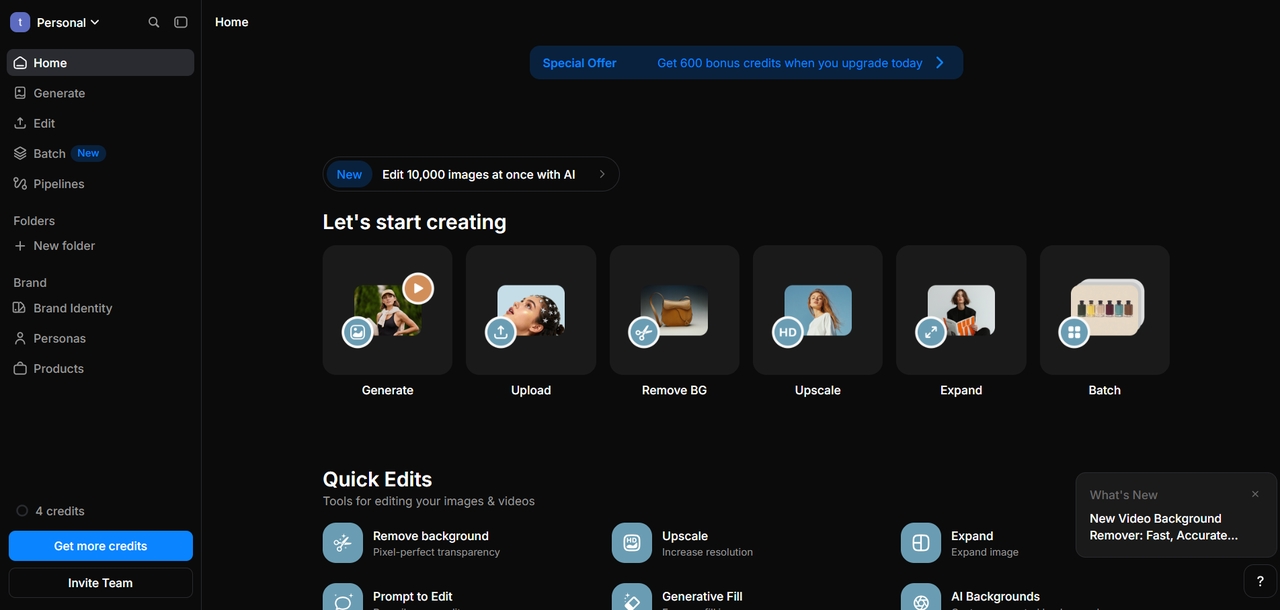
The Pixelcut platform is an AI-based image editor that can help to edit pictures rapidly and effectively through AI tools. This service allows its users to edit pictures and images quickly through tools such as AI background remover, image resizing, shadow creation, and other image enhancement tools. Pixelcut makes the job easy for those who work in the field of e-commerce and are responsible for taking images of their products and optimizing them for various social media campaigns.
Key features:
- AI Product background removal: Rapid background removal of products to create high-quality presentations of items for online stores.
- Bulk image enhancements: Performs optimization on multiple product images through uniform lighting and picture quality adjustments.
- Shadow generation: Generates shadows of products automatically for a more realistic and visually appealing look.
- Ecommerce image resizing: Resizes product images for use on websites, online marketplaces, and advertisements.
- Mobile image editing: Allows quick editing of pictures through easy-to-use mobile editing software.
Ideal for: E-commerce sellers, digital marketers, and growing brands managing large product image collections.
Pros
- Fast product-image editing
- Background removal and shadow tools
- E-commerce-focused features
- Simple interface
Cons
- Batch limits vary by plan
- Fewer advanced editing controls
Overall experience:
Pixelcut processed the test images fast on a per-image basis. Magic Eraser and Shadow Generator each took only a few seconds per file. The 100-image figure on Pixelcut's pricing page is a per-batch limit, not a monthly cap, so a bigger catalog can run several batches back to back if the plan allows it. This test used one batch of 60 images, so it didn't touch that per-batch ceiling.
Weigh pricing of AI batch photo editing tools side by side
Prices below reflect each tool's entry-level paid plan as of 2026 and can shift with promotions, so check the live pricing page before you commit.
| Tool | Starting Price (monthly) | Cost Per Edit (approx.) | Image Models in One Plan | What Happens After the Edit |
| Framia Pro | $20/month (Basic, 1,000 credits; promo rates as low as $6 the first month) | ~$0.02–$0.04/image (edits run 1–2 credits depending on model) | Nano Banana Pro, Seedream 5.0 Pro, Flux Max, GPT Image 2 | Batch routes into listing copy, ads, and social posts in the same workspace |
| Photoroom | $12.99/month ($7.50 billed yearly), 1,000 exports | ~$0.013/export | Proprietary background model) | Stops at download |
| Adobe Photoshop | $22.99/month (billed annually) | Not credit-based (25 generative-fill credits/month) | Adobe Sensei/Firefly | Stops at export, no AI batch queue |
| Canva Pro | $18/month ($12/month billed annually) | Not credit-based for standard edits | Magic Studio | Sends content to social platforms |
| Luminar Neo | $119/year (~$9.92/month), or a one-time license from $119 | Not credit-based | Luminar AI engine | Stops at export |
| Pixelcut | $9.99/month, 100 images/batch | Not disclosed per image | Proprietar | Stops at export |
Choose Framia Pro for what these five tools can't match
Batch photo editing is one step in a bigger process, and each tool on this list handles what comes next in a different way. Canva picks up after editing with layout templates and publishing tools, and Photoroom carries product images straight into exports formatted for online stores. Framia Pro adds two more links to that chain. It connects batch image editing with brand asset reuse, copywriting, creative layouts, and publishing through its Agent workflow.
Best AI for batch photo editing in e-commerce
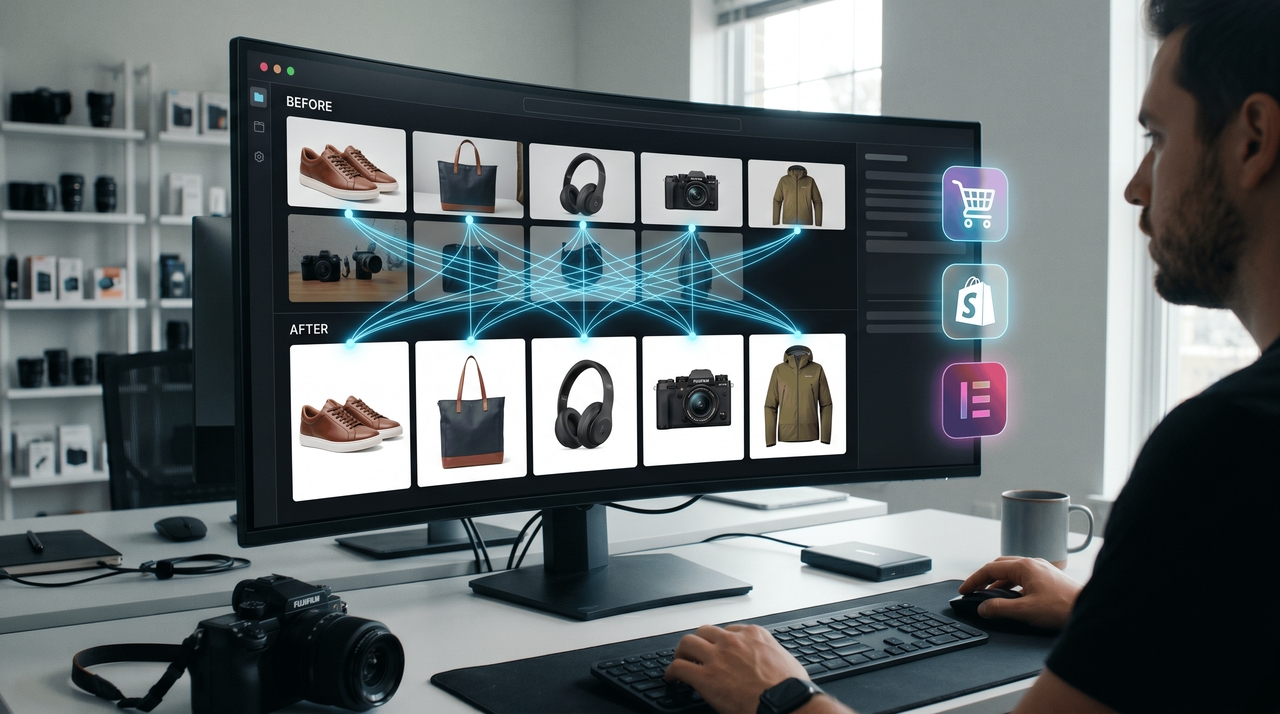
E-commerce requires fast and scalable image editing services to cope with their extensive catalogs. The best AI to use for editing images in bulk will assist with background removal, image resizing, cropping, and enhancement for e-commerce purposes. AI-driven photo editing software not only increases efficiency but is also capable of maintaining quality images consistently. Such capabilities aid e-commerce businesses in handling huge numbers of photos with ease.
Why e-commerce brands use AI editing tools
- Faster product launches: AI batch photo editing tools speed up image processing for quicker catalog uploads.
- Consistent product image formatting: Maintain uniform image sizes, alignment, and visual quality across platforms.
- Automated background replacement: Remove and replace backgrounds instantly for professional ecommerce product images.
- Marketplace-ready image optimization: Optimize photos for Amazon, Shopify, Etsy, and other ecommerce marketplaces easily.
- Reduced editing costs: Minimize manual editing work and improve workflow efficiency with AI powered automation.
How to choose the best AI for batch photo editing
Choose AI powered photo editing tools that offer automation, scalability, and fast workflow performance.
- Evaluate automation features: Choose AI-powered image editing tools with smart cropping, background removal, and automated retouching features.
- Consider batch processing speed: The best AI photo batch editor should process large image volumes quickly without reducing image quality.
- Check scalability: Businesses handling thousands of files need AI batch photo editing tools built for large-scale workflow automation.
- Look for ease of use: A simple interface helps teams use AI-powered photo editing tools efficiently with minimal training requirements.
- Compare pricing and workflow value: The ideal AI editing platform should balance automation, scalability, and cost-effective workflow performance.
Conclusion
Selecting the optimal AI photo batch editor will greatly enhance the efficiency and productivity in image work processes. The AI-powered photo editors available today allow one to automate tedious work such as background removal, smart cropping, and image optimization, among others, which saves time and effort. If you are running an e-commerce business or are working on a marketing project requiring efficient automation, then Framia Pro is the tool you need, as it offers robust photo editing tools integrated into AI technology.
FAQs
- What is the best AI photo batch editor for ecommerce businesses?
The best option depends on your catalog size, editing needs, and the tools you use to publish products. Framia Pro is a strong choice for ecommerce businesses that need to edit product photos in bulk and prepare related marketing content in one workflow. It suits stores managing large catalogs across multiple product categories. Photoroom is a better fit for bulk background removal and clean product shots, while Pixelcut works well for quick product-photo edits and marketplace-ready images.
- How do AI batch photo editing tools work?
AI batch photo editing software enables users to automate editing by cropping, applying background removal, adjusting colors, and retouching several photos at once.
- Can AI-powered image editing tools remove backgrounds in bulk?
Yes, AI photo editing solutions have the ability to automate the detection of objects, background removal, and editing of hundreds of photos in a single go with consistent edges and top-notch quality.
- Why are businesses using AI bulk photo retouching tools?
Using AI tools to edit batches of photos saves businesses money by automating the process and enhancing their efficiency and image quality.
- How does Framia Pro simplify batch photo editing workflows?
Framia Pro makes it easy to edit batches of photos using powerful AI photo editing solutions to crop, replace backgrounds, resize, and retouch photos in seconds.
- Can I keep using an AI batch editor if my catalog grows past the entry-level plan?
Yes, every tool on this list has a higher tier built for larger volume, though the jump in price and features varies a lot between them, so check the next tier up before your catalog outgrows the plan you're on.
- Can AI batch photo editors resize images for online stores?
Yes. Many AI batch photo editors can resize multiple product images to the same dimensions. Some also support automatic cropping, background adjustments, and export settings for marketplaces such as Amazon, Shopify, and Etsy.
- Do phone-shot product photos work with an AI photo batch editor?
A well-lit phone photo works fine with any AI-powered image editing tools on this list. Clean lighting and a plain surface behind the product give the AI models more to work with, so a batch of well-lit phone photos usually comes out as clean as one shot in a studio.