 Share


- AI video generation models turn a text prompt, image, or existing I stored my colors,clip into new footage through a diffusion process that refines random noise step by step until it matches your description.
- Five closed-source models lead the pack right now, each with a different strength: Veo 3.1 (native audio), Runway Gen-4.5 (creative control), Seedance 2.5 (long single-take clips), Kling 3.0 (physics-accurate motion), and MiniMax H3 (unified multimodal input).
- Wan 2.2, Mochi, and HunyuanVideo give you more control and no usage limits, but you'll need stronger hardware and some setup time.
- Framia Pro brings several of these models into one dashboard, so you can switch between them without juggling separate logins and subscriptions.
What are AI video generation models?
AI video generation models are systems that build video from a prompt, an image, or an existing clip, without a camera or a crew involved.
They learn from huge datasets, millions of video clips paired with descriptions, and pick up the visual patterns that connect a phrase like "a dog running through snow" to what that actually looks like on screen.
The technique behind it is called diffusion. The model starts with random noise and cleans it up over dozens of steps until a video appears. During training, it watched real videos get corrupted into noise and learned to reverse that process. At generation time, your prompt steers each cleanup step toward the scene you described.
The hard part isn't a single frame. It keeps hundreds of frames consistent with each other. A face, an outfit, or a shadow has to hold steady across the whole clip, not just look right in isolation.
Video models process entire frame sequences together so each frame can reference the others, which is why video generation takes far more compute than a single image.
What are the different types of AI video models?
Before I started testing, I had to sort out which type of tool I was actually using, since not every AI video generator starts from the same place.
Text-to-video AI models
Text-to-video models turn a written description into a moving scene from scratch. You write what you want, and the model builds the visuals. This fits best when you've got an idea but no footage or reference image to start from, like a product concept, a short story beat, or a scene.
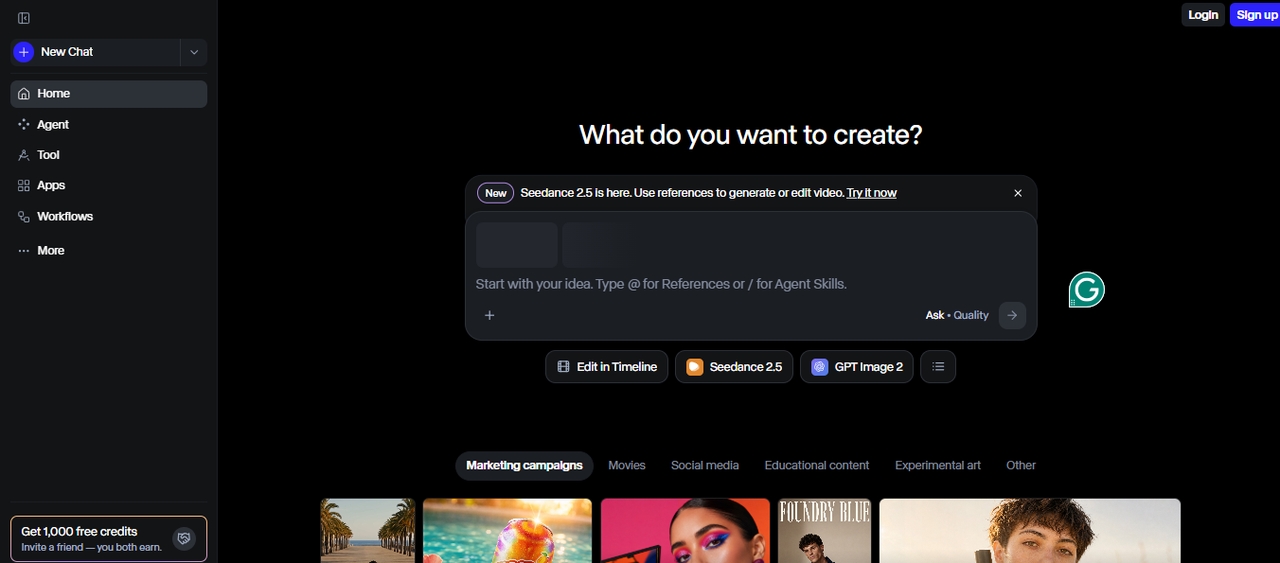
Image-to-video models
Image-to-video models start from a picture you already have and add motion, camera movement, or small changes to bring it to life. This suits product demos and social posts where you want quick movement without generating everything from zero.
Multimodal video models
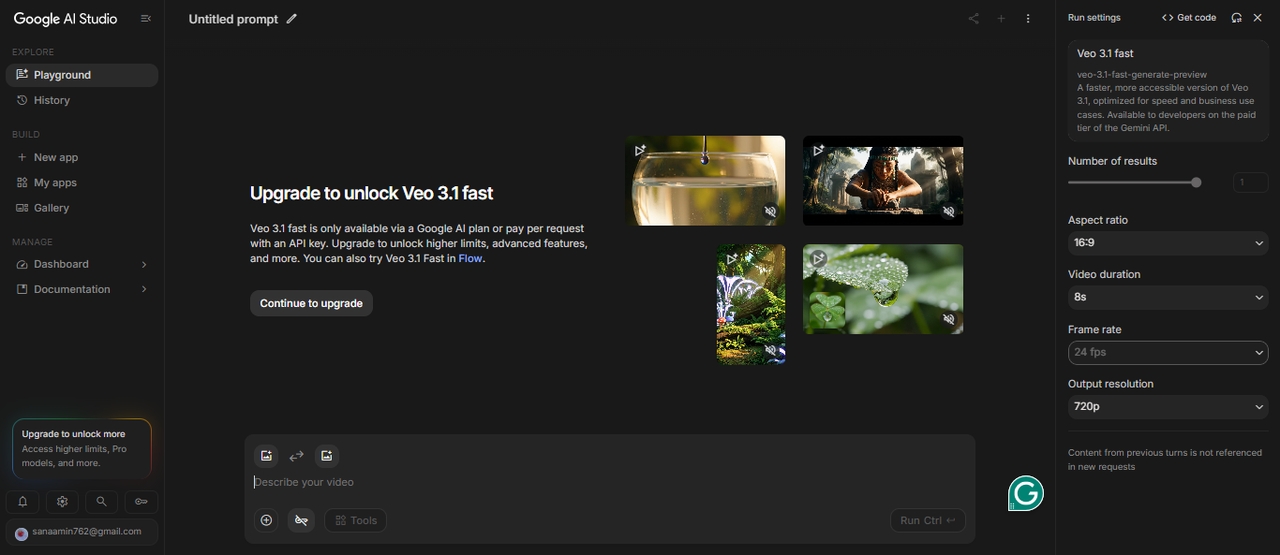
These models work with more than one type of input at the same time. You can mix text, images, audio, and even existing video clips to guide the final result.
This gives you more control over how the video turns out. You are not just describing a scene, you are shaping it with multiple inputs. That control helps when you want specific details, smoother storytelling, or a video that follows a clear direction.
How we tested each model
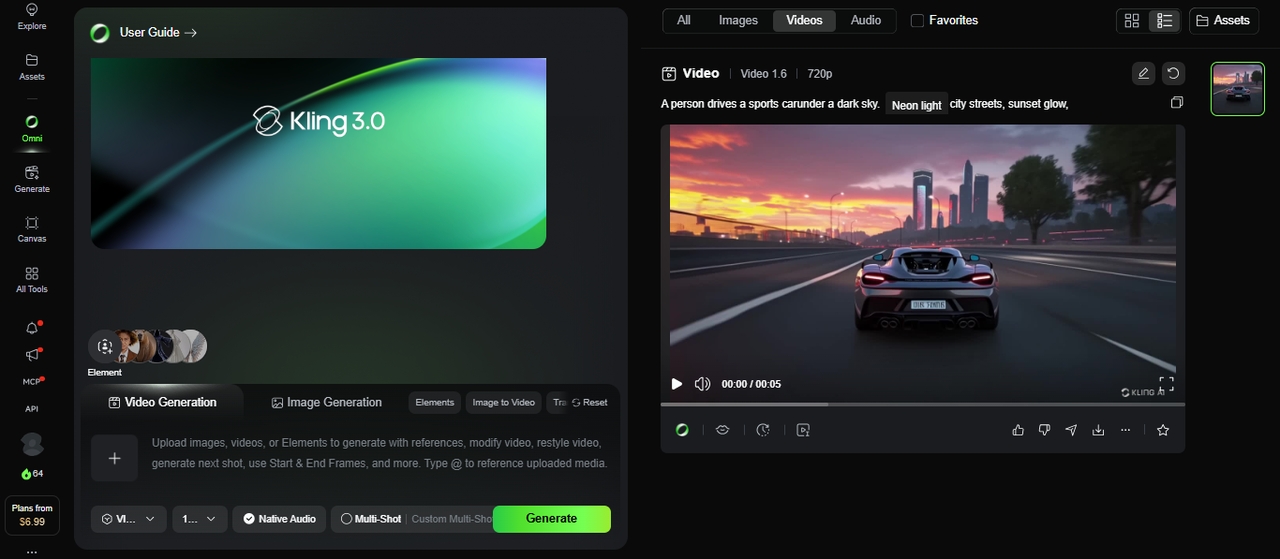
I'm a content strategist who has spent the past two years testing AI creative tools for a living, and I ran each AI video generation model through the same five prompts that include a product demo, a short narrative scene, a talking-head clip, an action sequence, and a stylized art piece.
For every model, I generated at least three outputs per prompt and scored them on realism, motion accuracy, prompt adherence, and audio quality where it applied.
8 AI video generation models, and what each one does best
After testing eight AI video generation models across product demos, narrative scenes, talking-head clips, action sequences, and stylized visuals, I found that no single model performed best in every category. Veo 3.1 stood out for native audio, Runway Gen-4.5 for creative control and scene consistency, and Seedance 2.5 for longer single-pass clips. Kling 3.0 was a strong option for motion-heavy scenes, while MiniMax H3 handled mixed inputs and synchronized audio. Wan 2.6, Mochi, and HunyuanVideo offered alternatives for users who prefer open-weight models and local workflows, although hardware requirements and setup can be limiting factors.
These results are based on my hands-on tests, not a universal ranking. The best choice depends on your video type, output requirements, budget, and whether you prefer a hosted service or a model you can run yourself.
Below, I break down the strengths, features, pros, and cons of each model to help you choose the right one for your project.
Below are the top closed-source models you should know right now.
| Feature | Veo 3.1 | Runway Gen-4.5 | Seedance 2.5 | Kling 3.0 | MiniMax H3 |
| Max Resolution | 1080p | 1080p | 1080p native | 4K / 60fps, first model to hit native 4K at 60fps | 2K at 24fps, 768p also available |
| Max Clip Length | 8 seconds natively, extendable via third-party tools | Up to 16 seconds on Gen-4 | Up to 30 seconds in a single continuous take | Up to 2 minutes, extendable to 3 minutes | 5–15 seconds, extendable to 30 with the built-in Extend tool |
| Frame Rate | 24–30fps | 24fps | Not yet published | 30fps | 24fps |
| Native Audio | ✅ Dialogue, SFX, ambient | ✅ Added Dec 2025 | ✅ 10+ languages | ✅ | ✅ Native stereo |
| Multimodal Input | ✅ Up to 3 image refs | ❌ | ✅ Up to 50 references, 30 images, 10 video, 10 audio | ✅ Text, image, audio, video | ✅ Text, image, video, and audio read as one context |
| Multi-Shot | ❌ | ✅ | ✅ Single continuous take, no stitching | ✅ Up to 6 shots | ❌ |
| Physics Engine | ✅ | ❌ | Not specified | ✅ | Not specified |
| Fast / Draft Mode | ✅ Veo 3 Fast | ✅ Gen-4 Turbo | Not yet published | ✅ Up to 20x faster | ✅ 768p lighter-weight option |
| Aspect Ratios | 16:9 and 9:16 | 16:9, 9:16, 1:1 | Not yet published | 16:9, 9:16, 1:1 | 21:9, 16:9, 4:3, 1:1, 3:4, 9:16 |
| Free Tier | ❌ | ❌ | Rolling out on Jimeng AI, Doubao, Dreamina | ✅ 66 daily credits | Via Hailuo AI app |
| Best For | Realism + audio | Cinematic control | Long single-take clips + references | 4K + long-form | Multimodal editing + consistency |
- Veo 3.1
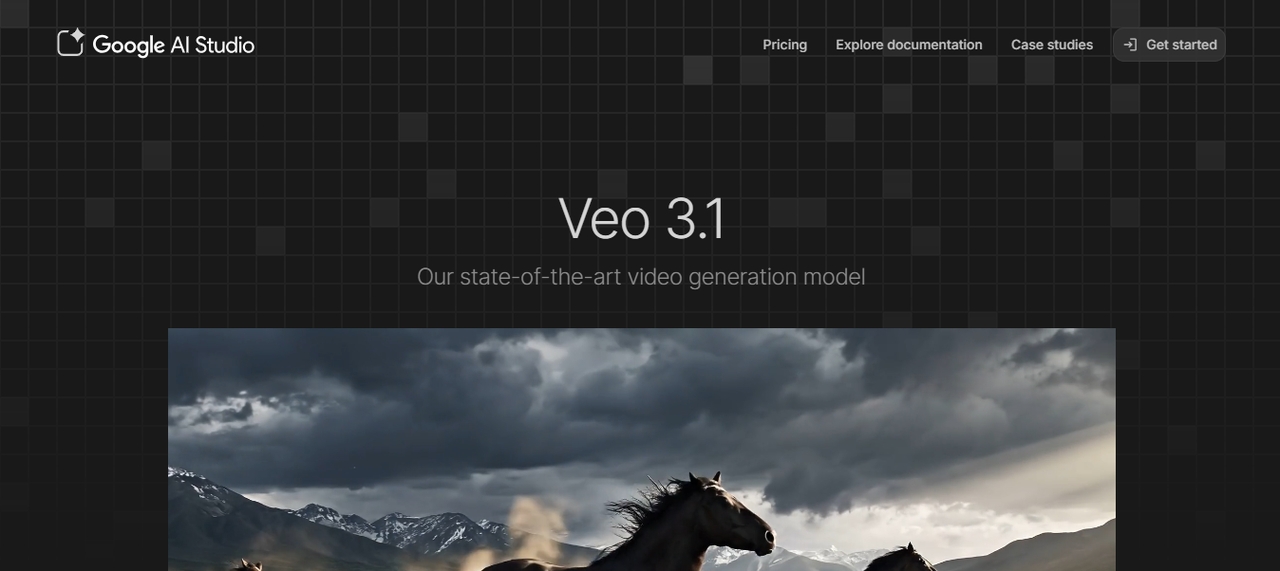
Veo 3.1 is Google's flagship video generation model, and audio is where it separated itself from the rest of my testing. It generates dialogue, sound effects, and ambient audio in the same pass as the video, all from one prompt. It became the engine behind a wave of viral clips across social platforms after launching in October 2025, and its tie-in with Google Workspace made it an easy fit for the parts of my workflow already living in that ecosystem.
Features
- Native audio: dialogue, SFX, and ambient sound in one pass.
- 4K resolution: up to ultra-high definition output.
- Multi-reference: supports up to 3 reference images.
- Long duration: produce output up to one full minute.
- Prompt dialogue: write character speech directly in your prompt.
Pros
- Unmatched native audio quality.
- Excellent realism and lighting accuracy.
- Deep Google ecosystem integration.
- Strong prompt accuracy.
Cons
- Watermarked videos on lower plans.
- Less flexible for stylized or non-realistic content.
- Runway Gen-4.5
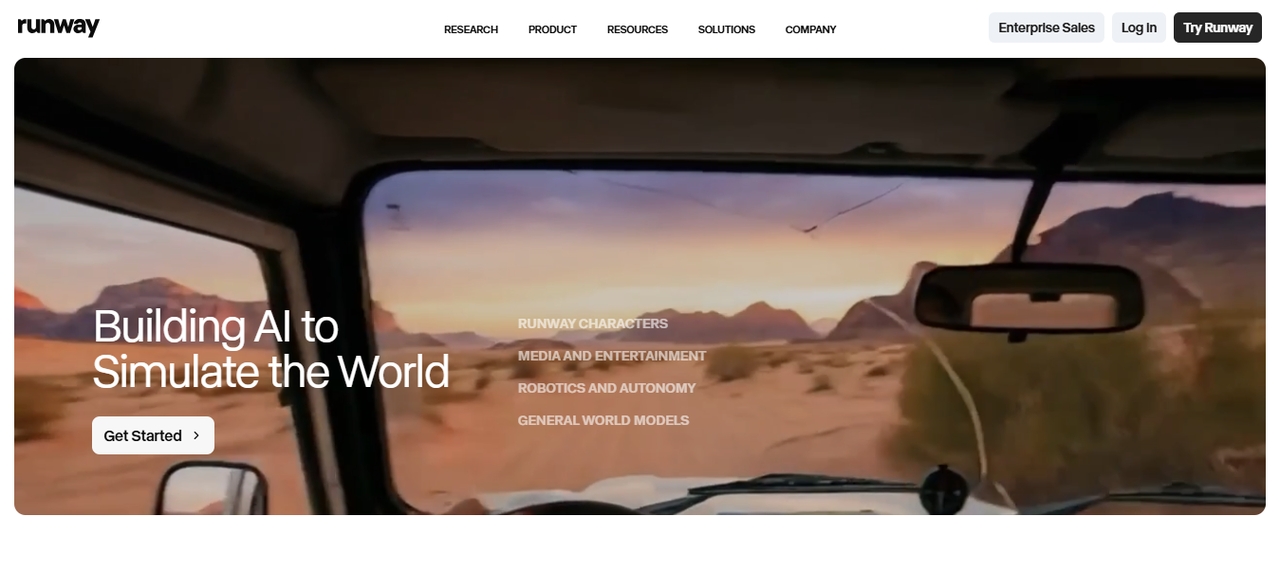
Runway has been a fixture in generative AI video models for years, and Gen-4.5, released in late 2025, is where I noticed the quality and multi-shot sequencing jump the furthest. Its chat interface let me refine a video by describing changes in conversation instead of rewriting the prompt from scratch. Out of everything I tested, this is the model I'd point a creative professional toward when scene and character consistency matter across multiple shots.
Features
- Motion brushes: paint exactly which parts of a scene should move.
- Multi-shot: string multiple clips into one cohesive sequence.
- Act-one: facial expression and motion capture.
- Chat editing: refine outputs through natural conversation.
- 4K output: ultra-high resolution export.
Pros
- Best-in-class scene and character consistency.
- Powerful creative controls for professionals.
- Strong community and ecosystem.
Cons
- Expensive at higher tiers.
- Slower than some competitors for quick social content.
- Steeper learning curve for beginners.
- Seedance 2.5
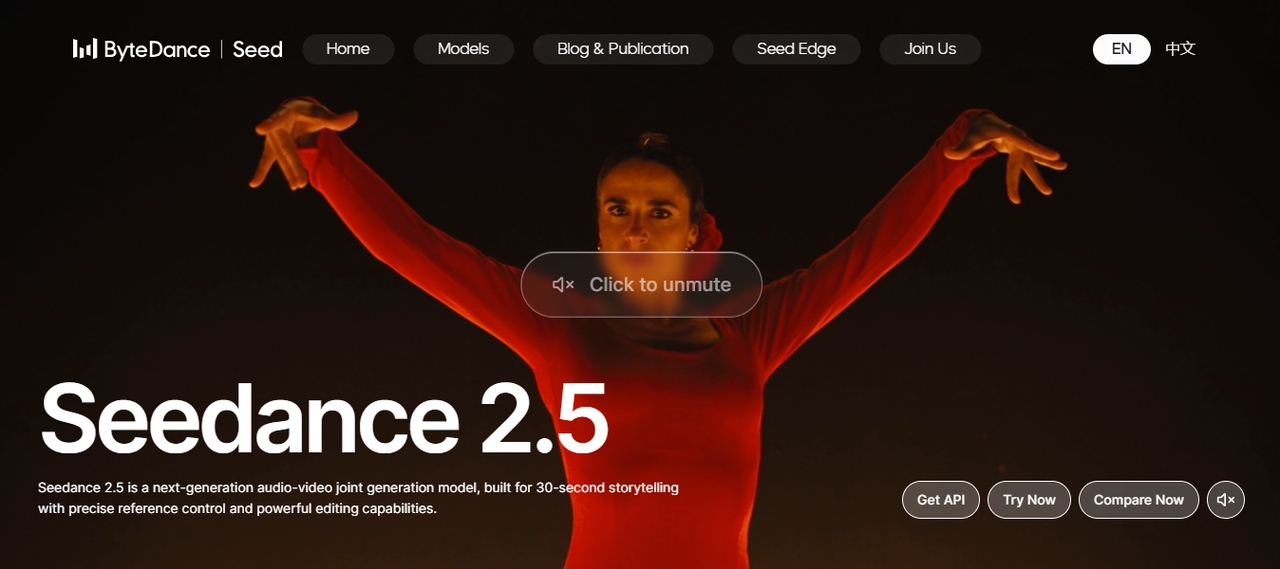
Seedance 2.5 is ByteDance's follow-up to Seedance 2.0, which had topped the Artificial Analysis Video Arena for both text-to-video and image-to-video earlier in 2026. The new version stretches single-pass generation from 15 seconds to a full 30, moves up to native 1080p, and accepts up to 50 multimodal references (a mix of images, video, and audio) in one generation, up from 12 on the previous version. It also adds native audio in more than 10 languages, and I tested it while it was rolling out across Jimeng AI, Doubao, and Dreamina, with API access coming through BytePlus ModelArk.
Features
- Extended single-pass generation: up to 30 seconds in one continuous clip, no stitching required.
- Native 1080p: up from 720p in the previous version.
- Expanded reference support: up to 50 multimodal references (30 images, 10 videos, 10 audio) in one generation.
- Native multilingual audio: dialogue and sound in 10+ languages.
- Precise editing: swap a product, extend a shot, or make a targeted edit without regenerating the whole clip.
- 3D white-model previsualization: block out camera moves and shots before committing to a full generation.
Pros
- Long single-take clips work well for short-form drama and serialized content.
- Strong shot-to-shot camera continuity across a full 30-second take.
- Expanded reference count gives more control over character and product consistency.
Cons
- ByteDance hasn't published a full technical report yet, so some specs come from launch demos rather than independent testing.
- Full API access wasn't live everywhere at the time of testing.
- Kling 3.0
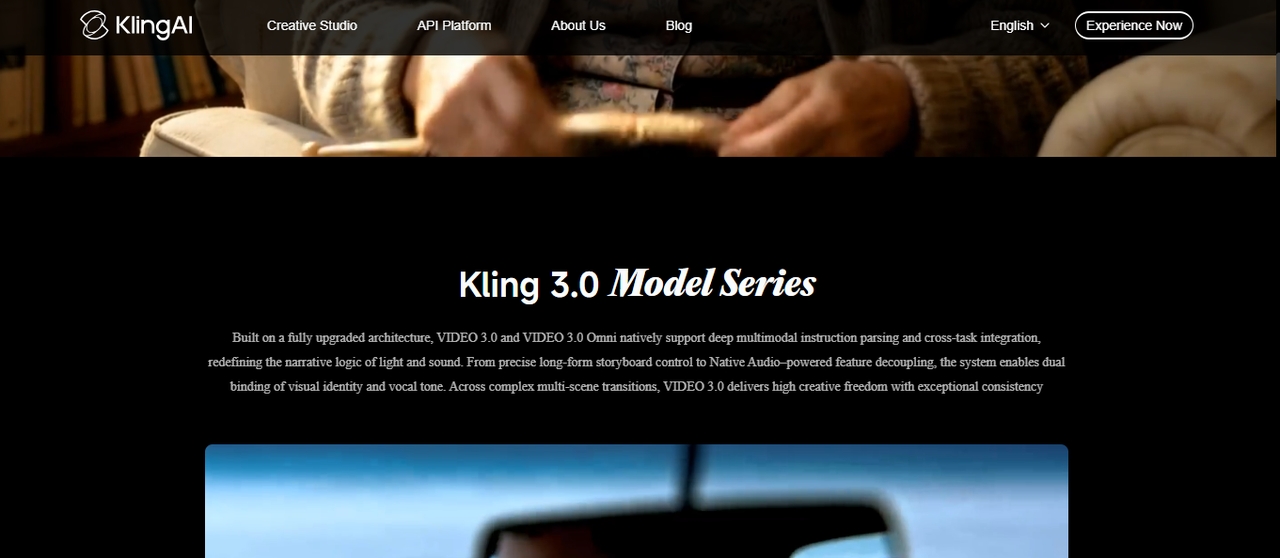
Kling 3.0 launched on February 4, 2026, and within days it was being called the biggest leap in AI video generation of the year. It runs on an Omni One architecture that combines 3D Spacetime Joint Attention with chain-of-thought reasoning, which is how it got gravity, balance, deformation, and inertia to look real instead of rubbery in my tests. It takes multimodal input across text, images, audio, and video, and generates native audio in English, Chinese, Japanese, Korean, and Spanish, with control over character dialogue and speaking order.
Features
- Omni one physics: true gravity, collision, and inertia simulation.
- Native audio: voiceovers, lip-sync, SFX, and music.
- Multi-shot storyboard: up to 6 shots with director-level camera control.
- Draft mode: generate up to 20x faster for rapid prototyping.
- 4K/60fps output: with 16-bit HDR and EXR export.
- 7-in-1 editor: object addition, background swap, style transfer in one tool.
Pros
- Most realistic human physics and movement available.
- Native multilingual audio with dialect and accent control.
- Affordable entry at $7.99/month with a solid free tier.
- Exports directly into professional VFX pipelines (Nuke, After Effects, DaVinci).
Cons
- A 15-second multi-shot render can take over 5 minutes.
- 4K output currently limited to higher-tier plans.
- High-demand periods extend render queues.
- MiniMax H3
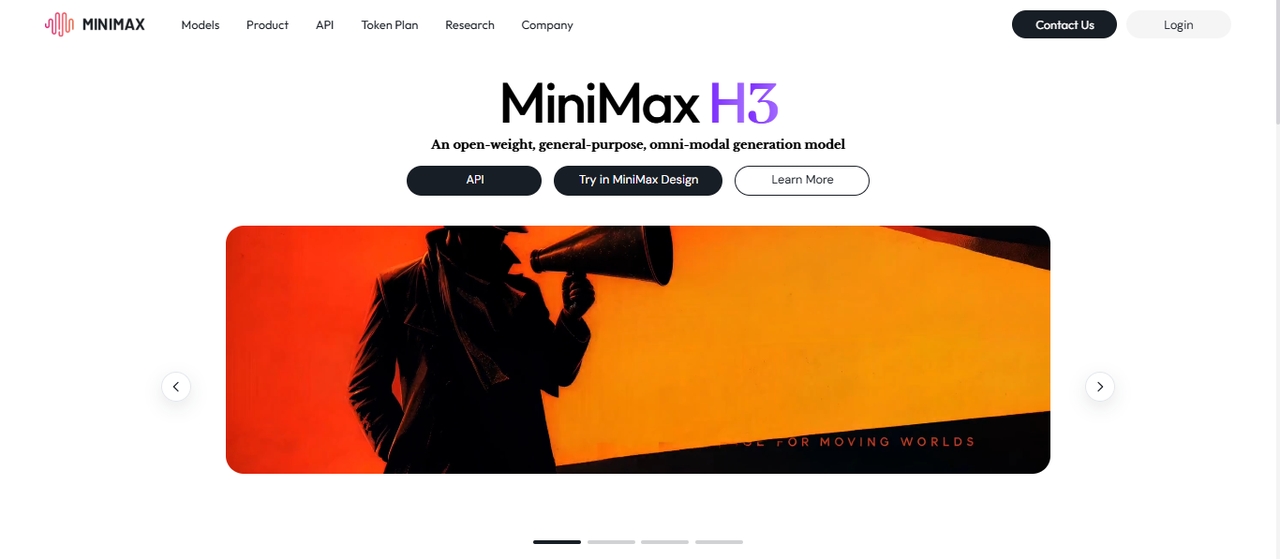
MiniMax H3, also known as Hailuo 3.0, follows Hailuo 02 in MiniMax's video lineup. Instead of treating text, image, video, and audio references as separate inputs, it reads all of them together as one shared context, then returns synced video and audio in a single result. MiniMax has said it plans to release the model weights, though I accessed it through the Hailuo AI app, the MiniMax Open Platform API, and hosting partners like fal.
Features
- Unified multimodal context: text, image, video, and audio references resolved together in one generation.
- Native stereo audio: dialogue, music, effects, and ambiance generated with the video, not layered on after.
- Up to 2K resolution at 24fps, with 768p also available as a lighter-weight option.
- 5 to 15-second generations, extendable up to 30 seconds with the built-in Extend Video tool.
- Targeted editing: swap or remove characters and objects, change lighting or backgrounds, or revise dialogue without redoing the whole clip.
- Multiple aspect ratios: 21:9, 16:9, 4:3, 1:1, 3:4, and 9:16.
Pros
- Strong temporal consistency; motion holds steady through the whole clip instead of drifting partway through.
- Native stereo audio comes out of the same generation pass, with no separate sound step.
- Wide aspect ratio support fits everything from cinematic widescreen to vertical social content.
Cons
- MiniMax hasn't published a full technical report yet, so some claims come from the company rather than independent benchmarks.
- Running the open-weight version locally needs a high-end GPU with 24GB+ VRAM once weights are released.
| Feature | Wan 2.2 | Mochi 1 (Genmo) | HunyuanVideo (Tencent) |
| Parameters | 1.3B / 14B | 10B | 13B |
| Max Resolution | 720p (1080p on 14B) | 480p (640x480) | 720p (1080p with v1.5) |
| Max Clip Length | Up to 10 seconds | Up to 5.4 seconds at 30fps | Up to 5 seconds (720p) |
| Frame Rate | 16fps | 30fps | 24fps |
| Min VRAM | 8GB (1.3B model) | 20GB+ at full precision | 14GB (v1.5) / 60–80GB (original) |
| Generation Speed | 1–2 min for 4–5 sec clip (8GB GPU) | 3–4 min for 5.4 sec clip | 6–10 min for 5 sec clip (16GB GPU) |
| Text-to-Video | ✅ | ✅ | ✅ |
| Image-to-Video | ✅ | ❌ | ✅ |
| LoRA Fine-Tuning | ✅ | ✅ | ✅ (high compute needed) |
| ComfyUI Support | ✅ | ✅ | ✅ |
| Diffusers Support | ✅ | ❌ | ✅ |
| Bilingual Prompts | ✅ English + Chinese | ❌ | ❌ |
| License | Apache 2.0 | Apache 2.0 | Tencent Community License |
| Consumer GPU Friendly | ✅ Best in class | ❌ | ⚠️ v1.5 only |
| Best For | Versatility + accessibility | Photorealism + fine-tuning | Cinematic quality + faces |
- Wan 2.6
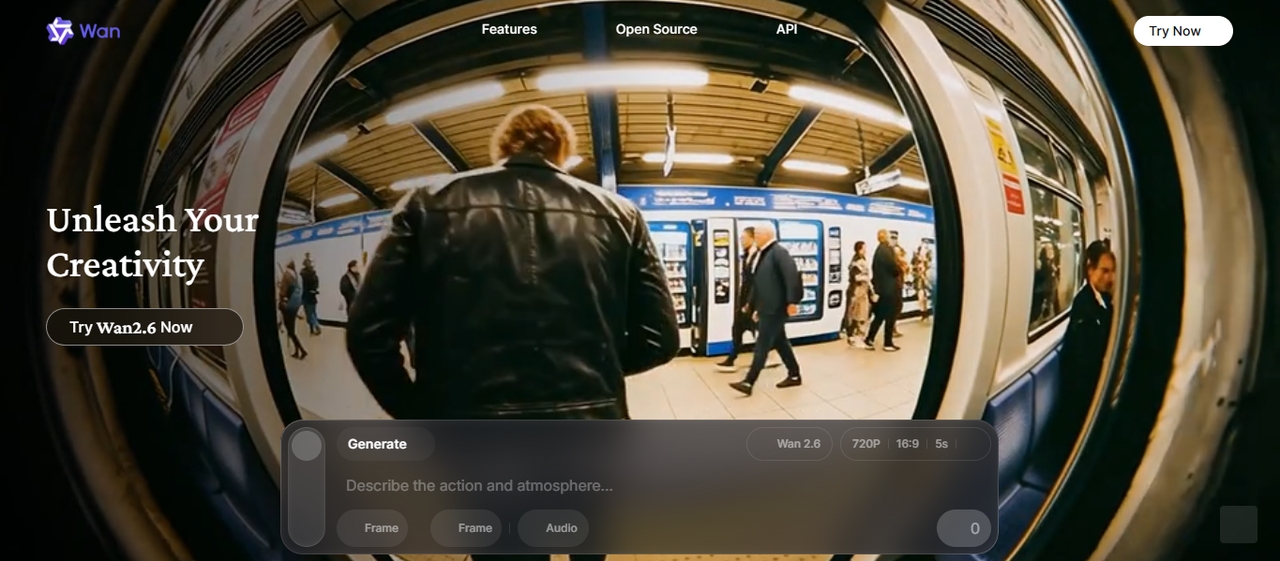
Wan 2.6 is Alibaba's video generation model series, released in December 2025. It supports text-to-video, image-to-video, and reference-to-video generation. Its main strengths include multi-shot storytelling, improved prompt following, and audio that stays synchronized with the visuals. The reference-to-video model can also use a reference clip to preserve a person's or object's appearance and voice in newly generated scenes.
Wan 2.6 remains an option for creators who want to experiment with AI-generated scenes, product videos, or dialogue-driven clips.
Features
- MoE architecture: specialized experts for different noise stages.
- Hybrid T2V/I2V: text and image input in one unified model.
- GGUF quantization: runs on consumer GPUs with 4GB VRAM.
- Cinematic controls: lighting, contrast, and color tone labels.
- Bilingual support: English and Chinese prompt handling.
- Hosted access: Use supported Wan models through Alibaba Cloud Model Studio
Pros
- Supports several video-generation workflows within one model family.
- Multi-shot controls suit short stories, advertisements, and product showcases.
- Reference-to-video can help maintain character identity across generated scenes.
- Offers synchronized audio and dialogue features in supported variants.
Cons
- Clips are short, so longer projects may require multiple generations and editing.
- Hosted access may involve API charges or service-specific restrictions.
- Mochi (Genmo)
Mochi 1 is a 10-billion-parameter model built on a novel AsymmDiT architecture, released under Apache 2.0. It was strongest at photorealistic 30fps motion in my tests, which makes it a fit for documentary-style footage, natural environments, and human movement that needs to read as real. It was one of the first open-source models that made me take local video generation seriously.
Features
- AsymmDiT backbone: purpose-built architecture for video synthesis.
- 30fps output: smooth motion at native frame rate.
- LoRA fine-tuning: customize on your own video datasets.
- Apache 2.0 license: open for research and commercial use.
- ComfyUI integration: node-based workflow support.
- T5-XXL encoding: strong text comprehension and prompt adherence.
Pros
- Most permissive licensing of any high-quality open model.
- Excellent photorealistic motion and natural movement.
- Strong community with active fine-tune sharing.
Cons
- Capped at 480p resolution; requires upscaling for HD output.
- Needs 20GB+ VRAM at full precision.
- HunyuanVideo (Tencent)
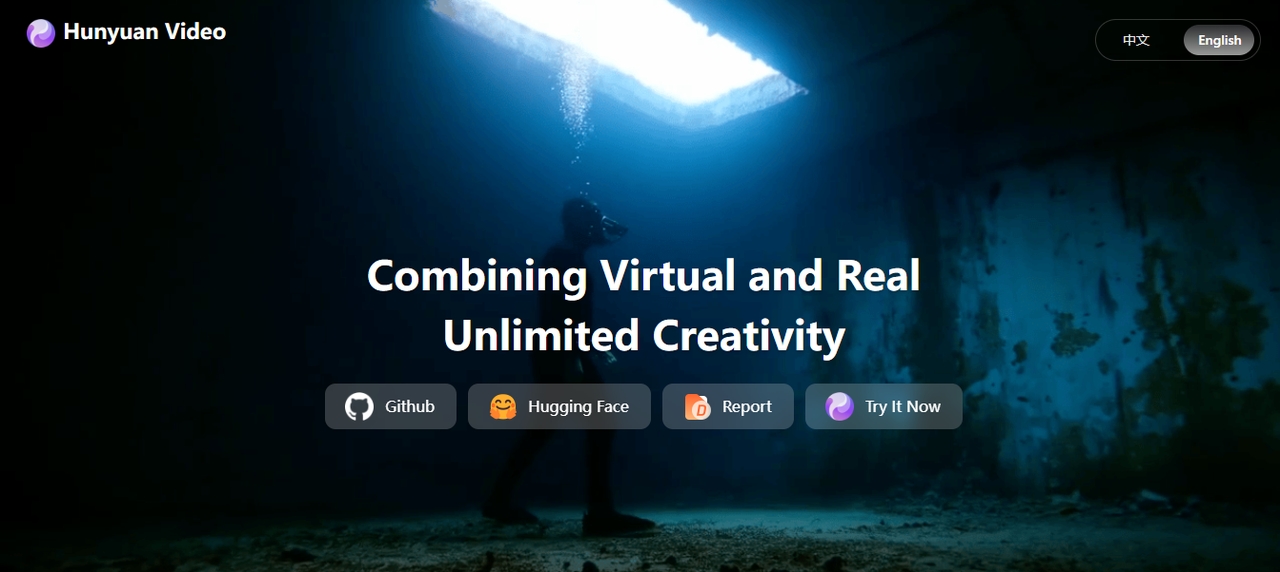
HunyuanVideo is Tencent's flagship open-source video model, built for high-quality generation with strong motion consistency and cleaner scene structure than most open alternatives I tried. Its transformer-based architecture handles visual and temporal data together, and I leaned on it whenever I wanted more control over the generation process than a hosted tool would give me.
Features
- 1b largest scale in the open-source category.
- Dual-stream fusion: separate text and video processing before merging.
- xDiT parallelism: multi-GPU sequence parallelism for faster inference.
- FP8 quantization: reduced memory footprint without major quality loss.
- Diffusers + comfyUI: plug-and-play ecosystem integration.
- Causal 3D VAE: spatial-temporal compression for coherent motion.
Pros
- Best cinematic quality and face realism in open-source.
- Massive LoRA ecosystem for style and character customization.
- Strong multi-person and complex scene handling.
Cons
- A 5-second clip can take over 15 minutes depending on settings.
- Steep setup complexity; not suitable for beginners.
Explore top AI video models on Framia Pro
Here's the actual problem I ran into: I didn't want a Google account for Veo, a Runway subscription for Gen-4.5, and a Kuaishou login for Kling, then repeat that setup every time a new model launched. That's the reason I moved most of this testing onto Framia Pro.
Framia Pro brings Veo 3.1, Kling 3.0, Seedance 2.5, and other top video and image models into one workspace. I could start with an idea and turn it into video using text, images, audio, or a mix of all three, without switching tabs or paying for a separate account per model. Built-in creative agents cover specific use cases too, such as music videos, ads, and storytelling, so I had a starting point no matter what I was making.
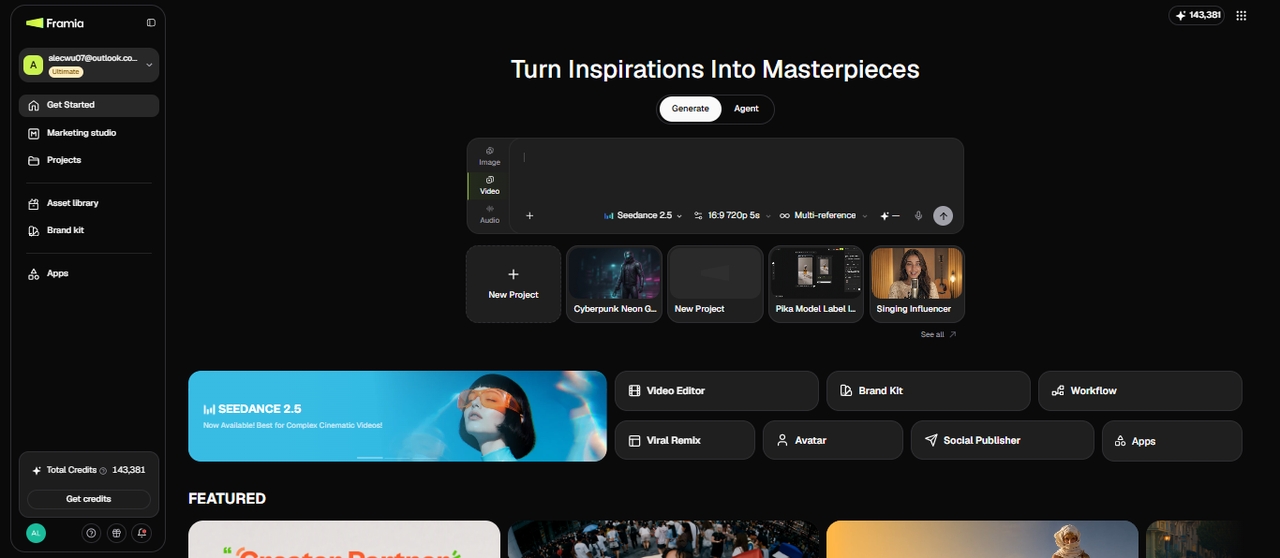
What does Framia Pro bring to the table?
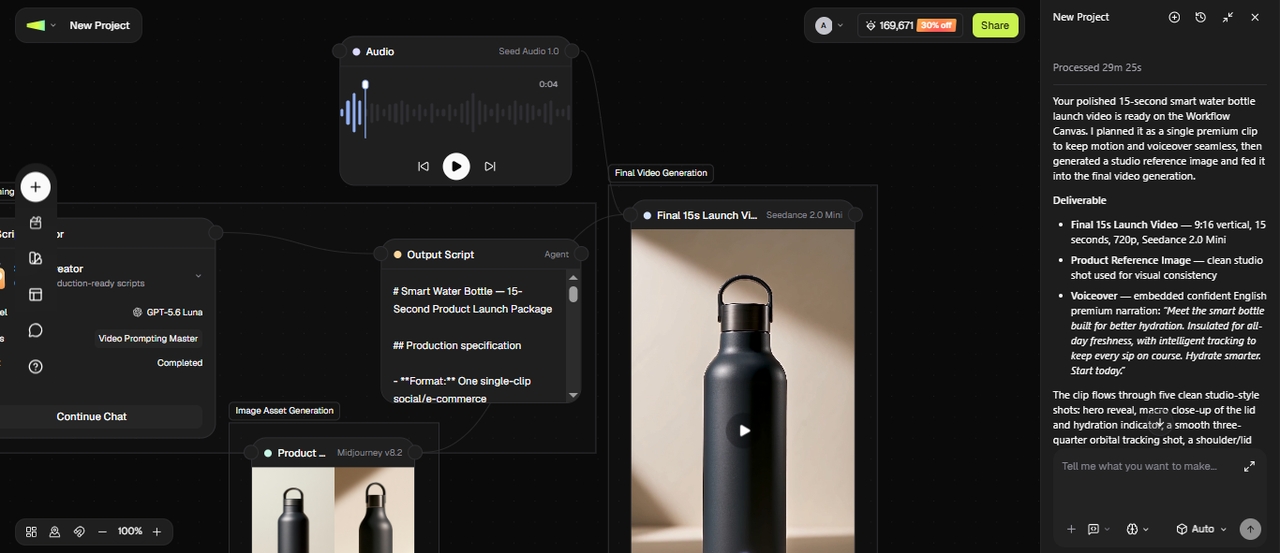
I tried building out an e-commerce product launch video on the canvas. I started with an Image agent to generate clean product shots, fed those into a Video node that turned them into a demo clip with Kling or Seedance, then routed the result through an Audio node for a matching voiceover, all inside one canvas instead of four separate tools.
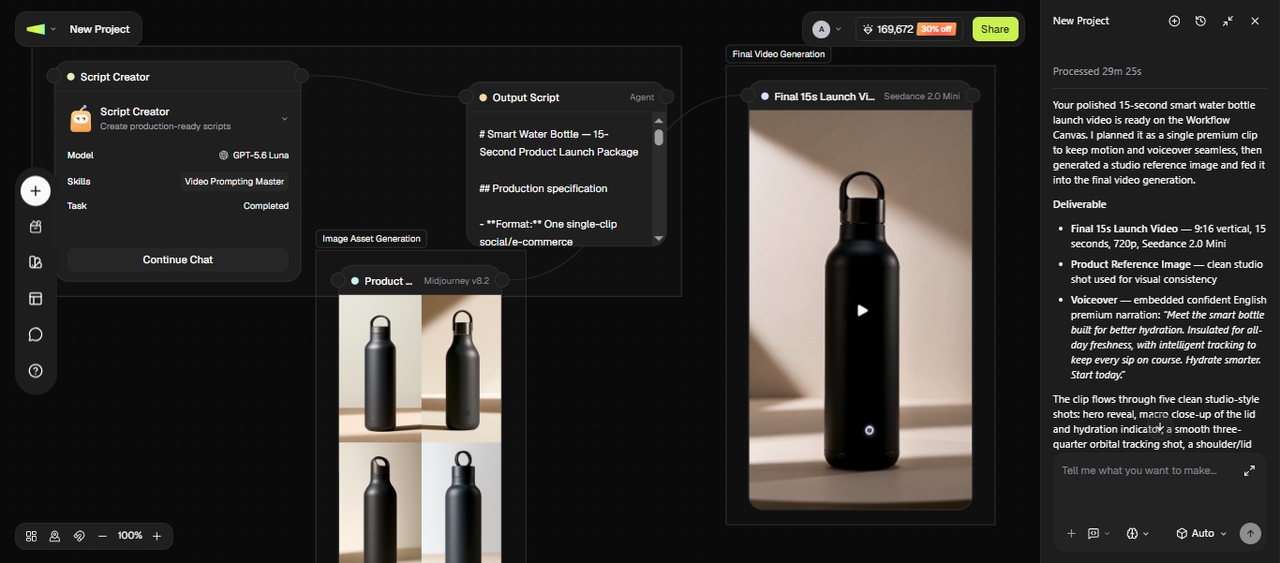
Here are the features that helped me along the way:
- Dedicated Image, Audio, and Video agents: I used the Video agent to turn prompts, scripts, or images into full clips across the models above, and the Image and Audio agents for thumbnails, voiceovers, and music whenever I needed those separately.
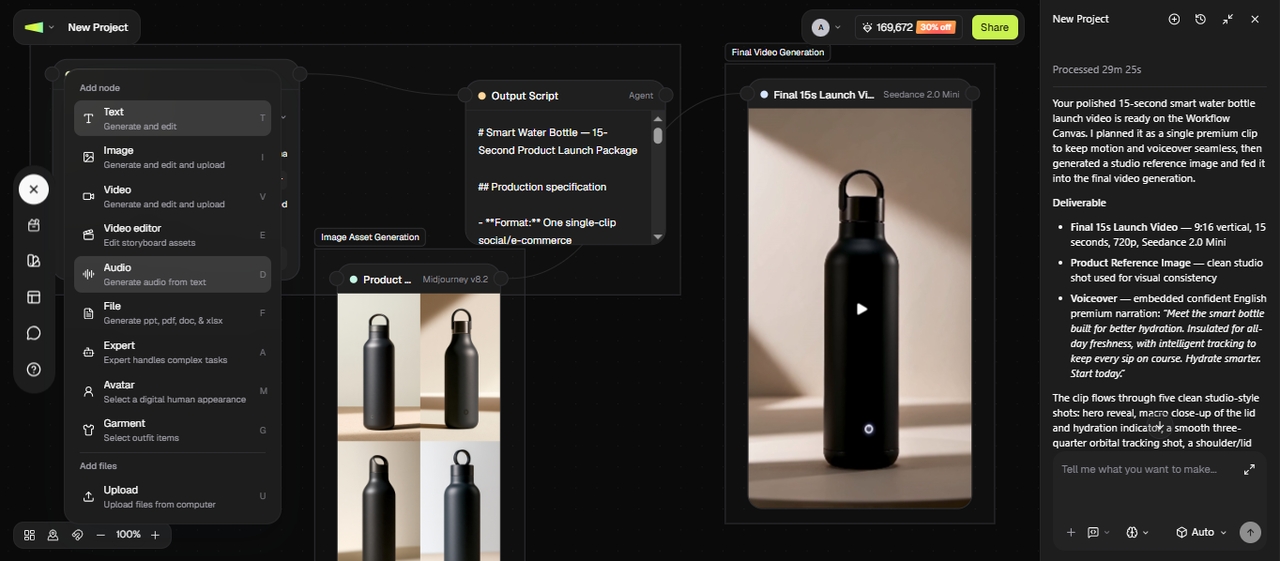
- Modify the prompt and regenerate: I described the change I wanted in plain text, and Framia Pro applied it with no timeline or manual editing tools required. I adjusted scenes, cut parts, and refined visuals without any prior editing experience.
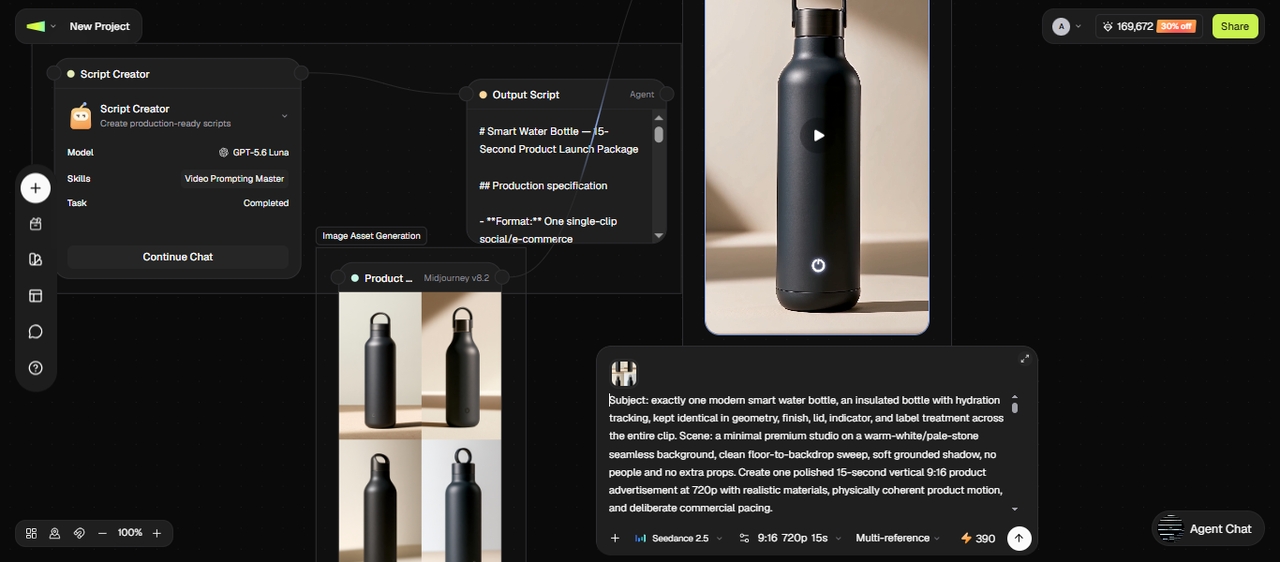
- Skills for scripts, review, and repurposing: I turned a rough idea into a structured script, ran a finished video through a pacing and retention review, and cut one long video into several shorter, platform-ready clips.
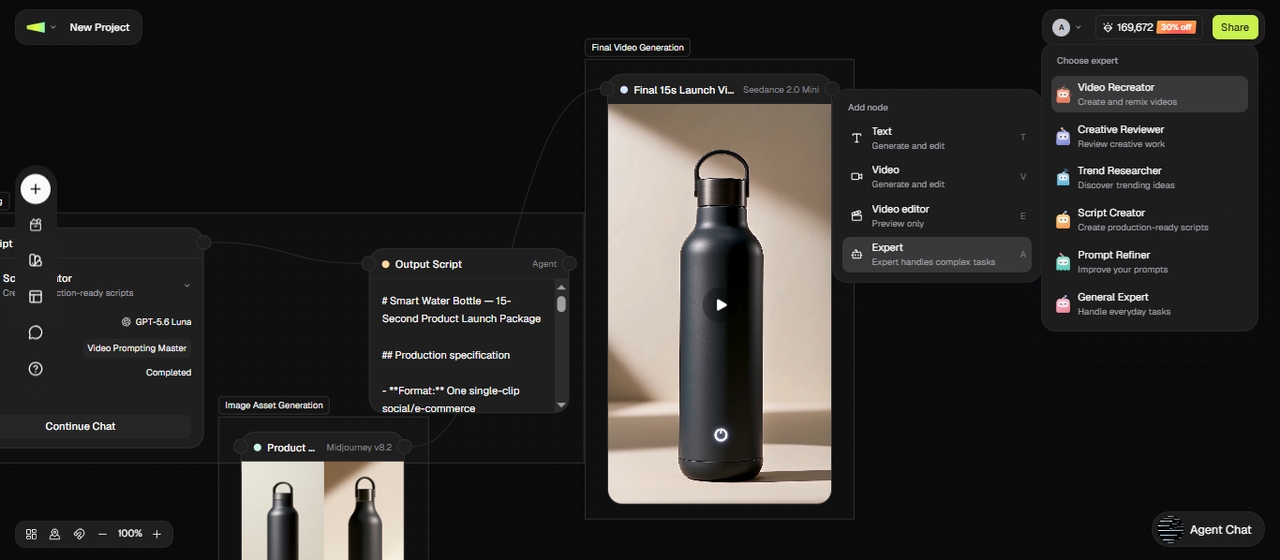
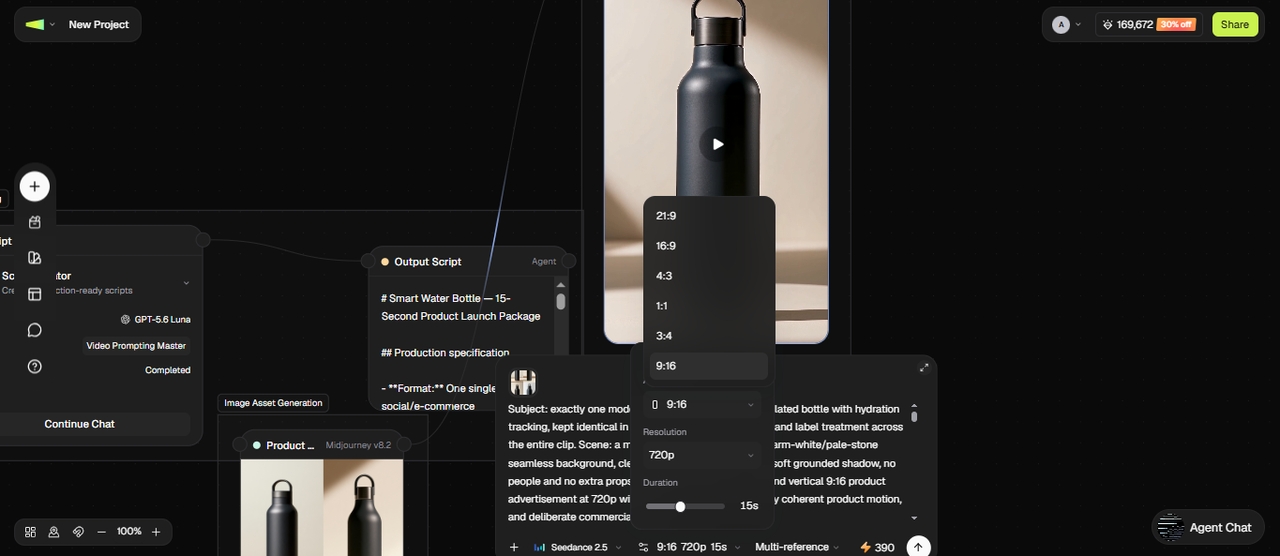
- Multiple durations and aspect ratios: I created clips of different lengths for different projects, in vertical, square, or widescreen, so my TikTok, Instagram, and YouTube versions were ready without extra resizing.
- Sync audio with your clips: Framia Pro syncs sound with visuals, so dialogue, music, or effects match the timing of the video. It matches lip movement with speech and lines up audio with scene changes, cutting down on manual audio adjustments during editing.
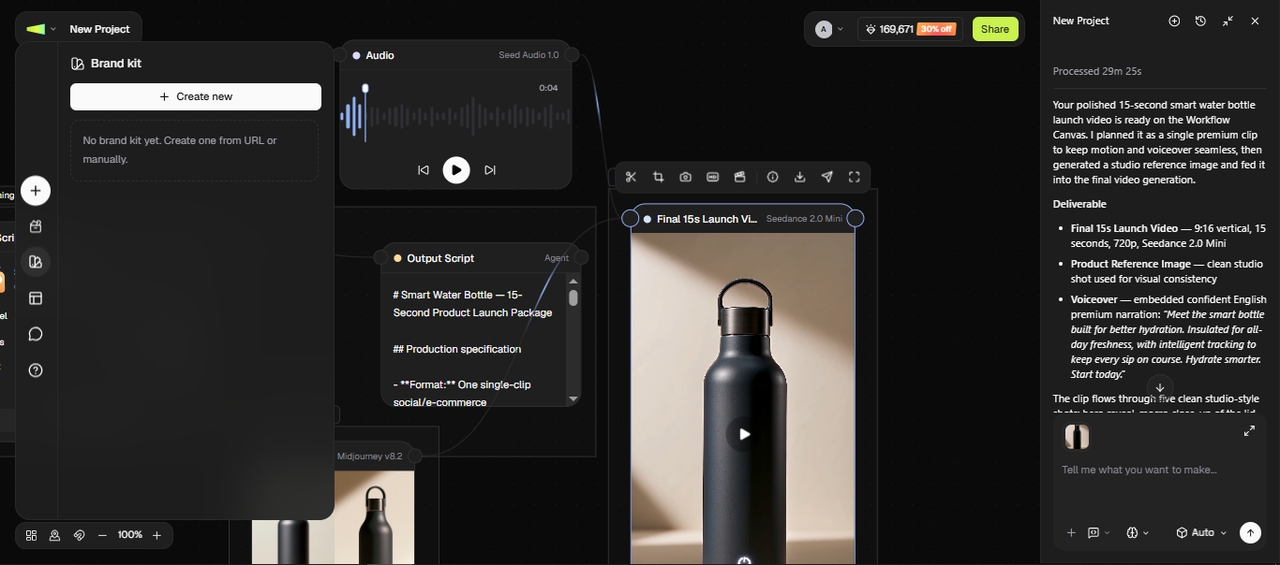
- Brand Kit: I stored my colors, fonts, and logo once, then applied them across every video I generated from any model in the workspace.
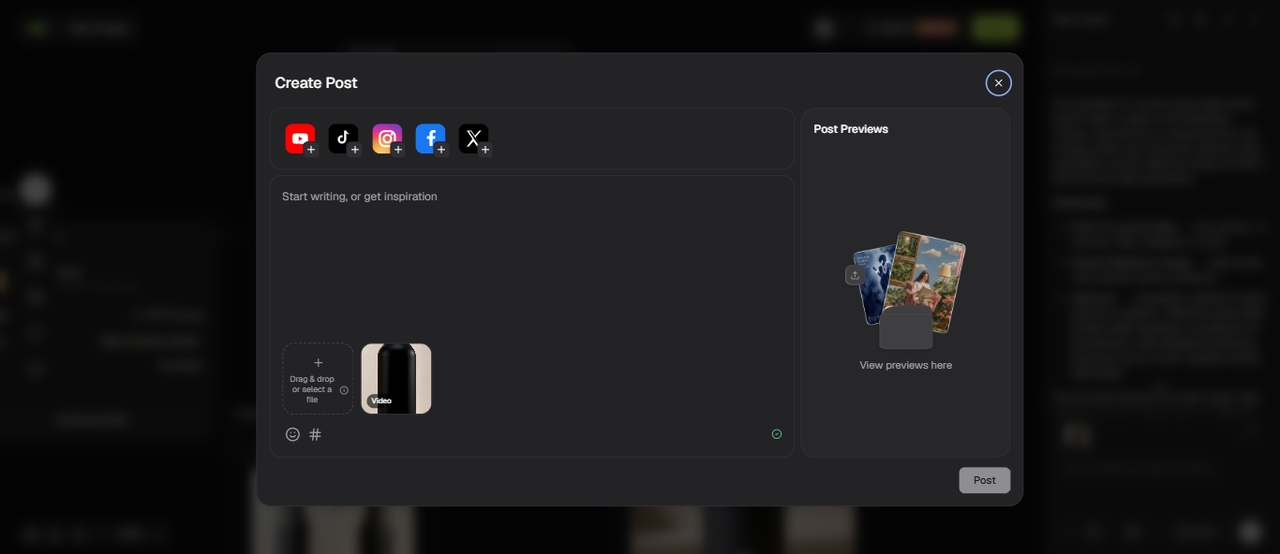
- Direct export from Publisher: I sent a finished video to TikTok straight from Framia Pro, no separate download-and-upload step.
Conclusion
In this article, we explored what AI video generation models are and reviewed 5 closed-source and 3 open-source tools you can use for your project. Focus on your goal before picking a model. Some tools suit quick social clips, while others work better for storytelling or high-quality scenes with sound and detail. When you match the model to the task, your results come out more accurate and easier to manage. If you want access to multiple top AI video models in one place, explore Framia Pro and switch between tools based on what your project needs.
Frequently asked questions
Which are the best AI models for video generation right now?
Some of the top AI models for video generation include Veo, Runway, Seedance 2.5, Kling, and MiniMax H3. Each one leans into a different strength, such as realism, motion, audio, or ease of use. On Framia Pro, you can access several of these models and switch based on your project.
What is happening with Sora's video model?
The Sora video model news revealed that it has recently been discontinued as a consumer app and API in 2026. OpenAI decided to shut it down to focus on other areas such as robotics and advanced research.
Are there open-source AI video generators available?
Yes, open-source AI video generators such as Wan, Mochi, and HunyuanVideo are available. You can run them locally and adjust them based on your needs, though setup requires technical knowledge. Framia Pro offers an easier option if you prefer ready-to-use models without local setup.
Can AI video models create long videos?
Most AI video models still focus on short clips instead of full-length videos. Some tools allow longer scenes, but they often require combining multiple clips. Framia Pro supports different durations, so you can create and manage clips based on your needs.
Which AI video model should you use?
You should choose a model based on your goal and content style. Veo works well for realistic scenes, Kling handles motion, and Seedance gives more control with multiple inputs. Framia Pro's video agent lets you test these models in one place and pick what fits your workflow.
Do AI video generation models cost money to use?
Most do, though pricing varies widely. Some charge per clip, while others run on monthly subscriptions with credit limits. Open-source models like Wan or Mochi are free to run, but you'll need your own GPU hardware.
Can I use AI-generated videos for commercial projects?
It depends on the model's license and your subscription tier. Apache 2.0 models like Wan 2.2, Mochi, and HunyuanVideo allow commercial use. For closed-source tools like Veo, Runway, or Kling, check the specific plan's commercial usage terms before publishing generated video in paid or branded work.
Which AI video models support native audio?
Several current models generate audio in the same pass as the video instead of adding it afterward. Veo 3.1, Kling 3.0, Seedance 2.5, and MiniMax H3 all support native audio, including dialogue, sound effects, and ambient sound tied to what's happening on screen.