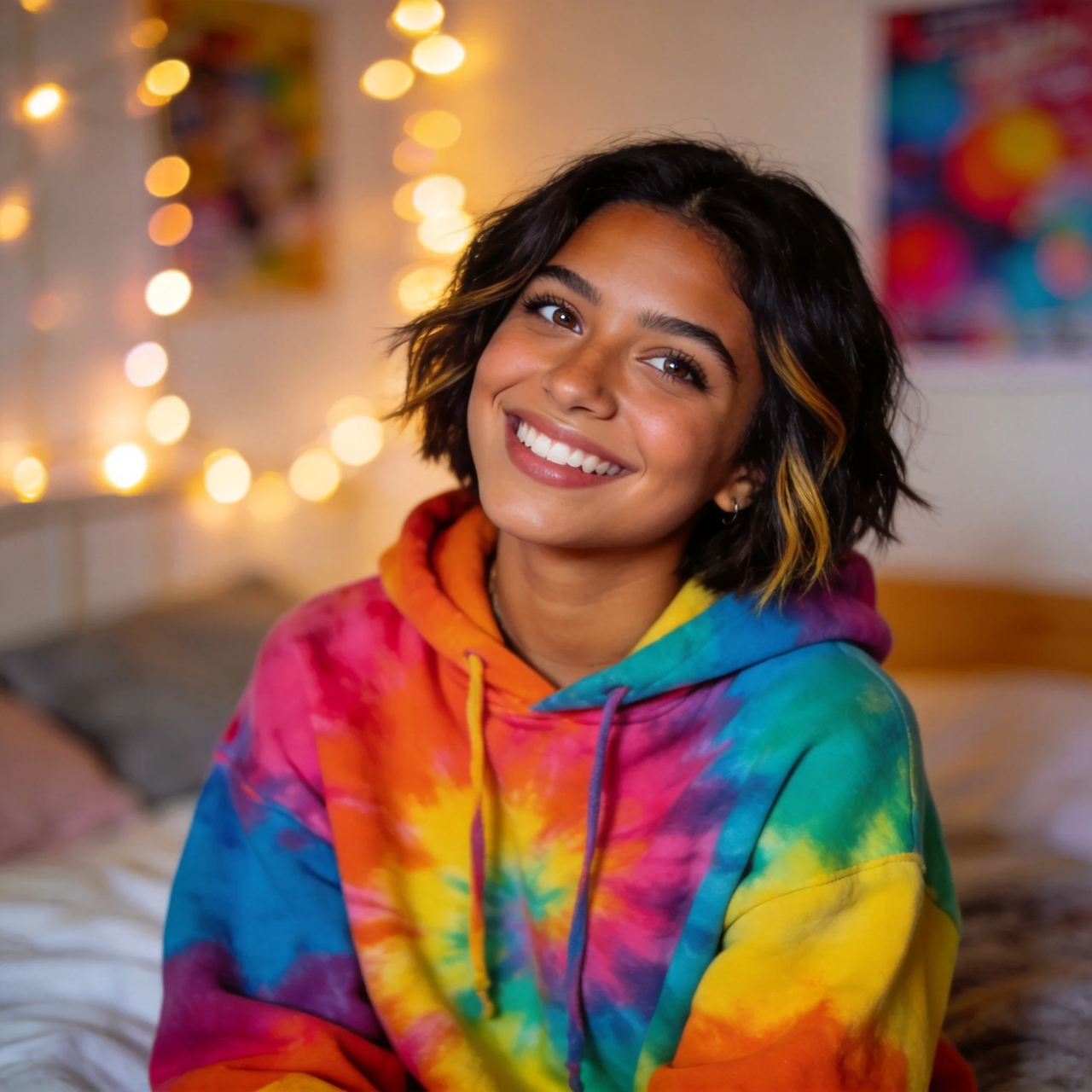
Free AI Face Swap Online

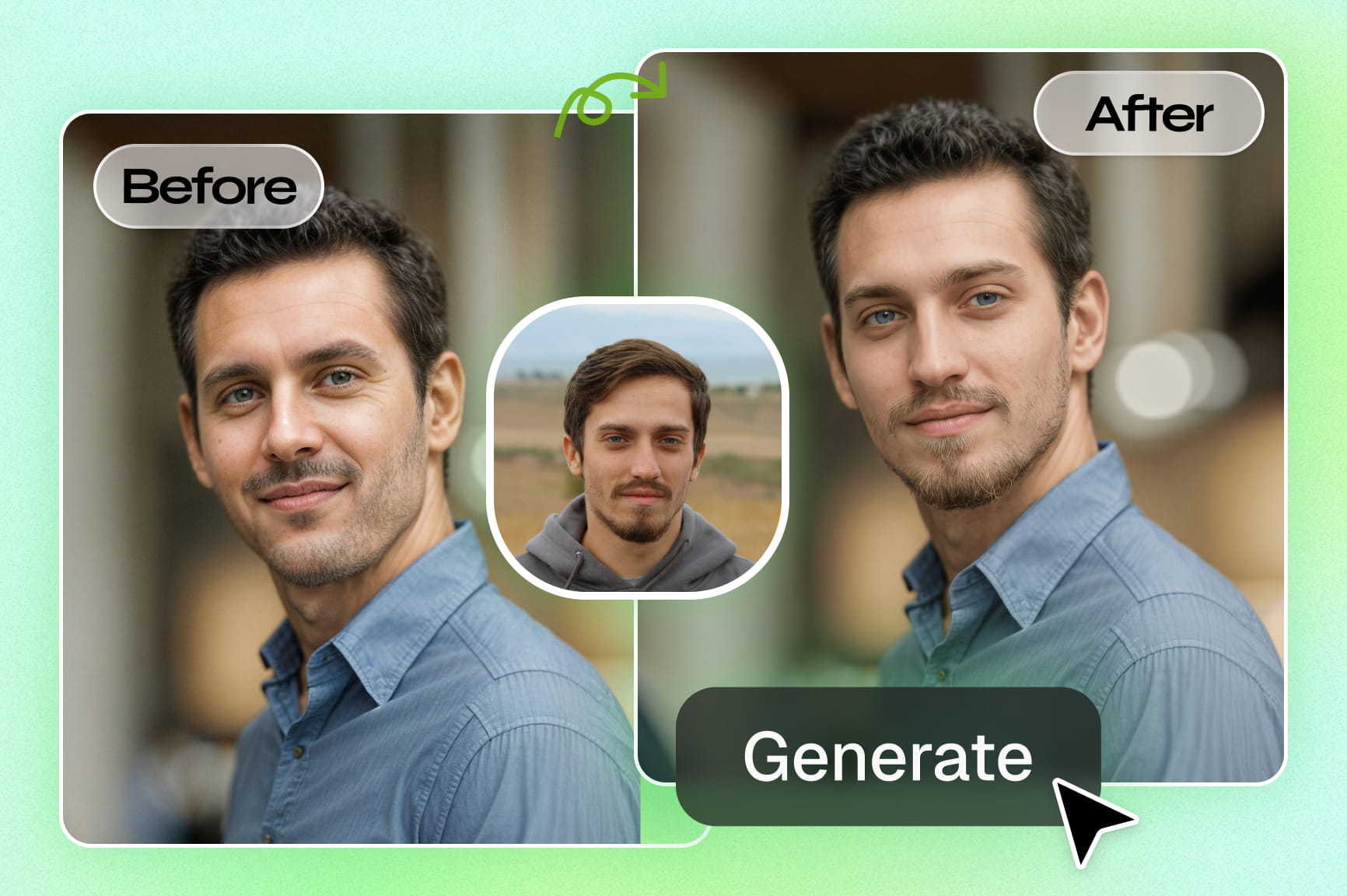
Use AI to switch faces in images and clips with smooth blending. Create clear results for portraits, group photos, and short videos.

Upload imagesClick to browse or drag & drop file here
Free AI Face Swap Online

How to use Framia Pro's AI face swap tool?

Go through these three quick steps to swap faces in your videos:

Open the AI face swap app
Go to Framia Pro's home page and open "Apps" from the left side panel. Look for "AI Face Swap Video" under the "Video" tab and open it.
Upload images
Drag & drop your image to the "Your Photo" section and upload the "Target Person." Describe the scene to let AI know what you want.
Swap faces with AI
Click "Generate" and wait for Framia Pro to create a talking video with a swapped face. Edit the video if needed and download it to your device

Why does Framia Pro's AI face swap generator stand out?

Start creating realistic face swaps using simple inputs and get smooth results that stay consistent from start to end.

Replace faces in videos with AI precision

Upload a single photo, and Framia's AI face swap video engine maps your facial geometry onto a moving clip. The AI detects facial structure, aligns proportions, and merges your face into the target video in no time.
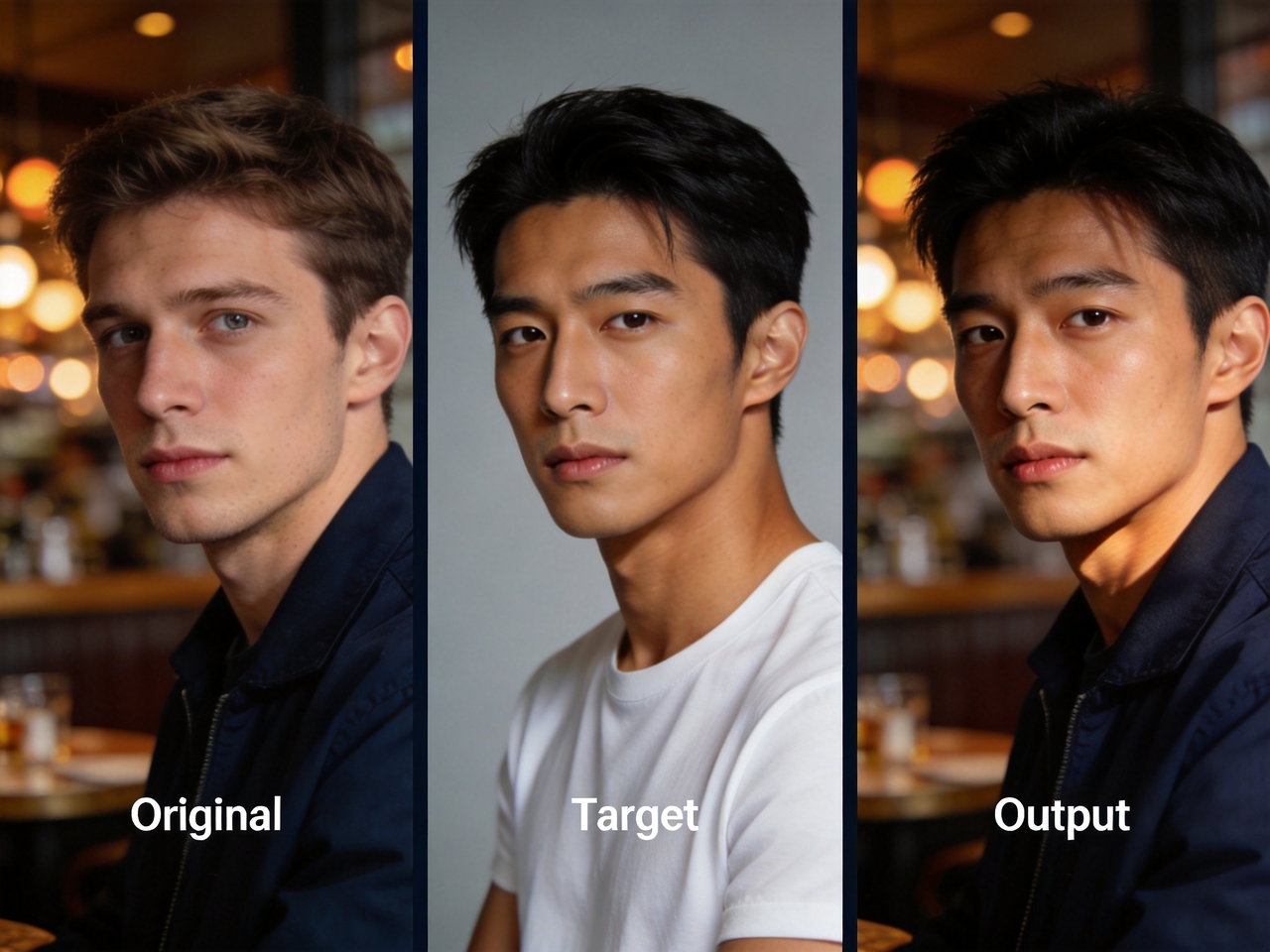
Replace faces in videos with AI precision
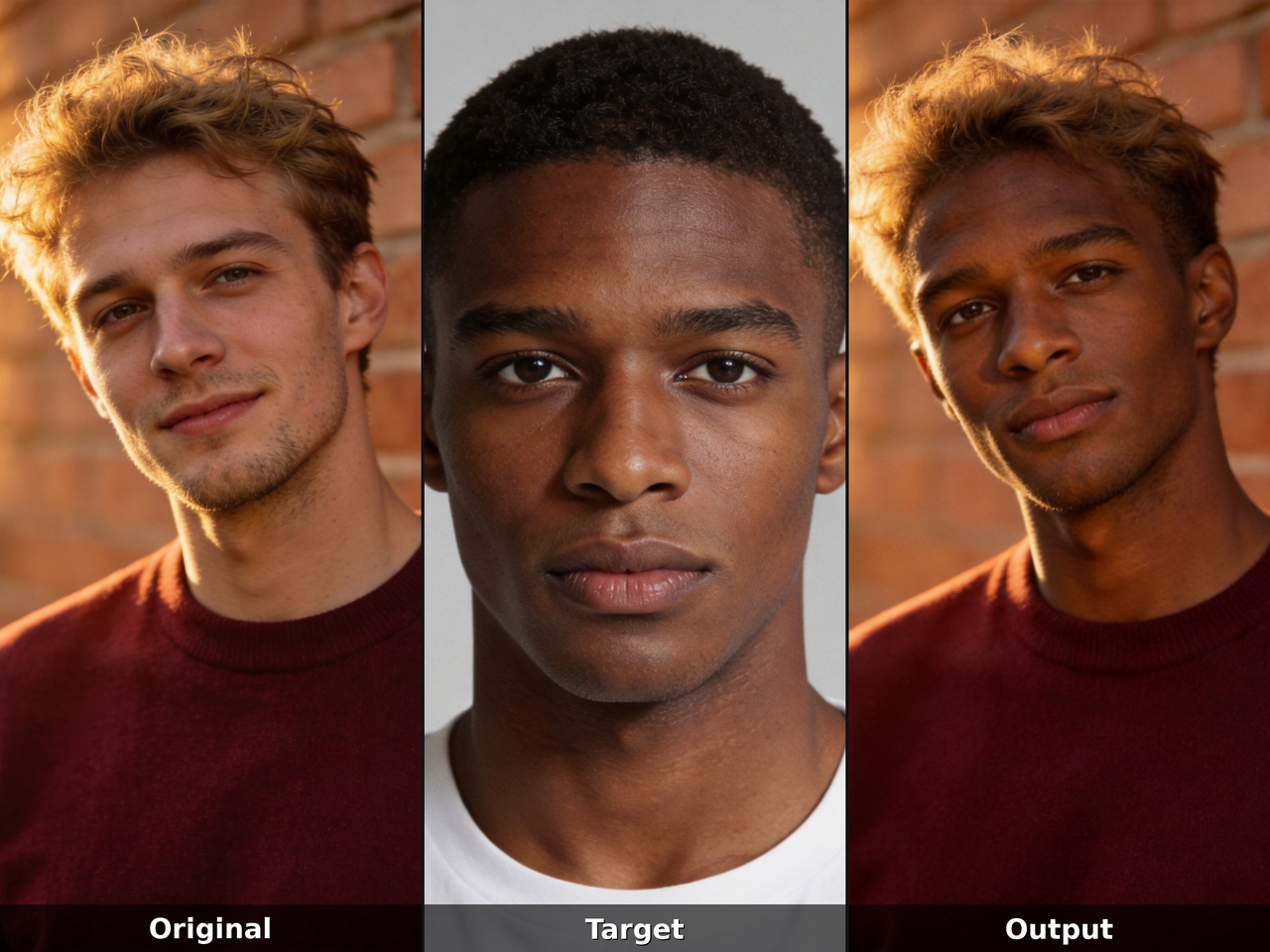
Swap faces in any images you want

Swap faces in any images you want

Use Seedream 5.0, Nano Banana 2, Flux Max, and Midjourney v7 on the Framia Pro AI photo face swap tool to swap your face with anyone. Generate clear outputs with accurate alignment, natural tones, and clean edges.

Create consistent swaps across frames

Track facial position from the first frame to the last and adjust alignment as motion changes with Framia's face swap video AI. Reduce flicker and mismatched edges so the final video shows a steady and believable face replacement
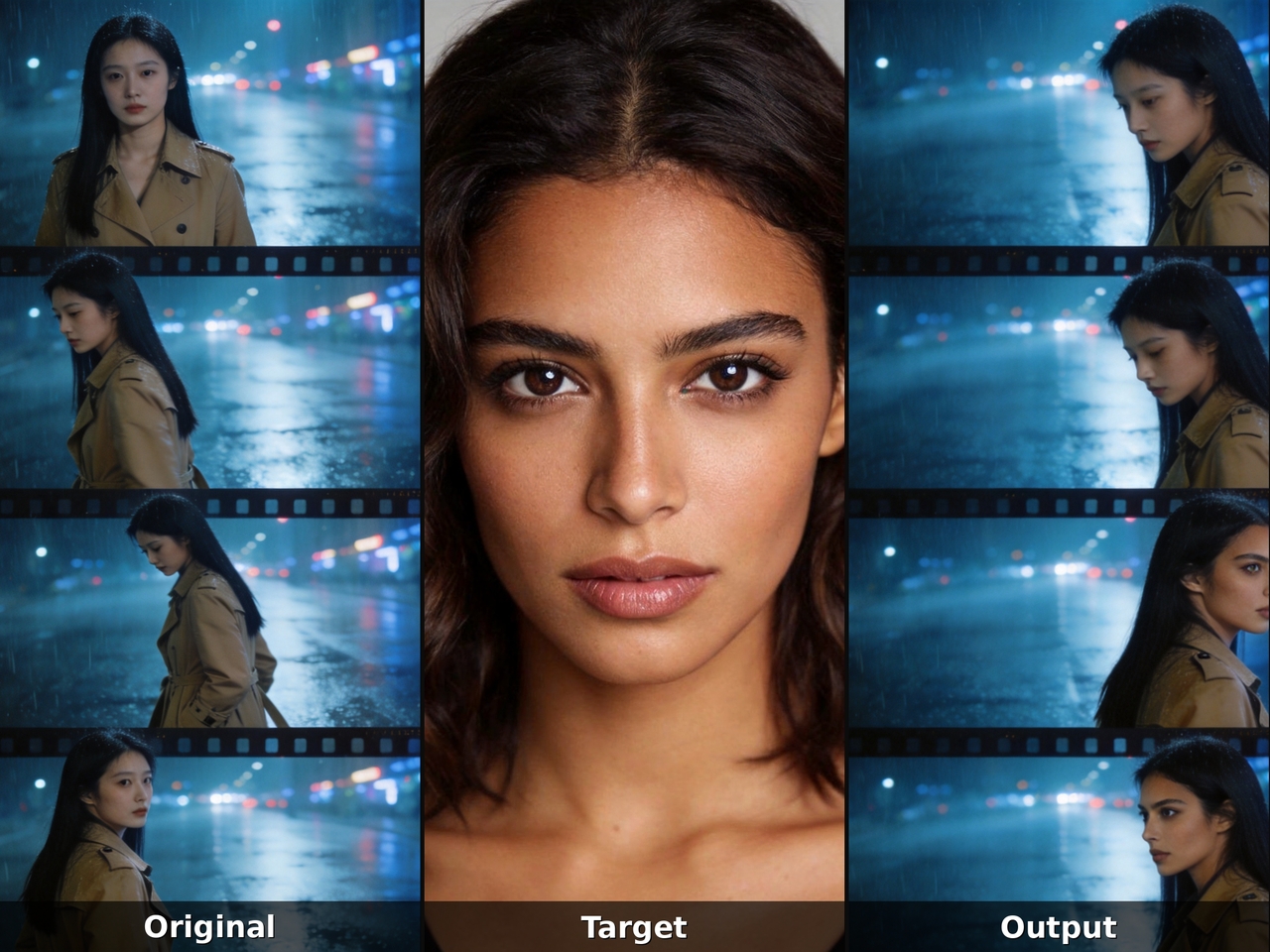
Create consistent swaps across frames
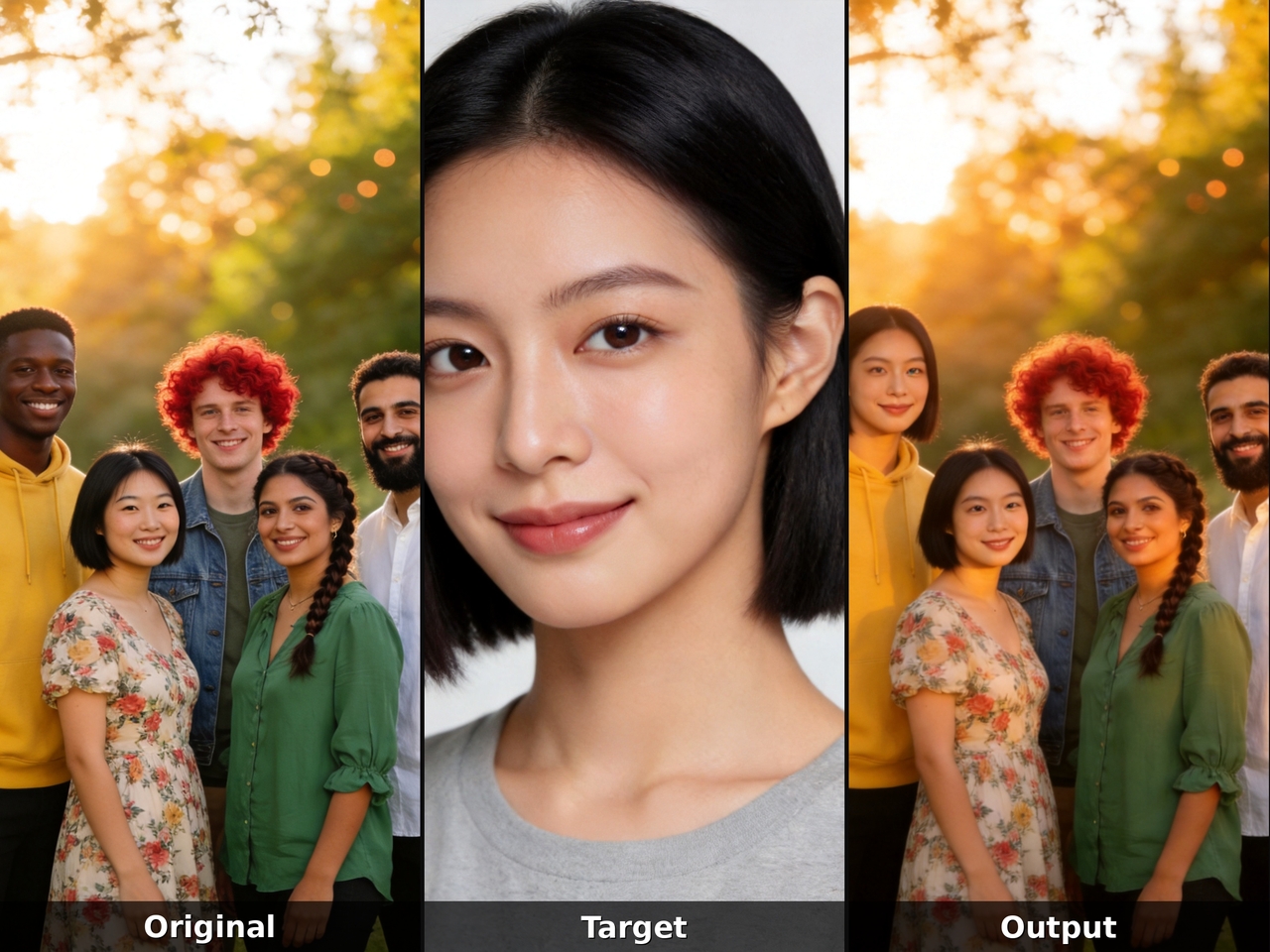
Apply swaps in group images or scenes

Apply swaps in group images or scenes

Target each individual face in a photo, portrait, or group scene with the Framia Pro AI multiple face swapper online. The AI face swapper processes every person independently, so one swap never distorts or bleeds into another.

Generate realistic facial blending

Match skin tone, shadows, and light direction between source and target. Framia Pro's AI face swapper blends edges carefully so the swapped face fits naturally into the scene and avoids sharp or uneven transitions.
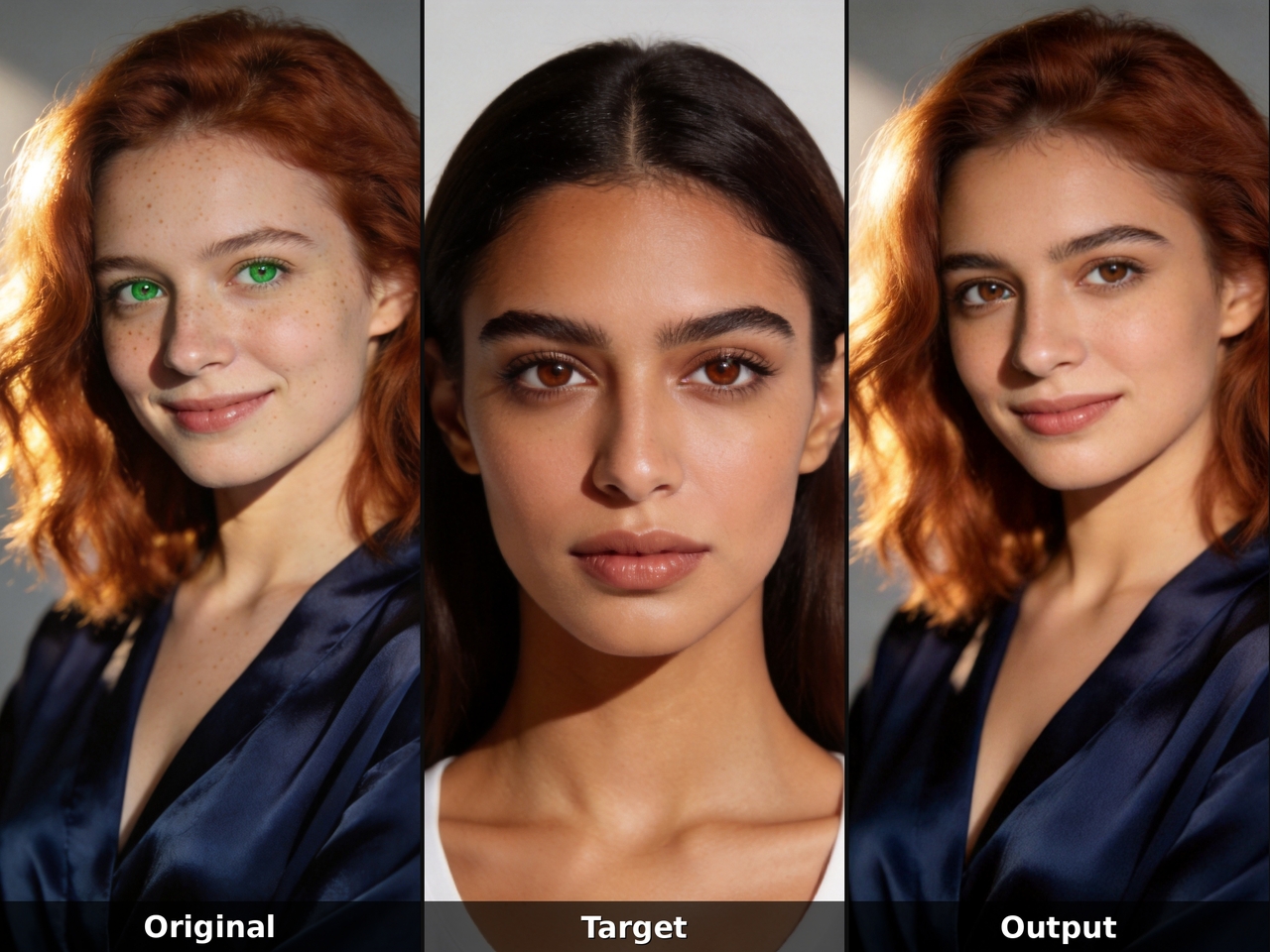
Generate realistic facial blending

What can you create with Framia Pro's AI face swapper?

Create different video and image edits using our AI face swapper for fun clips, stories, and social content.

Social reels with swapped faces
Create short social reels by placing new faces into trending clips. Use the Framia Pro to match motion and lighting, so each frame shows smooth identity changes in fast-paced content.
Movie clips with face replacement
Select any movie-style clip and use AI to create a face swap video. Framia Pro tracks facial movement frame by frame, so the replacement stays locked to the character throughout the scene.
Talking videos with new faces
Swap a face in a talking photo video and watch the AI align lip movement, jaw angle, and expression to the new face. The result reads as a real recorded performance rather than an edited composite.
Group videos with same face swap
Place one face on your group photos with our free AI batch face swapper online. Detect each subject and align features so the same identity appears clearly in shared images with balanced lighting, face positioning, and consistent visual structure.
Meme clips with quick face edits
Edit meme images or videos by switching faces. Our AI face swap tool processes frames quickly so expressions match timing and motion. This creates clear visual humor with stable transitions, clean edges, and accurate facial placement in short video sequences.
Character swaps for story videos
Replace a fictional character's face with a real one to build narrative video content. Framia's AI face video swap engine reads the character's lighting, angle, and texture to deliver a swap that fits the visual style of the original scene.

Why use Framia Pro's free AI face swap tool?

Get cinematic face swaps in photos and videos using one platform, one photo, and zero technical experience.

One photo is all you need
Start face swap using a single image as input. The tool reads facial structure and applies it to target media to produce clear identity transfer in photos and video scenes. You can also use the video editor to clean up the content.
Frame-accurate face tracking
Traces every facial movement from the first frame to the last with Framia's face swap video AI. Each shift in angle gets adjusted so the swapped face stays locked in position while motion continues naturally to produce steady output.
Clean face blending in videos
Blend facial edges into each frame with careful adjustments. Framia Pro's AI face video swap tool merges the skin borders surrounding pixels to reduce harsh lines and create a smooth transition between the source face and the target video content.
Works for photos and clips
Processes both still portraits and full video clips through the same AI face swap generator. The output quality stays consistent whether you run an AI photo face swap or feed in a full video clip.
Simple steps for quick results
Select a target image or video, upload your photo, and hit generate. The Framia Pro AI face swap video generator gives you a clean result in seconds, so you spend more time creating and less time waiting.
Natural lighting and tone match
Match skin tone and lighting between source and target media while swapping the faces in your images and videos. Framia Pro ensures your final output blends with surrounding light conditions and keeps facial detail visually consistent.

What do creators say about Framia Pro's face swap AI tool?

Hear real feedback from creators sharing how AI face swap fits into their daily photo and video editing work.

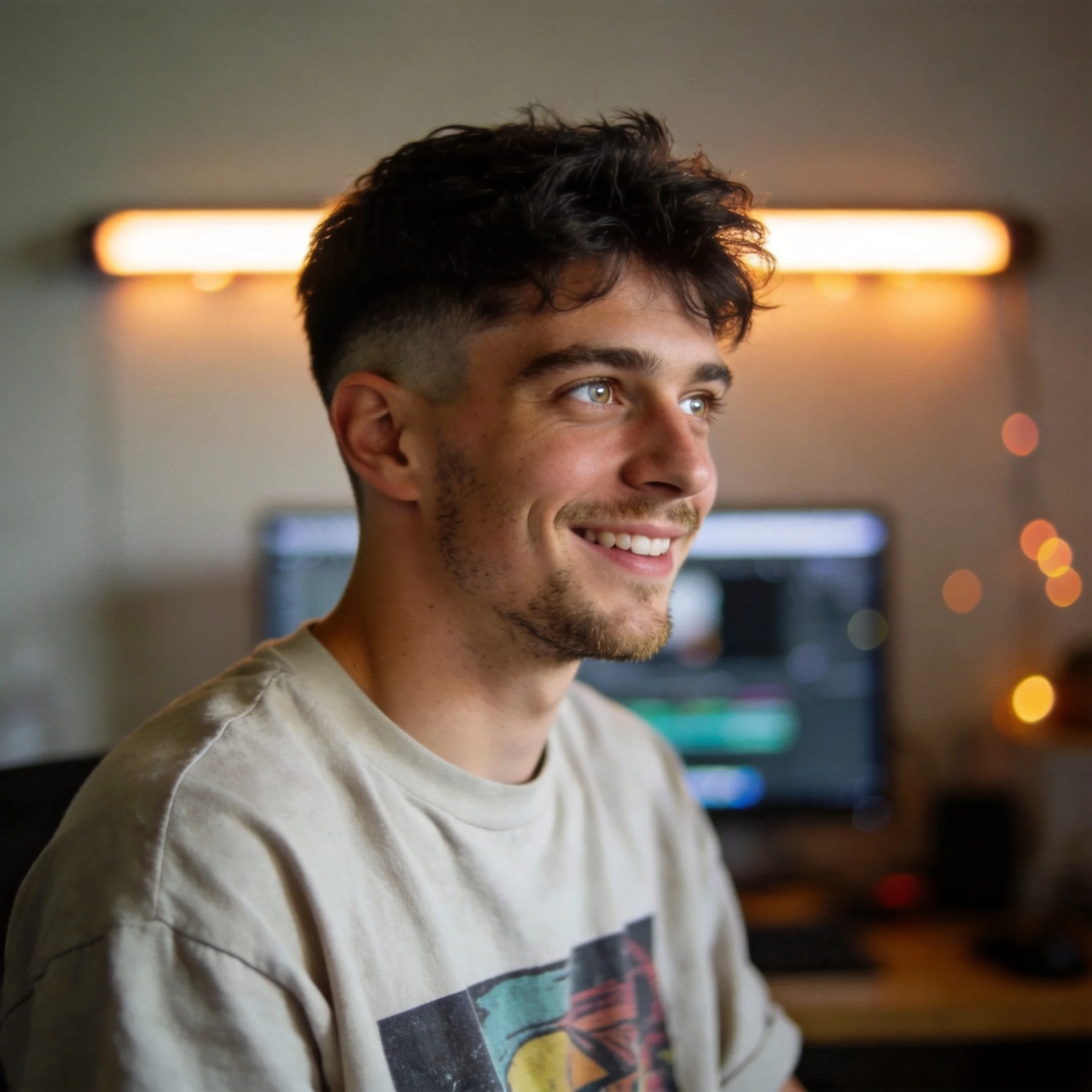
I tested Framia Pro on short video edits and noticed smooth face movement across frames. Talking scenes looked steady, and eye motion stayed aligned. The output felt close to real footage, which worked well for social posts and creative video ideas.
Alex Turner
Alex Turner
Content Creator
I was paying a freelance editor every month just to keep my product photos looking sharp. Framia Pro does the same job at a much lower cost. The background removal is clean, the colors stay true, and I stopped waiting three days for someone else to send files back.
Mia Collins
Mia Collins
Social Media Manager
I used the tool for client reels and noticed fewer visual glitches during movement. Face placement stayed steady across frames, which reduced extra correction work. Short edits finished faster while still meeting client expectations for clean video output.
Jordan Blake
Jordan Blake
Freelance Video Editor
My experiments with portraits and video loops showed balanced lighting and tone matching. The face swaps blended into scenes without harsh edges. This gave more time for creative ideas instead of fixing mismatched facial details in every frame.
Sophie Grant
Sophie Grant
Digital Artist
I applied face swaps in storytelling videos with different characters. Expressions stayed readable during speech scenes, and motion did not break alignment. The final video felt stable enough for uploads, especially in dialogue-heavy parts with continuous movement.
Ethan Moore
Ethan Moore
YouTube Creator
I tested quick edits for meme clips and saw clean face changes even in fast cuts. Expressions matched timing well, which improved humor delivery. The tool handled short-form content without distracting visual shifts or uneven transitions.
Lily Adams
Lily Adams
Meme Content Creator
We've compiled the most important information to help you get the most out of your experience. Can't find what you're looking for?Contact us

Frequently asked questions

Is there any free AI Face Swap?
Yes, Framia Pro offers a free plan that lets you swap faces in images or videos. You can simply add the original and face images and let AI do the work.
Which AI is best for face swap?
Framia Pro works well for face swap tasks, using AI models that align facial features, lighting, and angles to deliver steady results for photos and short video clips with clear output.
How do I swap someone's face in a photo?
If you want to swap someone's face, open the image generator on Framia Pro, upload the target and original images, describe what you want, and AI swaps the faces instantly.
Does Face Swap AI actually work?
Yes, AI face swap works by detecting facial landmarks and aligning them with the target media. It blends skin, angles, and expression so the new face fits naturally into each frame.
Can cybersecurity systems detect an AI face swap?
Face swap AI can sometimes be detected through pixel patterns, lighting mismatch, or texture shifts, especially when advanced detection tools scan images or video frames closely.
How do I create my own face swap AI?
Framia Pro lets you create face swap results by uploading a source face, selecting target media, and letting AI process alignment, blending, and frame-based adjustments.

Still have questions?

Have questions or need assistance? Our team is here to help!

Swap faces with AI now!

Create sharp face swap results in photos and videos using simple AI tools that deliver clear edits, smooth blending, and natural motion output.

AI Face Swap Online — Merge Your Face into Video or Image