Turn Image to Video with AI

Transform static photos into viral clips with Framia Pro for free. Experience the simplest image-to-video AI workflow for easy video generation.

Upload imagesClick to browse or drag & drop file here
Turn Image to Video with AI

Key features of Framia Pro's AI image-to-video generator

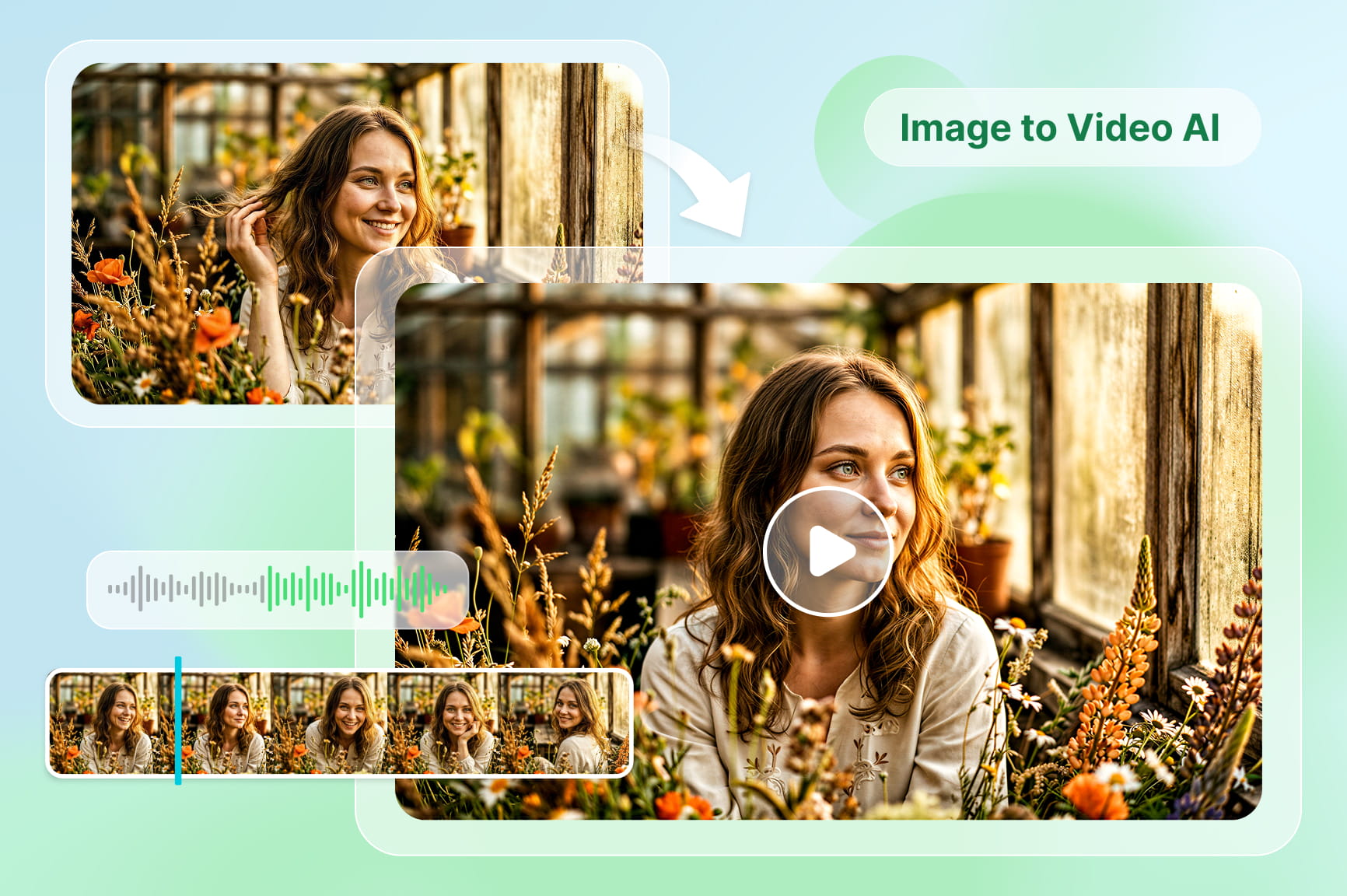
Turn simple images, whether JPGs or PNGs, into captivating videos that will draw attention from viewers.

Turn sketches and photos into cinematic B-roll

You don't have to rely on just one photo to get started. By uploading sketches, style guides, or a single image, you can guide the AI to generate a complete series of cinematic B-roll clips, including close-ups and creative angles.

Choose specific AI experts for different styles

Choose specific AI experts for different styles

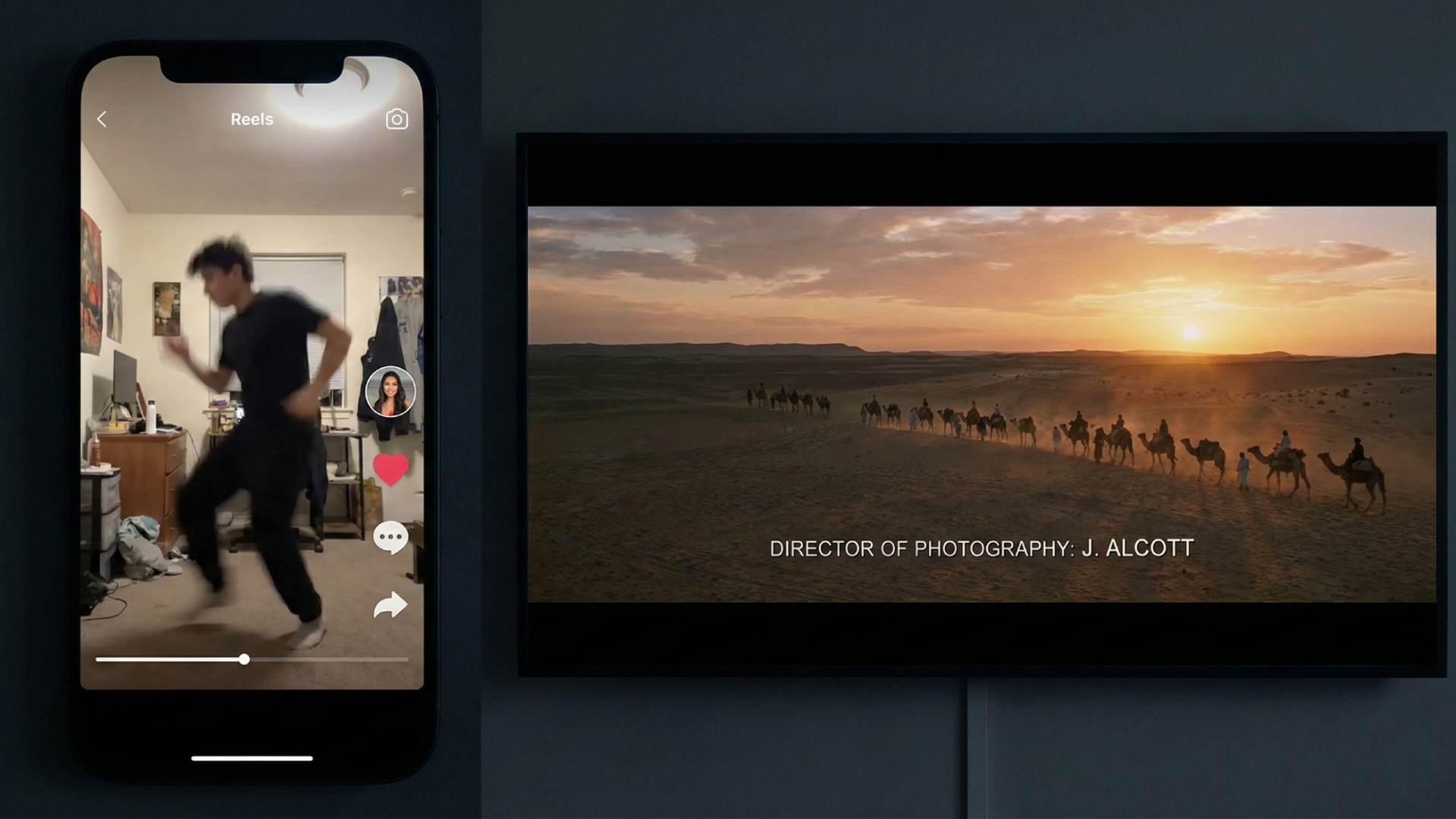
You can select different specialized "AI agents" depending on your project goals. The "Shorts Agent" is an expert at creating fast-paced, viral clips for social media platforms, while the "Movie Agent" focuses on generating cinematic, slow-motion scenes that feel like a movie.

Add special effects without technical skills

Adding new elements to your video is incredibly easy with this tool. The AI automatically handles complex tasks like matching perspective, depth, and lighting, so everything looks natural. You don't need expensive software or green screens to get a polished look.

Control speed and music with simple commands

Control speed and music with simple commands

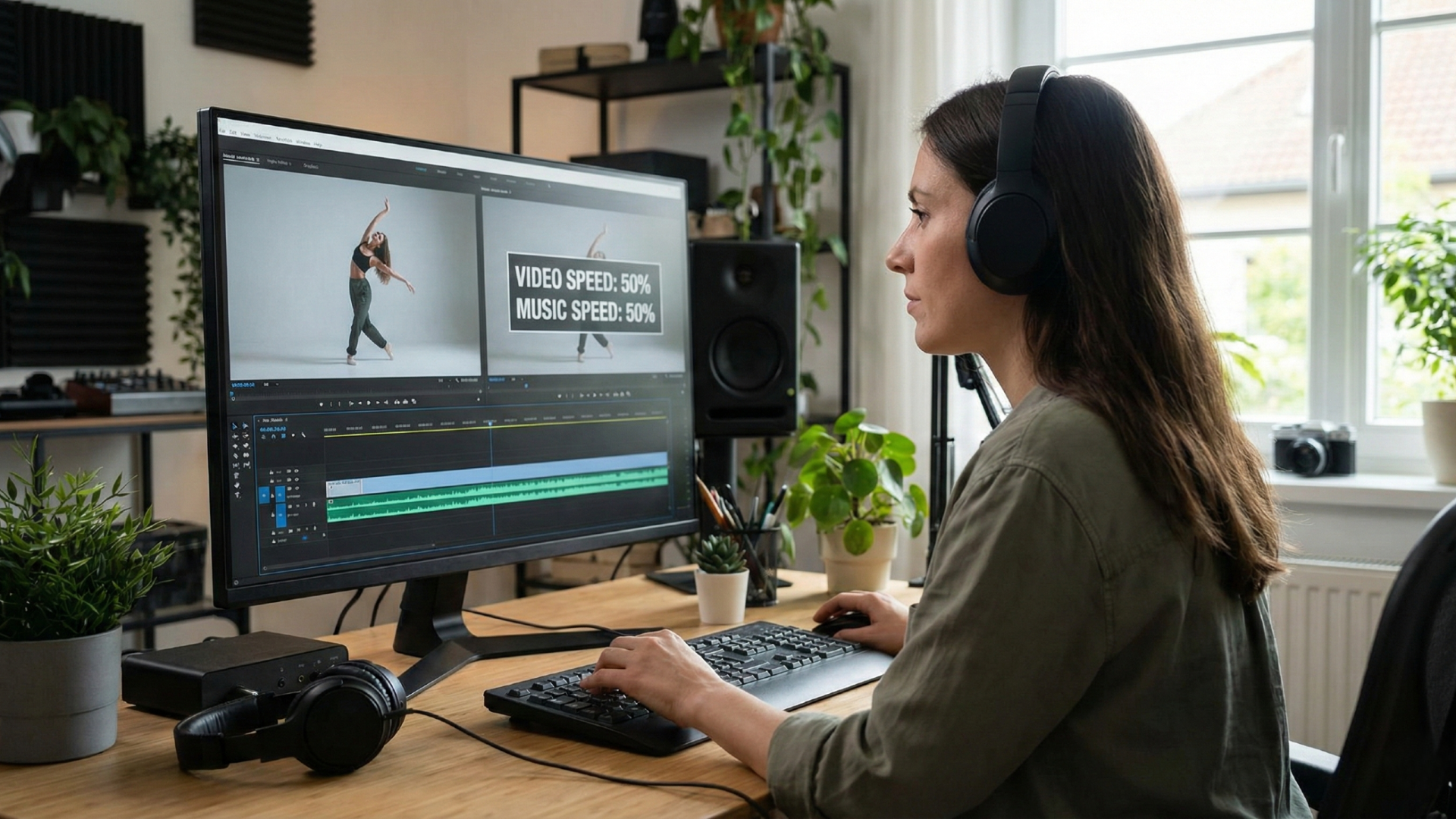
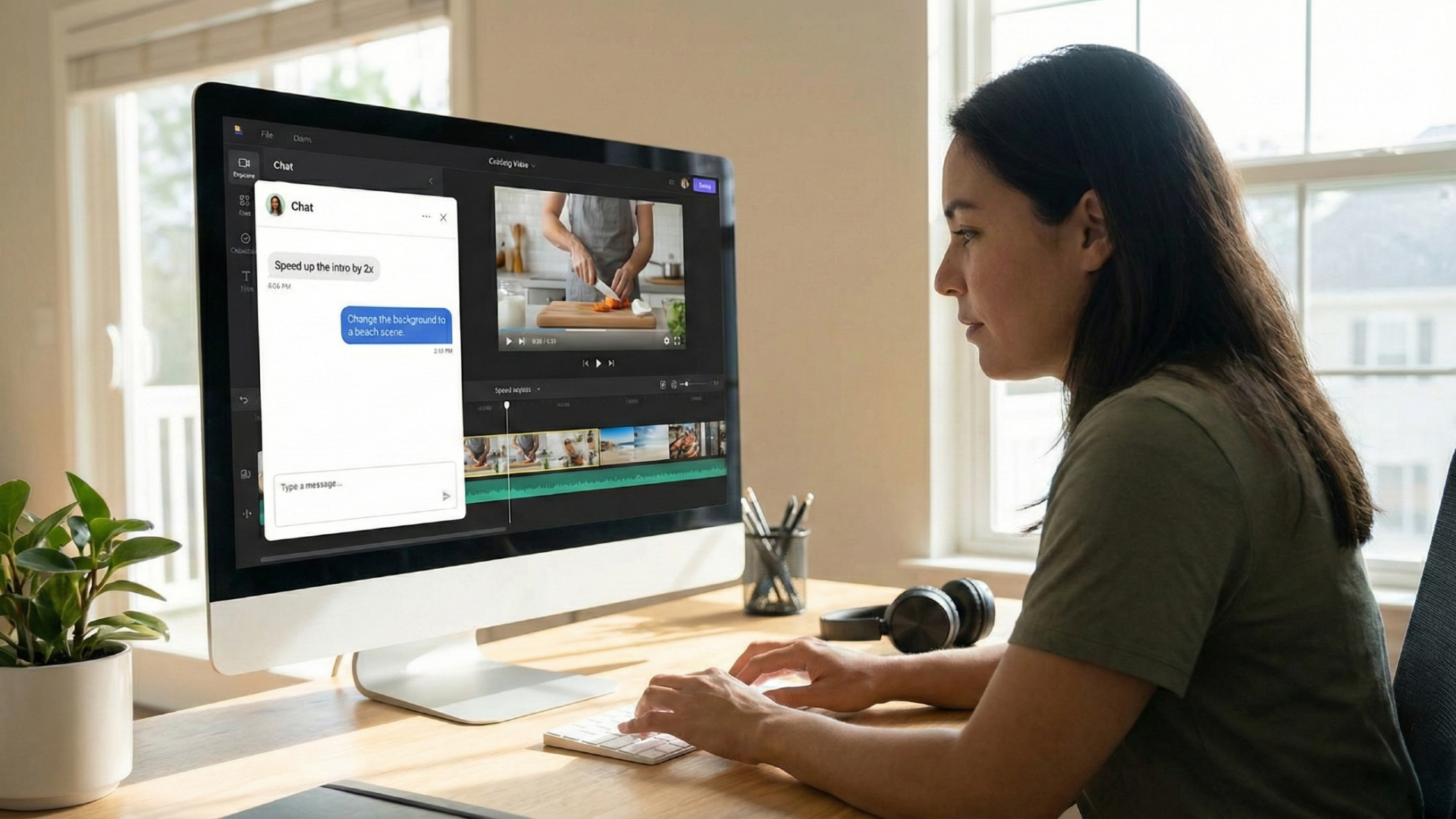
Create AI images to video with audio and emotions with agent-assisted video editing process. Here you can act as the editor just by talking to the AI. Simply use natural language commands to tell Framia Pro to speed up the intro, add a dramatic pause, or sync the visual motion to a specific music style.

Keep characters and brand faces consistent

This feature ensures that your characters or brand mascots look exactly the same in every single clip. By locking in facial features and clothing styles, you can create professional branded content and long-form stories without any distracting visual changes.

How to use Framia Pro's AI image-to-video generator online?

Bring any photo to life using Framia's image to video AI generator free tool, by following the recommended steps outlined below.

Step 1: Access Framia Pro
Sign up on Framia Pro and open the AI video generator from the homepage.
Step 2: Upload & customize
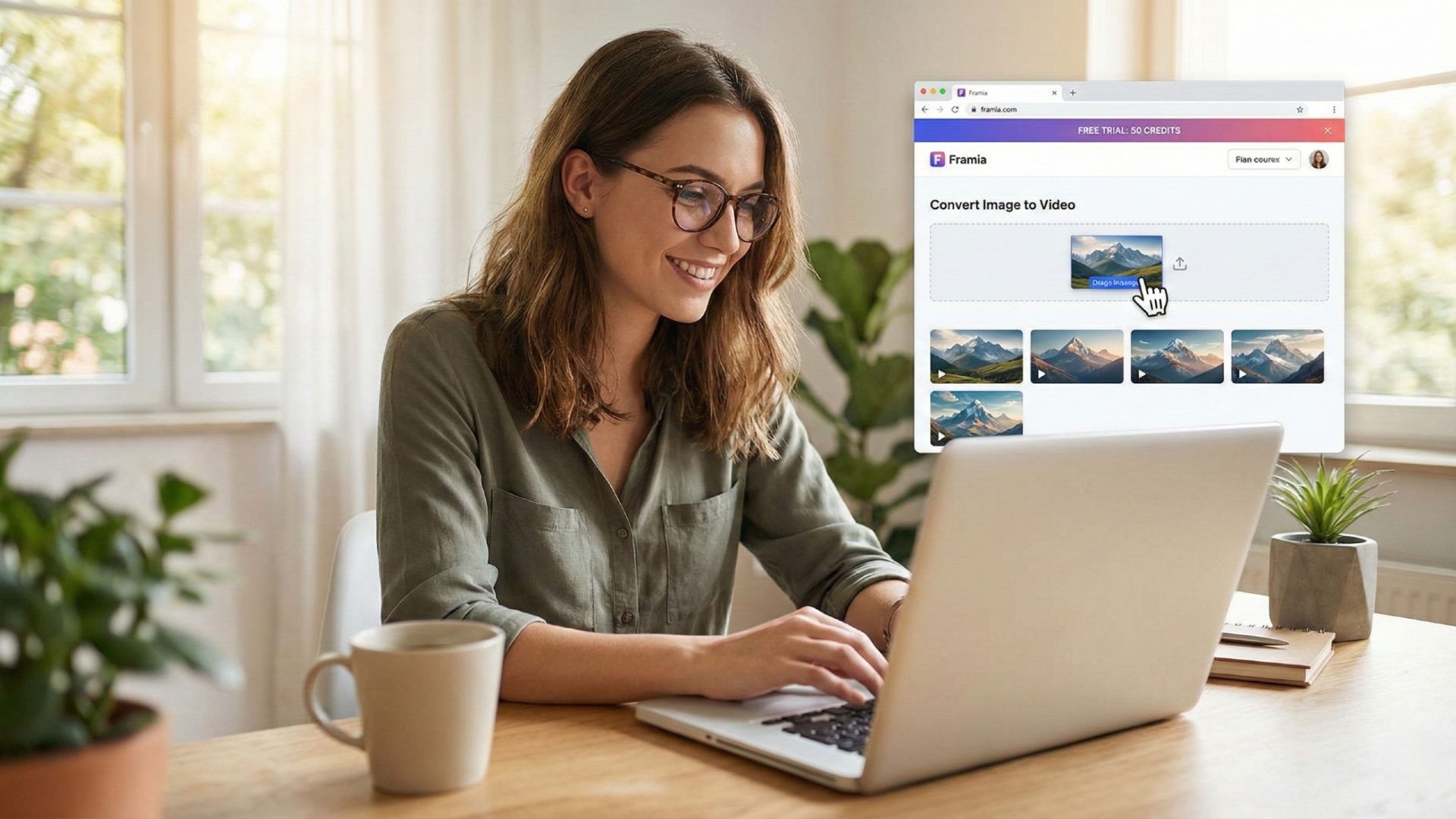
Choose a video agent, upload your image, and enter your prompt. Set aspect ratio, duration, and model.
Step 3: Generate & export
Start generation, then download or further edit your finished video.

Why Framia Pro is the best image-to-video AI tool?

Framia Pro offers a powerful, entry-level way to explore AI video generation with zero upfront costs.

Edit your videos just by talking to the AI

Instead of navigating complex menus, you can simply tell the AI what you want in textual commands. Whether you need to speed up an intro or change a background, giving textual commands to the tool saves hours of manual labour.
Edit your videos just by talking to the AI
Try out professional video creation for free

Try out professional video creation for free

You don't need to pay anything to start experimenting with Framia's image to video AI free online tool. The free trial gives you enough credits to test image-to-video conversion and generate several short clips, allowing you to see results before spending any money.

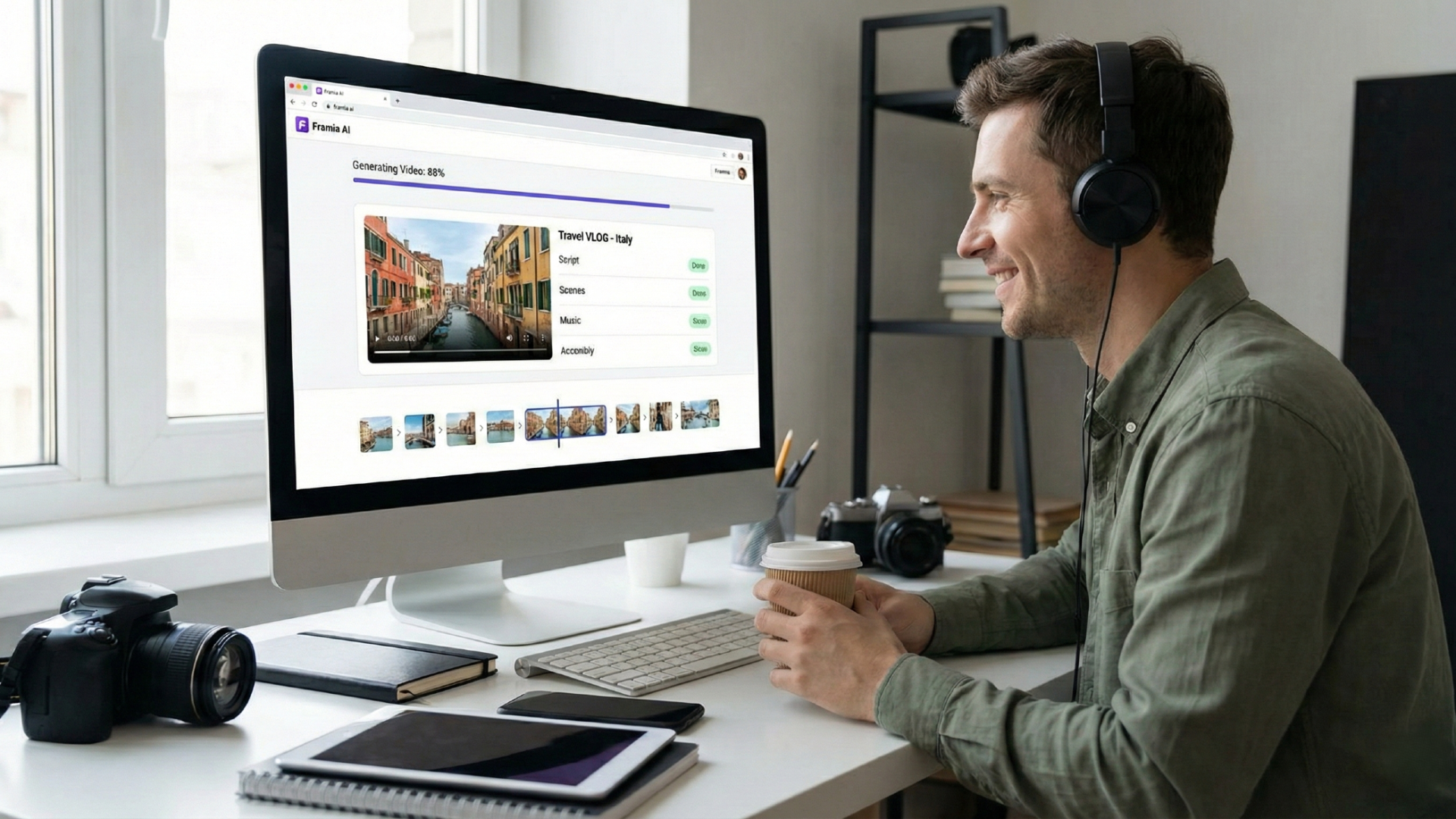
Make full videos from images in just minutes

This free image to video AI tool handles the entire creative process for you in record time. It automatically turns your static images into complete videos by managing scripts, scenes, music, and assembly in just minutes, significantly speeding up your content creation workflow.
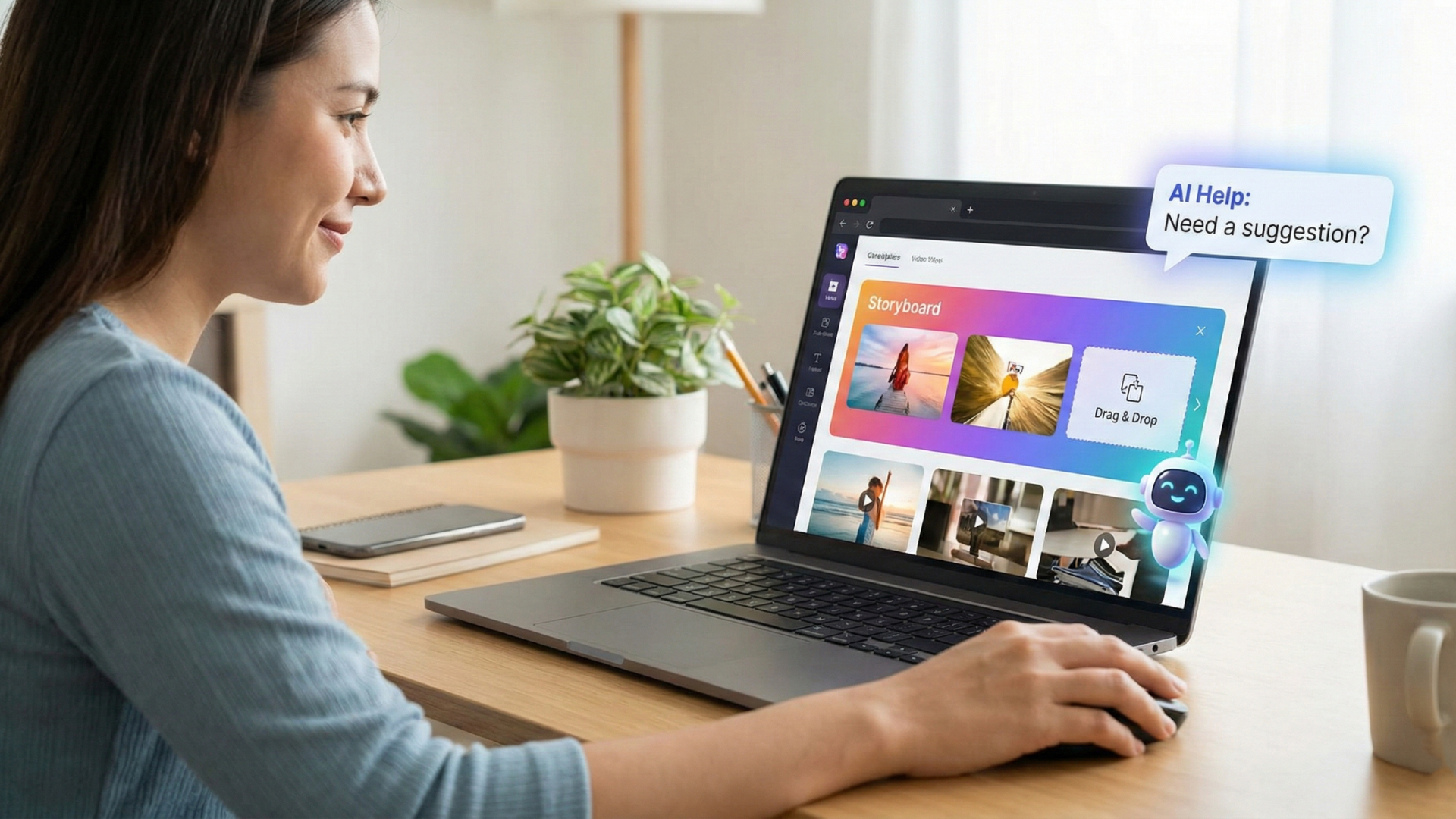
Make full videos from images in just minutes
Simple design that anyone can use easily

Simple design that anyone can use easily

The platform is designed for everyone, regardless of their technical skill level. With a simple drag-and-drop storyboard and helpful AI assistance, it is the perfect choice for beginners or professionals who want to avoid the headache of complex tools.

Professional videos with consistent characters and motion

You can expect top-tier results that look professional and polished. The AI uses advanced models to ensure characters stay consistent and motions remain smooth, making the final clips perfect for your personal or professional portfolios.
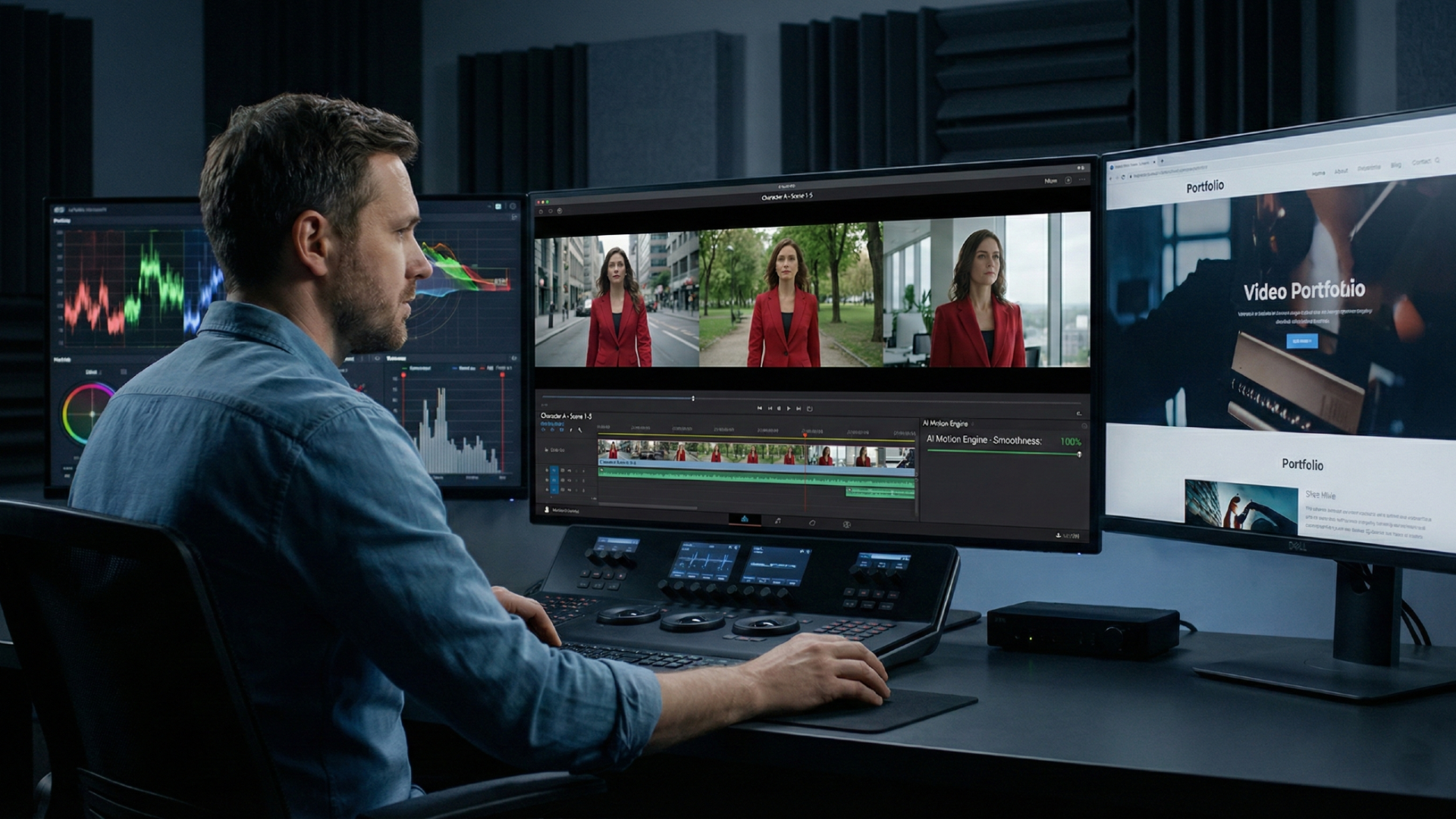
Professional videos with consistent characters and motion

Use cases of Framia Pro's image-to-video AI tool

Maximize your creative output without spending a dime on Framia Pro's free image-to-video AI. Leverage Framia Pro for personal projects, social media, or professional portfolios.

Single-photo vlogs

Transform a single vacation photo into a dynamic travel vlog. Use the AI to generate realistic background motion and camera shifts, making a static memory feel like a captured moment.

Instant product commercials

Upload a high-quality product image and let the "Ad Video Agent" create a professional advertisement. It automatically adds cinematic lighting and sleek camera pans to showcase your items in style.

Animated storybook scenes

Bring your illustrations to life by turning sketches into emotional movie scenes. The "Movie Agent" adds a dramatic atmosphere and character movement, perfect for authors wanting to preview their stories visually.

Talking head avatars

Convert any portrait into an engaging spokesperson for your brand. By uploading an image and a script, the AI generates natural head movements and expressions to deliver your message effectively.

Architectural walkthroughs

Turn a simple interior photo into a realistic 3D walkthrough for clients. Using depth-mapping, the AI creates a sense of movement through space, highlighting layout and design details beautifully.

Tips to use Framia Pro's image-to-video generation tool

To utilize Framia's image to video AI generation platform in the best possible manner, remember to carry out the suggested tips and tricks explained below.

Start with a high-resolution character reference
To ensure the best consistency, always upload a clear, high-resolution portrait of your character or mascot. This provides the AI with a strong foundation of facial details and textures, making it much easier to maintain their identity across different generated scenes.
Use specific descriptors in director mode
When using conversational commands, be as descriptive as possible about the movements you want. Instead of saying "make them move," try "have the character slowly turn their head to the left while smiling," which gives the AI clearer guidance to follow.
Combine style guides with character photos
For branded content, upload a style guide or color palette alongside your character photo. This helps the AI understand that not only should the character remain consistent, but the background colors and lighting should also match your brand's specific aesthetic.
Leverage the intervention tool for minor fixes
If you notice a character's features starting to drift during a generation, use the "intervention" feature immediately. Pausing the process to re-state instructions like "keep the hair color dark" can save the clip without needing to re-generate from the start.
Match the AI agent to your content type
Always pick the agent that fits your output when trying to create AI videos with image to video tools. If you are creating a serious brand story, use the "Movie Agent" to ensure the character's movements are slow and deliberate, rather than the high-energy, fast-paced motions typical of the "Shorts Agent".

What users are saying about Framia Pro's AI image-to-video tool

Framia's AI image to video no restrictions tool has quickly become a favorite tool for creators worldwide, helping them bridge the gap between static ideas and cinematic reality. Here is what our global community has to say about their experience using the platform.

As a social media manager, Framia’s AI-centric tools has completely changed how I work. I simply tell the AI to adjust the lighting or speed up the transitions, and it happens instantly. It’s much faster than traditional editing tools I used before.
Sarah Lively
Sarah Lively
Social Media Manager
I use the B-roll generation feature to expand my film projects. Being able to turn a single reference photo into multiple cinematic angles with 4K clarity is incredible. It saves me days of extra shooting time while maintaining a high-end, professional aesthetic.
Luca Rossi
Luca Rossi
Independent Filmmaker
Keeping our brand mascot consistent was impossible with other AI tools until I found Framia. The character consistency feature ensures every video looks uniform and professional. It is the perfect solution for our e-commerce marketing campaigns and helps us build real consumer trust.
David Miller
David Miller
E-commerce Founder
The specialized Shorts Agent is a lifesaver for my daily TikTok uploads. With the sexy AI image to video feature, I just upload an image, and the AI handles the pacing and music perfectly. It generates viral-ready clips in minutes, allowing me to focus on growing my audience and engagement levels.
Elena Schmidt
Elena Schmidt
Content Creator
I love being able to upload my hand-drawn sketches and watch them come to life. The way the AI separates layers to create 3D depth is breathtaking. It makes my storyboards look like finished products, which really impresses my clients during project pitches.
Marcus Thorne
Marcus Thorne
Concept Artist
Using Framia to create architectural walkthroughs has significantly increased my listing engagement. I turn simple room photos into immersive videos that allow clients to feel the space. The depth-mapping technology makes every tour look like a professional 3D production with zero effort.
Sophie Dubois
Sophie Dubois
Real Estate Agent
We've compiled the most important information to help you get the moost out of your experience. Can't find what you're looking for?Contact us

Frequently Asked Questions

How does Framia’s AI make picture move without distorting the face?
When it comes to the topic of "how to make a video out of photos", the AI uses landmark mapping to keep features proportional during motion. Framia specifically locks these points using its character consistency technology to prevent facial warping, ensuring your subject is recognizable.
Can I make photo move AI style for professional marketing ads?
Yes, AI can transform product shots into high-end commercials. Framia’s "Ad Video Agent" handles this by preserving brand logos and text while adding cinematic pans and studio-quality lighting for professional results.
What is the professional secret to make live photo into video with realistic depth?
If you are wondering "how to make a video with your pictures", then the secret lies in depth-estimation algorithms. Framia uses this to expand live photos into cinematic sequences, ensuring smooth movement that feels truly three-dimensional.
Beyond standard loops, can you turn a live photo into a video that tells a cinematic story?
AI can extend short bursts of motion into full narrative scenes. Framia’s "Movie Agent" analyzes visual context to add dramatic lighting and professional camera shifts, creating emotional, high-quality stories.
Does the AI make photo move with actual 3D depth?
Advanced AI uses depth-mapping to separate image layers for realism. Framia achieves this through its split layer technology, moving foregrounds and backgrounds independently to create a genuine, immersive 3D parallax effect.

Still have questions?

Have questions or need assistance? Our team is here to help!

Try our AI image-to-video generator for free!

Create stunning videos from images with Framia Pro's AI—easy, fast, and professional results for creators of all skill levels.

Image to Video AI: Create Videos from Images