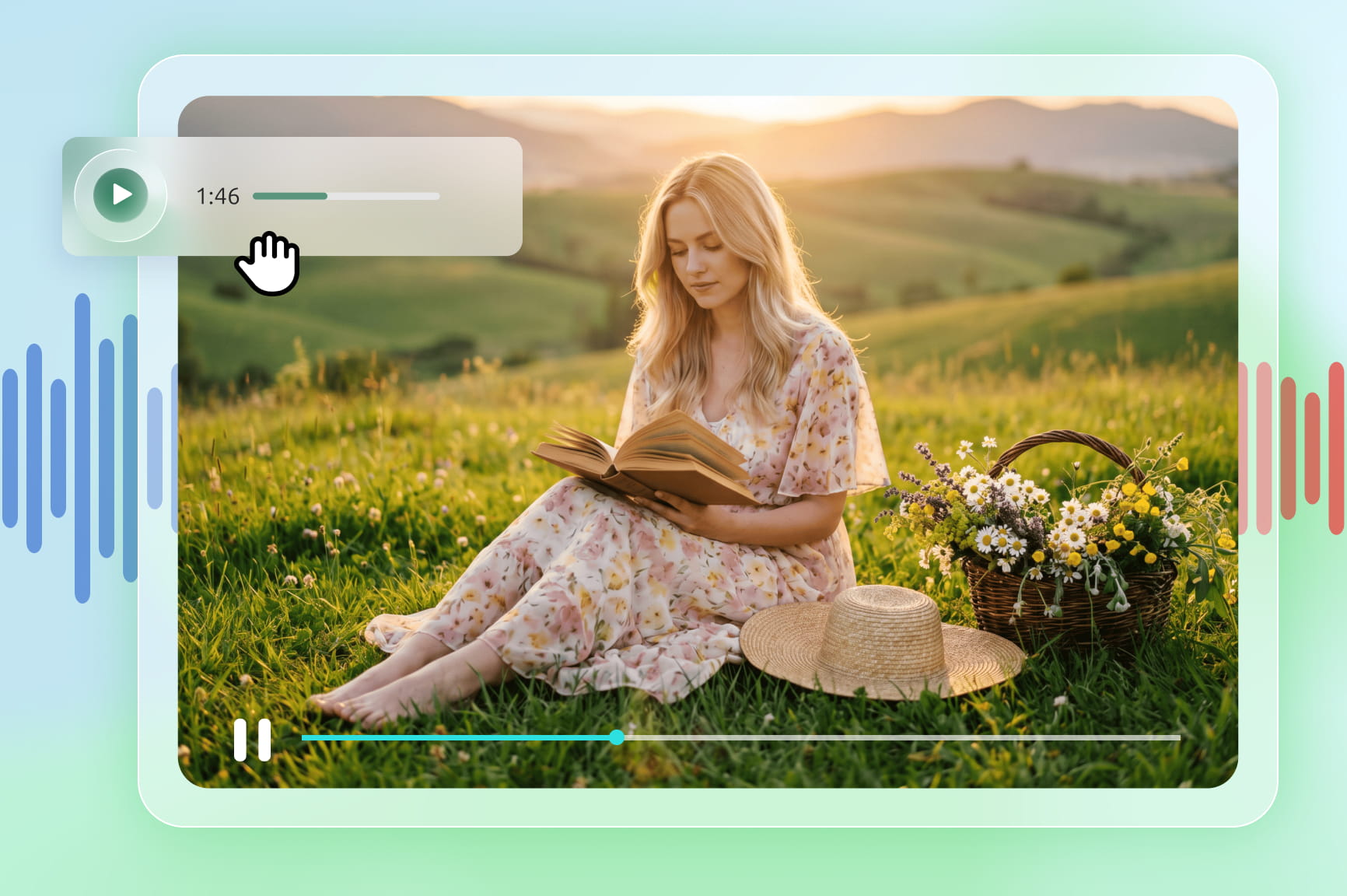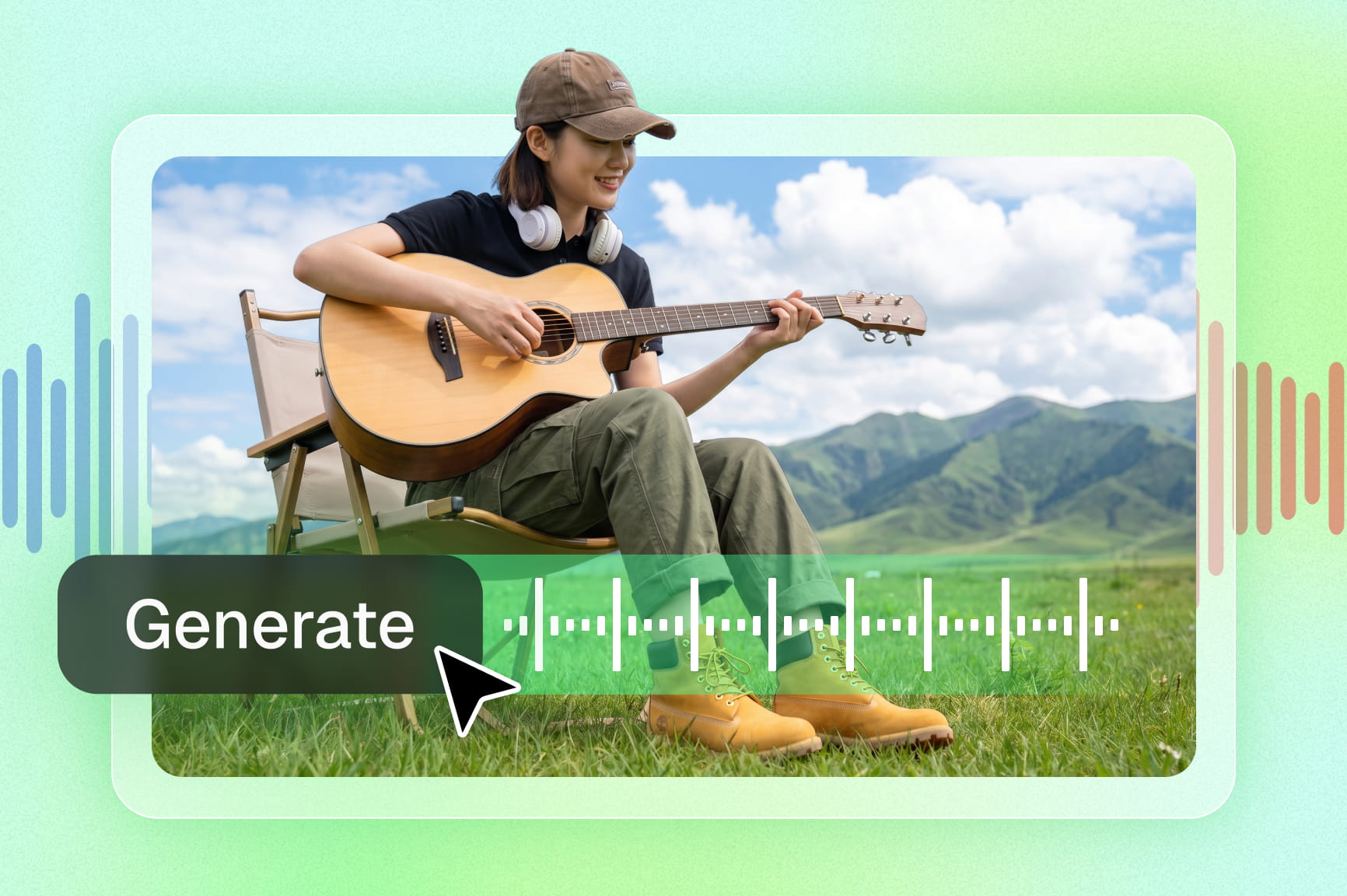
AI Music Video Generator

Create high-quality MVs powered by advanced music video agent with advanced motion synthesis and character consistency.

Get started for free

Create studio-quality AI music videos without filming or editing

What can you create with Framia Pro's AI music video agent?

Possibilities are endless for those who exude creativity. Explore the AI-generated music video examples below, then start creating and customizing your own masterpiece.

Singing avatar music video

Generate lifelike digital performers that perfectly sync with your vocal tracks. This music video agent technology allows creators to build virtual bands or solo artists with realistic facial expressions and lip-syncing that matches every syllable performed in real-time.

Story-driven AI narrative MV

Construct compelling visual stories where characters speak and sing their truth. Use AI-driven lip-sync to breathe life into protagonists, ensuring their emotional delivery aligns with the song's lyrics to create a truly immersive cinematic experience.

Spotify canvas-style visuals

Produce captivating, short-form looping visuals designed specifically for the Spotify Canvas format. These beat-matched animations maintain a consistent style while highlighting key lyrical moments, significantly increasing listener engagement and sharing across various popular social platforms.

Multilingual lyric videos

Expand your global reach by creating high-quality lyric videos in different languages, such as Spanish, French, etc. The AI music video agent generates stylized, perfectly timed text overlays that translate your message while keeping the visual aesthetic consistent with your unique brand.

Beat-matched choreography

Design intricate dance sequences where every movement is mathematically aligned with the rhythm of your audio. This feature allows for the creation of stunning choreographic displays where digital characters perform complex routines with absolute precision.

Music ads for campaigns

Build high-impact promotional advertisements tailored for digital marketing campaigns. By combining lip-synced characters with catchy hooks and perfectly timed text, you can create professional ads that grab attention and drive conversions across various social media.

Key features of Framia Pro's free AI music video generator

If you are looking for an effortless way to create AI-generated music videos, then Framia Pro is your answer. The following are some of its most crucial features that will help in shaping your end production value.

Visual music video workflow builder

Create complete music videos through a drag-and-drop node flow "canvas". Connect lyrics, audio generation, storyboard creation, video scenes, effects, and final exports into a single visual workflow, making complex productions easier to organize and refine.

Turn music or ideas into stunning videos

Streamline your production workflow using specialized AI agents. By leveraging Sora, Seedance, and Kling for video alongside Mureka and Suno v5 for audio, the platform automatically analyzes rhythm and lyrics to create a cohesive storyboard and finished cinematic cut.

Sync cinematic visuals to the beat

Synchronize visual transitions and effects perfectly with your audio track using intelligent beat-detection technology. This standout feature allows you to perform automated cuts based on the audio track, ensuring that every effect matches tempo changes and beat drops.

Sing-along lyrics with natural lip-sync

Animate realistic mouth movements and perfectly timed lyric overlays by utilizing advanced vocal-to-visual analysis. This feature ensures that digital characters or avatars mimic every syllable of your audio with high precision for an immersive sing-along experience.

Keep your character and style consistent

Preserve your main characters and artistic style from the first second to the last through advanced sound analysis. Framia Pro locks in the look of your characters across every scene to ensure your video feels like one connected story.

Direct your own music video

Modify your project instantly by telling the AI to "make the lighting moodier" or "swap the background for a futuristic city", removing the need for traditional, complicated video editing software. Also, users have the option to make changes to their project(s), at any point during the workflow via the "canvas" feature.

Versatile social media-ready export formats

Adapt your cinematic creations for any social media platform using tailored aspect ratios and versatile export options. Ensure optimal framing for every audience by instantly converting videos to 9:16 for TikTok and Reels, 1:1 for Instagram, and 16:9 for YouTube.

How to use Framia Pro's AI music video generator easily?

Ready to create your next AI music video with Framia Pro? Follow these simple steps and bring your ideas and audio files to life in minutes.

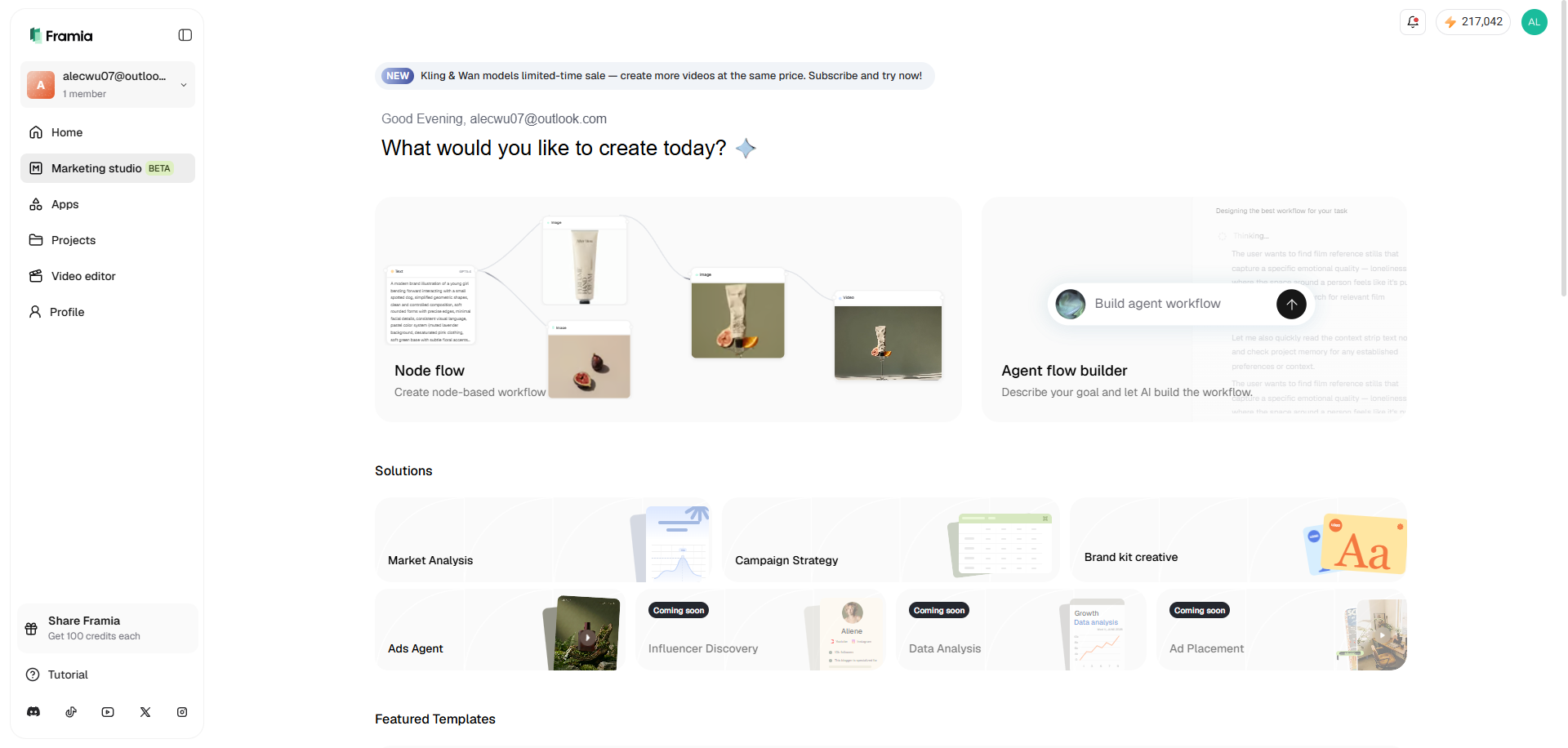
Step 1: Access "Node flow" from "Marketing studio"
From Framia Pro's dashboard, select the "Marketing studio" option, from your left-hand panel. Here, you will be able to access the new "Canvas" feature, otherwise known as the "Node flow" option, of Framia Pro. The idea here is that users will be able to edit at any point during the workflow.
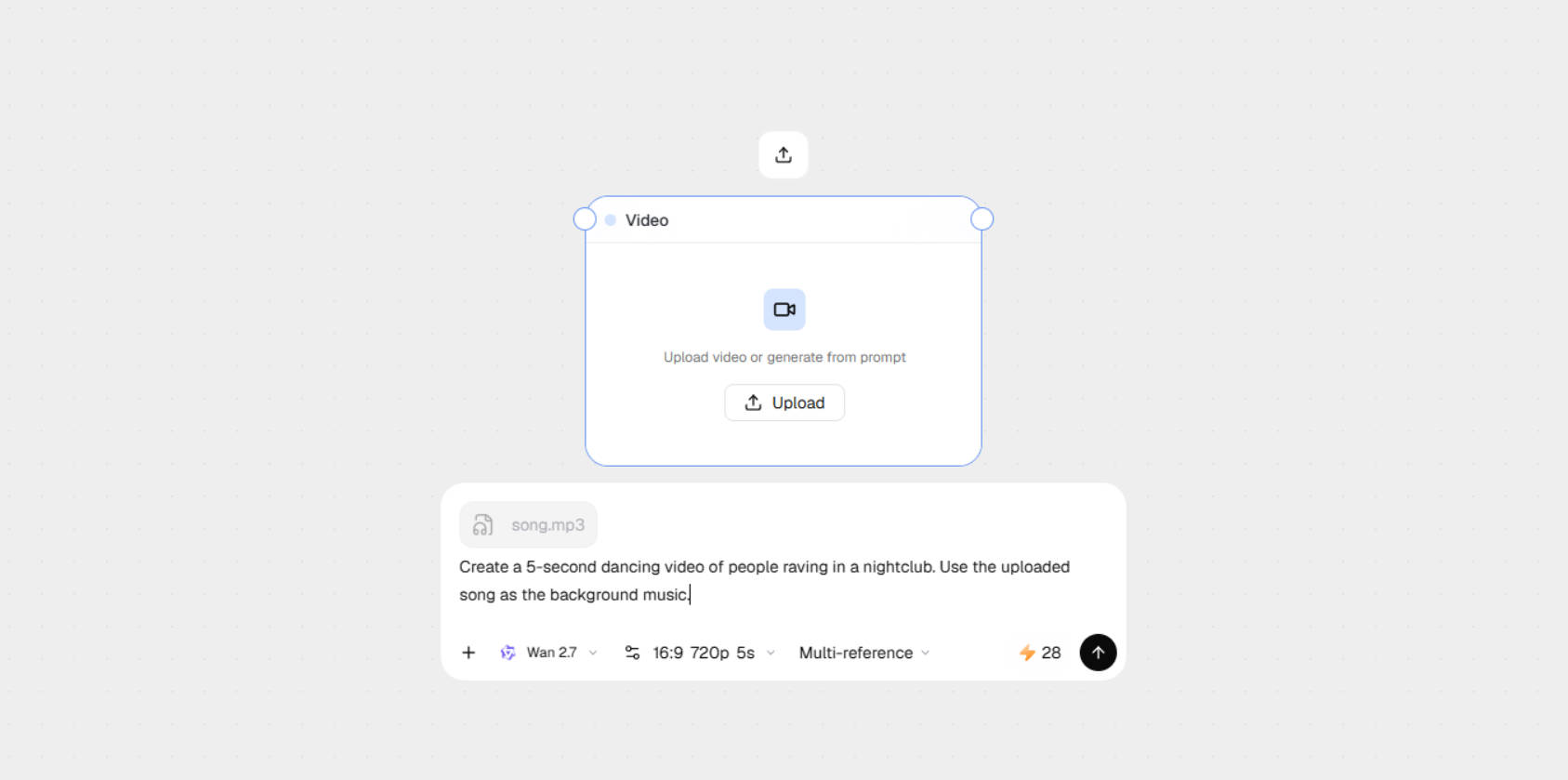
Step 2: Upload your audio file and enter a detailed prompt
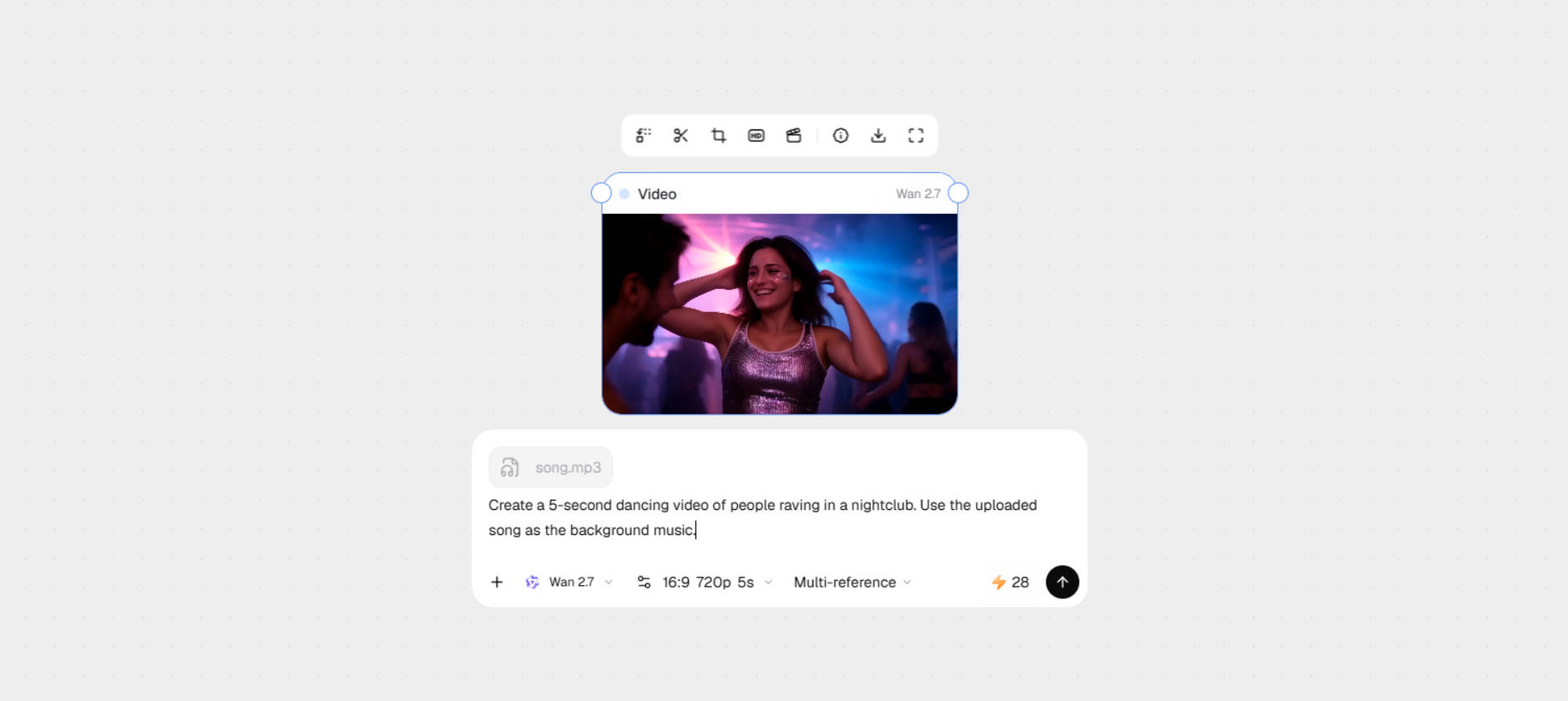
Next, you need to hit the "+" icon and select the "Video" option. After that, upload your audio file and provide a detailed video prompt regarding the type of video you want to create. Additionally, select your AI video generation model, the aspect ratio and resolution along with the duration, and then click on the generate icon.
Step 3: Finalize and download your music video
Framia Pro will start music video generation process and once that is completed, you will be able to further tweak or edit it using the built-in tools, such as crop, trim, etc. Once you are happy with the results, click on the download option.

Explore Framia Pro's diverse AI music video gallery

DJ

Spiritual

Travel

Lo-Fi/Chill

Dreamy

Party

Romantic

Creepy/Horror

Why should you use Framia Pro's free music video generator?

While every user has a different set of needs and preferences, the following are some of the major reasons as to why you should definitely start utilizing Framia Pro's exciting AI capabilities.

Access to elite industry models
Access industry-leading powerhouses like Sora 2, Veo 3.1, and Kling 2.6 for video, alongside Suno v5 for audio. Consolidating these elite models into one interface ensures your AI music diva output consistently matches top-tier studio standards.
Professional quality on an indie budget
Eliminate the need for expensive crews and equipment. Framia Pro democratizes production, allowing independent artists to achieve cinematic 4K results that rival big-budget labels without the overwhelming financial investment traditionally required.
Rapid content scalability
Instantly transform one song into a full-length video plus multiple social media snippets for your die-hard audience. Use Framia Pro's "Shorts Agent" to rapidly scale your content across TikTok, Reels, and YouTube with perfect formatting.

Meet every creative need with Framia Pro's AI music video generator

Whether you are an indie artist or an award-winning music producer, Framia Pro's AI-based tools and features can help you in your workflow, ultimately supercharging your creative output.

Independent musicians & bands

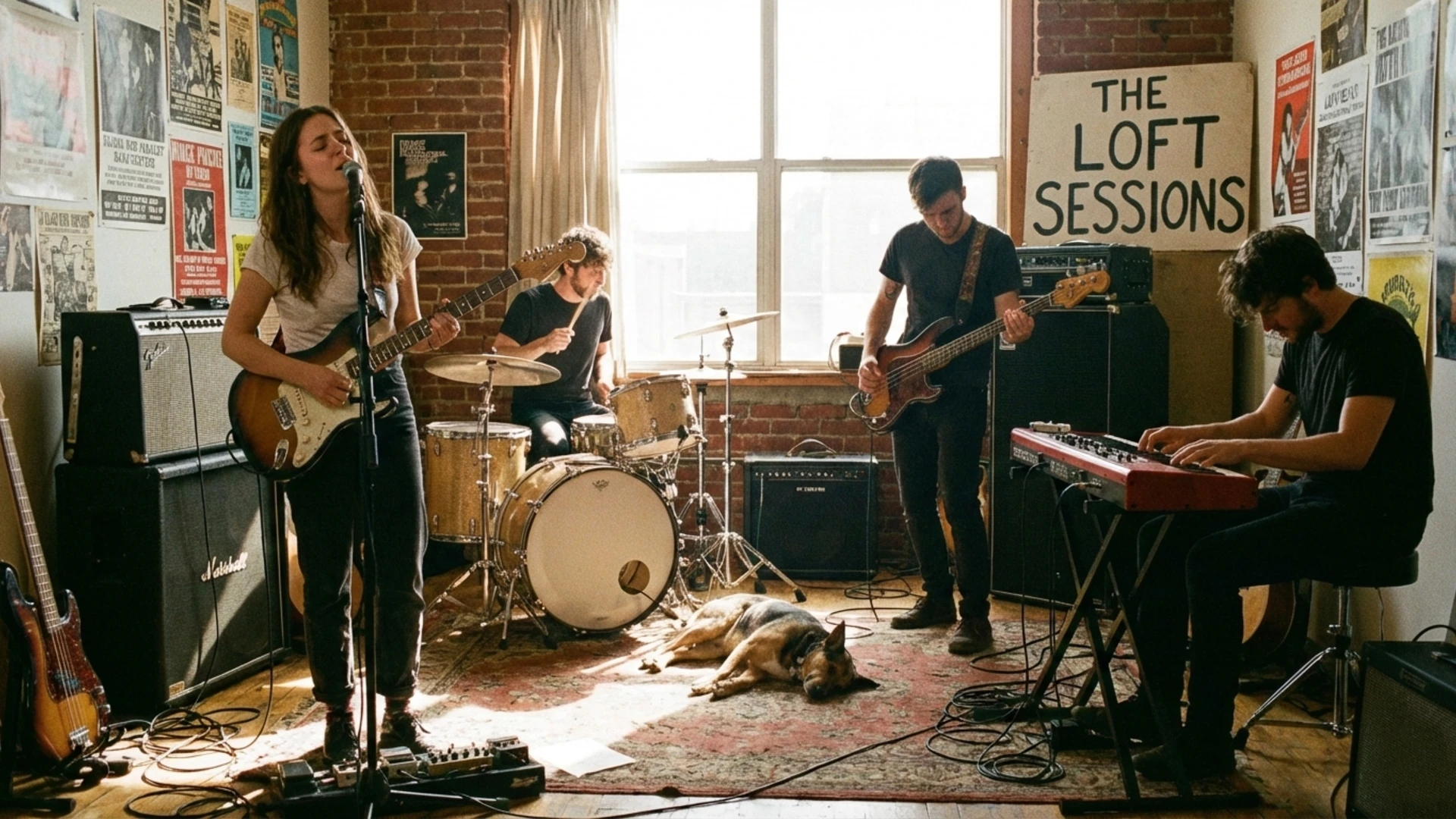
Empower your music by creating cinematic videos without the studio price tag. Framia Pro offers independent bands the visual storytelling tools needed to captivate fans and dominate the global charts.

Independent musicians & bands
Digital content creators

Digital content creators

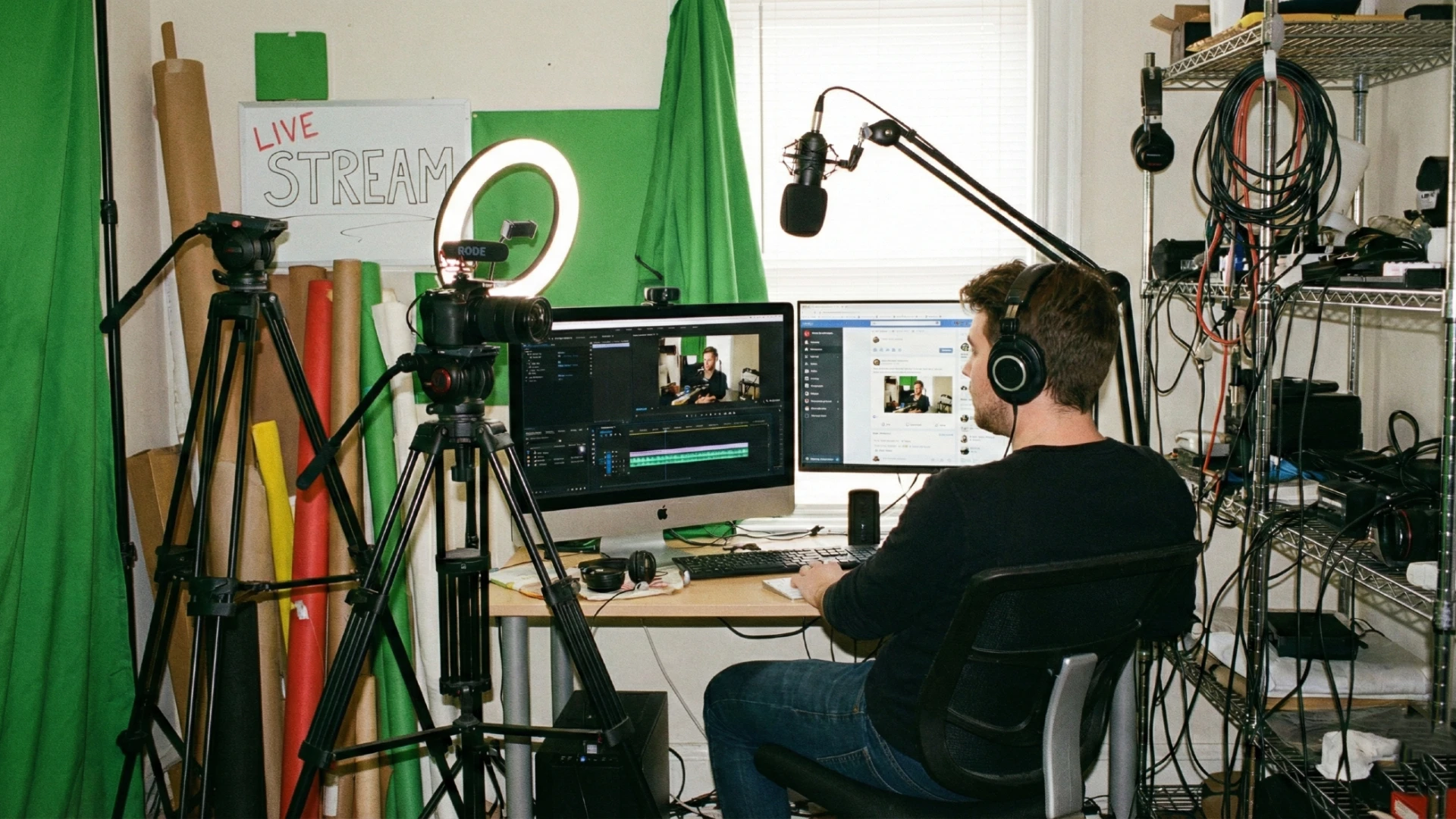
Produce high-quality clips that stop the scroll. YouTubers and influencers can leverage automated agents to generate perfectly formatted short videos, ensuring their content stands out across every major social platform.

Anime & AMV creators

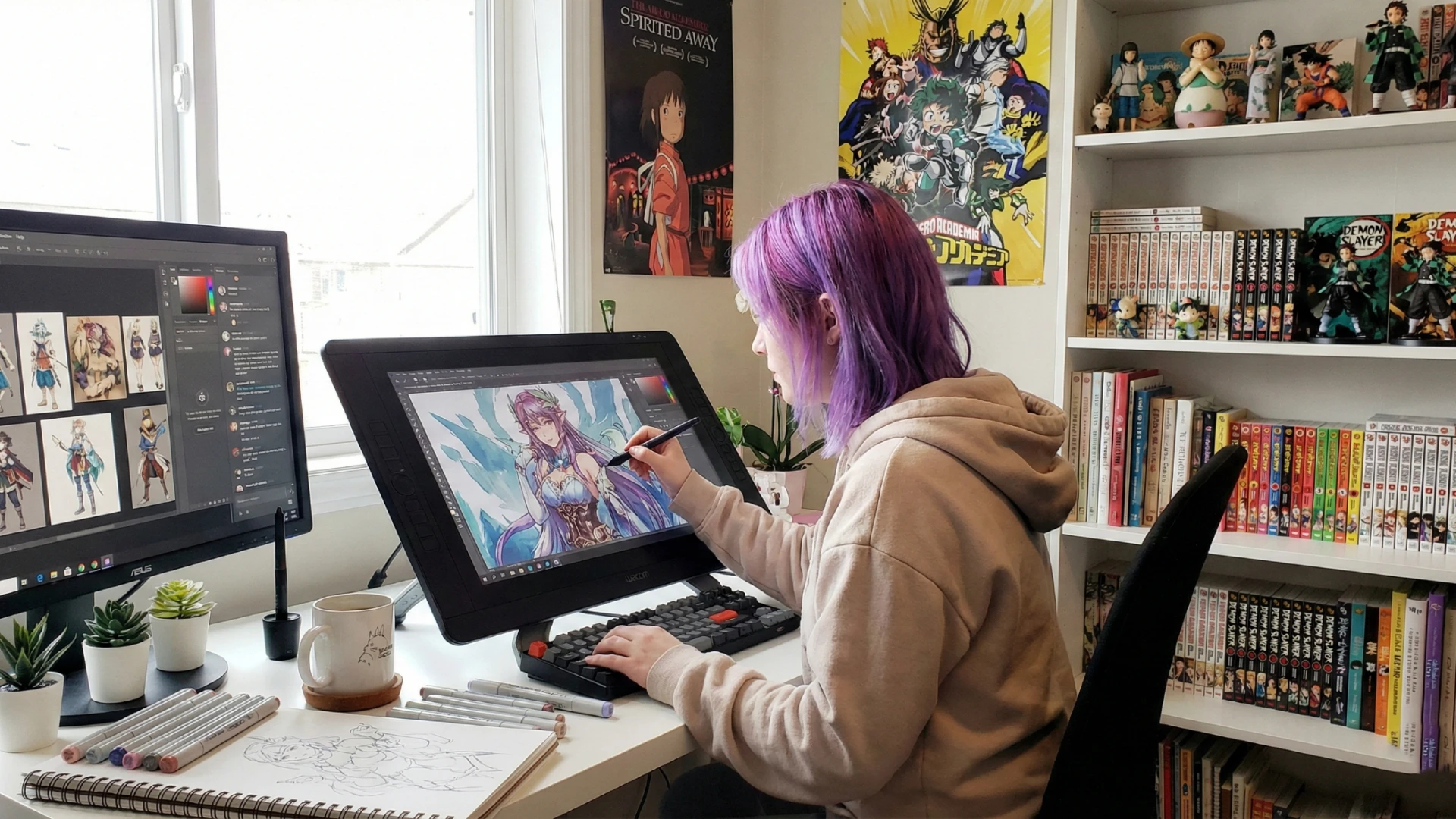
Unlock the future of animation by utilizing Sora and Kling to build unique, stylized sequences. Anime enthusiasts can now transform soundtracks into cinematic AMVs with specialized visual styles and precision.

Anime & AMV creators
Visual artists & designers

Visual artists & designers

Revolutionize your portfolio by turning static lyric art into dynamic, rhythmic experiences. Visual designers can transform illustrations into professional videos that perfectly mirror the song’s unique and powerful musical energy.

What users say about Framia Pro's AI music video generator?

Let's look at some of the most vocal user reviews presented by people just like you, about Framia Pro's impact in their lives.

Framia Pro turned my rough demo into a stunning music video overnight, with perfect sync, anime-style visuals, and ambient sounds that nailed the vibe. It's a game-changer for solo artists like me.
Alex Rivera
Alex Rivera
Indie Musician
One prompt and boom: full cinematic story with motion, lighting, and emotion matching my track. Framia Pro made me feel like a pro filmmaker without the hassle.
Jordan Lee
Jordan Lee
Content Creator
The AI handled script, 3D scenes, and transitions flawlessly for my latest track. Smooth animation and consistent characters saved me weeks of editing.
Sam Patel
Sam Patel
Video Producer
Generated a dreamy lo-fi video synced to my beats in minutes. Human-like flow and high-res output blew me away; perfect for quick uploads.
Taylor Kim
Taylor Kim
YouTuber
Framia Pro's music video tool creates polished, click-worthy visuals with real emotion. From prompt to export, it's intuitive and pro-level quality.
Chris Novak
Chris Novak
Music Blogger
I turned one song idea into a complete visual story without filming a single scene. The AI matched the mood, pacing, and visuals to my music beautifully, giving me a polished video ready to share with my audience.
Maya Chen
Maya Chen
Independent Singer-Songwriter

FAQs

What is the "Node flow" canvas in Framia Pro's AI Music Video Generator?
Node Flow is a visual workflow canvas that lets you connect music, lyrics, video generation, effects, and editing steps through drag-and-drop nodes. It helps creators build, manage, and customize entire music video production pipelines from a single workspace.
Is it possible to turn my custom song lyric wall art into a dynamic video?
AI can animate static music clip art freely by interpreting visual themes and lyrics as motion prompts. Framia Pro allows you to input song lyric wall art to generate music videos that breathe life.
Why is Framia Pro considered the best MV maker for artists on a budget?
Cloud-based AI production democratizes access to high-end visuals without camera gear. Framia Pro leads by offering a free tier and elite models like Seedance/Veo/Sora/Kling for professional results.
Can I use Framia Pro to convert raw audio to animate professional music videos?
Audio-to-video technology translates sound waves into visual movements and scenes. Framia Pro leverages Sora or any of its other AI video generation models, to transform raw tracks into sophisticated animations.
How does the audio to animation AI tool handle different musical genres?
Advanced AI identifies rhythmic patterns and genre-specific moods to tailor visual styles. Framia Pro uses a multi-model system ensuring high-energy EDM or soft acoustic tracks receive perfectly matched, high-fidelity visual aesthetics.
How does "Node flow" help create better music videos?
Node Flow enables creators to connect multiple AI models, generate scene variations, and automate production tasks within one visual canvas. This streamlined workflow makes it easier to experiment with creative ideas and produce polished music videos more efficiently.
AI Music Video Generator: Create 4K Cinematic Videos