Suno v5 AI Music Generator

Compose full songs with Framia Pro's Suno v5. Blend genres, layer harmonies, generate expressive vocals, and export studio-grade tracks.

Start for Free

Preparing editor…

What is Suno v5?

Suno v5 is the fifth major version of Suno's AI music model. It turns a text prompt or a set of lyrics into a full song with vocals, instruments, and a clear structure of intro, verses, chorus, and outro. The model reads your genre, mood, and lyrics, then generates singing over a matching arrangement, so you get a complete track instead of a loop or a backing beat. Compared with earlier versions, v5 produces cleaner mixes, more realistic vocals, and longer songs that hold together from start to finish. You can also upload a short vocal clip and let the model create a full song from it. On Framia Pro, Suno v5 sits in the same workspace as the video, image, and voice models, so you can pair a song with a video in one project.

Explore the power of Suno v5 on Framia Pro?

Generate full tracks with clean sound, real vocals, and strong structure from a short idea with Sonu AI v5:

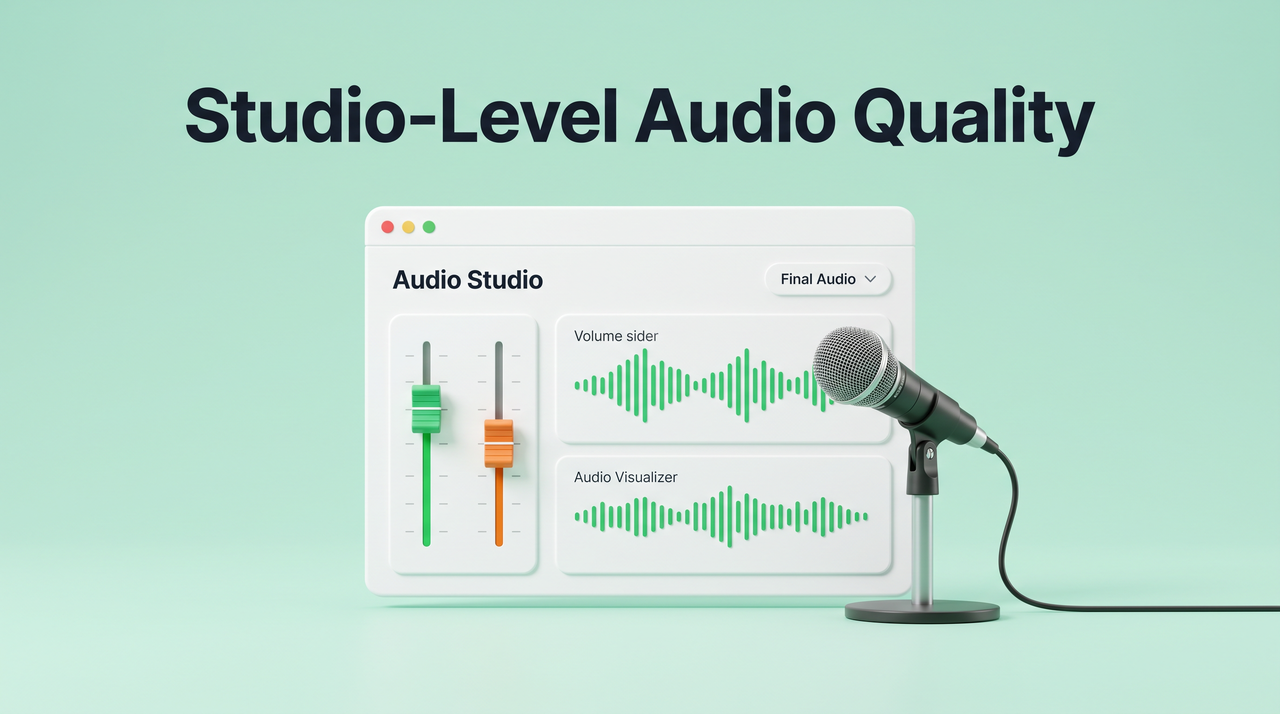
Composes with studio-level audio quality

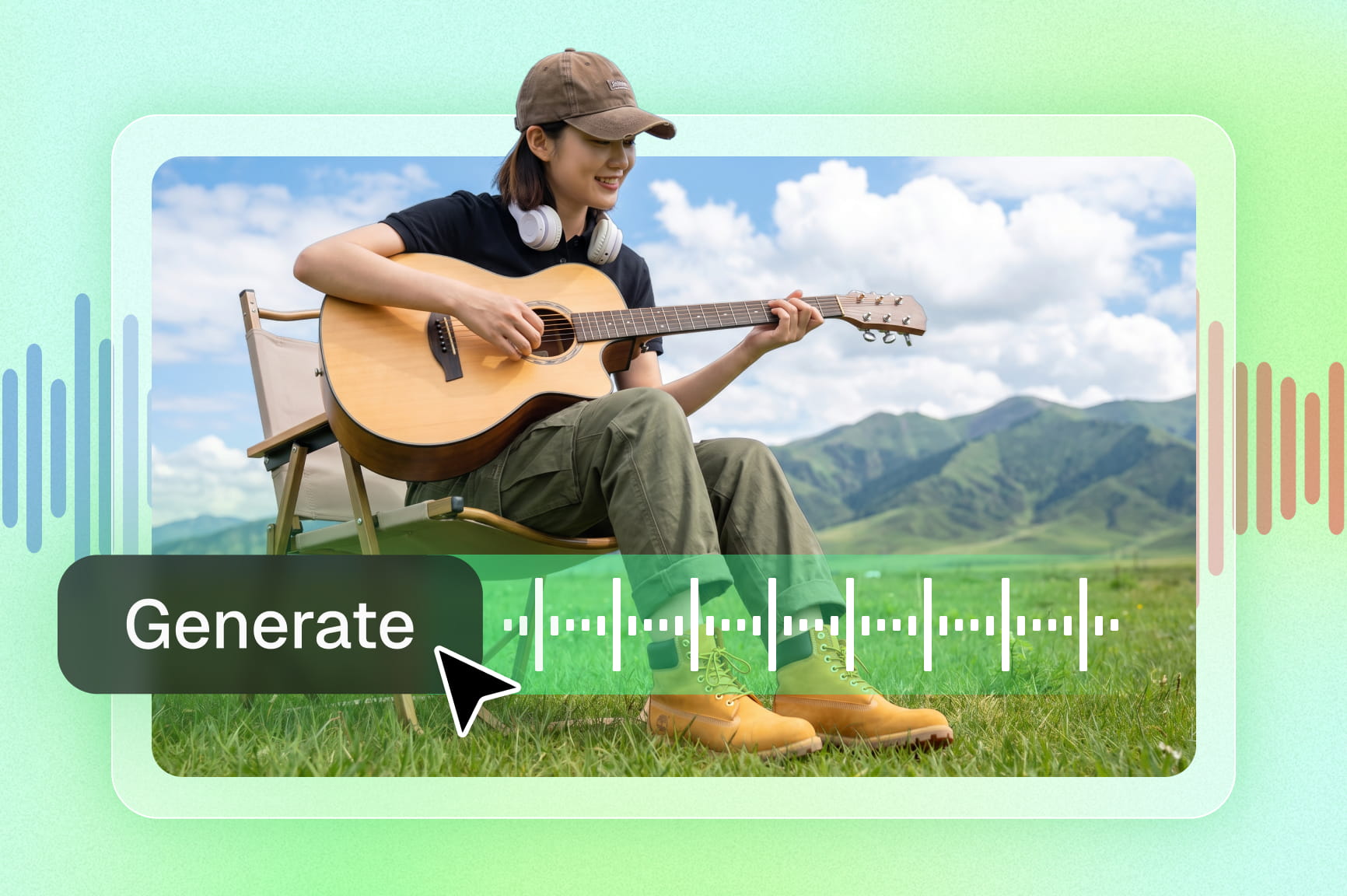
Produce tracks with clean mixing, balanced frequencies, and clear instrument layers. The Suno v5 on Framia Pro separates sounds and applies mastering rules, so the output fits streaming standards and avoids rough or noisy audio artifacts.

Composes with studio-level audio quality
Quickly add natural vocals

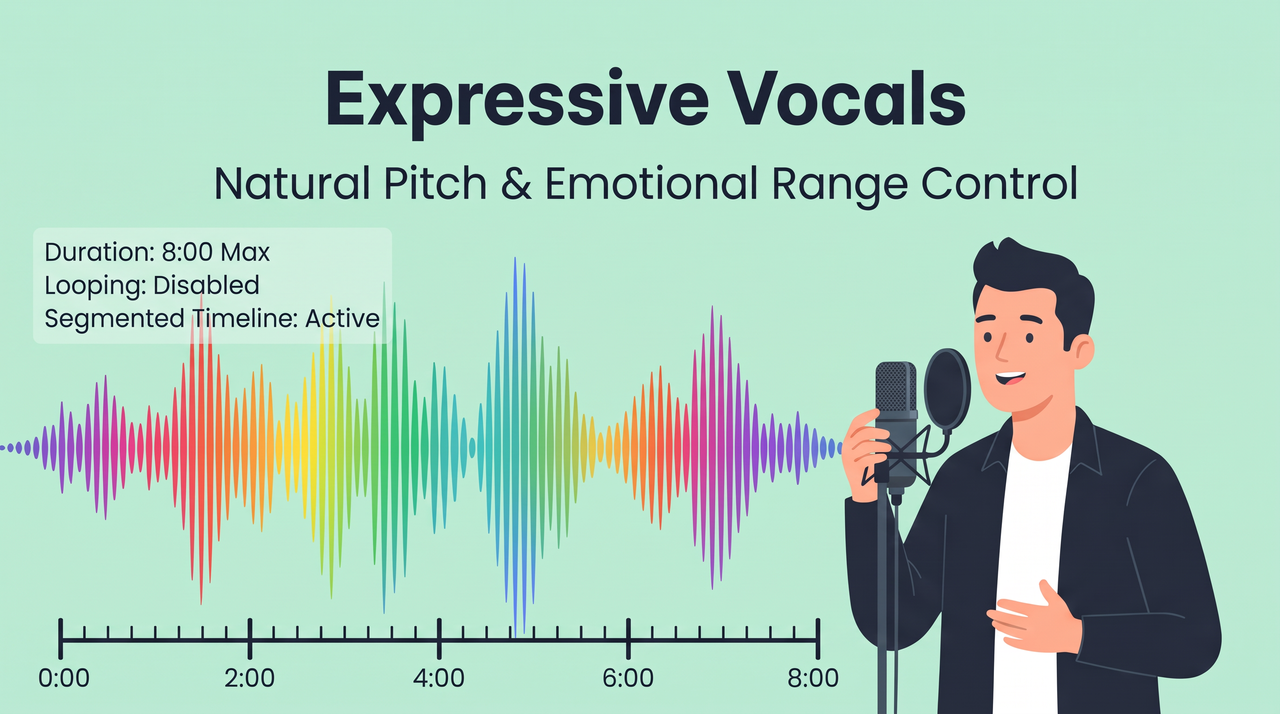
Quickly add natural, expressive vocals

Get vocals that actually sound human. Suno v5 picks up subtle details like breath patterns and pitch shifts in a single generation, rivaling a dedicated AI voice generator. Every performance comes out with the kind of depth a real singer puts into a take.

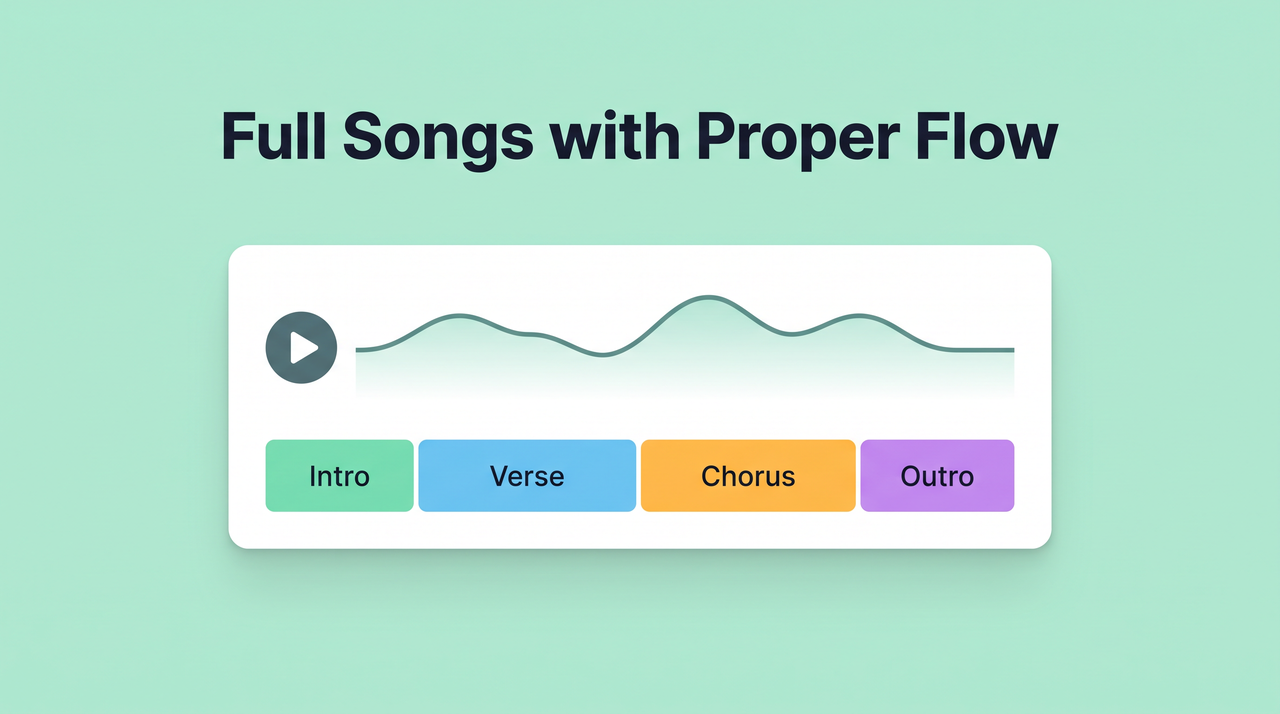
Extend & create full songs with proper flow

Go from a short idea to a full song up to 8 minutes long with intro, verses, chorus, and outro. Each section flows into the next quite smoothly. This keeps the same mood and melody instead of repeating loops.

Extend & create full songs with proper flow
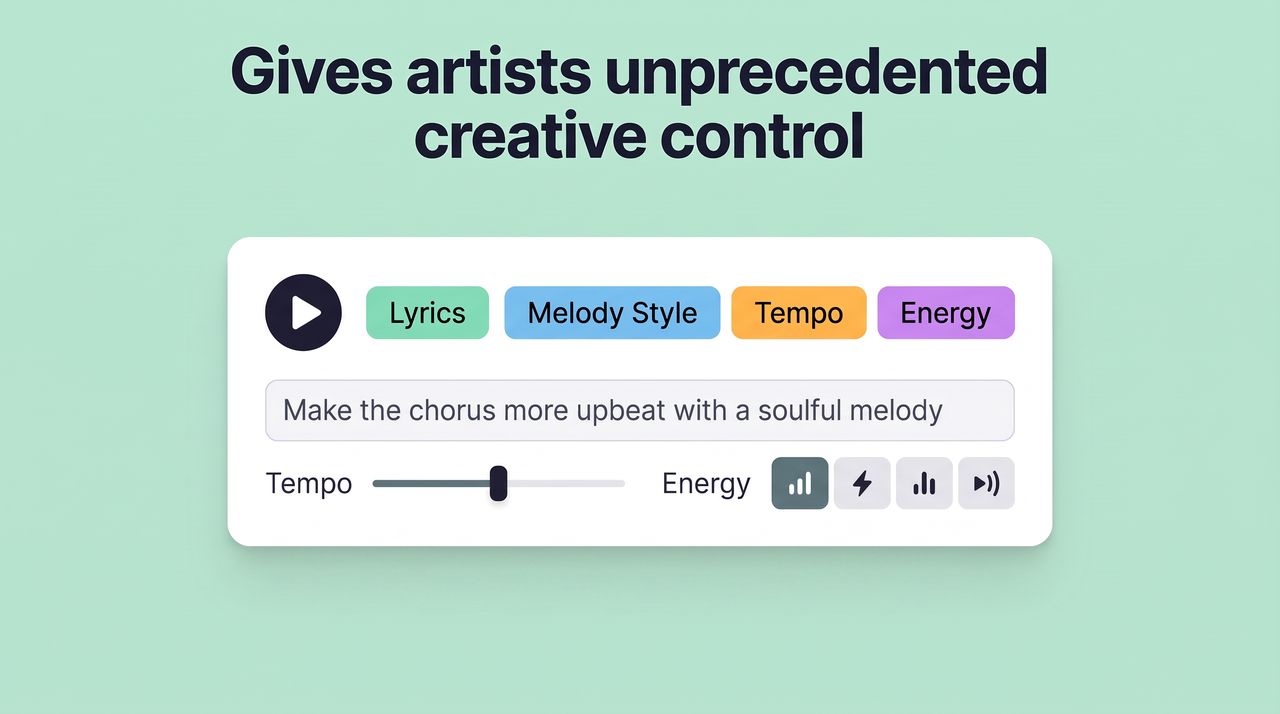
Gives artists unprecedented creative control

Gives artists unprecedented creative control

Adjust lyrics, melody style, tempo, and energy using clear text instructions. The model reads prompt details and applies them to the composition, so each version reflects the idea with more accuracy.

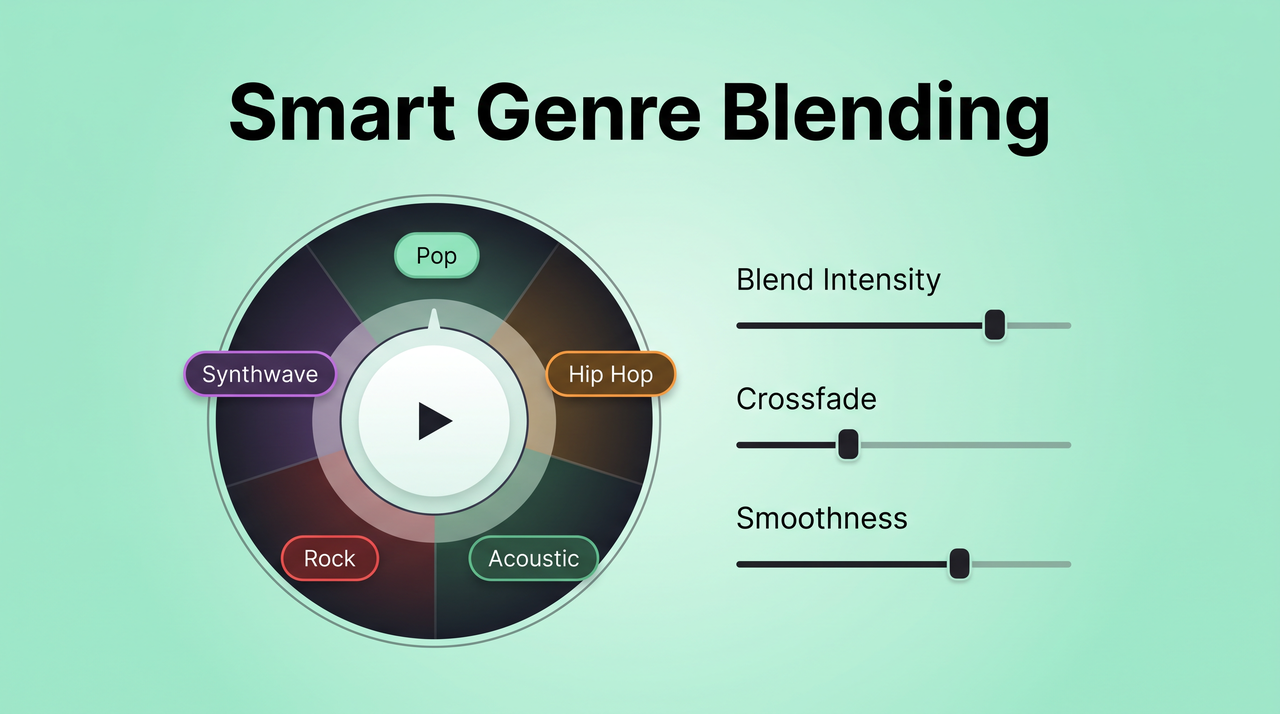
Blends genres with smarter accuracy

Mix genres that rarely go together, say midwest emo with neo-soul, and get a track that actually works. Suno v5 on Framia Pro reads your prompt and outputs a result that sounds like a deliberate creative choice.

Blends genres with smarter accuracy
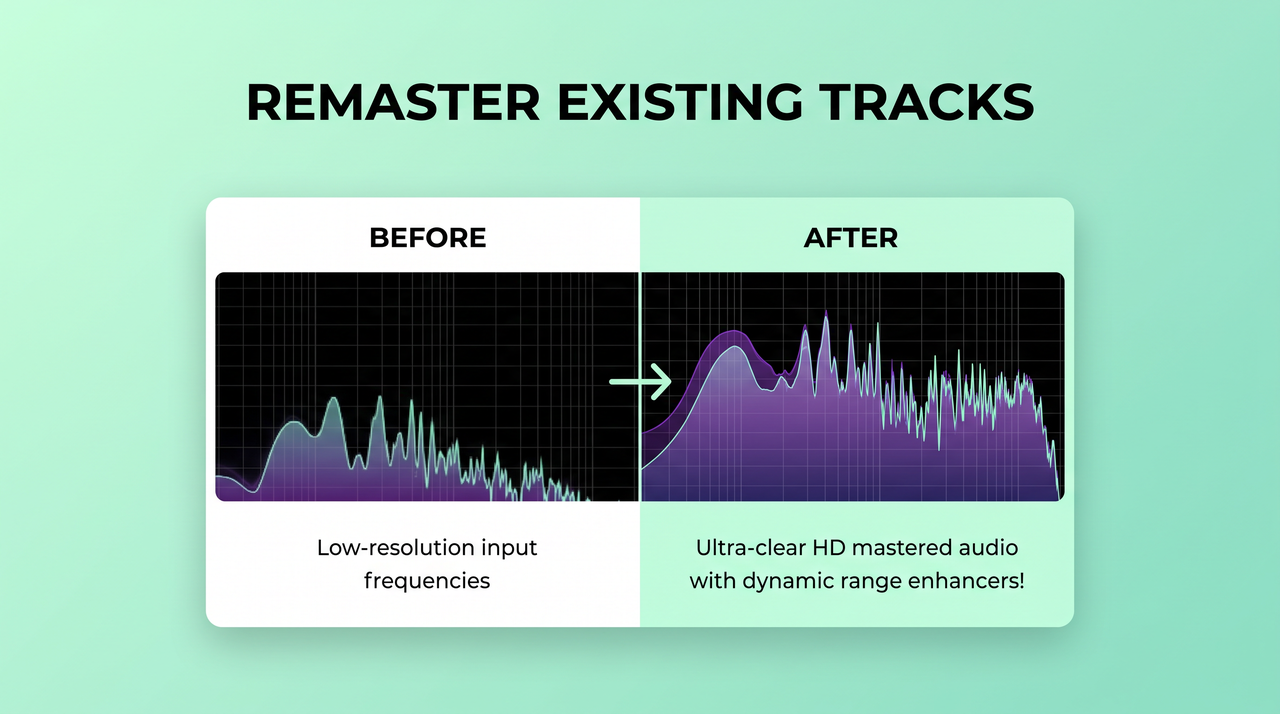
Reimagine and remaster existing tracks

Reimagine and remaster existing tracks

Upgrade older audio or reshape a song with new sound and structure. Just upload a vocal clip, and Suno v5 turns it into a full song. It acts as an AI audio enhancer that refines mixing, adjusts layers, and keeps the original idea while improving clarity and depth.

How to use Suno v5 on Framia Pro for free?

Start creating songs with Suno v5 on Framia Pro in three simple steps using text prompts

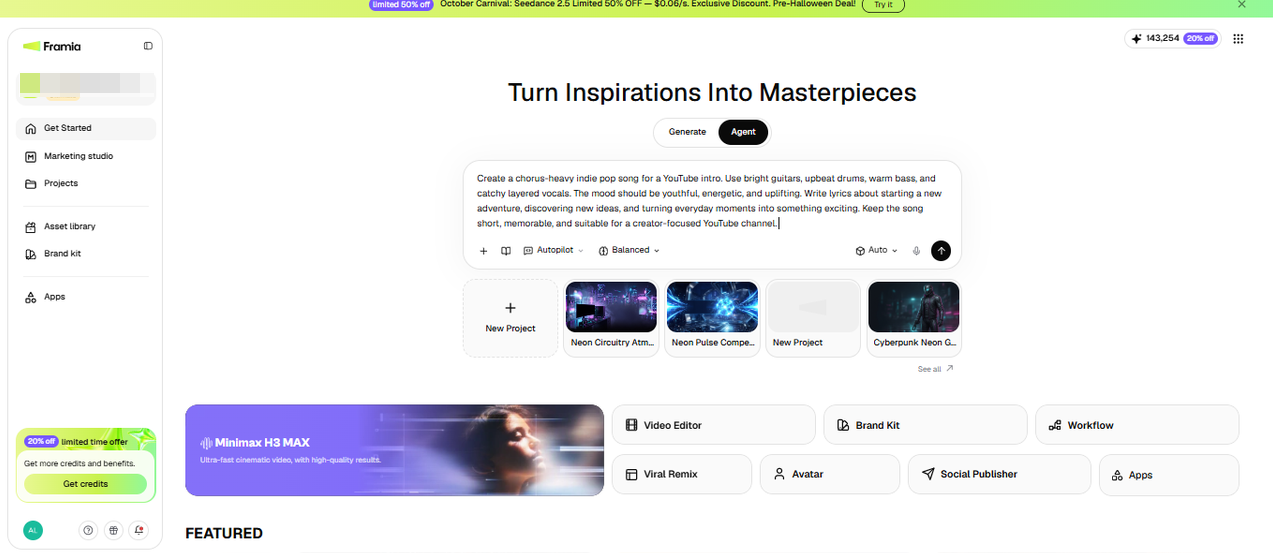
Step 1: Set up your song on the canvas
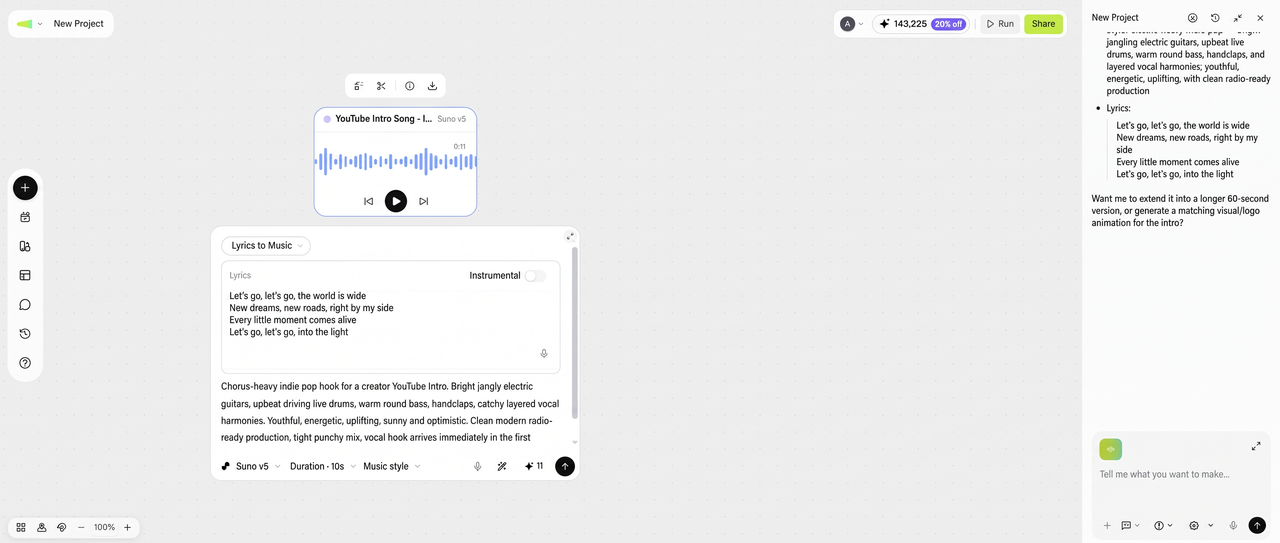
Let's say you need a chorus-heavy indie pop song for a YouTube intro. Sign up for Framia Pro and go to the Agent canvas from the dashboard, and choose the Suno model from the Select models menu. Type your genre, mood, and lyrics, or a short description of the story, and press Enter to let Framia Pro open the workflow canvas and start working on your music file.
Step 1: Set up your song on the canvas
Step 2: Adjust the audio node
Framia Pro sets up a connected Audio node with your prompt. Open it and adjust the details, such as tempo, vocal style, and song structure. If you want a specific chorus line, you paste your own lyrics, and you can upload a short vocal clip as a reference to guide the sound.
Step 2: Adjust the audio node
Step 3: Generate, listen, and download
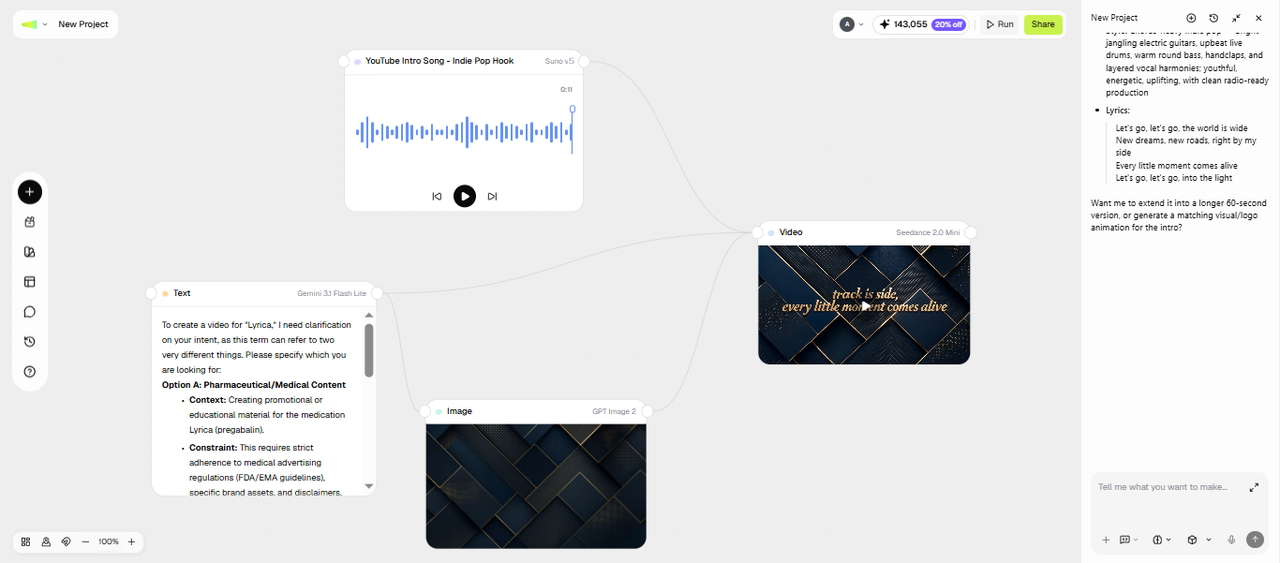
Rerun the workflow and listen to the full track in the built-in player. If the second verse misses the mood, you regenerate that node with a tweaked prompt instead of starting over. Once the song fits your idea, you download the audio file or add a video node in the same workspace to create a video clip and share it online or download it to your device.
Step 3: Generate, listen, and download

Why do people use Suno v5 on Framia Pro?

Compose, prototype, and release music on your own timeline using Suno v5 music generation model on Framia Pro.

Generate royalty-free music
Get full commercial rights to every original track you generate on Framia Pro using Suno v5. Each output is unique, so artists avoid copyright risks while still getting usable audio for different creative projects.
Genre‑aware music creation
Type "lo-fi hip-hop" or "dark cinematic drill" and the output follows those genre rules precisely. Suno v5 on Famia Pro follows style rules, so beats, instruments, and rhythm match the selected category instead of sounding random or mixed.
Studio-level sound quality
Get outputs at 44.1 kHz, 16-bit stereo with Suno AI v5 music generator (the same spec used in commercial studios). You can export lossless audio with separated stems and take your track into any DAW for mixing or post-production.

What can you create with Sonu v5 music generator?

Generate background tracks, full songs, or pure instrumentals with Suno v5 on Framia Pro, from one prompt.

Background music for videos
Creators on YouTube, TikTok, or Instagram can produce original background tracks, from catchy intros to cinematic scores, to sync with video projects. When you need to add audio to video, whether you edit in a complex suite or a simple vlog editor, just pick a mood, set the length, and the track fits your timeline right away.
Genre-based music in any style
Pick a style such as jazz, trap, or cinematic and guide the output with clear tags. Sonu v5 on Framia Pro follows rhythm patterns and instrument choices that fit each category, so the result sounds aligned with the selected direction.
Instrumental tracks only
Create music with no singing, focusing on melody and arrangement using Sonu v5 on Framia Pro. This works well for podcasts, games, or background audio where an AI sound effect generator might also be utilized. You can guide tempo and instruments to shape the sound exactly how you want.
Extended and long-form tracks
Create tracks up to 8 minutes long while maintaining consistent quality throughout. It continues sections with smooth transitions, so the track does not loop or break. This suits storytelling, mixes, or longer listening sessions.
Quick music ideas and demos
Test song concepts in a short time using Suno v5 on Framia Pro. You can try different directions, compare outputs, and refine ideas before recording. This gives any content creator a clear starting point for songwriting, production, or collaboration with others.
Custom songs from text prompts
Describe a theme, mood, or story in words and turn it into a full track with Suno AI music generator. The model reads your input and generates melody, rhythm, and tone that match the idea you provided.

Check out what users say about Suno v5 on Framia Pro?

See how real users react to Suno AI v5 in everyday creative work and quick experiments.

I typed a random idea into Suno AI v5 late at night and got a full song back. The audio sounded real enough to replay again. I did not expect that level of detail from a simple prompt.
Emily Carter
Emily Carter
Content Creator
We tested Suno AI v5 during a demo session and compared a few song outputs. One version matched our idea closely. We kept the audio as a draft since it followed the structure we planned.
James Walker
James Walker
Indie Musician
I ran a few prompts through Suno AI v5 during a project break. One audio track stood out and fit my video timeline well. I used that song instead of searching for stock music.
Lucas Bennett
Lucas Bennett
Video Editor
Our team had lyrics saved for months, and we tried them in Suno AI v5 together. Hearing them in a full song changed how we saw the audio. It gave us a fresh direction to explore.
Olivia Turner
Olivia Turner
Songwriter
I kept testing small prompt changes in Suno AI v5 on Framia Pro to compare song outputs. Each audio version sounded slightly different. That gave me new ideas I did not think of during my usual sessions.
Ethan Collins
Ethan Collins
Music Producer
We needed audio for a short segment and tried Suno AI v5 as a quick option. The song result fit our tone well, so we used that audio right away in the final edit.
Noah Mitchell
Noah Mitchell
Podcast Creator
We've compiled the most important information to help you get the most out of your experience. Can't find what you're looking for?Contact us

FAQs about Suno v5

What does v5 mean in Suno?
V5 is the fifth major model upgrade of Suno with better audio quality, faster generation, and stronger structure. It improves vocals, extends track length, and adds deeper control over composition and arrangement.
Is Suno v5 released?
Yes. Suno v5 officially launched on September 23, 2025, first rolling out to Pro and Premier subscribers. It is live and active on Framia Pro right now.
Is Suno v5 free?
Framia Pro offers free credits when you sign up, so you can explore available features, try different apps and templates. To check whether Suno v5 is available on your plan and compare the available options, visit Framia Pro's official pricing page.
Is Suno the best AI music generator?
Suno has become the default starting point for anyone experimenting with an AI music generator. Suno produces more emotionally expressive vocals, capturing breathiness, vocal cracks, and changes that sound closer to a real singer.
Does Suno Studio need reference audio to generate music?
Start with just a text prompt, since reference audio is optional. Uploading audio can guide style and structure, but the system still generates complete songs from written descriptions alone.
Is there any AI music generator better than Suno?
It depends on what you need. Suno performs well for full songs with vocals and structure, but results can vary. Some users may prefer different outputs based on control, style accuracy, or consistency.
Is there a Suno tutorial for beginners?
Open the Agent canvas, select the Music Skill, choose Suno v5, and type your genre, mood, and lyrics. Generate, listen, and adjust the prompt until the song fits. The steps above walk through one full example of Suno music generation.
Can I use my own lyrics in Suno v5?
Yes. You paste your lyrics into the prompt, and the model places them into the verses and chorus and matches the timing to the melody.
Can I use Suno v5 songs commercially?
Commercial use of songs generated with Suno v5 through Framia Pro depends on its applicable terms, the model's terms, your plan, and when and how the track was generated or downloaded. Do not assume that a paid plan automatically grants commercial-use rights. Before using a track in a commercial project, review the applicable Framia Pro and Suno terms to confirm that your intended use is permitted.

Still have questions?

Have questions or need assistance? Our team is here to help!

Create music in any genre with Suno v5!

Stop waiting on producers. Suno v5 on Framia Pro turns a simple idea into a finished track with vocals and full arrangement.

Suno v5 AI Music Generator for Vocals, Lyrics and Studio Audio