AI Sound Effect Generator

Transform your ideas into immersive SFX with our free AI sound effect generator. Just describe a sound and get high-quality audio instantly.

Start for Free

Preparing editor…

What is an AI sound effect generator?

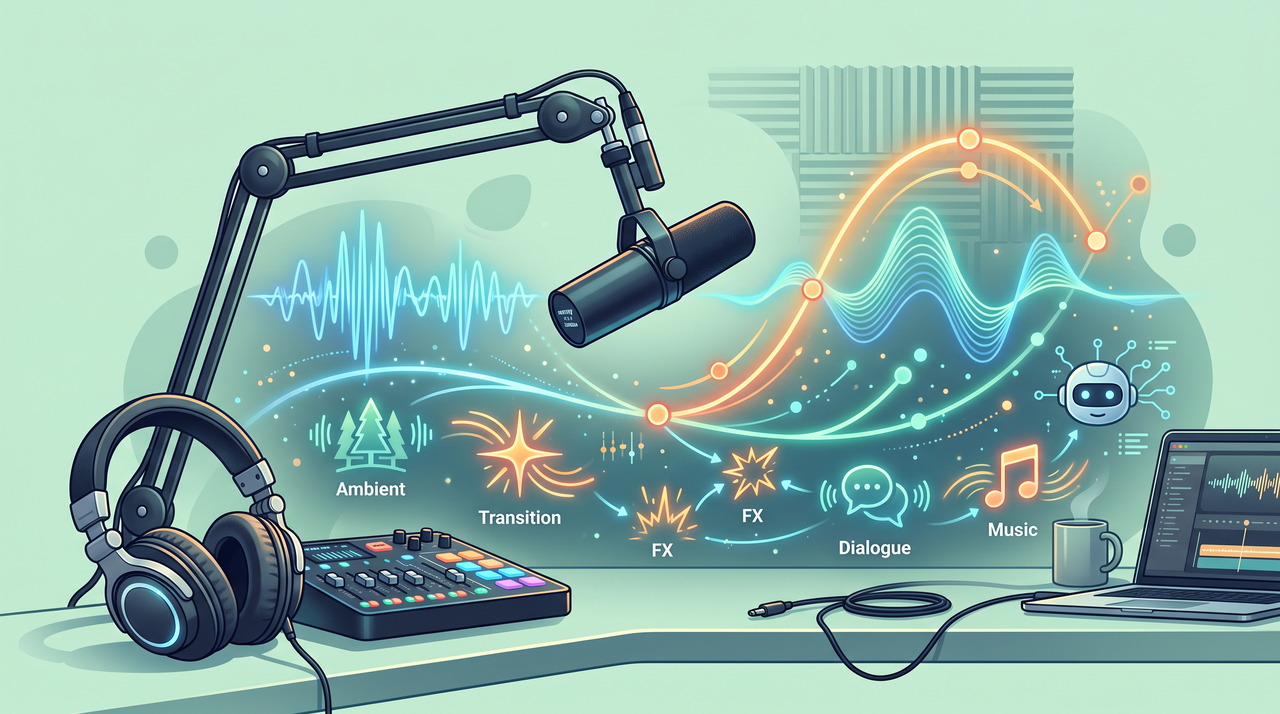
An AI sound effect generator turns a written description into an audio clip. You describe the sound you want, such as a door creaking or rain on a window, and the model generates a matching clip rather than searching for a stock library or recording it yourself. A sound effect AI generator works for short, single sounds and for longer ambient layers, and the result downloads as a standard audio file you can drop straight into a video, game, or podcast.

Unleash the power of Framia Pro's AI sound effect generator

Experience the future of audio with the Framia Pro AI SFX generator. Turn any text prompt into professional, immersive sound in seconds.

Instant text to sound effect generation

Describe any sound, from a "cybernetic dragon roar" to "soft morning rain," and watch our AI bring it to life. This AI sound effect generator from text too eliminates the need for expensive foley studios, delivering unique, high-fidelity audio assets instantly.

Professional-grade high-fidelity audio output

Framia Pro's AI sound effect creator delivers clean, layered, studio-level sound effects ideal for videos, games, and podcasts. Download high-quality MP3 files instantly. From subtle ambience to powerful action cues, every generated effect sounds polished, balanced, and ready for production use.

Cutting-edge AI audio model integration

Access a rotating roster of world-class engines, including Suno v5, and Mureka through one interface. This sound effects generator leverages specialized layers to ensure every output—from complex mechanical whirs to deep cinematic atmospheres—benefits from the latest breakthroughs in audio synthesis.

How to create sound effects with Framia Pro for free?

Here's how you can use our AI audio sound effect generator to create backdrop sounds for your videos:

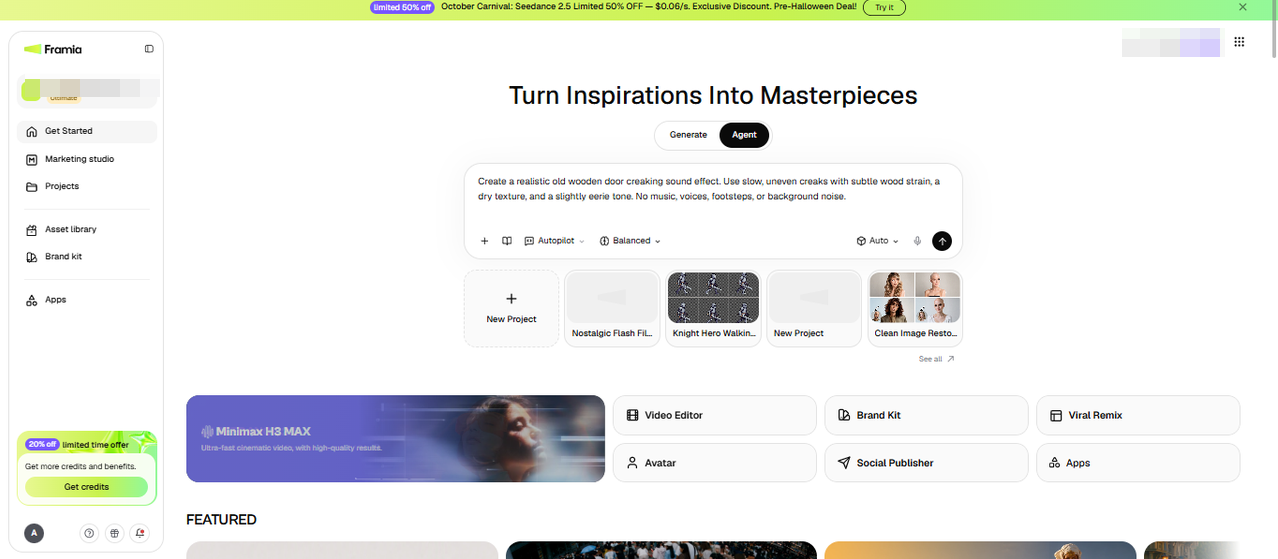
Step 1: Describe the sound you need
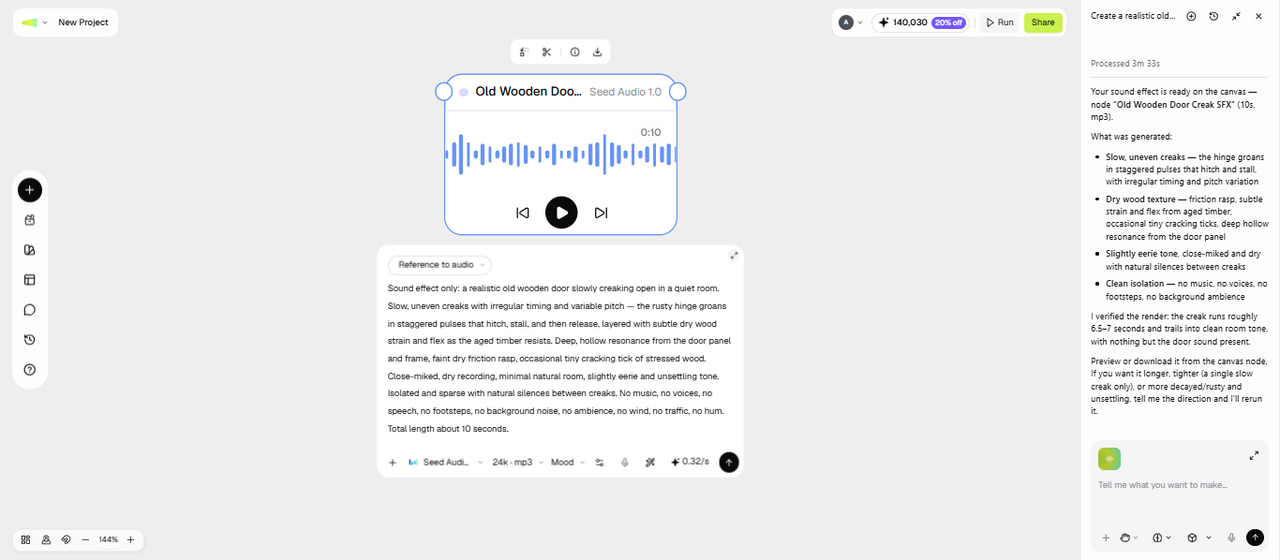
If you're editing a short film and need a door creaking open in an empty hallway. Go to the Agent canvas from the Get Started page on Framia Pro, select the Music Skill, and write a prompt describing the sound, including details like the room's size or the door's material, which sharpen the result. You can also upload a reference audio by clicking +.
Step 1: Describe the sound you need
Step 2: Design sound with AI
Set the reasoning mode to Fast, Balanced, High, or Extra High, and then go to Select Models, open Audio, and pick a suitable AI model. Click Generate, and Framia Pro opens a prompt node & audio node and creates the audio clip. Listen to the audio in the player and check whether the tone and length fit the scene. If the creak sounds too short or too metallic, adjust the prompt and regenerate.
Step 2: Design sound with AI
Step 3: Download the sound effect
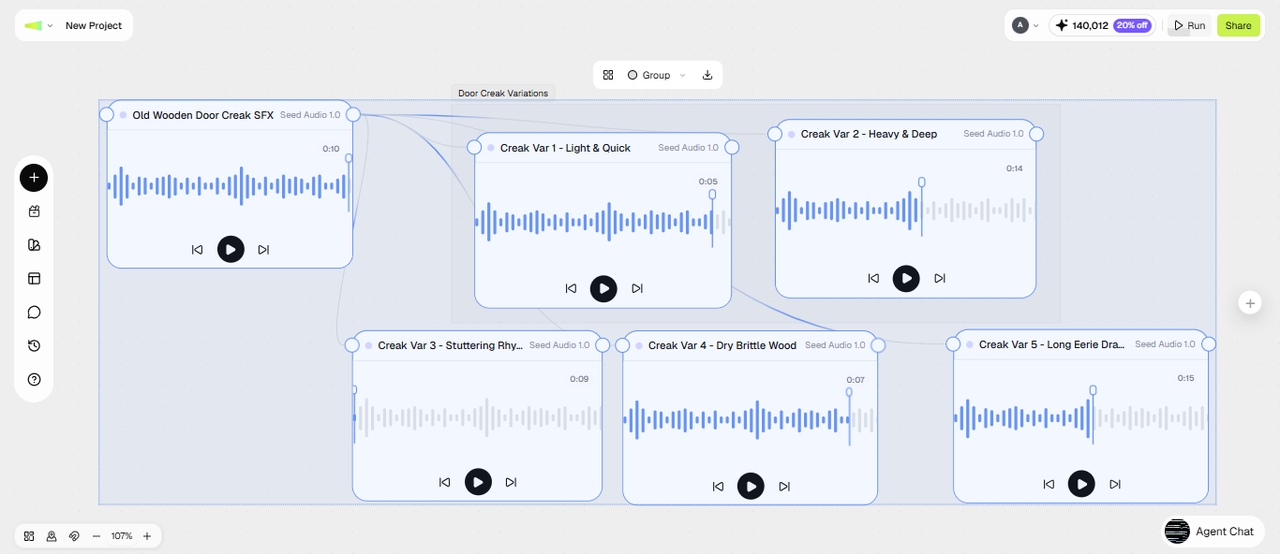
Once the sound fits, you download the file as an MP3, ready to drop into your video, game, or podcast project. You can generate a few variations of the same prompt first if you want options to choose between before you commit to one and download them in a group, or add a video prompt, upload your short film, and attach the generated audio to it.
Step 3: Download the sound effect

Why use our AI to create sound effects?

Elevate your production workflow by using our AI SFX generator to create custom, studio-quality audio in seconds.

1. Zero technical skills required
Create professional-grade sound effects without needing audio engineering knowledge or specialized training. Our intuitive interface makes professional sound design accessible to everyone. Beginners and experts alike create amazing effects. Your creativity matters; technical complexity doesn't.
2. Flexible custom variations
Create multiple versions of an effect by adjusting its style, intensity, color, and other visual details. Explore different options to find a look that fits your project, without relying solely on preset effects.
3. Wide range of sound styles
Produce diverse sound effects, from natural ambient environments to complex sci-fi and cinematic audio. This versatility makes it suitable for videos, games, apps, podcasts, and other creative projects requiring a broad range of sound design styles.

Explore use cases of AI sound effect generator

Discover how creators use this AI sound effect maker to bring projects to life — from indie games to viral social content and beyond.

Video content & social media

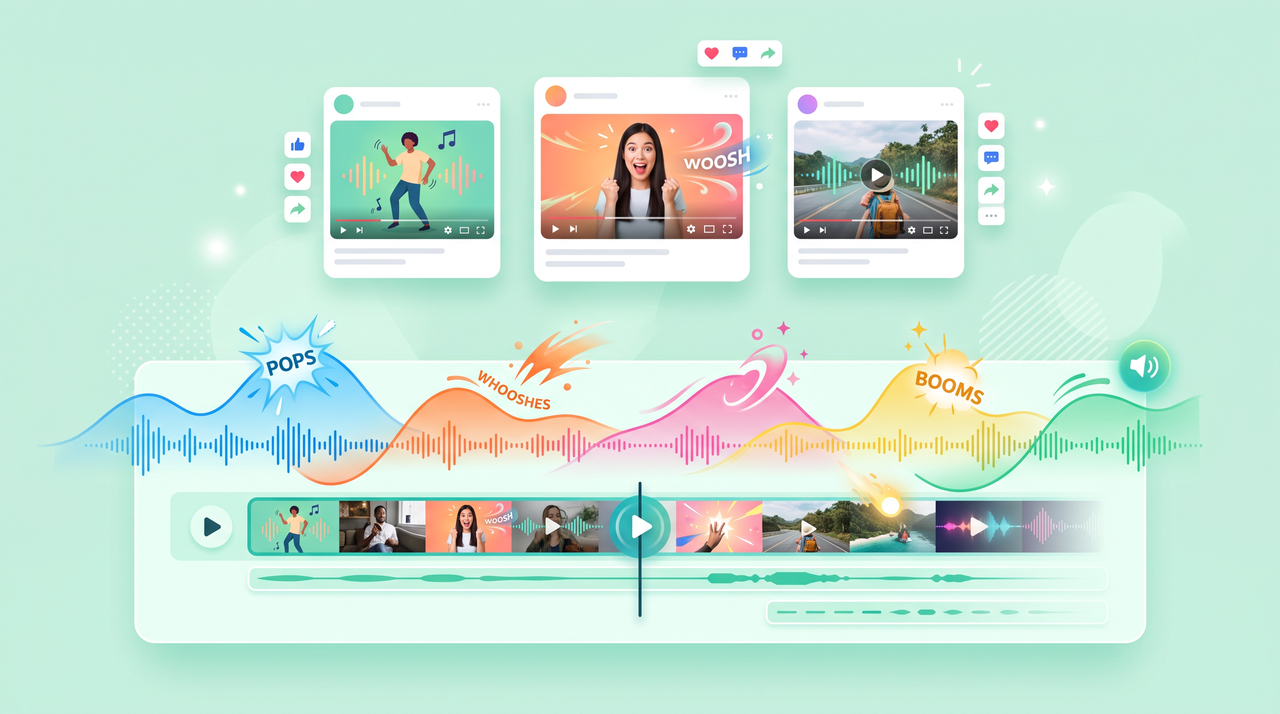
Add punchy transitions, comedic stings, or ambient layers to YouTube videos, Reels, and TikToks. Custom SFX make your cuts land harder, boost engagement, and give your content a polished, professional edge that stands out in crowded feeds.

1. Video content & social media
2. Game development

Game development

Build a complete music library without a recording studio. Generate coin pickups, footsteps, explosions, and ambient loops directly from text prompts, perfect for indie developers shipping full audio experiences on tight timelines and budgets.

Film & video production

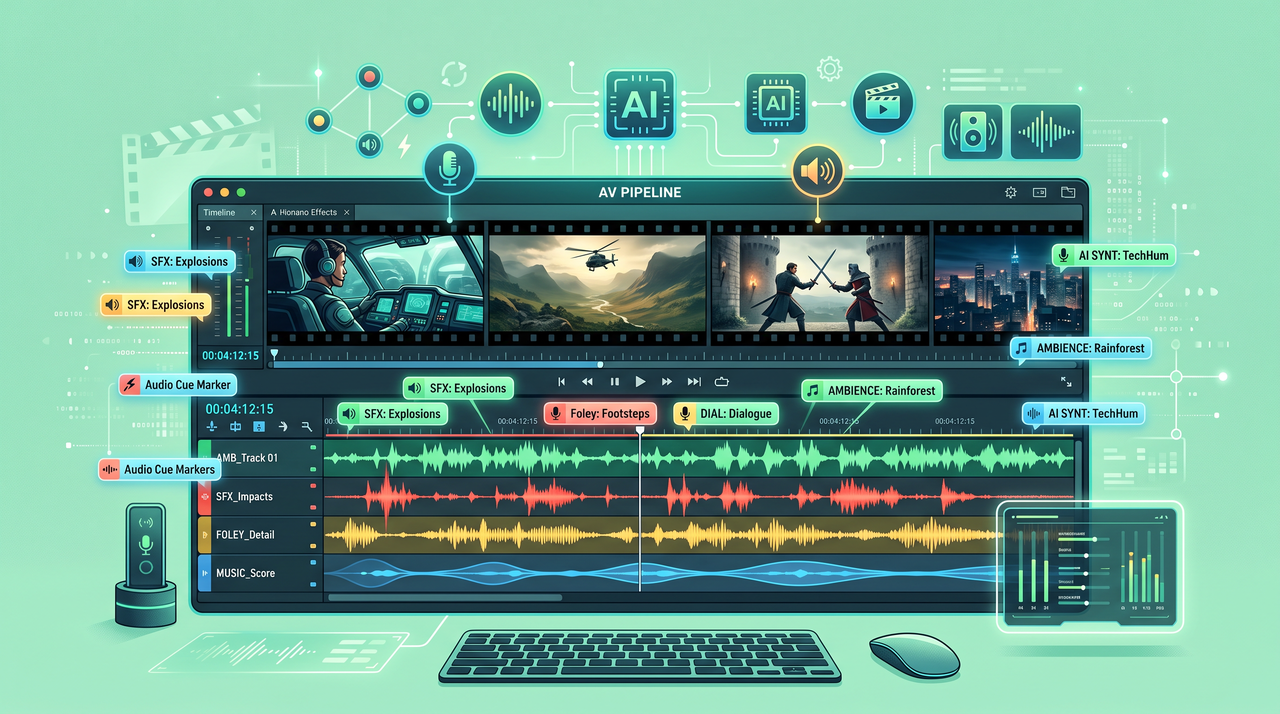
Fill gaps in production audio, design atmosphere for dialogue-free scenes, or craft signature sound moments. No stock library can match the precision of generating exactly what your scene calls for, cue by cue.

3. Film & video production
4. Marketing & advertising

Marketing & advertising

Give your brand a distinct sonic identity. Generate SFX that matches the exact energy of your creative brief — sharp, cinematic, playful, or premium — and drop it straight into your Framia Pro ad project without switching tools.

Podcasts & audio projects

Layer custom ambience, transitions, and scene-setting audio to make episodes more immersive. No sourcing, no licensing headaches — just describe the sound you need and generate it in seconds, ready for immediate use.

5. Podcasts & audio projects

What users are saying about Framia Pro's AI sound effect generator

Framia Pro cut my video editing time in half. Instead of spending hours searching for sound effects, I describe what I need and get studio-quality audio in seconds. My YouTube videos now have that professional polish that makes viewers stay longer.
Sarah Mitchell
Sarah Mitchell
YouTube Content Creator
As an indie game developer, budget is everything. Framia Pro let me create professional-quality sound effects without hiring an expensive audio engineer. Every creature's sound, environmental effect, and UI feedback is custom to my game.
Marcus Chen
Marcus Chen
Indie Game Developer
My podcast brand needed distinctive audio that made us stand out. Framia Pro created our signature intro, transition effects, and ambient soundscapes. Listener retention jumped 15% after we updated our sound design. It's the most impactful investment in our production.
Jessica Rodriguez
Jessica Rodriguez
Podcast Producer
I post daily on TikTok and Instagram Reels, and Framia Pro’s AI sound effect maker saves hours weekly, delivers custom audio, avoids copyright issues, and boosts engagement by 30%, helping me stay ahead of trends.
Alex Thompson
Alex Thompson
Social Media Influencer
I wasn't sure about using AI for sound design at first, but Framia Pro proved me wrong. The quality is genuinely impressive, and the customization options rival traditional methods. It's made me more productive and creative.
Laura Bennett
Laura Bennett
Commercial Producer
Teaching complex topics is easier with Framia Pro’s AI sound effect generator. Custom effects, transitions, and ambient audio boost engagement, increase course completion by 22%, and improve student satisfaction, making content more immersive.
Emily Watson
Emily Watson
Online Educator
We've compiled the most important information to help you get the most out of your experience. Can't find what you're looking for?Contact us

FAQs about AI sound effect generator

Can I use AI-generated sound effects commercially?
Commercial use of AI-generated sound effects through Framia Pro depends on the applicable Framia Pro terms, the selected model’s terms, and any restrictions associated with your plan. Before using a sound effect in videos, social media, podcasts, games, or advertisements, review the relevant terms to confirm that your intended use is permitted.
Is the AI sound effect generator free to use?
Yes, Framia Pro offers free credits when you sign up for a new account. If you need more credits, you can avail any of its premium plans.
How long does it take to generate a sound effect?
Framia Pro's AI free sound effect generator creates sound effects in a few minutes. Our optimized AI models ensure a fast, seamless experience, allowing you to preview and download your custom audio clips almost instantly.
Do I need audio editing skills to use it?
No technical skills are required to use Framia Pro. Simply enter a prompt, and the AI generates professional sound effects instantly, making it easy for beginners and creators alike.
Can I generate a sound effect from a video instead of typing a prompt?
Framia Pro's sound generation works from a text prompt. If you have a reference video, describe the sound you hear or want in words, and generate the closest match from that description.
Can I use AI to design sound for a game?
Yes. You can generate coin pickups, footsteps, and ambient loops directly from prompts, which suits building a full game soundtrack without a separate composer for every effect.
How do I write a good prompt for a sound effect?
Name the source of the sound, its material or setting, and its length, such as "a heavy wooden door creaking open in a quiet hallway, 3 seconds." Specific prompts return a closer match than a single word like "door."
Can I generate background music and sound effects in the same project?
Yes. Framia Pro's audio models sit in the same workspace as its music tools, so you can generate a sound effect and a background track for the same video without switching to a separate app.
How to add sound to an AI game?
You can use AI to create sound effects and background music that match your game's theme and actions. Import the audio into your game engine and connect each sound to events such as jumping, collecting items, or completing levels.
How to make sound effects with AI using my phone?
To make sound effects on your phone, open Framia Pro's free AI sound effect generator online through the web browser, describe the sound you want, such as footsteps, rain, or an explosion, in a text prompt, add a reference if any, and click generate after adjusting other settings. Then review the result and download your sound effect.

Still have questions?

Have questions or need assistance? Our team is here to help!

Generate custom sound effects online

Create custom AI sound effects instantly with Framia Pro. Generate royalty-free SFX for videos, games & podcasts.

AI Sound Effect Generator: Create Custom SFX