AI Photo to Video Online

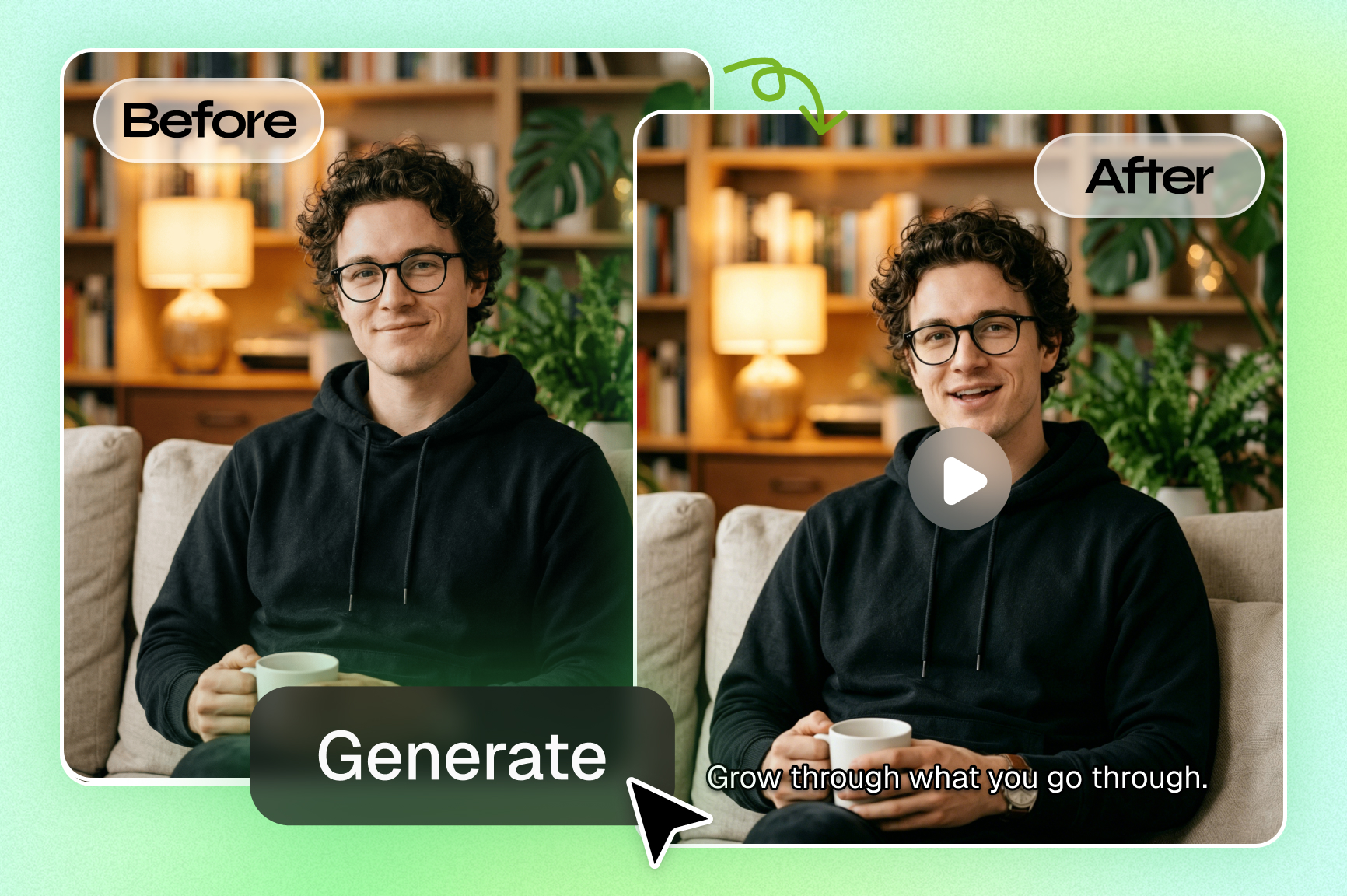
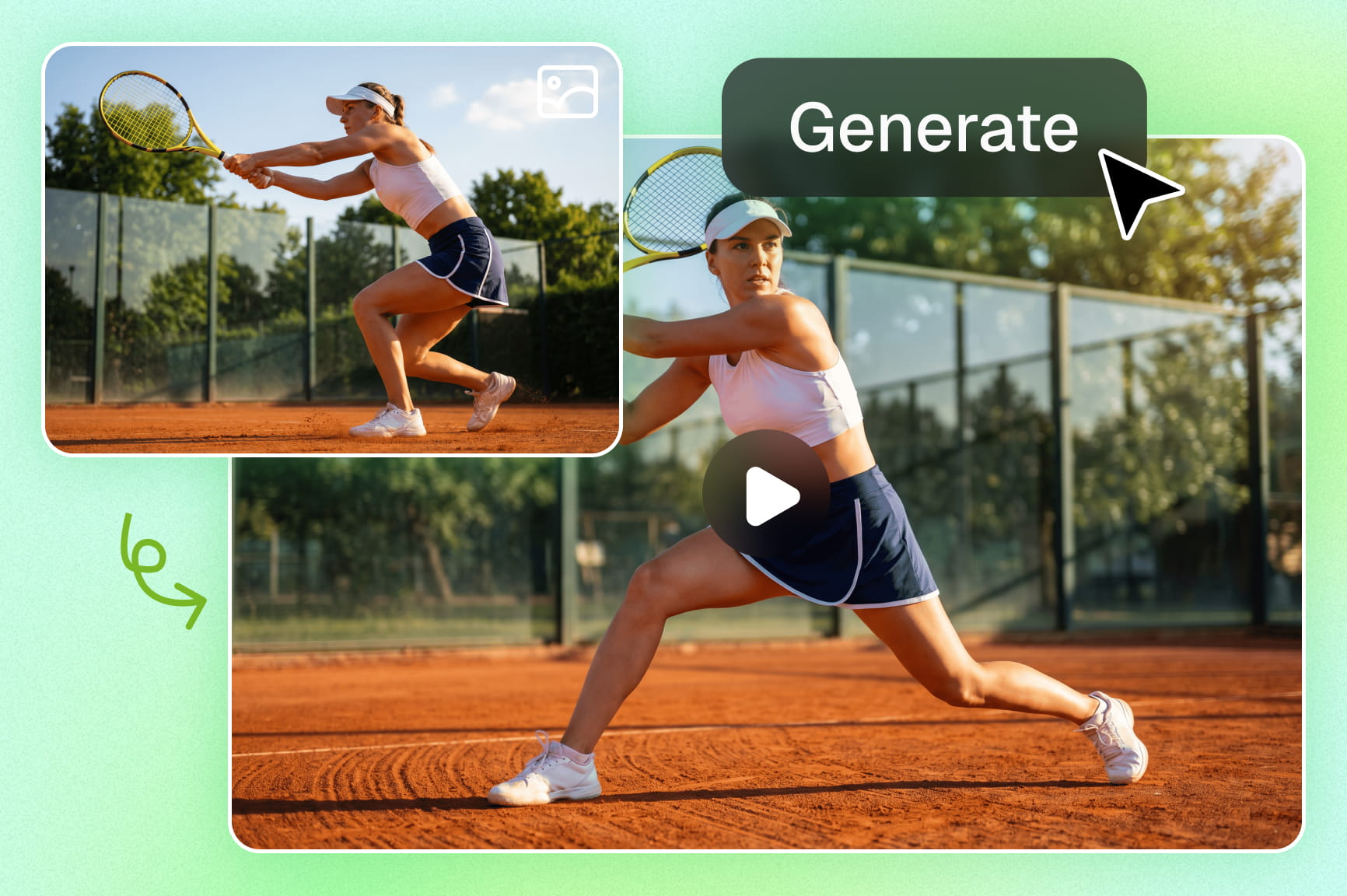
Looking to convert images to motion? Framia Pro's AI photo to video generator effortlessly animates pictures without complex editing software.

Upload imagesClick to browse or drag & drop file here
AI Photo to Video Online

What is a photo-to-video generator?

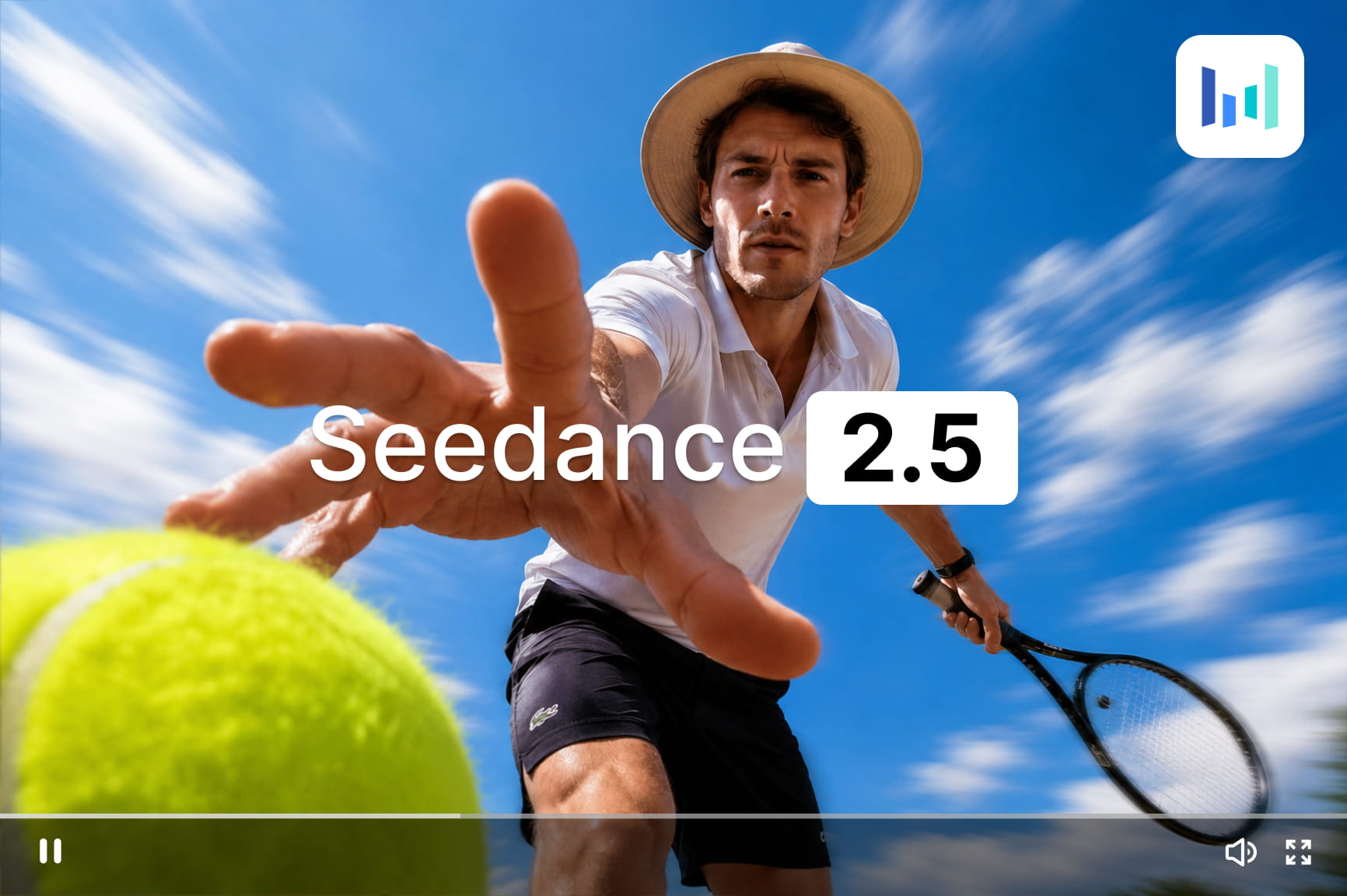
A photo-to-video generator uses AI to add camera movement, motion, and life to a still image. Framia Pro, for example, reads your photo and prompt, then builds a short clip with a zoom, pan, or tilt. You choose a Video Agent and a model, such as Veo 3.1, Kling 3.0, or Seedance 2.5, so the motion fits your style. You can start with free credits and download the finished clip in minutes.

Inspire your creativity with these AI photo-to-video creations

Cinematic Street Scene

Animate this young woman walking through a busy city street at sunset, with tall buildings, glowing shop signs, passing cars, and pedestrians in the background. Add natural walking motion, gentle hair movement, and a slow cinematic camera push-in with warm evening light.

Fantasy Forest

Animate this lone traveler standing in an enchanted forest surrounded by tall trees, glowing plants, floating particles, and mist near the ground. Add subtle movement to the leaves and clothing, drifting light particles, and a slow camera movement toward the traveler.

Luxury Product Ad

Animate this black perfume bottle placed on a reflective marble surface with soft studio lighting and blurred flowers in the background. Add a slow camera rotation around the bottle, subtle reflections on the glass, and gentle movement in the background while keeping the product shape unchanged but remove the "AURORA NOIR" text in the top-left corner.

Travel Landscape

Animate this tropical bay with gentle waves rolling onto the sandy beach, subtle movement in the palm leaves, and a smooth camera glides along the coastline. Preserve the shoreline, rock formations, and overall lighting.

Anime Character Scene

Animate this photo of the anime-style girl standing on a rooftop above a modern city at night, with glowing windows, neon signs, and a deep blue sky behind her. Add flowing hair and clothing, subtle city light movement, and a slow camera pan around the character.

Vintage Café Scene

Animate this cozy vintage café with a wooden table, a steaming cup of coffee, warm hanging lamps, bookshelves, and a large window showing a quiet street outside. Add rising steam, subtle light changes, gentle movement outside the window, and a slow camera push toward the coffee cup.

Unleash motion with Framia Pro's AI photos to video tool

Discover how our smart tools effortlessly transform your still images into dynamic stories.

Instantly animate boring static images

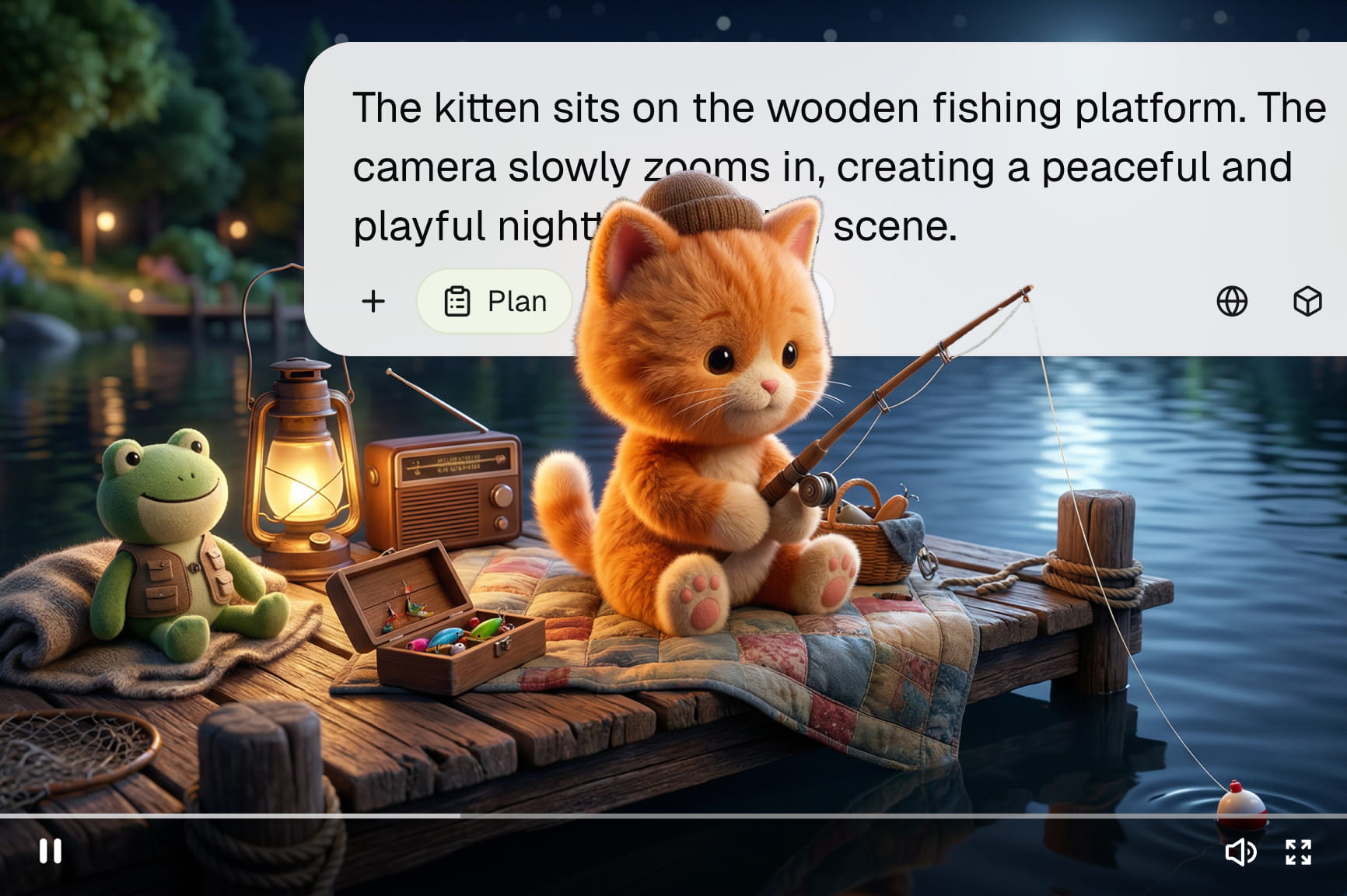
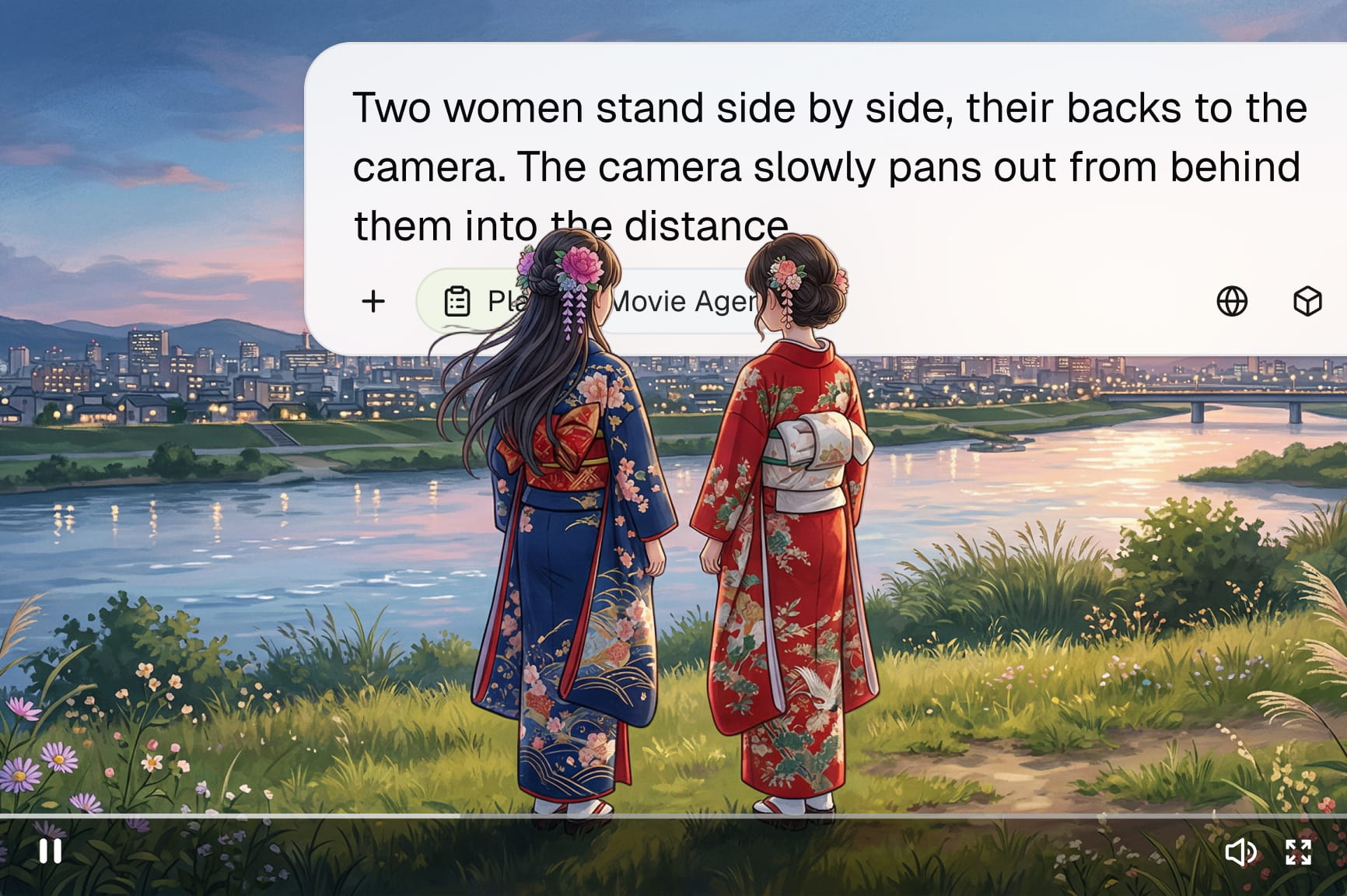
Transform lifeless photographs into engaging cinematic clips using models like Veo, Kling, or Seedance. Control camera movements by simply mentioning the type of dynamic video you want. You can instantly trigger smooth zooming in, dramatic zooming out, wide panning, or subtle tilting using basic text prompts.

Use action prompt words to make the photo move

Bring your generated image to life with simple text prompts that describe the movement you want to see. Clear motion instructions help guide the animation without requiring complicated editing software or timelines.

Text-based edits after generation

Text-based edits after generation

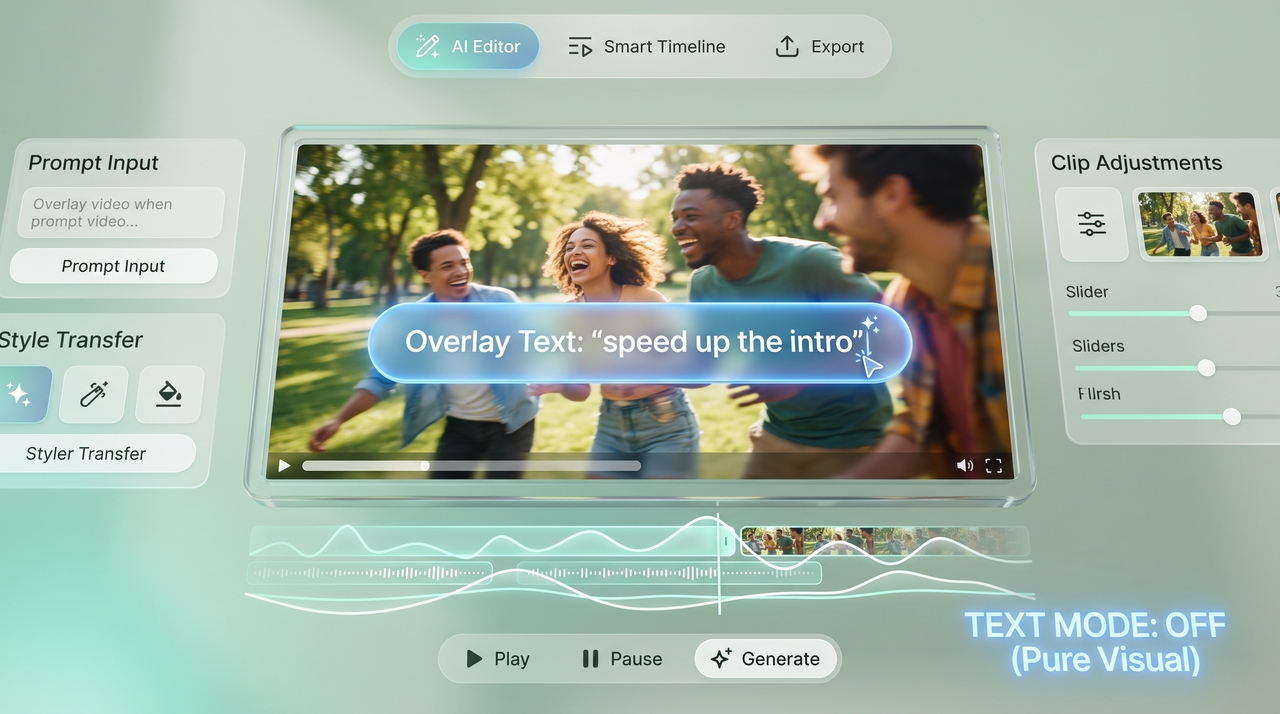
Open the generated clip in Framia Pro’s Video Editor to trim sections, adjust pacing, or add captions. Review the edited timeline, then export a new file.

Accelerate your content generation speed

Generate multiple compelling variations of your advertisements in just a fraction of the usual time. This lightning fast processing capability empowers your entire marketing team to react instantly to emerging trends and rapidly launch fresh promotional campaigns across social platforms.

Same face and outfit across every clip

Same face and outfit across every clip

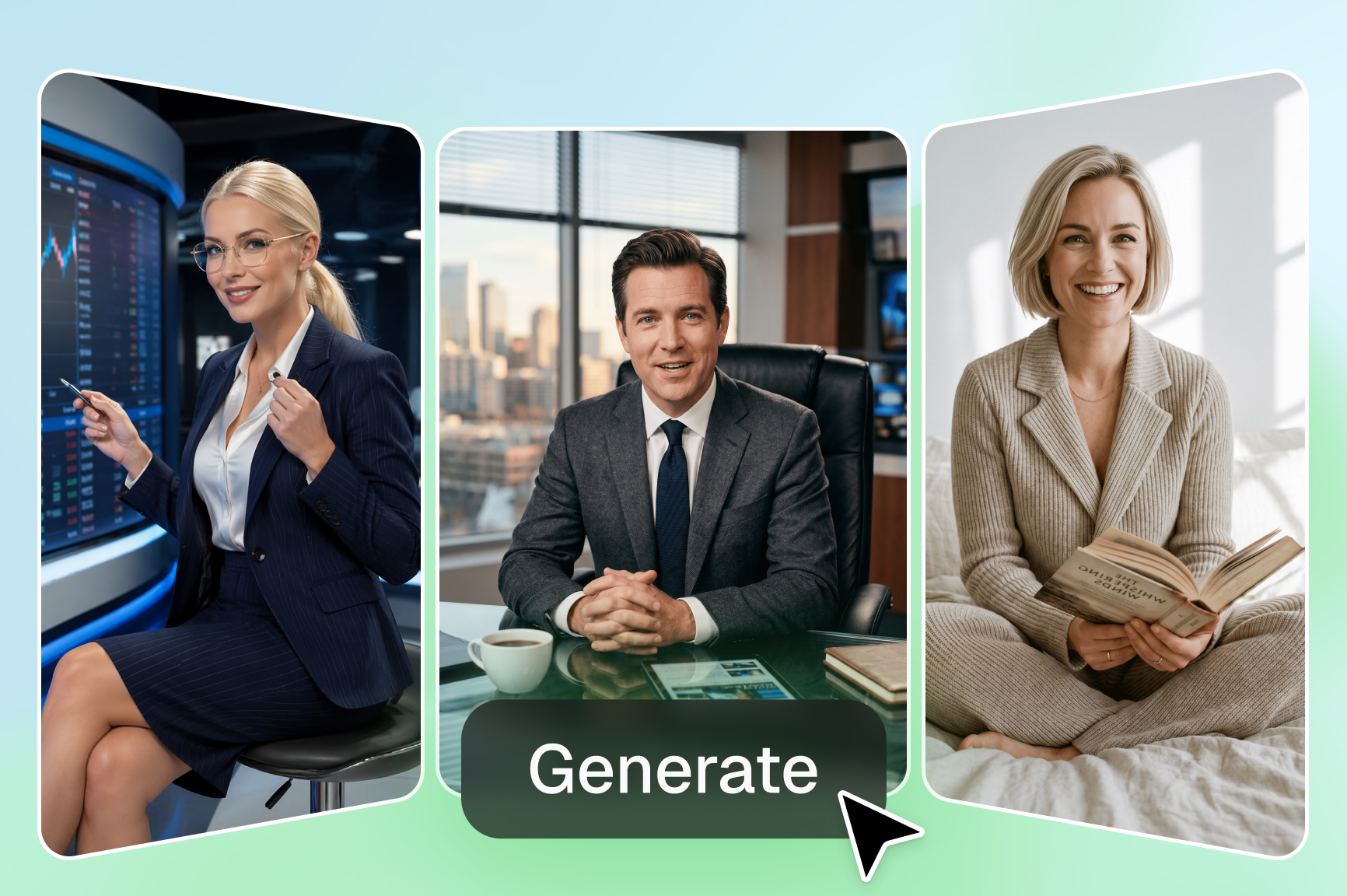
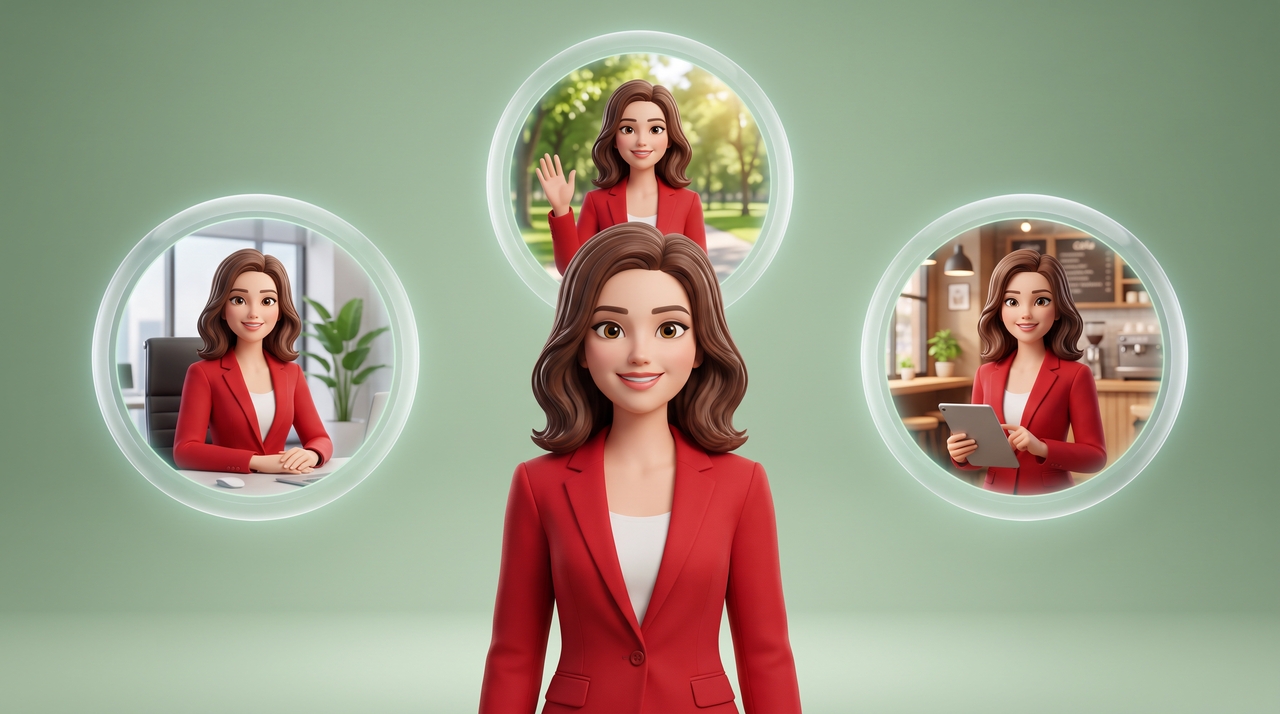
Lock in character's face, clothing, and key features across every clip generated from the same reference photo using our photo-to-video maker. This keeps a brand mascot, a spokesperson, or a product consistent from one scene to the next, which matters for a short series or a multi-part ad.

How to create videos from photos using Framia Pro?

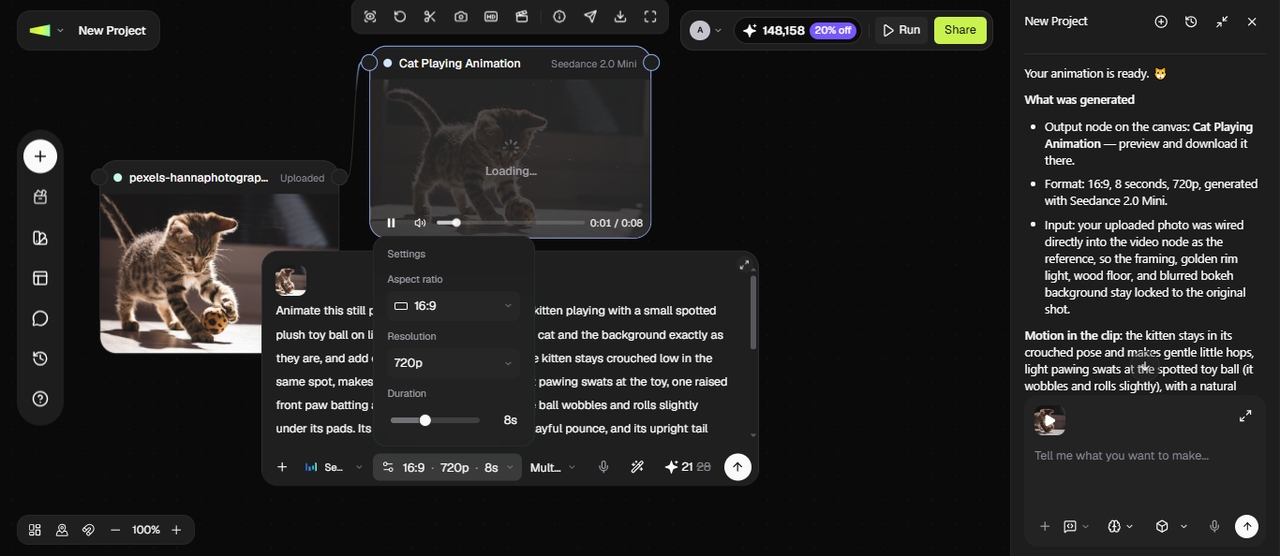
Step 1: Open the "Video Agent"
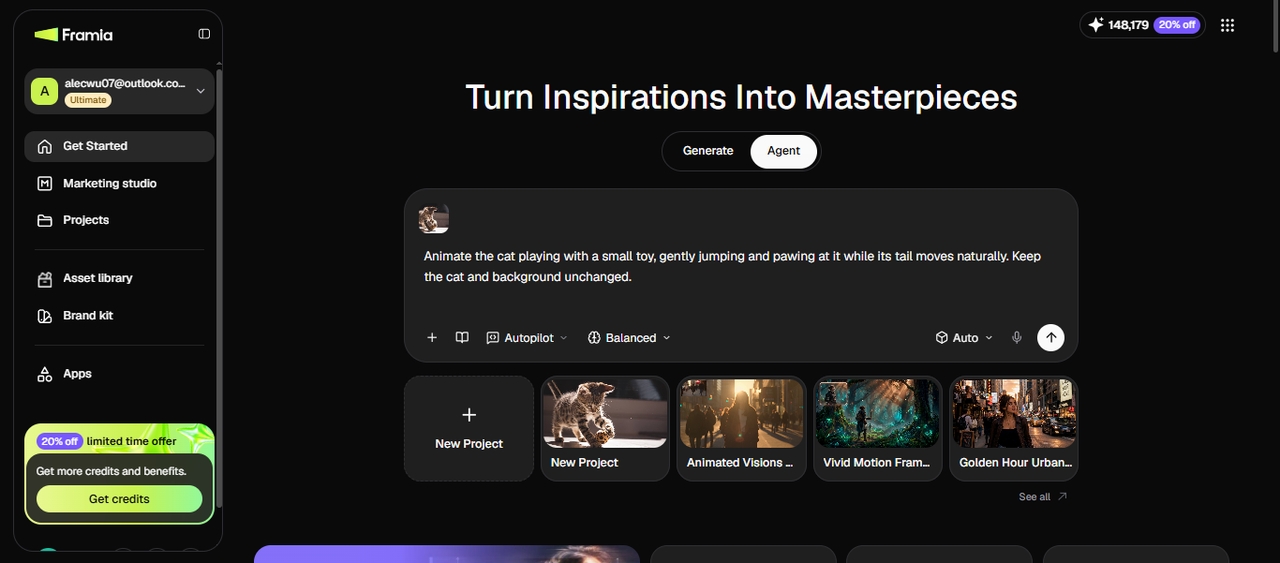
Sign up for Framia Pro, select the Agent on the main screen, and upload your photo. You can also choose Generate, pick Video from the left panel, add your image and prompt, and select a model and other settings. For Agent mode, type your video idea, choose the reasoning mode, pick a skill, and hit Enter.
Step 1: Open the "Video Agent"
Step 2: Review the nodes and adjust
Framia Pro connects video nodes and generates the clip from your photo and prompt. Preview the generated clip, then adjust the aspect ratio, duration, resolution, or motion prompt in the video node. Run the node again to generate a new version.
Step 2: Review the nodes and adjust
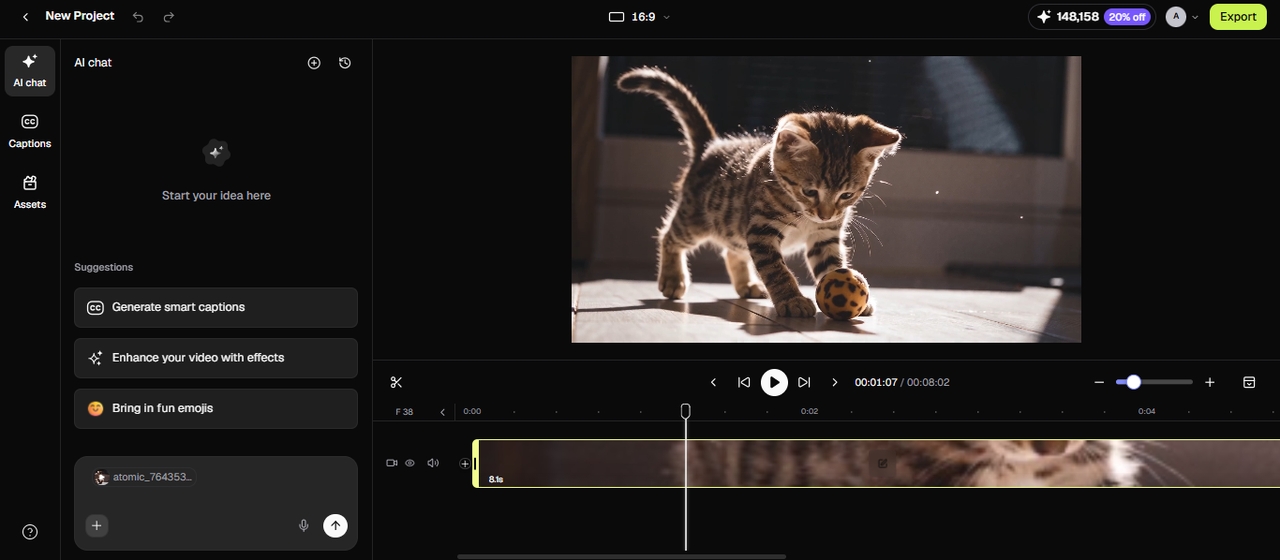
Step 3: Preview and export your video
Now, you can either choose to further edit it using the built-in tools or connect a video editor node and open the timeline editor to edit through chat. Here, you can also generate captions, split the video, change aspect ratio, and enhance your clip with effects. Then, download your video or share it directly to your connected social accounts.
Step 3: Preview and export your video

Elevate your visual content strategy with our free photo-to-video tool

Explore the incredible benefits that make our platform the perfect choice for your content.

Repurpose existing photo collections
Get more value from photos you already own. Turn product catalogs, travel albums, event pictures, and archived photography into fresh video content for website galleries, seasonal campaigns, and digital portfolios without arranging another photo shoot.
Reach different audience groups
Prepare video assets for specific customer groups, regional markets, or seasonal promotions. Use existing campaign photos to present relevant products and offers to different audiences without commissioning separate photography sessions for every marketing campaign or customer segment.
Tell stories through visual sequences
Turn family albums, historical archives, educational materials, or company milestones into short visual narratives. Arrange related photos to explain events in order, share important memories, or present information in a format viewers can follow from start to finish.

Discover limitless possibilities with Framia Pro's photo to video maker

Learn how different industries are utilizing our powerful picture to video technology to transform visuals.

E-commerce product promotional video ads

Online retailers constantly struggle to showcase their merchandise effectively. By animating high quality product photographs, store owners can create dynamic showcases that highlight specific features, immediately grab shopper attention, and ultimately drive significantly higher conversion rates across their digital storefronts.

E-commerce product promotional video ads
Real estate property virtual tours

Real estate property virtual tours

Realtors need engaging ways to present listings without always filming. Transforming bright sunny architectural shots into smooth flowing video sequences provides potential buyers with an immersive virtual walkthrough experience, making properties feel incredibly warm and instantly much more visually appealing.

Social media short form clips

Content creators require constant fresh material for their active feeds. Animating lifestyle portraits and travel snapshots allows influencers to quickly generate captivating reels and stories, saving massive amounts of filming time while consistently meeting demanding algorithmic expectations of social platforms.

Social media short form clips
Educational and training presentation materials

Educational and training presentation materials

Corporate trainers frequently struggle to maintain audience attention during seminars. Converting boring instructional diagrams and static presentation slides into subtly moving video elements helps clarify complex topics, keeps employees highly engaged, and dramatically improves overall knowledge retention during long sessions.

Animated personal memory photo albums

Families want unique ways to preserve their most cherished memories. By adding gentle cinematic movements to old wedding photographs or childhood pictures, you can instantly create stunning emotional video montages that beautifully capture those special unforgettable moments for future generations.

Animated personal memory photo albums
Corporate internal communication video updates

Corporate internal communication video updates

Business leaders need efficient ways to share important company news. Instead of scheduling complicated executive video shoots, communications teams can easily animate professional headshots and combine them with dynamic text overlays to instantly deliver polished engaging announcements to remote employees.

Why do customers love our AI photo to video generator

Read real stories from creative professionals who have revolutionized their daily workflow.

I previously spent countless hours trying to edit complex property tours. Now, I merely upload my sunny exterior shots, and this system instantly crafts beautifully smooth, highly inviting cinematic walkthroughs that help clients visualize their future dream homes perfectly today.
Gabriela Santos
Gabriela Santos
Realtor
Producing dedicated commercials for every single campaign was draining our corporate budget rapidly. Converting our existing catalog of static product photography into engaging promotional clips has massively accelerated our turnaround time and drastically reduced our overall visual content production expenses.
Diego Ramirez
Diego Ramirez
Marketing Director
Staying relevant online requires posting fresh material almost every single day. Animating my standard lifestyle portraits adds an incredibly dynamic flair to my feed, successfully stopping the infinite scroll and immediately driving substantially more active engagement from loyal followers worldwide.
Mateo Silva
Mateo Silva
Content Creator
Showcasing apparel using only flat images simply was not driving enough conversions. By adding subtle motion to our studio shots, we effectively highlighted fabric textures and unique design features, which ultimately built immense buyer confidence and instantly skyrocketed monthly revenues.
Valentina Torres
Valentina Torres
E-commerce Manager
Keeping students completely focused during extensive historical lectures is always challenging. Breathing vibrant life into black and white archival photographs creates a genuinely immersive learning atmosphere, making the distant past feel incredibly present and significantly improving overall information retention daily.
Javier Rojas
Javier Rojas
Educator
Finding stock footage that matches our specific visual aesthetic is incredibly frustrating. Animating our custom shot photographs ensures absolute consistency across all digital channels, allowing my creative team to generate stunning cinematic assets without ever compromising our established brand identity.
Camila Vargas
Camila Vargas
Art Director
We've compiled the most important information to help you get the most out of your experience. Can't find what you're looking for?Contact us

Frequently asked questions

Which image formats are supported by an AI photo to video free tool?
Most standard digital image formats like JPEG and PNG are fully supported across modern platforms. Through Framia Pro, you can effortlessly upload these popular file types for instant high-quality animation.
Can a free AI photo to video generator help in improving social media engagement?
Moving visuals consistently capture viewer attention much better than completely static posts on crowded timelines. Leveraging Framia Pro ensures your content stands out, driving significantly higher interactions and overall brand awareness.
How long does the generation process take?
The artificial intelligence processes data incredibly fast, typically completing detailed visual animations within mere seconds. Utilizing Framia Pro to convert images to video, you will drastically reduce turnaround times compared to traditional manual corporate video production.
How should I prepare a photo for image-to-video generation?
Yes, generated clips are completely perfect for professional advertising campaigns and dynamic digital storefront displays. Incorporating Framia Pro allows businesses to produce highly lucrative marketing assets without breaking their corporate budgets.
Can I keep the same character or product consistent across clips?
Framia Pro locks in a face, outfit, or product look across every generated clip, so a brand mascot or spokesperson stays recognizable from one video to the next.
Is there any photo-to-video tool free to use?
Framia Pro gives you free credits when you sign up, so you can generate your first clips at no cost. Paid plans add more credits and unlock watermark-free downloads.
Can I use the finished video for commercial or marketing projects?
You can use clips you generate using free photo-to-video for ads, product pages, and other marketing projects. If a photo includes another person's face or a brand asset you do not own, confirm you have the rights before you publish it.
What should I do if the generated video changes details in my original photo?
Use a more specific prompt that identifies which elements must remain unchanged, such as facial features, product shape, clothing, or background details. Describe only the movement you want to add. If the result still alters important details, try a different model or simplify the motion instructions.

Still have questions?

Have questions or need assistance? Our team is here to help!

Discover more tools from Framia Pro's AI toolkit

AI Script Generator
Transform your written concepts into captivating visual stories instantly, streamlining your entire production workflow and boosting overall creative output today.
AI Voice Generator
Produce incredibly realistic voiceovers using advanced speech synthesis, giving your multimedia projects professional audio quality without hiring expensive voice actors.
AI Video Speed Changer
Easily modify the playback pace of your clips, crafting dramatic slow motion sequences or energetic fast forward montages for impact.

Create stunning videos from photos with Framia Pro!

With Framia Pro's AI photo to video generator, creating videos from even the simplest of images is just a piece of cake.

AI Photo to Video Generator: Bring Images to Life in Seconds