


Step 1: Sign up for Framia Pro Pro
Create a Framia Pro Pro account, enter a detailed scene description in the prompt, and upload any reference images to guide the tool.
Create professional anime-style opening videos, character reveals, engaging cuts, and synced music. No animation skills needed.
Create anime openings from simple prompts, sync visuals with music, and keep characters steady.
Describe your concept in plain text (genre, mood, characters, setting), and the AI creates a complete opening with cinematic cuts, character reveals, and transitions. You can use Sora 2, Veo 3.1, Kling 2.6, Seedance 1.5, and other popular models.
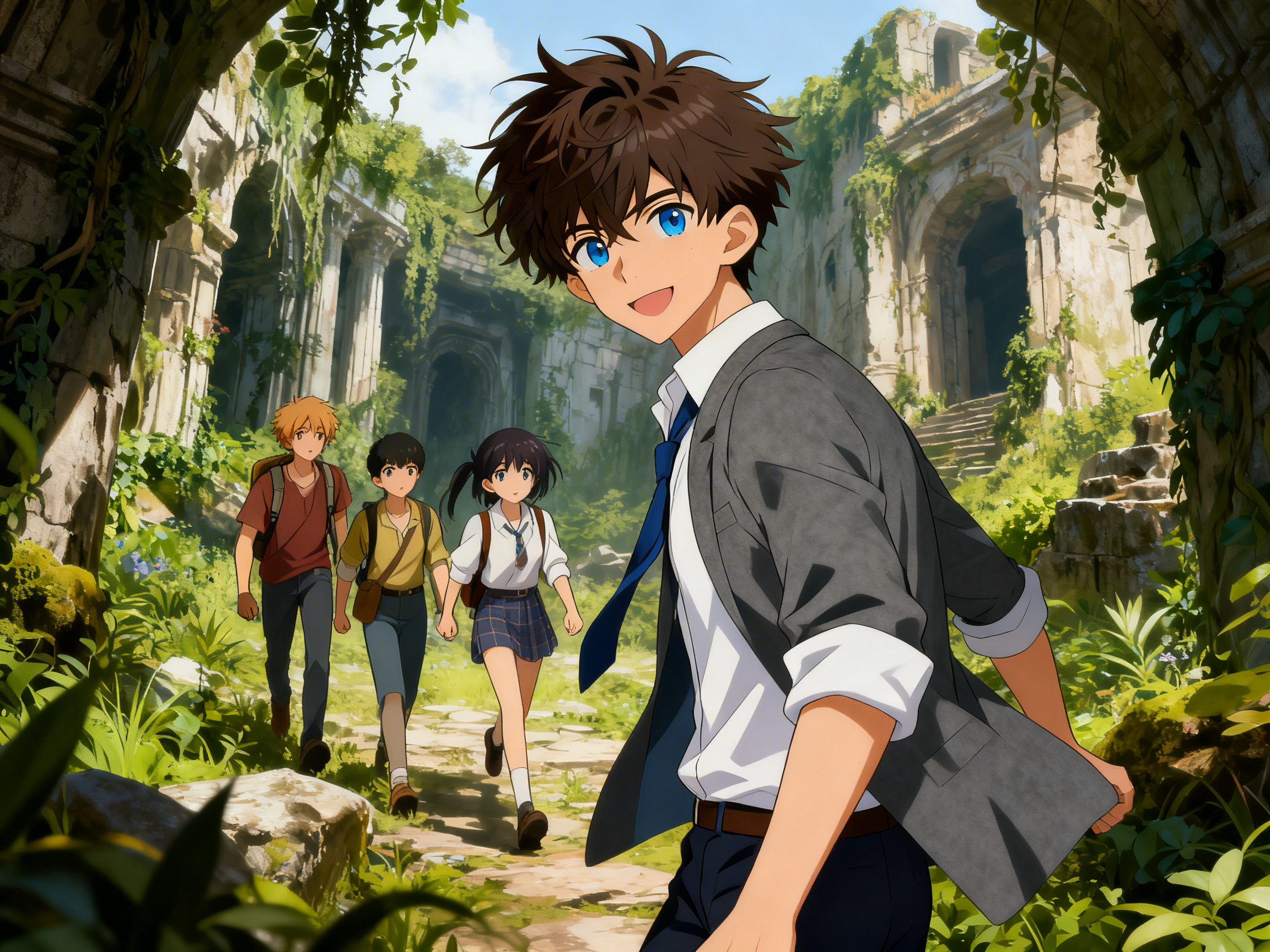
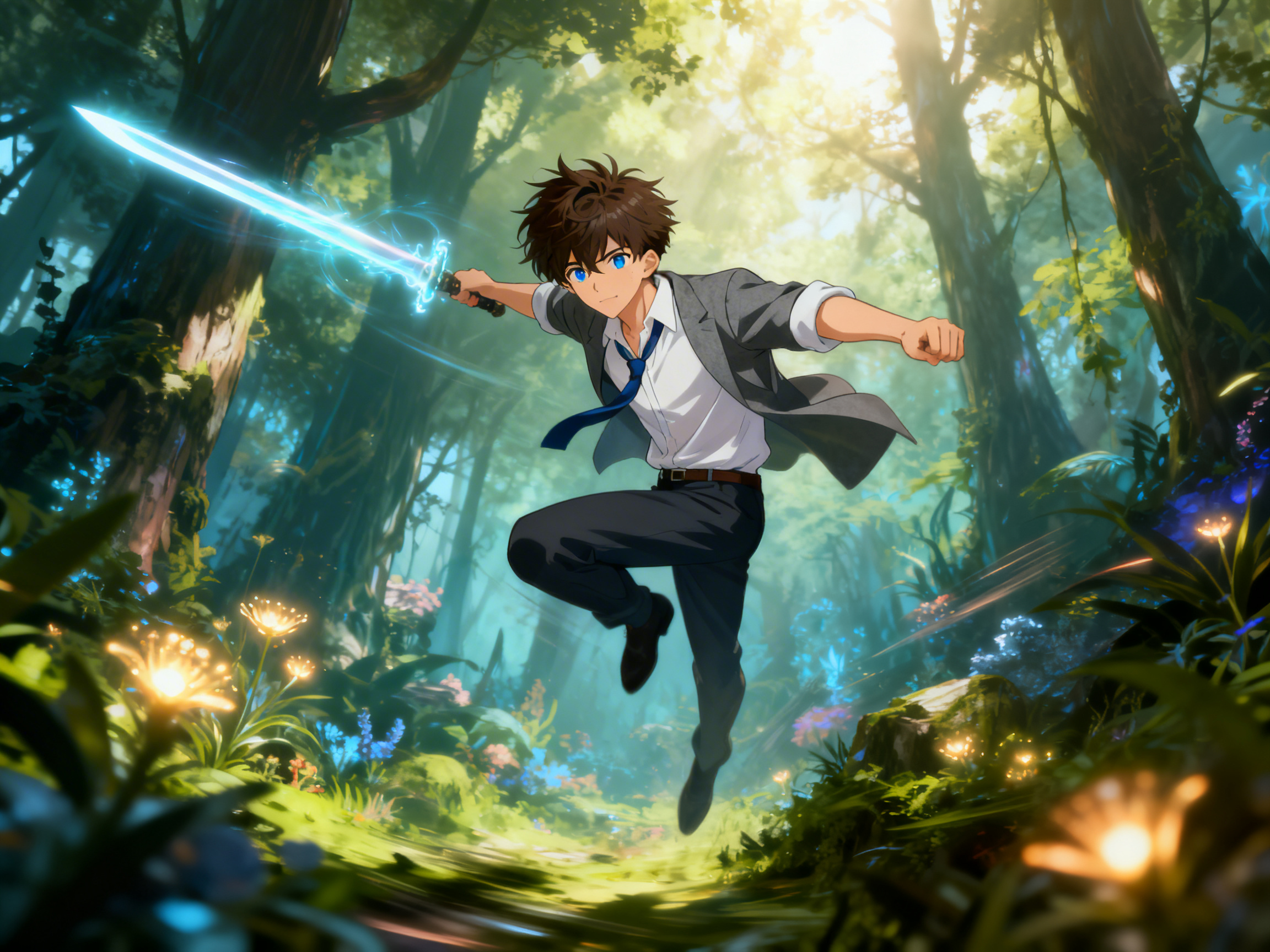
Match scenes with audio using our AI anime opening video generator, so cuts follow rhythm and mood. AI aligns motion, narration, and sound to keep timing natural, which improves pacing and maintains every frame in sync with the soundtrack.
Upload 1–3 reference images and Framia Pro's anime intro maers locks in hair colour, outfit, and facial features of the character in every generated scene. This means your hero looks identical from frame one to the final title card.
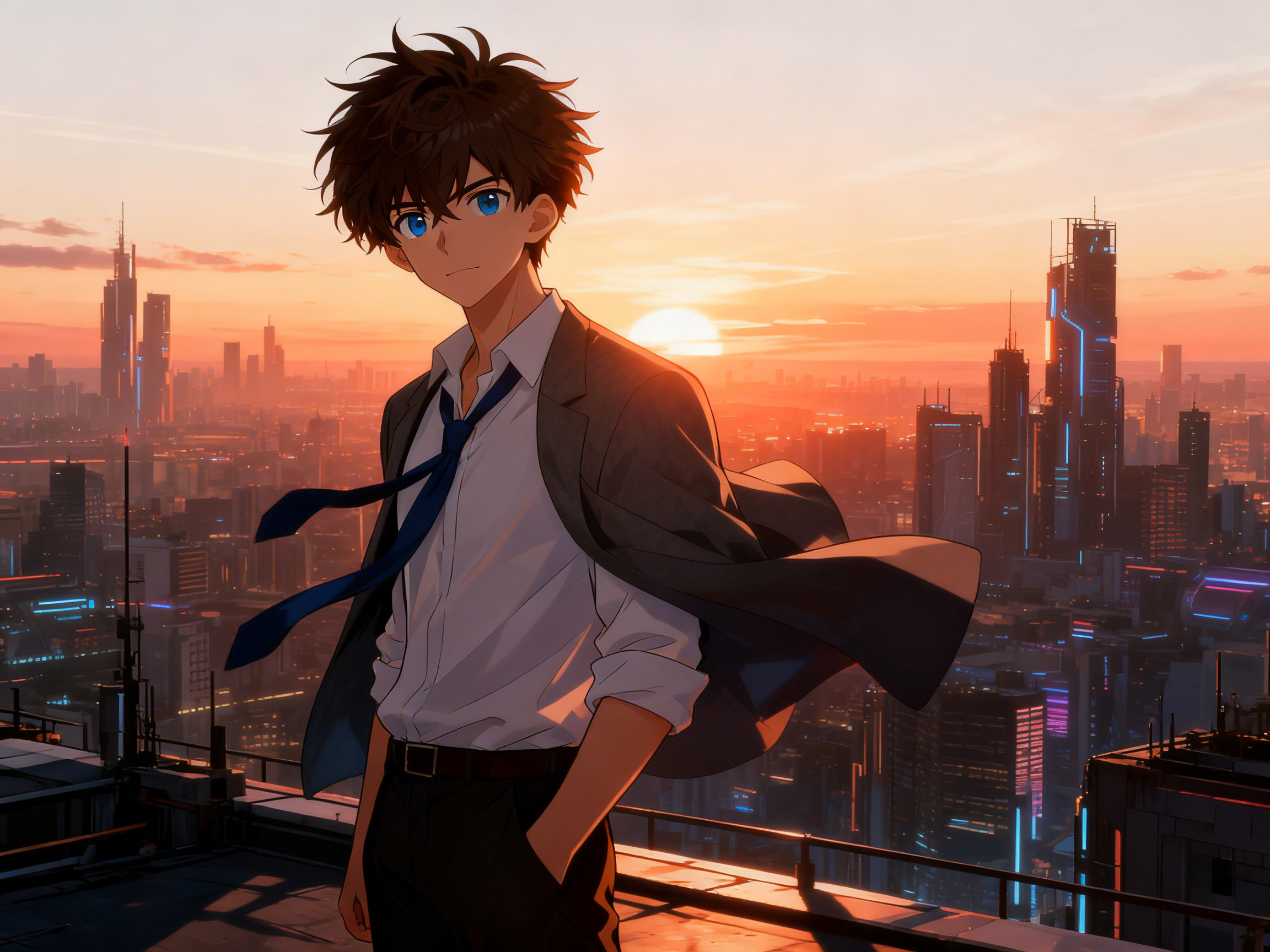
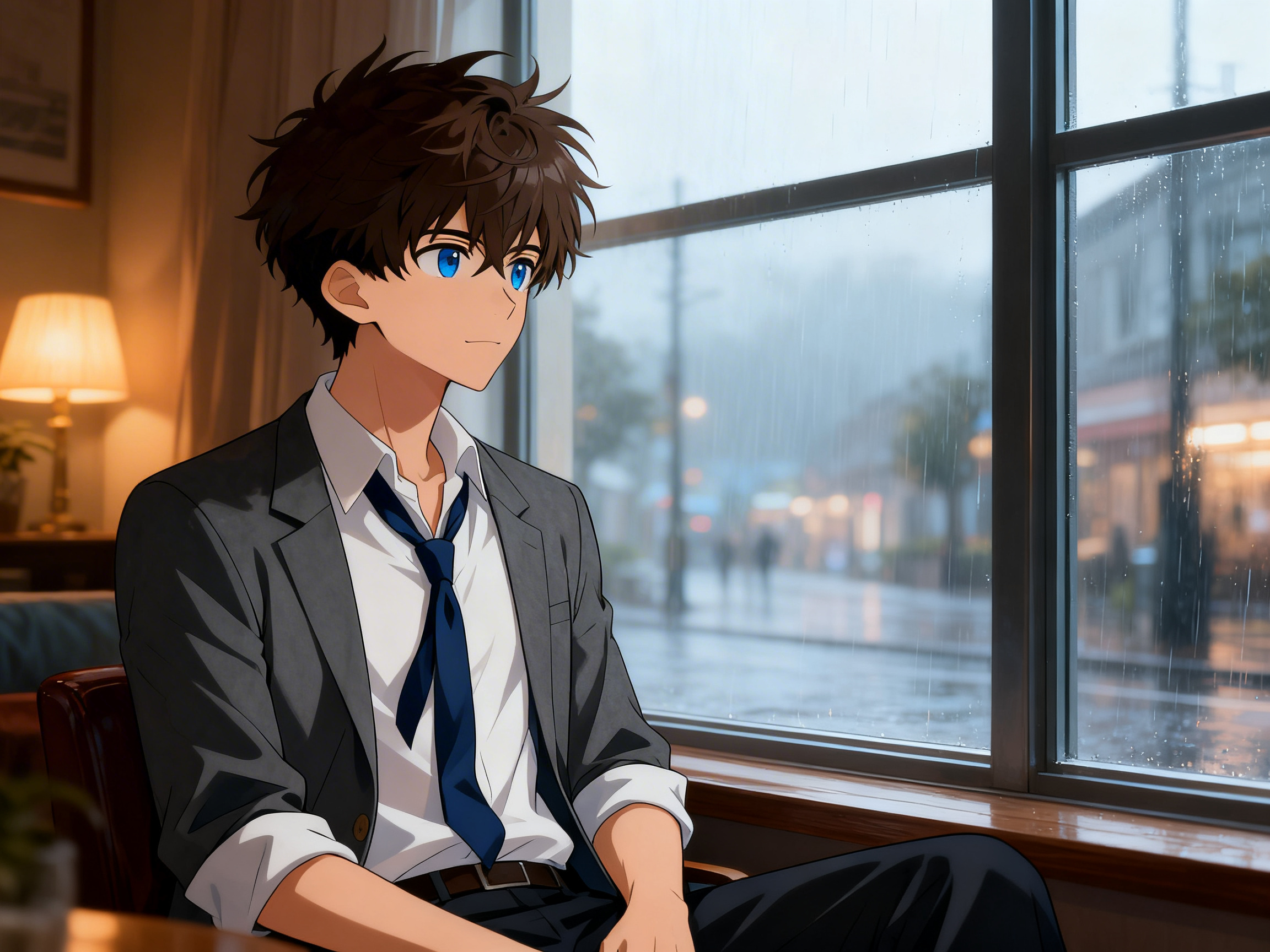
Add shonen, shojo, mecha, isekai, or slice-of-life, or layer style keywords directly into your prompt, and the chosen aesthetic holds steady in every scene in the opening. The video generation runs on popular AI models, so the visual language stays consistent from the first cut to the last.
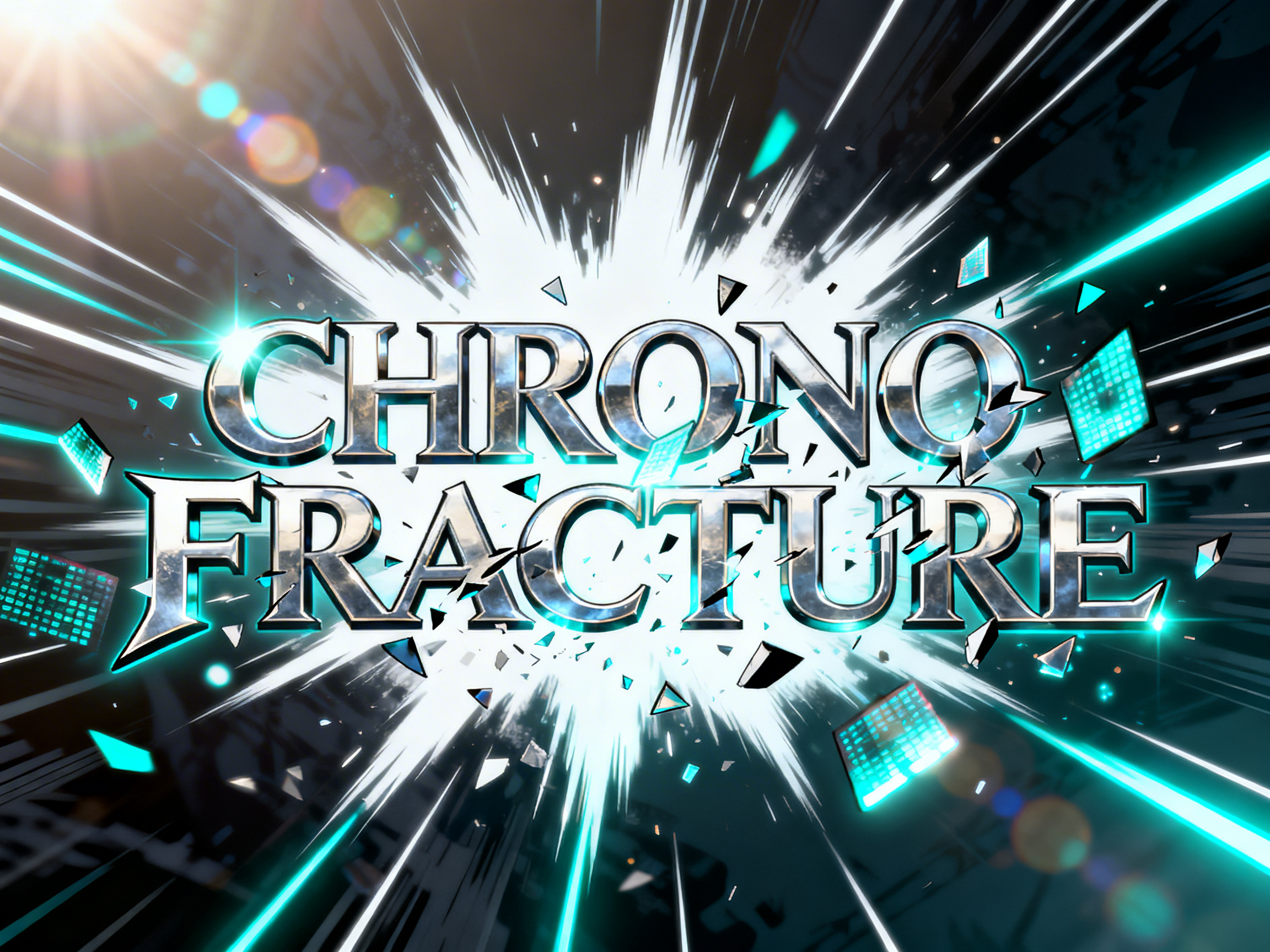
Type your series name and the AI generates an animated title card complete with Japanese-inspired typography, speed-line bursts, particle reveals, and cinematic flashes. You can refine it through chat by typing a direction like "make the title shatter in."
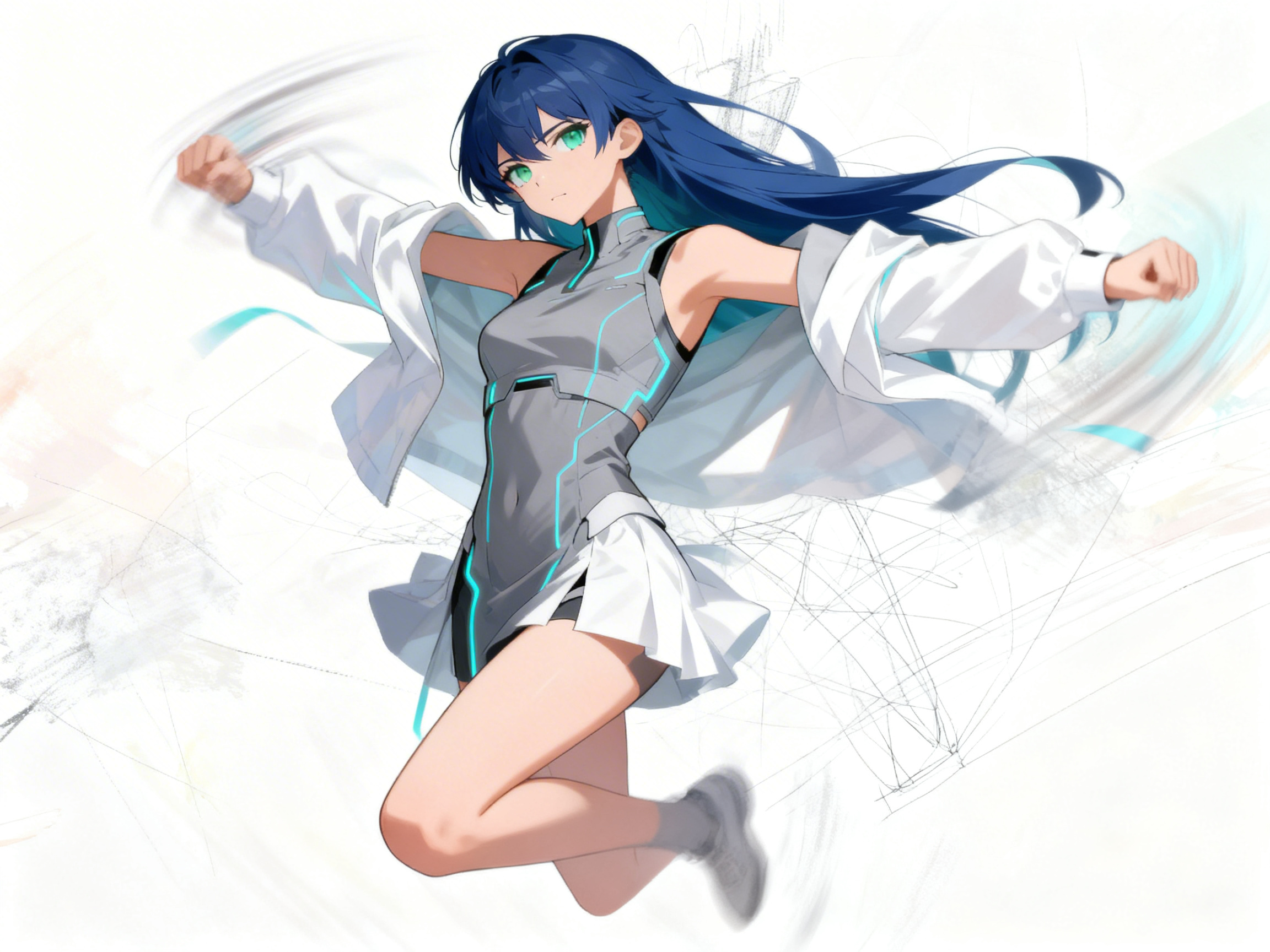
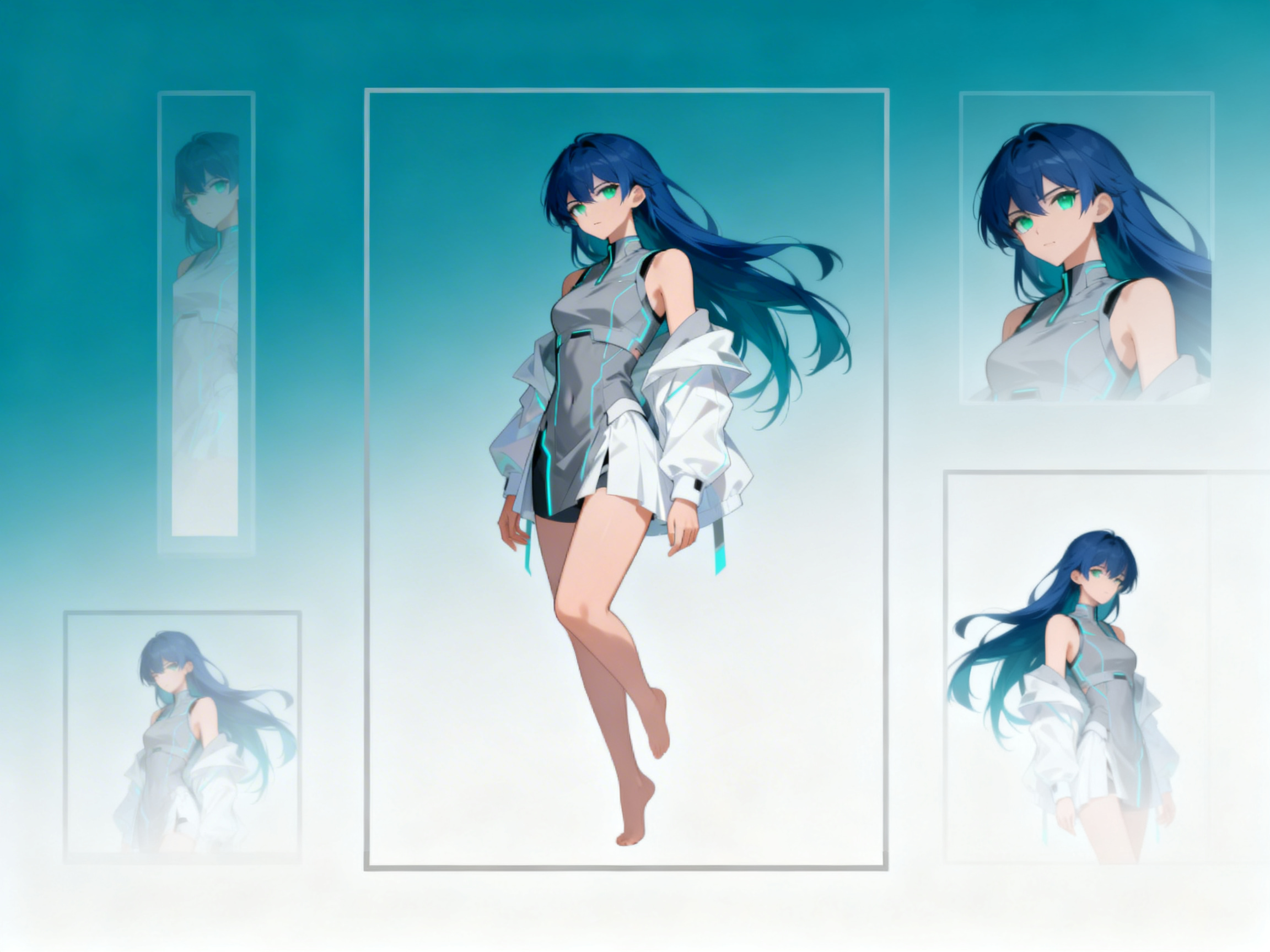
Drop in your character sheet, hand-drawn sketch, or finished illustration, and Framia Pro animates your artwork with natural, fluid motion. It reads shapes, colors, and proportions to keep your original style clear while adding movement, camera shifts, and scene depth.
Download in 4K without a watermark, or convert the same project to 9:16 for TikTok, 1:1 for Instagram, and 16:9 for YouTube videos, all in one place. The output is a standard MP4 that you can upload to any platform.
Go through the steps below to create anime opening videos with Framia Pro Pro:
Type a prompt, get a studio-quality anime intro with full creative control and fast generation.
Turn ideas into anime-style intros, trailers, and content that fit YouTube, social, or games perfectly.
See why Framia Pro's AI video generator for anime openings is loved by creators and trusted by studios.


Have questions or need assistance? Our team is here to help!
Turn any concept into an anime opening. Framia Pro handles animation, scene transitions, and audio sync so your intro is ready to publish!
