



Add your idea or image
Select "Design" on the Home page, type your 3D render idea, and describe the style, lighting, colors, and depth. Click "+" to upload a photo.
Create realistic 3D render visuals from images and photos using AI tools. Generate product scenes, models, and digital 3D renders.
Create detailed 3D render visuals from ideas or images using a simple three-steps.
Power your entire 3D render workflow on a single AI canvas built for creators.
Type a prompt, upload a photo, and use Nano Banana 2, Seedream 5.0, or MidJourney v7 to convert your idea into a detailed 3D render. Each model brings a different visual strength, so the output fits your exact creative direction.
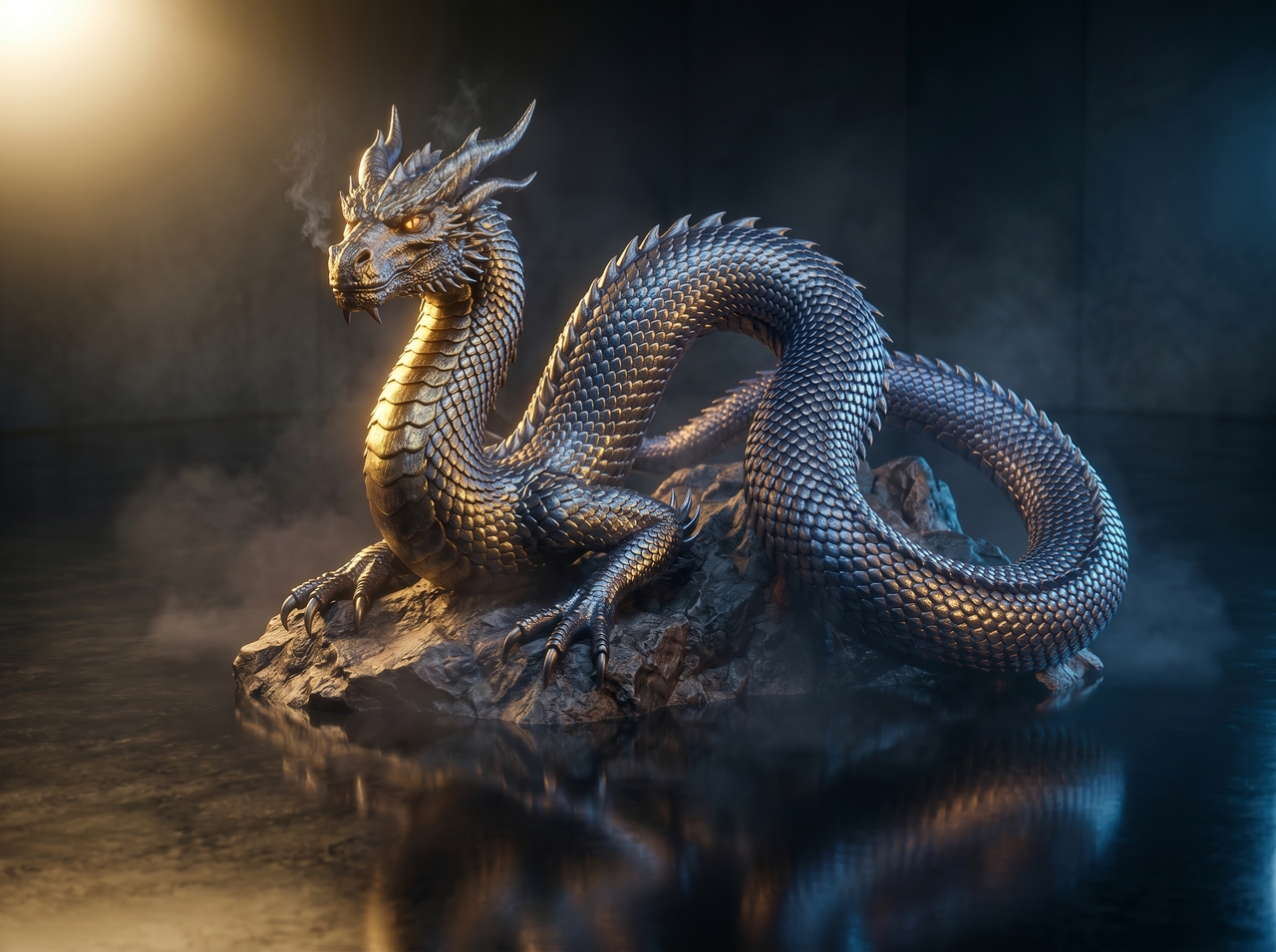
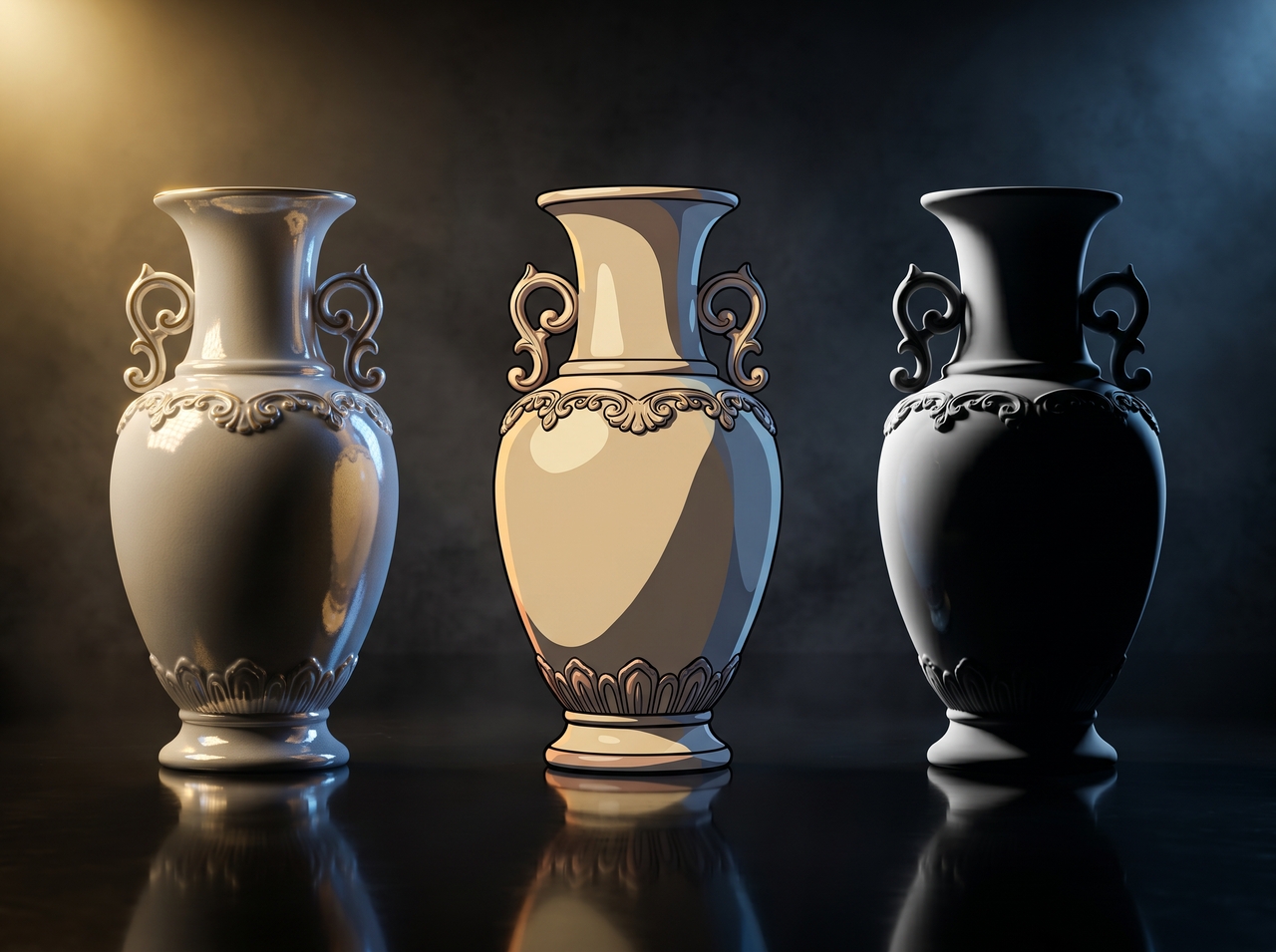
Switch between realistic, cinematic, or stylized looks using AI image generation models that support many aesthetics just by updating your prompt. Adjust tone, color, and composition with ease. This way, each render fits product display, storytelling, or creative projects.
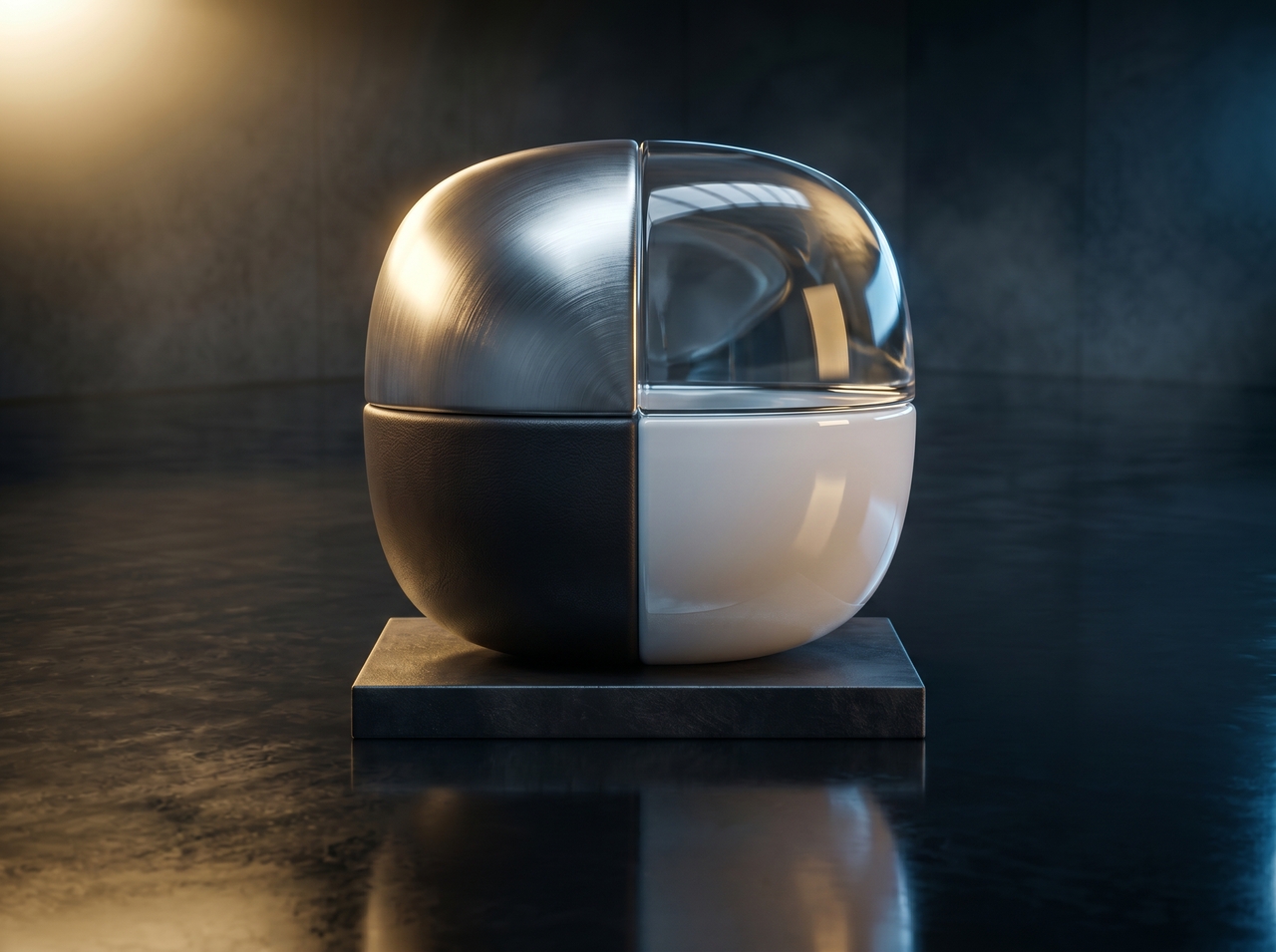
Define surface texture (metal, leather, glass, fabric, matte, or glossy), and see it mapped precisely onto your 3D render background or product model. The AI reads your prompt and places material behavior where light, shadow, and depth naturally interact.
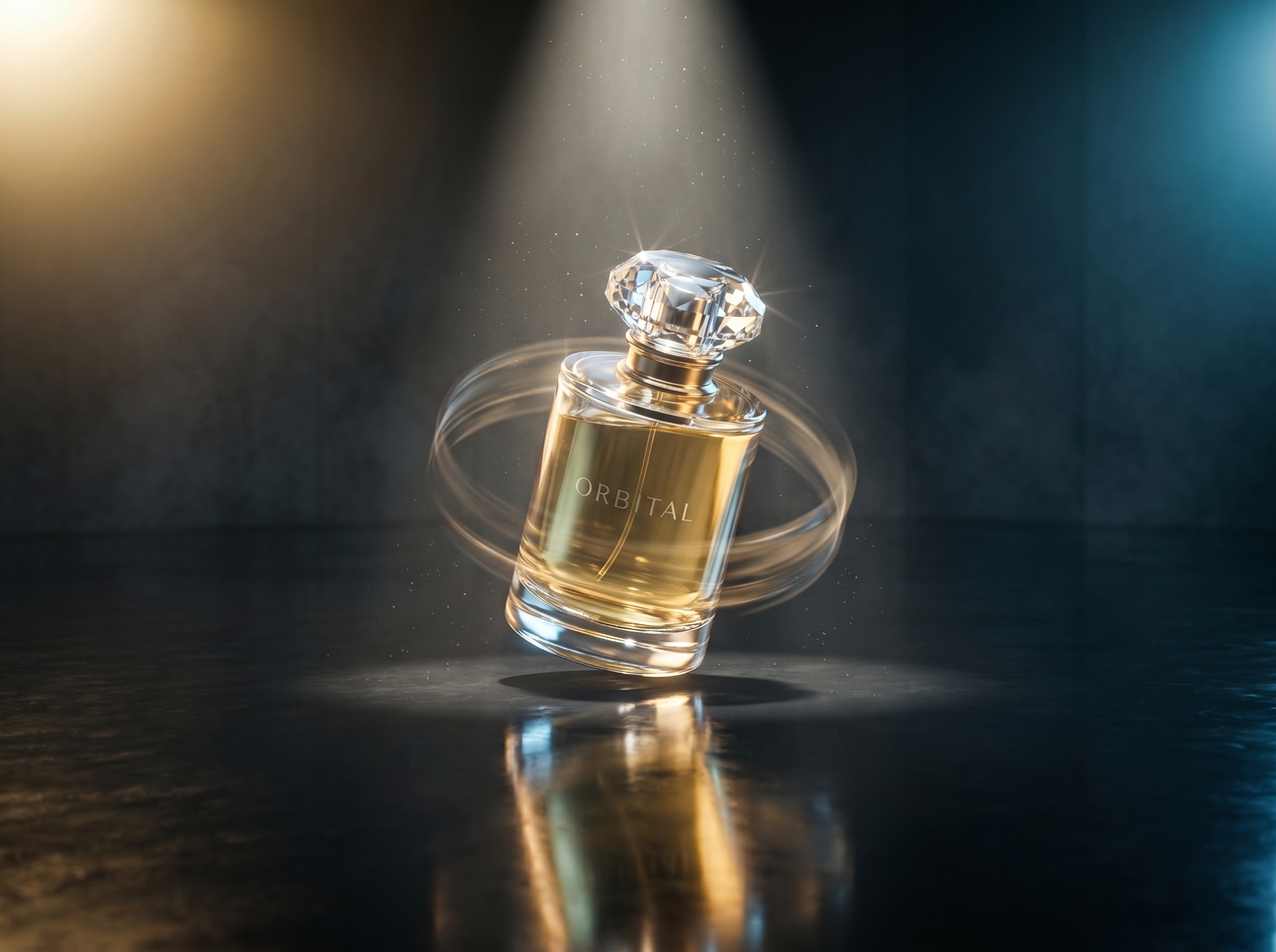
Animate any 3D render into a cinematic short using Veo 3.1, Sora 2, Kling 3.0, or Seedance 2.0. You can make product reveals, orbital spins, or atmospheric scene transitions depending on the story you want to tell.
Push your render 3D output from low quality to 4K resolution with one click. The AI sharpens edges, recovers fine surface details, and reduces compression artifacts. Every 3D render image holds up at full screen or in print.
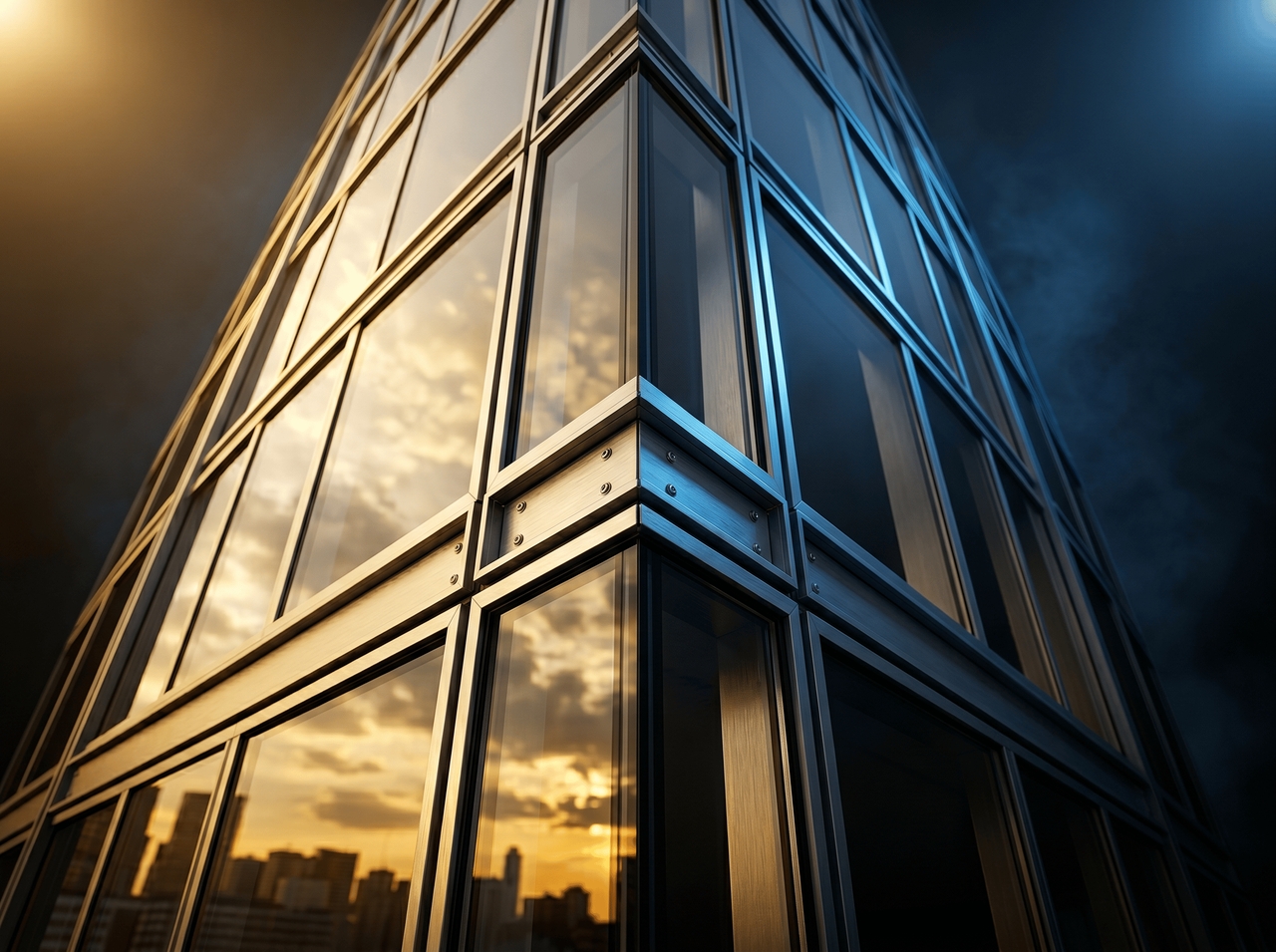
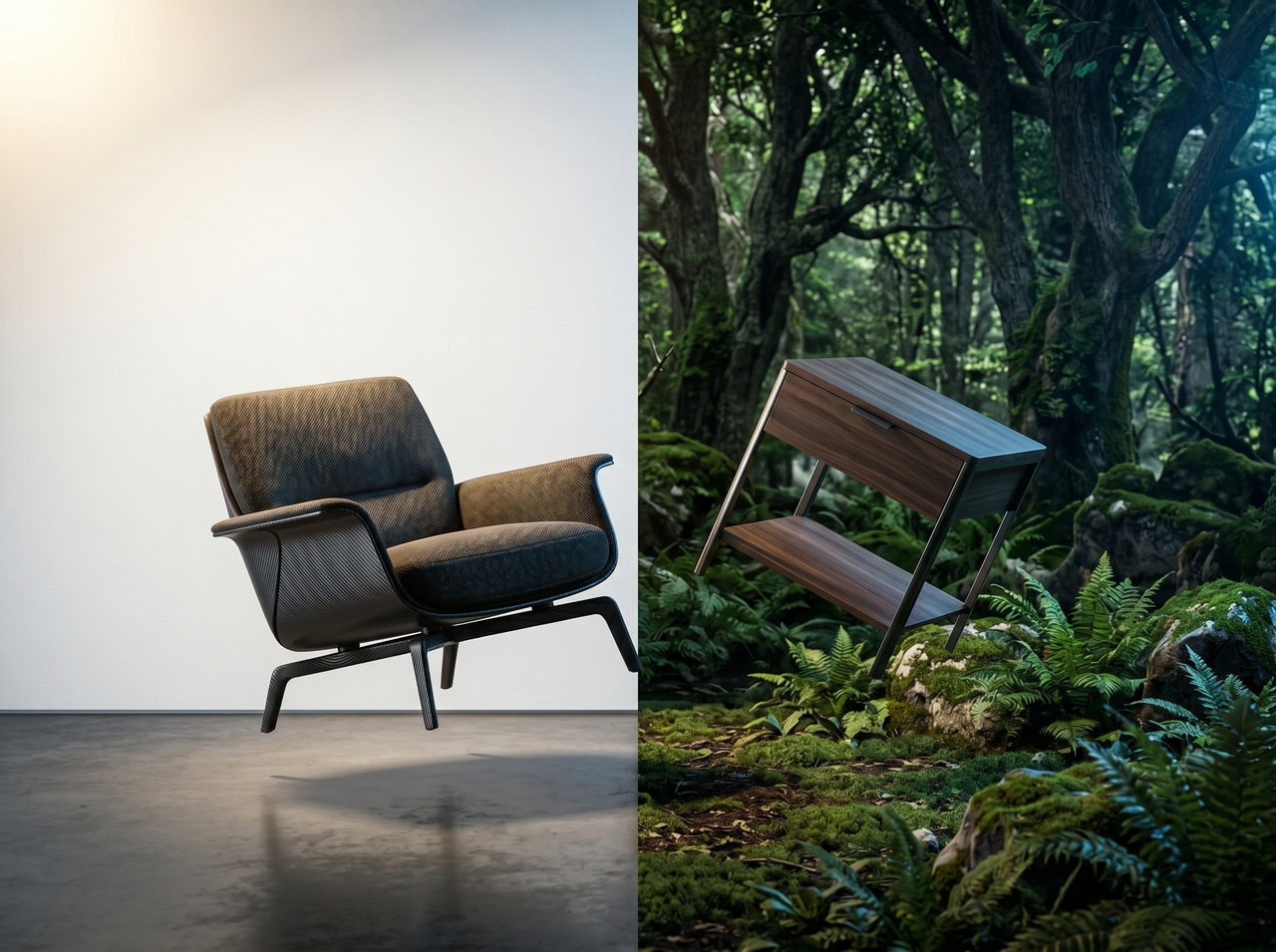
Adjust geometry, reposition objects, swap background, and modify text directly on your 3D model through natural language prompts or the built-in editor. This removes the gap between ideation and final output that traditional render 3D software creates.
Every asset you generate on Framia Pro (from 3D render images to AI-generated videos) is yours to use commercially. You can launch it in ads, storefronts, or client deliverables the moment it's ready.
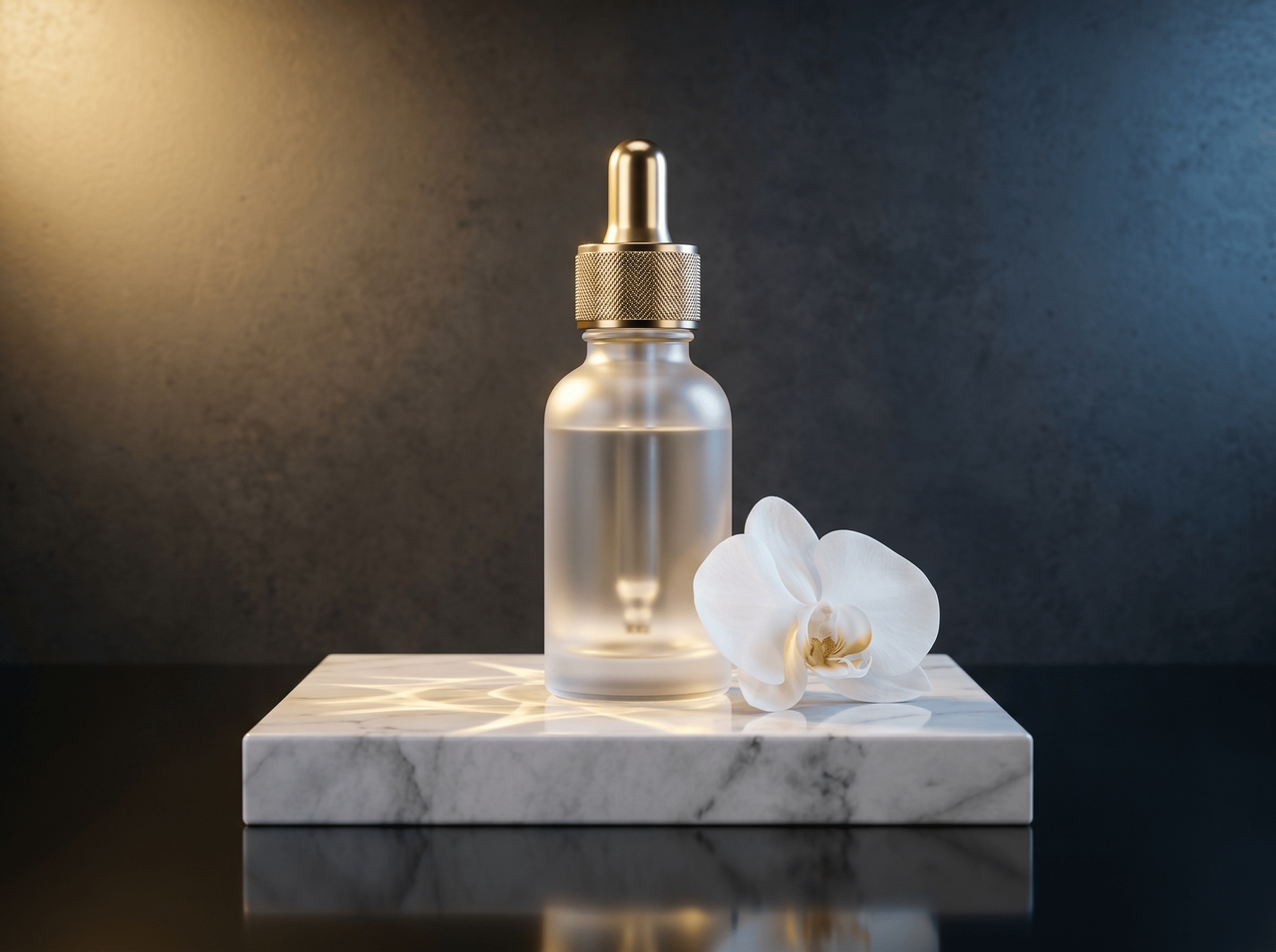
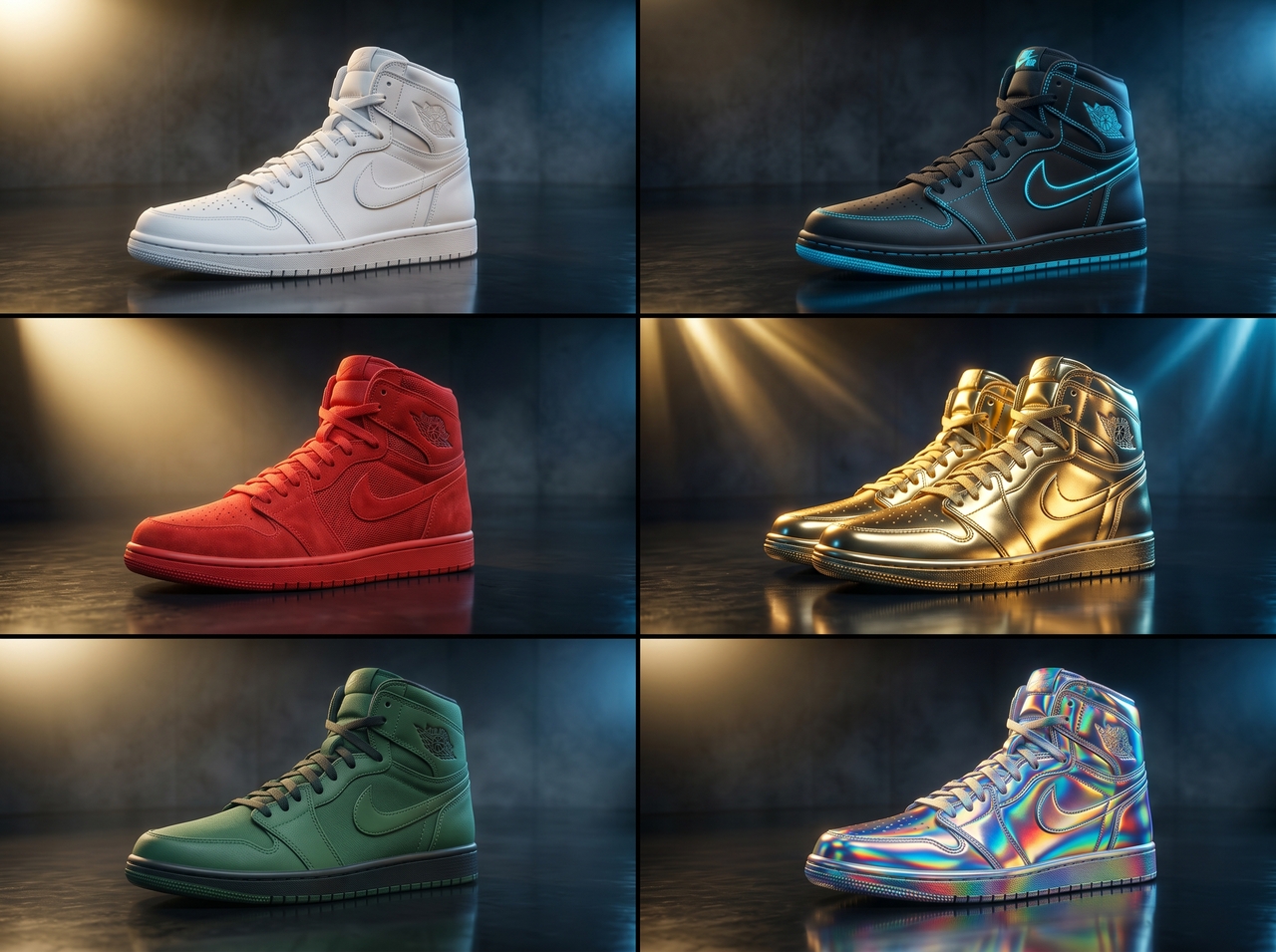
Queue multiple 3D render tasks at the same time and download all outputs at once. Test styles, lighting, or layouts and review outputs side by side to select the version that fits your project goals and visual direction.
Build photorealistic 3D render images, videos, and branded assets with our AI 3D render generator.
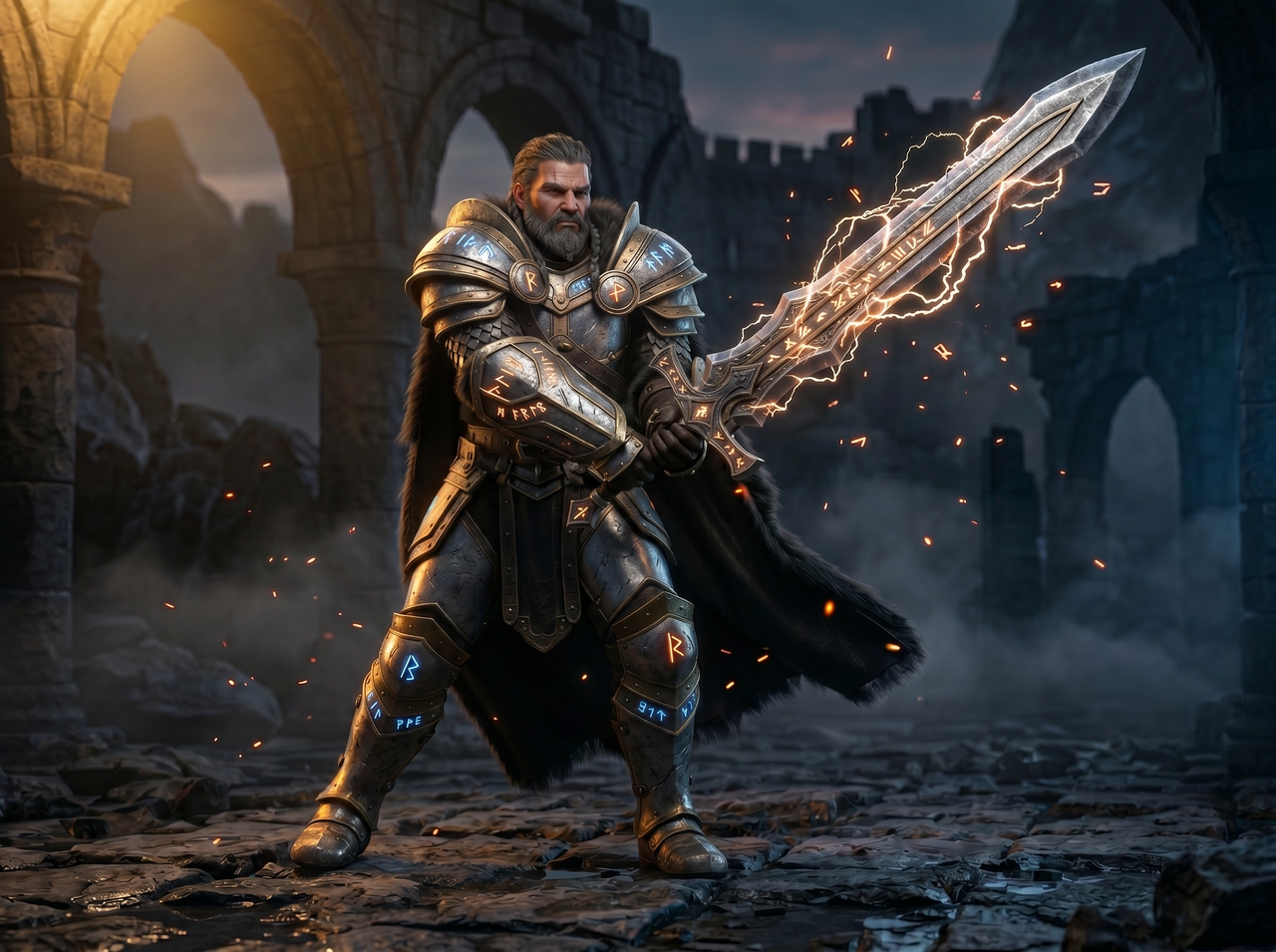
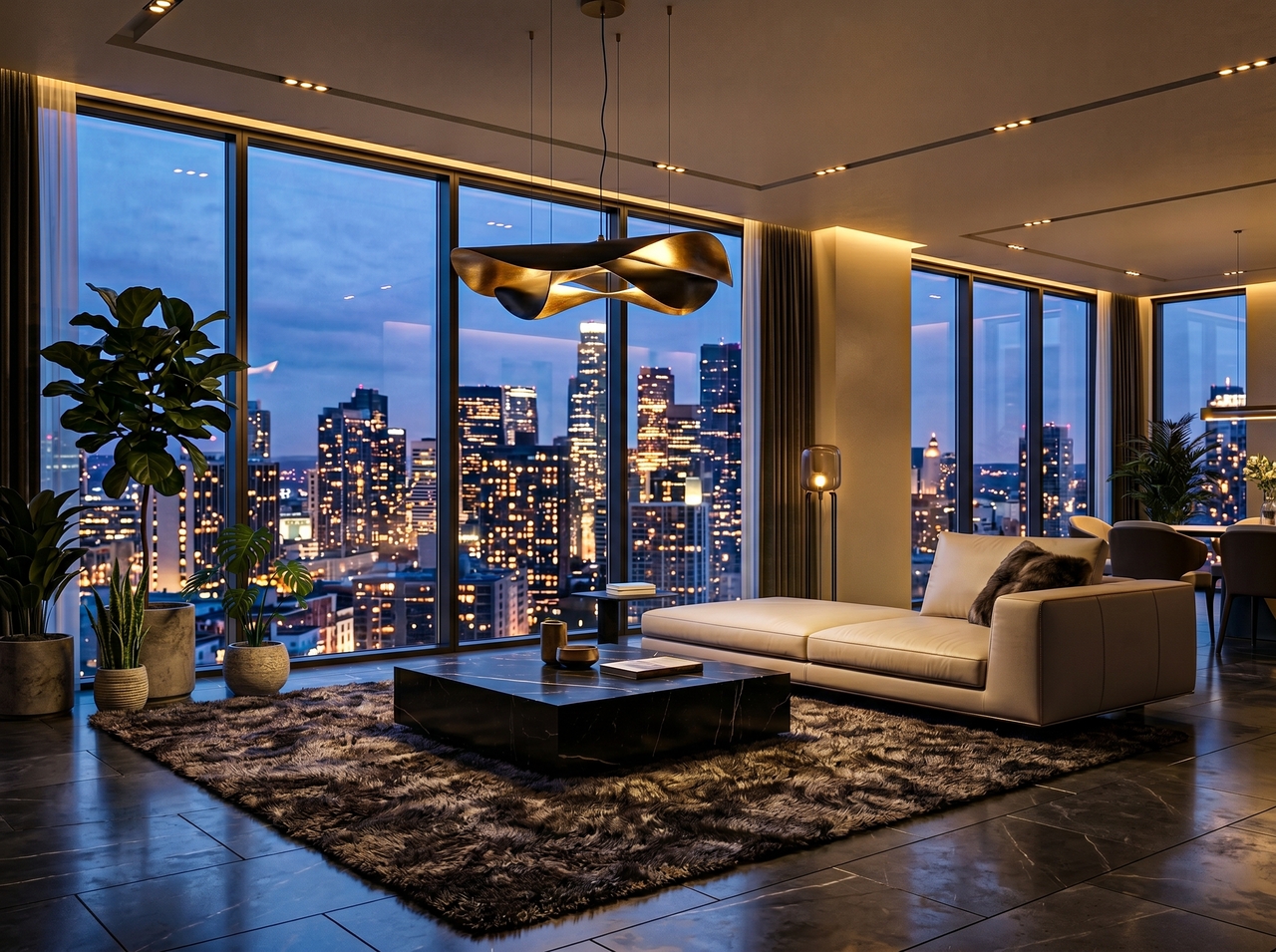
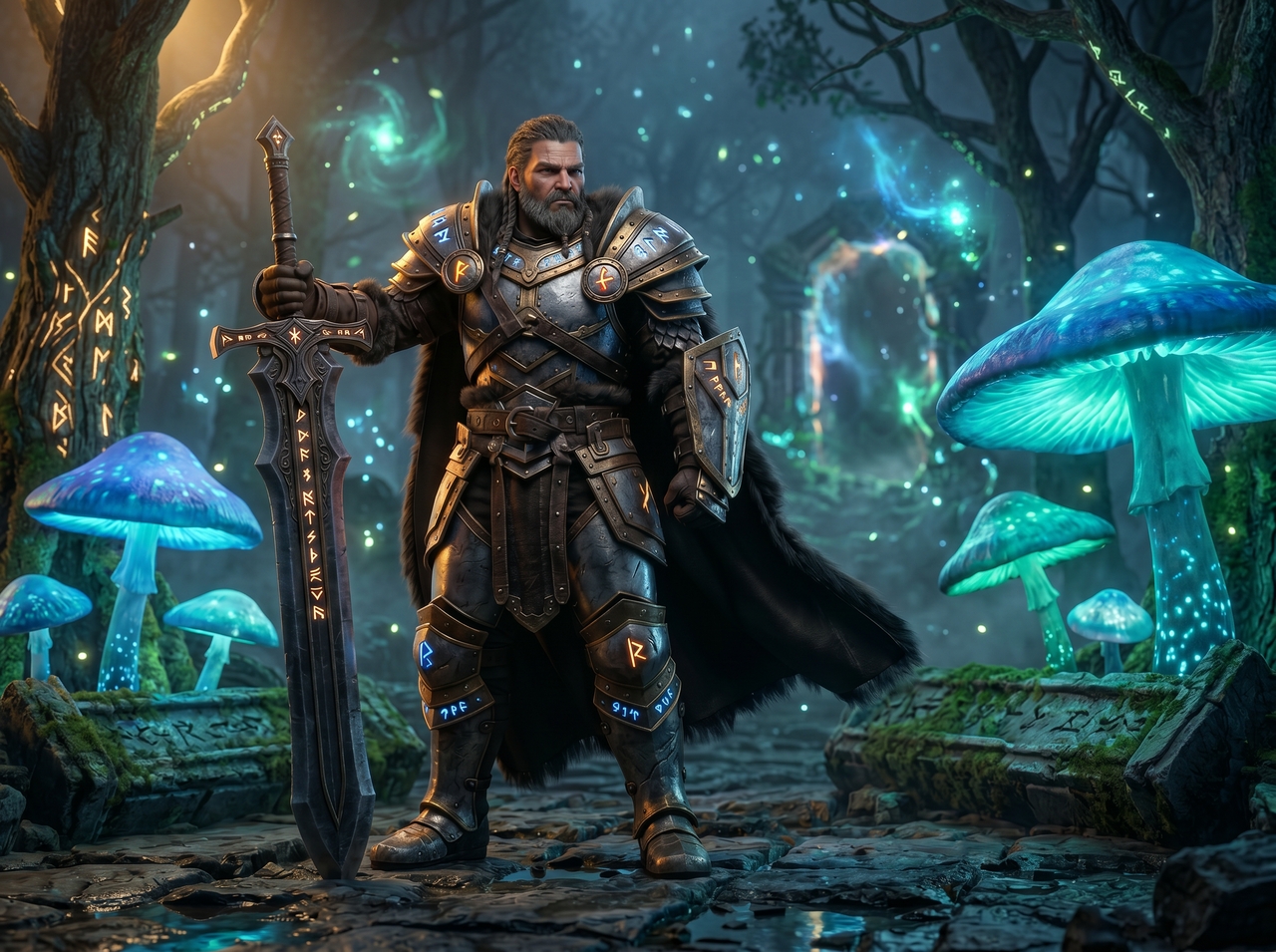
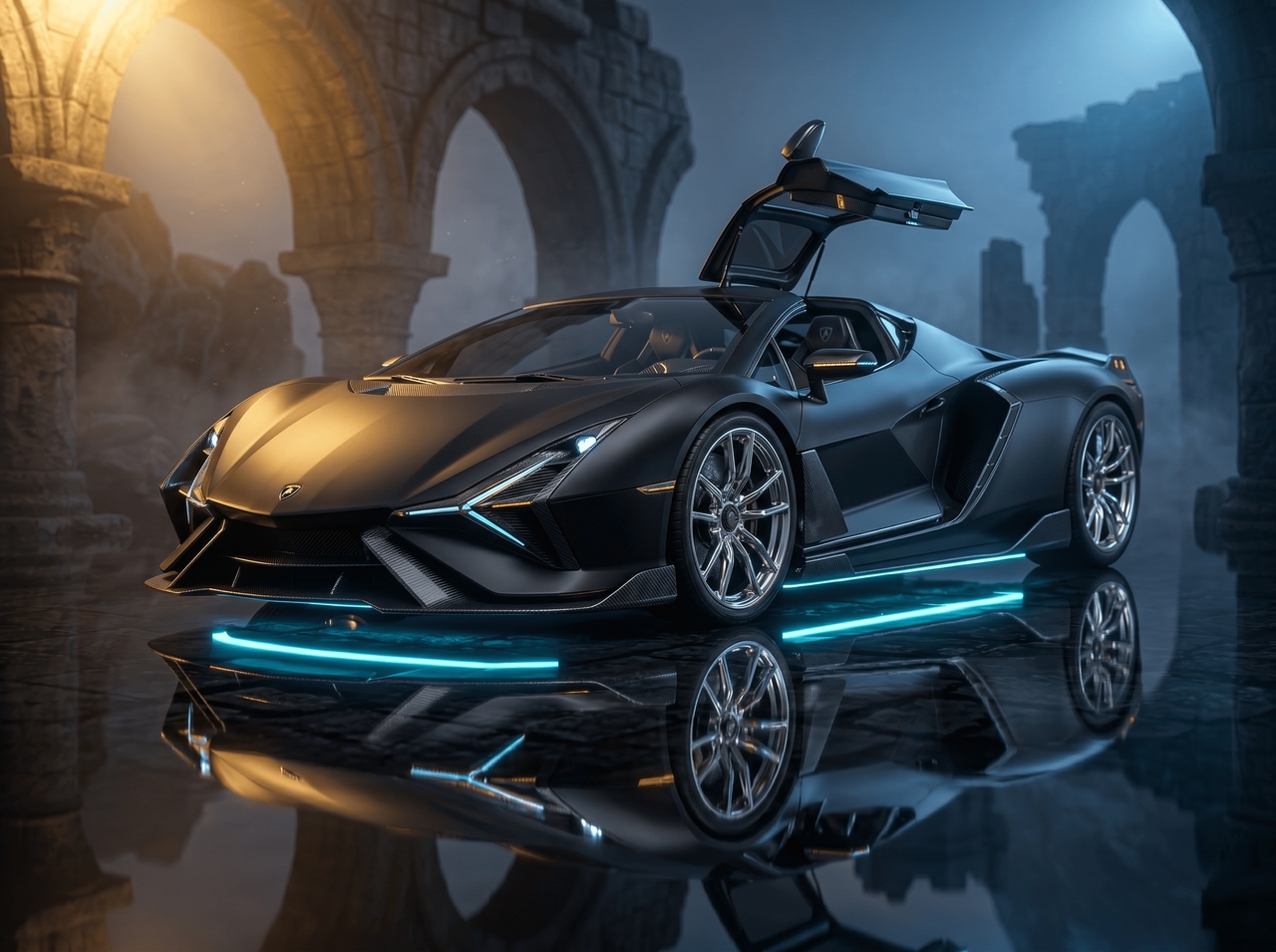
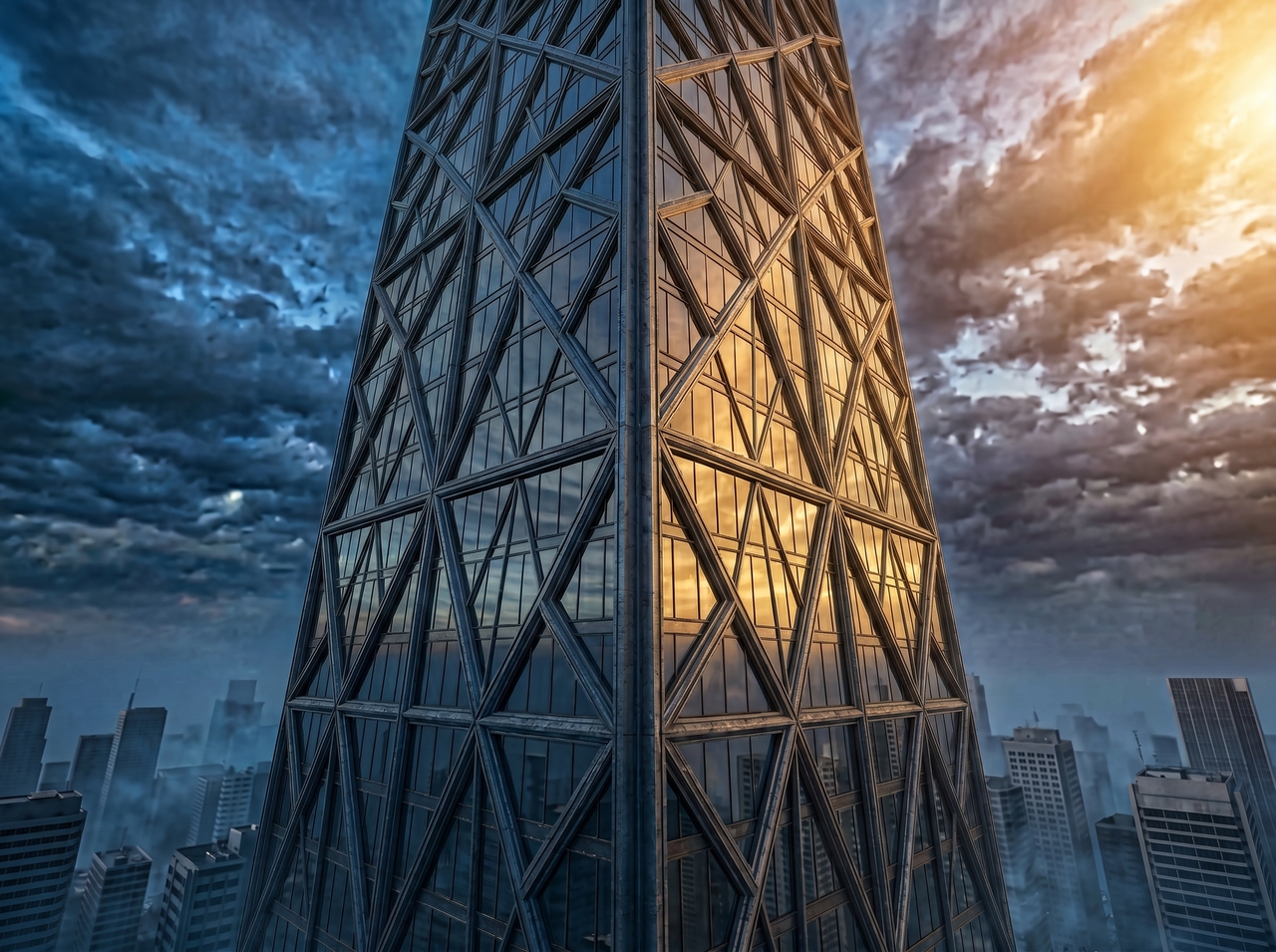

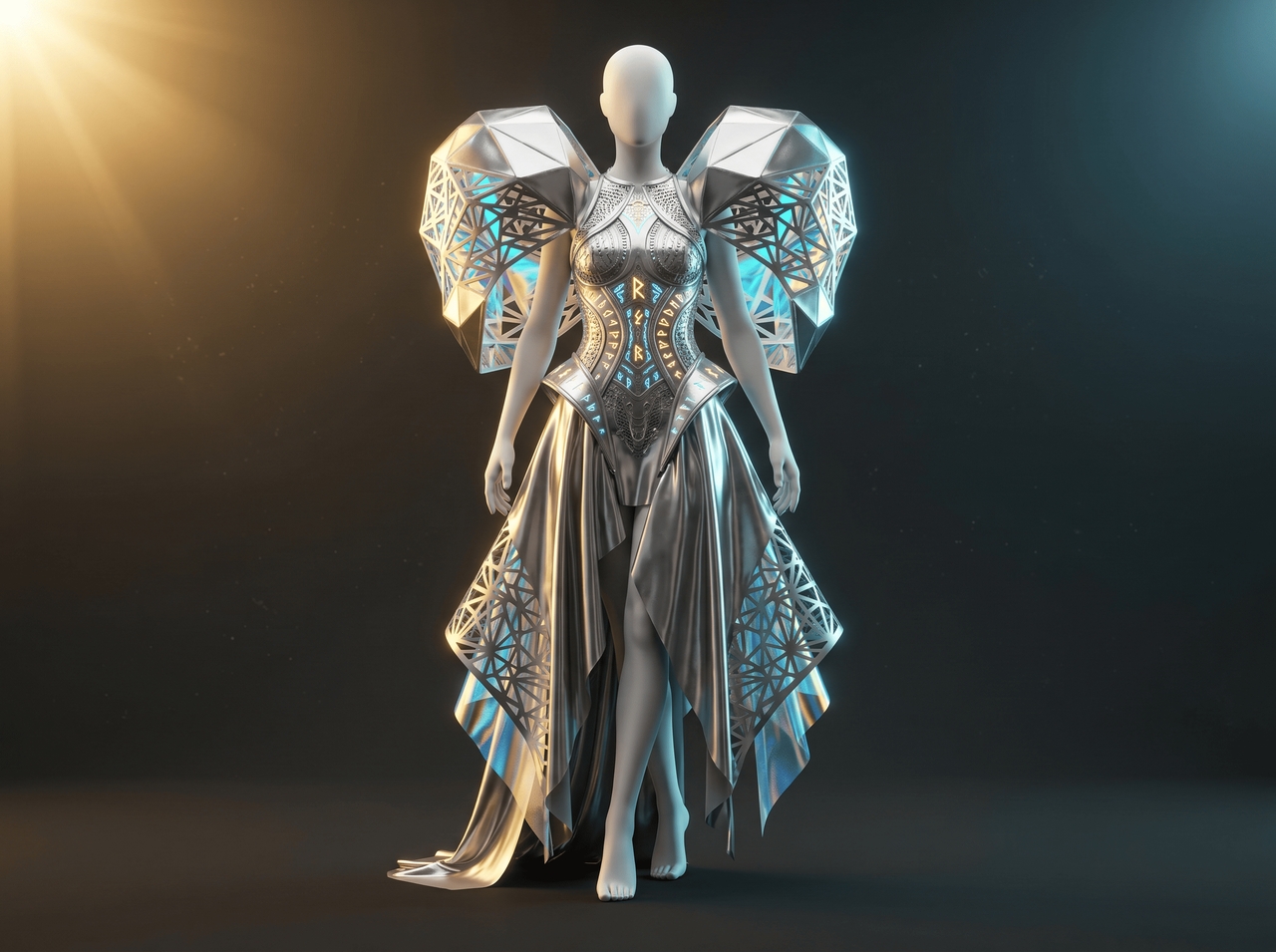
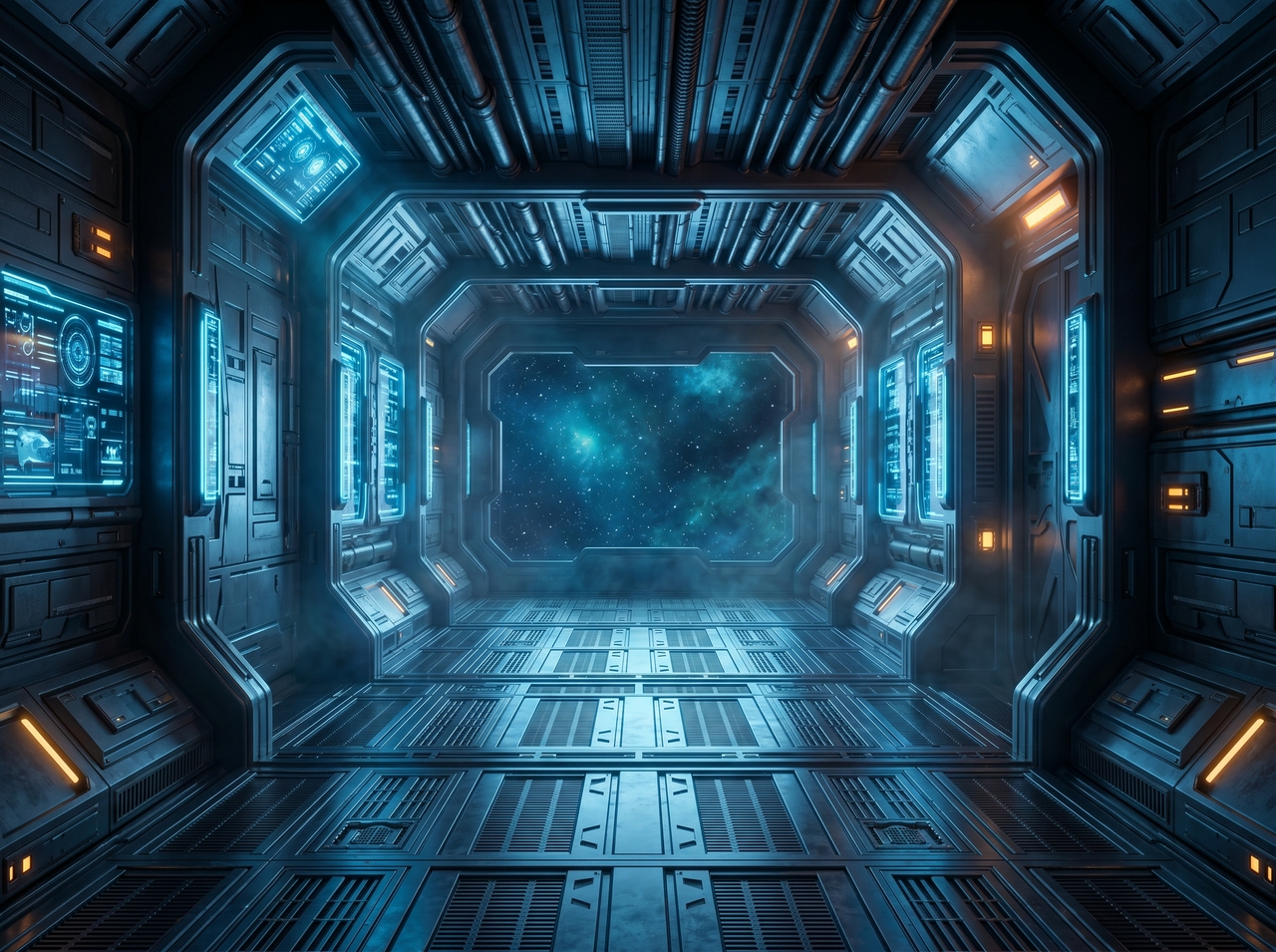
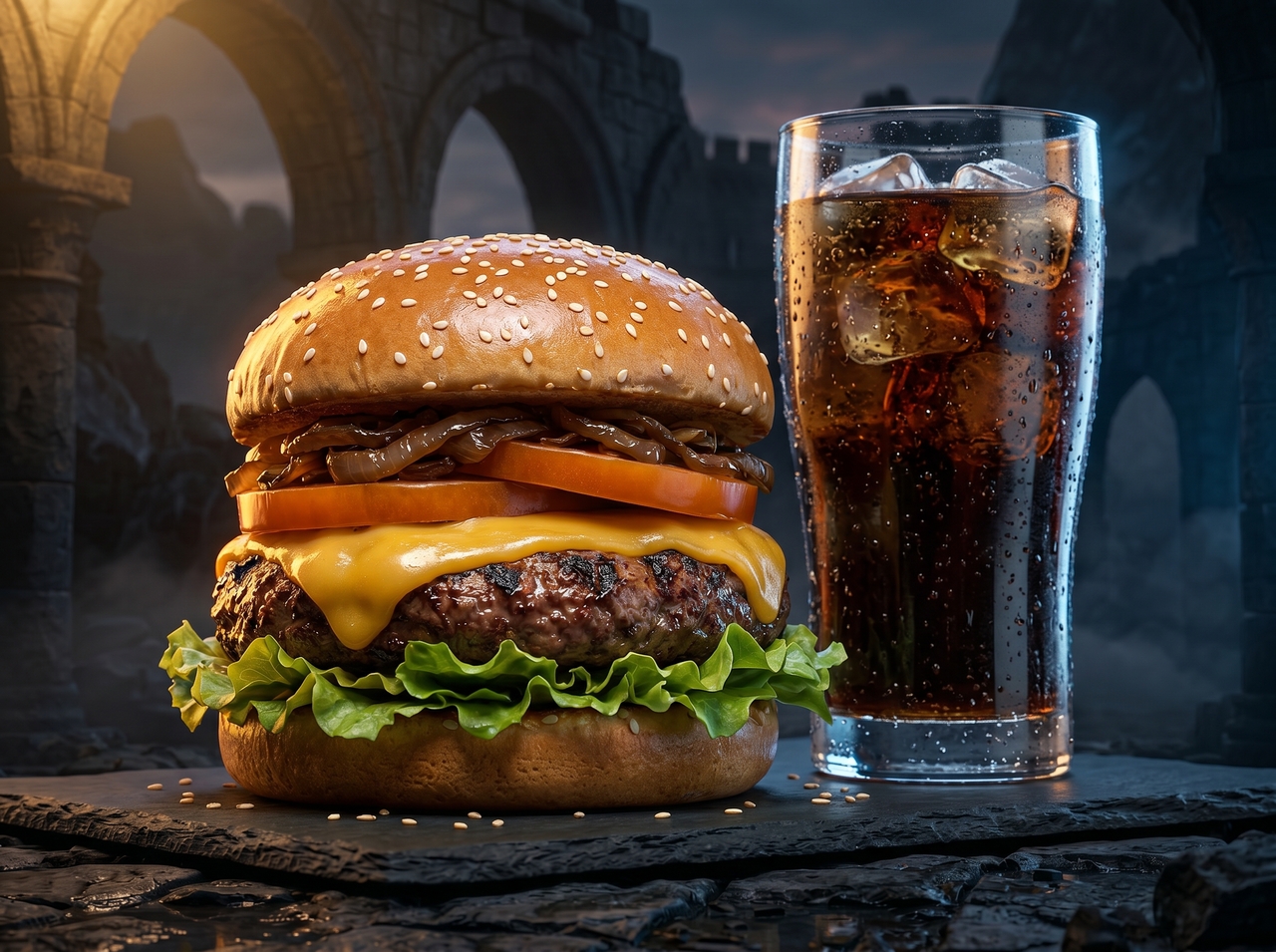
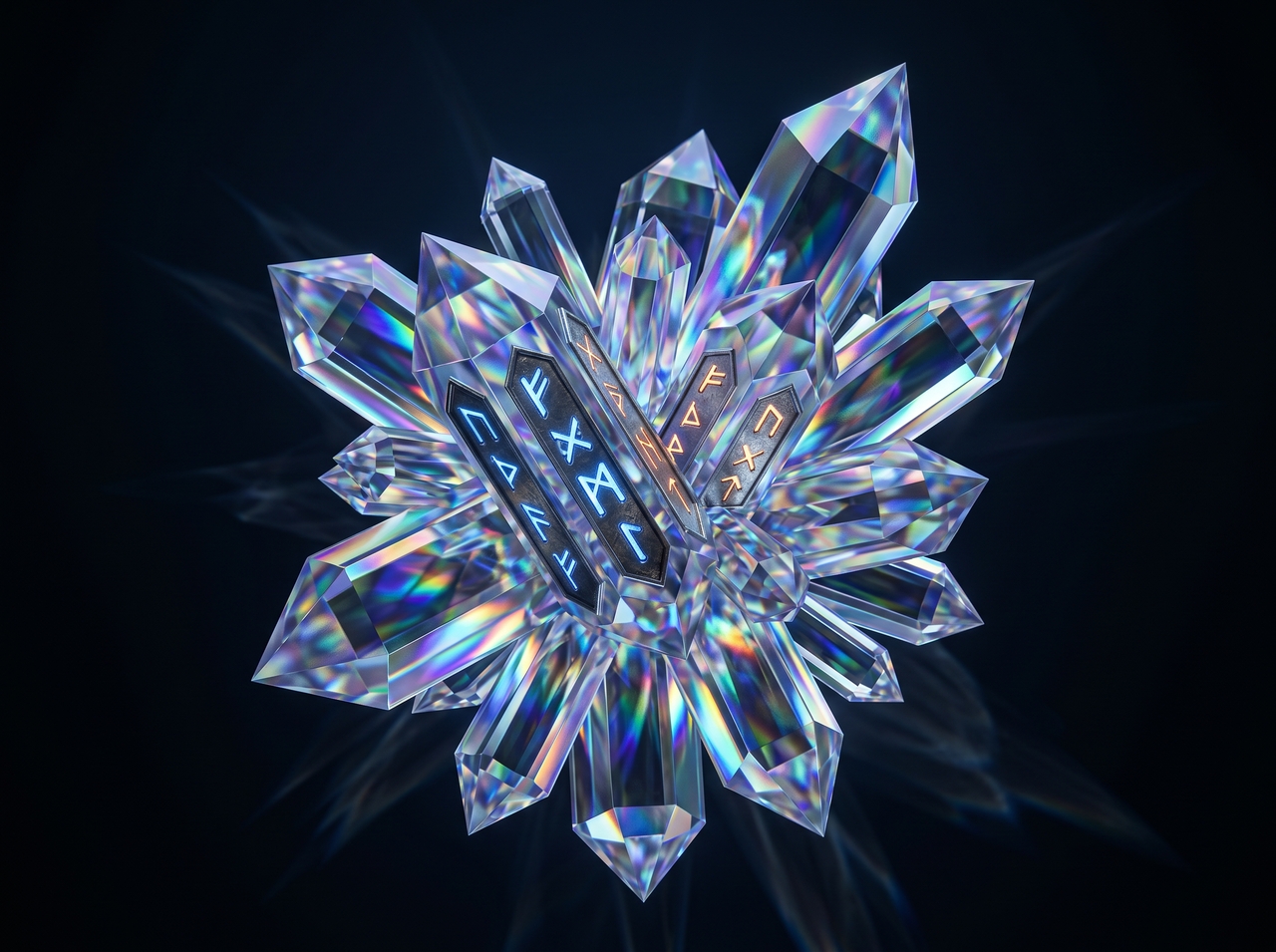
Access AI 3D render generator built for designers, sellers, creators, and developers online today.
Discover how designers, marketers, and creators share real results after using AI 3D render tools inside Framia Pro.




Have questions or need assistance? Our team is here to help!
Make 3D renders from images or text using AI tools. Generate product scenes, backgrounds, and high-quality outputs for design and marketing use.
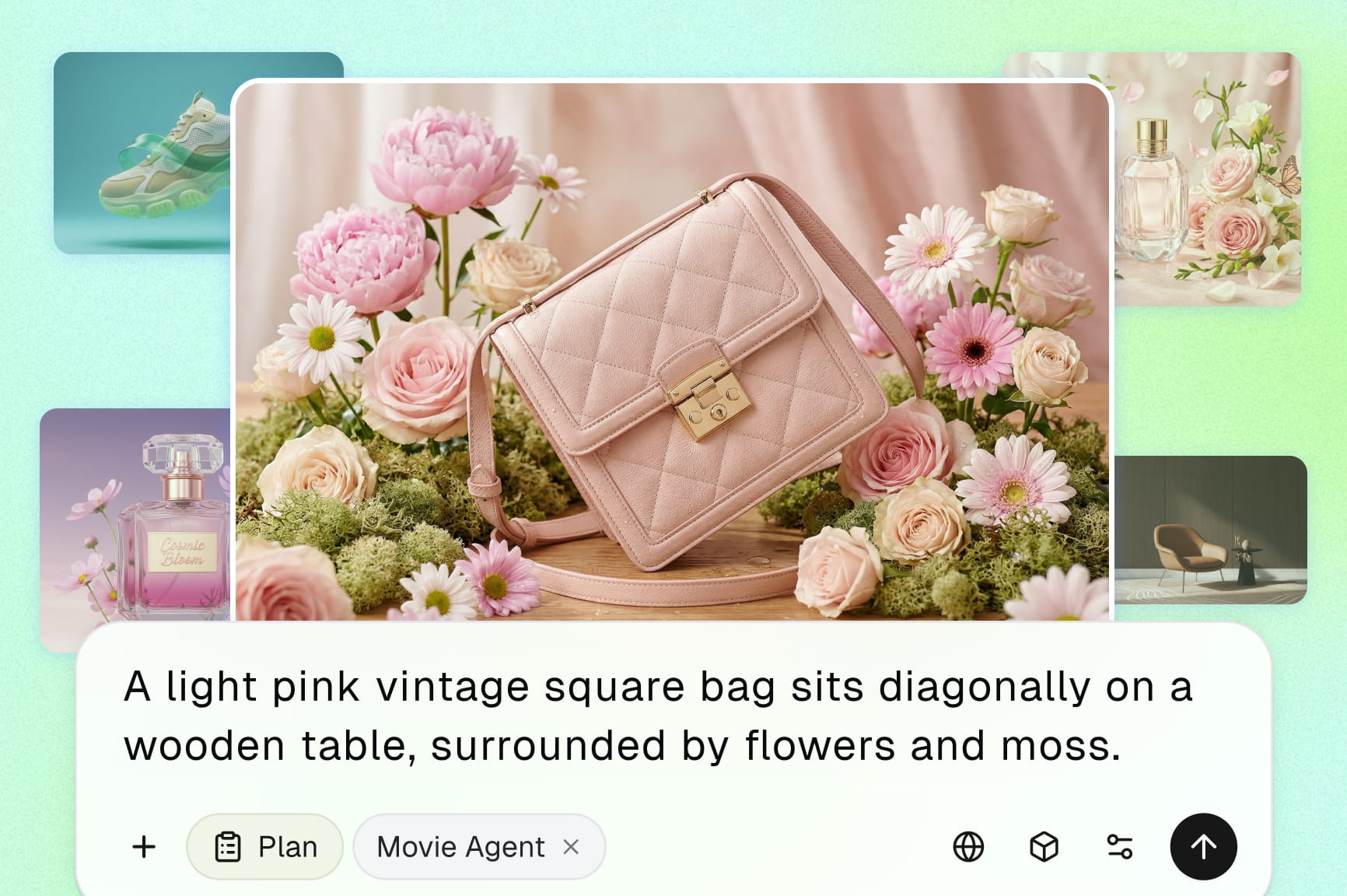
Discover the ultimate text to 3D AI generator. Framia Pro lets you create professional 3D models and custom miniatures for 3D printing in just minutes.
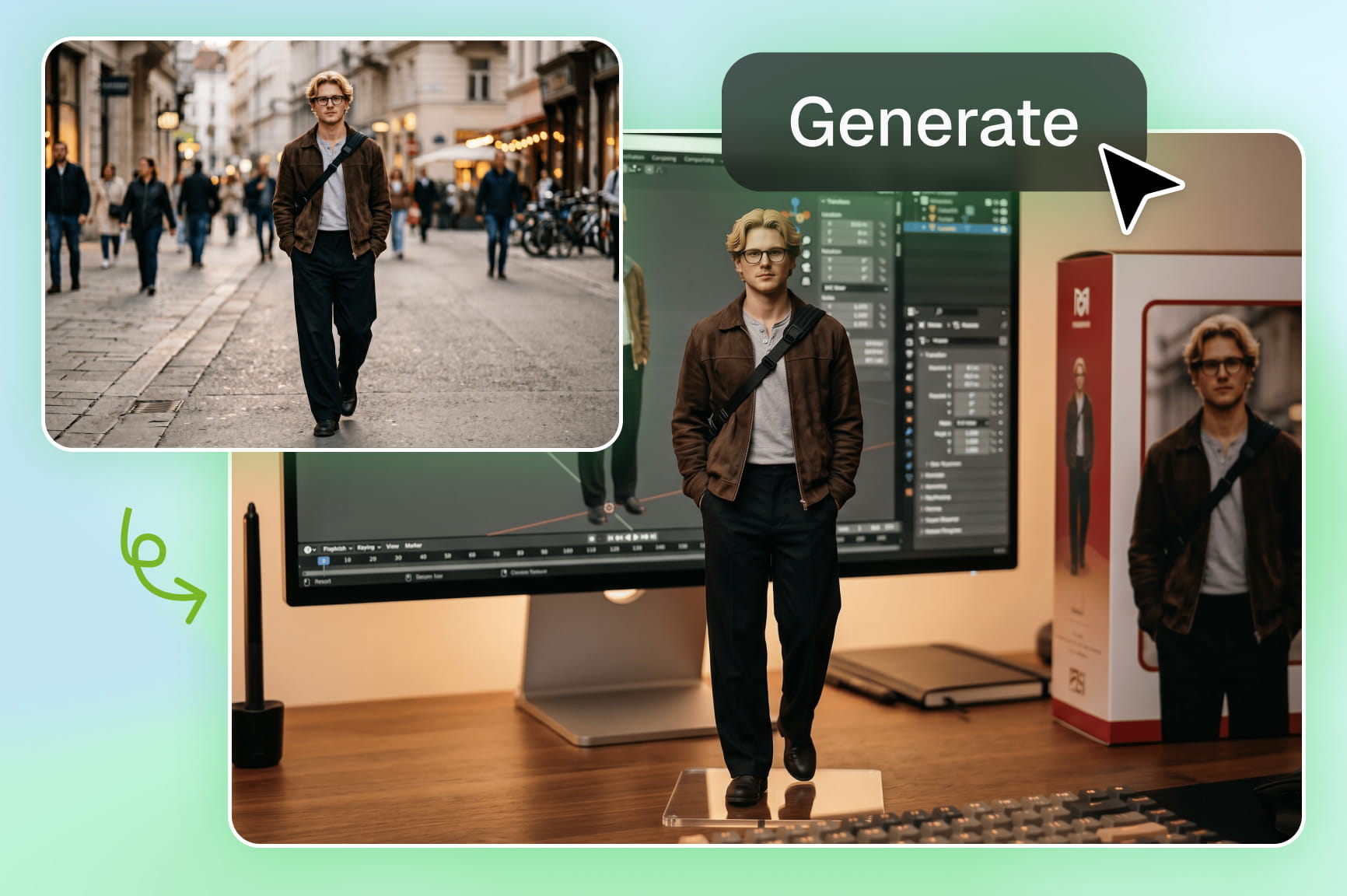
Transform photos and ideas into stunning collectibles with Framia Pro's AI action figure generator powered by Nano Banana Pro. Create personalized 3D figures in seconds.
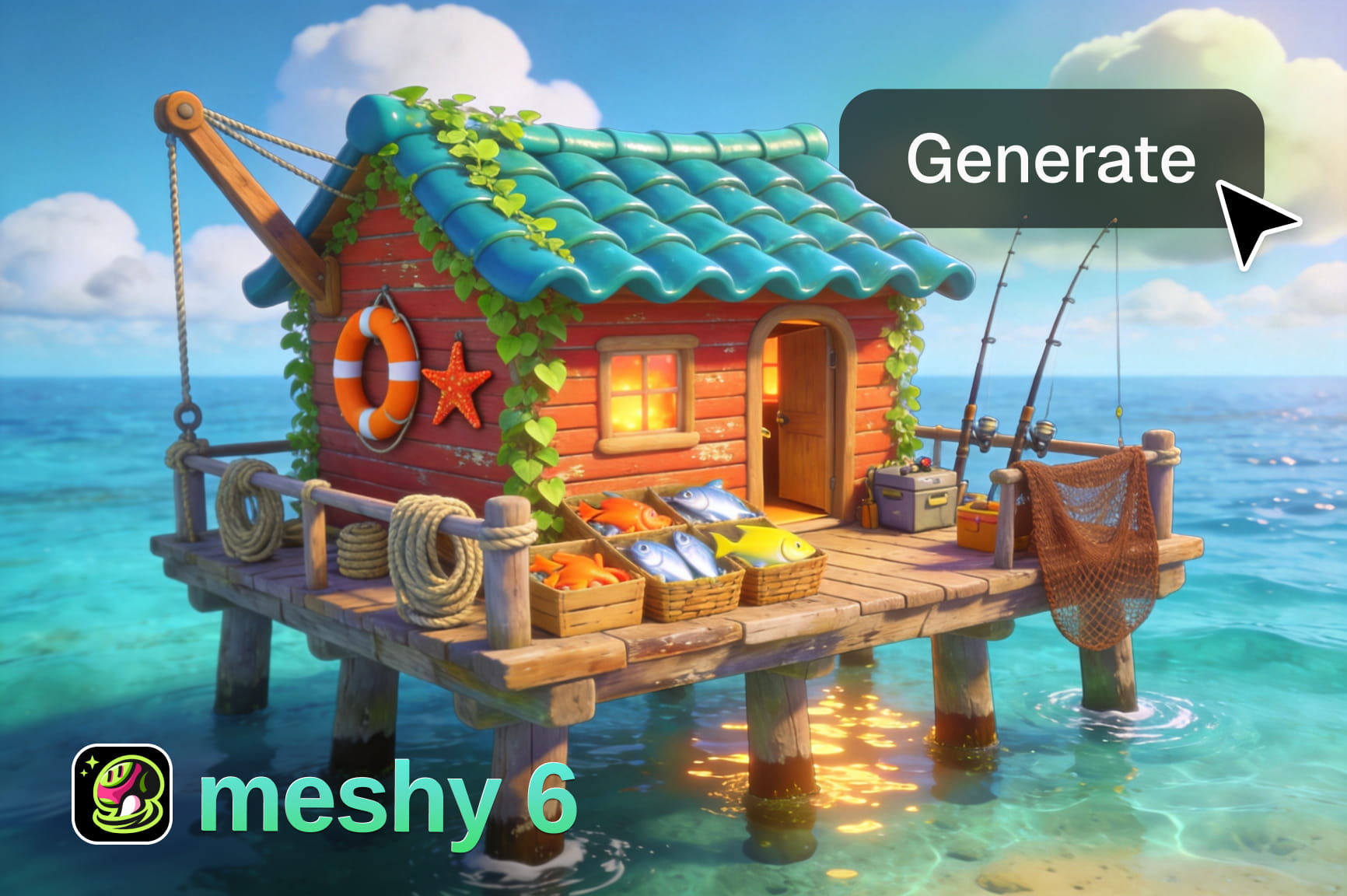
Experience next-gen AI modeling with Meshy 6 in Framia Pro. Transform simple text prompts into high-quality 3D assets instantly. Start creating today!
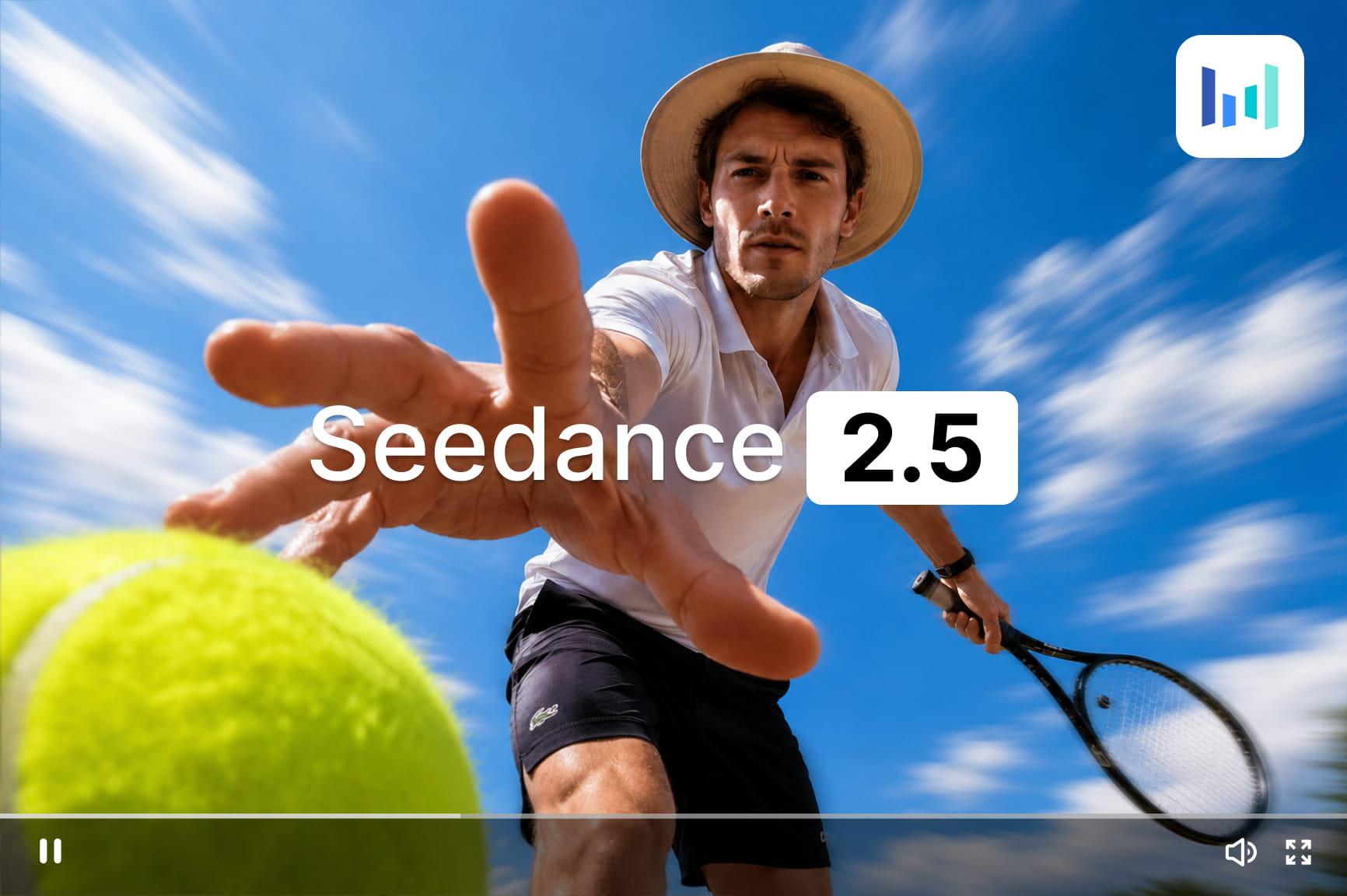
Try Seedance 2.5 on Framia Pro. Create 30-second AI videos, edit any detail, copy up to 50 references, and turn 3D or green-screen previews into films.
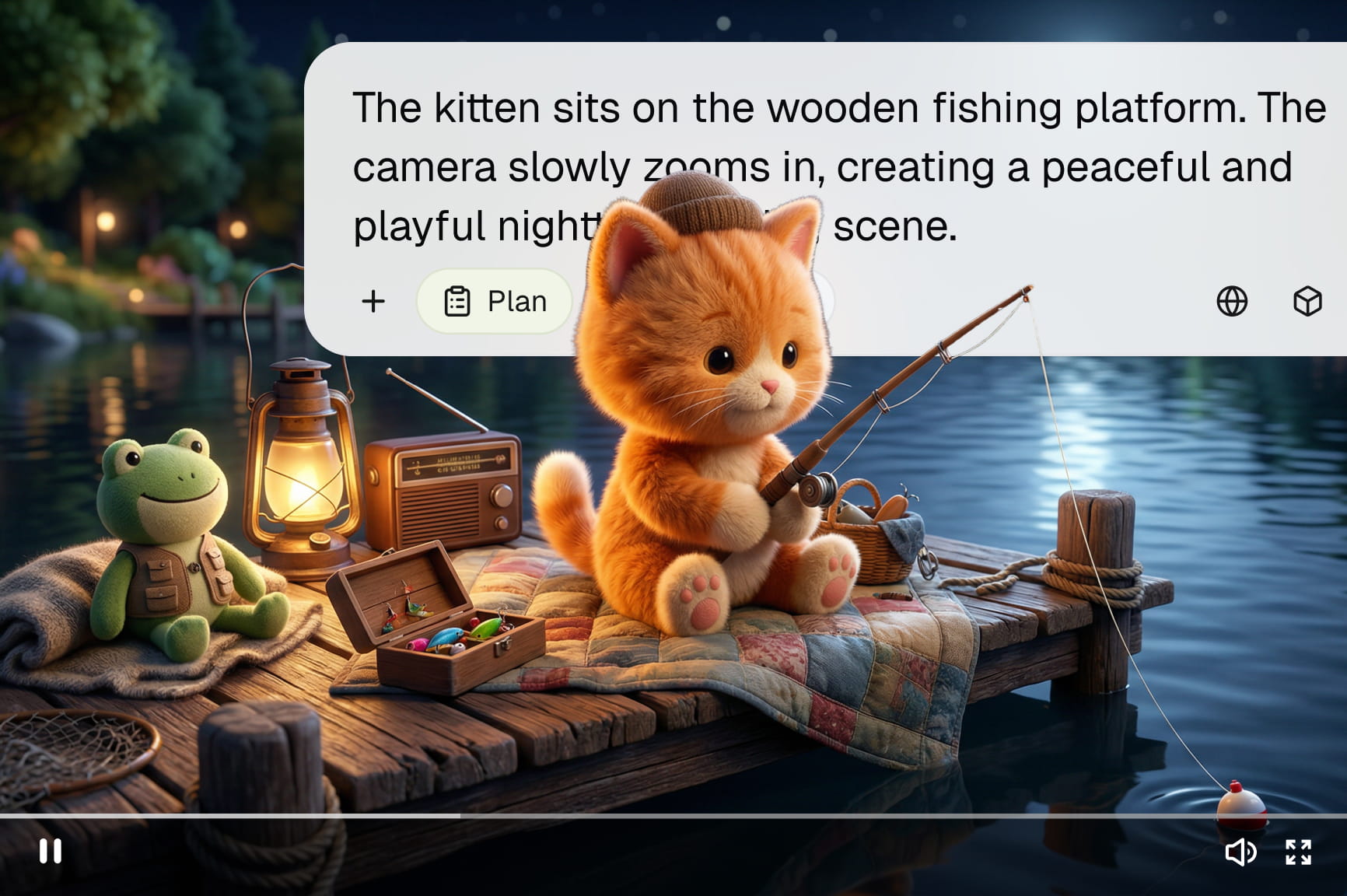
Create stunning animations instantly with Framia Pro's free AI animation generator. Turn text, images, or ideas into 2D/3D animated videos. No skills needed.
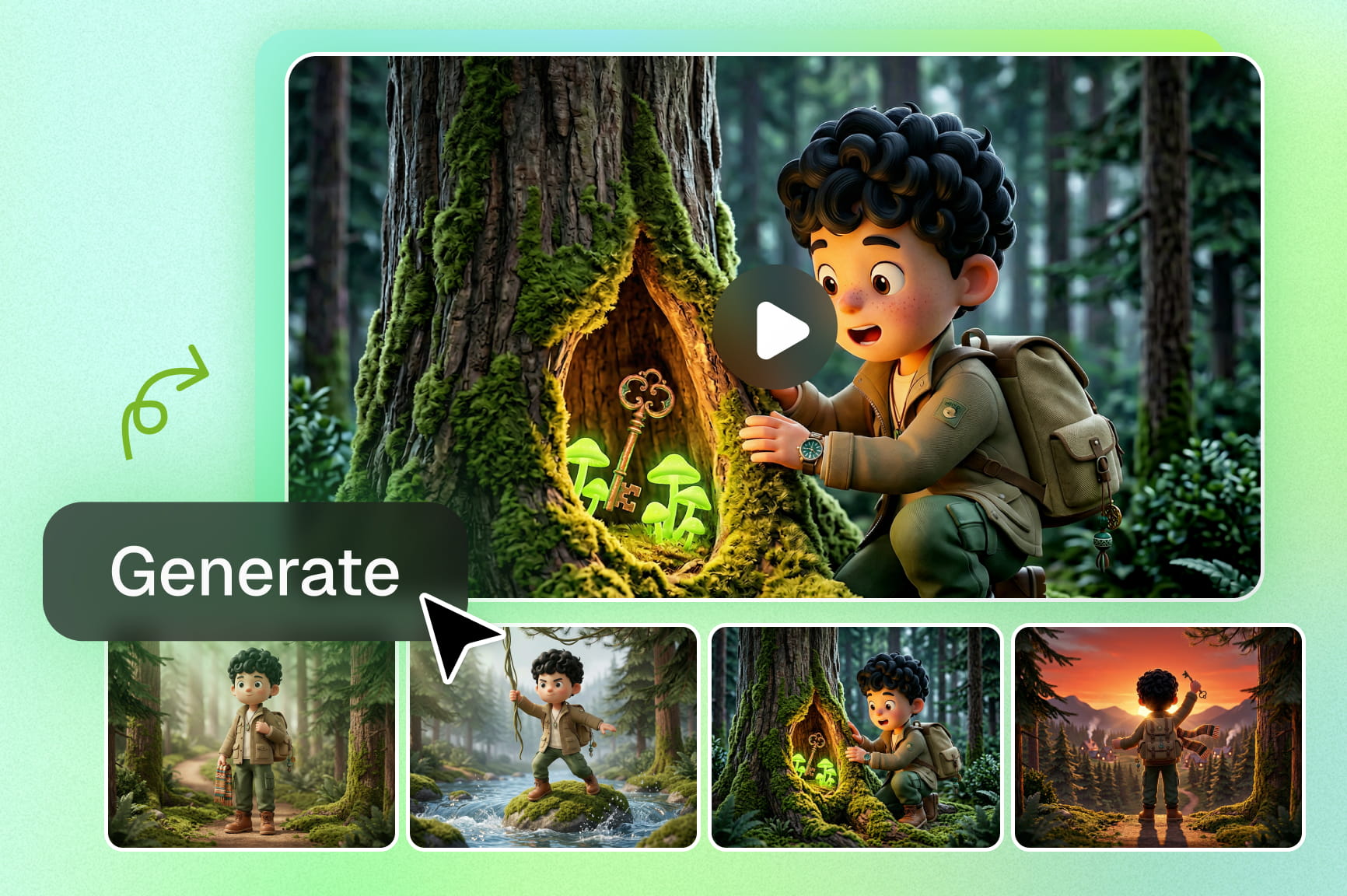
Transform text into stunning 3D cartoon videos in minutes. Try the best AI cartoon video maker online with Framia Pro today. No animation skills needed!
