Free AI Audio Visualizer

Turn your music into motion with a simple audio visualizer. Upload audio, apply styles, and export visuals for sharing.

Start for Free

How to create audio-visual with Framia Pro?

Turn your audio into visual motion clips that react to sound and make synced music visuals with Framia Pro:

Access the music video agent
Open Framia Pro, choose the "music video agent," and describe the visual wave style you want. Click "Upload music" to add your audio track.
Enter your music video idea
Click "Reference image" for the visual style and then set format and duration. Click "Generate" to create a video that matches your sound rhythm.
Generate and export your music video
Review the results and adjust scenes if needed using Chat. After that, download the final audiovisual video for sharing across platforms.

What can you create with Framia Pro's music visualizer?

Turn any track into stunning audio-visual clips with Framia Pro. Powered by AI agents for serious creators.
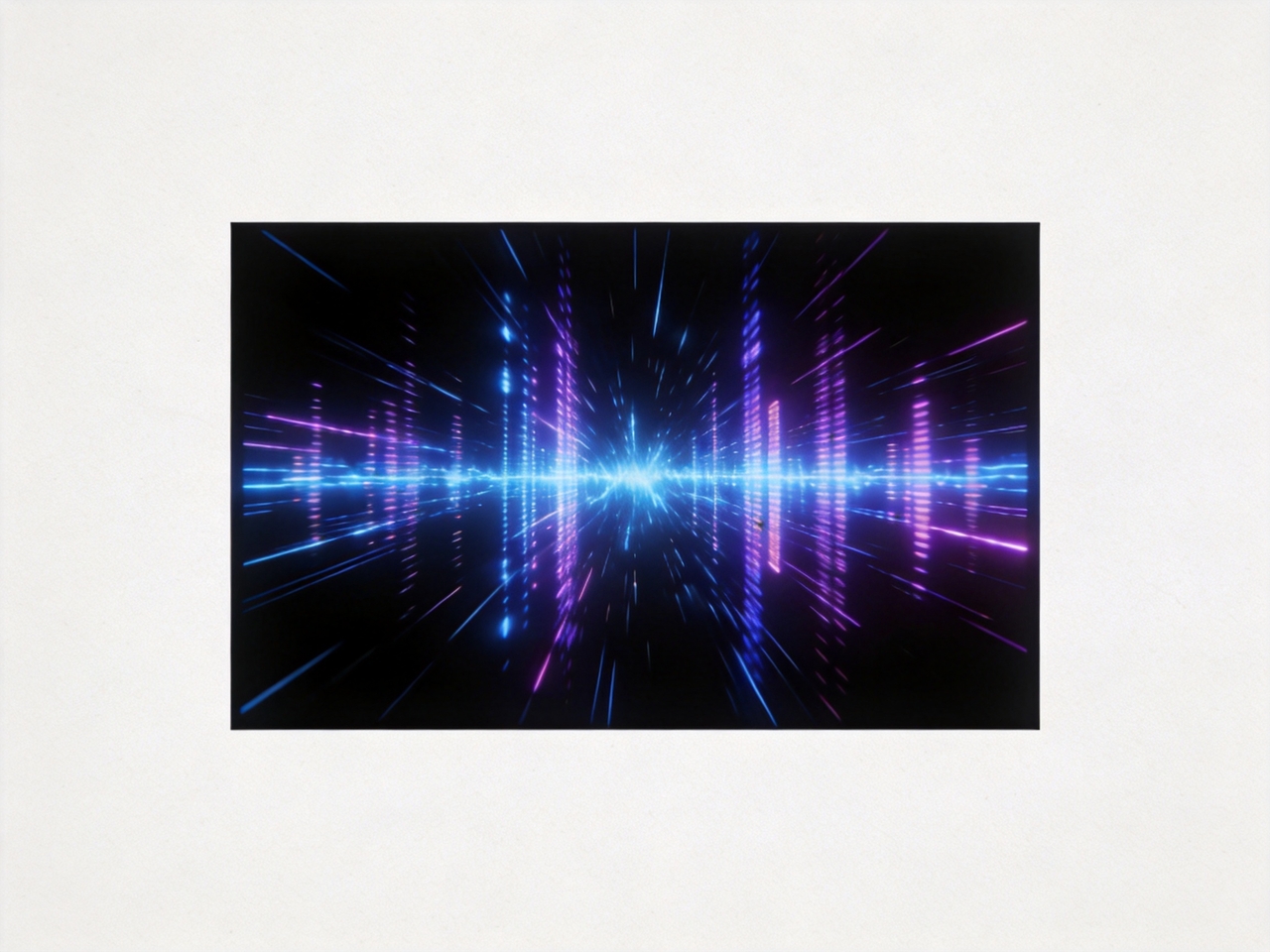
Linear audio wave visualizer

Create clean waveform bars that pulse with each beat to reflect rhythm in a clear visual pattern. Present audio structure through steady motion that suits music previews, intros, and simple visual formats used in modern content.

Circular/radial spectrum

Design circular spectrum visuals that wrap sound around cover art and create a centered visual focus. Use Framia Pro to show rhythm through rotating or expanding motion that adds depth while keeping attention on the middle element.

3D audio visualization

Make immersive 3D scenes where terrain-like surfaces react to sound intensity and variation using our free audio visualizer. Show audio depth through movement that rises and falls with frequency to create a more engaging viewing experience for longer tracks.

Particle sound visualizer

Generate particle-based visuals where dots and sparks respond to frequency changes in real time with our music visualization for free online. Create motion patterns that reflect energy changes and add a sense of flow that suits electronic or ambient audio styles.

Minimal music visualizer

Generate a simple glowing line that reacts to sound and presents audio in a clean format. Focus attention on clarity and readability, which makes it suitable for podcasts, spoken content, and lyric-based visuals.

Full-frame visual audio

Use our audio visualizer for free to produce full-screen motion visuals that fill the background with continuous animation tied to sound. Create scenes for streaming platforms where extended playback and engaging motion support viewer retention.

Why Framia Pro is the best audio visualizer?

Turn any track into stunning audio-visual clips with Framia Pro. Powered by AI agents for serious creators.

Create audiovisuals with Music video agent

Create audiovisuals with Music video agent

Upload any track and let the Music Video Agent auto-generate visuals synchronized to your audio. It handles storyboarding and beat-syncing in one workflow to turn your raw audio track into a full music visualization video instantly.

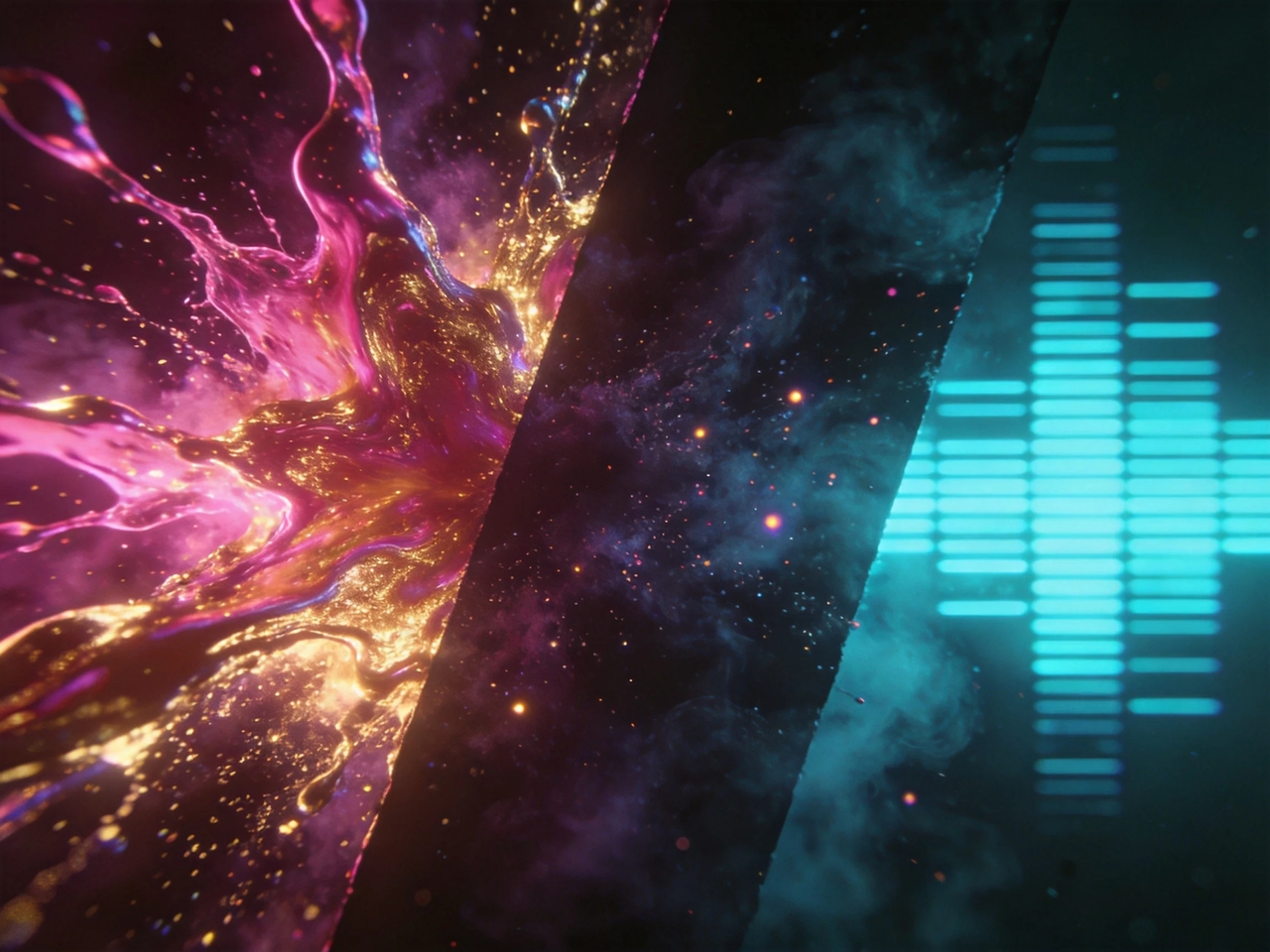
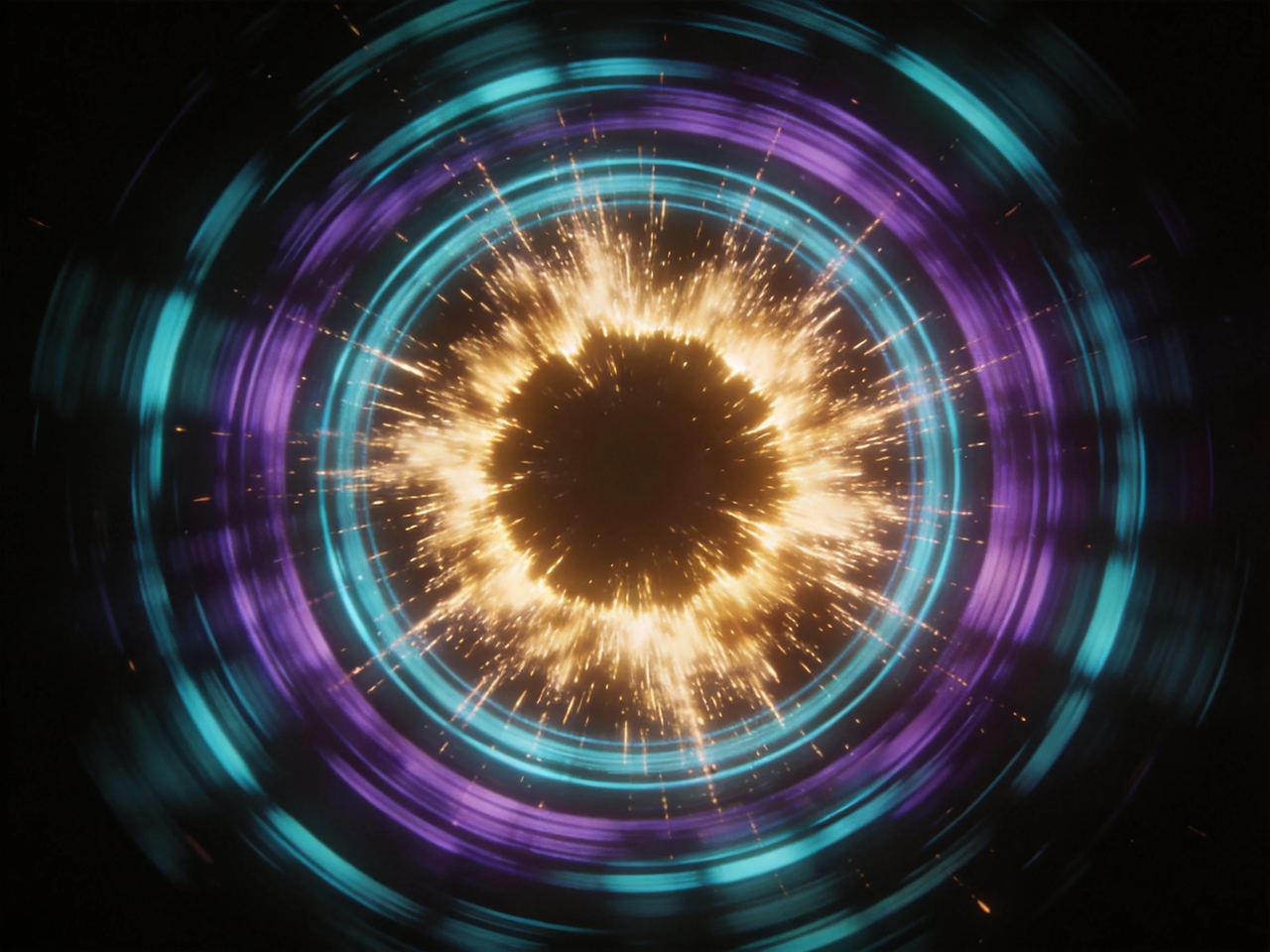
Choose from different visual styles

Select styles by describing colors, motion, or mood through simple prompts that guide the output direction. Produce abstract, cinematic, or waveform visuals that match your audio while giving you control over how each visual element appears and behaves.
Choose from different visual styles
3. Sync audio wave to beat, frequency, and stems

Sync audio wave to beat, frequency, and stems

Create music wave videos where the visuals match the beats, tempo, and layered sound elements so motion reacts to rhythm changes. Reflect bass hits, vocals, and instruments through animation that follows the structure and intensity of your audio track.

Export in 4K for any online platform

Generate videos in multiple aspect ratios and export in HD or upscale video to 4K. Get files for streaming, sharing, or publishing with sharp detail, smooth playback, and formats that fit different social media or video channels.
6. Export in 4K for any online platform
5. Get sound visualizer clips of up to 6 mins

Edit your audio-visual videos with ease

Use the storyboard editor or chat with AI to adjust the timing, layers, and visual elements in your audio visualizer videos with Framia Pro. Regenerate individual scenes and co-direct with AI video agents to land the exact visual audio result you want.

Get sound visualizer clips of up to 6 mins

Produce full music videos, podcast audiograms, and DJ sets in a single session. At up to 6 minutes, Framia Pro covers far more than the short clip limits of most online audio visualizer tools.

Get sound visualizer clips of up to 6 mins

Who uses Framia Pro's online audio visualizer?

Explore how different creators turn audio into engaging visuals for promotion, content, and live experiences.

Music artists & bands
Promote new releases by turning tracks into reactive visuals that match rhythm and mood. Share audio-driven videos on platforms like YouTube and TikTok where motion draws attention and supports music discovery through a consistent visual identity.
DJs & producers
Create live-style visuals that reflect beat changes and energy shifts during drops. With Framia Pro, you can share short video clips that highlight mixes, transitions, and sound layers to give audiences a closer view of how tracks evolve over time.
Podcasters
Add animated sound visuals to podcast episode clips that reflect voice patterns and tone variation. Present conversations in a more engaging format that holds attention while showing key moments through synchronized visual movement.
Content creators
Pair audio with motion visuals that fit reels, stories, and short videos on social platforms. Turn voiceovers, music, or effects into animated formats that increase watch time and present ideas in a more engaging way.
Labels & music marketers
Produce large volumes of music visuals for campaigns and artist promotion using our audio visualizer. Release consistent content that aligns with your brand identity and supports track launches across multiple platforms.
Streamers
Add audiovisuals to your streaming videos that react and reflect game sounds or voice input. Display sound activity on screen to create a more interactive experience for viewers watching your gaming videos on any platform.

Hear from people using our audio visualizer online

See how creators describe their real experience using audio-visual tools for music, content, and promotion.


I had been posting tracks with static artwork, and engagement stayed low. After switching to this visualizer, the beat reacts clearly in the video. My uploads now hold attention longer on YouTube and feel closer to my sound.
Jake Turner
Jake Turner
Indie Music Artist
My clips used to look plain when shared online. Once I added sound visuals, viewers started watching full segments instead of skipping. The waveform follows my voice in a way that matches tone shifts and pacing naturally.
Melissa Grant
Melissa Grant
Podcast Host
Other tools I tried gave visuals that felt disconnected from the music. This one tracks drops and transitions in a smoother way. My preview clips now reflect the structure of the mix instead of random animation.
Ryan Cole
Ryan Cole
DJ & Producer
I needed something quick for pairing audio with visuals. The setup felt simple, and the output looked clean right away. It now fits into my regular upload routine for background music videos and short-form content
Daniel Brooks
Daniel Brooks
YouTube Creator
Managing multiple brand accounts meant I needed fast content output. This tool helped me create audio-based visuals that match different brand tones. Each result stayed consistent enough for marketing campaigns across platforms.
Sophia Reed
Sophia Reed
Social Media Manager
My videos felt flat before adding sound-based visuals. After using this, the audio movement added structure to the screen. It changed how my short videos look on social feeds and made them easier to notice while scrolling.
Marcus Hill
Marcus Hill
Content Creator
We've compiled the most important information to help you get the most out of your experience. Can't find what you're looking for?Contact us

Frequently asked questions

What is an audio visual?
Audio-visual means content that combines sound and images to present information or entertainment. Framia Pro turns music into motion visuals for creators who want sound-based animation for their videos.
What is the best audio visualizer?
The best audio visualizer depends on control, styles, and output quality. Framia Pro stands out by generating waveforms, spectra, and animated effects from audio input to creating synchronized visuals.
Is there a music visualizer for free online?
Framia Pro offers free credits that you can use to generate audio wave videos in different styles for video creation and sharing.
How to create an audio visualizer for free?
To create an audiovisual video with Framia Pro, upload your music track, describe the waveform style, and let the tool generate a video clip with synced visuals.
What file formats does the audio wave visualizer support?
Framia Pro supports common audio inputs like MP3 and WAV for processing sound into motion visuals. It also exports standard video formats for social platforms and streaming use.
Are music visualizers online free to use?
Many online tools offer free access to basic audio visualization. Framia Pro provides free access options that allow users to turn audio into animated visuals for music clips, promos, and social content.

Still have questions?

Have questions or need assistance? Our team is here to help!

Turn sound into visual stories!

Turn your audio into moving visuals that match every beat. Create music videos for social media and streaming platforms.

Free Audio Visualizer – Turn Music Into Stunning Visuals