AI Lip Sync Video Generator

Generate realistic AI lip sync videos with Framia Pro, featuring intelligent syncing, realistic expressions, and fast online video creation tools.

Start for Free

Preparing editor…

What is AI lip sync?

AI lip sync is a technology that uses artificial intelligence to match a person's mouth movements with spoken audio, dialogue, or song lyrics. It can analyze the audio and adjust the lips and facial movements in a video so they appear synchronized with the speech. AI lip sync is often used for avatars, music videos, dubbing, animation, and social media content.

Why are AI lip-sync videos trending in video creation?

Lip sync AI transforms video creation with speed, realism, and ease.

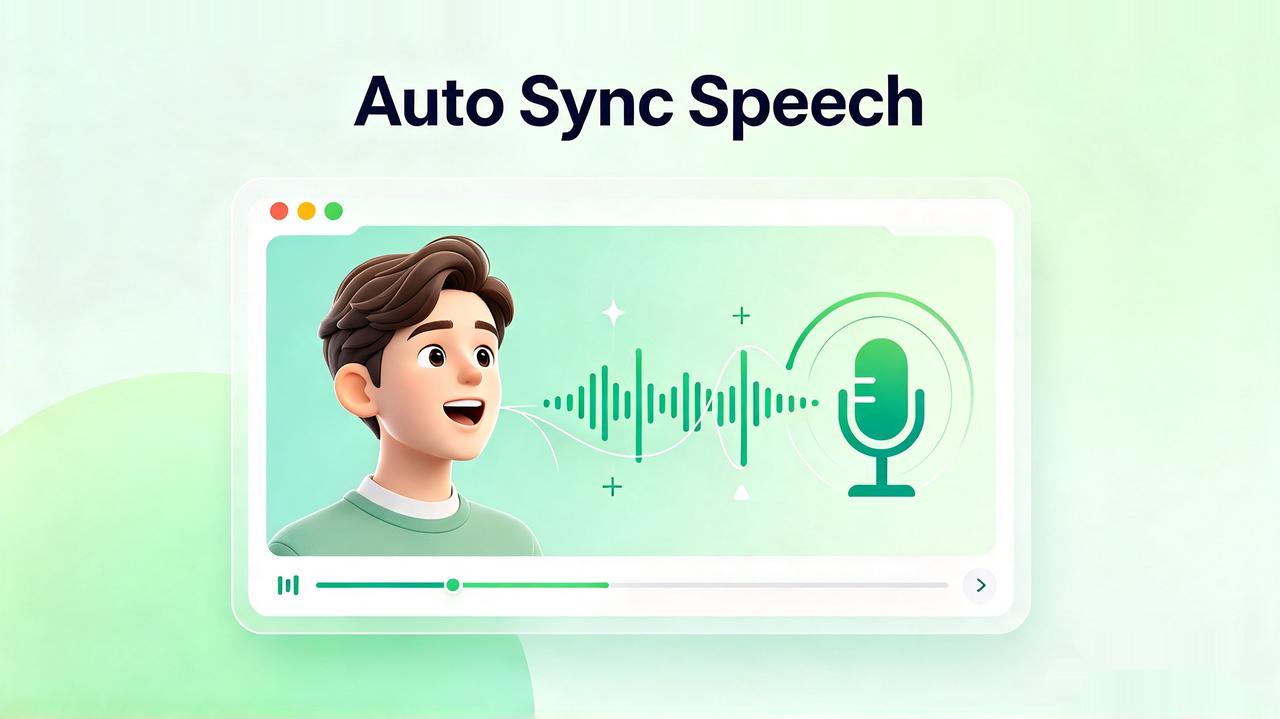
Automatically sync speech with any video

Lip sync AI automatically synchronizes the audio track with the video images. With Framia Pro's free online AI lip sync capabilities, you can achieve this perfect timing directly in your browser, no manual frame-by-frame editing or heavy software downloads required.

Automatically sync speech with any video
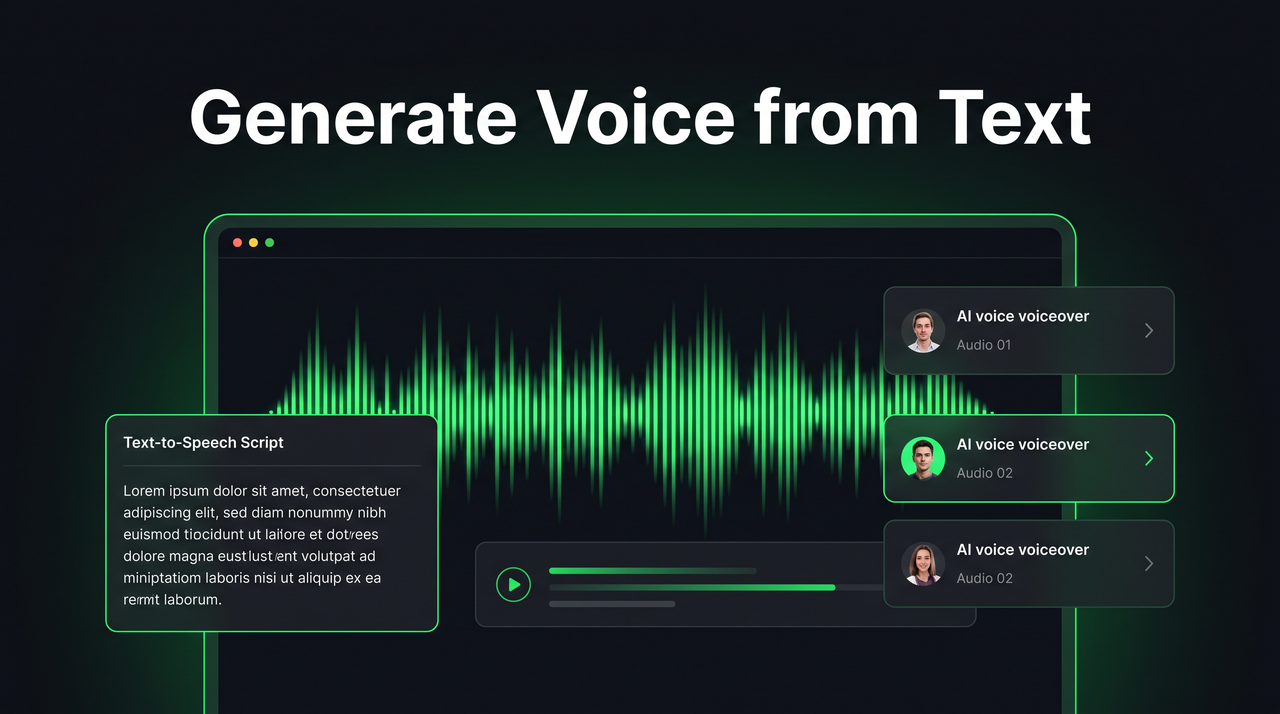
Generate voice from text or audio

Generate voice from text or audio

Using lip sync AI, users can turn their text-based scripts or audio recordings into lip synced video content. Framia Pro provides ease in generating an AI lip sync video output using efficient time synchronization, making it possible to quickly make voice-driven videos.

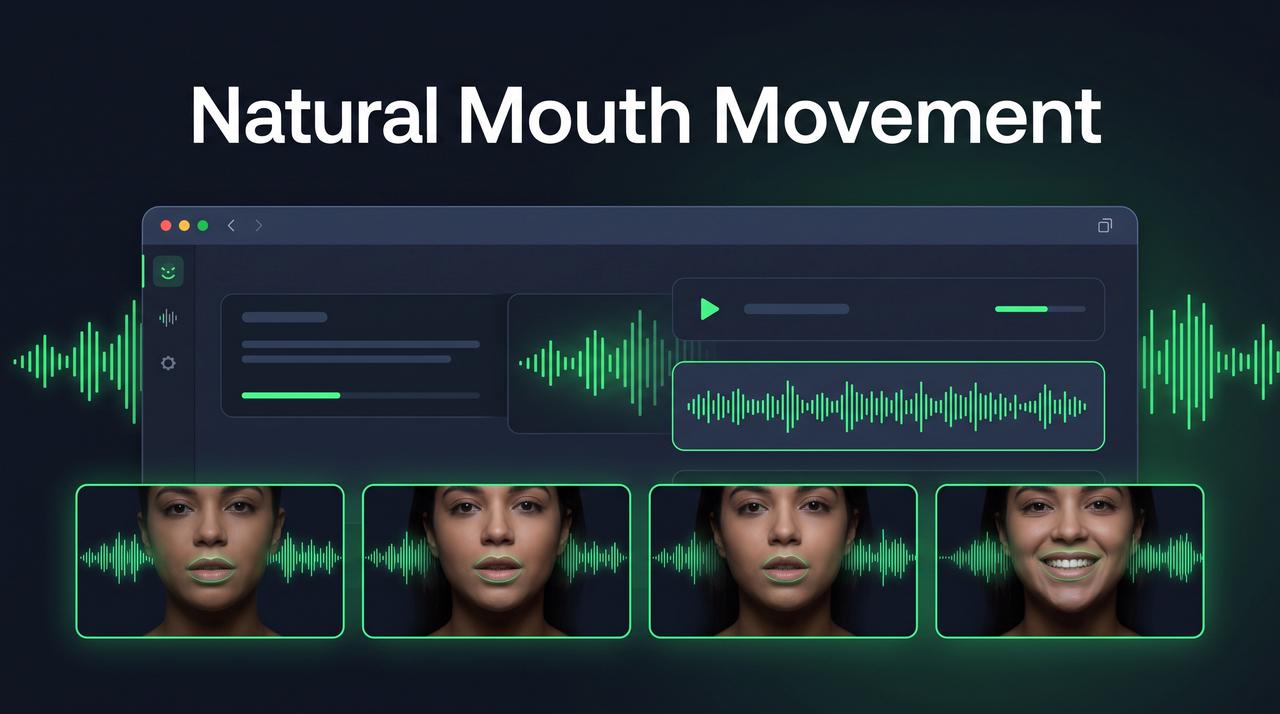
Lifelike and natural mouth movements

The advanced lip sync AI technology generates lifelike mouth movements that correspond to the speech pattern. Framia Pro improves the quality of AI lip sync videos by generating accurate mouth movements and expressions.

Lifelike and natural mouth movements
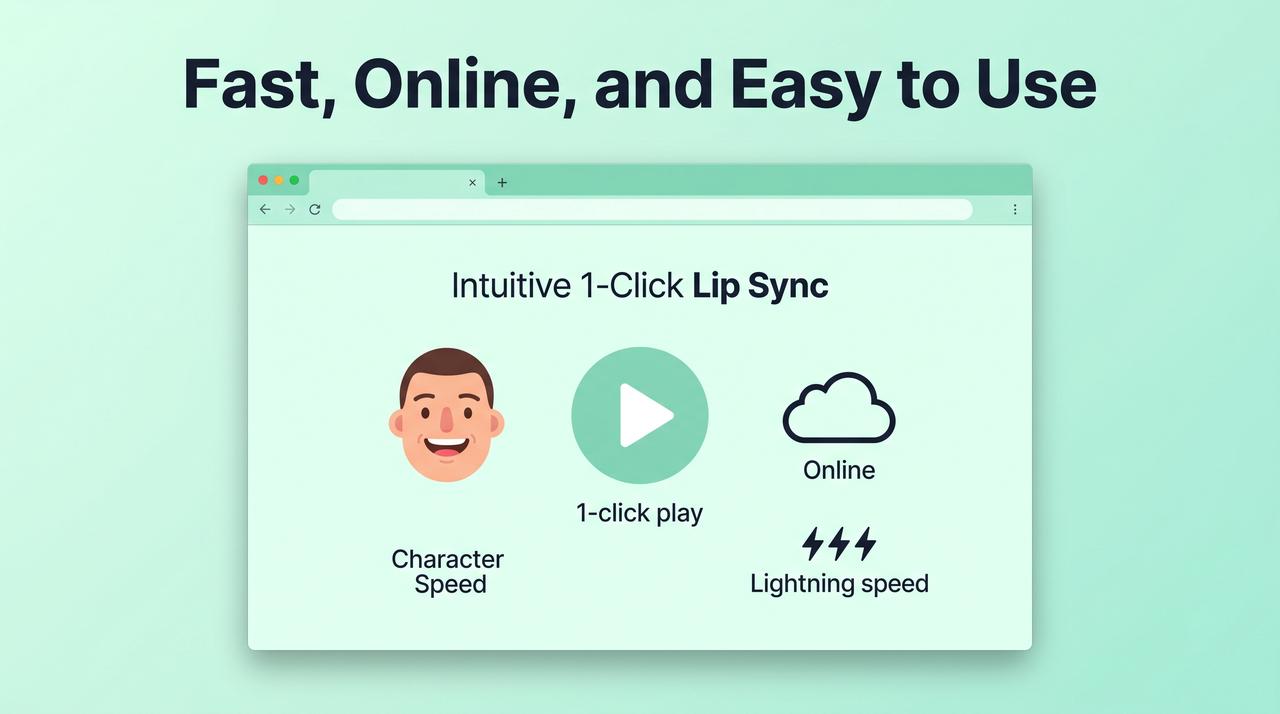
Fast, online, and easy to use

Fast, online, and easy to use

Lip sync AI tools are designed to be quick, easy, and effective. It is possible to make use of Framia Pro to create lip-synced videos without downloading any software, meaning that you can create AI lip-synced videos online using Framia Pro.

How to create lip-sync AI videos with Framia Pro?

Make realistic lip-sync AI videos quickly with the help of advanced AI lip sync generators.

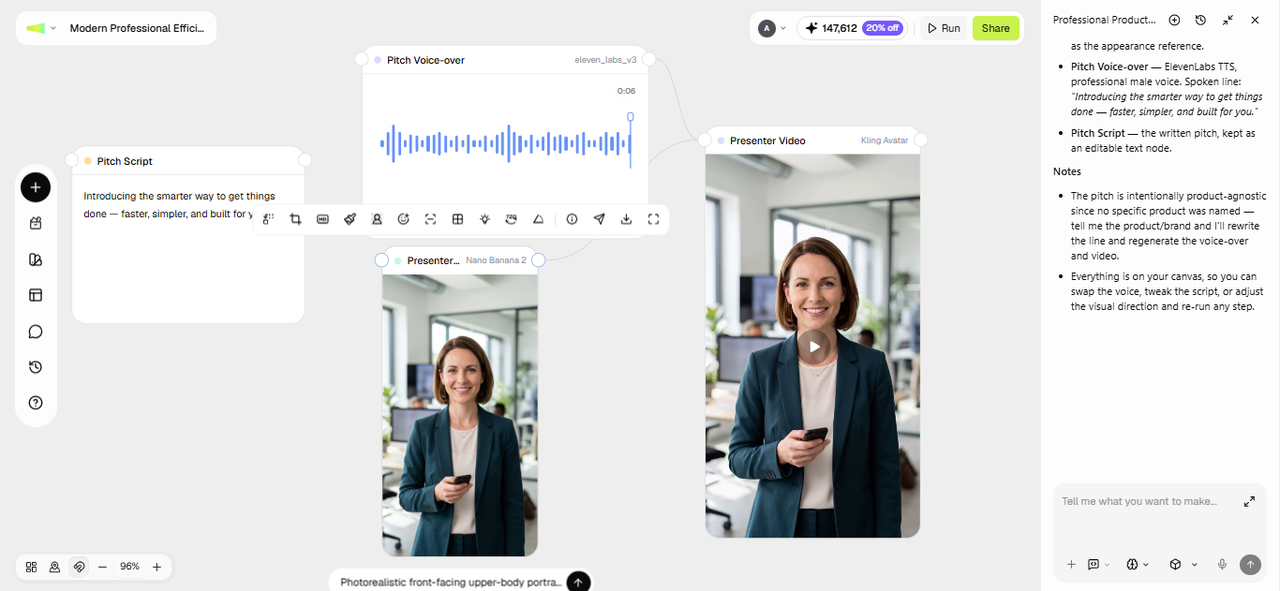
Step 1: Upload your audio or video
Open the Agent Canvas from the Framia Pro dashboard and start a new project. Upload the video or photo you want synced, then add your audio or script. Pick a skill from the Skills menu, choose a model from Select models, set the reasoning mode, and hit Enter. Framia Pro writes a sync brief in the first Text node and connects Video and Audio nodes to it.
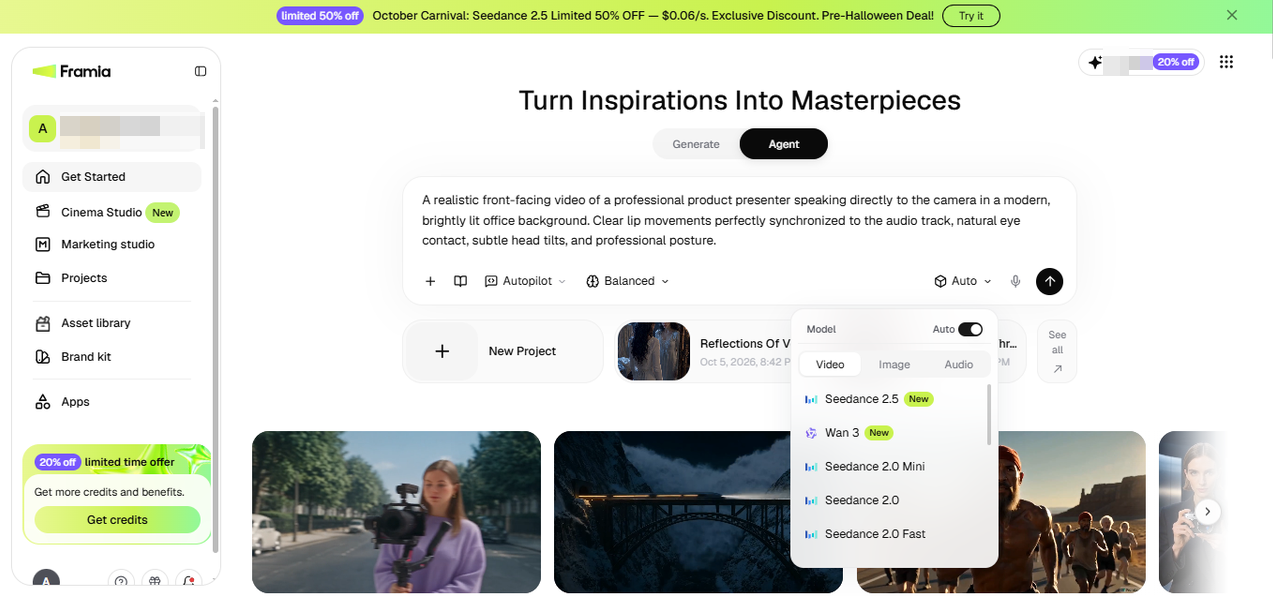
Step 1: Upload your audio or video
Step 2: Review the nodes
Once the nodes appear, check the Video node against the Audio node. If the timing or an expression looks off in a section, adjust the Text node's brief or swap in a cleaner audio clip, then regenerate just that node instead of restarting the project.
Step 2: Review the nodes
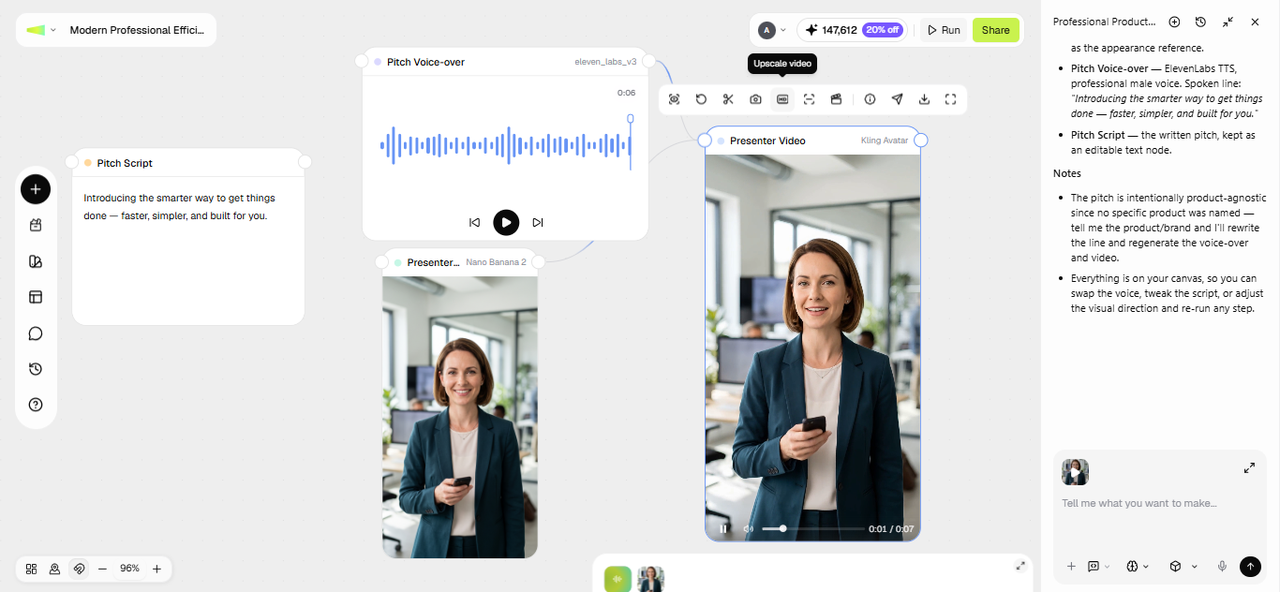
Step 3: Edit and export
Compare a couple of versions side by side if you generated alternates. You can then upscale the video, run smart analysis, and more. Once satisfied, click "Download" to export the finished video in 4K or click Share to post it directly.
Step 3: Edit and export

Real-world applications of lip sync AI generator

Lip sync AI enables realistic video creation across industries quickly.

Marketing and advertising

Lip Sync AI makes it possible for brands to create compelling marketing videos featuring realistic characters and synchronized voiceovers. With tools such as Framia Pro, companies can generate AI lip-sync videos that enhance customer engagement, communicate effectively, and increase marketing success.

Marketing and advertising
Social media content

Social media content

Content creators can easily make social media videos with the help of lip sync AI technology. This technology allows users of Framia Pro software to make lip sync videos in seconds, which perform well on social media such as TikTok, Instagram, and YouTube.

E-learning and training

Lip-syncing AI technology finds applications for creating e-learning and training materials for students and employees. Framia Pro assists educators in developing AI lip sync video classes, which include both narrations as well as visual information for learners.

E-learning and training
Corporate communication

Corporate communication

Companies use lip-syncing AI technology for business communication, new hires, and presentations. With Framia Pro, businesses can develop lip-sync videos using an AI avatar that can ensure consistent business communication across the organization.

Multilingual localization

It is easier to localize your video content using AI lip sync. Framia Pro guarantees precise output in the form of lip-sync videos in various languages, ensuring that your brand grows internationally by creating localized video content.

Multilingual localization
Entertainment and media

Entertainment and media

Producers of entertainment media use lip-syncing AI to produce their videos. Framia Pro helps users make high-quality lip sync videos that boost the production process and make viewing enjoyable for the audience.

What users say about Framia Pro's lip sync AI?

Framia Pro lip sync AI helps users create realistic, high-quality videos faster.

Framia Pro lip sync AI has revolutionized the process of video production. It syncs perfectly and makes videos look professionally made. It took minutes rather than hours to develop engaging AI lip sync video content.
Alex Morgan
Alex Morgan
Content Creator | YouTuber
Framia Pro's lip sync AI technology has helped us boost engagement through our video content. With our engaging visual elements and flawless synchronization, we can now create our video content much faster.
Sophia Lee, Digital Marketer
Social Media Manager
The AI lip sync technology provided by Framia Pro makes my work easier. I am able to create effective AI lip sync videos for educating my students, making them understand better while saving a lot of my time.
Daniel Cruz
Daniel Cruz
Teacher | E-learning Expert
I use Framia Pro AI lip sync video for promotional videos and other business videos. It generates high-quality videos that do not require costly video production processes.
Emma Watso
Emma Watso
Entrepreneur | Founder
This best lip-sync AI tool offered by Framia Pro is quite intuitive and highly efficient. I am able to produce numerous AI lip-sync videos within short periods, making my job easier.
Liam Turner
Liam Turner
Video Editor | Freelancer
Framia Pro is used to generate training videos, and we have found the output very impressive. The AI lip sync video generator does an excellent job in generating clear and realistic videos.
Olivia Chen
Olivia Chen
HR Manager | Trainer
We've compiled the most important information to help you get the most out of your experience. Can't find what you're looking for?Contact us

FAQs about lip sync AI

Where can I find AI avatar services with realistic lip-sync?
You can find AI avatar services on platforms like Framia Pro, HeyGen, and Synthesia. These tools use lip sync AI technology to create realistic AI lip sync video content easily online.
What technologies power realistic AI lip syncing in modern video tools?
Modern lip syncing AI uses deep learning, transformer models, and phoneme-viseme mapping to align speech with facial motion, enabling highly realistic AI lip sync video generation with accurate timing and expressions.
What makes Framia Pro a reliable lip sync AI video creation tool?
Framia Pro is reliable due to its advanced lip sync AI engine, fast rendering, and accurate speech alignment, allowing users to create high-quality AI lip sync video content effortlessly and consistently.
How does AI lip syncing ensure natural facial expressions in videos?
Lip syncing AI analyzes audio patterns and facial geometry to generate smooth movements. Framia Pro enhances AI lip sync video realism with natural expressions and precise mouth synchronization for lifelike results.
What is the difference between lip sync AI and traditional video editing?
Lip sync AI automates speech-to-face synchronization using machine learning, while traditional editing requires manual frame adjustments. Framia Pro simplifies AI lip sync video creation with faster, automated, and accurate results.
Can I lip sync a video in a different language than the original recording?
Yes. Framia Pro can translate video content by syncing the speaker's mouth movements to an audio track in the translated language. Upload the translated audio and use AI lip sync to adjust the visible speech to match the new track and make videos more suitable for audiences who speak different languages without needing to reshoot the original footage.
Do I need a video of a real person, or can I use an avatar?
Either works. You can upload footage of a real person or use an AI avatar for lip sync. Upload only the videos and audio you have the right or permission to use. If your footage features another person, obtain their consent before creating or sharing lip-synced content that depicts them speaking or singing. Respect applicable privacy, portrait, and publicity rights, especially when publishing or using content commercially.
What file formats and video lengths does the lip sync tool support?
Framia Pro supports common video and audio formats for uploading media and exports the results in HD. Supported file types, file-size limits, and maximum video duration depend on the AI model you are working with. For longer videos, consider working in shorter sections and reviewing each result before combining them into a complete video.
Can I fix a section of the video if the sync looks off?
Yes. Regenerate just the Video or Audio node for that section instead of restarting the project, so the rest of the video stays untouched.

Still have questions?

Have questions or need assistance? Our team is here to help!

Start creating your lip-sync video

Generate high-quality AI lip sync videos with Framia Pro, featuring natural expressions, precise voice matching, and fast, cloud-based processing.

Free AI Lip Sync Generator for High Quality Video Output