Free AI TikTok Video Generator Online

Make viral TikTok magic with Framia Pro's AI TikTok video generator. Turn ideas, scripts, or images into stunning 9:16 shorts in seconds.

Start for Free

Preparing editor…

What is an AI TikTok video generator?

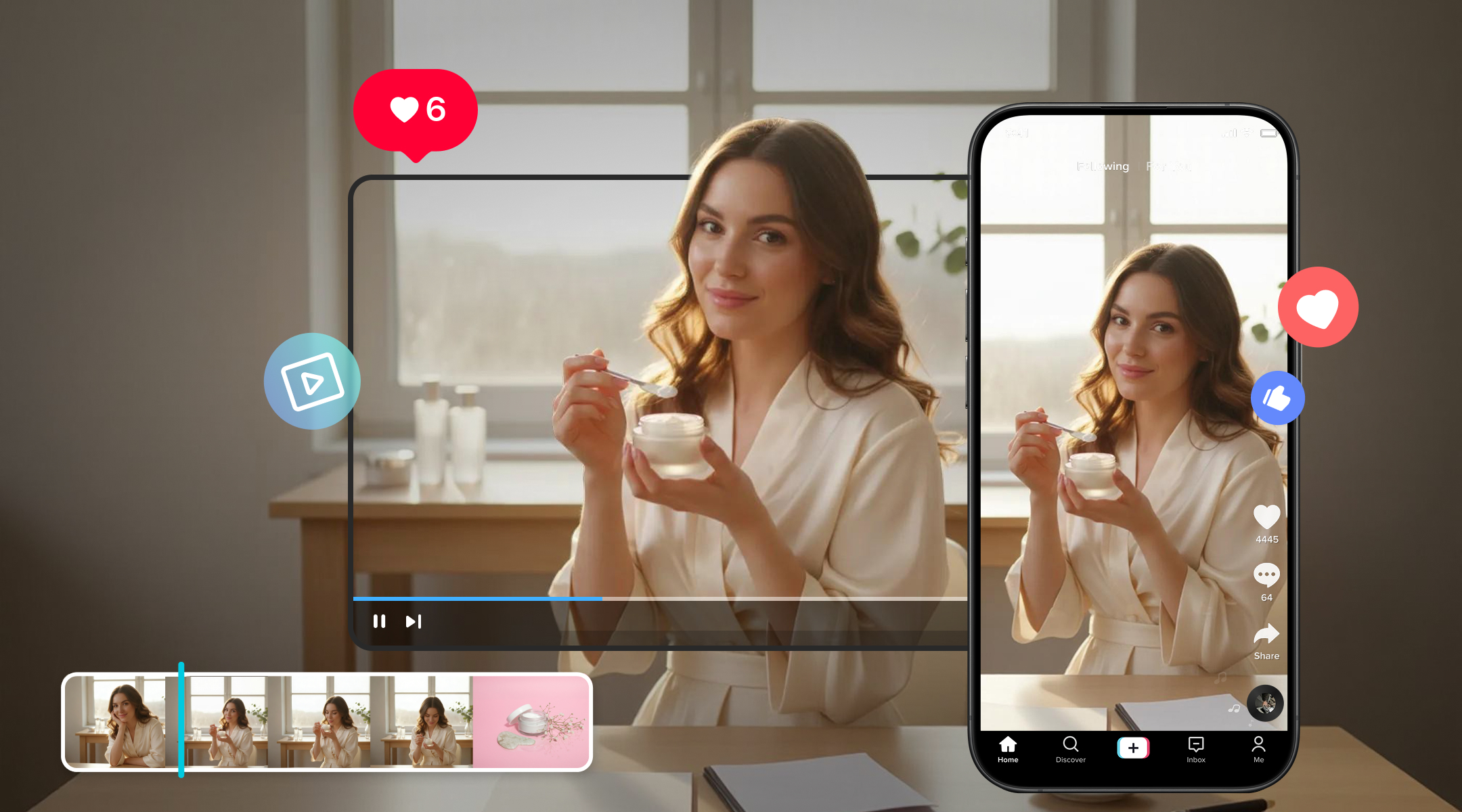
An AI TikTok video generator is a tool that turns a text prompt, script, image, or short clip into a vertical video sized for TikTok. It writes the scenes, picks the visuals, adds voiceover and music, and places captions on screen, so you skip filming and manual cutting. An AI video editor for TikTok suits quick trend posts, product demos, and short lessons. It also works for faceless accounts that never show a face. Framia Pro runs this process through one Agent that plans the video and then lets you adjust each part.

Key features of Framia Pro's free AI TikTok video generator

Level up your social media presence with Framia Pro's suite of tools designed for effortless, viral content creation.

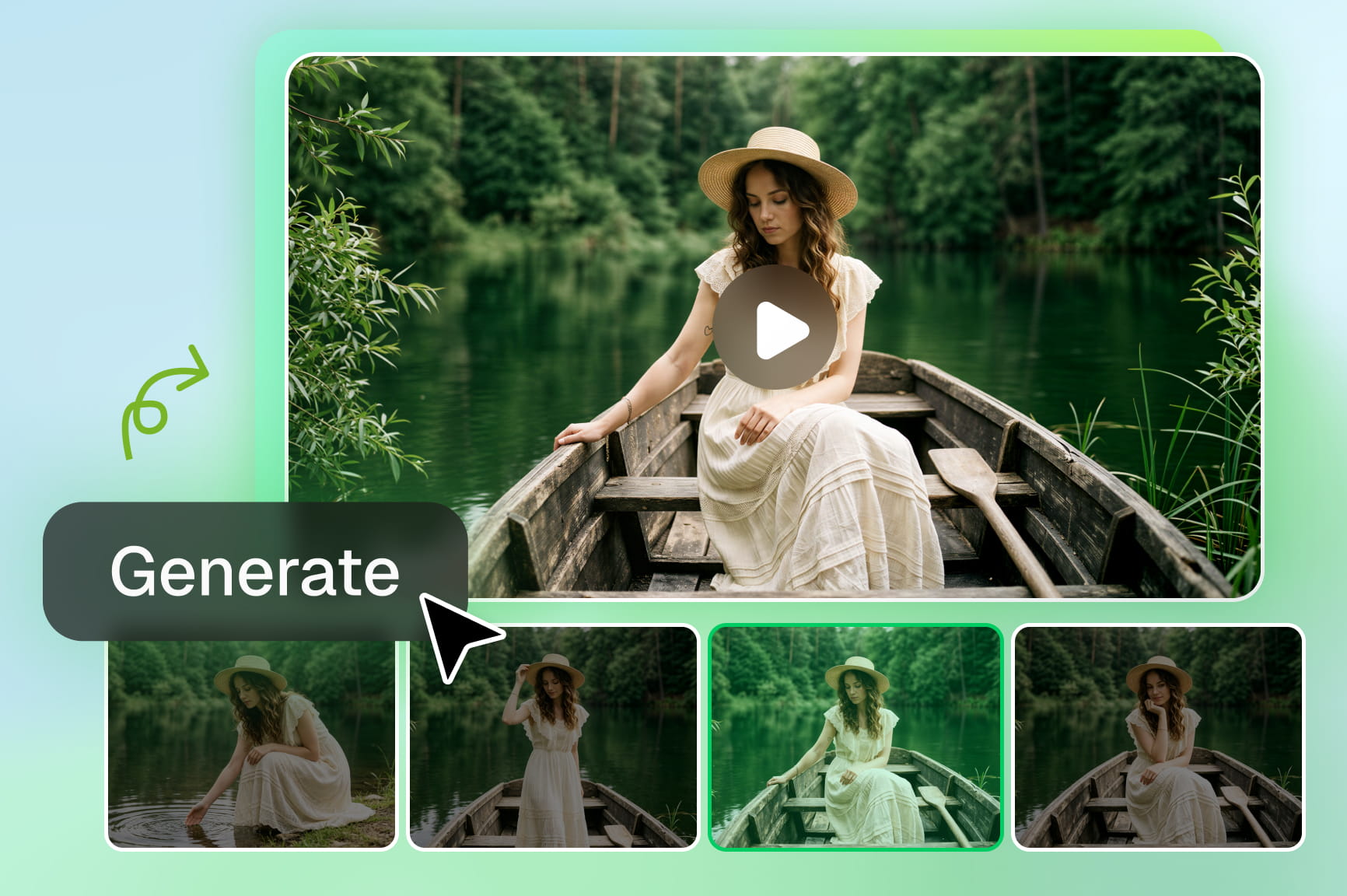
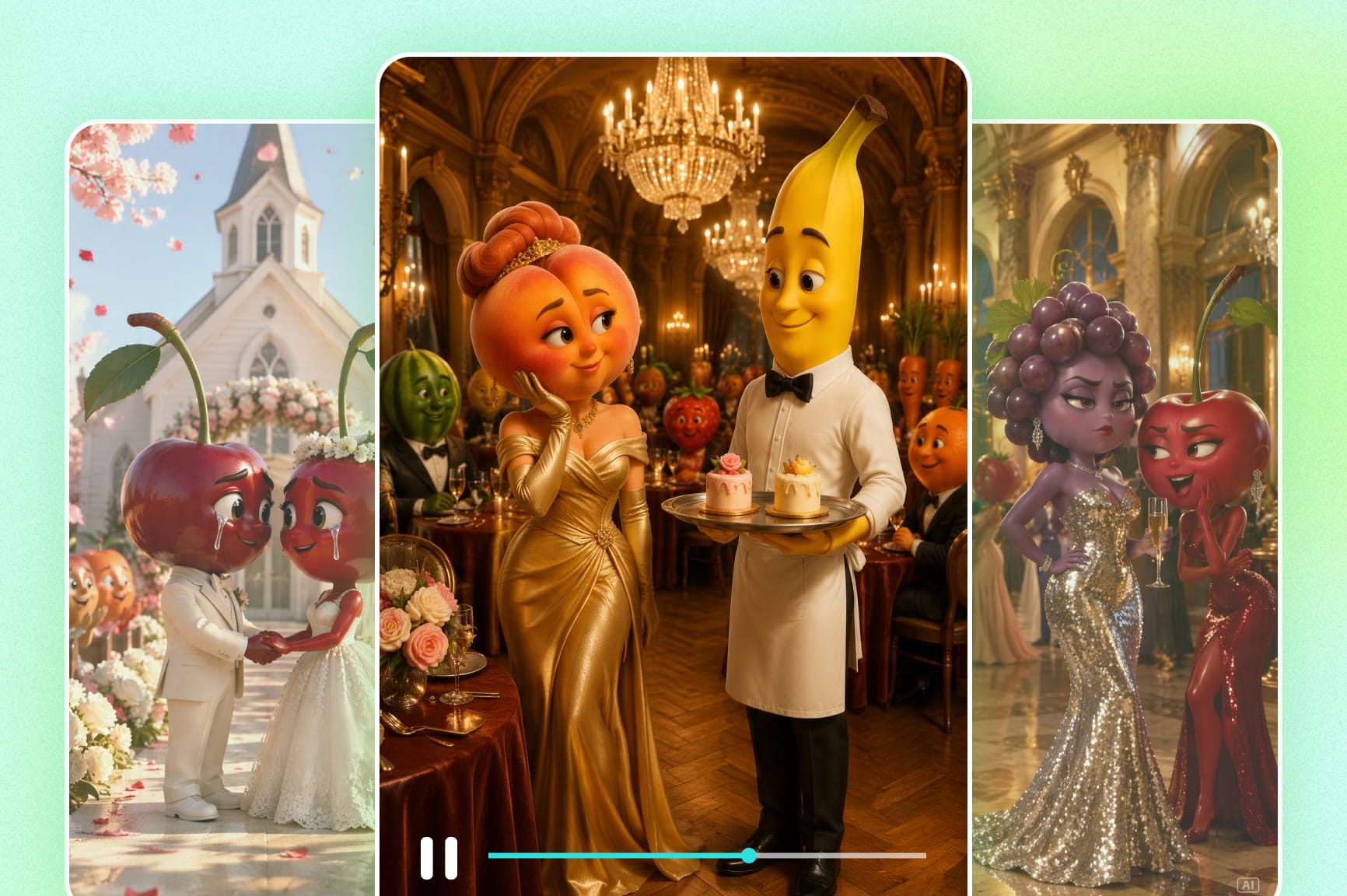
Turn ideas into scroll-stopping videos

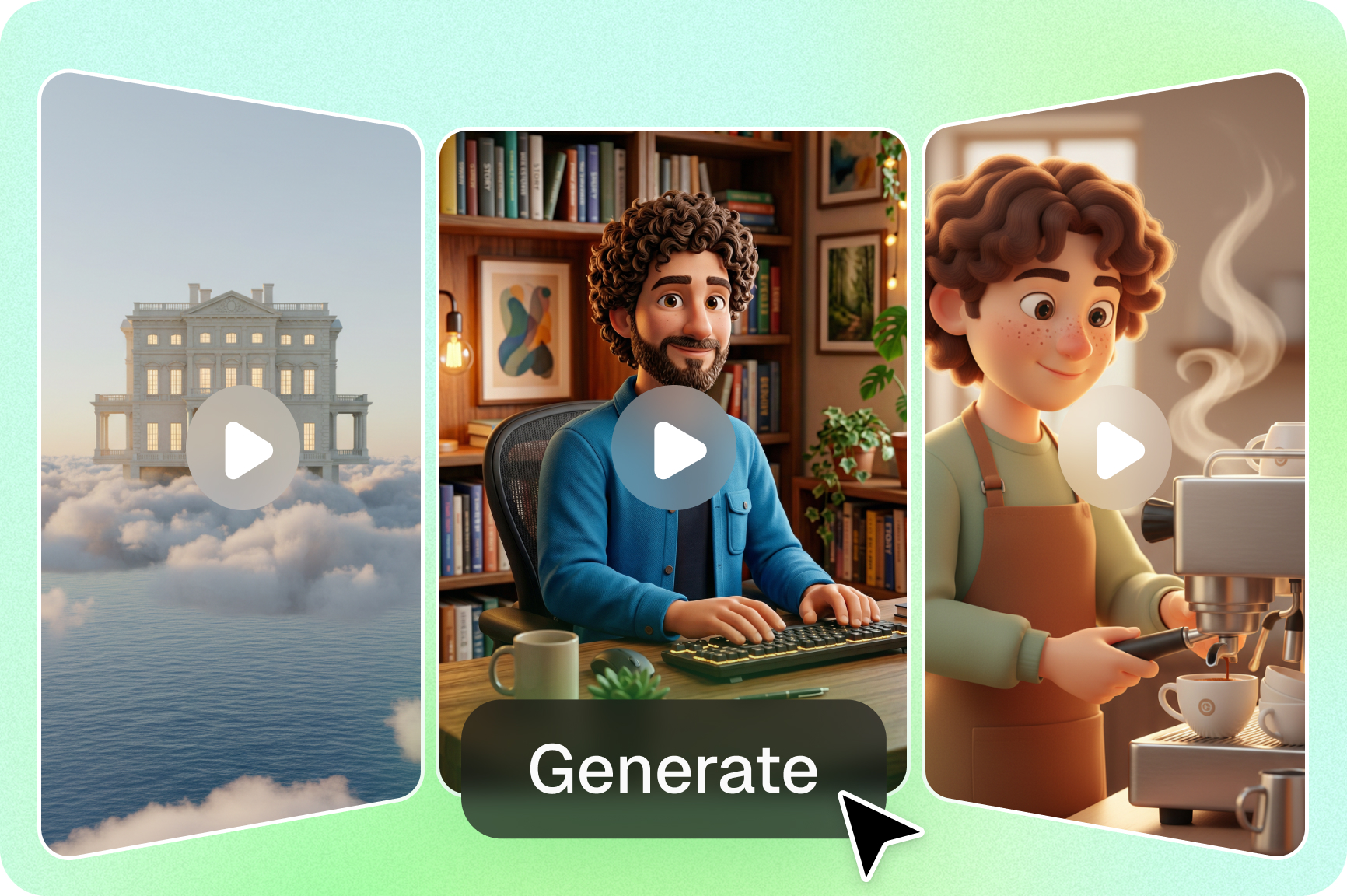
Generate TikToks from prompts or scripts with Framia Pro's AI TikTok video generator. Get fully polished 9:16 videos with transitions, effects, and viral-optimized pacing. Perfect for routines, ads, and tutorials with zero editing skills or filming required for creators.

Chat with AI to edit your TikTok videos

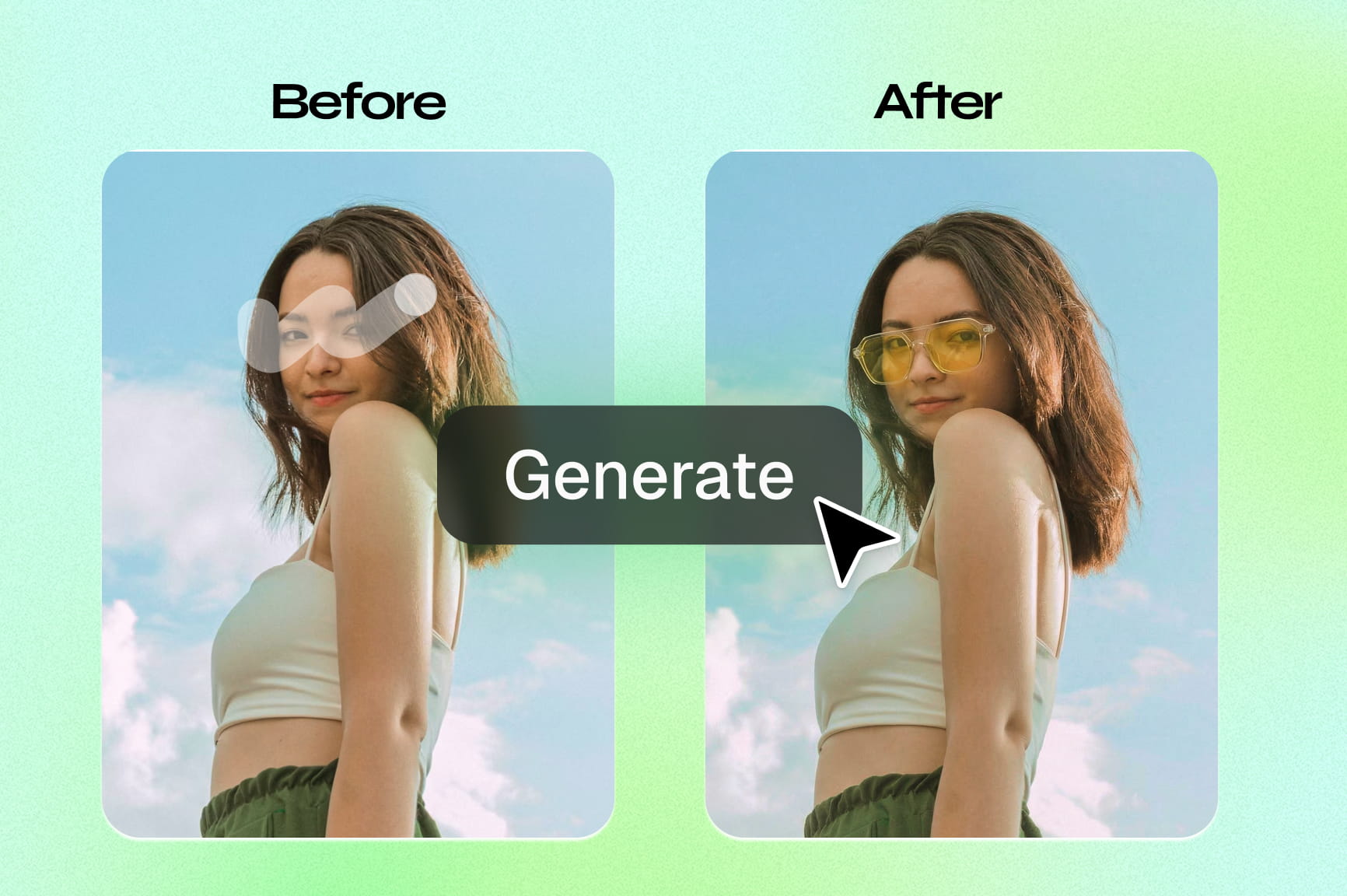
With Framia Pro's chat interface, refine scripts, change visuals, adjust music, or edit scenes using simple instructions in real-time. Our AI video editor executes complex, professional-grade edits via natural language to recreate trending hits in seconds.

Power videos with music & AI voiceovers

Give your content a professional sound without recording. Framia Pro's video agent creates realistic AI voiceovers and trending music that sync with your visuals. Use simple chat commands to adjust tone, accent, emotion, or style for perfectly matched audio for high-quality results.

Explore & recreate TikTok hits in just clicks

Browse and recreate trendy TikTok videos using Framia Pro's extensive gallery of viral-ready examples. Simply select an inspiring video, hit "Remix," and tweak your prompt. Generate your own trending-ready version in seconds, from cinematic trailers to bold branding visuals effortlessly.

How to make TikTok videos with Framia Pro?

Step 1: Sign up and open the Agent
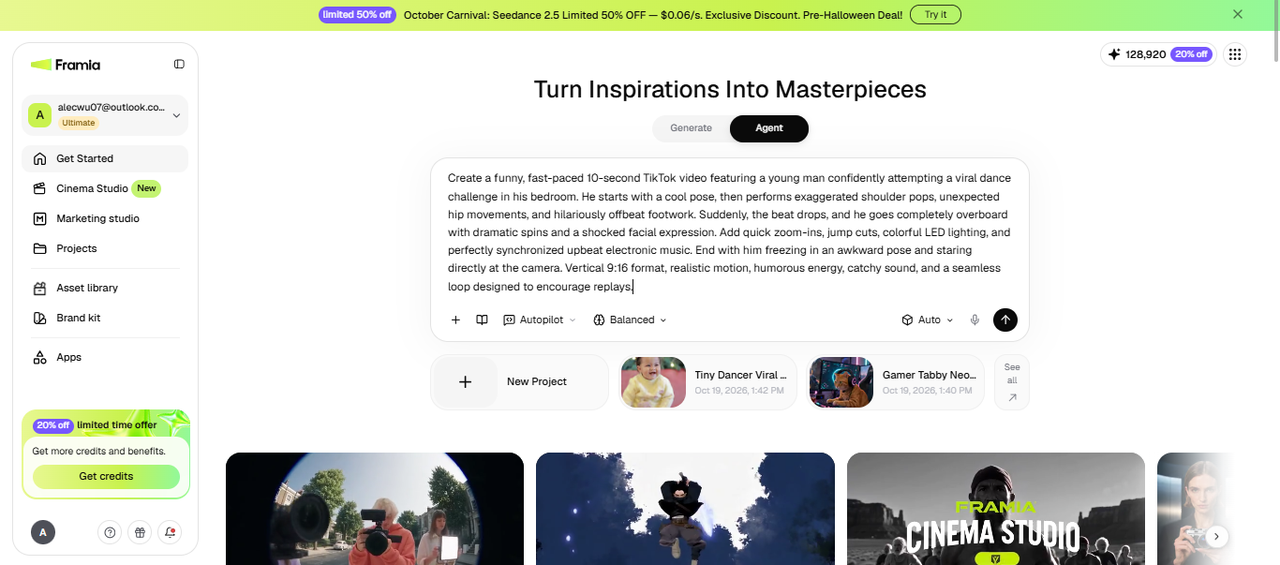
Create a free Framia Pro account and open Agent from the main screen. Enter your video idea or script in the prompt box. Click + to add an image, audio, video, or file as a reference. Then choose a skill, reasoning level, approval mode, and the models you want to use for video. Press Enter to start.
Step 1: Sign up and open the Agent
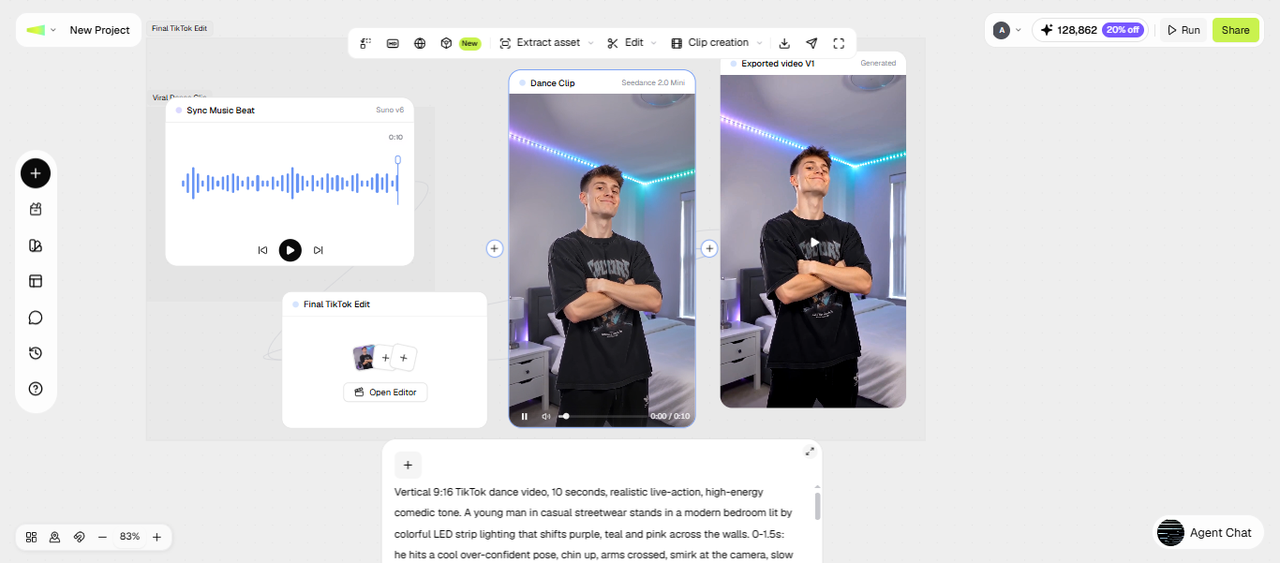
Step 2: Review the Workflow canvas
The Agent opens a Workflow canvas and connects text, image, video, and audio nodes based on your project. You can click any node to edit its prompt or change the aspect ratio, model, or resolution, and then re-run just that node to regenerate its output. Use the available tools for tasks such as video upscaling, smart analysis, and cropping.
Step 2: Review the Workflow canvas
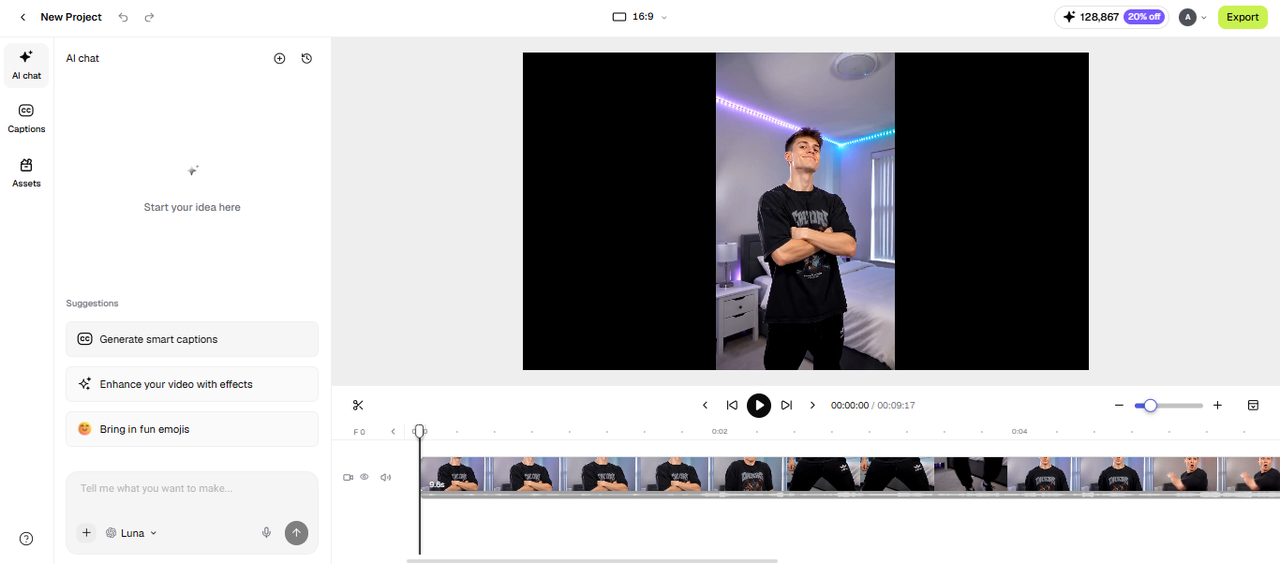
Step 3: Edit in the timeline and export
Once your video is ready, connect a video editor node to open it in the timeline editor. From there, you can add captions, creative effects, and music. You can also split or crop clips. When you’re happy with the final result, click Download to save the video to your device. If you want to publish it directly, use Share to post the video to X, YouTube, Facebook, or Instagram.
Step 3: Edit in the timeline and export

Why Framia Pro is the best AI video generator for TikTok?

Whether you're a beginner or a pro, Framia Pro streamlines your creative workflow by transforming simple prompts into high-impact, trend-aware TikTok videos in minutes.

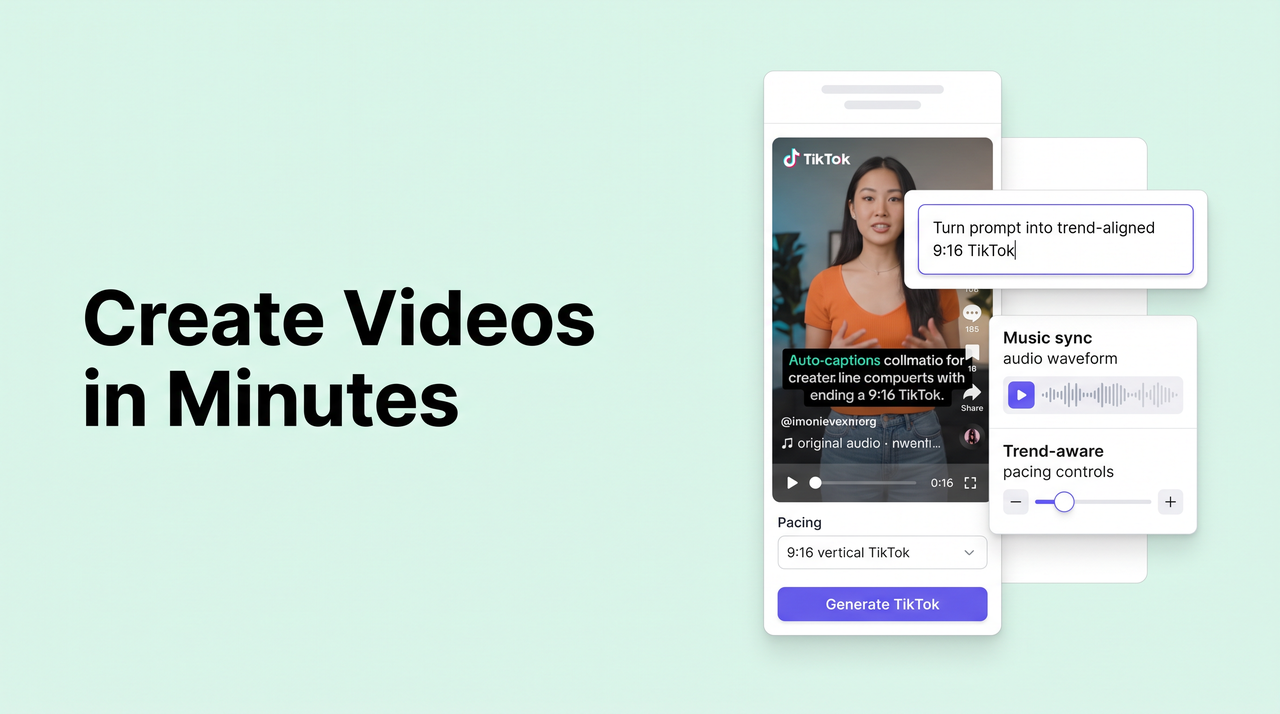
Create videos in minutes

Skip filming, manual cuts, or waiting for renders. Framia Pro's Shorts Agent turns prompts into polished 9:16 TikToks in seconds to minutes, with auto-captions, music sync, effects, and trend-aware pacing.

Create videos in minutes
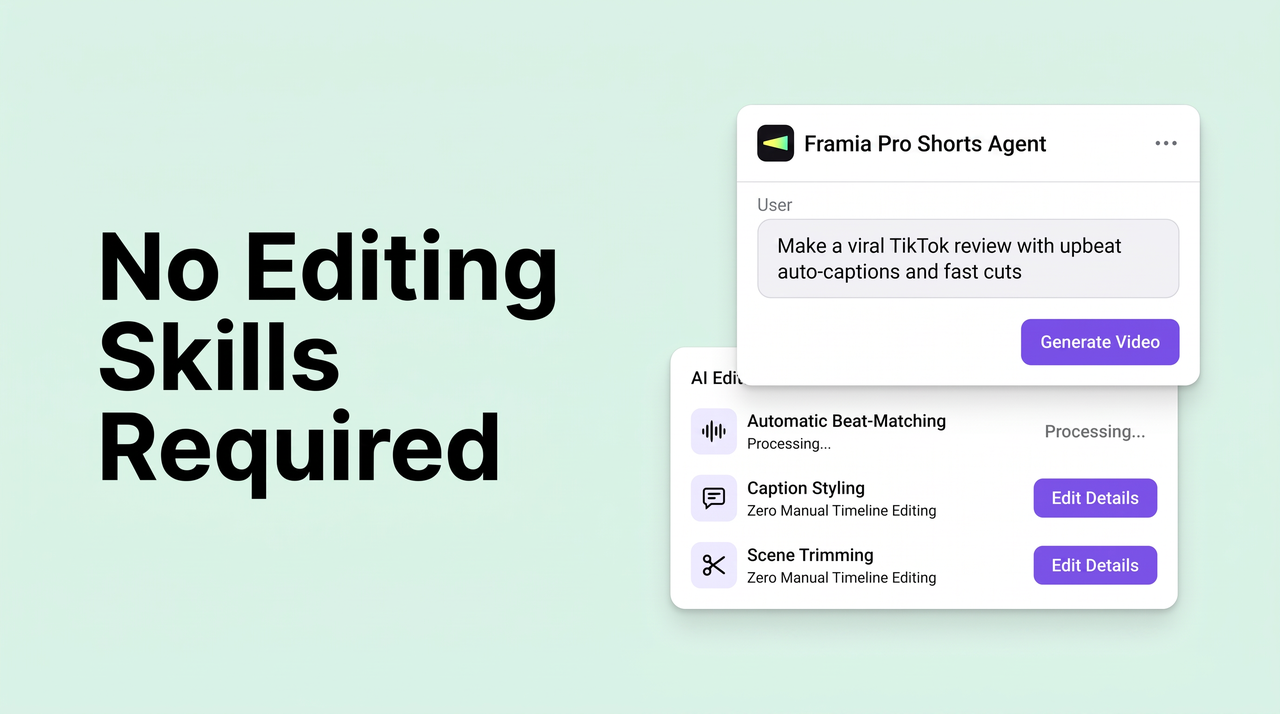
No editing skills required

No editing skills required

Framia Pro lets beginners and non-creators produce professional-looking TikToks purely through natural-language prompts and chat instructions. The AI handles everything. Perfect for busy marketers, small business owners, educators, or anyone who wants results without a learning curve.

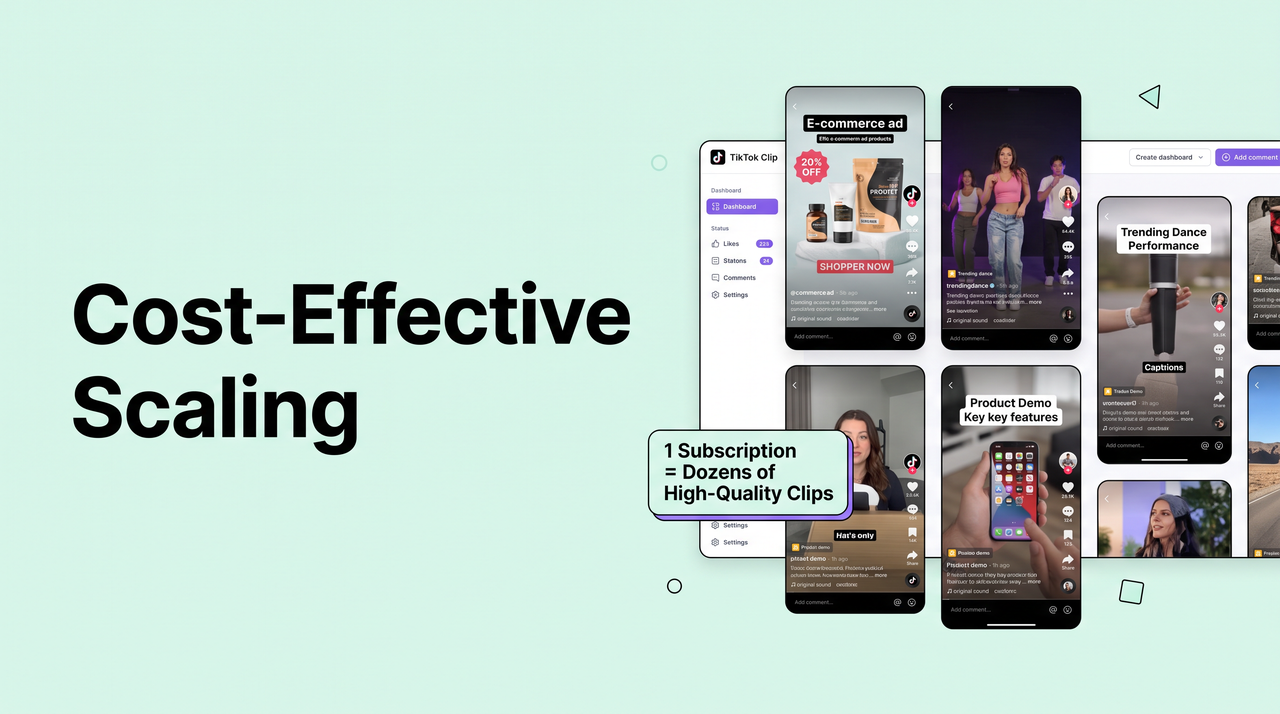
Cost-effective scaling

Scale production without expanding your budget; Framia Pro replaces full teams, letting you generate dozens of high-quality clips for one subscription with this AI TikTok clip maker.

Cost-effective scaling
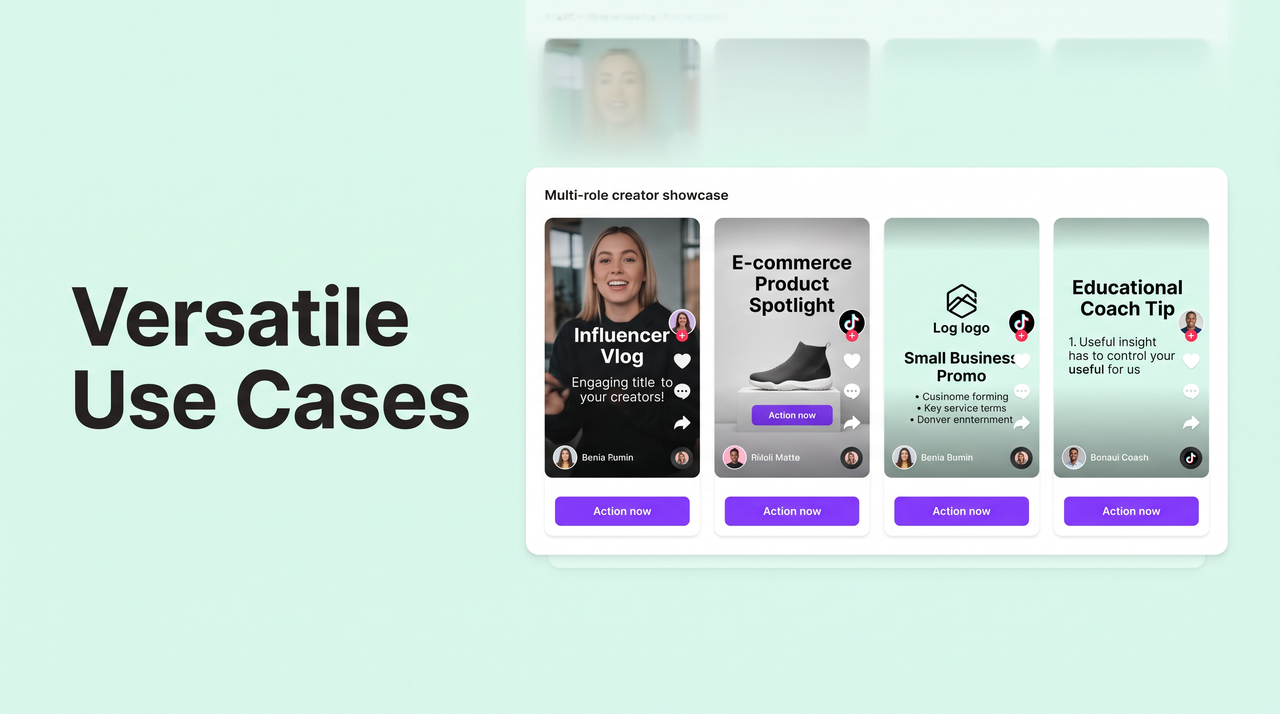
Versatile use cases

Versatile use cases

Framia Pro's AI TikTok video generator empowers aspiring influencers, social media managers, marketing agencies, e-commerce brands, small business owners, coaches, and educators to create engaging, trend-aligned TikTok content effortlessly.

Who can benefit from Framia Pro's AI for TikTok videos?

Framia Pro offers a versatile creative ecosystem that empowers a wide range of users to produce professional, trend-aligned content without traditional production barriers.

Aspiring influencers & content creators
Our AI TikTok video generator helps influencers and content creators turn raw ideas into viral storytelling videos with AI-generated visuals, emotional pacing, professional voiceovers, and trending effects that boost engagement and help grow an audience—no filming or editing skills needed.
Faceless content creators
Build a strong presence and monetize your expertise without appearing on camera. Our AI turns text into engaging videos with realistic voiceovers, dynamic text animations, and trend-aligned visuals, helping you stay private while creating professional, high-engagement shorts effortlessly.
Marketing & Ad agencies
Create high-impact product showcases and brand stories optimized for the TikTok algorithm using our Framia Pro. Generate native-feeling content that hooks viewers in the first few seconds and includes a clear call to action to maximize conversions and brand loyalty.
E-commerce & small business owners
Framia Pro eliminates professional crew costs by turning product photos or descriptions into optimized TikTok UGC ads and unboxings. Effortlessly generate content that hooks viewers, highlights key features, and includes automated calls-to-action to drive traffic and sales affordably.
Coaches & educators
Sharing knowledge clearly and accessibly is key. Framia Pro's AI TikTok video editor transforms complex topics into 60-second lessons adding trending sounds and effects, perfect pacing for maximum retention, and eye-catching captions and graphics that boost engagement—no complex editing needed.
Freelancers & independent creators
Use our TikTok AI video generator to create content for personal brands or client projects. Framia Pro helps freelancers explore creative concepts, generate video content, and refine visuals for different audiences, which makes it easier to manage multiple projects and deliver good content.

Why users trust Framia Pro for TikTok videos?

Users trust Framia Pro because it consistently delivers fast, high-quality, trend-optimized TikTok videos with intuitive AI tools, reliable results, and no steep learning curve.

"Framia Pro changed everything for me! I went from struggling with edits to posting daily viral shorts in minutes. The AI nails trends and hooks perfectly—my followers grew 5x in a month. Super reliable and beginner-friendly!"
Sarah K.
Sarah K.
Aspiring Influencer
"As a manager handling 10+ accounts, Framia Pro saves hours every day. Quick generation, seamless chat refinements, and spot-on music sync make consistent posting easy. Our engagement rates skyrocketed—best tool we've used!"
Mike T.
Mike T.
Social Media Manager
"I needed affordable product videos for TikTok Shop. Framia Pro's free tier lets me create pro-looking demos and unboxings without filming. Sales jumped after posting AI-generated clips—trustworthy quality every time!
Emma L.
Emma L.
E-commerce Owner
"Turning tips into engaging explainers was tough until Framia Pro. The structured shots, voiceovers, and captions make educational TikToks pop. No more complex software—it's fast, accurate, and my audience loves the results!"
Alex R.
Alex R.
Content Creator & Coach
"Framia Pro is my go-to for client TikTok ads. It handles creative concepts, effects, and virality pacing brilliantly. Clients rave about the quick turnarounds and high views—finally a tool I can fully trust!"
Jordan P.
Jordan P.
Marketing Agency Freelancer
Framia Pro has made it easier to create TikTok videos for my business without spending hours on editing. I can explore different video styles, adjust prompts, and refine the visuals to suit my products. It’s a helpful option when I need fresh content ideas and a simpler video creation process.
Ryan B
Ryan B
Small Business Owner
We've compiled the most important information to help you get the most out of your experience. Can't find what you're looking for?Contact us

FAQs about AI TikTok video generator

What is the best AI TikTok video generator for beginners?
The best beginner tool offers a simple prompt-based interface requiring no editing skills. Framia Pro leads with intuitive chat refinements and fast results, making professional TikToks effortless for any first-time creator.
Can I create ads for TikTok video with AI?
Yes, AI tools create high-converting TikTok ads like demos and shoppable videos. TikTok AI video editor generates strong hooks, CTAs, and visuals to scale campaigns cost-effectively.
Can I use an AI TikTok video generator free of charge?
Many AI generators provide free tiers for basic video creation. Framia Pro offers a powerful free plan with text-to-video, effects, and captions—perfect for testing trends or starting content without any cost.
How long does it take to create viral TikTok videos?
Modern AI tools let you make AI videos for TikTok in minutes, outperforming manual editing. Framia Pro's AI video generator delivers polished, trend-optimized shorts with synchronized audio and shots ready to post.
How do I write a good prompt for an AI TikTok video?
Strong prompts name the topic, the opening hook, the style, the mood, and the voice you want. A sample would be: "A 20-second video about three morning habits, fast cuts, bright colors, upbeat music, and a friendly female voiceover." You can also attach a reference image or file with the + button, so the Agent starts from something concrete instead of guessing.
Do I need to label AI-generated TikTok videos?
TikTok asks creators to label realistic AI-generated content, and the post settings include a toggle for it. You should turn it on when a video shows realistic people, places, or events that did not happen. The label tells viewers what they are watching and follows the platform's rules. Policies can change, so check TikTok's current community guidelines before you post.
Can the same character appear in more than one TikTok video?
Yes. You can upload a reference image of a face, mascot, or product through the + menu, and Framia Pro's character consistency holds that look steady from shot to shot. For a new video, you can reuse the same reference image to start from the same look. Small variations can still appear, so check each shot before you export.
Can I use an AI quiz video generator for TikTok?
Yes, you can use Framia Pro to create engaging TikTok quiz videos by generating visuals, adding voiceovers, and refining your video content. Create trivia questions, brain teasers, or fun challenges to encourage viewers to participate in the comments.
Which AI model should I pick for TikTok videos?
Our AI TikTok video maker lets you switch between video models such as Veo 3.1, Kling, and Seedance in the same workspace. A practical way to choose is to run the same prompt on two models and compare the motion, faces, and sound. You can then stick with the one that fits your content best.

Still have questions?

Have questions or need assistance? Our team is here to help!

Try Framia Pro's AI TikTok video generator for free!

Turn any idea into a scroll-stopping TikTok in seconds with Framia Pro. No filming, no editing, just instant viral-ready videos.

AI TikTok Video Generator: Create Viral TikTok Videos