
Free AI Video Stabilizer Online

Looking for the best AI video stabilizer? Use Framia Pro to remove camera shake in seconds. Keep your original quality without any downloads.

Start for Free
Preparing editor…

Before and after: See the stabilization result

Propertay walkthrough

A handheld camera moves through a residential property, passing through doorways and between rooms. The original footage has small jolts with each step, making vertical lines and door frames move noticeably.

Room-to-room transition

The camera moves from a hallway into a living room while the person filming walks forward. Sudden steps create visible bumps as the camera passes through the doorway.

Exterior property footage

A handheld camera moves toward the front of a house, with slight shaking from walking and changes in direction. The original footage causes the building edges and horizon to move unevenly.

What is a video stabilizer?

A video stabilizer reduces unwanted camera movement in recorded footage. It can smooth handheld clips, walking footage, action shots, drone videos, and other recordings with unwanted shake. For online post-production tools, you upload an existing video and process the recorded footage rather than relying on stabilization during filming. The result can vary based on the source video, movement, and selected settings.

Key features of Framia Pro's free video stabilizer

Discover the powerful features that make our video stabilizer the best choice for you now.

Fix shaky videos in seconds

Turn your bumpy, unwatchable footage into smooth, professional videos with our AI video stabilizer that automatically detects unwanted camera shake and corrects it instantly. You do not need any editing experience to get perfectly steady results every single time.

Fix shaky videos in seconds
No software installation required ever

No software installation required ever

Work directly from your favorite web browser without downloading heavy applications. This saves precious computer storage space and allows you to stabilize videos using any device, whether you are on a laptop, tablet, or mobile phone at this very moment.

Keep your original video quality

Preserve the clarity of your footage with Framia Pro. We proudly support the latest major AI video models, including Sora, Veo, and Kling. Our technology carefully removes unwanted motion while maintaining the crisp, high resolution details of every single original clip.

Keep your original video quality
Support for all video formats

Support for all video formats

Stop wasting time converting your files before editing them. You can upload any popular video format directly into our tool. We support MP4, MOV, and many more, ensuring a smooth, stress free process from the exact moment you begin working.

Why use Framia Pro's online video stabilizer?

See why creators trust our smart software to elevate their content and save valuable time.

Make your content look professional
Shaky camera work immediately makes a video look cheap and amateurish. By stabilizing your footage, you instantly elevate the production value. Your audience will stay engaged longer when they watch smooth, high quality content that feels like a real movie.
Save hours of editing time
Our automated tool does all the heavy lifting, while our AI video editor helps you polish the final footage without switching between multiple apps. You get your valuable time back to focus entirely on being creative and telling great stories.
Save money on expensive gear
You do not need to buy costly gimbals, tripods, or premium cameras to get perfectly smooth shots. Record with the smartphone you already own, and let our software digitally fix the natural handshake for free right here and now.
Boost your social media views
Platforms like Instagram and TikTok prioritize visually pleasing content. Once your footage is stable, you can use an AI shorts generator to quickly turn longer videos into engaging short-form content. If your video makes viewers dizzy, they will quickly scroll away. Stabilized clips retain viewer attention, leading to higher watch times, better engagement, and significantly more followers for your growing profile.
Film confidently without worrying anymore
Stop stressing about holding your camera perfectly still during important moments. Our smart stabilizer gives you the absolute freedom to move naturally and capture genuine emotions, knowing we will automatically fix all the unwanted shakes and annoying bumps completely later.
Rescue your old unwatchable footage
Do you have folders full of shaky, unusable video clips from past adventures? Do not delete them yet. Our powerful tool breathes new life into your old memories, transforming those previously unwatchable, bumpy recordings into smooth, beautiful, and shareable masterpieces.

How to stabilize a video online with Framia Pro?

Step 1: Open the Video Agent and drop in your shaky clip
From the Framia Pro dashboard, open the Agent and start a new chat. Click the upload button and drop in the clip you want to fix. For a real estate scenario, this is your phone walkthrough of a new listing where every doorway transition shows a jolt. Select the Video Recreator skill, pick a video model, set reasoning mode, and even choose the autopilot setting.
Step 2: Describe the shake and how you want it corrected
Type your stabilization instruction directly into the chat field. Be specific about the footage and the result you need. For the real estate example: "Smooth out the camera shake from this indoor walkthrough. Keep the forward motion between rooms natural but remove the jolts at each doorway. Preserve the original resolution and do not crop tighter than the original frame." Click Generate, and the AI reads the motion path across the full clip before applying any correction, which is why specifying "preserve intentional movement" matters.
Step 3: Review the result, adjust if needed, and export
The stabilized clip appears directly on the canvas. Scrub through it, paying attention to the doorway transitions and any section with heavy movement. If the correction feels over-smoothed or the edges are cropping too tight, send a follow-up message: "Reduce stabilization slightly and open the crop." Once the result looks like a gliding walkthrough rather than a handheld record, download it at full resolution or publish it straight to your listing platform from the workspace.

Best use cases of Framia Pro's video stabilization tool

From extreme sports to quiet family moments, find out how our stabilizer fits every scene.

Smooth out your travel vlogs

Walking through beautiful city streets often results in bumpy footage that ruins the memory. Upload those shaky vacation clips, and we will smooth out every single footstep. Share stunning, cinematic travel memories with your family and friends back at home.

Smooth out your travel vlogs
Enhance action and sports videos

Enhance action and sports videos

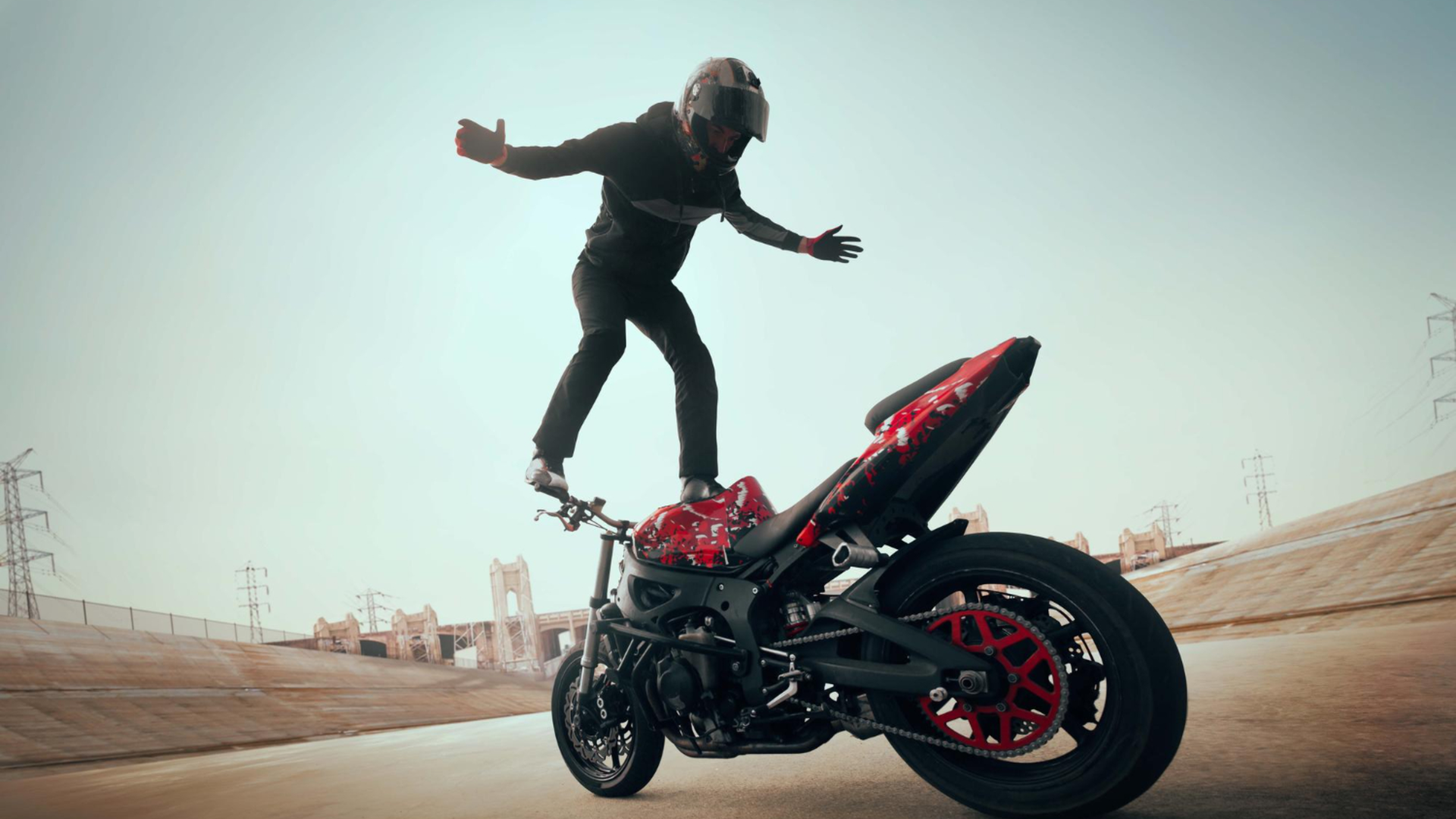
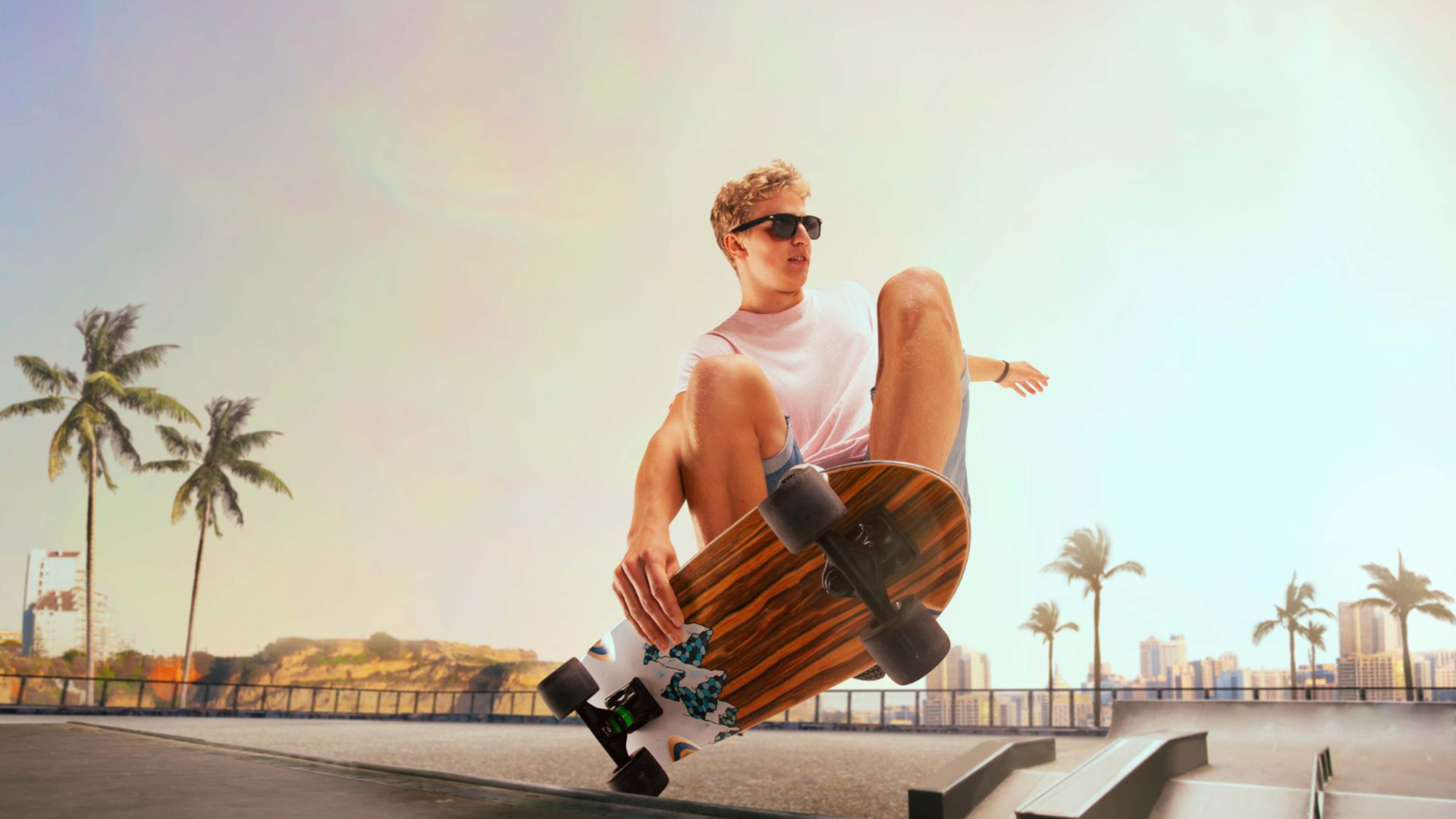
Capturing rapid sports like skateboarding, cycling, or running usually involves intense camera movement. Our powerful stabilizer easily handles extreme motion, ensuring the final video highlights your athletic skills clearly without making your excited audience feel physically dizzy or visually disoriented.

Perfect your real estate tours

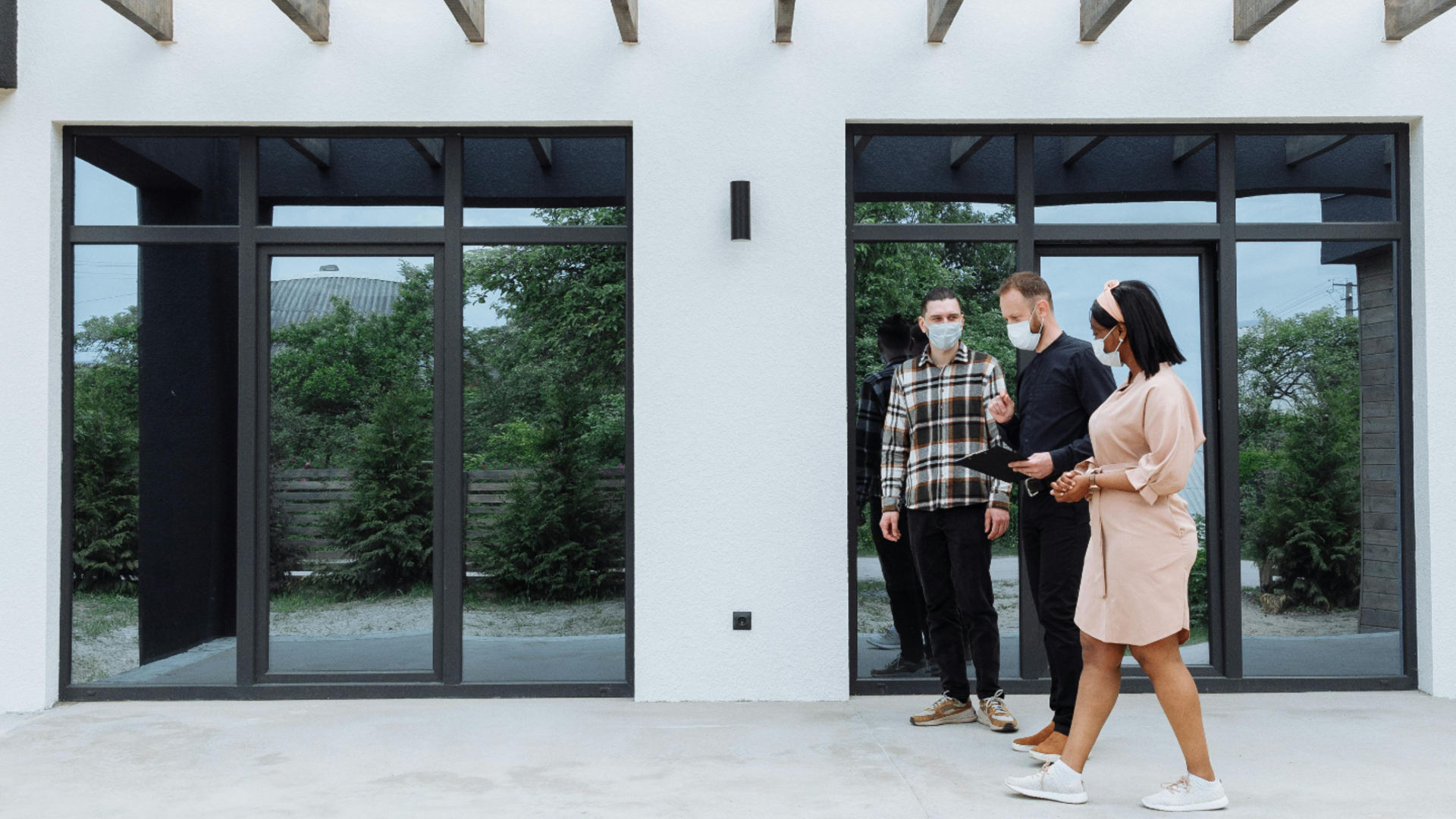
Walking through a property while filming can make potential buyers feel seasick. Stabilize your house tour videos to create a luxurious, gliding walkthrough experience. Clean, professional property videos help real estate agents sell homes much faster to highly interested clients.

Perfect your real estate tours
Fix important family event videos

Fix important family event videos

You cannot recreate a child taking their first steps or a beautiful wedding kiss. If those precious memories were filmed with shaky hands, our tool can effortlessly rescue them, turning unwatchable moments into beautiful keepsakes you will always cherish forever.

Our AI video stabilizer is trusted by users across industries

See what our happy users from different industries say about our amazing video stabilizer.

I used to spend hours trying to fix shaky drone footage for my clients. This online tool completely transformed my daily workflow. It works incredibly fast, and the final video quality is absolutely perfect every single time I use it.
Lukas Pafos
Lukas Pafos
Freelance Video Editor
Filming while walking through beautiful cobblestone streets in Paris always ruined my shots. Since I started using this stabilizer, my vlogs look like professional movies. I never travel without running my clips through this amazing software before finally uploading them.
Chloe Dubois
Chloe Dubois
Lifestyle Travel Vlogger
Buying expensive camera gear to film house tours was destroying my budget. Now, I just use my old smartphone and let this incredible tool remove the natural camera shake. My property listings have never looked this clean and highly professional.
Mateo Garcia
Mateo Garcia
Real Estate Agent
When recording behind the scenes content at busy corporate events, keeping my hands perfectly steady is completely impossible. This software rescues my bumpy videos instantly, ensuring our brand always maintains a polished, trustworthy, and incredibly engaging online social media presence.
Sofia Rossi
Sofia Rossi
Social Media Manager
My mountain biking videos were practically unwatchable because of the extreme bumps on the rugged trails. I uploaded my raw footage here, and the stabilization results blew my mind completely. It looks like I hired a Hollywood camera crew today.
Henrik Lindberg
Henrik Lindberg
Extreme Sports Enthusiast
I rely entirely on creating quick product demonstration videos for my growing online store. This easy stabilizer eliminates my nervous hand shake instantly. It is incredibly simple to use, saving me precious time while making my products look absolutely fantastic.
Emma Fischer
Emma Fischer
Small Business Owner
We've compiled the most important information to help you get the most out of your experience. Can't find what you're looking for?Contact us

Frequently asked questions

Is it possible to use a video stabilizer online?
Yes, Framia Pro functions as an efficient video stabilizer online. It processes all footage directly within your web browser, eliminating the need for any local downloads or complex system installations.
How to stabilize video on iPhone easily?
To learn how to stabilize video on iPhone, simply open the built-in Photos app, select your shaky clip, tap Edit, and press the stabilization icon to instantly smooth the footage.
Do I need to install heavy video stabilization software?
Framia Pro operates entirely online, eliminating the requirement for downloaded video stabilization software. Users can achieve professional results quickly without consuming valuable storage space on their personal computers or devices.
Can you explain how to stabilize video on phone devices?
Learning how to stabilize video on phone devices requires using built-in gallery applications like Google Photos. Just open your desired video, tap the edit button, and select the stabilize option.
Will the processing reduce my original resolution?
Framia Pro uses advanced technology to protect and stabilize video quality during processing. Your final exported file will consistently retain its exact original resolution, sharp clarity, and precise visual details.
Will the stabilizer remove intentional camera movements?
Framia Pro reads the difference between a sustained directional move and random jitter before it corrects anything. Including the instruction "preserve intentional movement" or "keep the forward motion natural" in your prompt tells the AI to protect pans and tracking shots while removing the bounce and shake around them.
Can I stabilize drone footage?
Yes. Drone footage stabilization is one of the most common use cases, particularly for clips where wind or motor vibration introduced high-frequency jitter that the drone's built-in gyroscope did not fully catch. Upload the clip to the Video Agent, describe the type of shake, and the AI corrects the path while keeping the intended aerial movement intact.
What video formats does Framia Pro's video stabilizer accept?
Framia Pro accepts MP4, MOV, and other common formats directly, with no conversion step before uploading.
Does stabilizing a video affect the audio track?
No. The AI correction applies only to the visual frames. The original audio track stays untouched and stays in sync with the corrected footage in the exported file.
What are OIS, EIS, and AI video stabilization?
OIS (Optical Image Stabilization) uses physical lens or sensor movement to reduce camera shake while you record. EIS (Electronic Image Stabilization) uses software and sensor data to adjust the footage during recording. AI video stabilization processes an existing video after recording and analyzes movement to reduce unwanted camera shake.

Still have questions?

Have questions or need assistance? Our team is here to help!

Stabilize your videos easily with Framia Pro!

With Framia Pro's AI-powered video stabilizer, you can now effortlessly create captivating content that drives views.

AI Video Stabilizer: Smooth Out Shaky Videos in Seconds