Convert Photo to Cartoon for Free

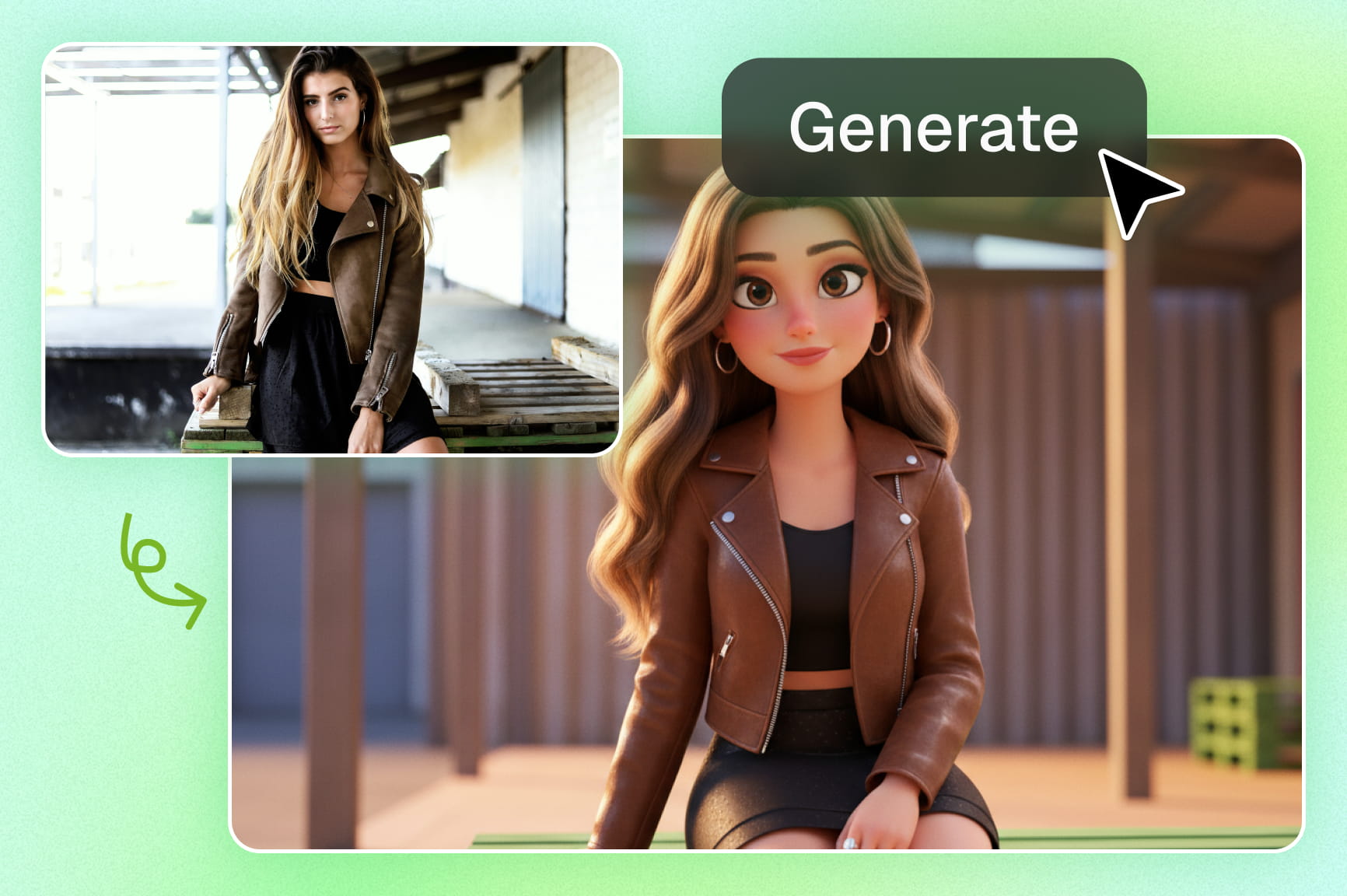
Upload your image, prompt your style, and transform your photo to cartoon without losing detail. Customize details and download your cartoon.

Upload imagesClick to browse or drag & drop file here
Convert Photo to Cartoon for Free

Key features of Framia Pro's free AI photo-to-cartoon tool

Framia Pro's free AI cartoon generator offers features to turn images into cartoons to share with friends.

Transform photos using AI in one-click

Convert photos instantly using one-click AI technology to save you from the massive headache of complex manual editing software. This tool simplifies the entire process, allowing anyone to turn a regular portrait into a vibrant cartoon in just a few seconds.

Transform photos using AI in one-click
Enjoy diverse artistic styles

Enjoy diverse artistic styles

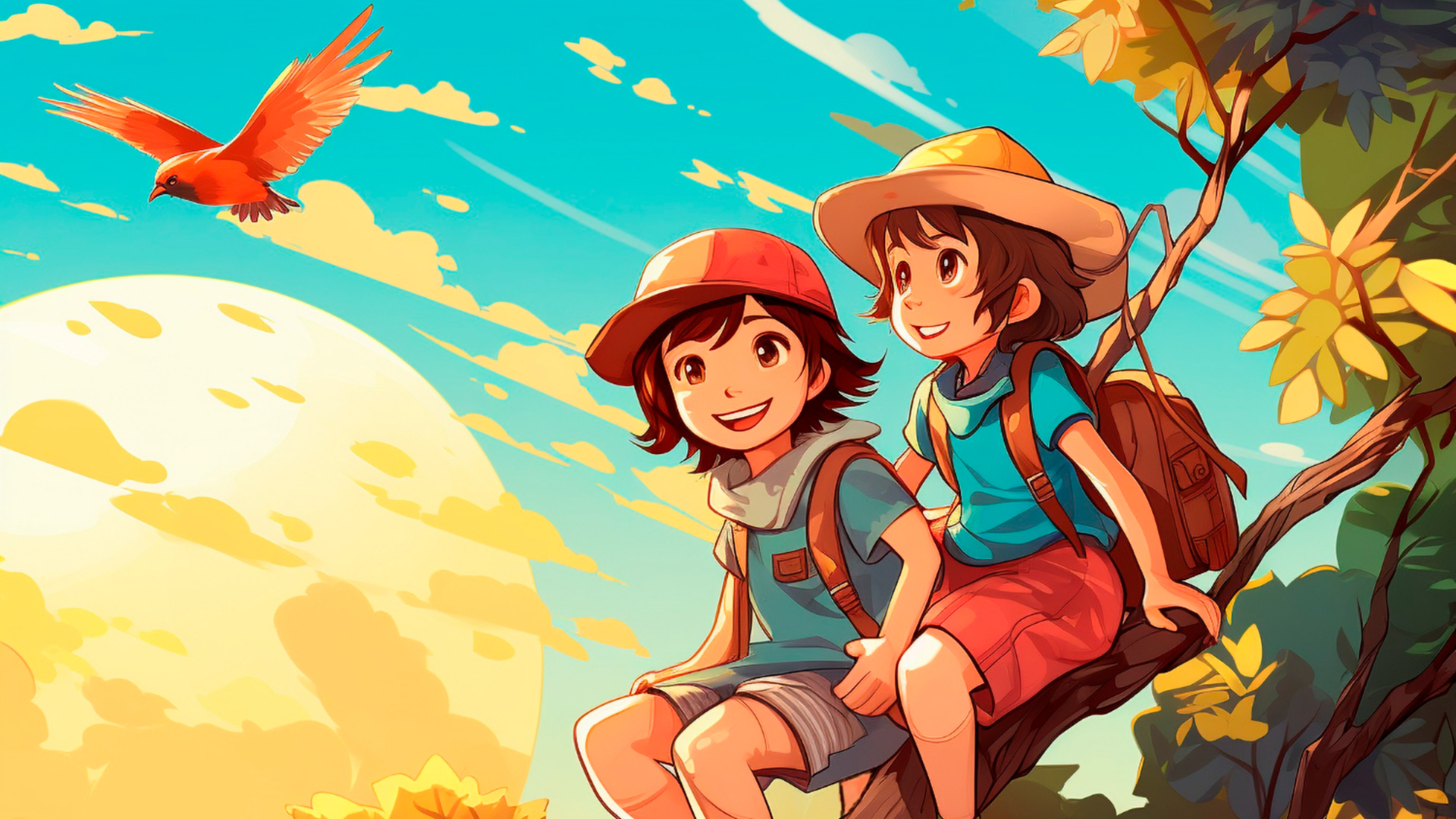
Select from dozens of unique artistic styles like Ghibli, photo to Pixar cartoon, or classic comics to avoid generic-looking filters. This variety ensures your cartoonized images reflect your specific personality and creative vision perfectly, rather than looking like everyone else’s basic social posts.

Maintain consistency across characters

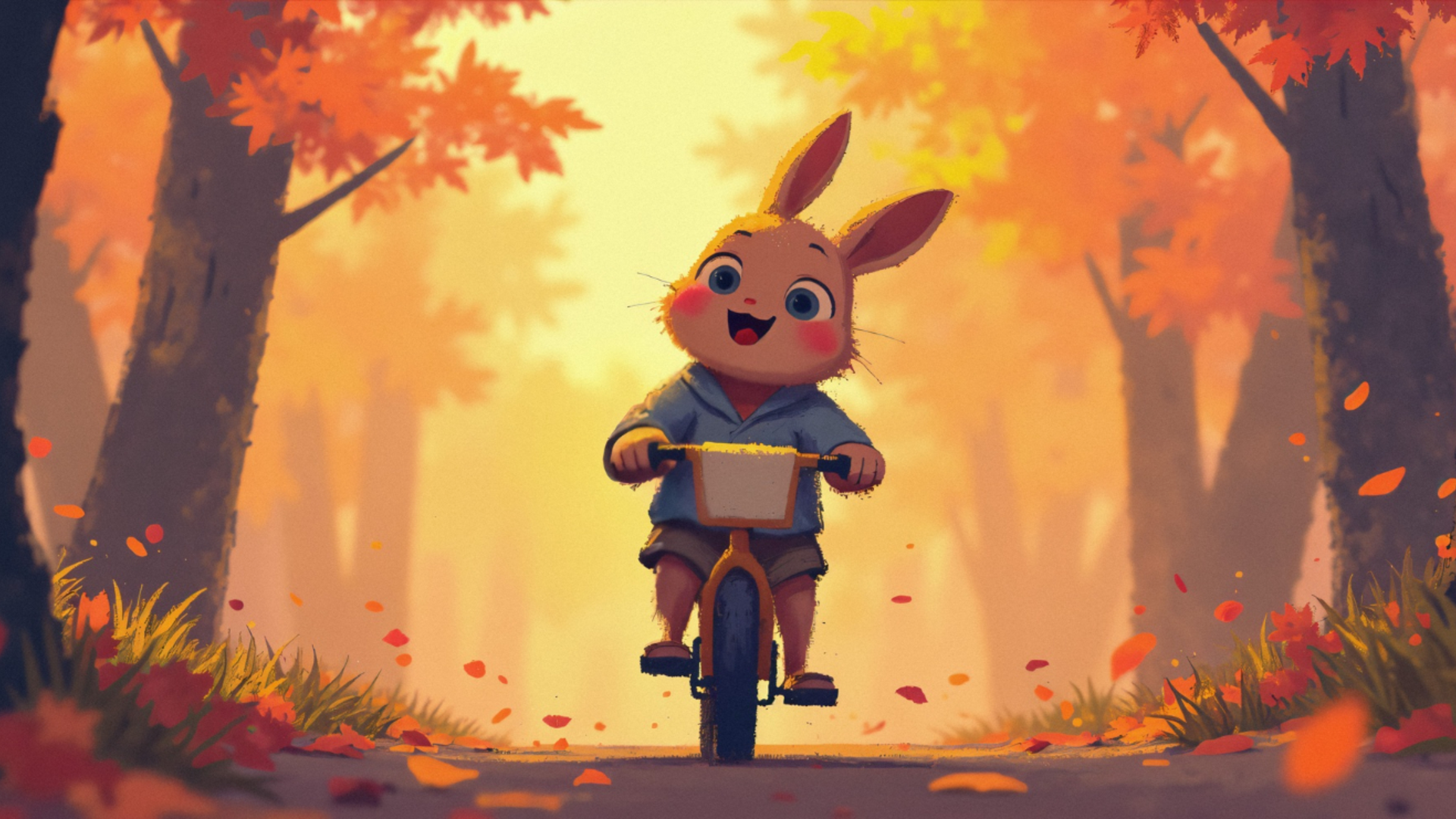
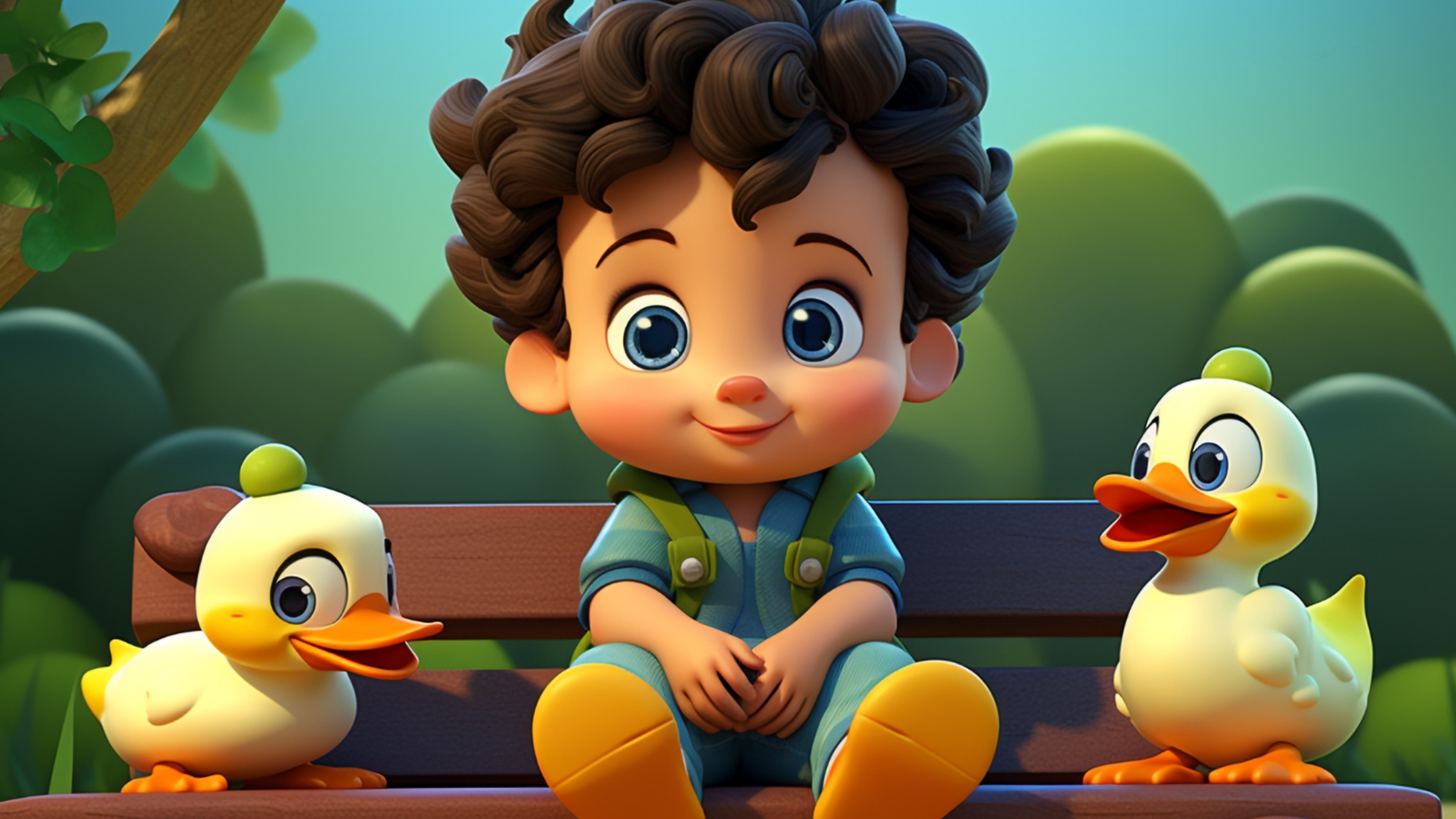
Maintain character consistency across multiple images by using advanced AI models such as Nano Banana Pro and Seedream 5, that remember your subject's features. This solves the common problem of cartoon characters looking slightly different every time you generate a new piece of content.

Maintain consistency across characters
Use commands to perform seamless edits

Use commands to perform seamless edits

Use conversational commands to adjust your results without searching through complicated menus or toolbars. Simply tell the AI what you want to change, and it handles heavy lifting, making the editing experience feel like talking to a professional designer.

How to turn a photo into a cartoon with Framia Pro?

Step 1: Upload your image
Sign in to your Framia Pro account and then upload your original image. Proceed to also select your preferred image aspect ratio.
Step 2: Select model and enter prompt
After that, select your image AI model. Then, provide a detailed prompt as to how you want your cartoon photo to be created.
Step 3: Finalize and export
Framia Pro will plan and generate your image, which you can decide to further edit via chat. Download your resultant cartoon picture after editing.

Why should you use Framia Pro's image-to-cartoon generator?

Here are several benefits to using Framia Pro as your top photo-to-cartoon app platform.

Create cartoon art from any photo fast
Experience lightning-fast transformations that turn your high-resolution photos into stylized cartoon art in just a few seconds. This speed allows you to experiment with multiple artistic styles quickly, ensuring you never waste time waiting for complex rendering or processing.
Choose from many different art styles
Explore a vast library of iconic styles ranging from cinematic 3D animations to hand-drawn anime aesthetics, when trying to convert photos to cartoon. Having such a diverse selection at your fingertips means you can always find the perfect vibe to match your personal brand or project requirements.
Get high quality art without manual work
Achieve a polished, professional look with advanced AI models that preserve your facial features while applying stunning artistic textures. Unlike basic filters, Framia Pro ensures your final cartoon remains sharp and recognizable, making it perfect for high-quality social media profile pictures.
Use the tool anywhere on any browser
Enjoy the convenience of a completely web-based tool that requires no downloads or account sign-ups to get started. This ensures your data stays private and your computer remains clutter-free, giving you a safe, hassle-free environment to create amazing art.
Use simple words to change your cartoon
Change your final cartoon art by simply typing what you want to see. This feature removes the stress of learning complex drawing tools, allowing you to fine-tune colors or details using natural language, making the creative process fun and effortless.
Improve your website and shop images
Enhance your digital storefront or personal blog by replacing standard product photos with fun, stylized illustrations. This unique visual approach helps grab the attention of potential buyers on your e-commerce pages and makes your technical articles feel much more approachable.

Top prompts to get quick photo-to-cartoon transformations

Here are six vivid examples of what you can create using Framia Pro's AI photo to cartoon generator.

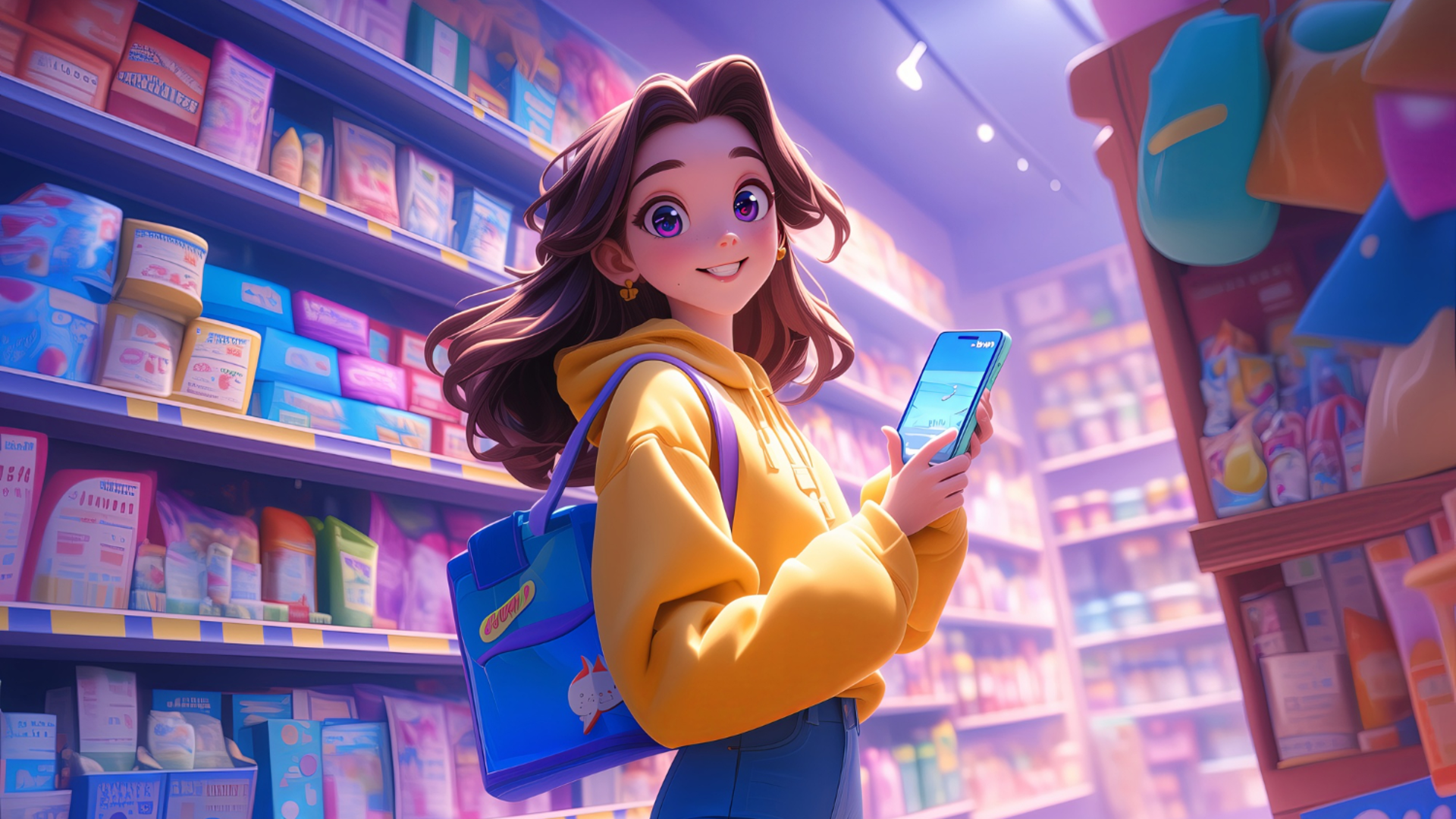
The e-commerce product illustration

Highlight your online store's inventory by transforming a standard product photo into a vibrant, animated illustration. This eye-catching comic style is perfect for stopping the scroll on modern shopping feeds and making your digital storefront stand out instantly.
The e-commerce product illustration
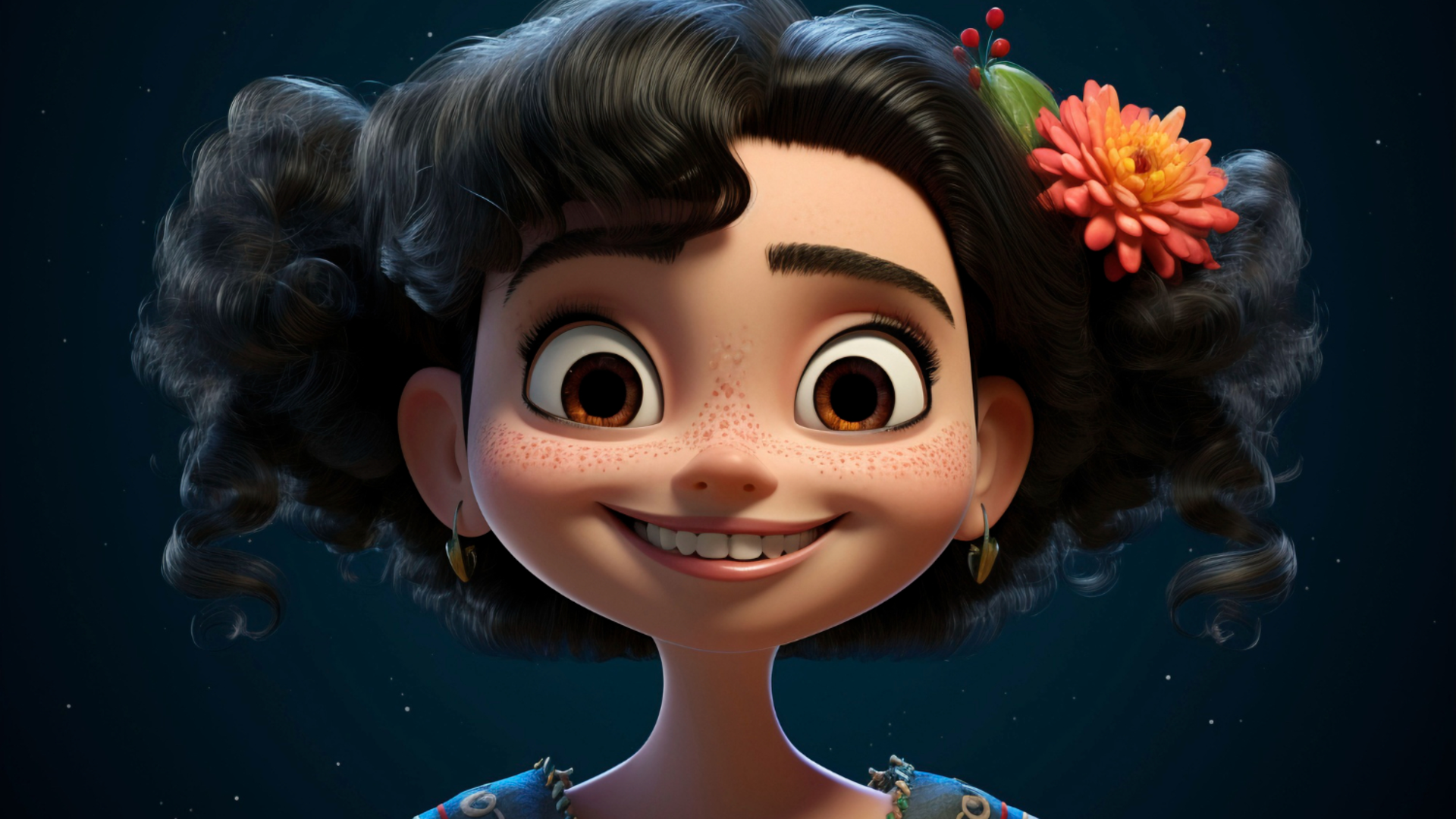
The 3D social media avatar

The 3D social media avatar

Showcase your personality with a 3D Pixar-style avatar generated from a quick front-facing selfie. This smooth, highly polished cartoon look is ideal for video creators who want a recognizable, friendly face for their main social media profile pictures.

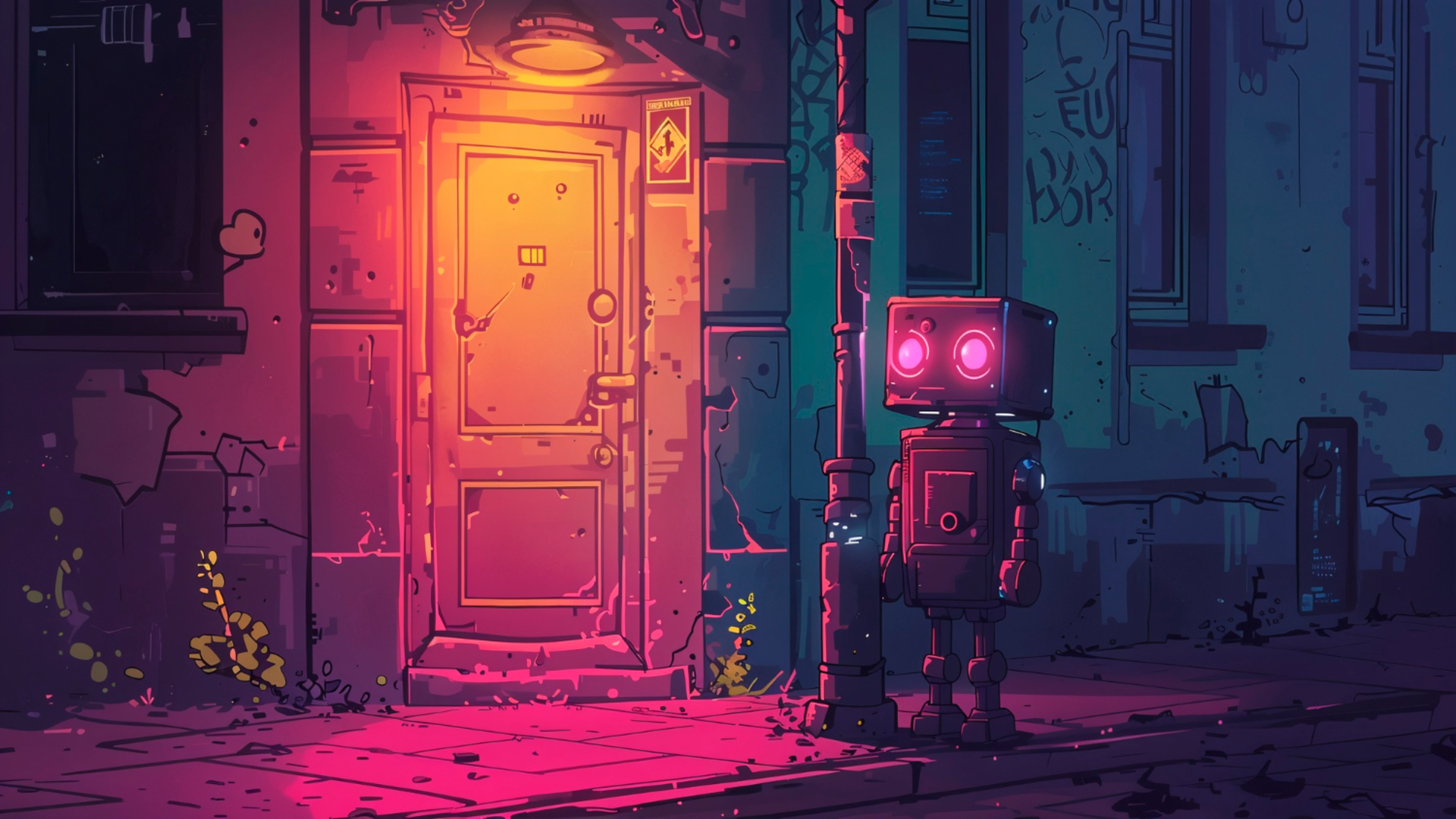
The tech blog header image

Illustrate technical concepts for your latest blog post with a futuristic, cyberpunk-style cartoon. This visually engaging artwork breaks up heavy text on your website and makes complex programming topics feel much more approachable.

The tech blog header image
The sustainable living graphic

The sustainable living graphic

Visualize a modern, sustainable lifestyle using a lush cartoon filter on a photo of a home. This soft, hand-drawn aesthetic beautifully communicates green energy concepts for your marketing campaigns or eco-friendly brand materials.

The click-worthy video thumbnail

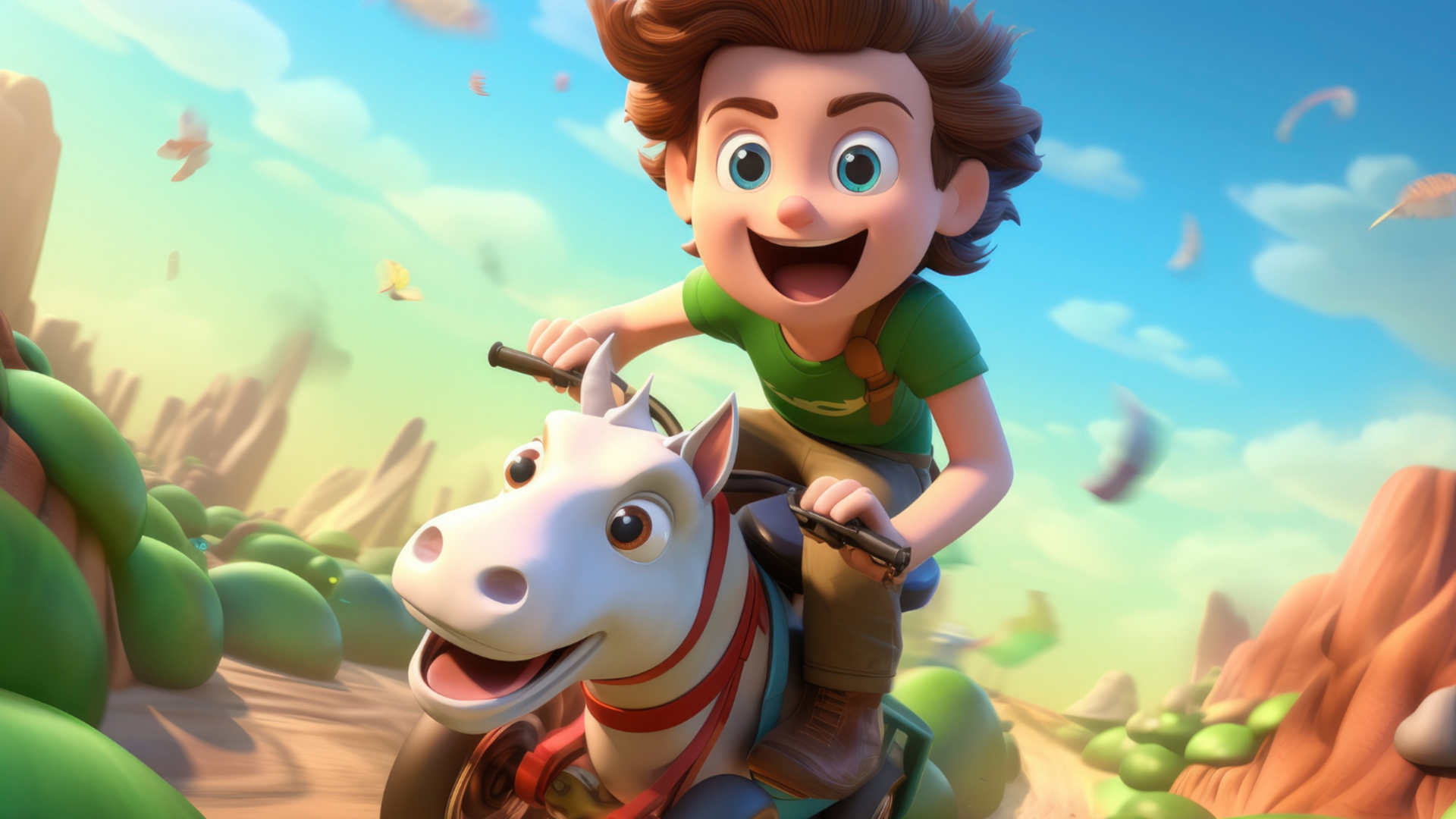
Capture your audience's attention by applying a bold, pop-art cartoon filter to a high-energy action shot. This dynamic style creates the perfect high-contrast, click-worthy thumbnail for your short-form or long-form video content, ensuring maximum engagement from your viewers.
The click-worthy video thumbnail
The watercolor pet portrait

The watercolor pet portrait

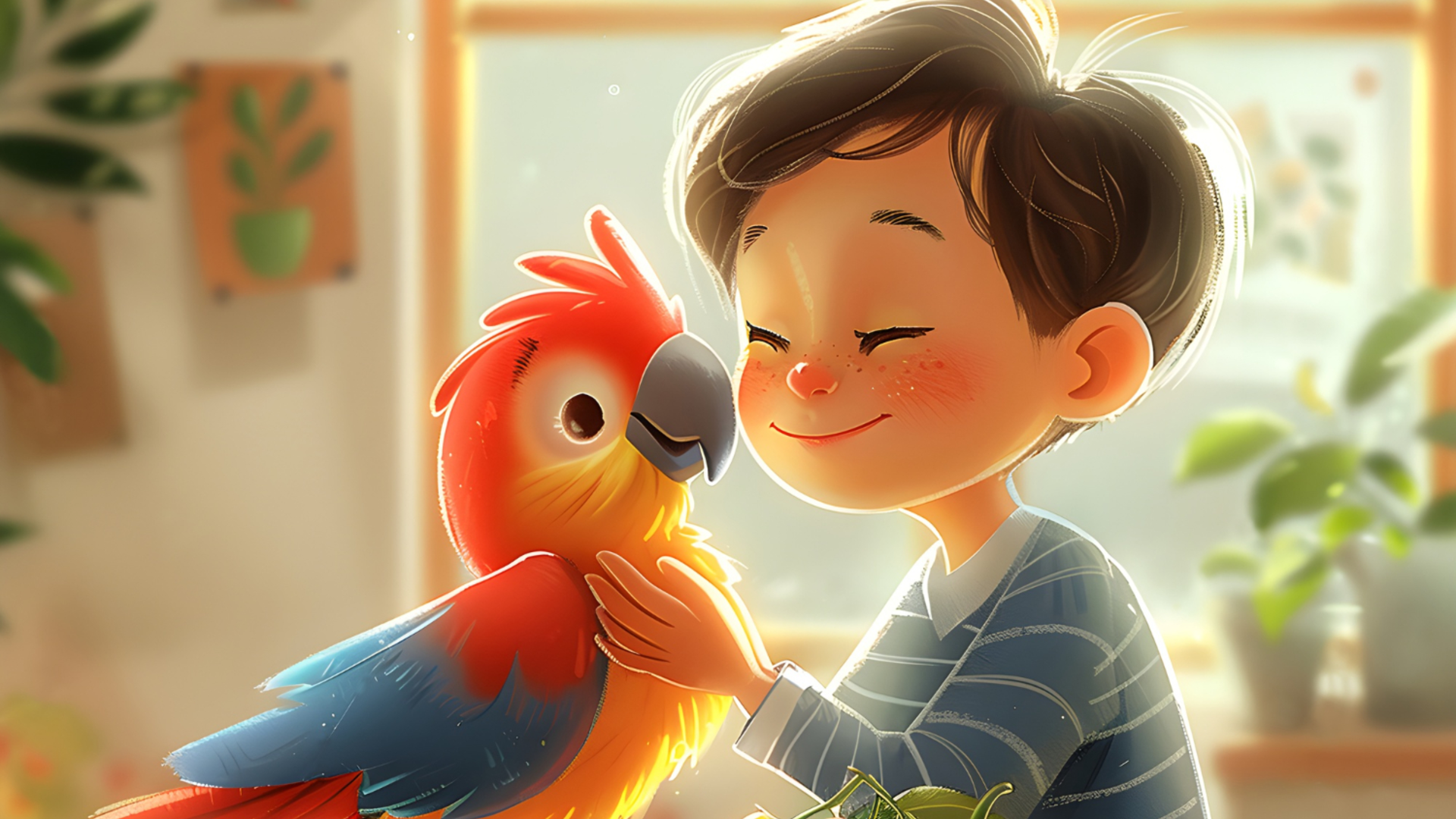
Transform a standard smartphone picture of a playful parrot into a charming, watercolor-style cartoon illustration. This soft and artistic rendering captures the pet’s joyful energy, making it an incredibly shareable piece of content for animal lovers online.

Best uses of Framia Pro's free photo-to-cartoon creator

Framia Pro's free photo-to-cartoon tool assists various industries, as explained below.

Social media creators
Develop a unique digital presence by turning your profile photos into stylized cartoon avatars that grab attention on Instagram. This approach helps influencers stay consistent across platforms while offering a creative, hand-drawn aesthetic that standard selfies simply cannot achieve today.
Small business owners
Promote your products effectively by converting standard professional photos into fun cartoon illustrations for your social media advertisements. Small business owners can save money on expensive graphic designers while creating scroll-stopping content that makes their brand feel approachable and friendly.
Pet owners
Celebrate your furry friends by transforming their daily snapshots into adorable cartoon portraits or custom digital stickers. Pet owners can use these whimsical designs to share their animal's personality online or create unique keepsakes that last a lifetime for free.

User reviews of Framia Pro's photo-to-cartoon generator

Here is what some of our users have to say about how this platform has transformed their creative workflows.

I use this tool constantly to turn boring product photos into eye-catching illustrations for my eBay listings and TikTok Shop. The fast processing times means I can upload fresh, vibrant content every single day without delays.
Thiago Costa
Thiago Costa
E-commerce Specialist
Turning everyday selfies into Pixar-style avatars has completely refreshed my Instagram feed. It gives my personal brand a unique, professional look that stands out in a crowded market without needing a dedicated graphic designer.
Elodie Laurent
Elodie Laurent
Instagram Content Manager
Whenever I need custom, modern graphics for a new WordPress site, I generate high-quality cartoon assets here. It saves me hours of searching for stock photos and gives my landing pages a beautiful, customized aesthetic.
Lars Weber
Lars Weber
WordPress Developer
I love generating 3D cartoon frames with Framia Pro and then dropping them directly into CapCut to animate my shorts. The consistency of the characters makes my final YouTube shorts videos look incredibly polished and professional.
Marina Silva
Marina Silva
Short-form Video Editor
I use Framia Pro to turn photos of systems like the EcoFlow Ocean Pro into clean, cartoon-style graphics for my tech tutorials. It makes technical content so much more engaging and accessible for my viewers.
João Pereira
João Pereira
Renewable Energy Content Creator
Whenever I write SEO blog posts about new development tools , I generate a unique anime cartoon graphic to make the page pop. The visual quality is always outstanding and I have to thank Framia Pro for the seamless generation.
 Sofia Rossi
Sofia Rossi
Tech Blogger & SEO Specialist
We've compiled the most important information to help you get the most out of your experience. Can't find what you're looking for?Contact us

Frequently asked questions

How does a free AI cartoon generator technically transform a photo?
Framia Pro's photo to animated cartoon generator uses advanced neural networks to analyze your uploaded photo's structure, lighting, and facial features. It then maps these details onto a trained stylistic model, generating a completely new, stylized cartoon image entirely from scratch.
Is it safe to upload my personal photos to an AI cartoon image generator?
Yes, reputable platforms prioritize user privacy. Framia Pro processes your images securely to generate the cartoon effect and automatically deletes the original files from our servers shortly after, ensuring your personal data remains strictly protected.
What is the difference between a "man to cartoon" filter and true AI generation?
Standard filters simply overlay basic color adjustments and edge detection over existing pixels. Framia Pro’s true AI generation actually interprets your facial geometry to redraw the image entirely, producing a vastly superior, authentic AI generated cartoon boyfriend or man cartoon illustration.
How to change photo to cartoon in Photoshop easily?
In Photoshop, you can use the built-in Posterize or Cutout artistic filters. However, for a much faster and more authentic result without manual adjustments, exporting your photo and using Framia Pro is highly recommended instead.
Can I use an AI cartoon for commercial projects or advertisements?
Yes, images generated through Framia Pro can generally be used for commercial purposes like social media advertisements and marketing materials. However, always review specific licensing terms, as AI-generated art copyright laws vary by local jurisdiction.
What is the best way to create a cartoon character of yourself that looks accurate?
Always upload a clear, high-resolution, front-facing photo with good, even lighting. Using advanced tools like Framia Pro helps ensure the AI accurately interprets your specific facial proportions, resulting in a recognizable and highly detailed character.

Still have questions?

Have questions or need assistance? Our team is here to help!

Create colorful cartoons with Framia Pro!

With Framia Pro's photo-to-cartoon generator, you can turn any simple photo into a dashing, animated social media inspiration.

AI Photo to Cartoon Generator: Cartoonize Photos Online