AI Color Correction: Fix Photo Colors

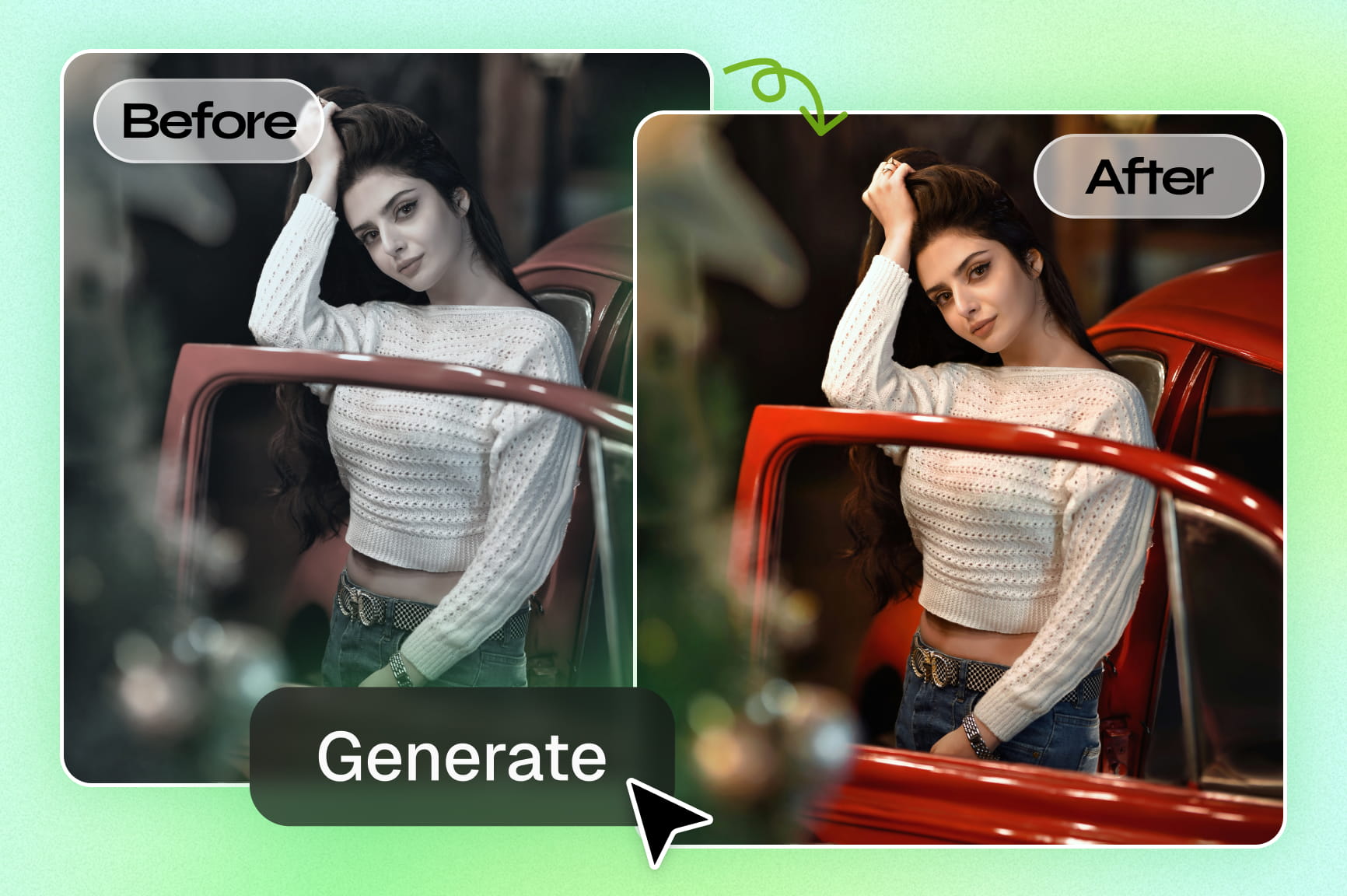
Automatically fix lighting, balance tones, boost vibrancy, and restore faded or old images with Framia Pro's AI color correction tool.

Upload imagesClick to browse or drag & drop file here
AI Color Correction: Fix Photo Colors

How to color correct photos with Framia Pro for free?

With Framia Pro's intuitive photo color corrector, you can transform your visuals in a few simple steps:

Step 1: Upload your photo
Open Framia Pro and upload the image you want to edit. The tool supports common formats and prepares your photo for AI color correction.
Step 2: Prompt the AI for color correction
Enter a prompt describing the color changes you want, such as improving brightness, fixing color balance, or enhancing vibrancy. Then, hit "Generate."
Step 3: Refine and download
Preview the color-corrected image, refine results with additional prompts if needed, and once satisfied, click the download icon to save your enhanced photo in high quality.

Key features of Framia Pro's AI image color correction tool

Experience pro-level color correction in seconds. Our AI instantly balances tones, restores old photos, and ensures cinematic vibrancy for every shot.

Correct image colors with AI in seconds

Framia Pro's AI color enhancer lets you go beyond basic fixes—upload your photo and use natural language prompts to customize colors precisely. Enhance specific objects, match brand palettes, adjust moods, apply creative styles, restore old photos, colorize black-and-white images, and denoise.
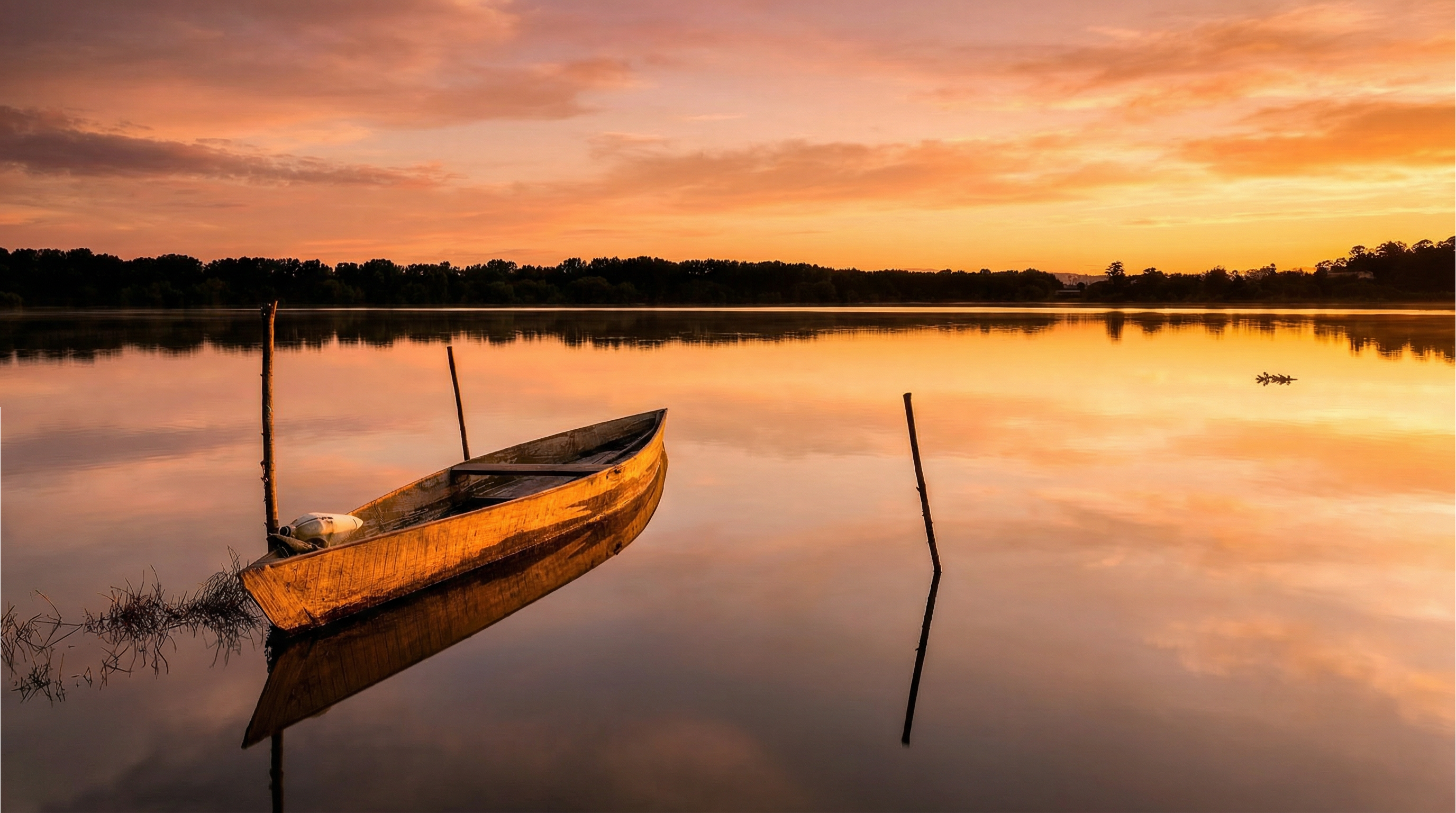
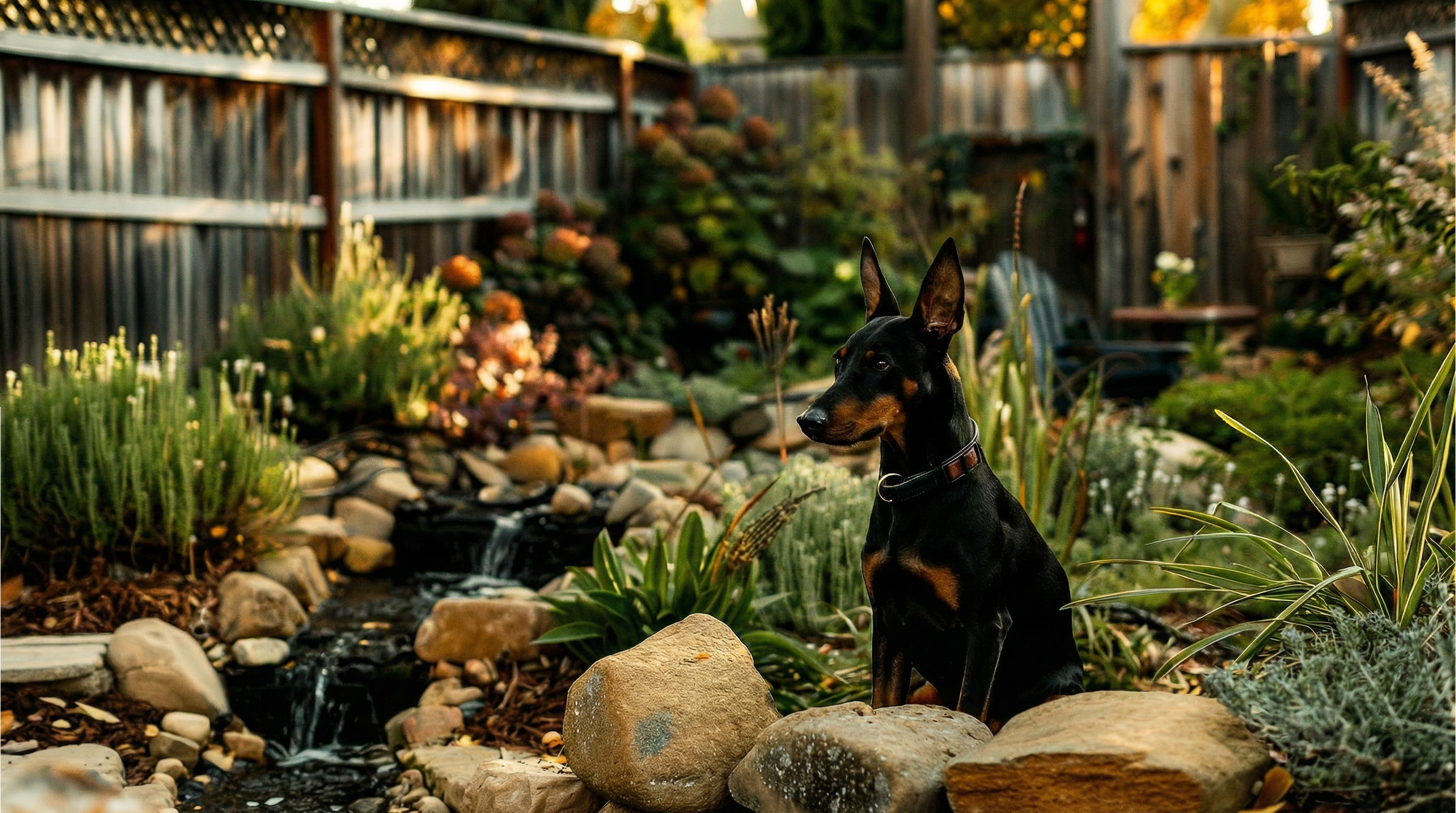
Correct image colors with AI in seconds
One-click solution for all photo color issues

One-click solution for all photo color issues

No editing skills? No problem. Framia Pro's AI photo color correction tool serves as an all-in-one solution. With one click, balance exposure, optimize contrast, fix white balance, and refine skin tones. Instantly eliminate color casts and optimize highlights for perfectly balanced, professional results.

Advanced AI models for superior quality

Leverage models like Nano Banana 2, Flux Max, and Seedream 5.0 for high-fidelity AI picture color correction with accurate lighting, balanced tones, photorealistic vibrancy, character consistency, and 4K output—delivering professional results for restored photos, portraits, or creative projects in seconds.
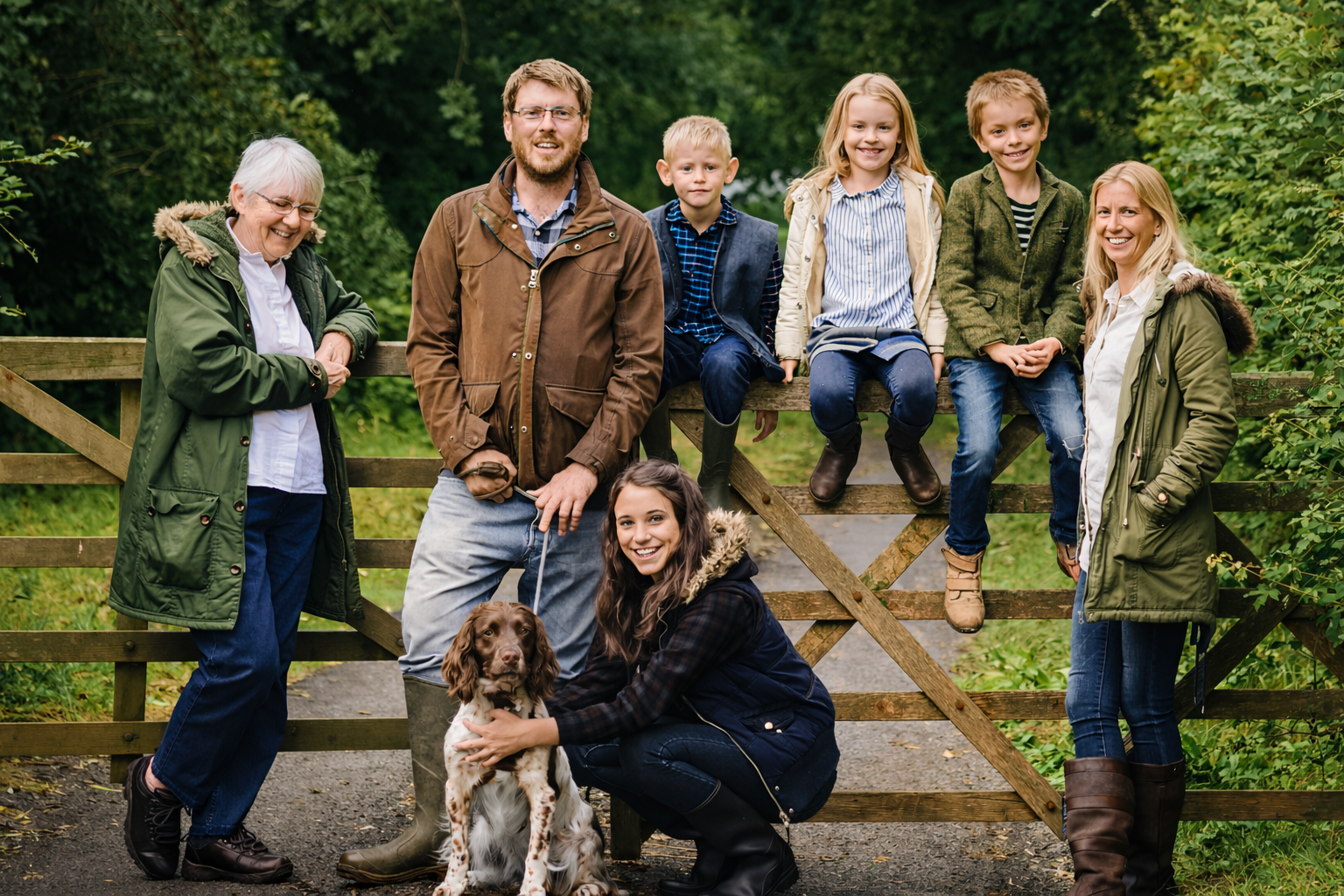
Advanced AI models for superior quality
Automatic restoration & denoising

Automatic restoration & denoising

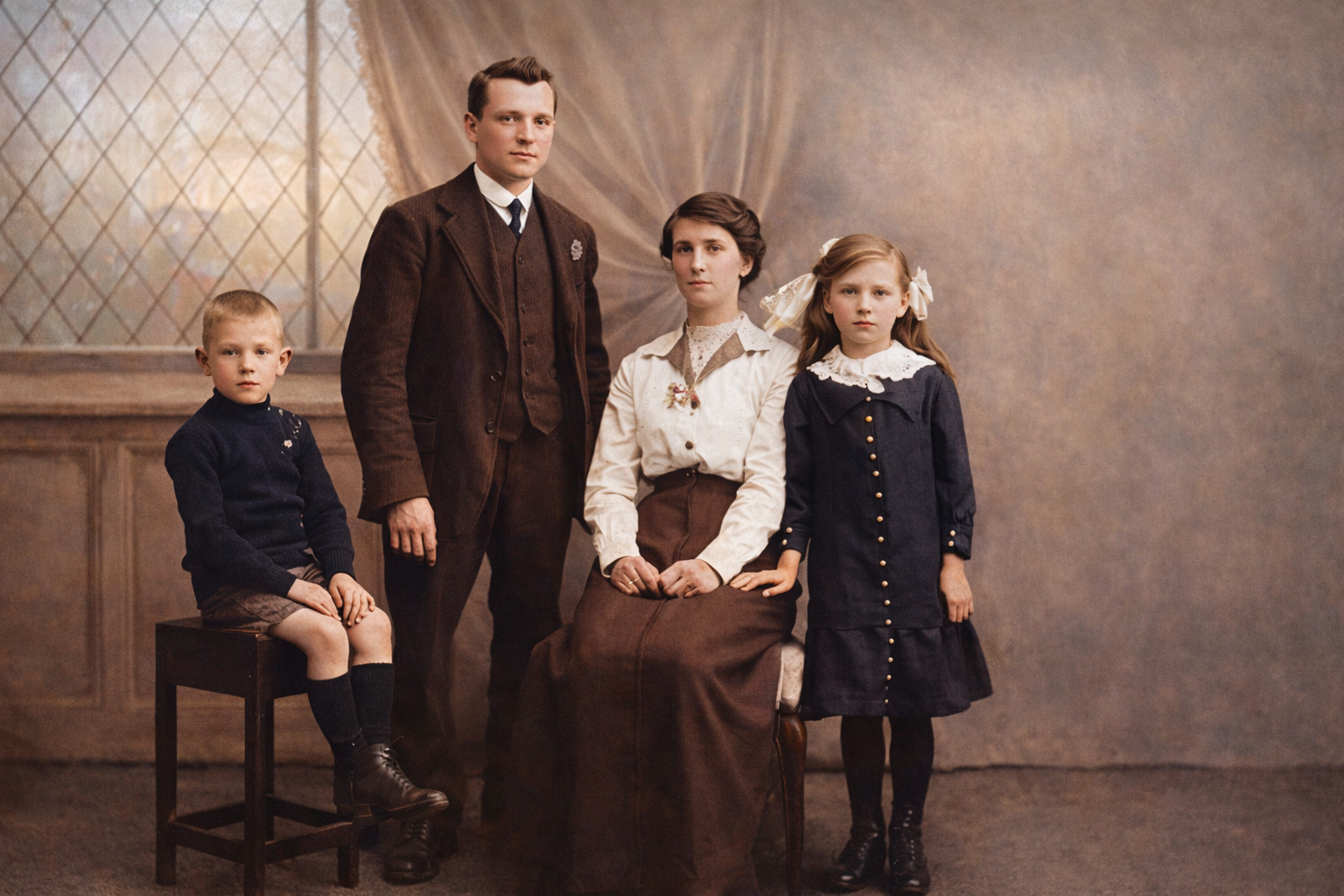
Breathe life into low-quality or vintage media. Framia Pro's engine can color correct old photos, remove digital noise, and sharpen details simultaneously. It’s the ultimate tool for restoring family archives or cleaning up low-light smartphone captures.

Why choose Framia Pro for AI color correction?

Adjust image colors instantly with Framia Pro's AI color correction. Fix lighting, balance tones, and improve image quality automatically.

Fast AI processing
Framia Pro enhances images in seconds using advanced models. Perfect for social media managers and marketers who need high-speed AI photo color correction to meet tight deadlines without compromising on professional visual quality.
Beginner-friendly interface
Framia Pro's AI image editor is designed for simplicity, allowing anyone to adjust image colors easily. Upload your photo, enter a prompt, and let AI handle the rest. Perfect for small business owners polishing product shots or hobbyists enhancing personal galleries without complex software.
High-quality Results
Framia Pro uses advanced AI color grading to enhance image detail, improve lighting balance, and refine tones. The tool produces natural, vibrant visuals while maintaining realistic colors, making photos look professionally edited with minimal effort.
Online access anywhere
Use Framia Pro's free online AI color correction tool directly in your browser. No installation or downloads are required. Simply upload your image, apply AI enhancement, and download the corrected photo from any device. Perfect for digital nomads and remote teams.
Top models under one subscription
Access more than 20 advanced AI models with a single Framia Pro plan. Use powerful tools like Nano Banana 2, Flux 2, and Seedream 4.5 to perform AI image color correction and enhance photos with professional-quality results.
Flexible prompt-based editing
Unlike traditional color correction tools that rely on sliders and manual adjustments, Framia Pro lets you improve images using natural language prompts. Simply describe the look you want, such as warmer tones, cinematic lighting, or vibrant colors, and the AI will apply color enhancements automatically.

User reviews of Framia Pro's free photo color correction online

See why creators love our photo color corrector. From restoring old memories to cinematic grading, Framia Pro delivers pro results in seconds.


Framia Pro's AI color grading transformed my dull travel photos into cinematic masterpieces. As a hobbyist, I love how I can adjust image colors instantly without needing to learn complex professional editing software. — Alex D., Travel Blogger
Alex D.
Alex D.
Travel Blogger
I use the AI photo color correction tool to ensure all my product shots match my brand palette perfectly. It saves me hours of manual work and delivers stunning, high-resolution 4K quality every time. — Sarah J., E-commerce Owner
Sarah J.
Sarah J.
E-commerce Owner
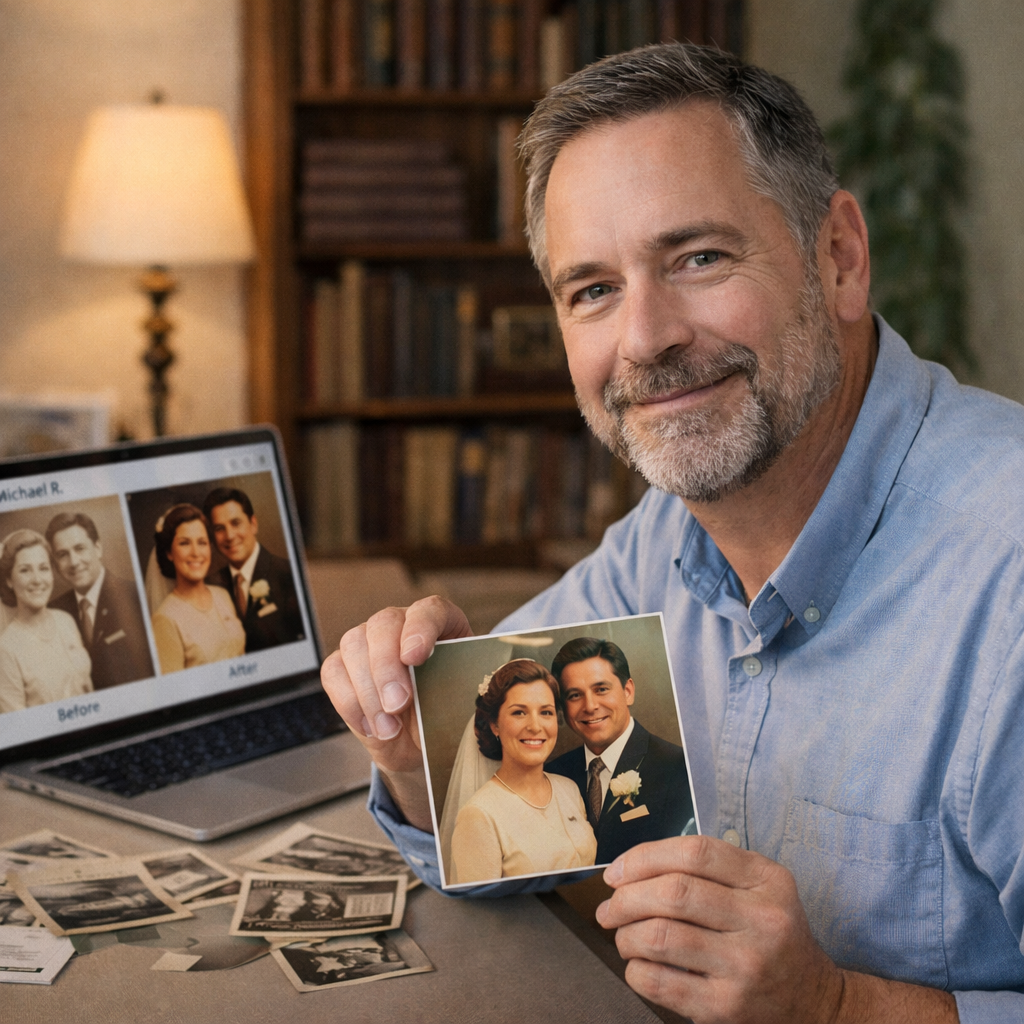
I used Framia Pro to color correct old photos from my family archives. The AI restored the faded tones with incredible accuracy. It's the best photo color corrector I've ever used online. — Michael R., Genealogist
Michael R.
Michael R.
Genealogist
The AI image color correction is lightning fast. I can batch-process an entire marketing campaign in minutes. It handles lighting and shadows like a pro, making it essential for my daily creative workflow. — Elena T., Digital Marketer
Elena T.
Elena T.
Digital Marketer
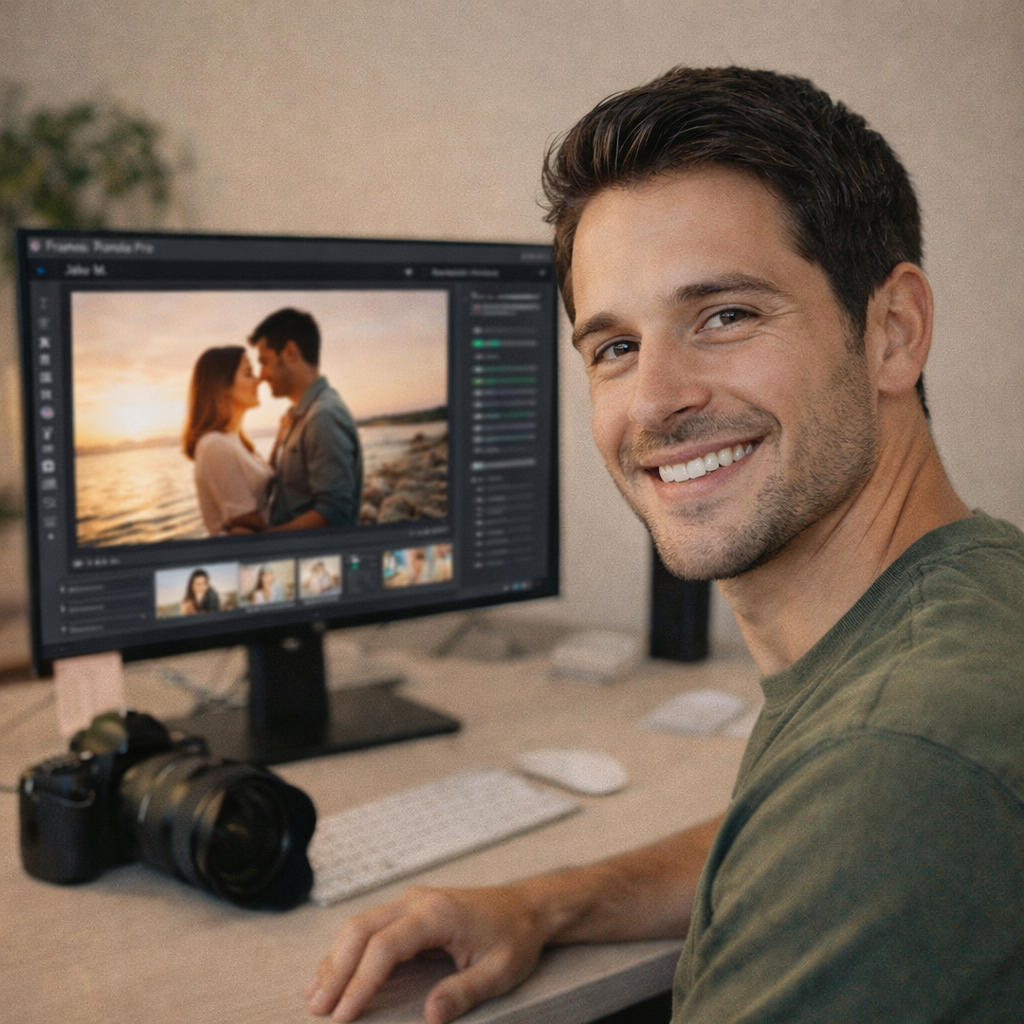
Framia Pro made color correction so easy. With just a few clicks, I enhanced my photos without compromising quality. It’s the perfect tool for any photographer looking for a time-saver.
Jake M.
Jake M.
Photographer
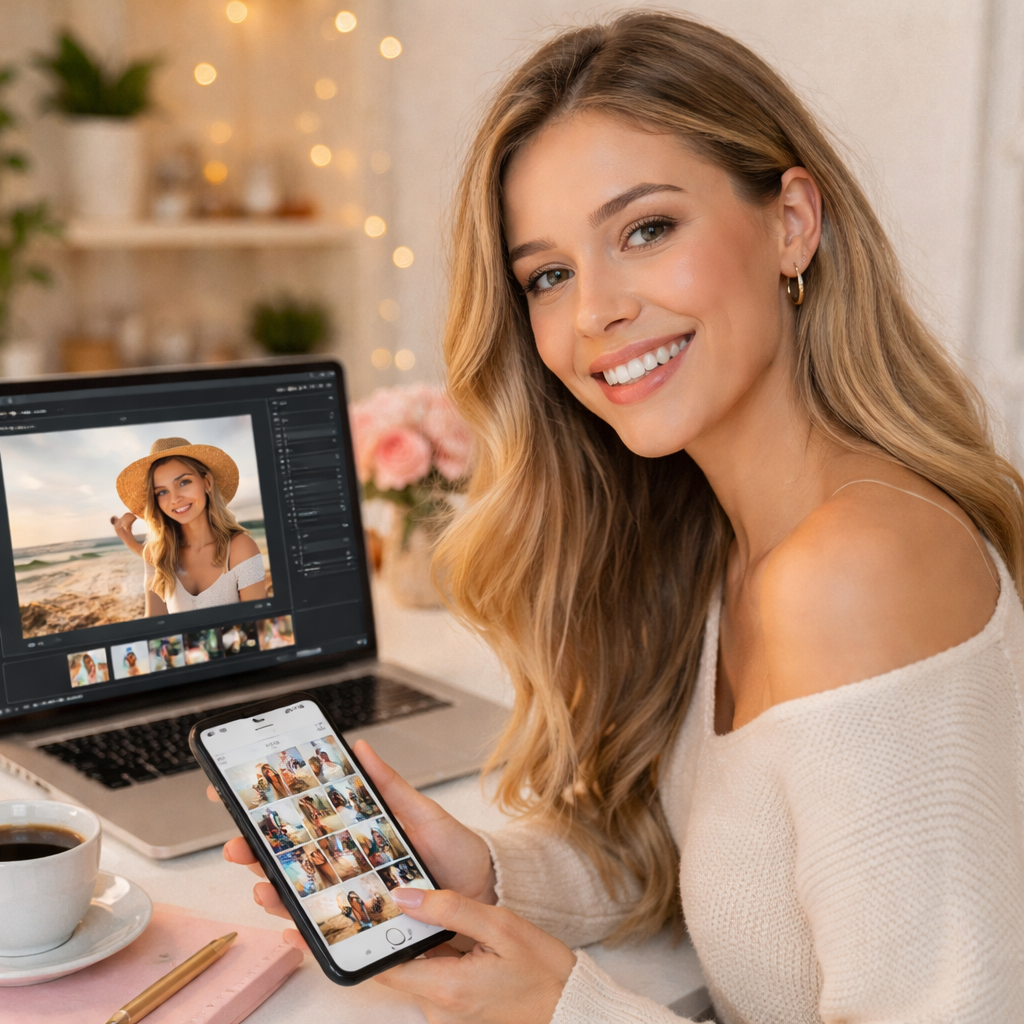
As a content creator, I use Framia Pro to perfect my Instagram feed. The color corrections are flawless, and it boosts engagement. It's an essential tool that saves me so much editing time!
Lily K.
Lily K.
Social Media Influencer
We've compiled the most important information to help you get the moost out of your experience. Can't find what you're looking for?Contact us

Frequently Asked Questions

What is AI color correction?
AI color correction uses deep-learning algorithms to automatically adjust exposure, white balance, and saturation. It analyzes millions of pixels to ensure your photos look natural and professional with zero manual effort.
What is the difference between color correction and color grading?
Color correction fixes technical issues (exposure, white balance, casts) for natural accuracy. Color grading applies creative styles, moods, and looks to enhance storytelling or aesthetics.
Can it restore old or faded photos?
Absolutely—Framia Pro revives vintage images by removing yellowing, fading, scratches, and dullness, while enhancing colors naturally to bring memories back to life.
How long does it take to correct image color?
Framia Pro processes color correction in seconds. Using advanced models like Nano Banana 2, it analyzes lighting and tones instantly, delivering professional, high-fidelity results far faster than traditional manual editing.
Is photo color correction online free to use?
Yes, Framia Pro's AI image generator offers a free tier. You can access professional color correction tools directly in your browser to test our advanced AI models before upgrading to a pro plan.

Still have questions?

Have questions or need assistance? Our team is here to help!

Try Framia Pro's AI color correction tool for free!

Transform your photos into vibrant, natural, and professional results without any hassle.

AI Color Correction: Enhance Photo Colors Online for Free