
AI Video Upscaler for Clear Results

Upscale your videos with Framia Pro now. Convert clips to 1080p or 4K, remove noise, sharpen details, and enhance motion for smooth, high-quality results.

Start for Free

What makes Framia Pro's AI video upscaler stand out?

Upgrade low-quality clips into clear HD or 4K video using AI models that sharpen details, fix noise, and improve motion!

Restore lost detail in every frame

Increase video resolution using trained models such as Sora 2, Veo 3.1, and Seedance 2.0 that add missing pixels. The system studies each frame and recreates edges and textures so faces, text, and objects appear sharper during playback on larger screens.
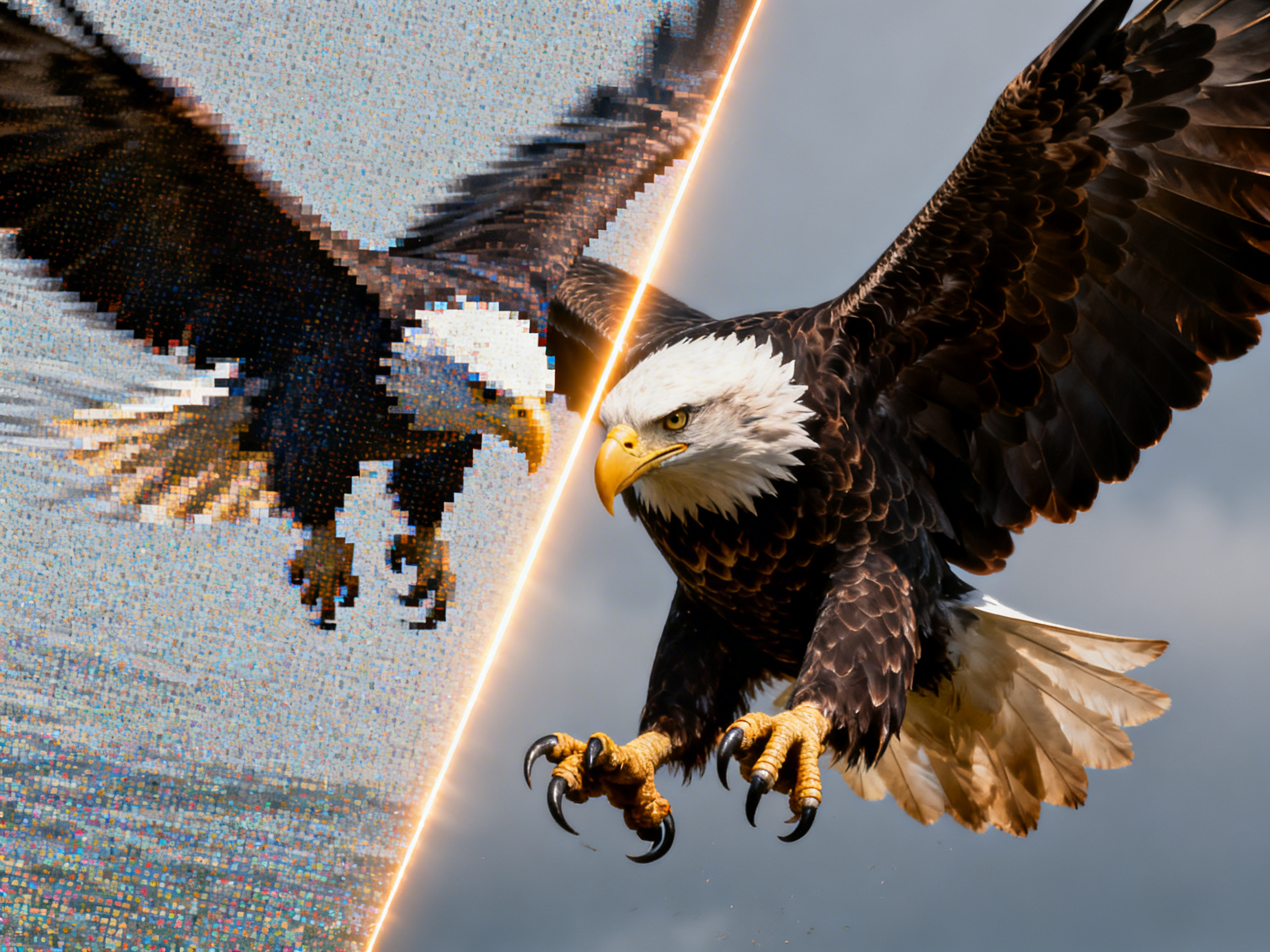

Restore lost detail in every frame
Enhance natural colors and contrast

Enhance natural colors and contrast

Bring back color in dull or faded footage with our AI video upscaler. It checks each frame, adjusts tones, and improves contrast with advanced color correction tools. Scenes start to look more natural, with better warmth and depth that match the original lighting.

Remove noise and grain in clips

Cut digital noise and compression artifacts from any clip with our best AI video upscaler. It separates unwanted grain from natural film texture, so you can reduce each on its own. Even drone shots, phone videos, and old footage appear sharper.
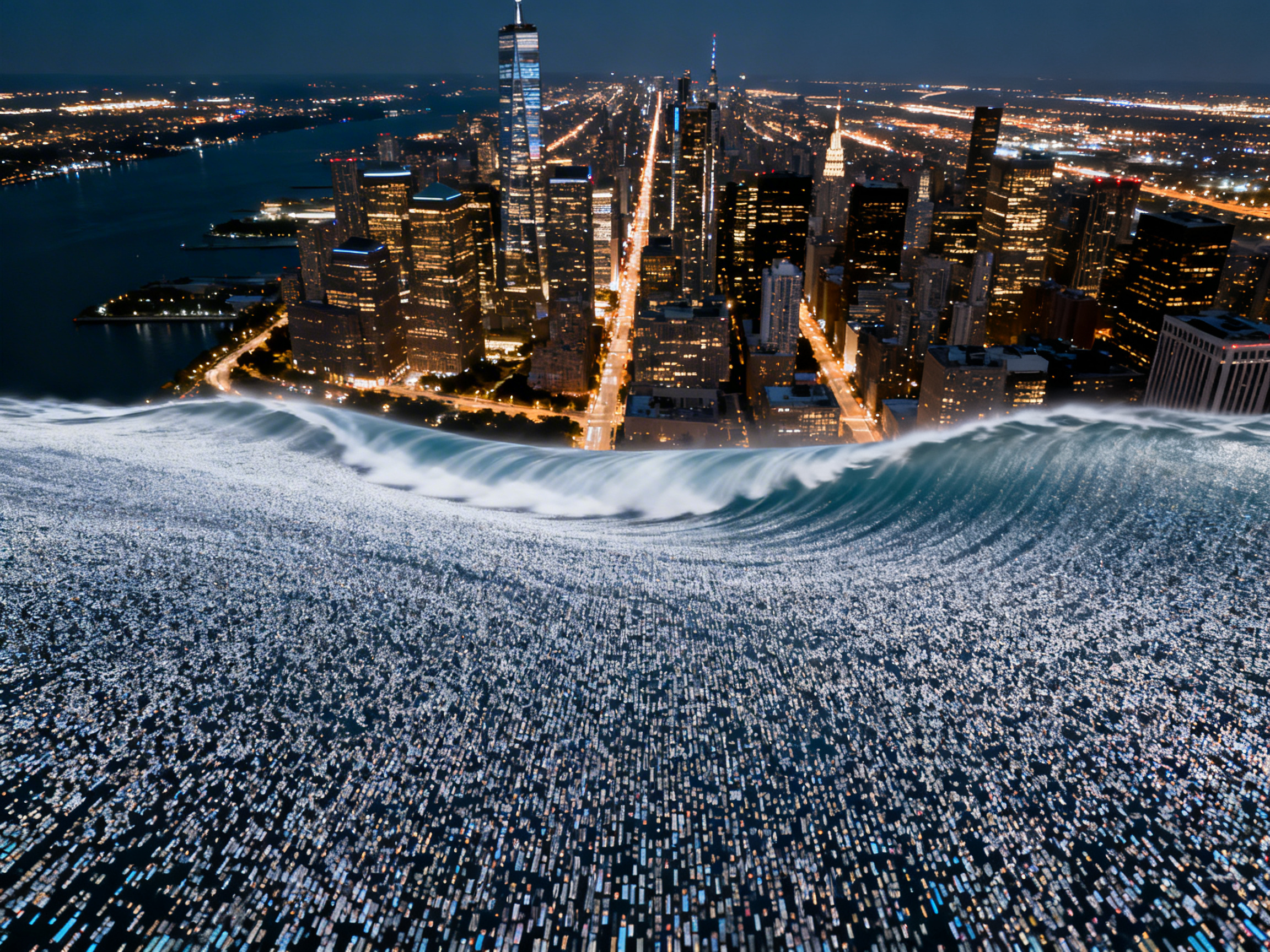
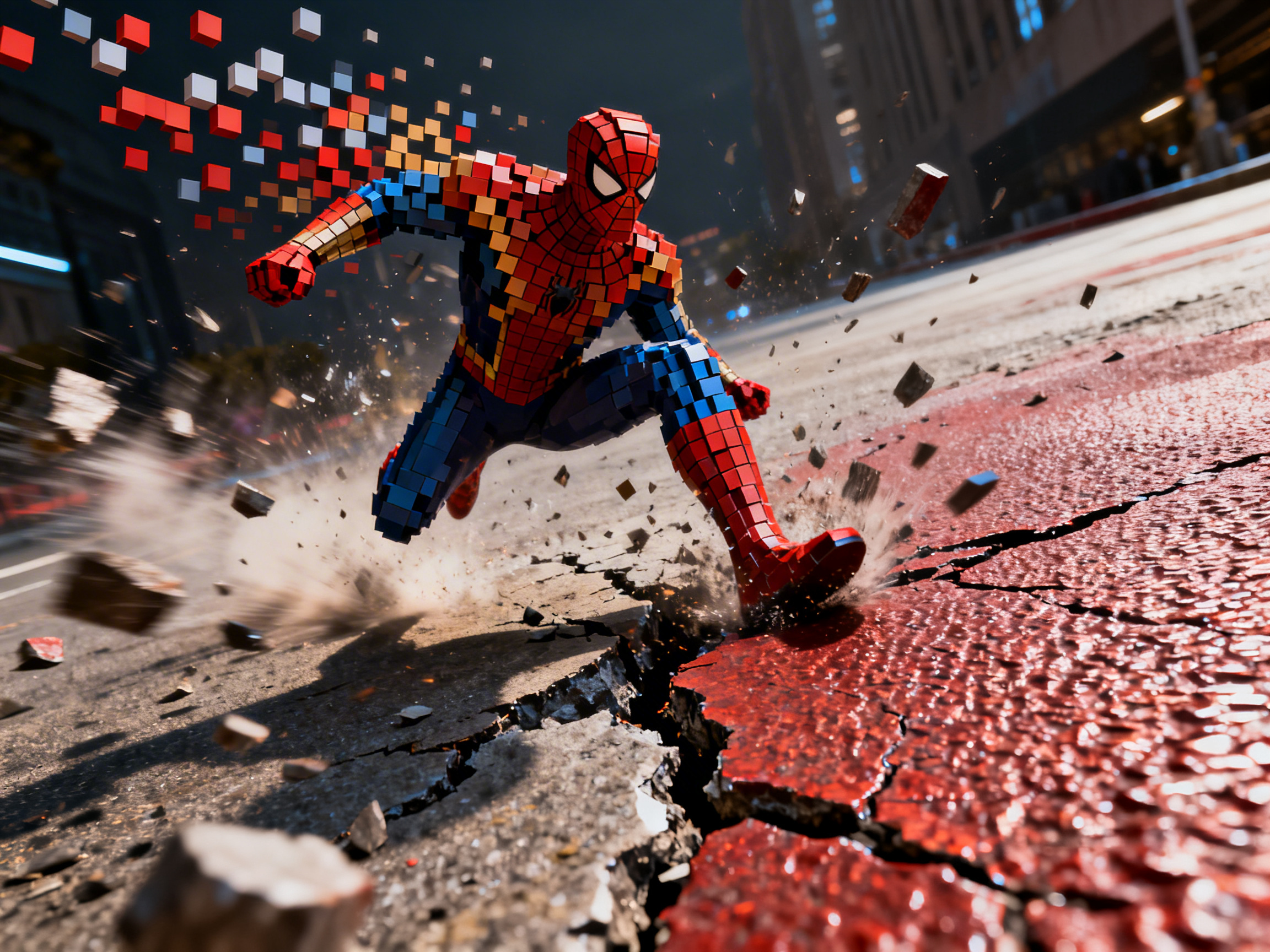
Remove noise and grain in clips
Upscale to cinema-quality 4K HD

Upscale to cinema-quality 4K HD

Scale any video from 240p up to full 4K. The AI adds real pixel data rather than stretching existing ones, using super-resolution models trained on millions of frames. Choose 720p, 1080p, or 4K output to match your platform.

Support different video formats easily

Upload MP4, MOV, WebM, AVI, or MKV files directly without conversion before processing. Your clips stay the same quality, but each frame gets better. Frame rate and aspect ratio stay the same, so you can export it directly for playback or sharing.

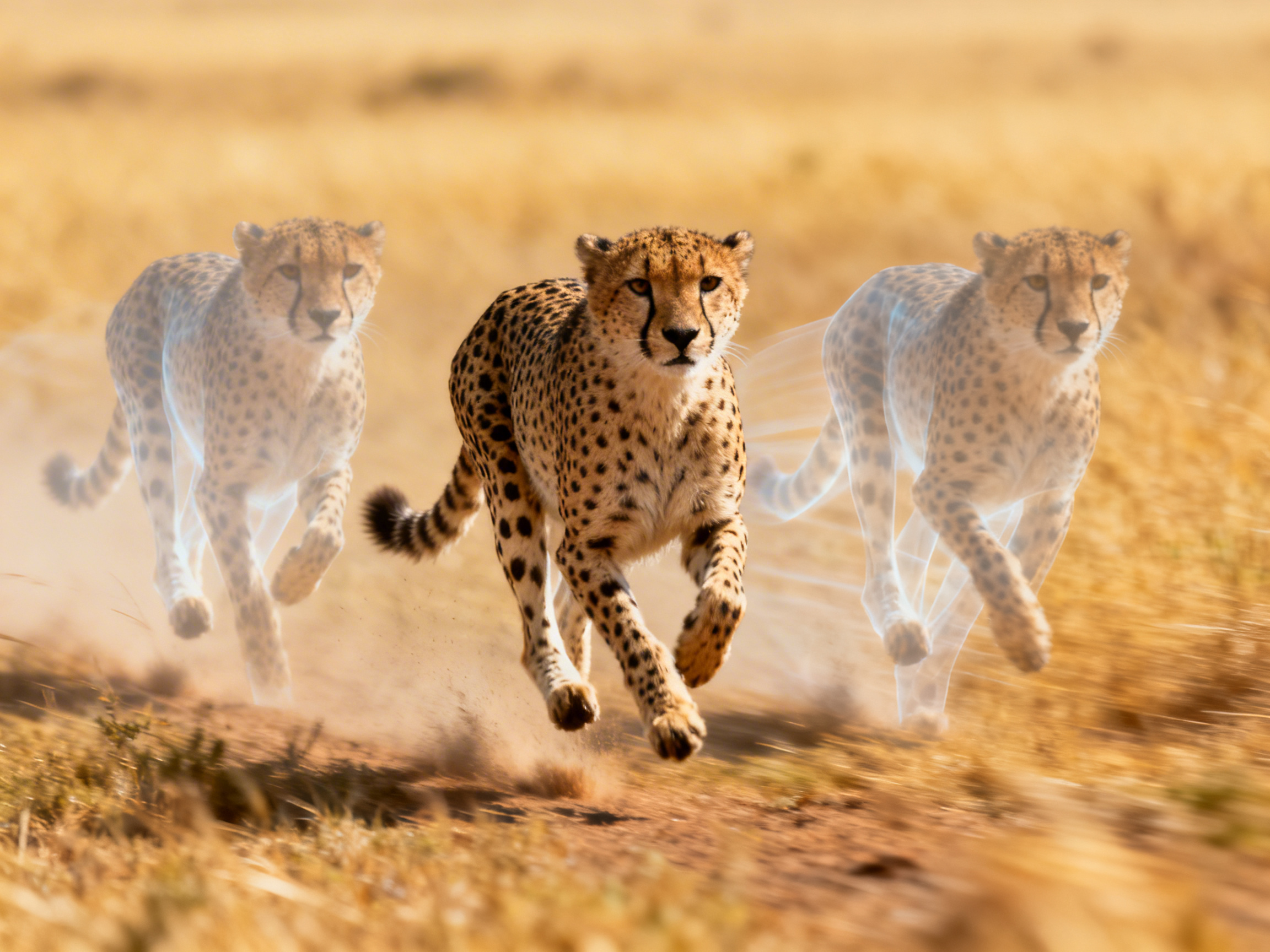
Support different video formats easily
Keep the motion smooth while you upscale

Keep the motion smooth while you upscale

Use temporal interpolation to raise the frame rate from 24 fps to 60 fps, or create dramatic effects with slow-motion video enhancements. The AI looks at frames in a row, guesses the motion paths in between, and makes new frames that fit the natural curve of movement.

How to use AI to upscale a video with Framia Pro?

You can follow these three quick steps to AI upscale videos to 4k quality using Framia Pro:

Step 1: Upload video
Go to Framia Pro's home page and enter your prompt to let AI know what you want. Click "+" and upload your video from your computer.
Step 2: Upscale
Select the AI video model, choose the aspect ratio & duration, set the resolution to 720p or 1080p, and click "Generate" to upscale the video.
Step 3: Export
Click the upscaled video on the canvas, click "Upscale Video" to increase the quality to 4 K, and choose "Download" to save it to your device.

Why choose Framia Pro's AI video upscaler?

Enhance videos instantly with our AI video upscaler for sharp, high-resolution results in minutes.

No editing skills required
Improve any video clip without prior knowledge of video editing using Framia Pro. You can adjust settings quickly and achieve sharp, detailed footage with minimal effort. This lets your content reach higher quality standards instantly.
Works directly in browser
Access the tool through any modern browser without installation. Simply upload your clips, enter a text prompt, and even remove video backgrounds before processing if required. Framia Pro analyzes each frame and improves its quality in no tim
Fast processing with AI models
Advanced AI lets you upscale videos in just a few minutes. It looks at your video, finds blurry parts, and fixes them on its own. You get higher resolution and smoother playback without having to make manual changes.
Clean output ready for publishing
Export videos with sharp details, natural colors, and smooth motion. Framia Pro removes noise and compression artifacts so text, objects, and backgrounds stay clear. The final video works well for archives, social posts, and professional presentations.
Supports different video formats
You can work with different video formats while using Framia Pro's 4K AI video upscaler. The AI reads each type natively, applies enhancement, and exports in multiple formats suitable for playback, editing software, or online platforms. This ensures seamless compatibility and high-quality results.
Simple steps from upload to export
When you use Framia Pro, you can process clips in three steps. You don't have to work with a confusing dashboard to improve the resolution and quality of your video. Just upload, prompt, and that's it.

What can you do with Framia Pro AI video upscaler?

Enhance the quality and sharpness of any video with our AI video upscaler on Framia Pro!

Improve social media video quality
Enhance videos for any platform by refining sharpness and brightness. Our AI video upscaling tool adjusts frame details and colors to create clear 1080p or 4K content that draws attention and plays smoothly across mobile and desktop feeds.
Restore old or damaged footage
Recover blurry or degraded recordings using AI video upscaling. It quickly removes noise, reconstructs details, and fixes compression artifacts. This way, you get clean visuals from your archival clips, home movies, or scanned footage.
Prepare marketing and ad videos
Upgrade the quality of promotional clips to 1080p with our AI video upscaler online. It improves motion, balances colors, and sharpens details, so your ads look clear on social media, websites, and presentations.
Upgrade anime and animated clips
Refine animated sequences by sharpening outlines and smoothing color regions. Our free AI video upscaler restores crisp lines, improves frame transitions, and enhances resolution. This makes your anime or motion graphics more detailed in 4K or 1080p.
Enhance screen recordings and tutorials
Scale up instructional videos using our best AI video upscaler feature on Framia Pro. It reduces blurriness, refines text and UI elements, and keeps movement smooth. You can produce tutorials, webinars, or demos that are easy to follow and visually precise.
Improve video quality for online courses
Enhance the clarity of educational videos with Framia Pro's 4K AI video upscaler. Make slides, screencasts, and recorded lessons better by sharpening edges, bringing back detail, and raising the resolution so that every step, diagram, and chart is clear for students.

What users say about Framia Pro's AI video upscaler

Here's what people say about our smart AI video upscaler!

I tried Framia Pro on my vlog clips, and it worked great. The AI sharpened details, reduced noise, and boosted resolution. 1080p and 4K clips looked so much clearer, and playback was smooth on every device.
James Miller
James Miller
Filmmaker
Framia Pro made editing social clips really easy. It sharpened edges, cleared up blur, and processed everything fast. Short videos looked much cleaner than when I tried basic editors, and the whole workflow was simple and stress-free.
Sarah Lee
Sarah Lee
Content Creator
Upscaling to 4K with Framia Pro felt surprisingly easy. The AI cleared the noise and kept the motion smooth. Even casual footage improved instantly, and I didn’t have to tweak anything manually. Results were solid and looked professional.
Mark Robinson
Mark Robinson
Video Editor
I used Framia Pro for YouTube clips, and the difference was clear. Resolution improved, colors stayed consistent, and minor details popped. Some tiny tweaks helped, but overall the AI delivered cleaner, sharper, and more watchable clips fast.
Emily Zhang
Emily Zhang
Social Media Manager
Framia Pro gave my old clips a fresh look. Motion stayed smooth, and most blur vanished. Low-res footage suddenly looked modern and crisp, perfect for sharing on screens of all sizes without extra editing steps.
Alex Torres
Alex Torres
Independent Creator
I loved using Framia Pro on animated sequences. The colours stayed true, and the resolution went up. Not only did the AI stretch the pixels, but it also made the clips look clearer, smoother, and more like they were meant to.
Ethan Brooks
Ethan Brooks
Animator
We've compiled the most important information to help you get the most out of your experience. Can't find what you're looking for?Contact us

Frequently asked questions

Is Framia Pro's AI video upscaler easy to use?
Yes, Framia Pro is quite easy to upscale videos. Just upload your clip, enter a prompt, choose the resolution for the output, and let the AI process.
How to upscale video to 4K using AI?
Upload your video to Framia Pro, select 4K as the output, then start processing. The AI studies each frame, fills missing details, and gives you a clear, high-quality video.
Does AI video upscaling really work?
Framia Pro uses AI models to bring back details, sharpen edges, and cut down on noise. You can further stabilize shaky footage before upscaling for even smoother results.
Will AI video upscaling change my colour grade?
Framia Pro preserves original colors while enhancing clarity. Minor adjustments optimize brightness, contrast, and saturation naturally, but the AI maintains the original look of your video without altering the intended style.
What video formats does Framia Pro accept?
Framia Pro supports MP4, MOV, and AVI uploads. The AI keeps frame rates, resolution, and aspect ratio intact, so you can upscale and export videos compatible with streaming, editing, or sharing platforms.
How long does an AI video upscaler take?
The time it takes to process in Framia Pro depends on the length and resolution of the video. Short clips finish in a few seconds, but longer 4K files take a few minutes.

Still have questions?

Have questions or need assistance? Our team is here to help!

Start upscaling your videos today!

Enhance your videos instantly with Framia Pro AI video upscaler. Convert clips to 1080p or 4K, remove noise, and sharpen details online.

AI Video Upscaler Online | Upscale Videos to 1080p & 4K