Slow Motion Video Maker

Turn ordinary moments into cinematic magic. Create breathtaking slow motion videos with Framia Pro – smooth, high-quality, and effortless.

Start for Free

Everything you need for creating perfect slow-motion videos

Discover powerful tools that make creating a professional slow motion video faster, smarter, and more creative than any other editor online today.

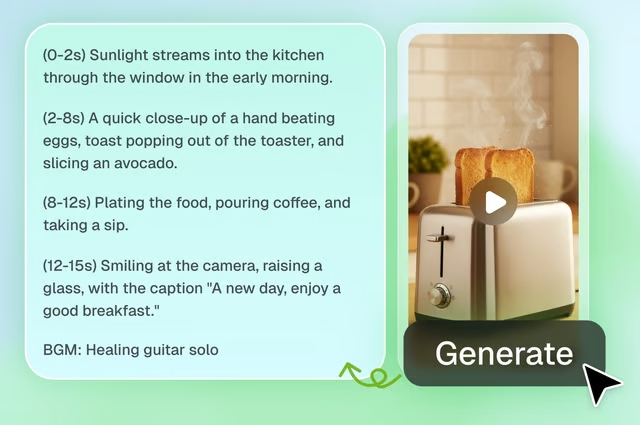
AI-powered prompt-to-slow-mo generation

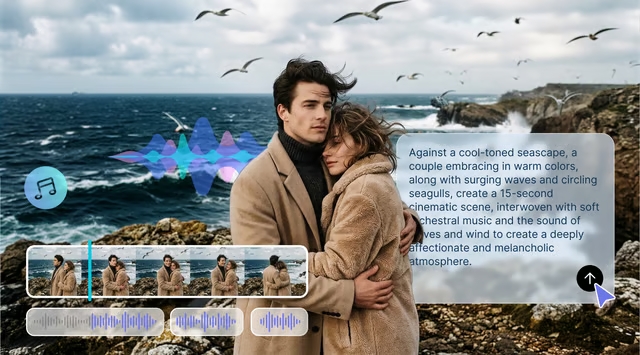
Type your creative vision into Framia Pro's Video Agent and watch AI create slow motion video from scratch. Simply describe your scene, choose your model (Veo 3.1, Kling 3.0, or Seedance 2.0), and generate professional slo-mo content with zero footage required.
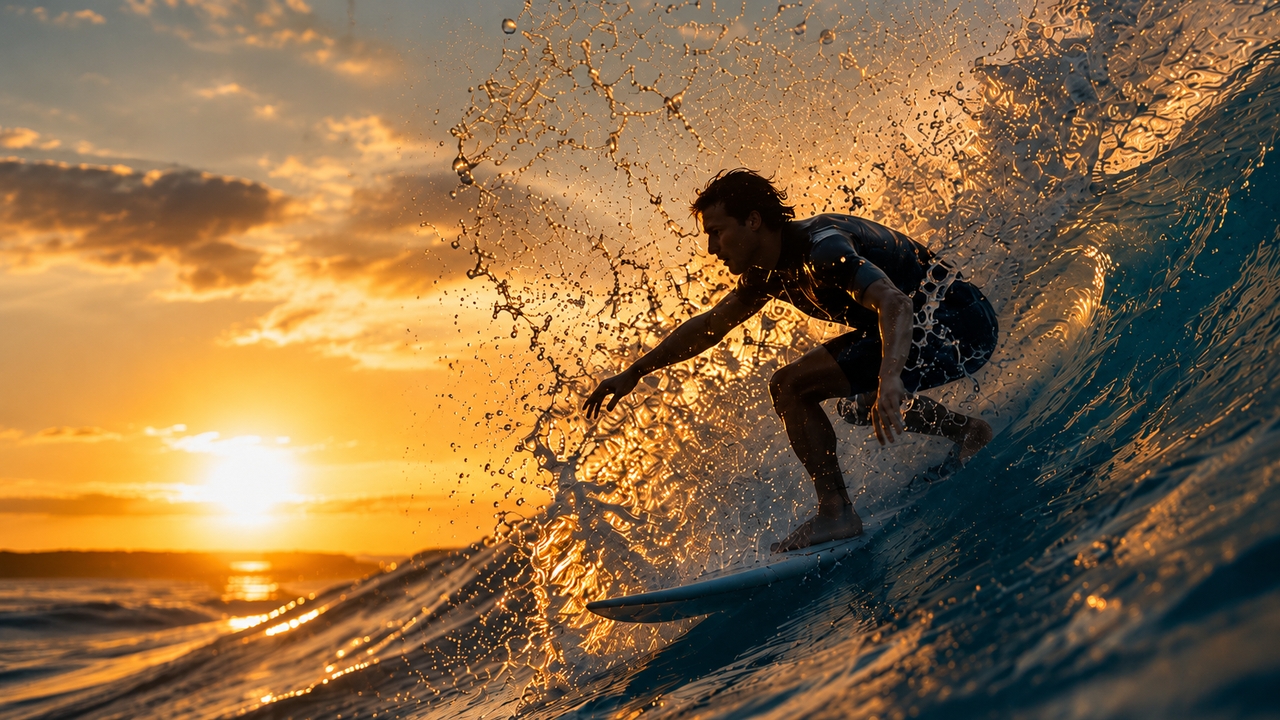
AI-powered prompt-to-slow-mo generation
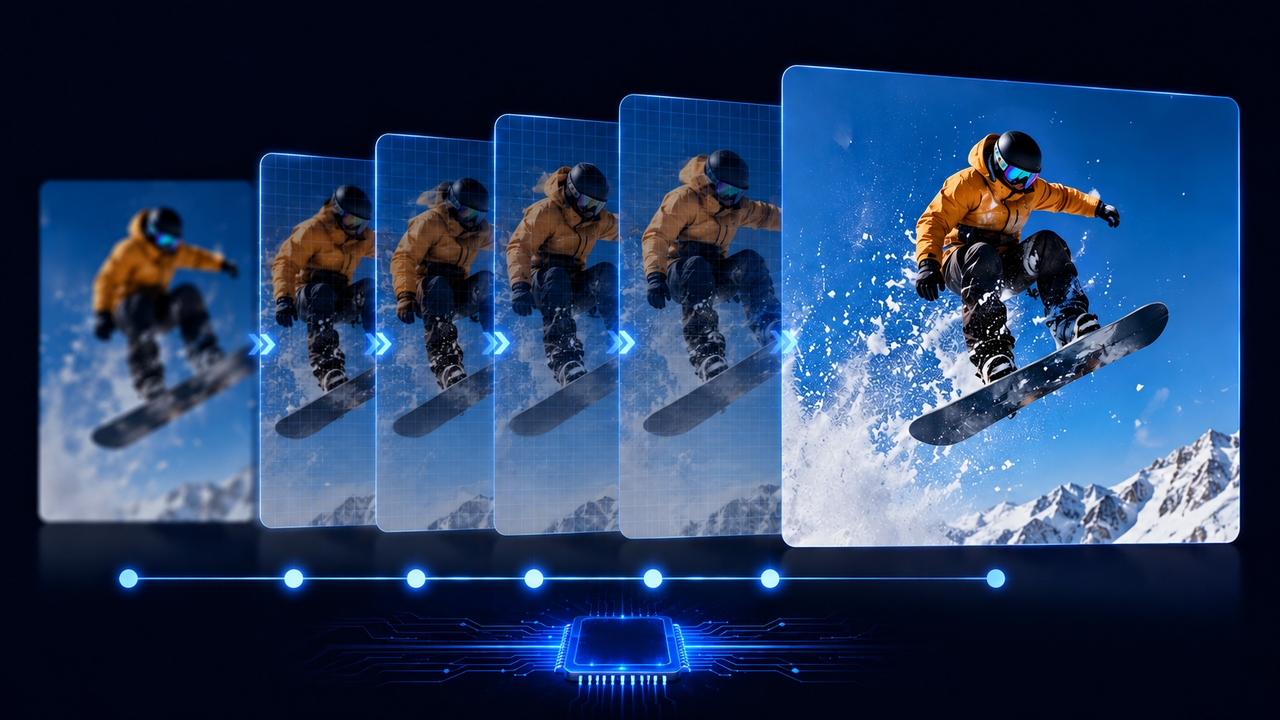
AI frame interpolation for smooth motion

AI frame interpolation for smooth motion

Framia Pro's AI frame interpolation analyzes your footage and generates missing frames automatically, turning standard 30fps clips into an ultra-smooth slow motion video online. No choppy playback, no stuttering — just fluid, cinematic motion that looks like it was shot on a high-speed camera.

Precision speed control — just describe it

Adjust your video playback to 0.25x, 0.5x, or custom speeds with one click. Our engine allows you to slow-motion the video while ensuring lifelike motion without choppy or unnatural frame drops, preserving a flawlessly fluid, professional cinematic finish.
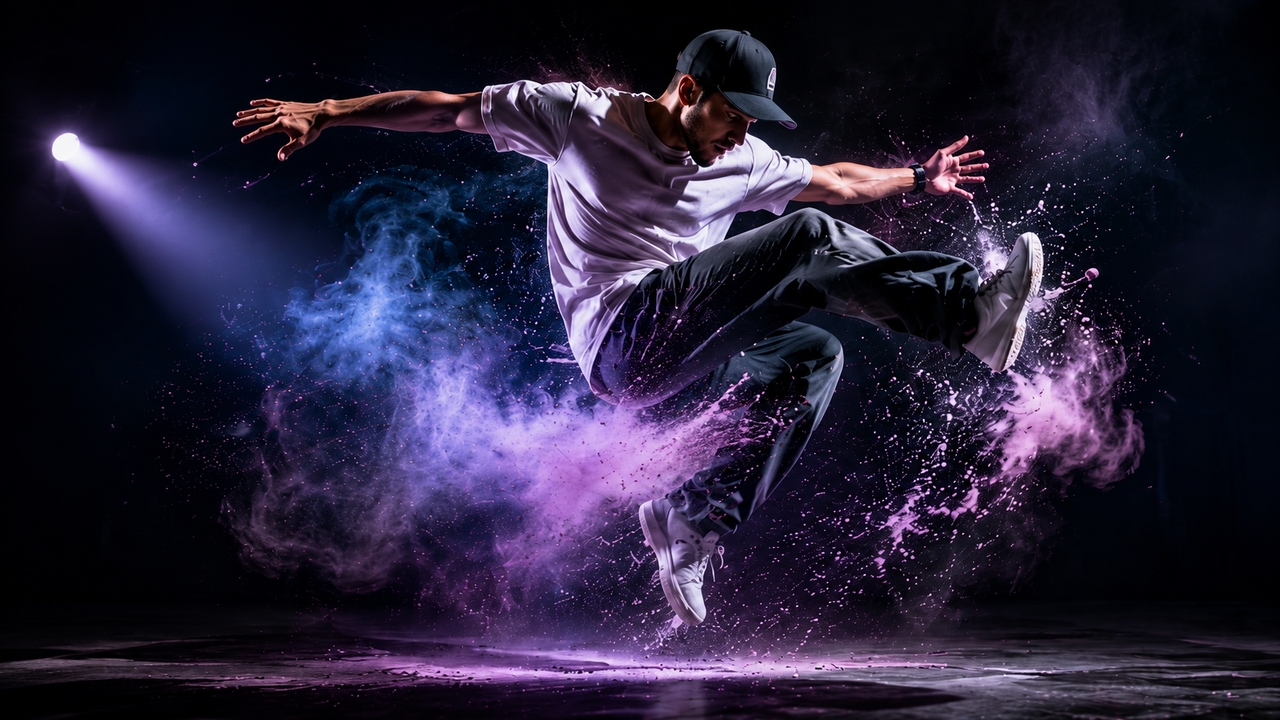
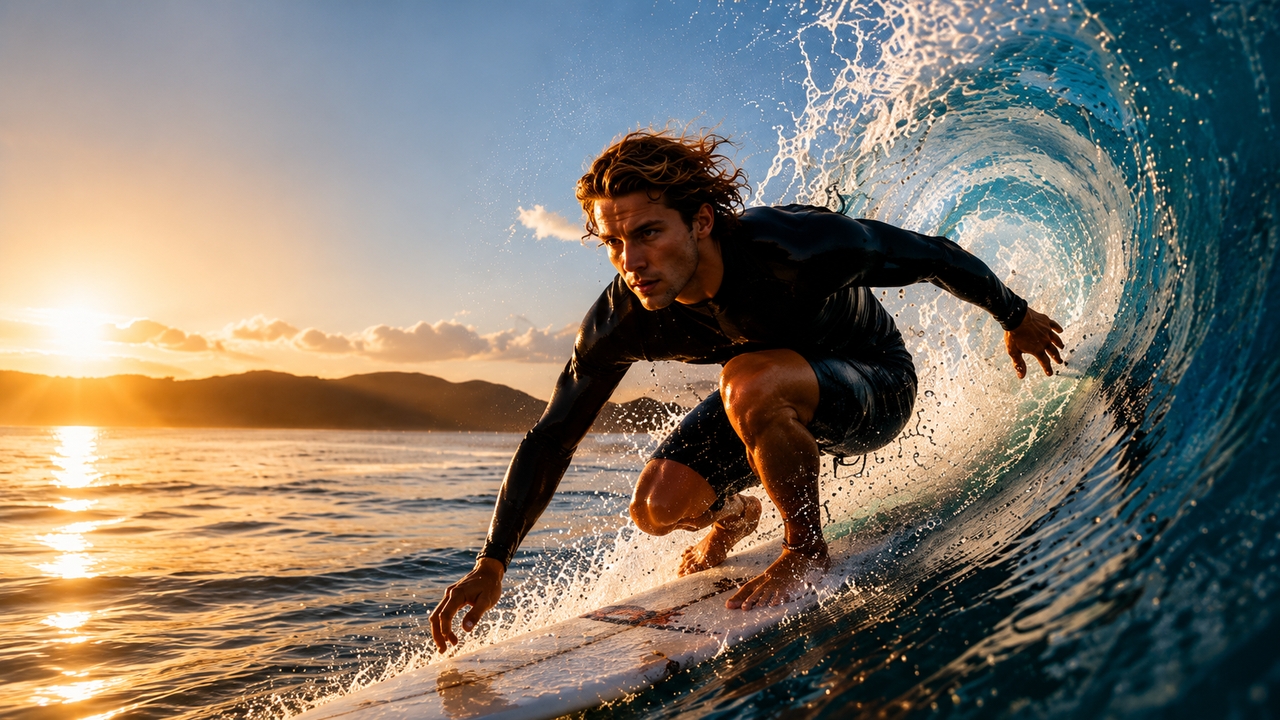
Precision speed control — just describe it
High-resolution export with zero quality loss

High-resolution export with zero quality loss

Export your slow motion video in Full HD or 4K resolution with no compression artefacts. Every frame stays sharp, vibrant, and colour-accurate — ready to publish directly to Instagram, TikTok, YouTube, and every major social media platform without any re-encoding or quality loss.

How to make a slow motion video

Upload video
Upload your video file from your device or drag and drop it. Framia Pro supports MP4, MOV, AVI, and all major video formats for instant editing.
Slow down video
Prompt your desired speed, choose from Kling 3.0, Veo 3.1, Seedance 2.0, and more. Hit "Generate" to create your slow motion video instantly.
Preview, refine, and export
Review your slow motion video on the canvas, edit it further, and then hit download to export your video in 4K — ready to publish anywhere.

Why use Framia Pro for slow motion videos?

Elevate your videos and captivate your audience by creating professional slow motion videos effortlessly with Framia Pro.

No installation or hardware required
Save precious device storage space and avoid expensive system upgrades. Framia Pro runs entirely through your cloud browser, allowing you to make slow motion videos smoothly on standard laptops, tablets, or smartphones without lagging.
Cinematic quality from any footage
Framia Pro's AI transforms ordinary clips into breathtaking slow motion video. Frame interpolation fills in missing frames automatically, so even standard phone footage plays back with smooth, cinematic quality that rivals professional high-speed cameras.
Character-consistent video
Maintain the same subject, style, and visual identity across every frame and scene. Framia Pro's Video Agent ensures your slow motion video stays visually coherent — essential for ads, brand content, and storytelling.
Stunning content for multiple platforms
Create slow motion videos for any platform—from sports analysis to detailed product showcases. Use Framia Pro's AI video editor and AI video generator to design, edit, and instantly share compelling content for YouTube or Instagram, all in one place.
Lighting fast generation
Turn video into slow motion in seconds using Framia Pro's powerful AI Video Agent. Simply type your idea and watch Wan 2.7, Sora 2, and Seedance 2.0 instantly render stunning slo-mo footage with perfect smoothness and quality.
Unleash limited creativity
Combine smooth speed ramps, reverse motion, and AI video generation to tell stories in unique and artistic ways. Use slow motion video for content like music videos, emotional wedding highlights, artistic reels, or viral social media clips with total creative freedom.

What you can create with Framia Pro?

Discover endless creative possibilities by applying slow motion effects to your videos with Framia Pro.

Sports highlights & training
Analyze and showcase athletic performances, techniques, and epic moments in incredible detail. Coaches and athletes rely on slow motion for precise feedback, form correction, and creating impressive highlight reels that stand out on social media
Product demonstrations
Highlight fine features, textures, and real usage of products like cosmetics, gadgets, food, or fashion in mesmerizing detail. Slow motion creates visually compelling marketing videos that boost engagement and drive higher conversion rates.
Dance & performance videos
Capture fluid movements, intricate choreography, facial expressions, and emotions that mesmerize audiences. Perfect for dancers, performers, influencers, and live event recaps, slow motion video adds dramatic impact and makes your Instagram and TikTok content unforgettable.
Wedding & event memories
Slow down emotional moments like the first kiss, vows, ring exchange, and celebrations to create timeless, heartfelt videos. Couples and families can relive beautifully enhanced memories with greater emotion, preserving their most meaningful experiences for years to come.
Educational & tutorial content
Break down complex processes, scientific experiments, cooking techniques, and practical skills with crystal-clear slow motion. By revealing each step in detail, videos become easier to follow, improving comprehension, retention, and engagement for learners of all ages.
Unleash limited creativity
Combine smooth speed ramps, reverse motion, and AI video generation to tell stories in unique and artistic ways. Use slow motion for video content like music videos, emotional wedding highlights, artistic reels, or viral social media clips with total creative freedom.

What users say about Framia Pro's slow motion video maker?

Hear from creators, coaches, and marketers who use Framia Pro to make slow motion videos that stand out — and see why they keep coming back.


"I've tried every slow motion tool out there. Framia Pro is on a different level. The frame interpolation makes my 30fps phone footage look like it was shot at 240fps. Absolutely game-changing."
Jordan M.
Jordan M.
Sports Content Creator
"My clients cry every time they see their slow motion edits. The quality is stunning and I can turn around a polished highlight reel in under an hour. Framia Pro is now part of every wedding package I offer."
Priya S.
Priya S.
Wedding Videographer
"Slow motion transitions are my signature style and Framia Pro nails them every single time. The export quality is insane for a browser-based tool. My engagement went up 40% after I started using it."
Marcus T.
Marcus T.
TikTok Creator
"We use Framia Pro to make the video slow motion for all our product reveals. The effect on our skincare line made our ROAS jump by 28% in the first month. It makes our products look premium and luxurious."
Lisa K.
Lisa K.
E-Commerce Brand Manager
"Analysing athlete movement in slow motion has transformed our coaching. We can pinpoint exactly where technique breaks down. I recommend Framia Pro to every sports professional I know."
Coach Dani R.
Coach Dani R.
Athletics Academy
"For an indie filmmaker on a tight budget, Framia Pro is a revelation. I get Hollywood-quality slow motion without expensive hardware or software. It's the single best tool in my post-production stack.
Ria B.
Ria B.
Independent Filmmaker
We've compiled the most important information to help you get the most out of your experience. Can't find what you're looking for?Contact us

Frequently asked questions

How do I make a slow motion video?
Upload your video to Framia Pro, describe the speed to 0.25x or 0.5x, preview the result, and export. You can also generate new clips with AI
Does slowing down a video reduce its quality?
No. Framia Pro uses AI frame interpolation to maintain smooth, high-quality playback and exports in up to 4K resolution with no visible compression or quality loss.
What video formats are supported?
Framia Pro supports all major video formats including MP4, MOV, AVI, MKV, and WebM, so you can upload footage from any device or camera without conversion.
Can I make slow motion videos on my mobile?
Yes. Framia Pro works smoothly on phones and tablets through your browser, allowing you to upload, edit, and export slow motion videos on the go.
Is it free to make slow motion videos?
Yes, basic slow motion features are free. Premium plans unlock higher resolutions, advanced AI tools, longer exports, and additional creative features.

Still have questions?

Have questions or need assistance? Our team is here to help!
Explore more tools on Framia Pro

AI Video Enhancer
Boost the quality of your slow motion video with Framia Pro's AI Video Enhancer. Restore fine details, fix blur, smooth motion, and upscale your footage to 4K — all automatically, with zero manual effort.
AI Video Enhancer
AI Script Generator
Start with a script before you shoot. Framia Pro's AI Script Generator transforms your creative idea into a structured, engaging video script in seconds — the perfect first step before generating your slow motion video.
AI Script Generator
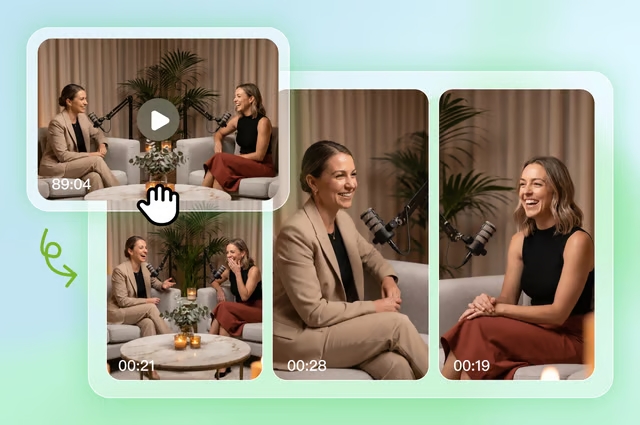
Long Video to Short Video — Repurpose in Seconds
Already have long-form footage? Framia Pro automatically extracts the most compelling moments and converts them into short, hook-driven clips — ideal for turning slow motion highlights into social-ready Reels and Shorts
Long Video to Short Video — Repurpose in Seconds

Start Creating Slow Motion Videos Today

Join thousands of creators on Framia Pro. Make your first slow motion video in minutes — free to start, no experience needed, stunning results guaranteed.

Slow Motion Video Maker: Create Stunning Slo-Mo