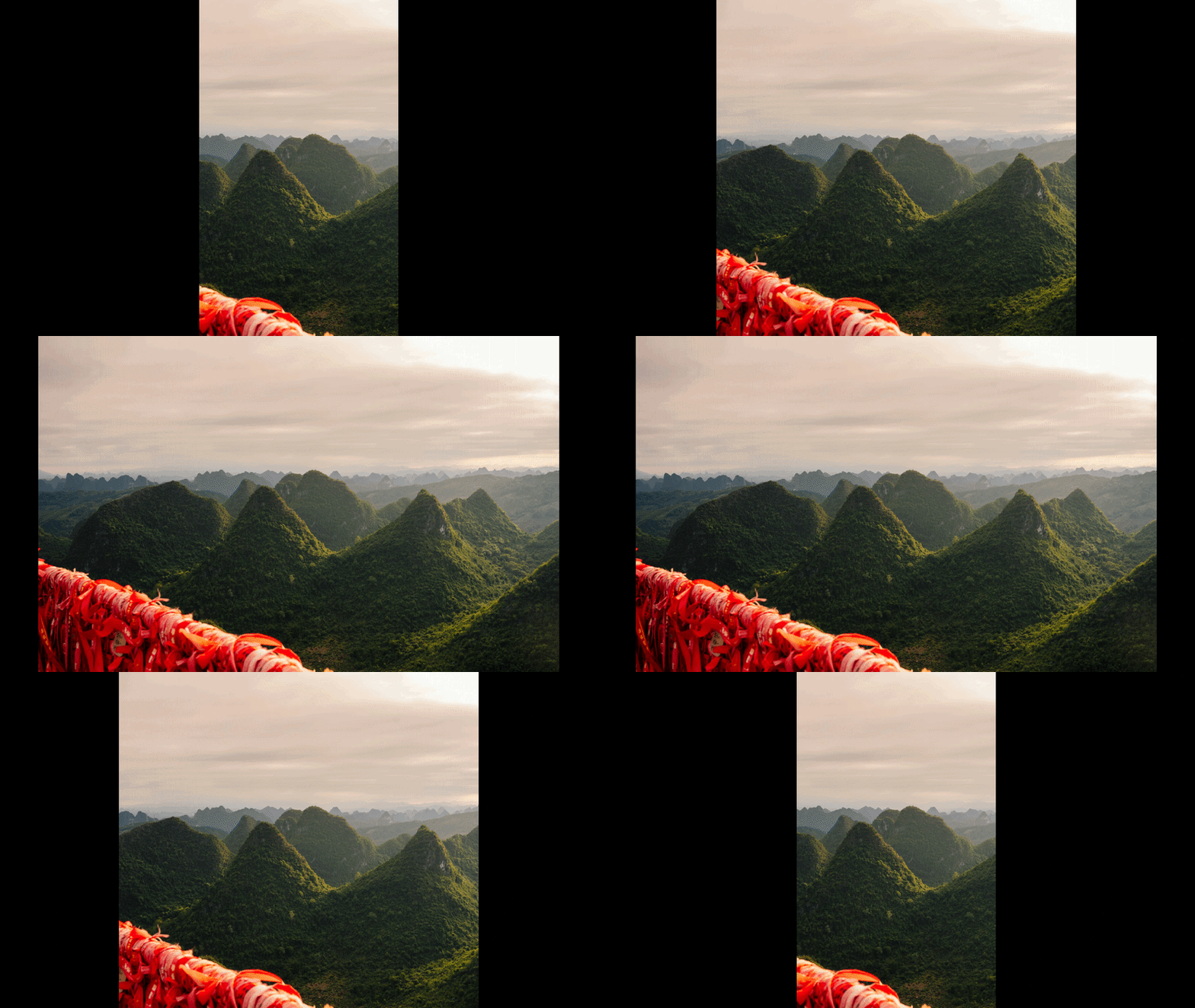
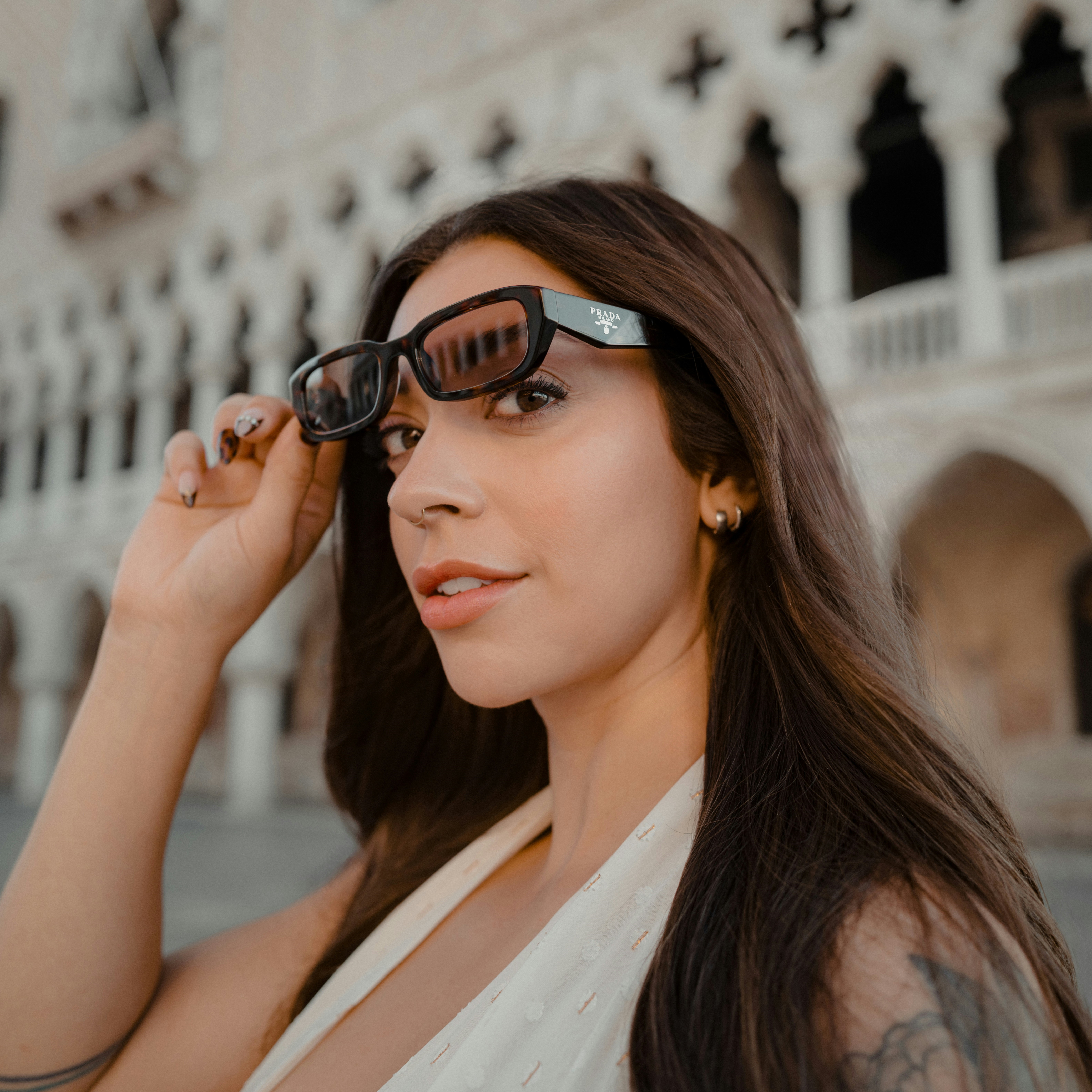
Expand Images with AI for Free

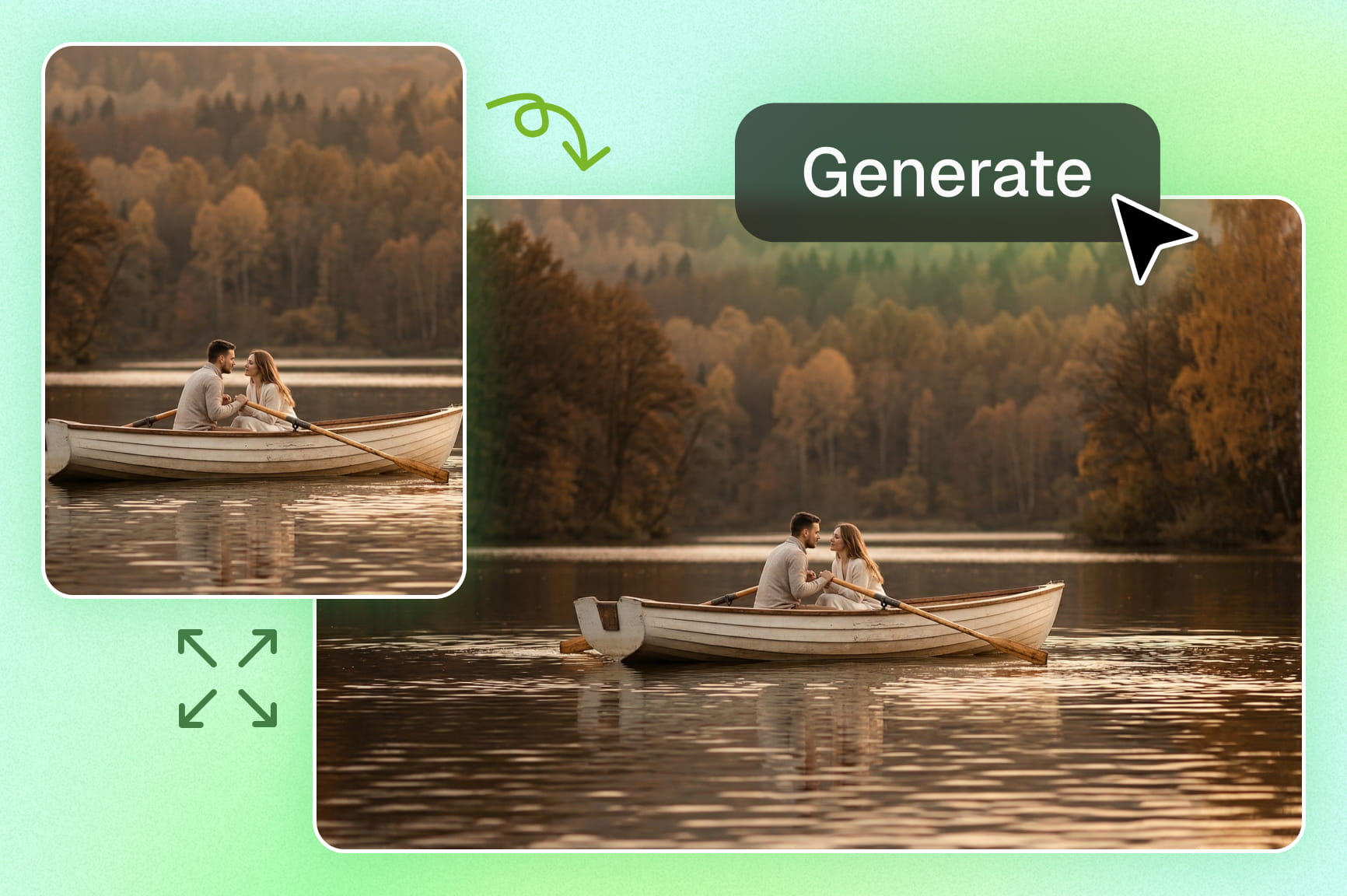
Seamlessly extend any photo using advanced generative AI. Get high-resolution results in seconds and without any editing skills.

Upload imagesClick to browse or drag & drop file here
Expand Images with AI for Free

Key features of Framia Pro's free AI image expander

Framia's AI image extender sports a number of special features, which are properly explained below for your reasonable understanding.

Expand your photos easily in every single direction

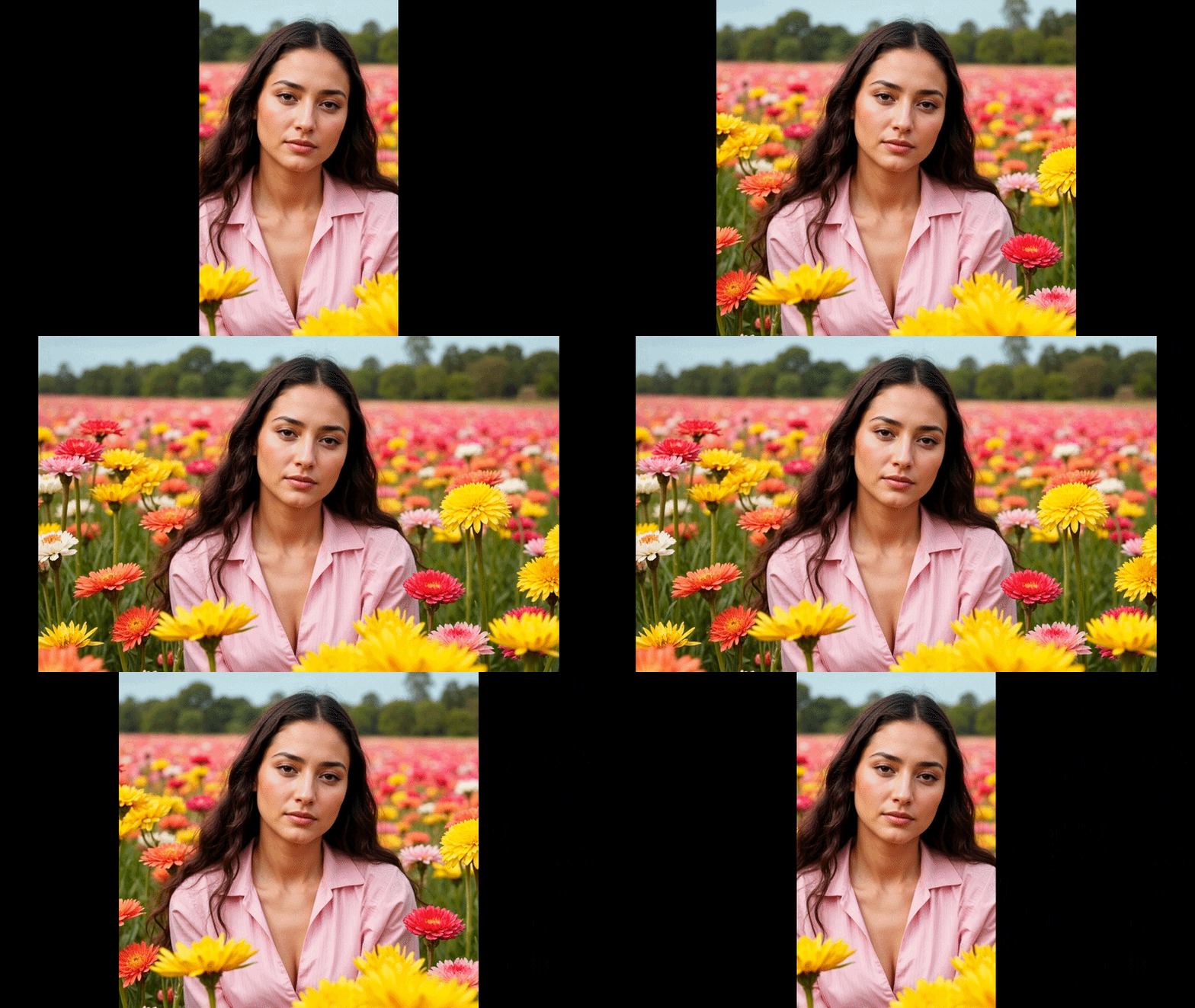
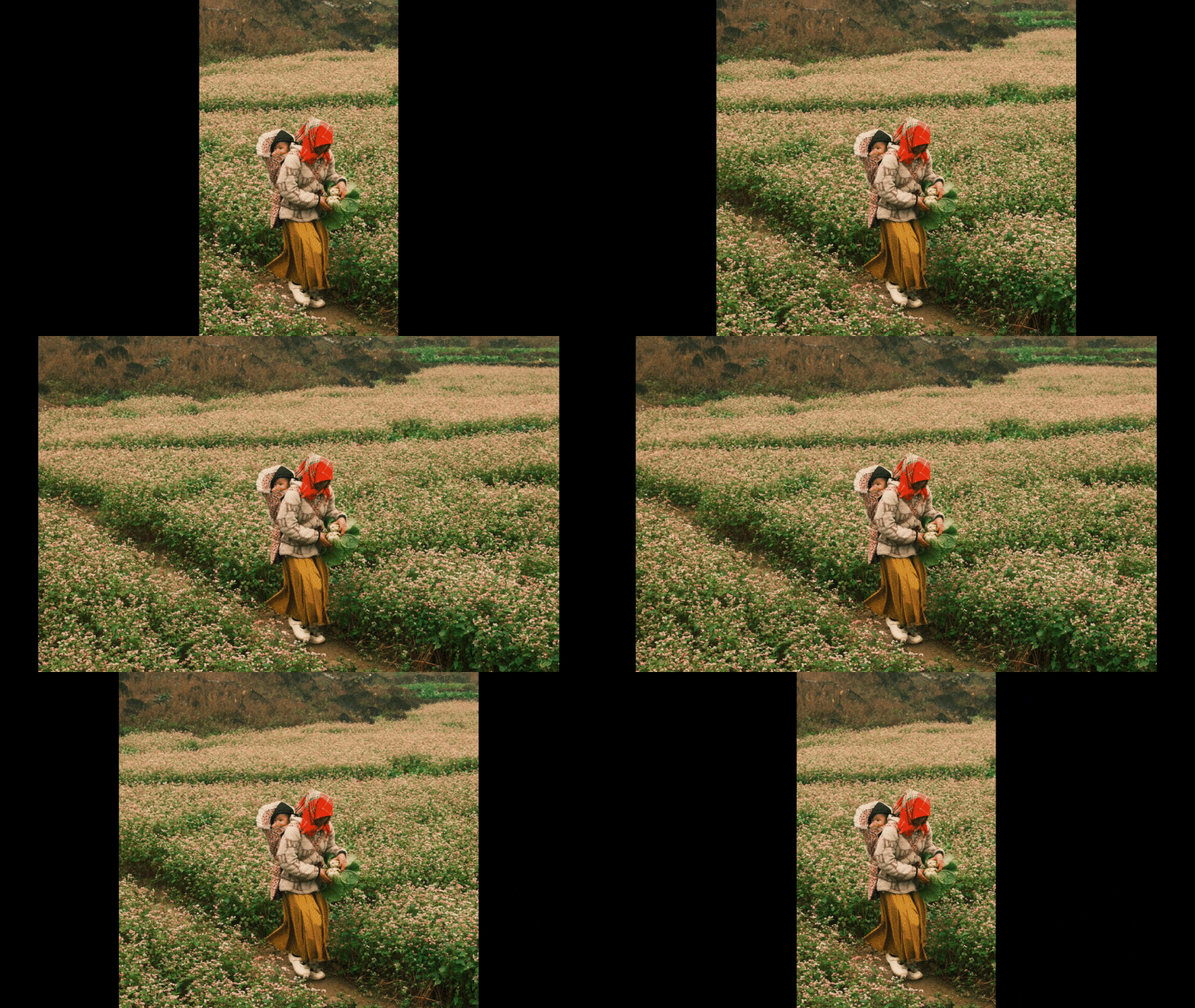
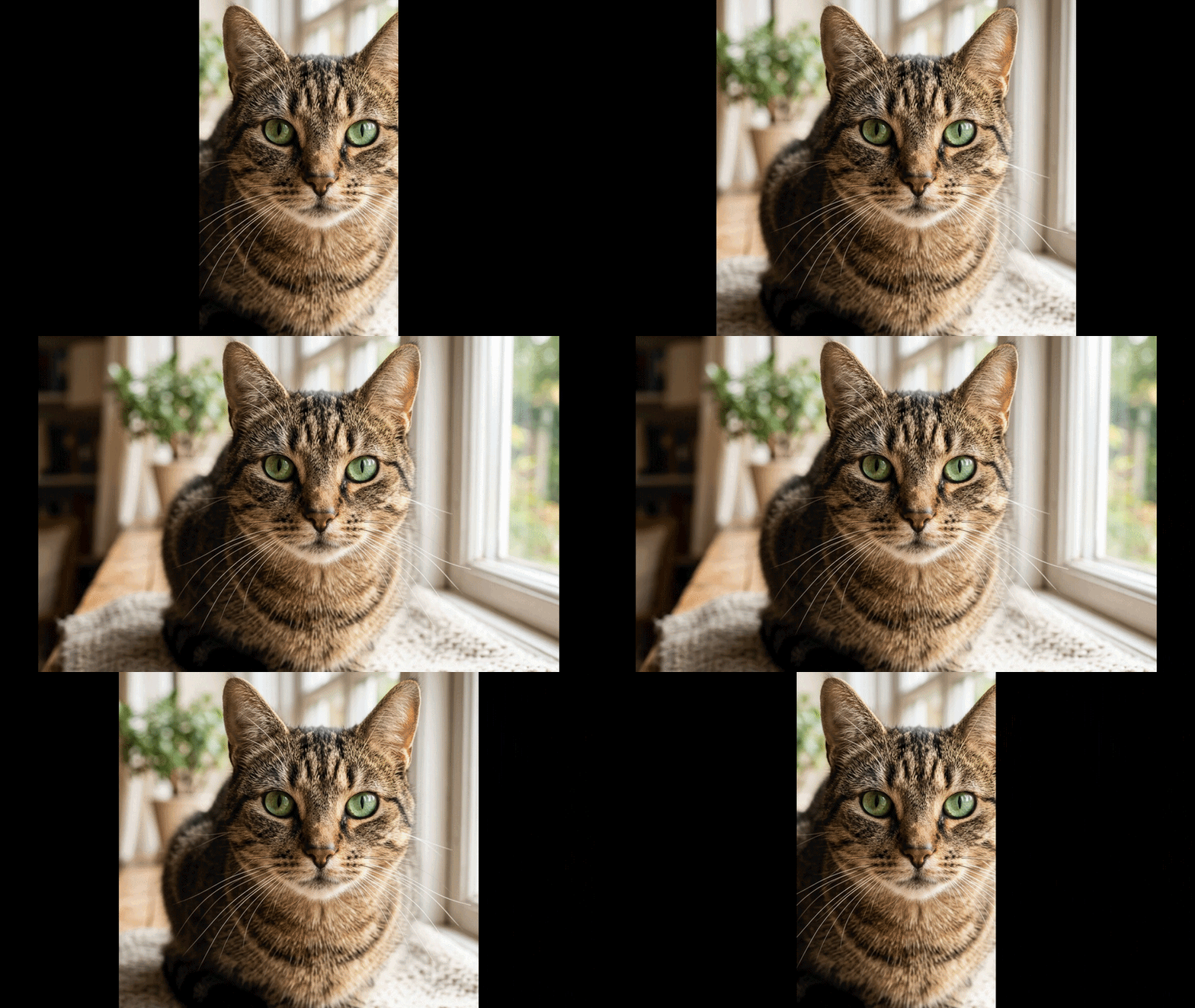
Transform your photos by instantly generating missing details outside the original frame. Choose your desired size and watch as artificial intelligence effortlessly fills the edges, giving you a wider perspective without losing the original quality or context.

Expand photos in every single direction using Framia Pro
Choose several unique image expansion options in Framia Pro

Choose from several unique image expansion options

Explore stunning variations generated by top-tier models like Nano Banana 2, Seedream 4.5, Midjourney v7, and Flux. Compare different visual outcomes and select the perfect match for your vision, guaranteeing you always get the absolute best possible result.

Match your original photo colors and styles perfectly

Maintain the exact look of your existing photo while adding new background areas. Allow Framia Pro's smart technology to accurately copy your original lighting, textures, and colors, making sure the final result looks highly realistic and completely unedited to viewers.

Match original photo colors and styles perfectly
more tools beyond image expansion in Framia Pro

Discover many more tools beyond image expansion

Unlock a complete suite of powerful creative features that go far beyond simple image expansion. Generate fresh artwork or videos, remove unwanted objects, upscale low-resolution photos, and create amazing photo/video content using our all-in-one platform, designed for your everyday digital design or video needs.

How to use Framia Pro's AI image expander?

Step 1: Upload your image
Upload your photograph to the Framia Pro's AI image generator, and select your preferred aspect ratio.
Step 2: Choose model and enter prompt
Choose your preferred image generation model and then enter a prompt describing the exact background details you want.
Step 3: Generate and download
Click the generate button to let our advanced AI seamlessly fill the new background space. After generation, finalize your image and then download it.

Why should you use Framia Pro's AI image expanding tool?

Save valuable time on complex photo editing
Accelerate your design workflow by automating tedious background extensions with Framia Pro's AI image editor. Skip hours of manual cloning and painting in complex software, allowing you to focus your energy on bigger creative concepts, and instantly deliver professional-grade results in just a few seconds.
Avoid expensive reshoots and new photography sessions
Eliminate the need to organize costly new photo shoots when an image doesn't fit your layout. Breathe new life into your existing image library and marketing assets by effortlessly adapting old photos to meet your brand-new design requirements today.
Adapt visuals perfectly for multiple social platforms
Optimize a single photograph for various different channels with absolute ease. Resize your core visual assets perfectly for Instagram stories, website banners, and printed posters seamlessly, ensuring maximum reach and consistent brand presentation across every single marketing medium.
Achieve professional results without technical skills
Master complex photo manipulations instantly without needing extensive training or graphic design experience. Empower your entire team to create stunning, perfectly sized marketing materials effortlessly using our incredibly intuitive and user-friendly interface designed specifically for everyday digital creators.
Enhance your creative freedom with endless experimentation
Unlock completely new possibilities for your digital artwork by effortlessly exploring various different visual ideas. Test multiple unique background generations quickly, allowing you to refine your overall creative vision without ever worrying about making permanent mistakes today.
Improve visual storytelling with broader background context
Enrich the narrative of your favorite photographs by revealing more of the surrounding environment seamlessly. Provide your viewing audience with a deeper understanding of the specific scene, capturing the complete atmosphere and emotion behind every single unforgettable moment perfectly.

Best scenarios for Framia Pro's free AI image extender

Discover the most effective ways to utilize Framia Pro's free AI image extender across different creative projects, maximizing your visual impact and overall design efficiency effortlessly.
stunning backgrounds for your social media

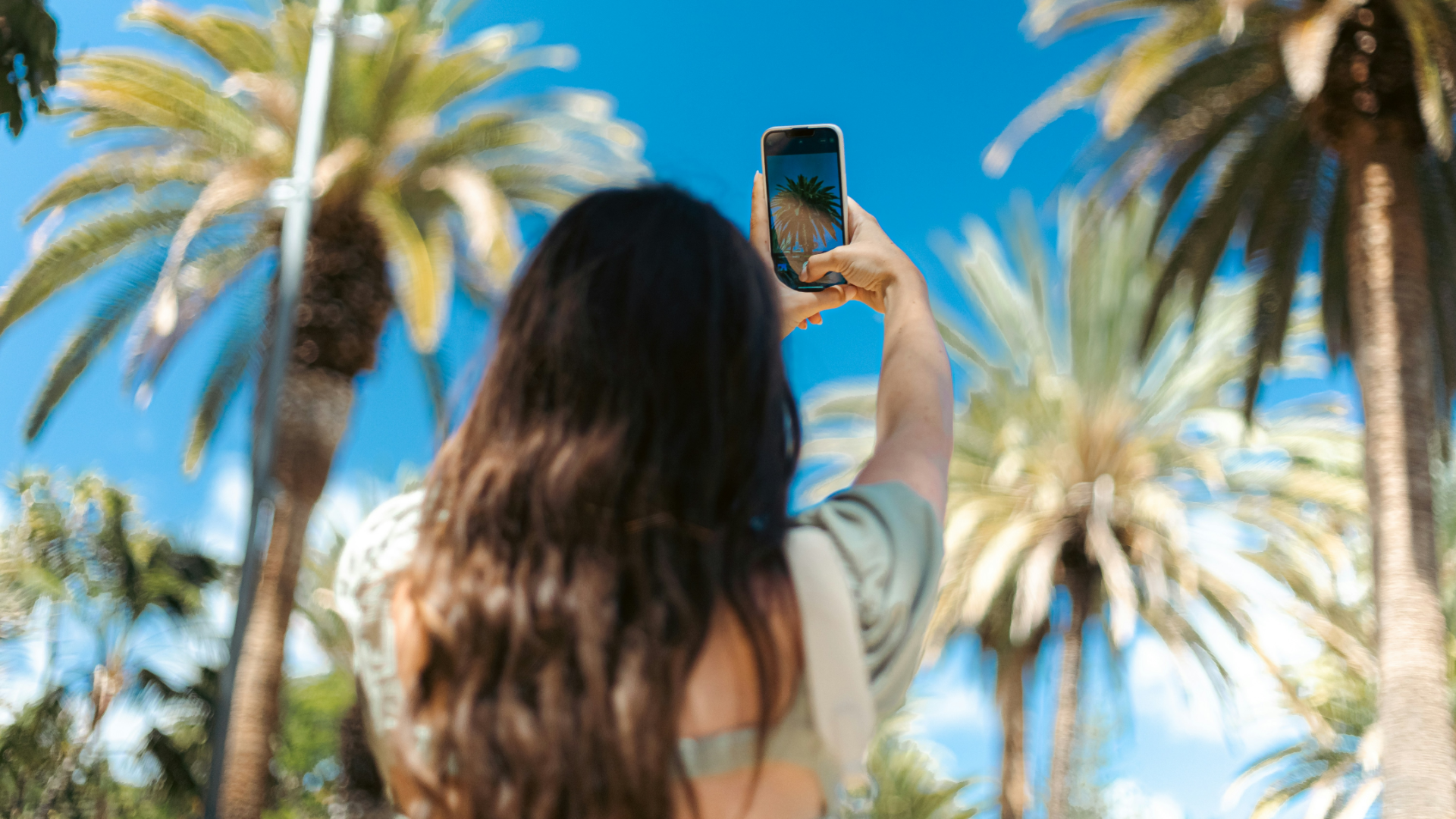
Create stunning backgrounds for your social media

Optimize your vertical photos to fit horizontal feeds perfectly without cropping important details. Generate engaging visual content for Instagram stories, Facebook banners, and Pinterest boards seamlessly, capturing your audience's attention quickly and significantly boosting your overall online brand engagement.

Showcase your products beautifully in online stores

Enhance your product photography by adding realistic backgrounds that highlight your items perfectly. Adjust your catalog images to fit specific e-commerce website dimensions effortlessly, ensuring a professional and consistent shopping experience that dramatically increases your daily customer conversion rates.
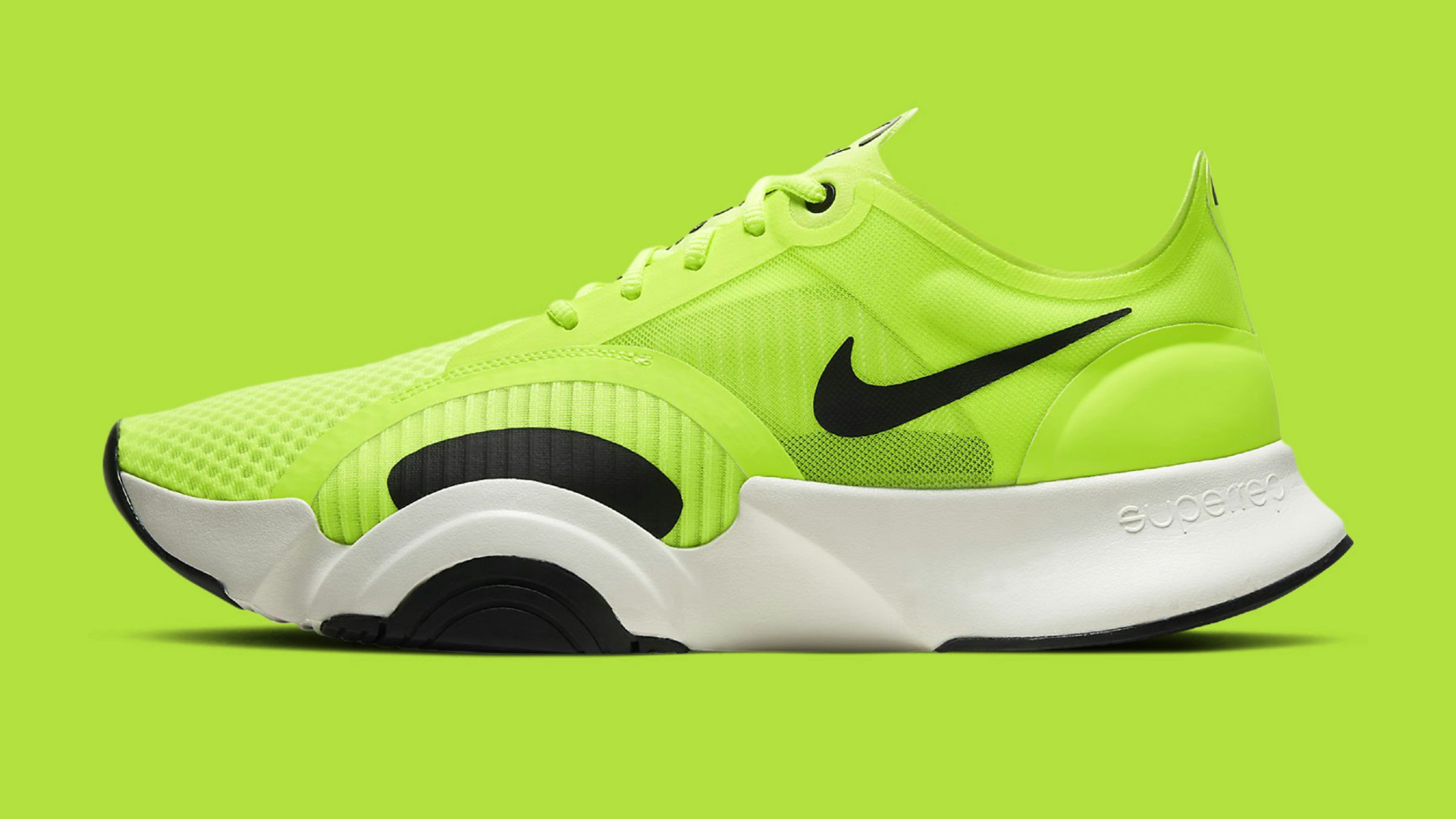
Showcase your products in online stores
Professional marketing materials for print campaigns

Design professional marketing materials for print campaigns

Transform standard photographs into large-scale formats required for physical banners, posters, and billboards. Extend the scenic elements of your pictures smoothly to allow ample negative space for easily adding promotional text, brand logos, and clear call-to-action buttons today.

Build captivating hero images for your website

Convert ordinary portraits into stunning, wide-format banner images that instantly grab visitor attention. Fill empty spaces creatively to produce beautiful, high-quality backgrounds that perfectly complement your website's unique aesthetic and provide an absolutely unforgettable first impression for all users.
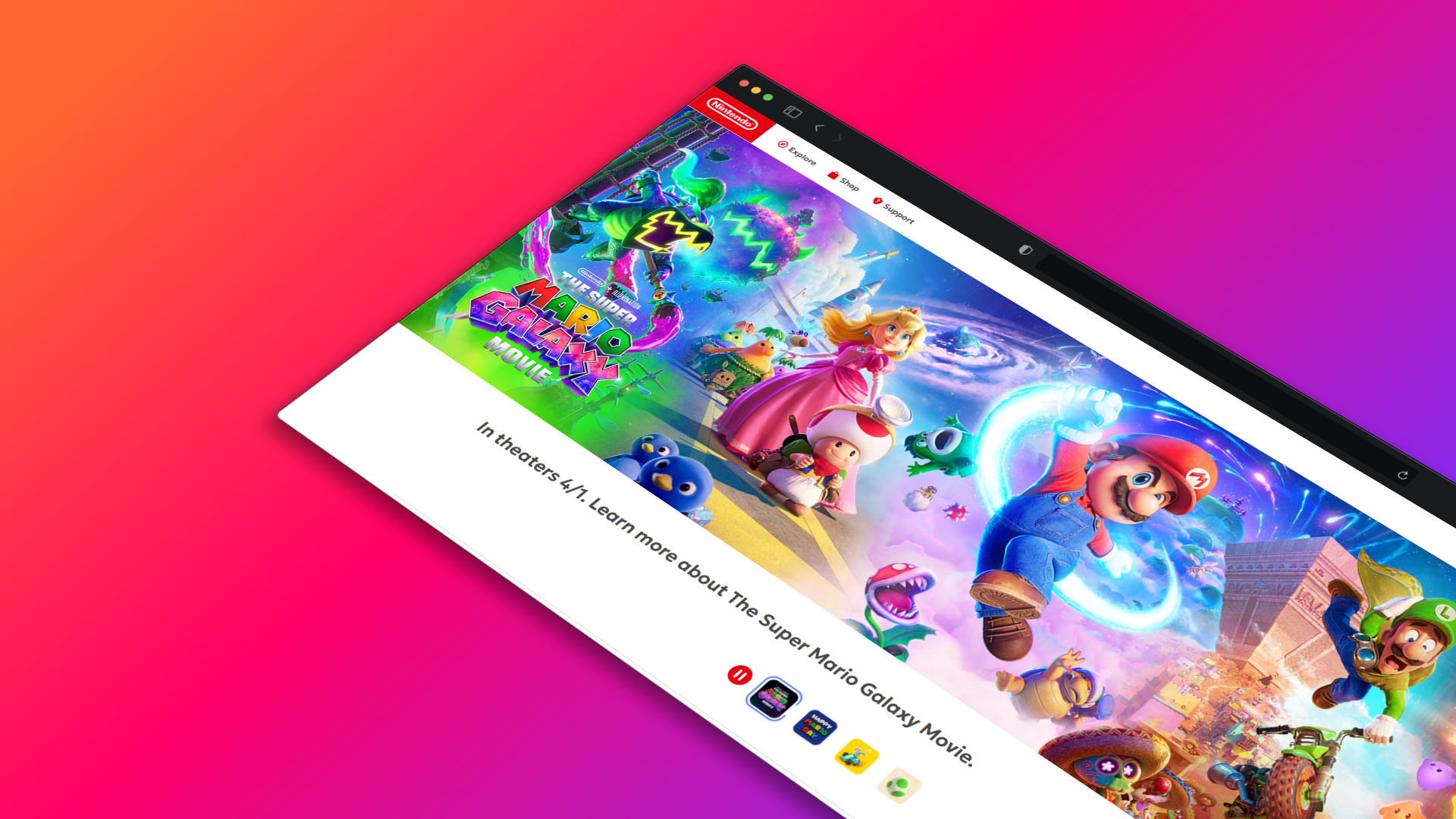
Captivating hero images for your website

Creative showcases of Framia Pro's AI image extender

Discover how Framia Pro's AI seamlessly transforms your photos using these five great prompts.
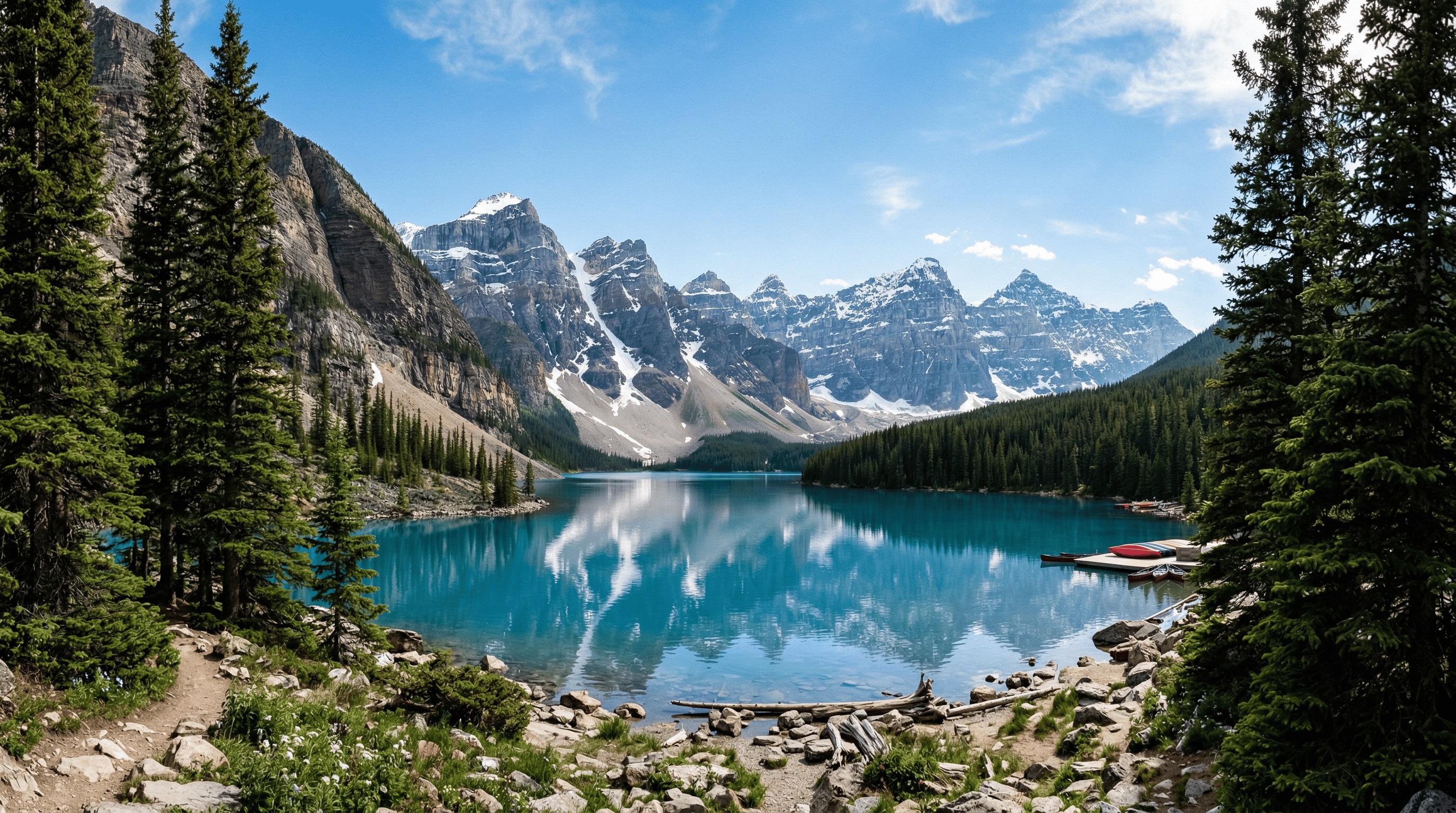
Expand landscape background on Framia Pro

Expand a beautiful mountain landscape

Prompt: Expand the background to include a clear blue lake and towering pine trees on the sides.

Add a vintage car in the background

Prompt: Extend the empty street scene horizontally and add a classic red vintage car parked on the newly generated right side.
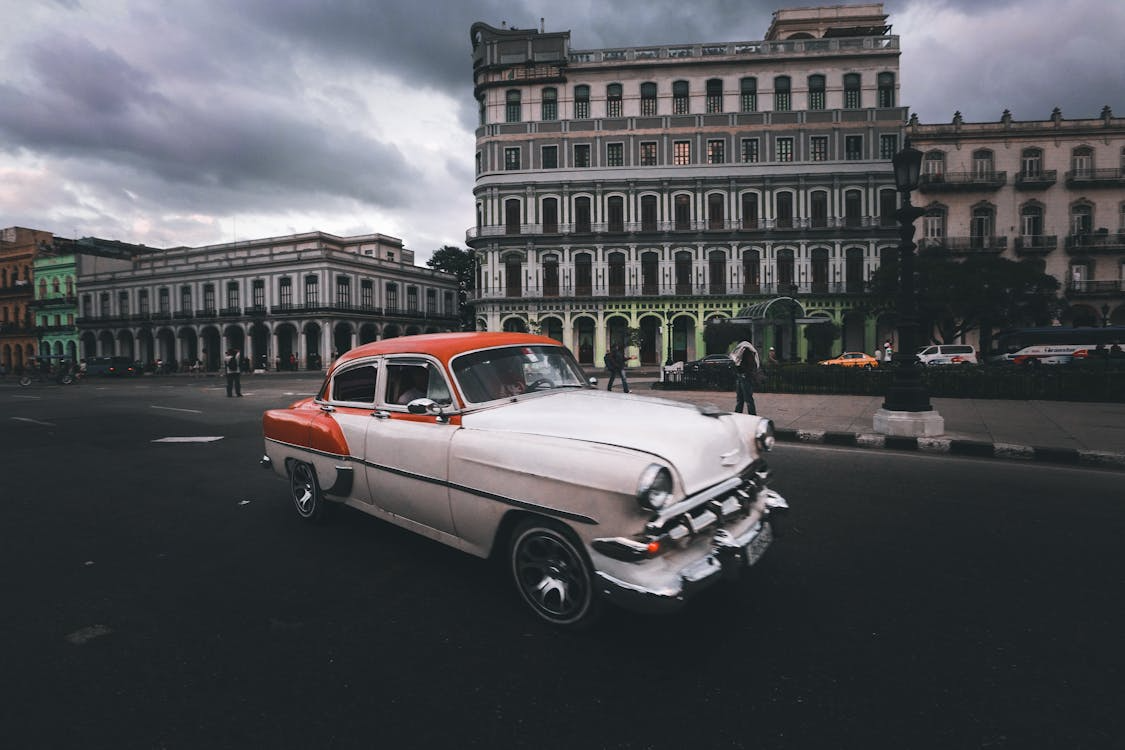
Add a vintage car in the background using Framia Pro
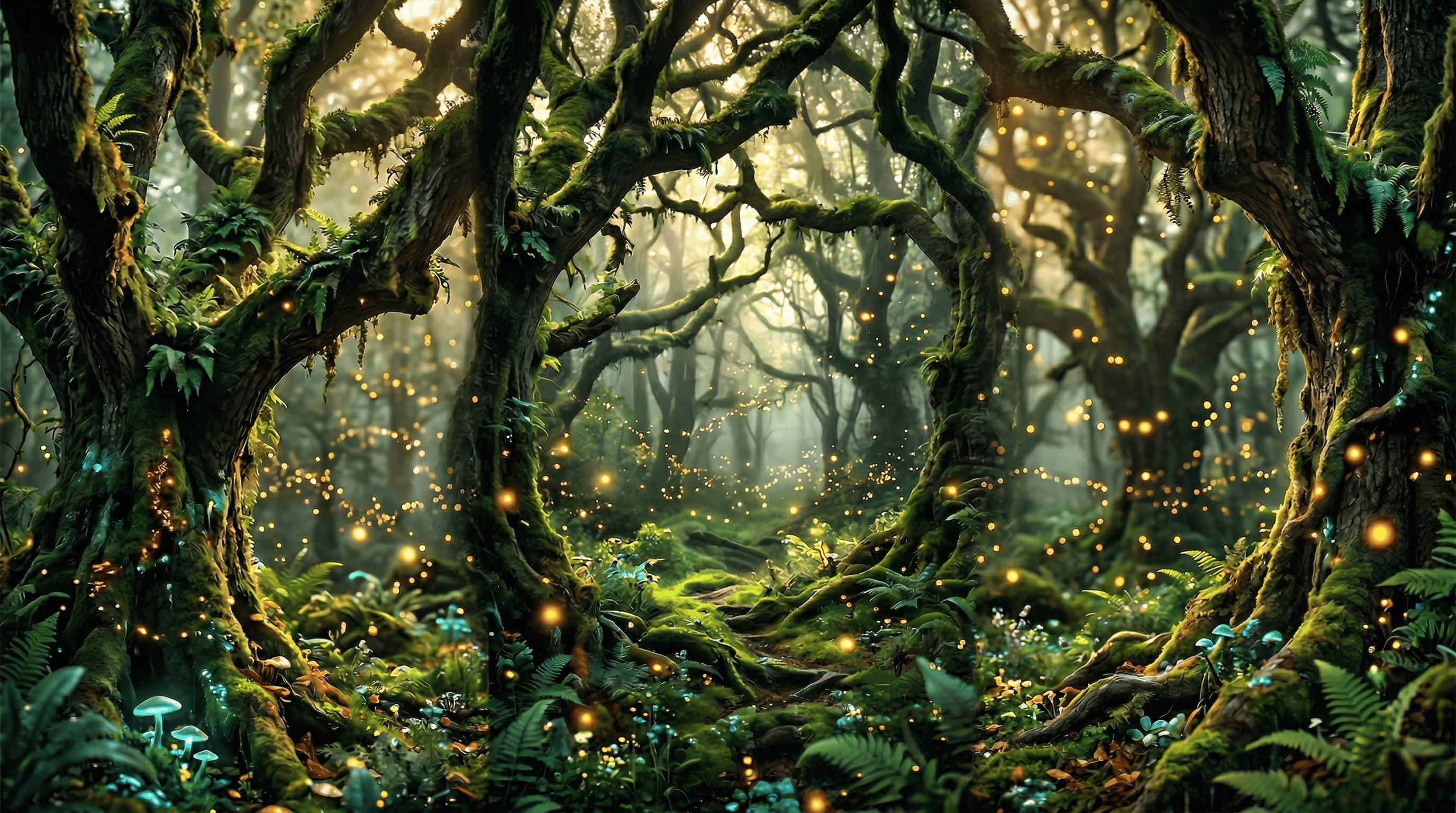
Change the setting to a magical forest using Framia Pro

Change the setting to a magical forest

Prompt: Expand the portrait's borders and fill the new background space with glowing fireflies and ancient mossy oak trees.

Generate a dramatic sunset sky above

Prompt: Extend the image upwards to reveal a vast, dramatic sunset sky filled with bright orange and vibrant purple clouds.
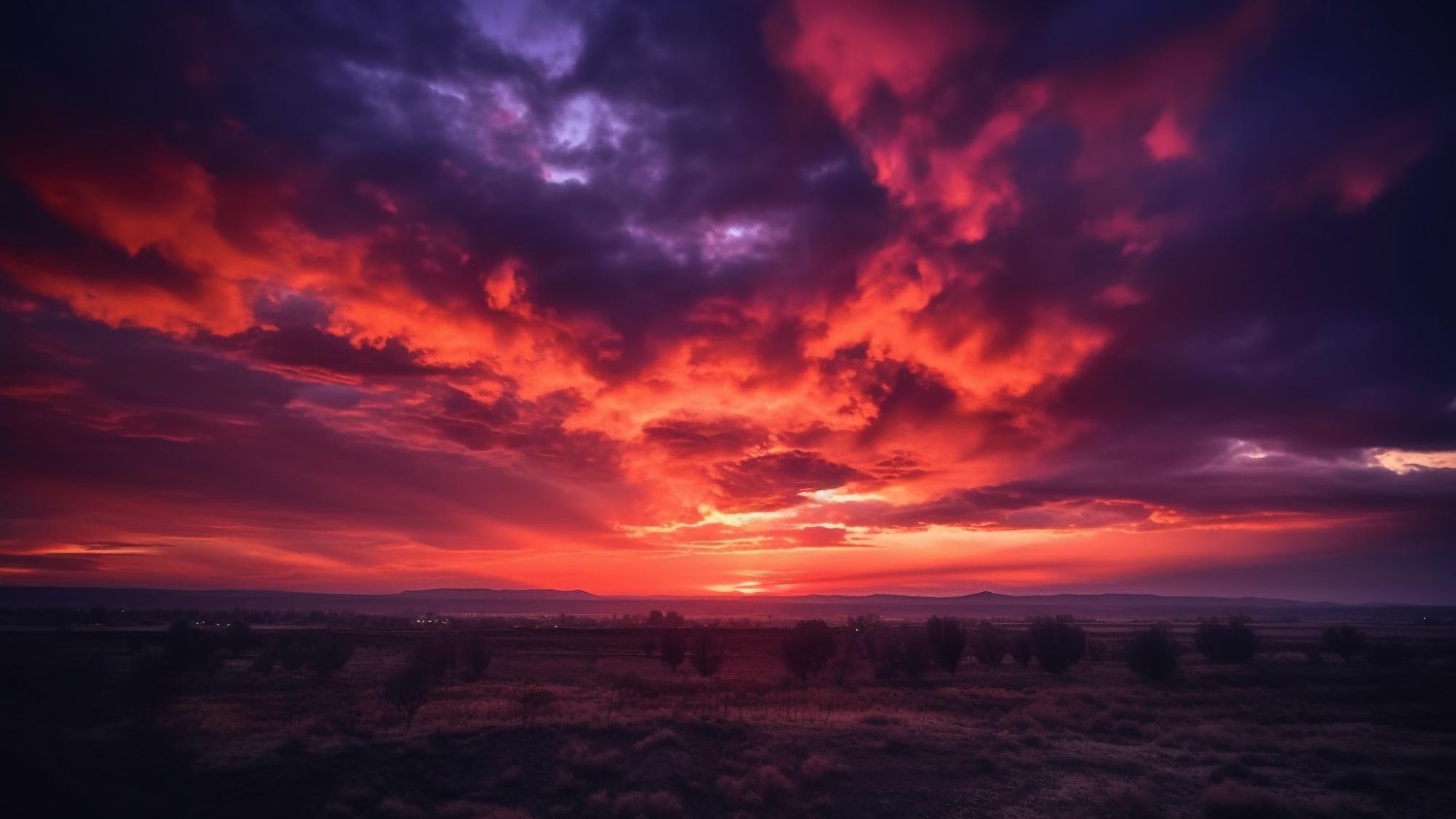

Generate a dramatic sunset sky using Framia Pro
Use Framia Pro to extend a beautiful wooden dining table

Extend a beautiful wooden dining table

Prompt: Expand the wooden table background outwards and add scattered coffee beans, a rustic spoon, and a linen napkin.

Why do users love Framia Pro's free AI image extender?

There's a reason why Framia Pro's AI expand image tool is popular among most creators, which can be seen via the following glowing reviews.

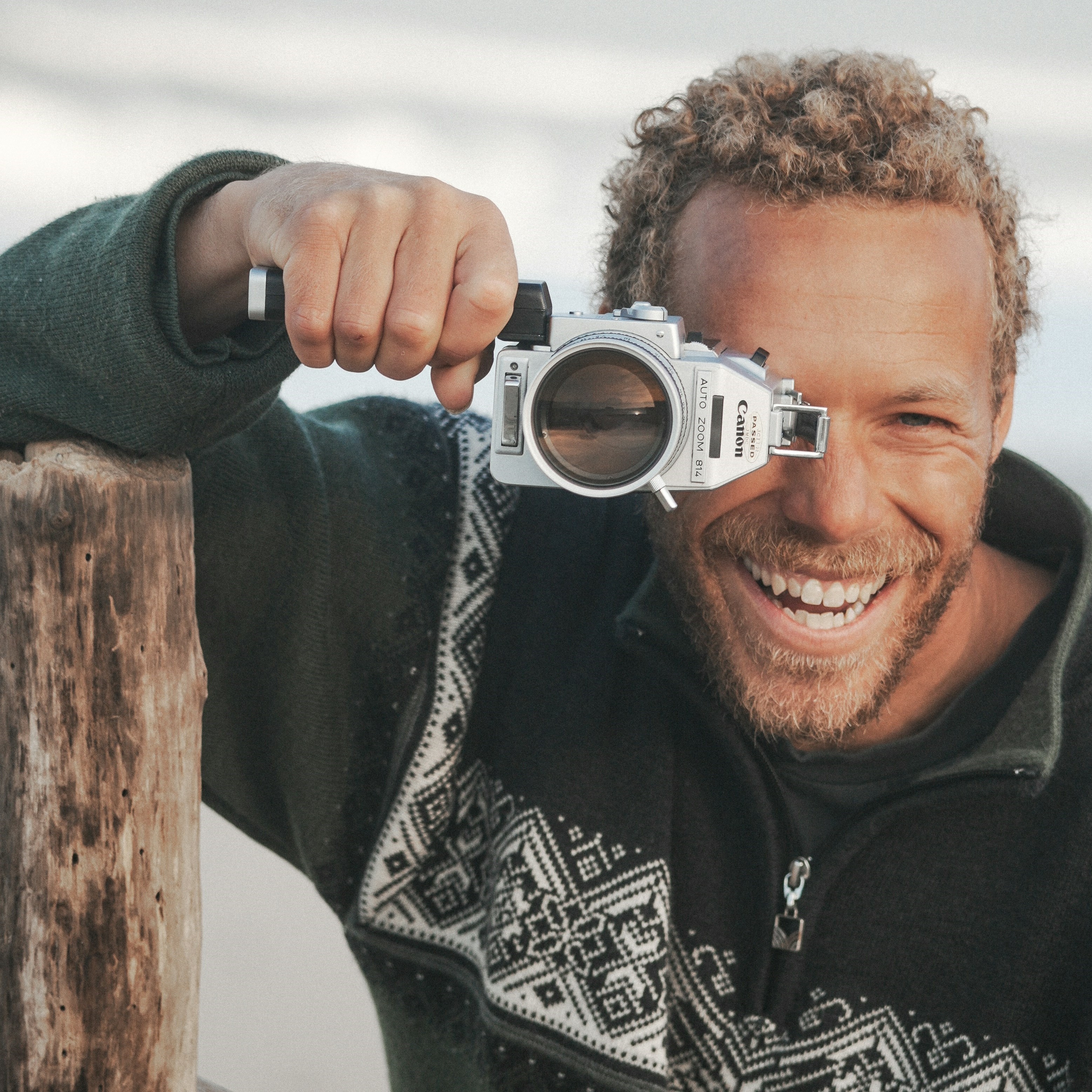
Framia saved my photography business by seamlessly extending awkwardly cropped portraits into beautiful wide landscape shots. The generated backgrounds look incredibly realistic, saving me hours of frustrating manual editing every single week.
Siobhan Gallagher
Siobhan Gallagher
Digital Artist
I regularly need to resize banner images for multiple social media platforms, and this magical tool fills in missing edges perfectly without ever compromising the original picture quality or my creative vision.
Liam O'Connor
Liam O'Connor
Photo Editor
Working as an independent graphic designer, I frequently receive poorly framed client photos. Framia allows me to effortlessly generate extra background space, ensuring every final project looks absolutely polished and completely stunning.
Kate Murphy
Kate Murphy
Graphic Designer
I was amazed at how quickly the artificial intelligence matched my original photo lighting and textures. Expanding product images for our e-commerce store has never been this simple, efficient, or visually impressive.
Sean Kelly
Sean Kelly
Wedding Photographer
Maximize your creative potential without any technical hassle. I frequently use Framia to fix awkwardly framed landscape photos for our travel blog. The intelligent generation flawlessly blends new scenery with the original environment, giving me breathtaking panoramas every single time.
Declan Byrne
Declan Byrne
Travel Enthusiast
Elevate your digital marketing materials effortlessly today. As a social media manager, adapting visual content for various different screen sizes is a daily struggle. Framia quickly generates the missing borders for my promotional graphics, keeping our brand aesthetic completely intact
Sarah Walsh
Sarah Walsh
Digital Marketer
We've compiled the most important information to help you get the most out of your experience. Can't find what you're looking for?Contact us

Frequently Asked Questions

What is the exact cost when you use Framia Pro for AI image expansion?
Framia provides a free basic tier with standard features. For users requiring advanced tools or batch processing capabilities, we offer tiered premium subscription plans to accommodate different operational requirements.
Which image formats are supported by Framia Pro's AI image expander?
Framia Pro currently supports standard digital image formats, including JPEG, PNG, and WEBP. Users can upload these file types to process their photos and download the resulting expanded images.
Will original image quality drop when you expand image background details?
Framia utilizes AI models to maintain the sharpness of your original image. The system generates new background elements designed to align with the existing lighting, textures, and original resolution.
How much time does it typically take to expand background of image files?
Processing times in Framia Pro vary based on image complexity and server load. However, standard image expansions are typically generated and available for download within ten to fifteen seconds.
Once I learn how to enlarge a picture with Framia Pro, can I use it commercially?
Images processed through Framia Pro can be utilized for commercial purposes. This includes digital marketing materials, social media content, and printed assets, subject to our standard terms of service.

Still have questions?

Have questions or need assistance? Our team is here to help!

Expand images effortlessly with Framia Pro!

Extend backgrounds, adjust aspect ratios, and create seamless, high-resolution visuals without complex editing or reshoots.

AI Expand Image Online: Extend Photos Instantly Free