Free Twitter Video Tool Online

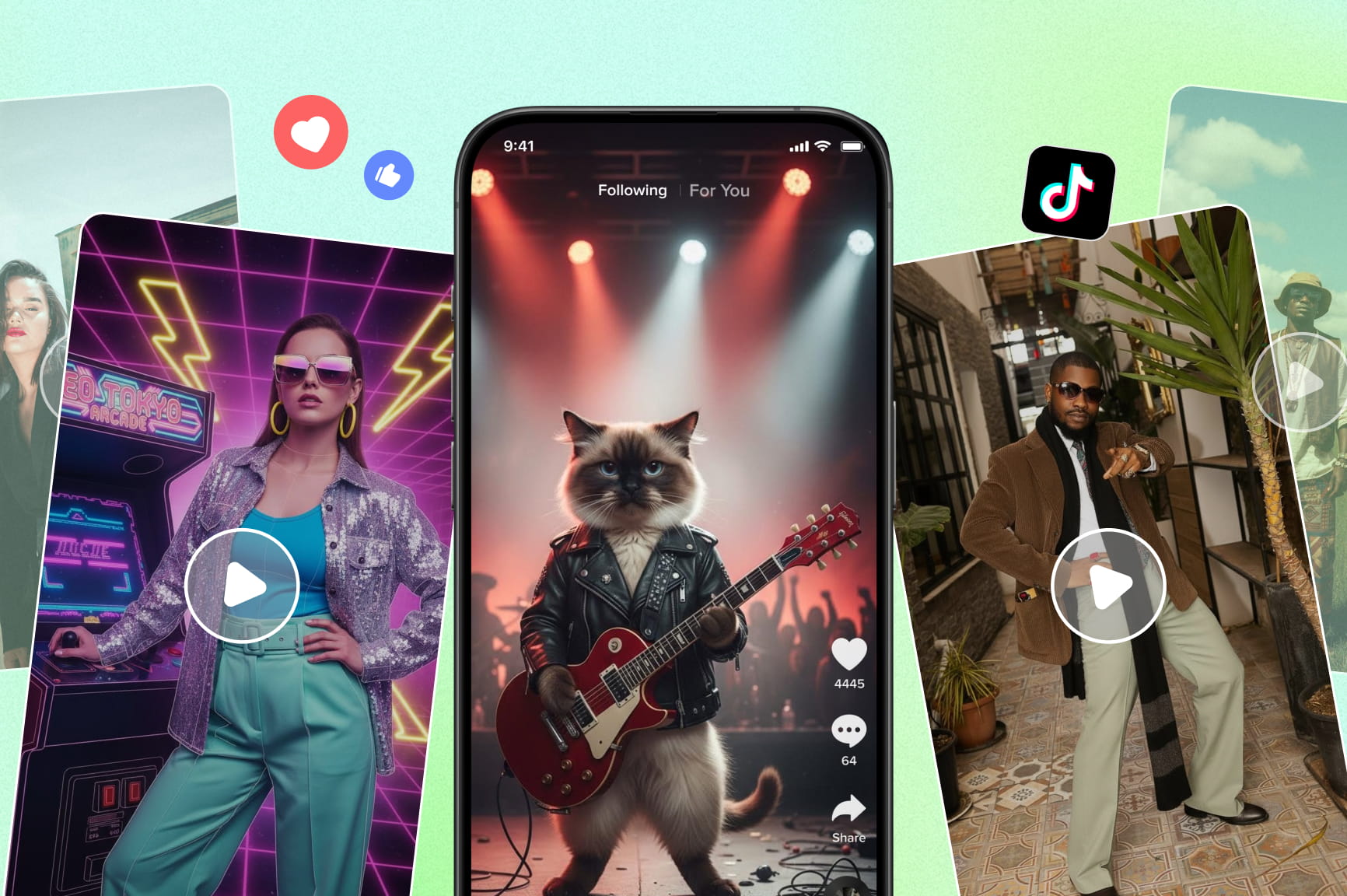
Create viral Twitter videos in minutes using AI. Framia Pro helps you generate, edit, and optimize videos for better engagement on X.

Start for Free
Preparing editor…

What is a Twitter video tool?

A Twitter video tool is an online tool for creating and editing videos that you can share on X, formerly known as Twitter. It can turn text, posts, threads, images, or other assets into short-form video content. The right aspect ratio depends on how you want the video to appear. 9:16 works well for tall, full-screen viewing on phones. 1:1 gives you a square layout that leaves more room for text and graphics without committing to a tall or wide frame. 16:9 suits widescreen presentations, product demos, screen recordings, and videos designed for viewing on larger displays.. These formats are creative options rather than strict X rules. X accepts uploaded video in supported formats and has different file, duration, and resolution limits depending on the account and upload method.

Key features of Framia Pro's Twitter AI video generator

Elevate your X presence using our suite of professional AI tools to create viral, high-quality videos in just a few clicks.

Turn tweets and threads into video scripts

Turn tweets, threads, or ideas into structured video scripts with our Twitter video tool. Framia Pro can organize scenes, narration, captions, and visual directions, which gives you a practical starting point for producing short videos for X without rewriting content manually.

AI marketing research for better engagement

Discover trending topics, audience interests, and content opportunities before creating videos. Our Marketing Research feature helps identify what resonates with your audience, so your Twitter videos are optimized for reach and engagement.

Turn tweets into talking AI avatar videos

Transform plain tweets into engaging talking-head videos with realistic AI avatars. Framia Pro's Twitter video maker adds natural lip-sync and personality, making your opinions, tips, and thread highlights feel more human, personal, and authoritative for higher engagement.

Professional voiceovers with perfect pacing

Generate natural, high-quality voiceovers that match your video’s tone and pacing. AI syncs narration with visuals and captions, ensuring smooth delivery, clear messaging, and a polished, professional feel that keeps viewers engaged from start to finish.

Consistent branding across every video

Maintain consistent branding across every Twitter video automatically. Apply your logos, fonts, colors, visual styles, and brand guidelines with Brand Kit, so every generated video aligns perfectly with your identity without manual editing.

How to use Framia Pro's free Twitter video tool?

Step 1: Open the Agent canvas
Open Framia Pro and describe what you want to post on X. Paste an existing tweet or thread if you want to repurpose written content. You can also start with a fresh topic or campaign idea. Select a skill, set the reasoning mode to Balance, Fast, or Ultra, enable Auto Pilot if you want the AI to run without approval pauses, and hit Enter. Framia Pro writes the scene structure and connects the nodes automatically.
Step 2: Adjust the script
Check the generated script before moving to the final video. Review each scene and adjust the text, visuals, duration, aspect ratio, camera direction, or other settings where needed. Choose 9:16 when you want a tall composition, 1:1 when a square layout suits your text and visuals, or 16:9 for widescreen content. These choices depend on the intended viewing format rather than separate X rules.
Step 3: Generate, refine in chat, and publish to X
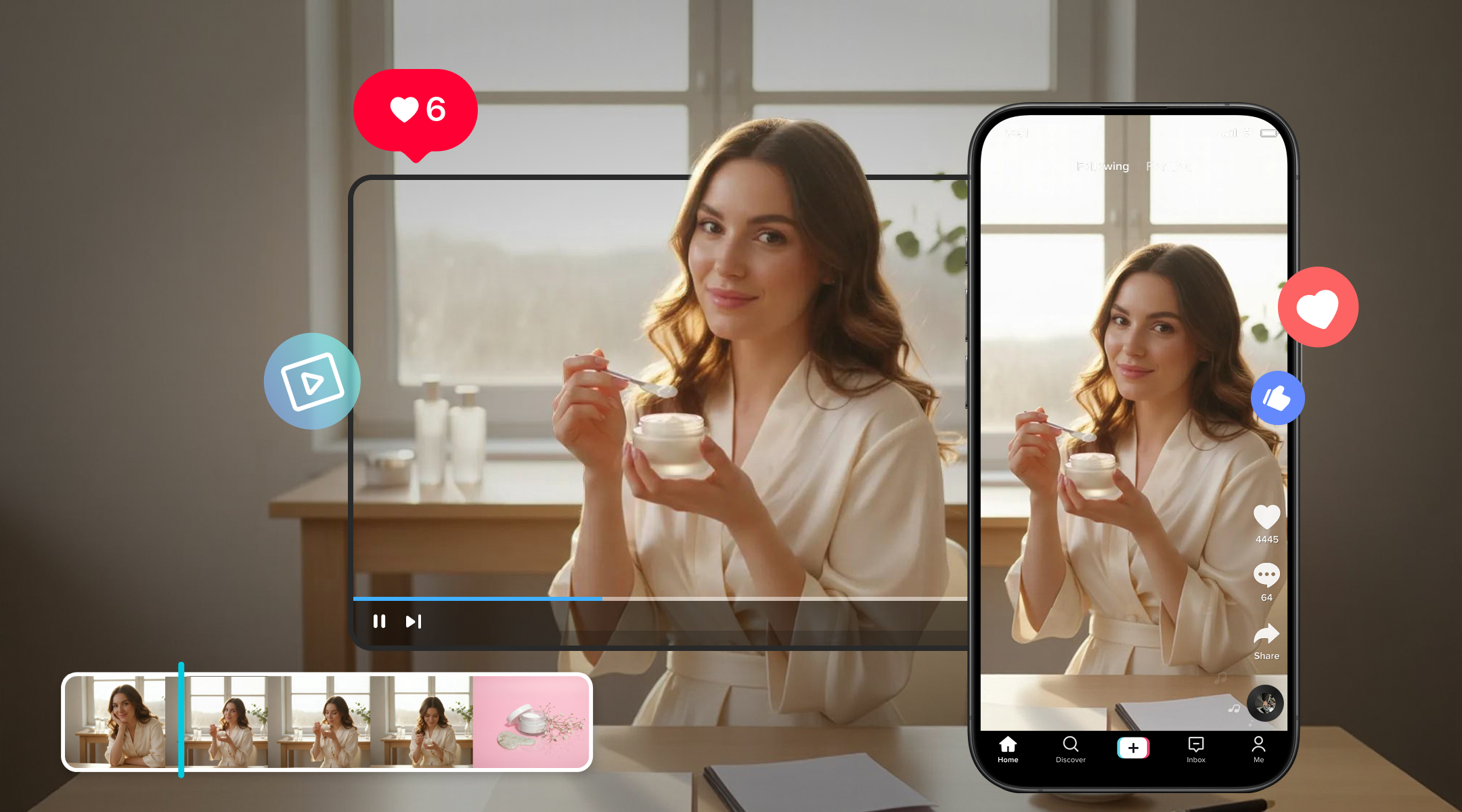
Rerun the workflow after adjusting the nodes, and if one scene lands off, regenerate that node without restarting the whole sequence. Once the clips are ready, open the built-in Video Editor to trim sections, adjust captions, and add any final overlays. Preview the complete video, then export as MP4 at 1080p or publish directly to X from the Framia Pro workspace.

Why choose our Twitter AI video generator?

Elevate your X presence using our suite of professional AI tools to create viral, high-quality videos in just a few clicks.

Make changes without starting over
If a scene feels too slow or a caption needs changing, you can edit the relevant part instead of rebuilding the video. Framia’s AI video editor lets you change scenes, cuts, pacing, captions, and other elements using simple instructions.
Choose the right AI video model
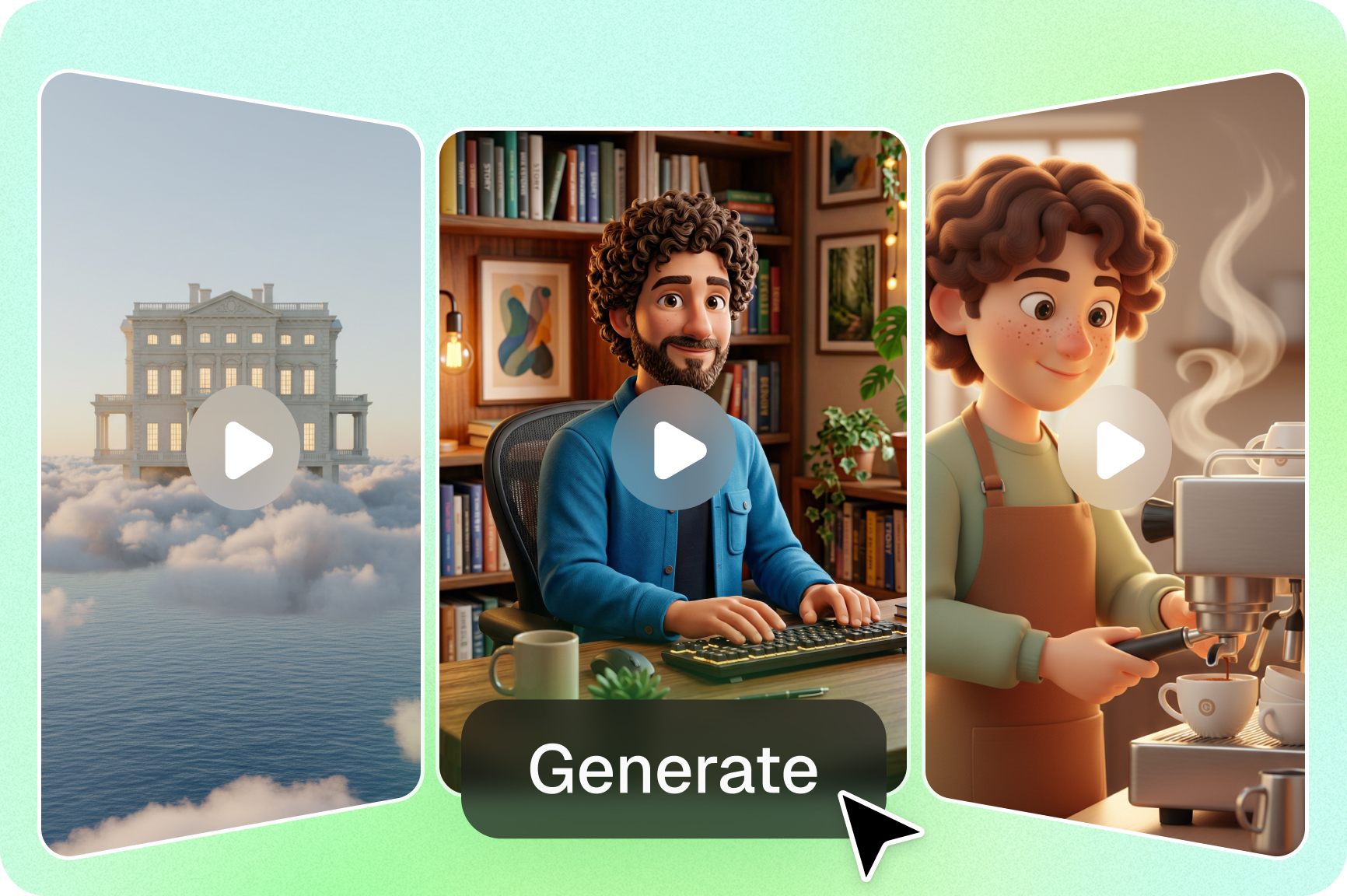
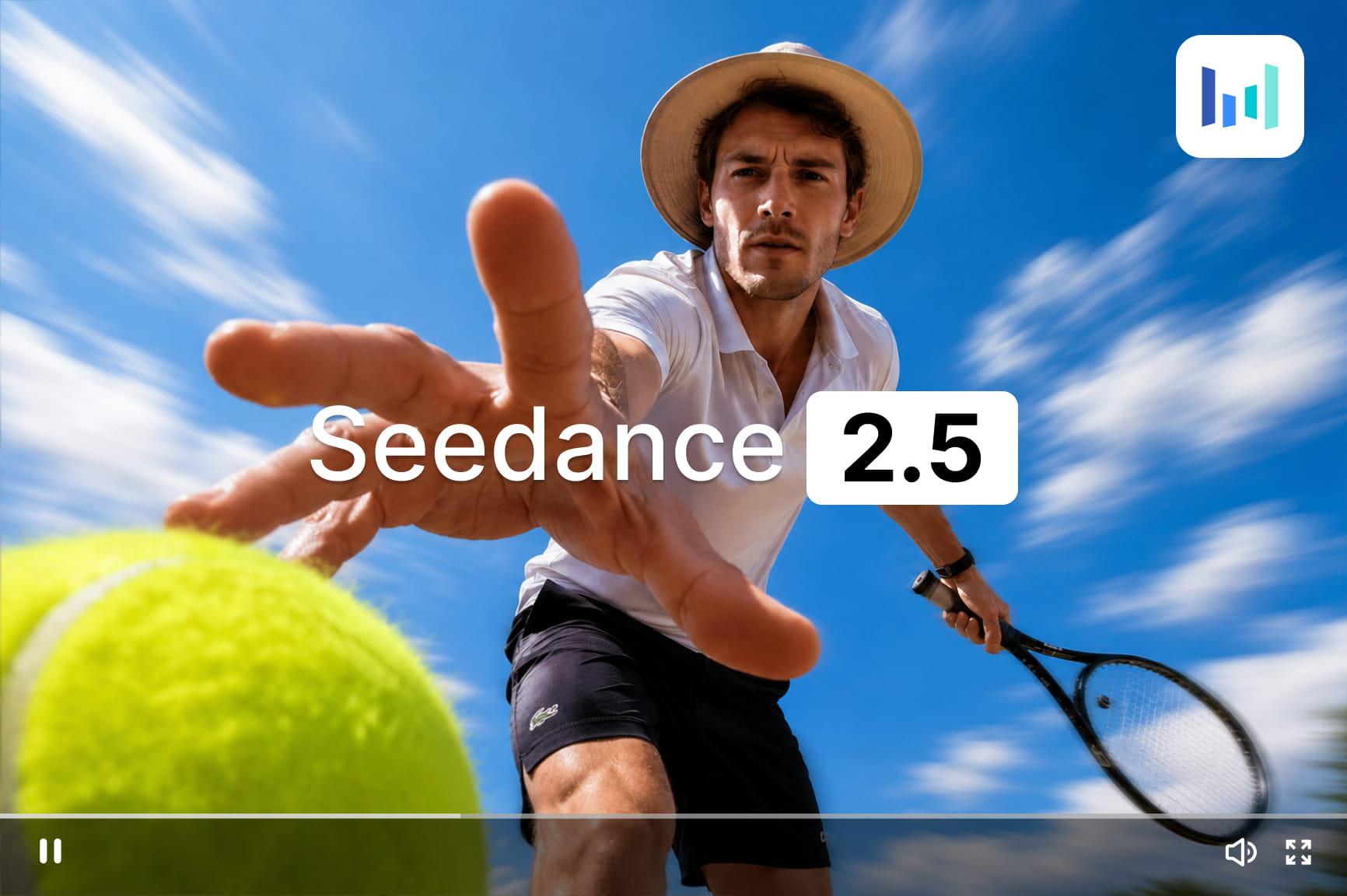
Different posts may need different video styles or generation capabilities. Framia brings models such as Veo 3.1, MiniMax H3, Kling 3.0, and Seedance 2.5 into one platform, so you can choose without moving between separate services.
Publish directly to X
Once your video is ready, you can complete the final editing and export process within Framia, with the source content already prepared for X. The workflow also supports direct publishing to X, reducing another upload step after creation.
Keep the whole workflow in one place
A typical X video can involve writing, scene planning, visual generation, voiceover, editing, captions, and publishing. Framia keeps these operations connected and reduce the need to switch between separate tools and repeat the same creative setup.
Access your video tool anytime online
Use Framia Pro directly from your browser without downloads or installations. Create, edit, and manage your Twitter videos from anywhere, making it easy to stay productive and consistent across devices.

Twitter/X videos you can create with Framia Pro

Get inspired by these scroll-stopping video styles — all generated in minutes using Fraimia Pro's powerful Twitter video tool.

Product Explainer Video

Prompt: 3D product animation showcasing a sleek app interface. Use a professional AI avatar as a digital guide, integrated text overlays for features, and a high-energy, upbeat corporate background track.

Product Demo Teaser

Prompt: "15-second X video teasing a new SaaS dashboard feature, techy aesthetic, upbeat background music, CTA: 'Full demo in thread.'"

Industry News Reaction

Prompt: "AI news anchor-style Twitter video reacting to the latest AI regulation news, 15 seconds, professional tone, split-screen with headline graphic."

Customer Appreciation & Feedback Video

Prompt: A friendly female AI avatar, in a bright, modern living room. Use soft cinematic lighting, clean text overlays for feedback questions, and a warm, welcoming acoustic background track.

Event or Webinar Promo

Prompt: "Video promoting an AI marketing webinar, clean corporate style, date/time lower third, register CTA."

Brand Story / Founder Moment

Prompt: "10-second founder story clip for Twitter: why I started this company, warm and personal tone, soft cinematic visuals, voiceover."

Who can use Framia Pro's Twitter video tool?

Framia Pro's Twitter video tool is designed for anyone looking to scale their presence on X without the need for complex editing software.

Product launches
Turn product details into short launch videos for X. Add product images, key features, pricing, or launch messages to create a focused video. Use visuals, voiceovers, captions, and music to present the product clearly in a short format.
Industry insights
Convert industry updates, reports, trends, or expert opinions into short videos. Start with your source text and shape it into scenes with supporting visuals and narration. This Twitter AI video generator can suit educational posts and commentary.
Event previews
Give your audience a quick look at an upcoming event with our Twitter video maker. Share the event topic, date, speakers, location, or key sessions. Add visuals, captions, music, and narration to present the main details before the event.

What does our community say about Framia Pro?

Join thousands of creators, marketers, and entrepreneurs who are scaling their X presence with our AI-powered Twitter video tool.


"Fraimia Pro turned my daily tweets into professional talking-avatar videos in minutes. The lip-sync is incredibly natural and my engagement has skyrocketed!"
Sarah Chen
Sarah Chen
Content Creator & Influencer
"As a social media manager handling multiple clients, Fraimia Pro is a game-changer. I now generate high-quality Twitter videos at a scale with smart visuals and voiceovers — saving me hours every week."
Michael Torres
Michael Torres
Digital Marketing Agency Owner
"Most video editors make content look like a slideshow. Framia Pro creates native-feeling videos with captions that people actually read. It’s a must-have for anyone serious about growing an audience on Twitter/X."
Marcus T.
Marcus T.
Growth Hacker
"From thread to polished video series — Fraimia Pro does it all. Captions, avatars, and visuals are perfectly aligned. My audience engagement has increased by over 3x since I started using it."
Elena Rodriguez
Elena Rodriguez
Social Media Strategist
"We've replaced our expensive stock video subscriptions with this one tool. The way the AI pairs our tweet text with relevant visuals is spooky-accurate. It's the most efficient Twitter AI video generator on the market."
Jason K.
Jason K.
E-commerce Entrepreneur
"I love how easily I can turn a long-form thread into a series of snackable videos. Framia Pro keeps the branding consistent across all clips, making my profile look professional and cohesive."
Catherine L.
Catherine L.
Social Media Marketer

Find more AI tools on Framia Pro

AI Explainer Video Maker
Create structured explainer videos with synced narration and consistent visuals.
AI Image Generator
Generate high-quality visuals in multiple styles for marketing and content creation.
AI Image Editor
Edit, retouch, and enhance images using simple text prompts with precision.
We've compiled the most important information to help you get the most out of your experience. Can't find what you're looking for?Contact us

Frequently asked questions

What aspect ratios are supported?
The tool primarily supports vertical (9:16) and square (1:1) formats perfectly optimized for X mobile and desktop feeds, but you can also export in widescreen (16:9) for other platforms.
Can I use Framia Pro's Twitter video tool for free?
Yes. You can start creating and testing our X video tools using the free credits upon signing up. This allows you to explore different models and avatars before choosing a plan that fits your needs.
Can I use the generated videos for commercial ads?
Yes. Videos created with Framia Pro are high-resolution and professional, making them ideal for promoted tweets, product launches, and brand awareness campaigns designed to drive high conversion rates.
Can AI help me find content ideas for Twitter?
Yes. Framia Pro's AI Marketing Research identifies trending topics, audience interests, and content opportunities, helping you discover engaging ideas and create Twitter videos designed for higher reach and engagement.
Can I keep all my Twitter videos consistent with my brand?
Yes. Framia Pro's Brand Kit automatically applies your logos, colors, fonts, and visual guidelines, ensuring every Twitter video stays consistent, professional, and aligned with your brand identity.
Can I turn a long Twitter thread into multiple short videos?
Yes. Paste the full thread into the Framia Pro canvas, and the AI breaks it into individual scenes, each covering one point from the thread. You can generate them as separate clips for a video series or assemble them into one longer video, depending on how you want to post.
What video formats does Framia Pro export for X?
Framia Pro exports as MP4, which is X's preferred format. Output resolution goes up to 1080p. Set the aspect ratio before generating, such as 9:16 for mobile vertical, 16:9 for widescreen, or 1:1 for square, and the exported file is ready to upload or publish directly from the workspace without any conversion step.
Can I add my own footage to a Twitter video tool?
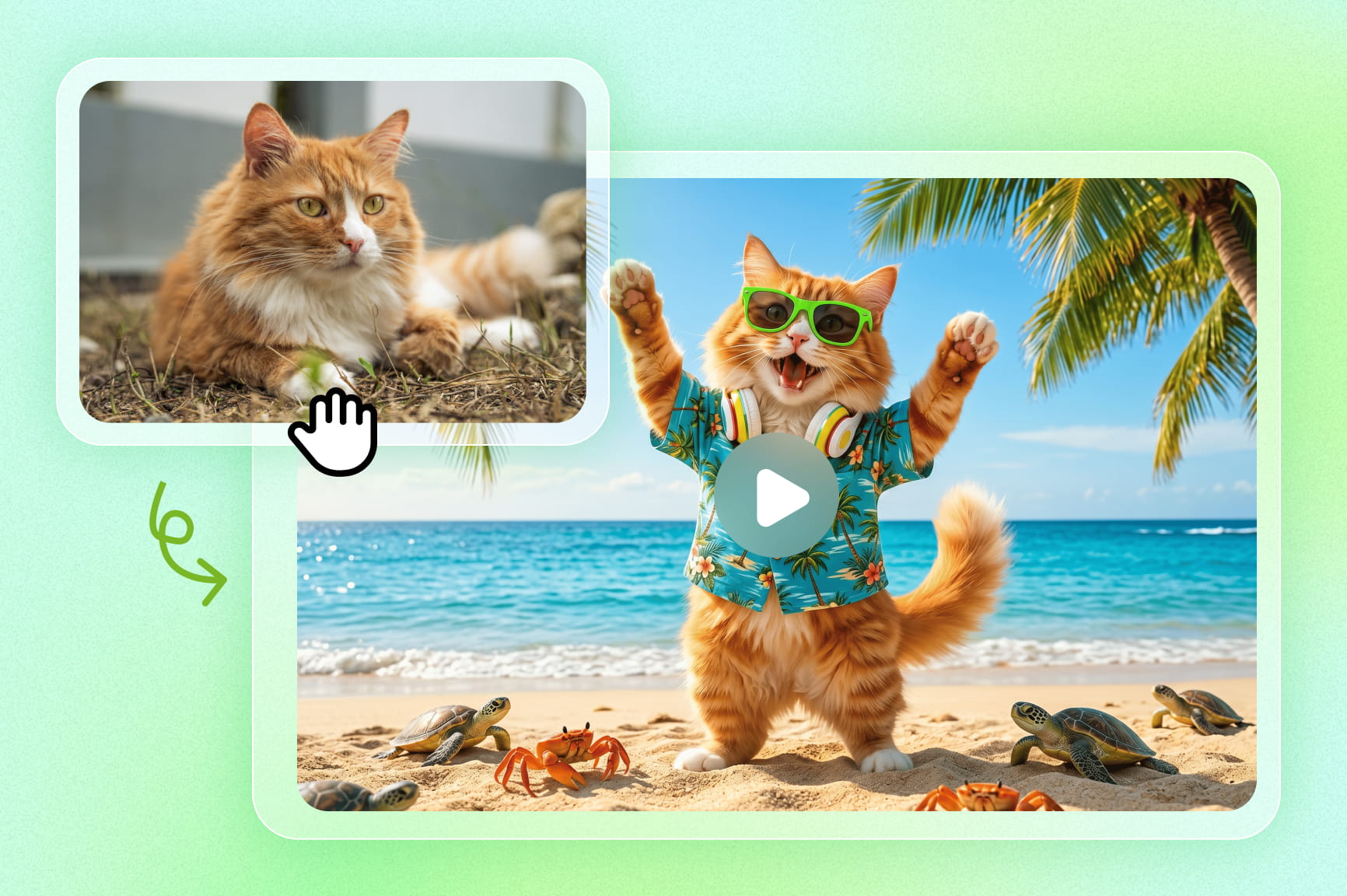
Yes. Upload your own clips, product recordings, or screen captures as reference assets into the Agent canvas. The AI incorporates them into the generated sequence alongside any AI-generated visuals, so the final video mixes your real footage with generated scenes in one timeline.

Still have questions?

Have questions or need assistance? Our team is here to help!

Ready to Scale Your X Presence?

Stop struggling with complex editors. Use Framia Pro to generate, edit, and polish high-quality Twitter videos using simple AI commands.
Twitter Video Tool Online: Create Viral X Videos with AI