AI Architecture Generator Online

Create modern buildings, layouts, and concept visuals with an AI architecture generator. Explore AI architecture design ideas, generate plans, and test styles for homes, offices, and urban projects.

Start for Free

How to create an AI architecture design with Framia Pro?

With Framia Pro, you can create an AI architecture design using these steps:

Enter your architecture idea
Open the Design tool, type a prompt to describe building type, layout, materials, and lighting. Click "+" to upload a reference image.
Generate architecture design
Select an AI model and output size, and then run generation. The AI creates building concepts based on your input
Refine and download results
Review the generated AI architecture design, adjust details with prompts, and download high-resolution renders or plan visuals

Sample prompts to try with the AI architecture generator

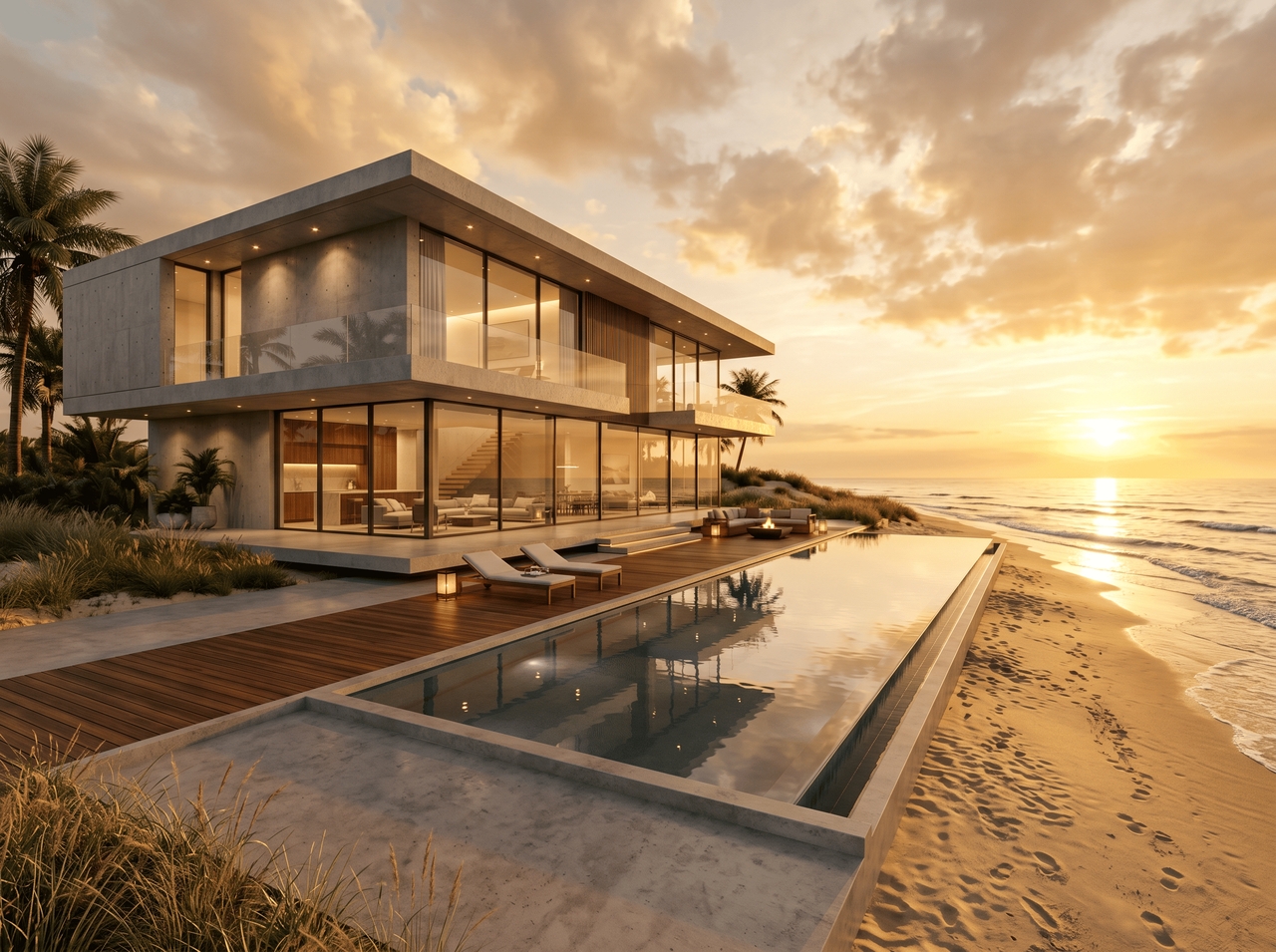
"Modern minimalist villa with floor-to-ceiling glass, concrete exterior, and infinity pool. Add golden hour lighting and beachfront setting.
1777004082154-20260424-121428
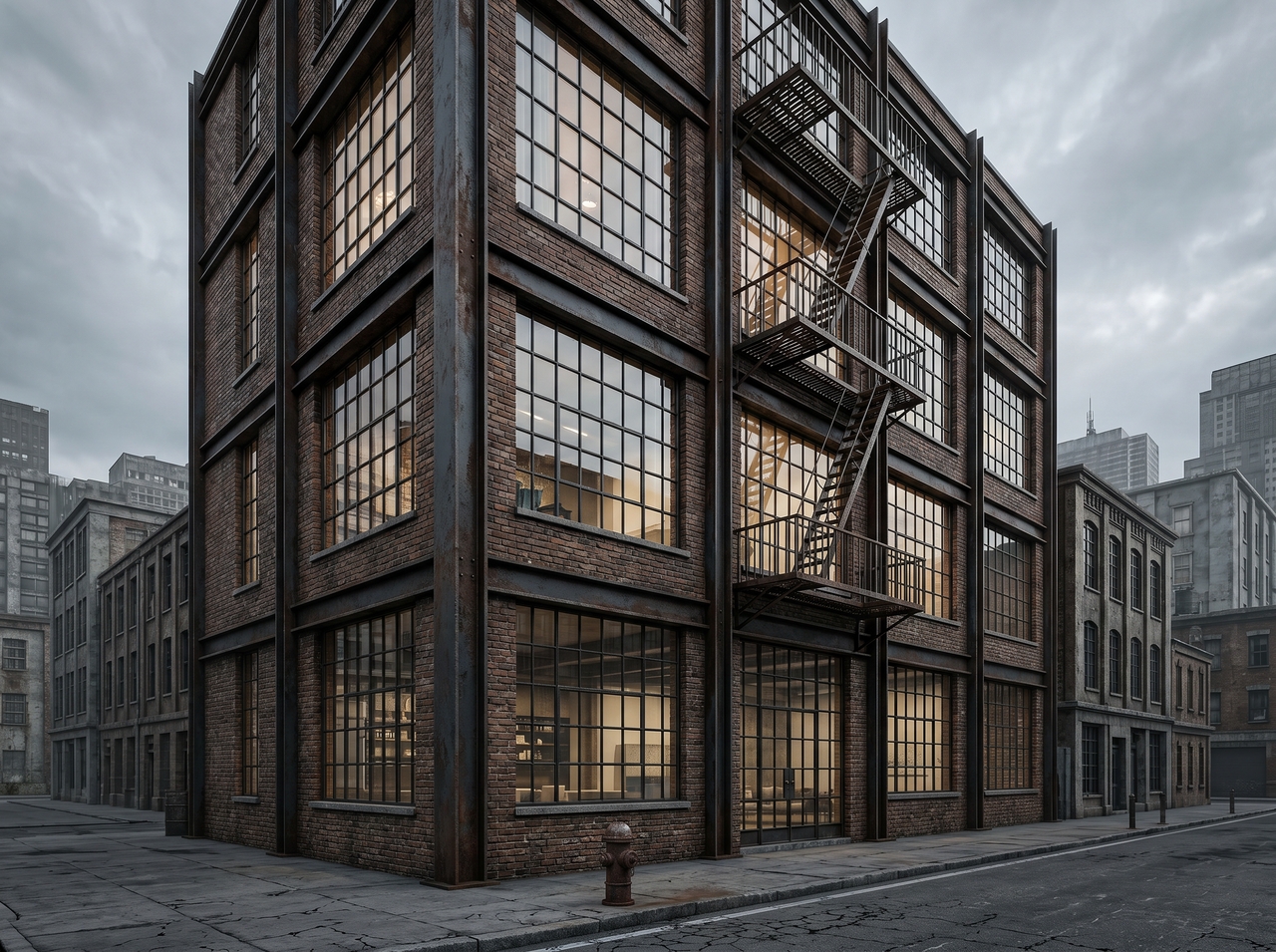
Industrial loft apartment building

"Industrial loft apartment building, exposed brick and steel, downtown urban backdrop, overcast sky."

"Scandinavian residential home, white render, timber cladding, snow-covered landscape, soft natural light."
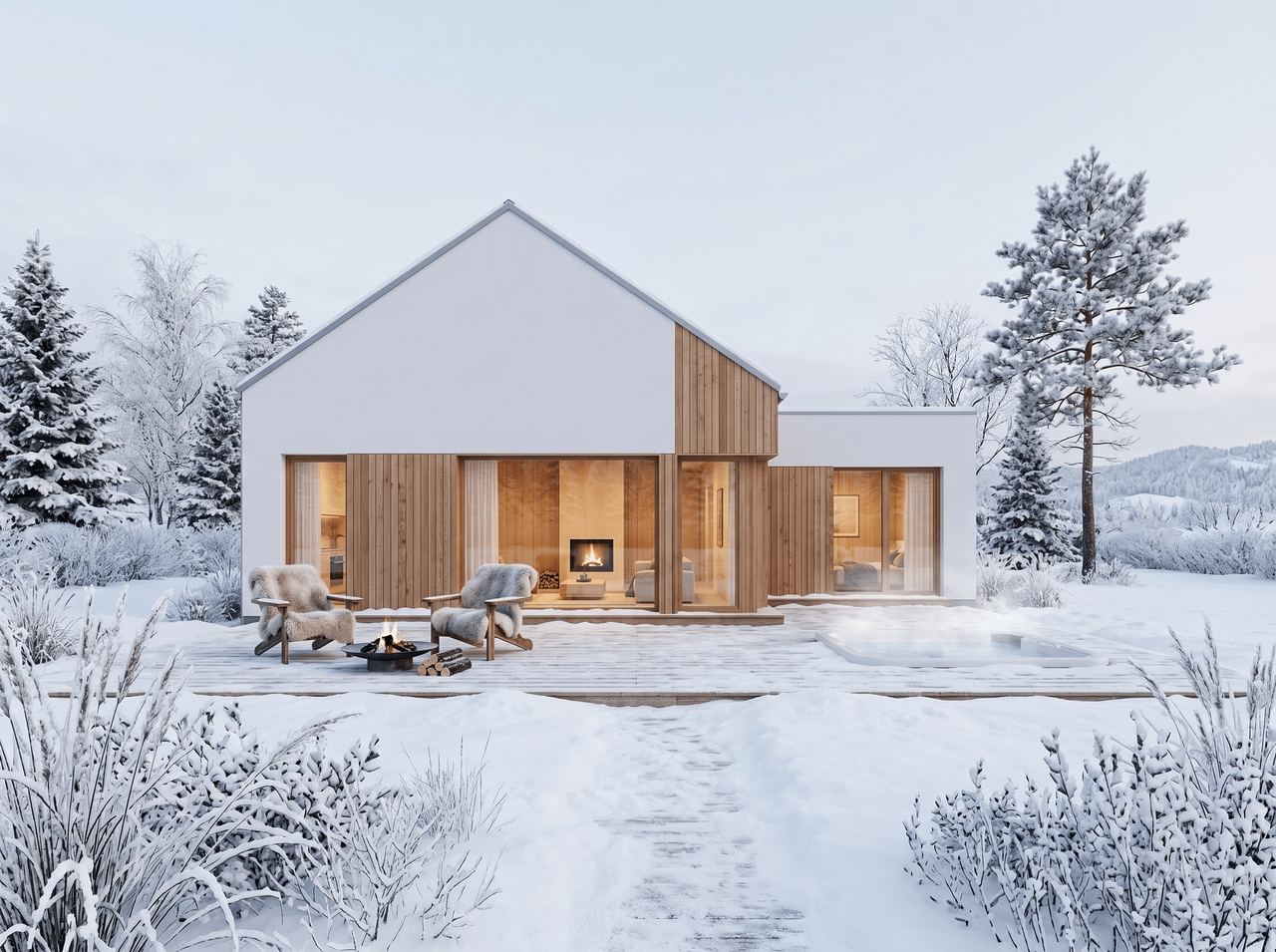
Scandinavian residential home
Luxury high-rise tower

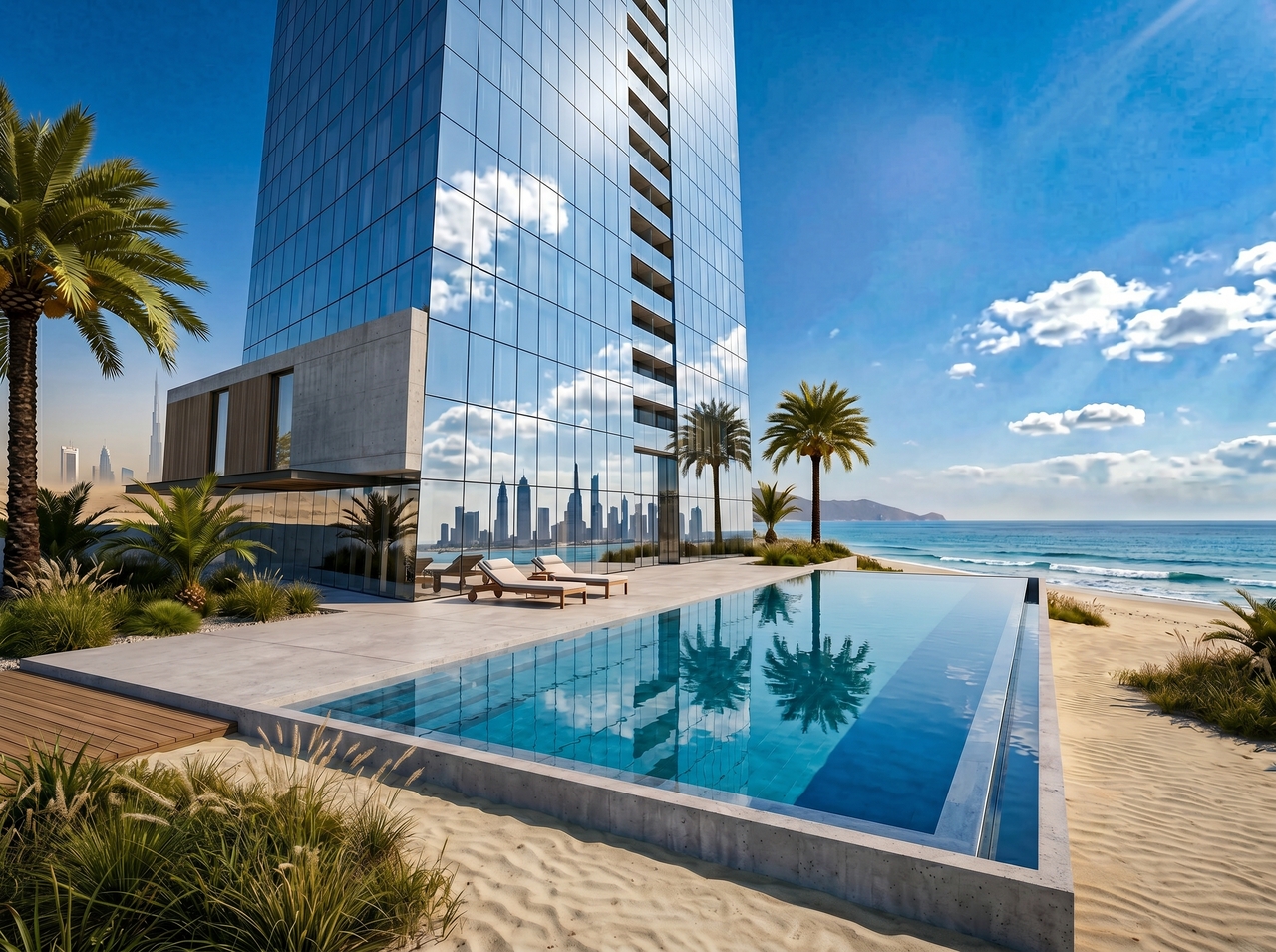
"Luxury high-rise tower, curtain wall façade, reflective glass, photorealistic render, Dubai skyline."

Sustainable eco-home with green roof, stone walls, surrounded by forest. Add bright daylight and a wide-angle view."
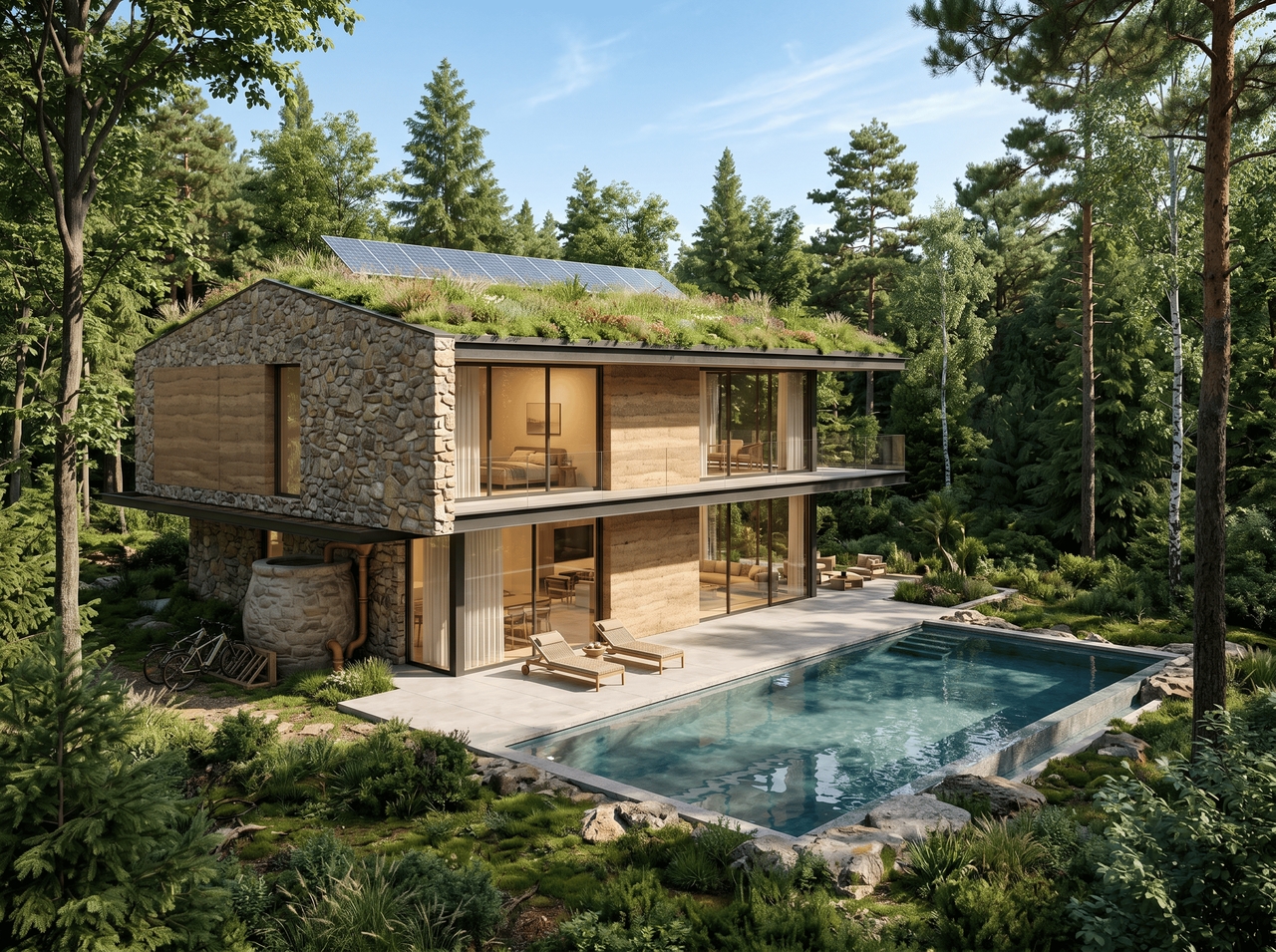
1777004239619-20260424-121656
Brutalist community center

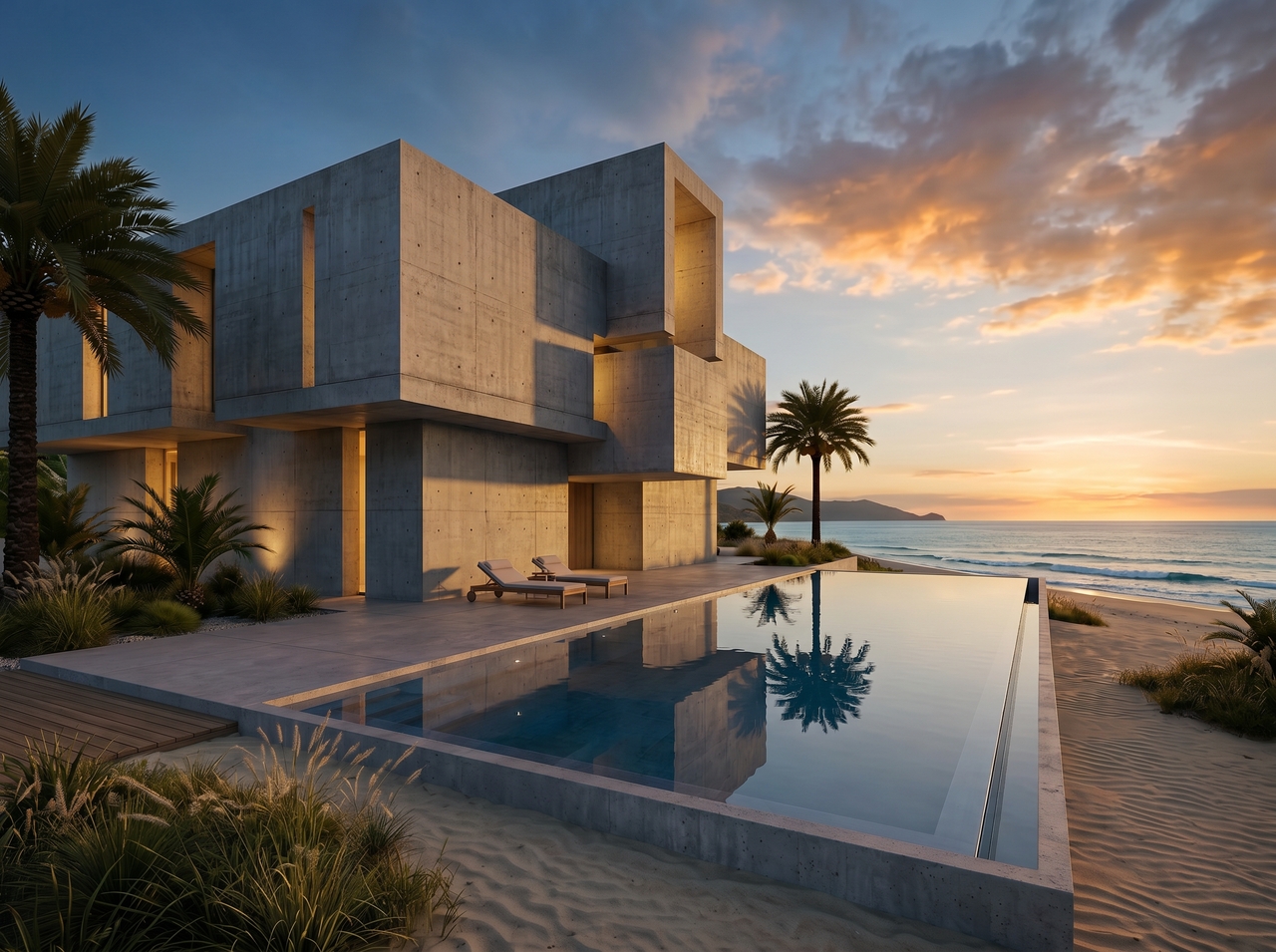
"Brutalist community center, raw concrete, geometric form, dusk lighting, photorealistic architectural visualization."

Key features of Framia Pro's AI architecture generator

Generate photorealistic AI architecture designs from a single text prompt with Framia Pro!

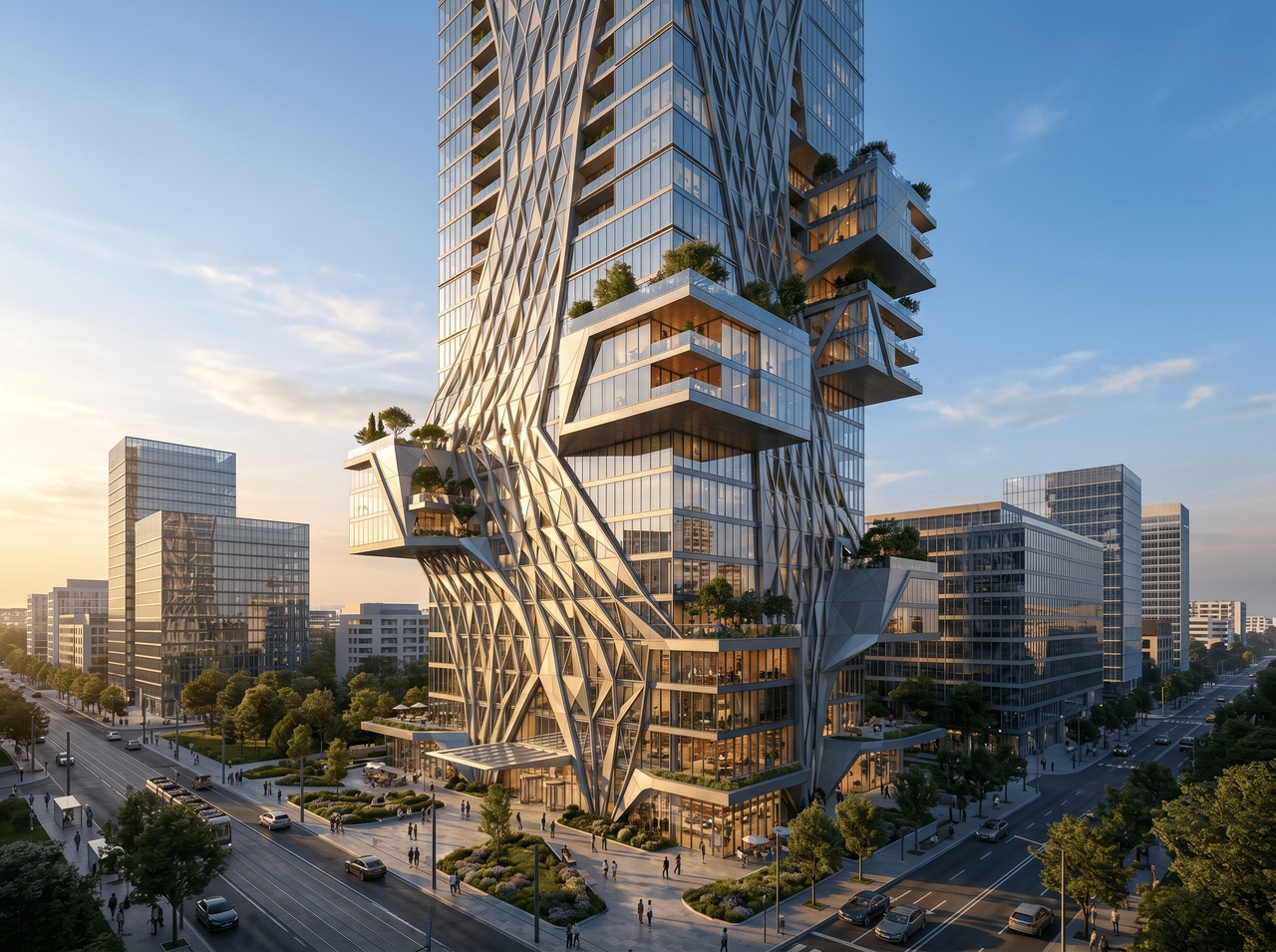
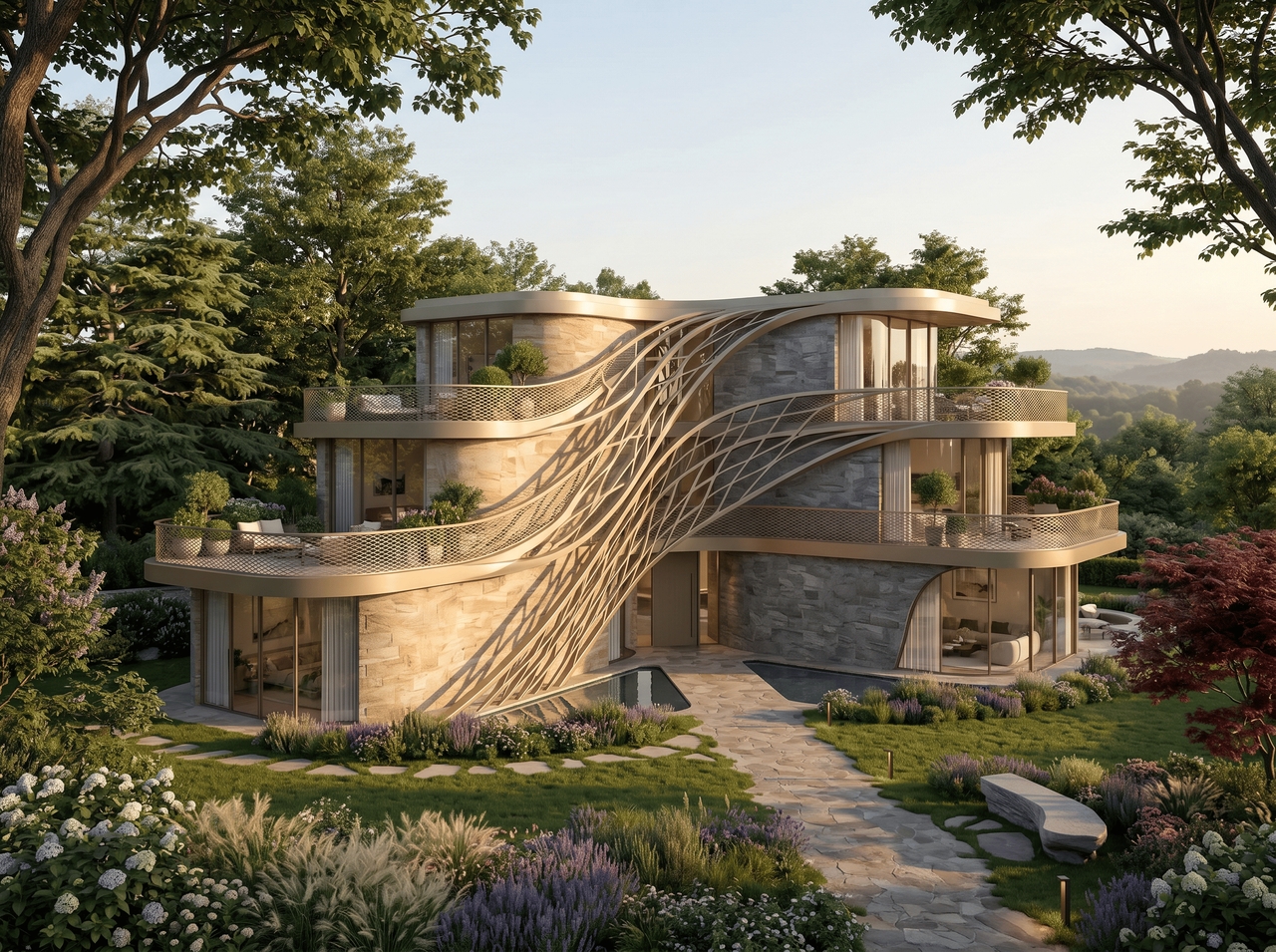
Generate a building concept from text

Describe your structure, and use Seedream 5.0, MidJourney v7, Nano Banana Pro, or other models to convert it into an architectural design. The AI interprets style, materials, lighting, and setting to produce outputs that typically take design team days to produce.
Generate a building concept from text
Create new designs from images

Create new designs from images

Upload an existing photo, sketch, or reference render and let Framia Pro's AI turn it into a fresh architectural design. The model reads spatial context, surface details, and structural cues to generate a new concept grounded in what you uploaded.

Customize and refine your designs

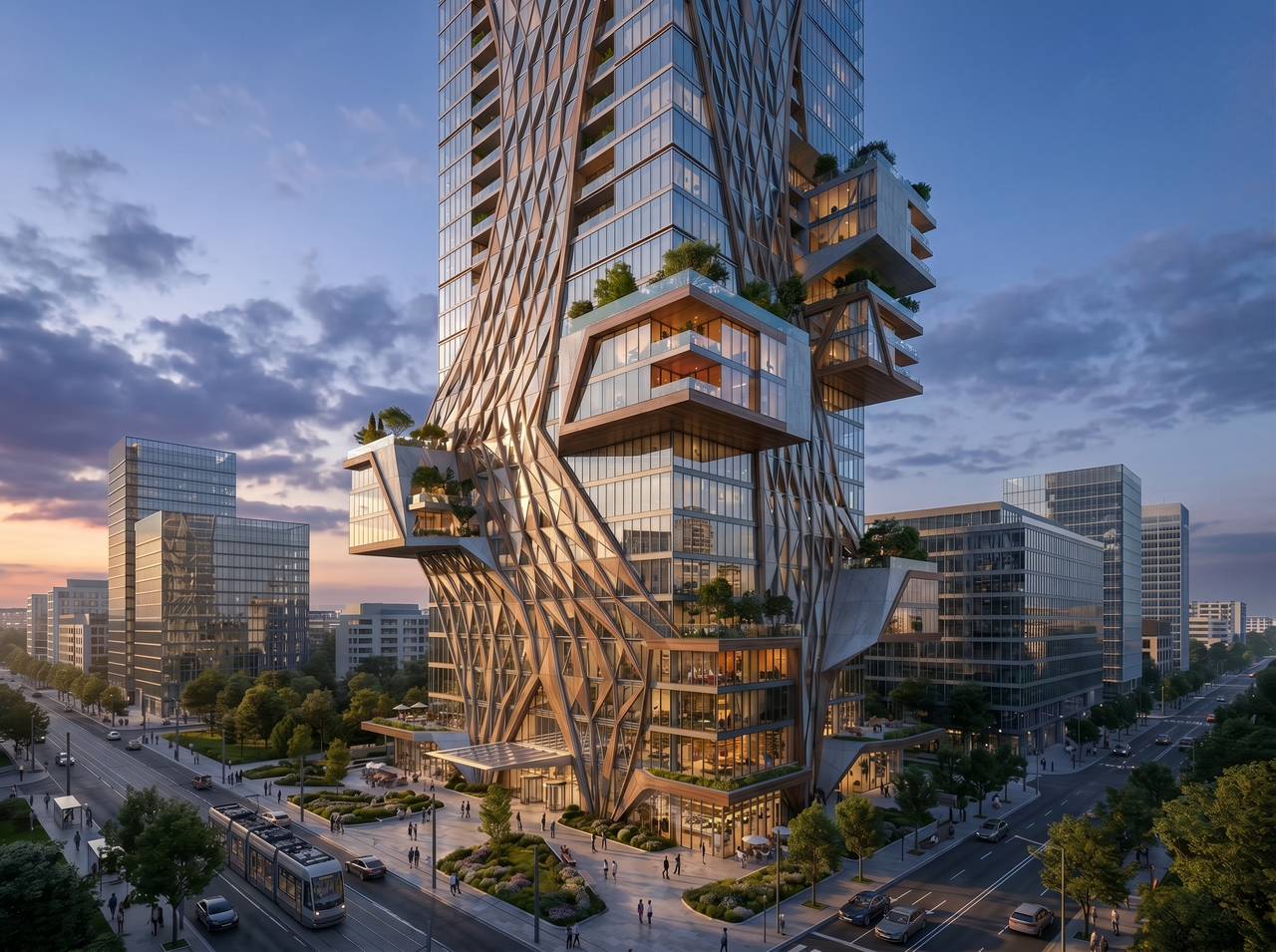
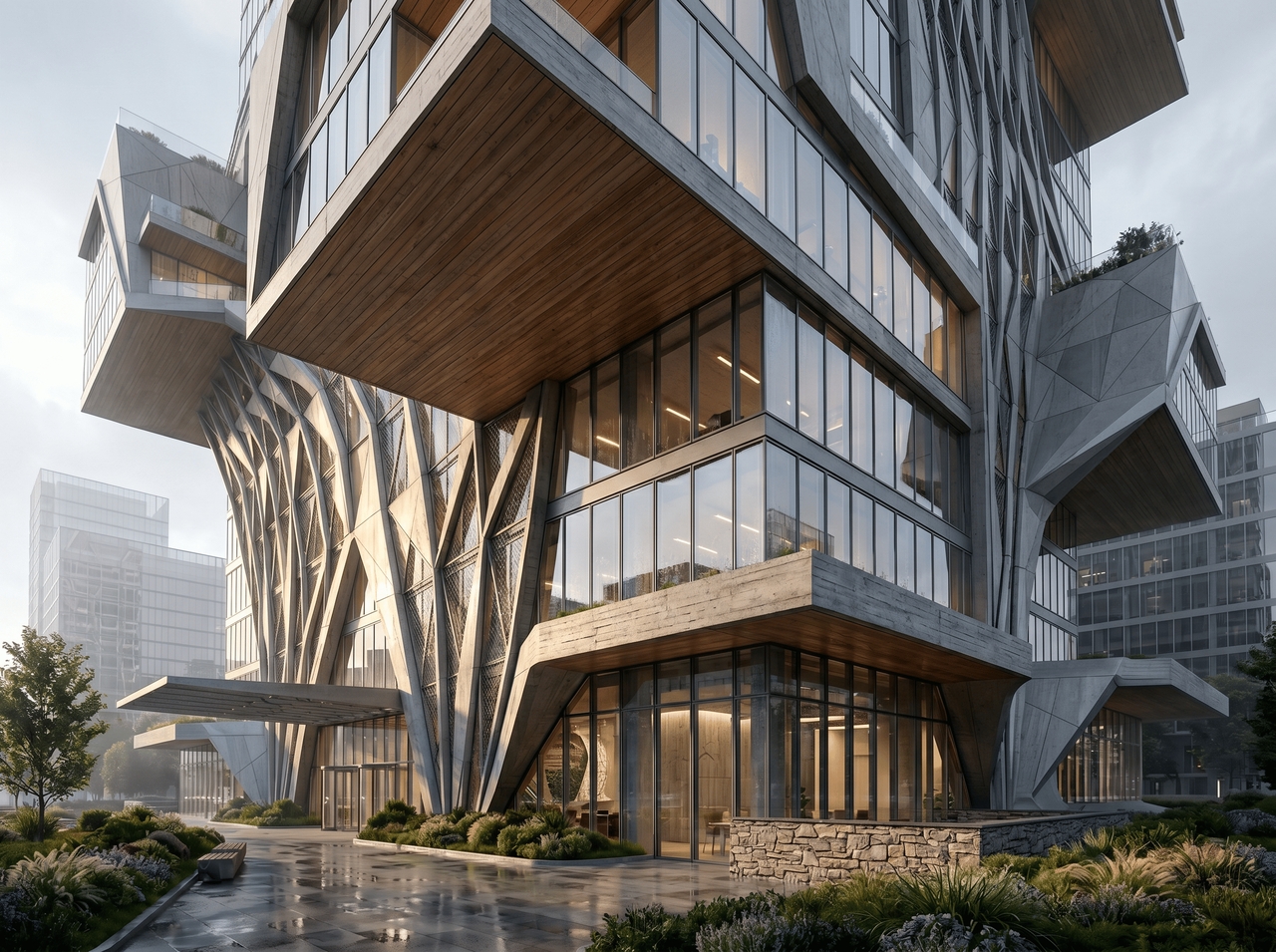
Open any generated design and adjust individual elements through chat commands. Swap materials, reframe the scene, or shift the time of day. Replace background, edit layers, and more. Each edit updates the design in real time.
Customize and refine your designs
Control structure, materials, and lighting

Control structure, materials, and lighting

Specify concrete, glass, timber, or stone in your prompt, and the AI renders each material with accurate texture and light response. Layer in atmospheric cues like dawn, overcast, or dramatic evening light to shift the entire mood of the design.

Maintain consistent visual style in designs

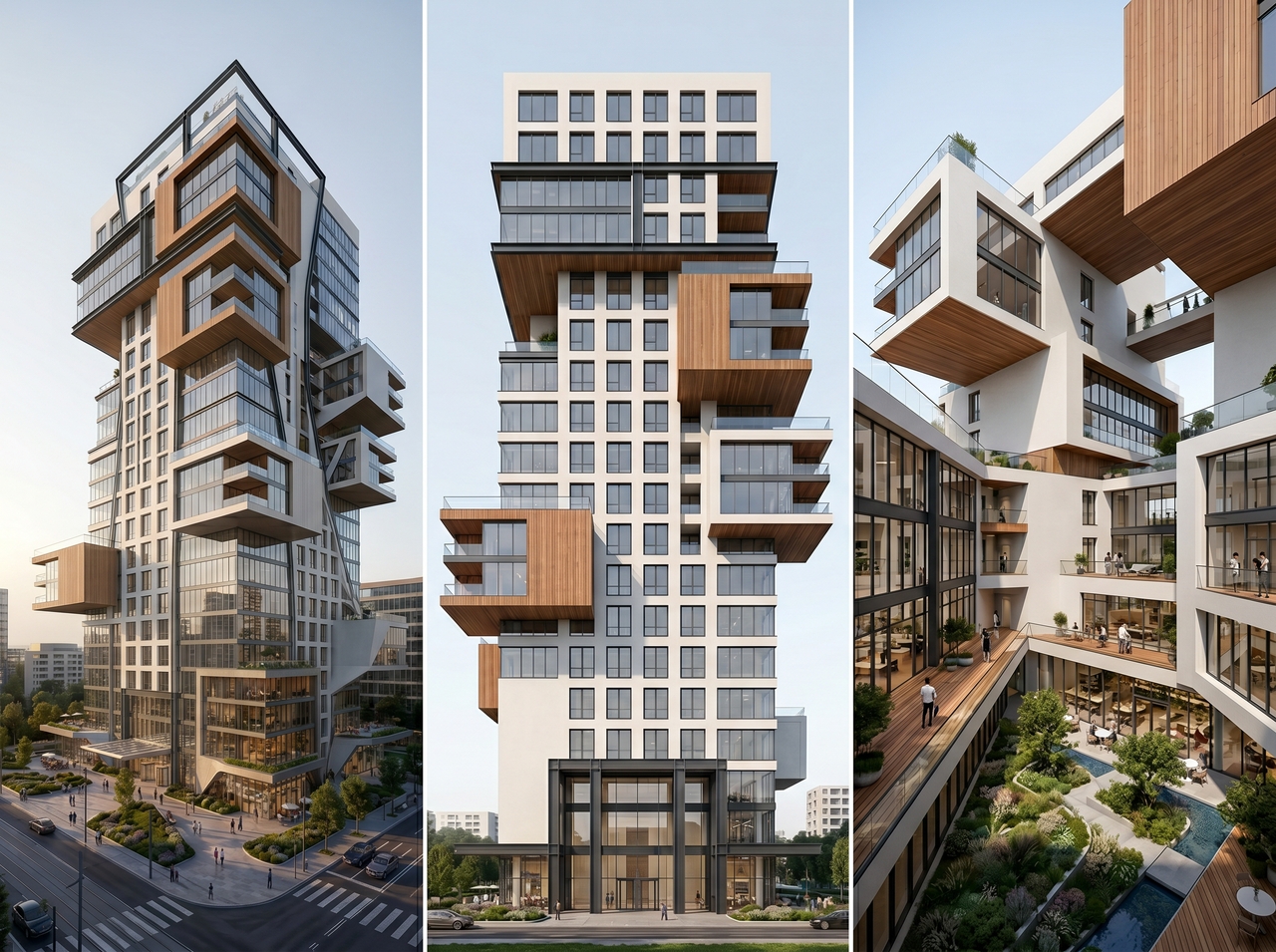
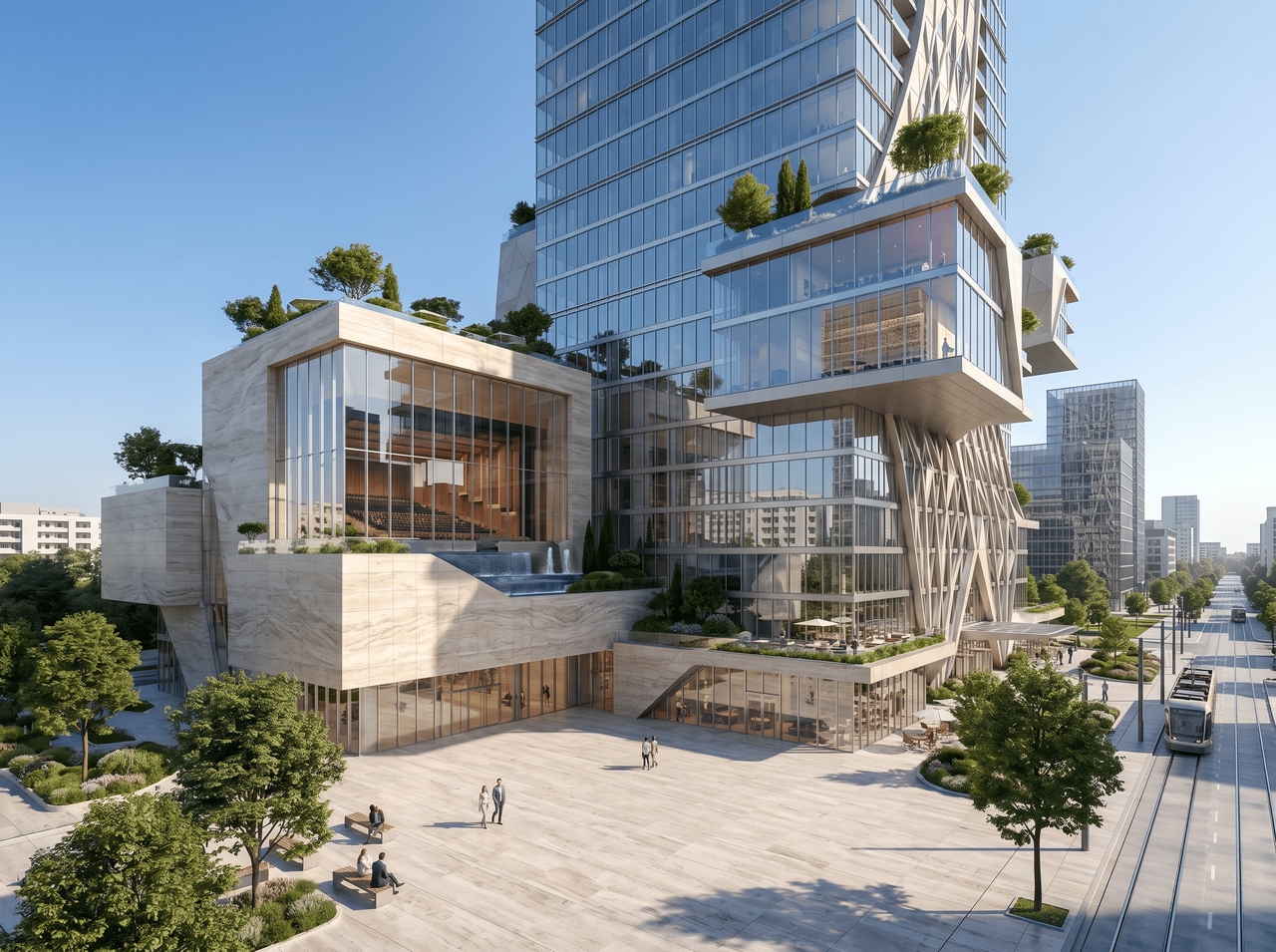
Generate multiple views, elevations, or concept variations while preserving the same architectural style throughout with Framia Pro's AI plan architecture generator. Structural proportions, material choices, and tonal palette stay coherent from one output to the next.
Maintain consistent visual style in designs
Upscale your designs with one click

Upscale your designs with one click

Export any AI architecture render at 4K resolution through Framia Pro image upscaler. Details sharpen, textures clarify, and the output lands at a quality level that fits directly into client presentations or planning submissions.

What can you design with Framia Pro's AI architecture generator?

From a single home to an entire city block, Framia Pro covers every scale of architectural design.

Residential homes and villas
Design custom homes using our AI architecture generator that defines layout, room flow, materials, and lighting. Create villa concepts with gardens, pools, and open spaces. Adjust structure details to match client needs and explore multiple living styles in one place.
Commercial buildings and offices
Create office layouts and commercial structures with Framia's AI architecture design tool. Define workspace zones, entry points, and facade ideas. Generate concepts for retail spaces, coworking hubs, and corporate offices that match function and design goals.
High-rise towers and mixed-use developments
Generate tall building concepts with mixed-use planning using AI architecture plan generator tools. Define residential, retail, and office layers. Explore structure scale, spacing, and skyline presence while testing modern and future-focused design ideas.
Exterior facades and elevation renders
Produce detailed facade concepts using our AI rendering architecture tool. Set materials, textures, and lighting direction. Generate elevation views that show front, side, and perspective angles for better presentation and design review.
Urban planning concepts and architectural site plans
Use AI to create the architecture of the future for any project. Define road placement, green areas, and building distribution. Generate site plans that show spatial arrangement and land use for cities, communities, or development projects.
Renovation and remodel concept visualizations
Rework existing spaces using our AI architecture generator for free. Define changes in layout, structure, and exterior elements. Generate remodel concepts for homes or offices that show before and after ideas for better planning decisions

Why use Framia Pro's AI for architectural design?

Understand how Framia's AI architecture improves design speed, flexibility, and idea testing.

Faster concept creation
Generate building ideas in seconds using the Framia Pro AI image generator. Enter layout, size, and style to get instant concepts. Skip long drafting stages and review multiple directions early, which supports quicker planning and faster client discussions.
Refine without rebuilding
Spot something off in a render and fix it through a chat command. Framia Pro's best AI architecture tool updates structure, materials, and lighting in real time, so each iteration builds on the last one rather than starting fresh.
Easy experimentation with styles
Switch from brutalist to Scandinavian to parametric and compare outputs side by side. Framia Pro's AI architecture design tool lets you test completely different aesthetic directions in one session at zero additional cost.

Stories from people using our AI architecture tools

See how architects, designers, and developers use our AI architecture generator to win more clients.


A client meeting was two hours away, and nothing was prepared. I typed the brief into Framia Pro, chose Seedream 5.0, and had three photorealistic renders on screen before the call. The client approved the direction that same day.
Layla M.
Layla M.
Freelance Architect
Our studio renders were two weeks out, and the investor pitch was that Friday. I ran the brief through Framia Pro and got presentation-grade AI architecture designs the same afternoon. One investor asked which studio produced them.
Omar R.
Omar R.
Real Estate Developer
I was switching between brutalist and biophilic directions for a university project and kept rebuilding from scratch. Framia Pro let me test both in one session. My tutor assumed I had an entire team behind the submissions.
Nina K.
Nina K.
Architecture Student
A client needed three material finishes to be compared before signing off on a villa extension. I uploaded a photo of the site, described each option, and sent the AI architecture renders over by afternoon. They signed the next morning.
Rafael V.
Rafael V.
Interior Designer
We needed concept visuals for a housing feasibility study and didn't have time to hire a visualization team. I described the massing and street context, and the AI architecture design came out detailed enough to go straight into the report.
Hana T.
Hana T.
Urban Planner
I used to turn down fast-turnaround projects because renders took too long. Now I take them. I describe the structure, refine through chat, upscale to 4K, and deliver something that looks like it came out of a serious firm.
Marcus W.
Marcus W.
Design Consultant
We've compiled the most important information to help you get the most out of your experience. Can't find what you're looking for?Contact us

Frequently asked questions

Is Framia Pro's AI architecture generator free?
Yes. Framia Pro offers a free AI architecture generator with limited credits to get started. Premium plans unlock higher resolution exports and additional generation credits.
What is the best AI for architectural design?
Framia Pro is built specifically for architectural visualization and offers photorealistic rendering, style transfer, and a simple prompt interface. This makes it a strong choice for architects and designers at any level.
Can I use Framia Pro as an AI architecture plan generator?
Yes. Beyond exterior renders, Framia Pro supports concept-stage architectural plan generation, helping you visualize spatial layouts alongside photorealistic building visuals.
How does AI rendering in architecture work?
AI rendering in architecture uses generative models trained on libraries of architectural images and styles. You describe your design in natural language, and the AI generates a render that matches your brief.
What architectural styles does the AI support?
Framia Pro supports minimalist, modernist, brutalist, Scandinavian, industrial, biophilic, parametric, art deco, and more, including speculative architecture of the future AI styles.
Can I use Framia Pro's AI architecture generator for commercial projects?
Yes. Every AI architecture design you generate on Framia Pro comes with full commercial usage rights. Use the outputs in client decks, planning submissions, investor pitches, or published portfolios.

Still have questions?

Have questions or need assistance? Our team is here to help!

Generate your AI architecture design!

No software. No design experience needed. Just describe your vision and let Framia Pro's AI do the rest. Free to try & instant results.

AI Architecture Generator for Smart Design and Planning Ideas