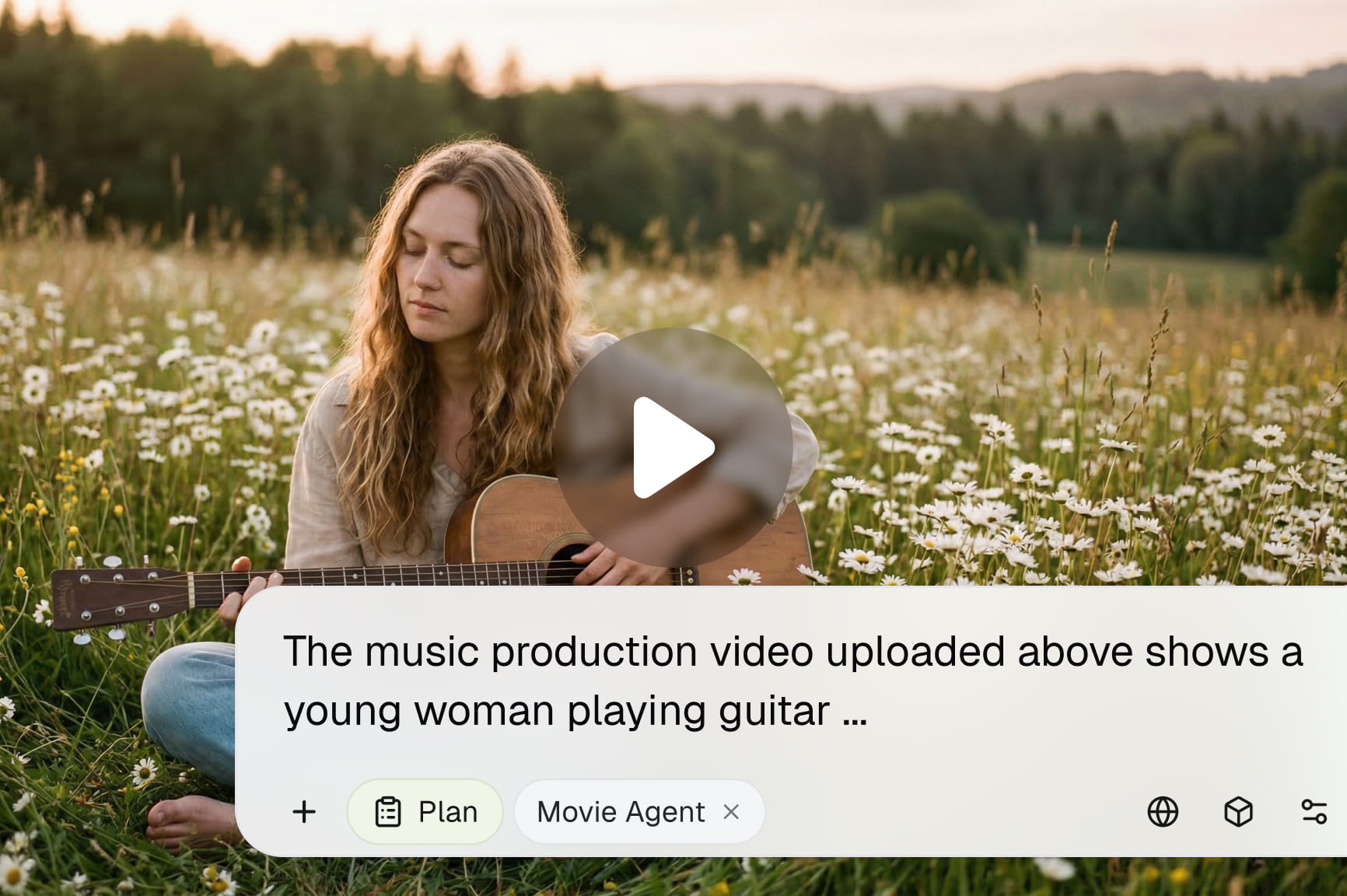
Mureka AI Music Generator

Turn your lyrics, prompts, or melodies into royalty-free songs with realistic vocals with Framia Pro. No instruments or studio time needed.

Start for Free

How to use Mureka AI on Framia Pro?

Start creating songs with Mureka on Framia Pro in three simple steps using text prompts

Add your prompt
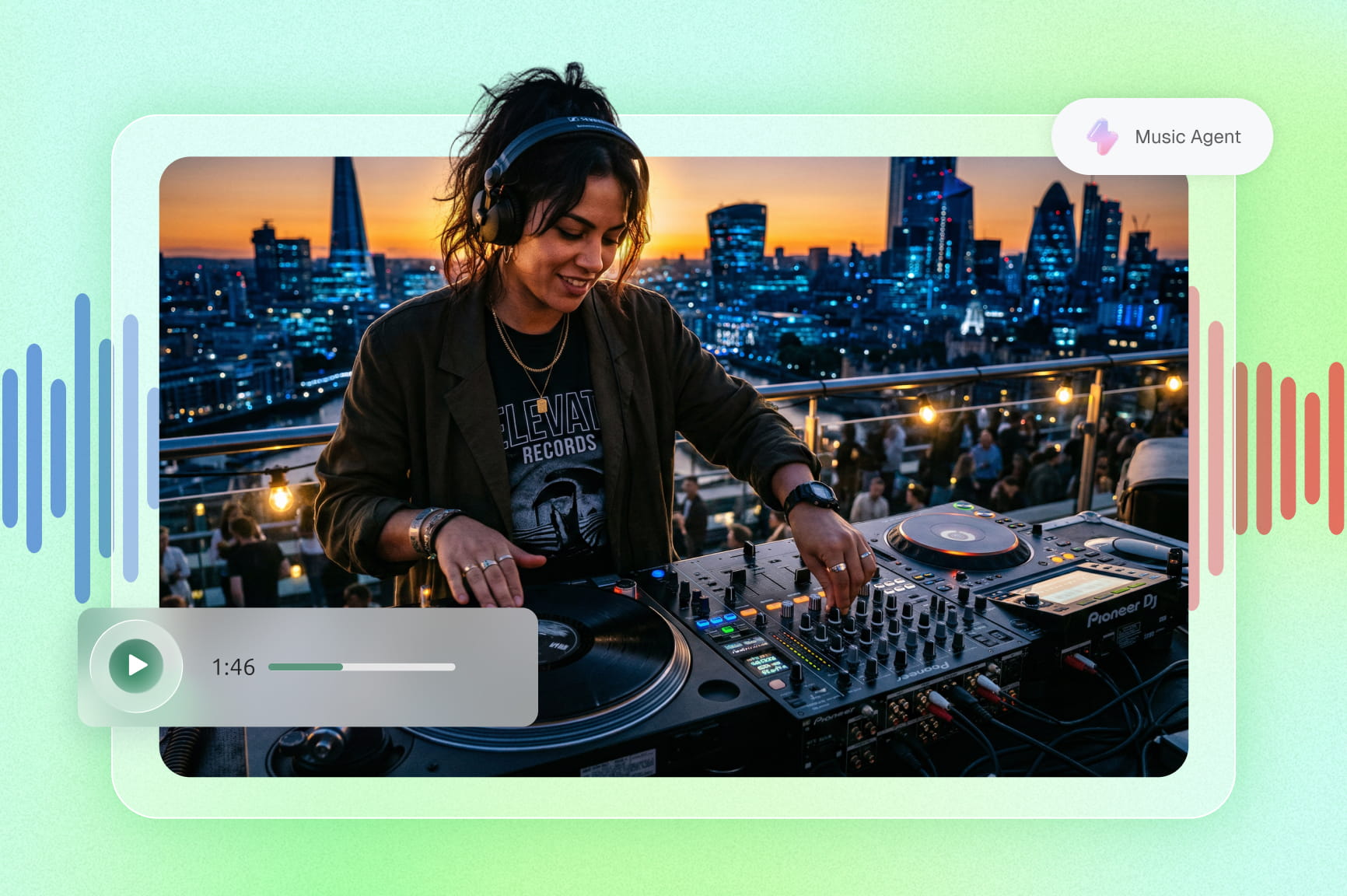
Sign in to Framia Pro, open "Music Agent" from the home page, and enter a short description, lyrics, or mood to guide your song creation.
Generate your track
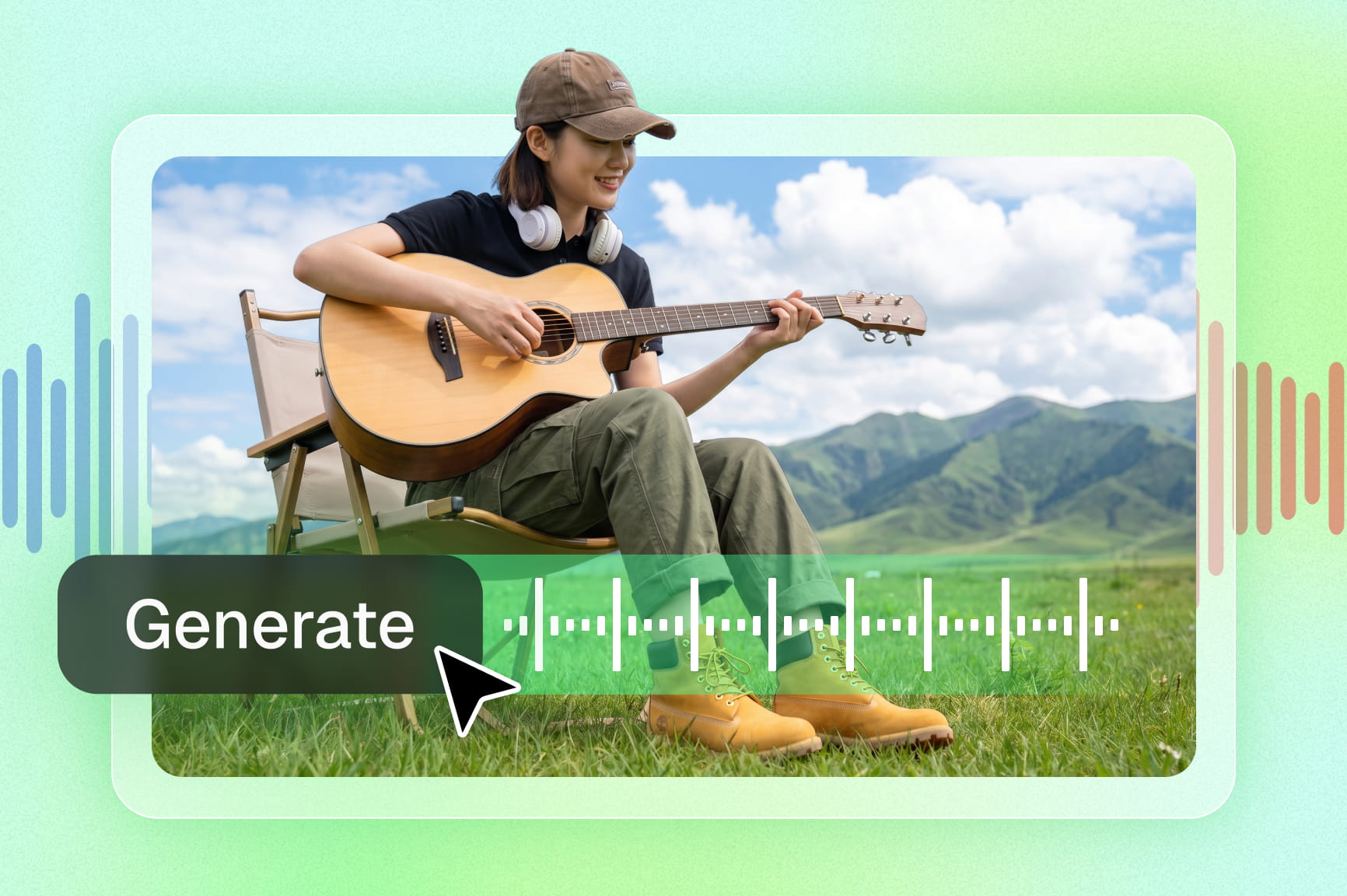
Open "Select Models," choose "Mureka" under the Audio tab, then click "Generate" to create a full song with vocals, melody, and instruments.
Preview and download
Play the generated track to check structure, vocals, and flow. Click "Download" to save your song in MP3 format for use in your projects.

Key features of the Mureka v7.5 model on Framia Pro

Generate full songs using Mureka v7.5 on Framia Pro with lyrics, vocals, and structured music.

Create songs from text, lyrics, or ideas

Type a prompt, paste your lyrics, or describe a mood, and Mureka AI on Framia Pro creates a fully produced track around it with vocals, melody, and instrumentation. Align melody, rhythm, and flow based on the input direction and selected style.
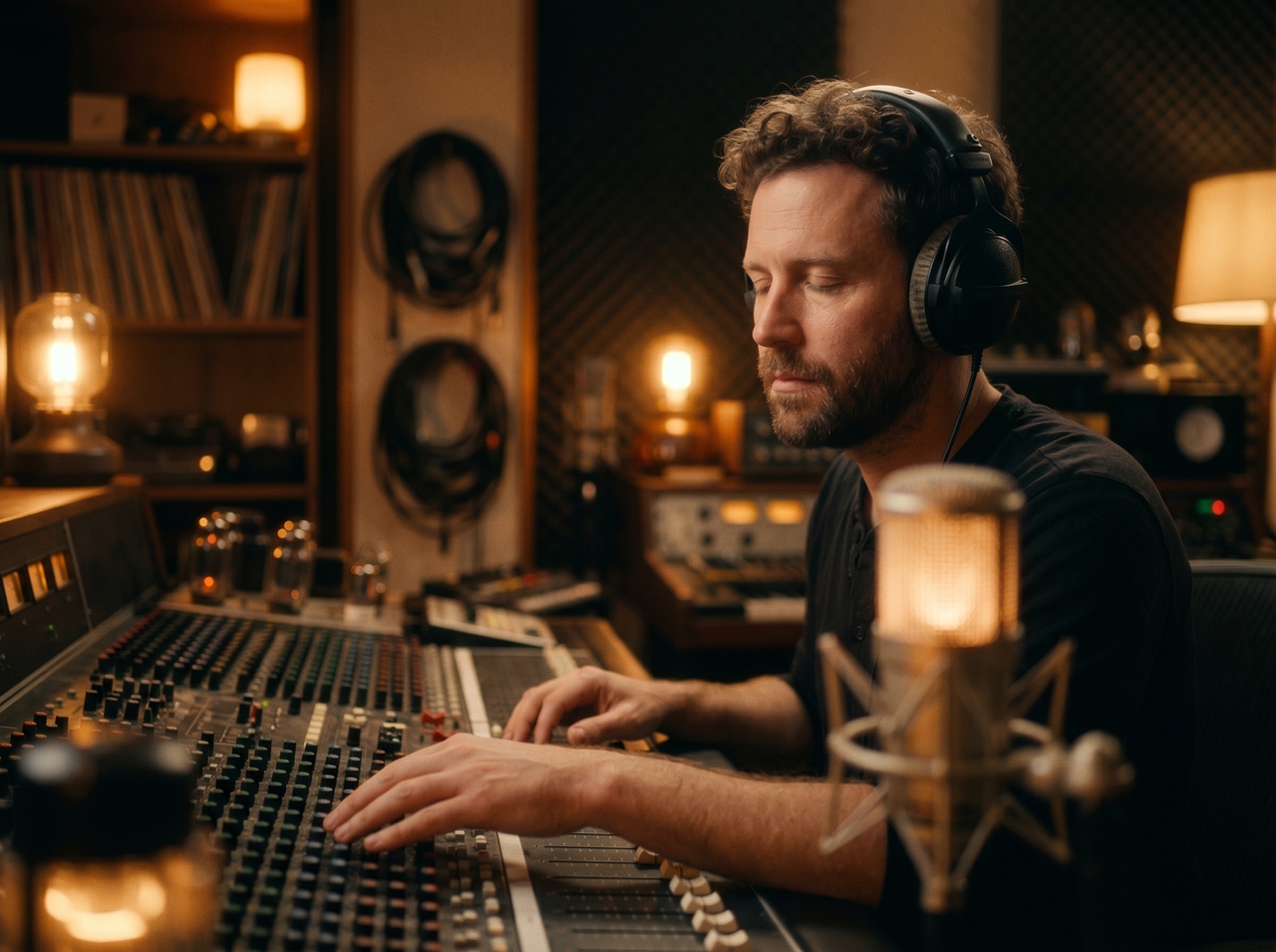
Create songs from text, lyrics, or ideas
Structure tracks with verse, chorus, and bridge

Structure tracks with verse, chorus, and bridge

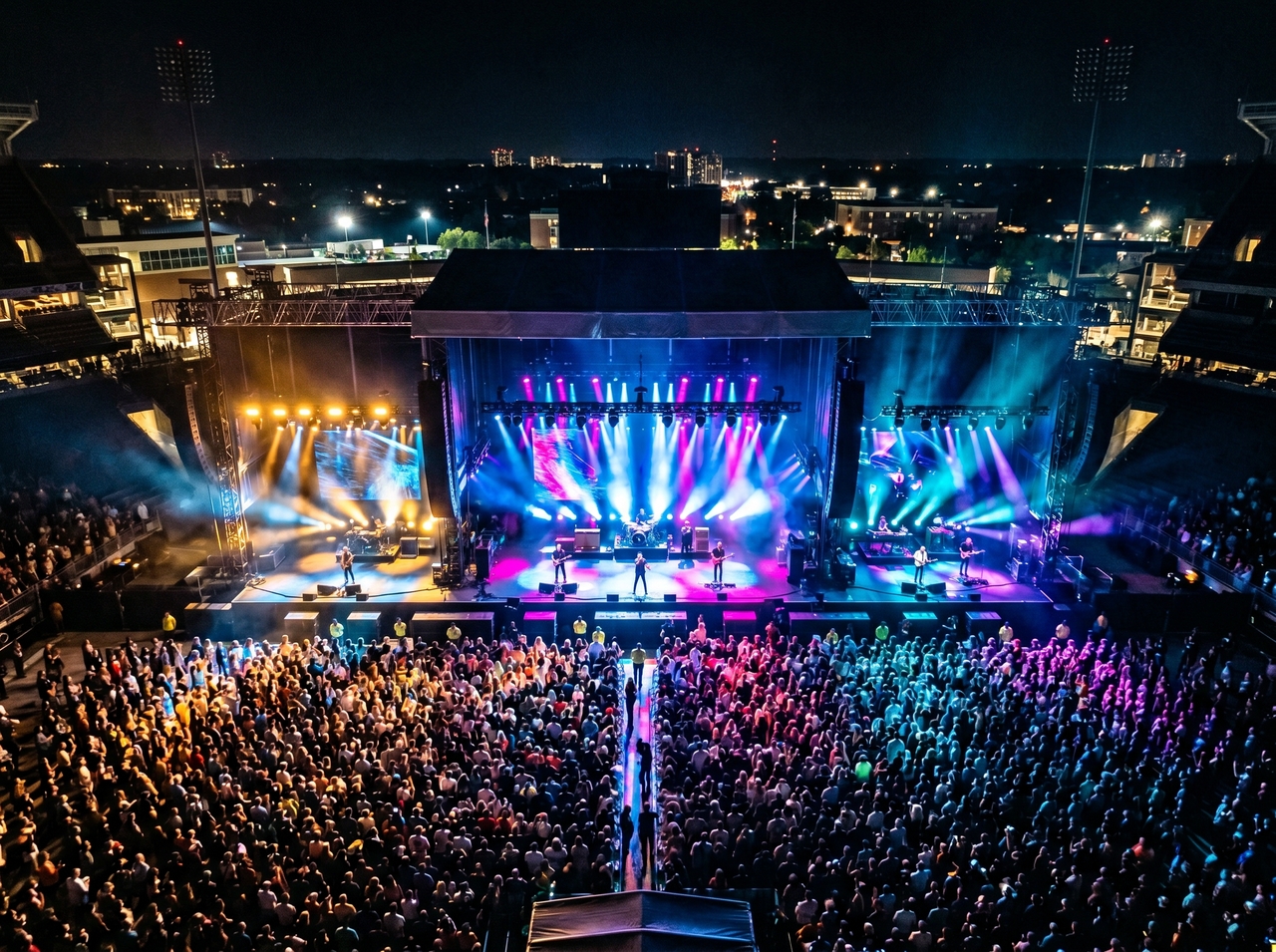
Give your songs real architecture. The Mureka AI music generator on Framia Pro arranges verse, chorus, and bridge sections so your output sounds like a finished record, not a looping audio clip someone forgot to edit.

Pick vocal tone, gender, and style for songs

Describe exactly what you want, and Mureka v7.5 delivers it. Specify vocal tone, gender, and stylistic direction in plain language, and the Mureka AI music generator reads your input and shapes the voice to match your creative intent precisely.

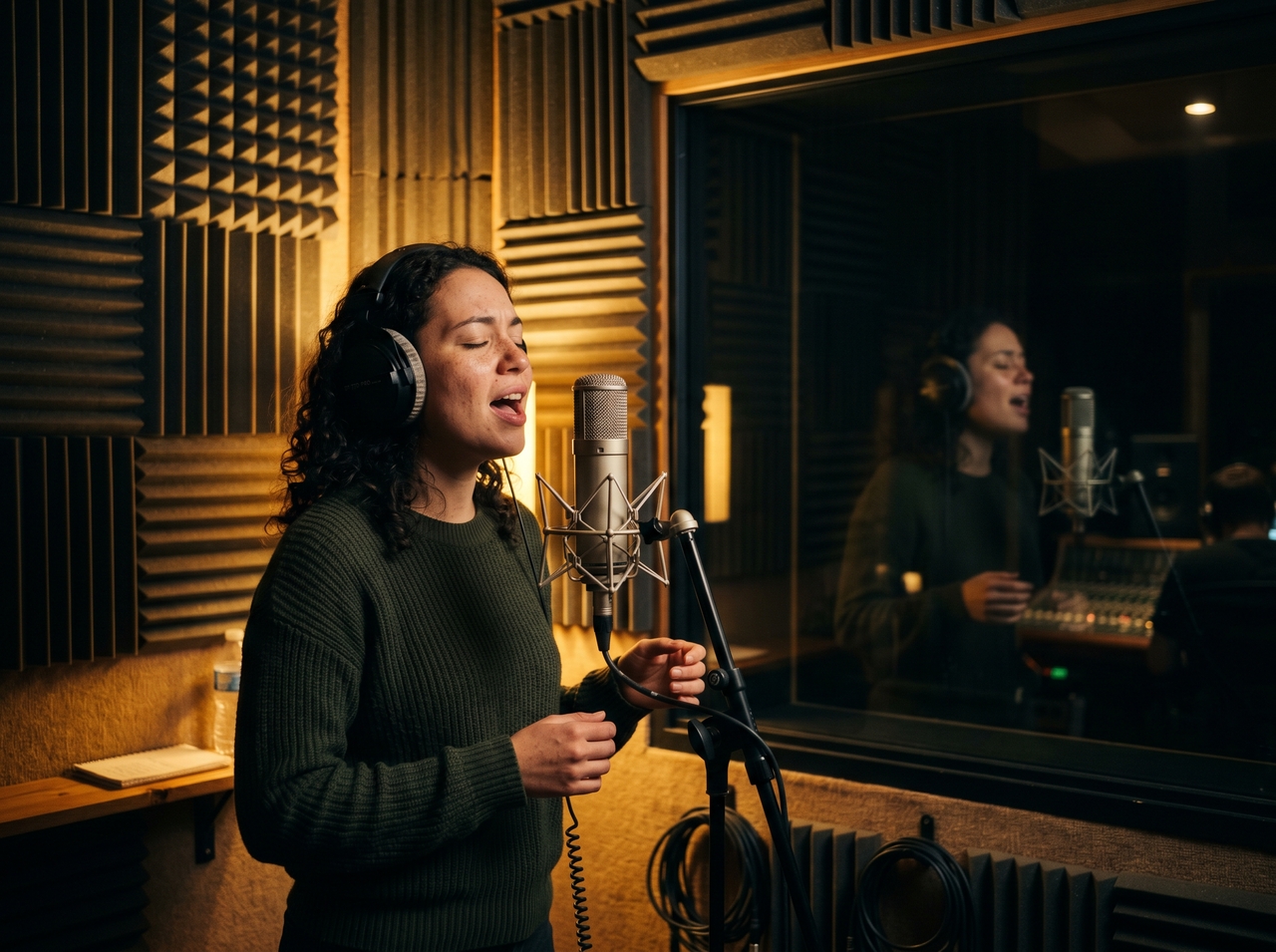
Pick vocal tone, gender, and style for your song
Clone your own voice for a personal touch

Clone your own voice for a personal touch

Upload voice samples to replicate vocal identity with Mureka AI music generator on Framia Pro. Recreate singing tone for new tracks while adjusting style, rhythm, and genre without losing original voice characteristics in outputs.

Upload a reference track to match any style

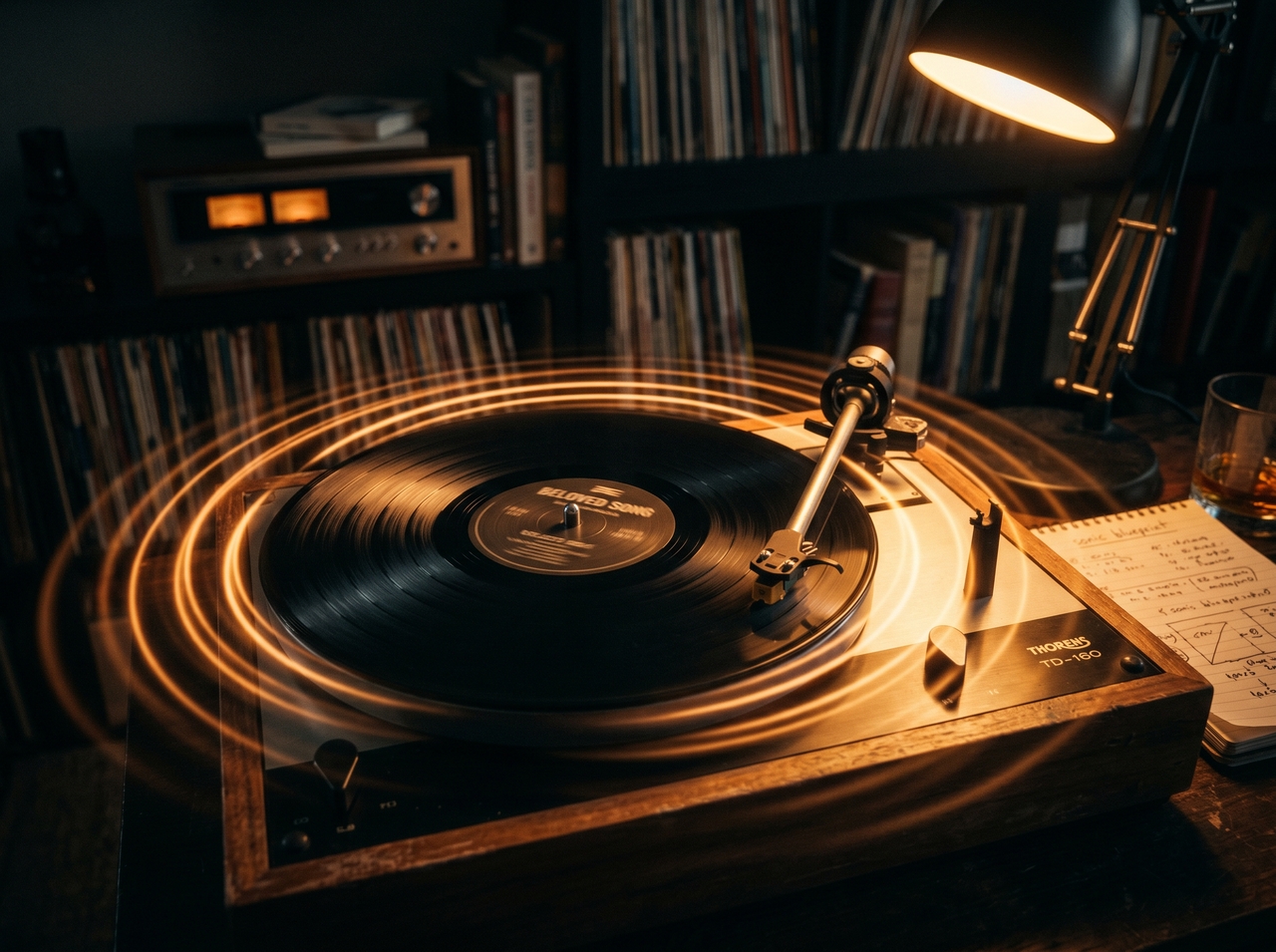
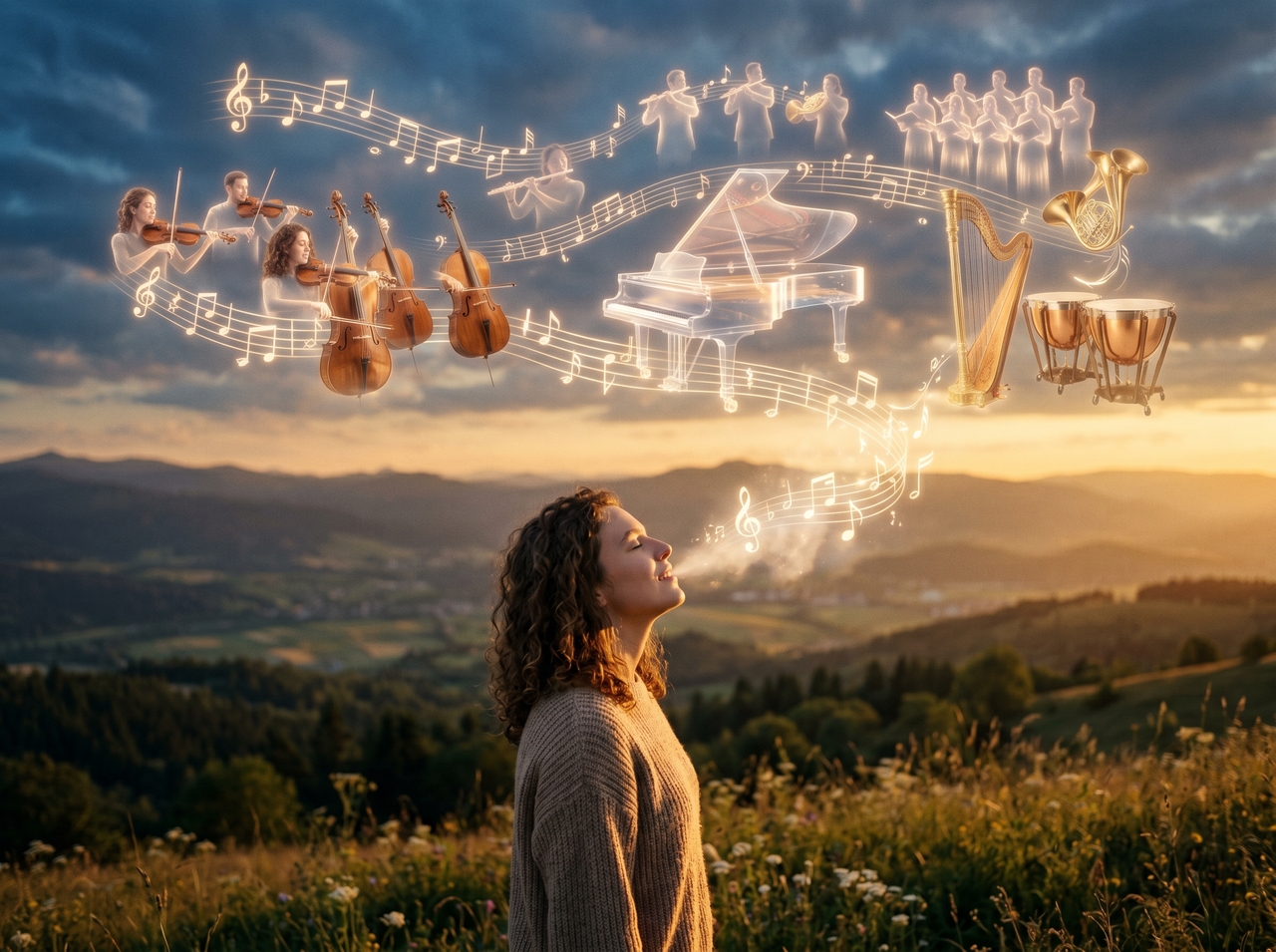
Drop in a song you love and let Mureka AI music generator on Framia Pro study it. The model reads the tempo, mood, instrumentation, and arrangement and then mirrors that sonic blueprint in your original composition.
Upload a reference track to match any style
Turn a hummed melody into a song

Turn a hummed melody into a song

Upload a hummed tune and get a full music video using Mureka AI on Framia Pro. It converts your melody input into instruments, rhythm, and vocals while building a structured song around your idea.

Generate music in multiple languages

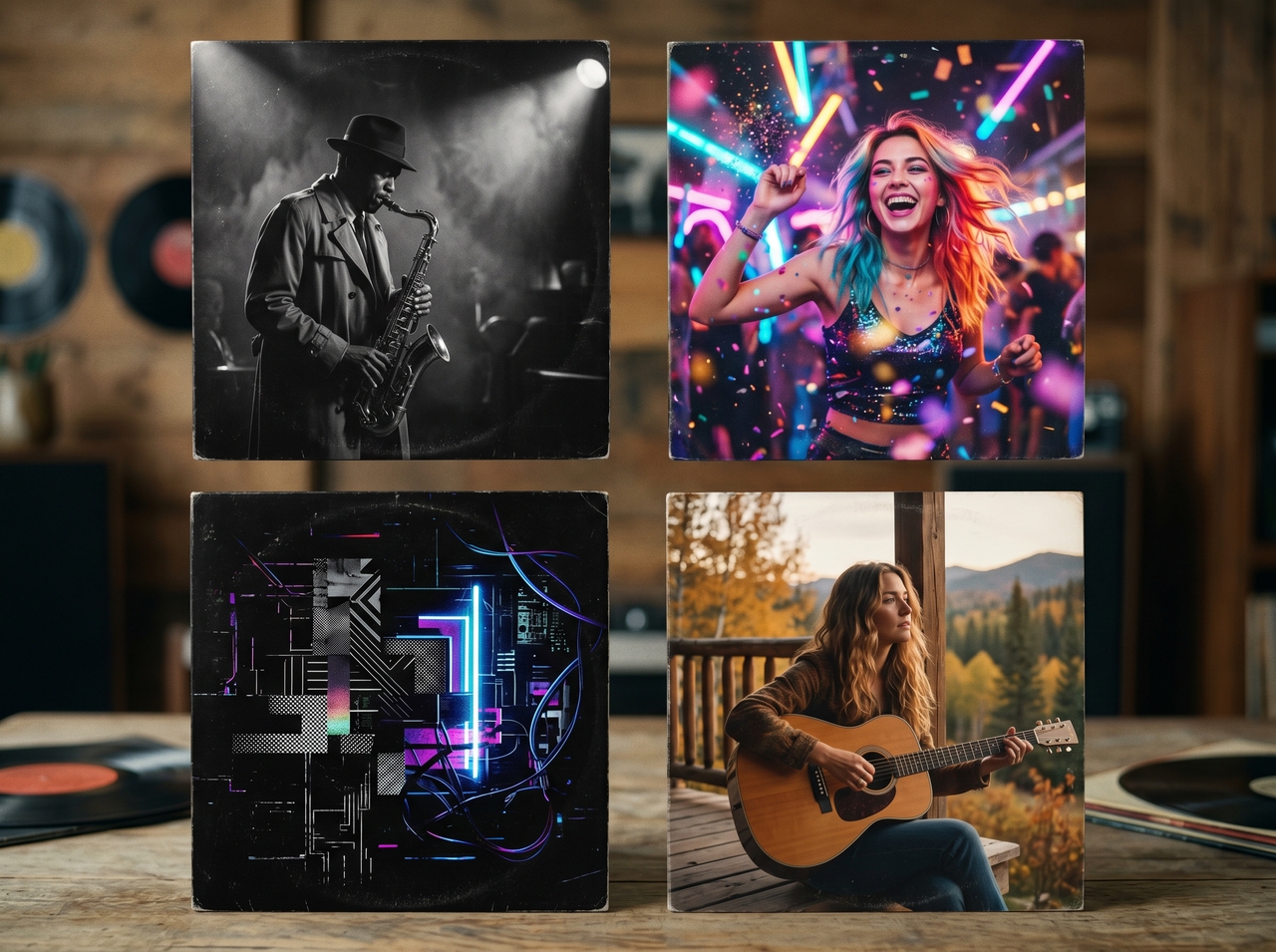
Cycle vocals through up to 10 languages, where every word sounds natural and native to that language and culture. The Mureka AI music generator on Framia Pro handles the linguistic and cultural details quite accurately.

Generate music in multiple languages
Create up to 4 song variations in one go

Create up to 4 song variations in one go

Create songs in up to ten languages with natural delivery. Mureka AI music generator on Framia Pro adjusts pronunciation, timing, and vocal flow so each version sounds clear and fits the rhythm of the music.

Use the built-in lyrics writing tool

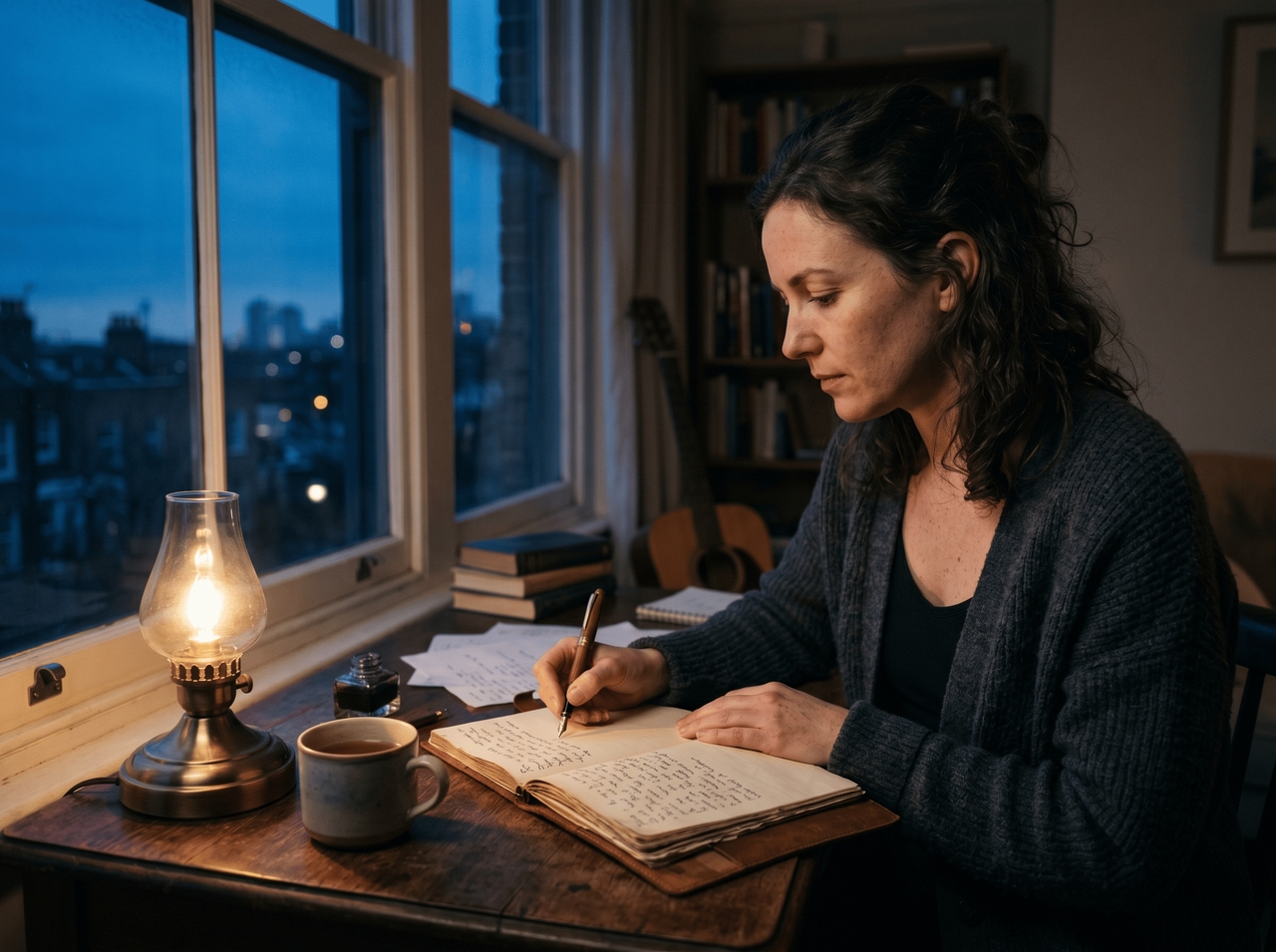
Draft and refine your lyrics right inside Framia Pro using the Mureka AI music generator without switching tabs or tools. This way, you can write faster, generate faster, and spend more time on creative decisions that actually matter.
Use the built-in lyrics writing tool

Who is our Mureka AI music generator built for?

Create original, royalty-free music on Framia Pro and stop losing revenue to copyright claims!

Content creators
Stop losing ad revenue to copyright claims on stock tracks you paid for. The Mureka AI music generator on Framia Pro generates original background music, intros, outros, and Shorts audio that is entirely yours & royalty-free for [YouTube videos] (https://framia.converge.ai/blog/youtube-video-ideas), TikTok, and podcasts. 2. Songwriters
Songwriters
Hear your lyrics performed as a track with Mureka v7.5. It maps your words to melody, rhythm, and vocal phrasing to let you check whether your [lyrics video] (https://framia.converge.ai/solutions/lyric-video-generator) lands emotionally before investing a single hour in a studio session.
Musicians
Test arrangement ideas, vocal styles, and sonic directions on Framia Pro before committing to expensive studio time. Mureka AI generates stems, so every session starts with a concrete foundation rather than a blank canvas.
Game developers
Generate soundtracks that change based on in-game events, from tense ambient caves to high-energy battle sequences. Mureka v7.5 on Framia Pro produces scene-specific audio, which cuts the cost and turnaround time of custom game scoring.
Filmmakers
Score every scene without waiting for a composer. The Mureka AI music generator produces beat-synced background music and sound effects based on visuals and mood. This gives [avid filmmakers] (https://framia.converge.ai/solutions/filmmakers) full creative control over emotional tone, pacing, and atmosphere in every cut.
Brands and agencies
Produce multiple ad music variations for campaigns. Brands and [ad agencies] (https://framia.converge.ai/solutions/agencies) can test different styles and directions at scale, which allows faster creative decisions and supports higher output when running multiple ads or experiments.

Mureka vs Suno - which AI music generator is better?

Compare Mureka and Suno v5 models to find which tool fits your music workflow, control needs, and output quality.

Mureka AI
Suno AI
Song creation style
Text, lyrics, melody, reference input
Text prompt to full song
Vocal quality
Natural, customizable
Highly expressive, consistent
Voice cloning
Structure control
Strong, section-based control
Limited control
Editing flexibility
Advanced tools and workflows
Editing flexibility
Advanced tools and workflows
Simpler workflow
Languages support
10+ languages
Multiple languages
Ease of use
Moderate learning curve
Very easy to use
Best for
Control, customization, experimentation
Quick results, ready-to-use songs
Pricing
Free, $8 basic, $24 pro
Free, ~$10 pro, ~$30 premium

Stories from people creating music with Mureka AI

Real creators. Real songs. See what people are saying about Mureka AI on Framia Pro.

I'd been sitting on this short film for months, totally stuck on the score. Then, I found Mureka AI on Framia Pro late one night, typed a rough mood description, and by morning had a cinematic track that genuinely moved me.
Ethan Cole
Ethan Cole
Independent Filmmaker
My YouTube channel had 12 videos with the same stock intro, and I hated every single one. Tried Mureka AI through Framia Pro and got something that actually sounded like my brand. My subscribers literally noticed and commented. That felt unreal.
Maya Thompson
Maya Thompson
YouTube Creator
I run online workout classes, and the royalty-free music I was using was just terrible. A friend told me about Mureka AI on Framia Pro. The first track I got matched the energy of my sessions perfectly. My clients started asking what music I was playing.
Lucas Rivera
Lucas Rivera
Fitness Coach
I write lyrics constantly, but always get stuck turning them into full songs. Mureka AI on Framia Pro changed that. I pasted a verse I wrote two years ago and heard it as a real track within minutes.
Claire Dubois
Claire Dubois
Singer-Songwriter
I launched my podcast with zero budget and needed something original for my intro. Mureka AI on Framia Pro delivered a jazzy theme that my listeners now associate completely with my show. Two guests actually asked me who composed it.
Layla Morgan
Layla Morgan
Podcast Host
Hiring a composer for my game was completely out of budget. Mureka AI on Framia Pro gave me three different battle themes in one sitting. One of them fit so perfectly that I genuinely got emotional.
Ryan Mitchell
Ryan Mitchell
Indie Game Developer
We've compiled the most important information to help you get the most out of your experience. Can't find what you're looking for?Contact us

Frequently asked questions

Is Mureka legal?
Yes, Mureka AI is a legal platform. All tracks generated on paid plans are royalty-free and commercially licensed, so you can publish them on YouTube, Spotify, TikTok, and other platforms.
How much does Mureka cost?
Mureka AI offers a free tier with limited generations. Paid plans start at $8/month (Basic, 400 songs) and $24/month (Pro, 1,600 songs with stems and voice cloning). You can access Mureka v7.5 on Framia Pro under one subscription.
Who owns Mureka AI?
Mureka AI is developed by Skywork AI, a Singapore-based research company backed by Kunlun Tech. Launched in 2024, it has grown to nearly 10 million users across 190 countries.
Can I use Mureka AI music on YouTube without copyright issues?
Yes, on any paid plan, Mureka AI music is fully royalty-free and cleared for monetization. Meeting YouTube monetization requirements is easier since you won't face copyright strikes on your audio. Free-tier tracks are restricted to personal use only, so a paid subscription is required for commercial publishing.
How is Mureka v7.5 different from earlier versions?
Mureka v7.5 introduced MusiCoT technology, which pre-plans full song structure before generating audio. This delivers better arrangements, sharper vocal clarity, and better mixing quality compared to V6 and earlier models.
Can I use Mureka AI to generate music in languages other than English?
Yes, Mureka AI supports 10 languages, including Spanish, French, German, Japanese, Korean, and Chinese. Its Mandarin and Cantonese vocal output is considered best-in-class among AI music generators currently available.

Still have questions?

Have questions or need assistance? Our team is here to help!

Start creating with Mureka AI!

Create studio-quality songs with Mureka AI on Framia Pro. Turn any idea into royalty-free music in no time!
Mureka AI Music Generator - Create Songs, Beats, and Vocals