



Step 1: Choose Movie Agent
Select Movie Agent for filmmaking. Enter your story idea, upload script or images, then set the aspect ratio and AI model for scene planning.
Framia Pro gives filmmakers access to AI tools for every stage of production. Powered by Sora 2, Veo 3.1, Kling 3.0, and more on one canvas.
Turn ideas into cinematic films using our AI filming tool for every stage of your project!
Framia Pro gives filmmakers access to AI tools for every stage of production. Powered by Sora 2, Veo 3.1, Kling 3.0, and more on our movie story generator. You can make scenes, define flow, and shape the storyline. It even supports script creation, shot planning, and visual sequencing.
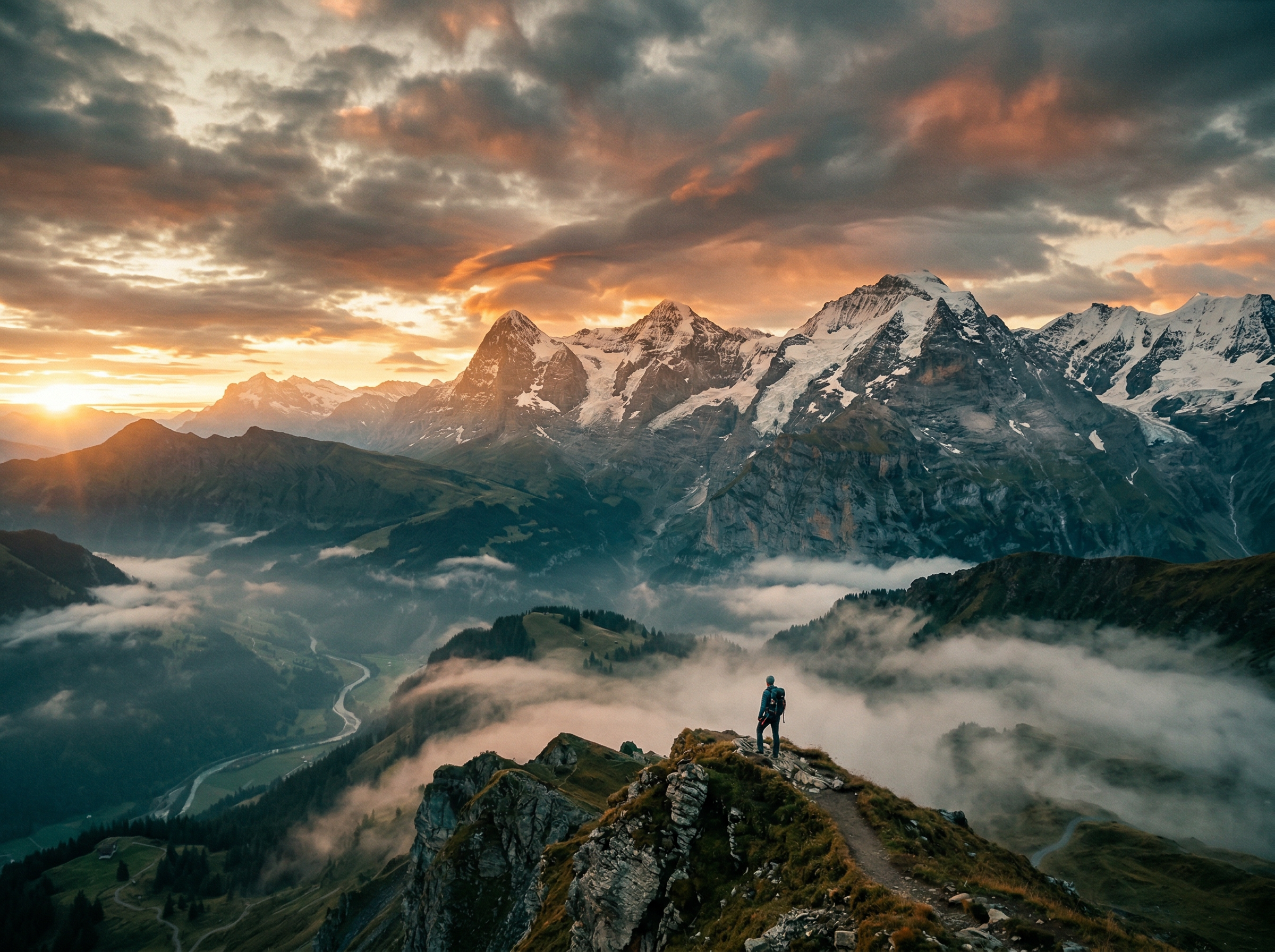
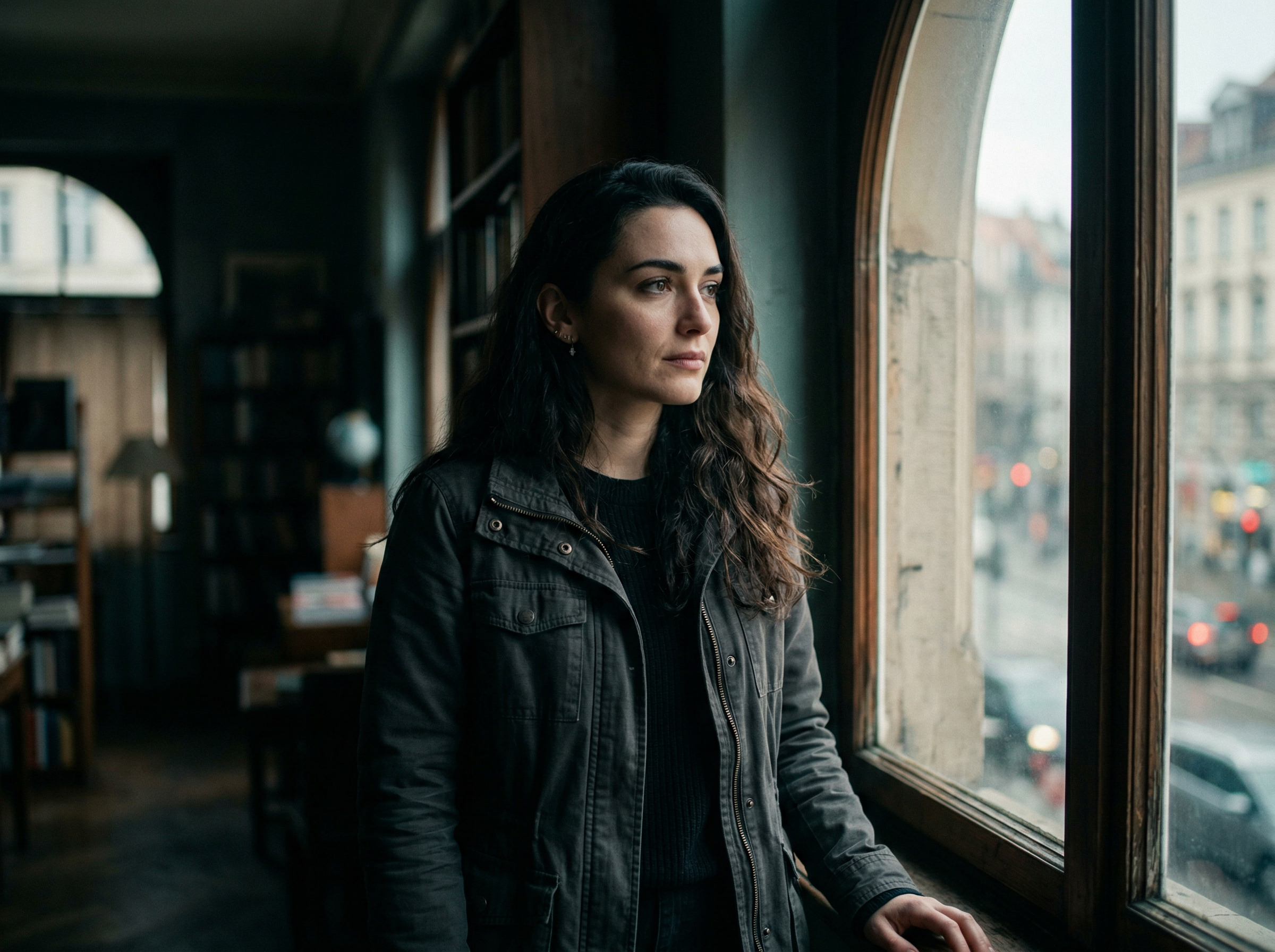
Maintain the same character look in different scenes using reference control and visual locking on our best AI tools for filmmakers in 2026. This supports continuity in storytelling so viewers can follow the same character from start to finish without visual changes.
Convert still images into moving video scenes using image-to-video AI models. Framia Pro adds motion, depth, and camera movement to static visuals. You can turn a single frame into a full cinematic sequence that follows natural movement and scene progression.
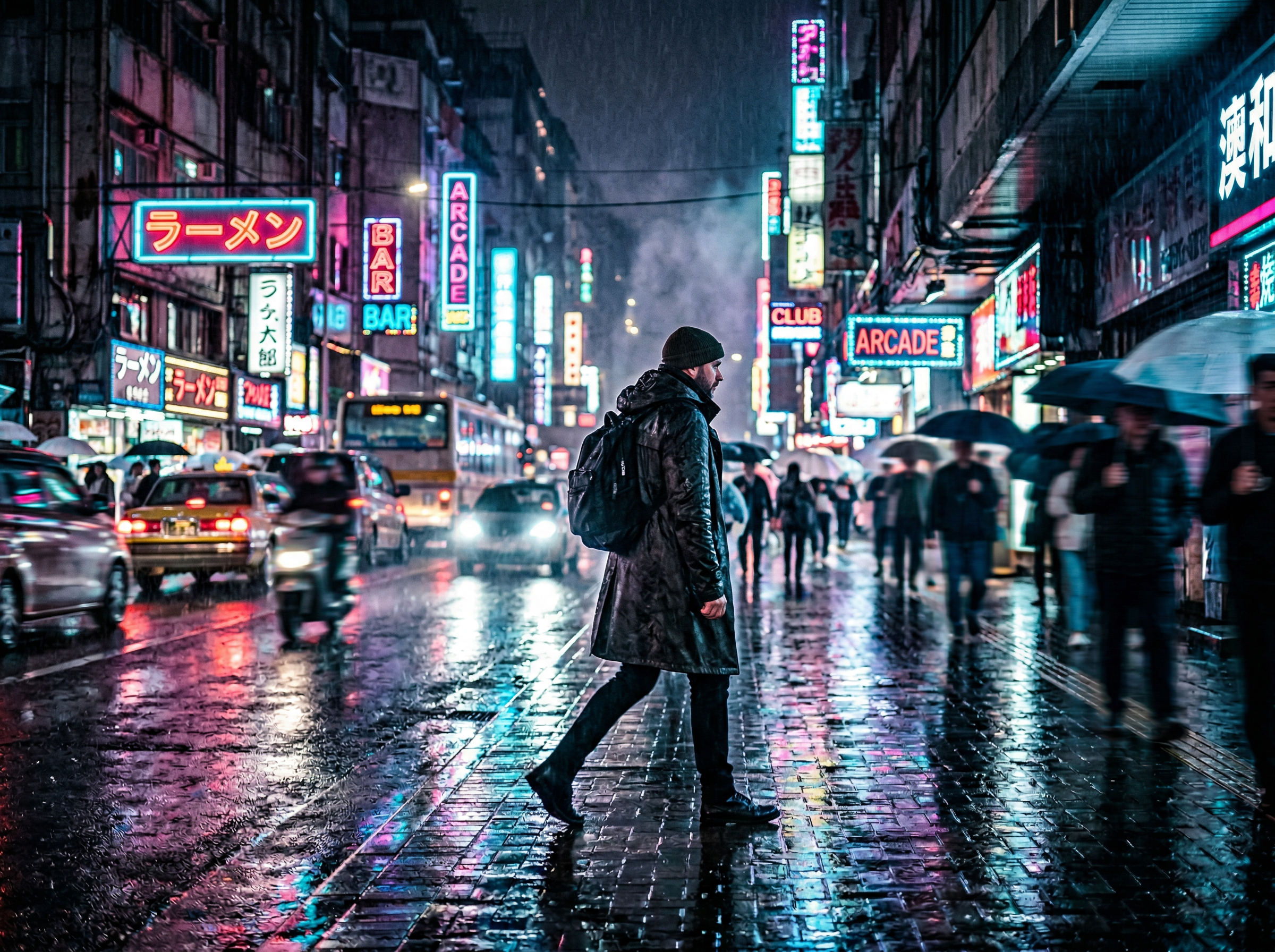
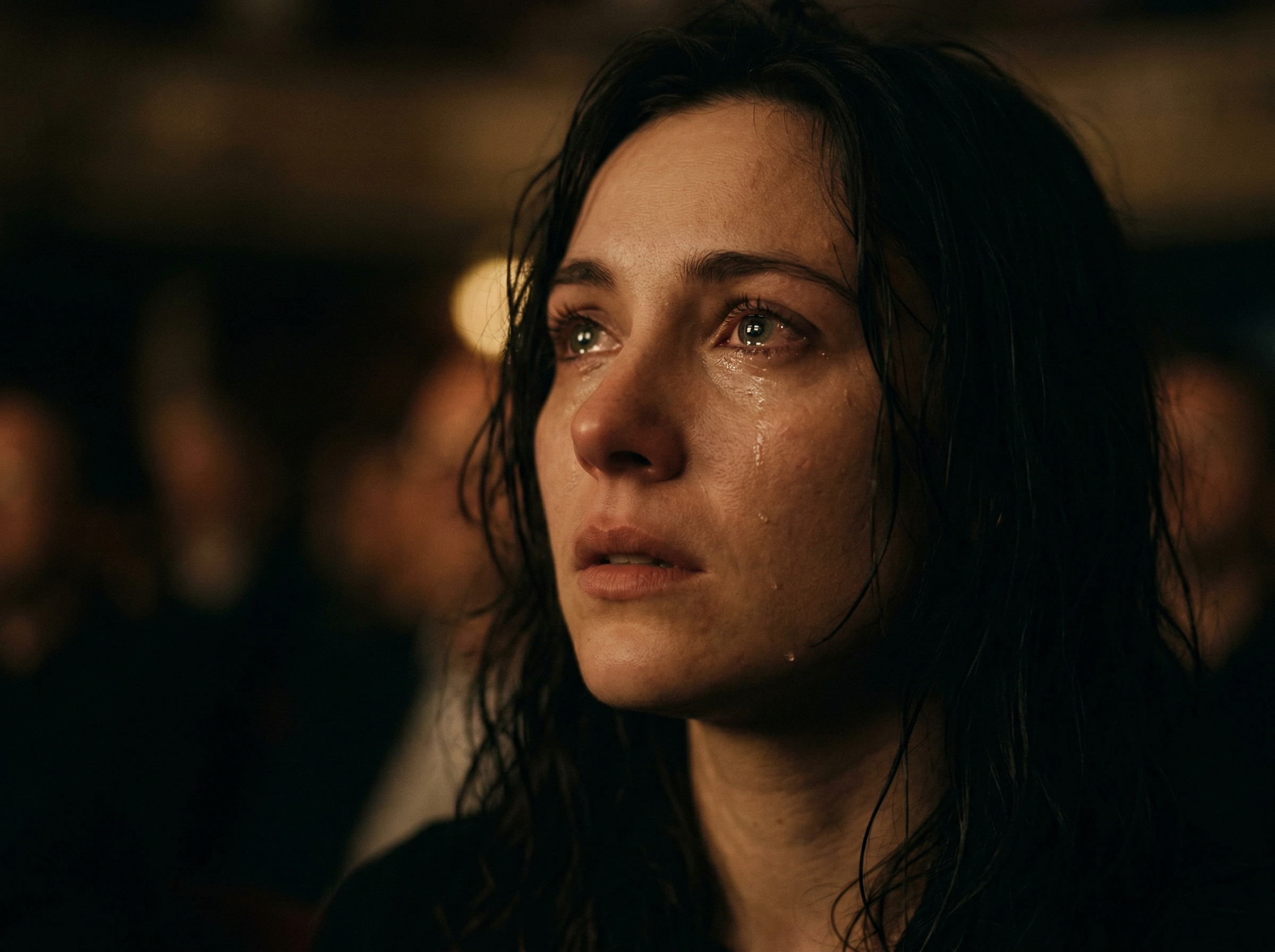
Use Suno v5 and Mureka to create background music and sound layers that match scene timing using the AI music agent on Framia Pro. Your audio elements align with the mood, rhythm, and pacing of each shot.
Adjust video quality using tools for color correction, sharpening, and stabilization. You can remove unwanted elements, fix lighting issues, and improve frame clarity. Framia Pro also supports object removal and video cleanup for smoother final output.
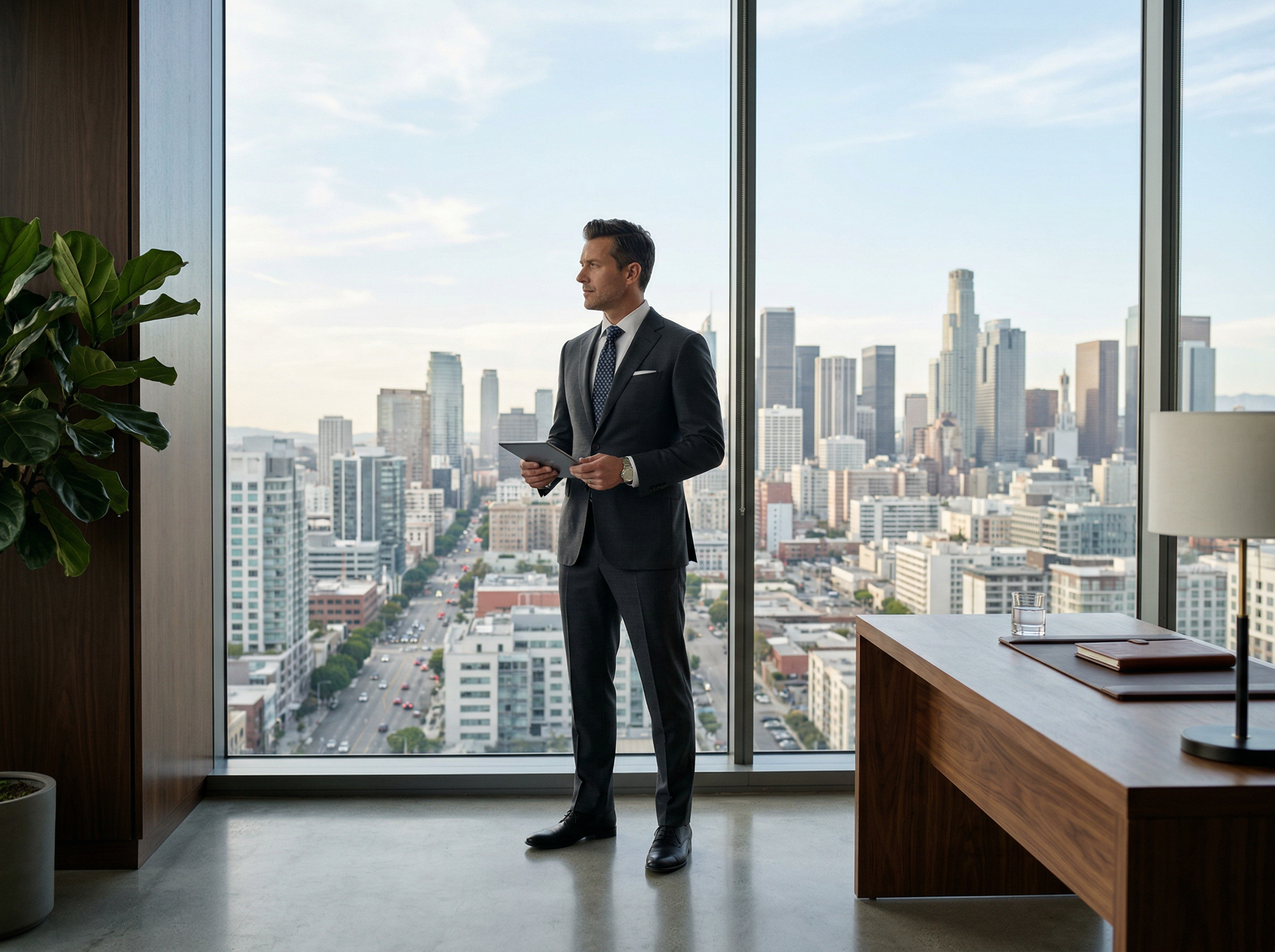
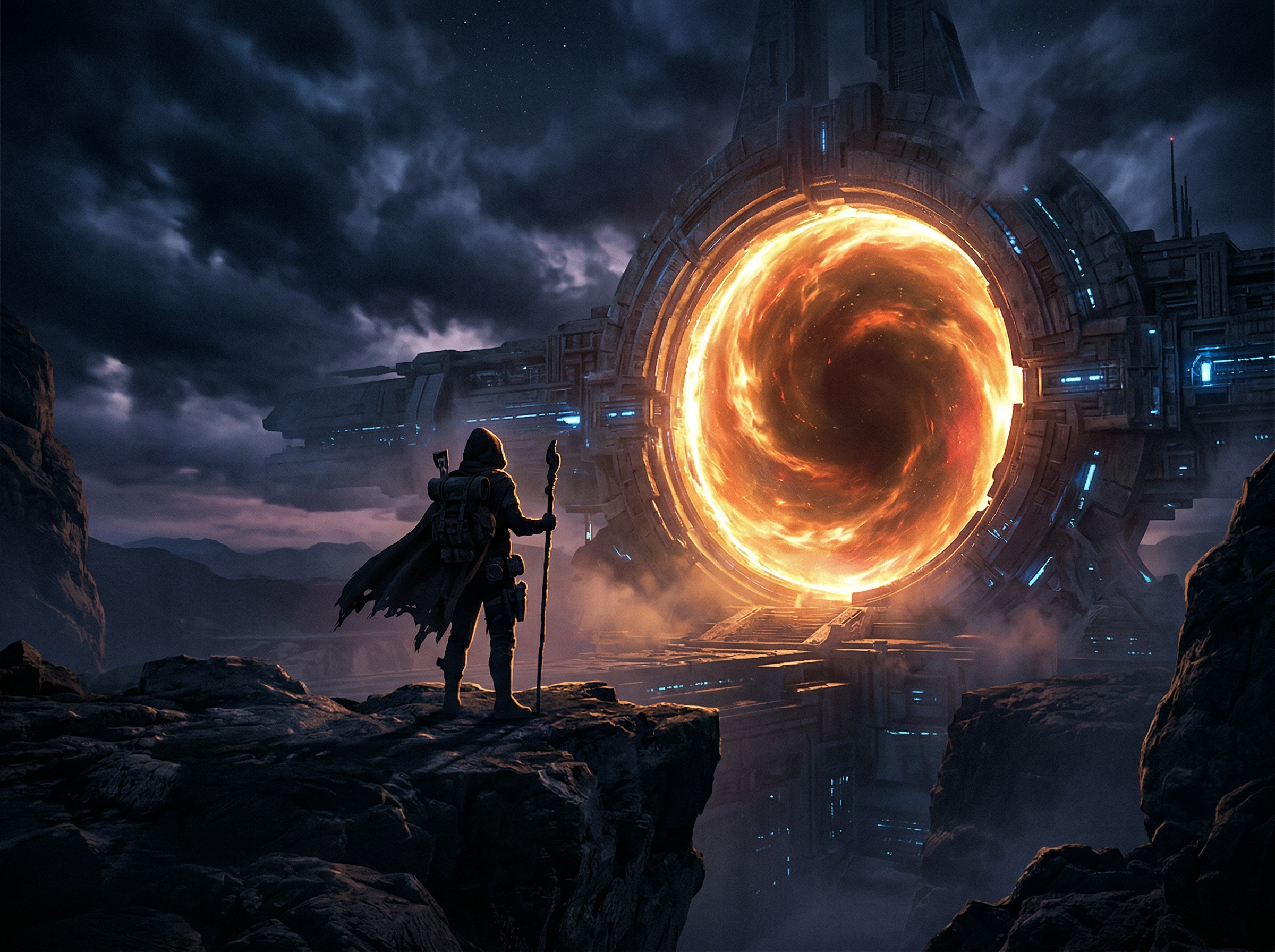
Generate posters, thumbnails, and concept visuals with our AI movie poster generator. You can design film artwork that matches your story theme and style. These visuals support promotion, planning, and scene visualization before or after production.
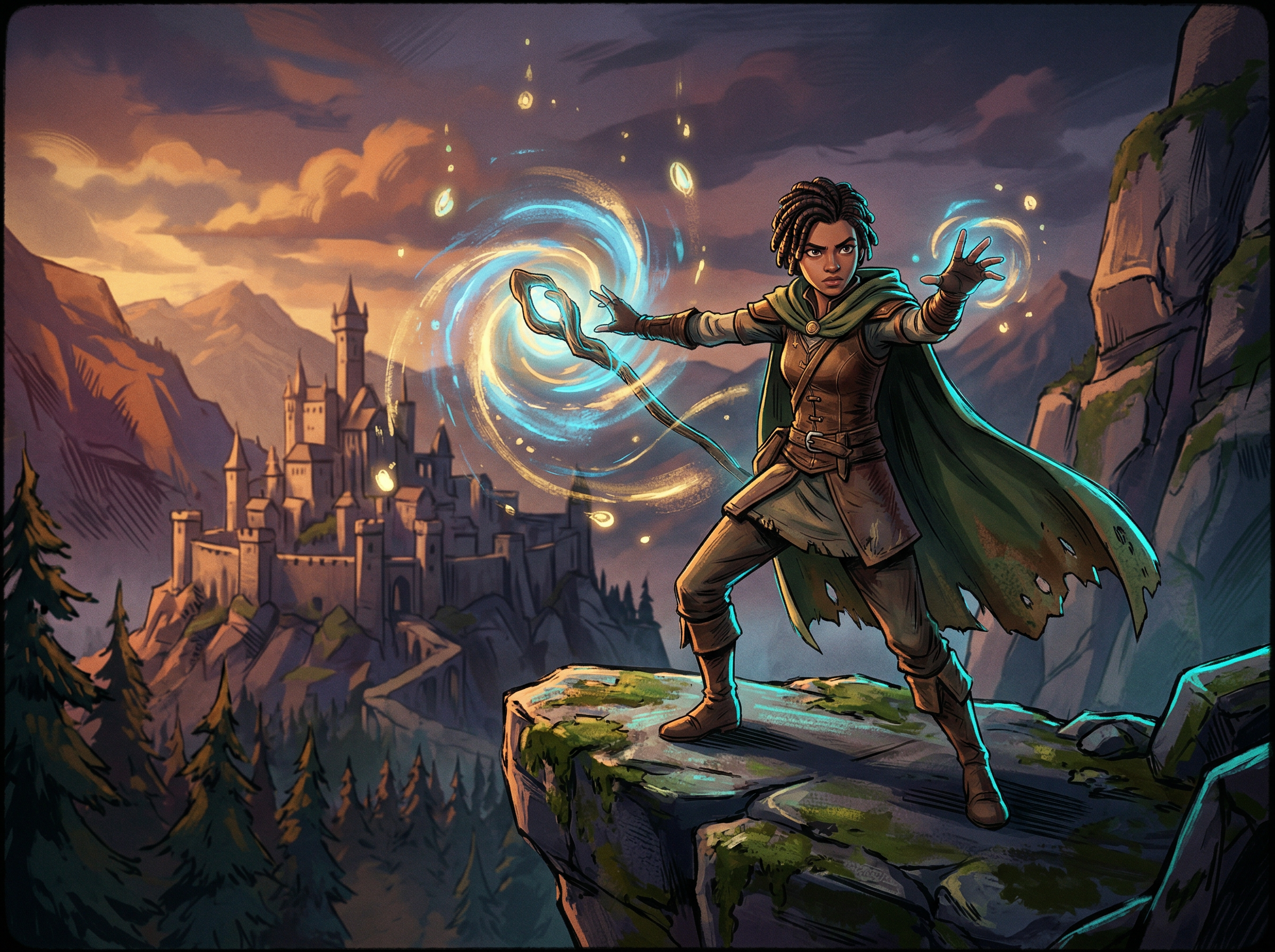
Turn stories into animated scenes using different styles such as cinematic, sketch, or stylized motion. Framia Pro supports multiple animation models that convert prompts into moving visuals. This allows different visual directions for the same story idea.
You can go from idea to a film story video in these three steps using our AI film generator:
Turn film ideas into real scenes, trailers, and clips using AI tools built for modern film creation.
See how creators talk about Framia Pro while working on film projects, stories, and video ideas with real results.


Have questions or need assistance? Our team is here to help!
Create films, trailers, and visuals with Framia Pro AI filmmaking tools for quick story building, editing, and video production
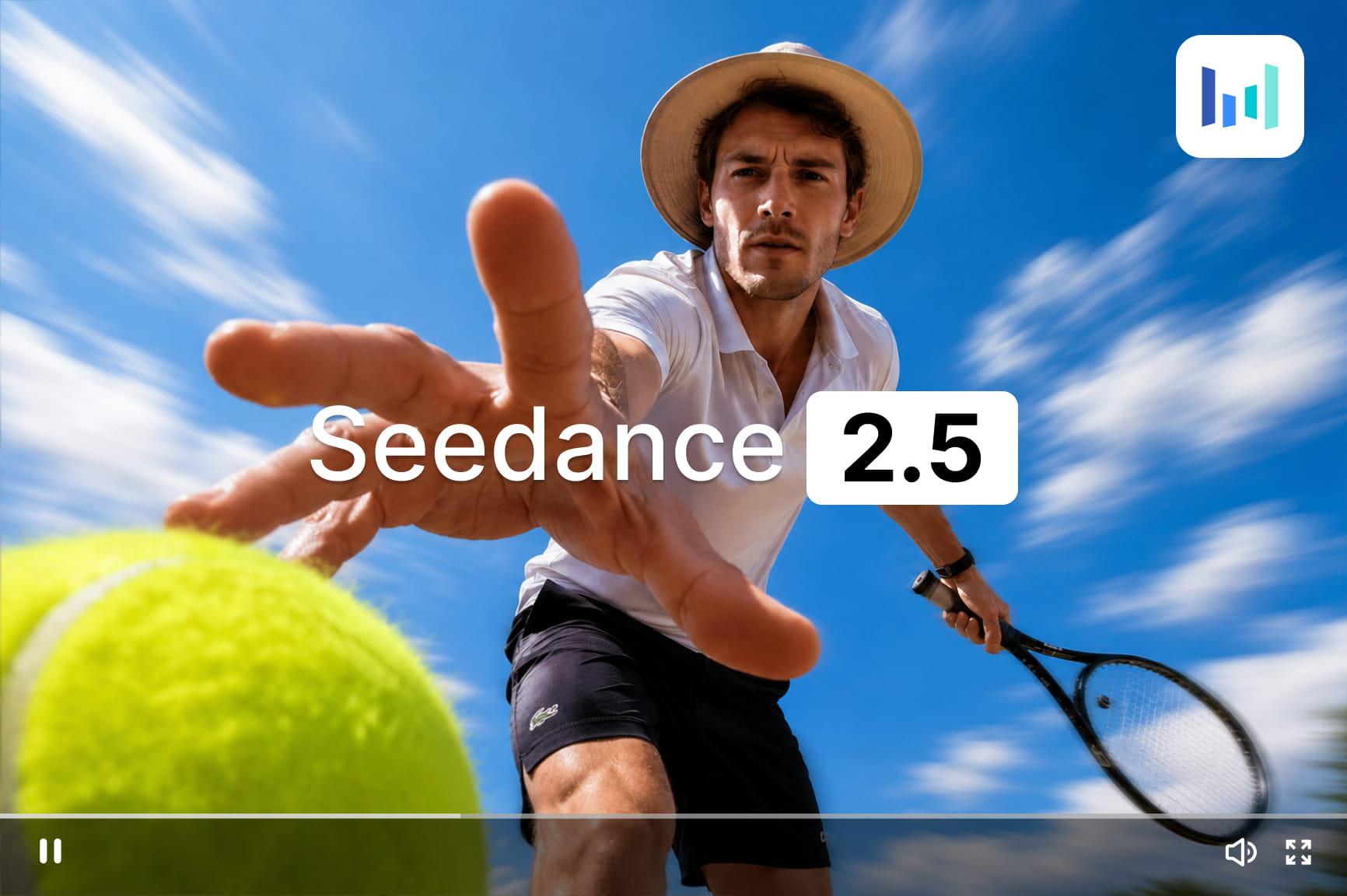
Try Seedance 2.5 on Framia Pro. Create 30-second AI videos, edit any detail, copy up to 50 references, and turn 3D or green-screen previews into films.
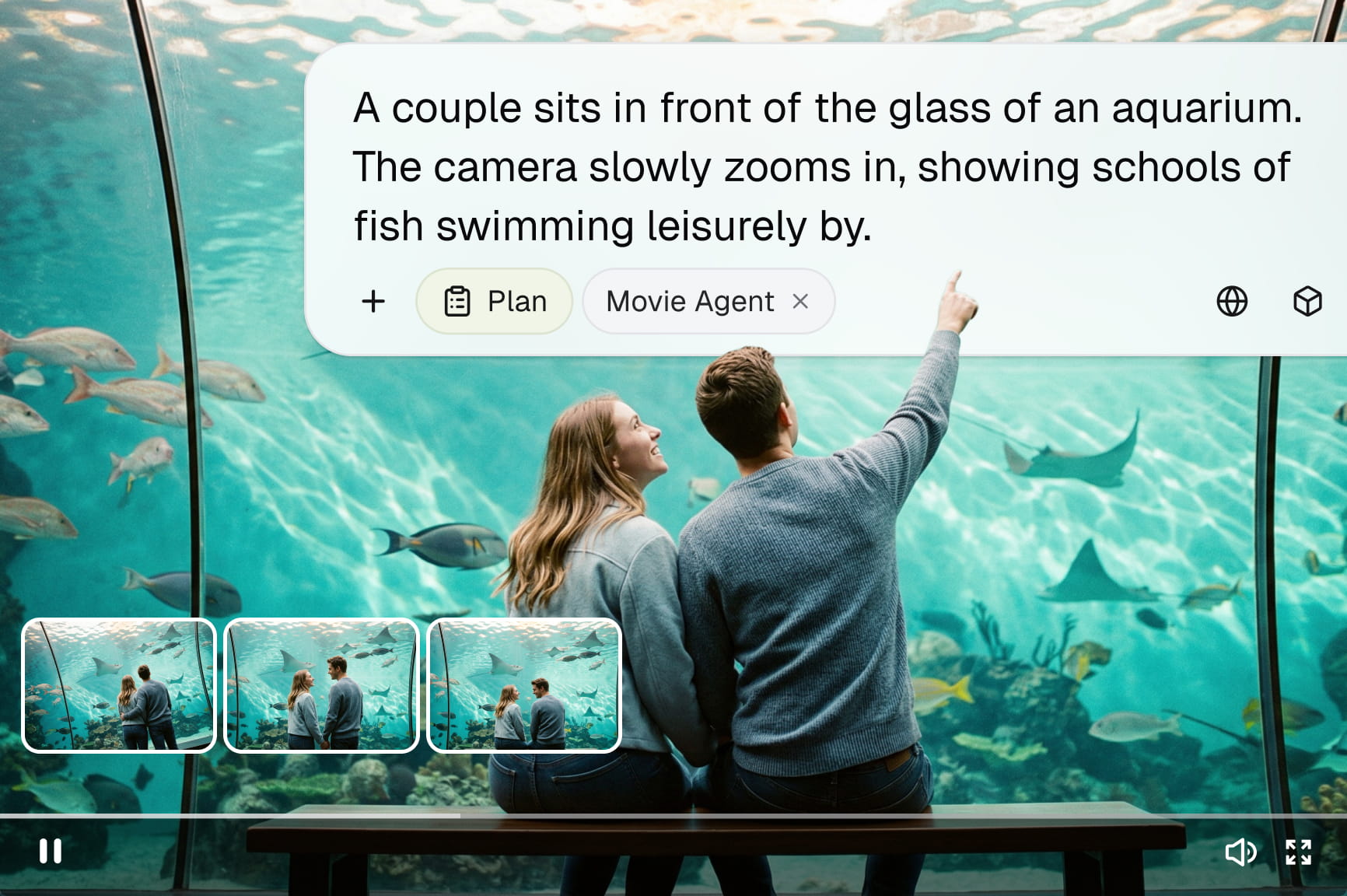
Turn your scripts into cinematic visuals with Framia. Our advanced AI movie maker lets you generate high-quality films in minutes. Start creating today!
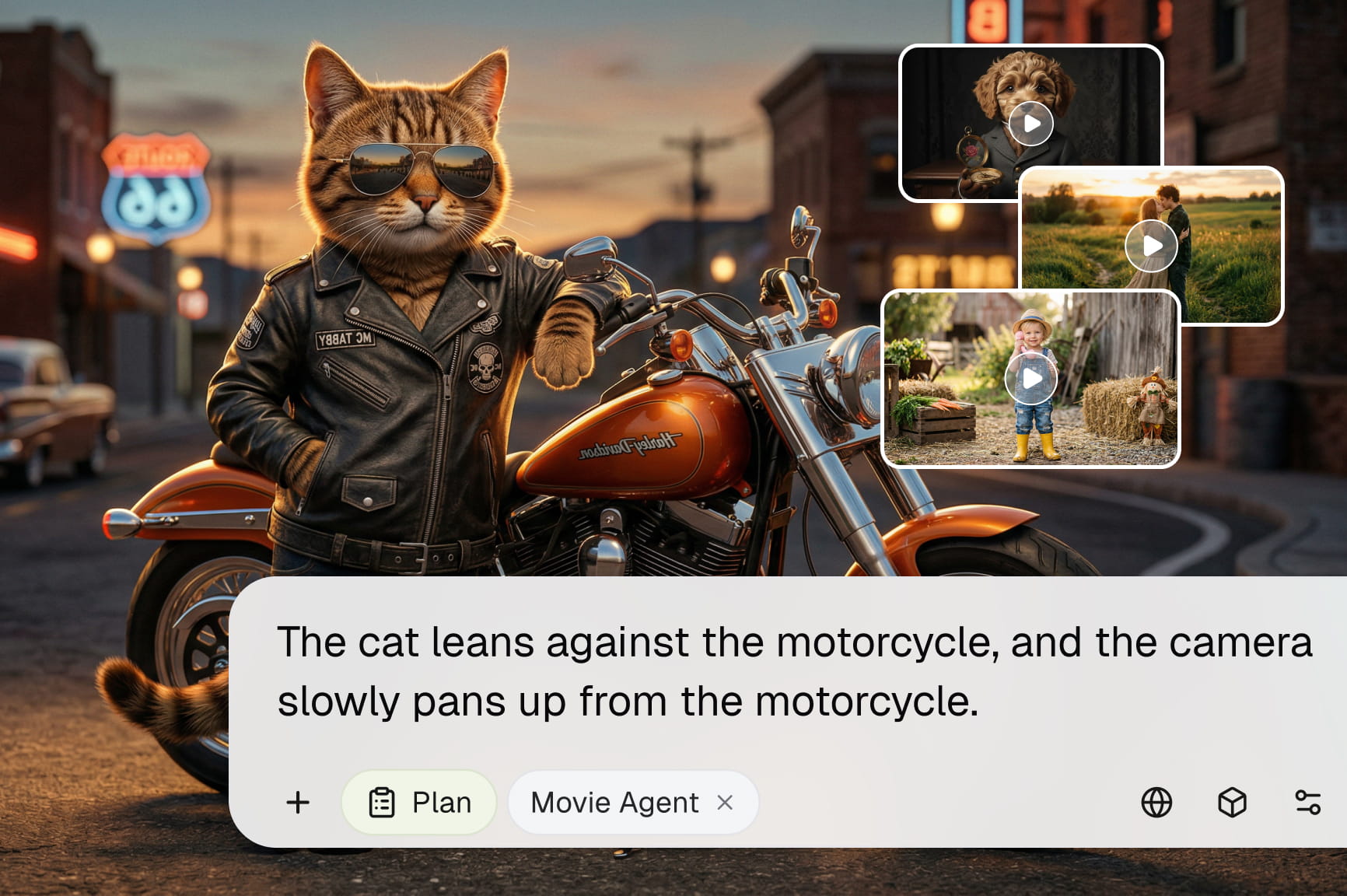
Create videos from text or photos with Framia’s free AI video generator online. Get free credits to start, refine your scenes, and download your video.
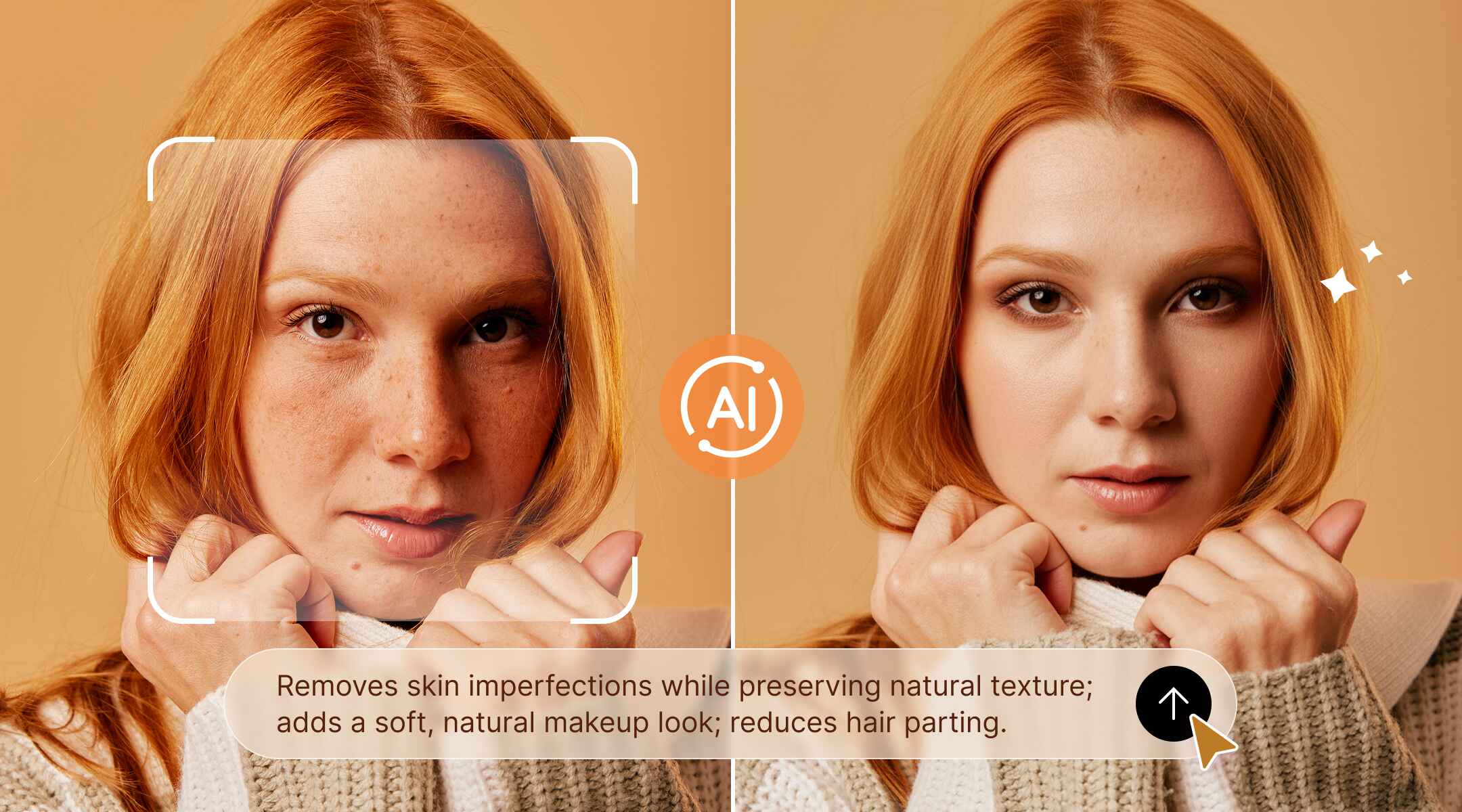
Create posters online with Framia Pro poster maker. Design movie posters, cinema posters, and custom designs using AI tools, sizes, and easy editing features.
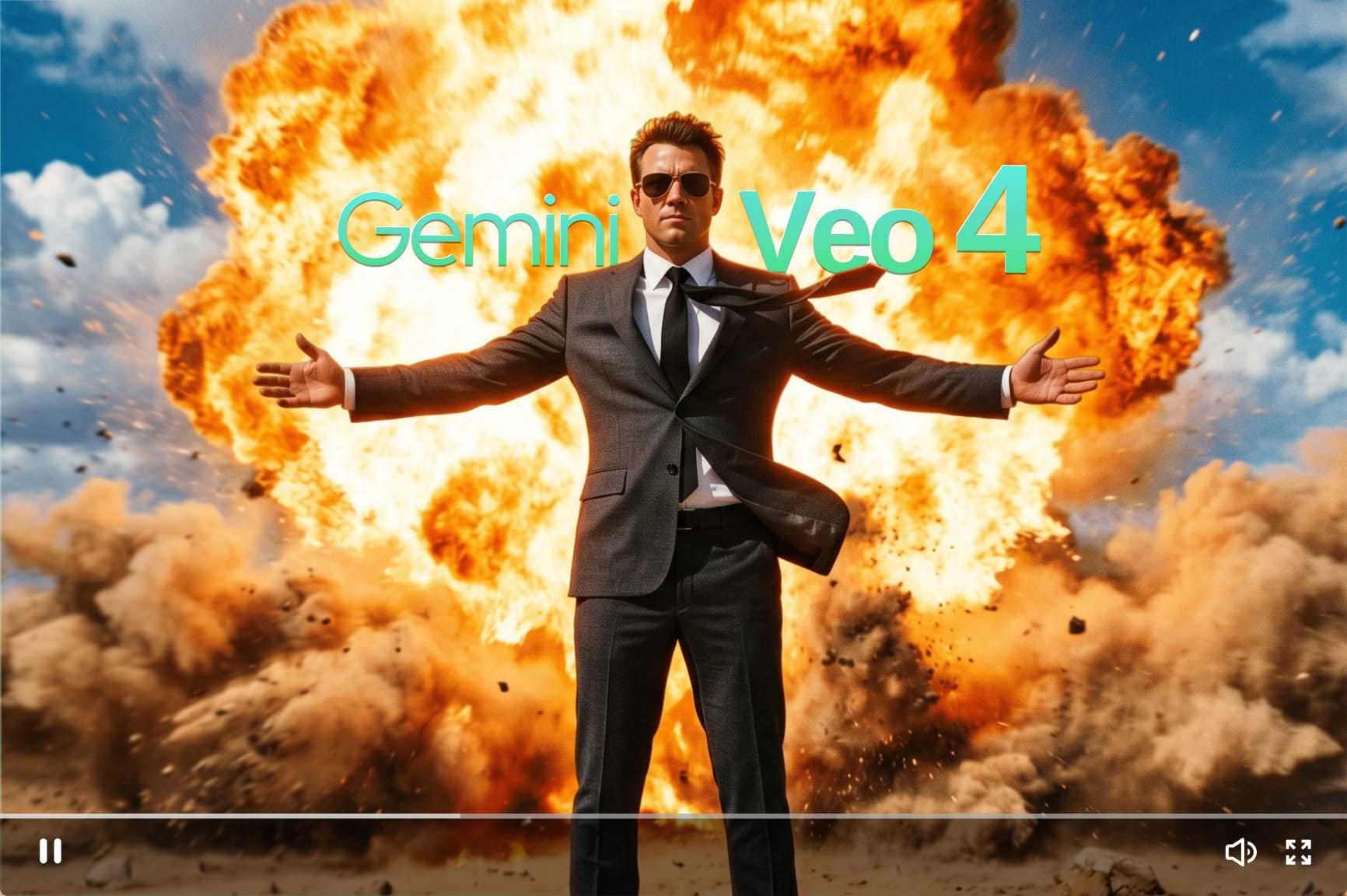
Discover everything about Google Veo 4 — native 4K output, character consistency, and longer clips. Generate stunning AI videos with Framia Pro today.
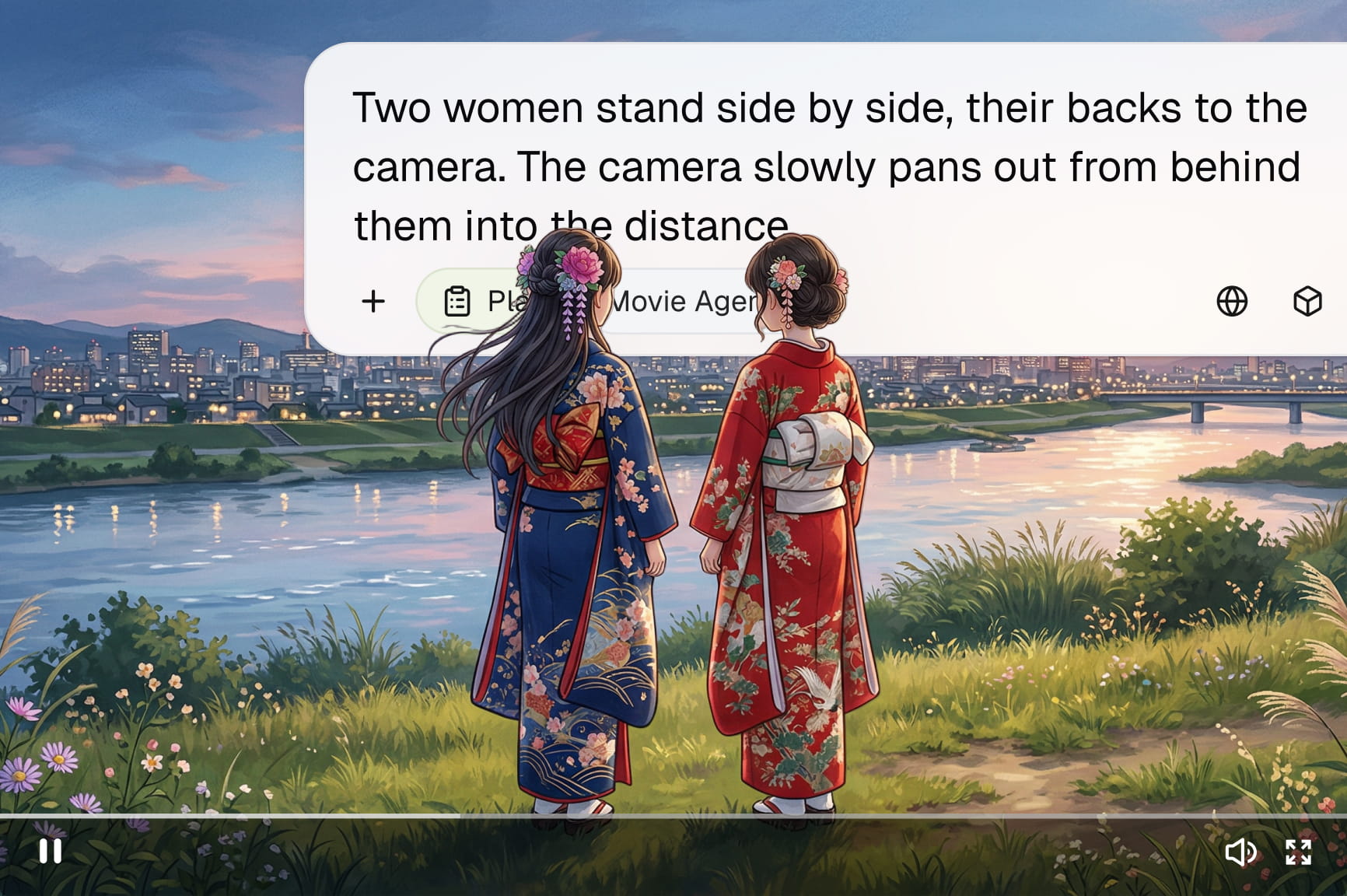
Create stunning anime opening videos with Framia Pro. Make YouTube intros, game trailers, and social clips with characters, music, and smooth animated scenes.
