AI Vlog Editor Online

Type what you want changed. Framia Pro quickly cuts, regenerates, scores, and captions your vlog in seconds!

Start for Free

Features your late-night edits will thank you for

Edit late-night vlog clips with quick AI tools that cut, resize, caption, and rebuild scenes.

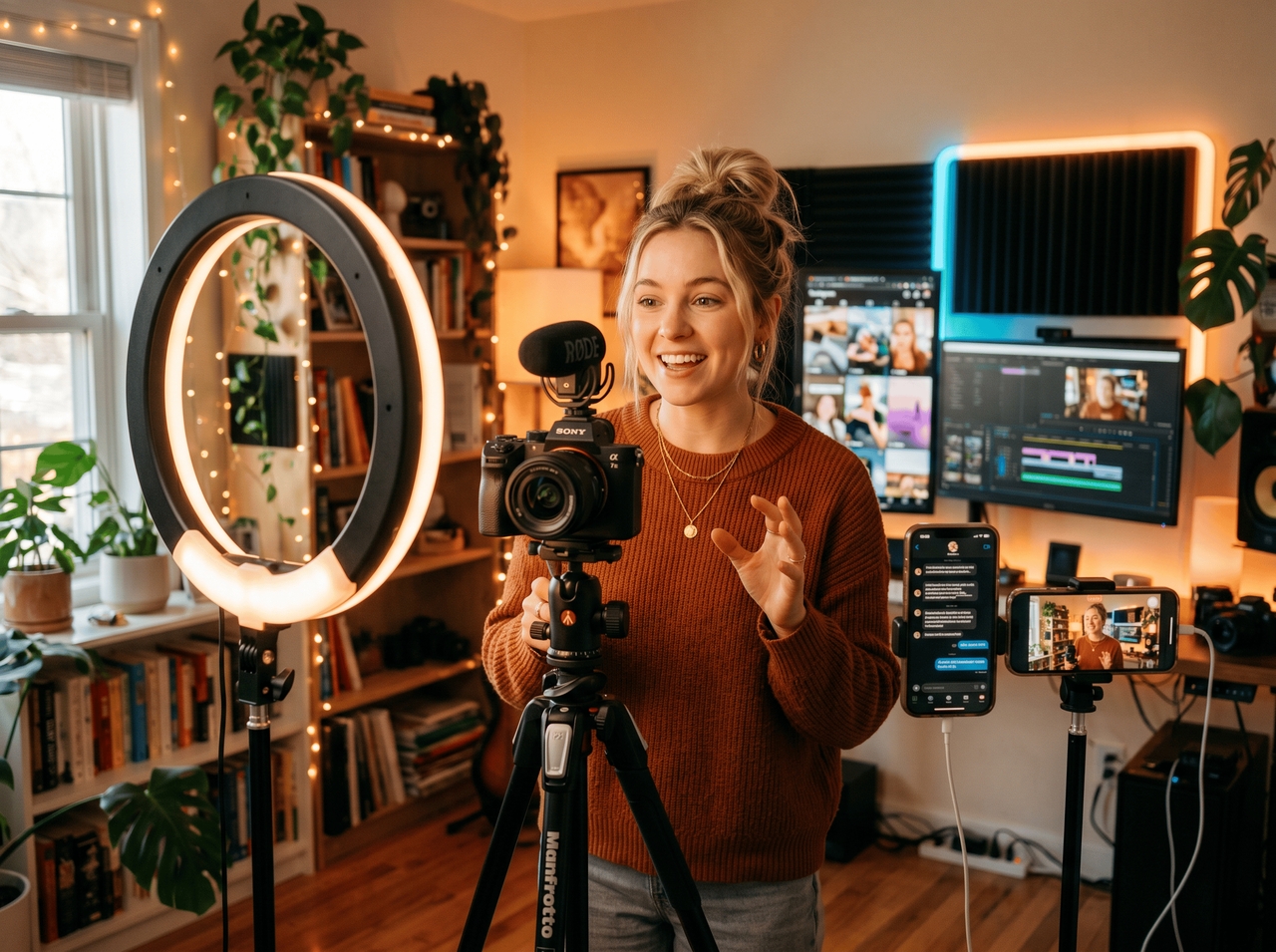
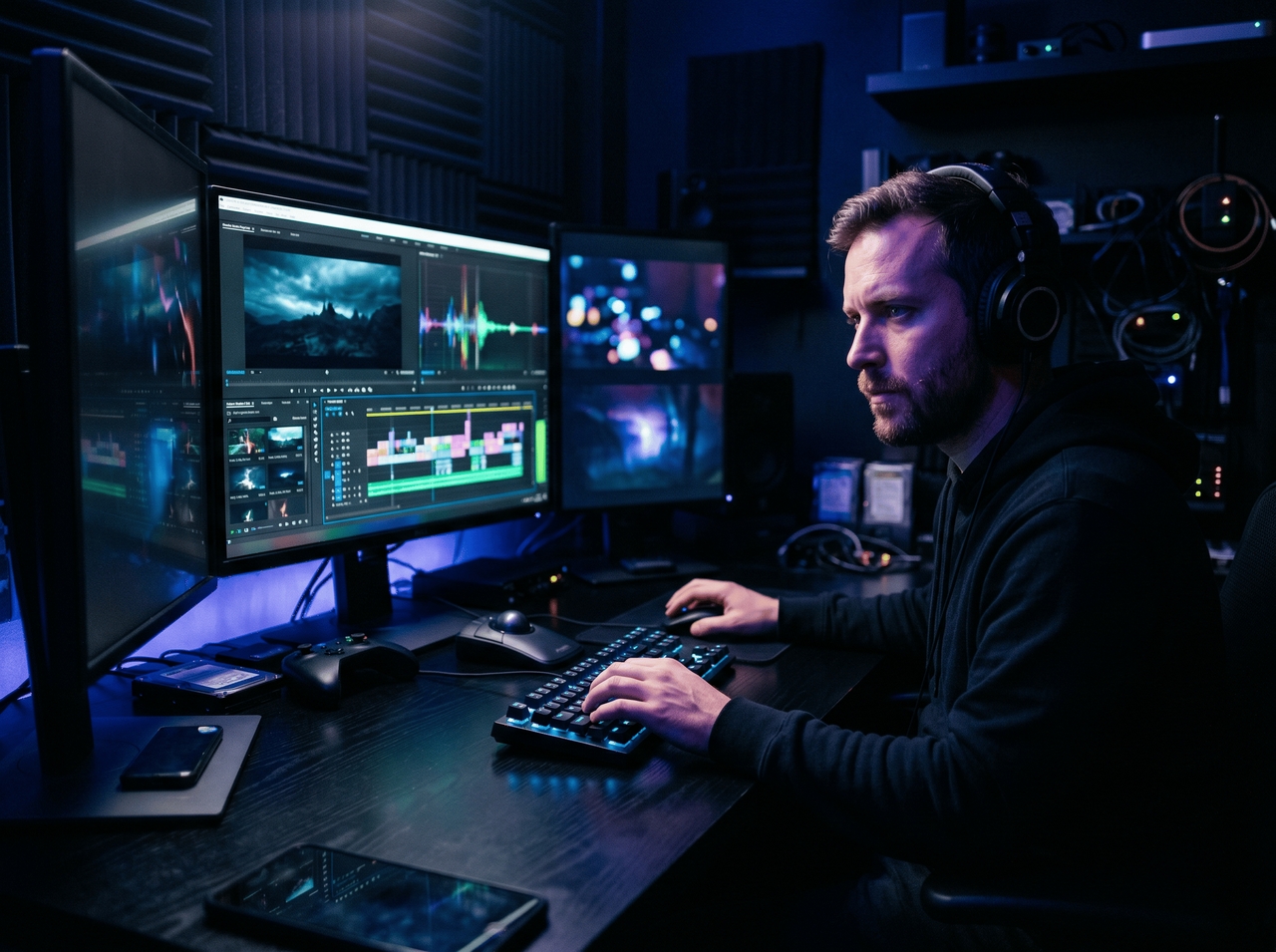
Create Shorts, Reels, and YouTube vlog cuts

Type a prompt, drop your footage, and let the AI agent handle the rest. It uses Veo 3.1, Sora 2, Seedance 2.0, or Kling 3.0 for your videos. Your vlog goes from idea to cut without a timeline in sight.
Create Shorts, Reels, and YouTube vlog cuts
Replace awkward clips through chat edits

Replace awkward clips through chat edits

Type what needs to go, and the Storyboard editor acts on it. Chat edits read your instruction, locate the exact clip, and swap it out with AI-generated or uploaded footage, so nothing awkward makes it into the final vlog cut.

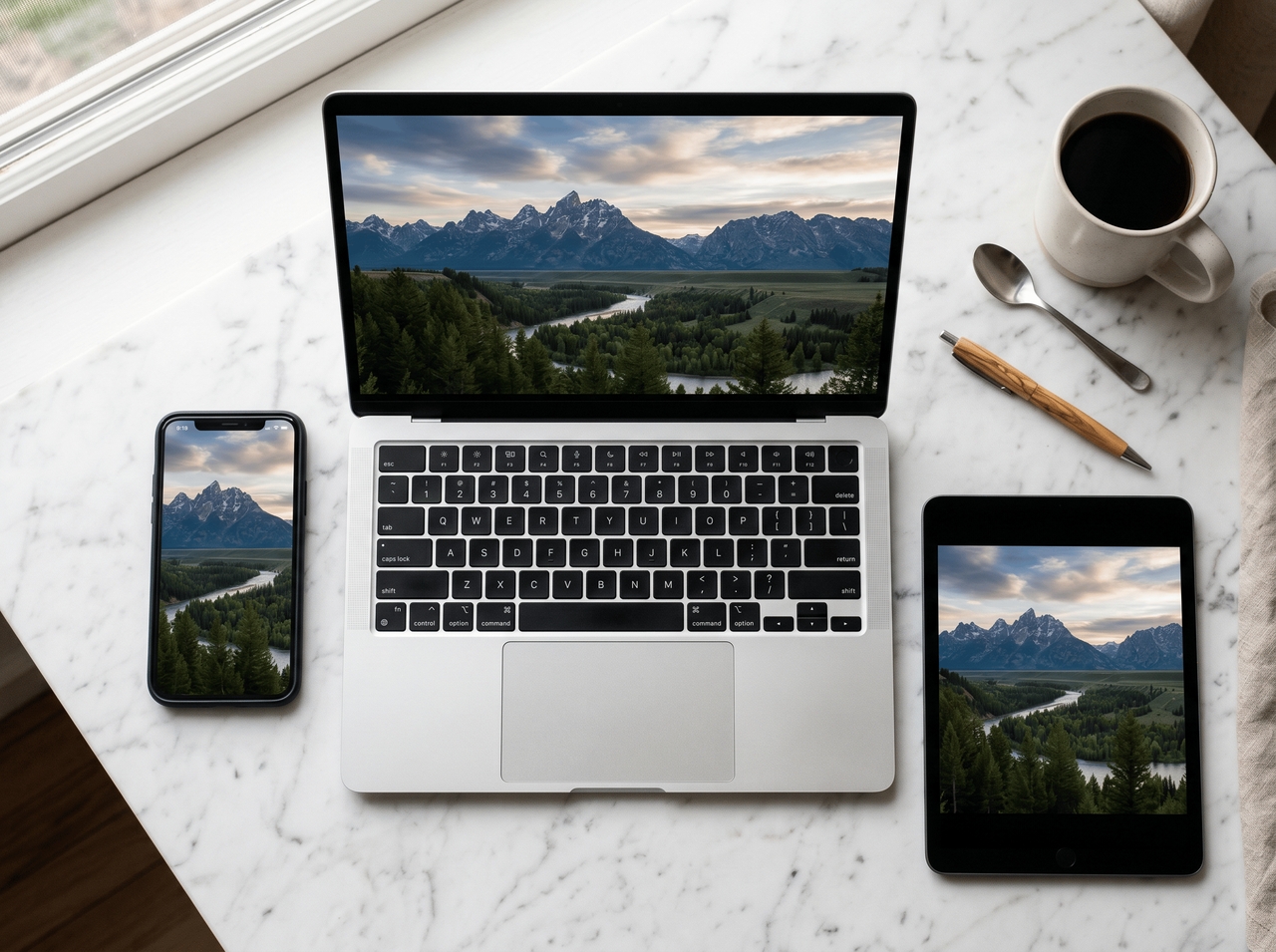
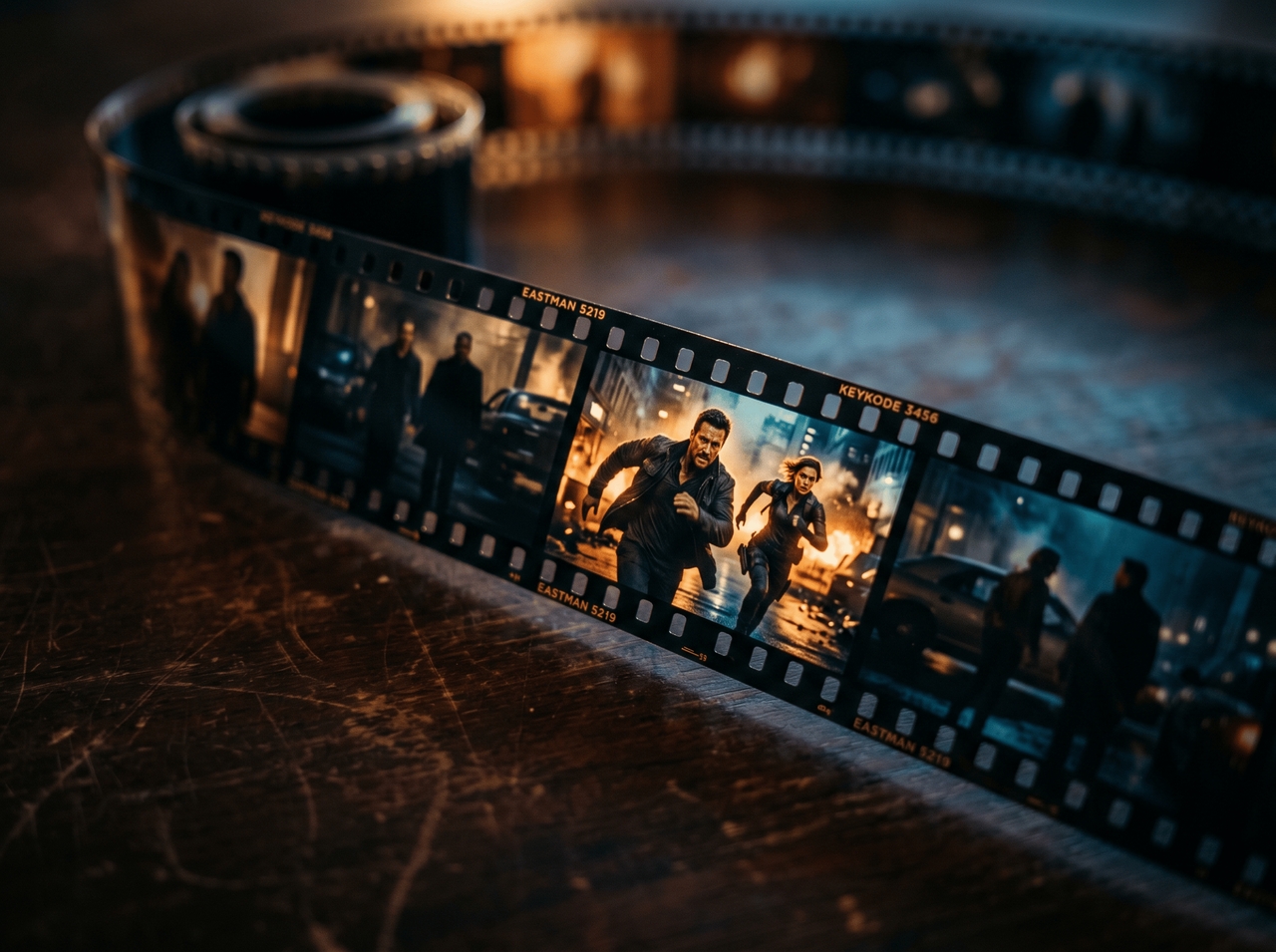
Resize vlog videos for every platform

One vlog, four formats. Switch between 16:9 for YouTube, 9:16 for Shorts and Reels, 1:1 for Instagram feed, and 4:5 with Framia Pro's video editor for vlogs. Each output stays sharp at its own resolution.
Resize vlog videos for every platform
Split any scene by frame with SmartSplit

Split any scene by frame with SmartSplit

Break footage down frame by frame to isolate exactly what you want to cut or swap using SmartSplit on our video vlogger. No guesswork, no scrubbing back and forth, just frame-accurate control over every scene in the vlog.

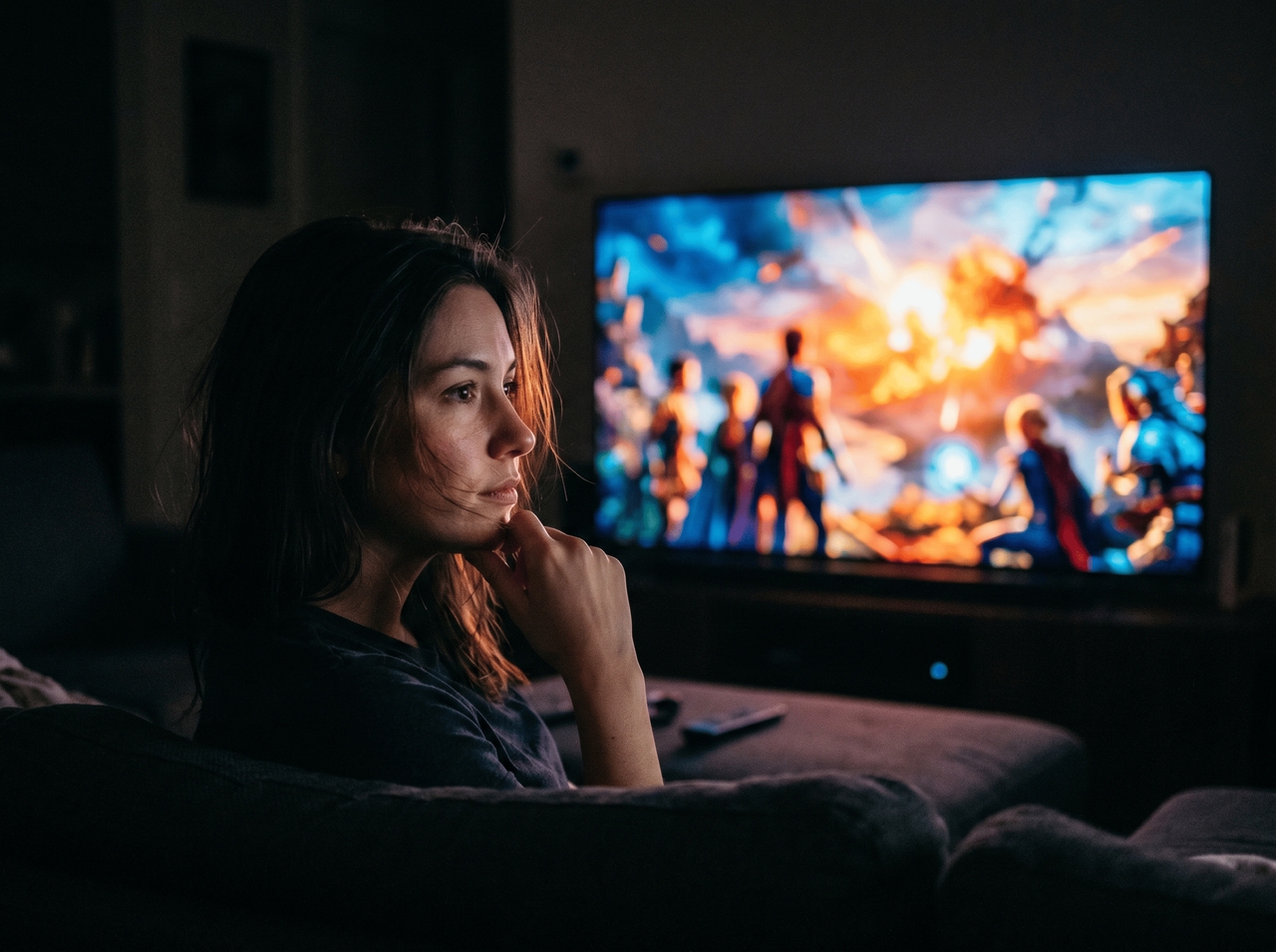
Drop AI captions that sync with the frames

Upload your vlog video and AI captions appear in seconds, timed to the actual audio waveform at the frame level. Edit any word directly, restyle the look, and export with captions burned in or as a separate file.
Drop AI captions that sync with the frames
Burn new audio onto any vlog video clip

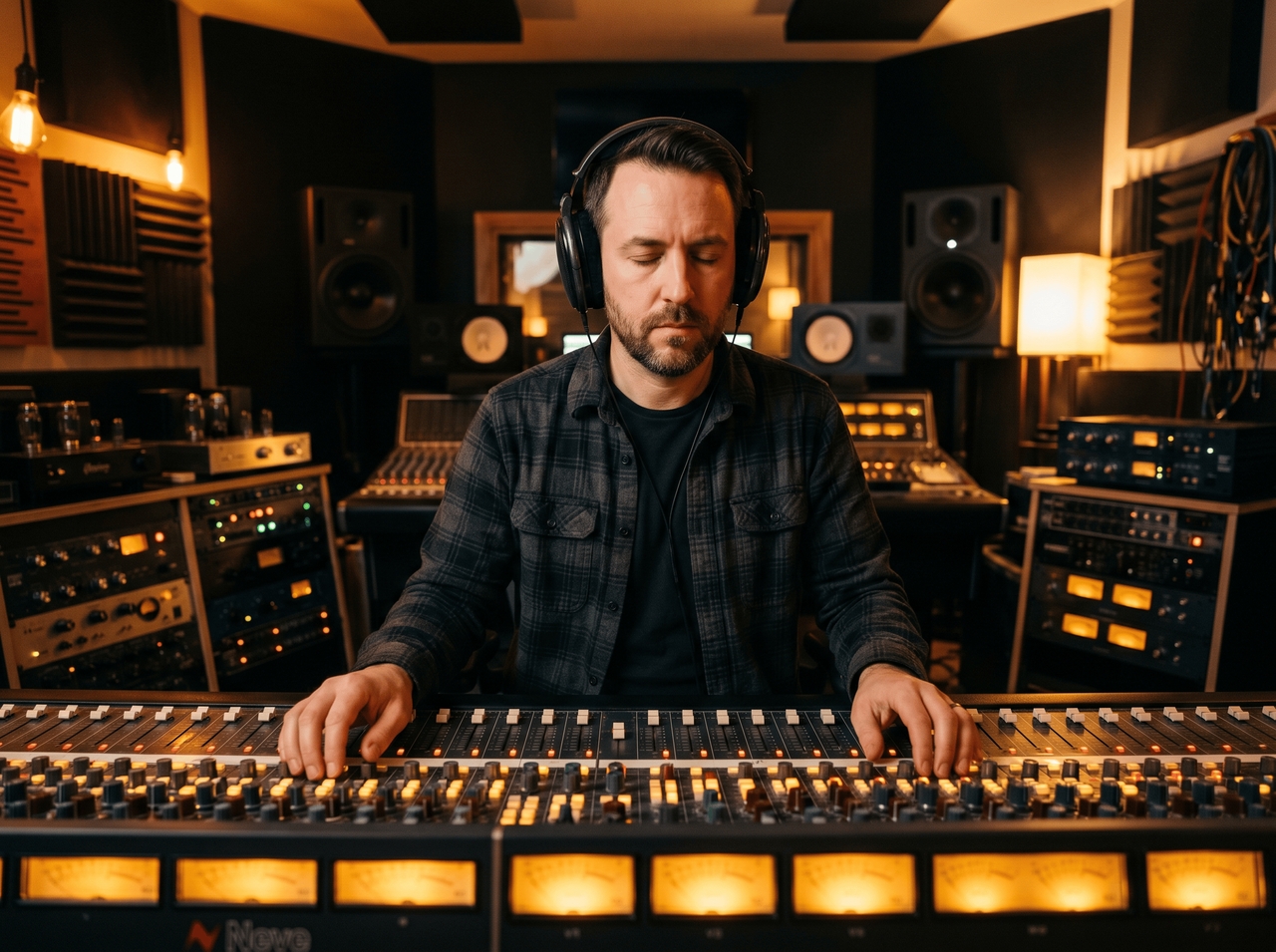
Burn new audio onto any vlog video clip

Describe the mood or tempo, choose Suno v5 or Mureka, and Framia Pro generates original soundtracks around your footage. The audio attaches to the clip you choose, so you can score specific scenes differently across the same vlog.

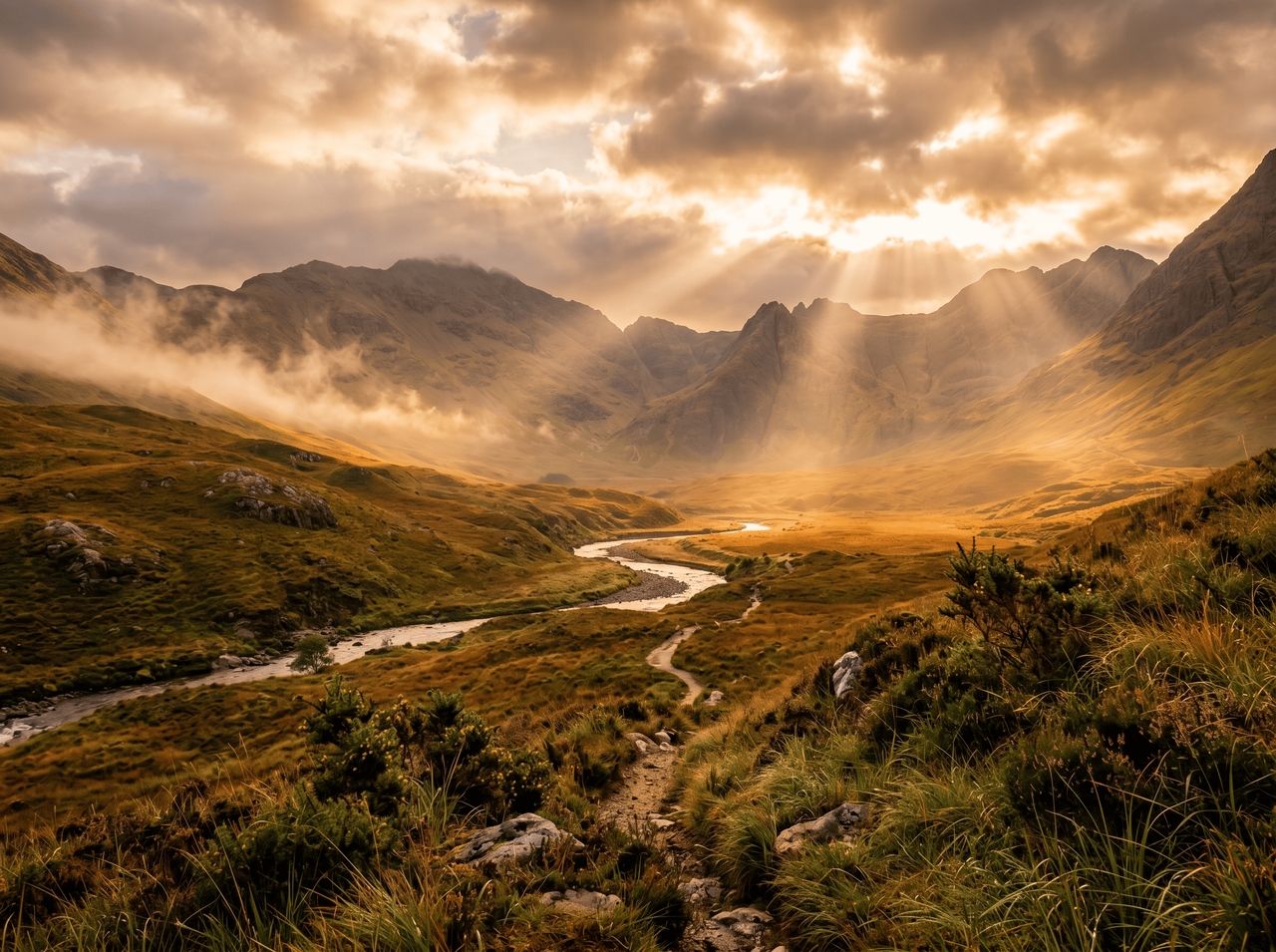
Upscale videos to HD and 4K quality

Upscale low-resolution vlog video into sharper HD or 4K output with our video editor for vlogs for free. The system refines frame detail and clarity before exporting in higher resolution formats for different platforms.
Upscale videos to HD and 4K quality

How it works: From footage to finished vlog

Pick up where your camera left off. Three steps turn raw footage into a vlog that's cut, scored, and ready.

Upload video
Open Framia Pro, pick a Video Agent, upload your clips or type a prompt describing the vlog style, mood, or story you want to tell..
Generate and shape the vlog
Hit "Select Model," choose from Kling, Veo, Sora, or Seedance, set your duration, aspect ratio, and resolution, then click "Generate."
Edit and export your finished vlog
Preview the output, swap scenes, drop in captions, or tweak the pacing until every cut feels right. Download straight from the canvas.

Why vlog creators switch to Framia Pro editing tools

Three reasons explain why vloggers stop doing that once they try Framia Pro's best free video editor for vlogs.

Rewrite full scenes with one click
Pick any scene that isn't working and hit regenerate. Framia Pro rewrites it entirely using the same context as your vlog, so the new clip fits the story you're already telling without losing continuity or starting over from scratch.
Pull live info mid-edit
Search the web without leaving the editor. Whether you're fact-checking a travel detail, grabbing a stat for a voiceover, or looking up a product name, the answer comes back right inside Framia Pro and goes straight into your vlog.
Multiple AI video models
Choose from Sora 2, Veo 3.1, Kling 3.0, Seedance 2.0, and their earlier versions inside Framia Pro Video Agents. Each model handles motion, style, and output differently, so you pick the one that fits the shot rather than settling for one-size-fits-all generation.

Use cases that bring your vlog stories closer to life

Every creator shoots differently and edits for a different audience. Our AI vlog editor fits into whatever format you're already working in.

Daily vlog uploads
Upload raw footage, chat-edit the slow parts out, and export the same day. Daily vloggers who shoot seven videos a week can't afford a long edit session for each one, so SmartSplit and one-click scene regeneration cut that time down fast.
Travel recap videos
Drop in your best clips from the trip, let AI score the mood with original audio via Suno v5 or Mureka, and add captions that sync. Travel recaps need tight pacing and good sound, and both come together in the same session.
YouTube creator edits
Edit long YouTube vlog content into structured videos using our best video editor for YouTube vlogs. You can split scenes, adjust pacing, and prepare clean exports that fit channel uploads.
Podcast video cuts
Split a long recording into short videos and pull the best exchanges with our AI vlog editor for free. You can select key talk moments, remove long pauses, and export clips for social sharing or highlight reels from full episodes.
TikTok vlog clips
Create short TikTok vlog clips from longer footage. Our best editor for vlogs lets you pick strong moments, trim extra parts, and format videos in vertical layout for quick viewing on mobile screens.
Student lifestyle videos
Use our vlog video editing tool to refine student life footage into simple vlog videos. Arrange classroom clips, study scenes, and daily moments into short stories that reflect routine activities in a clear sequence.

Words creators left behind for Framia Pro

Here's what people said after switching to Framia Pro's AI vlog editor.

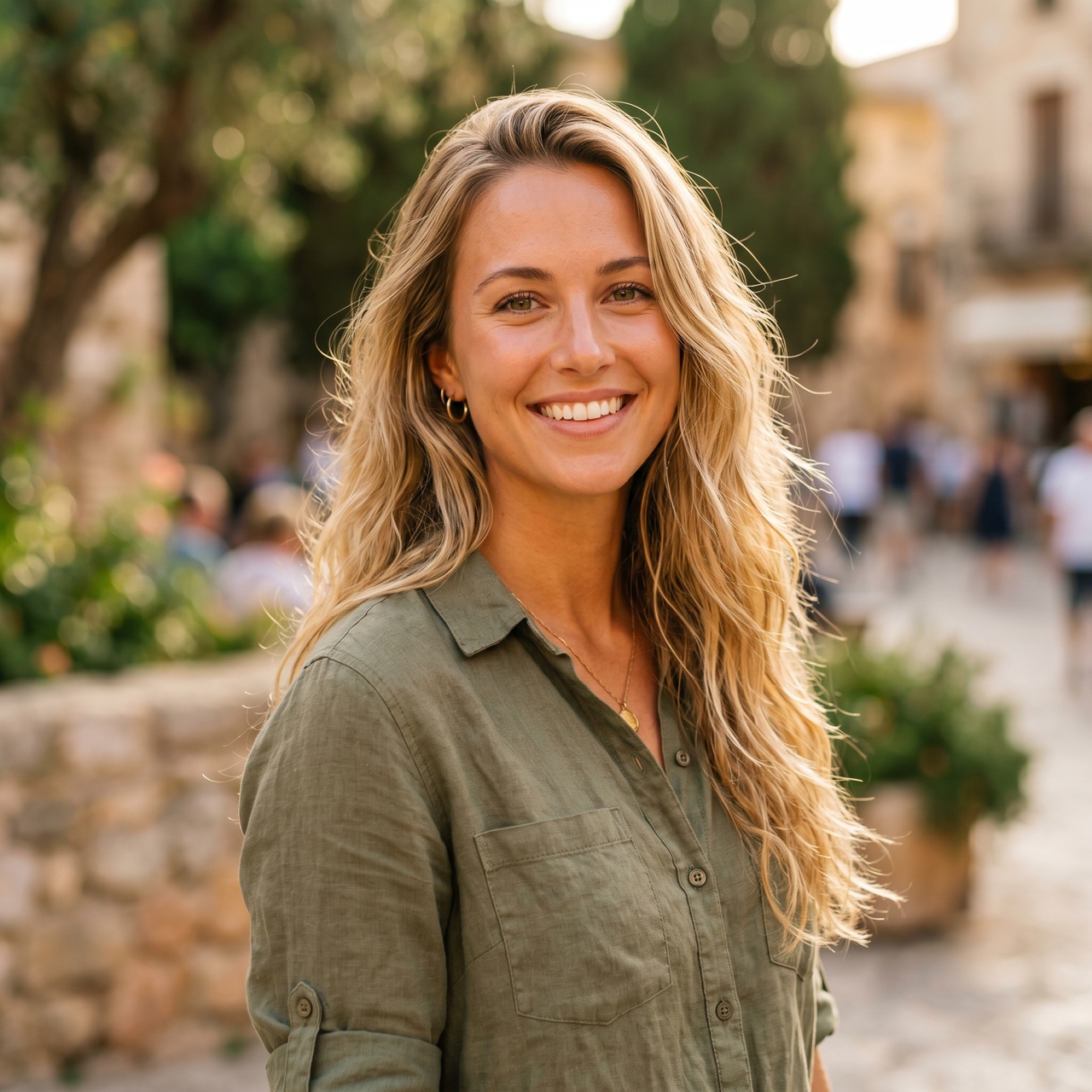
I used to dread coming home from a trip because I knew what was waiting: hours of footage and zero energy to edit it. Framia Pro changed that. My recaps actually go up now instead of sitting in a folder for three weeks.
Zoë Hartwell
Zoë Hartwell
Travel Vlogger
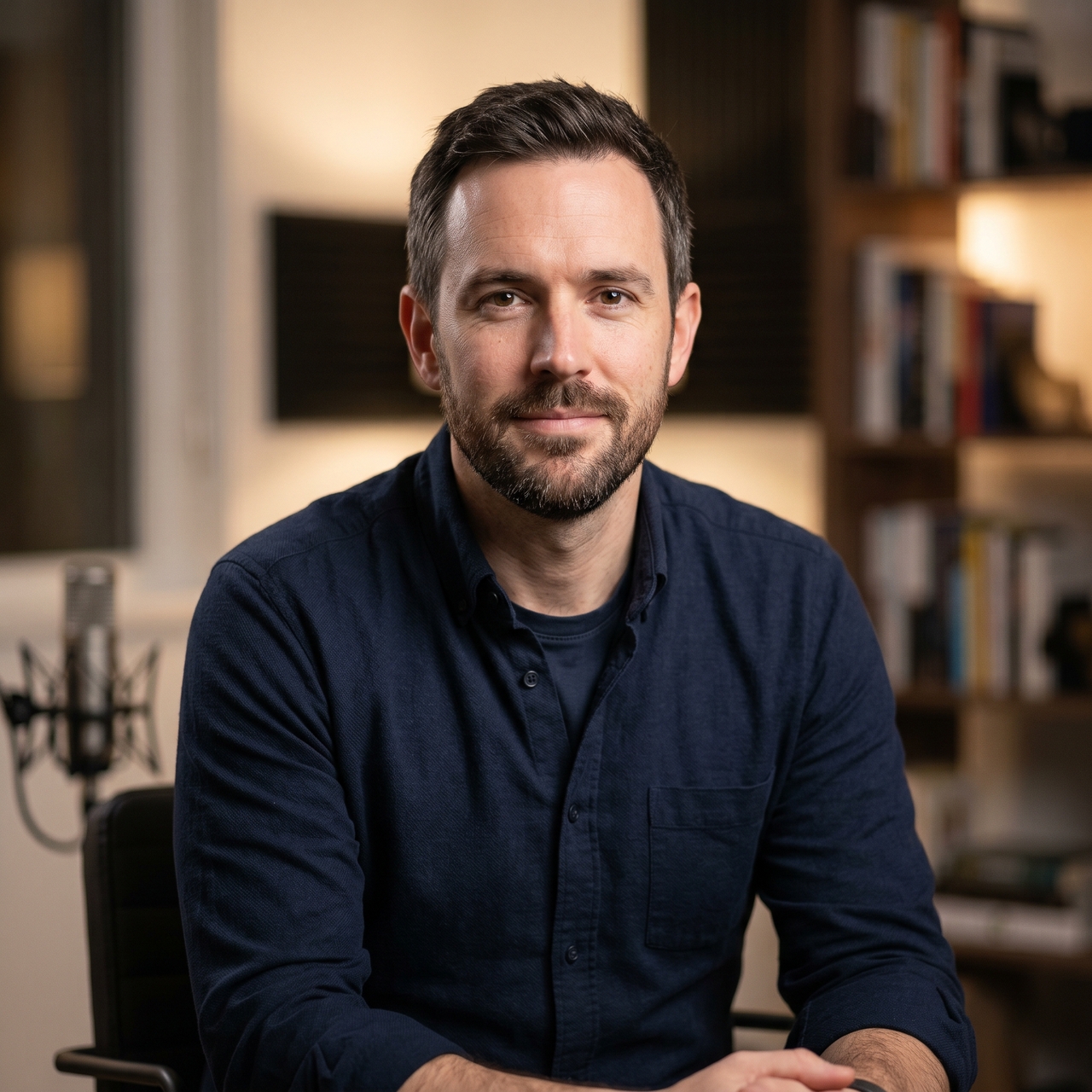
Honestly, I did not expect to like it this much. I'm picky about how my vlogs look, and I was ready to find something wrong with it. Two months later, and it's the only editor open on my laptop.
Marcus Tello
Marcus Tello
YouTube Creator
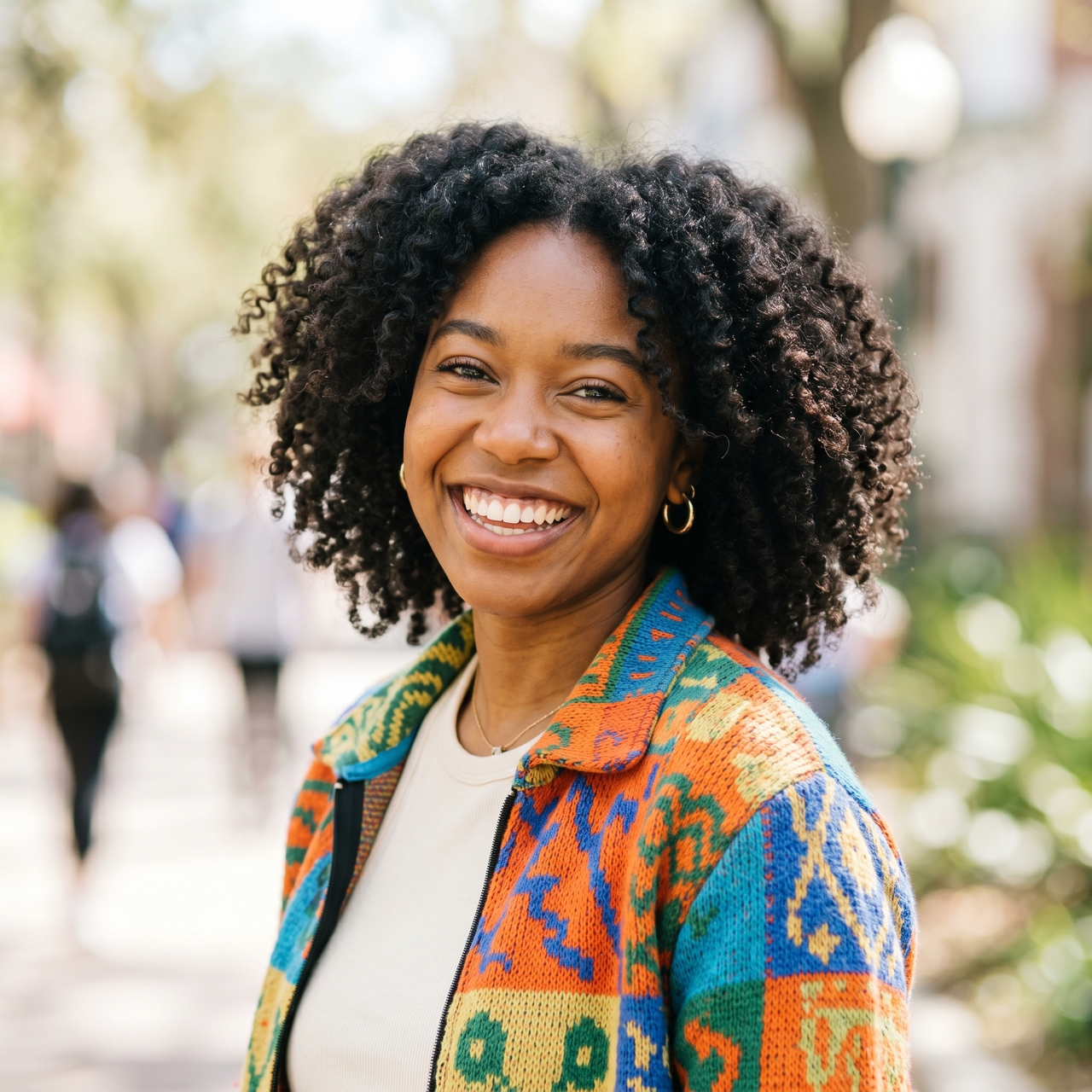
My last editor made me feel like I needed a film degree just to trim a clip. Framia Pro felt like someone finally sat down and thought about what creators actually need instead of what looks good on a features list.
Sienna Calloway
Sienna Calloway
Lifestyle Vlogger
Turning a two-hour recording into video content used to take my whole Sunday. Now it doesn't. I get more done, the output looks better, and I still have a weekend. That's not something I expected from a browser-based tool.
Dario Vence
Dario Vence
Podcast Host
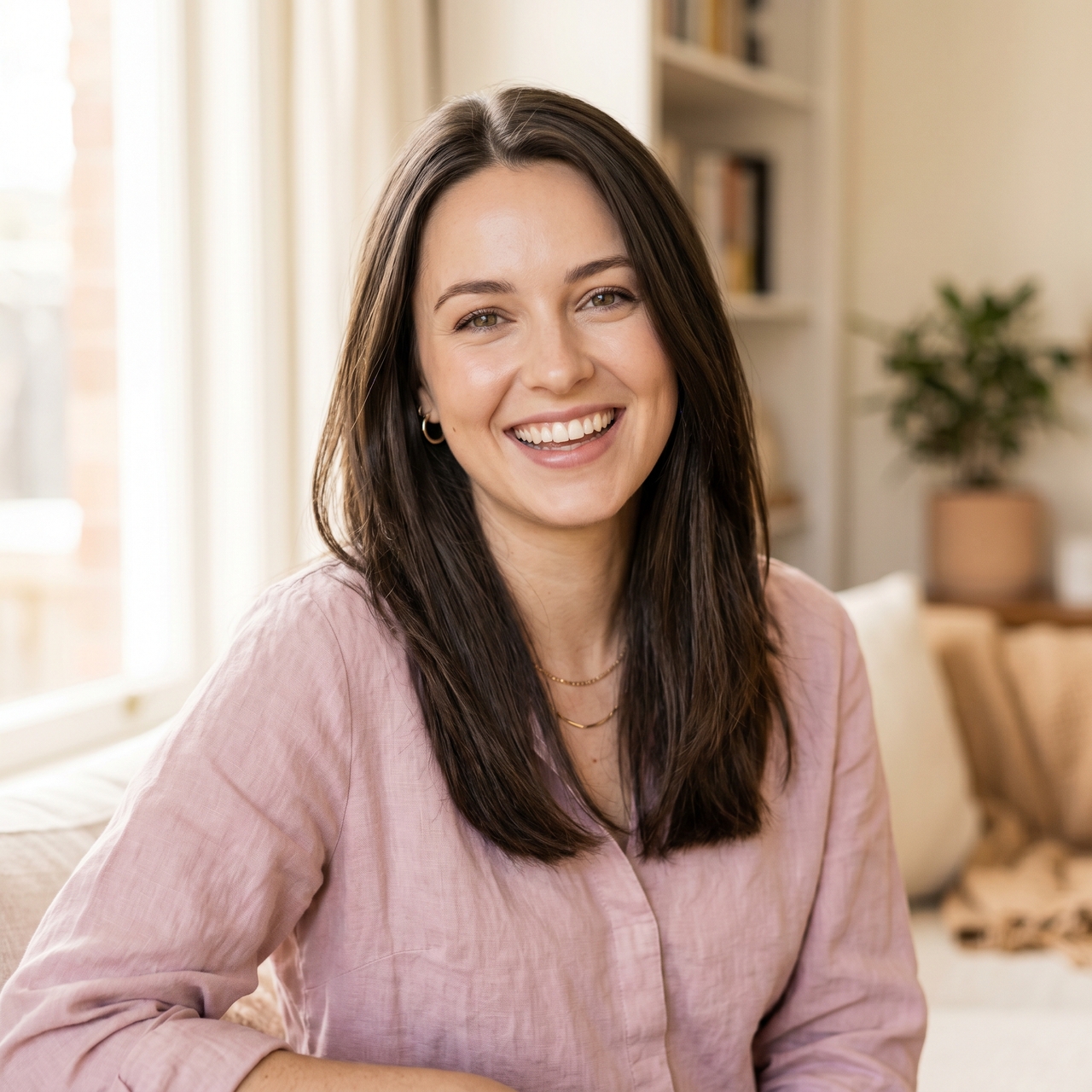
I filmed my whole semester abroad and almost gave up on editing it because I had no idea where to start. Framia Pro made me look like I knew what I was doing on the very first video I ever published.
Cleo Ashford
Cleo Ashford
Student Content Creator
I've tried a lot of editors, and most of them slow me down. Framia Pro actually gets out of the way and lets me focus on the content, which is all I ever wanted from an editing tool.
Reuben Strauss
Reuben Strauss
TikTok Vlogger
We've compiled the most important information to help you get the most out of your experience. Can't find what you're looking for?Contact us

Frequently asked questions

Is Framia Pro a free AI vlog editor?
Framia Pro offers a free tier with access to core editing tools, including scene splitting, caption generation, and chat-based edits.
What makes Framia Pro different from other online vlog editors?
Most video vloggers make you drag clips around a timeline. Framia Pro lets you type what you want changed and it delivers. You can split scenes, add captions, regenerate clips, and more.
Can I use Framia Pro as an online vlog editor without downloading anything?
Yes. Framia Pro's best app for vlog editing runs entirely in the browser. No install, no plugins, no desktop app required.
What aspect ratios and resolutions does Framia Pro support?
Framia Pro's vlog editing tool lets you export in 16:9, 9:16, 1:1, and 4:5 at up to 4K resolution that covers YouTube, Reels, Shorts, and TikTok formats.
Does Framia Pro generate captions automatically?
Yes. The caption generator syncs the subtitles to your footage frame by frame. Edit the text, restyle the look, or let it run as-is.
Can I replace a single clip without re-editing the whole vlog?
Yes. SmartSplit isolates individual clips. Replace any one of them with your own footage or an AI-generated clip without touching the rest of the timeline.

Still have questions?

Have questions or need assistance? Our team is here to help!

Edit vlogs smarter with AI

Cut, caption, regenerate, and export vlog videos faster with AI editing tools.

AI Vlog Editor — Edit, Generate & Publish Stunning Vlogs