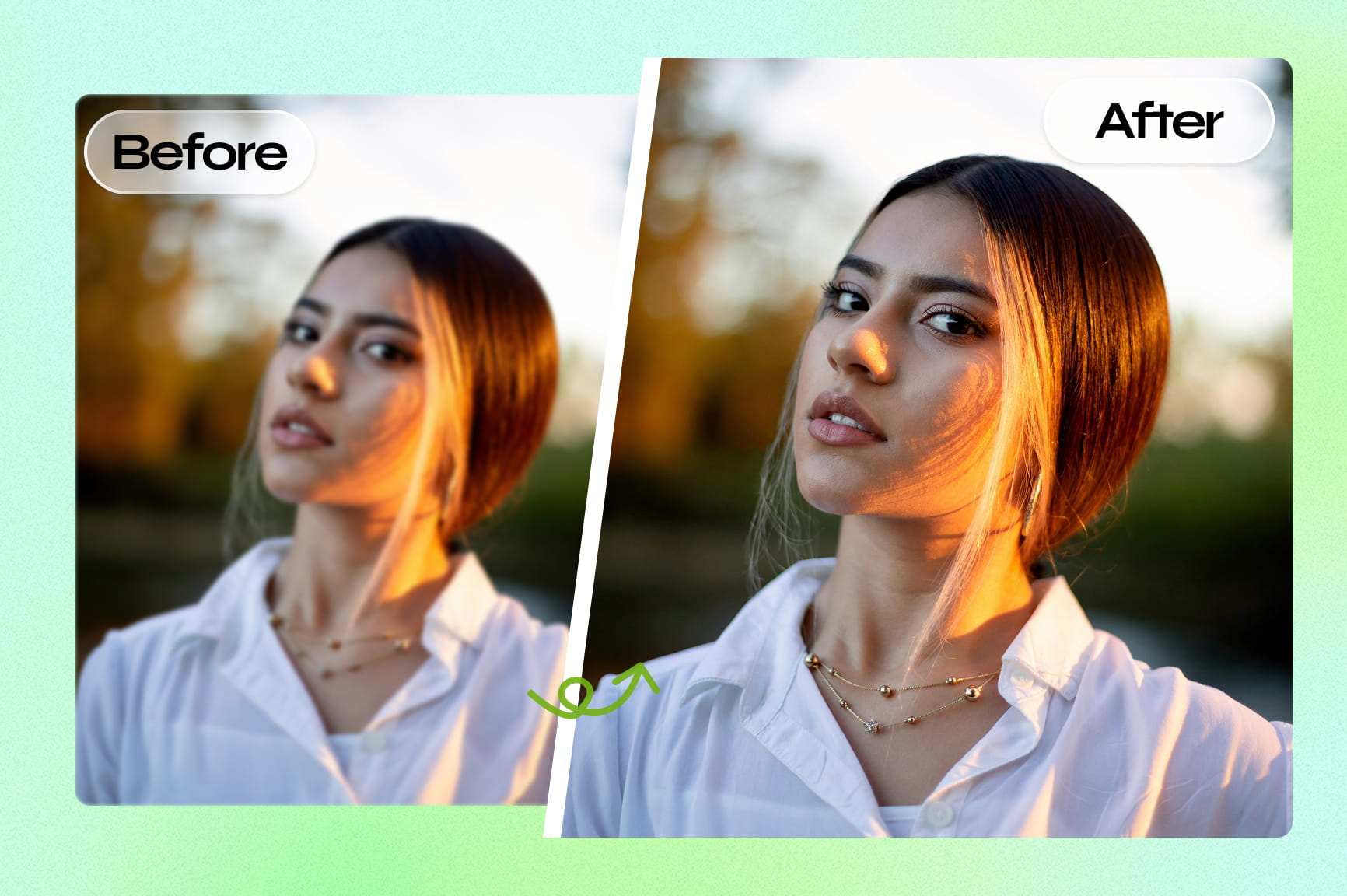
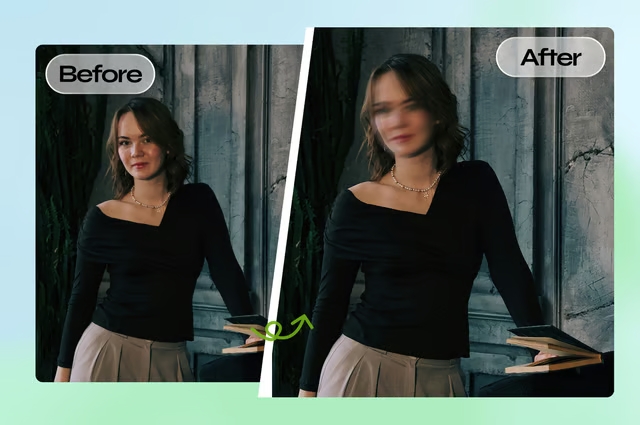
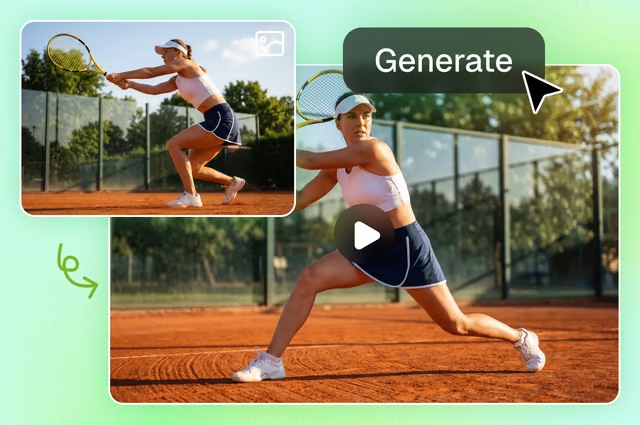
Unpixelate Images with AI

Unpixelate images instantly with our AI-powered online tool. Upload blurry or pixelated photos and restore sharp, clear quality in seconds.

Upload imagesClick to browse or drag & drop file here
Unpixelate Images with AI

How to unpixelate images using Framia Pro?

Upload your image
Drag and drop your pixelated JPG, PNG, or WEBP file directly into the tool. Type a prompt like: "unpixelate image and sharpen the fine details."
Let AI enhance
Hit "Generate," our image enhancement models analyzes the pixelation pattern and reconstructs detail across the entire photo in seconds.
Download your result
Preview the image, and hit download to save your unpixelated image in high quality within seconds.

Why use Framia Pro to unpixelate images?

Restore blurry and pixelated photos instantly with our AI image enhancer that improves sharpness, clarity, and image quality online.

Conversational AI Agent for image unpixelation

Skip complicated sliders and manual filters. Simply select your blurry graphic, chat with the Design Agent, powered by Nano Banana Pro, Seedream 5.0, or Flux Max, and watch the platform depixelate images instantly through simple natural language commands, drastically streamlining your creative asset production pipeline.
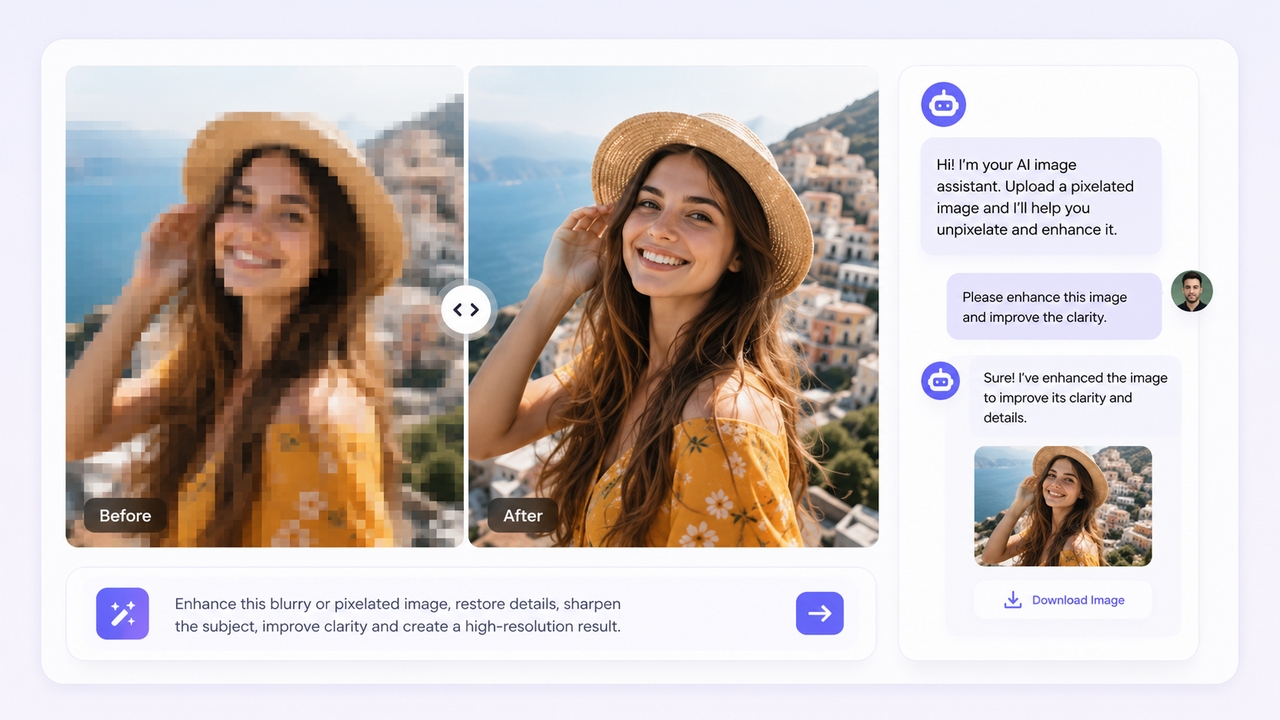
Conversational AI Agent for image unpixelation
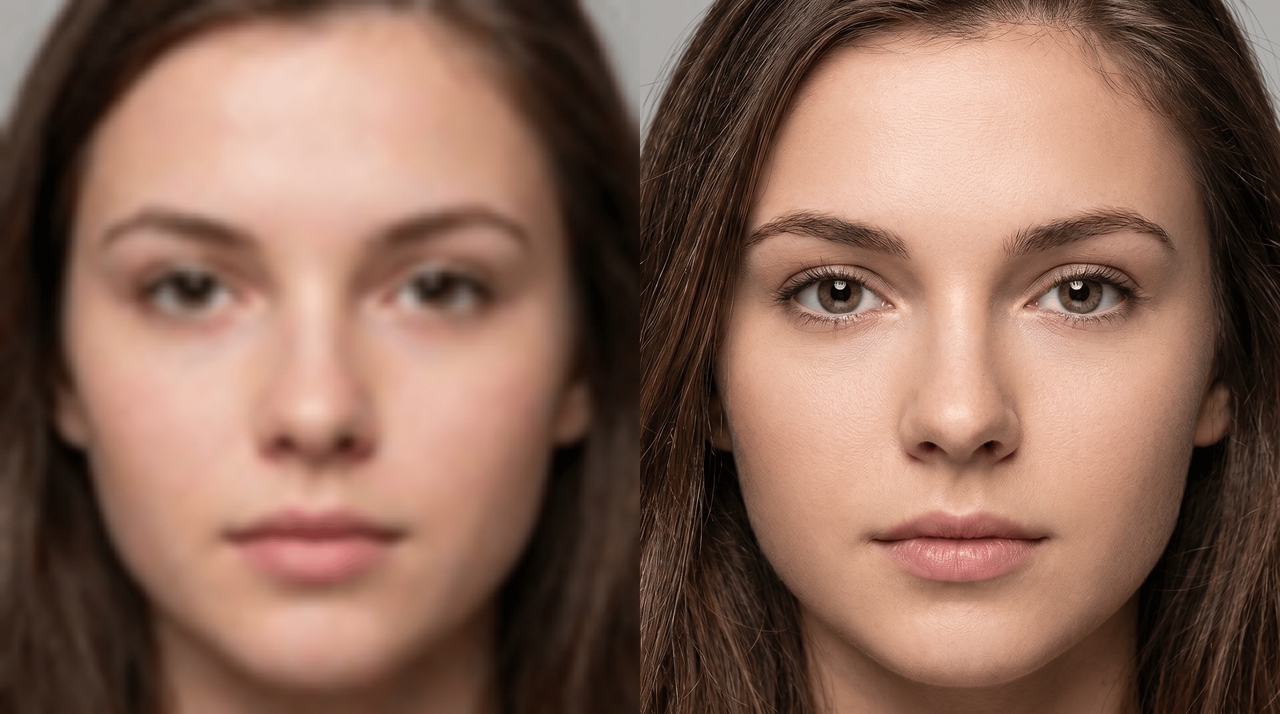
AI-powered intelligent reconstruction

AI-powered intelligent reconstruction

Framia Pro uses advanced AI algorithms to remove pixels from images that cause blur and blockiness, rebuild missing details, sharpen edges, and restore image clarity naturally. It enhances low-quality photos without making them look overprocessed, helping you achieve cleaner and more professional-looking results in seconds.

Advanced high-quality AI image upscaling

Effortlessly upscale your pixelated and low-res images to sharp 2K or 4K resolution with Framia Pro's powerful image upscaler. Enjoy enhanced clarity, realistic details, natural textures, and professional results perfect for prints, e-commerce, social media, and high-resolution displays.
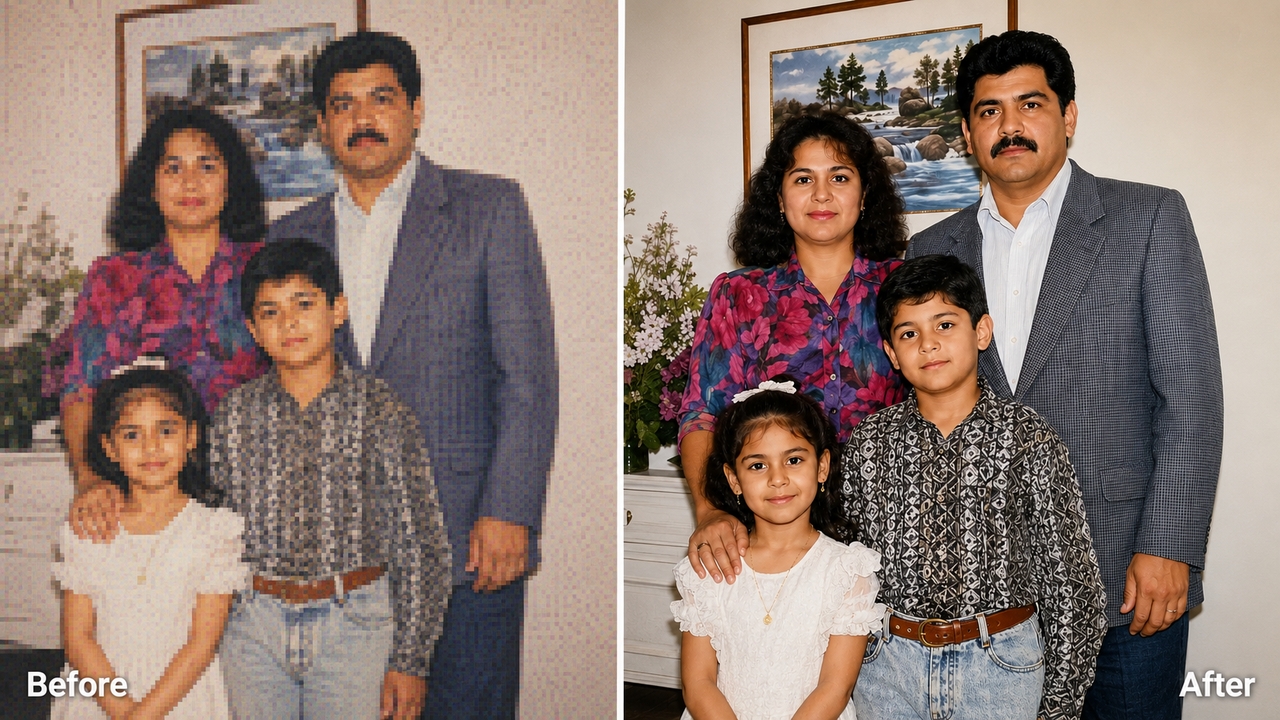

Advanced high-quality AI image upscaling
Unpixelate text in images with precision

Unpixelate text in images with precision

Restore blurry or pixelated text in images with AI-powered precision. Our advanced image depixelizer sharpens letters, improves readability, and enhances low-quality screenshots, scanned documents, posters, and graphics while maintaining clean and natural-looking text details.

What makes Framia Pro best for image unpixelation?

Discover the benefits of Framia Pro to unpixelate images with superior quality and speed.

Save hours of manual editing
Skip the tedious Photoshop workflow. Framia Pro's AI image editor handles the entire restoration process automatically, no layer masks, no filter stacking, no trial and error. What used to take hours now takes seconds.
Cost-effective solution
No expensive software licenses or freelance photo retouching fees required. Framia Pro lets you unpixelate images online for free using daily credits, putting professional-quality, high-fidelity results within easy reach of every independent digital creator, e-commerce seller, and everyday social media user.
Full format compatibility
Framia Pro's AI unpixelate tool supports all popular image formats including JPG, PNG, and more. Effortlessly unpixelate and enhance any photo, screenshot, product image, or digital artwork without worrying about format restrictions or conversion issues.
Unpixelate anywhere, on any device
Access Framia Pro's depixelate image tool from any browser — no app downloads, no installations, no setup. Whether you're on desktop, tablet, or mobile, sharp results are always just a upload away.
Boost engagement with sharper visuals
Crisp, clear images perform better everywhere, from e-commerce listings to social media posts. Restored image quality grabs attention, builds trust, and drives higher engagement across every platform and format.
Secure and private
Every image you upload is processed securely and never stored or shared. Framia Pro never uses your image to train public models. Your photos remain completely private — giving you full confidence to fix pixelated pictures whether they're personal, professional, or sensitive.

From personal to professional — Unpixelate image for any purpose

Discover how creators, businesses, and everyday users rely on Framia Pro to restore image quality and get professional results across every use case.

Restore old family photos

Revive precious memories by unpixelating old, blurry, and low-resolution photos. Framia Pro’s AI enhances clarity, restores fine details, natural skin tones, and vibrant colors, turning faded images into beautiful, high-quality keepsakes ready to be cherished and shared.
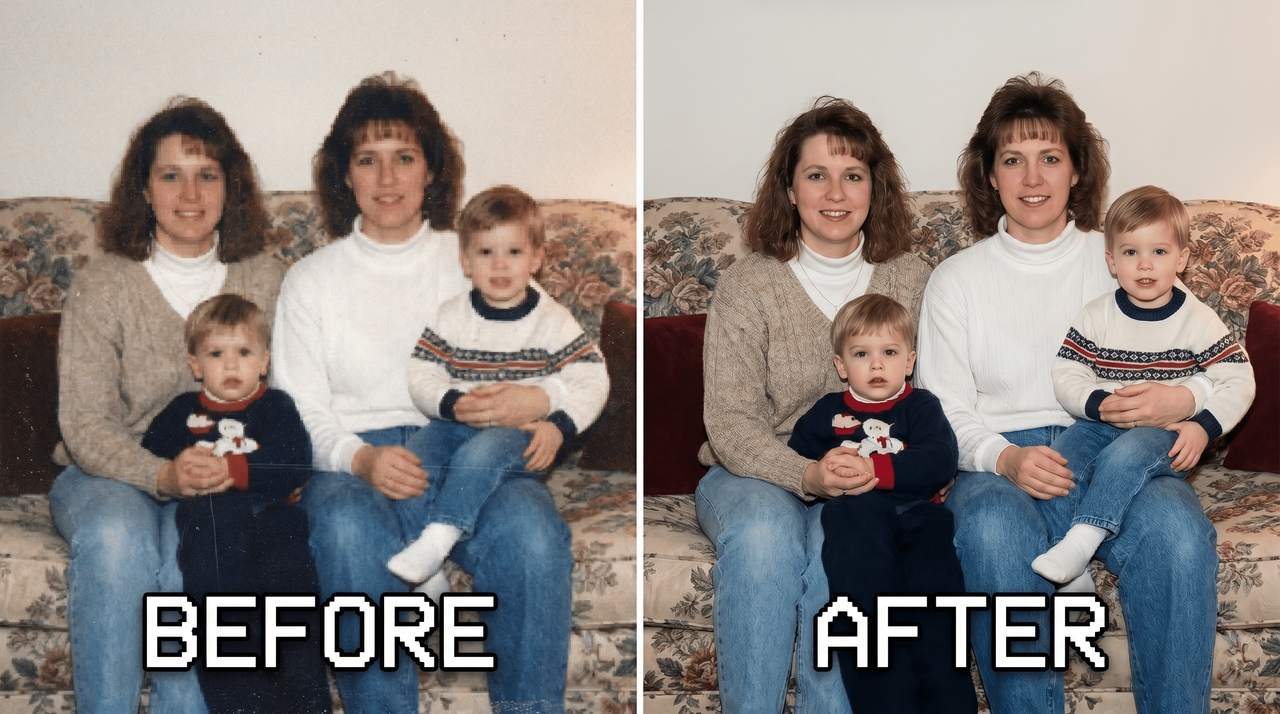
1. Restore old family photos
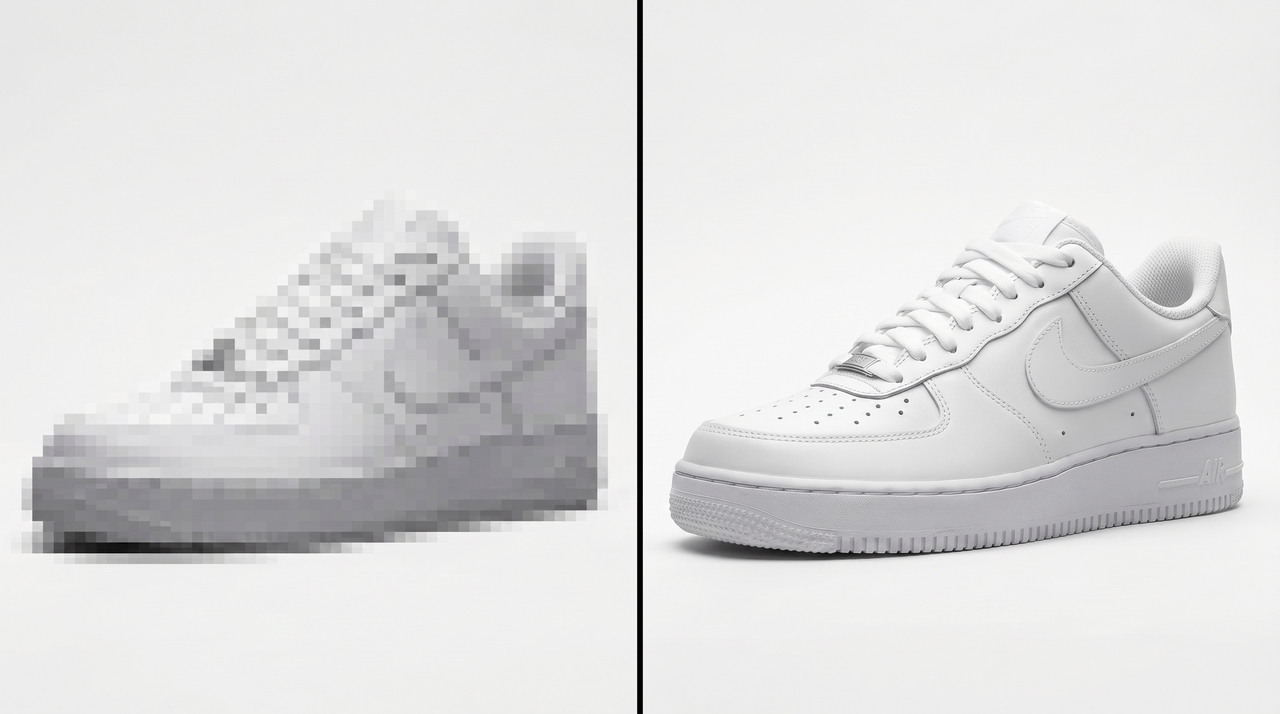
2. Enhance e-commerce product image

Enhance e-commerce product image

Improve product photography by removing pixelation and increasing resolution. Create sharp, professional visuals that showcase every detail clearly. Higher quality images build customer trust, reduce returns, and significantly boost conversion rates on online stores.

Create stunning social media content

Make your posts, thumbnails, and stories stand out by unpixelating images in seconds. Framia Pro delivers crisp, high-resolution visuals that grab attention, improve engagement, and maintain a professional look across Instagram, Facebook, TikTok, and other platforms.
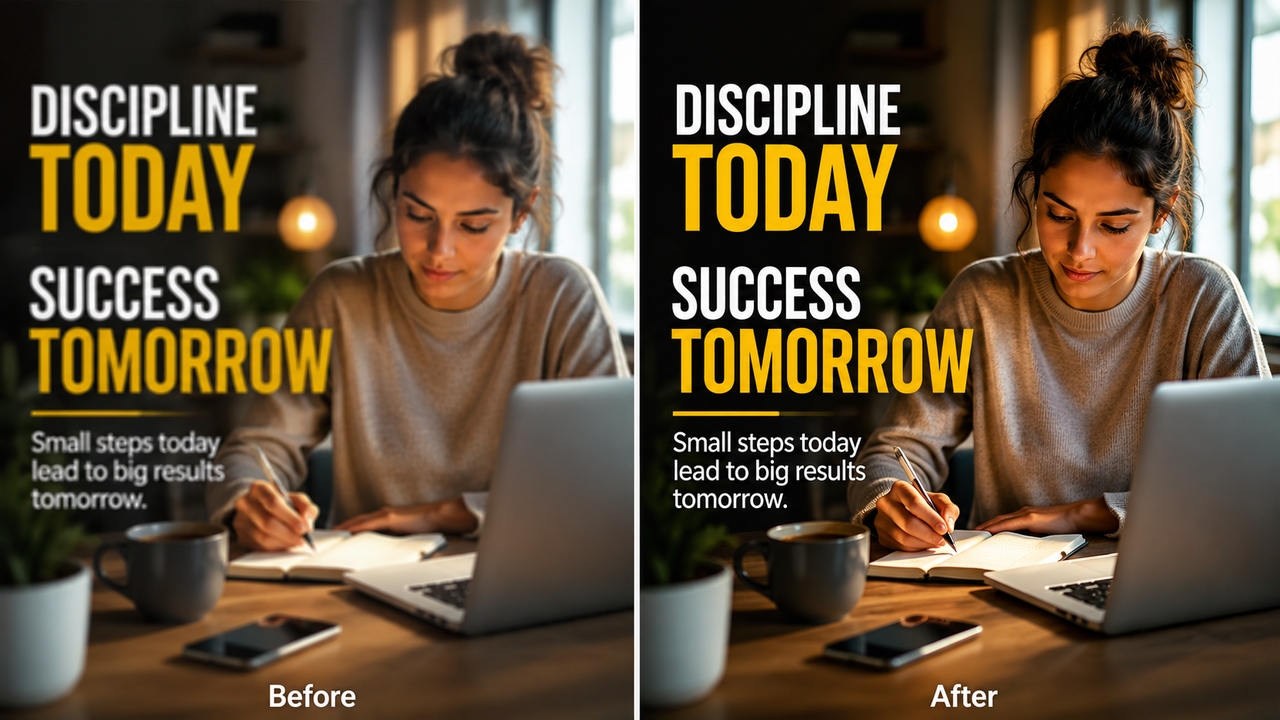
3. Create stunning social media content
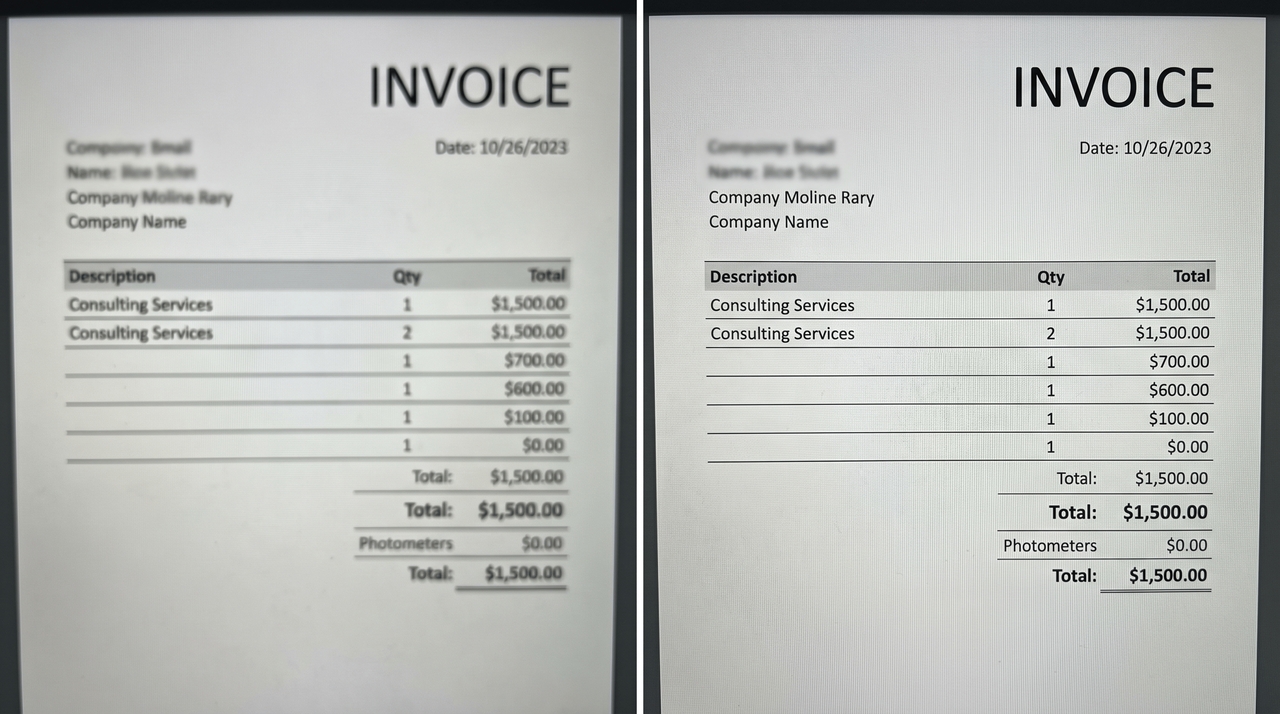
4. Sharpen screenshots & text images

Sharpen screenshots & text images

Clear up pixelated screenshots, documents, memes, and text-heavy images. Our AI sharpens letters, improves readability, and removes compression artifacts, making instructions, presentations, and digital content much more professional and easier to read.

Improve digital art & game assets

Enhance pixelated digital illustrations, concept art, and game assets. Framia Pro intelligently reconstructs details and upscales resolution while preserving artistic style, helping artists and developers achieve high-quality final results.
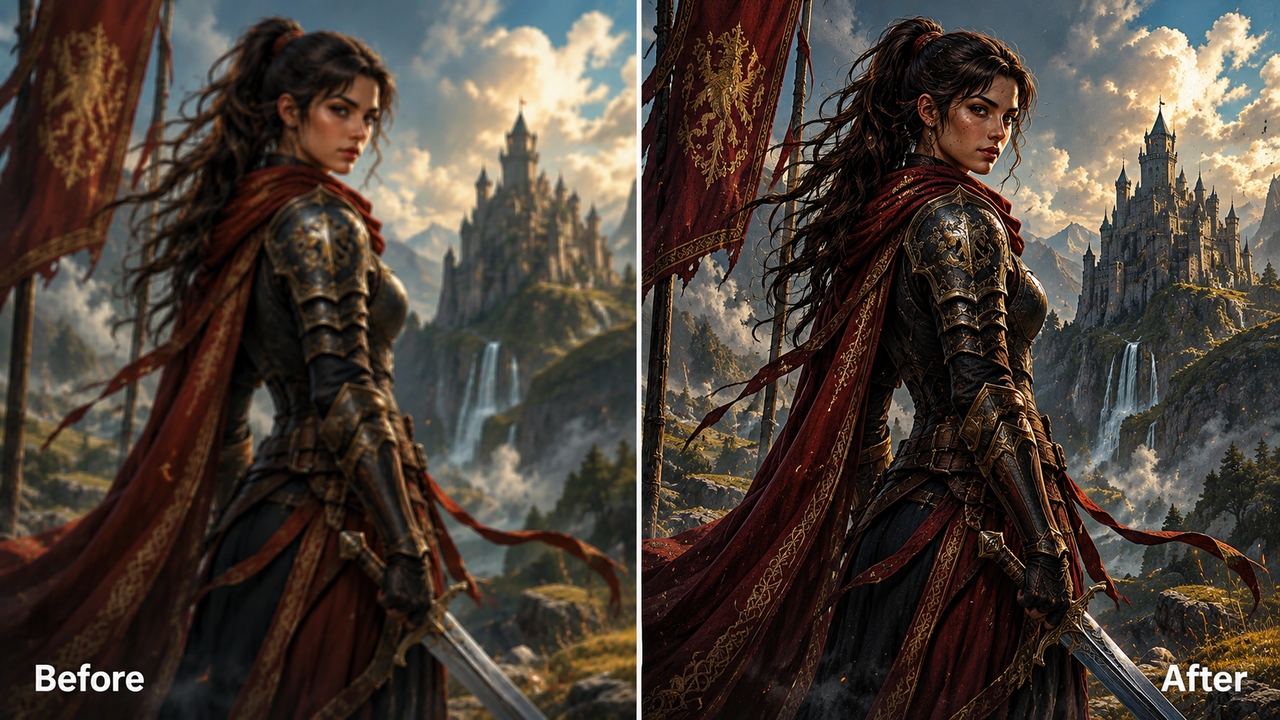
5. Improve digital art & game assets

What users say about our image depixelizer?

See how Framia Pro is helping creators, sellers, and everyday users restore image quality and get professional results.


I had dozens of pixelated family photos from the early 2000s that I'd given up on. Framia Pro restored every single one in minutes. Absolutely blown away by the results.
Sarah M
Sarah M
Photographer
Blurry product images were hurting my store. Framia fixed my entire catalog in one afternoon. The quality difference was immediately noticeable and my conversion rate jumped within a week.
James R
James R
E-Commerce Seller
I've tried every free unpixelate tool out there. Most add watermarks or produce mediocre results. Framia Pro is genuinely different, clean output, no watermarks, and razor-sharp detail every time.
Priya K
Priya K
Graphic Designer
A client sent me a pixelated brand file the night before a deadline. Framia Pro saved the project. The restored logo looked like it came straight from the original source file. Best pixel remover I've ever used.
Marcus T
Marcus T
Freelance Designer
I needed to fix pixelated images on the go and Framia Pro worked flawlessly in my mobile browser. No download, no setup — just upload, enhance, and done in seconds.
Linda C
Linda C
Social Media Manager
I create content daily and image quality is everything. Framia Pro consistently delivers sharper, cleaner results faster than any other tool I've tested. It's now a permanent part of my workflow.
Daniel W
Daniel W
Content Creator
We've compiled the most important information to help you get the most out of your experience. Can't find what you're looking for?Contact us

Frequently asked questions

What does it mean to unpixelate an image?
Unpixelating an image means using AI to remove blocky pixelation, reconstruct missing details, sharpen edges, and enhance overall clarity of low-resolution or compressed photos.
How do I fix pixelated images online for free?
Simply upload your pixelated image to Framia Pro. Our AI will instantly unpixelate, sharpen, and enhance it. New users get free credits to unpixelate multiple images at high quality with no payment required.
Can AI really unpixelate an image?
Yes. AI analyzes image structure and reconstructs missing pixel data intelligently — producing genuinely sharper results that traditional sharpening filters in tools like Photoshop simply cannot replicate.
What image formats are supported?
Framia Pro supports JPG, JPEG, PNG, and WEBP uploads. Every format delivers full-resolution output, ensuring your restored image is ready for web, print, or any creative project.
How to unpixelate an image in Photoshop?
In Photoshop, you can try Image Size with Preserve Details or Bicubic Smoother, then apply sharpening. However, AI tools like Framia Pro give faster and more natural results.

Still have questions?

Have questions or need assistance? Our team is here to help!
Explore more tools on Framia Pro

AI Manga Generator
Turn text into stunning manga-style art easily. Create professional manga panels and illustrations with Framia's AI generation tool.
AI Manga Generator
Blur Image Online
Blur image online for free with Framia Pro. Instantly blur backgrounds, hide sensitive details, and add professional depth-of-field effects to any photo in seconds.
Blur Image Online
AI Photo to Video Generator
Transform static images into dynamic cinematic clips instantly. Bring your pictures to life with Framia's AI-powered photo to video tool.
AI Photo to Video Generator

Ready to Unpixelate Your Images?

Restore clarity to any pixelated image in seconds. Framia Pro's AI tool delivers sharp, professional-quality results.

Unpixelate Image Online Free with AI in Seconds