Free AI Image Watermark Remover Online

Remove watermark from photo instantly with Framia Pro. Clean unwanted text, logos, and marks while maintaining original image clarity.

Upload imagesClick to browse or drag & drop file here
Free AI Image Watermark Remover Online

Key features of our AI image watermark remover

Explore how Framia Pro makes removing watermarks from photos easy with advanced AI tools.

AI-powered watermark removal

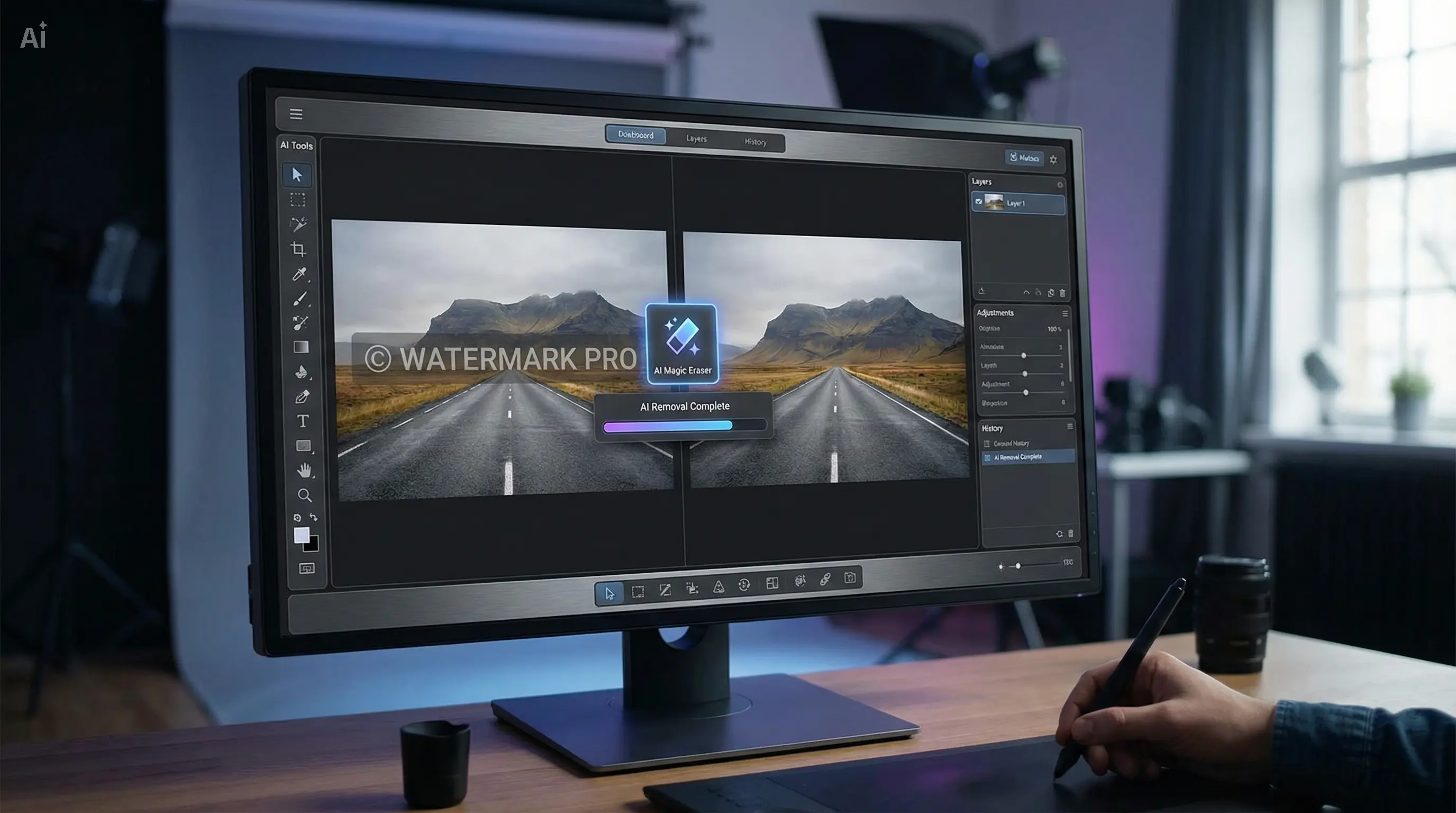
Framia Pro uses advanced AI technology to detect and remove watermarks from photos automatically. It analyzes image patterns and intelligently fills backgrounds, ensuring seamless edits that look natural and professional without visible traces.

AI-powered watermark removal
High-quality image reconstruction

High-quality image reconstruction

This tool removes watermarks instantly, saving time and effort. Whether you are editing images for social media, business, or personal use, Framia Pro delivers quick results without compromising on quality or requiring complex editing steps.

Fast real-time processing

Framia Pro removes watermarks in seconds using its powerful AI engine. It ensures quick, accurate, and reliable performance, making it perfect for users who need fast image editing without delays, complex tools, or time-consuming manual work.

Fast real-time processing
Easy-to-use interface

Easy-to-use interface

Framia Pro features a simple and intuitive interface suitable for beginners and professionals. Users can upload images, remove watermarks, and download clean results easily without requiring technical skills or additional software.

How to remove watermarks from photo with Framia Pro?

Follow three simple steps to remove watermarks from photos quickly using Framia Pro AI.

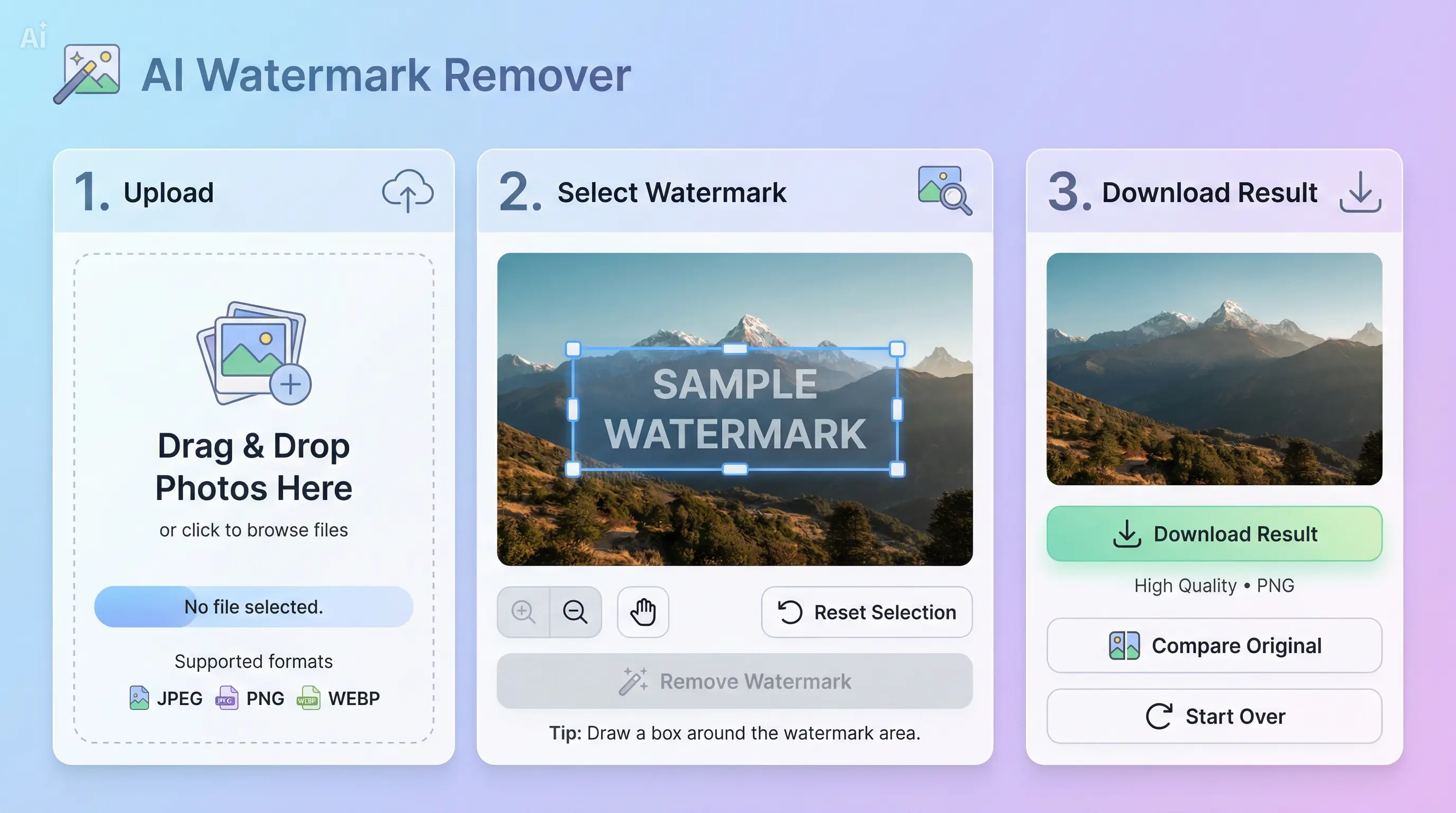
Step 1: Upload your image
Start by uploading the photo with a watermark to Framia Pro's online AI watermark remover. It supports multiple formats like JPG, PNG, and JPEG, making it quick and easy to begin editing any image.

Step 2: Apply AI watermark removal
Use the AI-powered tool to automatically detect and remove watermarks, logos, or text. Framia Pro intelligently reconstructs backgrounds, preserves image quality, and delivers smooth, professional-looking results effortlessly.
Step 3: Download the clean image
Once processing is complete, preview and click "Download" to save your watermark-free photo. Your image is now ready for social media, presentations, or professional use, fully clean and visually polished.

Why choose our AI photo watermark remover?

See why Framia Pro is the top AI tool to remove watermarks from photos quickly and professionally.

Smart AI Watermark Detection
Framia Pro's AI automatically detects and removes watermarks, logos, or text from photos. It preserves image details, colors, and textures, producing clean, professional-quality images without leaving any traces or distortions.
Quick Watermark Removal Online
Remove watermark from photo AI instantly. Framia Pro processes images fast, delivering high-quality results suitable for social media, marketing campaigns, or e-commerce projects, saving time without sacrificing image clarity or resolution.
Beginner-Friendly Editing
Framia Pro offers an intuitive interface for AI photo watermark remover. Anyone can upload, remove watermarks, and download clean images online without software installation or advanced editing knowledge, making it hassle-free.
Supports Multiple Image Formats
AI removes watermarks from image tools that work with JPG, PNG, and more. Framia Pro ensures all photos retain clarity, colors, and resolution, providing consistent professional-quality results across different image formats.
Precise Background Restoration
Framia Pro intelligently reconstructs areas where watermarks were removed. Its AI photo watermark remover preserves textures, edges, and colors, creating seamless, natural-looking images ready for professional use or online sharing.
Automatic Quality Enhancement
After watermark removal, Framia Pro optimizes photo clarity, sharpness, and colors automatically. Users get polished, high-resolution images that are visually appealing and suitable for social media, business, or personal projects.

Best ways to remove watermarks from photos using AI

When users need to remove a watermark from an image online, AI tools provide the fastest results.

Social Media Content Creation

Remove watermarks from photo online AI to create polished visuals for Instagram, Facebook, or Twitter. Framia Pro's AI photo watermark remover ensures clean, high-quality images that attract engagement and look professional.

Social Media Content Creation
E-commerce Product Images

E-commerce Product Images

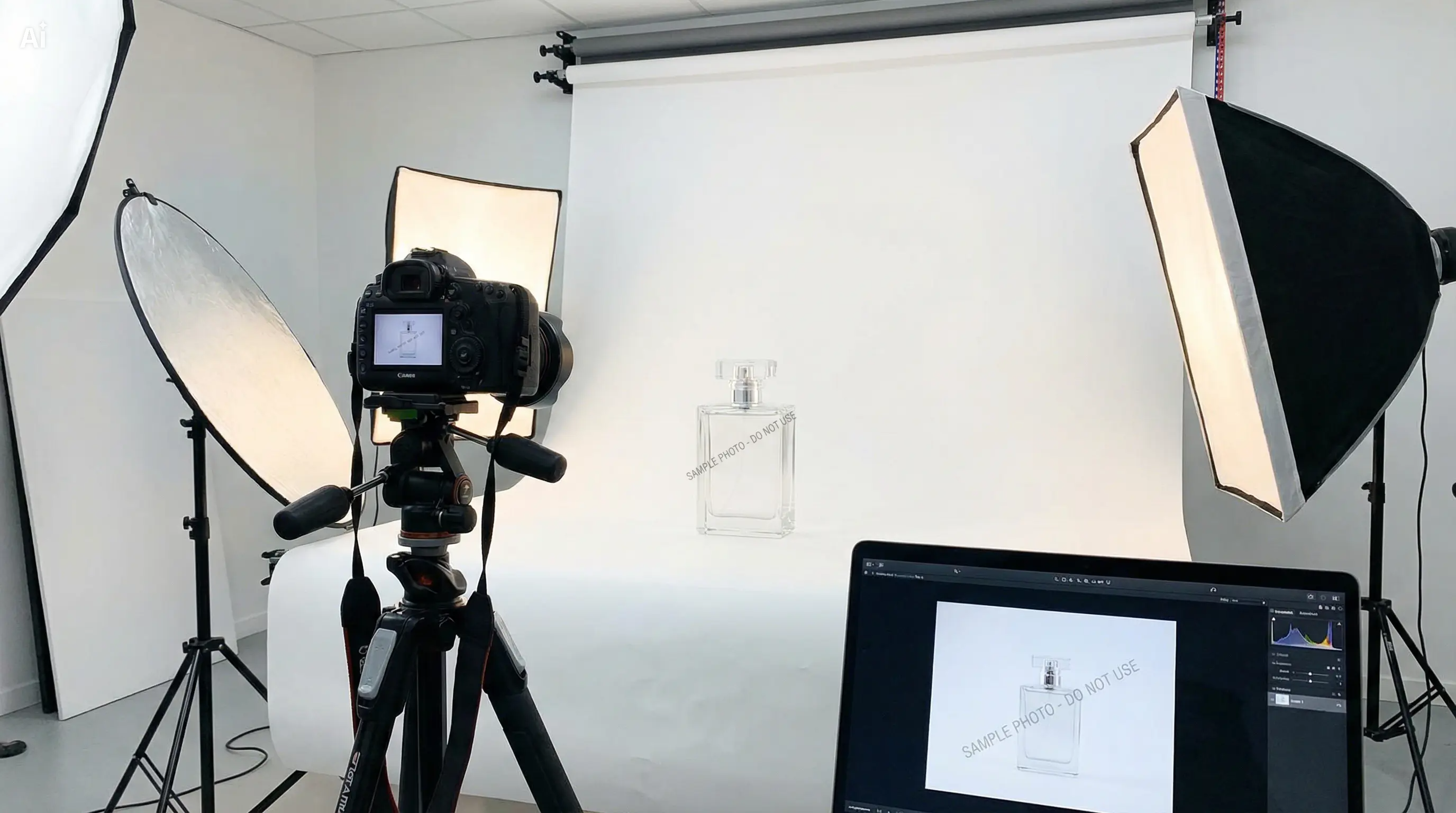
Use AI to remove watermarks from image tools to clean product photos. Framia Pro preserves image clarity and details while removing logos or text, helping businesses showcase products professionally and boost online sales.

Personal Photo Restoration

Restore personal or scanned images by eliminating watermarks and text using AI photo watermark remover. Framia Pro preserves colors, textures, and details, giving you high-quality, clean photos for memories or personal sharing.


Personal Photo Restoration
Marketing and Advertising Materials

Marketing and Advertising Materials

Remove watermarks from photo online AI to prepare banners, ads, and campaign visuals. Framia Pro ensures images are polished and professional, making your marketing materials stand out and maintain brand credibility.

Creative Design Projects

Designers can use AI to remove watermarks from images to clean stock photos, mockups, or reference visuals. Framia Pro keeps images sharp, professional, and distraction-free, enhancing creative workflows for print and digital projects.


Creative Design Projects
Educational and Presentation Content

Educational and Presentation Content

Use AI photo watermark remover to clean images for presentations, e-learning materials, or reports. Framia Pro maintains clarity, detail, and professional appearance, making visuals more effective and visually appealing.

What users say about Framia Pro AI watermark remover?

See what users say about Framia Pro AI photo watermark remover and its results.

Framia Pro's AI photo watermark remover saved me hours of editing product images. It removed logos flawlessly while keeping every detail intact, making my online store visuals clean, professional, and ready for publication.
Olivia Martinez
Olivia Martinez
E-commerce Product Manager
As a professional photographer, I often need to clean up client images. Framia Pro removes watermarks quickly and preserves the image quality perfectly, letting me deliver polished, high-resolution photos without manual retouching.
Ethan Brooks
Ethan Brooks
Professional Photographer
Framia Pro is amazing for content creators. The AI removes watermarks from image tools instantly, keeping images sharp and professional for blogs, social media, and portfolio presentations. Highly recommend for any creative professional.
Sophia Lee
Sophia Lee
Digital Content Creator
For marketing campaigns, clean visuals are critical. Framia Pro AI photo watermark remover effortlessly eliminates text and logos, producing crisp images that enhance my presentations, advertisements, and social media graphics.
Lucifer Prey
Lucifer Prey
Marketing Manager
I often use stock images with watermarks for mockups. Framia Pro's AI-powered remover makes it simple to get clean, professional visuals while preserving textures and colors, saving time and maintaining quality for design projects.
 Isabella Chen
Isabella Chen
Graphic Designer
Framia Pro AI removes watermarks from photos. It is a lifesaver for online teaching and presentations. I can quickly clean images for slides and educational content without losing quality, ensuring materials look professional.
Noah Thompson
Noah Thompson
Educator & Instructional Designer
We've compiled the most important information to help you get the most out of your experience. Can't find what you're looking for?Contact us

Frequently asked questions

Which photo formats are supported by Framia Pro AI photo watermark remover?
Framia Pro AI photo watermark remover supports JPG, PNG, and other common formats, allowing users to remove watermarks from photos easily while maintaining image quality across different file types.
Can Framia Pro AI photo watermark remover handle large, high-resolution images?
Yes, Framia Pro AI photo watermark remover efficiently handles large, high-resolution images, enabling users to remove watermarks from images online without losing clarity, sharpness, or important visual details.
Is Framia Pro suitable for removing watermarks from stock photos using AI?
Framia Pro is ideal for stock images, as its AI removes watermarks from photo tools, cleans logos and text while preserving textures, colors, and quality for professional and creative use.
Can Framia Pro AI remove watermarks from images without leaving traces?
Framia Pro AI removes watermarks from image tools using advanced algorithms to erase watermarks seamlessly, ensuring clean results with natural background restoration and no visible traces left behind.
Are there limitations to what Framia Pro AI photo watermark remover can remove online?
Framia Pro AI photo watermark remover works best on simple watermarks, while complex overlays may vary. Still, it effectively removes most logos, text, and marks from images online.
Can Framia Pro remove multiple watermarks from photos at once using AI?
Framia Pro AI photo watermark remover supports batch editing, allowing users to remove watermarks from images online for multiple photos efficiently while keeping quality intact.

Still have questions?

Have questions or need assistance? Our team is here to help!

Remove watermarks from photos in seconds

Easily remove watermarks from photo AI with Framia Pro. Fast, intuitive, and free online tools for professional-quality, clean, and polished images.

Remove Watermarks from Photos Fast for Free