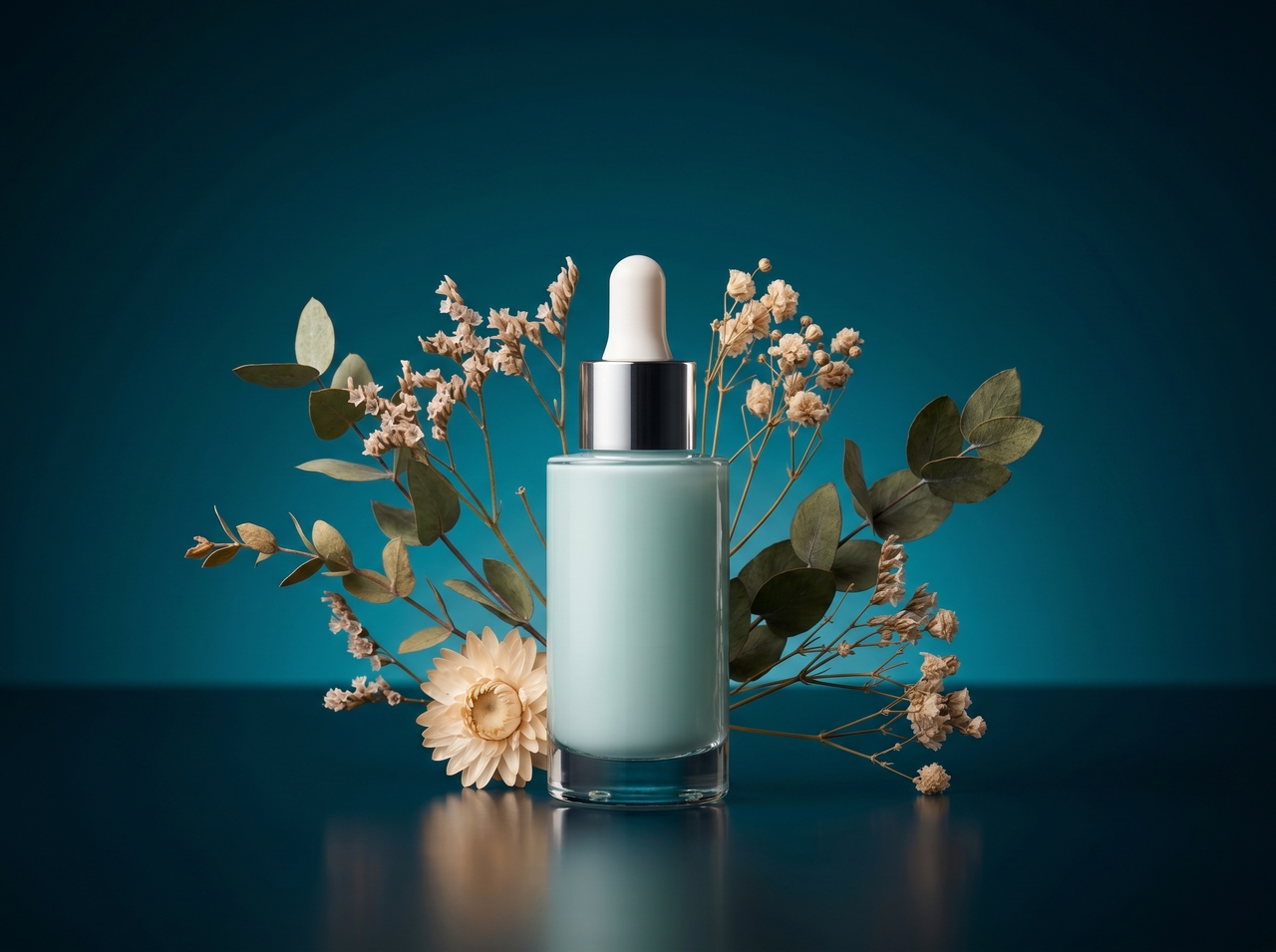
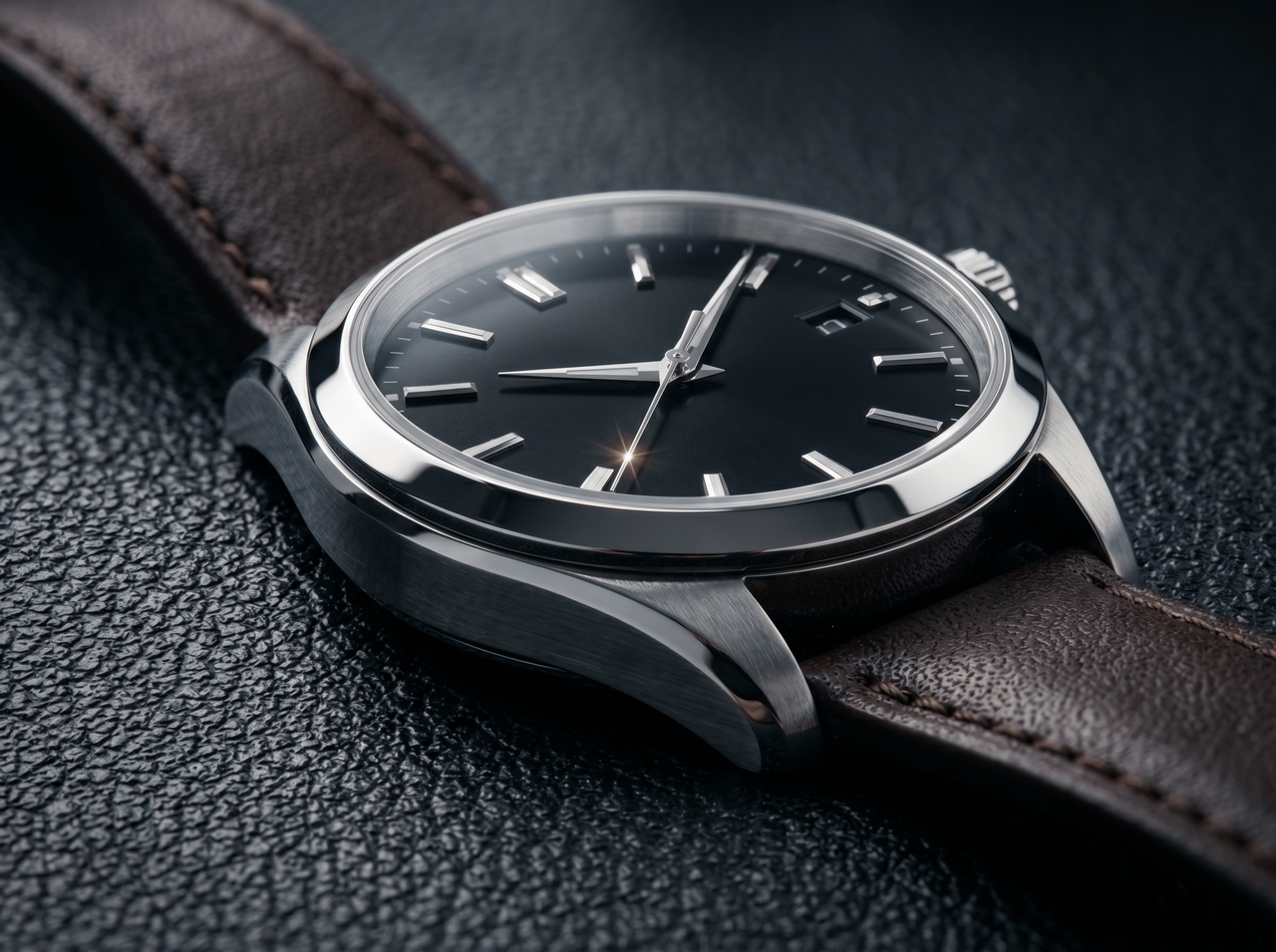
AI Background Generator Online

Create new backgrounds for any image using text prompts. Upload a photo, replace the scene, and download clean results in seconds.

Upload imagesClick to browse or drag & drop file here
AI Background Generator Online

What can you do with Framia Pro's AI background tool?

Create fresh image scenes using smart prompts that guide AI to match subject details and visual tone.

Generate backgrounds from a text prompt

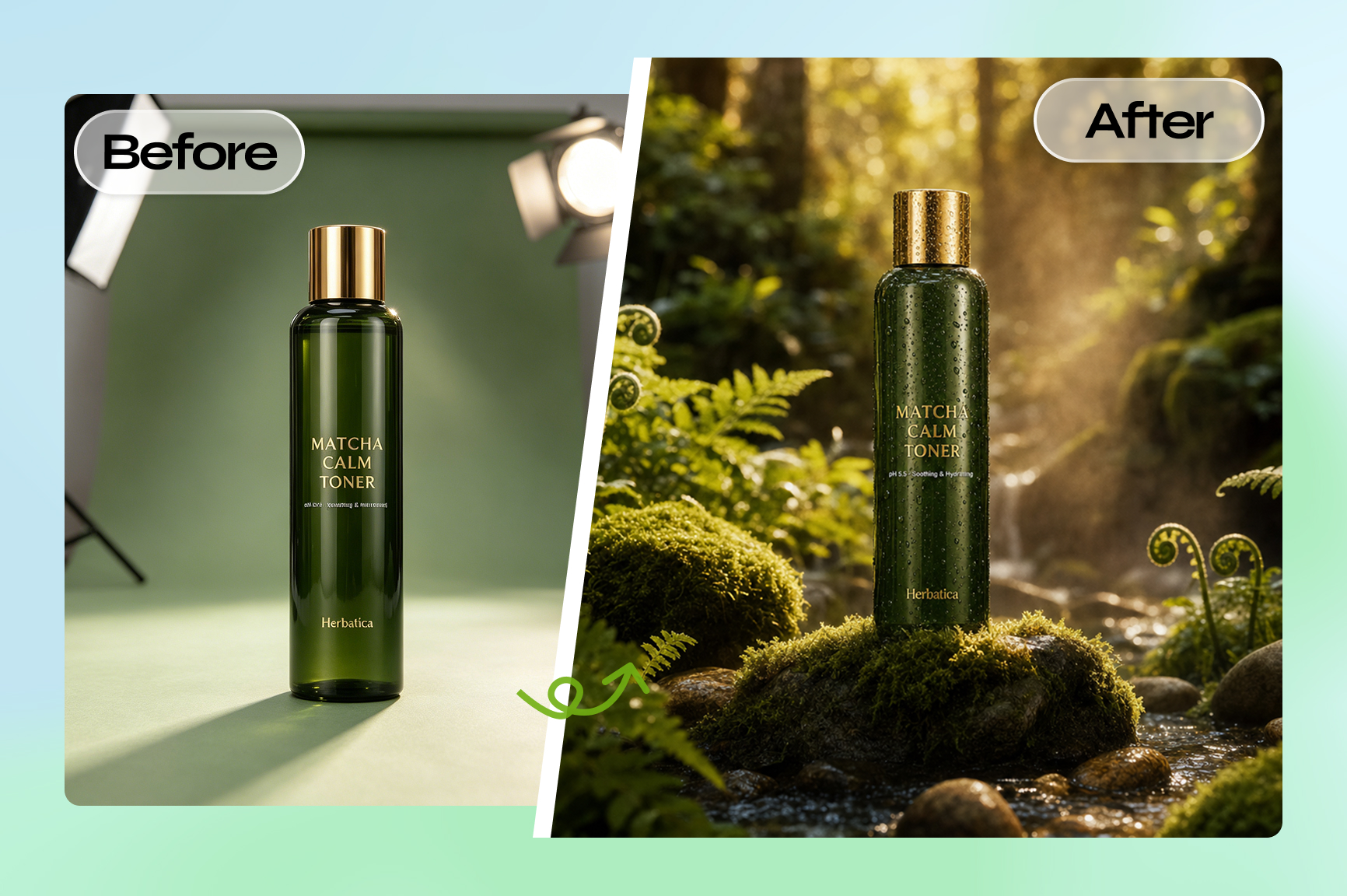
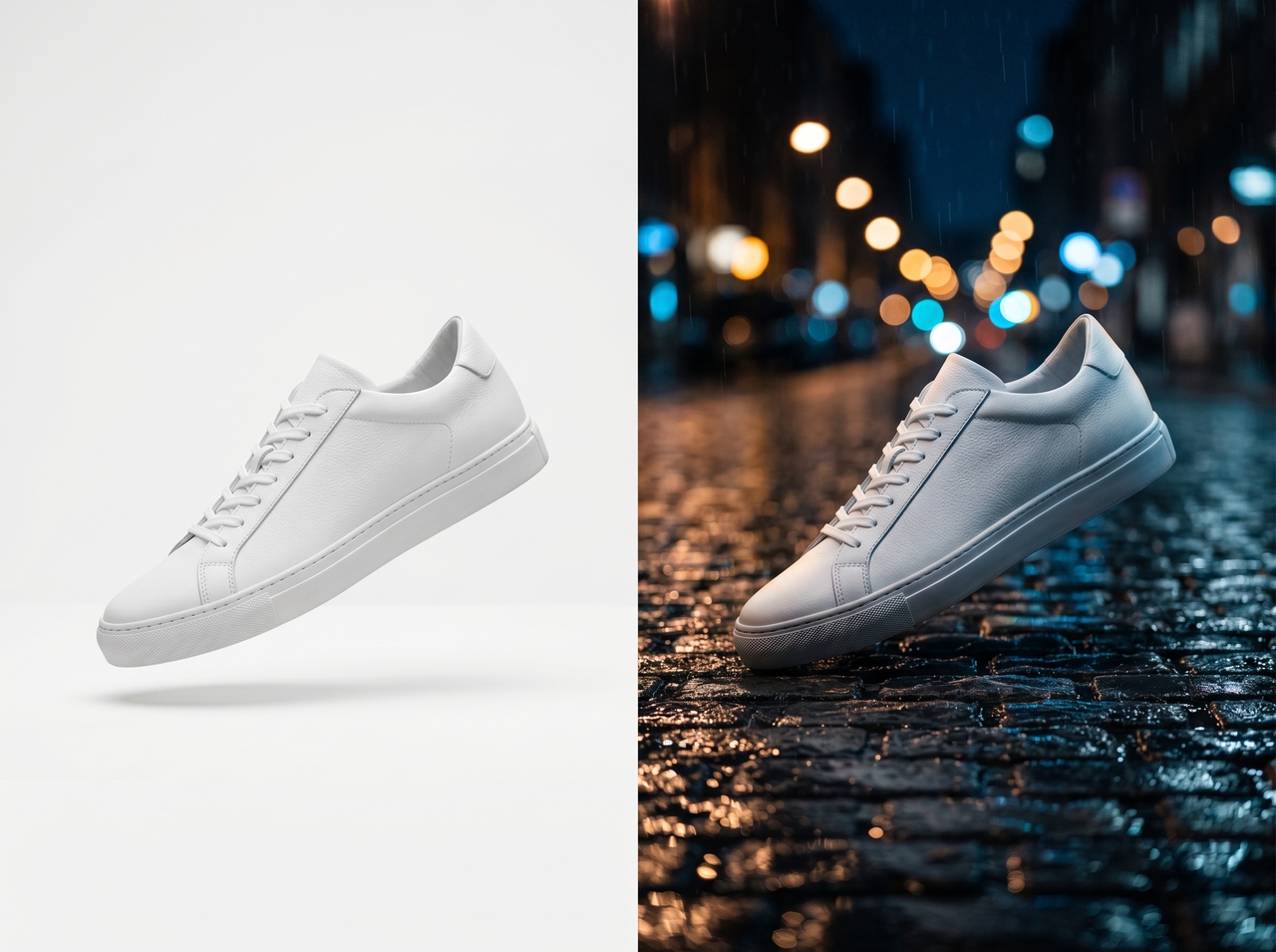
Type a scene description, and Framia Pro uses Nano Banana Pro, Seedream 5.0, MidJourney V7, Flux Max, or Qwen Image to create a photorealistic background. The tool isolates the subject cleanly, so the final result blends naturally into the new environment.

Generate backgrounds from a text prompt
Maintain consistent style across listings

Maintain consistent style across listings

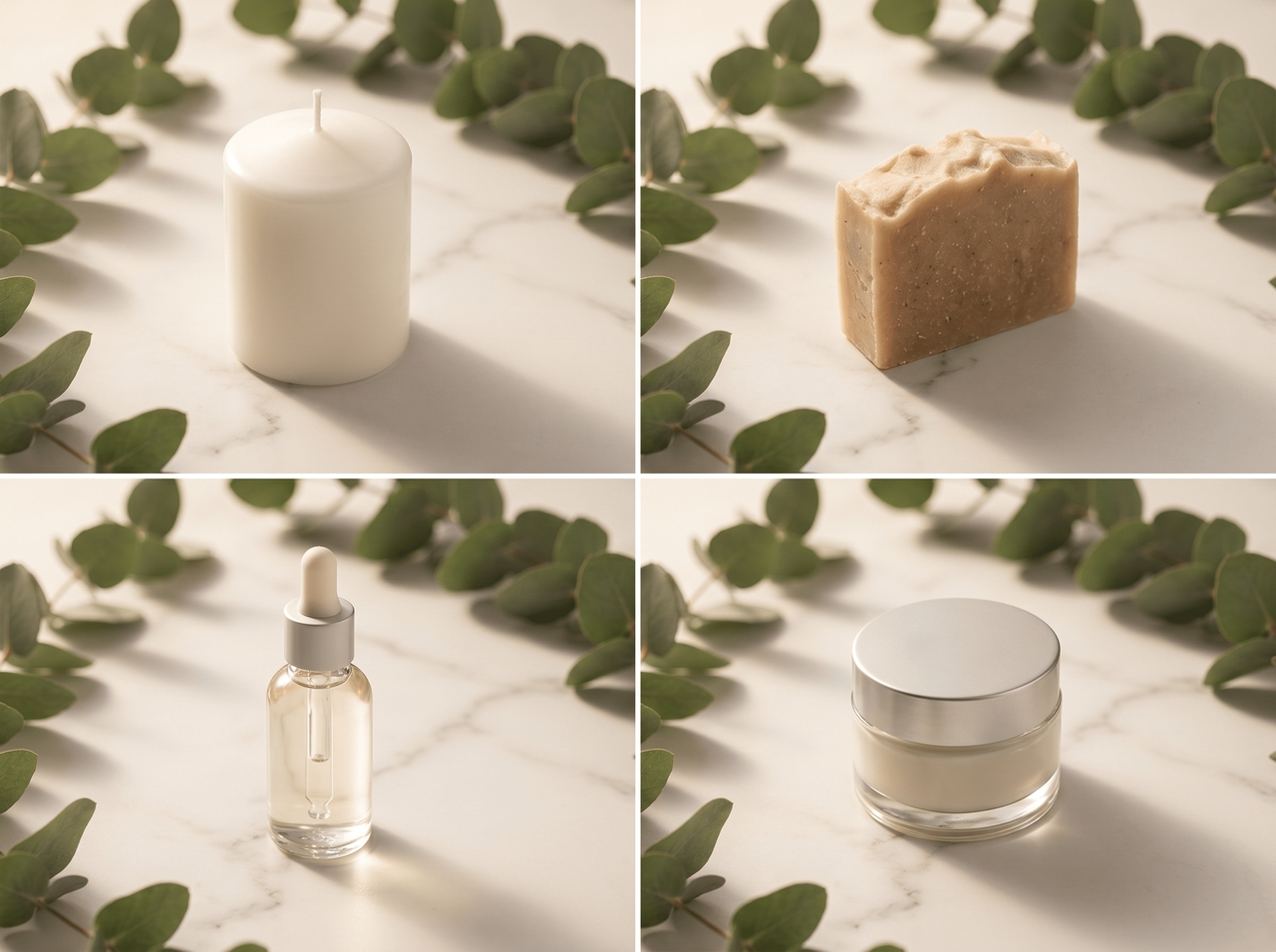
Apply the same style to each product image for a unified catalog using our free AI background generator. Set a style once and reuse it on new uploads. Align colors, shadows, and depth so every listing follows the same visual direction.

Expand and extend image backgrounds

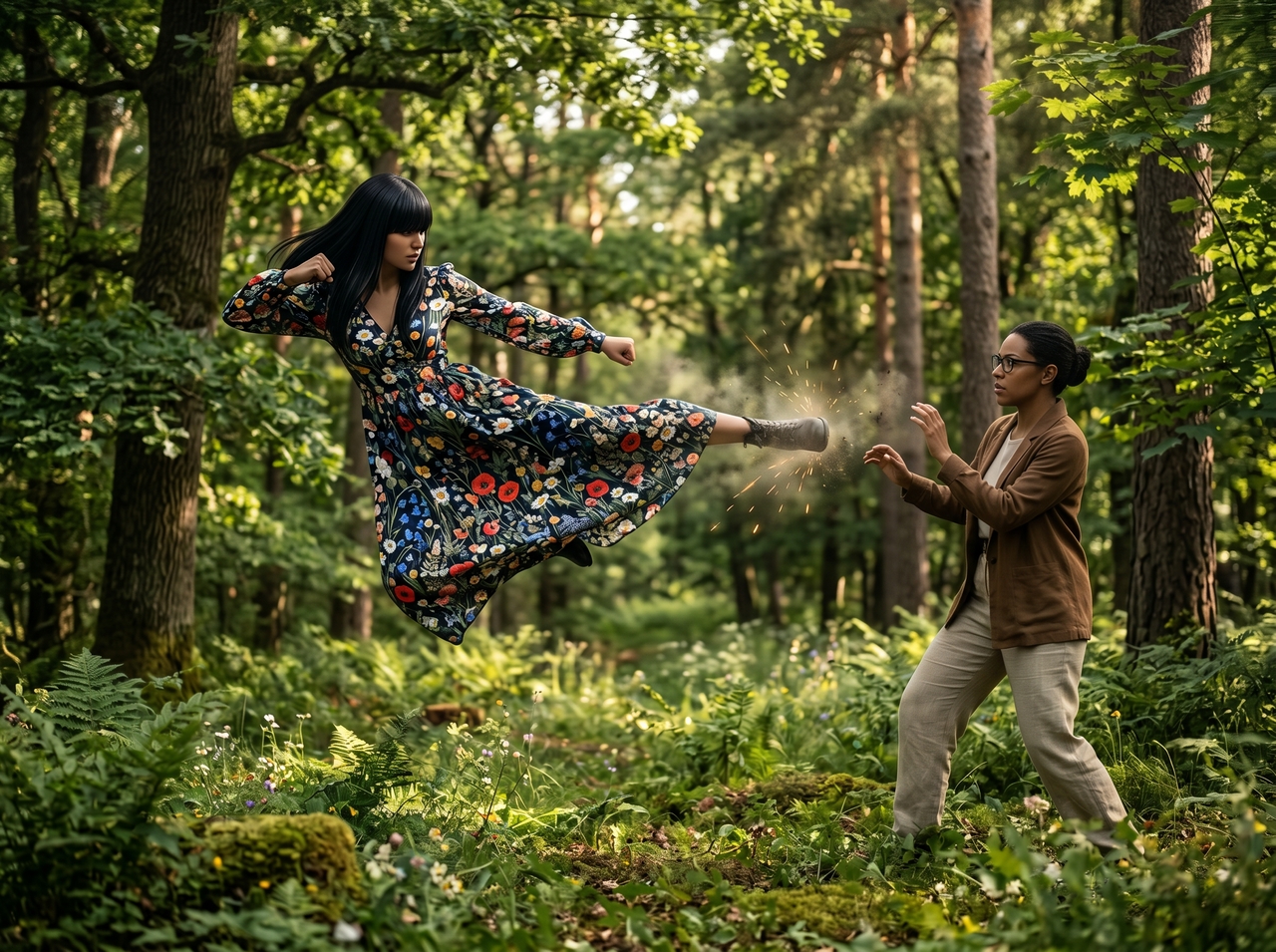
Add more space around any photo by describing what should fill the new edges with our AI product background generator. Fill the empty space with matching scenery that blends with the subject. Resize for banners, posts, or ads in no time.

Expand and extend image backgrounds
Edit backgrounds across layered designs

Edit backgrounds across layered designs

Use the "Split Layers" option to work with layered files to adjust each part of the image. Replace or modify the background, relight it, edit text, or erase objects. Refine elements so each layer fits together with accurate depth and alignment.

Upscale background images to high resolution

Upscale image quality while preserving fine details in the background using our AI background generator for free. Improve clarity for large screens or print use. Adjust sharpness and texture so the scene remains clear when viewed at higher resolutions.

Upscale background images to high resolution

How to use Framia Pro's background picture creator?

Start creating custom image backgrounds using prompts and simple tools that guide each step clearly.

Add your idea or image
Open "Design" on the Home page, enter your background idea, describe style, lighting, colors, and depth, and click "+" to upload your image.
Generate your background
Select an image model and aspect ratio for the background, then click "Generate" to create a new scene that matches your input and subject.
Edit and download
Review the generated background, refine details with prompts to adjust lighting or depth, and download your high-resolution image for use.

Why use Framia Pro's AI photo background generator?

Switch effortlessly between top AI models, process images in bulk, and export sharp results.

Batch image processing
Upload an entire product catalog and replace every background in one run. Framia Pro processes multiple images, so a full set of e-commerce photos gets a consistent background in the time it would take to edit a single image manually.
Multiple AI models
Select Nano Banana 2, Seedream 5.0, Midjourney v7, and Flux Max to generate each background. Comparing outputs side by side lets you pick the sharpest and most realistic result rather than settling for whatever a single model produces.
High-quality results
Generate detailed backgrounds using advanced models trained on visual data. Produce sharp textures, accurate lighting, and realistic depth. Output images stay clear at larger sizes, which suits product listings, ads, and digital content.
Realistic background blending
Blend new backgrounds into any image with natural shadows, light direction, and edge gradients. The AI reads the original lighting setup and mirrors those conditions in the generated scene to produce a final image that looks shot on location.
Clean subject cutouts with accurate edges
Detect the main subject and separate it from the background with high precision. Capture fine edges such as hair and fabric details. Preserve sharp outlines so the subject stays clear when placed in a new scene
Inpaint any element
Brush over and AI inpaint any background element you want to change, type a short description, and Framia Pro replaces that exact area with a blended result. Fix distracting objects, swap surfaces, or refresh a scene from the same canvas.

Who is the AI image background generator built for?

See how different users create clean visuals by replacing image backgrounds with AI scenes using Framia Pro!

E-commerce sellers
Replace plain backgrounds with clean and on-brand scenes that fit any product listing using our AI background generator. Upload an entire catalog in one session, apply a consistent background style, and download every image ready for Amazon, Shopify, or Etsy.
Social media creators
Design engaging visuals for posts, social reels, and stories using custom backgrounds. Match themes for different campaigns and maintain a steady visual style. Create scenes that fit trends so your content looks fresh and ready to share.
Photographers
Use our AI background generator to edit photo backgrounds during post-processing to match your creative vision. Replace dull scenes with detailed environments that suit the subject. Adjust lighting and depth so each photo appears natural and aligned with your original shot.
Marketing teams
Produce ad creatives, banners, and campaign visuals at scale by swapping backgrounds in bulk. Every image stays on-brand, consistent in tone, and ready for export. This cuts the turnaround time between brief and final assets.
Content creators
Make a distinct visual brand identity by generating custom backgrounds that match a specific theme, color palette, or mood. Framia Pro processes each image fast enough to fit content creation schedules that publish daily or multiple times a week.
Small business owners
Create product and brand visuals that match your business identity. Replace simple backgrounds with scenes that reflect your products. Build a strong image presence so your visuals look clear and ready for online platforms.

Stories from users of Framia Pro's AI background generator

Discover how creators describe real moments using AI tools that reshape images and improve visual results in everyday work.


I shot my candles on a kitchen counter and honestly wasn't expecting much. I processed it through this tool, and it provided professional outputs. My click-through rate jumped within the first week of updating my listings.
Layla Morrison
Layla Morrison
Etsy Seller
I shot a skincare bottle on my desk, and the lighting looked awful. Framia fixed everything. I typed a simple prompt and got a clean studio background. The shadows matched perfectly, and the product suddenly looked ready for a real brand shoot.
Ryan Mitchell
Ryan Mitchell
Product Photographer
We needed 30 ad variants for a product launch by Friday. Our designer was already maxed out. Framia Pro handled the background swaps in an afternoon. The outputs were clean enough to go straight into the campaign with zero retouching.
Carlos Mendez
Carlos Mendez
Digital Marketing Manager
Deadlines used to stress me out when I needed fresh visuals daily. Framia made things simple. I swap backgrounds quickly and match each post theme easily. My feed now looks more planned, and my engagement numbers started climbing week after week.
Ava Reynolds
Ava Reynolds
Social Media Manager
Thumbnails live or die in contrast and clarity. I needed subjects in bold, specific backgrounds fast. Framia Pro nailed the first attempt on most images, and on the tricky ones, the inpaint brush fixed the edges in about 30 seconds.
Jake Sutherland
Jake Sutherland
YouTube Thumbnail Designer
Clients always ask for last-minute changes. Framia saved me here. I edit backgrounds with a quick prompt instead of reworking the full design. It feels closer to giving instructions than editing. That control changed how I handle revisions now.
Ethan Cole
Ethan Cole
Graphic Designer
We've compiled the most important information to help you get the most out of your experience. Can't find what you're looking for?Contact us

Frequently asked questions

Is the AI background generator free to use?
Framia Pro offers a free version to explore its AI background generator. Paid plans unlock advanced models, higher resolution exports, and downloads for professional and business use.
Can I use AI-generated backgrounds for commercial purposes?
Yes. Framia Pro grants full commercial rights on all AI-generated outputs. Use your background images freely across ads, product listings, client work, and branded campaigns with no licensing restrictions or attribution.
What file formats are supported?
Our best AI background generator supports all major image file formats for uploads and exports. Upload JPG, PNG, or WEBP files and download your final background image in high
How do I get the most realistic AI backgrounds?
Describe the lighting, mood, and scene details in your prompt. On Framia Pro, adding depth cues like "golden hour light" or "blurred background" produces results that blend naturally with your subject.
Can I use an AI bg generator for product photos?
Framia Pro is built for exactly this. Just upload a product image, describe the scene, and the AI places it on a clean background for Amazon, Shopify, or any e-commerce platform.
Does the background match the subject automatically?
Yes. Our AI image background generator for free uses AI to read the original photo's lighting direction, color tone, and depth, and then mirrors those conditions in the generated background.

Still have questions?

Have questions or need assistance? Our team is here to help!

Start creating your background now

Upload your image, write a prompt, and generate a new background in seconds using an AI background generator.

AI Background Generator Online Free for Photos & Products