AI Explainer Video Maker Online

Generate, edit, and publish explainer videos with AI. Break down ideas into visual content, layer narration, and export in high-quality.

Start for Free

How to make an explainer videos using Framia Pro?

If you want to make an explainer video, follow these three quick steps on Frarmia Pro:

Step 1: Access the video agent
Go to Framia Pro, sign up for free, choose your agent, and type your idea. Upload an image, file, or clip to convert into an explainer video.
Step 2: Select the video model
Upload product photos, add an avatar, enter your key points, and select an AI model. Set your video size and length, then hit Generate.
Step 3: Edit & export video
Preview the video, click "Edit in Chat," and describe what to fix. Click "Download" to save the video with or without a watermark.

Key features of Framia Pro's AI explainer video maker

Get high-quality explainer videos with our explainer video builder. Here is what each core feature lets you do:

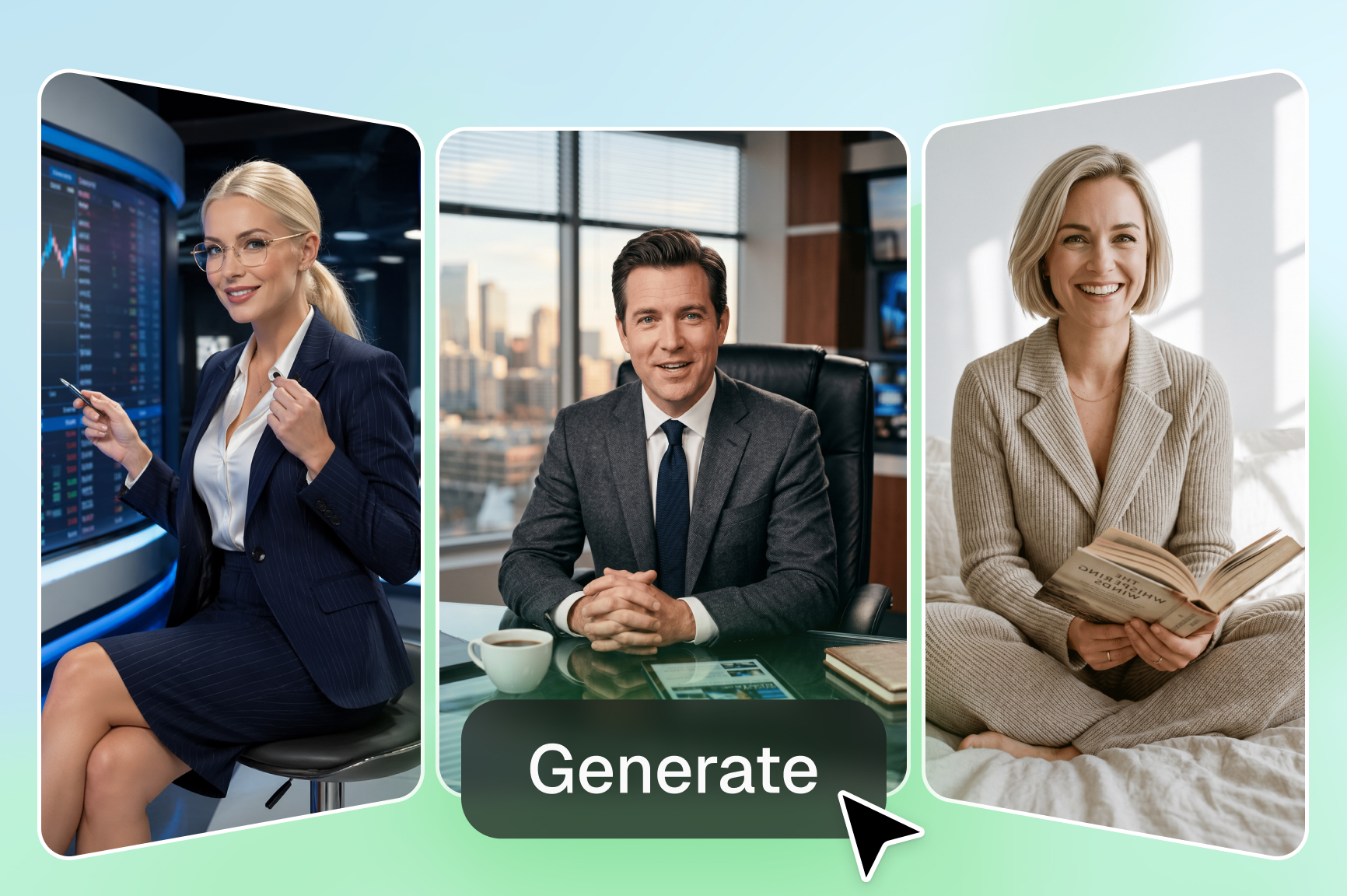
Convert any input into an explainer video

Just type, upload an image, video, or file, and our AI turns it into a complete video with scenes, visuals, and narration. Our AI explainer video maker is powered by Veo 3.1, Sora 2, Kling 3.0, and more top AI models!

Upload and maintain character consistency

Upload your character or brand visuals once, and Framia Pro keeps them looking the same across every scene. When you make explainer videos for a series or campaign, your audience always recognises the same faces and styles.

Generate & sync AI voiceover for your video

Produce voiceovers tied directly to your script with natural pacing and character roles. Our explainer video builder assigns voices to dialogue and syncs them to the visual flow so audio matches the scenes.
Get custom theme and animation styles

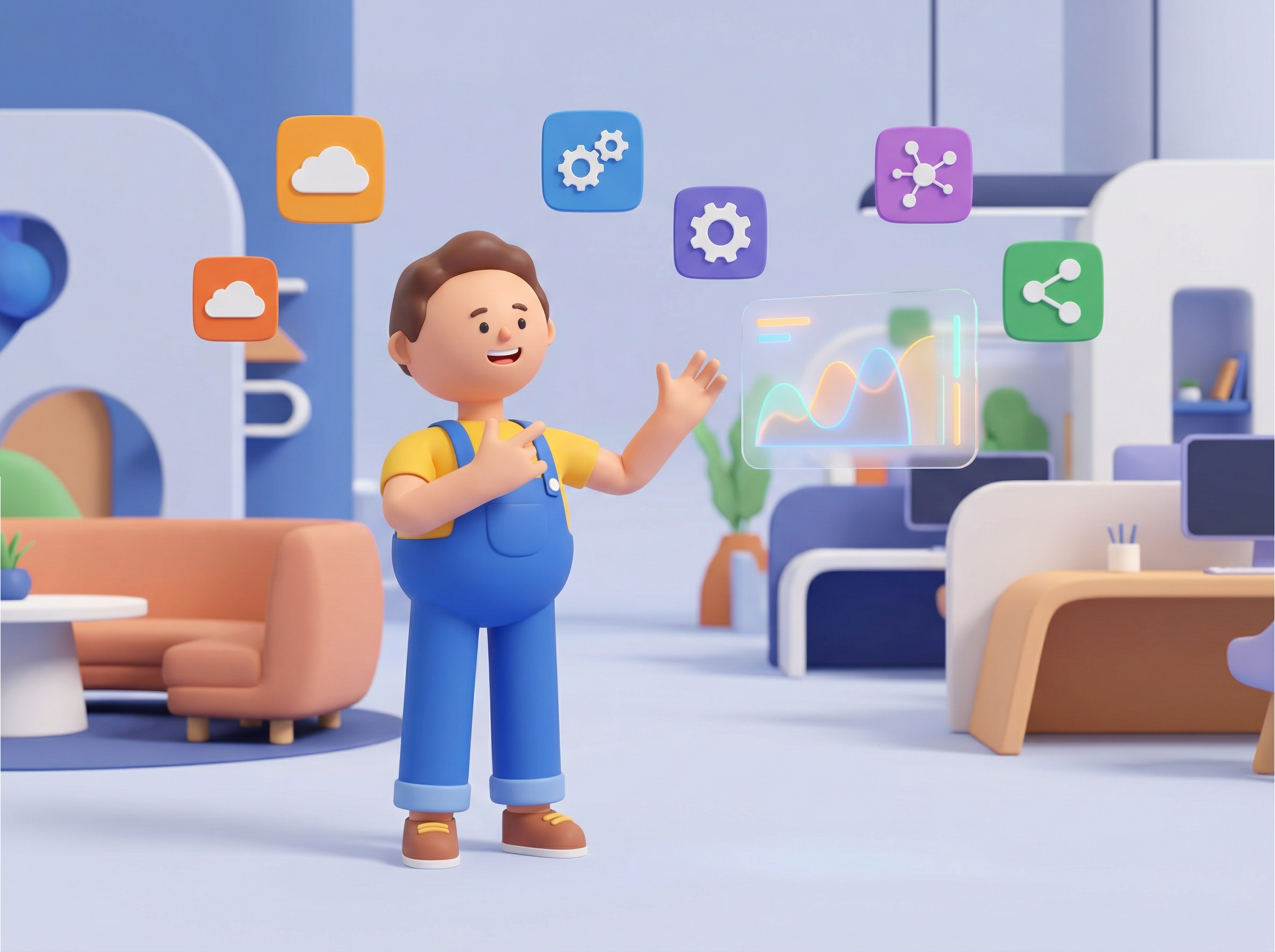
Get custom theme and animation styles

Choose a visual theme that fits your brand, then let Framia Pro apply it across every scene. Whether you're building a saas explainer video creator flow or a product explainer video, your animations and colors stay the same throughout.

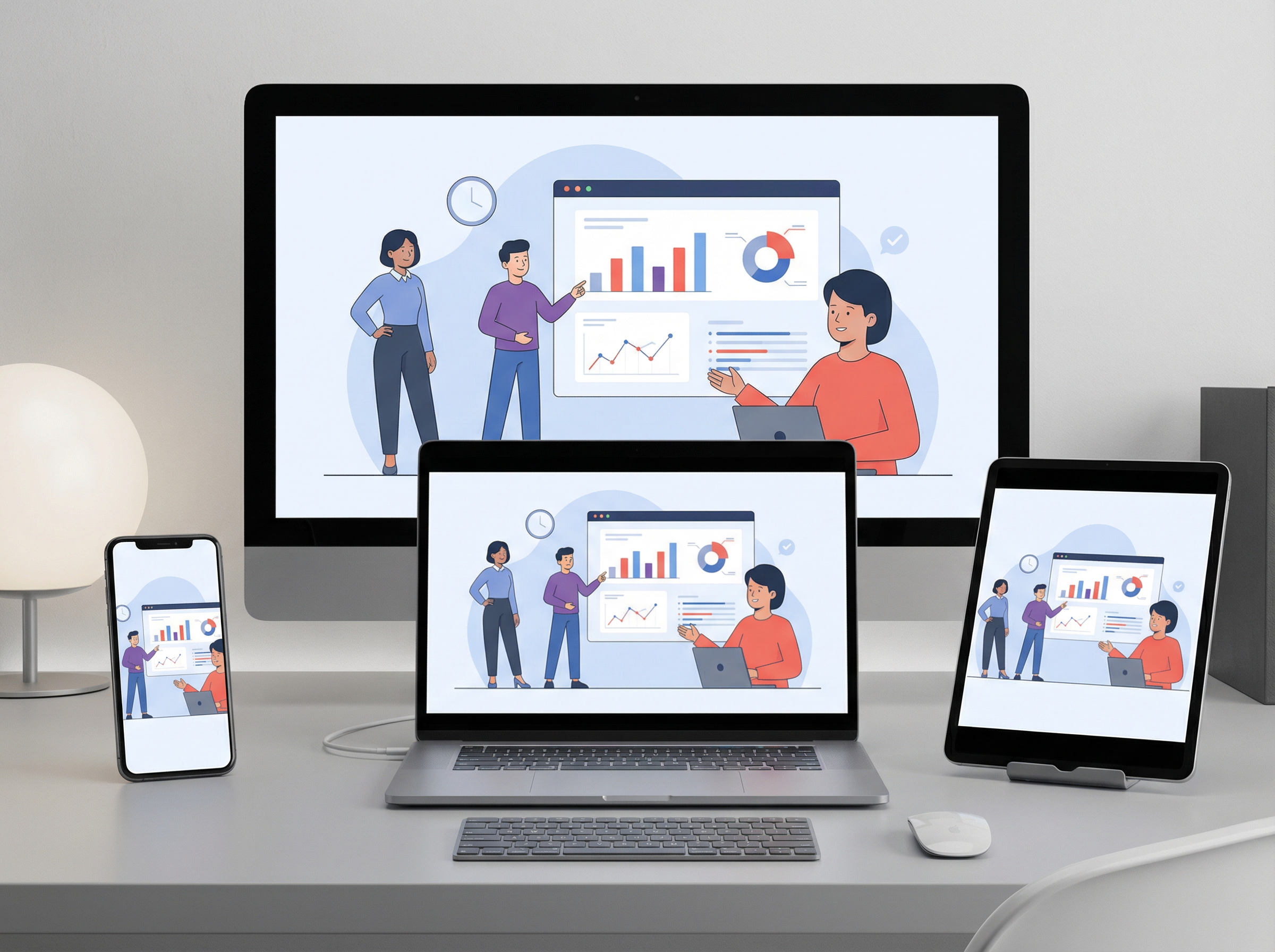
Export videos in multiple formats and sizes

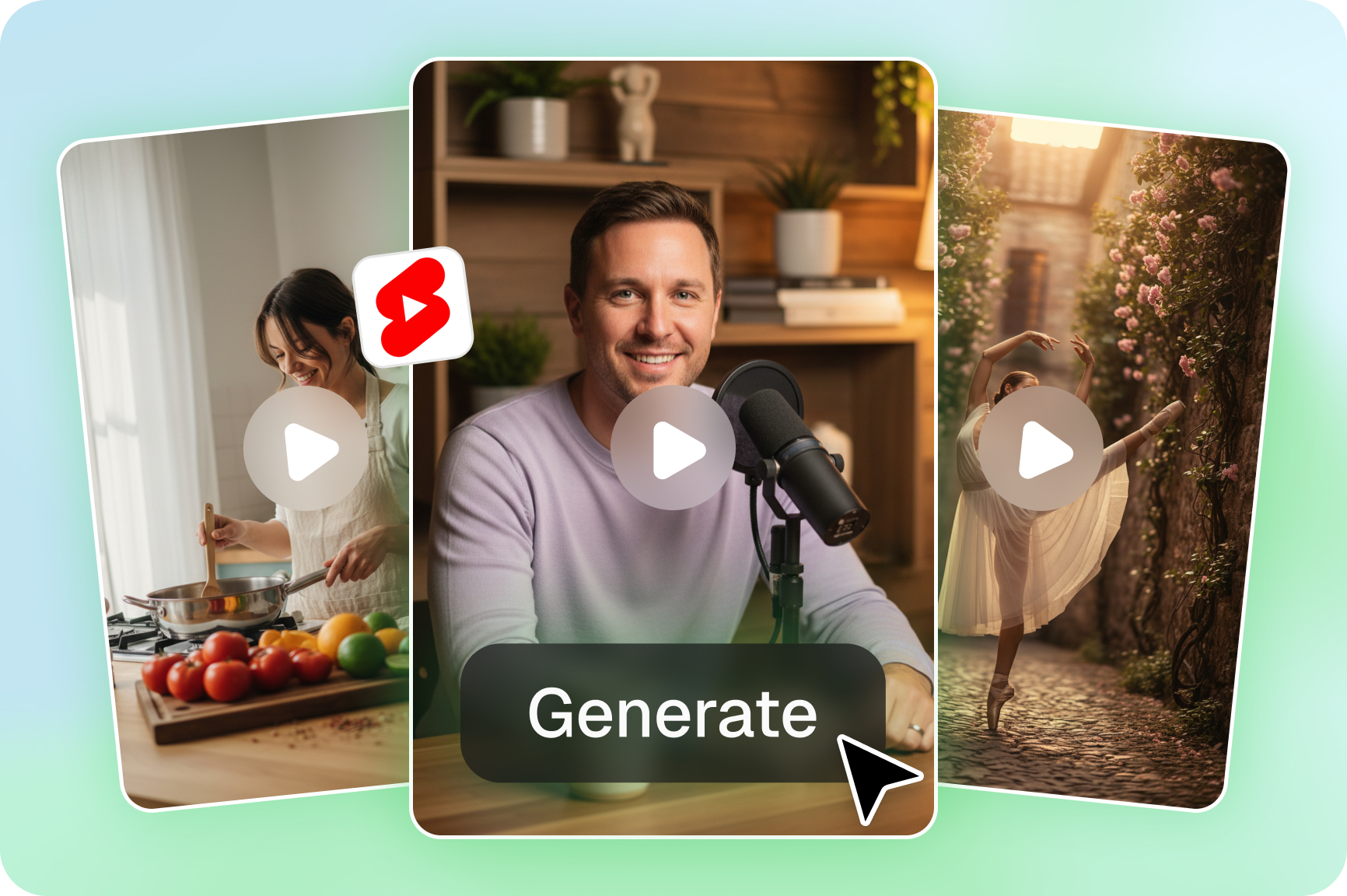
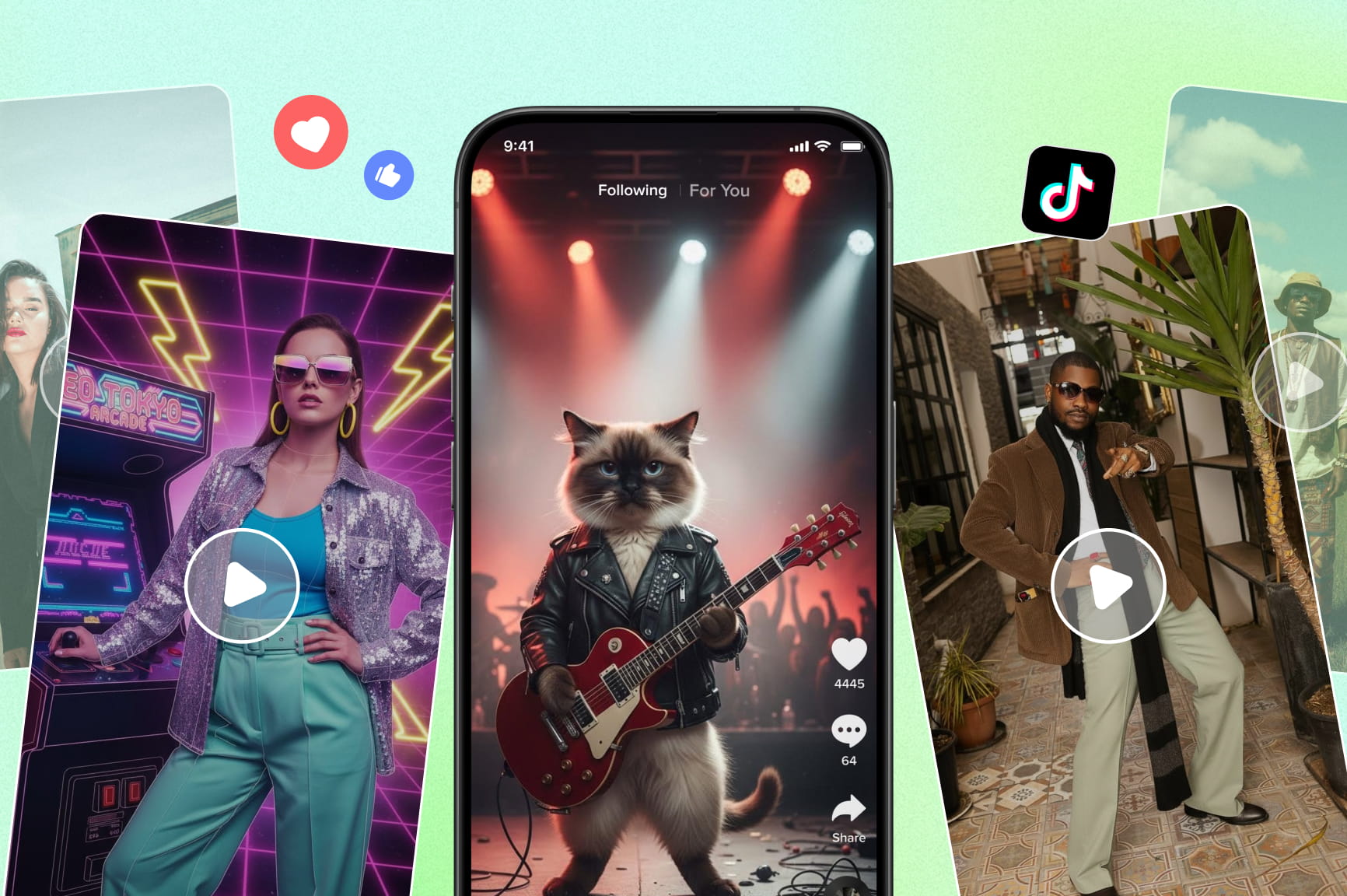
Download your final explainer in different output options for social or web channels. Our explainer video maker supports common aspect ratios and file types to let you publish directly to platforms like YouTube, TikTok, or presentations.
Export videos in multiple formats and sizes

Creative uses of Framia Pro's AI explainer video maker

Turn ideas into clear explainer clips instantly. Communicate faster, sell smarter, and keep viewers engaged.

Explain app features visually
Use video to show how an app works and guide viewers through key functions. Create a short walkthrough clip with our AI explainer video builder to highlight login, main screens, and core actions so users see features in use.
Short explainer ads for brands
Turn a product benefit or campaign offer into a punchy ad. Use Framia to make explainer videos introducing your brand promise, show a core benefit in simple steps, and end with a call to action that invites viewers to learn more.
Website homepage explainers
Give visitors a reason to stay. Drop a video explainer on your homepage that tells people what you do, who you help, and why it matters in under 60 seconds. It's one of the fastest ways to improve conversions without rewriting your copy.
Startup pitch explainer clips
Investors scan dozens of decks a week. Stand out by pairing your pitch with a sharp business explainer video that covers your problem, solution, market, and business model in a clear sequence and format they'll actually watch.
Customer onboarding videos
Create onboarding videos with Framia that guide new users through setup steps and first tasks. Present each step with clear text and clips that show what to do next. This helps your new users feel confident and reduces support questions.
Employee training explainers
Replace lengthy manuals with short training videos that walk staff through processes, tools, and company policies. Use Framia Pro to make clear step-by-step clips your team can revisit anytime, which cuts onboarding time and reduces repeated questions.

Why you should use Framina Pro's AI explainer video maker?

Create engaging explainer videos with Framia Pro. Skip production costs, filming, and editing.

Fast idea‑to‑video creation
Go from a rough script or concept to a finished explainer with Framia Pro. The AI understands simple prompts and builds scenes, narration, and motion. You don't have to do any manual editing! This way, you can create more content in less time.
Consistency across multiple videos
Keep the same characters, colors, and style across all your videos. No matter if you are making a series, product demos, or lessons, every video will look like it belongs together. This gives your content a more engaging look that attracts viewers.
World-class AI models
Use top AI engines, like Veo 3.1, Sora 2/Pro, Seedance 2.0, Kling AI, and others, to generate visuals, motion, and voiceovers. The AI ensures smooth transitions, natural narration, and clear storytelling, even if you provide only a few lines of text.
Longer video duration
Most AI tools cap you on short clips. Framia Pro supports longer video formats, which gives you the room to make a full product explainer video or detailed walkthrough without splitting your content into multiple exports or losing narrative flow.
Handles platform‑specific formats
Export videos in different sizes and aspect ratios for YouTube, TikTok, Instagram Reels, or presentations. You can create one video and easily get multiple versions suited for each platform without extra editing.
Multi-language voiceover support
Reach audiences beyond your native language with Framia Pro. You can generate voiceovers in multiple languages so you can publish the same explainer video in different markets without re-recording, hiring translators, or rebuilding your content from scratch.

What do users say about Framia Pro's explainer video maker

Real people. Real videos. Here's what people say after using Framia's AI explainer video maker.

I had zero video skills, but Framia Pro made me look like I hired a creative team. My first product explainer took under an hour. Customers finally get what I sell, and sales jumped 40%.
Emma Clarke
Emma Clarke
Online Boutique Owner
My students used to zone out the second I started talking. Now I make a quick explainer before each lesson, and they're genuinely engaged. Best tool I've used in 12 years of teaching.
David Okafor
David Okafor
High School Science Teacher
We used to spend thousands and wait weeks for a single explainer video. Now my team builds on-brand videos in one afternoon. Our investor pitch was made on Framia. It landed us our seed round.
Ria Kapoor
Ria Kapoor
SaaS Startup Founder
I've tried every video tool out there. Most look cheap or require a film degree. Framia Pro creates videos that look premium, works fast, and doesn't frustrate me. My clients think I outsourced it. I never correct them.
Carlos Mendez
Carlos Mendez
Freelance Marketing Consultant
We're a small team with a tiny budget, and we needed to explain our programs to donors. Framia Pro gave us videos that actually made people feel something. Donations went up. Volunteers signed up. One video did what three newsletters couldn't.
Linda Park
Linda Park
Non-Profit Program Director
We were losing customers at the product page because nothing explained our offer clearly. One explainer video created with Framia Pro changed that. Bounce rate dropped, conversions went up, and support tickets dropped almost immediately.
Tyler Brennan
Tyler Brennan
E-commerce Growth Manager
We've compiled the most important information to help you get the most out of your experience. Can't find what you're looking for?Contact us

Frequently asked questions

How to make an explainer video?
To make an explainer video, type your idea into Framia, upload any images or clips, choose your AI model and settings, and hit Generate. Preview, edit, and download your finished video.
What are the best explainer video makers in 2026?
Framia Pro ranks among the best explainer video makers in 2026. It offers AI-generated explainer videos with consistent visuals, synced voiceovers, and export options for multiple formats.
Are there any top-rated explainer video makers with AI features?
Yes, Framia Pro is a top‑rated explainer video maker with AI features that turn text, scripts, or ideas into clear videos with synced voiceovers, smooth visuals, and flexible output options.
Can I make a business explainer video with Framia?
Yes, you can make a business explainer video with Framia Pro by typing your script or idea, choosing visuals and voice, generating the video, and exporting it in the format you need.
Is Framia AI explainer video maker cost-effective?
Yes! Framia Pro is budget-friendly. It creates clear explainer videos fast, saves time and effort, and costs far less than making videos manually.

Still have questions?

Have questions or need assistance? Our team is here to help!

Create explainer videos online for free using Framia Pro!

Convert how you communicate ideas. Generate scripts, visuals, and narration with Framia Pro and publish videos online instantly.
AI Explainer Video Maker: Make Viral Educational Videos