AI Eye Contact Corrector

Snap your gaze to camera without reshooting. Paste a prompt or drop a video and let AI do the correction in seconds.

Upload imagesClick to browse or drag & drop file here
AI Eye Contact Corrector

Features you'll be obsessed with for AI eye contact correction

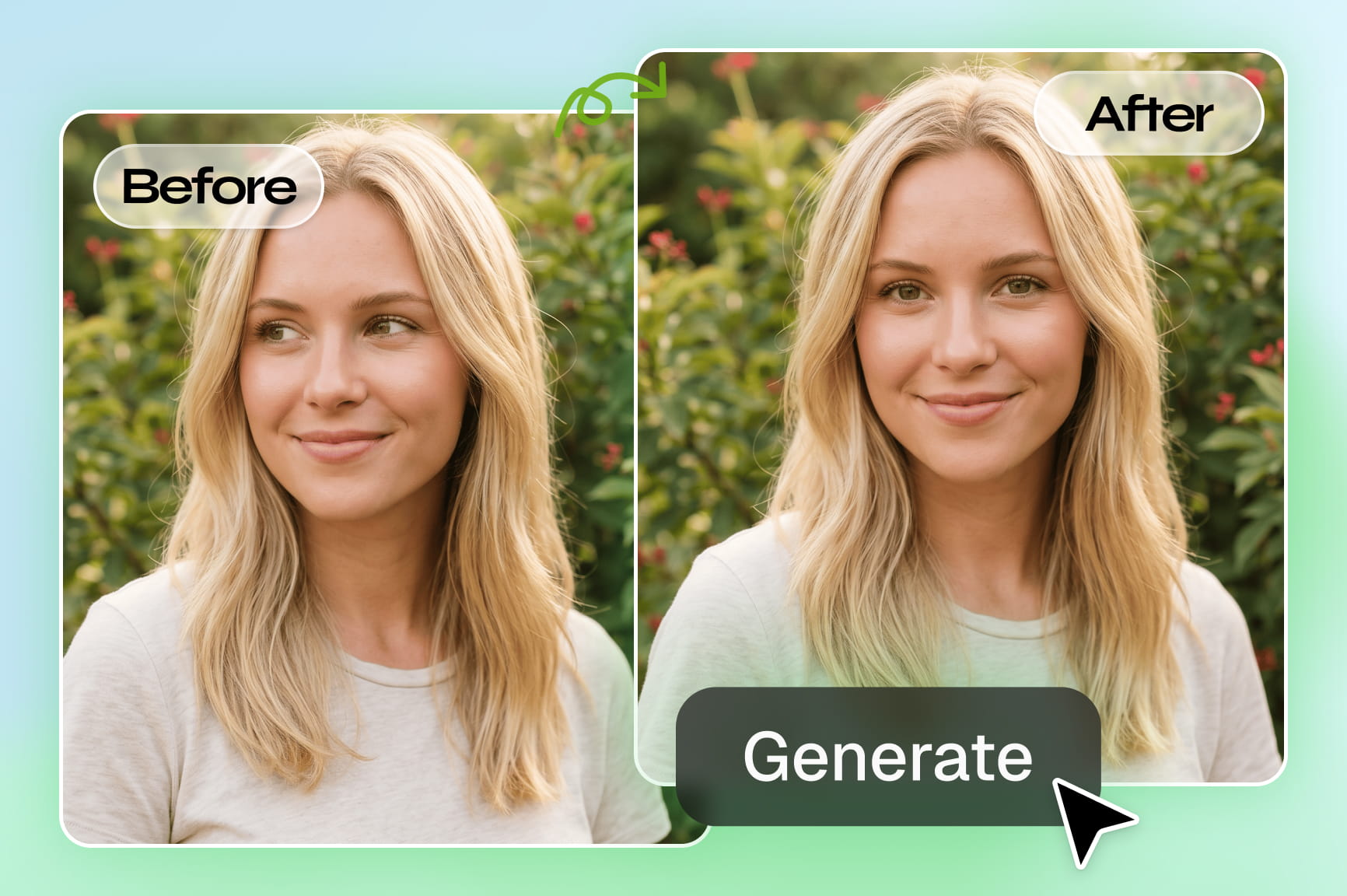
Drop a video or photo and watch every glance snap into place. Gaze correction that actually looks real.

Correct eye direction in talking videos

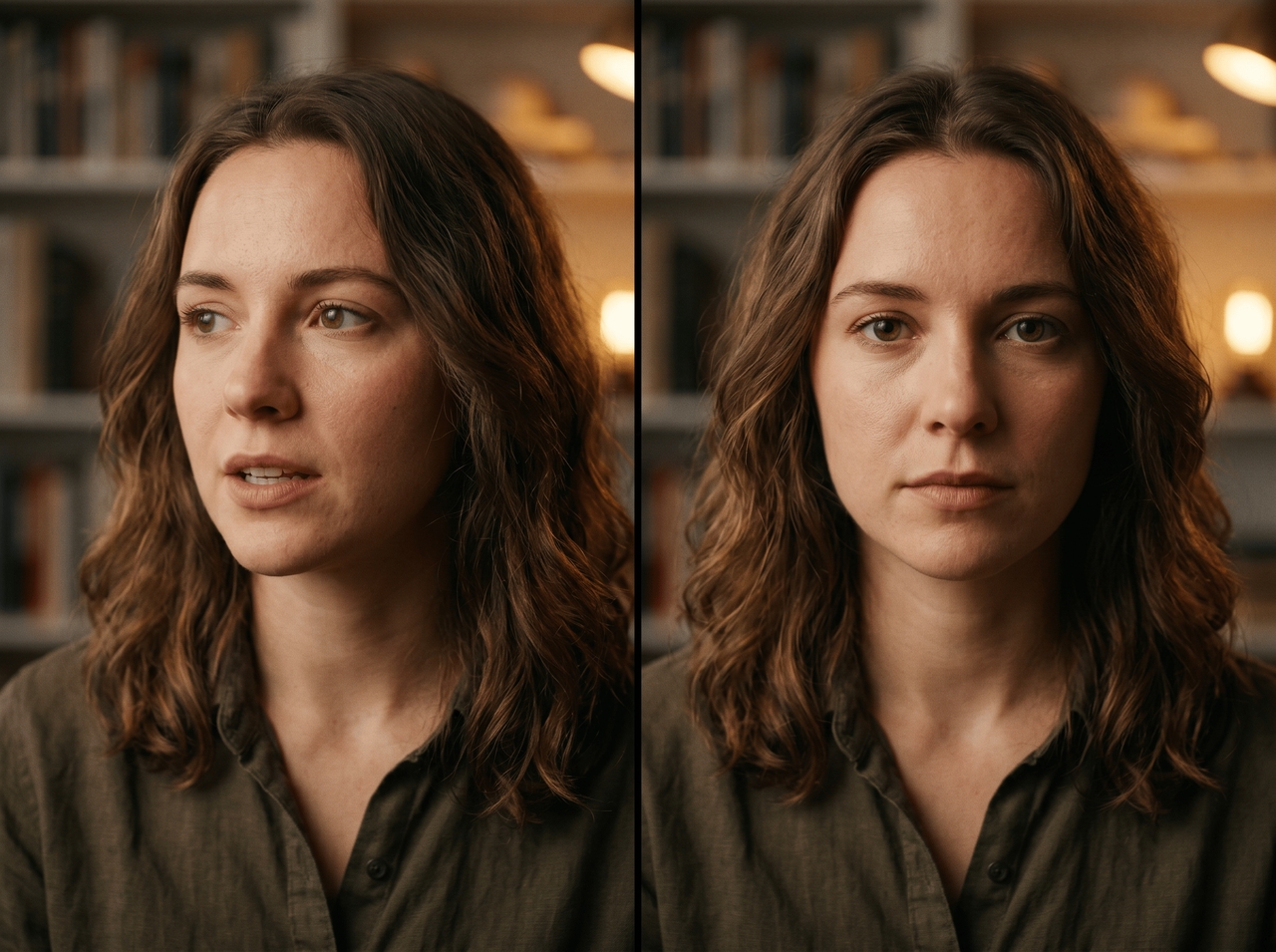
Upload a talking-photo clip and the AI scans each frame, spots where your gaze drifts off-camera, and redirects it forward. Works on teleprompter recordings, script reads, and any footage shot through the Shorts Agent or Movie Agent where you glanced away mid-line.

Correct eye direction in talking videos
Adjust eye gaze frame by frame

Adjust eye gaze frame by frame

Type a follow-up prompt in the chat describing exactly how you want the gaze to shift, and Framia Pro regenerates the clip with the correction applied. No sliders, no manual frame dragging, just describe the fix and let the AI re-run it.

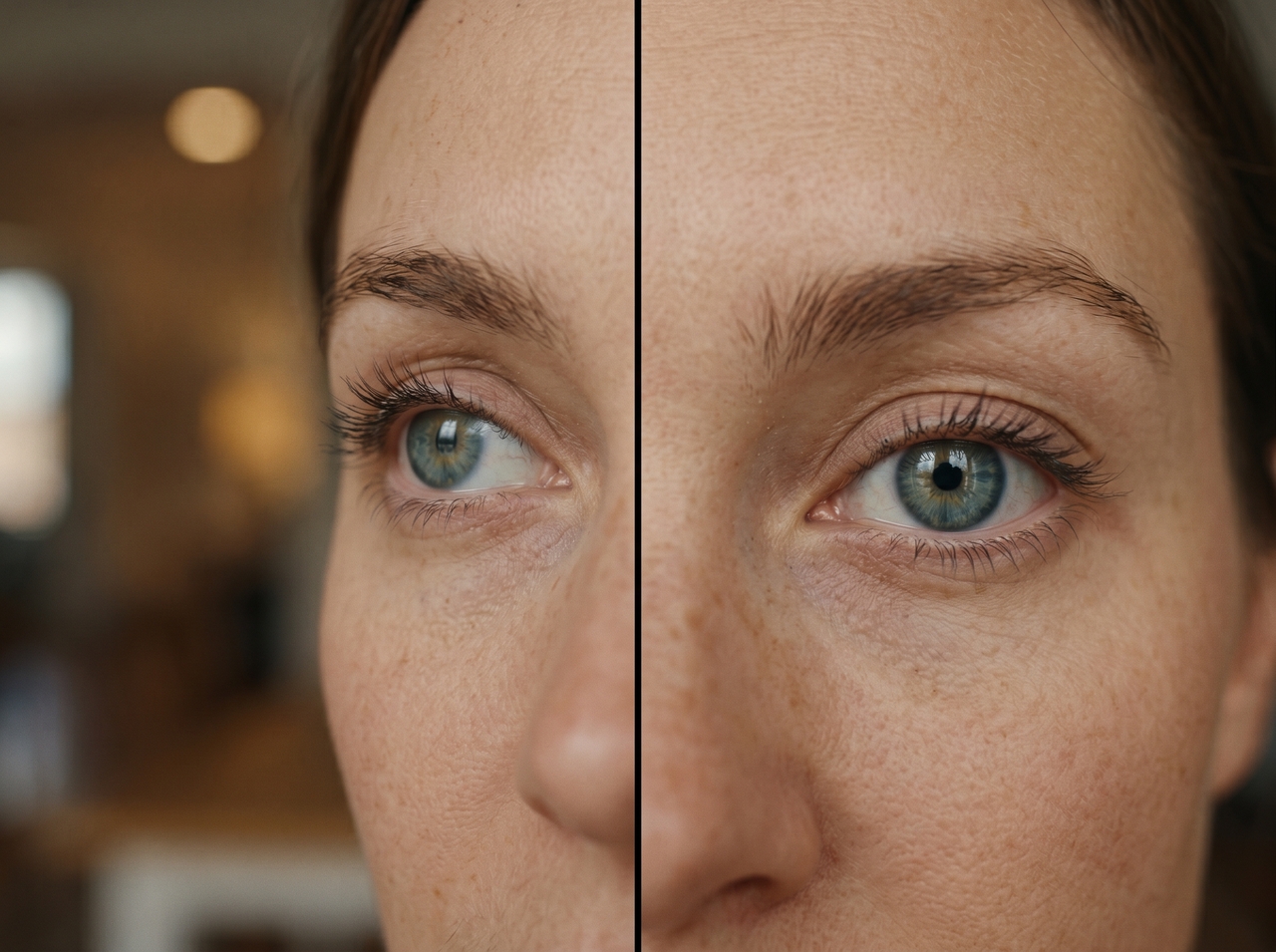
Preserve original eye color & skin texture

Change only the gaze direction and leave everything else alone. Our free AI eye contact correction tool holds the iris eye color, eyelid shape, blinking rhythm, and skin tone exactly as they were, so the corrected shot looks identical to the original.

Preserve original eye color & skin texture
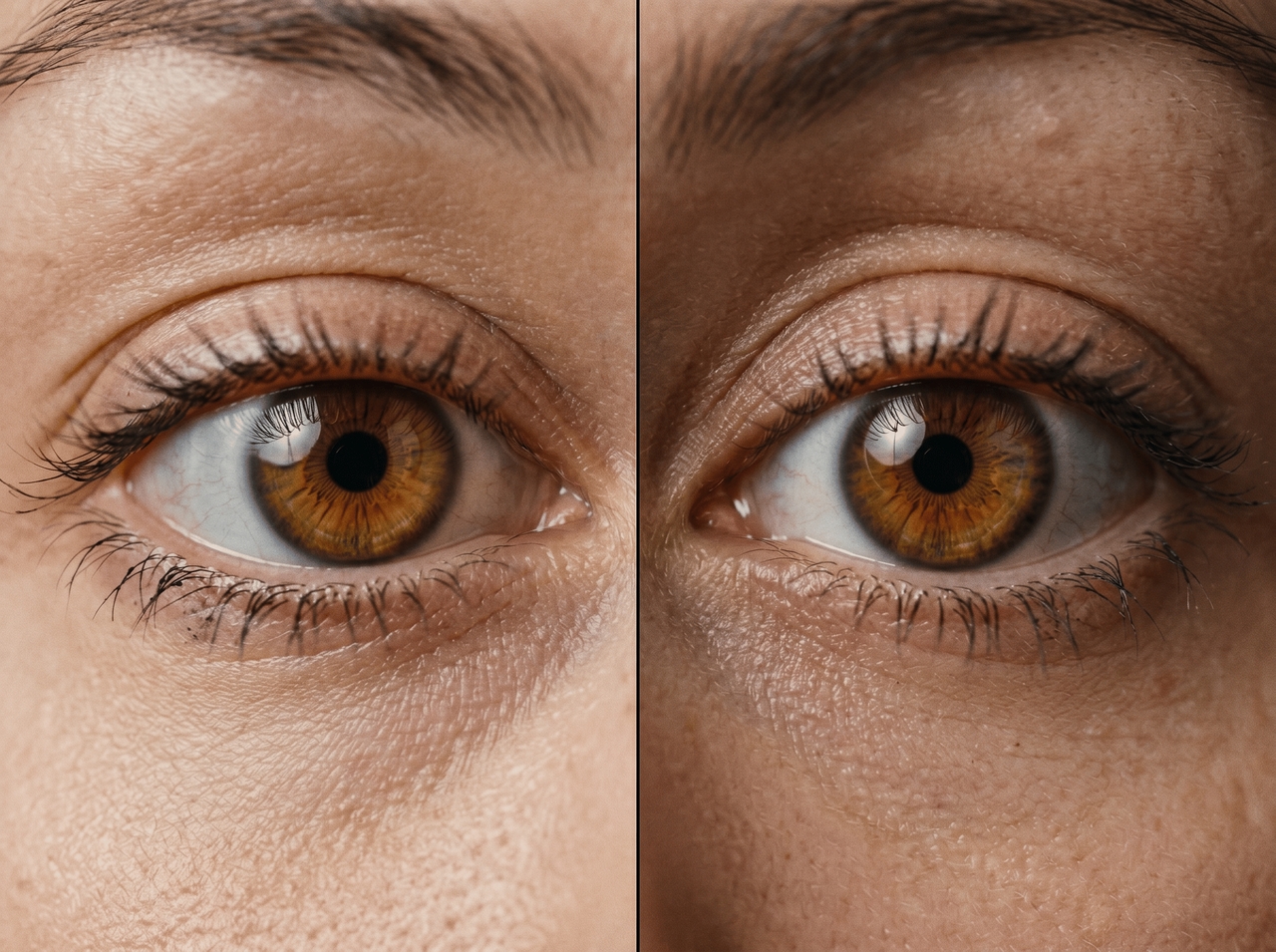
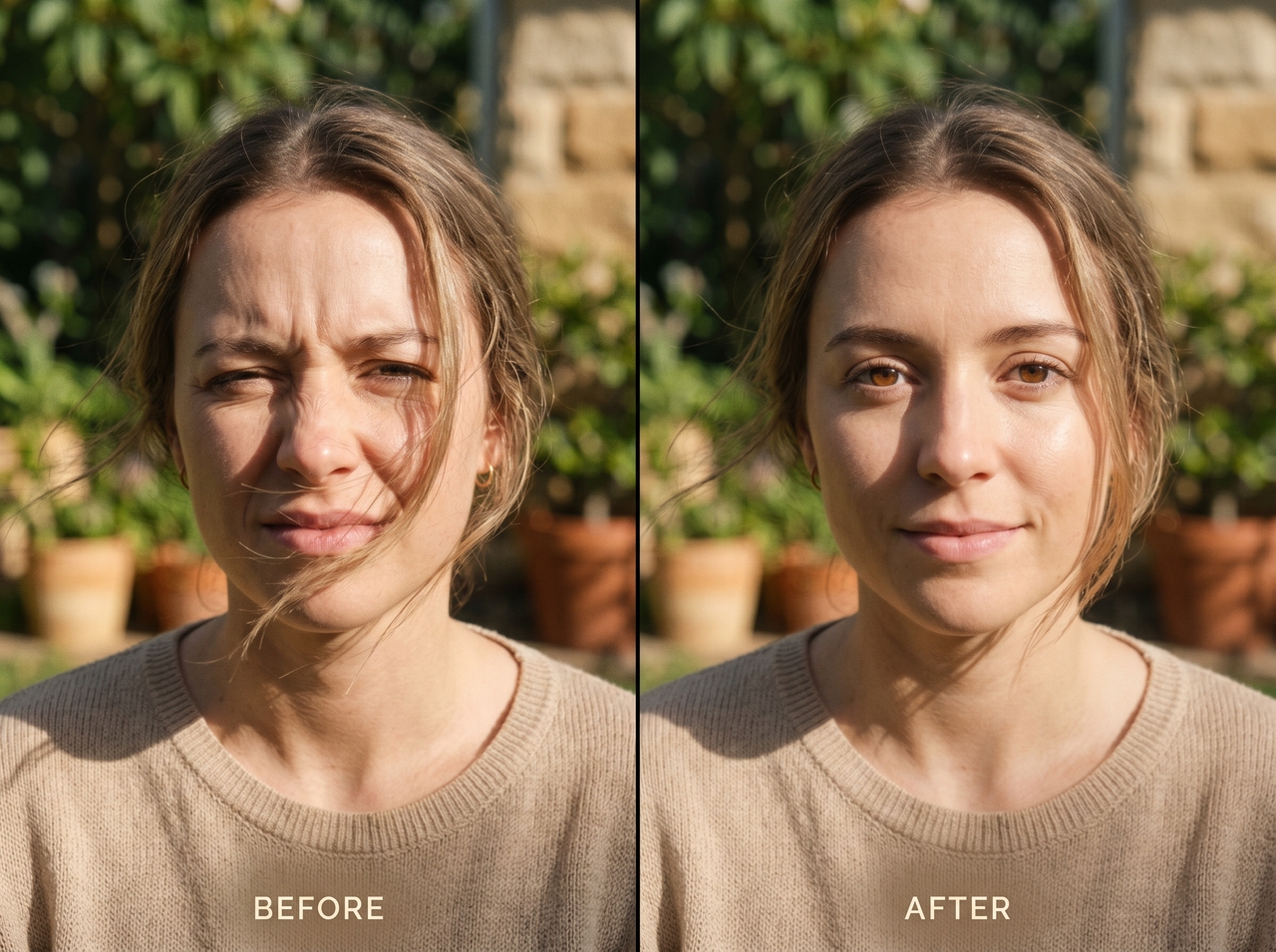
Control eye openness to fix squinting

Control eye openness to fix squinting

Upload footage with squinting or uneven eye closure, and our free AI eye contact tool adjusts eyelid position while maintaining natural expression flow. This helps in webcam clips, outdoor shoots, or bright lighting, where eyes do not stay evenly open across frames.

Batch-correct multiple images or video frames

Run AI eye contact correction in a full set of photos or a multi-clip project in one go. Every file gets processed individually, and you pick the aspect ratio (9:16, 16:9, or 1:1) before download, so each one exports platform-ready.

Batch-correct multiple images or video frames
Edit videos or images after AI correction

Edit videos or images after AI correction

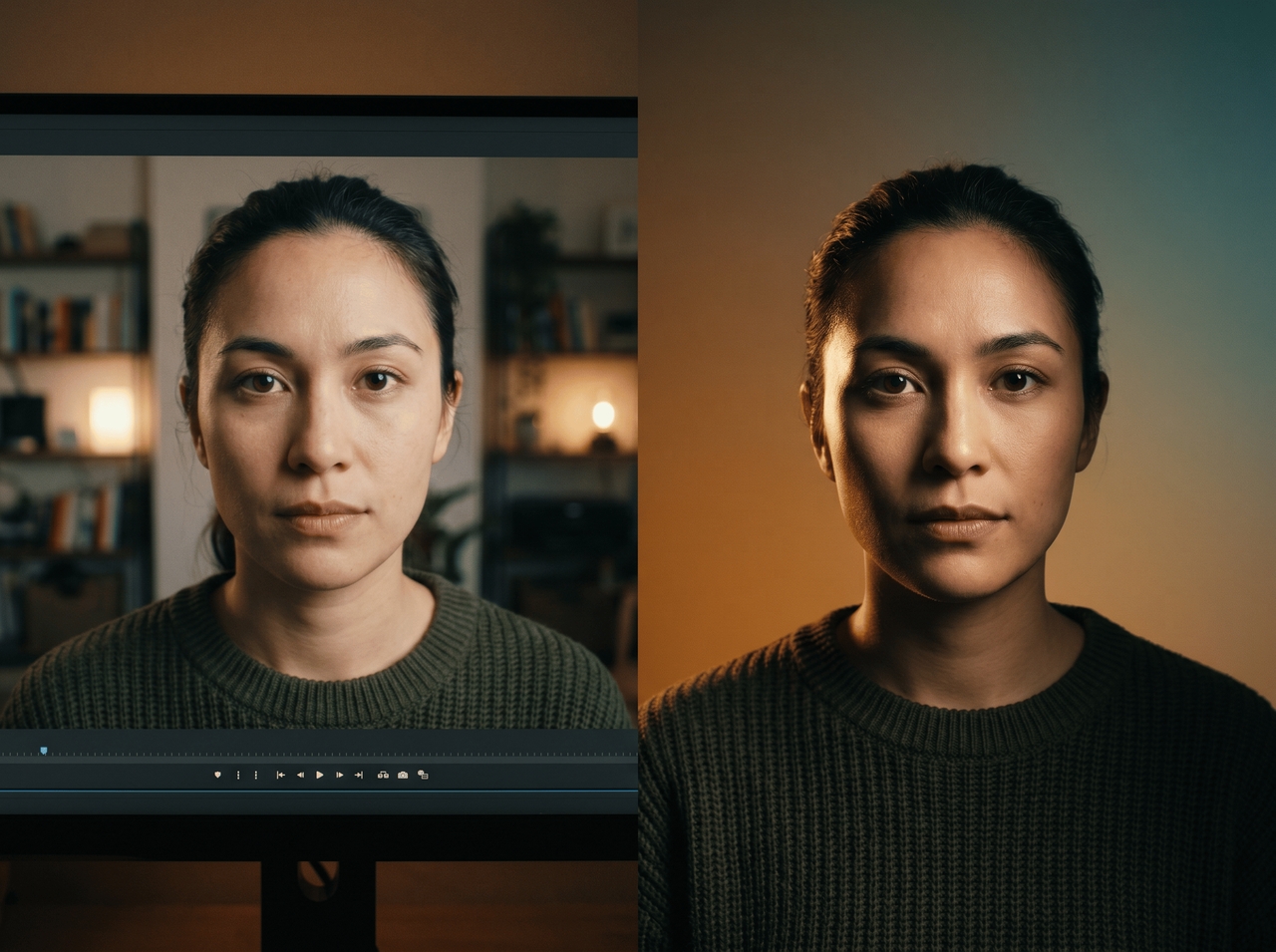
Once the gaze is fixed, open the Framia Pro built-in timeline video editor and trim clips, add captions, sync audio, or rearrange scenes right there. For images, use the built-in background remover, relight, and other features or edit through text prompts.

How to make eyes look at the camera in a photo?

Fix wandering eyes in any photo or video with Framia Pro's free AI eye contact correction. No reshoots, no Photoshop. Here's how it works:

Upload your photo or video
Open Framia Pro, describe the issue in plain words, and drop in your photo or video file. Pick the video or image model under "Select Model."
Run AI eye contact correction
Click "Plan" to let Framia Pro map the gaze, pick your aspect ratio and resolution, then hit "Generate" to correct the eye direction automatically.
Download your corrected file
Preview the result, type a follow-up prompt to fine-tune the gaze if needed, and download your corrected photo or video to your device.

Why do creators love using our AI eye contact correction tool?

Fix gaze in clips and photos right inside Framia Pro without re-recording or setup changes!

Browser-based editing workflow
Open Framia Pro in any browser, upload your file, and run AI eye contact correction right there. It uses Veo 3.1, Sora 2, Seedance 2.0, or Kling 3.0 to quickly read face position and eye movement, and turn gaze toward the camera.
No filming setup changes needed
Record exactly how you normally do. Read from a script, glance at notes, look slightly off-camera, and the AI eye contact correction, an online tool for photos, sorts the gaze out in post, so your filming routine stays the same.
Natural-looking AI corrections
Gaze adjustments land subtly enough that no one spots the edit. The AI analyzes facial angle, lighting, and eye position together. The corrected shot matches the original scene instead of looking digitally altered.
Beginner-friendly editing controls
Type what needs fixing, and the AI handles it, whether it is image editing or video editing. No layers, no masking, no timeline experience required. Anyone who can describe a problem in plain language can get a clean eye contact correction done on Framia Pro.
Fast processing for long clips
Upload longer recordings, such as interviews or tutorials. The system processes extended footage and applies eye correction across the timeline to let you continue editing without splitting files into smaller parts.
Works for photos and videos
Apply the same eye correction flow to portraits, thumbnails, and video clips. Our eye contact AI is a free tool that reads facial structure in both formats and adjusts gaze direction while keeping the rest of the image unchanged.

Fix eye contact with AI once, use it everywhere

Adjust gaze once in Framia Pro, then reuse corrected visuals across multiple platforms.

LinkedIn headshots
Upload profile photos, then direct eye position toward the camera. Framia Pro adjusts gaze while facial details stay unchanged. Use the final image for LinkedIn profiles, resumes, and personal branding pages with a clearer on-camera look.
YouTube talking heads
Record your video while reading from a script, then run AI eye contact correction in post. Fix every frame where your eyes pulled away from the lens, and the final cut looks like you delivered the whole thing directly to your audience.
Podcast video clips
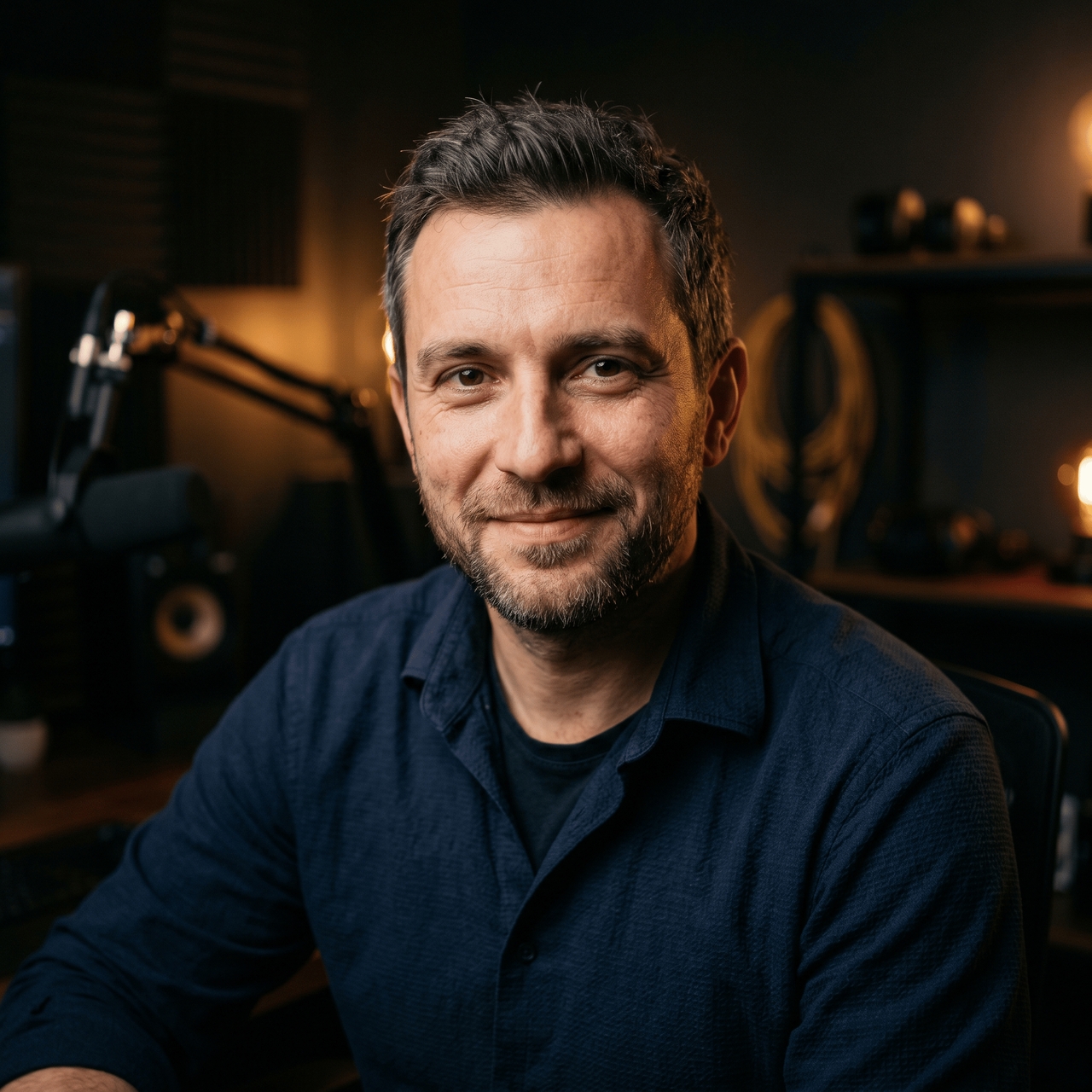
Podcast recordings rarely have both speakers facing the camera. Run the clip through Framia Pro's eye contact AI tool, and the gaze redirects toward the lens. This gives the footage a tighter & more personal cut for Reels or Shorts.
Team and staff photos
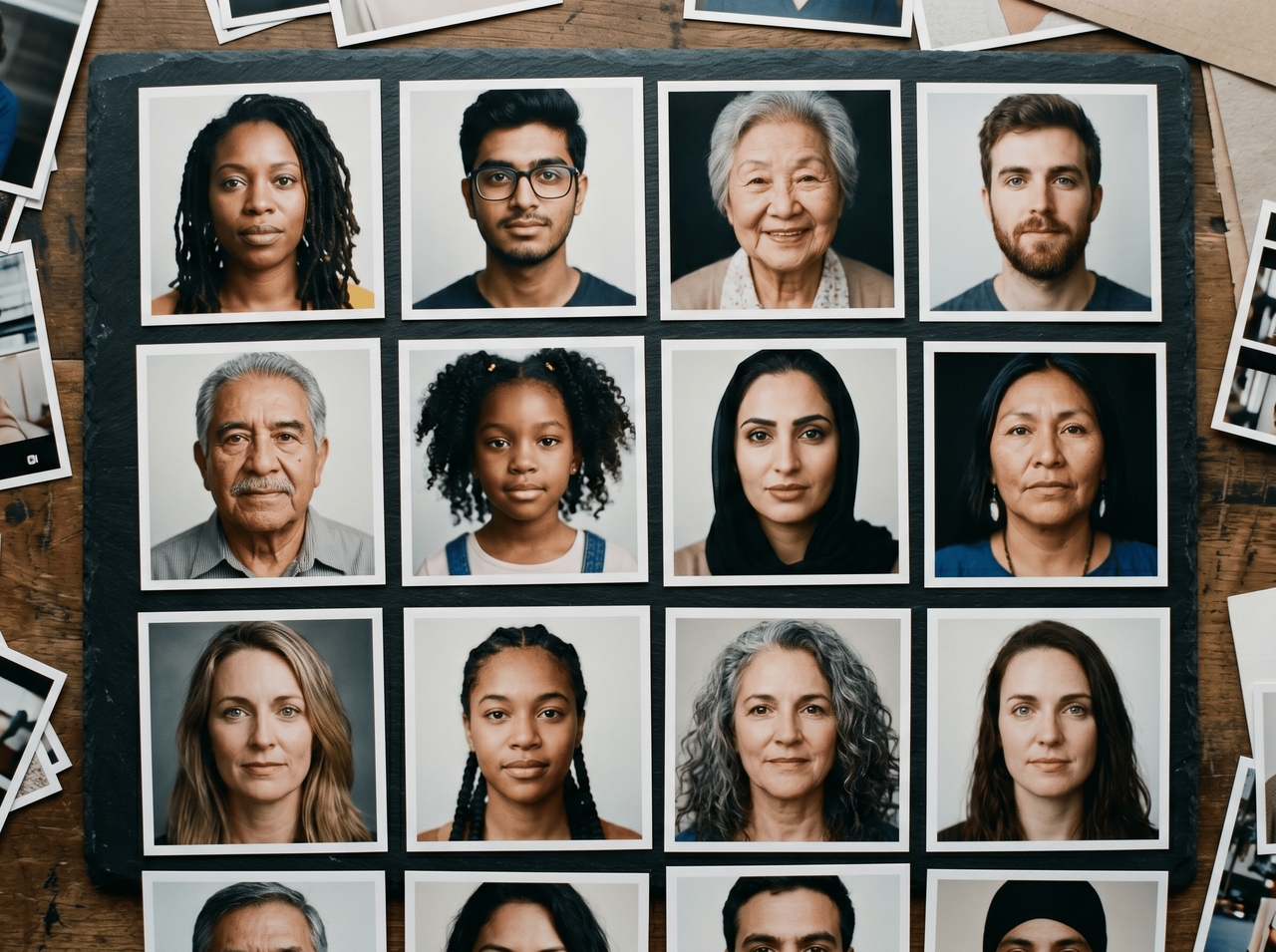
Group shots almost always have at least one person glancing sideways or slightly downward. Fix each person's gaze direction individually in Framia Pro and export the whole set without rescheduling anyone for a reshoot.
Dating profile portraits
A portrait where your eyes drift to the side reads as distracted rather than relaxed. Our AI eye contact tool shifts the gaze to face the camera while preserving your expression and lighting exactly as they were in the original shot.
Job application videos
Video cover letters and interview recordings lose credibility when your eyes wander off-screen. Run your footage through the Framia Pro free eye contact AI corrector before sending it out, and every answer looks delivered with full attention and clarity.

What users love about our free online AI eye contact corrector

Here's what they said after running their photos and videos through Framia Pro's AI eye contact correction.

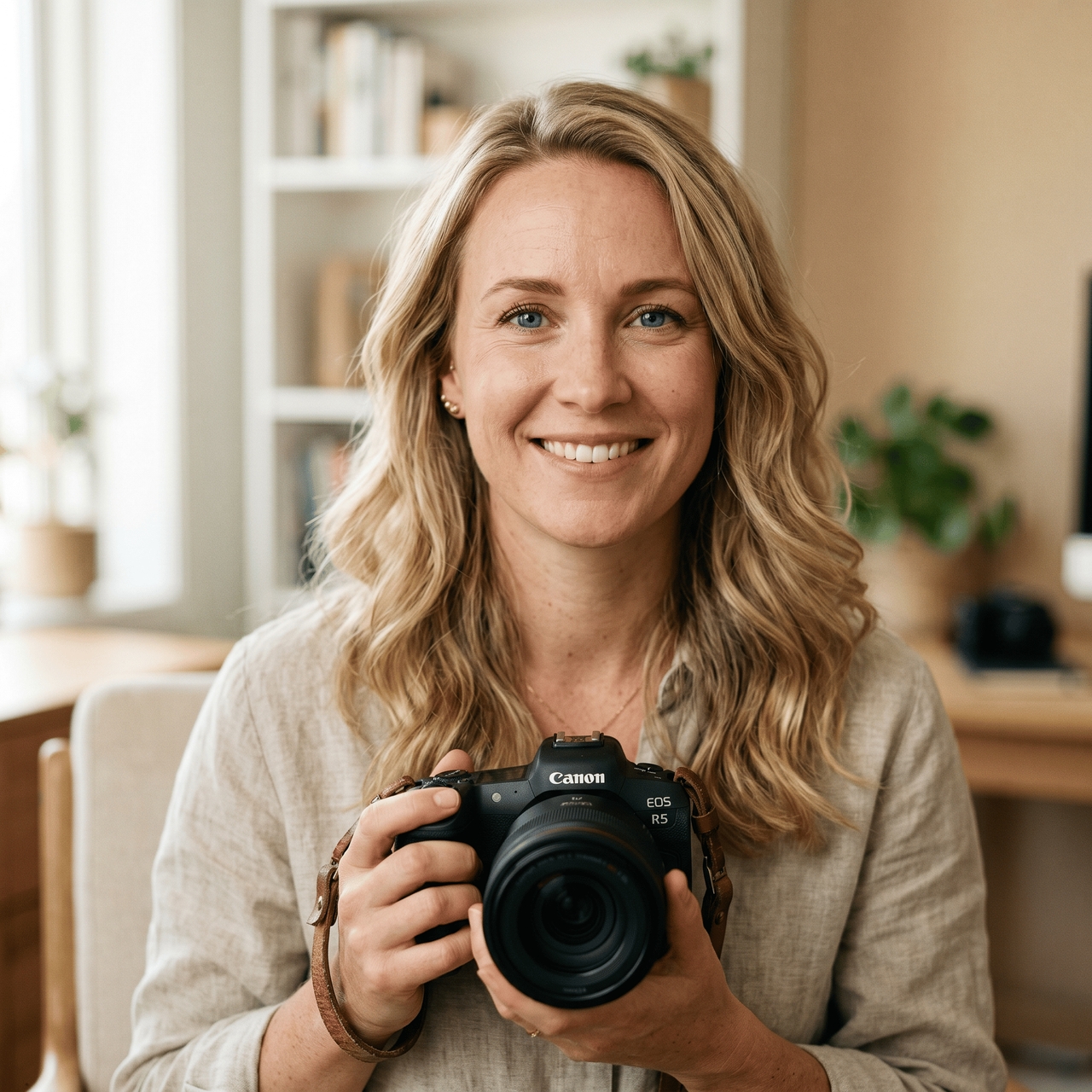
Three out of ten client headshots had off-gaze eyes, and rescheduling wasn't an option. Framia Pro's AI eye contact correction fixed all three in one go. Clients received their gallery on time and never once questioned whether anything was touched up.
Mara Johansson
Mara Johansson
Freelance Portrait Photographer
My script sits just above the camera, so my eyes drift every few sentences upward without me even realizing it. Framia Pro caught every single frame where that happened and corrected it. Retention numbers went up the week I started using it.
Tyler Okafor
Tyler Okafor
YouTube Creator
That sideways glance mid-answer in my video cover letter was doing serious damage on replay. This AI eye contact corrector sorted it out the same day, and the video went out that evening. Two interview requests came in that same week.
Cleo Hartmann
Cleo Hartmann
Career Coach
Across-the-table podcast setups mean nobody's ever truly facing the camera. Framia Pro turned those raw interview clips into Instagram Reels that felt direct and personal. Instagram engagement doubled within two weeks of posting them.
Brennan Szabo
Brennan Szabo
Podcast Host
Every year, at least one person in the team photo looks the wrong way. This time, Framia Pro fixed each person individually without a reshoot. The whole set was done and approved before lunch.
Nora Ellingsen
Nora Ellingsen
HR Manager
The best photo from the entire shoot had eyes looking slightly left, which completely changed the energy of it. Framia Pro corrected the gaze in about thirty seconds, and the photo finally looked the way it was supposed to
Jules Marchand
Jules Marchand
Dating App User
We've compiled the most important information to help you get the most out of your experience. Can't find what you're looking for?Contact us

Frequently asked questions

How to do AI eye contact?
Upload your photo or video to Framia Pro, run the AI eye contact correction, and the gaze snaps to the camera automatically. Download the fixed file when done.
What is the AI that keeps eye contact?
Framia Pro's free AI eye contact corrector detects where your eyes are pointing and redirects the gaze toward the lens, frame by frame, without touching anything else on your face.
Can AI detect if I'm making eye contact?
Yes. AI eye contact tools analyze your iris position and head angle to determine whether your gaze aligns with the camera, then correct it if it doesn't.
How does eye contact AI free work in videos?
Eye contact AI free tools scan facial position in each frame, then adjust eye direction. Framia Pro applies this process to video clips so the eyes align with the camera during playback.
Does Framia Pro's free eye contact AI work on photos?
Yes, Framia Pro uses Nano Banana 2, Seedream 4.5, and other models to correct the gaze. Upload a portrait, describe the fix, and the corrected photo downloads.
Does online AI eye contact correction change my eye color?
No. AI eye contact correction only adjusts eye direction. Iris color, skin texture, eyelid shape, and facial expression stay the same as in the original file.

Still have questions?

Have questions or need assistance? Our team is here to help!

Fix eye contact in every frame

Turn side glances into natural camera-facing moments with AI eye contact correction online.

AI Eye Contact Corrector: Fix Gaze in Photos & Videos for Free