Free AI Face Editor Online

Meet the AI face editor that actually gets it right. Edit, smooth, and change faces in photos. Free, online, and impossibly good.

Upload imagesClick to browse or drag & drop file here
Free AI Face Editor Online

From zero to gorgeous: Edit any face in three simple steps

Upload your selfie
Open Framia Pro AI face editor, click "+" and upload a selfie. Type a prompt for face edits like smile, eyes, skin, or hairstyle.
Generate AI face edit
Pick the aspect ratio, choose the Image model under Select Model, and click "Generate." Framia Pro creates face edit versions for you.
Save your face edit
Check the AI face results, adjust the prompt if needed, then download or save the final edited portrait for use anywhere.

These features are like a love letter to your best self

Change tiny face details, swap styles, and test new looks from one photo with our AI face editor for free.

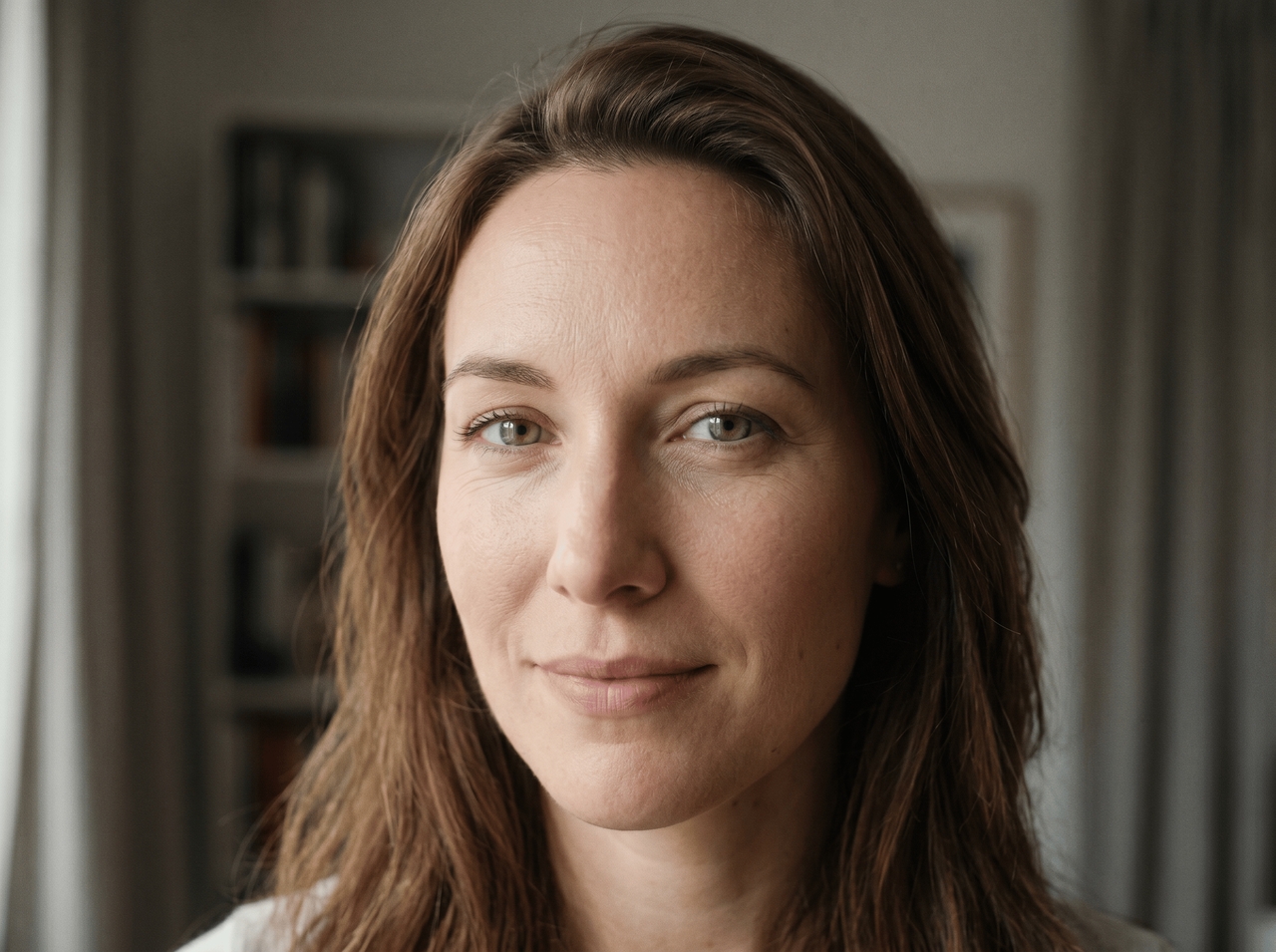
Edit your face using simple text prompts

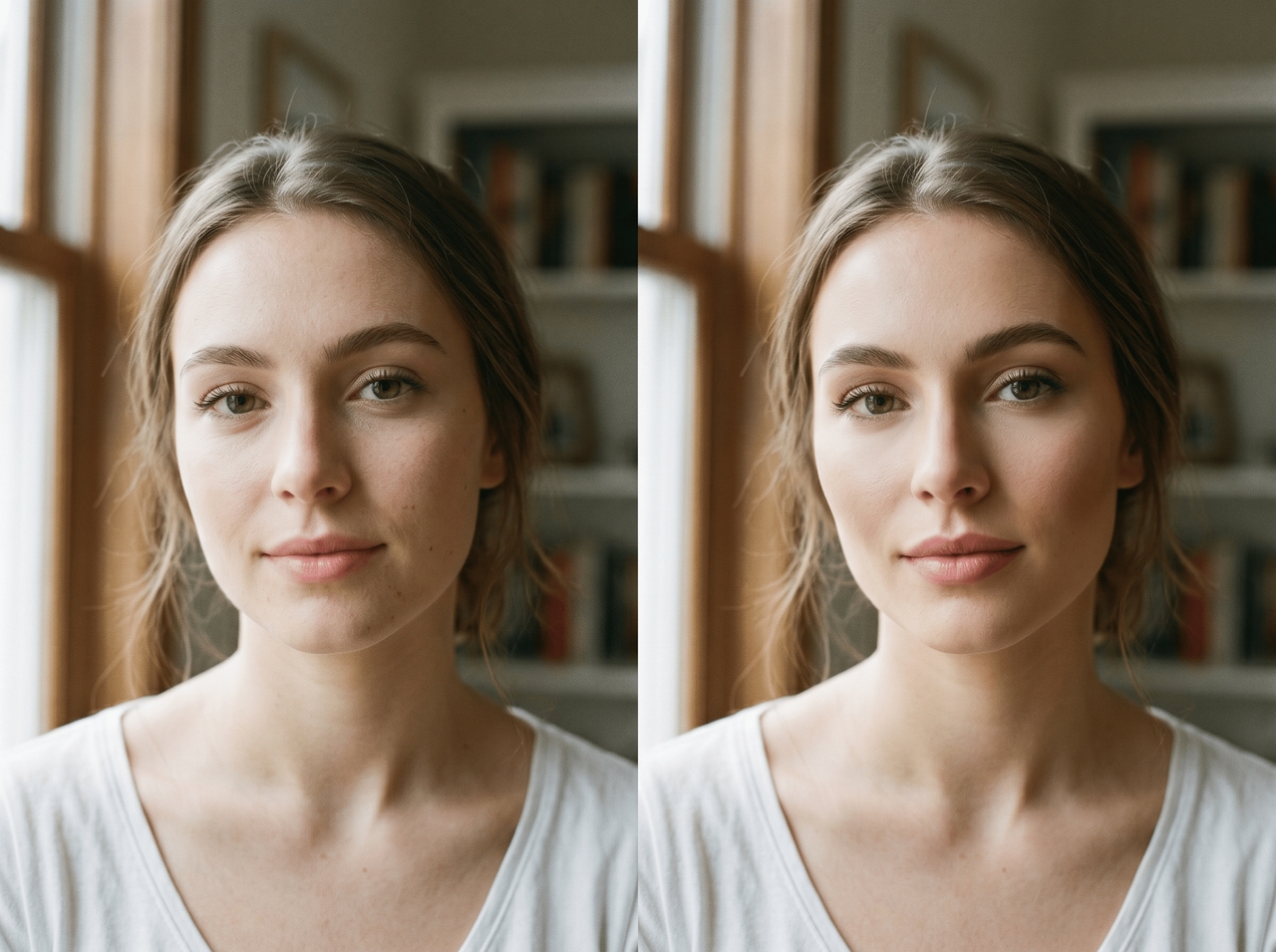
Type edits and then let Framia Pro generate new versions using models such as GPT Image 2, Nano Banana 2, Flux Max, and Midjourney v7. The canvas editor also lets you point at specific areas for targeted face changes.
Edit your face using simple text prompts
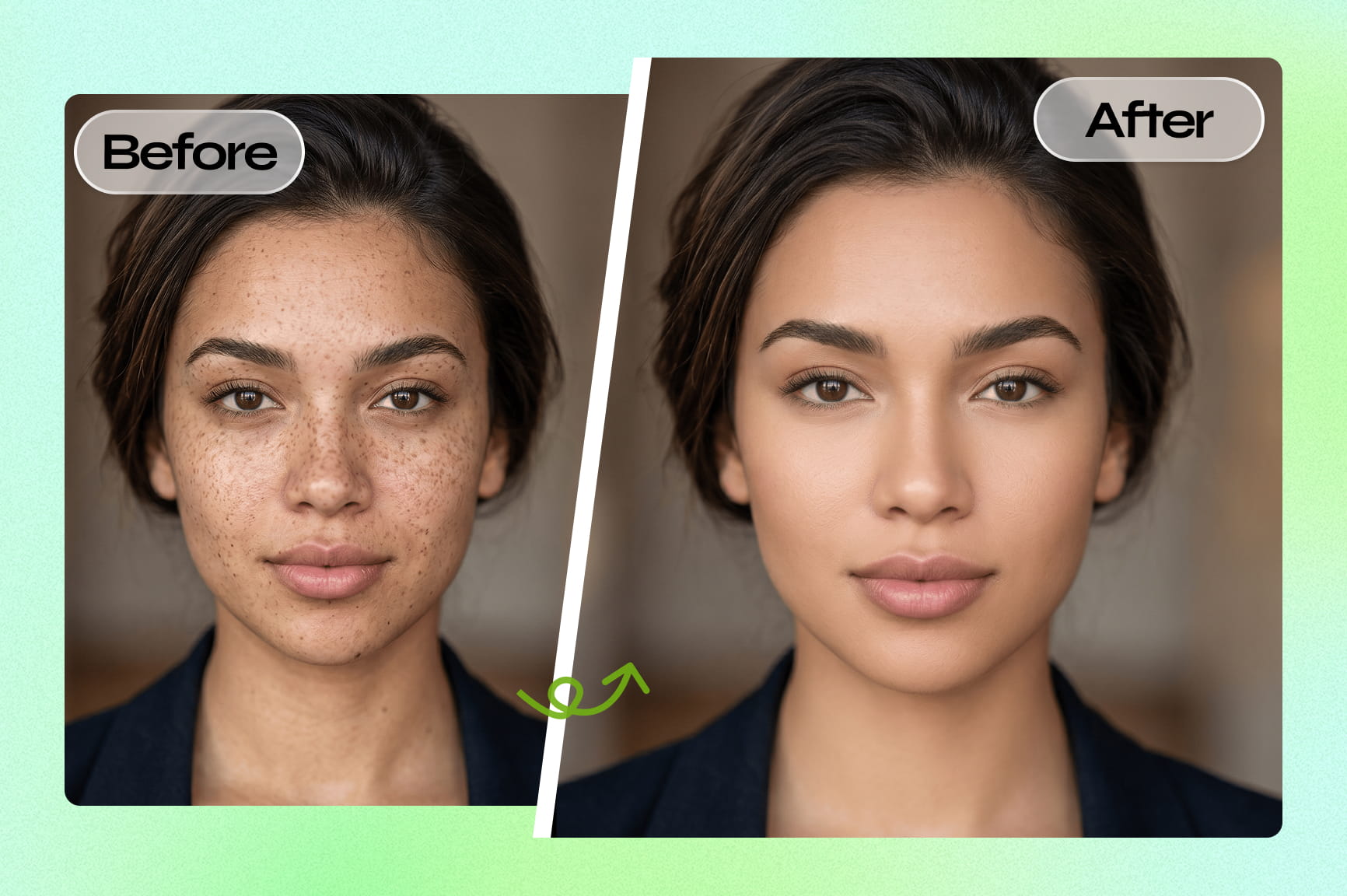
Smooth skin while keeping texture natural

Smooth skin while keeping texture natural

Target blemishes, uneven patches, and under-eye shadows with a single prompt using our AI face editor online for free. It reads your skin tone first and retouches only what you mentioned, so the result looks cleaned up rather than filtered or plastic.

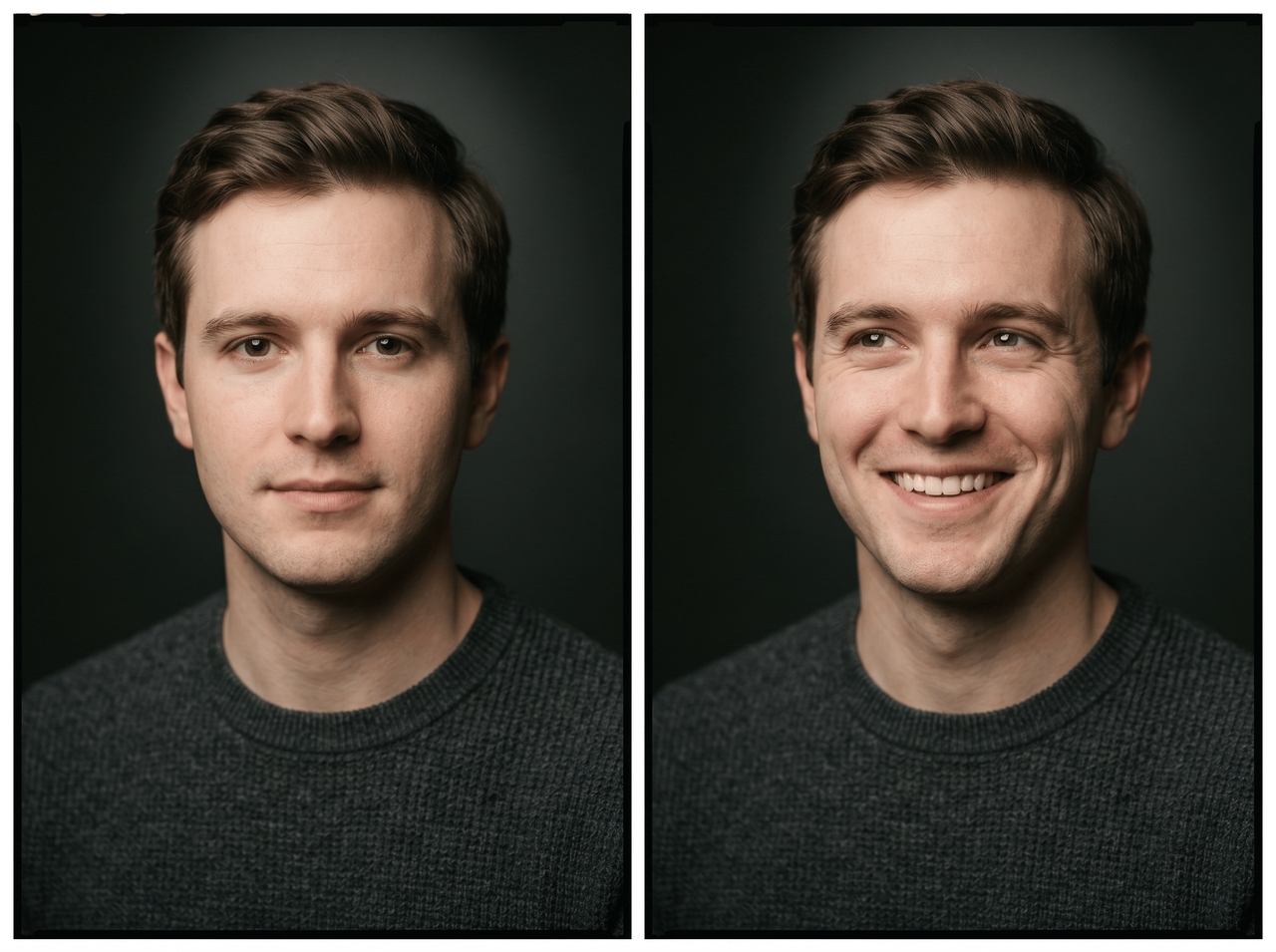
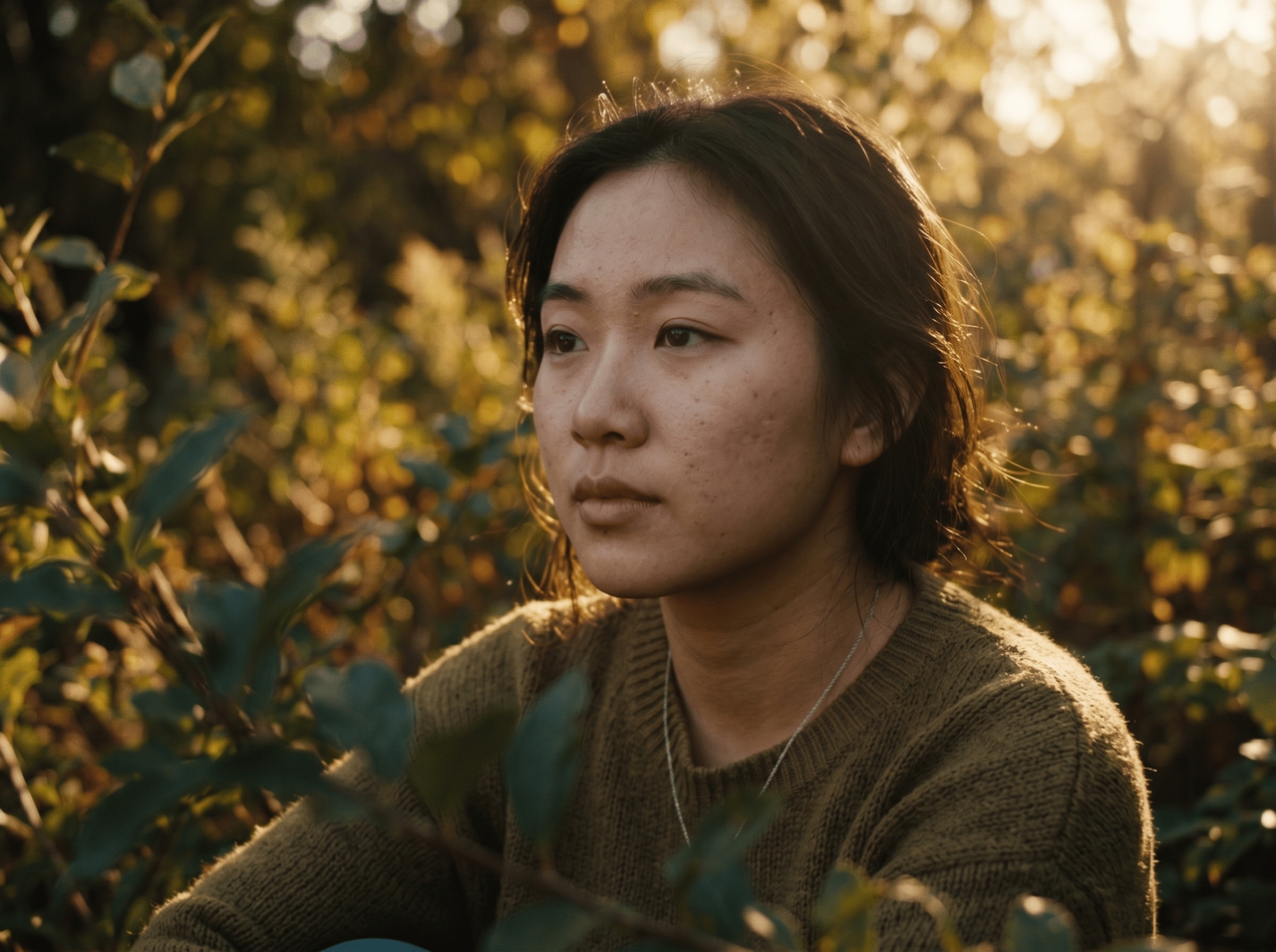
Adjust eyes, smiles, lips, and jawlines

Change your eye gaze, widen your smile, reshape your lips, or slim your jawline using Framia Pro's AI face editor video tool. Every adjustment locks to your face geometry. Nothing distorts or drifts outside the area you touched.
Adjust eyes, smiles, lips, and jawlines
Create face swaps with clean blending

Create face swaps with clean blending

Upload a source photo and a target image or clip, describe the scene, and Framia Pro maps your facial geometry onto the new shot. It reads skin tone, shadows, and light direction, so edges sit naturally without sharp cuts or color mismatches.

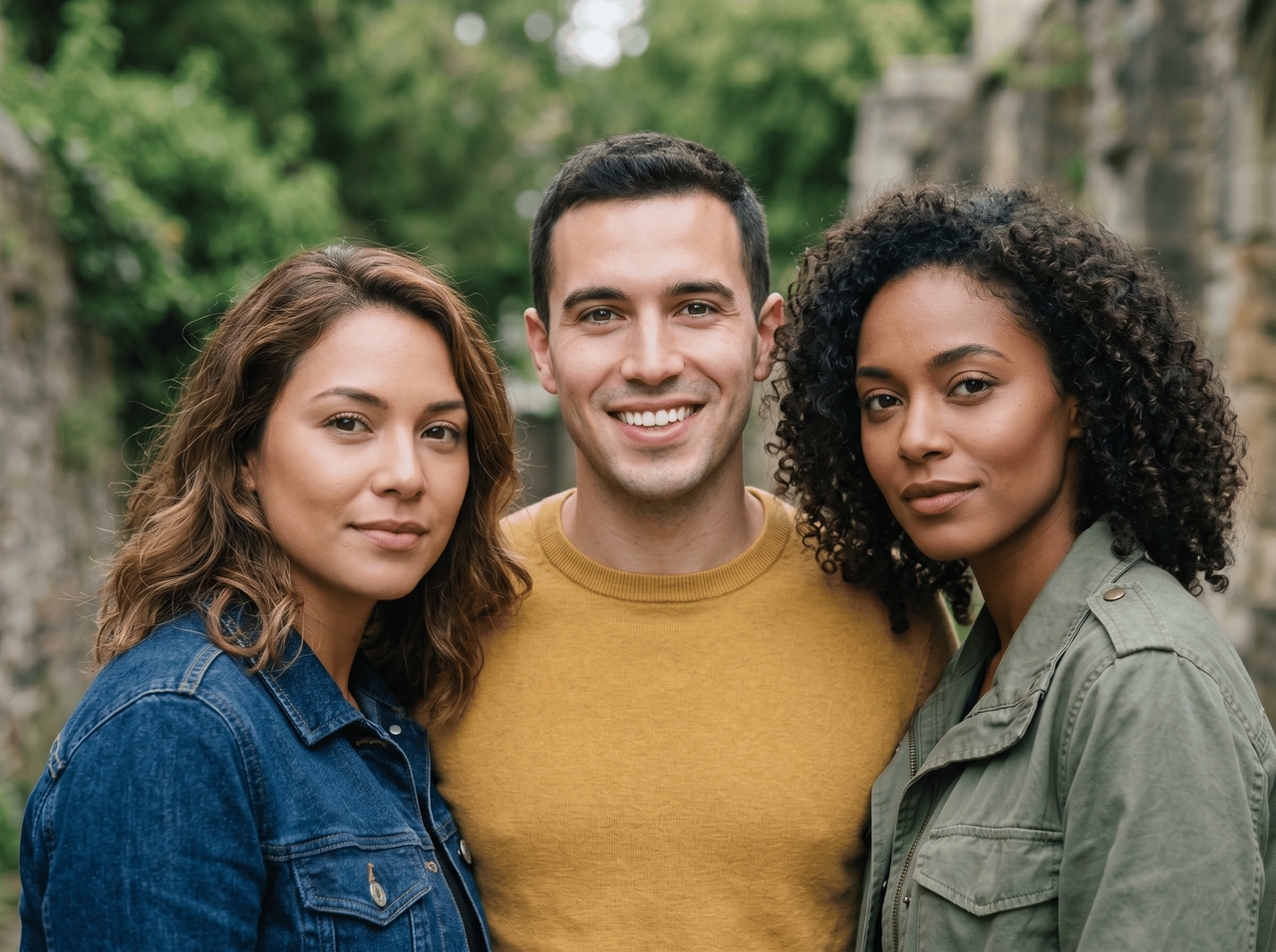
Edit multiple faces in one image

Target each person in a group photo separately without one edit bleeding into another. Our AI face photo editor for free processes every face independently to fix expressions, retouch skin, or swap faces on a full cast without disturbing anyone else in the frame.
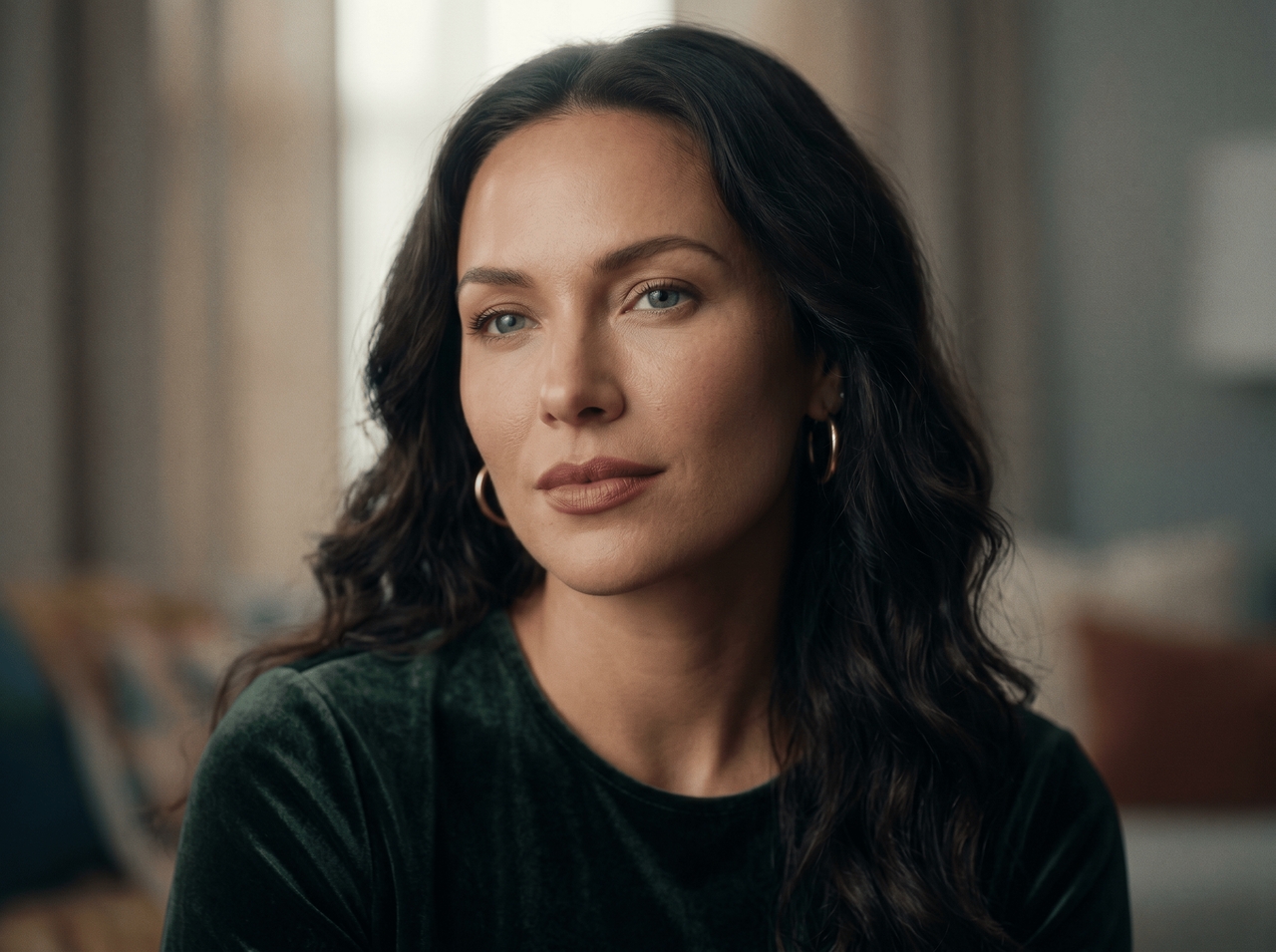
Edit multiple faces in one image
Generate AI beauty retouches instantly

Generate AI beauty retouches instantly

Run a retouch prompt, and our AI image editor for face removes blemishes, evens out skin tone, and sharpens portrait detail in one pass. You can even process multiple images through a single batch prompt and get high-quality results without opening each image individually.

Change hair color and hairstyle styles

Describe the cut, length, or color in plain words (short bob, natural black, side part), and our AI face image editor rewrites the hair along the natural hairline and around the ears. The face and background stay exactly where they are.
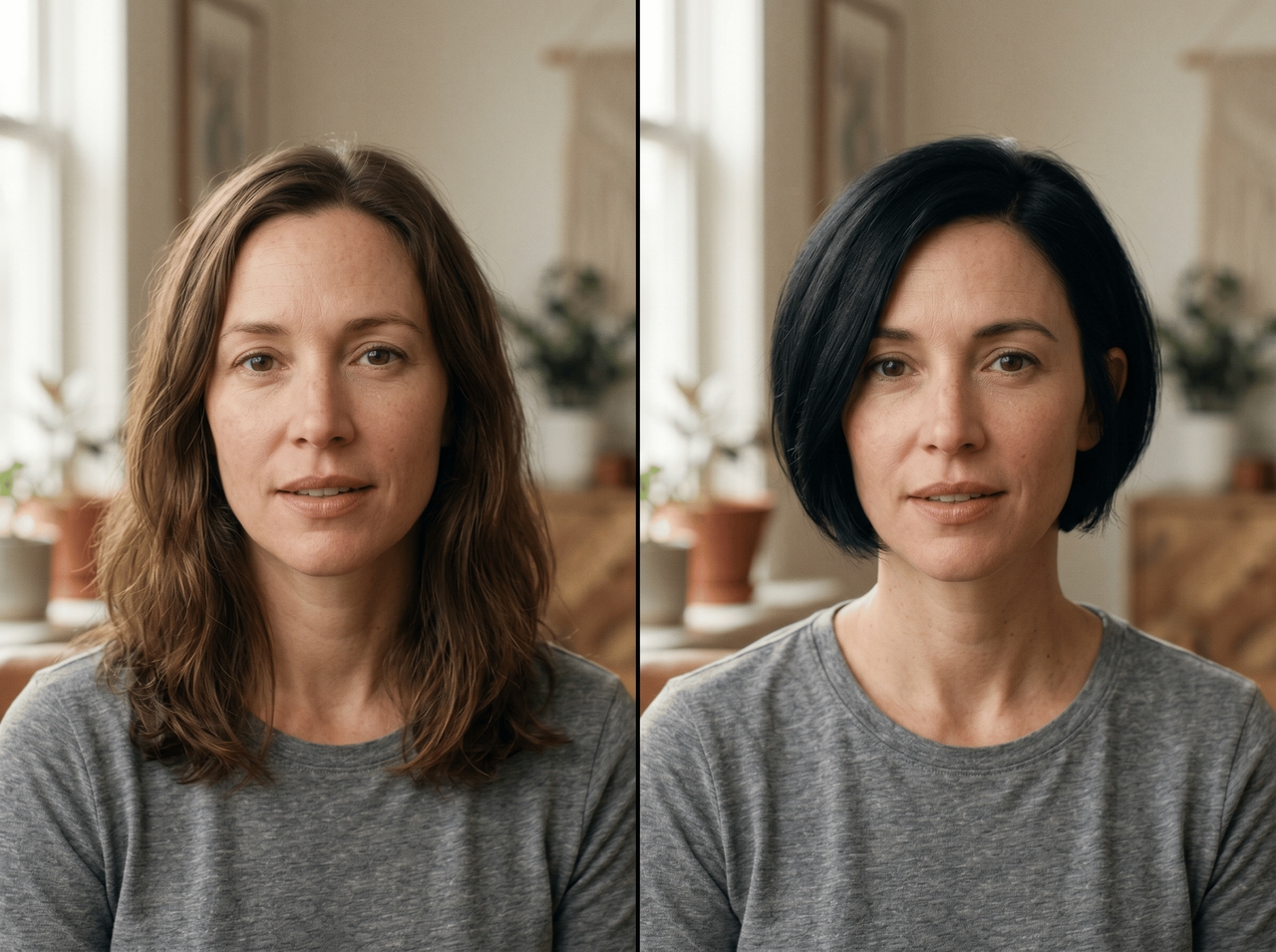
Change hair color and hairstyle styles
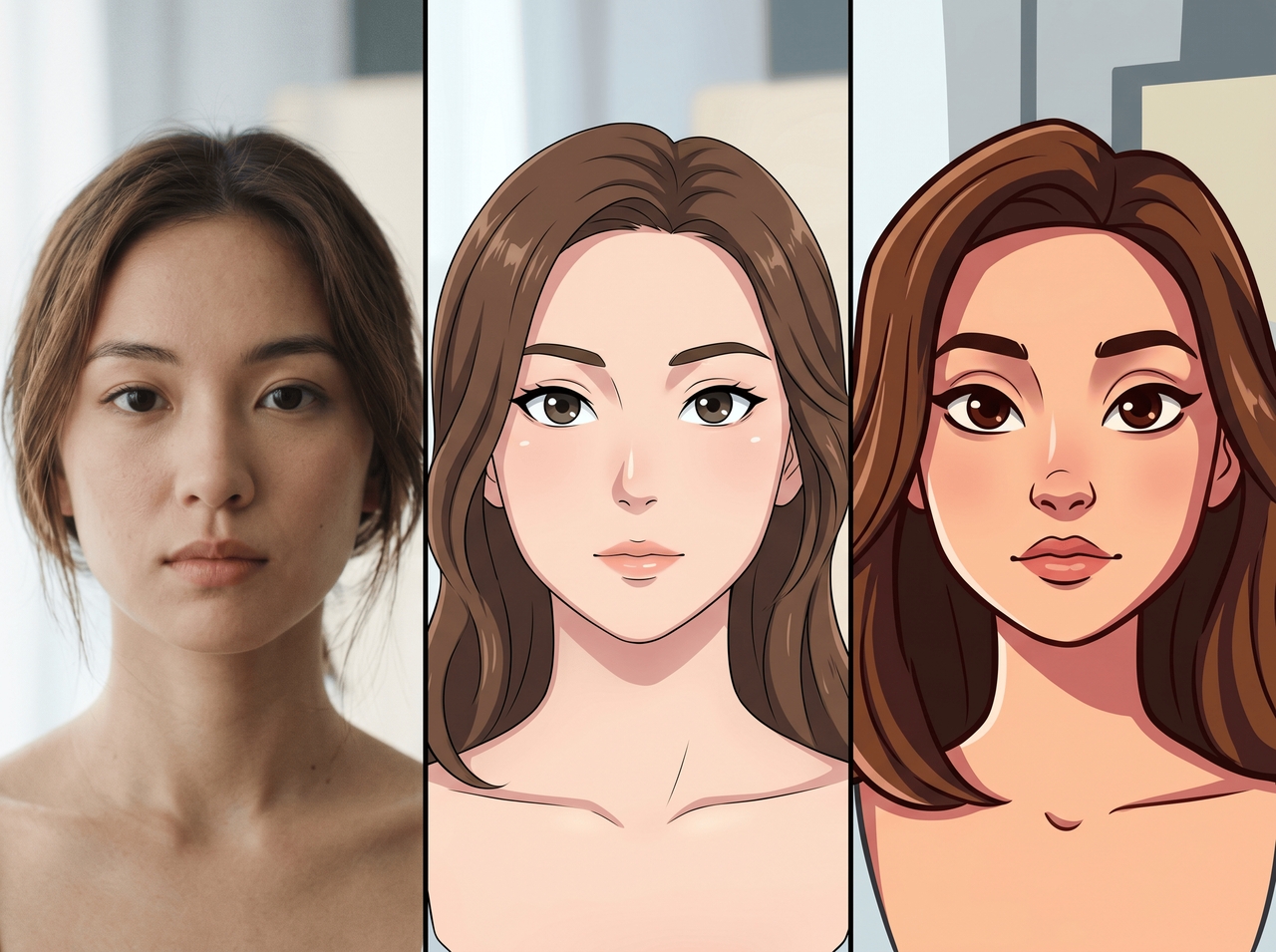
Create cartoon, anime, or cinematic faces

Create cartoon, anime, or cinematic faces

Type a style, and our face photo editor AI runs it through its multi-model system to reinterpret the face in that aesthetic. You can try anime, stylized cartoon, and cinematic portrait styles. Your core features stay recognizable on every version it generates.

Why are online creators totally falling in love with our face editor AI

Fix blurry selfies, edit faces faster, and reuse the same character style through every post and video scene.

Easy image upscaling
Upscale image resolution up to 2K for selfies, thumbnails, and profile photos. The AI upscale tool reconstructs fine textures and facial detail during the upscale, so the output works for large-format print, commercial display, or any high-resolution export you need.
Quick face editing process
Upload your photo, describe the edit in the prompt box, pick an AI model, and click Generate. Framia Pro scans the image, applies the change, and returns a finished result instantly. No menus to dig through, no sliders to figure out from scratch.
Keep character consistent
Lock in a face at the start of a project, and our AI face photo editor holds that visual identity steady in every scene, angle, and environment. Retain facial traits, clothing, and visual style in every output.

Made for everyone who believes every face deserves its best moment

Turn everyday photos into standout portraits, creative edits, and engaging content with our face editor.

Client-ready headshots
Generate cleaner business portraits with sharper facial focus, balanced lighting, softer shadows, and natural expression fixes. Framia Pro works well for resumes, speaker profiles, portfolio pages, company bios, and networking platforms that need updated photos.
Before/after content
Put two versions side by side and let the difference do the talking using our AI photo face editor online for free. Get images for skincare pages, glow-up posts, beauty tutorials, and styling reels where visual contrast drives the scroll.
Make avatar-style portraits
Drop in a selfie and get an anime character, gaming icon, or fantasy portrait back. Our image face editor online reads your facial structure and layers artistic details on top without losing what makes your face yours.
Try makeup & glam looks
Swap lipstick shades, test dramatic liner, or preview soft glam right on your uploaded photo. Our photo face editor online free AI lets you explore full beauty looks before any shoot, post, or campaign goes live.
Retouch profile photos
Fix faded lighting, awkward expressions, washed-out colors, blurry details, and outdated selfie styles from older photos with Framia Pro. Update portraits with cleaner facial clarity and stronger image quality for social accounts, creator pages, resumes, and personal branding platforms online.
Edit images for thumbnails
Isolate your face, set the contrast, and remove the background for something that grabs attention instantly using our AI face edit photo tool. It keeps every edge clean, so the final thumbnail looks crisp at any size.

Stories from creators who cannot stop talking about Framia Pro

Creators share how Framia Pro fits into their daily work with simple face edits and quick portrait fixes

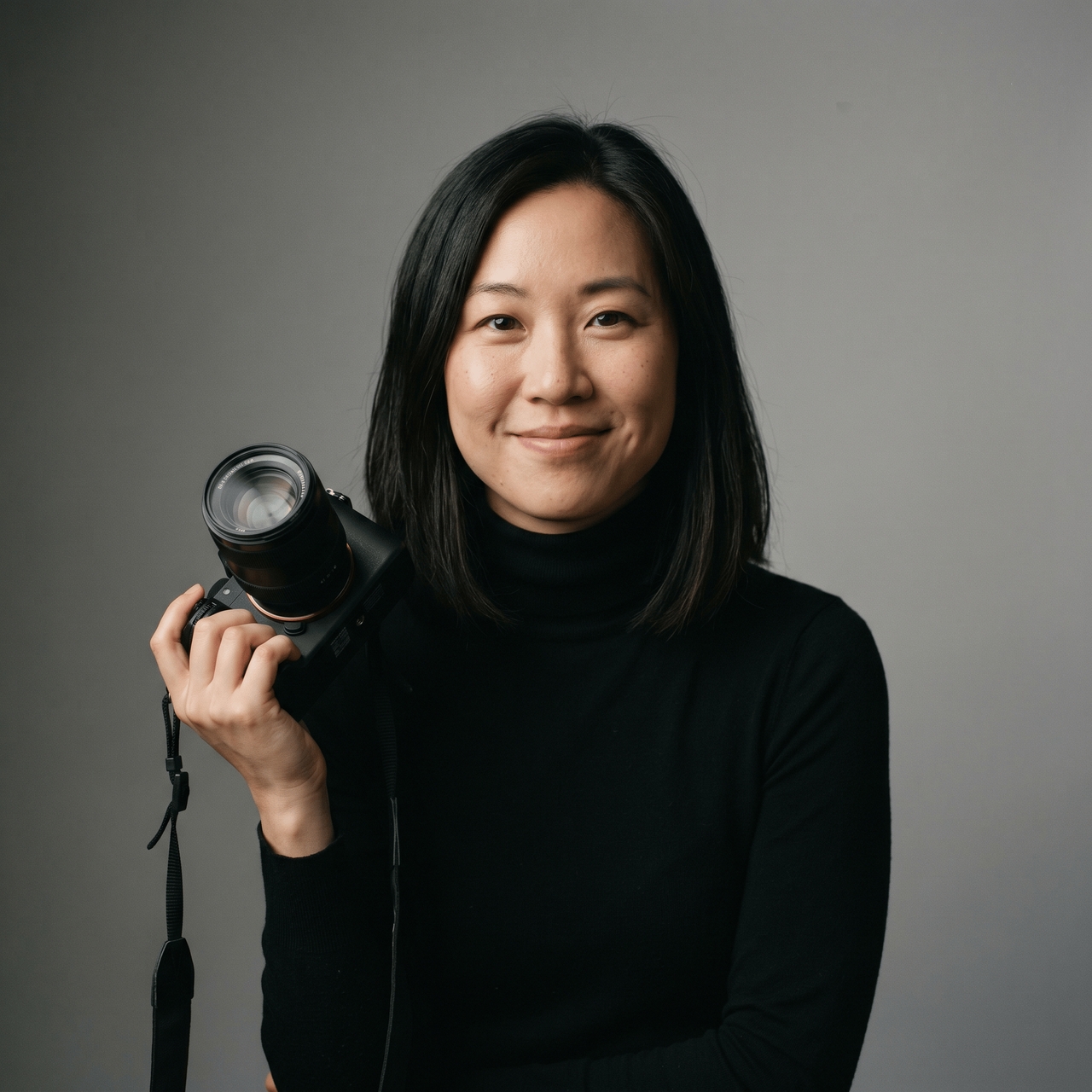
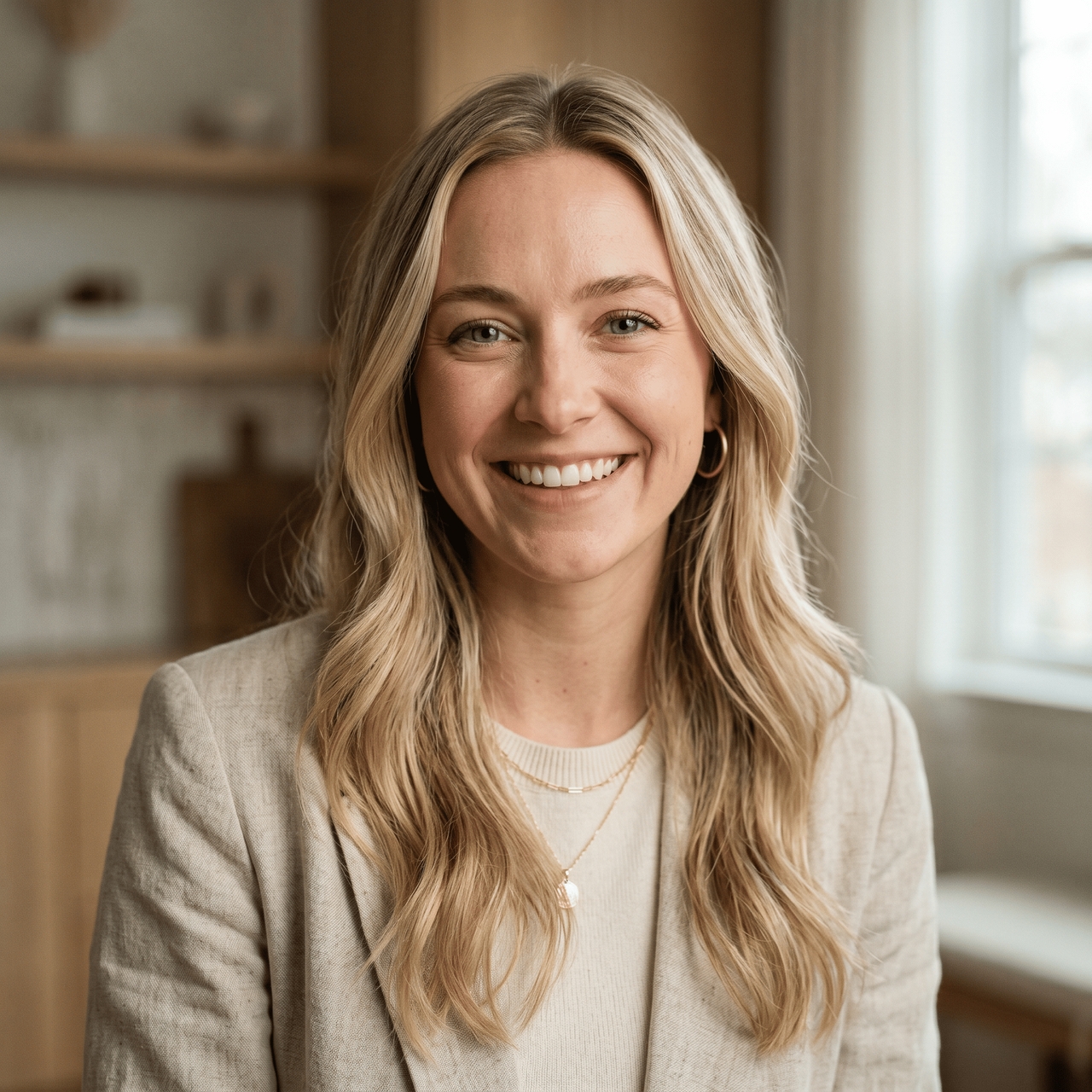
A client sent 40 headshots at 11 pm for a next-morning deadline. One retouch prompt on Framia Pro handled the entire batch. Every portrait came out clean and consistent. My client had no idea I finished in under an hour.
Maya Chen
Maya Chen
Portrait Photographer
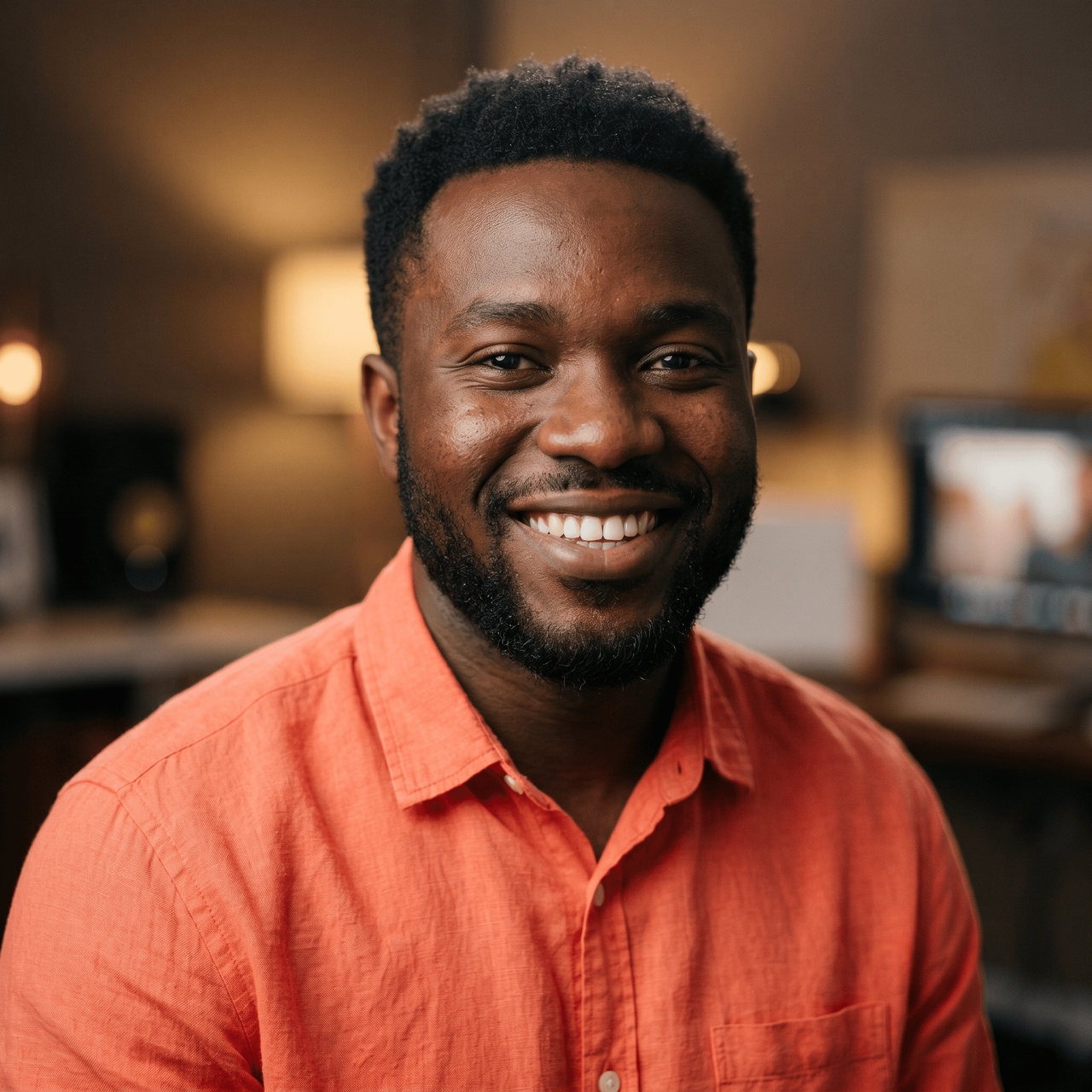
My thumbnails were getting ignored for months. I uploaded my face, improved the contrast, and swapped the background. My click-through rate climbed within the first week. One edit changed how people saw my channel before they even clicked play.
James Okafor
James Okafor
YouTube Creator
I tested three tools before landing here. Nothing else came close to blending. I swapped faces across a five-person group photo, and not one edge looked off. Every face sat in the right light with the right skin tone. Genuinely shocked.
Mia Collins
Mia Collins
Freelance Content Creator
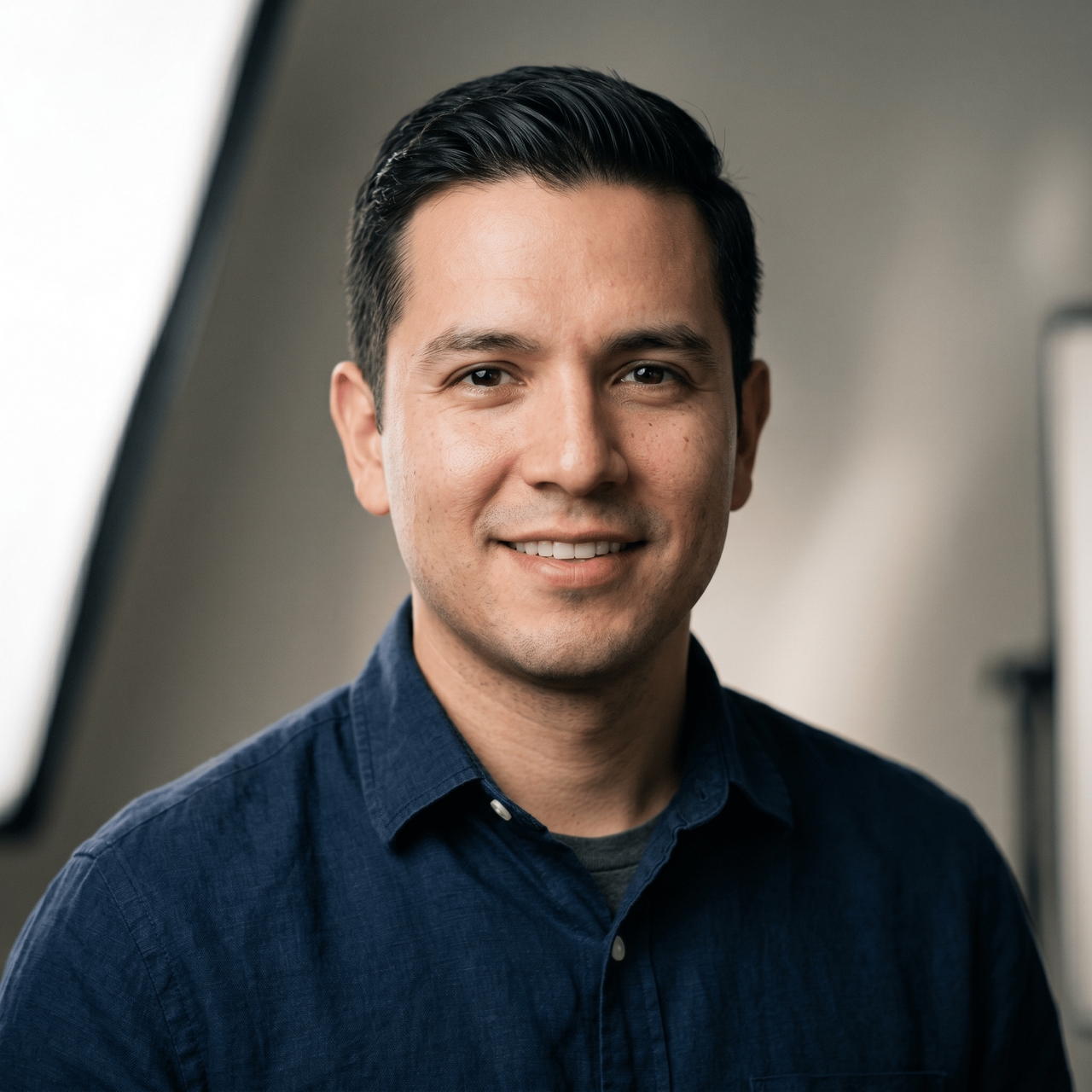
The client needed six avatar variations for a campaign launch. Same face, different styles. I typed each style as a prompt, and the character stayed recognizable across every version. Two days of work wrapped up in a single afternoon.
Daniel Reyes
Daniel Reyes
Social Media Manager
I pitch glam looks to brands before booking a full test shoot now. Framia Pro applies lip color, and the eye looks directly at the photo. It saves me an entire shoot every time I want to show a new direction.
Sophie Laurent
Sophie Laurent
Makeup Artist and Blogger
I was paying a freelance editor every month just for model retouches. One day, I ran the same brief as a text prompt on Framia Pro and got matching results with accurate skin tone. Canceled the freelancer the same week.
Jordan Lee
Jordan Lee
E-commerce Brand Owner
We've compiled the most important information to help you get the most out of your experience. Can't find what you're looking for?Contact us

Frequently asked questions

Which AI can edit faces?
Framia Pro edits faces using Midjourney v7, Flux Max, Nano Banana Pro, Seedream 4.5, and Qwen Image. Each model handles retouching, reshaping, swaps, and style changes from a single text prompt.
Is AI face editor free?
Yes. Framia Pro offers a free AI face editor directly in your browser. Upload a photo, type your edit, and download the result without paying anything or installing software.
What is the best free face editor?
Framia Pro stands out for free face editing. It covers retouching, hairstyle changes, swaps, and anime-style portraits, all through text prompts.
Can I do an AI photo face swap online for free?
Absolutely, Framia Pro lets you swap faces in photos and videos online at no cost. Upload a source photo, pick a target, and the AI blends skin tone and lighting automatically.
How do I use AI to edit a photo?
Open Framia Pro, upload your photo, and type what you want changed. The AI targets only the area you describe and leaves everything else in the image untouched.
Can free AI face editor tools handle group photos?
Framia Pro free AI face editor can process group photos by detecting multiple faces. It edits the faces of each person while keeping the full image structure stable.

Still have questions?

Have questions or need assistance? Our team is here to help!

Edit any face for free now!

Retouch, reshape, and stylize any portrait from a single text prompt with our AI face editor.

Free AI Face Editor Online: Retouch & Change Expressions