AI Harry Potter Generator Online

Turn prompts or photos into wizard-inspired portraits, magical castles, fantasy duels, and enchanted artwork.

Upload imagesClick to browse or drag & drop file here
AI Harry Potter Generator Online

A gallery that could've fooled Dumbledore

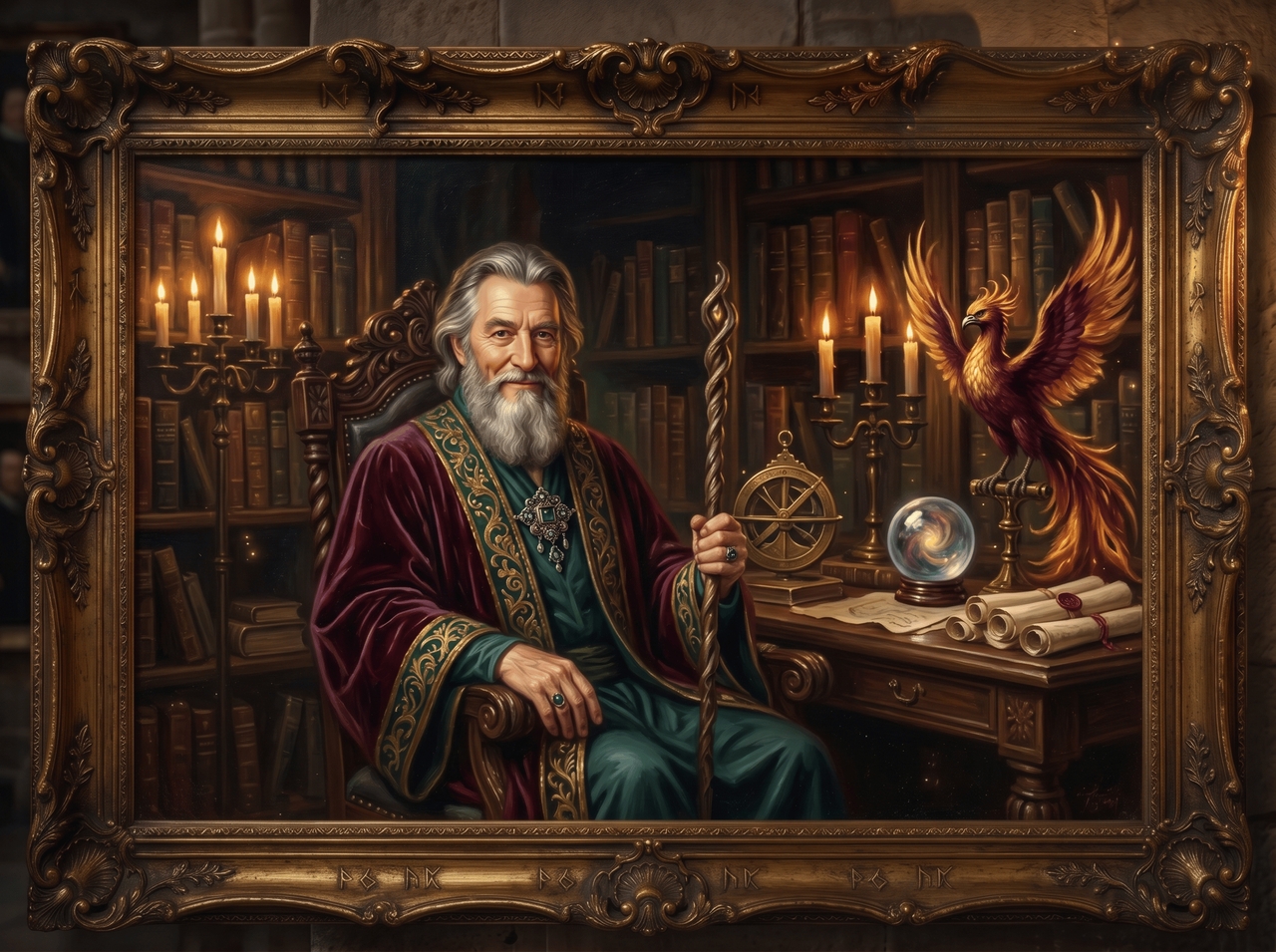
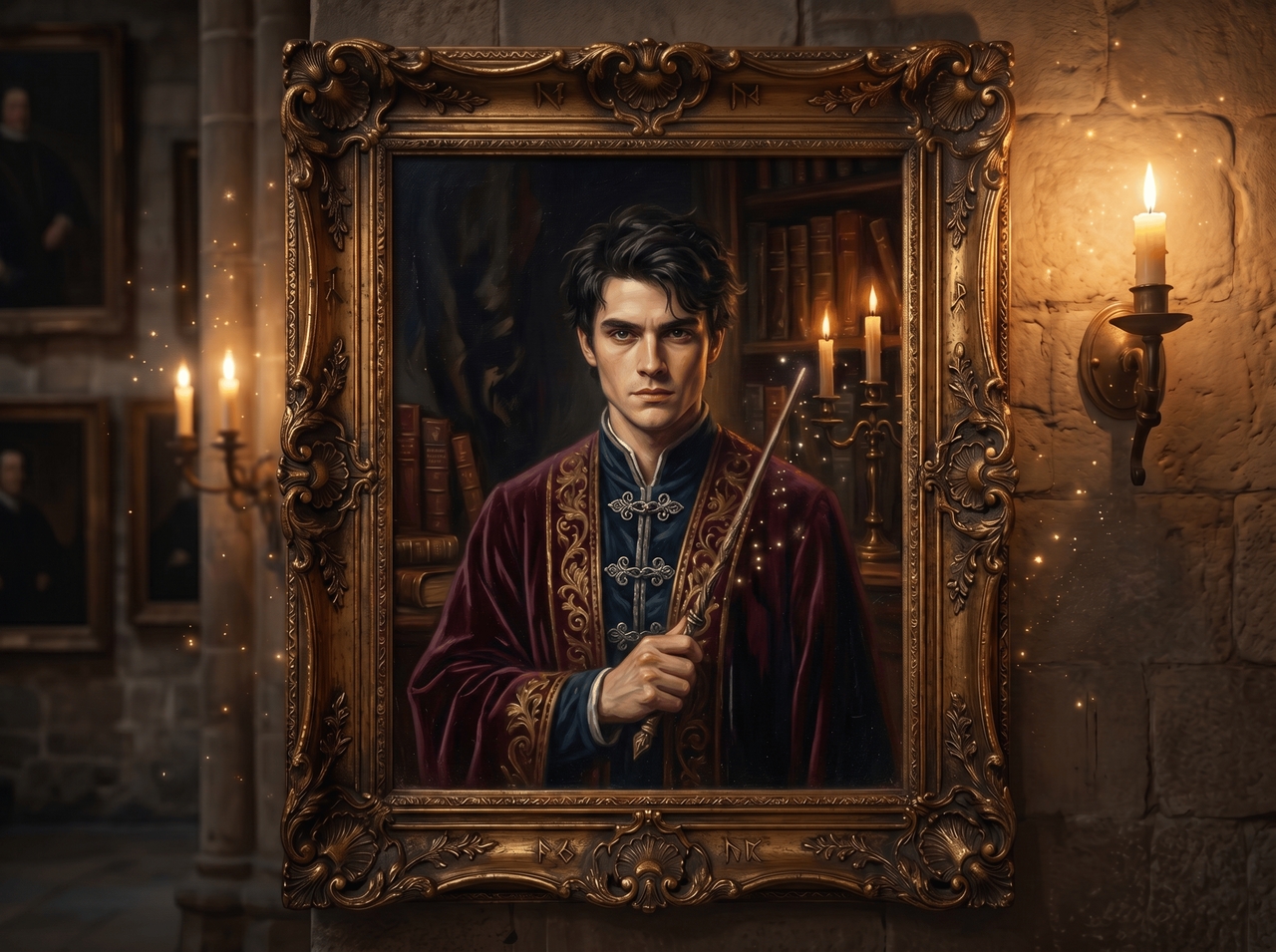
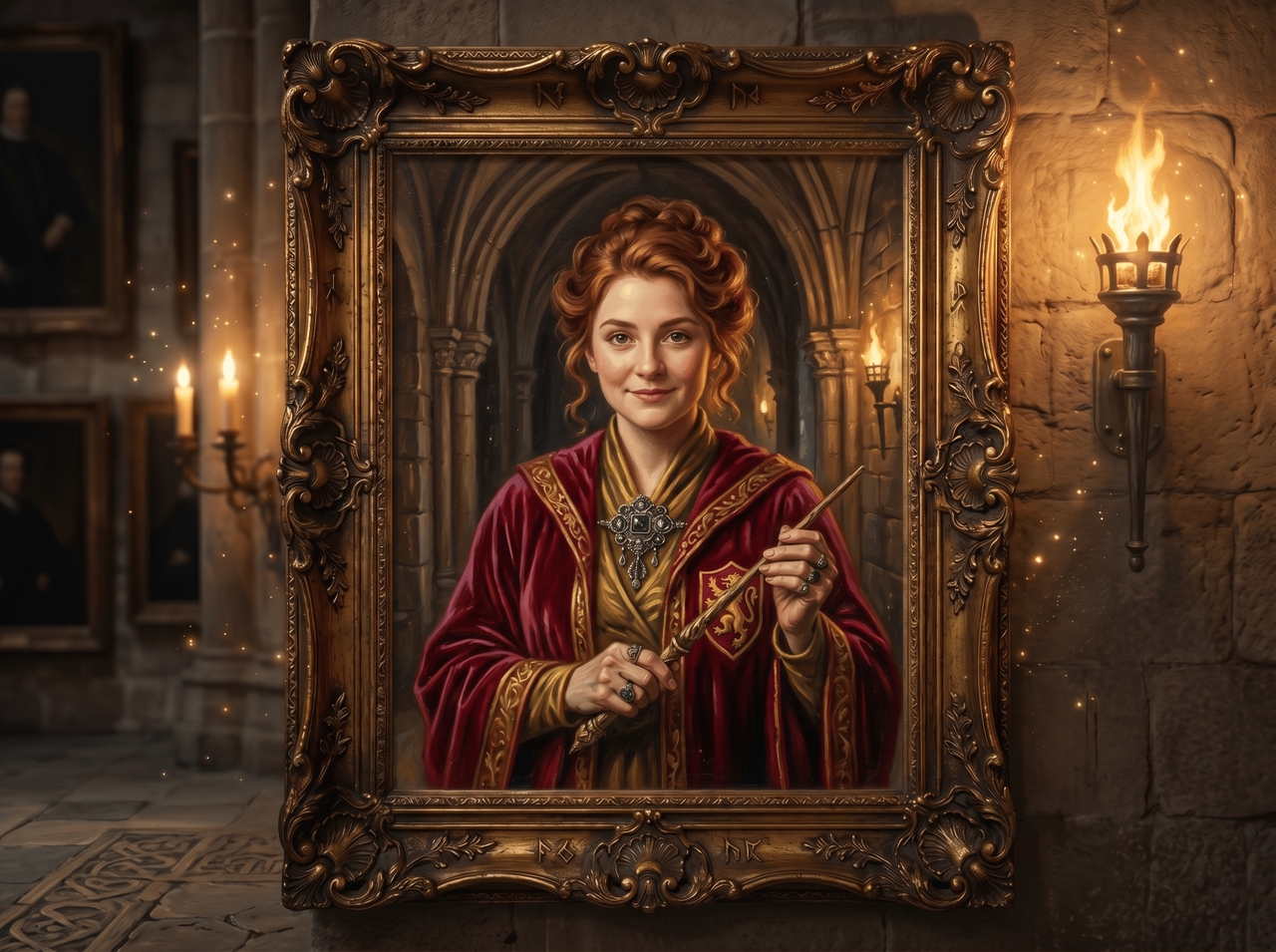
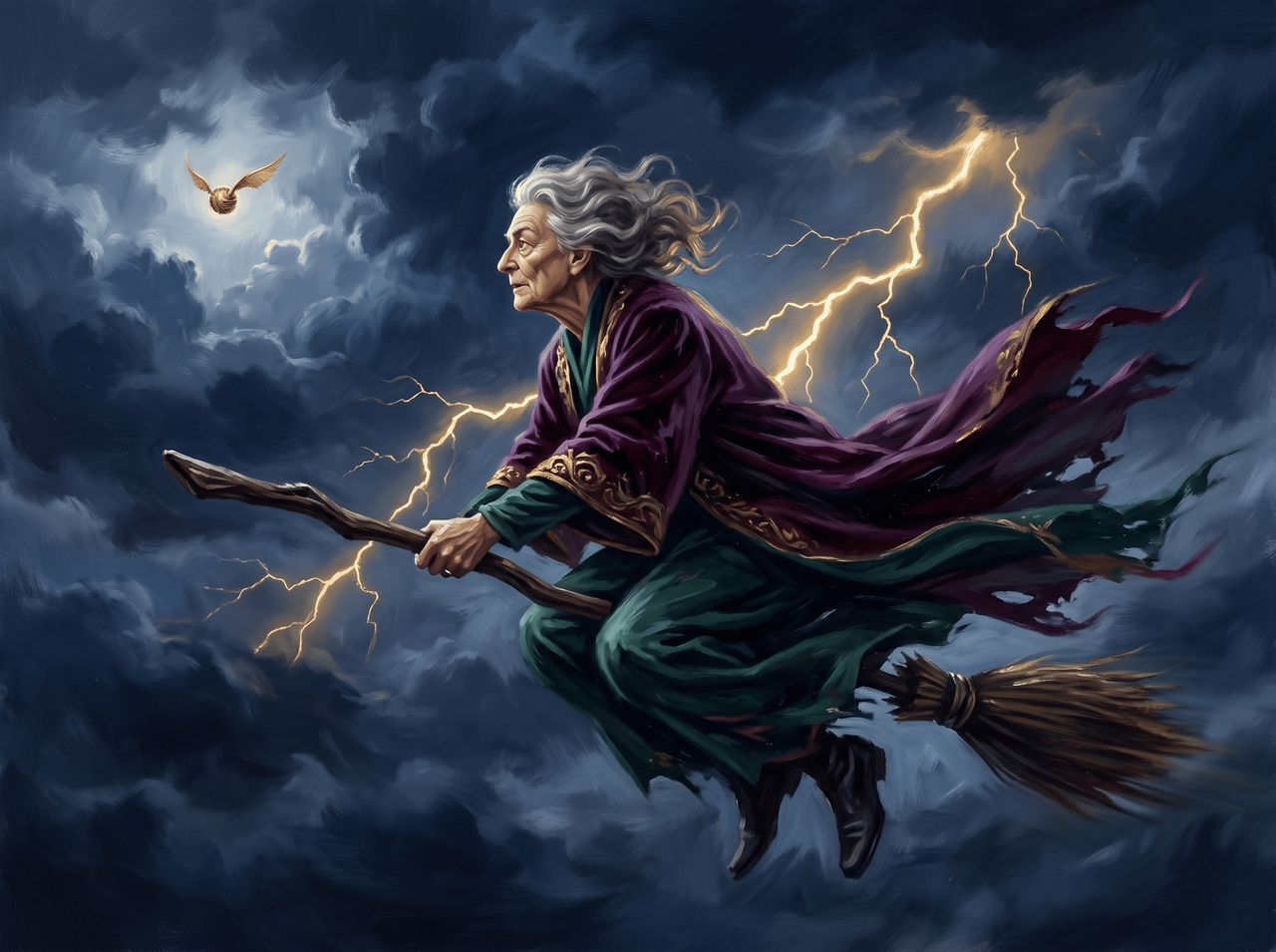
Wizard school portraits

Wizard school portraits
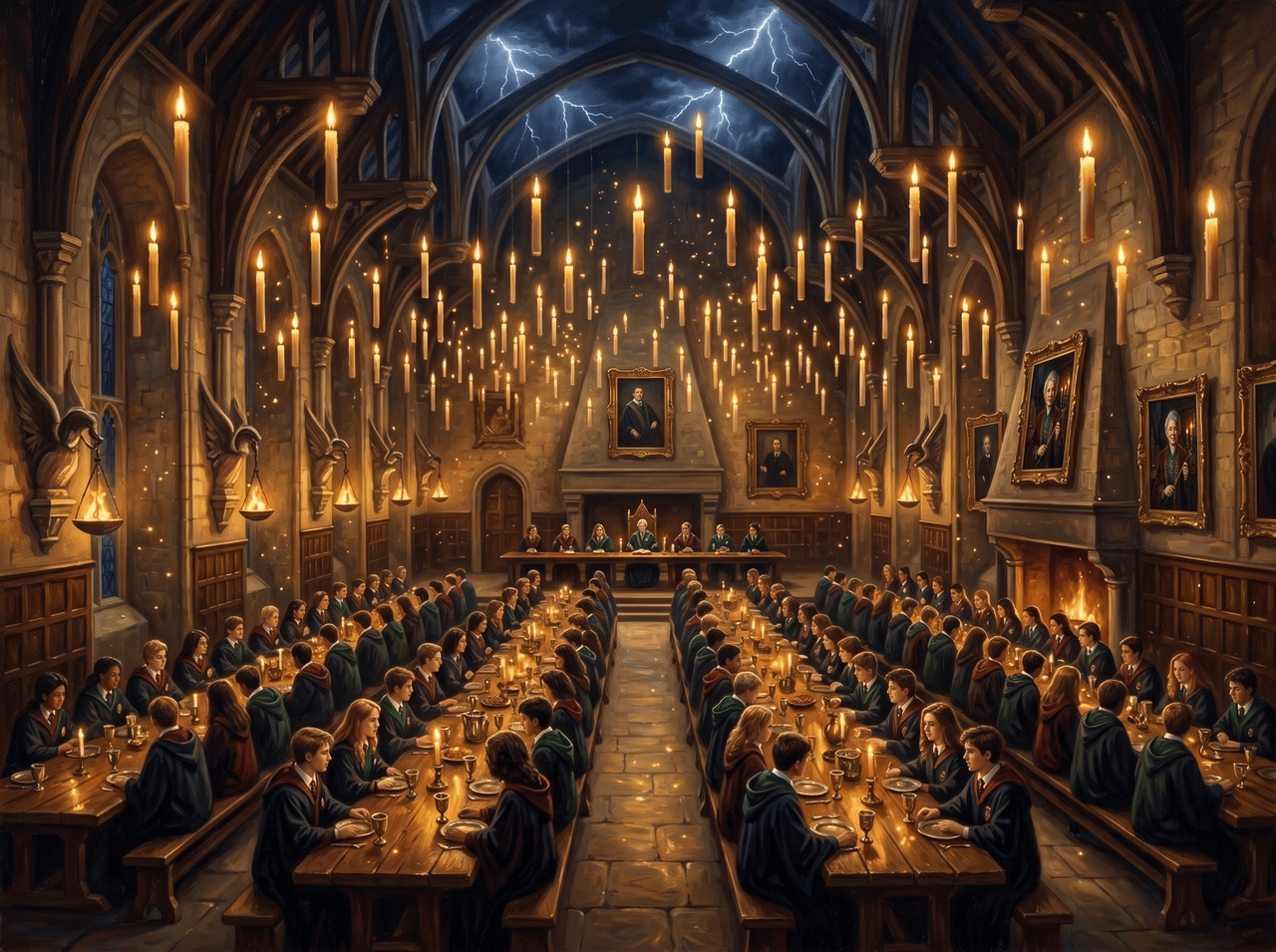
Floating candle hall scenes

Floating candle hall scenes

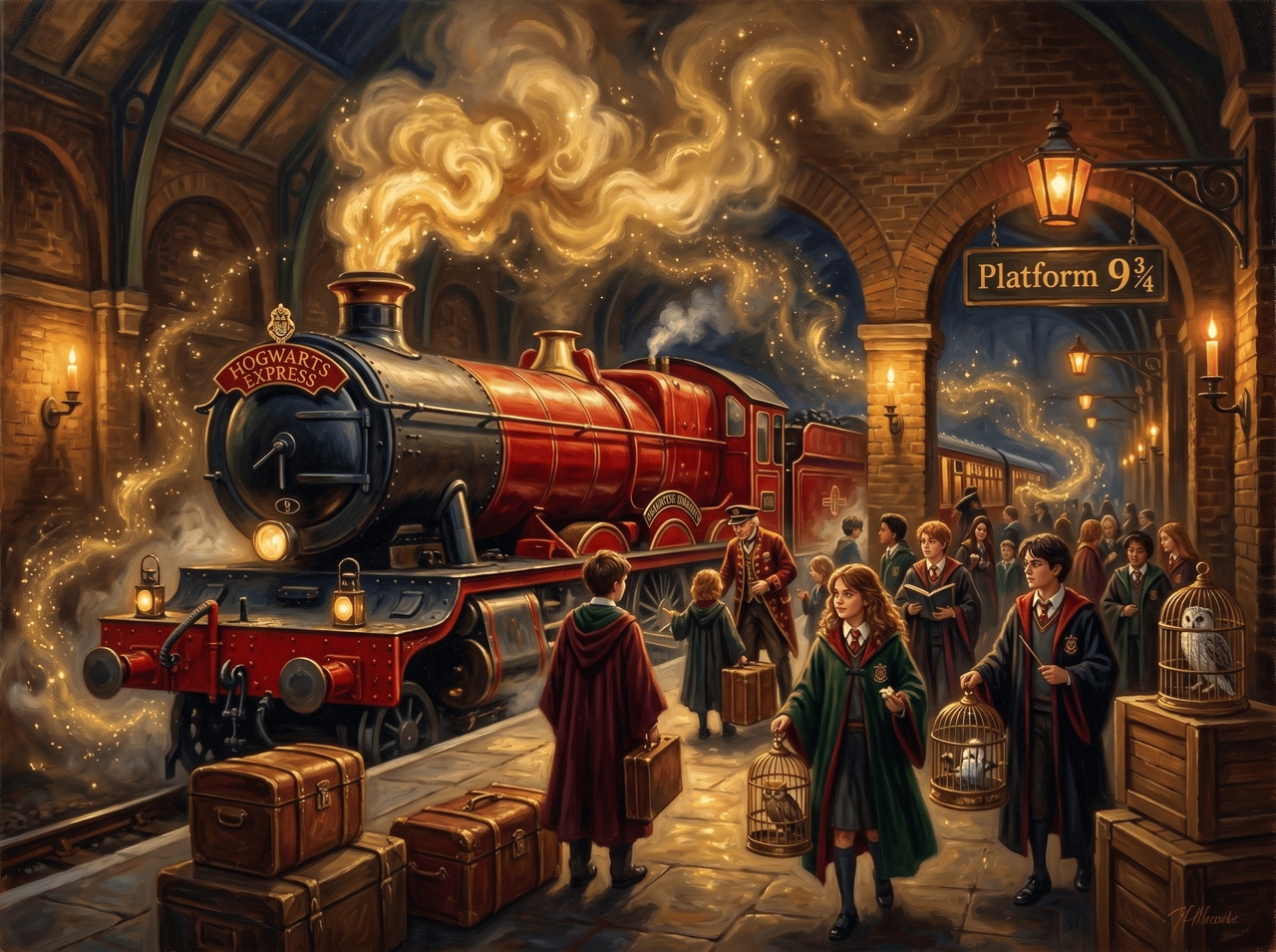
Magical train station artwork

Magical train station artwork
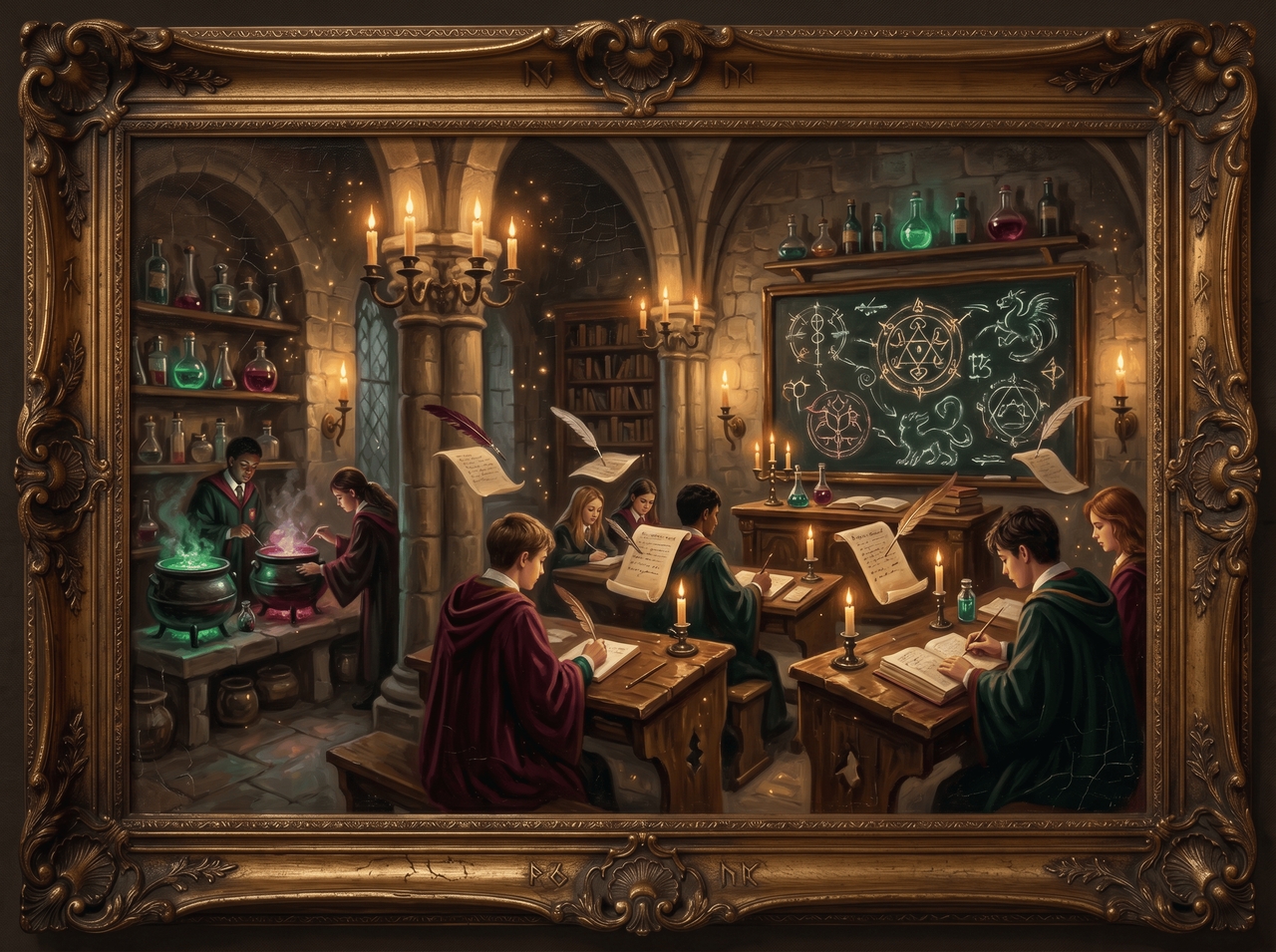
Fantasy classroom scenes

Fantasy classroom scenes

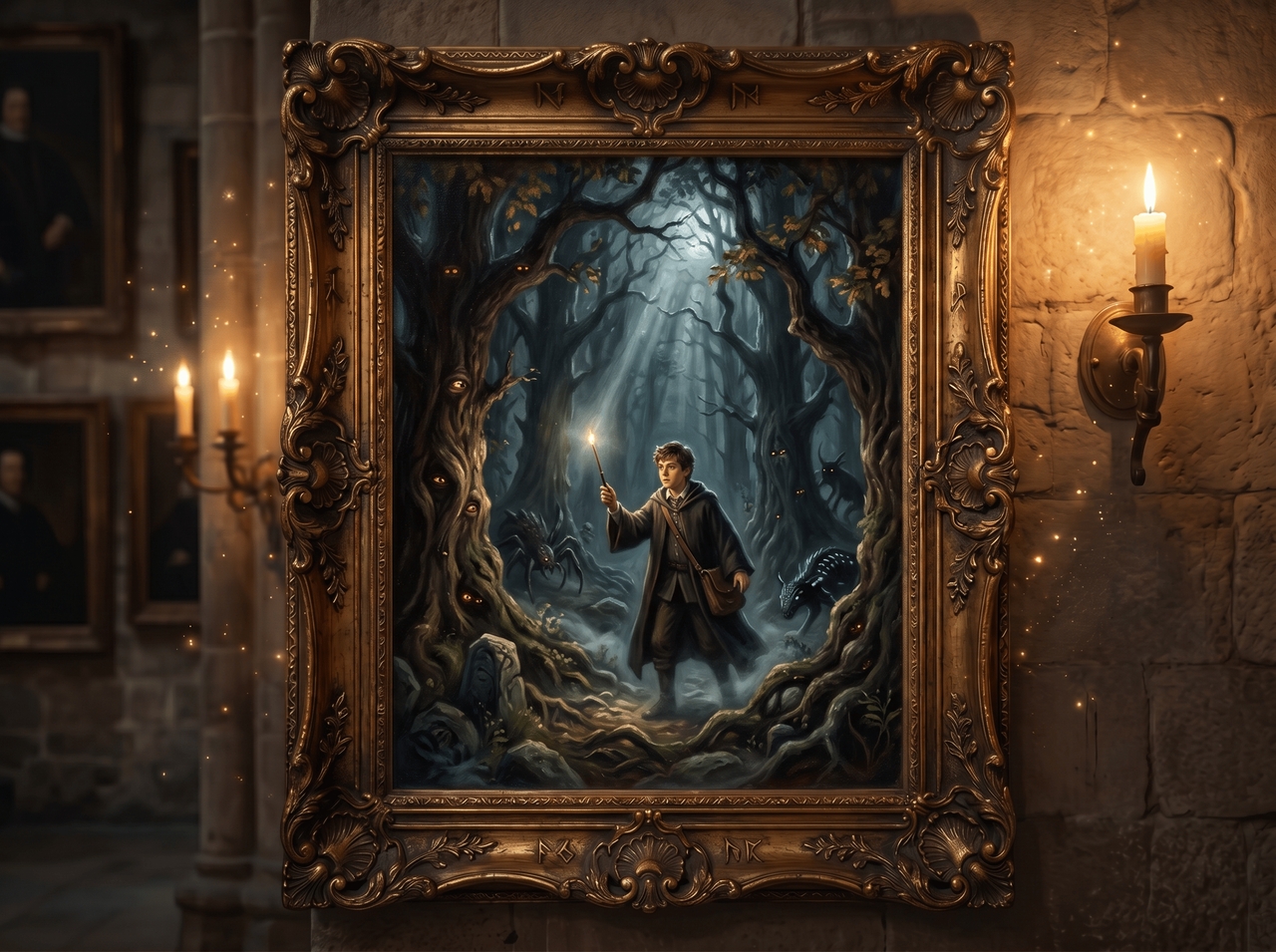
Dark forest adventures

Dark forest adventures
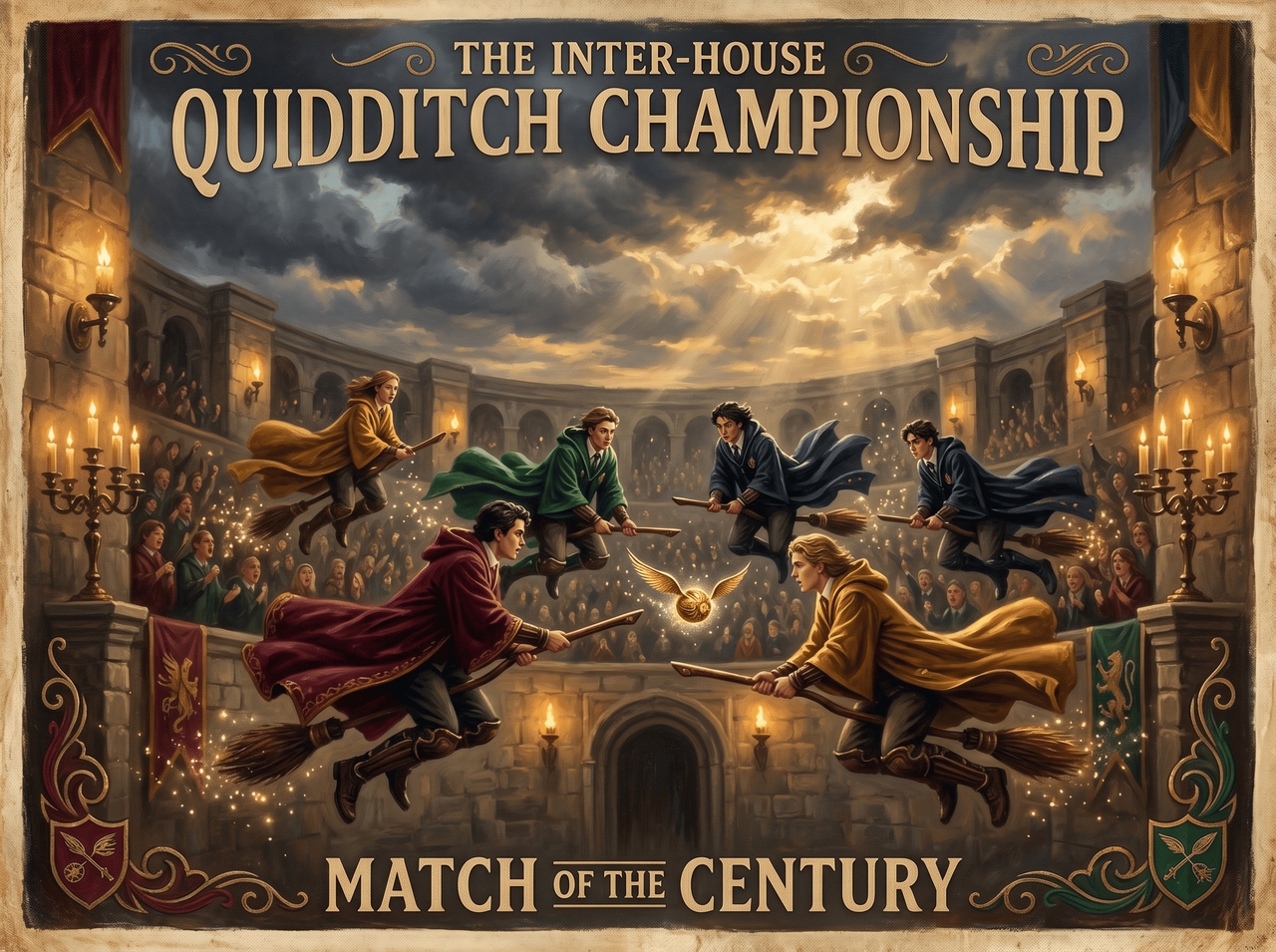
Wizard sports match posters

Wizard sports match posters

Everything you need to cast the perfect visual

Describe it, upload it, or both. Every tool you need to go from raw idea to a finished Harry Potter AI image sits in one place.

Generate wizard portraits from text prompts

Type a scene, pick your aspect ratio, and use Nano Banana 2, Seedream 4.5, or MidJourney v7 to generate the Harry Potter character. Review the generation plan before it runs to get the results exactly what you asked for.

Generate wizard portraits from text prompts

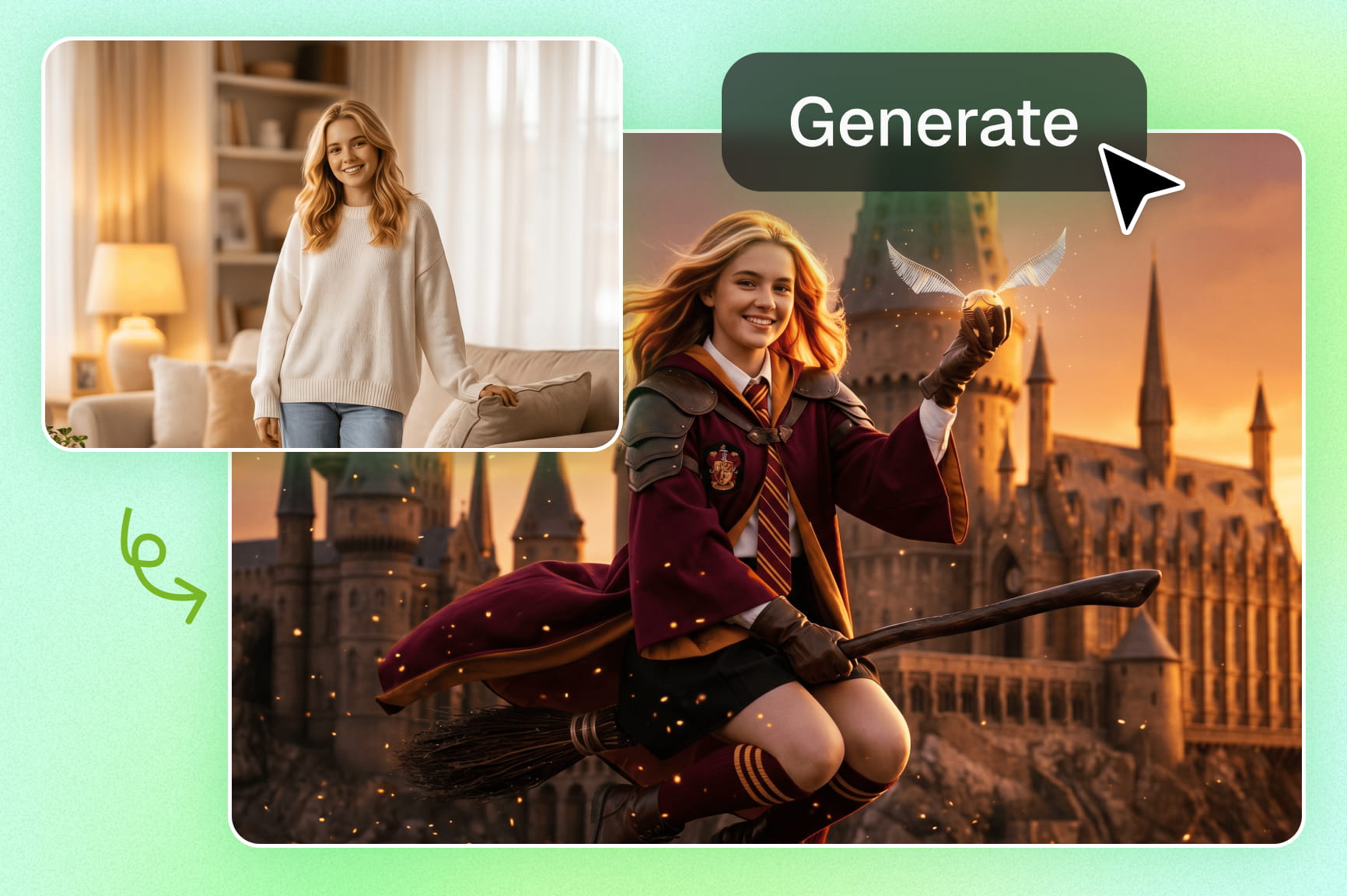
Turn your own photo into a Hogwarts character

Upload a selfie, and the AI places you inside the wizarding world as a fully styled character. Switch between oil paint, watercolor, illustration, and more. Each style redraws your image from scratch with a completely different look and feel.

Pull live web references during generation

Switch on Web Search mode, and the AI scans the internet for visual references that match your prompt. It pulls accurate details and folds them into the output so the result stays closer to what you actually described.

Pull live web references during generation
Edit the generated image with a new prompt

Edit the generated image with a new prompt

After the image generates, type a new instruction to change specific parts of it. You can also use post-generation tools to erase objects, re-angle the shot, split into layers, relight the scene, or edit text directly on the image.

Remove the background and drop in new scenes

Let AI detect the subject and remove the background cleanly, right down to fine edges and hair strands. Describe a new scene or pick one, and Framia Pro quickly generates it behind your subject.

Remove the background and drop in new scenes
Animate any still image into a short video clip

Animate any still image into a short video clip

Select any AI-created Harry Potter character image and use Veo 3.1, Sora 2, or Seedance 2.0 to animate it into a short video clip in any resolution you want. Export the clip to post, share, or drop into any video project.

How it works: three steps, zero magic wand required

Your Harry Potter AI art is one prompt away. Describe, generate, and download in three simple steps:

Set up your canvas
Open Framia Pro, click "+" and type your scene description or upload a photo you want styled as a wizarding world character.
Pick your style and generate
Choose an AI model, set your aspect ratio, turn on Plan mode to review the generation, and then hit "Generate" and watch it render.
Download your finished image
Review the output on the canvas, refine any detail using the prompt editor if needed, and download at full resolution.

What you can actually do with our AI Harry Potter generator

From quick fan art to print-ready posters, here's what people actually use it for.

Design your Hogwarts self
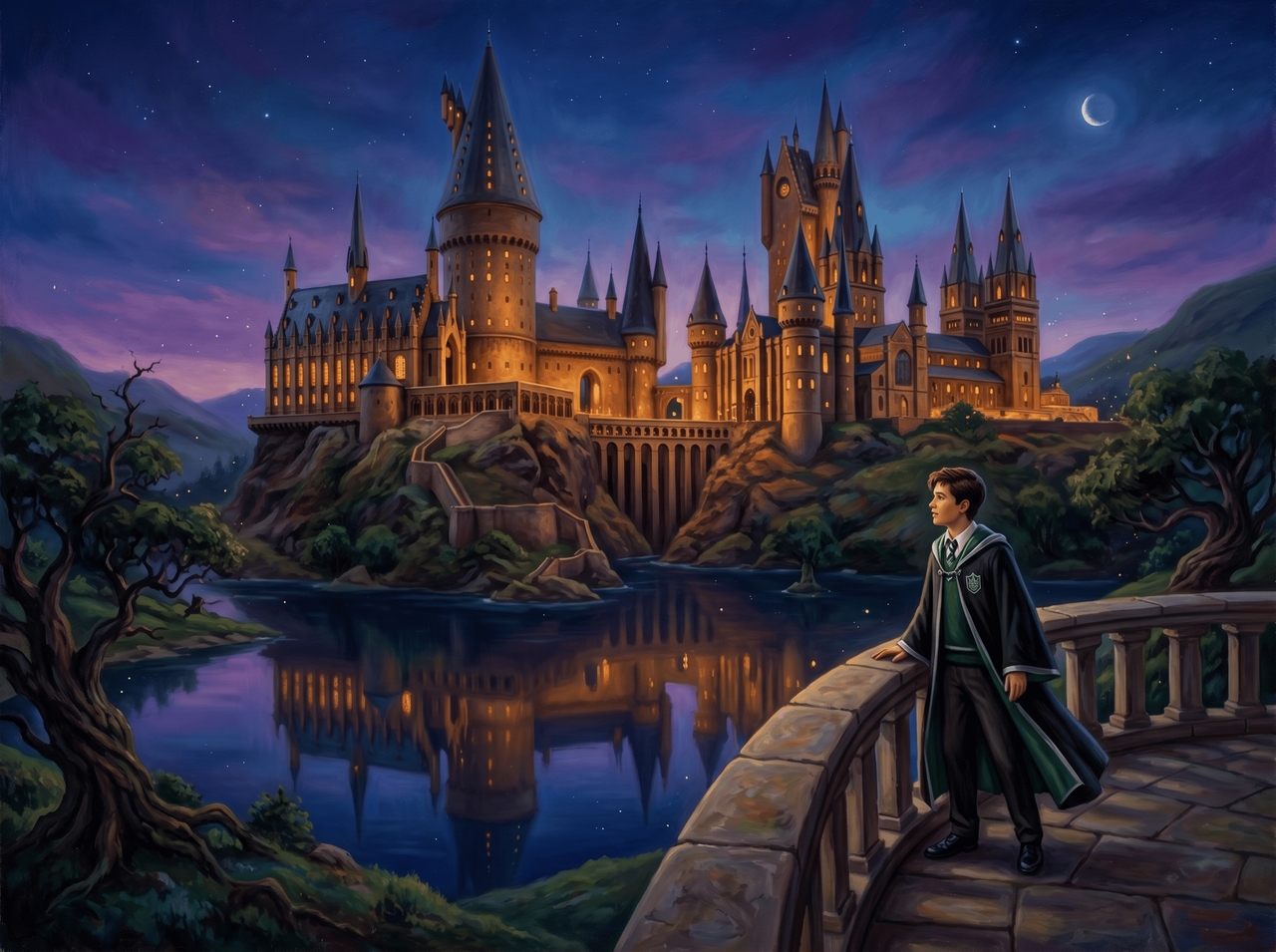
See yourself as a fully styled Hogwarts student, sorted into a house and dressed in robes with Framia Pro. The character looks like you, placed inside the wizarding world exactly the way you pictured it.
Generate wizard fan art
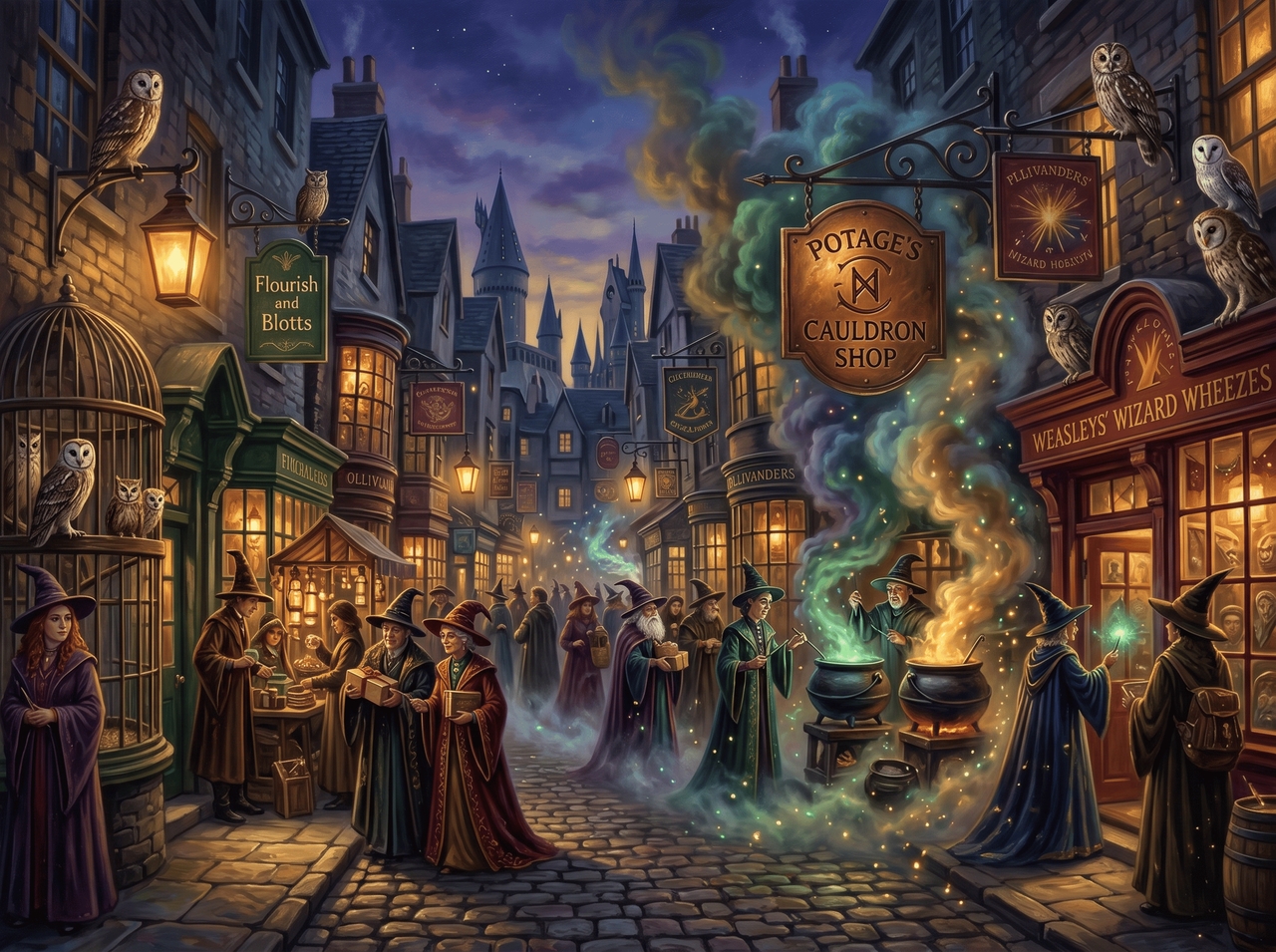
Describe any scene from the wizarding world and get a detailed visual back. You can try watercolor duels, moonlit Hogsmeade streets, and dark forest creatures. Just pick a style, and the AI draws it out.
Create character portraits
Make AI Harry Potter characters by describing outfits, facial features, and magical traits with Framia Pro. You can adjust expressions, lighting, and poses after generation, so each portrait matches your exact creative direction.
Build magical scene concepts
Turn your character ideas into detailed wizard portraits with house-themed robes, color tones, and lighting choices. With Framia Pro's AI Harry Potter generator, you can easily refine facial features, change hairstyles, and adjust the scene.
Animate Harry Potter clips
Upload your wizard image and turn it into a short video clip. Add motion to spells, glowing lights, flying objects, or subtle camera shifts. You can adjust timing and motion style, then export a short Harry Potter-inspired animation for social posts or creative edits
Print 2K poster-quality art
Select your generated wizard image and upscale it to 2K resolution. You can refine edges, clean small details, and prepare it for a large display. Download the final version for posters, wallpapers, or print use with clearer visuals and sharper scene elements.

From fans and creators who've already tried it

Real people, real wizarding world visuals. Here's what they had to say after using it.

My illustration portfolio needed a Harry Potter piece. Typed the scene, picked the oil paint style, and honestly, the output was closer to my mental image than anything I could have sketched in that time. Genuinely caught me off guard.
Mia Hartwell
Mia Hartwell
Concept Artist
Our campaign needed Hogwarts-inspired location art urgently. Described three scenes and had usable visuals the same afternoon with Framia Pro. My players thought I hired a freelance illustrator. Nobody guessed it was AI-generated until I told them after the session.
Jake Calloway
Jake Calloway
RPG Game Master
Turned a selfie into a Slytherin character for a Halloween post, and it went crazy. The robes, the lighting, and the house colors all looked spot-on. Comments were asking where I got the artwork done. Easiest content win I've had in months
Sofia Brennan
Sofia Brennan
Content Creator
Visualizing characters has always been the hard part for me. Described my original wizard and had a detailed portrait in under a minute. Now I use it every time I introduce a new character. It completely changed how I outline my stories.
Theo Weston
Theo Weston
Fanfiction Writer
Asked students to generate their own Hogwarts characters as a creative writing warm-up. The engagement was wild. Kids who never cared about descriptive writing were suddenly writing detailed prompts just to see what came out. Best lesson I've run this semeste
Clara Novak
Clara Novak
Art Teacher
Needed themed visuals for a Harry Potter movie night campaign. Generated six scene concepts in one sitting, picked the best two, and animated them into short clips. Client approved the whole thing on the first round. That never happens.
Ethan Marlowe
Ethan Marlowe
Digital Marketer
We've compiled the most important information to help you get the most out of your experience. Can't find what you're looking for?Contact us

Frequently asked questions

Can I create AI Harry Potter characters?
Yes. Type a description or upload a photo, and Framia Pro generates a fully styled Harry Potter character with accurate robes, house colors, and wizarding world details in seconds.
What styles can I generate AI Harry Potter images in?
Framia Pro covers oil paint, watercolor, illustration, cinematic, and more. Pick a style before generating, and the AI redraws the entire scene in that treatment, not just a surface filter.
Can I animate my AI Harry Potter image into a video?
Absolutely. Once your image is generated on Framia Pro, select it, click "Generate Video," and the AI adds physically accurate motion using Veo 3.1, Hailuo 2.6, Kling 3.0, Sora 2, or Seedance 2.0.
Can I use the AI-generated Harry Potter images commercially?
Personal use is completely fine. For commercial projects, check Framia Pro's licensing terms on the pricing page, since usage rights vary depending on your active plan and the output type.
Can I upload my own photo to generate a Harry Potter AI image?
Yes. Framia Pro takes your photo and places you inside the wizarding world as a styled character. Choose a house, pick a style, and the AI redraws in no time.
Does Framia Pro let me edit images after generating them?
Yes. After generating, you can re-prompt specific areas, erase objects, relight the scene, shift the camera angle, remove the background, or animate the image into a video clip.

Still have questions?

Have questions or need assistance? Our team is here to help!

Create magical fantasy art today!

Generate wizard-inspired portraits, magical scenes, and fantasy artwork from prompts or photos.

AI Harry Potter Generator for Magical Art and Character Images