
Prompt to Motion
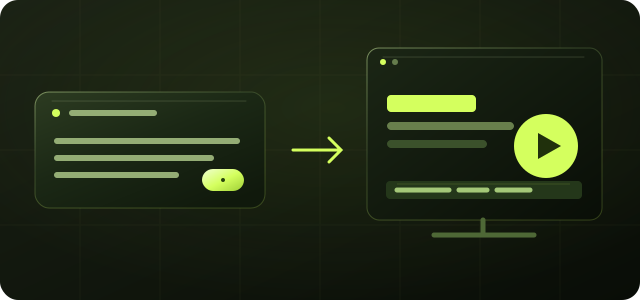
Turn one sentence into a professional motion graphics animation. Shape the story around your product, message, and visual direction.
Turn an idea into a motion graphics video with animated text, logos, and data.
Describe what you need. Refine it through conversation. No After Effects needed.
Turn one sentence into motion graphics with your text, logo, and data.
Turn one sentence into a professional motion graphics animation. Shape the story around your product, message, and visual direction.
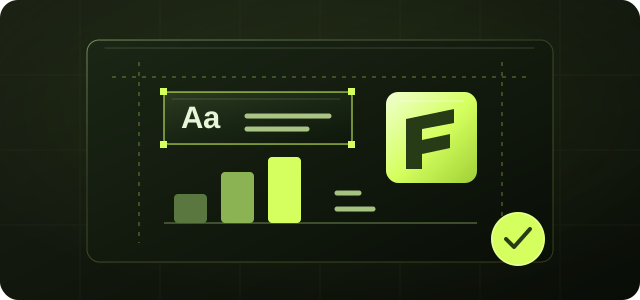
Keep text, logos, and supplied data in focus. Refine your motion graphics design through conversation, without learning After Effects.
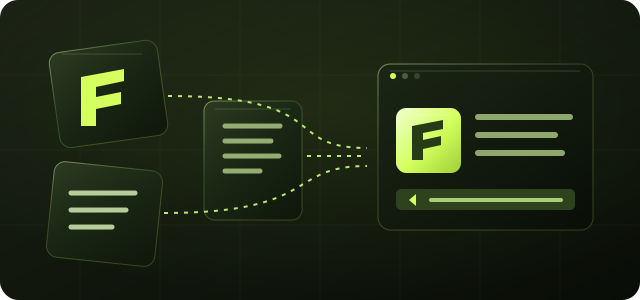
Bring your logo or script into the motion graphics app. Add the assets available in your editor, then describe how they should appear.
Explore product launches, brand stories, and explainers made with motion graphics.
Introduce your product with a motion graphics video. Show its value clearly, highlight what matters, and end with a focused next step.
Show a new workflow with motion graphics animation. Connect interface cards, clear labels, and key actions into one focused story.
Turn supplied figures into clear motion graphics. Animate labeled charts and comparisons to make the story behind your data easy to follow.
Watch puppies become the letters in Puppypop. Bring the logo onto packaging with motion graphics design that gives the brand character.
Bring products, packaging, and social content together. Use the motion graphics app to carry one brand identity from the shelf to the feed.
Turn scattered notes and data into a clear visual story. Use motion graphics examples to organize complex ideas and make the message click.
Editable motion graphics with your text, brand assets, timing, and data.
Swipe horizontally to compare both workflows →
| Framia Motion GraphicsRecommendation | Standard AI Video GenerationRecommendation | |
|---|---|---|
| Text | Keep every word clear and editable, with fonts you can change in your motion graphics design. | Text rendered into generated footage can distort and may need correction. |
| Brand | Use your supplied logo, brand colors, and typography precisely. | Logo details and brand colors may vary between generations. |
| Revisions | Request a targeted change while keeping the surrounding motion graphics composition in place. | A change can require regenerating footage and reviewing the rest of the scene. |
| Control | Direct duration, pacing, and element order in your motion graphics animation. | Shot timing and pacing depend on the model and its editing controls. |
| Data | Animate charts with your supplied figures and labels. Review source values before sharing. | Numbers rendered into footage need verification against the source. |
| Consistency | Keep your brand and layout direction together as you revise the same motion graphics project. | New generations can introduce differences in visual style. |
| Clarity | Keep typography and shapes defined in the design, then choose your available export settings. | Final clarity depends on the model, source footage, and selected resolution. |
Refine motion graphics through conversation, describing each change in plain language.
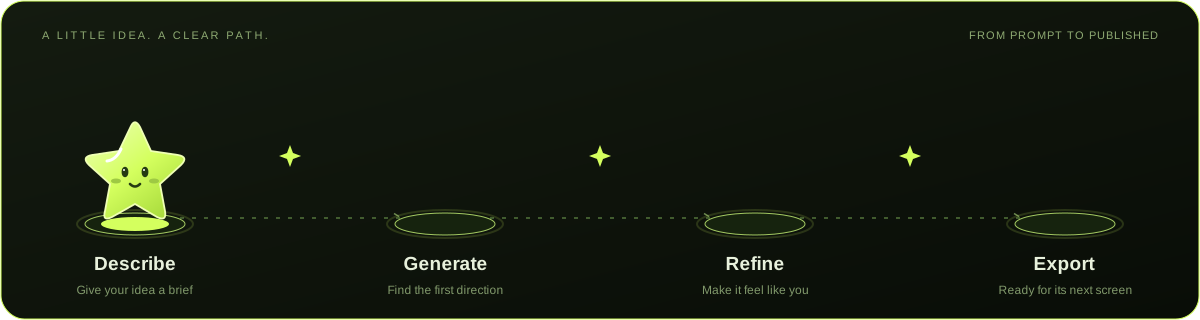
Describe
Describe the motion graphics message, audience, and visual direction, then add your script.
Generate
Generate an AI motion graphics draft, then review its wording, layout, order, and visual flow.
Refine
Refine your motion graphics through chat, from a headline to the pace and rhythm of a scene.
Export
Export your motion graphics video in the format, size, and resolution your destination needs.
Motion graphics for every team, shaped around one clear message.

Daniel Tan
Product managers & operators

Priya Menon
Marketers & creators

Emma Brooks
Designers & creative teams

Rohan Mehta
Founders & developers
Motion graphics animate designed elements such as words, logos, shapes, and charts. Framia helps you turn those elements into motion graphics design you can direct and revise. Generated footage focuses on the appearance of a scene; choose based on whether you need precise text, branded layouts, cinematic imagery, or a mix.
You can start in Framia without motion graphics software experience. Describe your animation in plain language, review the first version, and explain what you want to change.
Built-in Claude Motion helps power AI motion graphics inside Framia. Describe the animation in the Framia workspace and continue refining it there, rather than setting up a separate coding workflow.
Add your logo or script through the asset inputs available in your editor. The editor shows the file types supported for your project. Add your material, then describe how it should appear in the animation.
Set your intended duration in Framia and provide the exact on-screen wording, including Chinese or English text, in your brief. The available duration and narration options are shown in your project. Review timing, spelling, and line breaks before exporting.
Open the export panel in Framia to choose the format, dimensions, and resolution available for your Motion Graphics project. Select the settings for your destination and review the rendered video before sharing it.
Framia offers free signup credits. Check current plans and credit options on the pricing page.
Describe your message, create a first draft, and shape it through conversation.
Create Motion Graphics