Eleven v3: Next-Gen AI Voice

Experience Eleven v3 on Framia Pro to turn text into natural, human-like speech. Perfect for voiceovers, storytelling, podcasts, and multilingual content.

Start for Free

Bring scripts to life: the power of Eleven v3 on Framia Pro

Discover what makes ElevenLabs v3 the most powerful ElevenLabs AI voice generator — built for creators who demand more than just speech.

Ultra-realistic AI voice generation engine

Eleven v3 delivers highly realistic speech that closely mimics human tone, pacing, and expression. With advanced text-to-speech technology, you can transform scripts into natural-sounding voiceovers suitable for videos, storytelling, podcasts, and high-end professional audio projects across any creative platform.
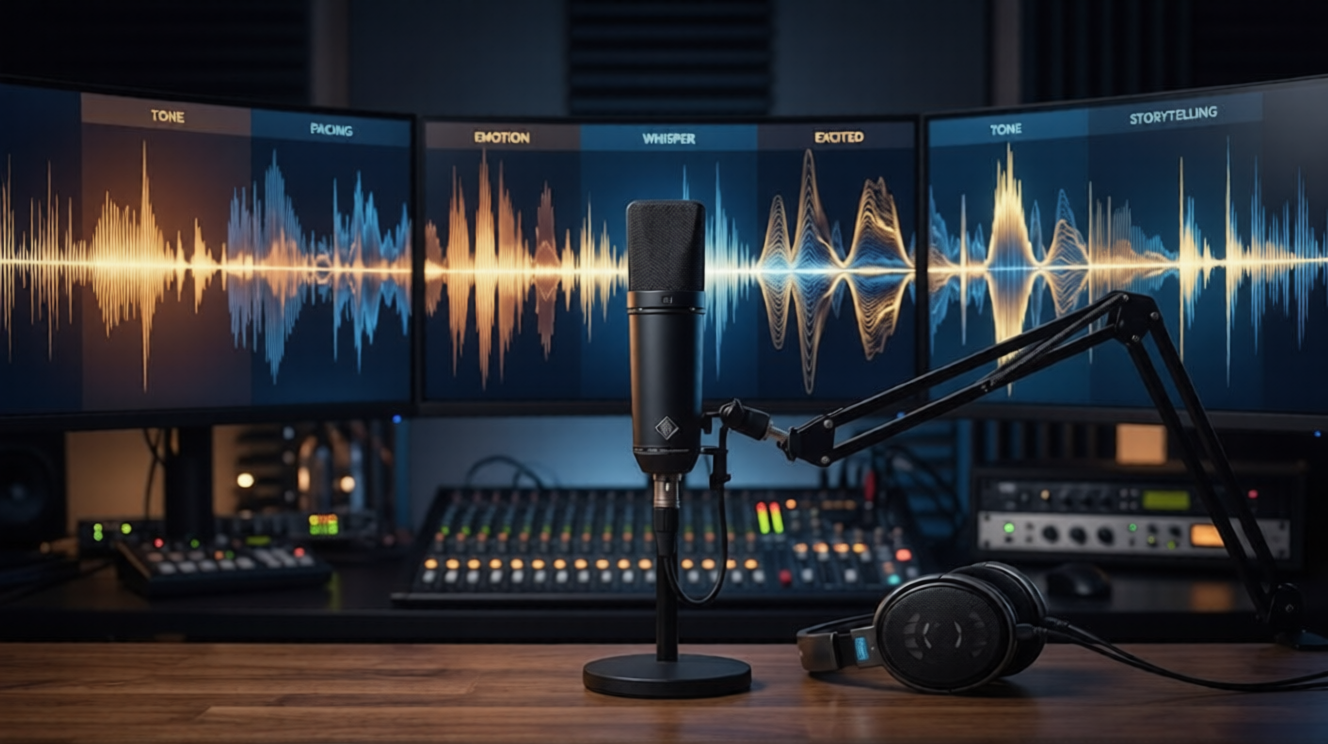
Ultra-realistic AI voice generation engine
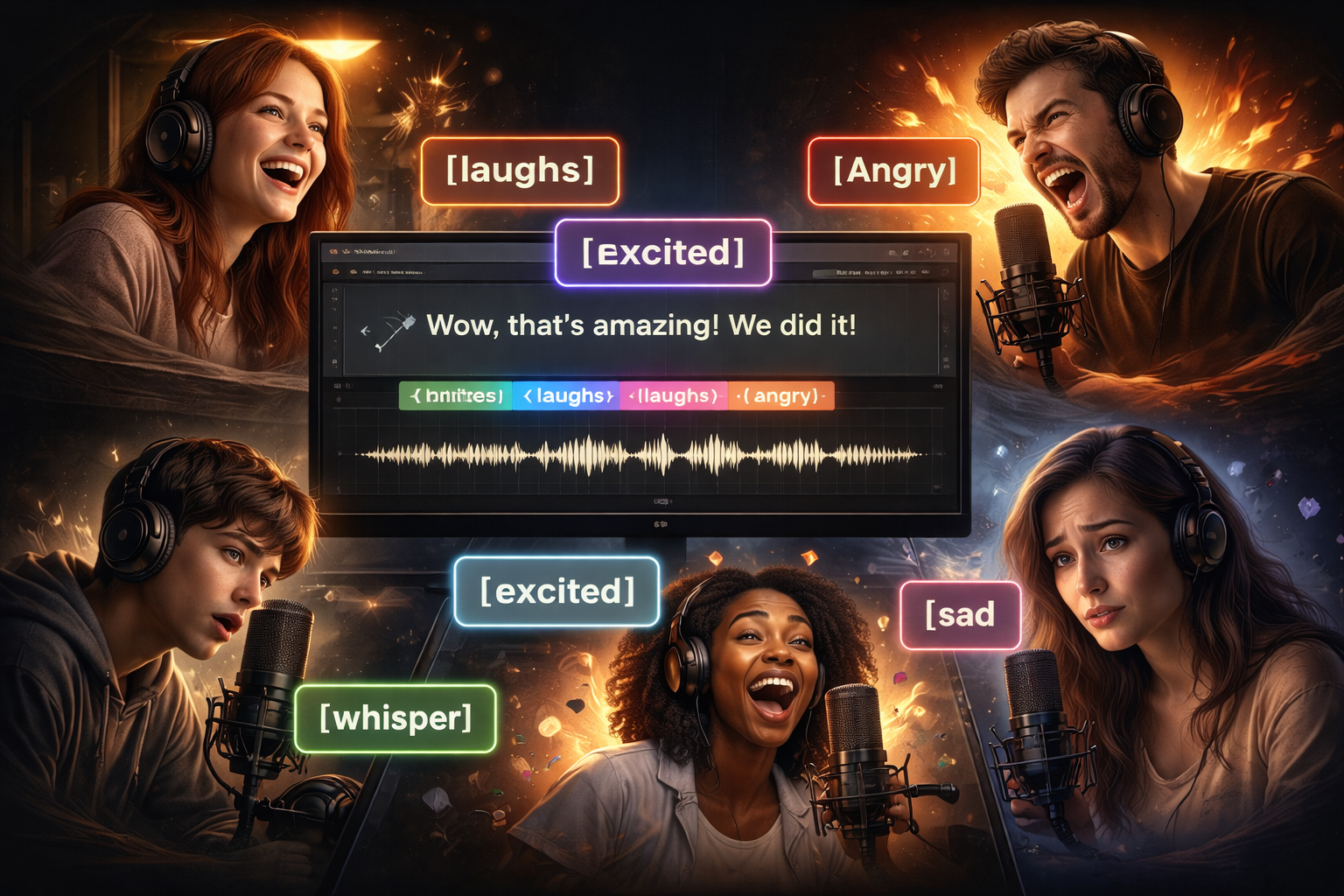
Audio tags for precise performance control

Audio tags for precise performance control

Direct every performance with precision using ElevenLabs inline tags. From a subtle [whisper] to an [excited] shout, Eleven v3 allows you to inject raw human emotion and specific non-verbal cues directly into your AI-generated voiceovers for dynamic results.

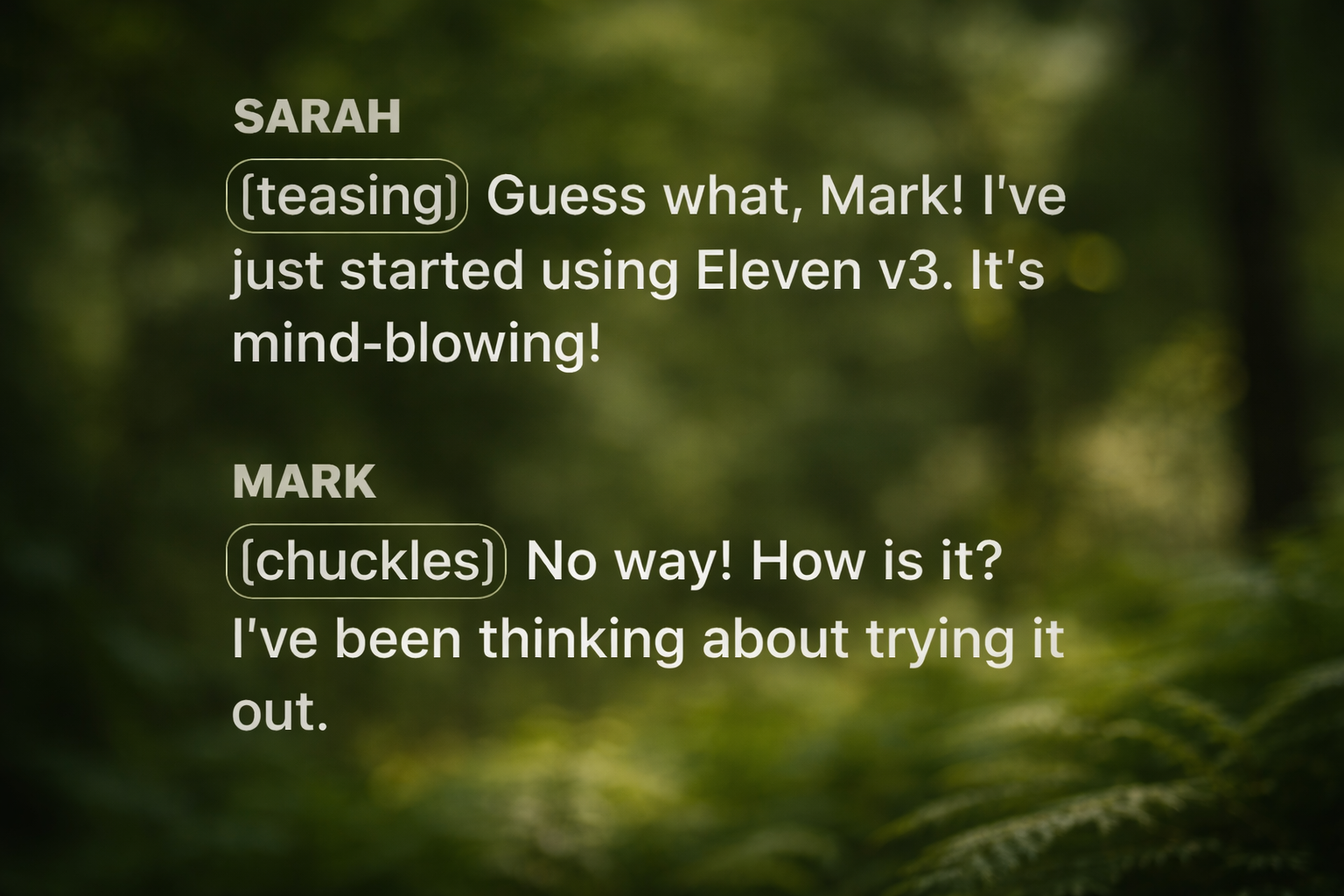
Multi-speaker dialogue and conversations

Generate realistic conversations between multiple characters in one go. Eleven v3 excels at managing complex scripts, handling interruptions, overlapping speech, and natural tone shifts effortlessly. It is the perfect solution for podcasts, games, audiobooks, and dynamic, interactive storytelling formats.

Multi-speaker dialogue and conversations
Multilingual AI voice generation support

Multilingual AI voice generation support

Generate expressive, natural-sounding audio in over 70 languages without losing emotional quality. Eleven v3 maintains authentic tone and fluency across every language, making it a powerful global tool for creating localized content that resonates deeply with international audiences everywhere.

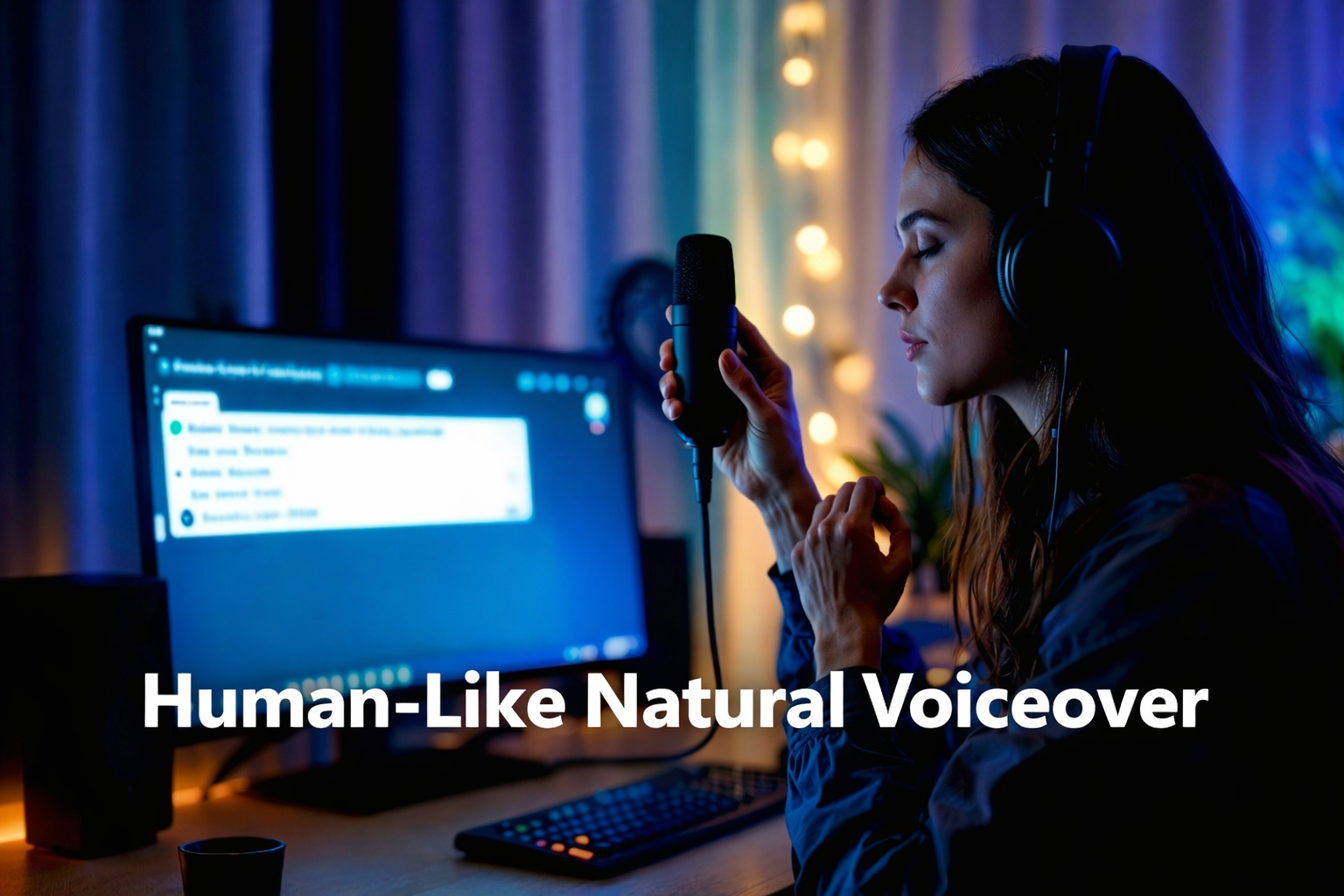
Generate human-like natural voiceovers

Eleven v3 doesn't just read text—it performs it. Every output sounds fluid, warm, and natural, eliminating the robotic tone that plagues standard text-to-speech tools. It is the definitive choice for professional media production requiring authentic, high-fidelity vocal delivery.
Generate human-like natural voiceovers

How to create with Eleven v3 on Framia Pro

Step 1: Enter your script
Type or paste your text into the prompt field. Add audio tags like [laugh] or [whisper] to shape the tone and delivery of your voiceover.
Step 2: Select Eleven v3 model
Select the Eleven v3 model from the engine dropdown to unlock advanced emotional and dialogue tools.
Step 3: Generate & download your audio
Hit generate and let Eleven v3 do the rest. Preview your expressive, natural-sounding voiceover and download it instantly in high quality.

Performance comparison: Eleven v3 vs. previous models

See how Eleven v3 stacks up against earlier ElevenLabs models across speed, emotion, language support, and real-time capability.

ElevenLabs v3 (Alpha)
Multilingual v2
Flash v2.5
Supported Languages
70+
29
32
Audio Tag Support
Full inline control (emotions, effects, accents)
None
None
Emotional Range
Exceptional — broad dynamic performance
Good — limited tonal variation
Moderate — optimized for speed
Multi-Speaker Dialogue
Native Text to Dialogue API
Manual mixing only
Manual mixing only
API Character Limit
10,000 per request
10,000 per request
10,000 per request
Processing Time
1–3 seconds (Alpha stage)
300–500ms
~75ms
Real-Time Capability
Best For
Creative content, dialogue, audiobooks, storytelling
Consistent narration, corporate audio
Voice assistants, live apps, real-time interfaces

Eleven v3 vs. competitors — How it compares

Exploring ElevenLabs alternatives? Eleven v3 leads where it matters most. See how it compares against top-tier models on quality and control.

Eleven v3 Alpha
Google Cloud TTS
Microsoft Azure TTS
Audio Tag Support
40+ inline tags
None
None
Emotional Range
Exceptional (9.4/10)
Limited (7.8/10)
Moderate (8.1/10)
Multi-Speaker Dialogue
Native Text to Dialogue API
Manual only
Manual only
Language Support
70+
100+
75+
Voice Customization
Deep voice cloning
Limited
Moderate
Real-Time Capability
No (Use Flash v2.5)
Naturalness Score
9.4/10
7.8/10
8.1/10

Why choose ElevenLabs' Eleven v3 on Framia Pro?

Discover why Eleven v3 on Framia Pro delivers the most expressive, scalable, and professional AI voice generation for every creative project.

All-in-one multi-model workflow
Eliminate the friction of switching platforms. Framia Pro integrates Eleven v3 alongside industry-leading tools like Sora 2 and Suno v5, allowing you to generate professional voiceovers, cinematic visuals, and music on a single, unified canvas.
Instant browser access – no setup required
Access Eleven v3 directly in your browser on Framia Pro with zero setup required. No API keys, installs, or complex configurations — just sign in, enter your script, and start generating professional-grade AI voiceovers instantly from anywhere.
Free trial to get started instantly
Try Eleven v3 on Framia Pro with a free trial and experience realistic AI voice generation firsthand. Explore features, create voiceovers, and test capabilities without commitment before upgrading to unlock full access and advanced audio tools.

Eleven v3 use cases for every creator

Explore how Eleven v3 on Framia Pro helps creators and businesses generate realistic AI voices for content, storytelling, and applications.

Video narration & voiceovers

Create high-impact narrations for YouTube, TikTok, and commercial projects. Eleven v3’s emotional depth keeps viewers engaged, providing professional-grade vocal performances that eliminate the need for expensive studio recording sessions while maintaining a natural, high-budget sound for every video.


Video narration & voiceovers
Audiobook production

Audiobook production

Transform long-form manuscripts into captivating listening experiences. Eleven v3 handles the pacing and weight of literature effortlessly, allowing authors to generate distinct character voices and consistent narrations that maintain tonal stability and human-like intonation from the first chapter to the last.

Podcast & dialogue content

Produce realistic back-and-forth conversations without recording multiple takes. Eleven v3’s dialogue mode manages multi-speaker scripts with natural turn-taking and interruptions, making it the perfect tool for creating narrative podcasts, scripted interviews, and dynamic audio dramas with ease.


Podcast & dialogue content
Gaming & interactive storytelling

Gaming & interactive storytelling

Bring NPCs to life with reactive, emotional dialogue. Use Eleven v3 to generate unique vocal personalities that respond naturally to player choices, providing an immersive gaming experience where every interaction feels authentic, soulful, and deeply integrated into the game's narrative.

E-learning & educational content

Make learning more engaging with clear, warm, and professional voices. Eleven v3 converts complex educational scripts into easy-to-digest audio, ensuring that students stay focused through natural-sounding lectures and tutorials that avoid the fatigue often caused by traditional, robotic text-to-speech.

E-learning & educational content
AI assistants & voice applications

AI assistants & voice applications

Develop next-generation voice interfaces that sound truly human. Eleven v3 provides the low-latency, high-fidelity output needed for responsive AI assistants and applications, offering a friendly and intelligent vocal presence that builds trust and enhances the user experience across platforms.

What creators are saying about Eleven v3 on Framia Pro

Join thousands of content creators who have unlocked the true potential of AI voice with Eleven v3 on Framia Pro.


"Eleven v3 on Framia Pro completely transformed my voiceover workflow. The emotional range is unlike anything I've used before — my clients can't believe it's AI."
Sarah Mitchell
Sarah Mitchell
Video Producer
"I've tried every AI voice generator out there. Eleven v3 on Framia Pro is the only one that actually sounds human. The audio tag feature alone is worth it."
James Oluwa
James Oluwa
Content Creator & YouTuber
"We use Eleven v3 on Framia Pro for all our e-learning modules. The clarity, tone, and multilingual support have made our courses accessible to students worldwide."
Priya Nair
Priya Nair
Instructional Designer
"As a game developer, creating character voices and in-game music has always been expensive. Framia Pro with Eleven v3 cut our production time and budget dramatically without sacrificing quality."
Lucas Ferreira
Lucas Ferreira
Indie Game Developer
"Our podcast sounds like it has a full production team behind it. Eleven v3's multi-speaker dialogue on Framia Pro is genuinely impressive and incredibly easy to use."
Aisha Kamara
Aisha Kamara
Podcast Host & Brand Strategist
"Framia Pro made Eleven v3 accessible without any technical setup. We integrated it into our marketing pipeline in minutes and the results speak for themselves."
Daniel Park
Daniel Park
Digital Marketing Manager
We've compiled the most important information to help you get the most out of your experience. Can't find what you're looking for?Contact us

Frequently asked questions

What is Eleven v3?
Eleven v3 — also referred to as ElevenLabs v3 Alpha — is ElevenLabs' most expressive text-to-speech model, delivering human-like, emotionally rich audio with support for audio tags, multi-speaker dialogue, and 70+ languages.
What makes Eleven v3 different from Multilingual v2?
Eleven v3 offers greater emotional expressiveness, audio tag control, and broader language support. Multilingual v2 is better suited for stable, long-form narration requiring consistent output.
Is Eleven v3 free to try on Framia Pro?
Yes. Framia Pro offers a free trial that includes access to Eleven v3, allowing you to generate expressive AI voiceovers and experience the model's full capabilities before upgrading.
Is Eleven v3 suitable for real-time applications?
Eleven v3 is optimised for expressive, high-quality output rather than real-time use. For low-latency applications, ElevenLabs recommends Flash v2.5, which delivers responses at around 75ms.
How do ElevenLabs audio tags work?
To use ElevenLabs v3 tags, simply wrap cues like [whisper], [sigh], or [laughs] in brackets within your script. These directorial notes guide the AI’s tone, pacing, and emotional delivery for lifelike performances.
Can I save a specific voice for future projects?
Yes. Every voice in the library has a unique Elevenlabs voice ID. You can save these IDs to ensure your brand's narrator or character remains consistent across every video and podcast you produce.

Still have questions?

Have questions or need assistance? Our team is here to help!

Create realistic AI voiceovers with Eleven v3 on Framia Pro

Use Eleven v3 on Framia Pro to generate natural, expressive AI voices for videos, podcasts, audiobooks, and applications in seconds.

Eleven v3: The Most Expressive AI Voice Generator by ElevenLabs