MiniMax AI Voice Generator

MiniMax AI voice delivers studio-quality text-to-speech, voice cloning, and multilingual audio — all in seconds, directly on Framia Pro.

Start for Free

Unrivaled realism: Why creators choose MiniMax on Framia Pro

Create lifelike AI voices with unmatched clarity using MiniMax on Framia Pro, delivering expressive, natural speech for content, apps, and media.

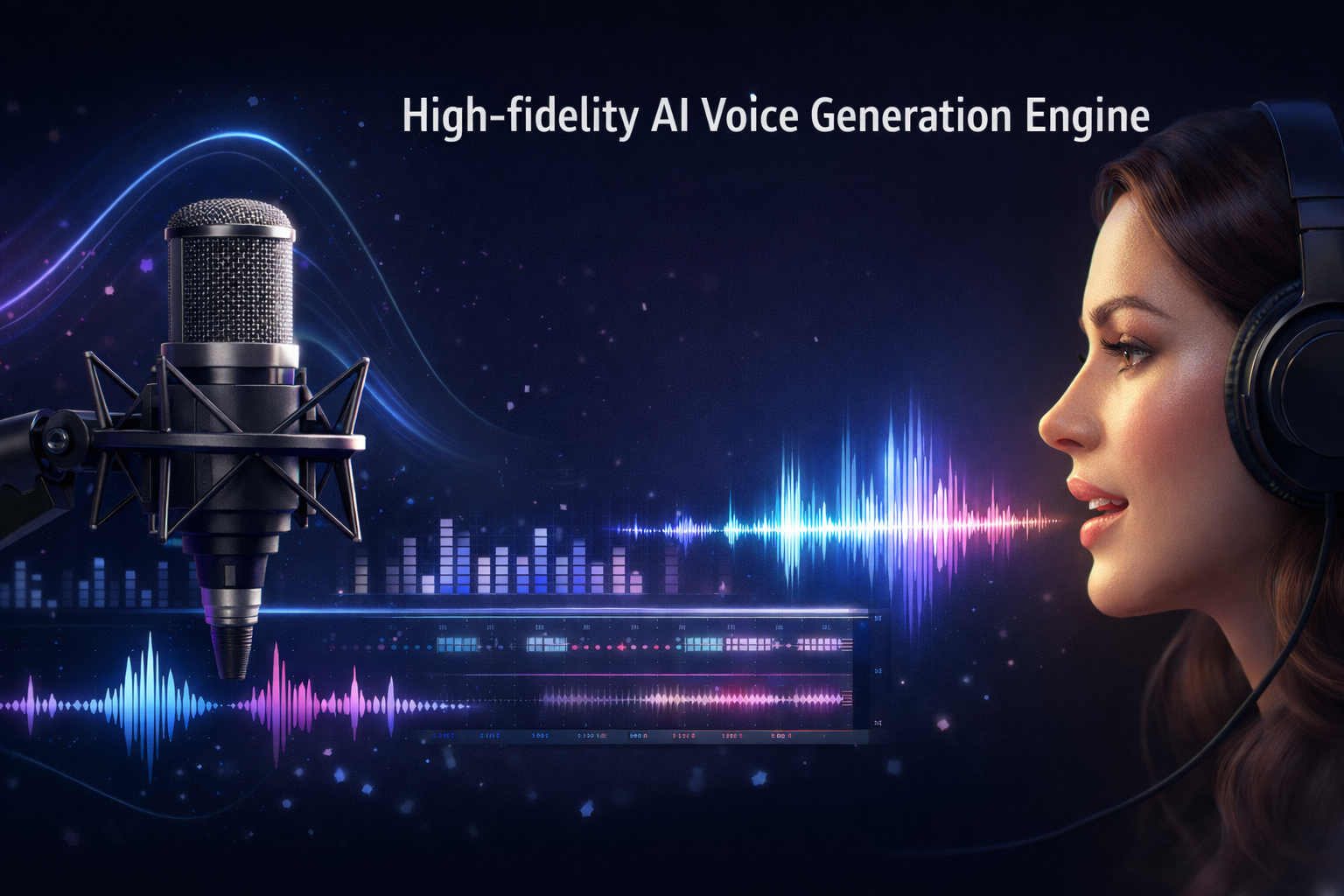
High-fidelity AI voice generation engine

MiniMax text-to-speech engine produces studio-grade voiceovers with natural rhythm, precise pauses, and emotional nuance. Supporting up to 44,100 Hz sample rates and 256 kbps bitrate, MiniMax Speech 2.8 HD delivers high-fidelity, human-like audio built for professional content at every scale.
High-fidelity AI voice generation engine
Ultra-low latency performance for instant audio

Ultra-low latency performance for instant audio

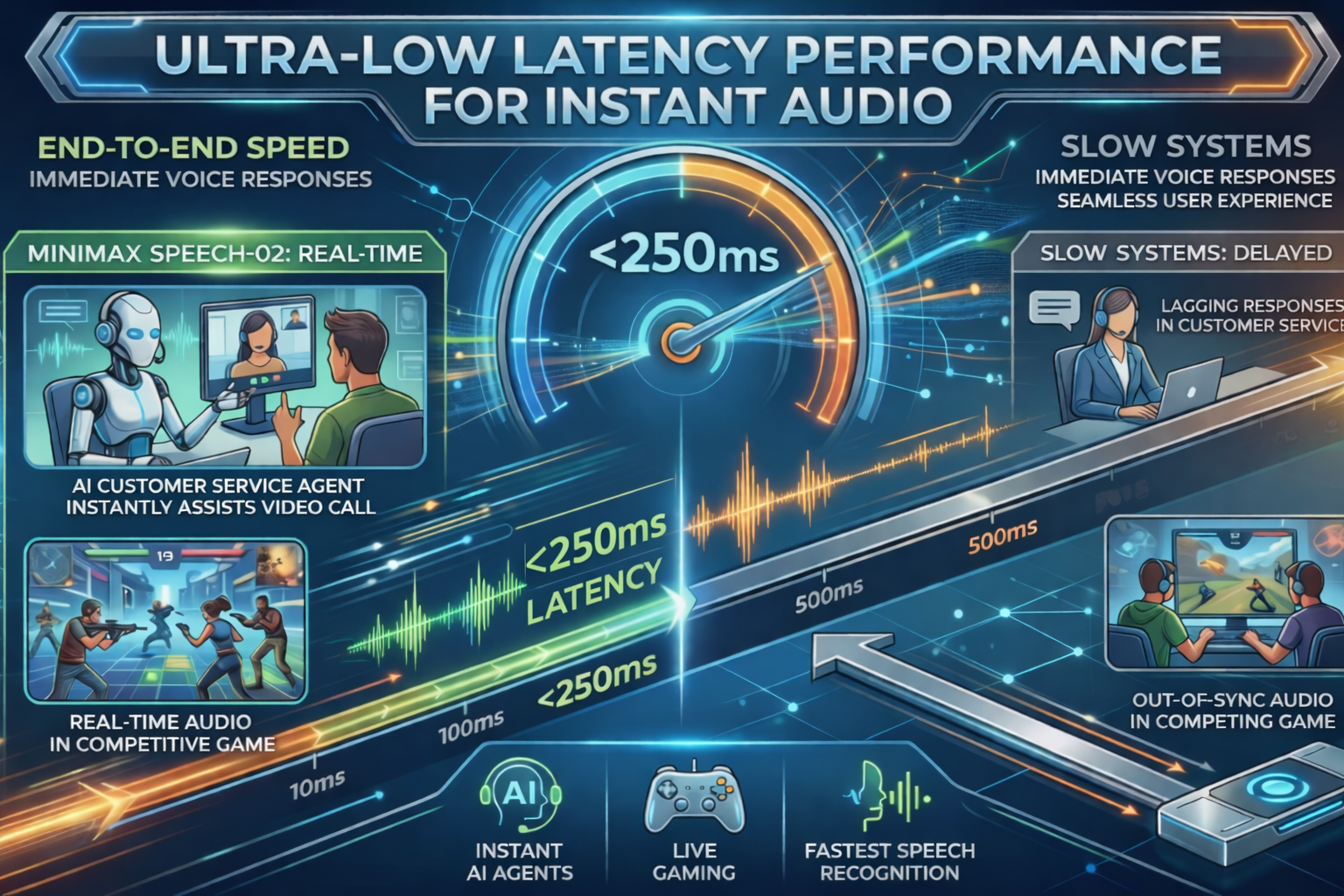
MiniMax Speech-02 excels in speed, achieving end-to-end latency under 250 milliseconds This ultra-fast performance makes it one of the few high-quality models suitable for real-time applications like AI customer service agents and live gaming interactions.

Advanced AI voice cloning with high accuracy

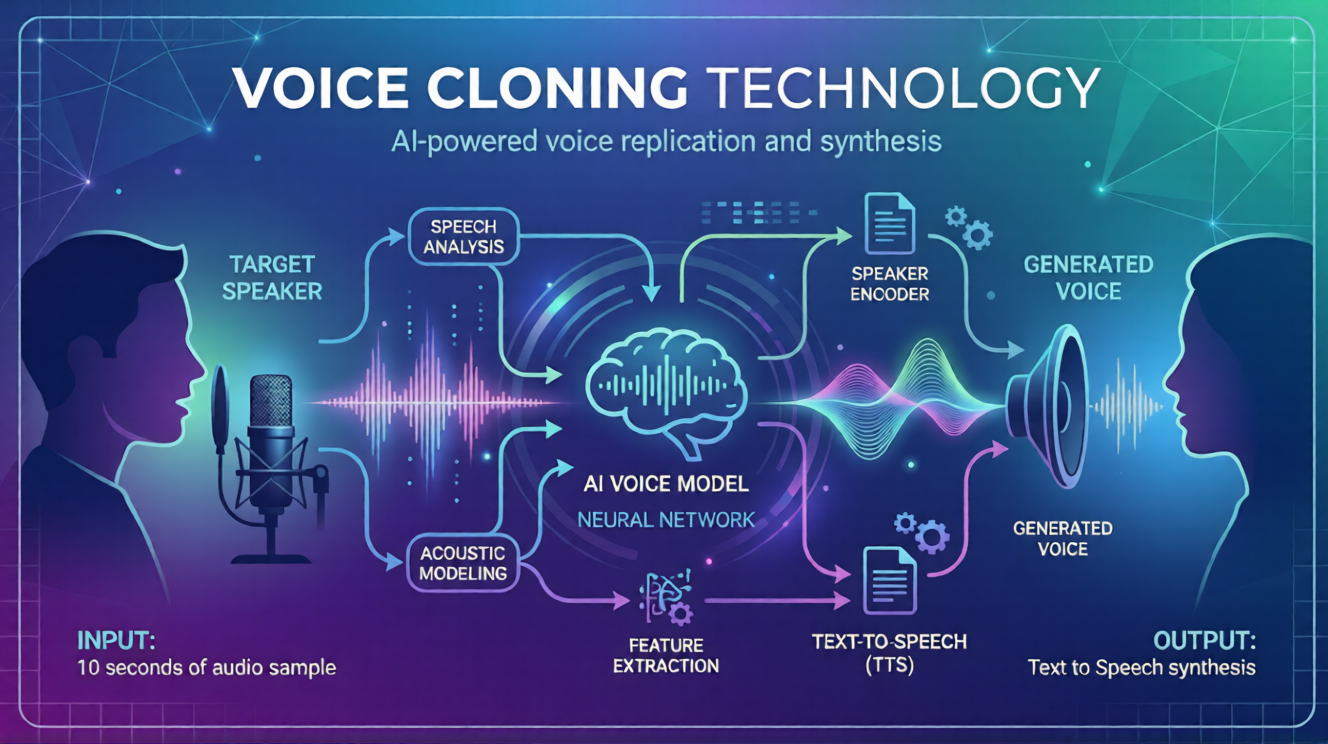
Clone any voice with 99% similarity using just 10 seconds of clean audio. This engine captures unique timbre, speech habits, and subtle nuances beyond simple pitch, ensuring impeccable brand consistency and personalized content that sounds indistinguishable from the original human speaker.
Advanced AI voice cloning with high accuracy
Global multilingual support and native fluency

Global multilingual support and native fluency

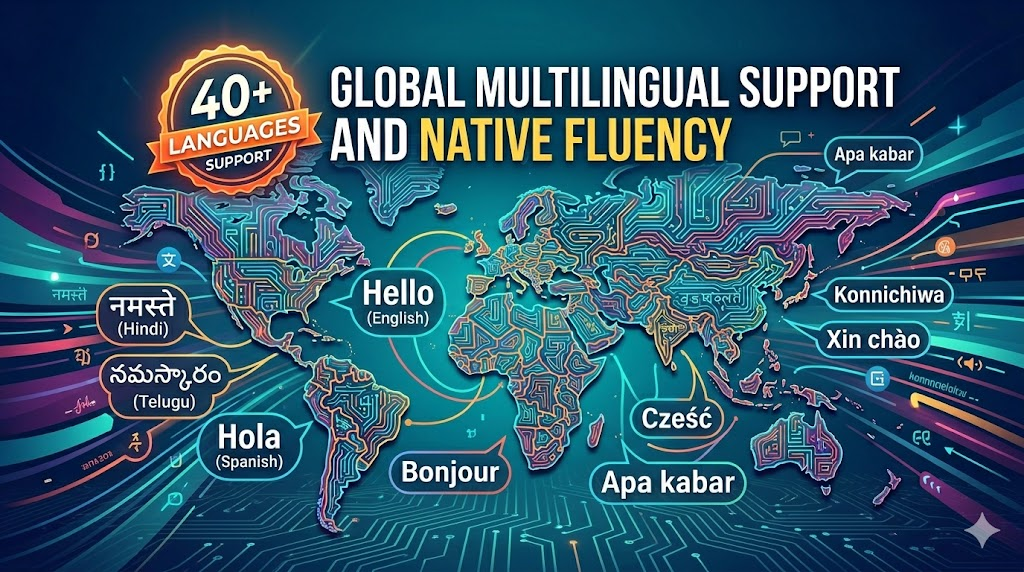
Break boundaries with support for 40+ languages. MiniMax AI voice is perfect for global campaigns, maintaining native-level fluency and cultural nuance across English, Hindi, Telugu, and Spanish, ensuring your message resonates perfectly with diverse international audiences in every market.

Massive built-in professional voice library

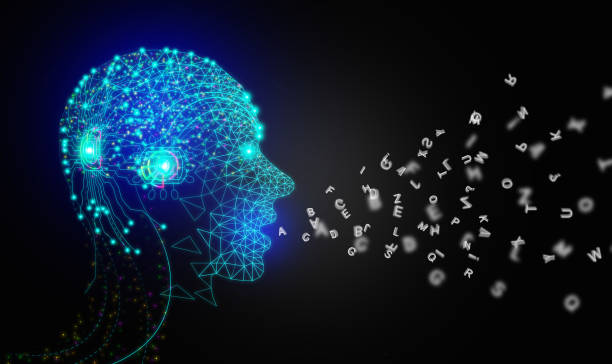
Access a massive library of over 300 pre-built voices covering diverse genders, ages, accents, speaking styles, and use cases (e.g., storytelling, news broadcasting, or e-learning). These studio-quality presets offer instant, ready-to-use solutions for all types of content creators.
Massive built-in professional voice library
Advanced fluent LoRA voice technology

Advanced fluent LoRA voice technology

Harness the power of MiniMax AI voice fine-tuning. This unique LoRA architecture allows for hyper-specific vocal adaptations, ensuring every generation maintains natural flow and structural integrity even when adapting to highly specialized terminology or unique brand-specific speaking styles.

Long-form audio production without limits

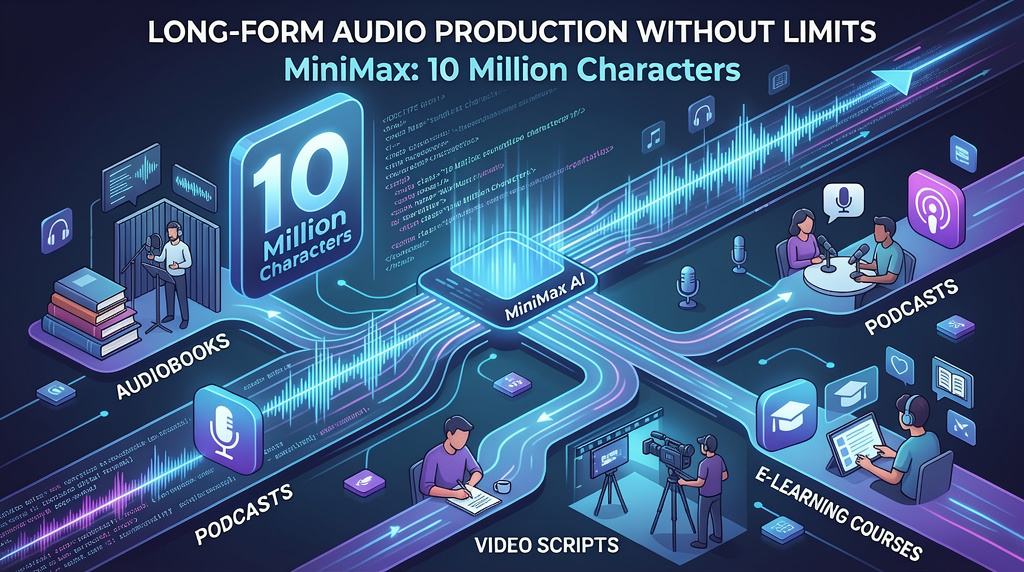
Capable of handling up to 10 million characters in a single output, MiniMax excels at long-form audio production with consistent pacing, natural rhythm, and zero degradation. Ideal for audiobooks, podcasts, video scripts, and e-learning courses.
Long-form audio production without limits

How to use MiniMax AI voice generator on Framia Pro?

Step 1: Choose your MiniMax speech model
Log in to Framia Pro, navigate to the audio models, and select MiniMax Speech 2.6 HD for quality or Speech 2.6 Turbo for real-time, low-latency output.
Step 2: Enter script
Paste your text into the editor. Add emotional tags like (laughs) or (sighs) to inject human-like nuance and natural rhythm into your script.
Step 3: Generate, download and share
Hit generate and get publish-ready audio in seconds. Download your voiceover with full commercial rights and use it across any platform or creative project.

Why choose MiniMax TTS on Framia Pro?

Unlock powerful audio capabilities with MiniMax TTS on Framia Pro to create faster, scalable, and high-quality voice content effortlessly.

Cost-effective professional narration
Reduce production overhead significantly. By utilizing the MiniMax AI voice generator on Framia Pro, you bypass the need for expensive studio rentals and multiple voice actors, allowing you to allocate your budget toward high-impact visuals and marketing instead.
Full commercial rights on every output
Retain complete ownership of your creative work with MiniMax AI voice. Every generation includes full commercial usage rights, allowing you to monetize content across YouTube, television, streaming platforms, and radio without legal hurdles or complex licensing complications on Framia Pro.
Instant iteration inside your project
Regenerate voiceovers, swap voices, or tweak emotion and pacing in seconds — all within the same project. Framia Pro's agent-driven workflow keeps your creative momentum going without constant context switching.
No extra subscriptions or API setup
Skip the developer overhead. Framia Pro provides direct access to MiniMax voice AI without managing complex API keys, token plans, or third-party integrations. Everything is ready the moment you log in, streamlining your professional audio production workflow instantly.
Accelerate professional content creation
Generate publish-ready voiceovers in seconds, not hours. MiniMax TTS on Framia Pro eliminates recording sessions, retakes, and audio editing — so you spend less time producing and more time creating content that performs.
Seamlessly pair voice with video and music
Combine MiniMax TTS with Framia Pro's full suite of world-class AI models — generate your script, voiceover, background music, and visuals all inside one unified creative canvas without switching platforms or exporting files between tools.

MiniMax vs. ElevenLabs vs. OpenAI

Compare MiniMax AI voice against the top TTS platforms and see why it delivers more — speech, cloning, and music in one powerful model.

MiniMax AI
ElevenLabs
OpenAI TTS
Speech Focus
Accuracy, 0% robotic tone
Optimized for acting and emotional range
Optimized for clarity and real-time speed
Vocal Realism
Realistic breaths, sighs, and natural imperfections
Best for cinematic acting and warm narrations
High-quality but consistently "clean" and polished
Music Integration
Up to 5-minute full songs in a single pass
10 seconds to 5 minutes per track
No native music generation features
Structure Control
Prompt-based (Verse/Chorus structure)
Texture-based focus on motifs and vibe
API-driven with basic speed/pitch control
Language Support
40+ languages; high regional stability
79+ languages; specialized in "Cross-lingual"
50+ languages; consistent across all accents
Sound Design
Integrated music and speech ecosystem
Includes Foley, background noise, and SFX
Focused strictly on text-to-speech output

What can you create with MiniMax AI audio on Framia Pro?

Explore powerful ways MiniMax AI voice on Framia Pro helps creators, brands, and developers produce professional audio at scale.

YouTube & social media voiceovers

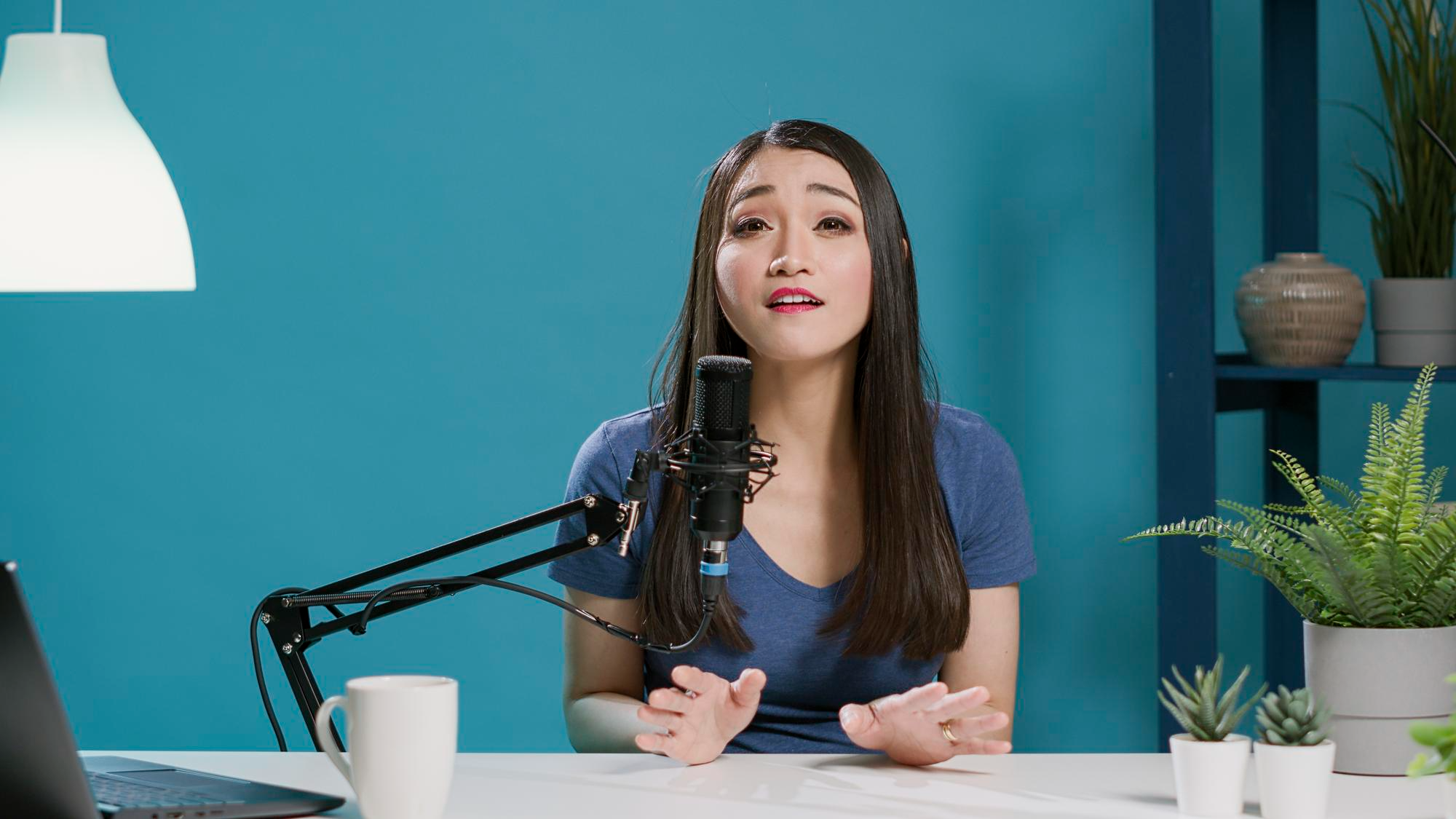
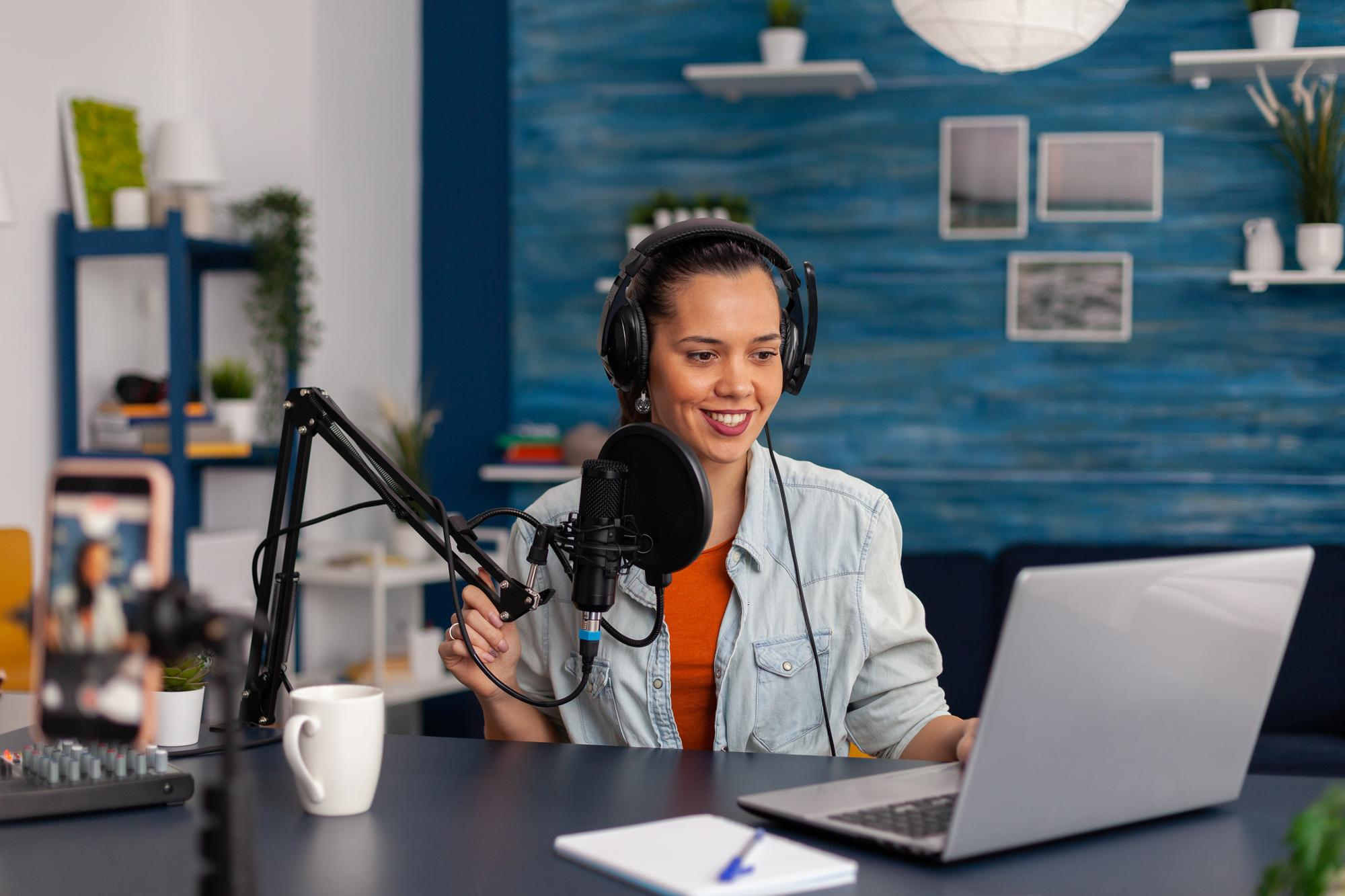
Generate clean, engaging narration for YouTube videos, Reels, and TikToks in seconds. MiniMax delivers natural pacing and emotional tone that keeps audiences watching — no microphone, no recording booth required.
YouTube & social media voiceovers
Podcast & audiobook production

Podcast & audiobook production

Produce consistent, studio-quality narration across long-form scripts without voice fatigue or retakes. MiniMax maintains stable tone and pacing across millions of characters — ideal for serialized podcasts and full-length audiobooks.

AI customer service & voice agents

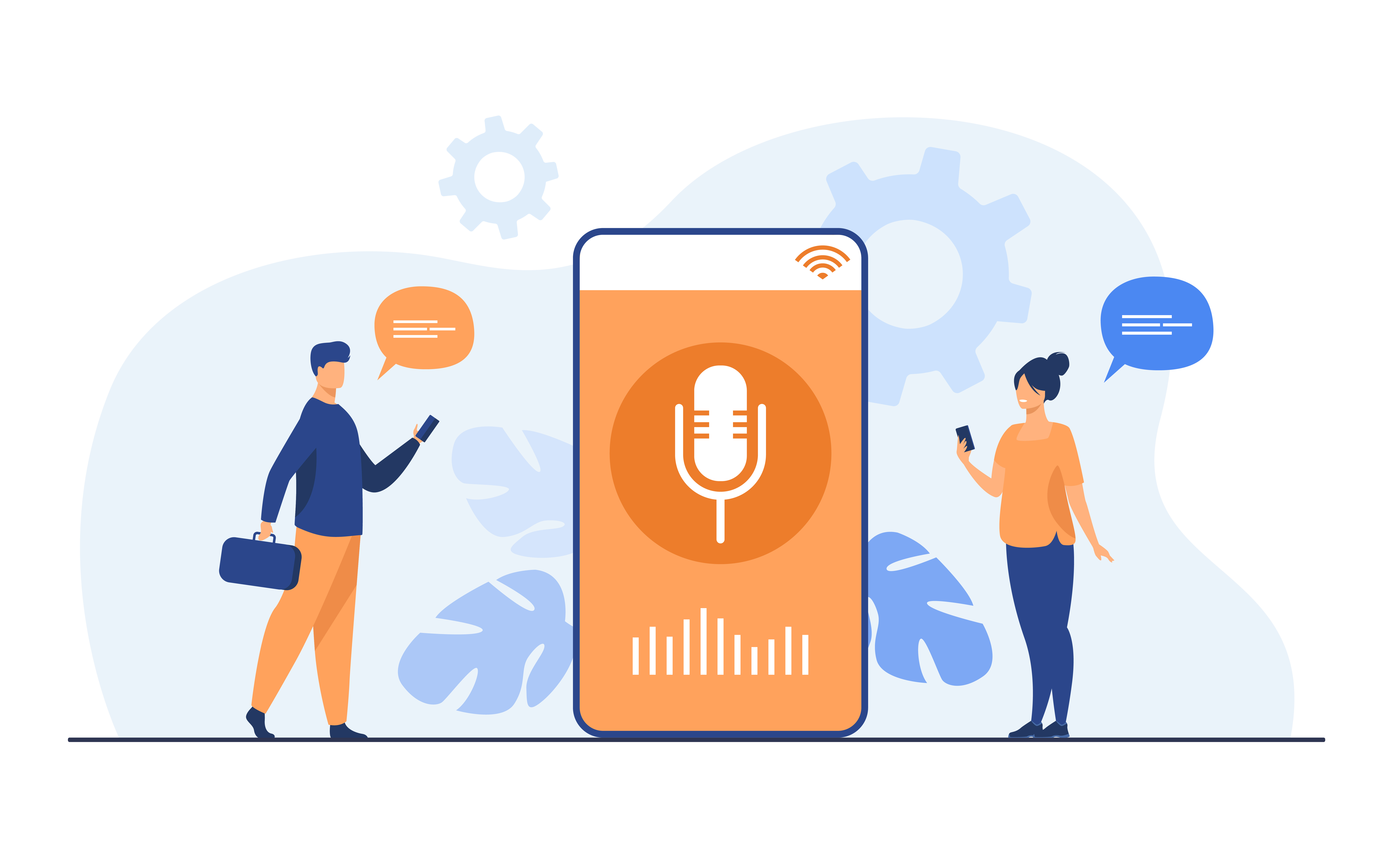
Build real-time voice agents with Speech 2.6 Turbo's sub-250ms latency. MiniMax powers responsive, human-sounding customer service bots, virtual assistants, and interactive IVR systems that never sound robotic.
AI customer service & voice agents
Gaming, VTubers & interactive characters

Gaming, VTubers & interactive characters

Clone a custom voice or select from 300+ presets to bring game characters, VTubers, and interactive story experiences to life. MiniMax's emotion and style controls make every character feel distinct and expressive.

E-Learning & corporate training

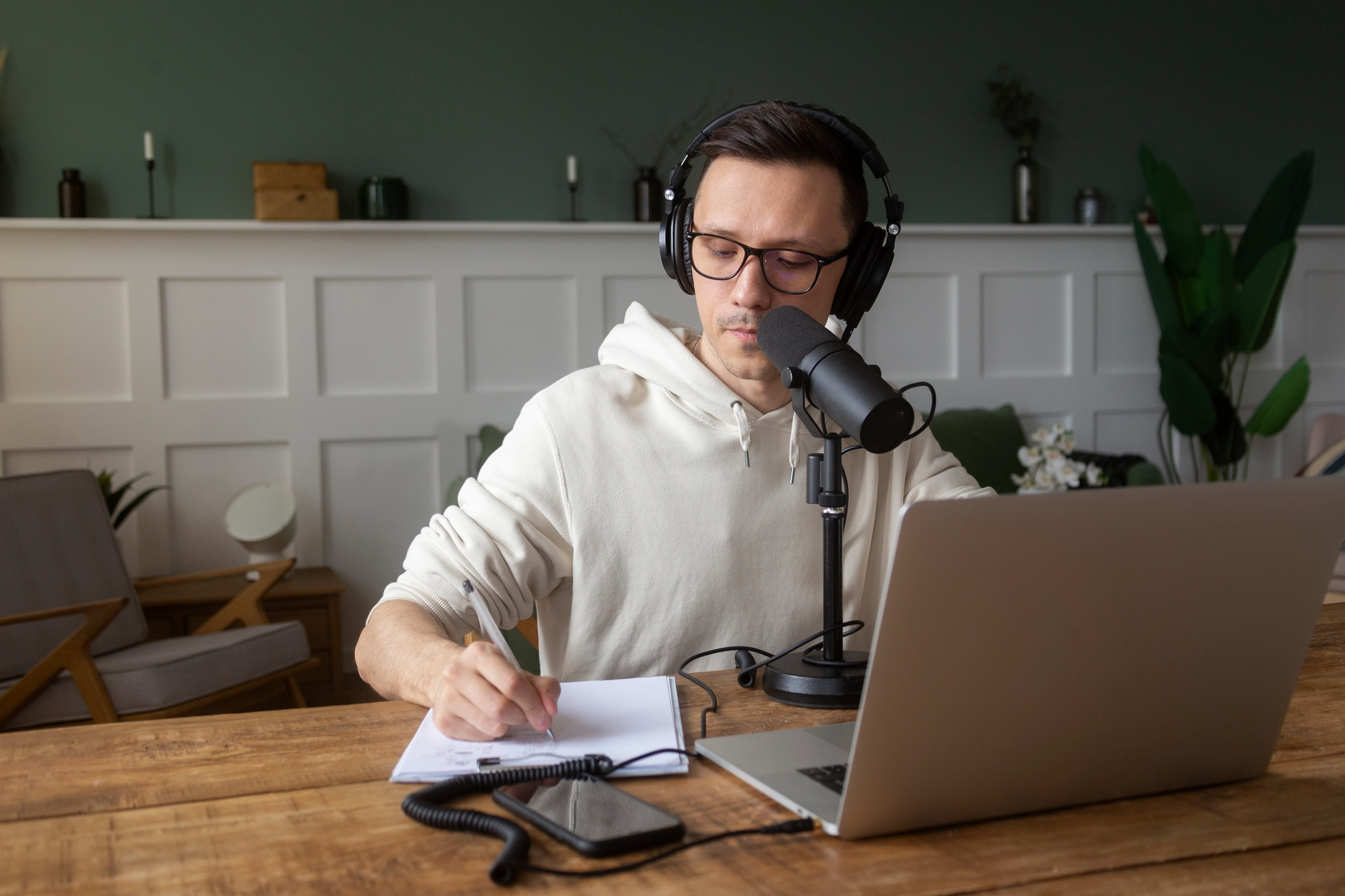
Create professional voiceovers for online courses, onboarding videos, and training modules across multiple languages. MiniMax delivers clear, authoritative narration that holds attention and scales effortlessly across your entire content library.
E-Learning & corporate training

What users say about MiniMax AI voice on Framia Pro

See how creators and businesses are transforming their production workflows and scaling their reach using MiniMax audio on Framia Pro.


MiniMax completely changed how I produce my podcast. The voice consistency across long scripts is unreal — it sounds like a real host every single episode." — Ravi Sharma | Podcast Producer & Independent Creator
Ravi Sharma
Ravi Sharma
Podcast Producer & Independent Creator
"I localized my entire course library into 6 languages in one weekend. MiniMax on Framia Pro made something that used to take months feel effortless."
Ananya Patel
Ananya Patel
E-Learning Content Developer
"The voice cloning feature is a game-changer. I uploaded a 10-second clip and MiniMax nailed my tone perfectly. My audience had no idea it was AI."
David Chen
David Chen
YouTube Creator & Video Editor
"As a solo creator, having MiniMax TTS and music generation in one place on Framia Pro saves me hours every week. No tab switching, no extra subscriptions."
 Sophia Williams
Sophia Williams
Brand Strategist & Solo Creator
"We built a fully functional AI customer service voice agent using Speech 2.6 Turbo. The sub-250ms latency made it feel genuinely real-time and human."
 Arjun Reddy
Arjun Reddy
AI Developer & Voice Agent Builder
"MiniMax handles our multilingual ad campaigns across 12 markets without missing a beat. The accent accuracy is the best we've tested across any TTS platform."
 Lisa O’Connor
Lisa O’Connor
Performance Marketing Manager
We've compiled the most important information to help you get the most out of your experience. Can't find what you're looking for?Contact us

Frequently asked questions

What is MiniMax AI voice?
MiniMax AI voice is an advanced text-to-speech and voice cloning platform that generates studio-quality, human-like audio across 40+ languages with natural rhythm, emotion, and zero robotic tone.
What is the difference between Speech-02 and Speech 2.6?
Speech-02 supports 32 languages with zero-shot cloning and high naturalness. Speech 2.6 expands to 40+ languages, introduces Fluent LoRA, and achieves sub-250ms latency with improved realism and emotional nuance.
How many languages does MiniMax TTS support?
MiniMax supports 300+ natural voices across 32 languages on its base models, with Speech 2.6 expanding that to 40+ languages with strong regional accent stability and native-level pronunciation.
Can MiniMax generate music as well as voice?
Yes. MiniMax Music 2.6 generates full songs up to 5 minutes with vocals, instruments, and structured verse/chorus control, and multi-genre support from a single text prompt.
How do I use MiniMax AI voice generator on Framia Pro?
Open Framia Pro, select MiniMax from the audio models, enter your script, optionally clone a voice, adjust emotion and pace, then generate and download with full commercial rights instantly.

Still have questions?

Have questions or need assistance? Our team is here to help!

Create studio-quality AI voice with Framia Pro

Generate lifelike voiceovers, clone voices with precision, and produce multilingual audio at scale — all in seconds.

MiniMax AI Voice: Studio-Quality TTS & Voice Cloning